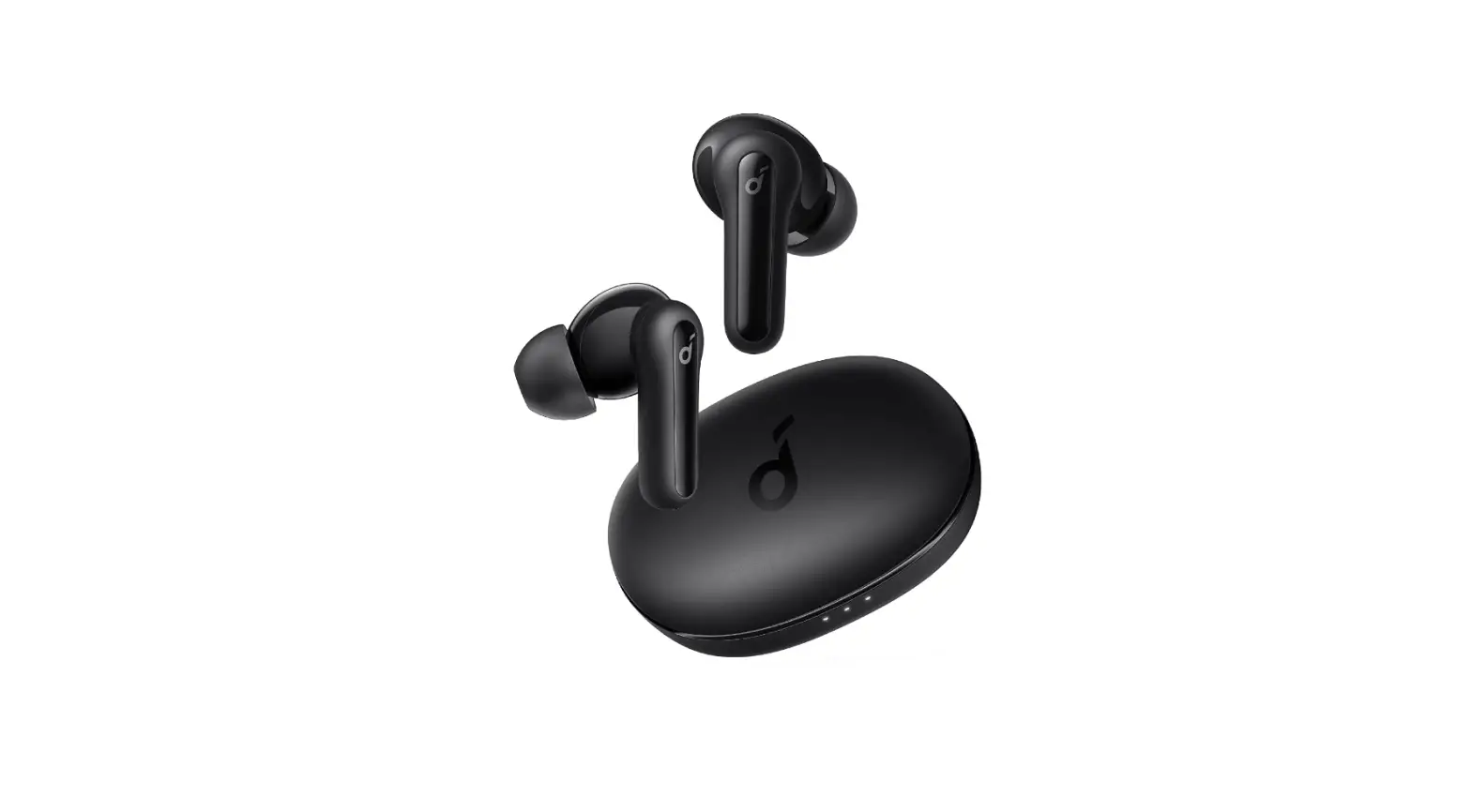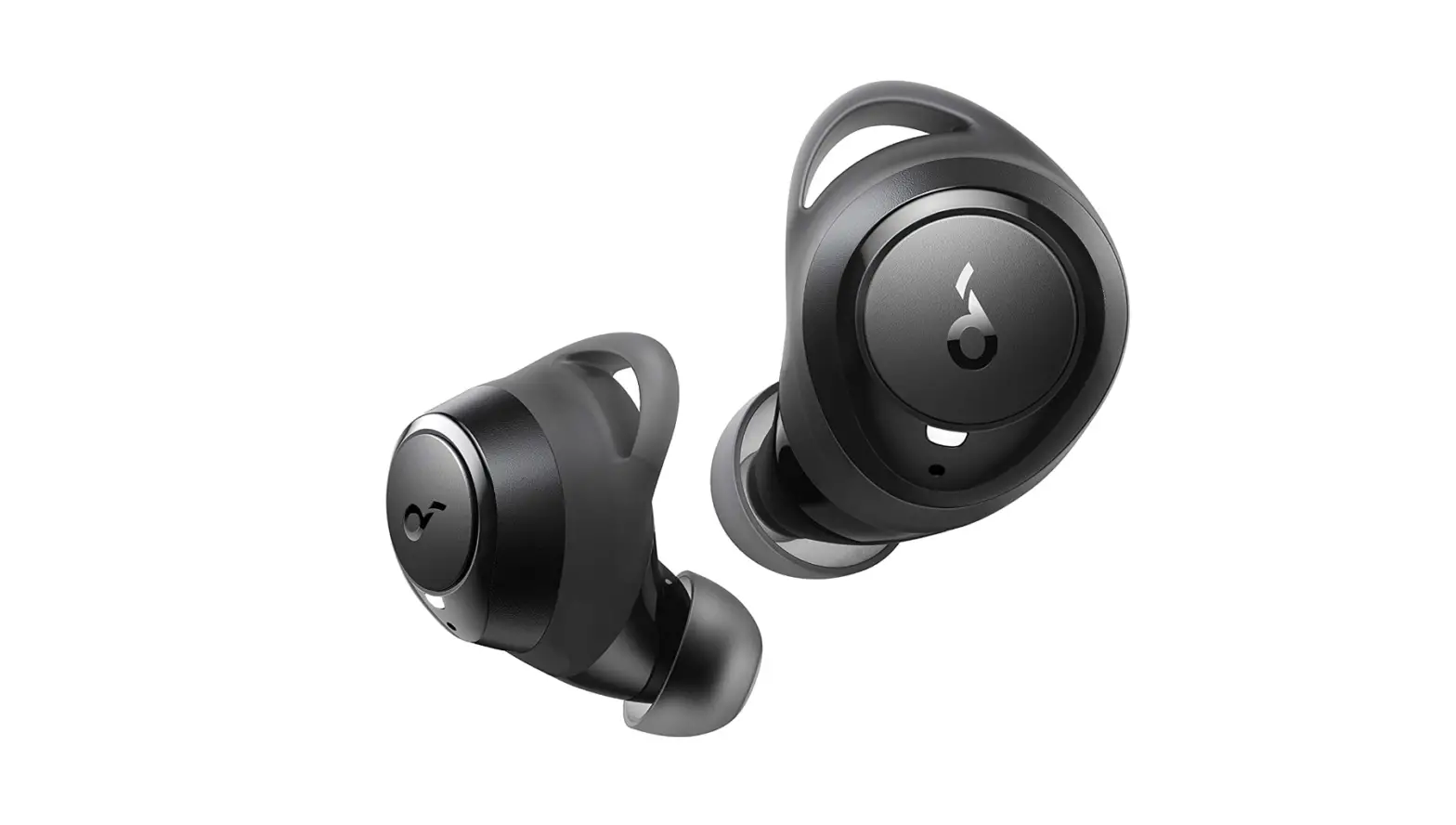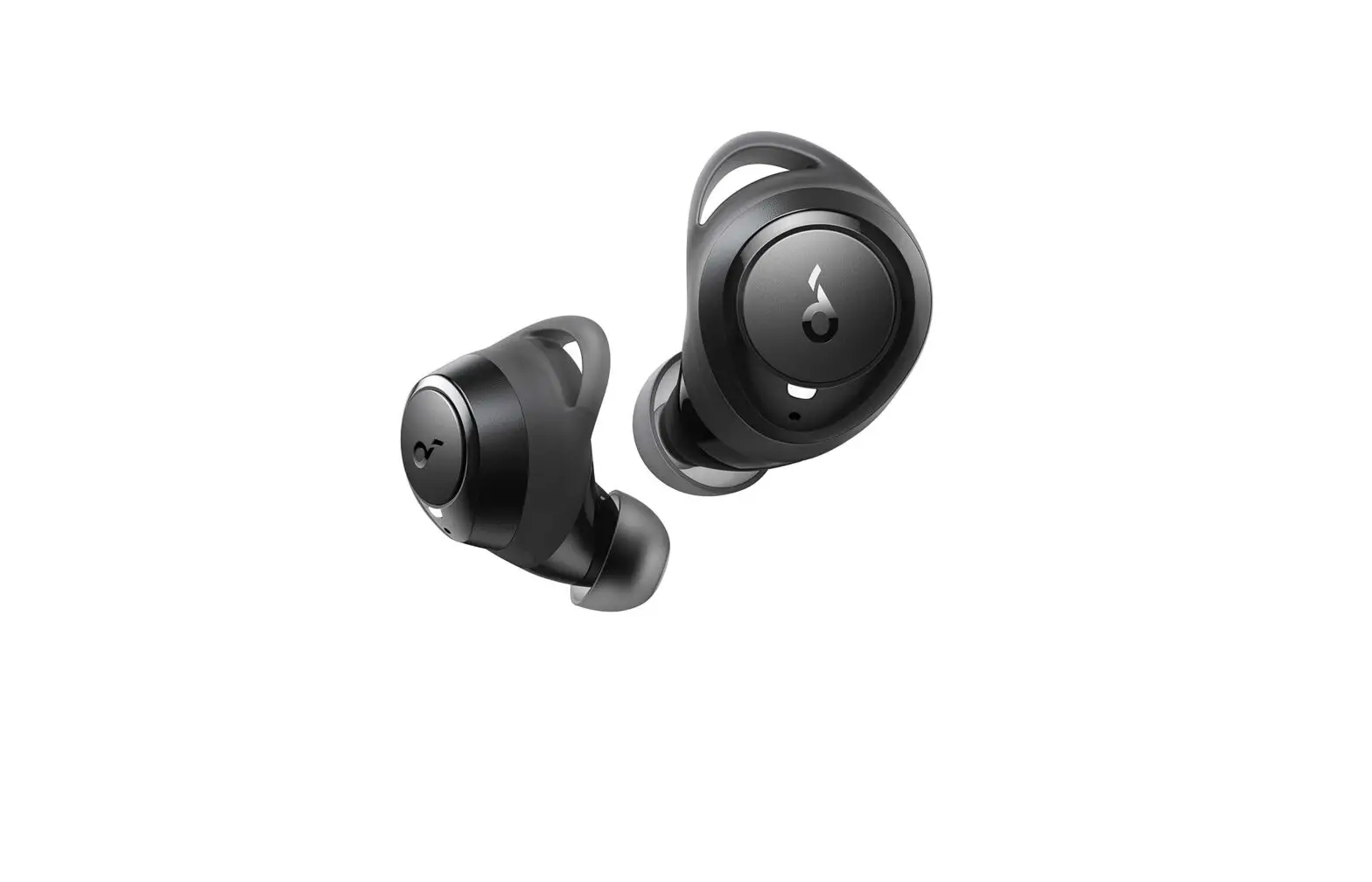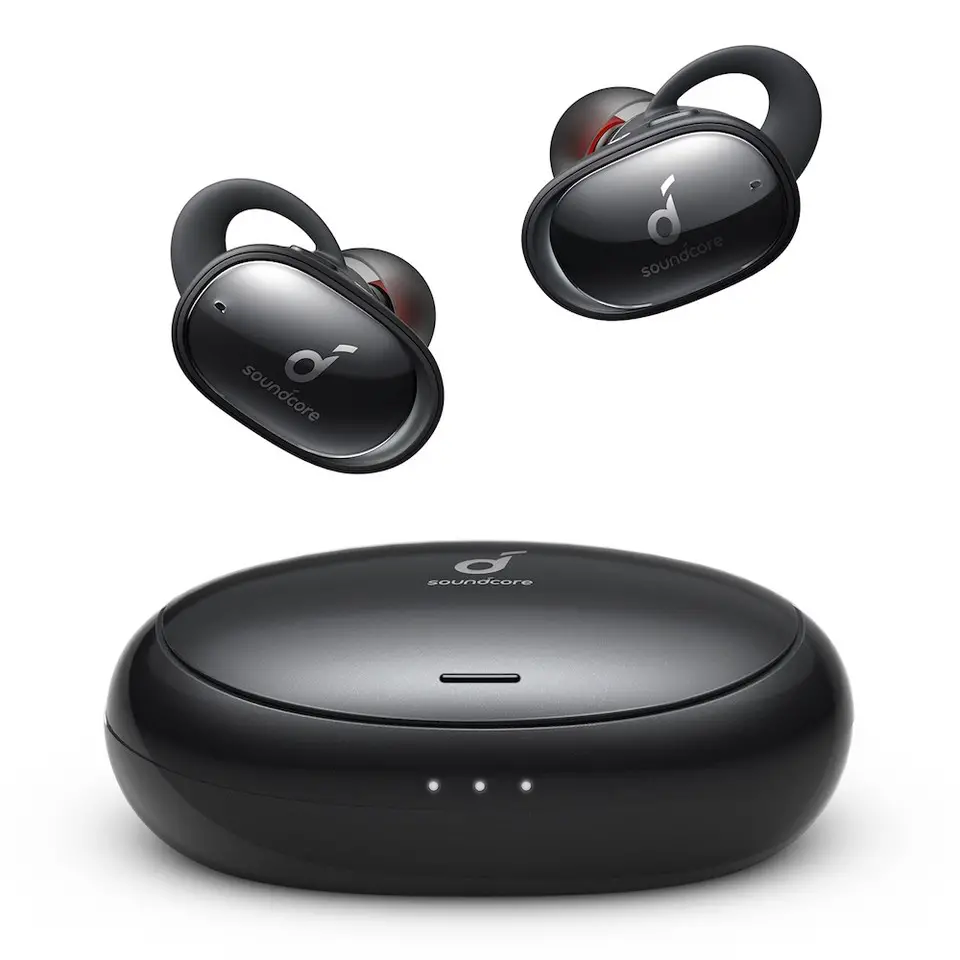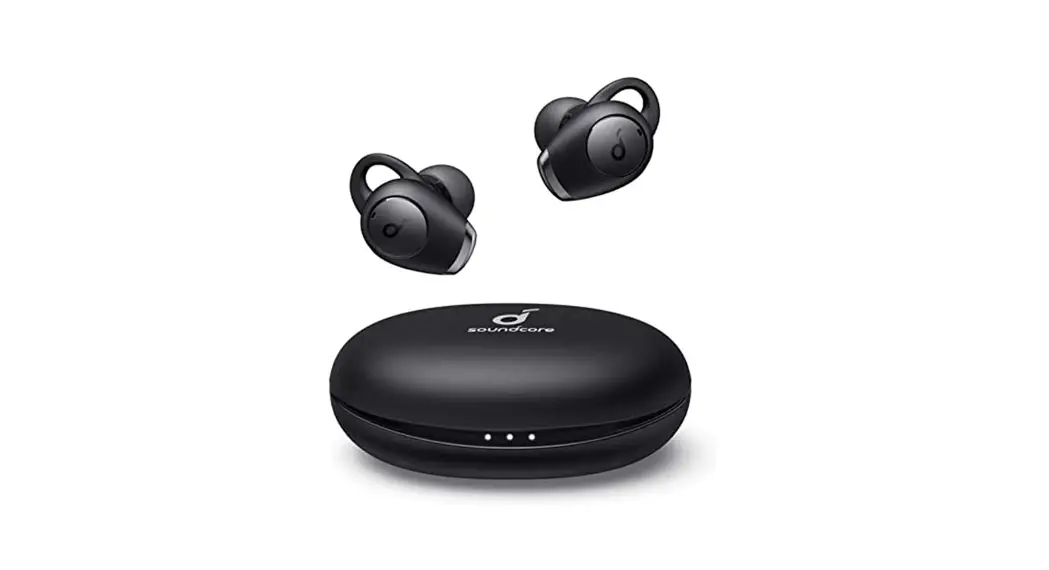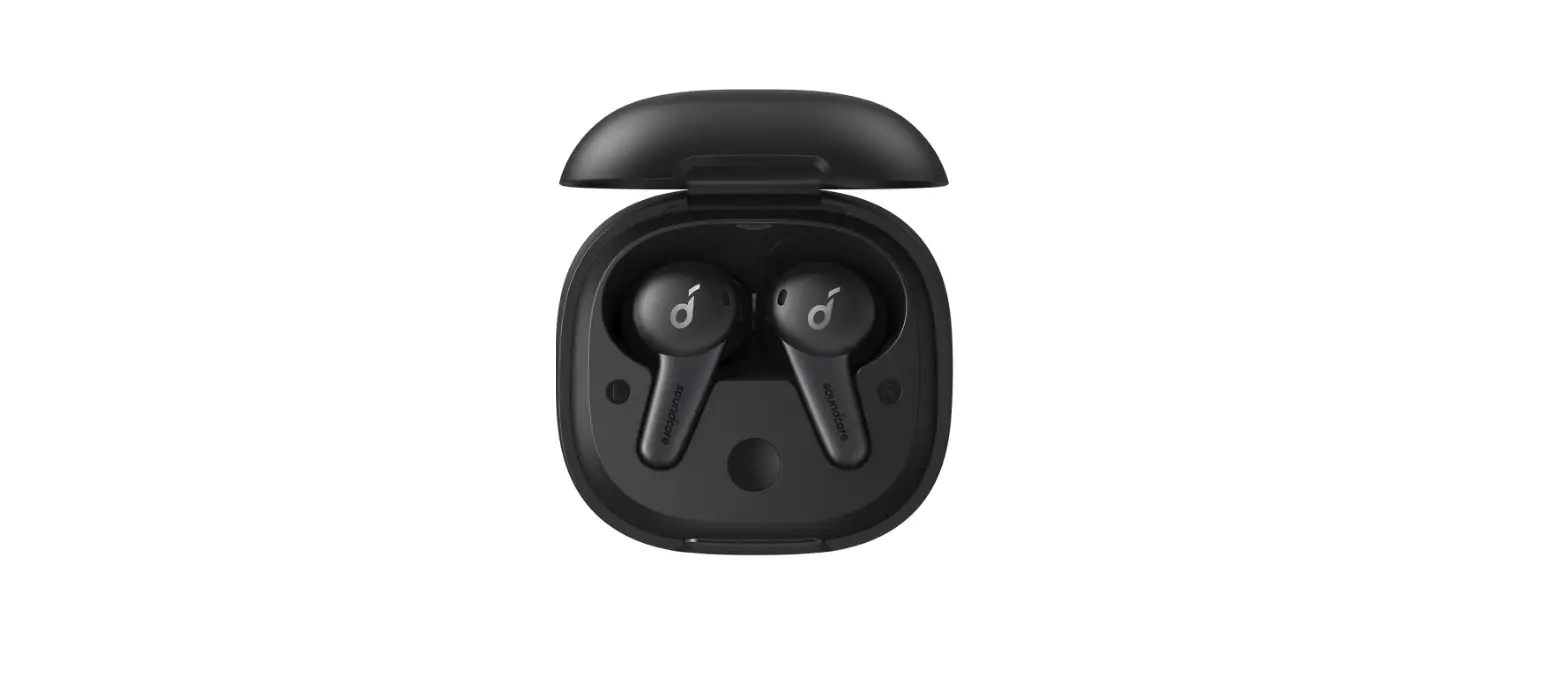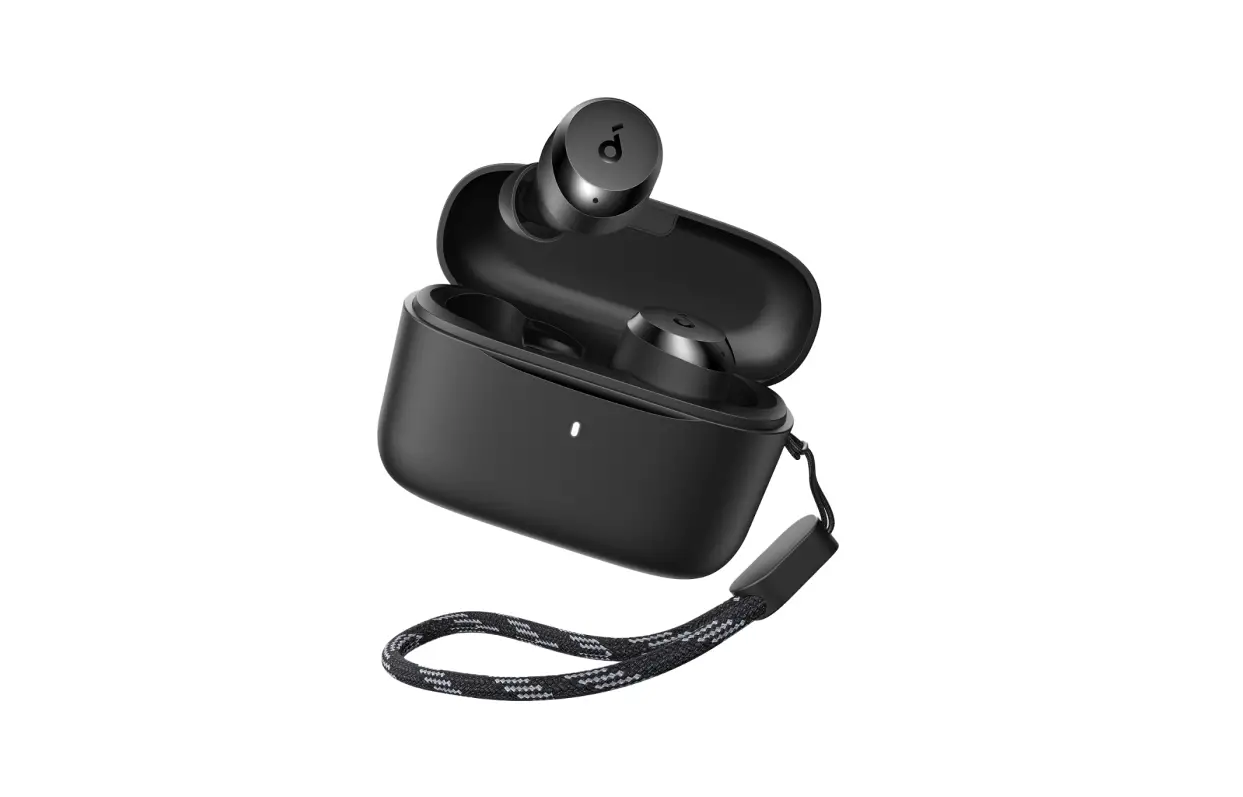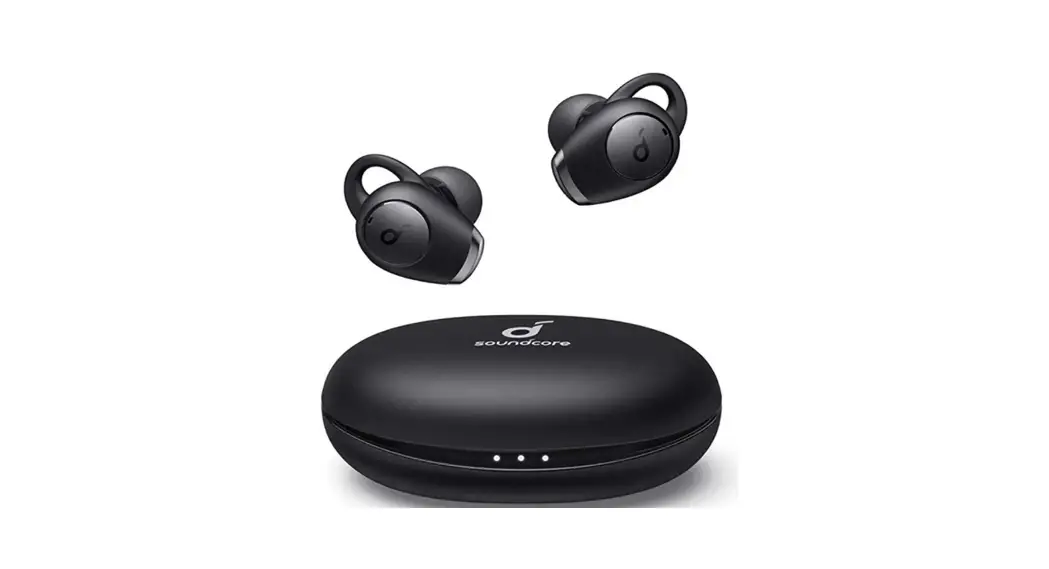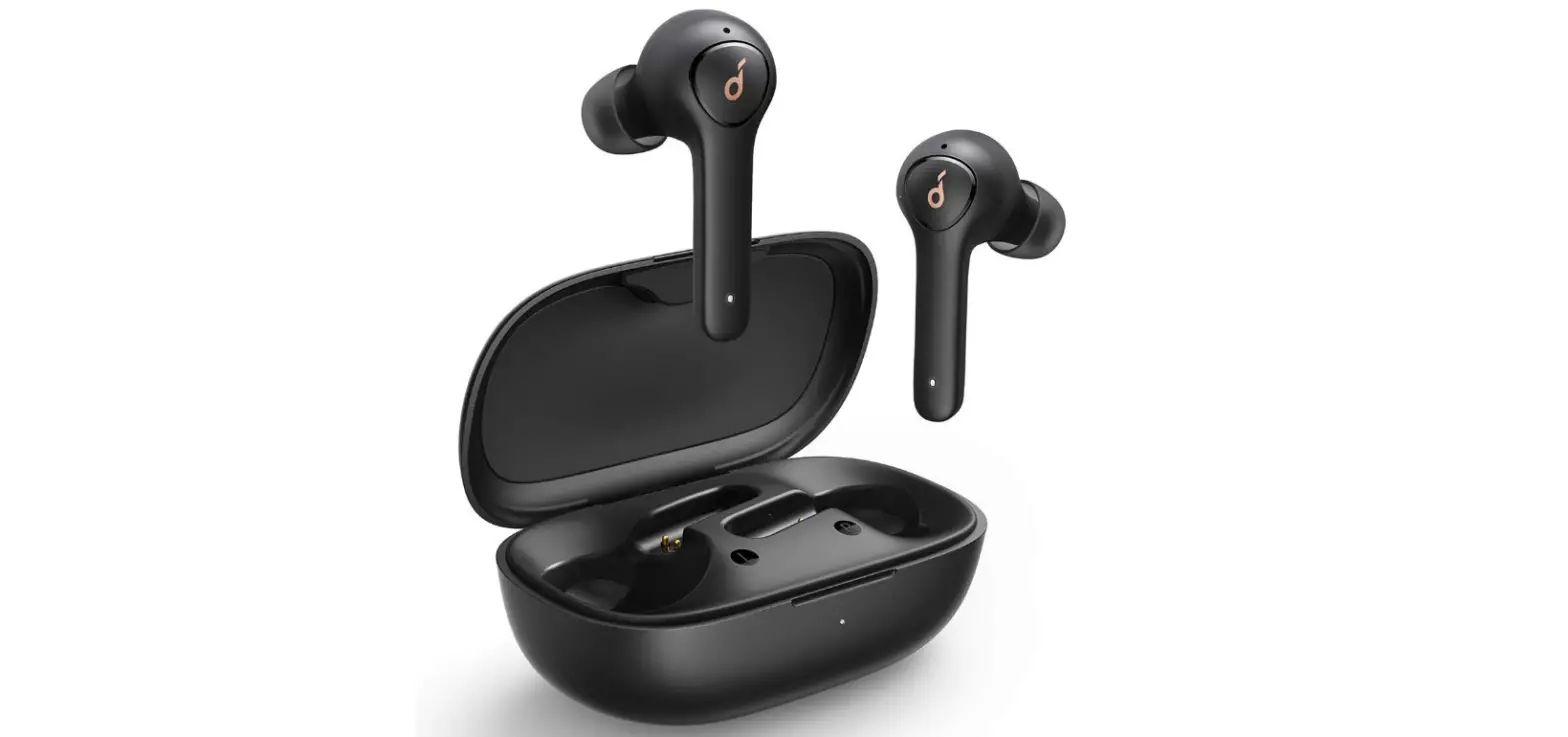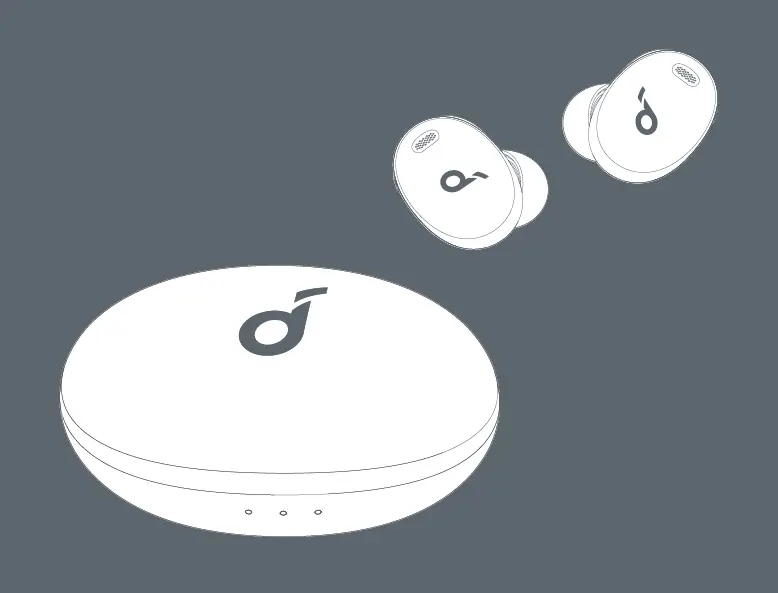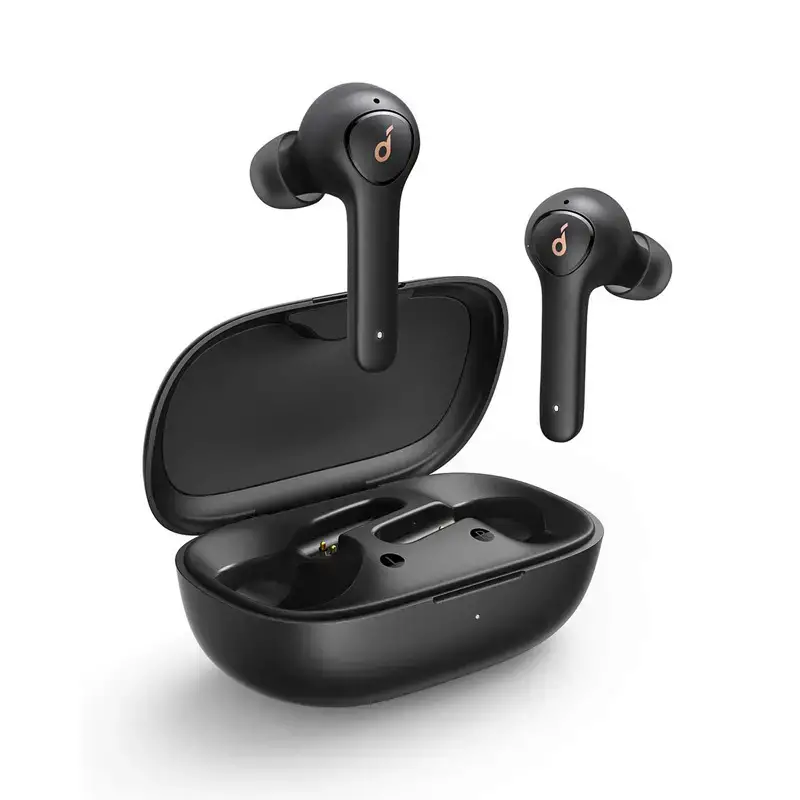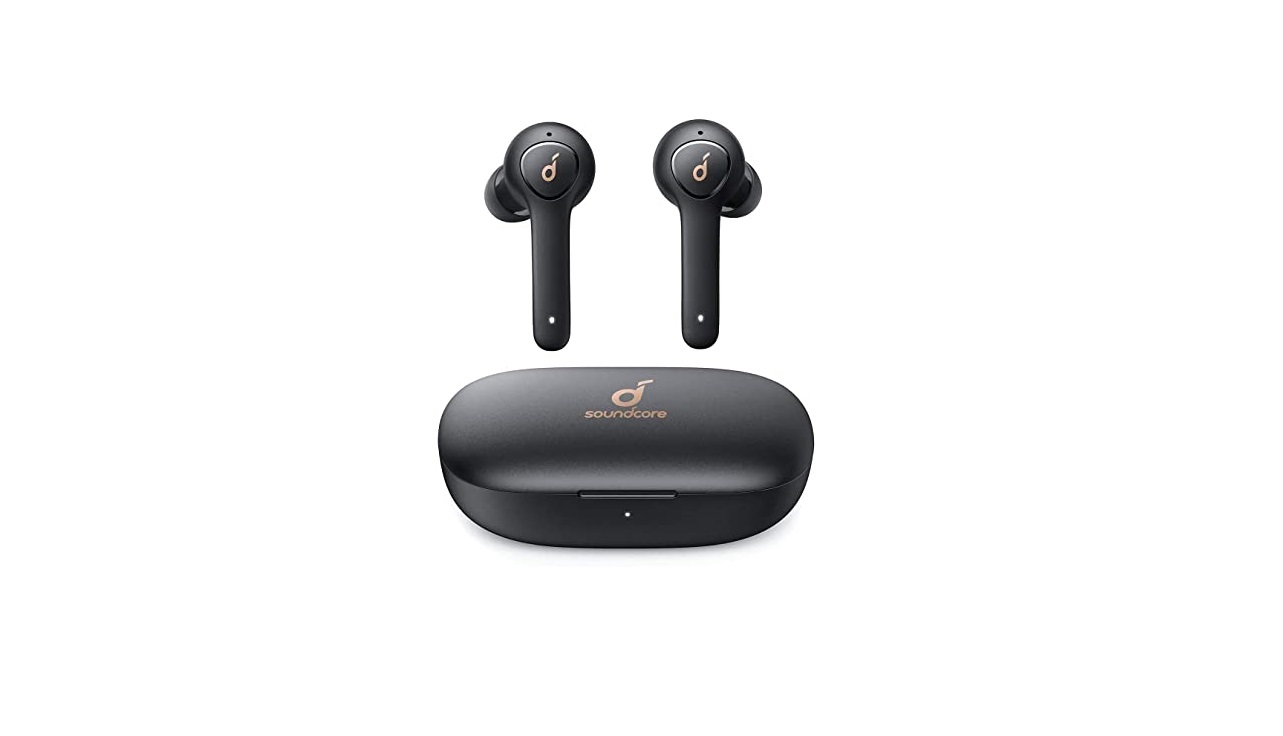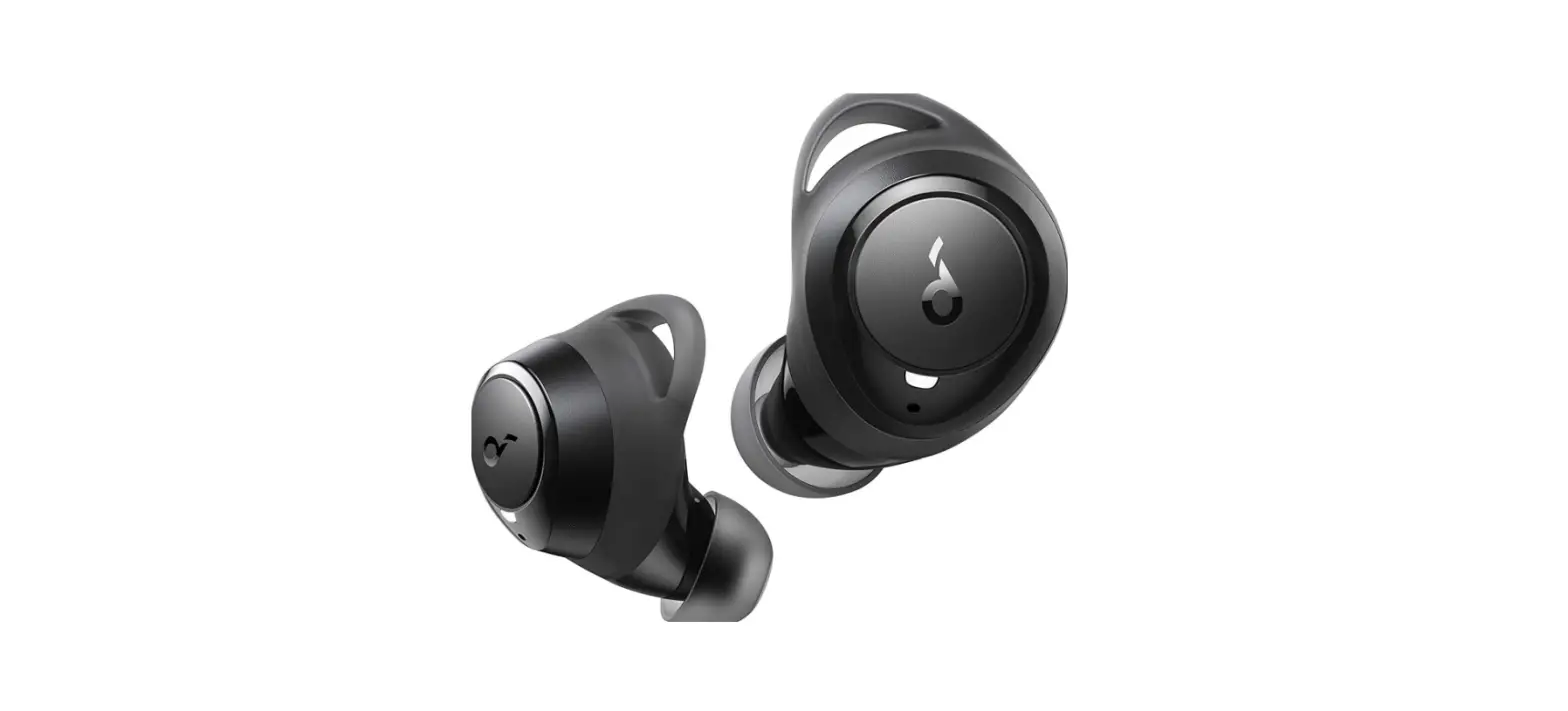

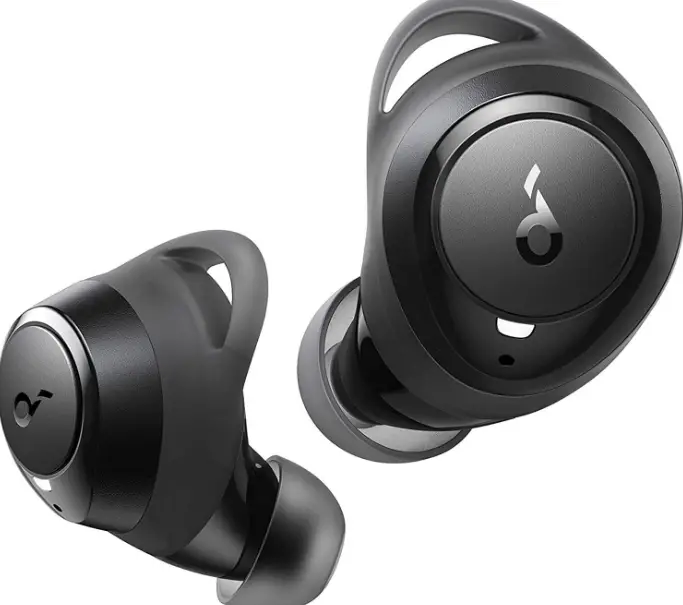
Soundcore by Anker Life A1 True Wireless Earbuds headphones
SPECIFICATIONS
- Input
5 V 0.7 A - Rated output power
5 mW @ 1% THD - Battery capacity
85 mA x 2 (earbuds);
770 mA (charging case) - Charging time
2 hours - Playtime
(varies by volume level and content) Up to 9 hours
(Total 35 hours with the charging case) - Driver size
8 mm x 2 - Frequency response
20 Hz – 20 kHz - Bluetooth version
V 5.0 - Bluetooth range
10 m / 33 ft - MANUFACTURE
Soundcore
Soundcore is Introduced in the market for producing high performance. The Soundcore had three custom modes. that can only enhance mode, music, and podcast and audio listening experience. And the main feature is waterproof which allows you to watch and listen to your favorite movies and podcasts about the wet atmospheric phenomena. Soundcore includes Bluetooth 5.0 version and long battery life. And it operates for 9 hours on a single charge and 35 hours of complete playtime in the charging case. Soundcore earbuds are also equipped with buttons.
What’s in the box
- Life A1 True Wireless Earbuds
- Charging Case
- USB-C Cable
- eartips XS/S/M/L/XL
- S/M/L EarWings
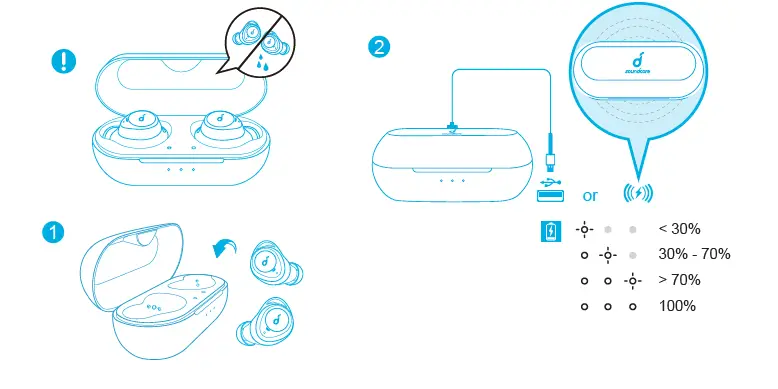
Charging
- Fully dry off the earbuds and the USB port before charging.
- Use a certified USB-C charging cable and charger to prevent any damage.
- Fully charge both the earbuds and the charging case before the first use.
- Place the earbuds in the charging case and close it.
- Connect the charging case to the power supply by using a USB-C charging cable.
Alternatively, position the charging case at the center of your wireless charger for wireless charging.
The LED indicators on the charging case indicate the charging status.
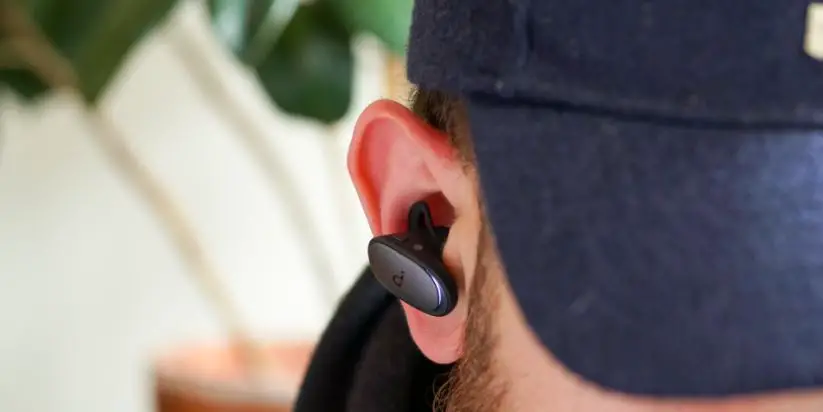
Wearing
- Choose the EarTips and EarWings that fit your ears best.
- Insert the earbuds into the inner canal of your ears and turn gently until you find the most comfortable and secure position.
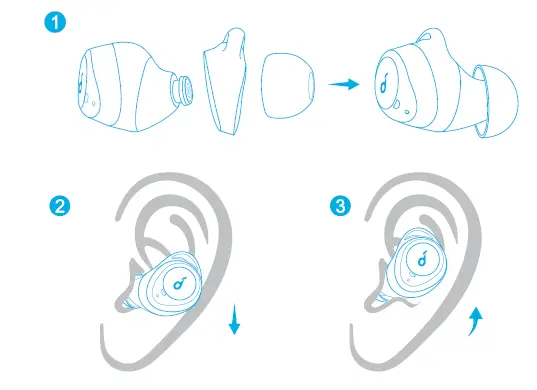
Your earbuds come with multiple pairs of eartips and EarWings, among which Medium-sized are pre-installed.
Powering On/Off
- The earbuds will automatically power on when taken out of the charging case.
- The LED indicator on the earbuds will light up white for 1 second.
- To power off, place the earbuds in the charging case.
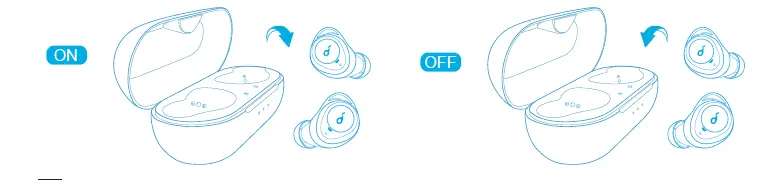
- The earbuds will automatically power off after 2 minutes if no device is connected.
- To manually power on, press and hold the multi-function button on both earbuds for 1 second until the LED indicator turns white for 1 second.
- To manually power off, press and hold the multi-function button on either earbud for 8 seconds until the LED indicator turns red for 1 second.
Bluetooth Pairing
- Take the earbuds out of the charging case, the earbuds will automatically enter the Bluetooth pairing mode.
The LED indicator on one earbud will flash white. - Select “Soundcore Life A1” on your device’s Bluetooth list to connect.
When successfully connected, the LED indicator on earbuds will flash white once every 5 seconds.
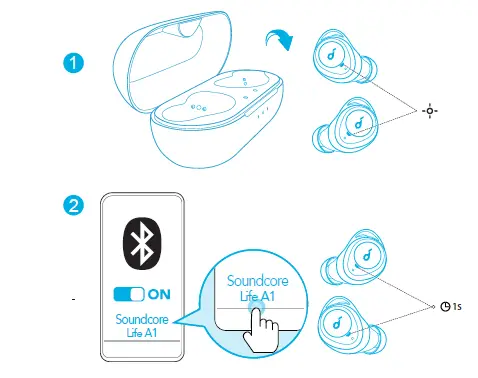
- When earbuds are out of the charging case and powered off, to manually enter Bluetooth pairing mode, press and hold the multi-function button on both earbuds for 3 seconds.
- Each time you power on your Soundcore earbuds, they will automatically connect to your last successfully connected device if available within the Bluetooth range.
- Mono mode: When Bluetooth connected, you can use either one of the earbuds only by placing the other one into the charging case.
- When powered on and connected, if either one of the earbuds is out of battery and powered off, you can keep using the other one.
- When you are on a call, place either one of the earbuds into the charging case, the microphone in the other earbud will be activated.
- The right earbud is the primary earbud by default. If you want to change this, remove the right earbud from your ear and place in the charging case, the microphone in the other earbud will be activated and become the primary earbud.
Controls
| Play/Pause | Press twice (R) | |
| Next track | Press twice (L) | |
| Adjust volume | Press once (L/R) | |
| Adjust EQ settings (Soundcore Signature/Bass Booster/Acoustic) | Press three times (L/R) | |
| Answer/End a call | Press once (L/R) | |
| Answer a second incoming call and put the current call on hold | ||
| Reject a call |
Press and hold for 1 second (L/R) | |
| Transfer a call between earbuds and mobile phone | ||
| Switch between a call on hold and an active call | ||
| Activate Siri or other voice assistant software | Press and hold for 1 second (L/R) | |
| Mono mode | |
| Play/Pause | Press twice |
| Answer/End a call | |
| Reject a call | Press and hold for 1 second |
| Activate Siri or other voice assistant software | |
Reset
You might need to reset your earbuds if you experience any connectivity problems or function issues.
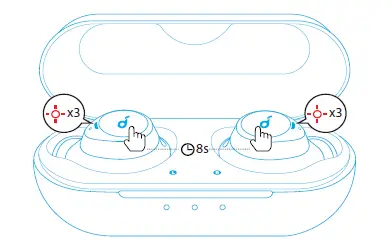
- Place the earbuds in the charging case and make sure they are being charged.
- Press and hold the button on both earbuds for 8 seconds until the earbud LED indicators flash red for 3 times.
- Take the earbuds out of the charging case and wait until the LED indicator on one of the earbuds flashes fast while the other breathes slowly. This confirms that the reset was successful and your earbuds can be connected normally.
 Frequently Asked Question
 Frequently Asked Question
- Q: Do these have volume and Google Assistant control?
A: Yes, the Life A1 earbuds have volume and Google Assistant control. You can press either earbud once to adjust the volume and hold left or right earbud for 1S to activate Google Assistant. - Q: How do I get them out of single-ear mode
A: Slip one of the earbuds inside the case, and the other one will continue playing music. If you want to use the charging earbud again, simply take it out of its case, and it will reconnect within 10 seconds - Q: Is there a way to turn both buds off at the same time without using the charging case?
A: yes, have to hold the button down on each one until they shut off, it takes a while. - Q: Can I play pause music with working gloves?
A: Yes, you can pause/play music with working gloves. - Q: Do these have a physical button or touchpad style?
A: Physical buttons. Better for gloves, but requires pressure you can feel in your ear. Not too much though. - Q: Is there a case for these wireless earbuds?
A: Yes. The case is the recharger for the earbuds, you connect it to your power source. - Q: Are the earbuds buttons physical (click)?
A: Yes, these earbuds are physical buttons (click).