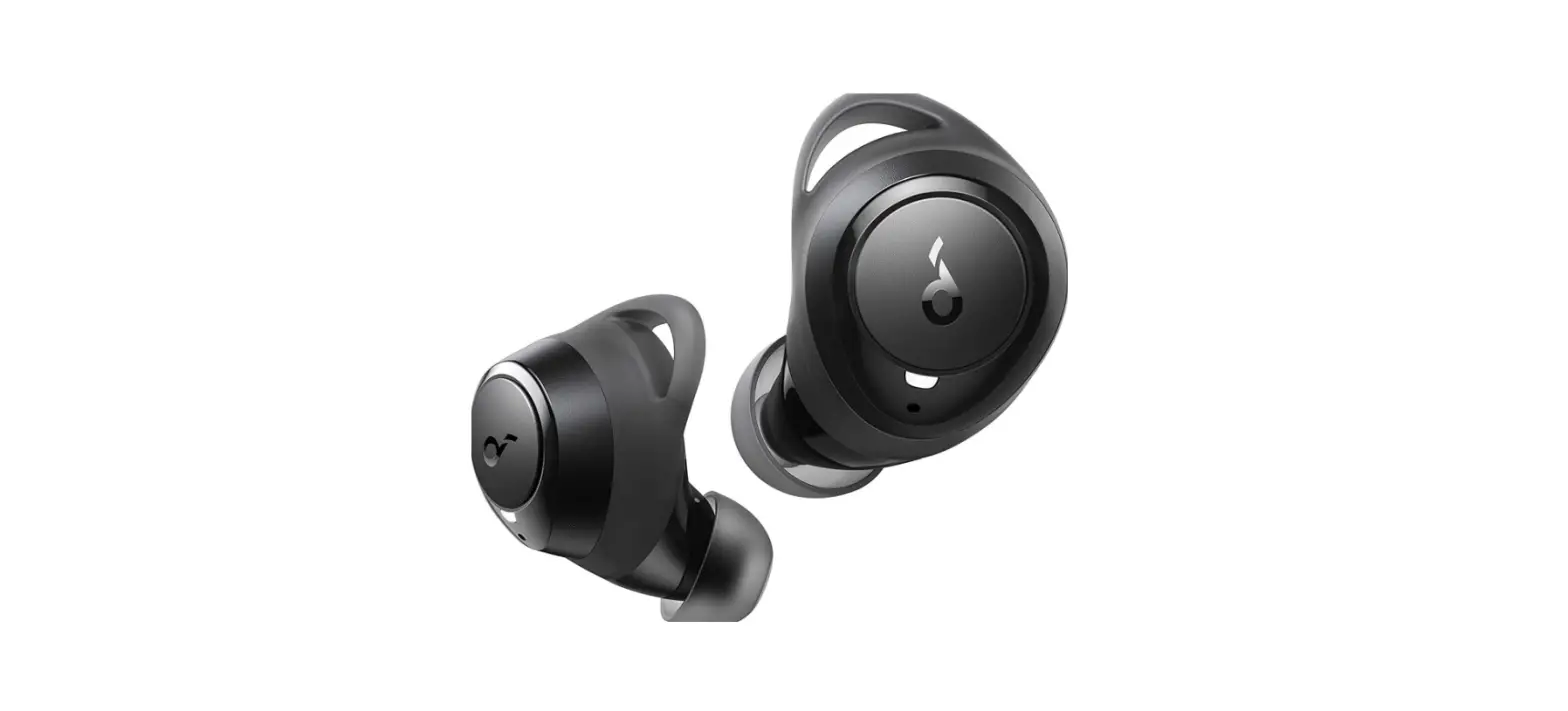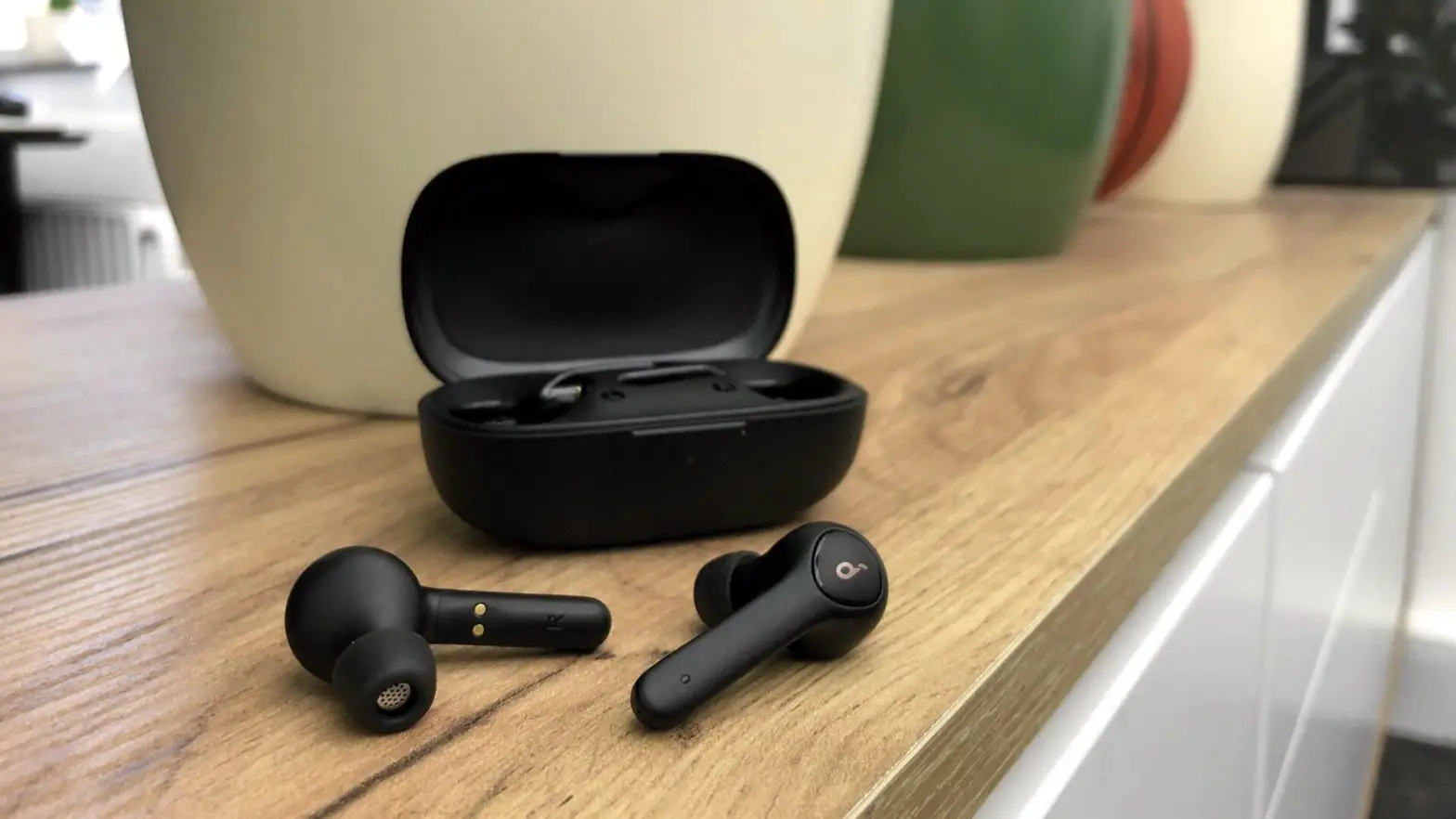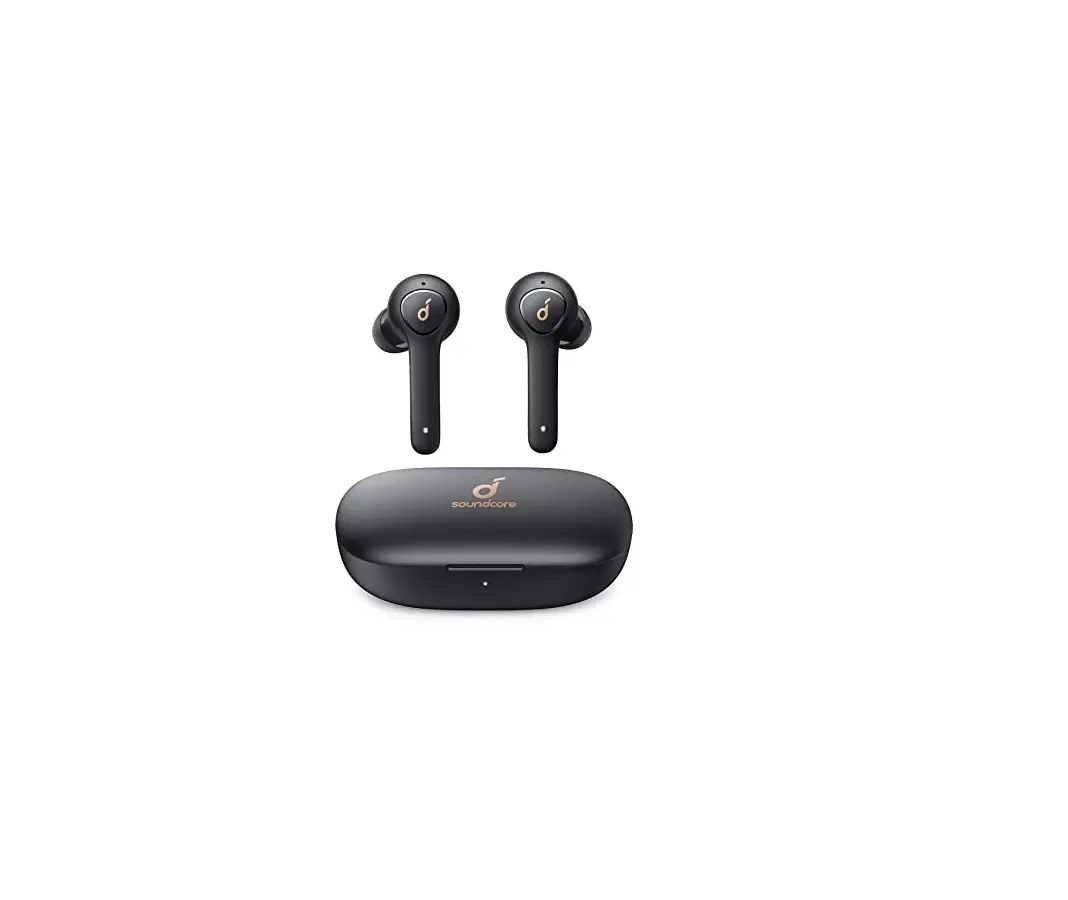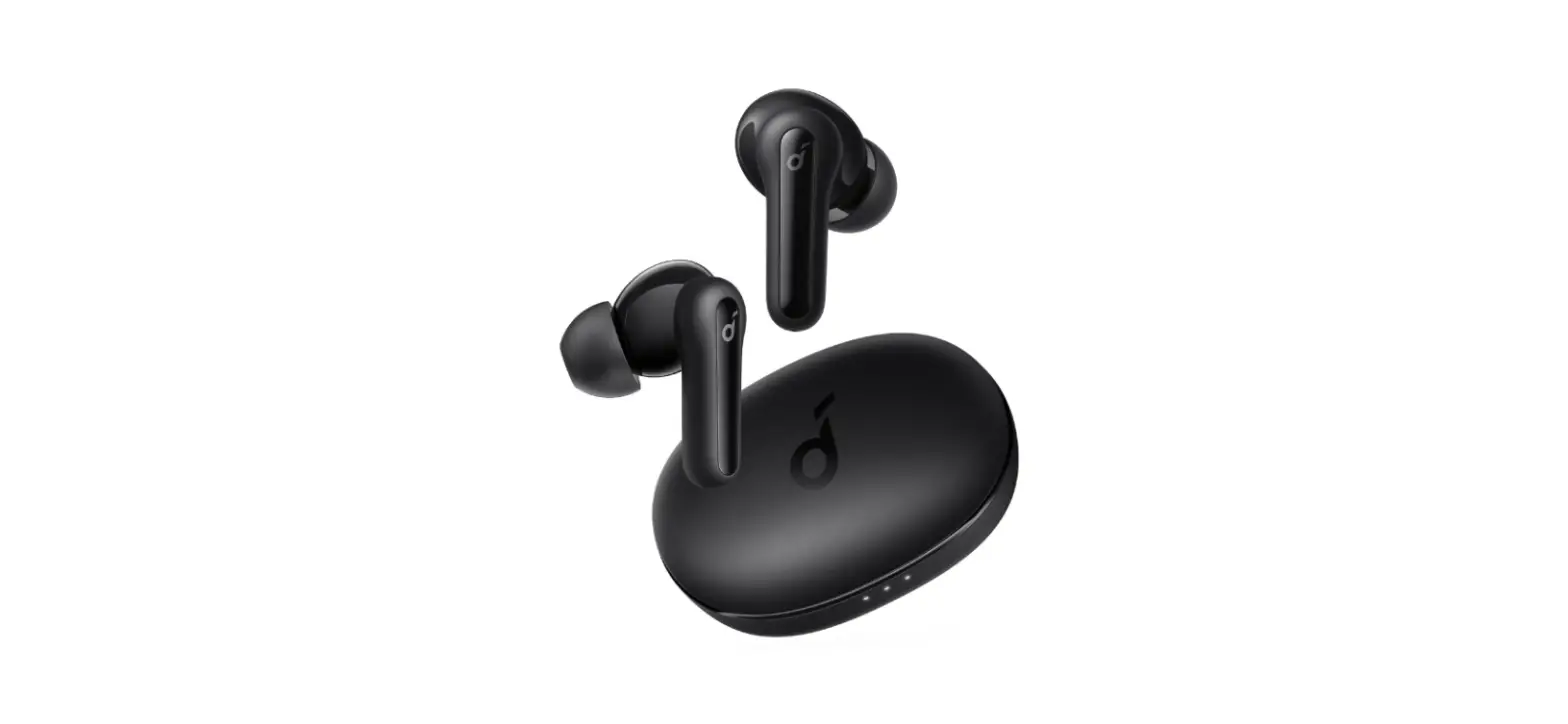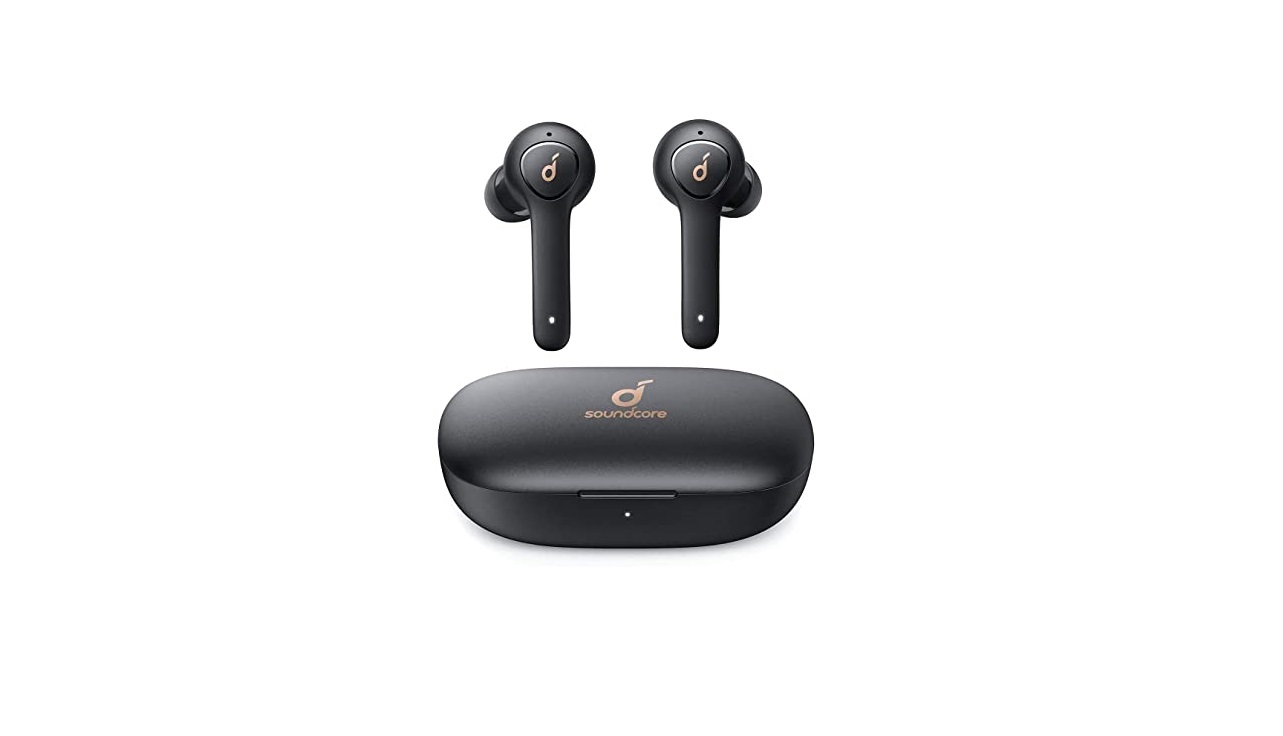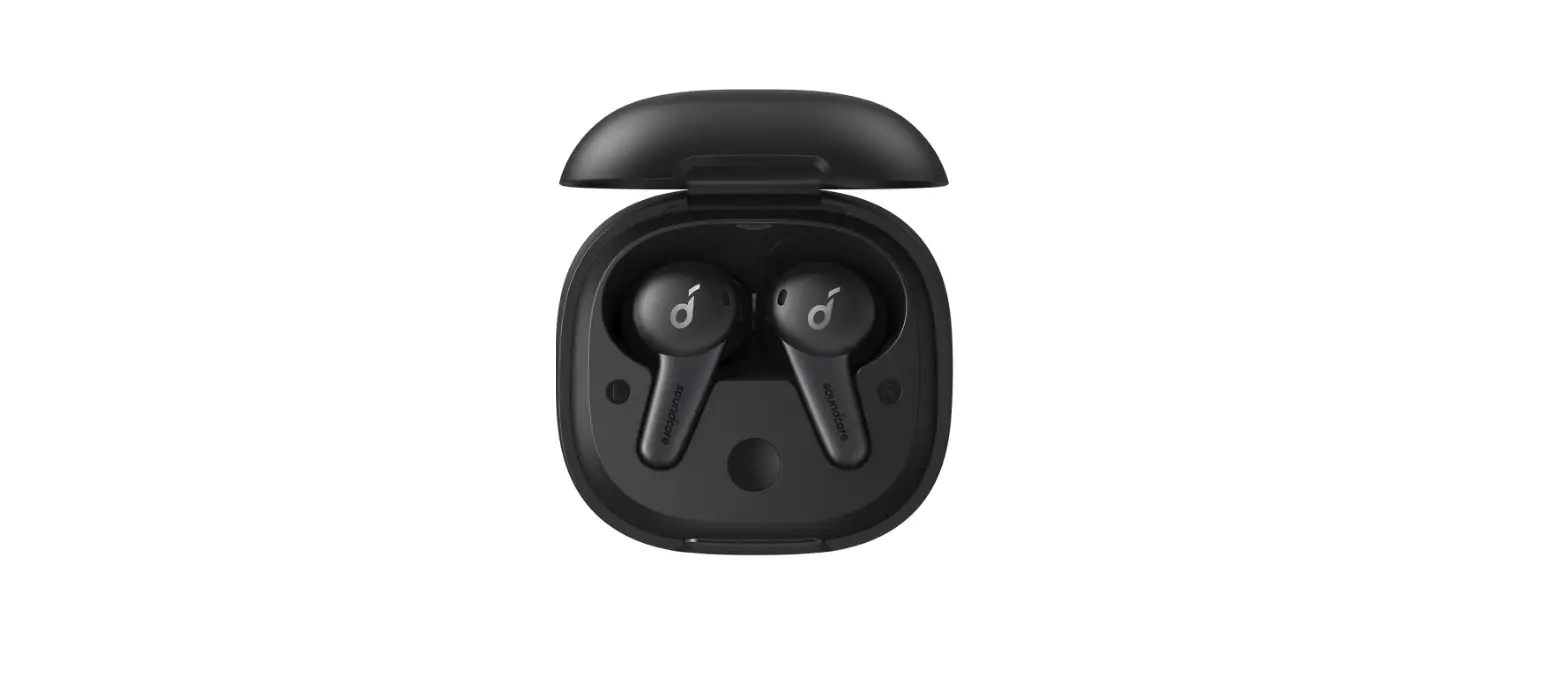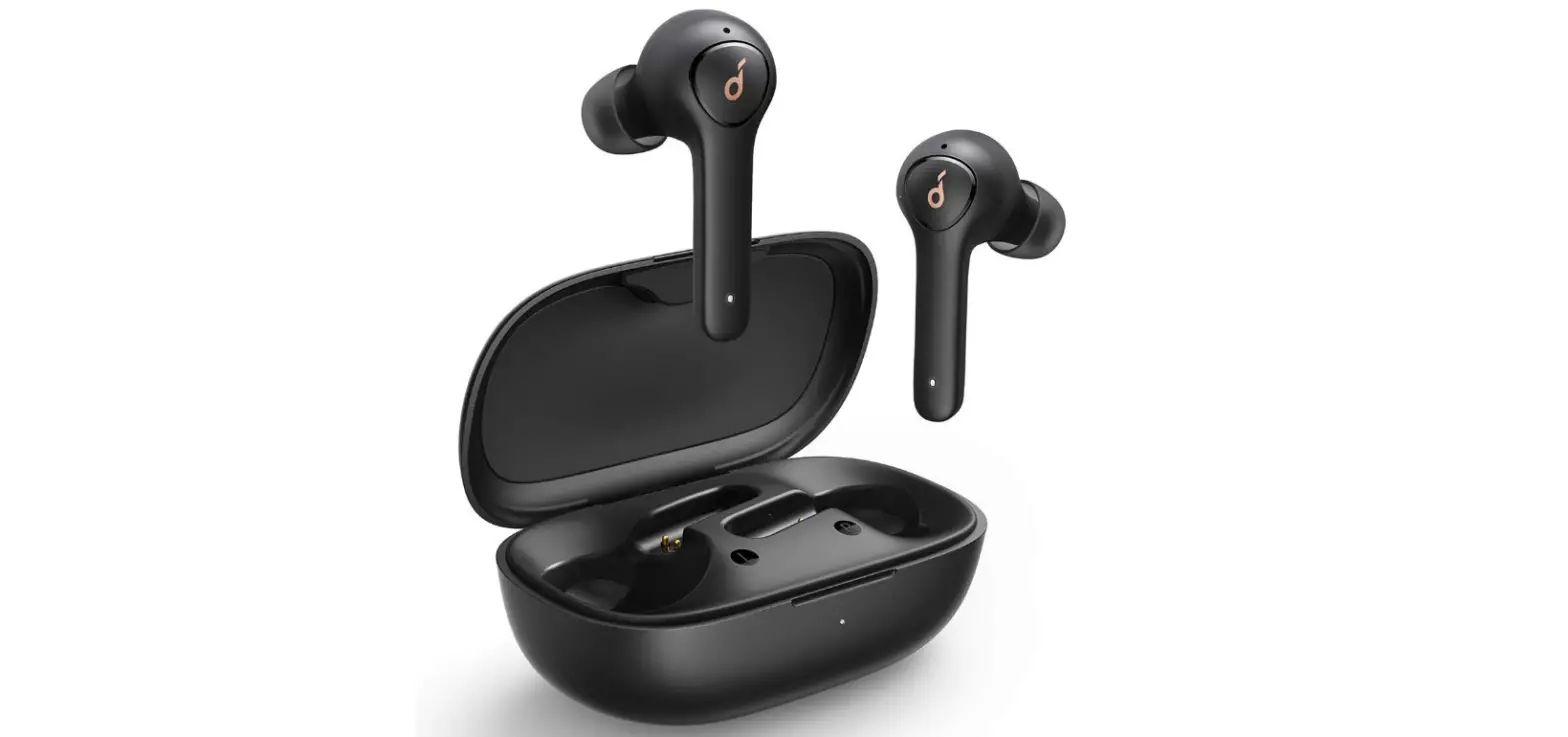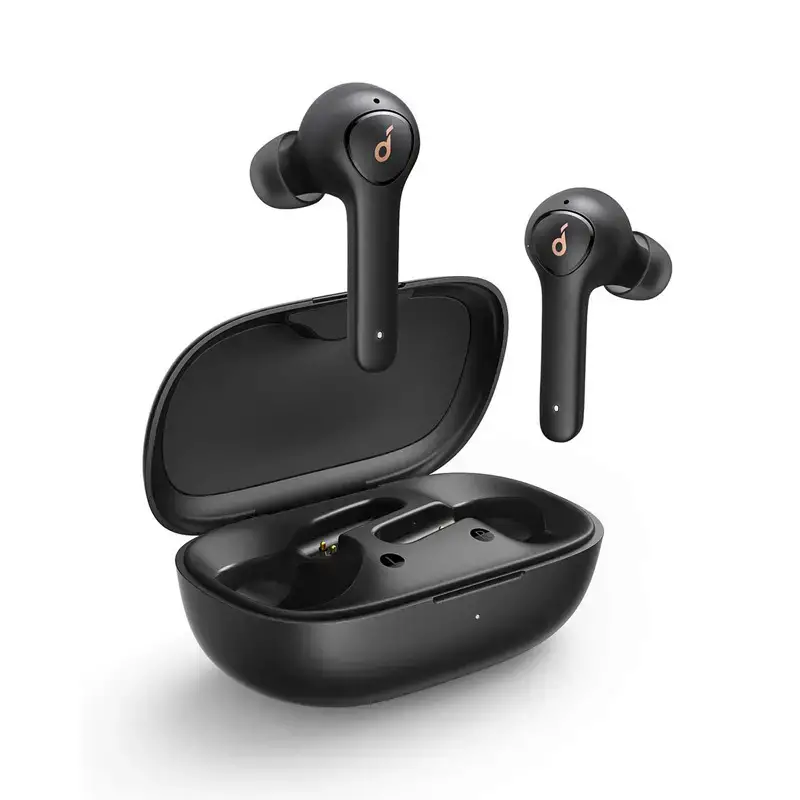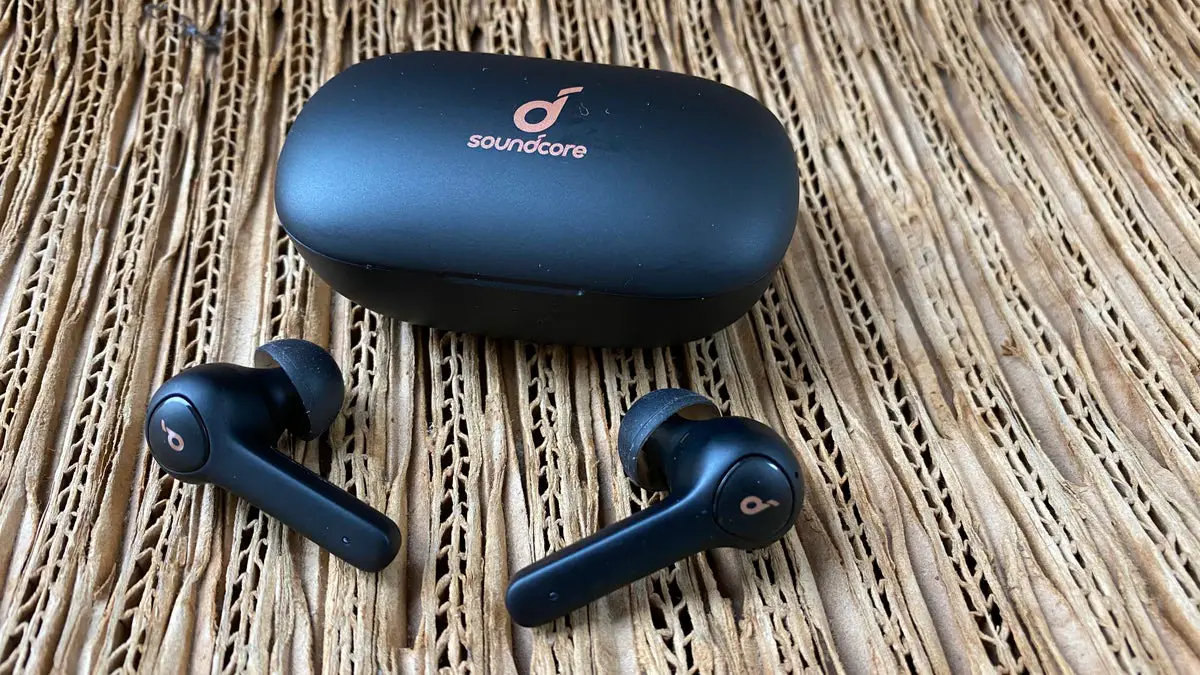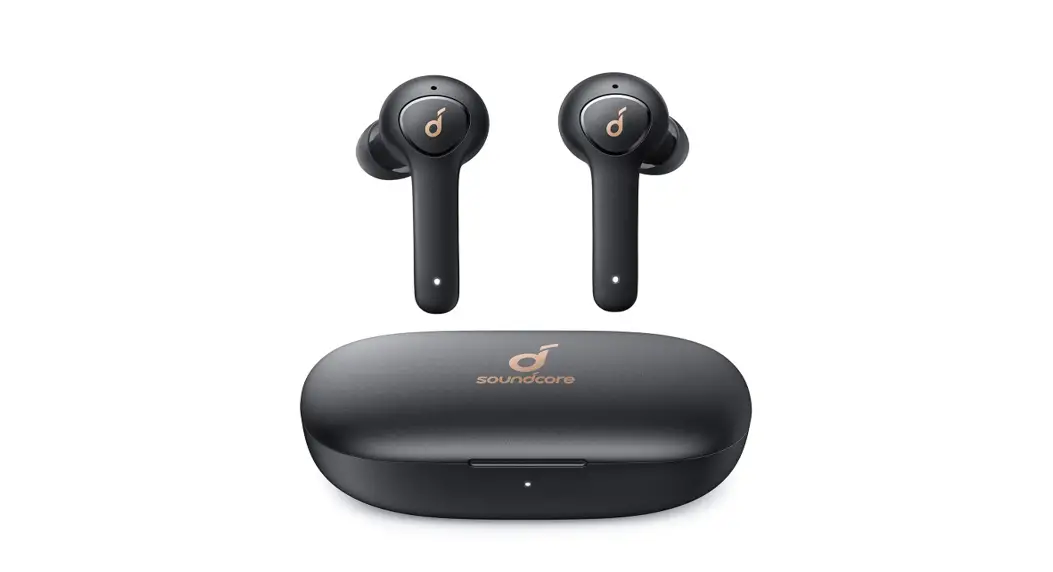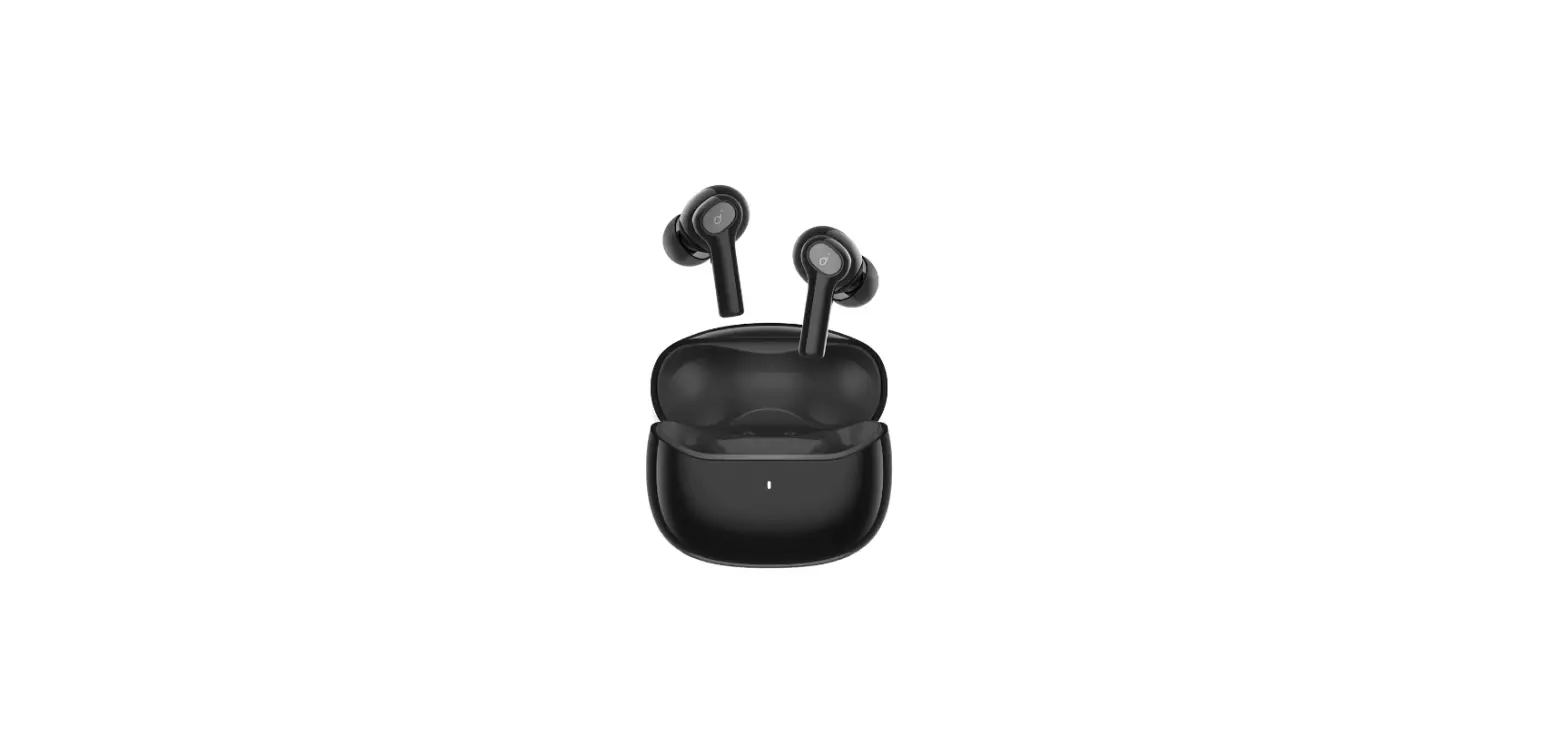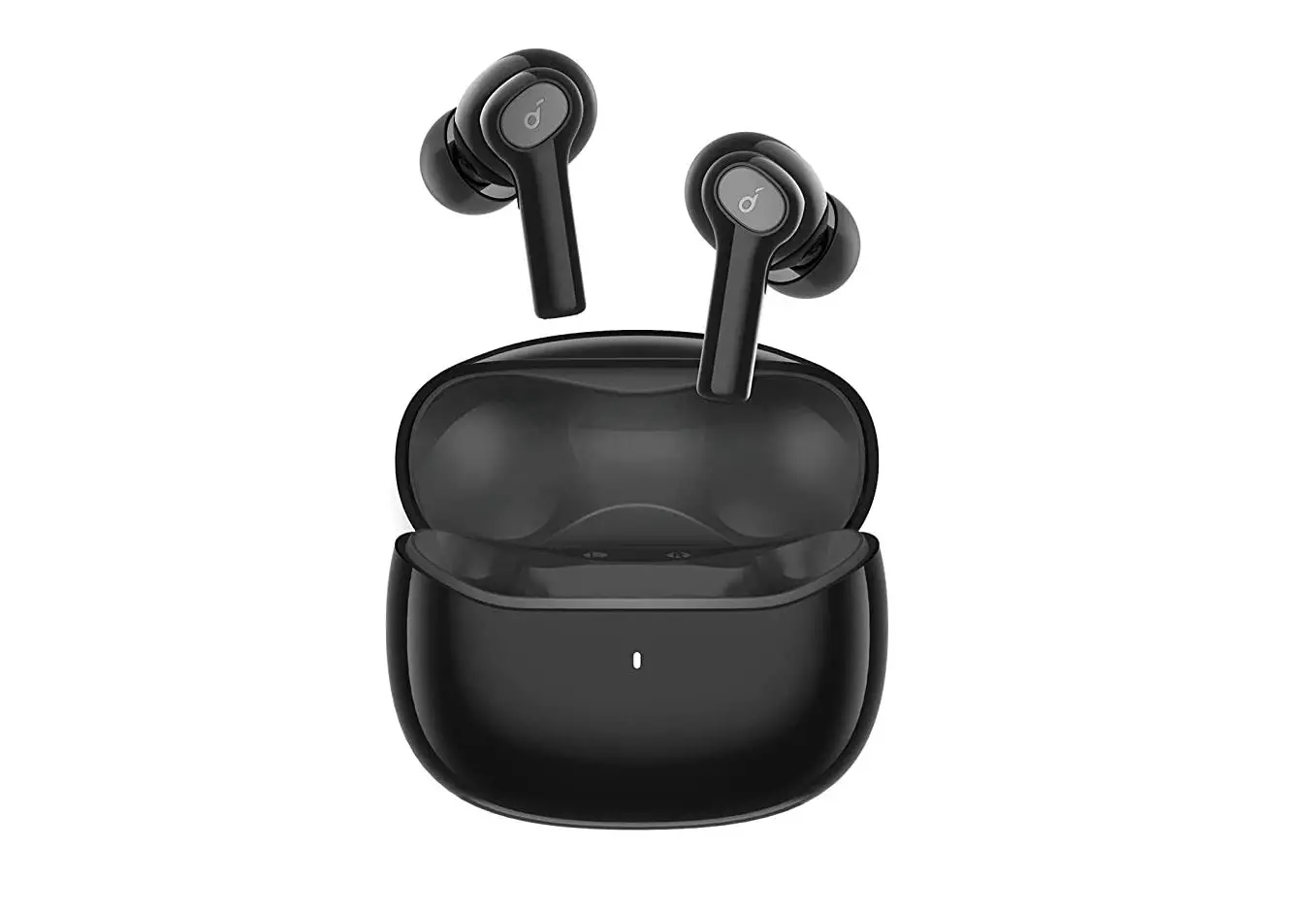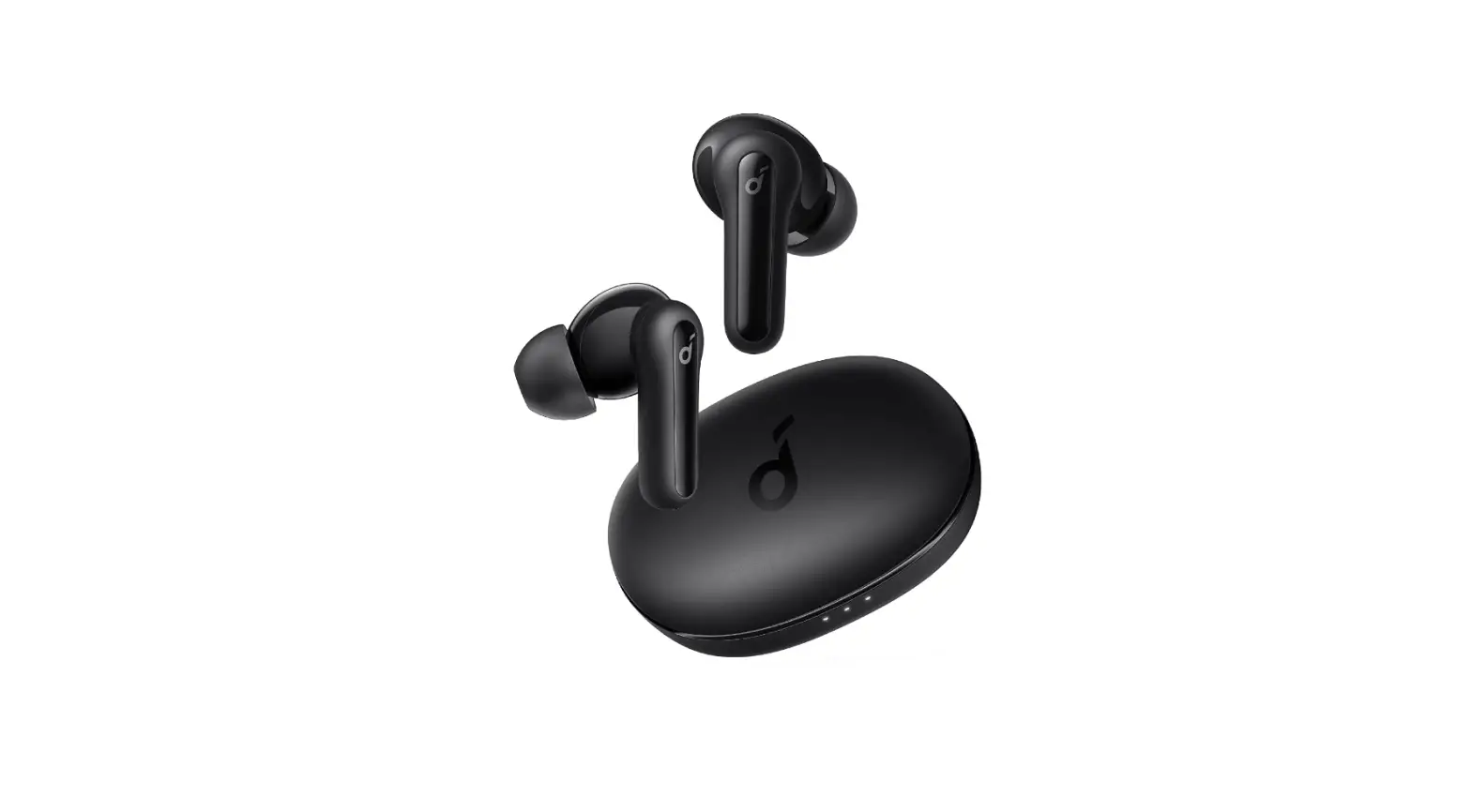

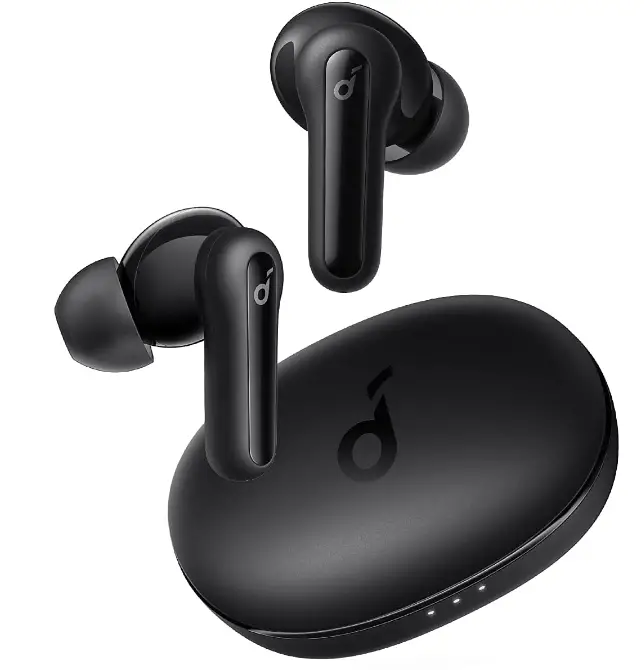
Soundcore by Anker Life P2 Mini True Wireless Earbuds headphones
SPECIFICATIONS
- Dimensions
2.56 x 2.09 x 1.34 inches - Weight
2.08 ounces - Impedance
16Ω - Driver (Full Range)
2 x 10mm - Charging time
2 hours - Bluetooth version
5.0 - Bluetooth frequency
2402-2480 MHz - Bluetooth range
10 m / 33 ft - Frequency Response
20Hz-20kHz - Connectivity Technology
Wired, Wireless - Form Factor
In-Ear - Headphones Jack
USB - BRAND
soundcore
Soundcore Earbuds is one of the top sellers on Amazon. They offer a number of features such as active noise canceling, comfortable fir, and good quality of sound. They come in a good design and touch control sensor. The main feature is the IPX5 is water-resistant. And the sound produced from these earbuds is very good and amazing. And true wireless earbuds have oversized triple-ear 10mm that deliver sounds. The charging case can charge the earbuds up to 4 times on one complete charge. And the charging time is very speedy 10 minutes charge gives you an hour of playtime. And the battery timing is very good and amazing that 8 hours of playtime on a single charge. They come with a Comfortable ear fitting design and come with soft ear tips size of small,medium and large.
WHAT’S IN THE BOX?
- 2 mini true wireless earbuds
- Charging case
- XS/S/M/L/XL ear tips
- USB-C cable
CHARGING
- Remove the protective film from the earbuds when used for the first time.
- Fully charge both the earbuds and the charging case before the first-time use.
- To prevent damage, use the provided USB-C cable.
- Fully dry off the earbuds and the USB port before charging.
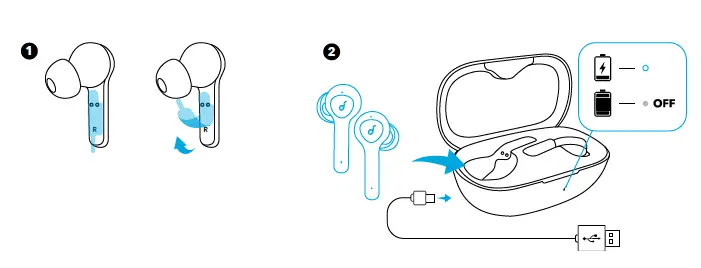
LED behavior (Earbuds & Charging case)
| Steady white | Being Charging | |
| Light off | • Fully charged • Remaining battery >10% (when in use) |
POWERING ON/OFF
The earbuds will automatically power on when taken out of the charging case and power off when placed back into the charging case.
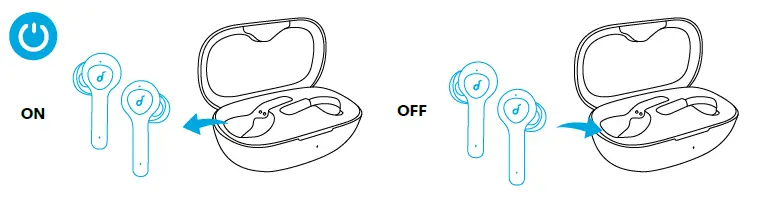
LED behavior (Earbuds)
| ON | Steady white for 1 second | |
| OFF | Steady red for 1 second |
- To manually power it on, press the multi-function button on either one of the earbuds.
- To manually power off, press and hold the multi-function button on either one of the earbuds for 3 seconds.
PAIRING
True Wireless Stereo Connection
The right earbud will automatically connect with the left earbud when taken out of the charging case.
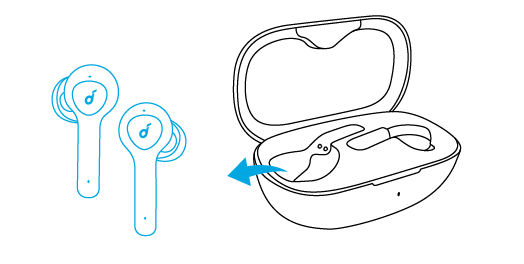
LED behavior (Earbuds)
| Breathing white | TWS connecting | |
| Steady white for 1 second | TWS connected |
- When powered off, press and hold the multi-function button on both earbuds for 1 second, the earbuds will enter TWS connecting mode.
- When powered on and connected, place either one of the earbuds into the charging case, you can keep using the other one.
- When powered on and connected, if either one of the earbuds is out of battery and powered off, you can keep using the other one.
- When you are on a call, place either one of the earbuds into the charging case, 3 to 5 seconds later, the microphone in the other earbud will be activated.
BLUETOOTH PAIRING WITH YOUR DEVICE
The earbuds will enter pairing mode when powered on. You are requested to confirm the connection when you see a pop-out screen.
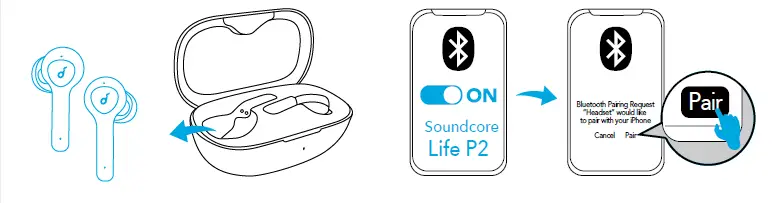
LED behaviour (Earbuds)
| Flashing white | Bluetooth pairing | |
| Steady white for 1 second | Bluetooth connected |
In the pairing process, some devices are incompatible with Qualcomm True Wireless Primary-Secondary dual pairing names, it may notice “connection unsuccessful” when you tap “Pair” or even no screen popped out. Don’t worry and it will not influence the use. Once successfully paired, the primary earbud connects with your device and transfers the signal to the secondary earbud, the latter one will not connect with your device. As a result, in the Bluetooth pairing list on your device, it may indicate that only one side is connected while the other side is not.
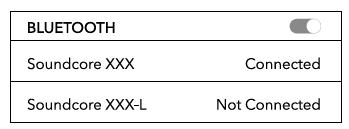
- To pair with another Bluetooth device, turn off Bluetooth on the currently connected device first.
- Each time you power on your Soundcore earphones, it will automatically connect to your last successfully connected device if available within the Bluetooth range.
WEARING
- Choose the ear tips that fit your ears the best.
- Insert the earbuds into the inner canal of your ears.
- Turn and find the most comfortable position.
CONTROLS
 | ||
| Play / Pause | 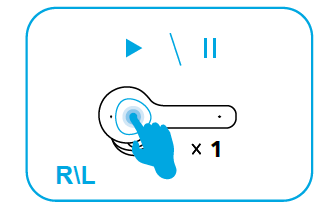 | Press (R/L) |
| Next track |
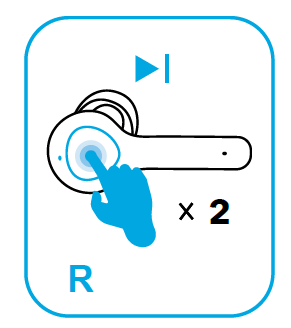
| Press twice (R) |
| Previous track | 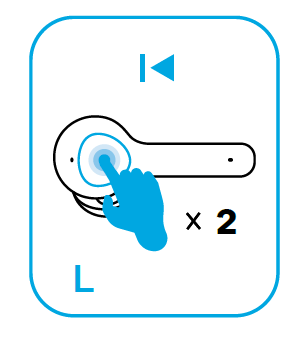 | Press twice (L) |
| Volume up / down | Control volume via the connected device | |
 | ||
| Answer / End a call |
| Press (R/L) |
| Reject a call | 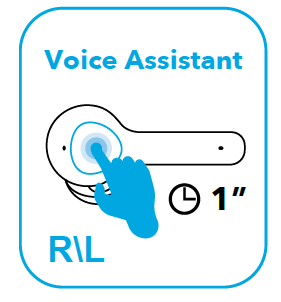 | Press and hold for 1 second (R/L) |
| Enable mono mode | Remove either one of the earbuds off your ear and press and hold the button on the other earbud for 1 second | |
 | ||
| Activate Siri or other voice assistant software |
| Press and hold for 1 second (R/L) |
RESET
Reset the earbuds if the earbuds cannot connect with each other properly or cannot connect with your device properly.
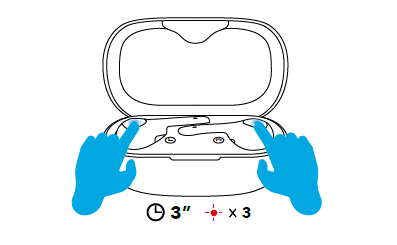
- Place the earbuds into the charging case and make sure they are being charged.
- Press and hold the button on both earbuds for 3 seconds until the LED indicators flash red 3 times and then turn white.
All the memory data will be cleared.
TECHNICAL SPECIFICTIONS
- Compression ratio:
4:1 - Word depth:
Support 16bit and 24bit - Decoding delay:
Sample rate 48kHz<2ms - Dynamic range:
16bit>92dB, 24bit>120dB - Data rates:
352kbps - Decode mode:
Stereo
Qualcomm aptX is a product of Qualcomm Technologies, Inc. and/or its subsidiaries. Qualcomm is a trademark of Qualcomm Incorporated, registered in the United States and other countries. aptX is a trademark of Qualcomm Technologies International, Ltd., registered in the United States and other countries.
FREQUENTLY ASKED QUESTION
- Q: Are they compatible with samsung A32 5G ?
A: I’m not sure, but they work great with my Samsung Note 20. Probably would work okay with another Samsung. - Q: Can you pair them with an android phone?
A: Yes, I have mine paired with Apple, Android, and Windows devices and usually switch between them all pretty seamless. There is the rare occasion when I have to ‘remove’ device and reconnect after switching but it’s easy. Just remove the earbuds, turn off Bluetooth, turn it back on and pair the devices again. Hope this helps. - Q: Are these water resistant? Are these recommended for use while running?
A: The water resistance level of Life P2 Mini is IPX5. Yes, you can use the Life P2 Mini for running. - Q: Will these pair to my laptop to use for online meetings?
A: If your laptop has bluetooth, it should pair. What you then use the laptop for is your business. - Q: In terms of audio, are they the same as the Life P2?
A: The sound quality of Life P2 Mini is better than Life P2 since the Life P2 Mini has 10mm dynamic drivers. - Q: How do these compare in size to the Apple earbuds? We’re looking for earbuds for a small ear canal?
- A: I can’t keep Apple ear buds in place. These stay in place when I am walking, but don’t think they would if I were running, even with the smallest ear tips. That said, they are truly a great sounding budget earbuds.
- Q: Is it compatible with older iPhone models such as iPhone 6 / 6 plus / 7 / 7 plus etc ?
A: Yes, the Life P2 Mini is compatible with iPhone devices. - Q: Can I use only one earbud?
A: I use only one, I put the left bud in the right ear and turn the stem up, lock it under the fold there. It stays great, even in a call. Or jogging - Q: Do these have eq settings? when i look on the app, there were none?
A: The Life P2 Mini doesn’t support the Soudncore APP but you can quick triple-tap the right earbud to switch 3 EQ modes(Signature–Bass Booster–Podcast) - Q: Can you listen to tv with them I have sony?
A:Yes, you can pair the Life P2 Mini with your TV and listen to it. - Q: What is the dimension of charging case?
A: The dimension of the charging case is 61.7mm*43.85mm*31.35mm. - Q: What is the range of this model?
A: Just about 30 feet or about 35 to 40 feet open field as per my own experience. - Q: Can these be comfortably worn under a winter hat?
A: Yes - Q: Do they work with iPhone?
A: Yes, the Life P2 Mini work with iPhone. - Q: Are these good for running ?
A: Yes, the Life P2 Mini are good for running. - Q: How is this on phone calls and the background noise while on a call?
A: Excellent in my experience. To test, I called a number and left a voicemail, and then listen to it.