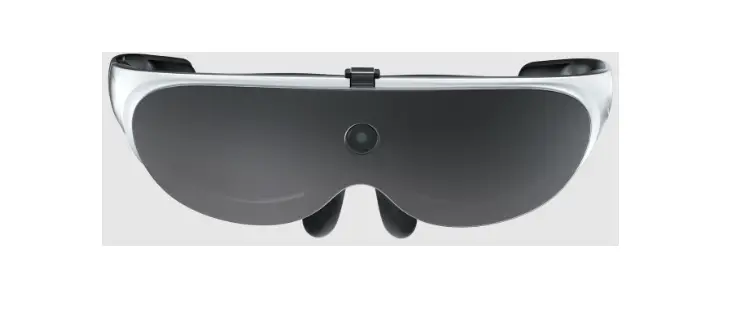

 The Pro 3 Low Vision User Manual
 WARNING
DO NOT DRIVE WITH THE PRO 3 WALK WITH EXTREME CAUTION
GLASSES MAY HEAT AFTER EXTENDED USE
WHAT’S INCLUDED
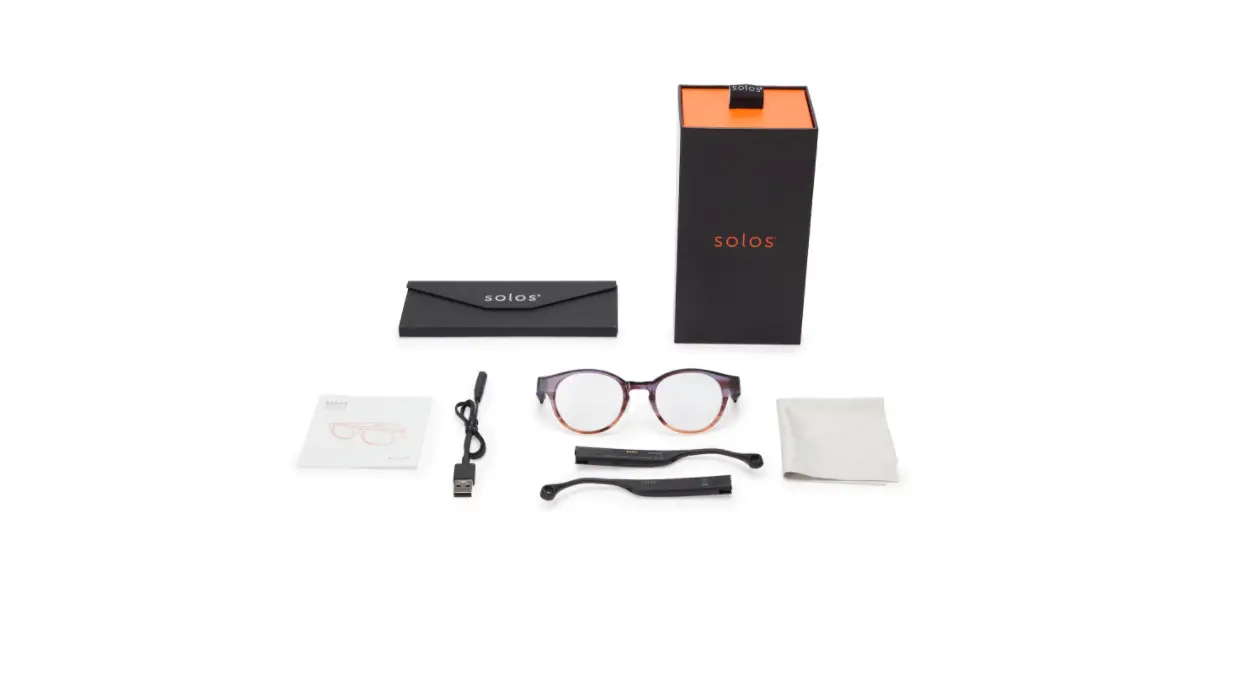
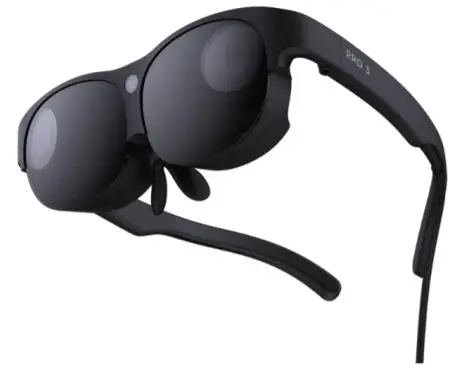 | 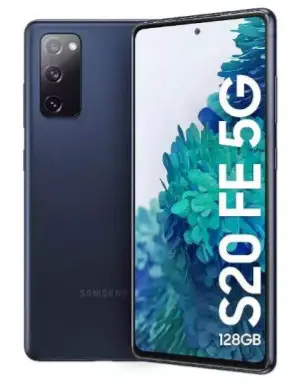 |
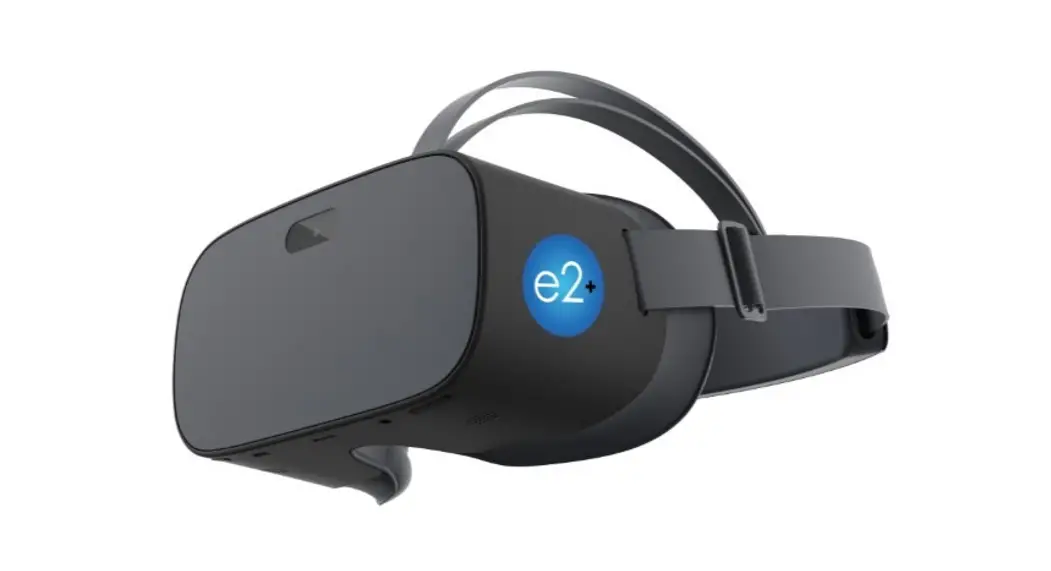
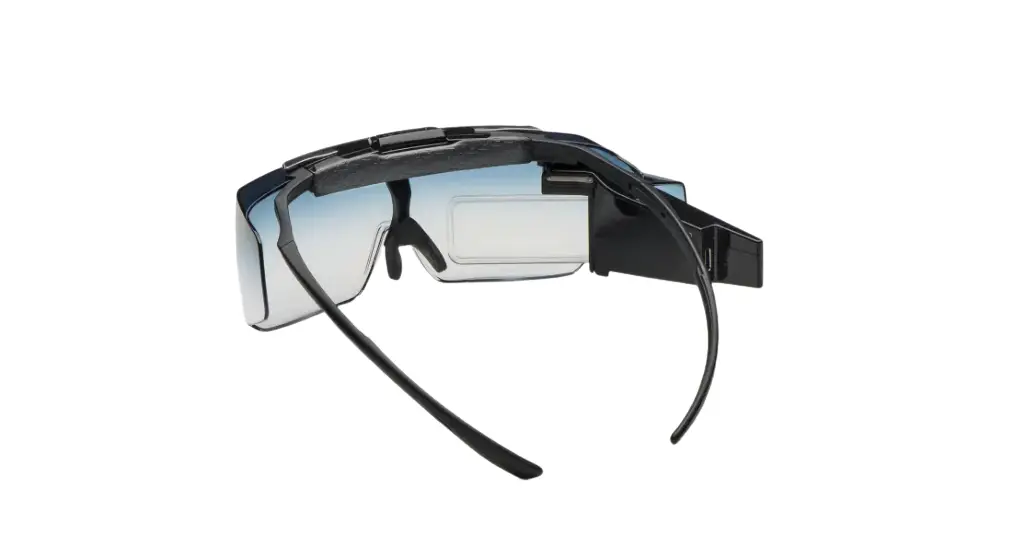
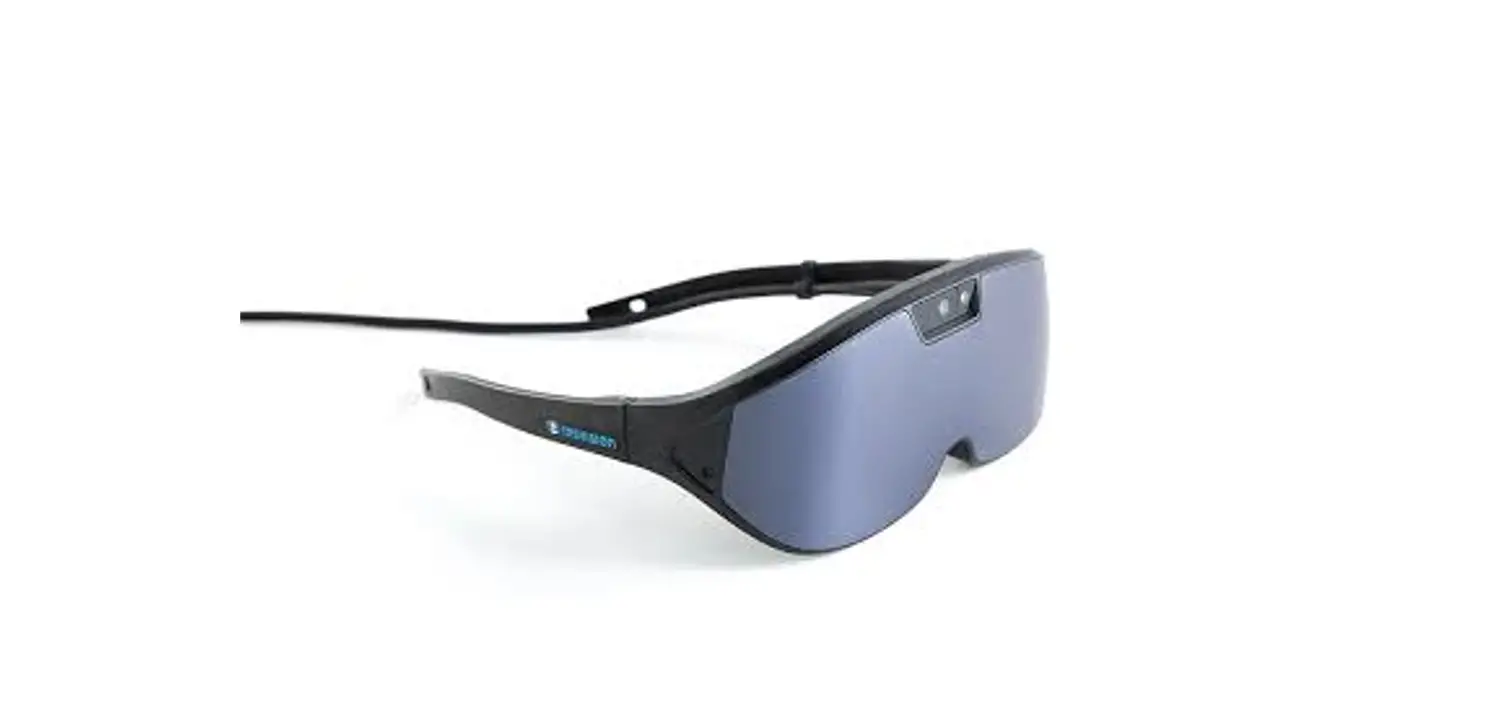
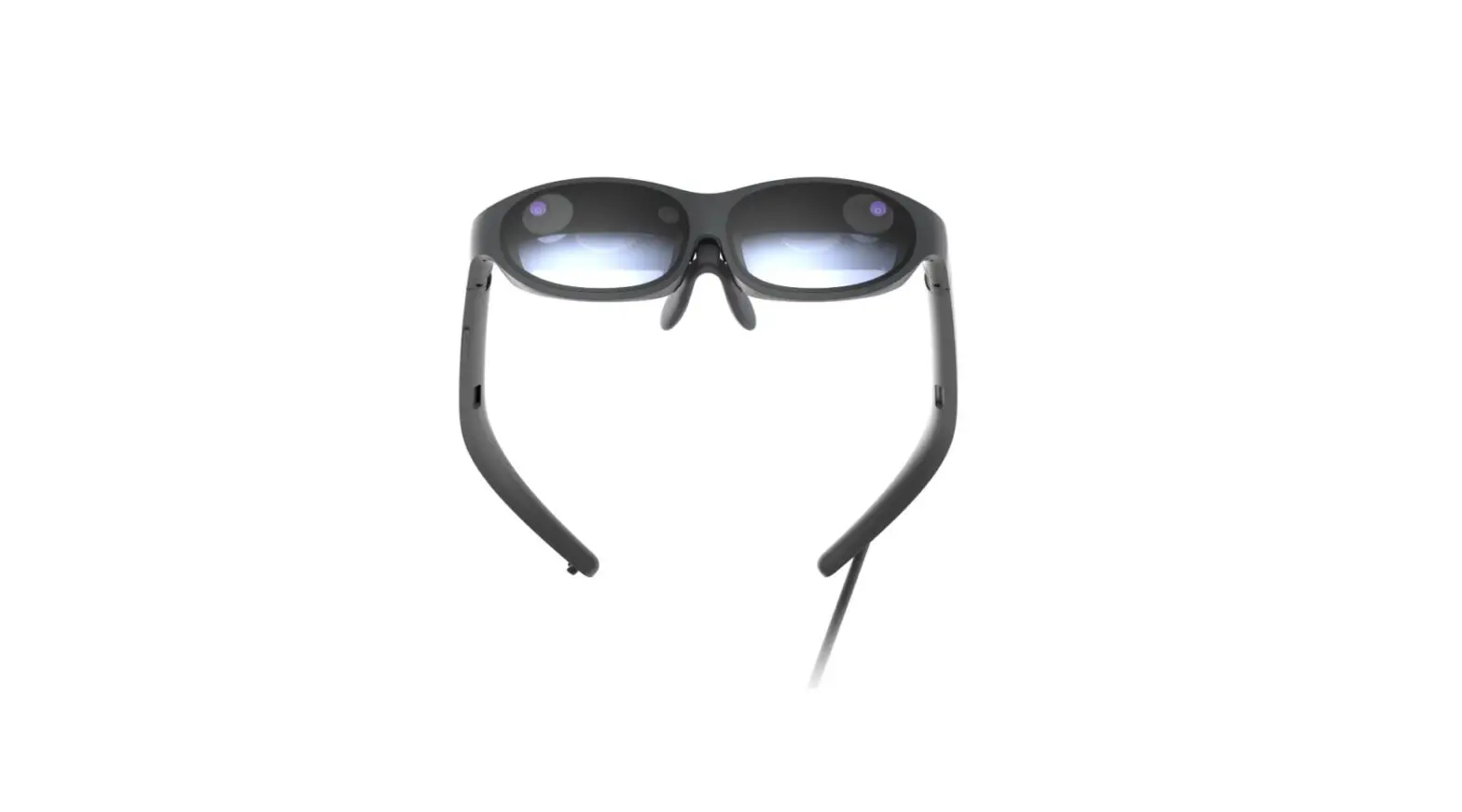
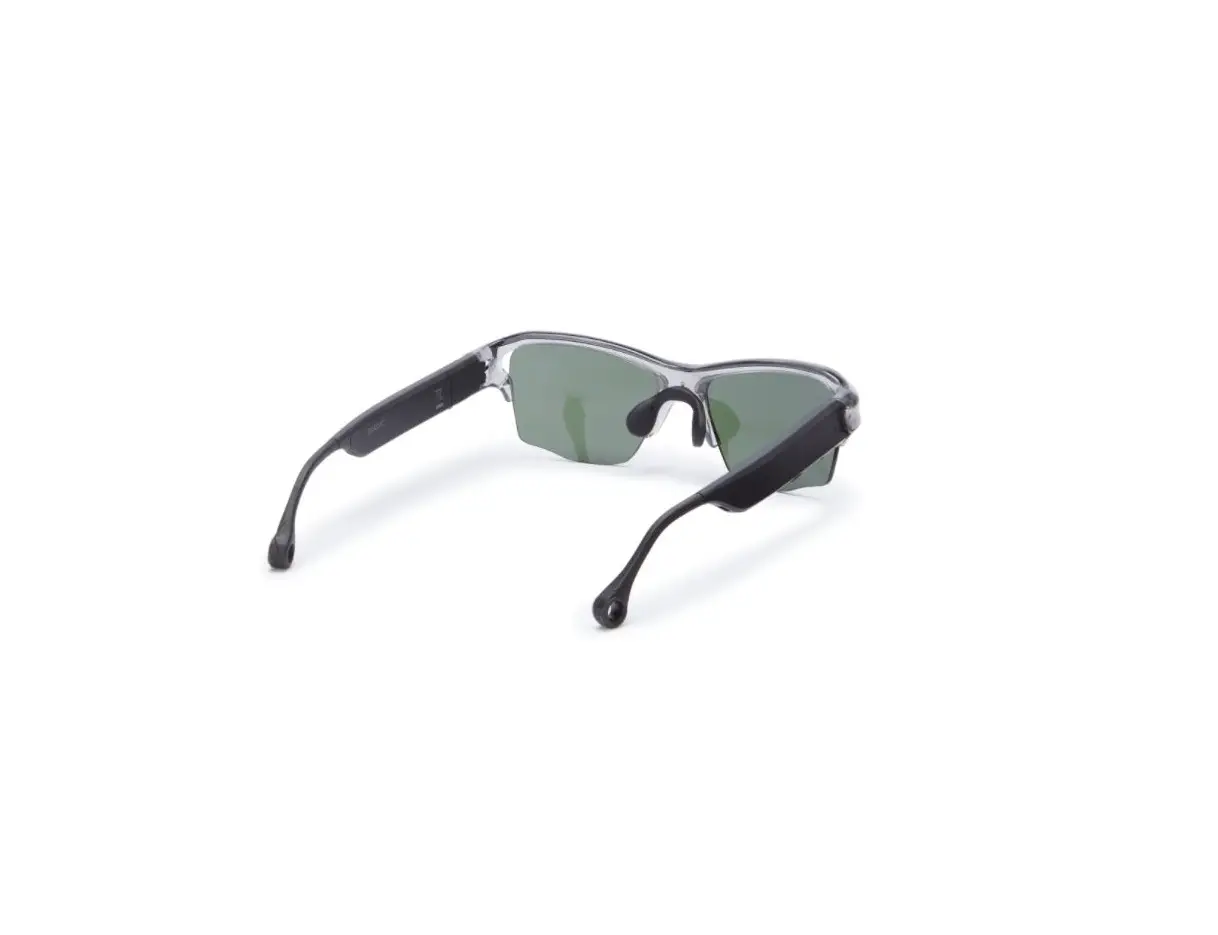
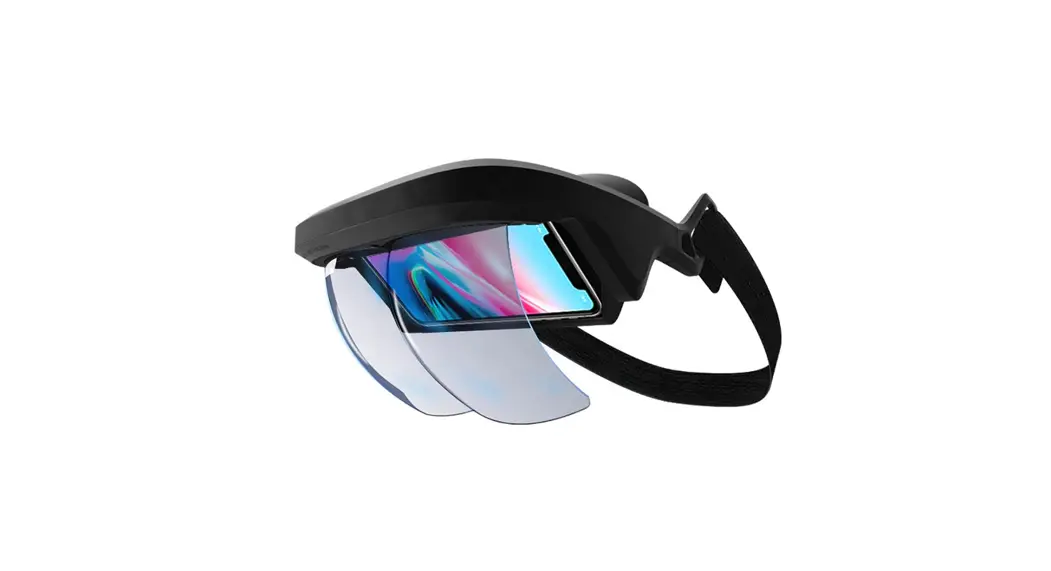
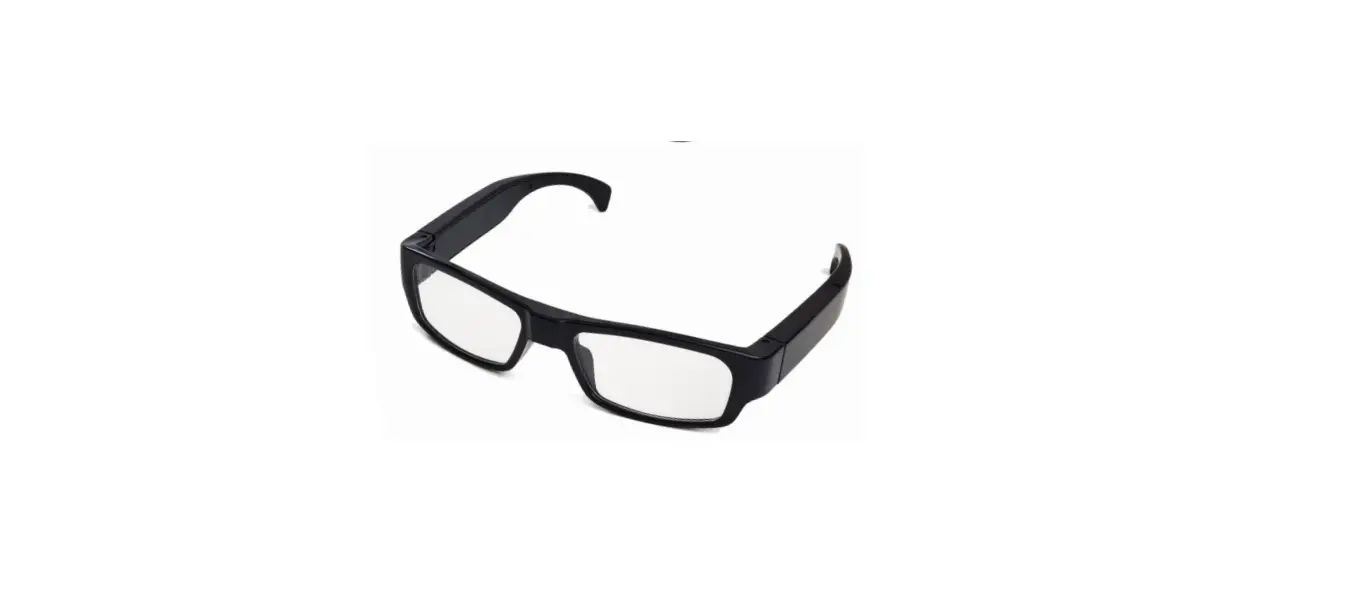
| NuEyes Pro 3 Smart Glasses | Samsung S20 FE |
 | 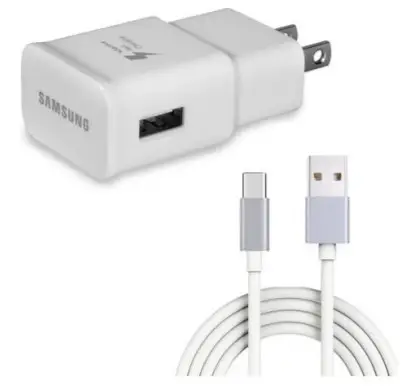 |
| Pro 3 Carrying Case | Samsung Phone Charger |
USING YOUR PRO 3
Once you unpack your NuEyes Pro 3 and Samsung S20 phone, fully charge your phone before usage.
Once charged, press the power button to start your phone.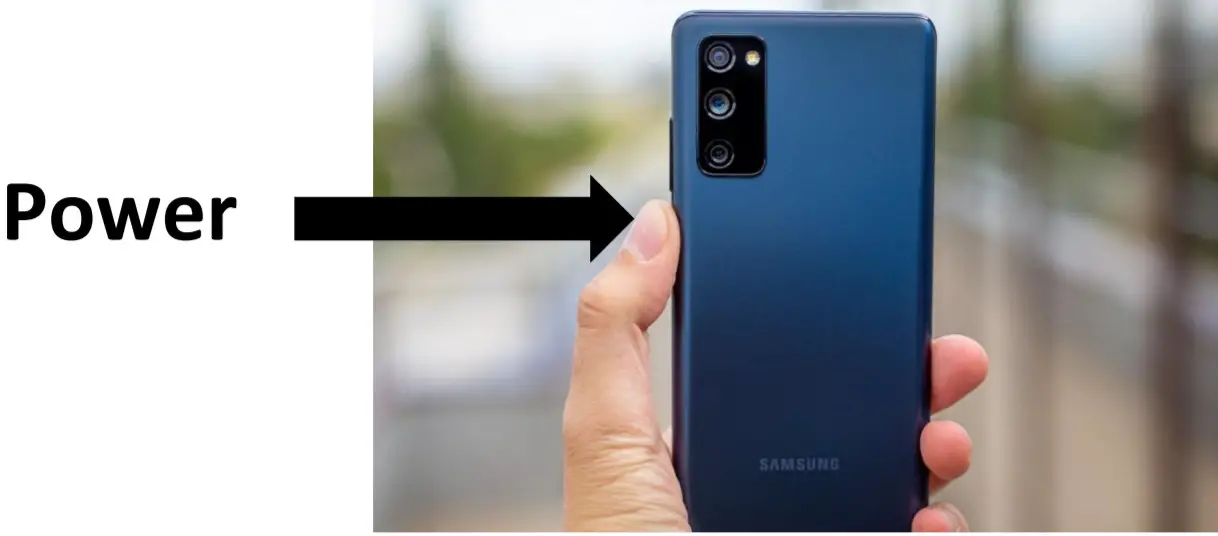
Next, simply plug your NuEyes Pro 3 into the phone, and the NuEyes app will automatically start.
MAGNIFICATION
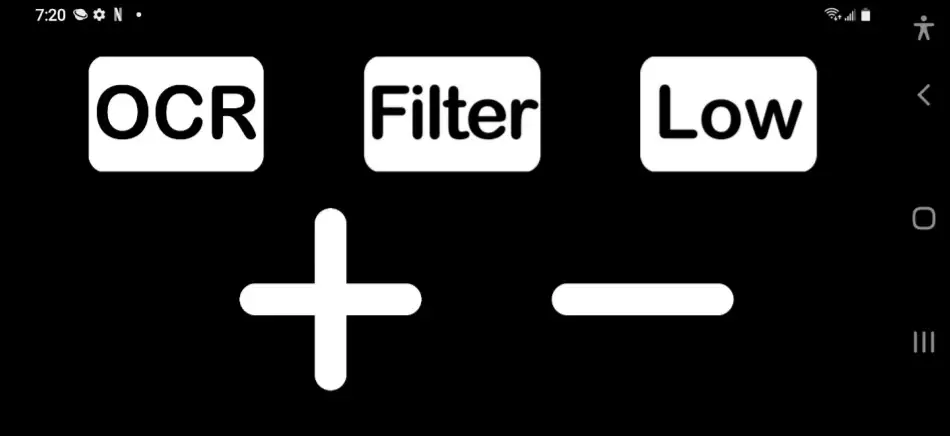
Once your app has started you will see the following on the phone’s screen.
The plus (+) is for greater magnification
The minus (-) is for less magnification
CONTRAST
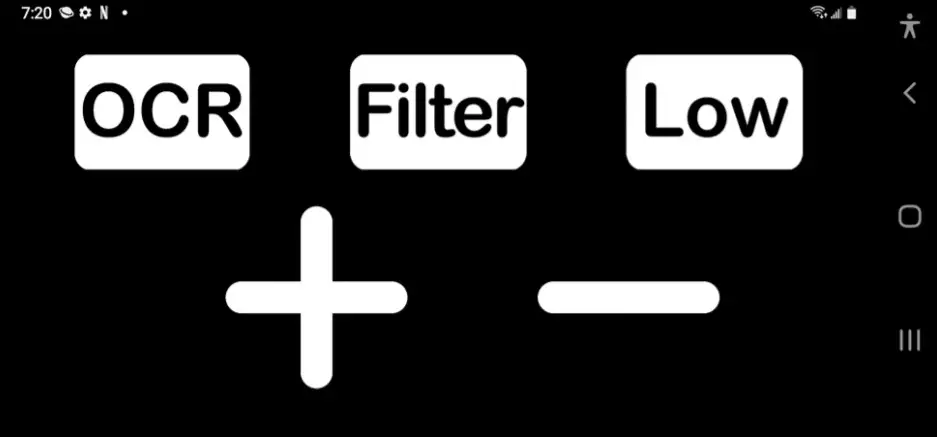
Your Pro 3 will start in color. To enable contrast, select the Filter button on the top left of your phone.
There are 5 filters to choose from
- Black on White
- White on Black
- Yellow on Black
- Orange on Black
- Blue on Yellow
FOCUS
Your Pro 3 Comes with 4 Focus Settings
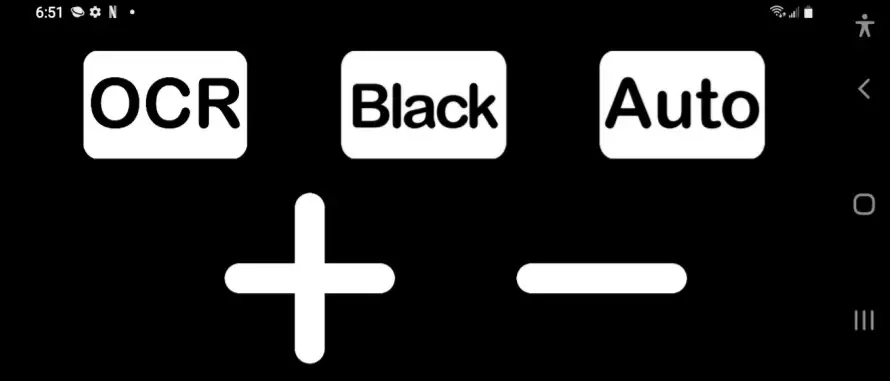
Your Pro 3 will start in Auto Focus, which will automatically move, depending on how close or far the object you are trying to see.
SWITCHING TO HIGH WILL LOCK THE FOCUS ON DISTANCE VIEWING OR OBJECTS FAR AWAY
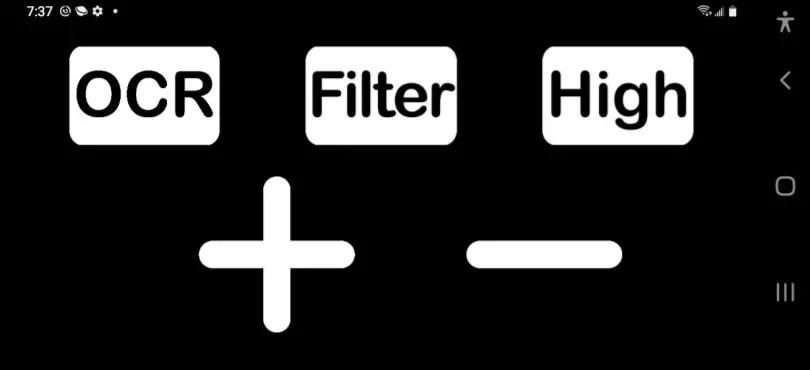
SWITCHING TO MEDIUM WILL LOCK THE FOCUS TO AN ARMS LENGTH DISTANCE (BEST FOR READING)
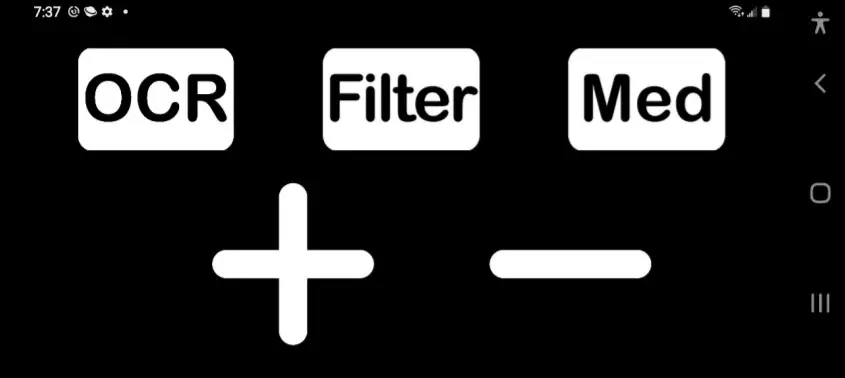
FOR CLOSE-UP READING OR VIEWING DETAILED ITEMS AT EXTREME CLOSE-UP DISTANCE PLEASE SELECT LOW.
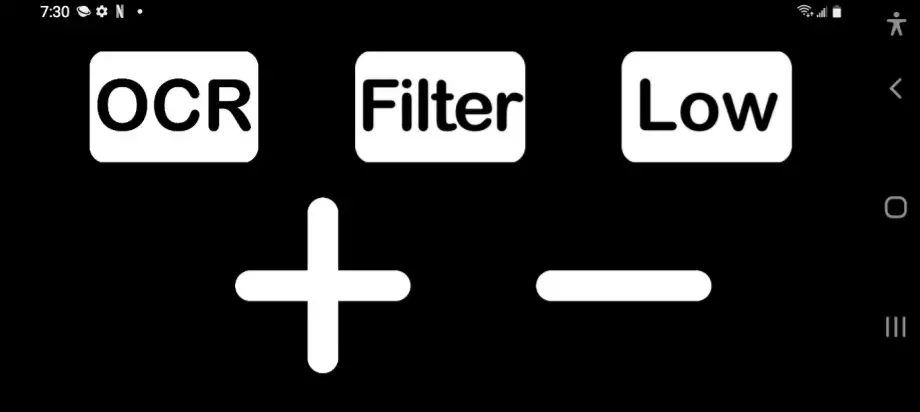
**Note – Pro 3 will remember last focus setting when powered up **
OCR (TEXT TO SPEECH)
To utilize the OCR (text to Speech) feature Focus your document into your view on the Pro 3. Then press the OCR button on the top right-hand side of your phone.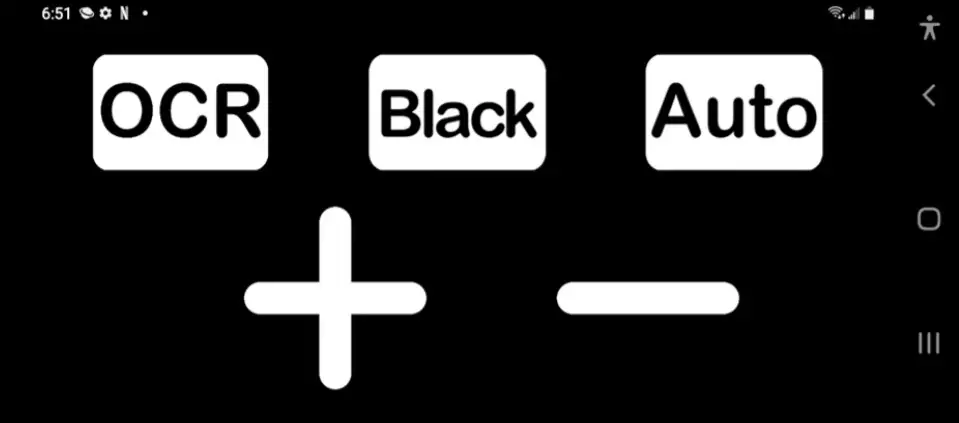
Once OCR (text to Speech) is reading you can follow along while you listen with the line or boxed text. You can also use the magnification buttons to make the text bigger or smaller
To access your Pro 3 menu: press and hold the volume up key for 2 seconds on your Samsung phone. 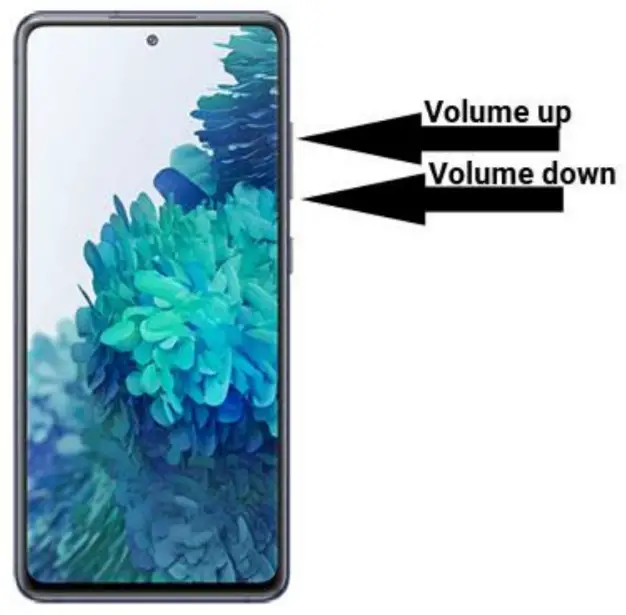
Once the menu is enabled you can adjust the following settings below.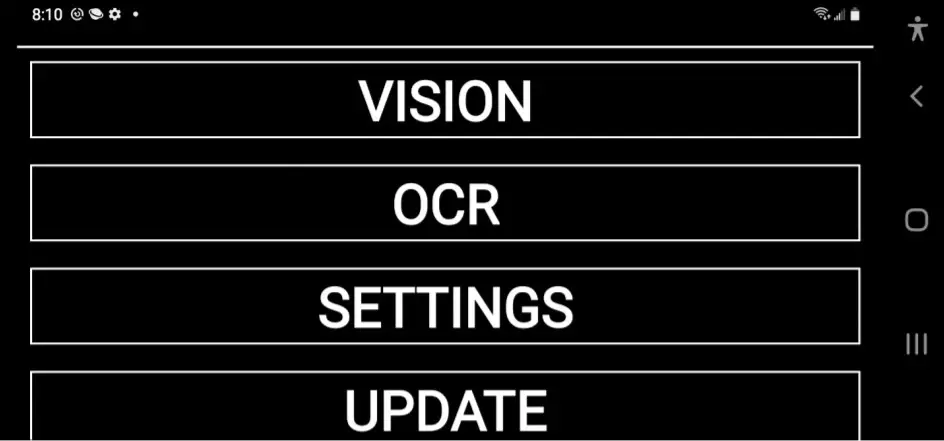
**Note: there will be updates coming soon and your app will indicate when an update is available. **
YOUR NEW SAMSUNG S20
NuEyes has included a fully functioning Samsung S20 phone. It features a multitude of apps and experiences built-in. Here are a few we recommend.
- Google Play Store- 3.48 million apps to choose from
- Voice Access
- Bixby Vision
- Xfinity by Comcast
- Netflix
- Disney Plus
- Prime Video
- Hulu
- And any Subscription-based mobile streaming service
Pro 3 TECH SPECS
HARDWARE
- Qualcomm Snapdragon 865 5G, Octa-Core (1 x 2.8GHz, 3×2.4GHz, 4x 1.8GHz)
- 6GB RAM, 128GB ROM
- Battery size/type: 4500mAh
- Sony 13mp Camera
OPTICS
- Dual 4K Displays
MULTIMEDIA
- Stereo audio (with headset)
- Audio support: MP3, M4A, 3GA, AAC, OGG, OGA, WAV, WMA, AMR, AWB, FLAC, MID, MIDI, XMF, MXMF, IMY, RTTTL, RTX, OTA, DSF, DFF
- Image support: A-GIF, BMP, GIF, JPEG, P-JPEG, PNG, WebP, WBMP, RAW
- Video support: MP4, M4V, 3GP, 3G2, WMV, ASF, AVI, FLV, MKV, WEBM
SOFTWARE
- Android 11 with One UI 3.1
- NuEyes Patented Pro 3 Software
Warranty 1 Year
You can repair your device for free in 12 months from the date of receipt. Please contact NuEyes Technical repair services at 800-605-4033
Warranty Tips
The Limited Warranty does not cover:
- Defects or damage resulting from improper usage, maintenance, or storage are not included in the Pro 3 LV manual.
- Packaging box or gifts other than the main device
- Defects or damage resulting from unauthorized dismantling, alteration, and maintenance.
- Damage caused by force, dropping, fire, flooding, rain, snow, and lightings, etc.
- Or the product has exceeded the validity period of the warranty.