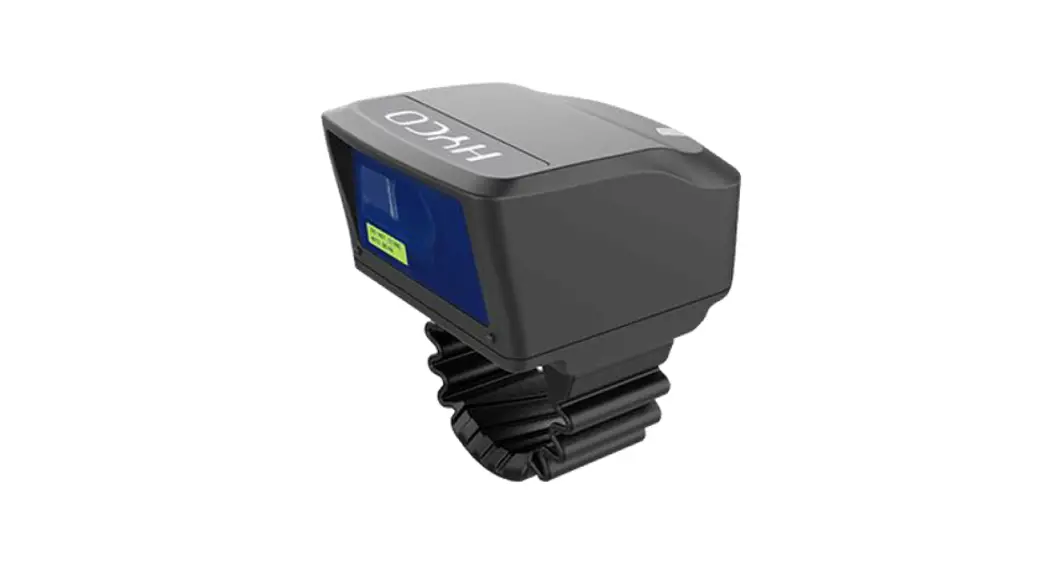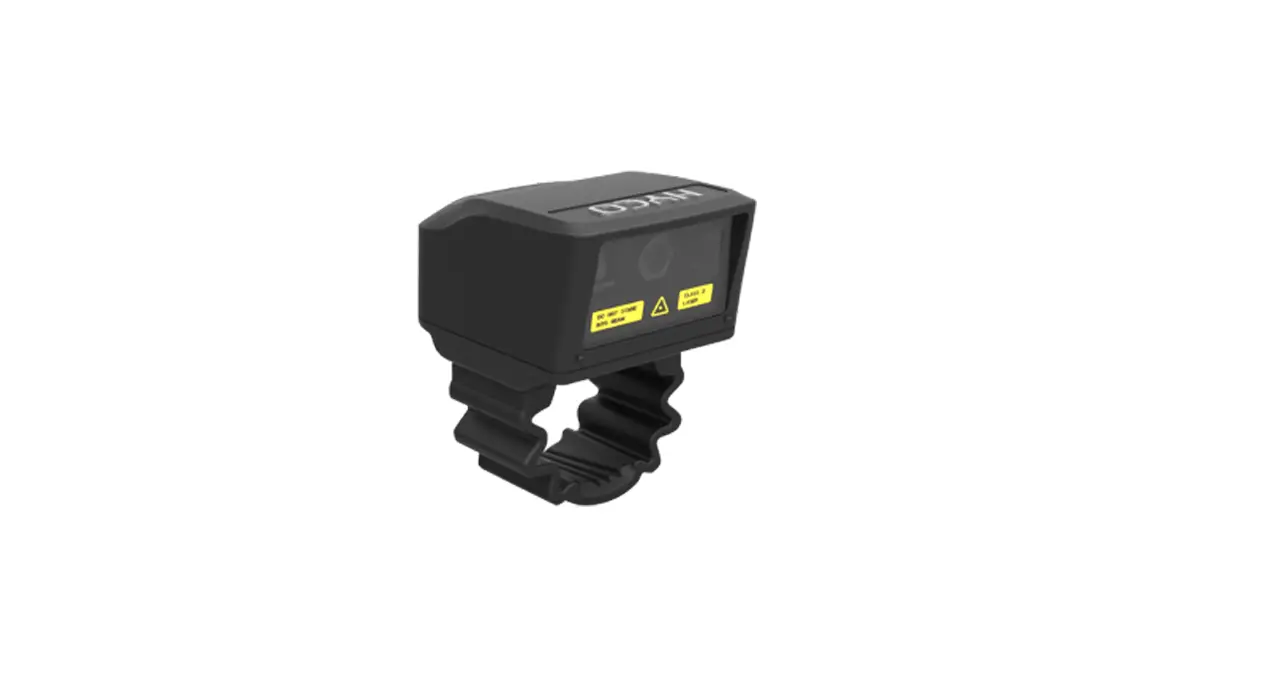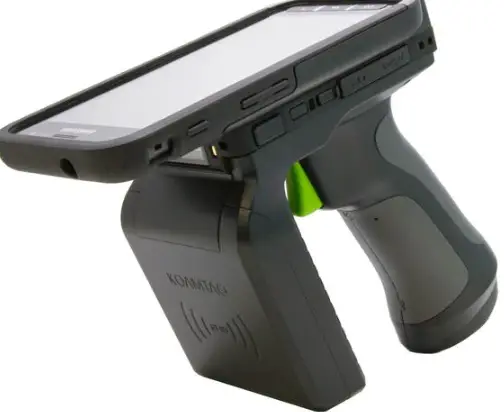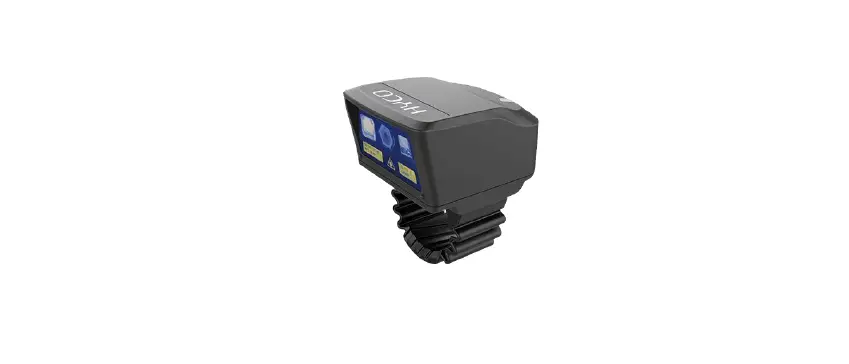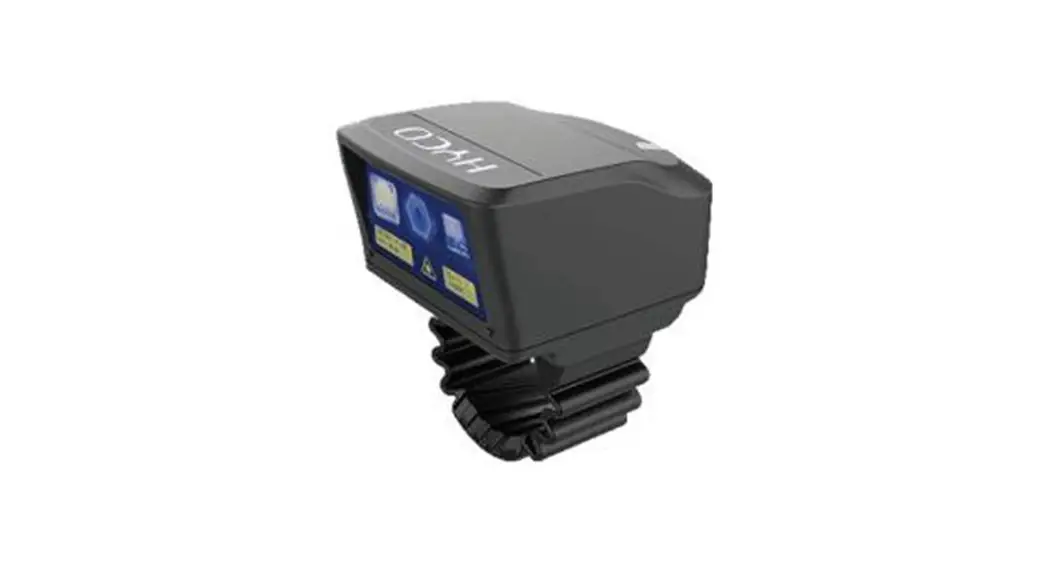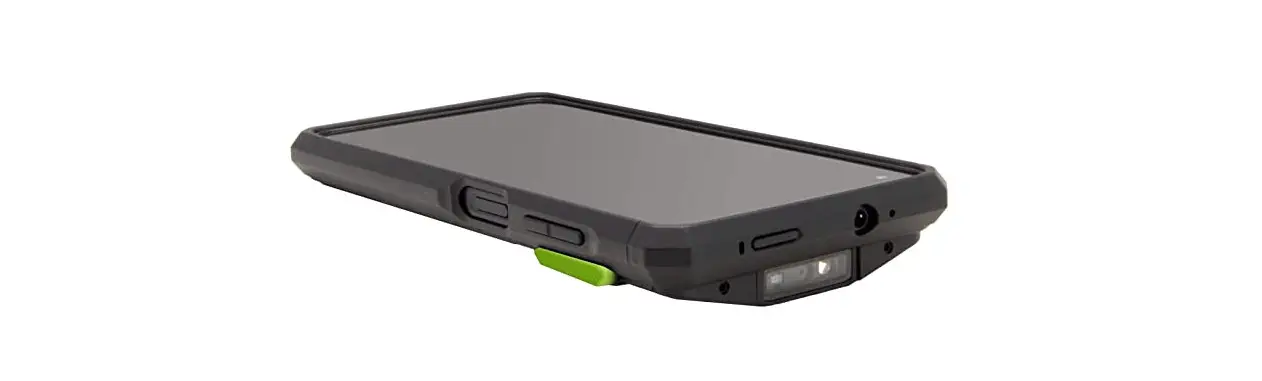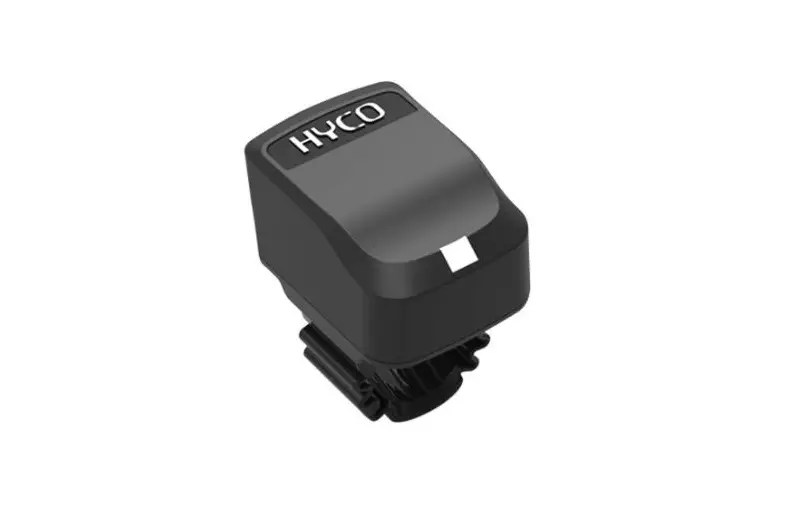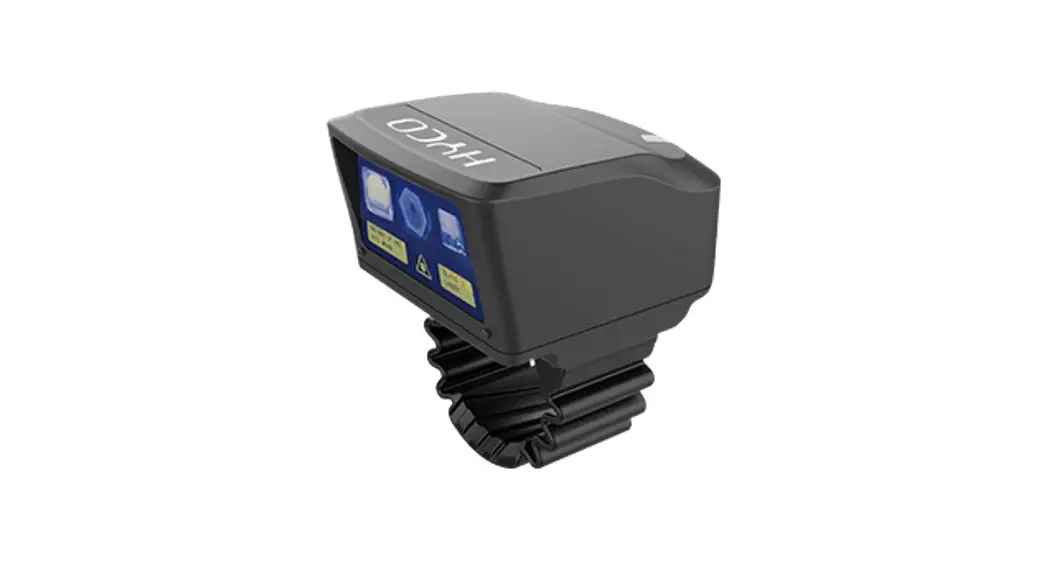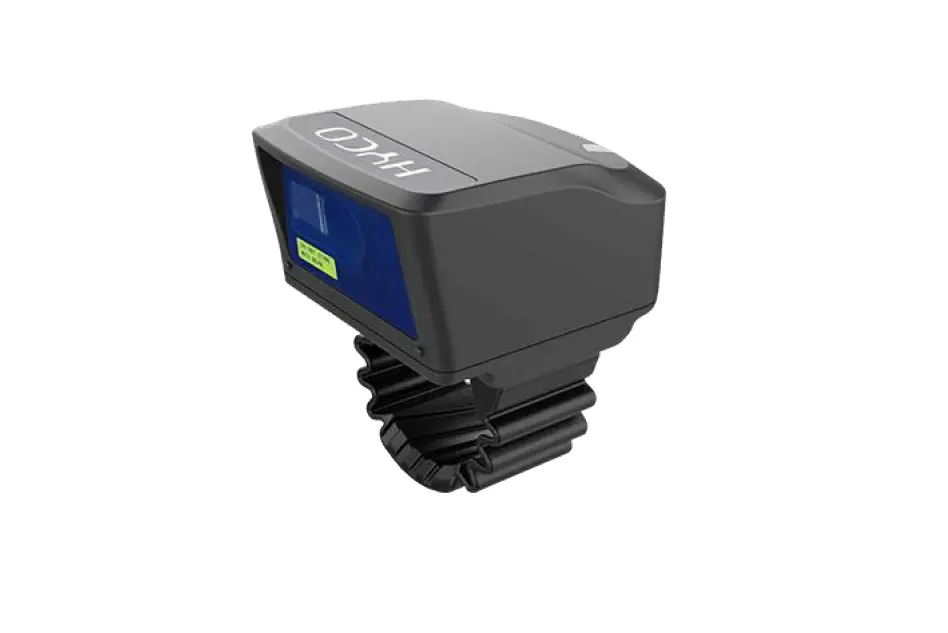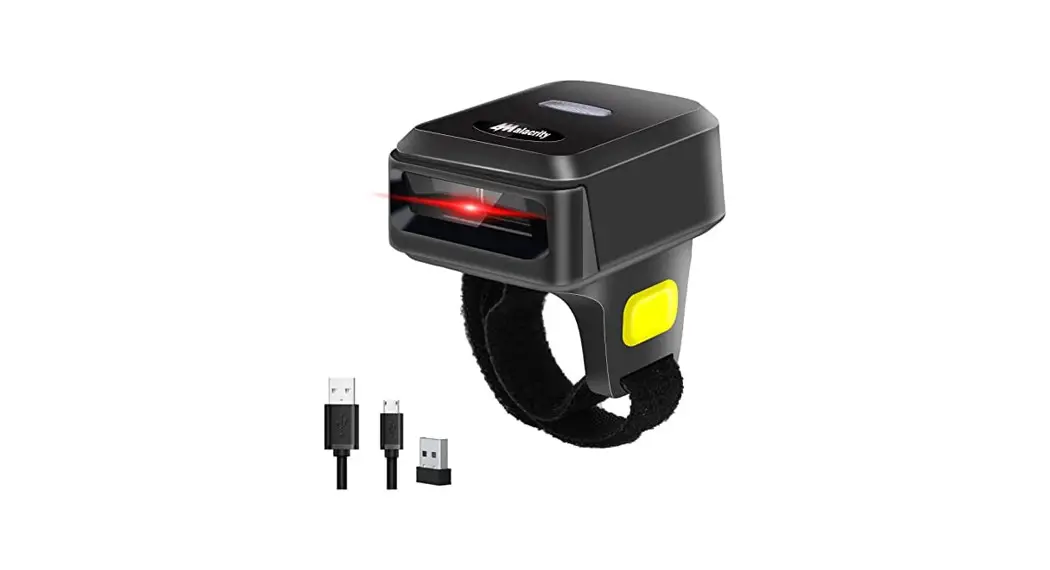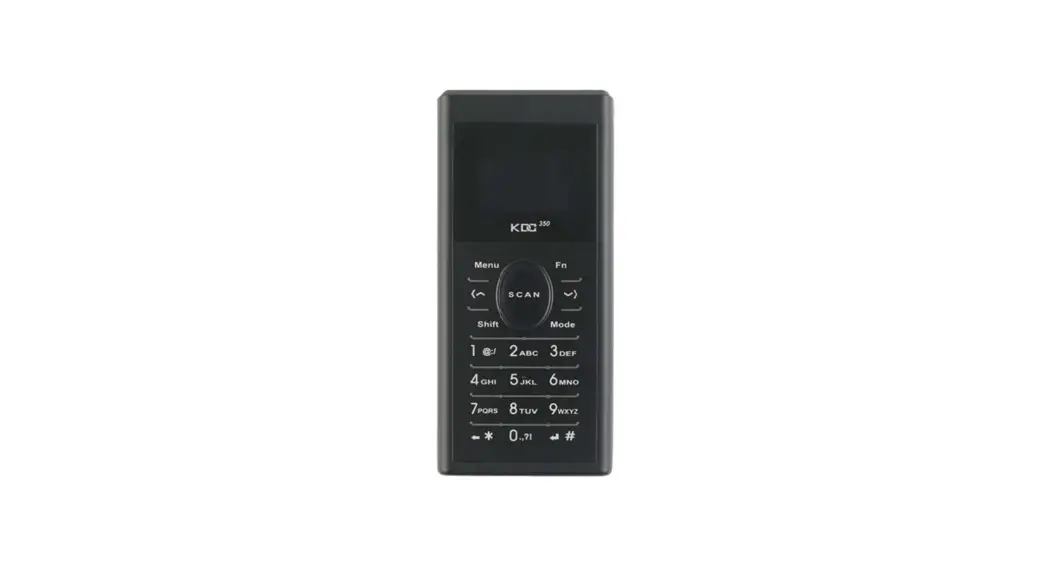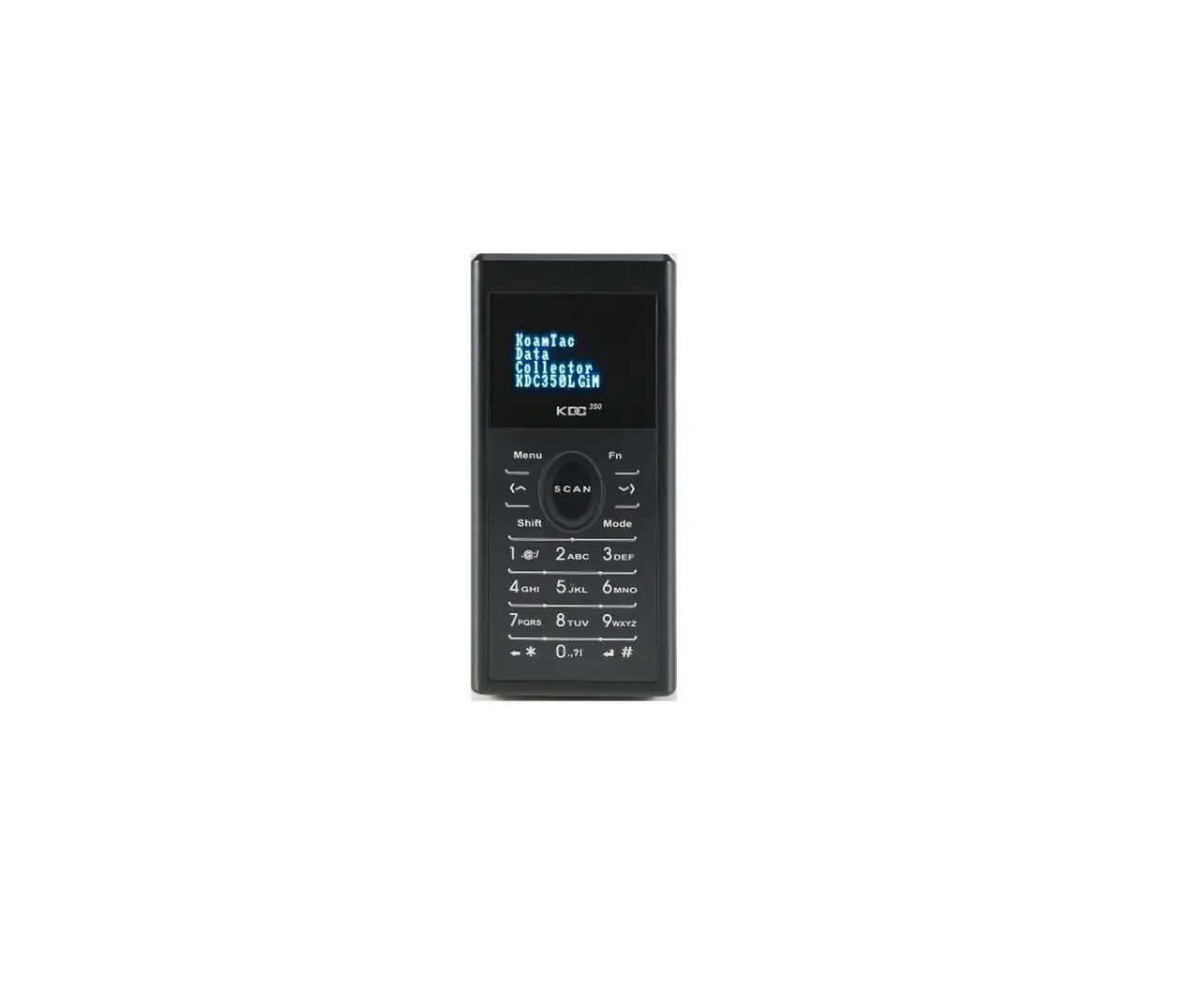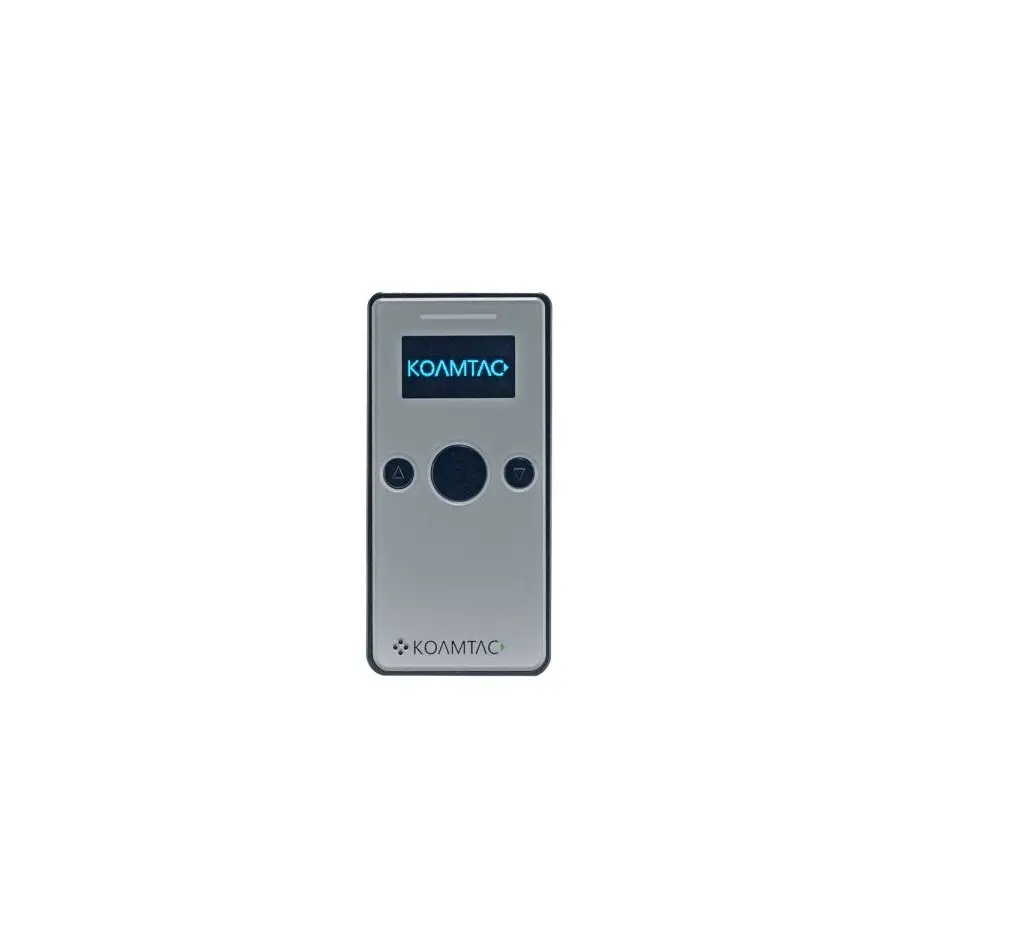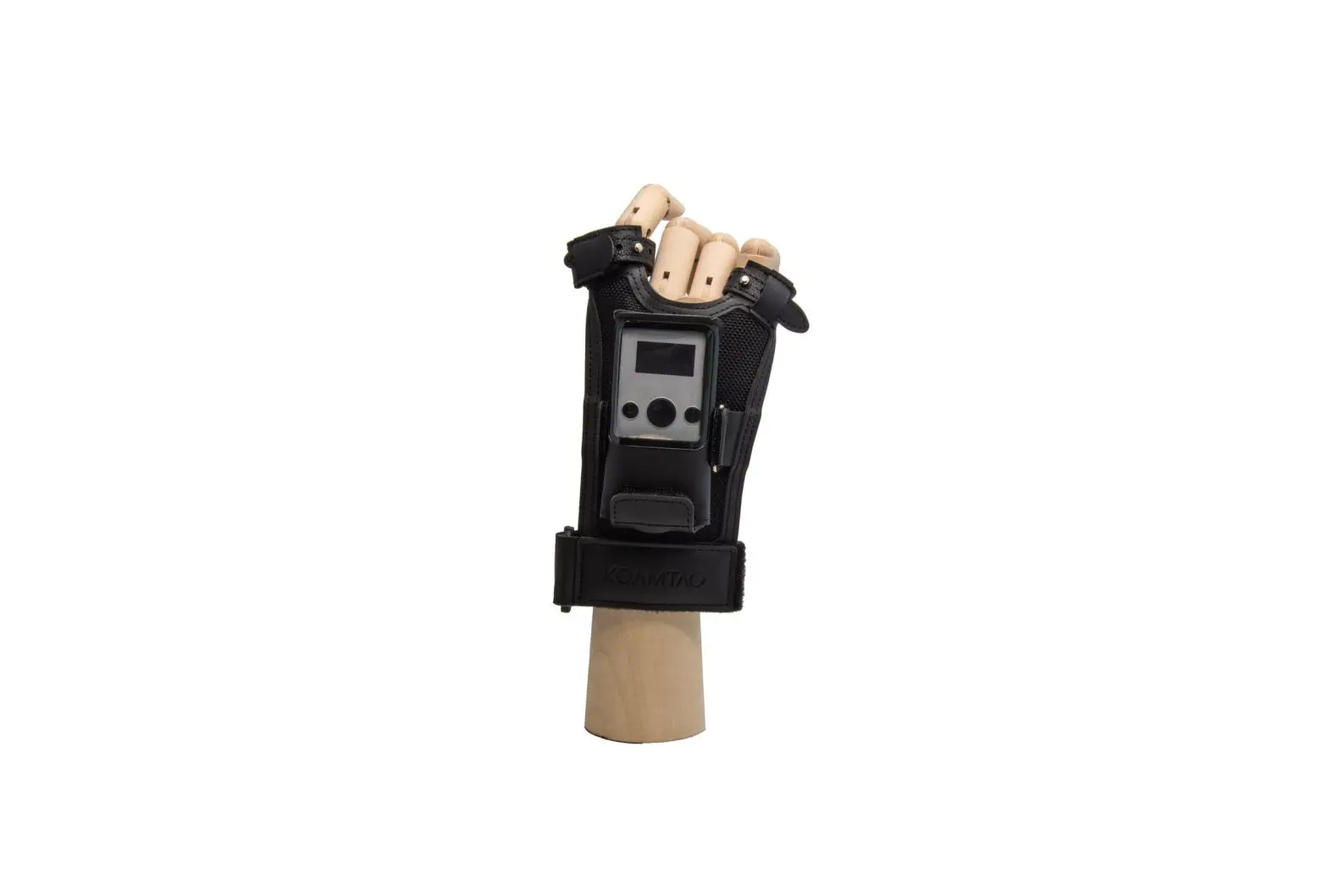
KOAMTAC KDC270 Ring Scanner Instruction Manual
What’s in the box?
- 1 KDC Ring Scanner

- 1 Large Finger Stabilizer

- 1 Small Finger Stabilizer

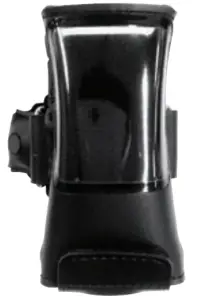


Additional KDC270 Accessories:
- Charging Cradle
- Protective Boots
- Finger Trigger Glove
Installation Instruction
- Open bottom flap and pull adaptor out of pocket being careful not to strain attached cable. (A,B)

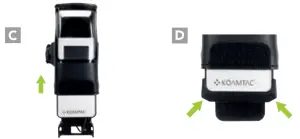
- Insert KDC270 into pocket and connect adaptor to bottom of scanner. (C,D)

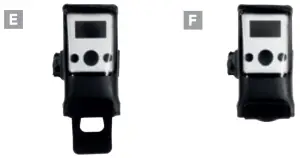
- Slide the KDC270, with adaptor attached, all the way into the pocket and close flap. (E,F)

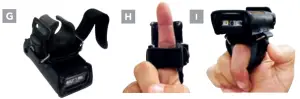
- If finger stabilizer is needed (typically when using scanner with 1 finger): open bottom strap and insert best-fitting stabilizer with broader side closest to scan button. (G, H, I)

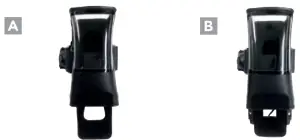
Removal Instruction
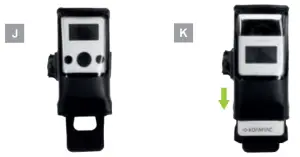
- Open flap and remove KDC270 half-way; any further may cause damage to the cable. (J,K).

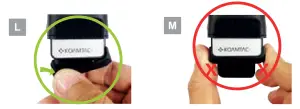
- Disconnect the adaptor from KDC270 one side at a time. Do not pull from both sides. (L,M)

Return adaptor to pocket and close flap for storage.
Customer Support
Address: 116 Village Blvd, Ste 305, Princeton,NJ 08540
Phone: +1 609-256-4700 NI
+1 609-228-4373
Email: [email protected]
Website: www.koamtac.com