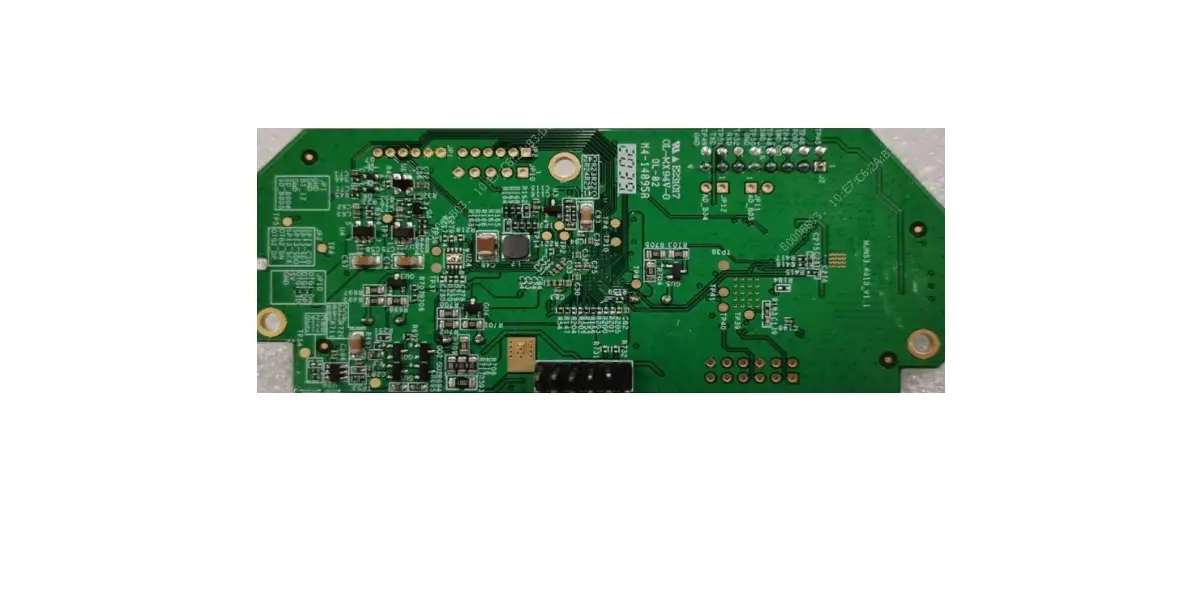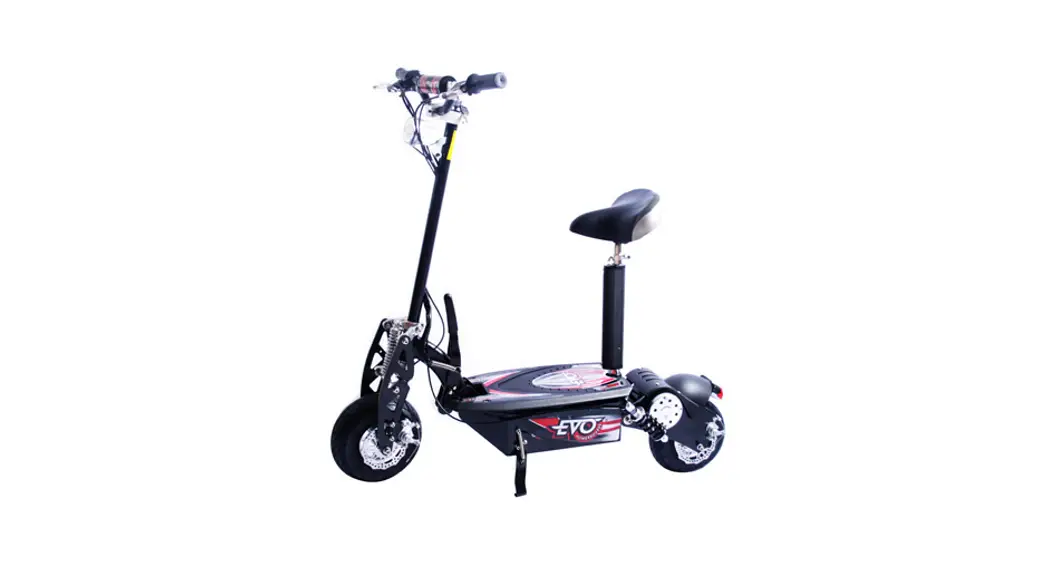
EB150 Meter User manual
GENERAL INFORMATION
Product Specifications
| Type | YB-EB 150 | ECU | EB 150 Controller |
| Standby Power | <336mW | Working Voltage | 5 V |
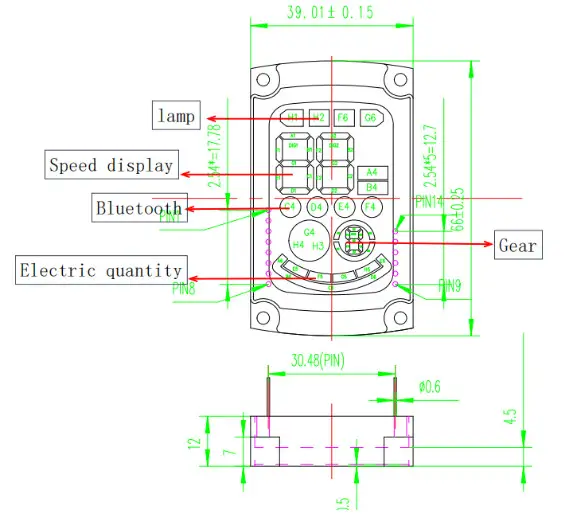
| Dimension | 66*39*22 (mm) | Working Temperature | -20t-70°C |
| Head Lamps | EB150B Head Lamp | Acceleration | Hall Acceleration |
| Brake | electronic brake | Hardware Version | V0.1 |
| Software Version | b9 04 20210811 | Waterproof | IPX5 |
Harness Interface
| Interface | Terminal Specification | |
| Headlamp | White 3-core SMfemale; red, blue, and black wire. | Meter |
| Brake | White 2-core male; red and black wire. | |
| Acceleration | White 3-core SMfemale; red, blue and black wire | |
| Communication | White 4-core SMfemale; red, green,blue, yellow and black wire | |
| Combination key | White 4-core SMfemale; red, blue,yellow, and black wire | |
| Boot keys | White 2-core male; red and black wire |
TECHNICAL PARAMETERS
BLEEParameters
| No | Item | Parameters |
| I | Antenna | Internal Only |
| 2 | Chipset | NRF52832-QFAA |
| 3 | Frequency | 2.4G: 2402MHz–2480MHz |
| 4 | Sensitivity | -90dB |
Other Parameter
| No | Item | Parameters |
| I | MCU | Core: NRF52832 Flash Memory: 512 kB Ram: 64 kB Frequency: |
| 2 | Timing Report | Report status at pre-set intervals |
| 3 | Audio Codec | Buzzer |
METER FUNCTION DESCRIPTION
Operation Function
| No | Function Item | Function Description |
| I | Headlight Control | Power on, atmosphere light on (after power on) Press the key of the lamp to turn on the high beam lamp. Press the button to see the lamp Guanbi |
| 2 | Speed Limit | The speed limit mode is sent by the APP via Bluetooth to the meter, and then the meter sets the controller. The speed is limited to under 32 km/h. |
| 3 | Acceleration | When the power is on, the assist sliding speed exceeds 4 km/h (2.5 mph). When the handle is pressed, the system will control the rotation of the hub according to the depth of the handle press. The lighter the press, the slower the speed, the faster the press, the faster the speed. The real-time speed is displayed in the fust three words of the meter. |
| Brake | The brake is an electronic brake + drum brake. When the brake is pressed, the system controls the output electromagnetic brake and slows down gradually until the hub is locked. | |
| 5 | Kick Start | The controller can drive the motor only when the speed of the kicking is above 4 km/h or 2.5mph. |
| 6 | Speed Unit Switching | The speed unit of kilometer or mile is controlled by app via Bluetooth. |
| 7 | Online upgrade | Controller firmware and instrument firmware can be upgraded through Bluetooth. |
| 8 | Bluetooth control command receiving | It can receive instructions sent by mobile phone/upper computer via Bluetooth, analyze them, and perform corresponding actions, such as turning on and of vehicle locks and headlights |
| 9 | Issue of control instruction | Relevant control instructions are sent through the UART channel to control the relevant actions of the controller. |
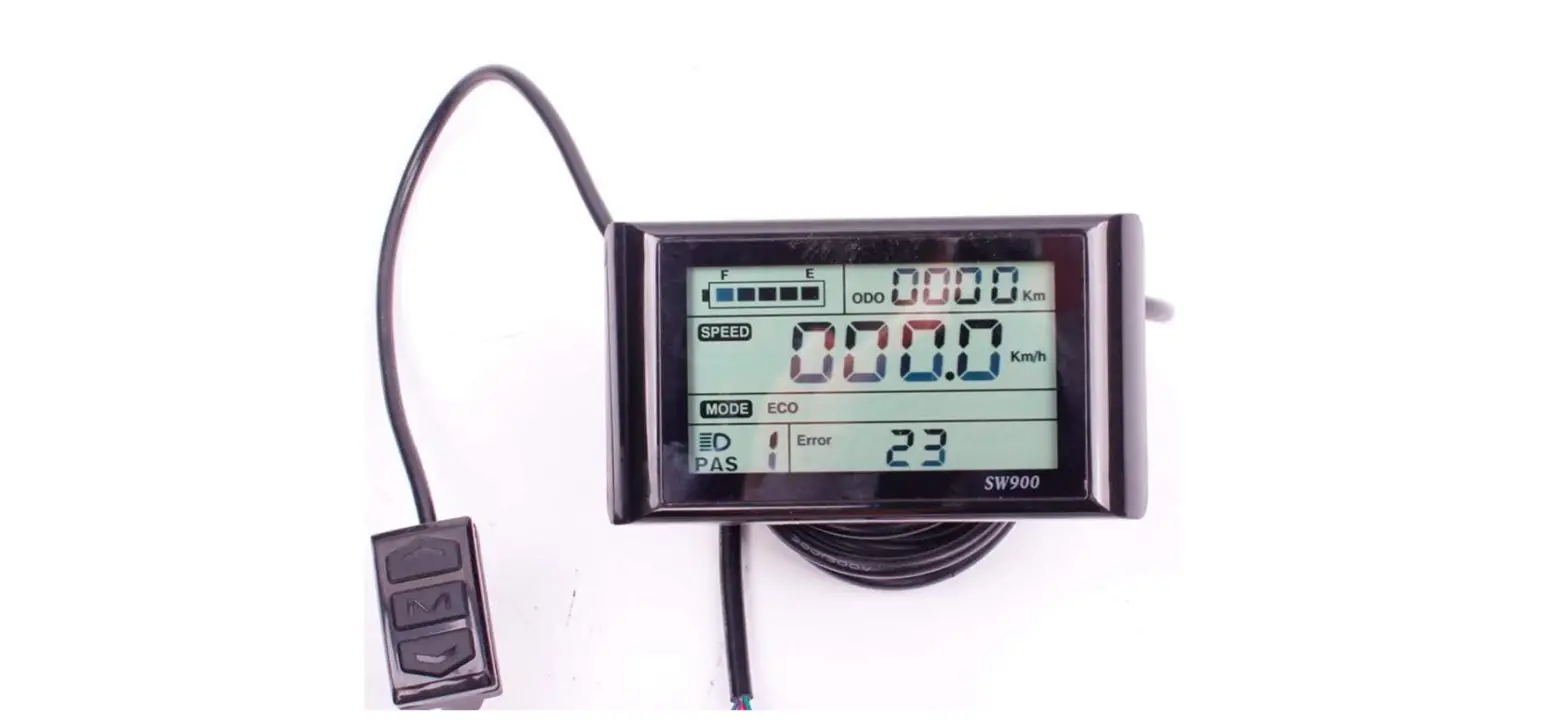
| 10 | Error Code Showing and reporting | The meter can display error code reported by its own judgment and controller, and report to the upward computer/APP via Bluetooth timing. |
| 11 | Timely reporting of real-time vehicle information | The instrument reports the real-time status information of the body, such as current speed, VMT, total VMT, etc., through Bluetooth timing up-position machine/APP |
| 12 | Vehicle configuration information report | After receiving the instruction to read the vehicle configuration information via Bluetooth, the instrument will report the vehicle configuration information via Bluetooth upward machine/APP. |
| 13 | Switch to start mode | Switch the scooter to power-assisted or non-power-assisted startup mode through Bluetooth command configuration; |
| 14 | E level implementation mode | When the speed is greater than 4km, the motor can be started. The maximum speed is 5km. It can only be started with help, not without help, and the meter flashes at the same time. |
| 15 | On/off cruise mode | Configure the scooter to turn on or off the constant speed cruise mode by Bluetooth command. |
| 16 | Switch to lock car mode | Configure the scooter to open or close the lock mode through Bluetooth command. |
Error reporting Function
| Error Code | Error Item | Reasons |
| OIE | Over-current protection | The current exceeds the limit. |
| 02E | low-voltage protection | battery voltage lower than 43V |
| 03E | Short circuit of motor phase line | Short circuit of motor phase line when unlocking |
| 04E | Motor block protection | Motor blocked or short circuit or drive failure |
| 05E | Drive upper bridge failure | Drive upper bridge MOS tube damaged 01 breakdown |
| 06E | Drive down bridge failure | Drive down bridge MOS tube damaged 01 breakdown |
| 07E | Hall problem for the motor | Hall line sequence is wrong or poorly connected |
| 08E | The high temperature of the motor | Motor temperature higher than the normal working temperature |
| 09E | Throttle problem | Hall problem for the throttle or poorly connected |
| 10E | Len rake problem | brake problem or poorly connected |
| 11E | communication failure between the instrument and electronic controller electronic controller | instrument problem or poorly connector for the communication signal wire signal wire |
| 12E | The instrument received data timeout failure | instrument problem or poorly connector for the communication wire |
| 14E | Right rake problem | I fall problem for the throttle or poorly connected |
| ISE | Controller firmware missing | Instrument and controller communication failed or were unable to communicate |
| 18E | Turn and turn back | Do not turn back on the startup |
| 19E | Len brake handle not in a position | The left brake handle is not in position on the boot |
| 20E | The right brake handle not in a position | The right brake is not in position when starting up |
Display Function
Powerbutton:
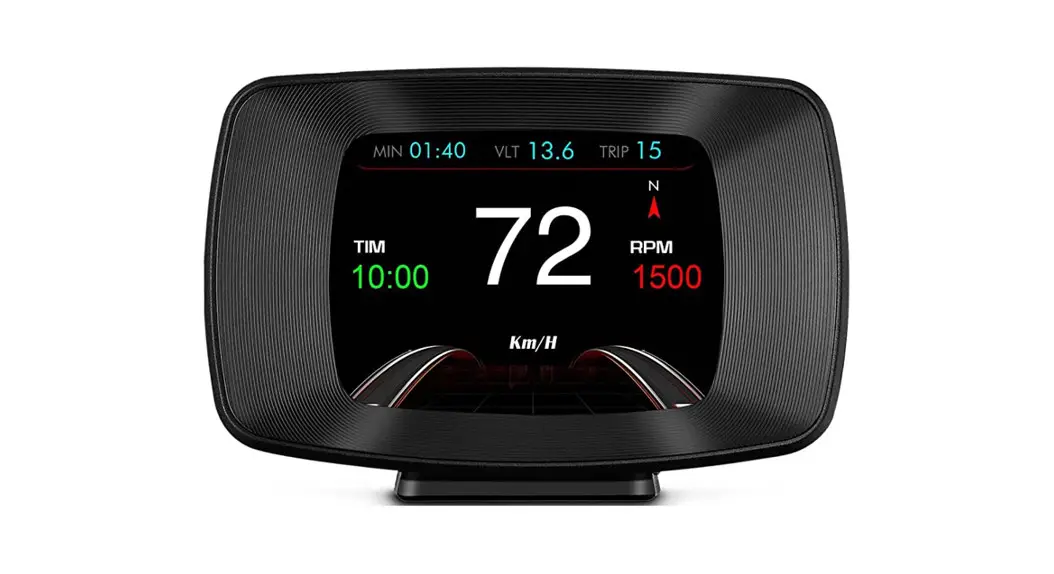
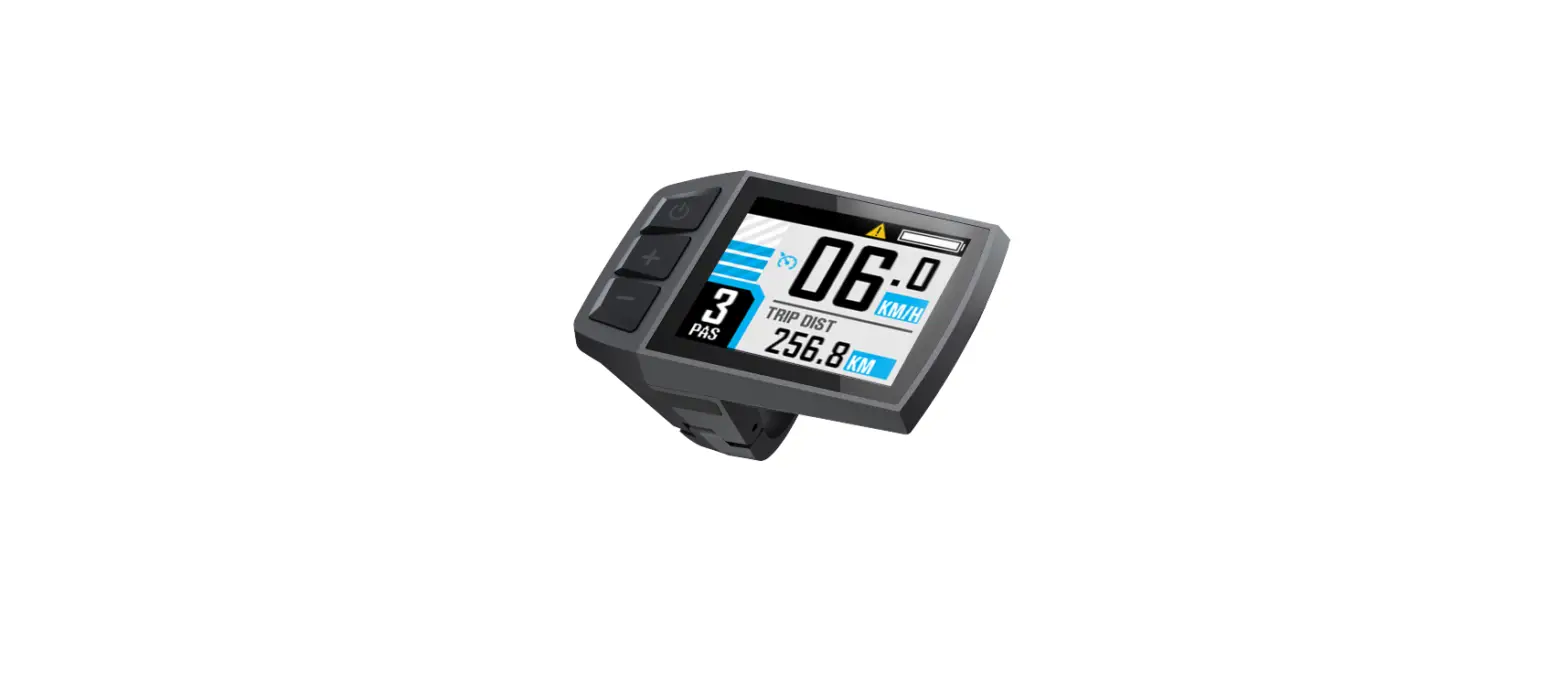
Short press to turn on, long press for around 3s to turn off. Short press twice to switch among E level (pedestrian mode)/ L level (economical mode)/ H level (Sport mode) when power on. E level is the pedestrian mode, the maximum speed is limited to 5 km/h, which is suitable for sidewalk implementation. L level is the economical mode, and the maximum speed is limited to 15 km/h. H level is sports mode, and the maximum speed is limited to 25 km/h. When the driving speed is faster than 32 km/h, the meter will flash to alter the user to reduce speed.
FCC Statement
Any changes or modifications not expressly approved by the party responsible for compliance could void the user’s authority to operate the equipment.
This device complies with part 15 of the FCC Rules. Operation is subject to the following two conditions: (1) This device may not cause harmful interference, and (2) This device must accept any interference received, including interference that may cause undesired operation.
FCC Radiation Exposure Statement:
This equipment complies with FCC radiation exposure limits set forth for an uncontrolled environment. This equipment should be installed and operated with a minimum distance 20cm between the radiator and your body.
Note: This equipment has been tested and found to comply with the limits for a Class B digital device, pursuant to part 15 of the FCC Rules. These limits are designed to provide reasonable protection against harmful interference in a residential installation. This equipment generates, uses and can radiate radio frequency energy and, if not installed and used in accordance with the instructions, may cause harmful interference to radio communications. However, there is no guarantee that interference will not occur in a particular installation. If this equipment does cause harmful interference to radio or television reception, which can be determined by turning the equipment off and on, the user is encouraged to try to correct the interference by one or more of the following measures:
–Reorient or relocate the receiving antenna.
–Increase the separation between the equipment and receiver.
–Connect the equipment into an outlet on a circuit different from that to which the receiver is connected.
–Consult the dealer or an experienced radio/TV technician for help.