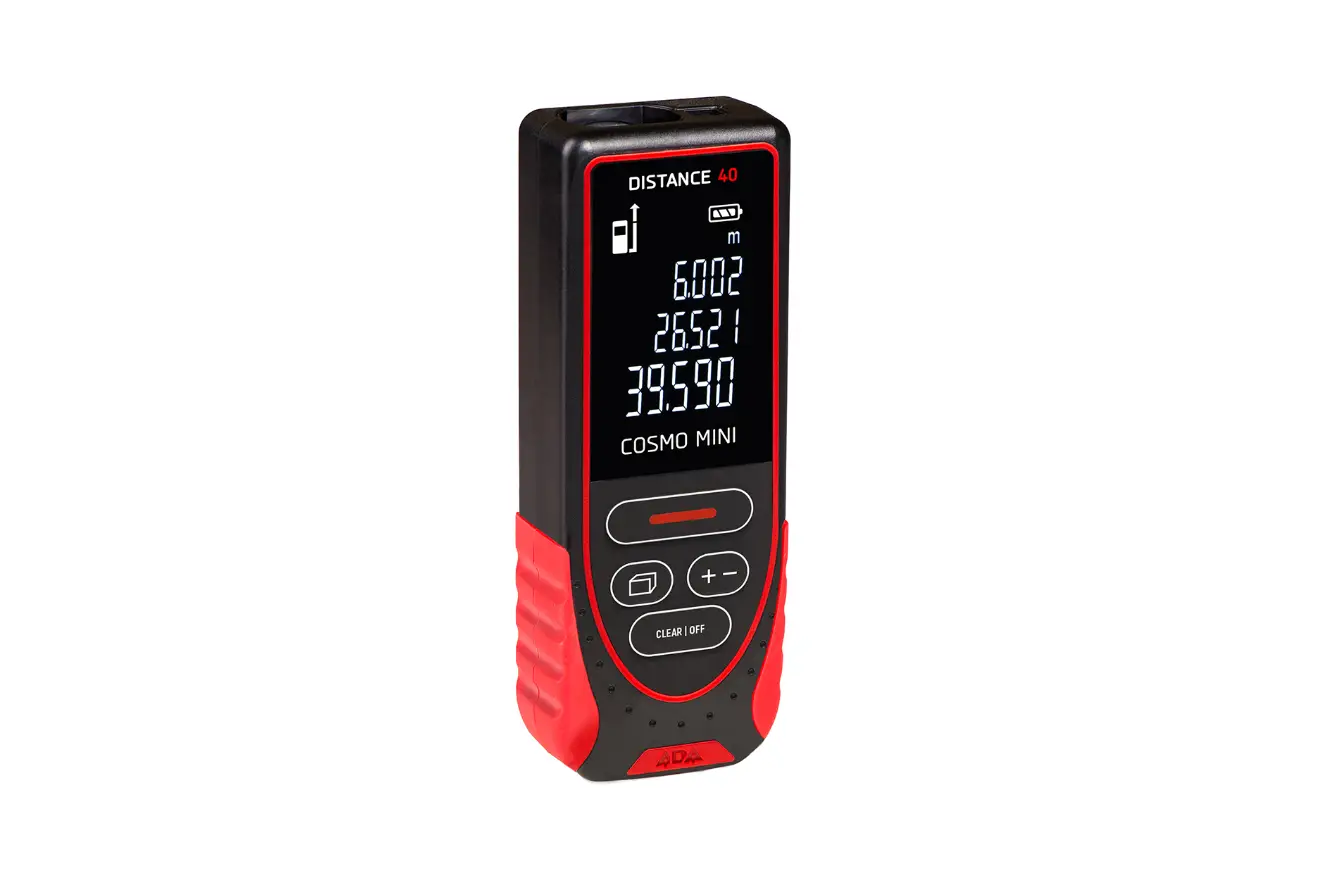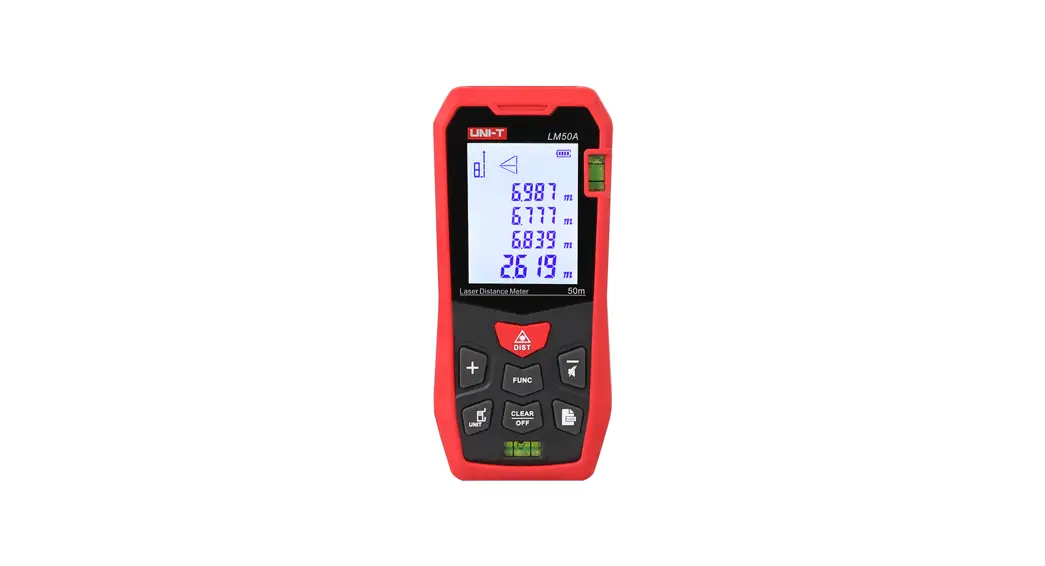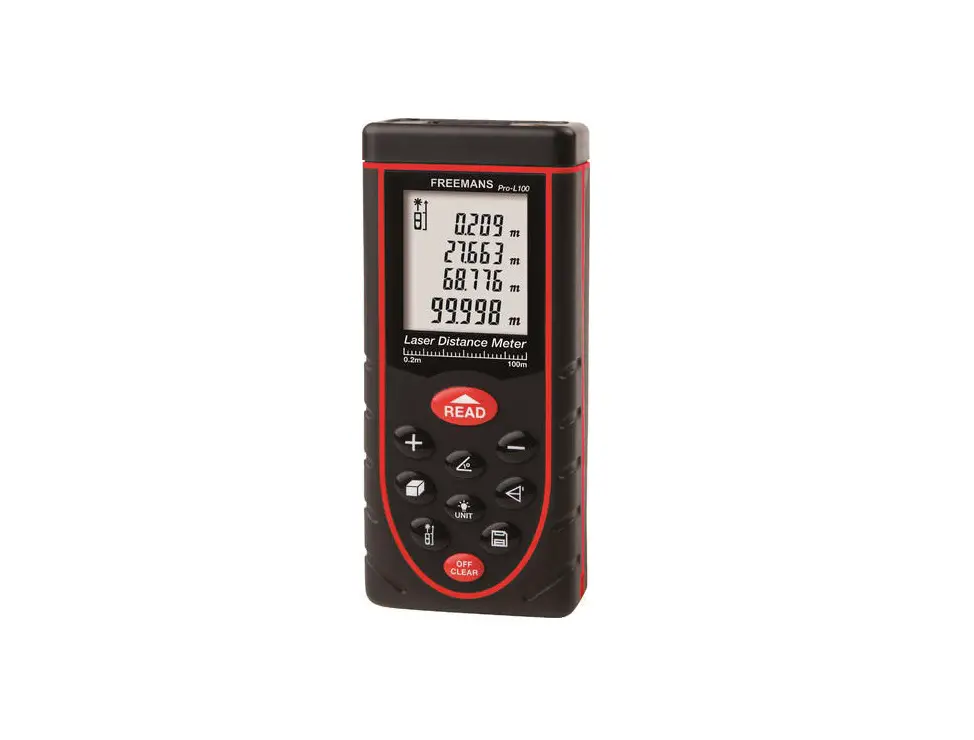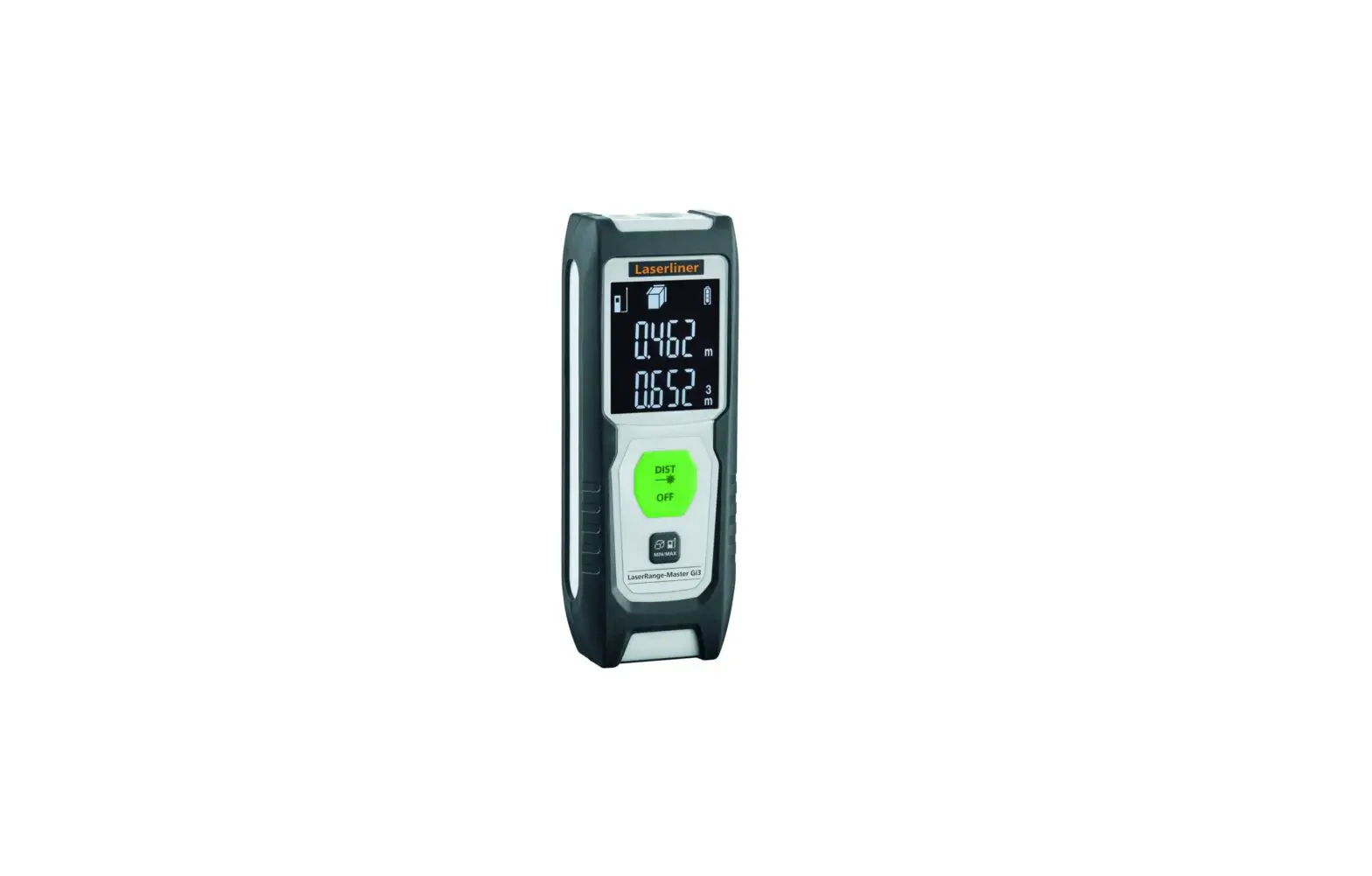

Please read the complete instructions including safety precautions before attempting any testing.
 The Instrument is not allowed to be disassembled or repaired on anyways. It is forbidden to do any illegal modification or performance change for laser emitters. Please keep it out of reach of children and avoid use by any irrelevant personnel.
It is strictly prohibited to shoot eyes or other parts of the body with the laser; it is not allowed to take the laser to shoot any objects’ surface with strong reflecting.
Due to electromagnetic radiation interference to other equipment and devices, please don’t use the meter in the plane or around medical equipment. don’t use it in inflammable, explosive environments.
Discarded batteries or meter devices shall not process just like household garbage, please handle them in line with related laws and regulations.
Any quality issues or any questions on the meter, please contact local distributors or manufacturers in time, we are ready to offer solutions for you.
Overview
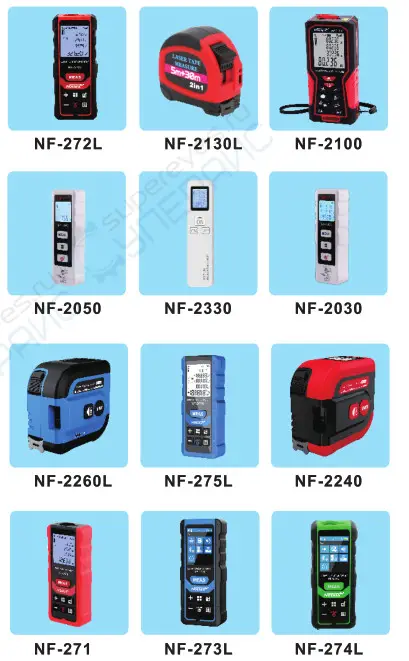
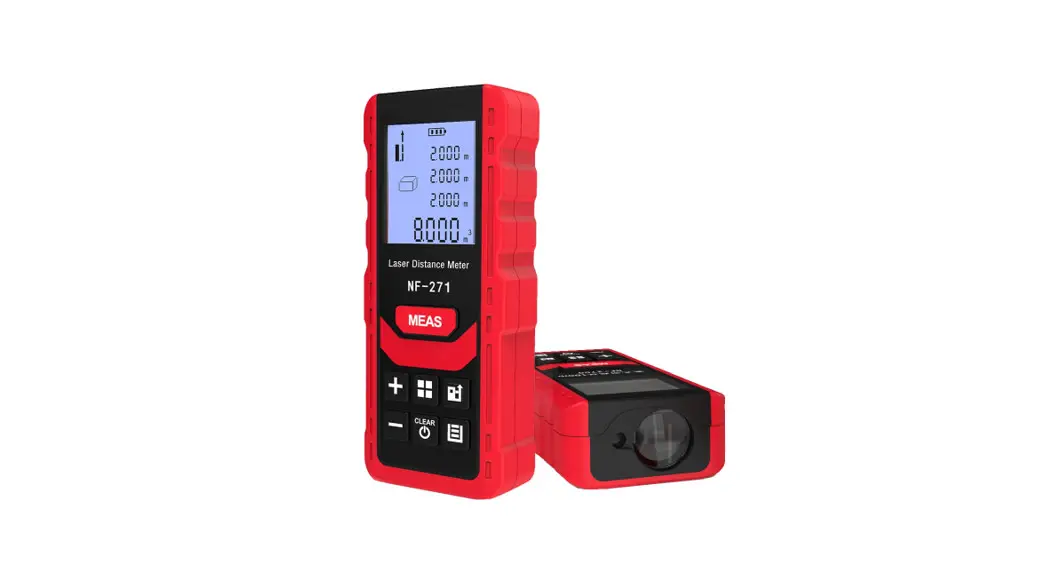
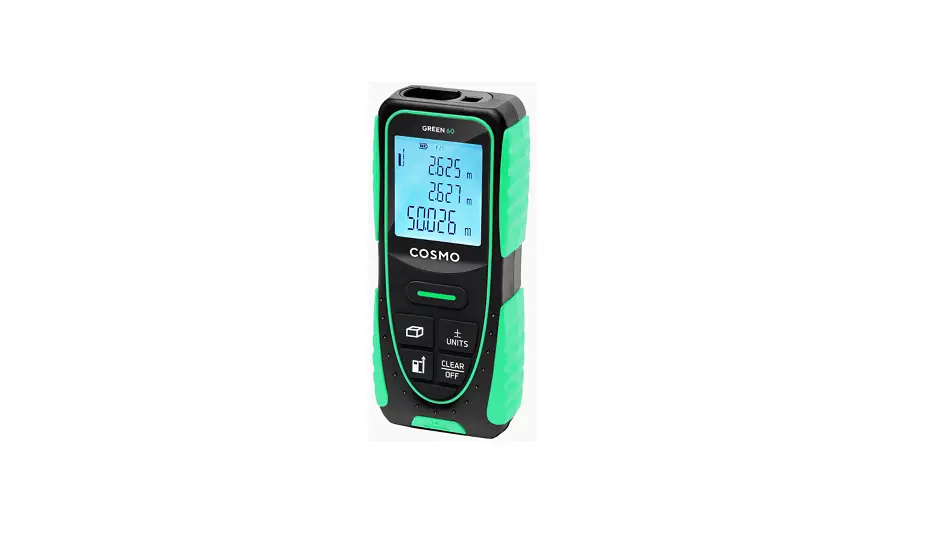
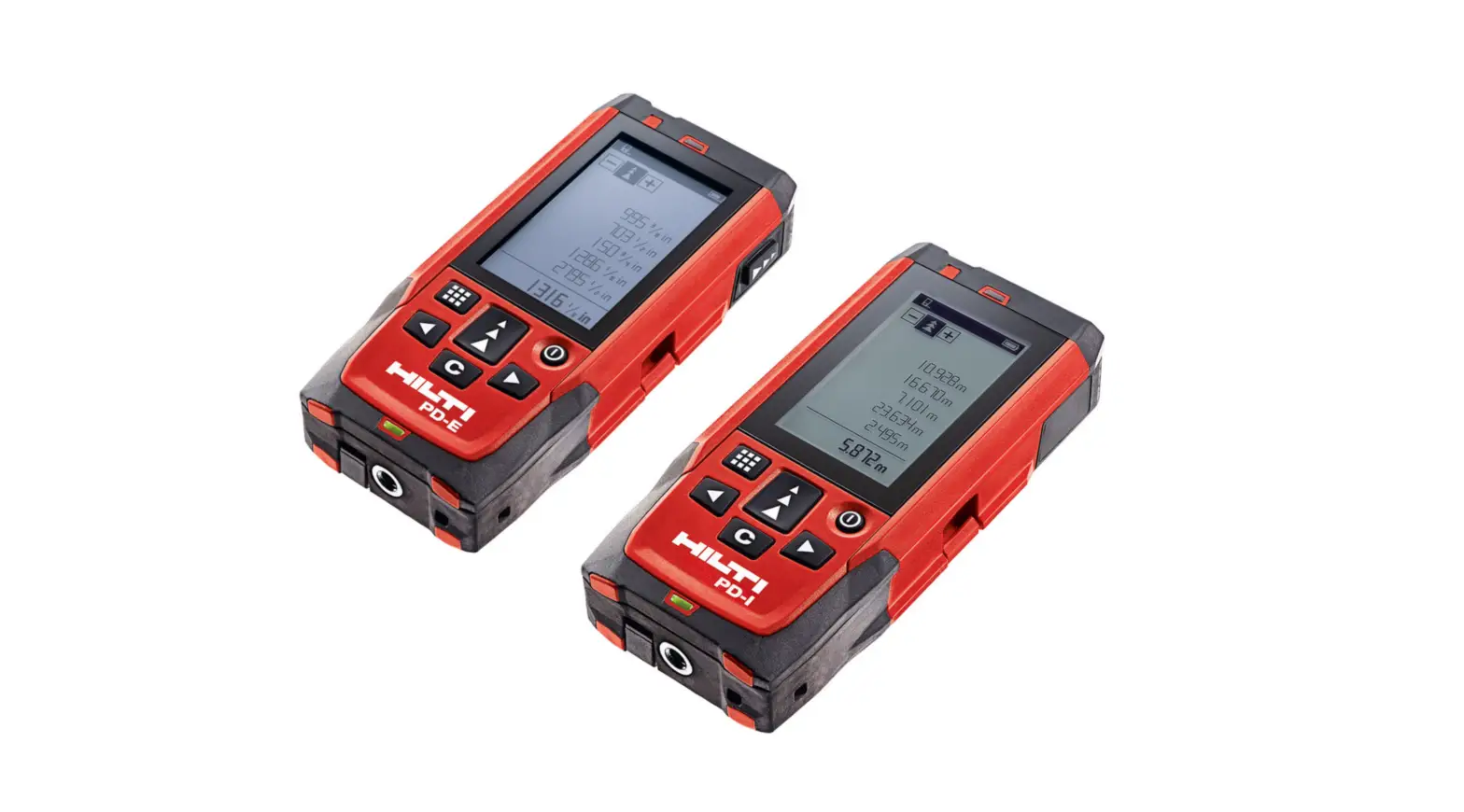
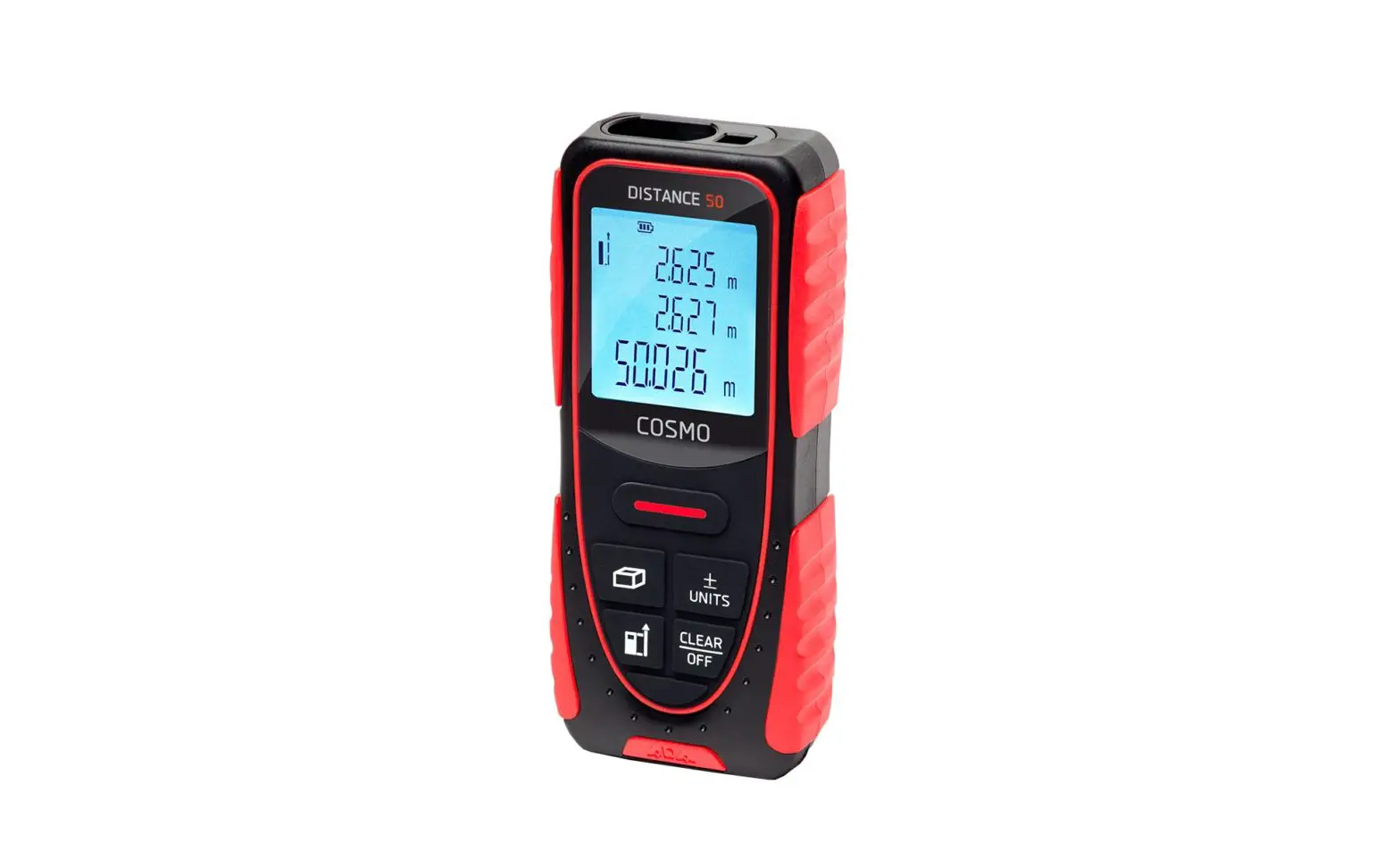
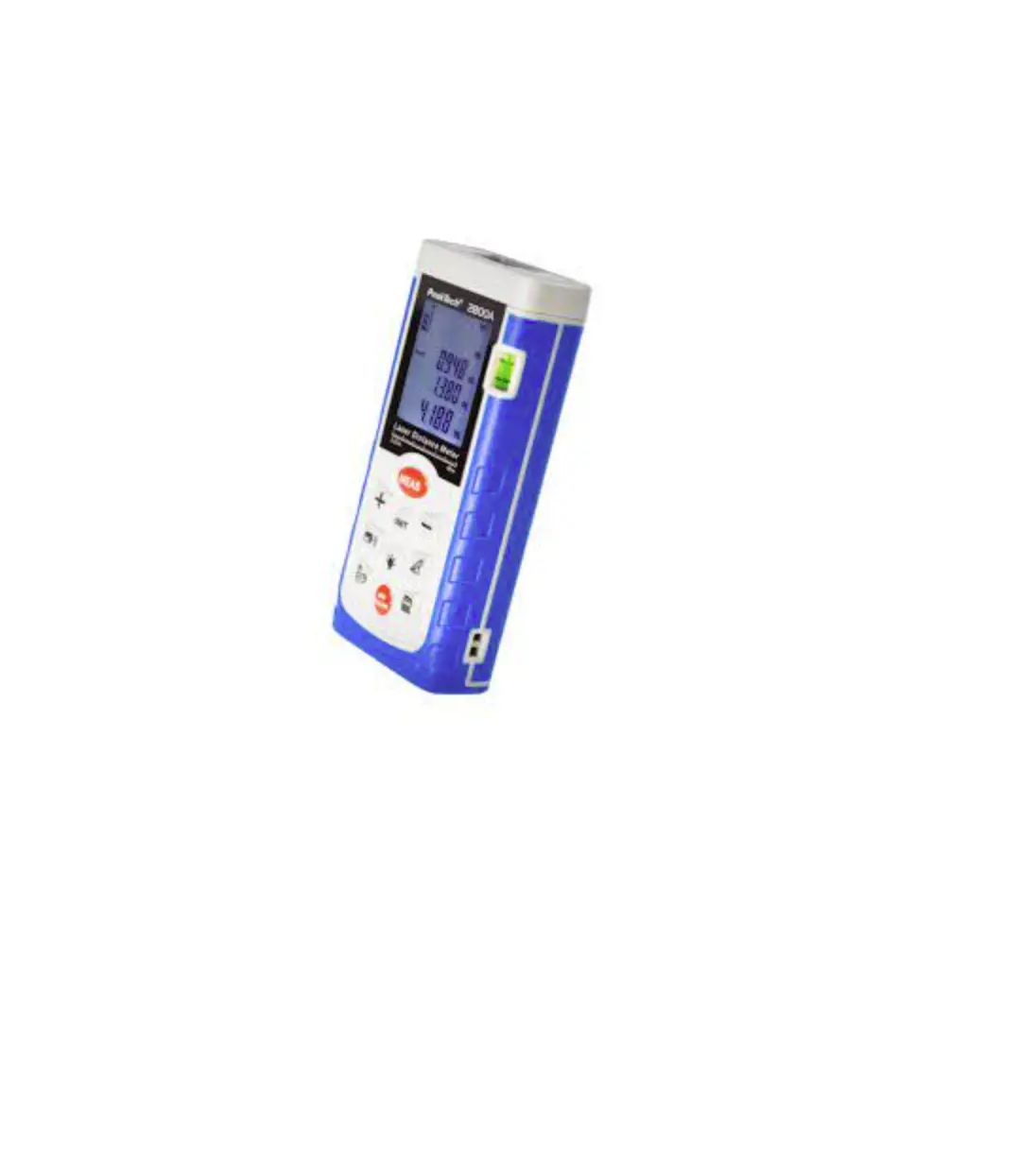
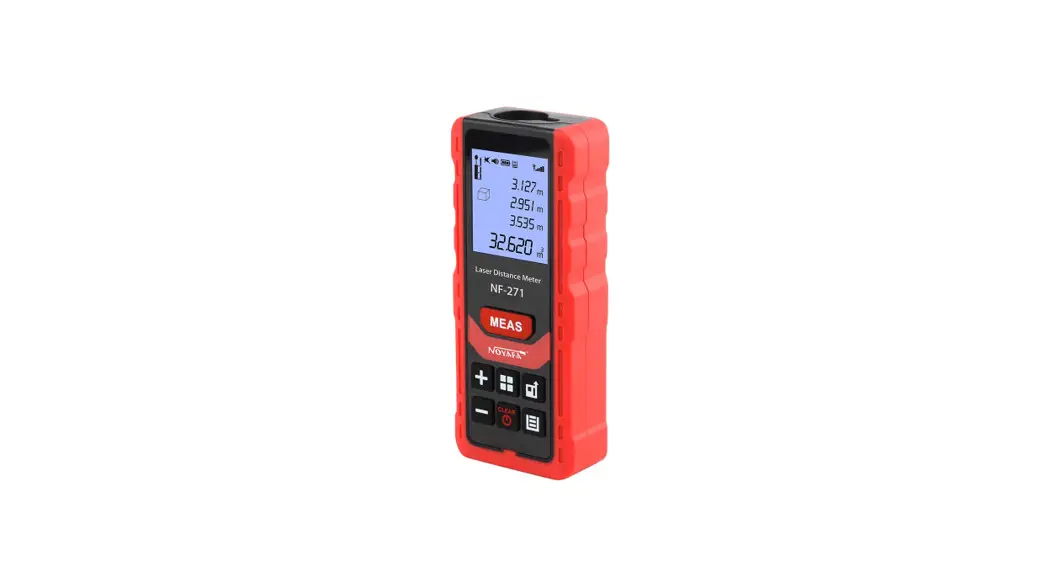
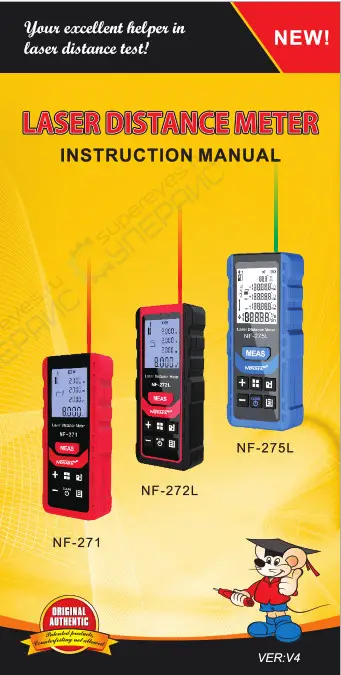
NF-271 applied in indoor decoration and design with red laser;
NF-272L also used indoor and with red laser;
NF-275L can use indoor & outdoor and with a Green laser.
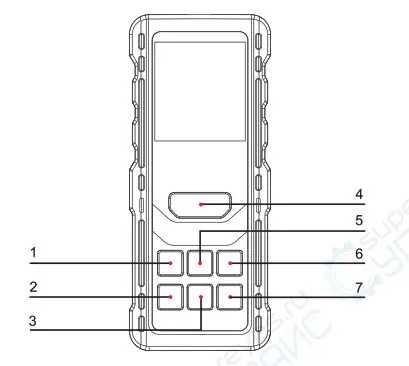
| 1 | Add | 2 | Subtract |
| 3 | Power & Clear | 4 | Measure |
| 5 | Menu | 6 | Benchmark & Unit switch |
| 7 | Record query & setting |
Display instruction
Display instruction for NF-2711272L
| 1 | Battery condition | 7 | Setting |
| 2 | Beep | 8 | Display |
| 3 | Buzzer (271) | 9 | Data storage |
| Voice broadcast (272L) | 10 | Data storage number (271) | |
| 4 | Laser function opener | Degree (272L) | |
| 5 | Benchmark point | 11 | Signal |
| 6 | Area/volume/ Pythagorean | 12 | Auxiliary indicator |
| 13 | Unit |
Display instruction for NF-275L
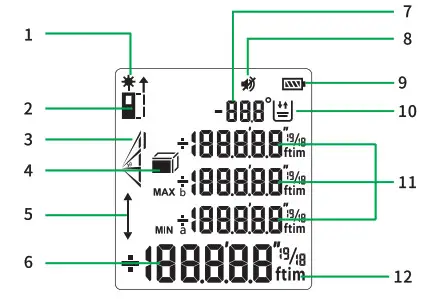
| 1 | Laser on symbol |
| 2 | Benchmark point |
| 3 | Pythagorean test |
| 4 | Area Volume test |
| 5 | Setting |
| 6 | Main Display |
| 7 | Data storage/angle display |
| 8 | Voice broadcast button |
| 9 | Power display |
| 10 | Data storage display |
| 11 | Auxiliary indicator |
| 12 | Unit |
Product features
Operation instructions
Tum on & off
Long press  to turn on
Long press to turn off.
Single measurement
Pressure turn on the laser and Press again, the result will display on the screen.
Continuous measurement
Long press 2s to go in, the MAX & MIN will show. Pressor to quit. Besides, it will stop if no operation after 3mins.
Area measurement
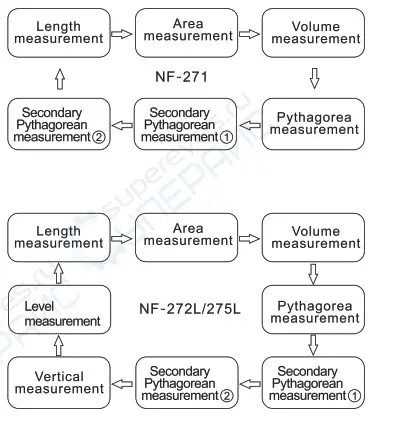
Press  to go in when the testing mode is in Single measurement and Press to get the length & width, then it will work out the area on the screen.
Volume measurement
Press to go in when the testing mode in Area measurement, and Press to get the length & width & height values, then it will work out the volume on the screen.
Pythagorean measurement
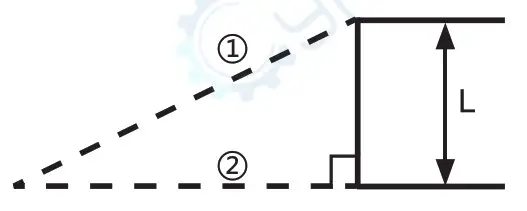
Press to go in when the testing mode in Volume measurement, then press to get the 0 & 0 values, it will work out the height “L” on the screen.
Secondary Pythagorean measurement “
Pressto go in when the testing mode in Pythagorean measurement, then press to get the ® & 0 & 0 values, it will work out the height “L” on the screen.
Secondary Pythagorean measurement “ “
Press to go in when the testing mode in Pythagorean measurement, then press to get the 1 & 2 & 3 values, it will work out the height “L” on the screen.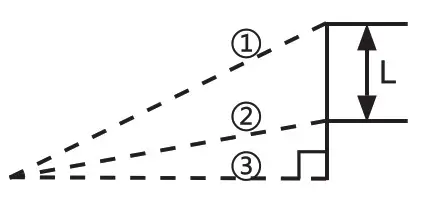
Level measurement (Except NE-271)
Pres to go in when the testing mode in Pythagorean measurement 2, then press to get the 1, it will automatically calculate the angle degree between the hypotenuse and the horizontal edge, vertical Length “H” and horizontal length “L”.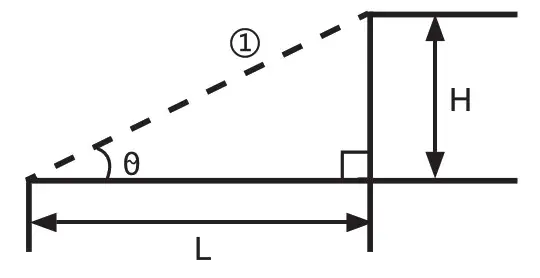
Vertical measurement (Except NF-271)
Pres to go in when the testing mode in Level measurement, then press to go in, then press to get the 1 & 2 lengths, it will work out the degree “0” and length “L”.
Addition & subtraction measurement
Under the Single, Area, Volume measurement mode, press to get a result “A”, then press “(+)” or ” (-)”, press again to get another result “B”, then it will automatically calculate the value (“A+B “or “A-B”).
Unit switching
Long press  2s to switch the unit, optional from (0.000m—)0.00m—0.00ft—) 0’00″%—0.0in-00%in)
Benchmark switching
Press to go in, you can set the benchmark to measure from the front side 1, or from the end side 2.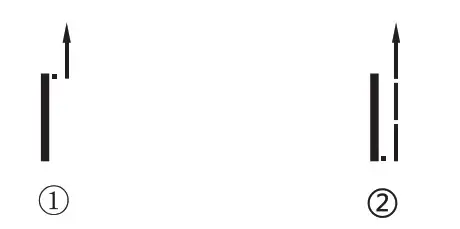
Unit switching
Press  to go in, you can query the data measured before. Then press or to quit.
Setting
Press” ” 2s to go in, the flashing arrow on the screen indicates that the Buzzer/Voice broadcast switch setting has been entered. By press +or – to adjust the Off/On. Then press to go voice calibration setting, by pressing + or -adjust the parameters. Pressto quit.
Specification
| Model | NF-271 | NF-272L | NF-275L |
| Range | 40/50/70m | 60/80100m | 60/100m |
| Accuracy | +/-1.5 mm | ||
| LCD screen | FSNT with backlight | ||
| Wavelength & Output | 620-680nm. <1mw 1500-530nm | ||
| Working temperature | 0-40°C | ||
| Storage temperature | -20-60°C | ||
| Laser Level | II | IIIa | |
| Auto-off | 2minutes | ||
| Protection level | IP54 | ||
| Power | AAA | 750mAh Lithium battery | |
| Voice broadcast | X | ./ | √ |
| Degree measurement | X | √ | √ |
| Level measurement | X | √ | √ |
| Unit switching | m/ft/in/ft+in | ||
| Benchmark switching | √ | √ | √ |
| Single measurement | √ | √ | √ |
| Continuous measurement | √ | √ | √ |
| Area measurement | √ | √ | √ |
| Volume measurement | √ | √ | √ |
| Pythagorean measurement | √ | √ | √ |
| Vertical measurement | X | √ | √ |
| Addition & subtraction measurement | X | √ | √ |
| Data storage | 50 sets | 99 sets | |
| Size | 119’50’26mm | ||
| Weight | 100g | ||
Packing List
| 1 | Packing List | 1 pcs |
| 2 | Carry bag | 1 pcs |
| 3 | USB cable ( NF-272L / NF-275L ) | 1pcs |
| 4 | Reflector board ( only over 80m have ) | 1 pes |
| 5 | Manual | 1pcs |
| 6 | Qualification certification | 1 pcs |
Error reasons and solutions
| Code | Reason | Solution |
| 203 | High or low temperature | Measure at the required temperature range |
| 220 | Low battery | Replace new battery |
| 254 | Wrong calculate | Measure again in correct operation |
| 255 | Weak signal | Test strong reflection ability of target |
| 256 | Strong signal | Don’t measure under strong light |
| 257 | Out of measure range | Measure within the range |
| 300 | Hardware error | Restart, or contact dealer it happens again |
Overview–Laser distance meters