
Visionect Wall Mount 13-in Devices Instructions

Visionect Wall Mount 13-in Devices Instructions

VISIONECT-logo

VISIONECT Wall Mount 13-In Devices
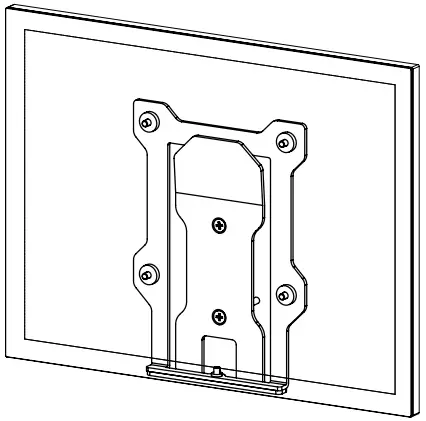
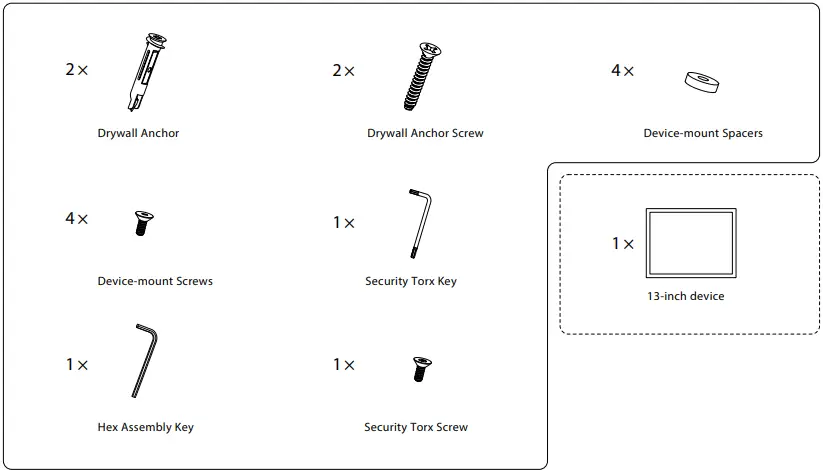
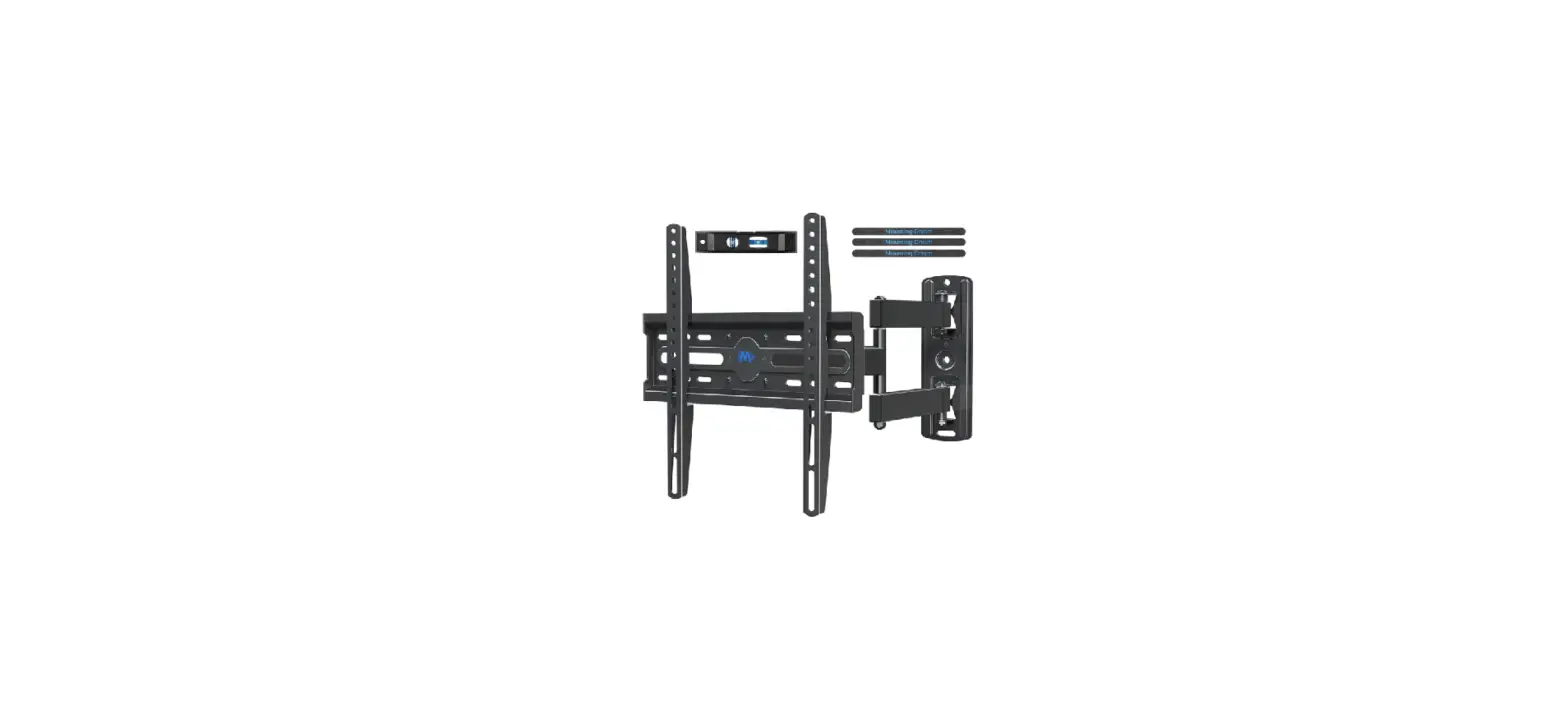
VISIONECT Wall Mount 13-In Devices-fig1

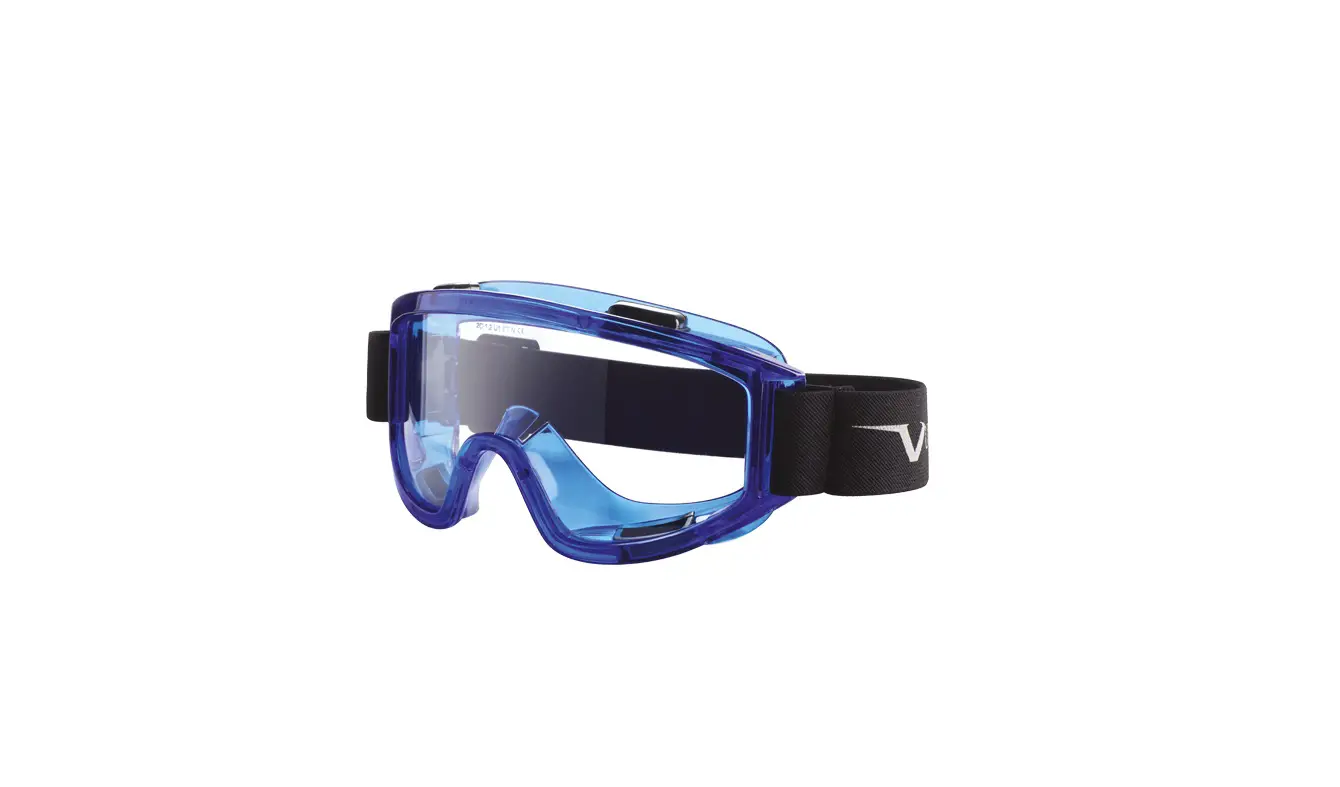
TOOLS

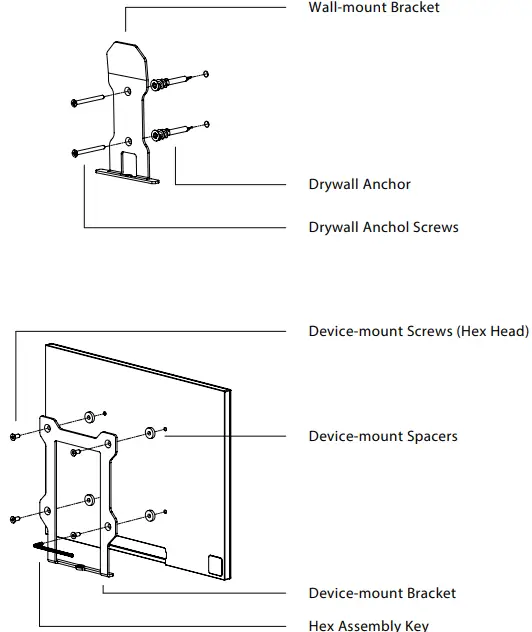
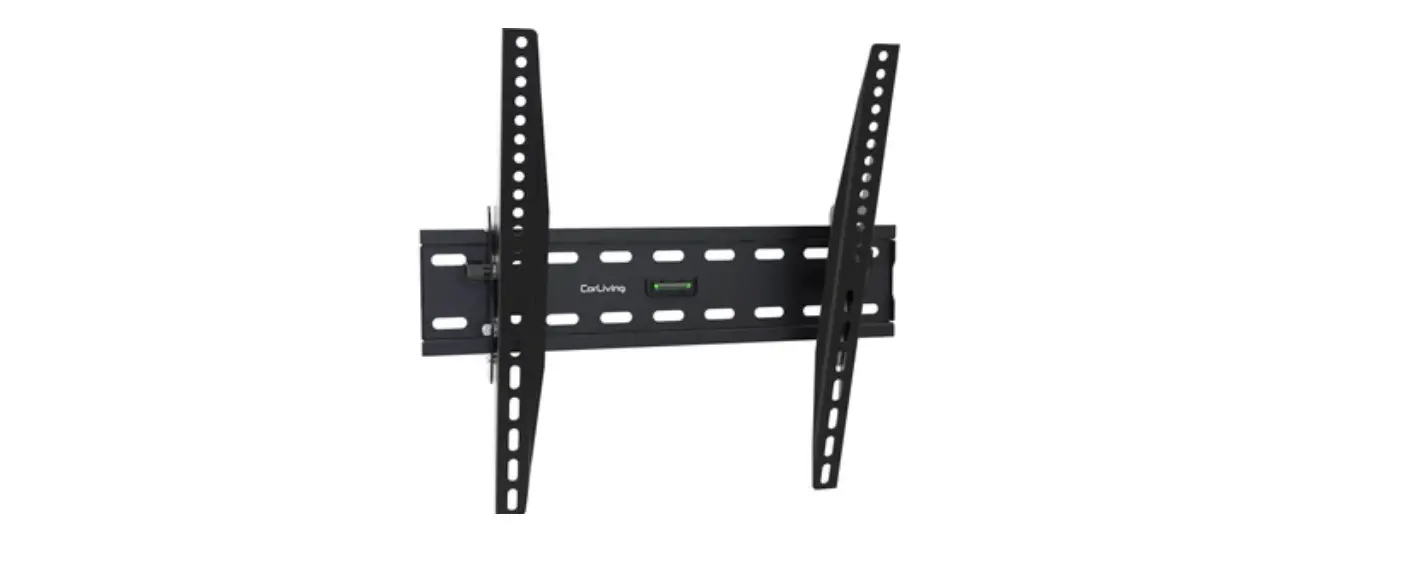
VISIONECT Wall Mount 13-In Devices-fig2

Mounting To Drywall

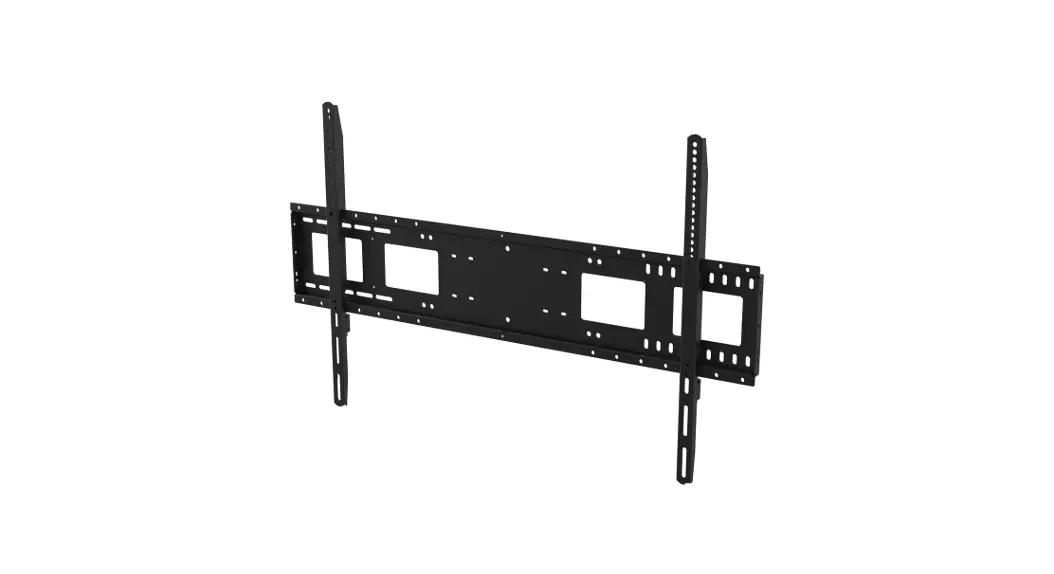
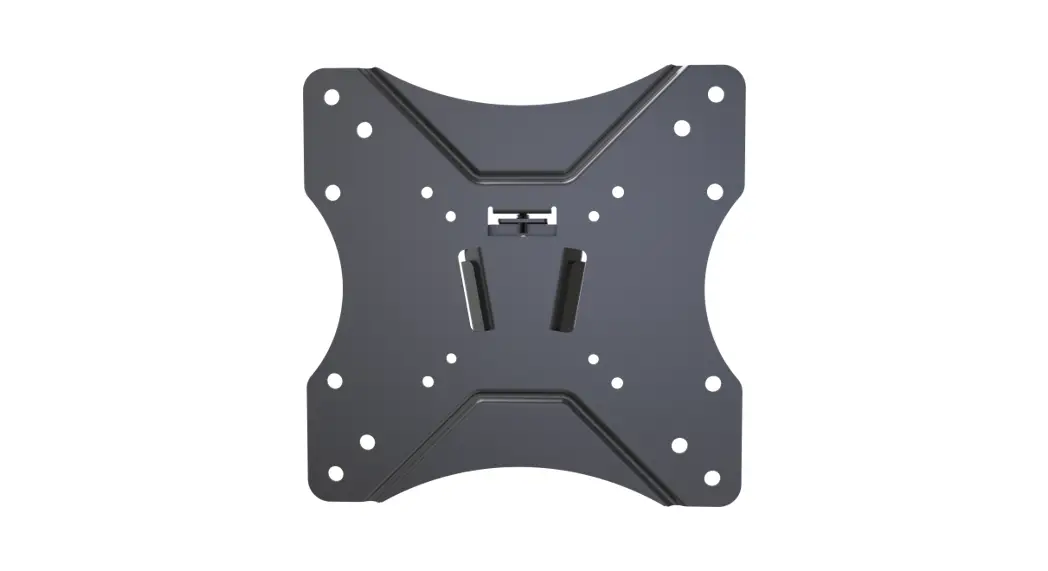
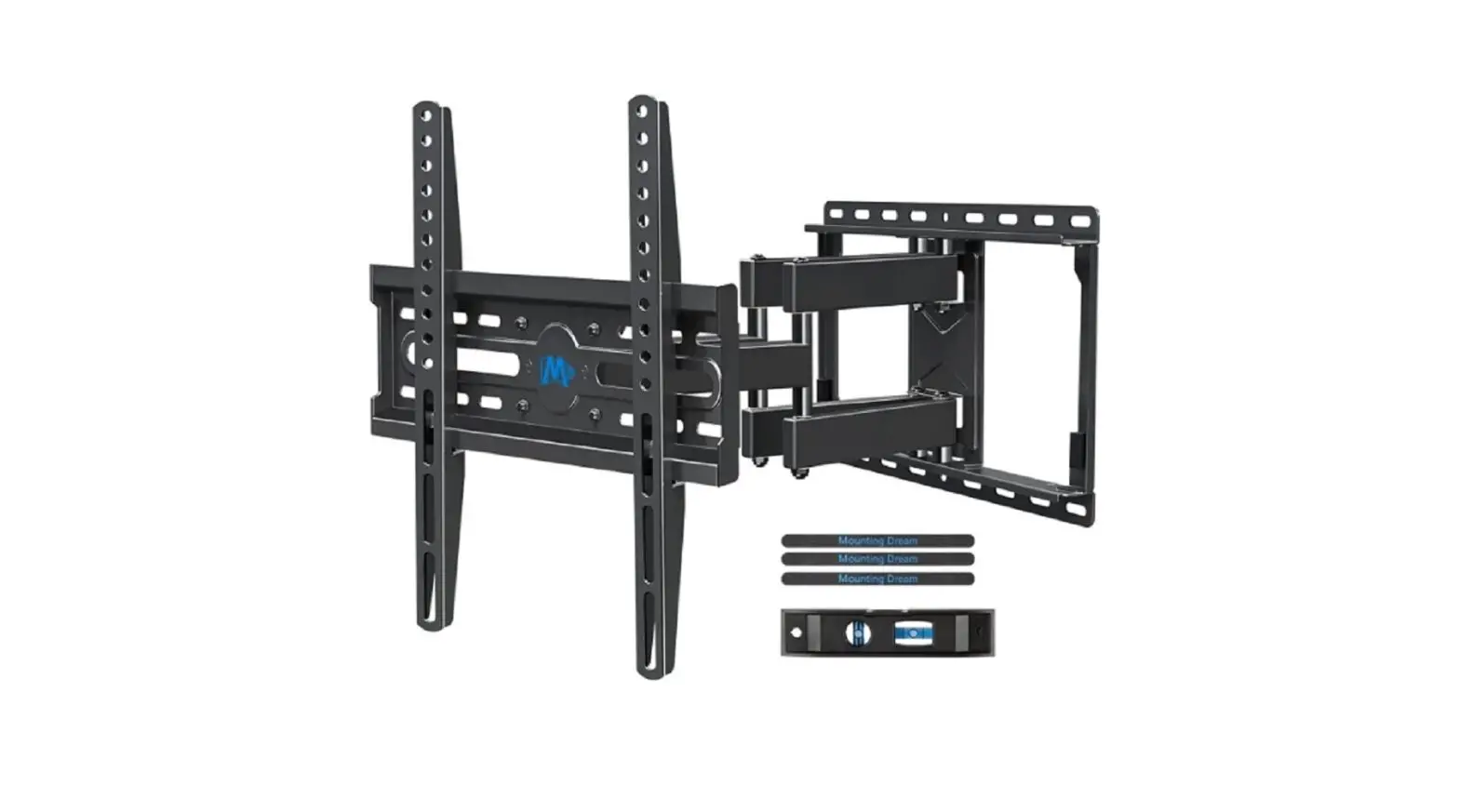
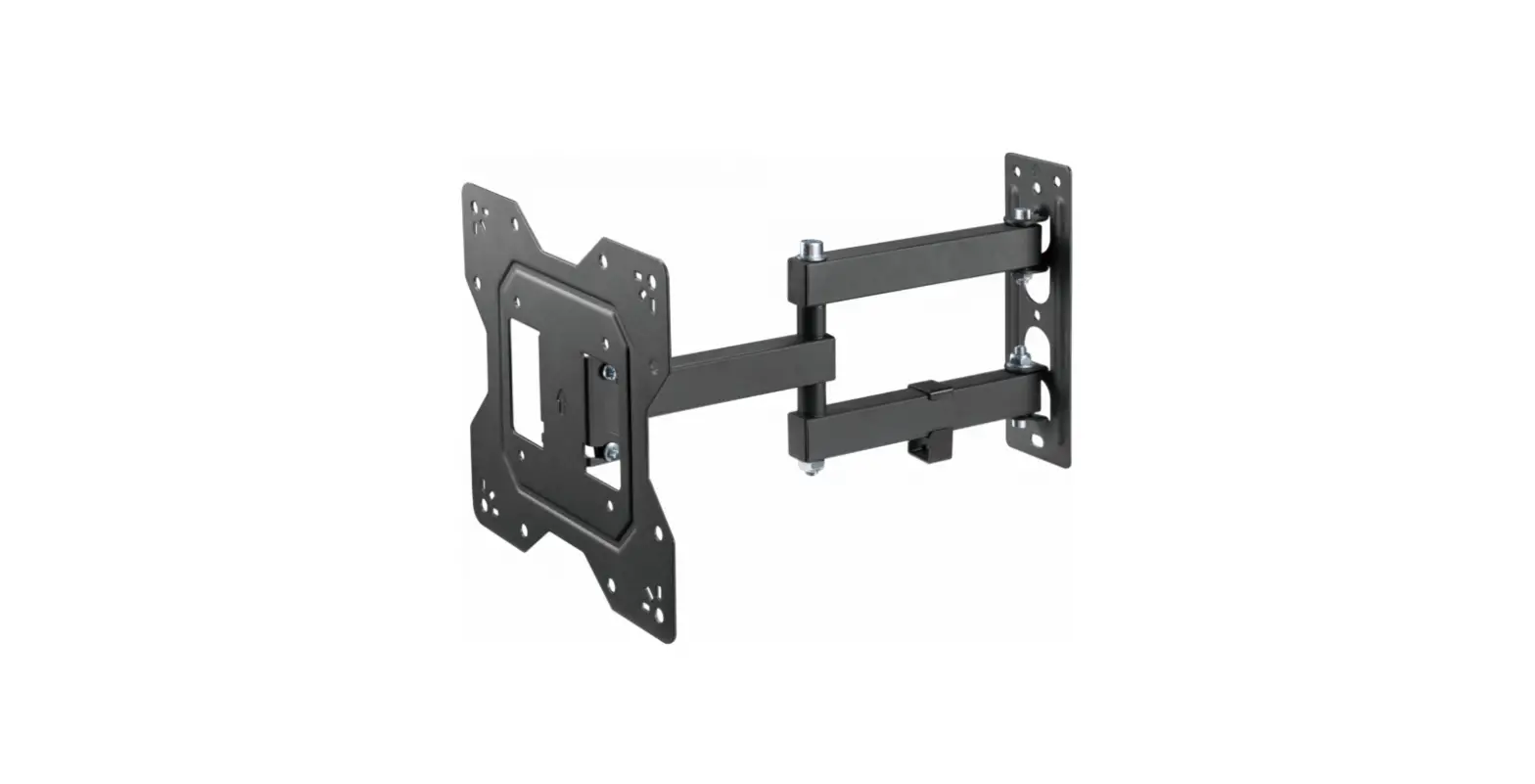
  1. Install Wall-mount Bracket into the wall with the use of drywall anchors.
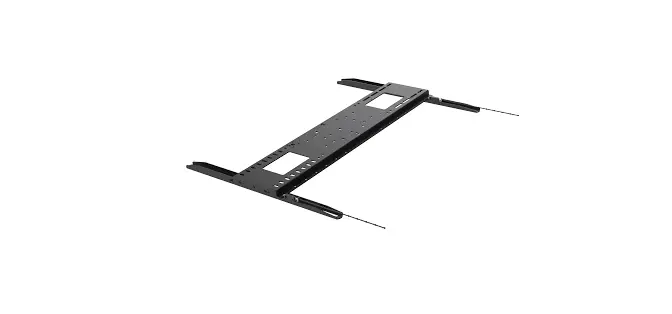
  2. Install Device-mount Bracket to the 13-inch device.

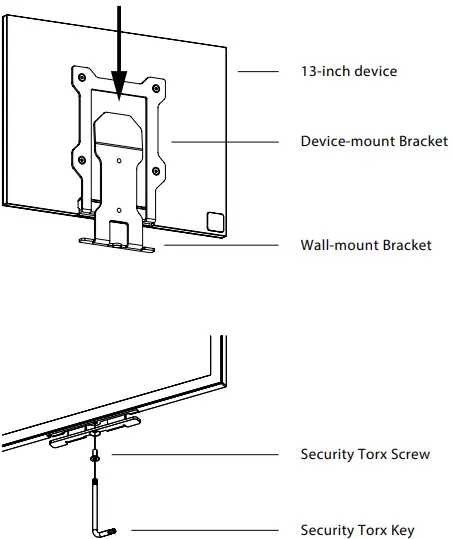
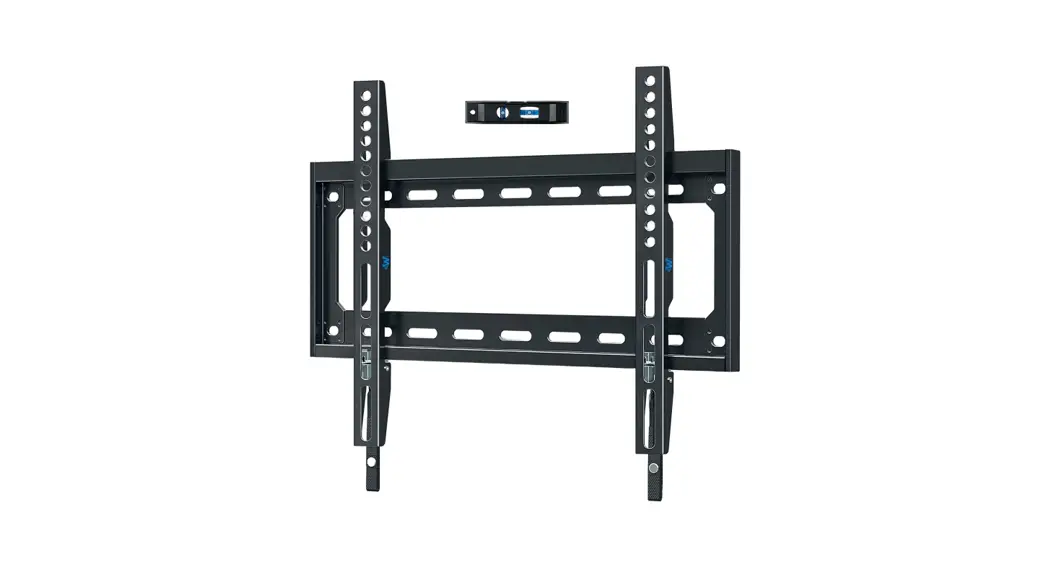
    VISIONECT Wall Mount 13-In Devices-fig3

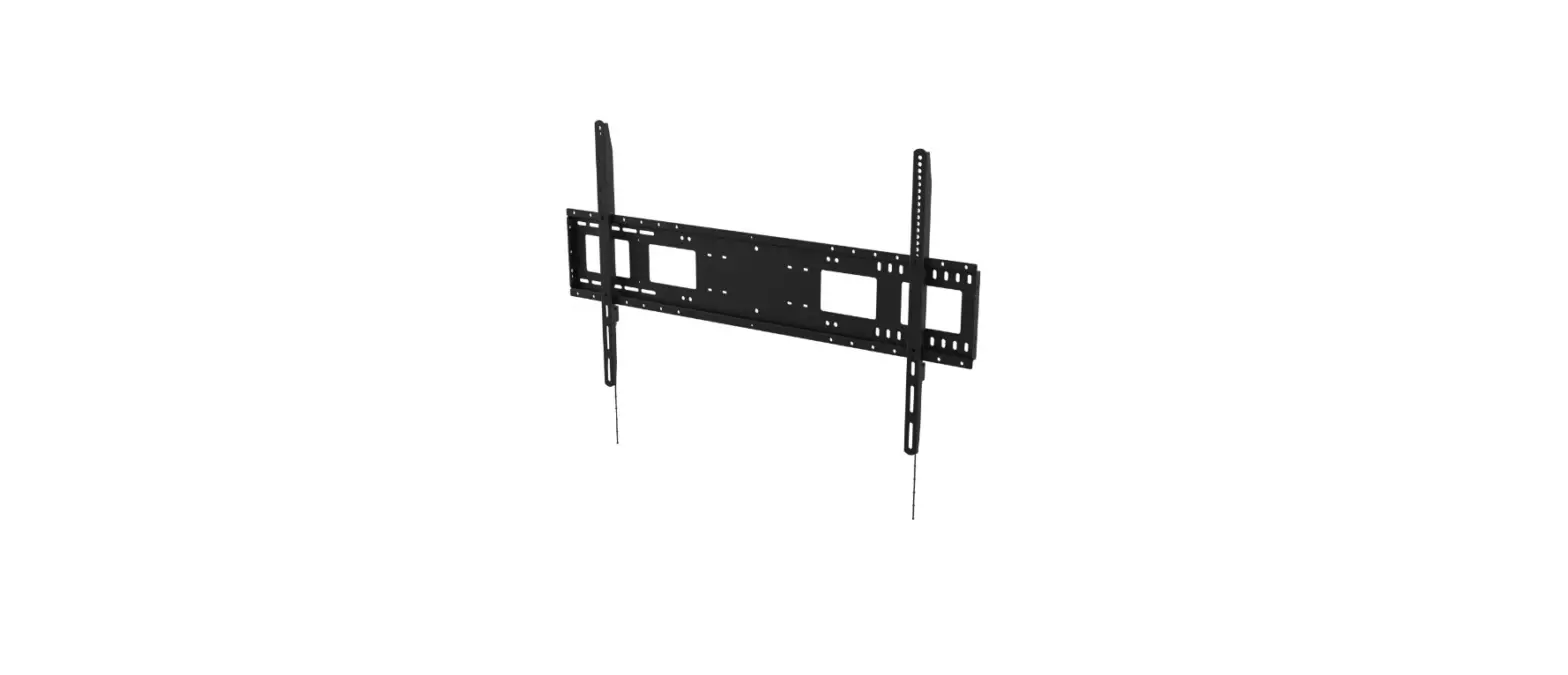
  3. Mount the 13-inch device to the Wall-mount Bracket.
  4. Install security screw.
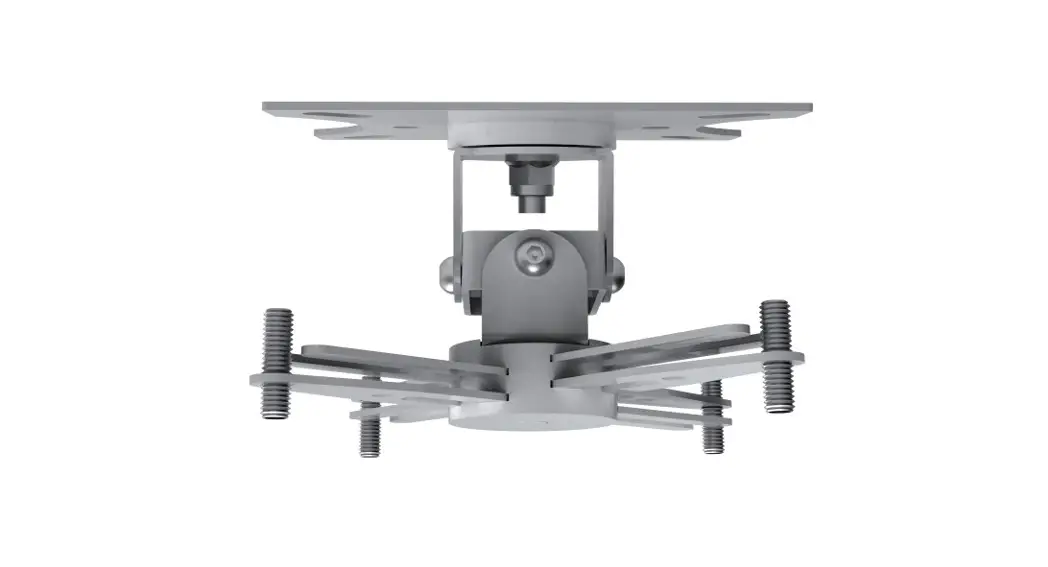
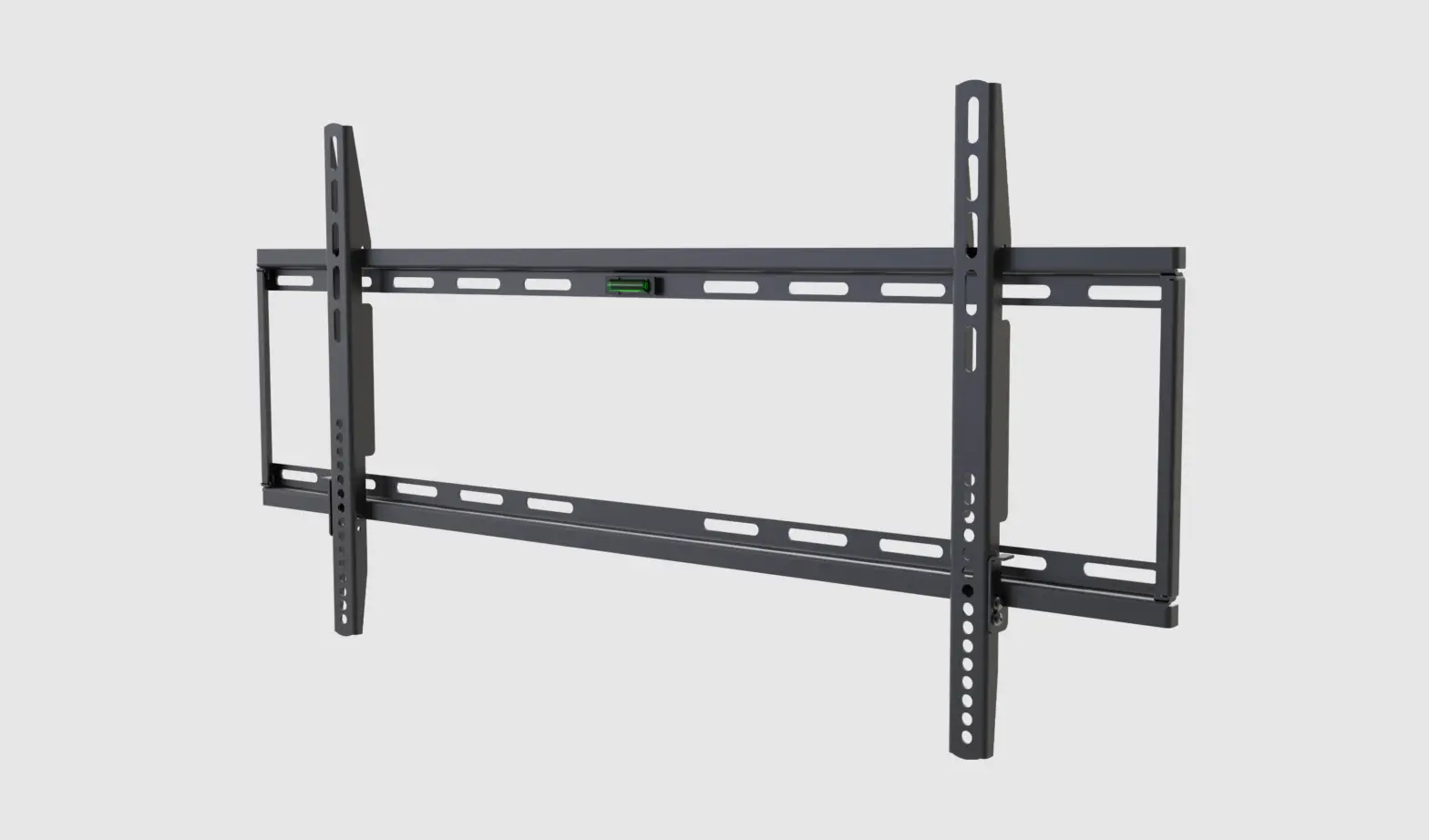
    VISIONECT Wall Mount 13-In Devices-fig4

Documents / Resouces

Download manual
Here you can download full pdf version of manual, it may contain additional safety instructions, warranty information, FCC rules, etc.


Related Manuals