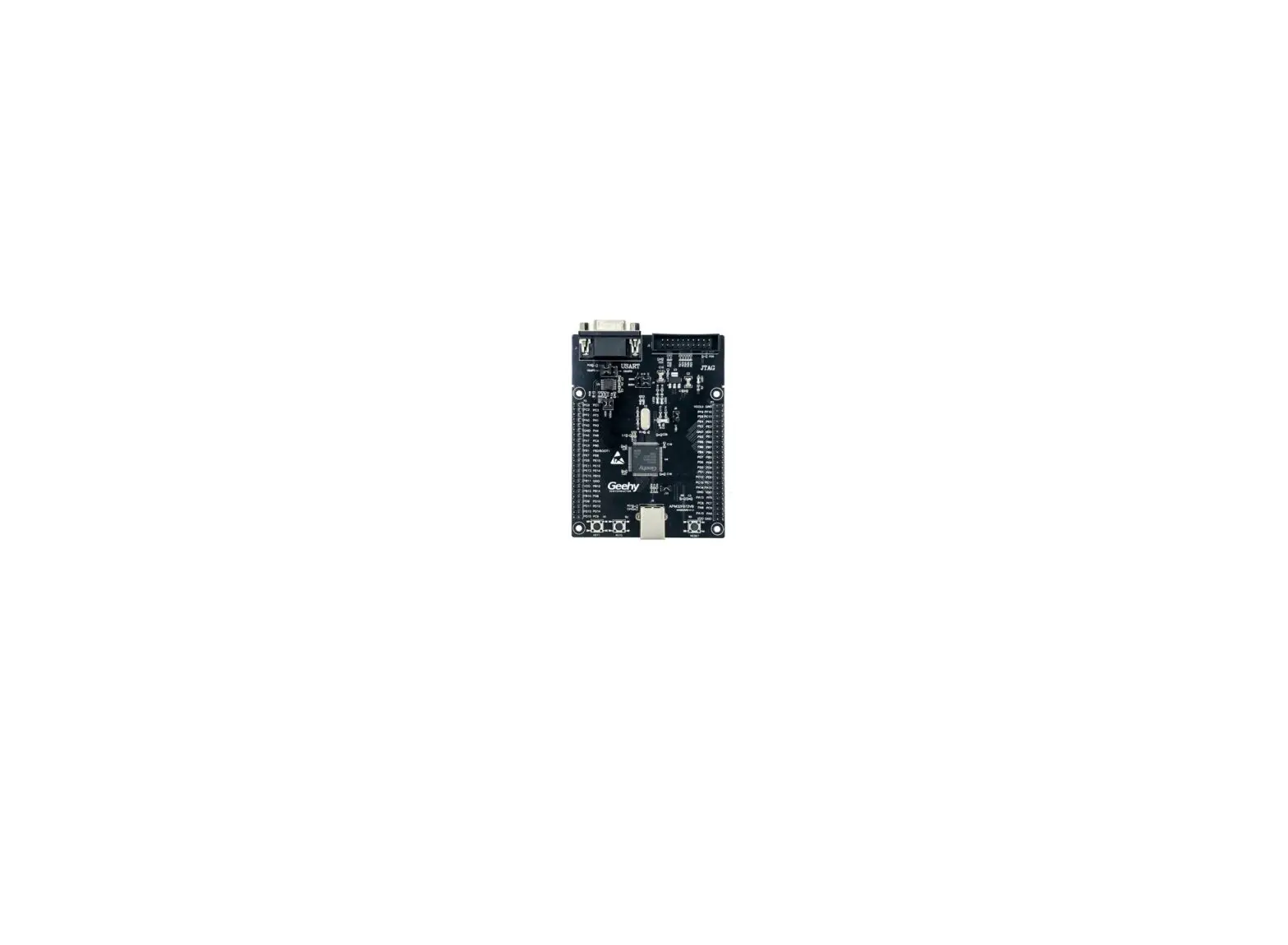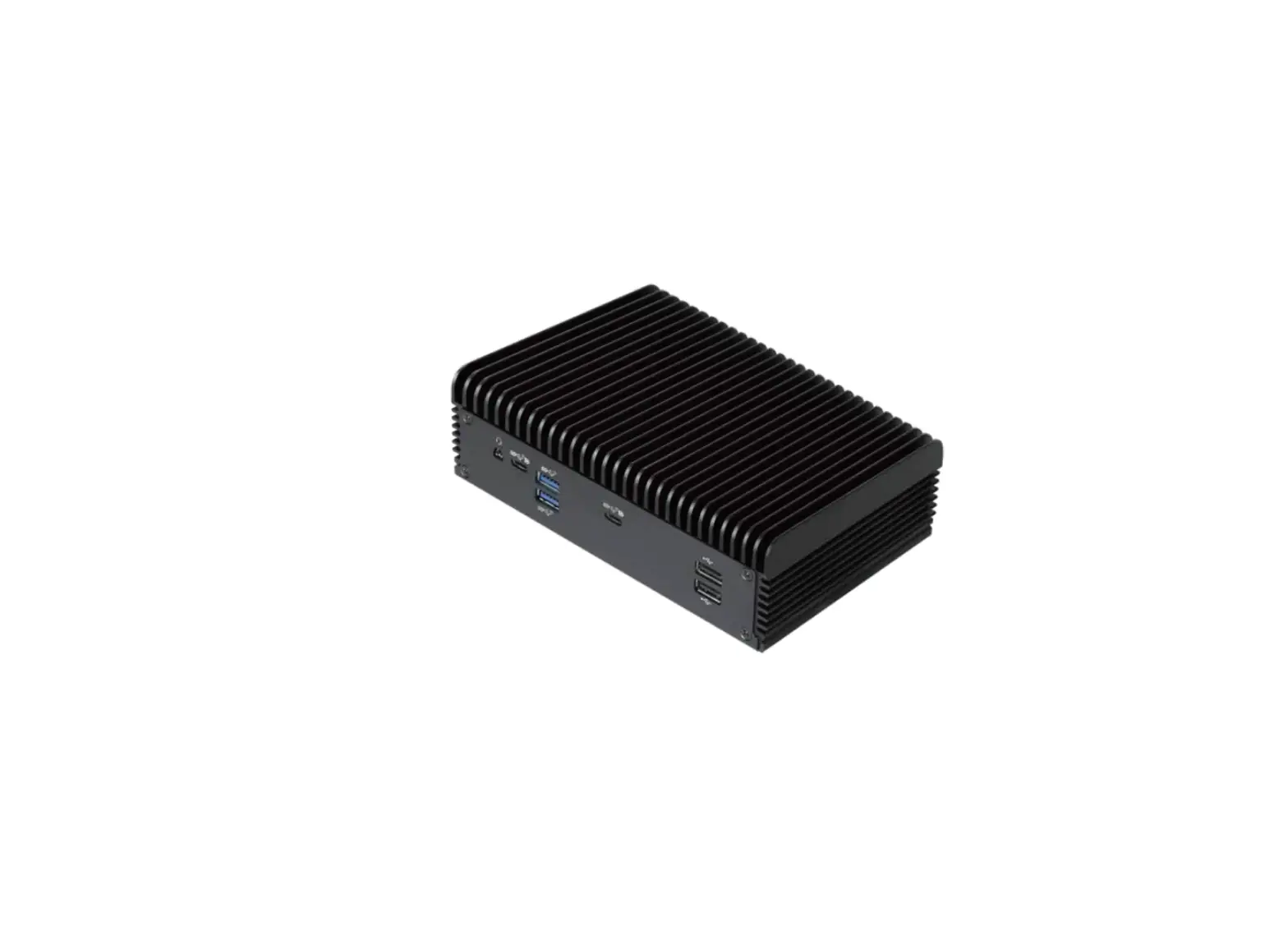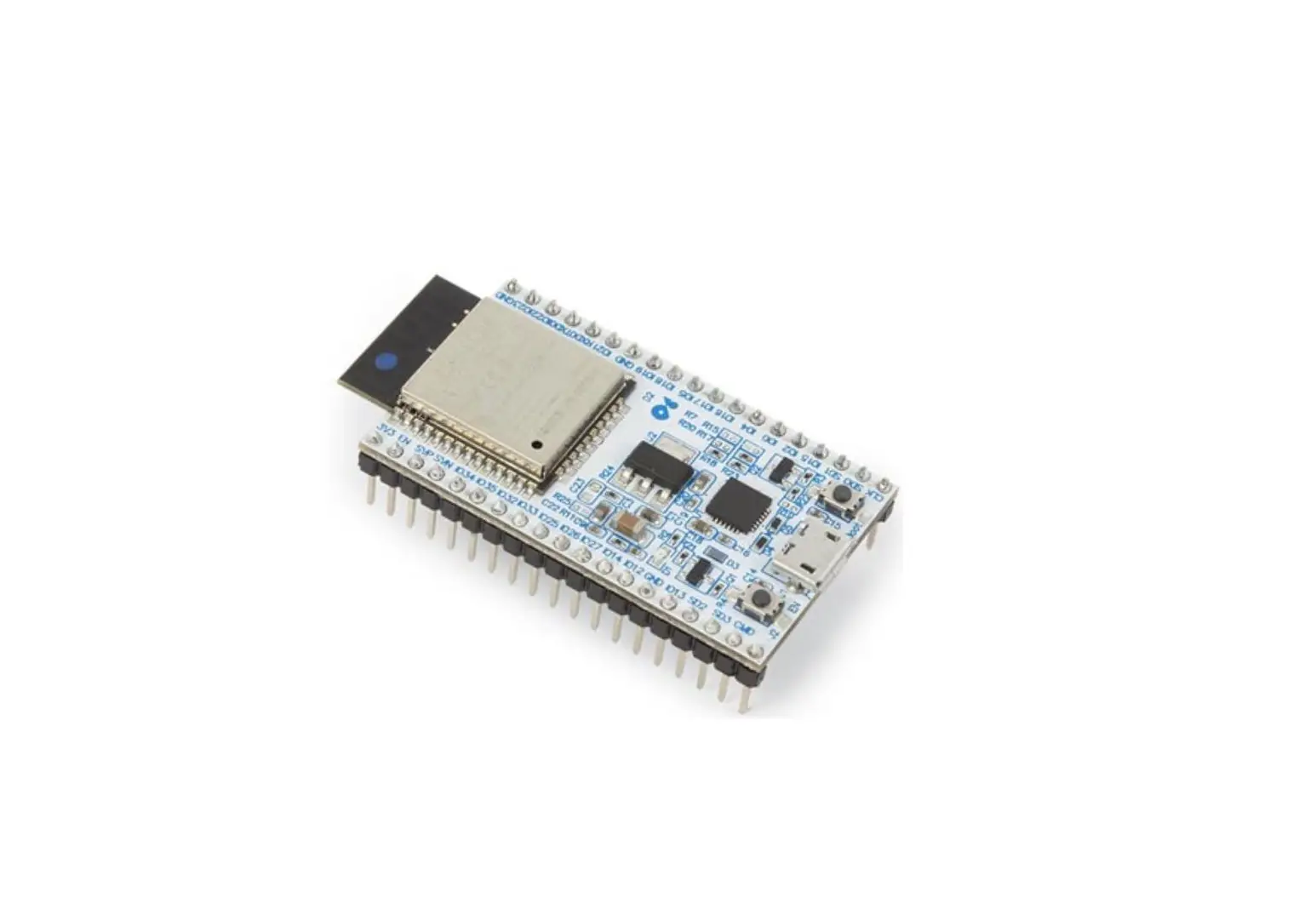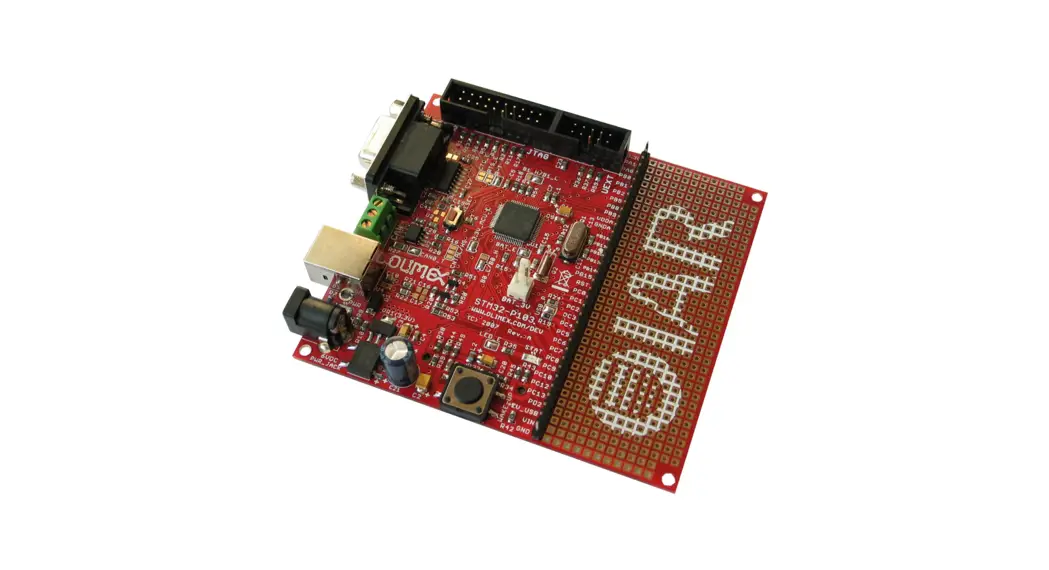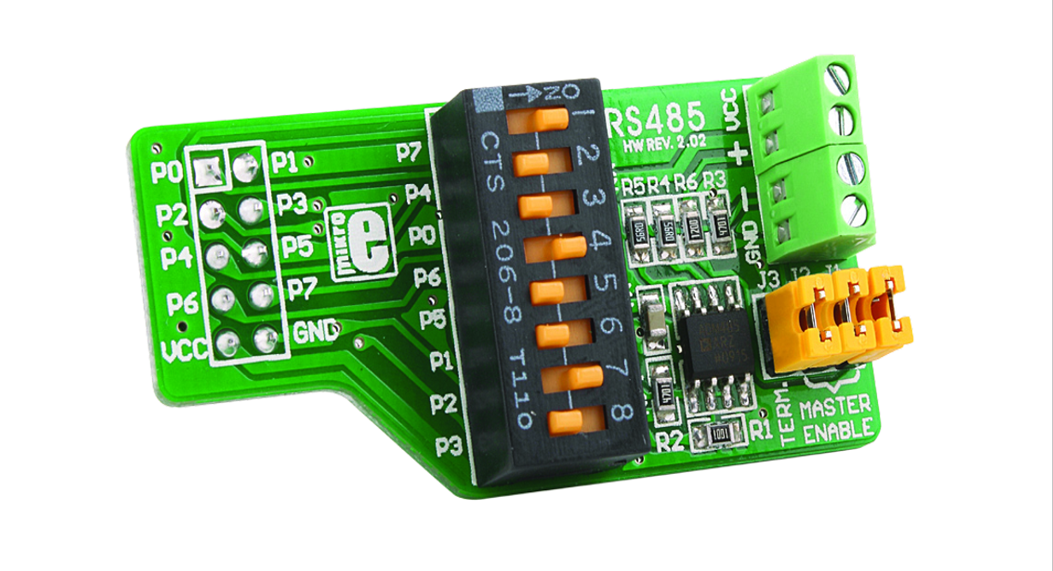

Geehy APM32E103ZE Mini Development Board
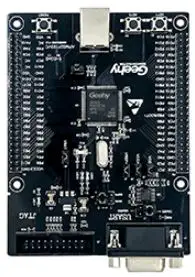
Performance
- 32 bit Arm® Cortex® M3
- Max frequency: 120MHz
- Flash: 512KB
- SRAM: 128KB
Interface and Resources
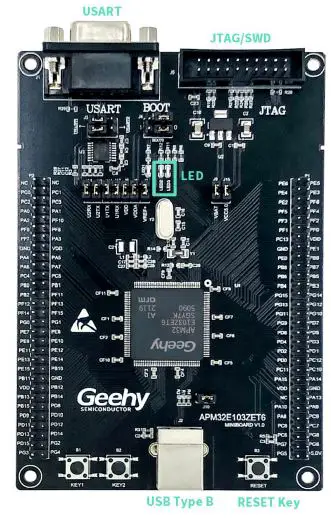
- USB: 1(Type B)
- JTAG/SWD: 1
- LED: 2
- KEY: 2
- RESET KEY: 1
- SWD interface: 1
- GPIO: 108
- USART: 1 (Switch to USART1 or USART2 by jumper)
Start
- Ensure a solid connection for jumper J6,J7, J8, J9,J10and J15.
- Connect the USB in development board with PC by a Type B cable and power the development board.
- Connect the emulator with SWD interface for MCU programming and debugging.
System Requirements
- Windows OS (7/8/10)
Development Tool
- Keil: MDK ARM
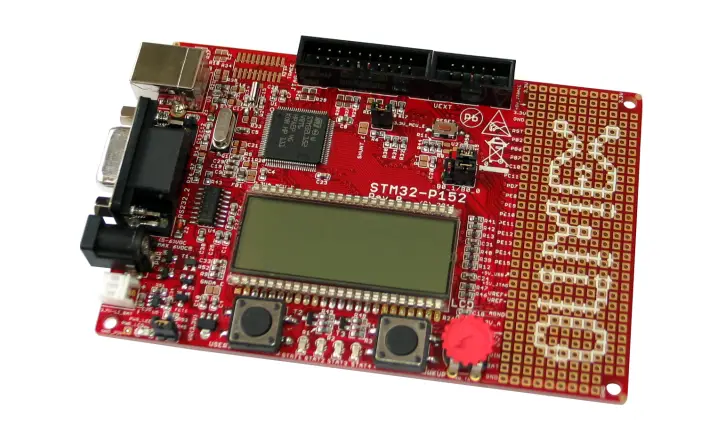
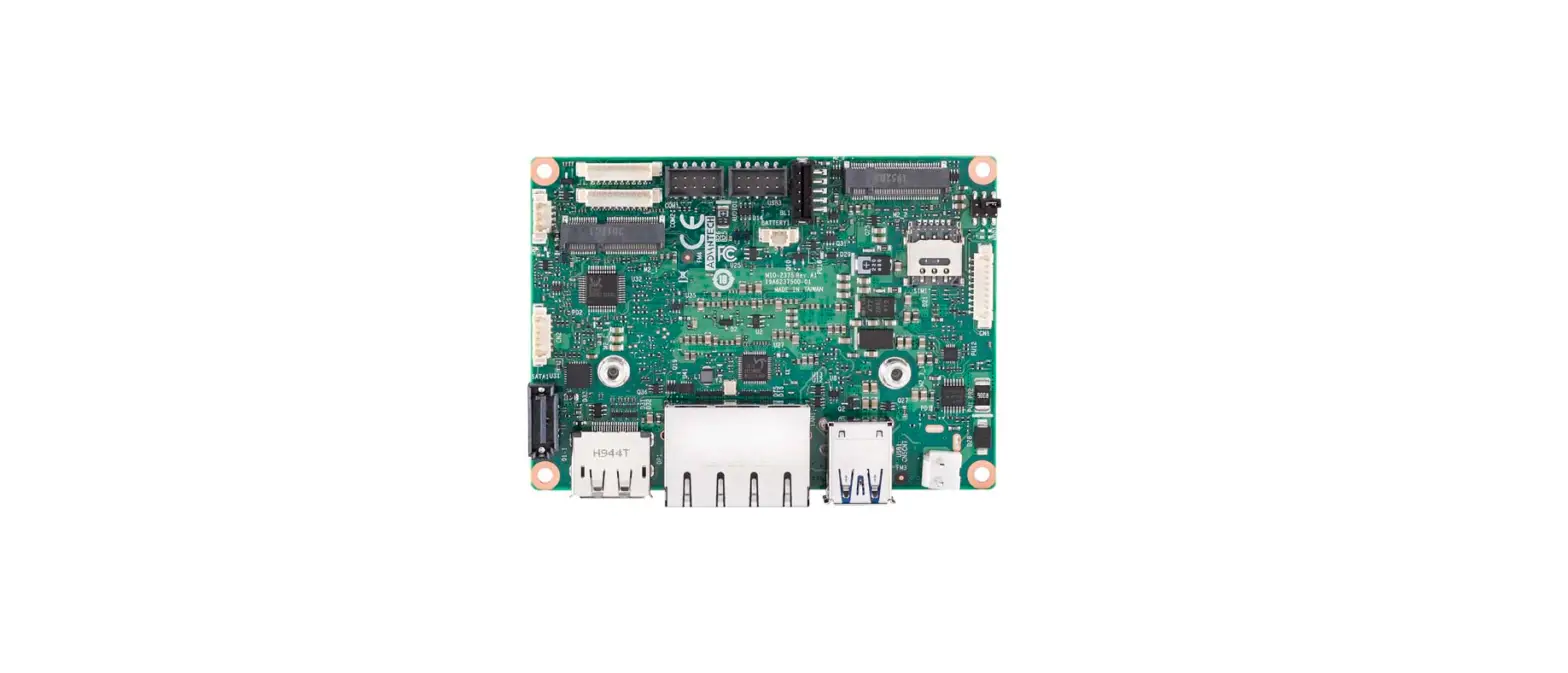
Appearance
Schematic Diagram
Refer toAPM32E103ZE MINIBOARD V1.0 PDF
Geehy Semiconductor Co.,Ltd.
Bldg.1, No.83 Guangwan Street, Zhuhai, Guangdong, China
86 0756 6299999
www.geehy.com
 geehy.com