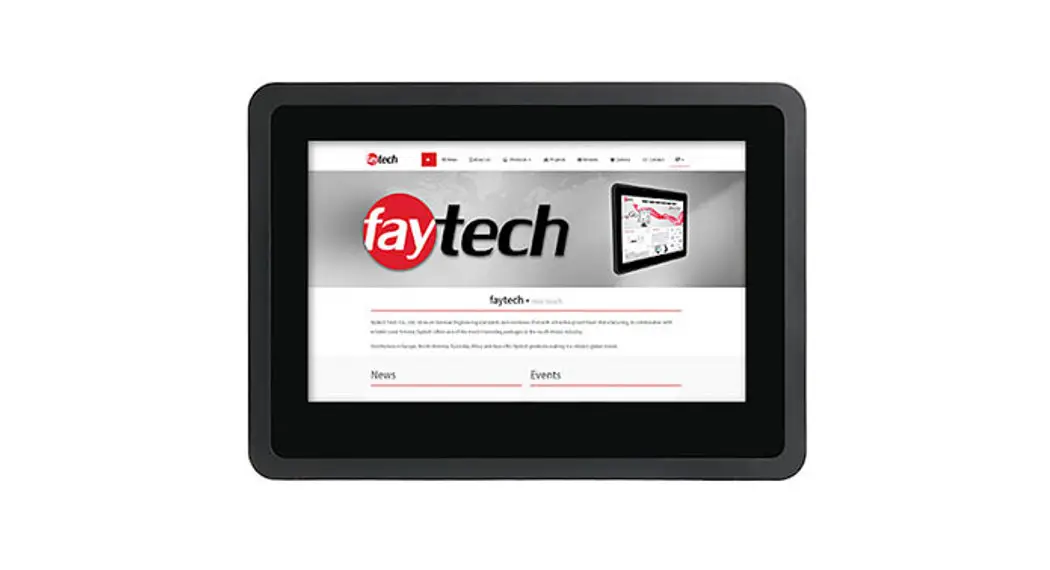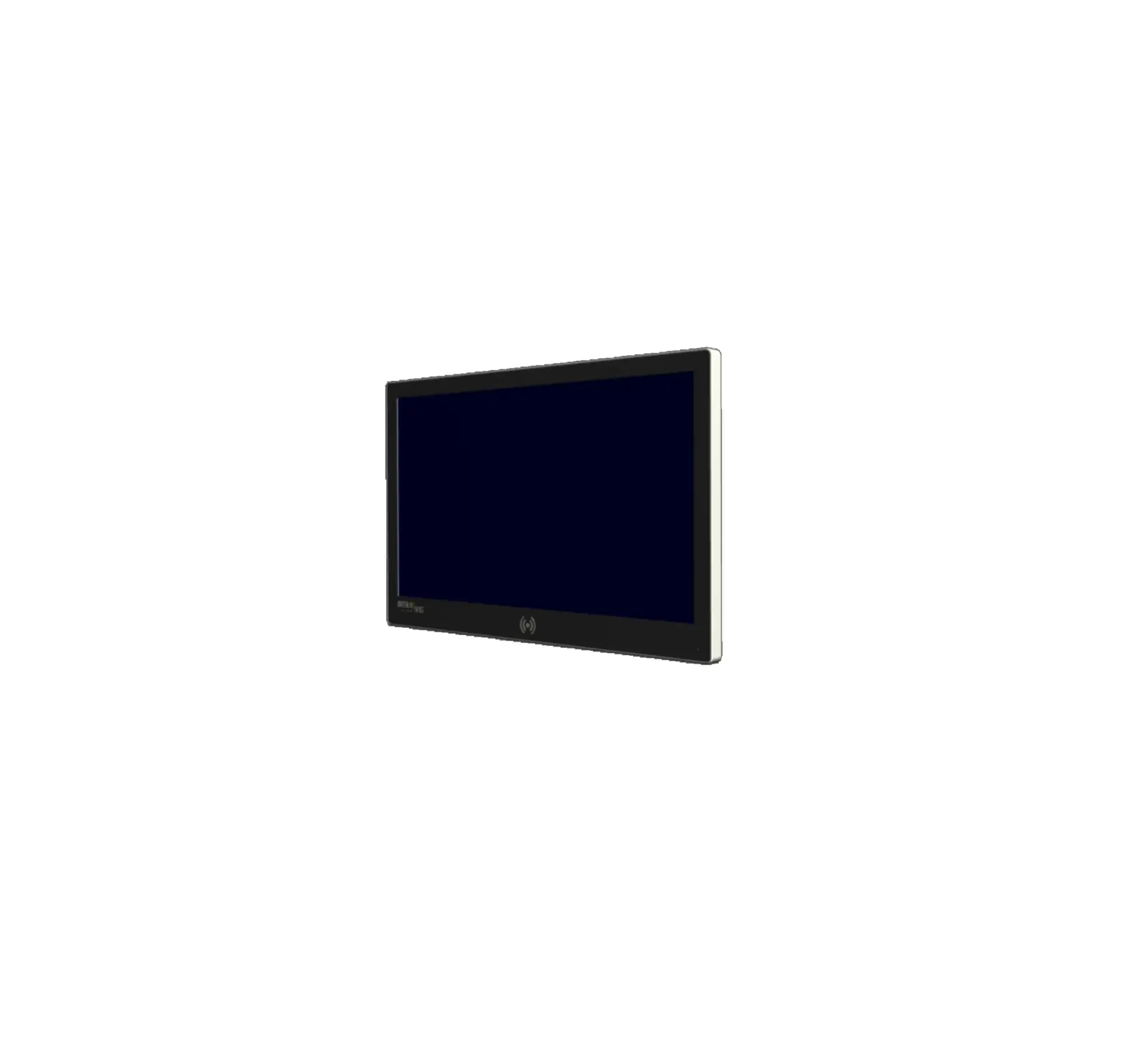
canvys LKX21ECCRBD-ILC 21-5 Inch True Flat PCAP Touch Monitor RFID

Revision History
| Revision | Date | Page | Description | by |
| Rev. AA | 20201112 | Create new document | CS | |
| Rev. AB | 20201216 | 5 4 5 5 5 5 4 6 8,9,10 7 5 5 4 1 | Add LED on frontglass, bottom right side Change housing color from Silver Color Frame RAL9007 to RAL9006 and Black Backcase from RAL9005 to RAL9004. Delete loudspeakers and Audio Input Change from 12V DC to wide range 9-36V DC Input Delete External Power Supply Change from lockable round connector to 4 PIN connector. Add pin assignment. Add OSD lock function. Unlocking by pushing “+” and “-“ for 3 seconds. Add Storage Temperature -10°C – 60°C Update Drawing Delete accessories also from sample delivery Delete DVI information Add SDK information Change/Update Warranty and ECN information Change from 1010500975 to correct faytech PN 1010502083 | CS |
| Rev. AC | 20210421
20210426 | 1 5,8 5,8 5 4 6 5 5 5 7 8,9,10 4 8 8 | Chane Titel from “Target” to “Vendor” Specification Frontglas: Change RFID-print size; Add Intravis 2 color logo; change LED to round cut-out Interfaces: Add M5 PE-bolt Update Firmware (delete not needed functions, add OSD-lock), add version V1.3, update OSD lock / un-lock information Add weight information Add carton and product label information Update that SDK was provided Add note on handling IP42 (cellular rubber, 3M L-Shape sealing) Add note for 4-Pin connector to do pinning correctly in MP Delete Accessory Box as no accessories Update Drawings/Pictures Corrected size (width) from 53.3 cm to 52.3 cm Adapted drawing to correct size (width) 52.3 cm Added more dimensions to Intravis Logo detailed view | CS |
General Description
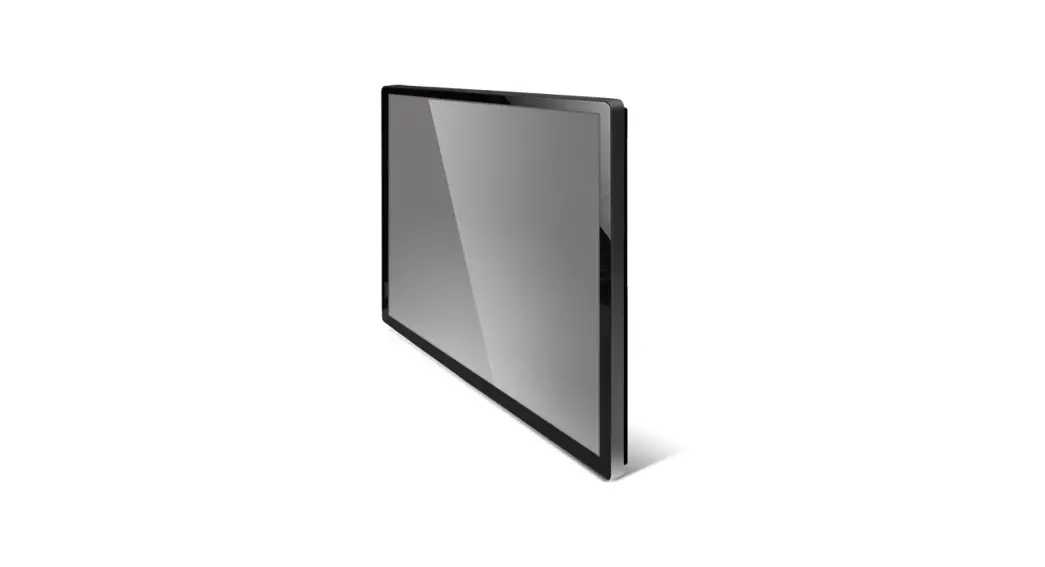
| Model | 21,5″ True Flat PCAP Touch Monitor RFID |
| Endcustomer | Intravis GmbH |
| Vendor | faytech AG |
| Production | faytech China (Suining) |
| Country of Origin | China |
| Delivery Conditions | DAP Donaueschingen, agreement of ETA dates |
| Warranty | 24 month (after deliver by Canvys to customer), max. 30 month |
| Changes/ECN management | No changes permitted w/o early notice and approval by Canvys. All changes to be notified over EC document. |
Specifications | |
| Panel Parts: Innolux M215HJJ-L30 | |
| Display Size (inch) | 21,5″ |
| Aspect Ratio | 16:9 |
| Resolution | 1920×1080 |
| Brightness (nit) | 250 (typ.) |
| Contrast | 3000:1 (typ.) |
| Backlight life time (h) | 40,000 |
| Viewing angle | >=178; >=178 (typ.; CR>=10) |
| Touch Panel: | |
| Touch Type | PCAP (Projective Capacitive touch panel) |
| Touch Points | 10 fgs |
| Surface treatment | AG coating |
| Touch Controller | EETI 80W83 |
| Touch Support OS | Windows 10; Linux |
| Housing : | |
| Type and color | Alu Case; Silver Color Frame (RAL 9006); Black Backcase (RAL 9004) |
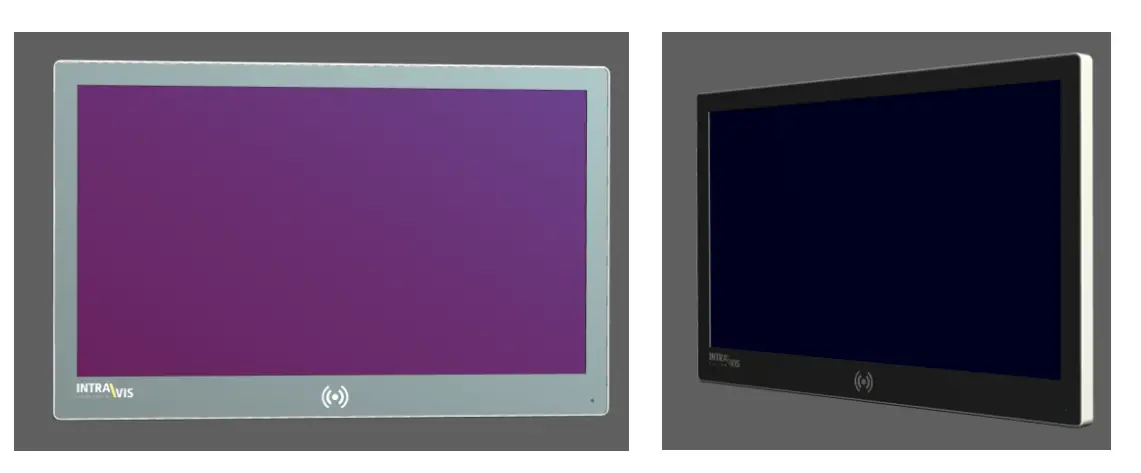
| Front | True Flat Frontglass with RFID and customer print |
| Outer dimension (cm) | 52,3 x 33,3 x 5,5 |
| Weight unpacked / packed (kg) | ~ 4.2 kg / 6.3 kg |
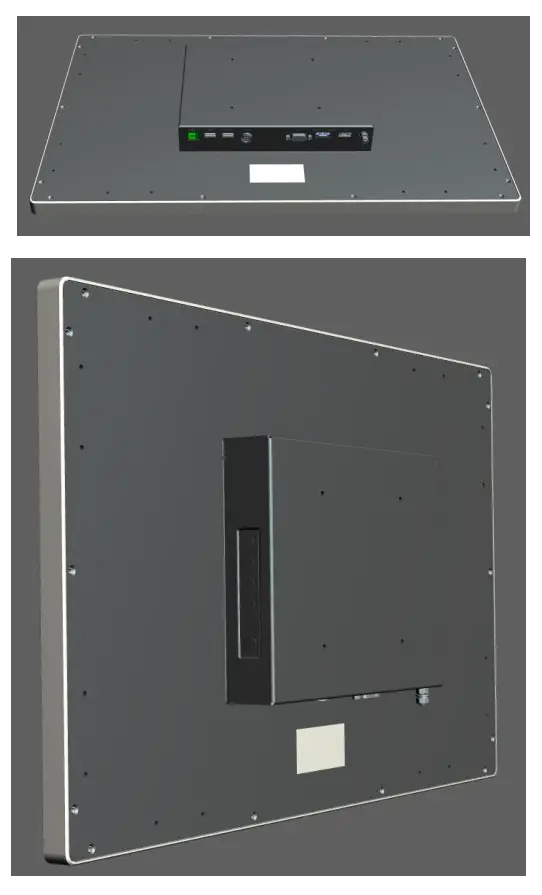
| Position OSD buttons | on the right back case of Monitor (front view)
|
| OSD buttons | Source, Menu, +, -, Power SOURCE: opens the menu to choose the right Input Source (HDMI, DP, VGA) OSD is locked as default. “Menu” and “+” for 3 sec = lock ; “menu” and “source” for 3 sec = unlock. FW = V1.3.
|
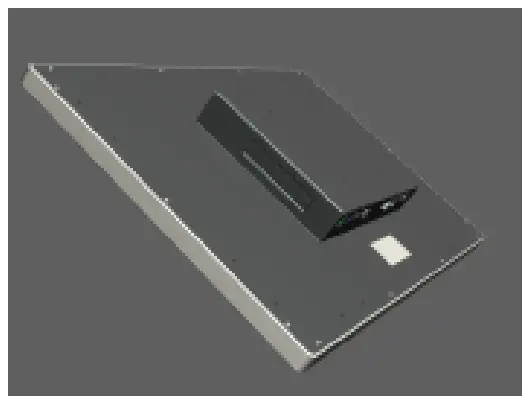


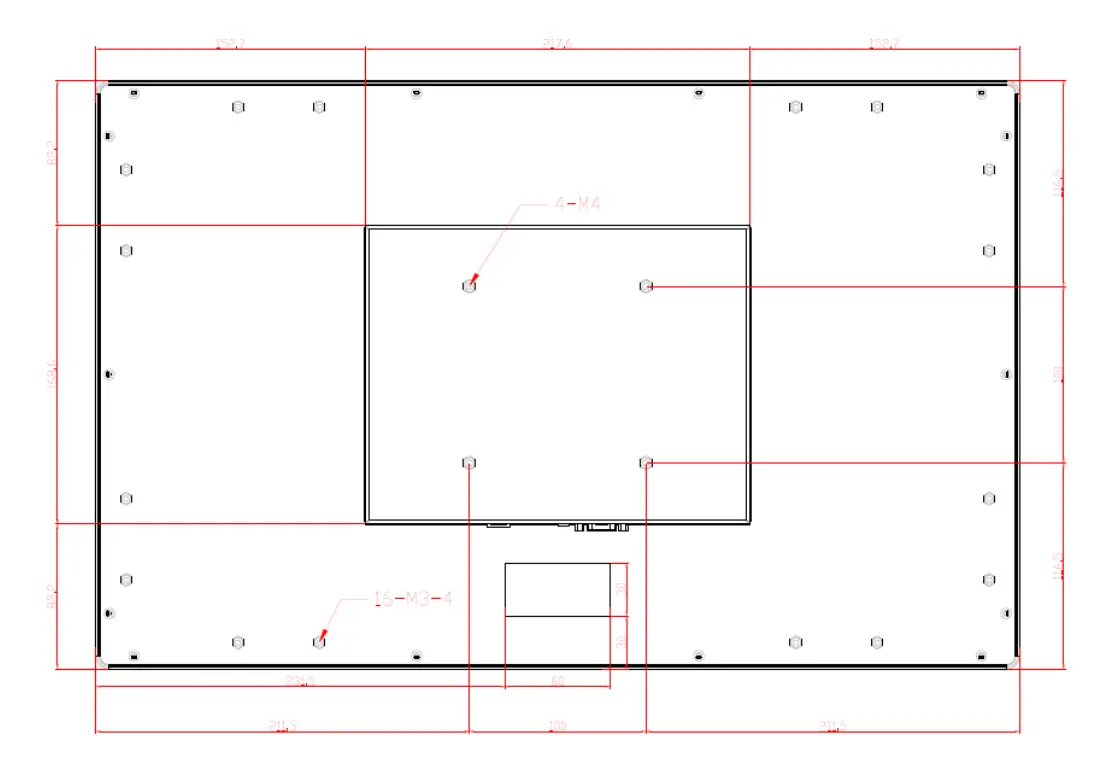
| Mounting type | VESA100 with M4 threads |
| Stand | not included |
| IP Protection | IP65 (front); IP42 (whole unit, w/o interfaces). No silicone glue at back case allowed. The unit need to be able for opening in service case. IP protection will be guaranteed over cellular rubber and 3M L-shape seal inside of housing. |
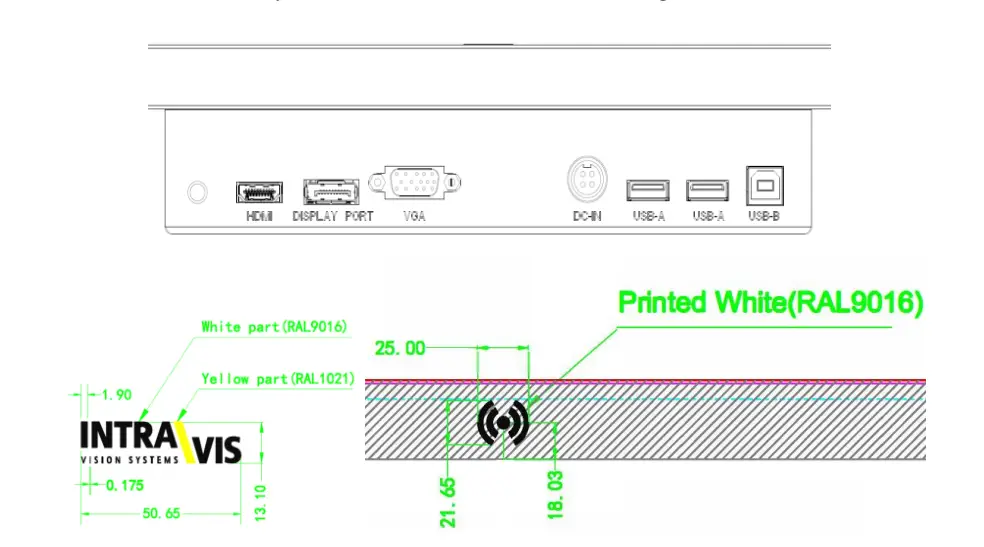
| Passepartout Color and glas print | Black (RAL 9005), with RFID and Intravis Logo print. Intravis logo in white RAL 9016 and yellow RAL 1021. RFID in RAL 9016. |
| Status LED | LED on frontglass, bottom right side (round cut-out) |
| Mounting Holes for chassis/frame mounting | 16 x mounting holes M3 on backside (usage e.g. with clamp holders OP-CLAMPHLDR-HP). |
| Audio / Video I/O / Connectivity: | |
| Video | VGA+HDMI+DP. DP is set as default input. |
| Else | M5 PE-Bolt (Only connection to housing, no grounding)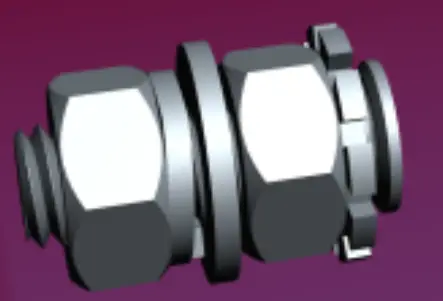 |
| Audio | No loudspeaker, no audio input |
| USB HUB | 1x USB-B up; 2x USB-A down |
| AD board | RTD2556T |
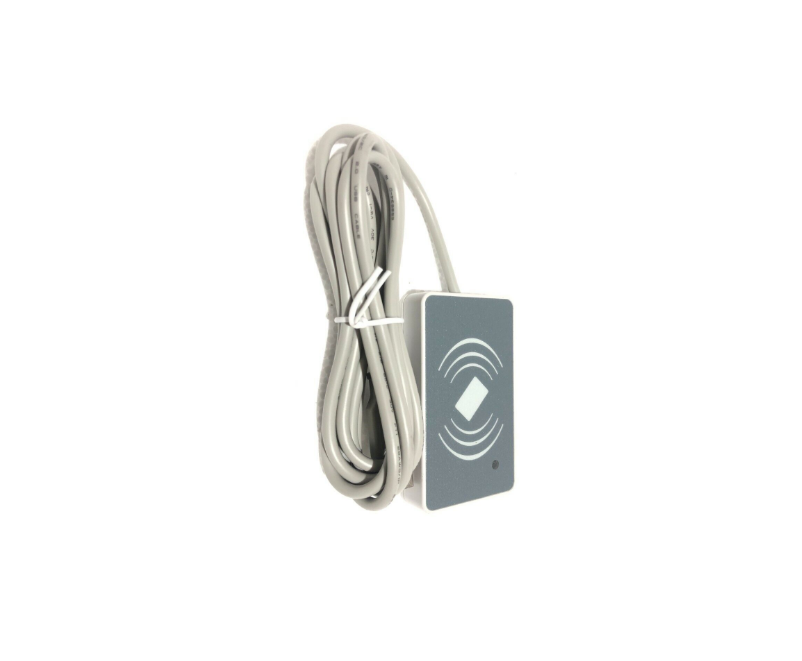
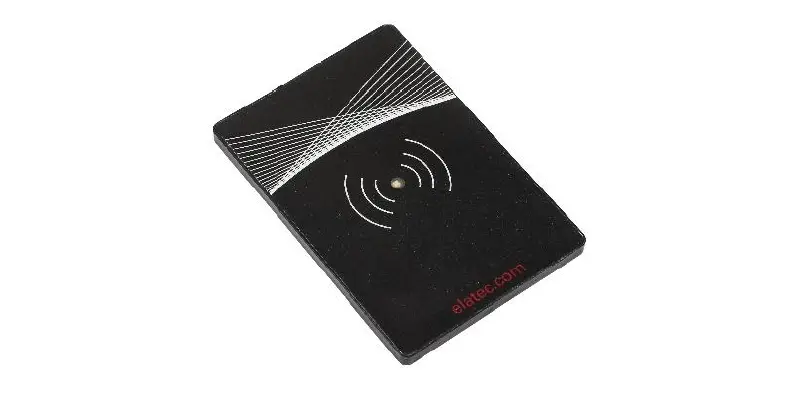
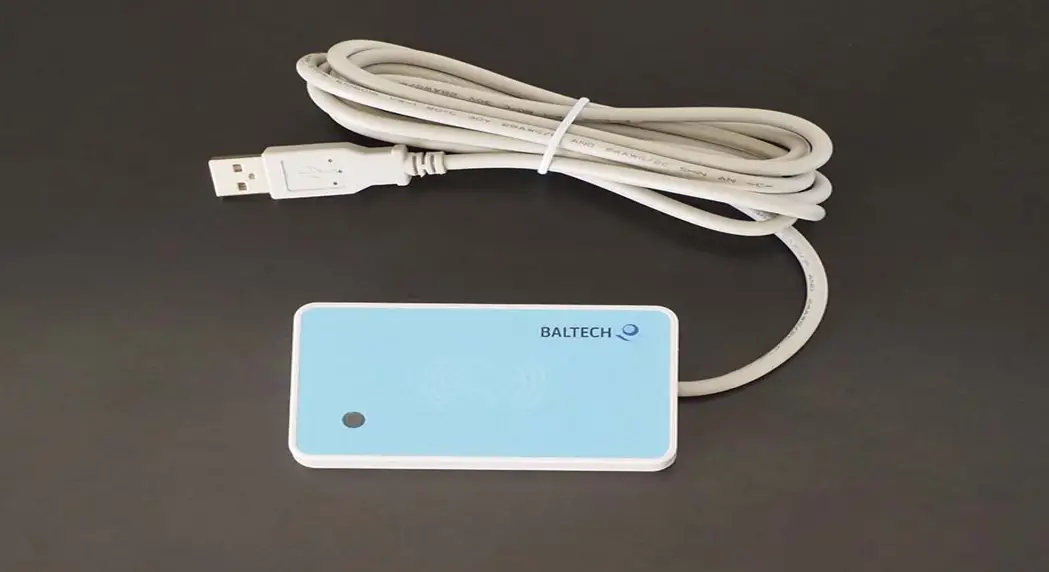
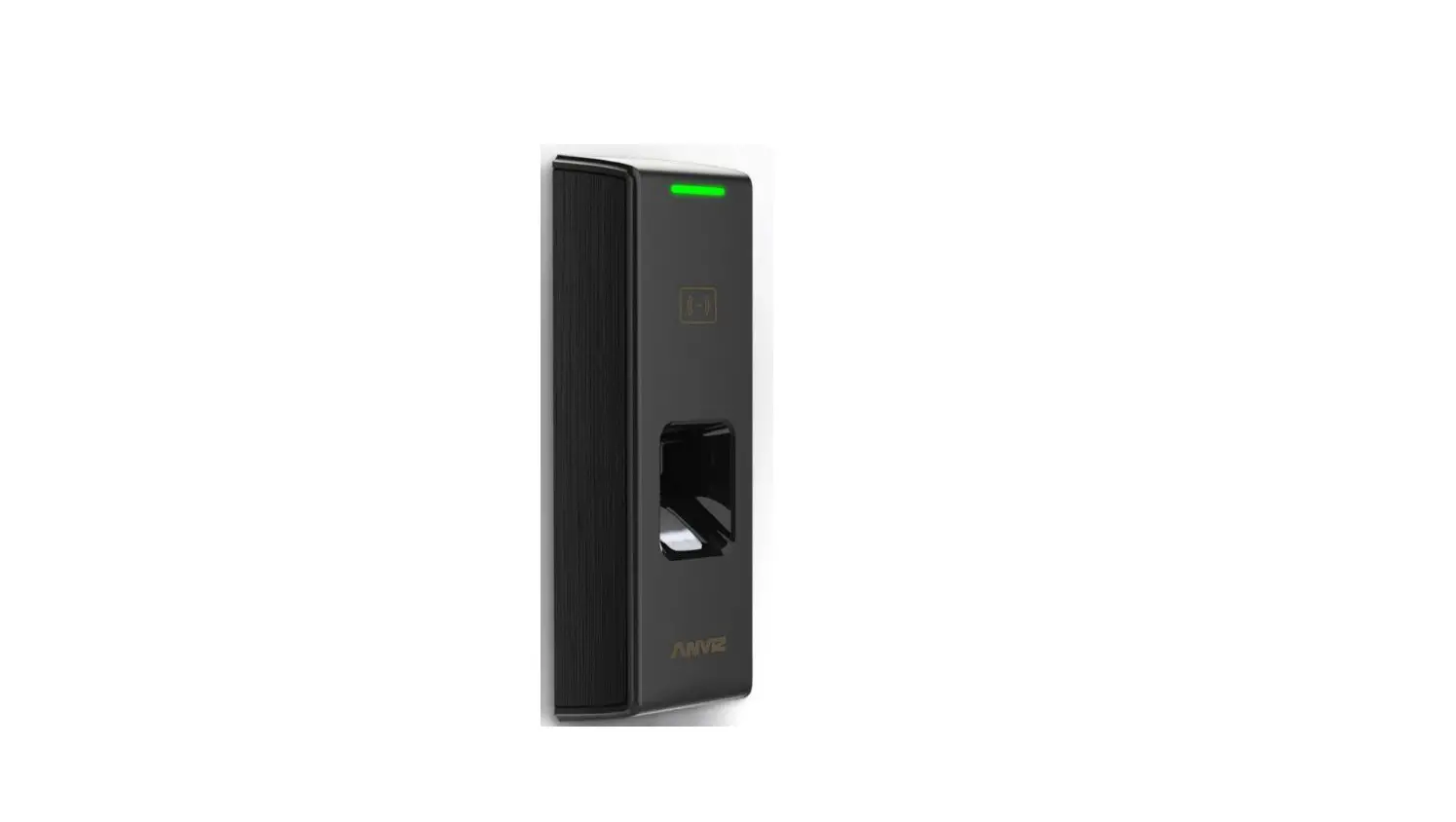
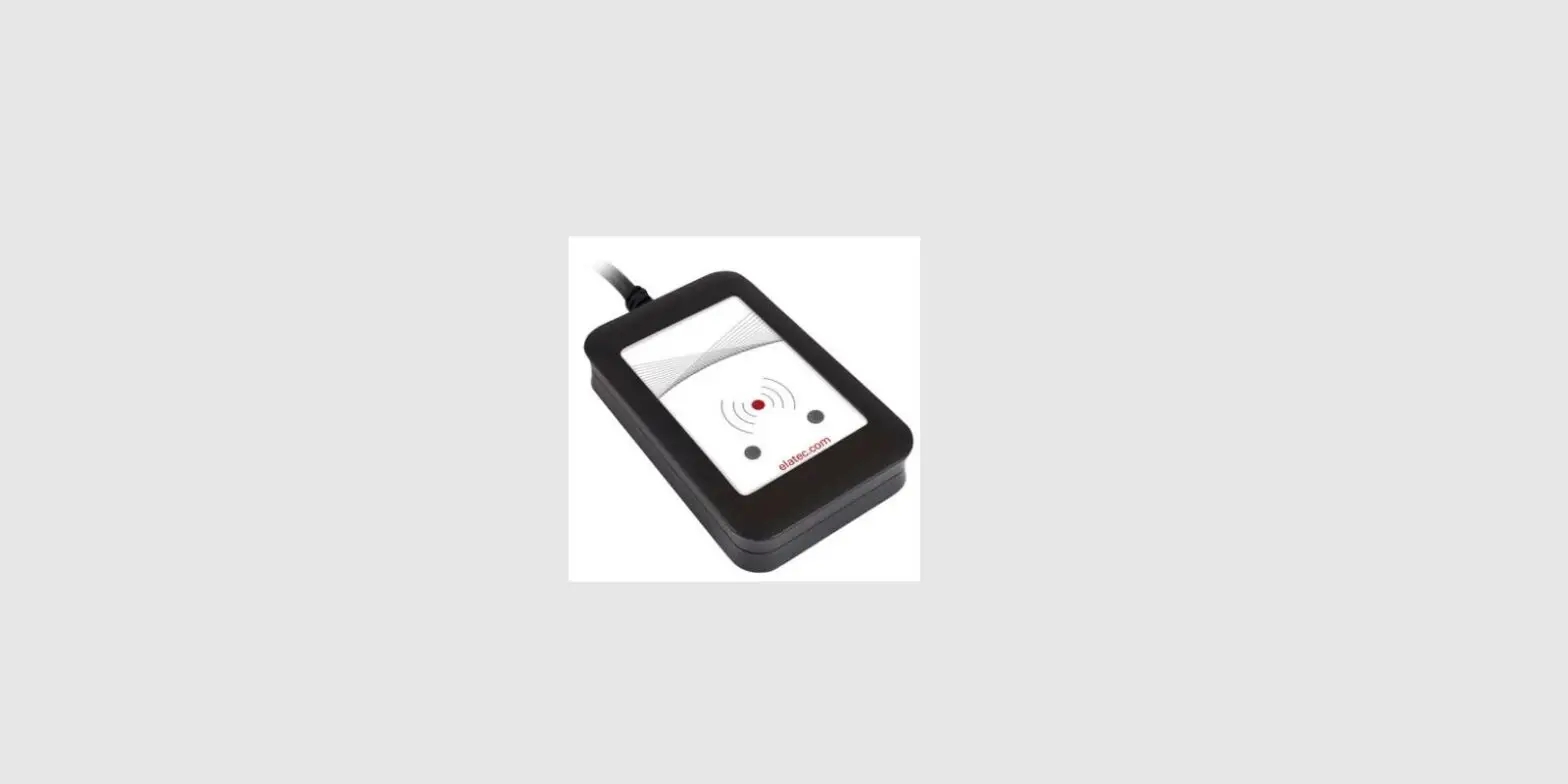
| RFID | CN370-2 RFID reader below mid frontglass with ISO14443A/B, Mifare ,DESFire EV1, Mifare Plus, ISO/IEC18092 NFC; Win 10(64 bit)/8/7 support. SDK provided. |
| Power supply | |
| External Power Supply | Delivery without Power Supply |
| Input Voltage | 9-36 V DC-in |
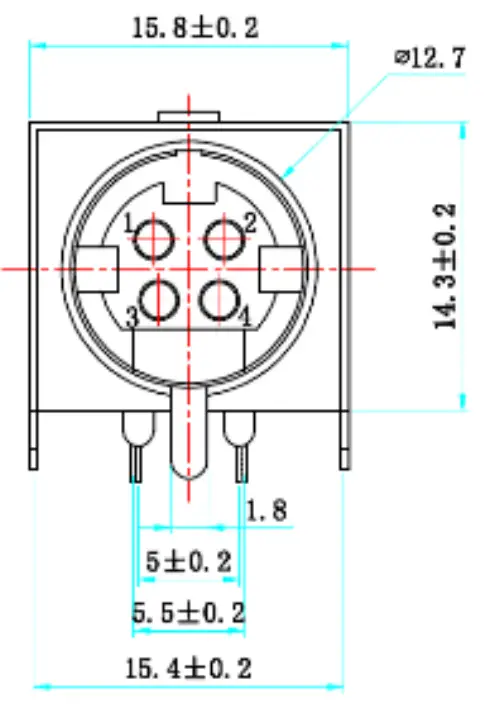
| Connector | 4 Pin Connector (MPC-4-02)
Pin 1 = 9-36V This pinning is a must and needs to be adapted accordingly for MP as sample unit was wrong. |
| Certifications |
Note 1: First Samples w/o certs (certs will be done after sample+spec approval). EN300330 V2.1.1 paid by Canvys, rest of certs done on faytech cost with PO over >= 200 pcs. |
| Other characteristics |
| Fanless operation |
| Operating Temperature 0°C – 60°C Storage Temperature -10°C – 60°C |
Position of Warranty sticker = Back view Downside, 2nd screw from the right. See picture: |
Product Label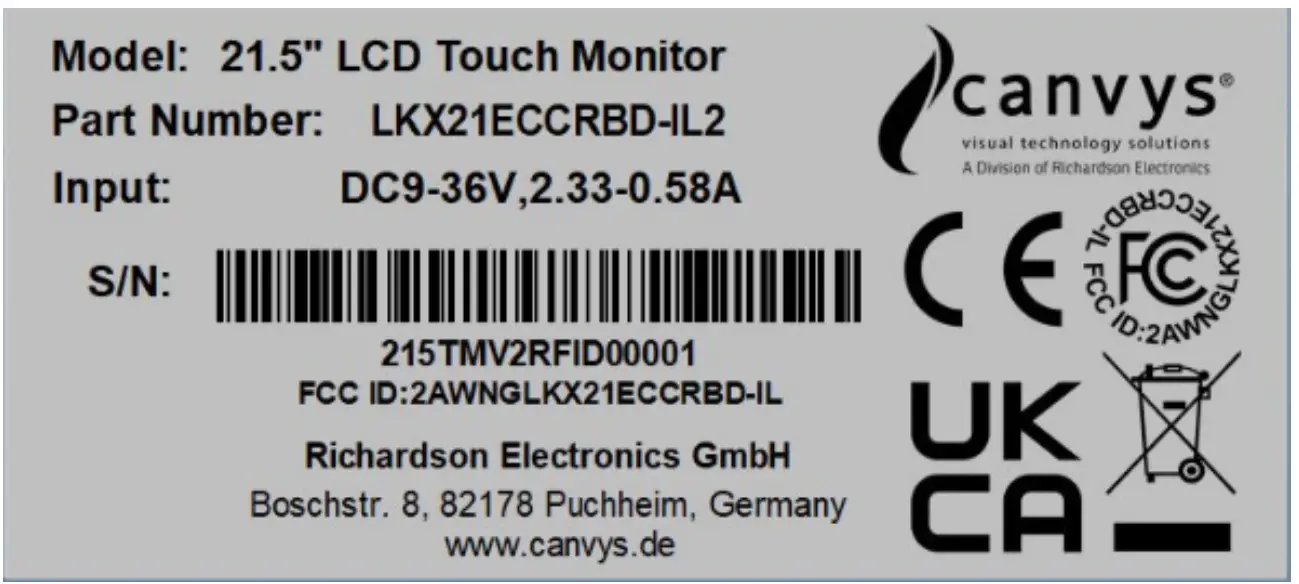 |
Transport/Carton Label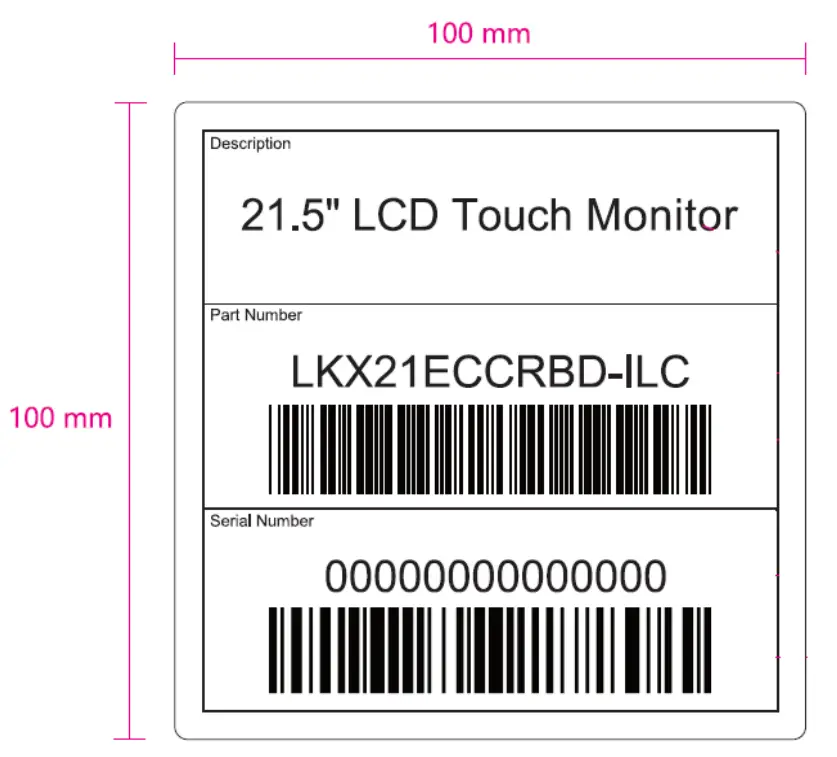 |
| Accessories |
| Delivery without any accessories (no cables, no Power Supply, no manual) |
| Packaging Information |
Outer Carton (brown packaging) and inner white carton with both showing Transport Label, including following components:
|
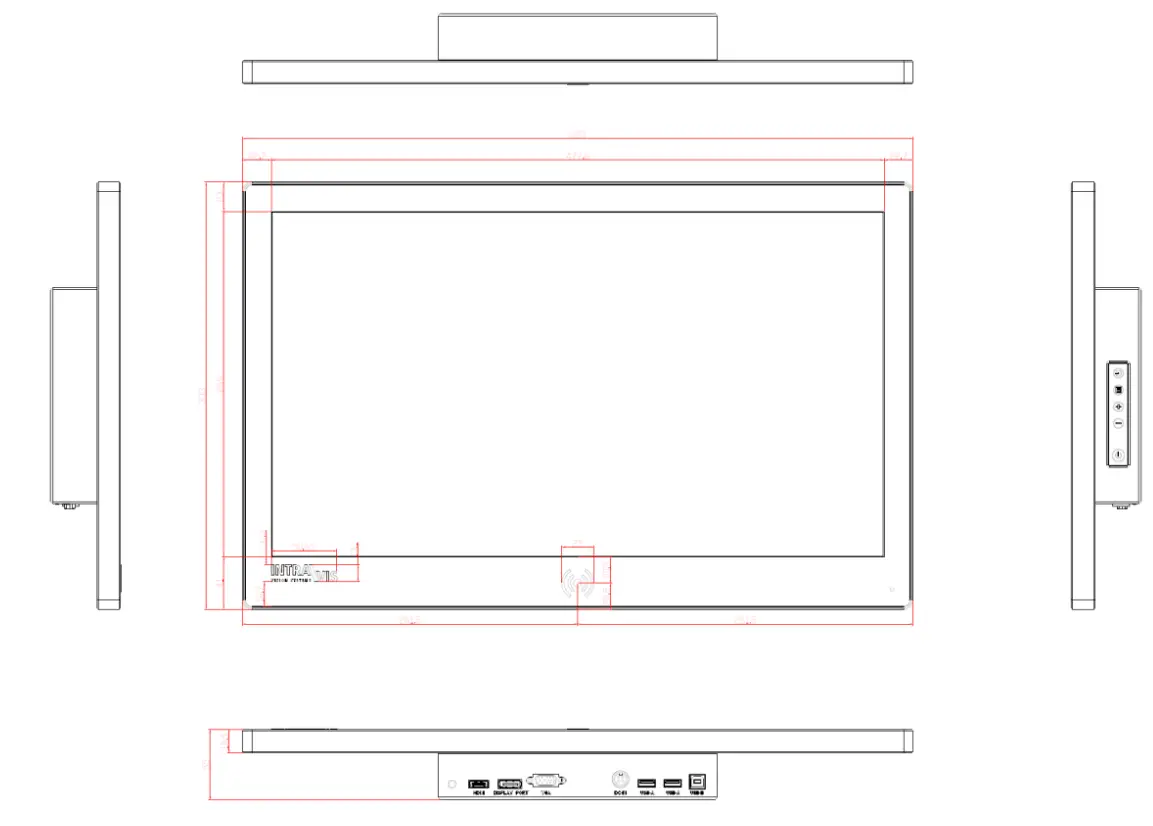
Drawings and pictures
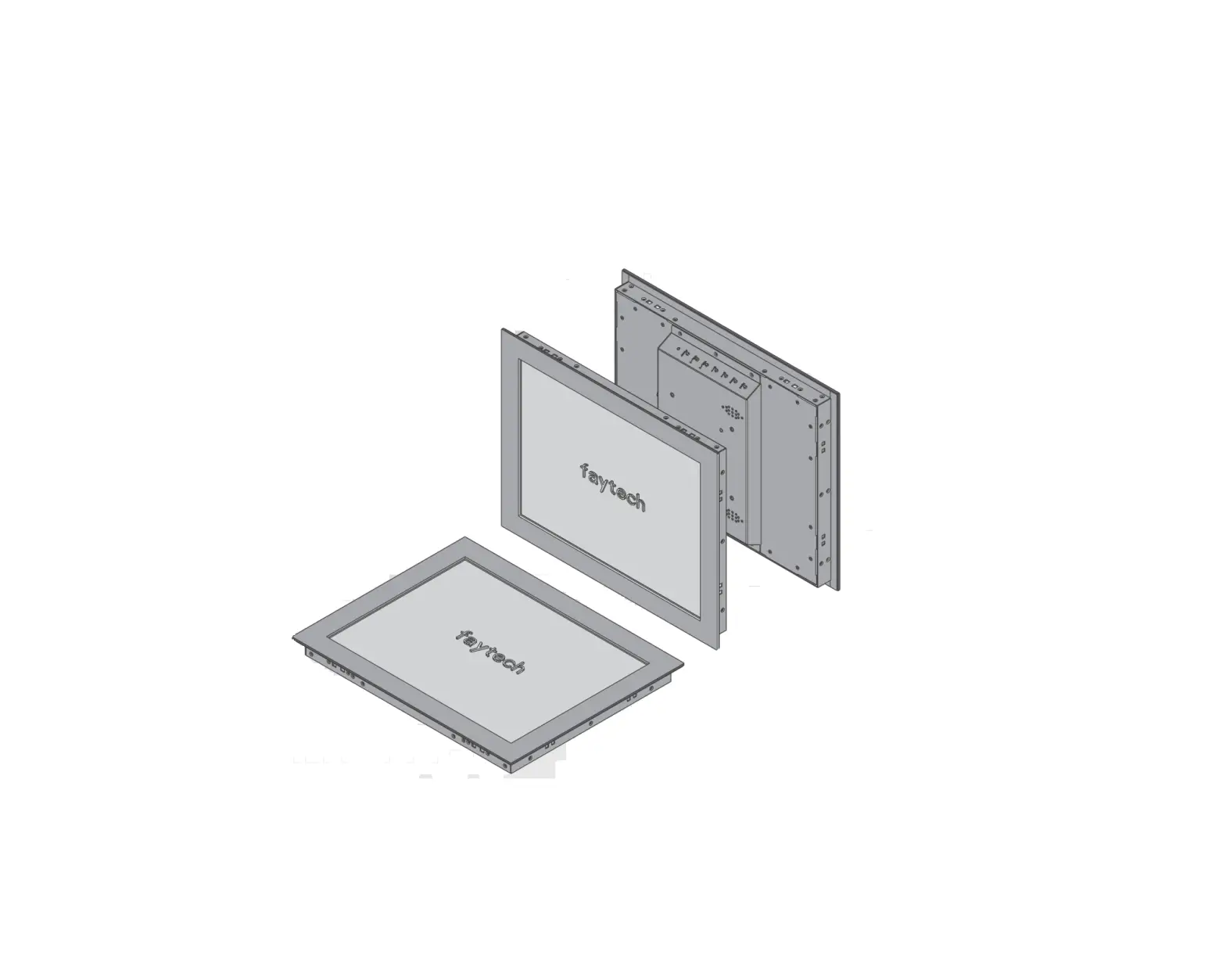
- Front, Side and I/O drawing

- Details of I/O ports and Intravis/RFID Print

- Back drawing

- Front View (colors just for reference)

- Back view (colors just for reference)

FCC Compliance Statement
This device complies with part 15 of the FCC Rules. Operation is subject to the following two conditions:
- This device may not cause harmful interference, and
- This device must accept any interference received, including interference that may cause undesired operation.
FCC WARNING
Any changes or modifications not expressly approved by the party responsible for compliance could void the user’s authority to operate this equipment.
This device complies with part 15 of the FCC Rules. Operation is subject to the following two conditions: (1) this device may not cause harmful interference, and (2) this device must accept any interference received, including interference that may cause undesired operation.
This device and its antenna(s) must not be co-located or operating in conjunction with any other antenna or transmitter.
NOTE: This equipment has been tested and found to comply with the limits for a Class B digital device, pursuant to Part 15 of the FCC Rules. These limits are designed to provide reasonable protection against harmful interference in a residential installation. This equipment generates, uses and can radiate radio frequency energy and, if not installed and used in accordance with the instructions, may cause harmful interference to radio communications. However, there is no guarantee that interference will not occur in a particular installation.
If this equipment does cause harmful interference to radio or television reception, which can be determined by turning the equipment off and on, the user is encouraged to try to correct the interference by one or more of the following measures:
- Reorient or relocate the receiving antenna.
- Increase the separation between the equipment and receiver.
- Connect the equipment into an outlet on a circuit different from that to which the receiver is connected.
- Consult the dealer or an experienced radio/TV technician for help.
To maintain compliance with FCC’s RF Exposure guidelines, This equipment should be installed and operated with minimum distance between 20cm the radiator your body: Use only the supplied antenna.
| Supplier/Vendor Address: faytech AG Bischhäuser Aue 10 37213 Witzenhausen Contact Person: | Qualification Date: 26.04.2021 Sign: |
Customer Support
Richardson Electronics GmbH
Raiffeisenstr. 5
78166 Donaueschingen
Germany
www.canvys.com

 HOME | Canvys