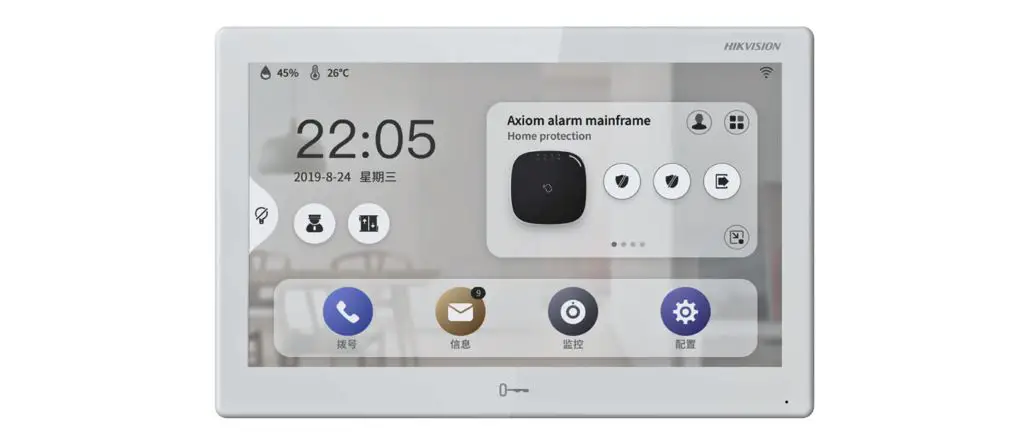
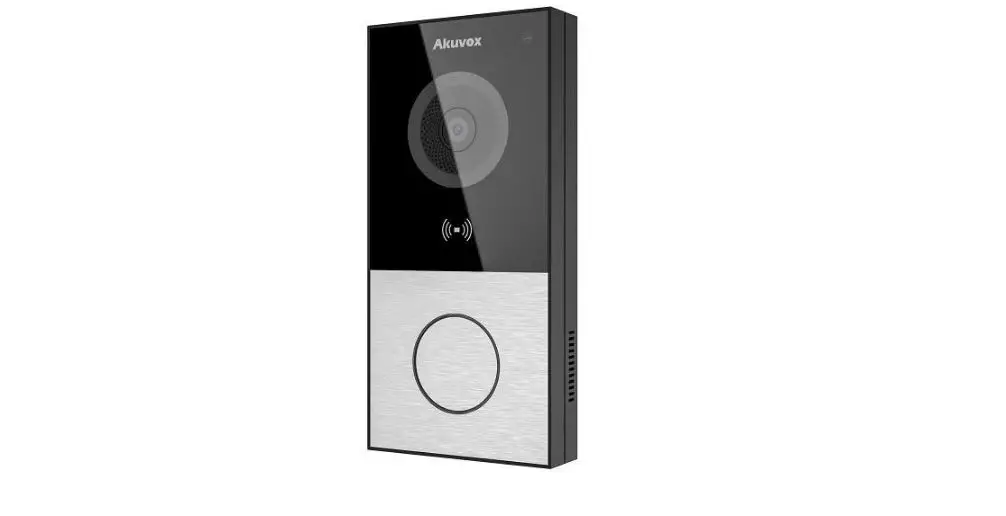
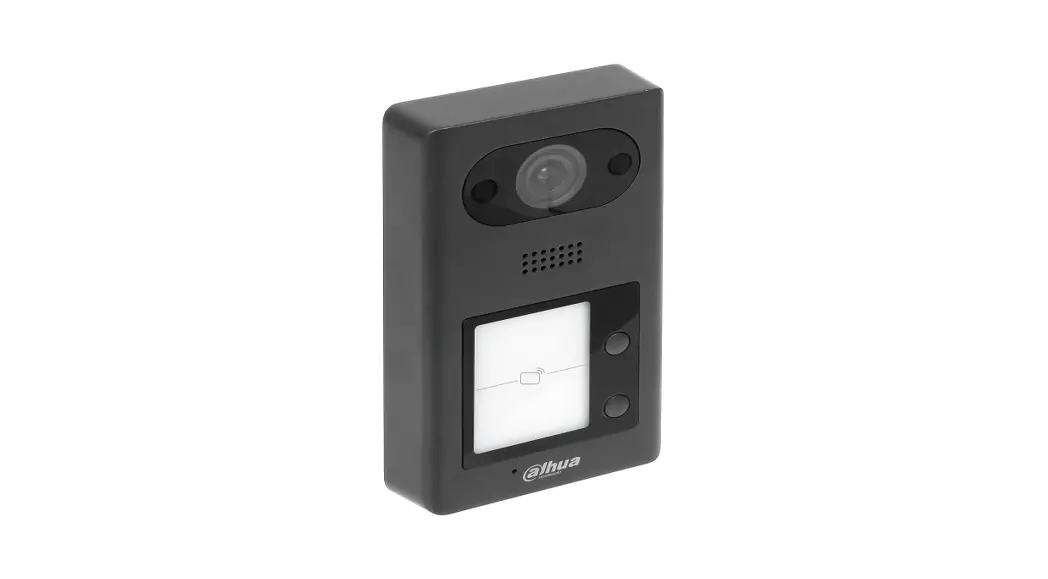
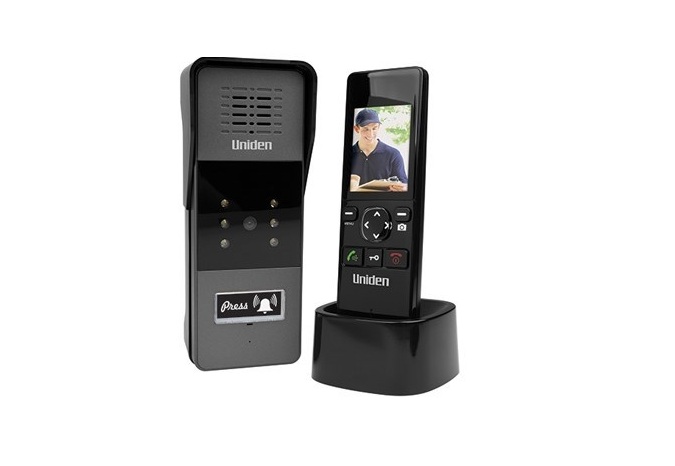
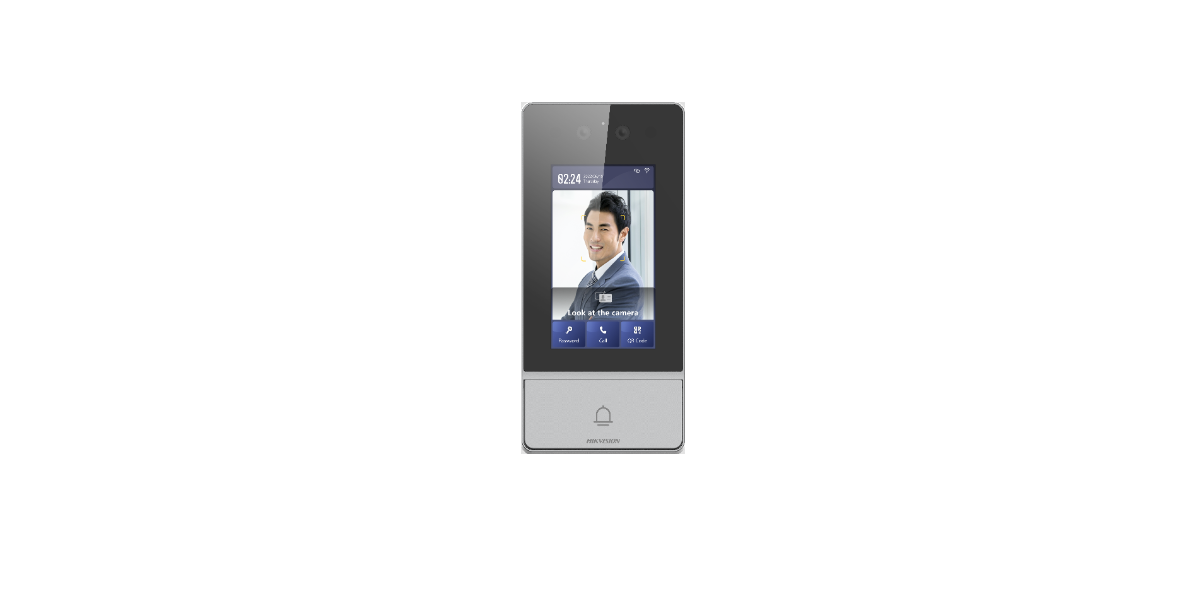
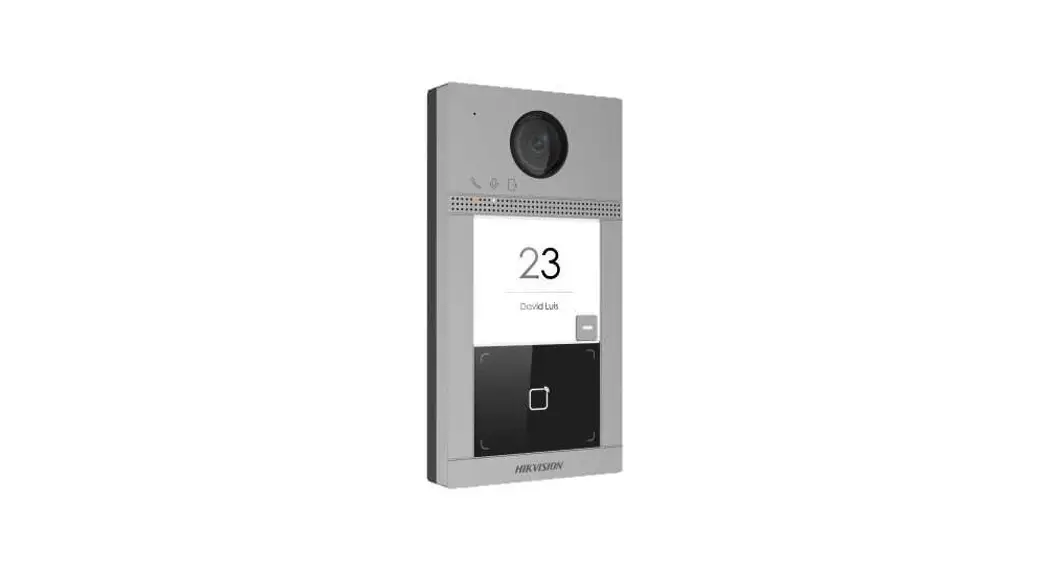
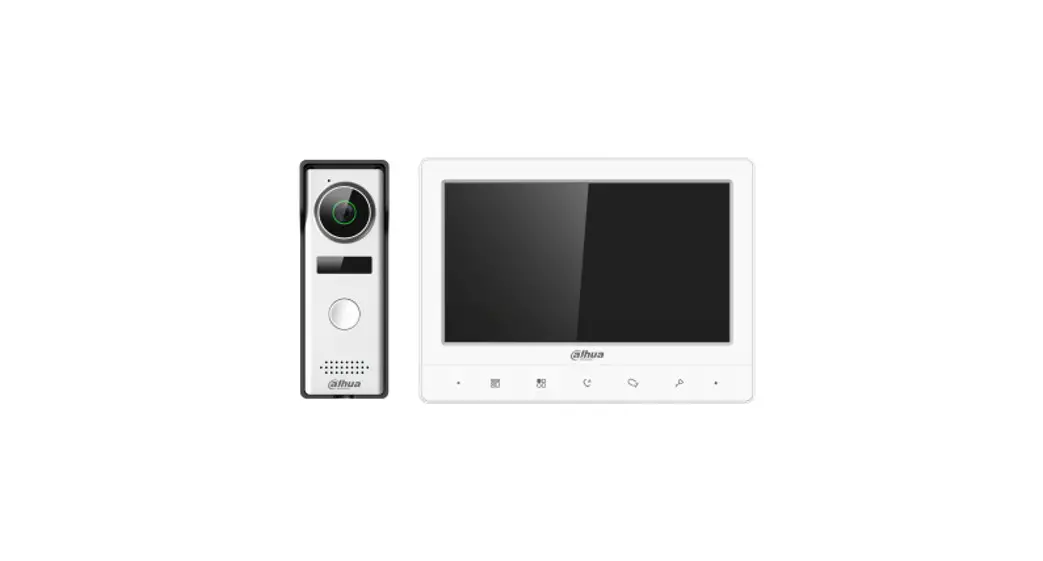
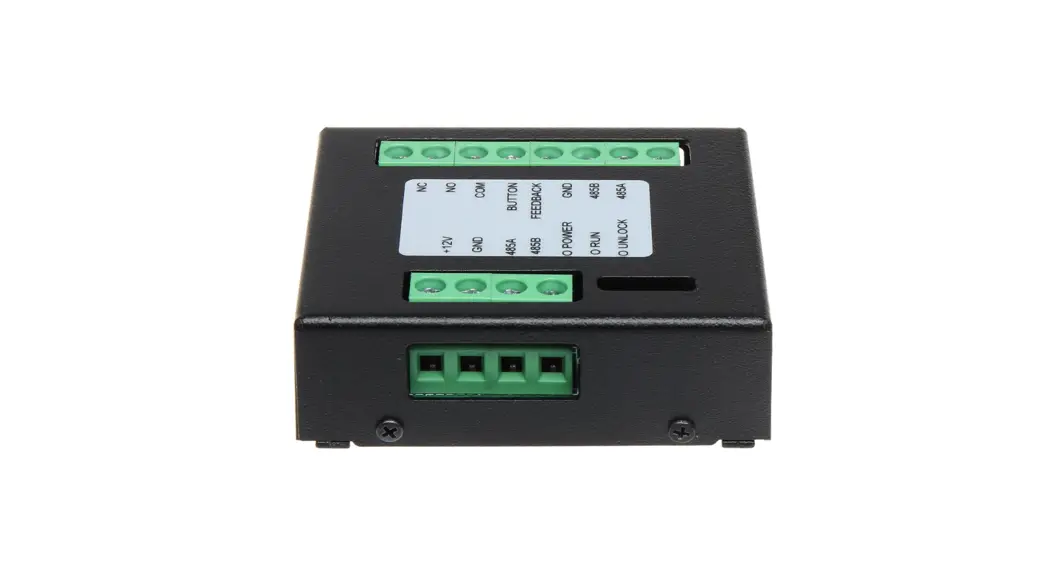
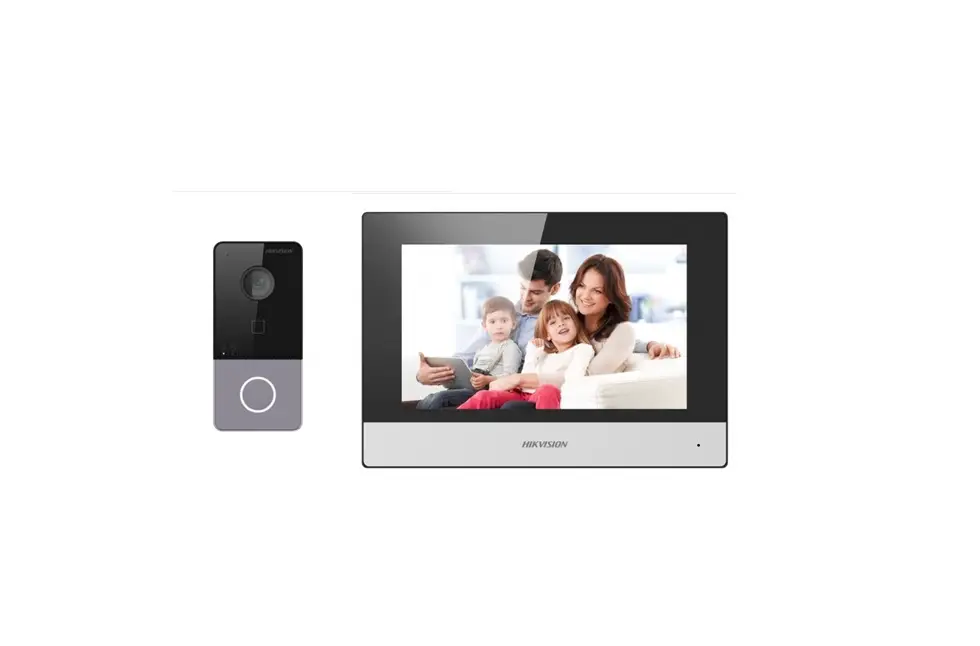
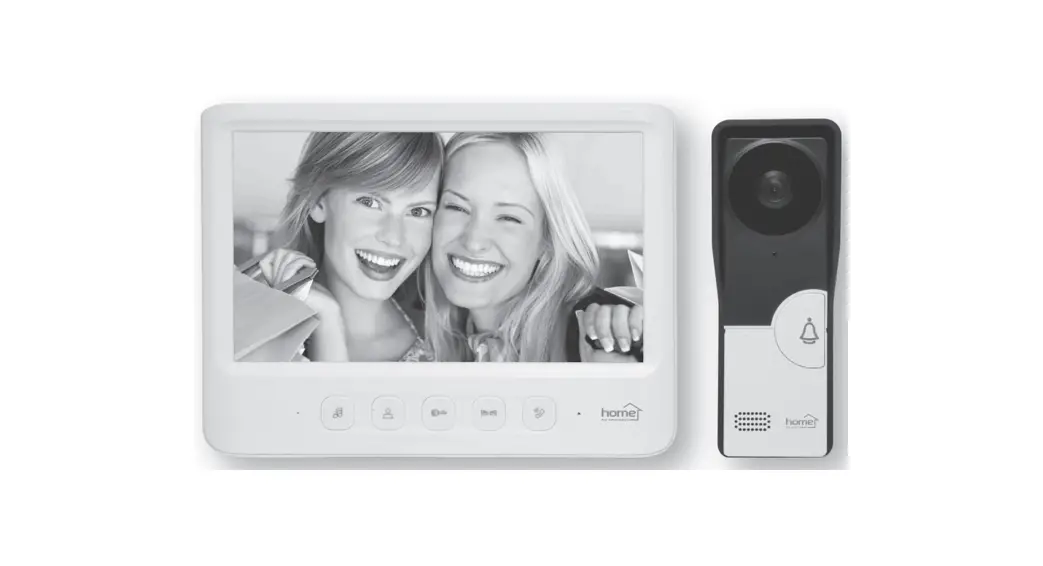
TD-E2137 Video Intercom Indoor Station
Product Information
The Video Intercom Indoor Station is a device that allows for
communication and video monitoring in a home or office setting. It
comes with a quick start guide, a drill template, a bracket, and a
cable. The device features an unlocking button, a microphone, a
speaker, and a memory card slot. It also has various input and
output ports, including an alarm input, a 10-pin interface, a power
input/output, and an RS 485 port. The device can be powered by
either a 12VDC power supply or PoE power supply.
Package Contents:
- Video Intercom Indoor Station
- Quick Start Guide
- CD (optional)
Device Overview:
Front Dimensions: 180.6mm
Side Dimensions: 135.6mm
The device has various ports and buttons, including an unlocking
button, a microphone, a speaker, and a memory card slot.
Cable Connection:
The device has multiple cable connections labeled as A1 to A8,
GND, RS 485+, RS 485-, Power Input(+), Power Input(-), Power
Output(+), Power Output(-), and Ethernet Port (PoE).
Note:
The power output is only available when the indoor station is
powered by a 12VDC power supply. It will not work when using PoE
power supply.
Product Usage Instructions
Installation – Wall Mounting without Junction Box:
- Place the drill template onto the wall and drill the holes
according to it. - Insert the screw anchors into the screw holes and then install
the bracket onto the wall using four tapping screws. Make sure the
tip of the bracket is at the top during installation. - Hook the device onto the bracket from left to right.
Installation – Wall Mounting with Junction Box:
- Place the drill template onto the junction box and drill the
holes according to it. - Install the bracket onto the junction box using two machine
screws. Make sure the tip of the bracket is at the top during
installation. - Hook the device onto the bracket from left to right. To remove
the device, push it from right to left.
Caution: Any changes or modifications to this
device not explicitly approved by the manufacturer could void your
authority to operate this equipment. This device complies with part
15 of the FCC Rules and should be operated with a minimum distance
of 20cm between the radiator and your body.
Video Intercom Indoor Station Quick Start Guide
1 Package
Device
Quick Start Guide
CD (optional)
Tapping Screw×4 Machine Screw×2
2 Overview Front
180.6mm
Side
Back
2×10 PINInterface EthernetPort Reset
135.6mm
Drill Template
Plastic Screw Anchor ×4
Bracket
Cable
Unlocking Button
26.8mm Microphone
Speaker Memorycardslot
3 CableConnection
AlarmInput
2×
1
2
3
4
5
6
7
A1
A2
A3
A4
A5
A6
A7
10-pinInterface
11
12
13
14
15
16
17
12V IN 12V IN +
GND
GND
–
12V OUT GND
+
–
About This Manual All pictures, images, icons and snapshots in this manual are for reference only. If there is inconsistency between the manual and the actual product, the actual product shall prevail. The manual will be updated according to the product improvement and are subject to change without prior written notice. Legal Disclaimer To the maximum extent permitted by applicable law, the product described, with its hardware, software, software and firmware, is provided “as is”, with all faults and errors, and our company makes no warranties, express or implied, including particular purpose, and non-infringement of third party. In no event will our company, offices, or agents be liable to you for any special, consequential, incidental, or indirect damages, including, among others, damages for loss of business profits, business interruption, or loss of data or documentation, in connection with the use of this product, even if our company has been advised of the possibility of such damages. With regard to the product with internet access, the use of product shall be wholly at your own risks. Our company shall be irresponsible for abnormal operation, privacy leakage or other damages resulting from cyber attack, hacker attack, virus inspection, or other internet security risks; however, our company will provide timely technical support if necessary. During the use of the device, pleas strictly abide by applicable law. In the event of any conflicts between this manual and the applicable law, the later prevails. Installation and Use Please use our product according to the following safety instructions and warnings. Do not place the camera in extremely hot, cold, dusty or damp location. Do not expose it to high electromagnetic radiation. If the product does not work properly, please contact your dealer or the nearest service center. Never attempt to disassemble the camera yourself. (We shall not be responsible for any problems caused by unauthorized repair or maintenance.) Do not drop the camera or subject it to physical shock. Keep away from liquid while in use. Do not touch the screen with sharp objects. If cleaning is necessary, please use clean cloth to wipe it gently, avoiding water or alcohol.
PowerInput
PowerOutput*
Note:
*Only when 12VDC power supply is used to power the indoor station, can the power output be available. The power output will not take effect when PoE power supply is used.
GND
8
9
10
A8
GND
GND
18
19
20
RS 485+ RS 485-
RS 485
Alarm Input
A1 A2 A3 A4 A5 A6 A7 A8 GND GND
PowerInput(+)
PowerInput (-) PowerOutput(+) PowerOutput(-)
12V IN 12V IN GND GND 12V OUT
GND
RS485+ RS485-
(reserved)
Ethernet Port (PoE)
Alarm Input Device
4 Installation
Wall Mounting without Junction Box
1
2
Tip
3
Place the drill template onto the wall and then drill the holes according to it.
Insert the screw anchors into the screw holes and then install the bracket onto the wall with four tapping screws.
Note: The tip of the bracket must be on the top when installing.
Hook the device to the bracket from left to right .
WallMountingwithJunctionBox
1
2
Tip
Default Password ConfigurationPWD123456 Arming/disarming PWD123456 UnlockingPWDNull
Install the bracket onto the junction box with two machine screws. Note: The tip of the bracket must be on the top when installing.
Hook the device to the bracket from the left to right. Note: Push the device from right to left to remove
FCC Warnning: This equipment has been tested and found to comply with the limits for a Class B digital device, pursuant to part 15 of the FCC Rules. These limits are designed to provide reasonable protection againstharmful interference in a residential installation. This equipment generates, uses and can radiateradio frequency energy and, if not installed and used in accordance with the instructions, maycause harmful interference to radio communications. However, there is no guarantee thatinterference will not occur in a particular installation. If this equipment does cause harmfulinterference to radio or television reception, which can be determined by turning the equipmentoff and on, the user is encouraged to try to correct the interference by one or more of thefollowing measures: · Reorient or relocate the receiving antenna. · Increase the separation between the equipment and receiver. · Connect the equipment into an outlet on a circuit different from that to which the receiver is connected. · Consult the dealer or an experienced radio/TV technician for help.
Caution: Any changes or modifications to this device not explicitly approved by manufacturer could void your authority to operate this equipment.
This device complies with part 15 of the FCC Rules. Operation is subject to the following two conditions: (1)This device may not cause harmful interference, and (2) this device must accept any interference received, including interference that may cause undesired operation.
This equipment complies with FCC radiation exposure limits set forth for an uncontrolled environment. This equipment should be installed and operated with minimum distance 20cm between the radiator and your body.