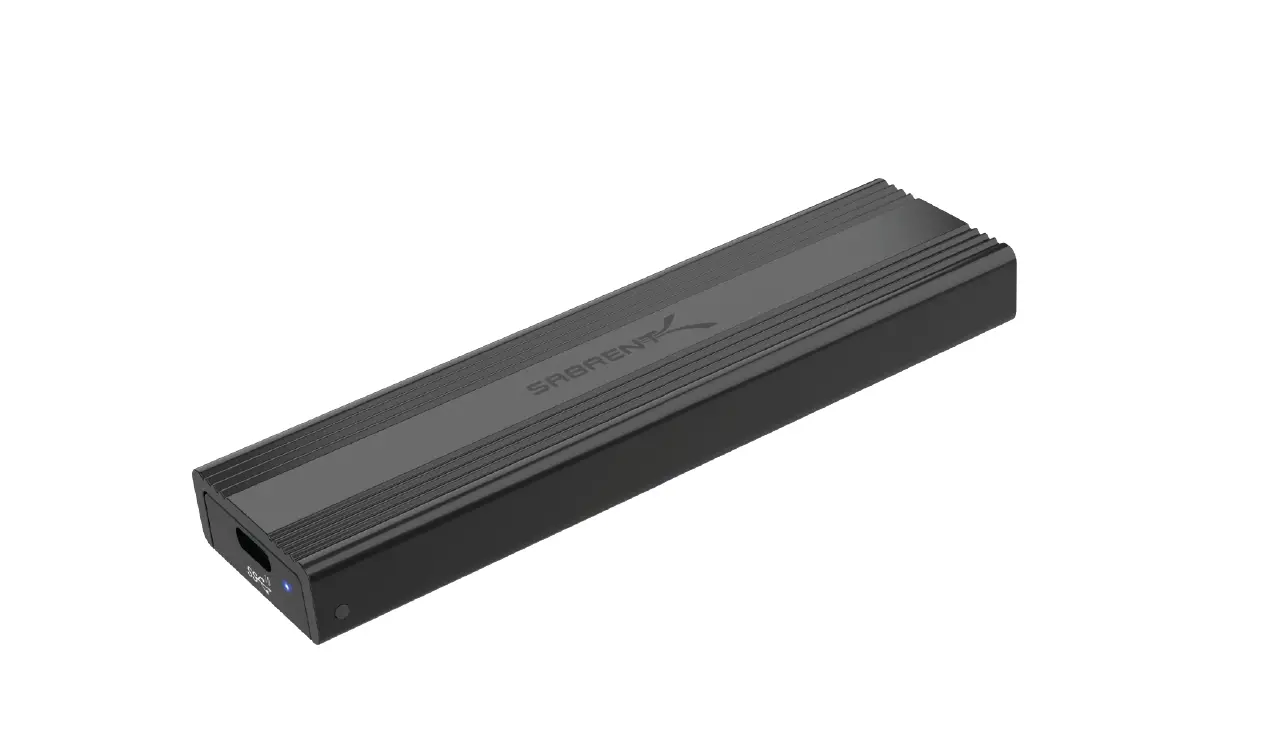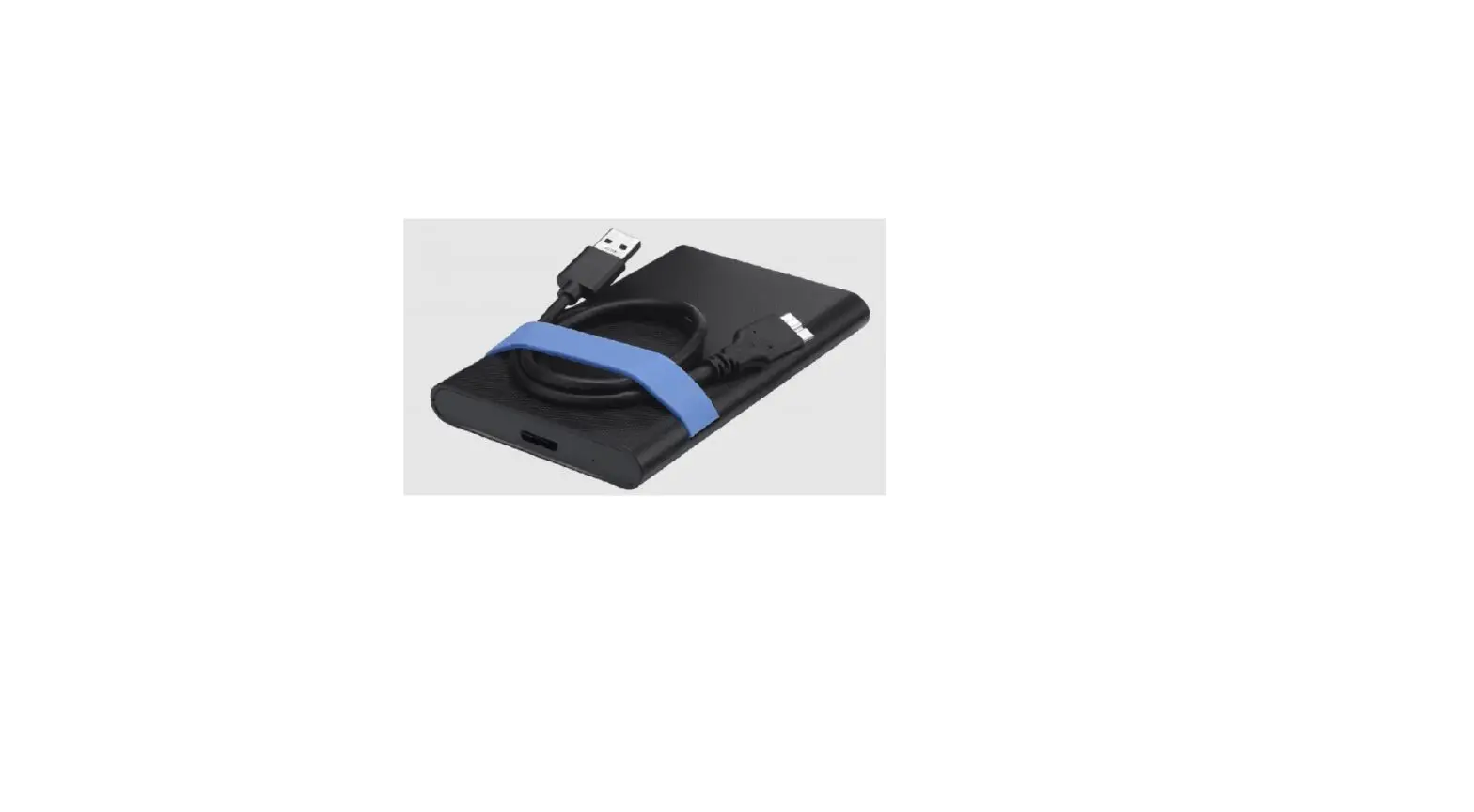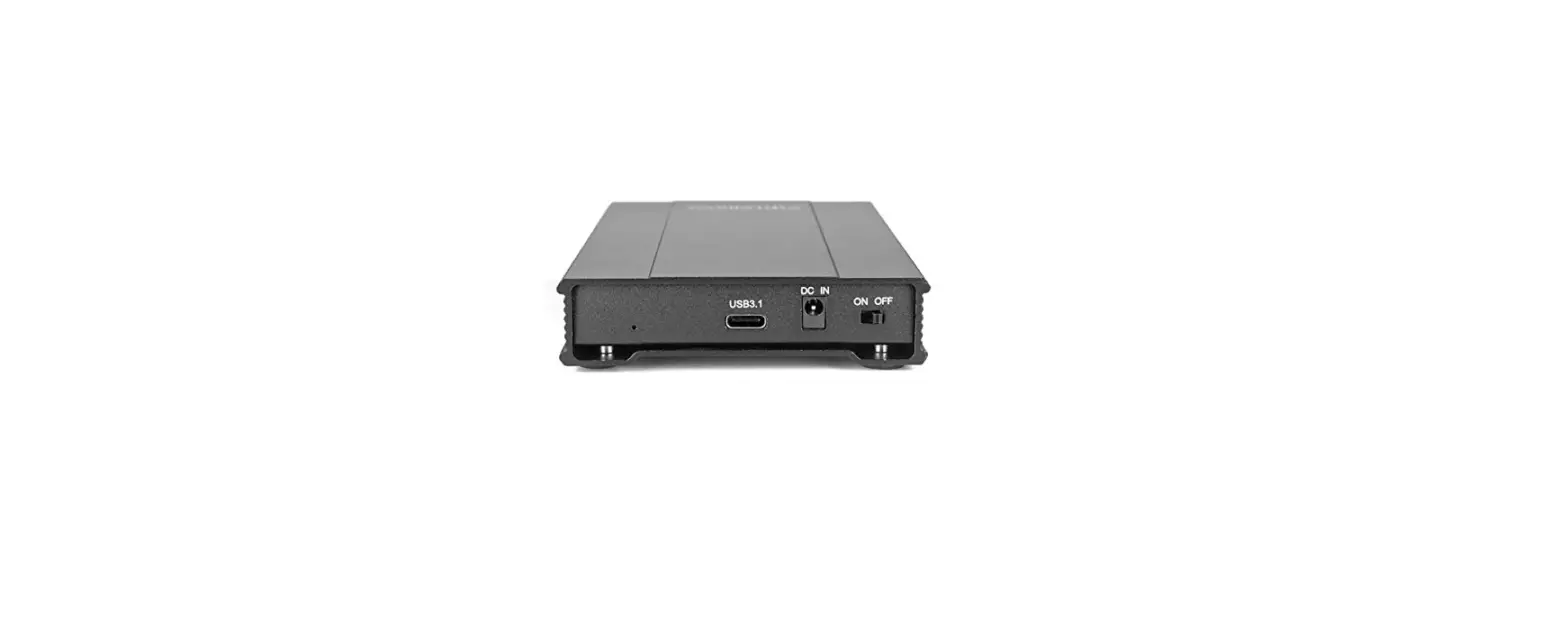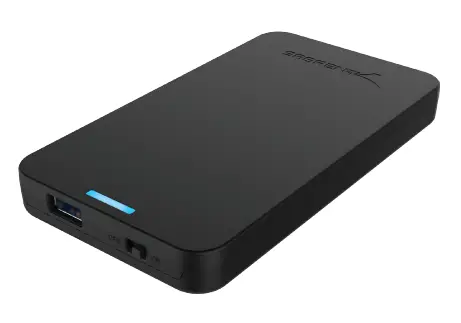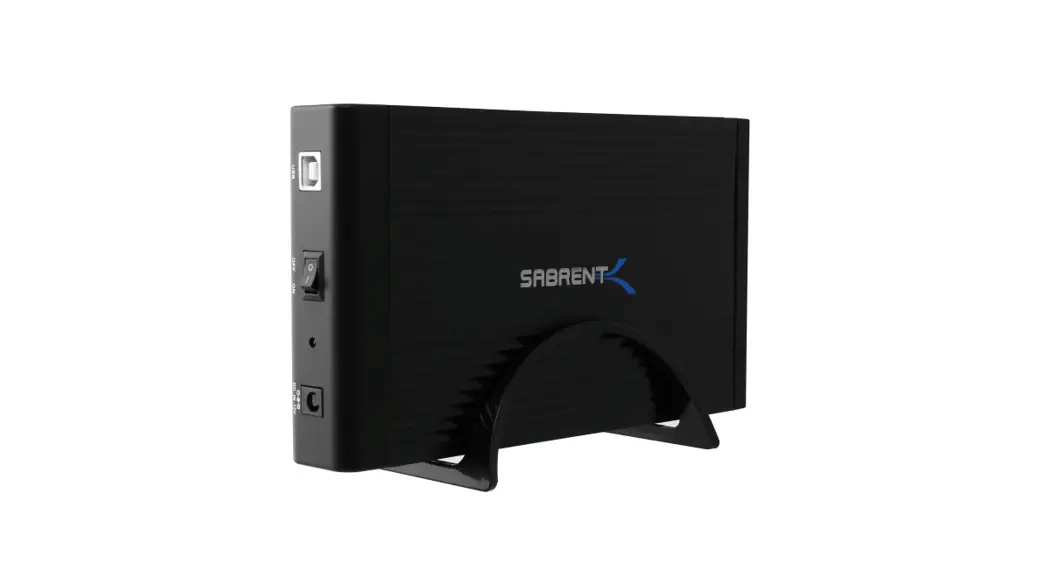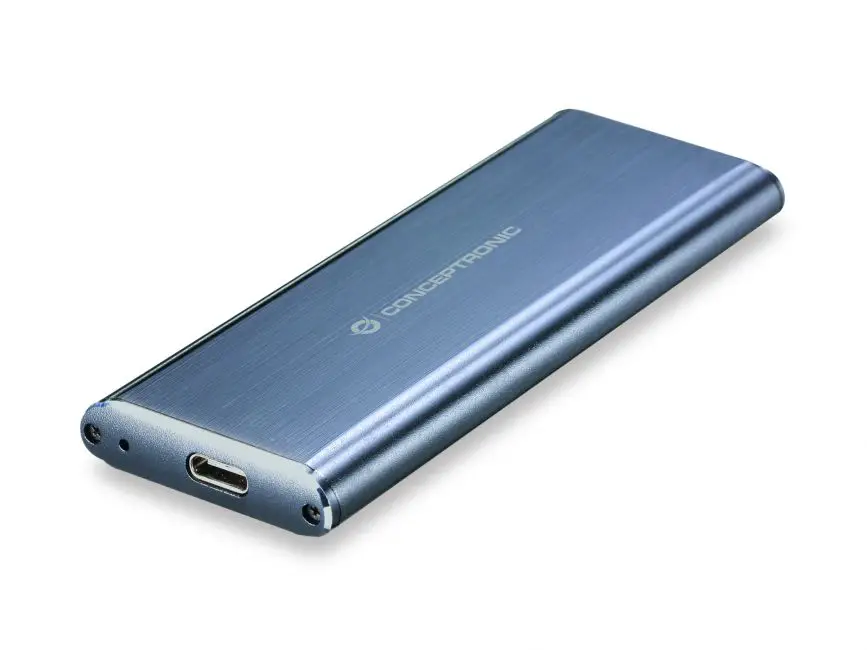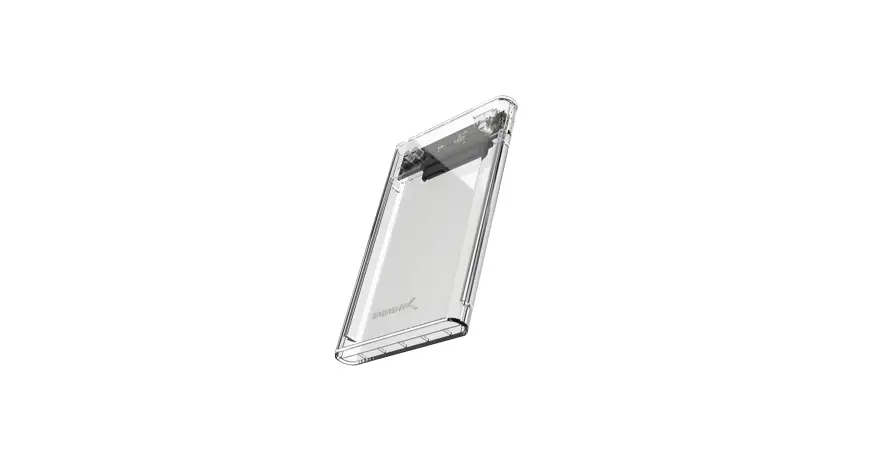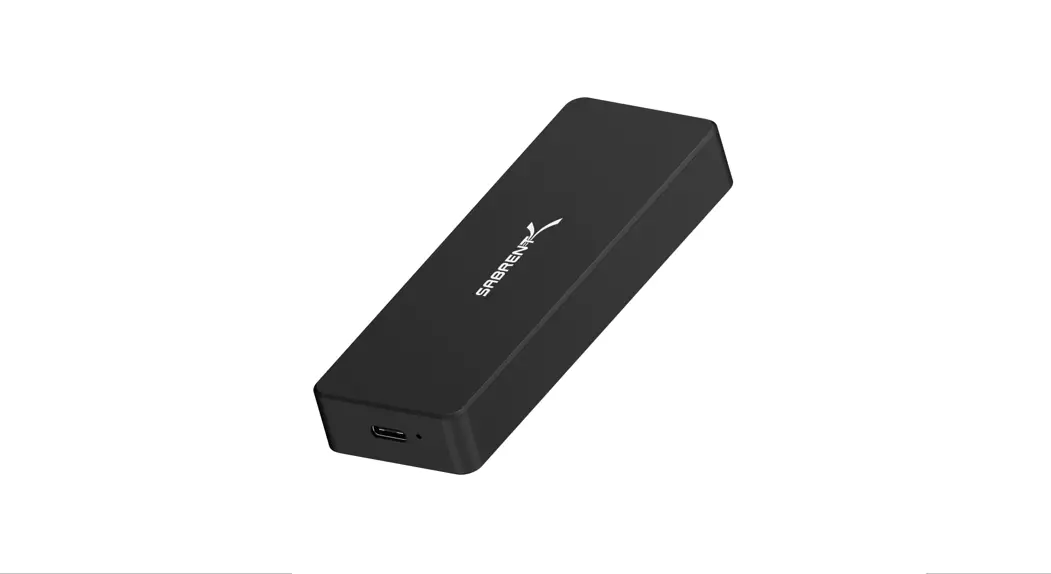
 USB 3.1 TOOL-FREE ENCLOSURE FOR NVMe
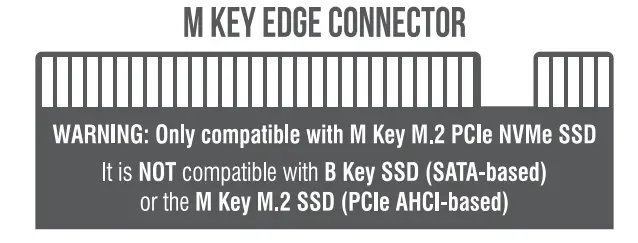
PCIe M KEY M.2 SSD 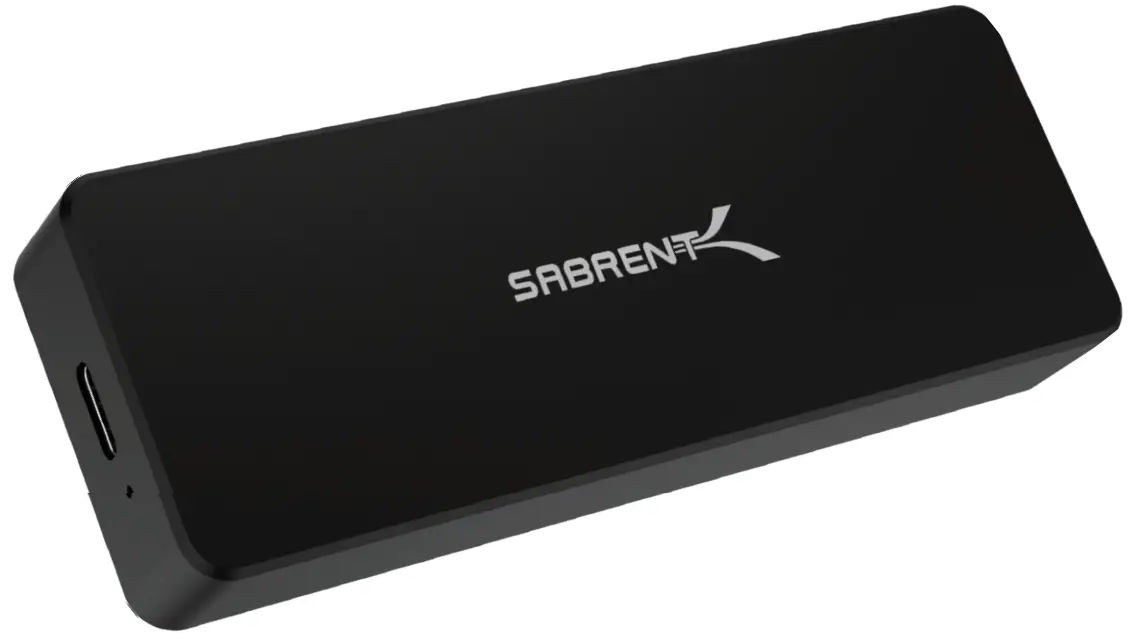
EC-TFNB / quick installation guide
FEATURES
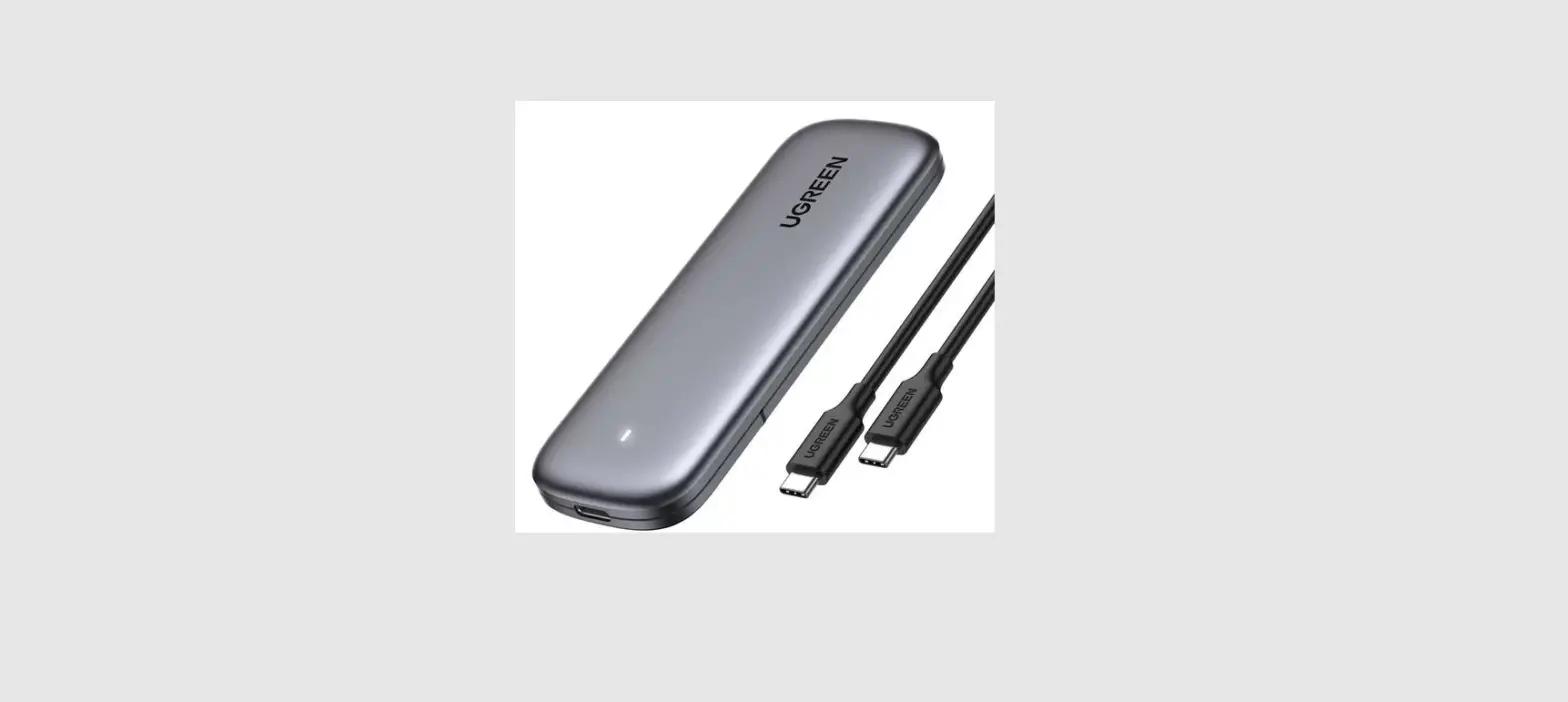
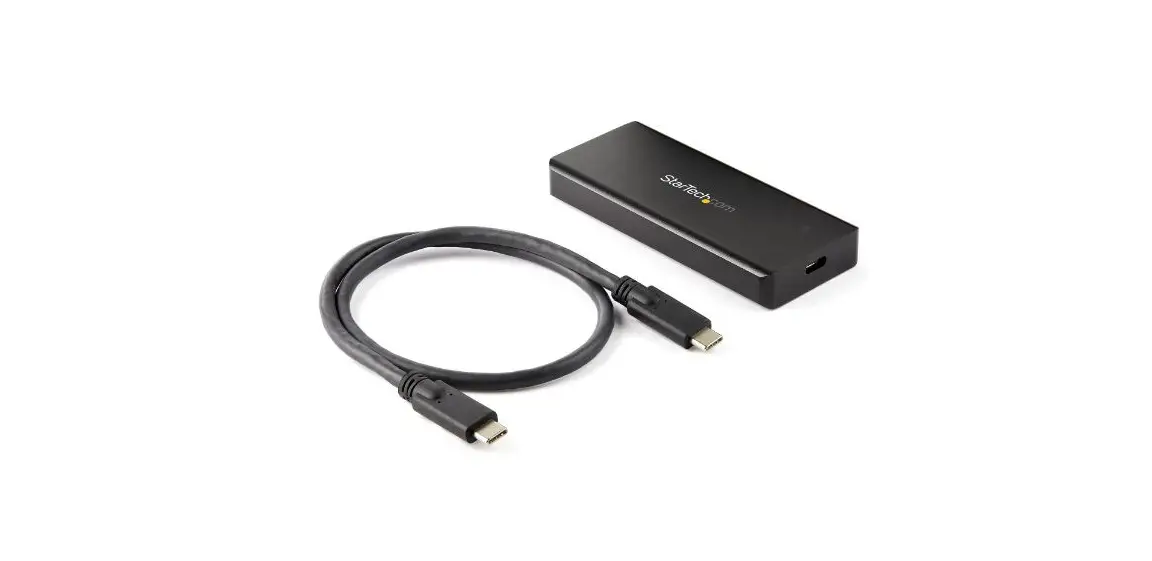
- USB 3.1 Enclosure for NVMe PCIe M Key M.2 SSD
- Compatible with Sizes: 2230 / 2242 / 2260 / 2280
SYSTEM REQUIREMENTS - Windows 7 or higher/ Mac OS 10 5 or higher
PACKAGE CONTENTS
- USB 3.1 Enclosure for NVMe PCIe M key M.2 SSD
- USB Cable
- USB Type-C Adapter
- Magnetic Pin
| Lift and rotate to unlock the knob (counterclockwise) | Remove bottom plate |
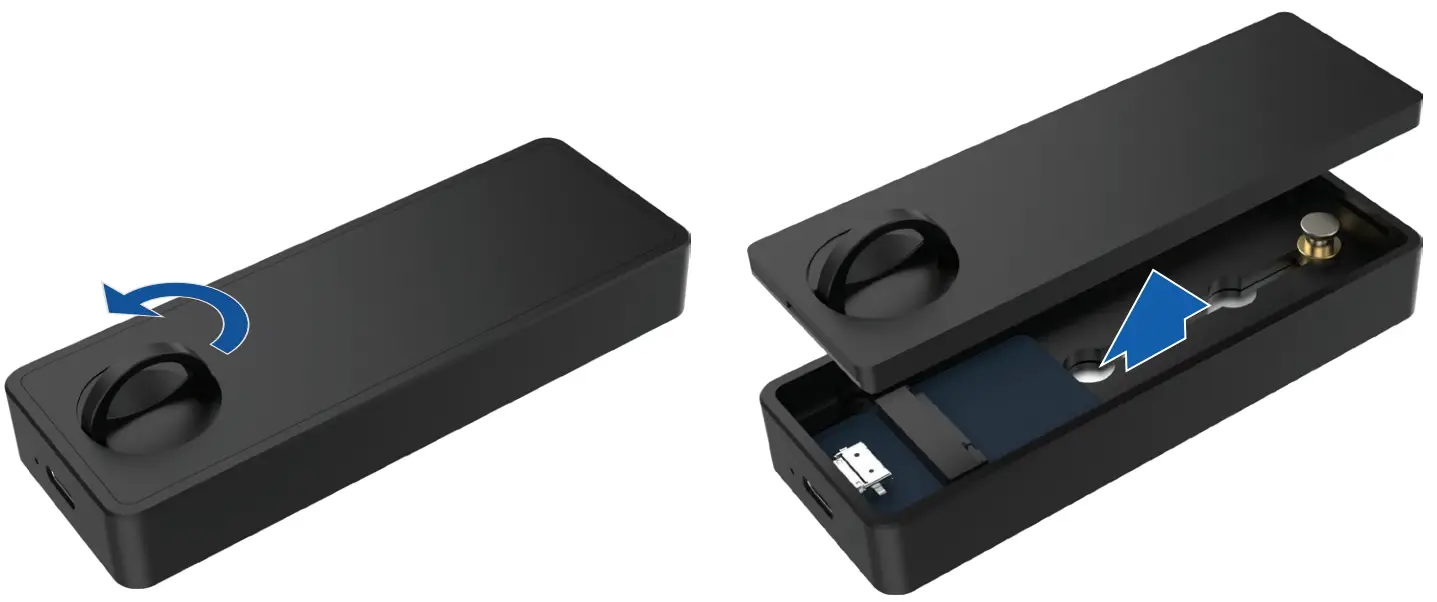 | |
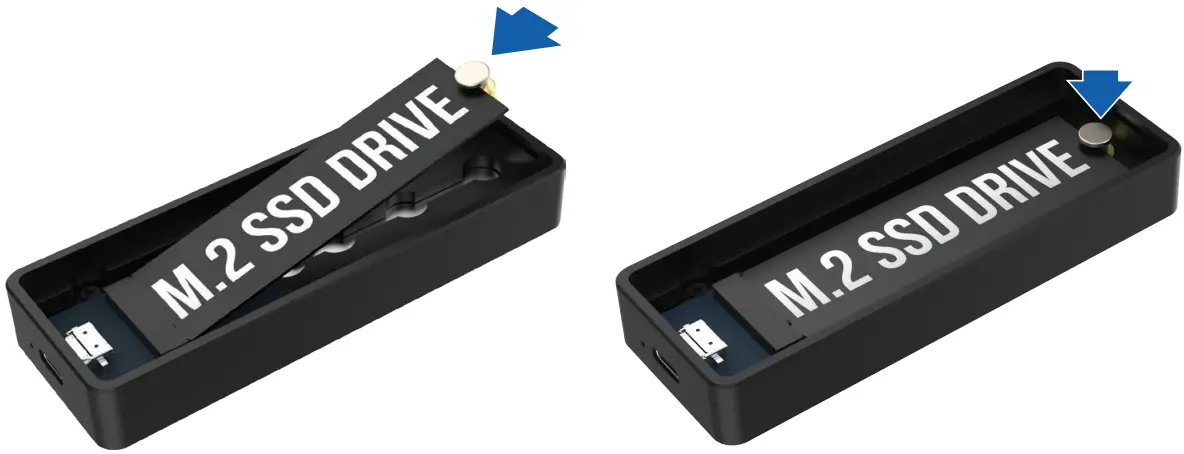
| At a 45-degree angle, insert the Magnetic Pin in the SDD notch and slide in your SDD until it is properly seated | Make sure de Magnetic Pin “clicks” in the bottom NOTE: There are 4 positions in the bottom fit, depending of the size of your SSD |
 | |
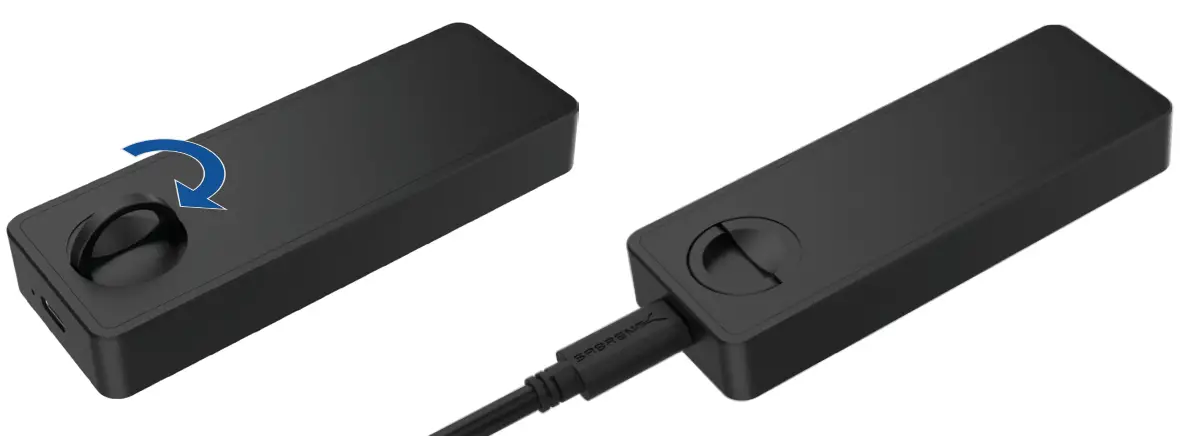
| Reattach the bottom plate, rotate to lock the knob (clockwise), and put the knob down. | Connect the USB cable to both the device and the computer |
 | |
FOR HELP, COMMENTS, QUESTIONS OR CONCERNS
PLEASE CONTACT OUR TECH SUPPORT TEAM VIA OUR WEBSITE
www.sabrent.com
 Sabrent