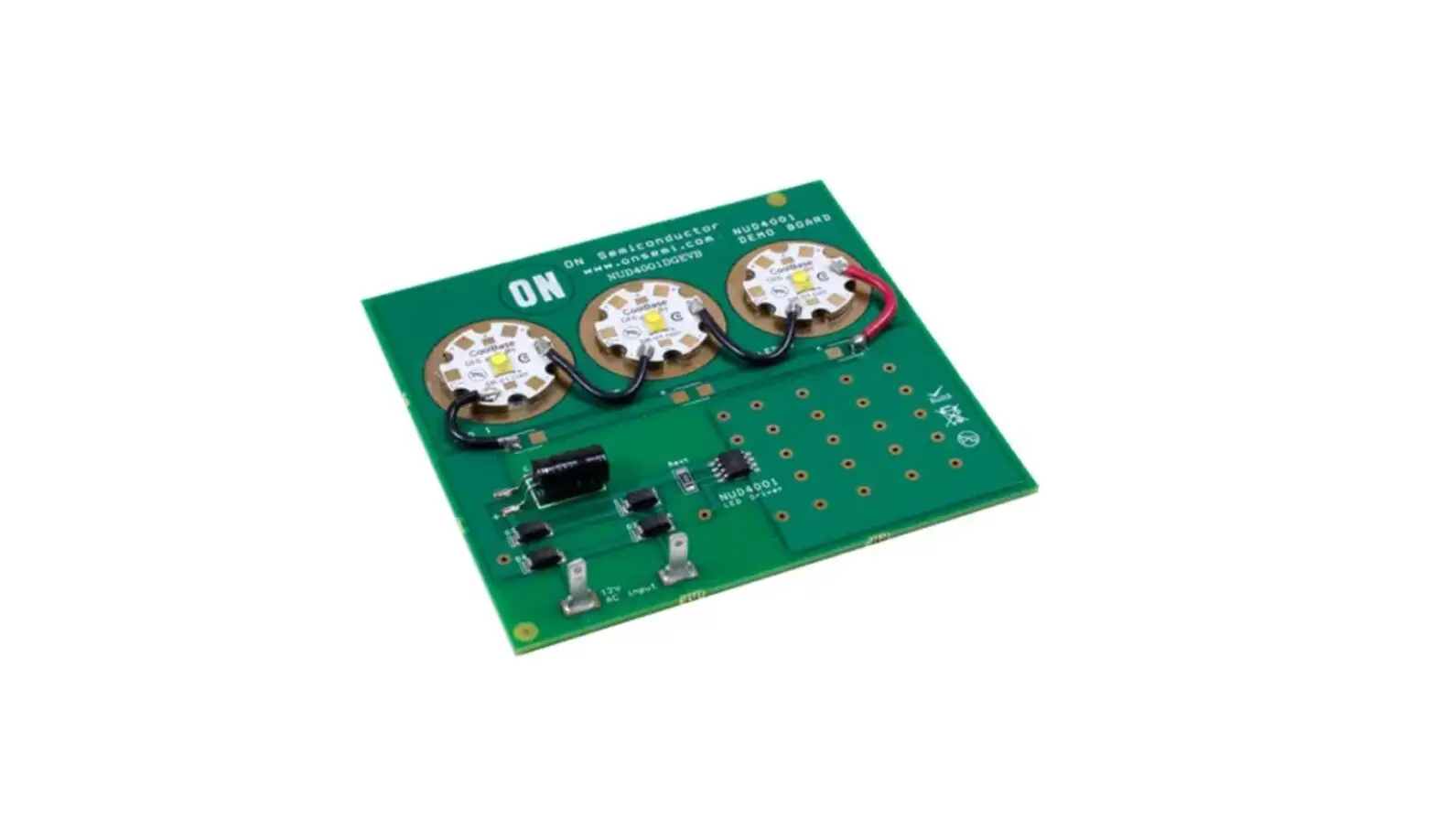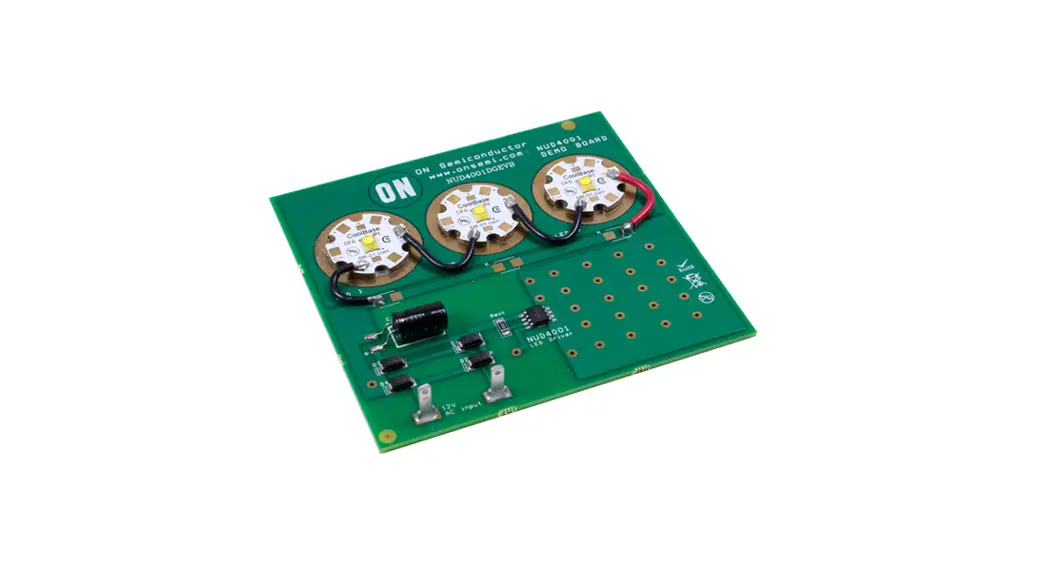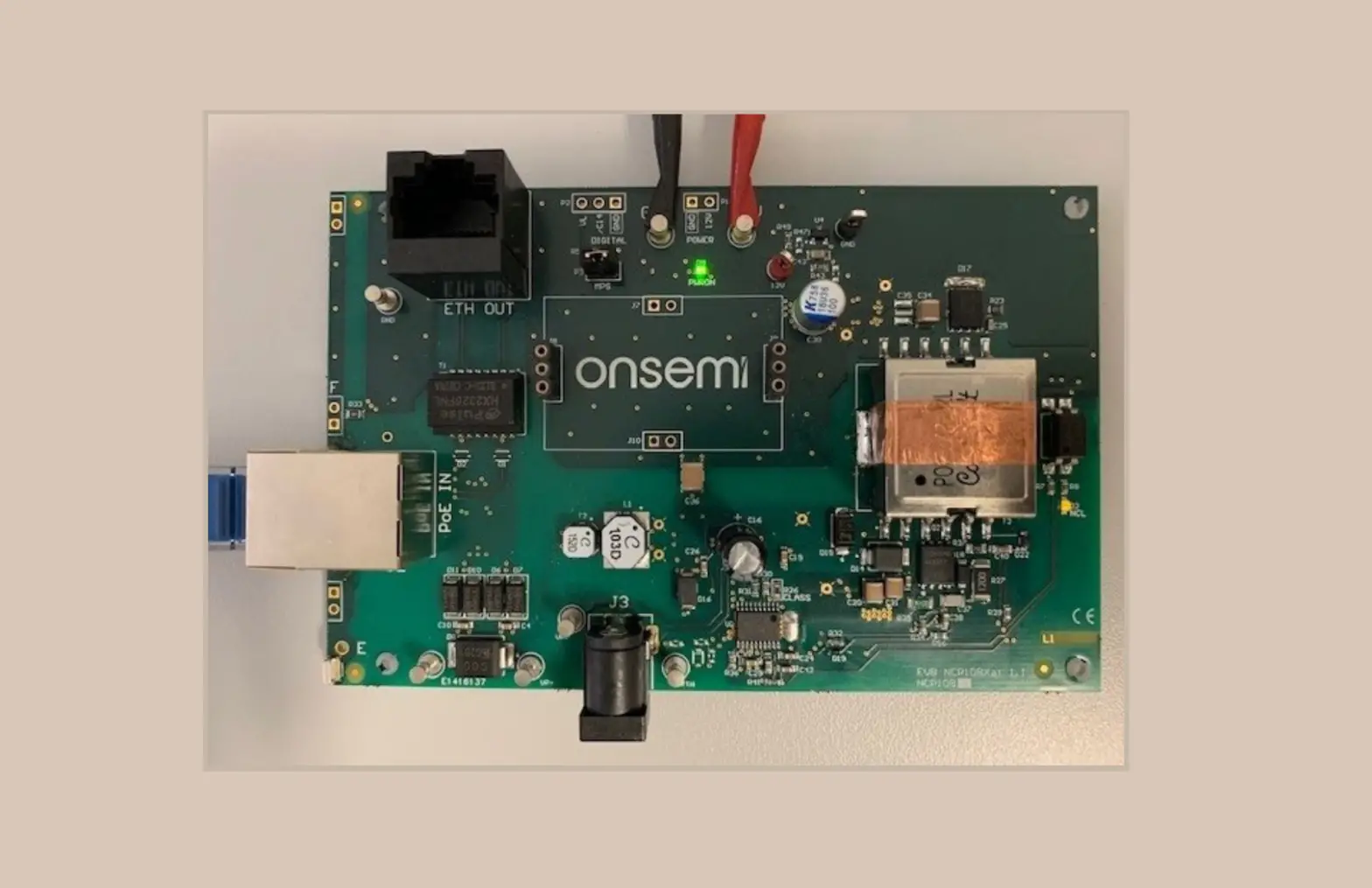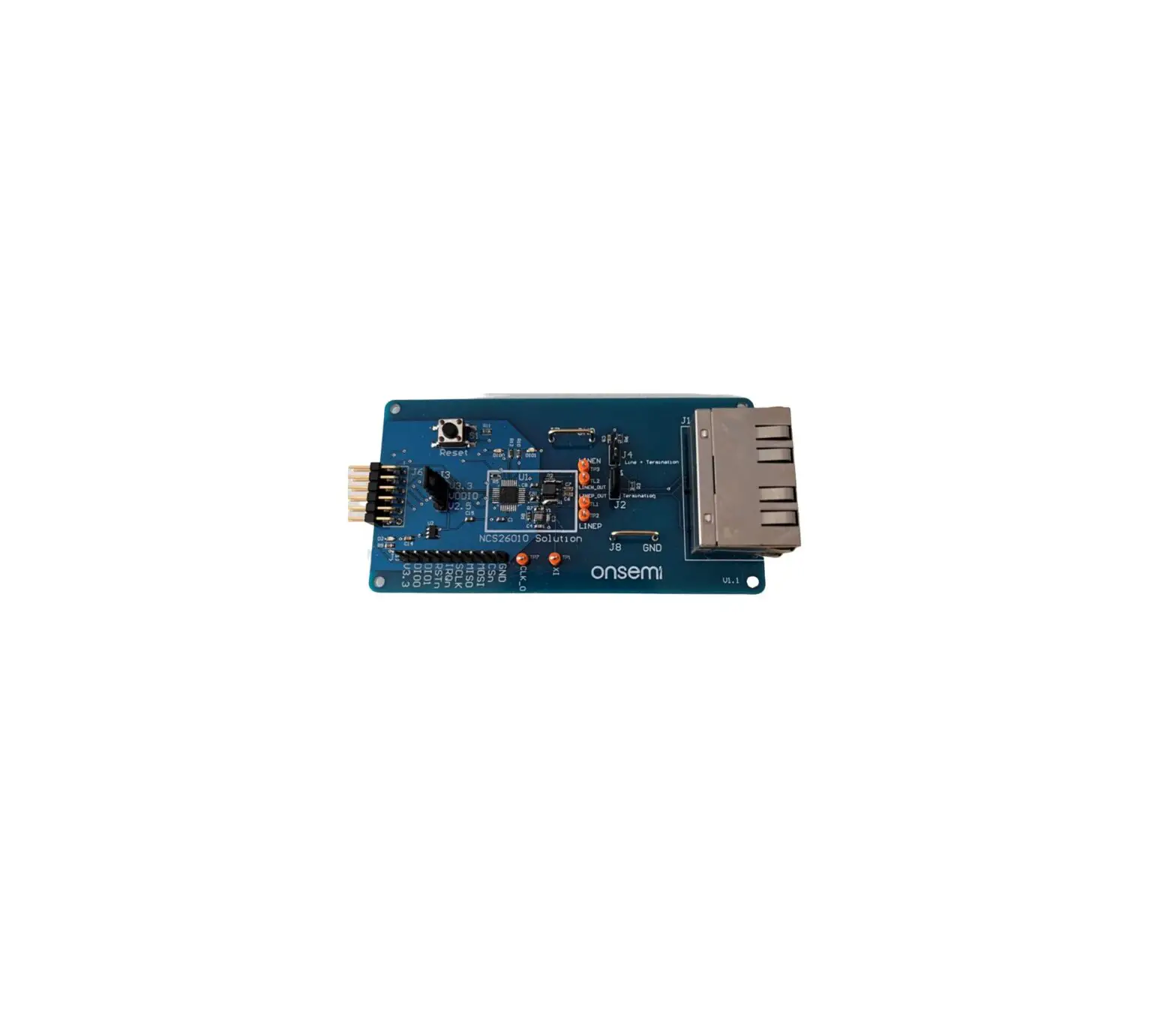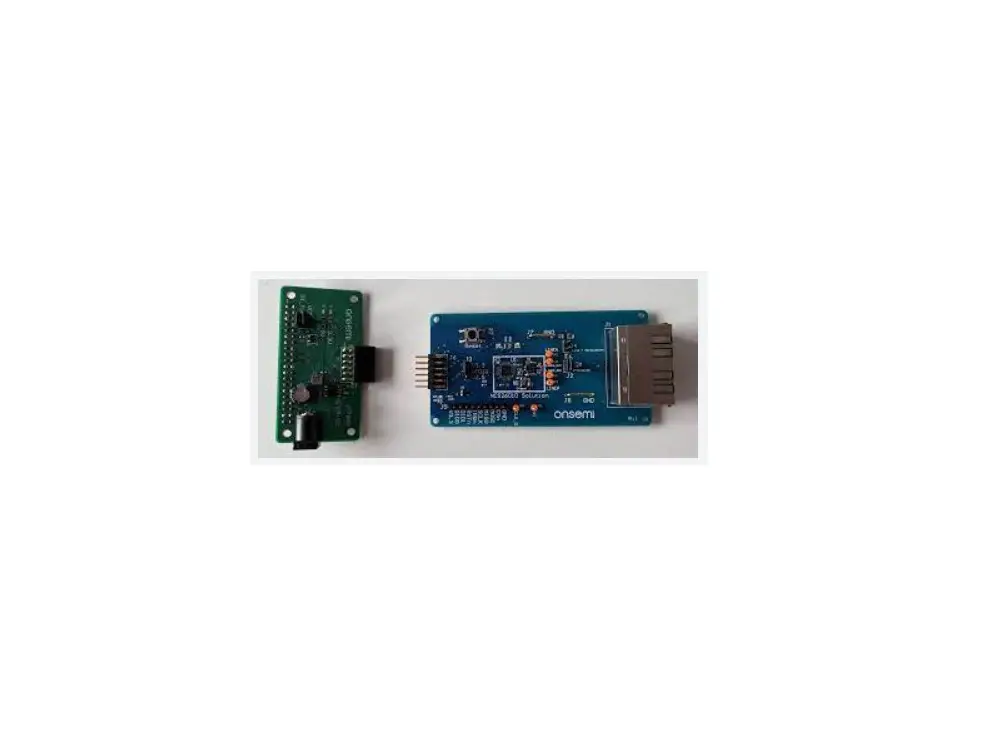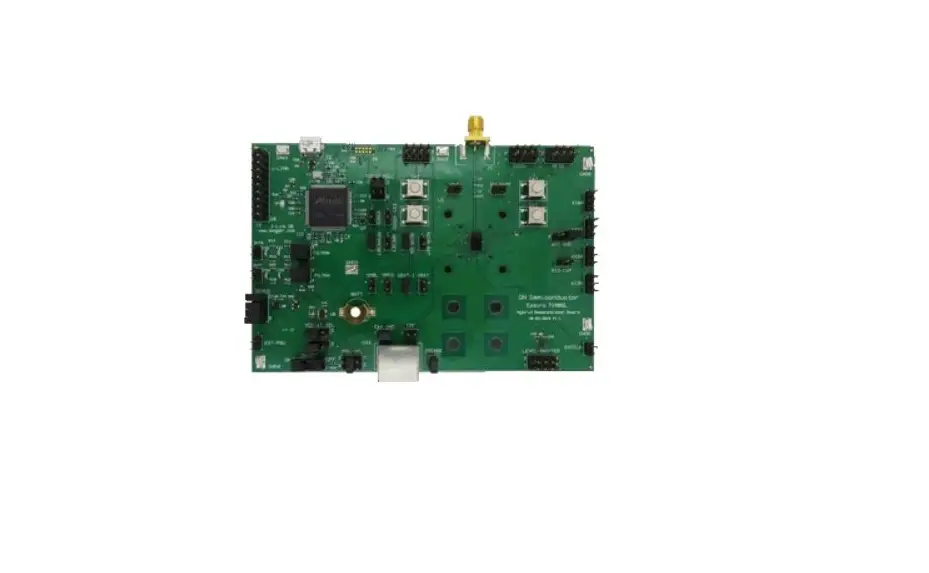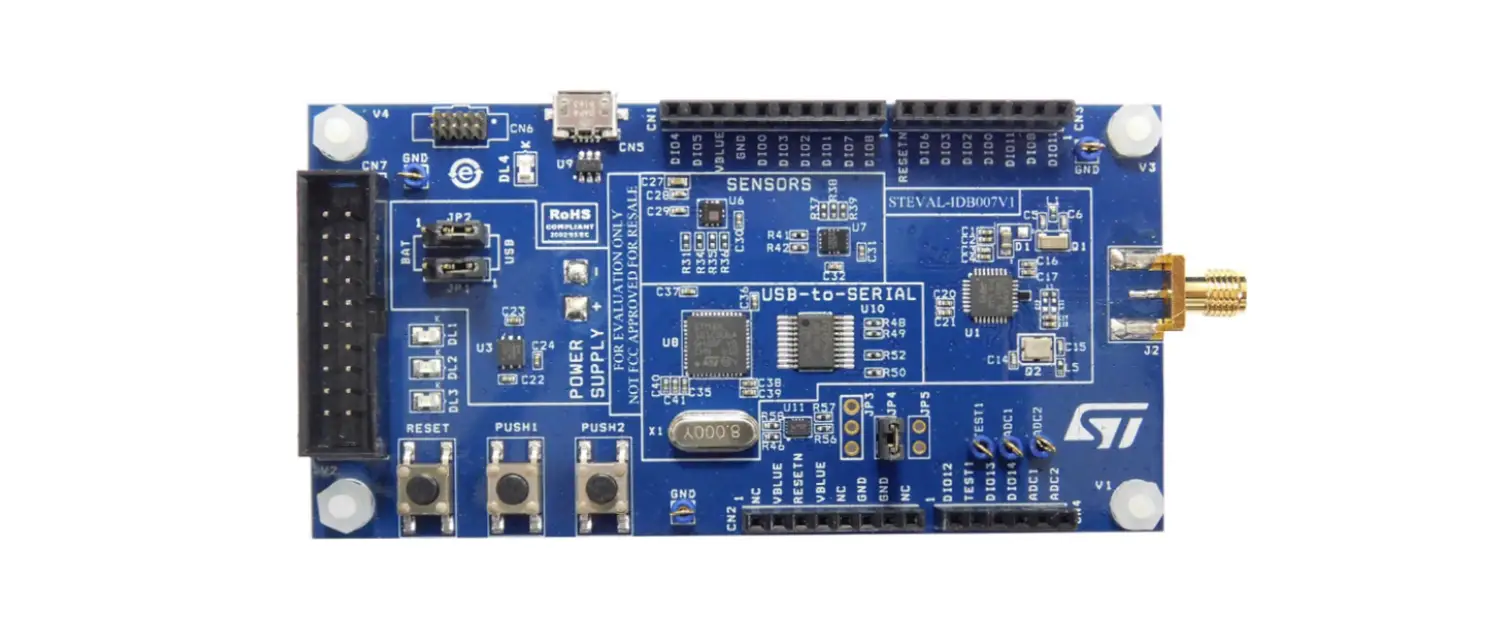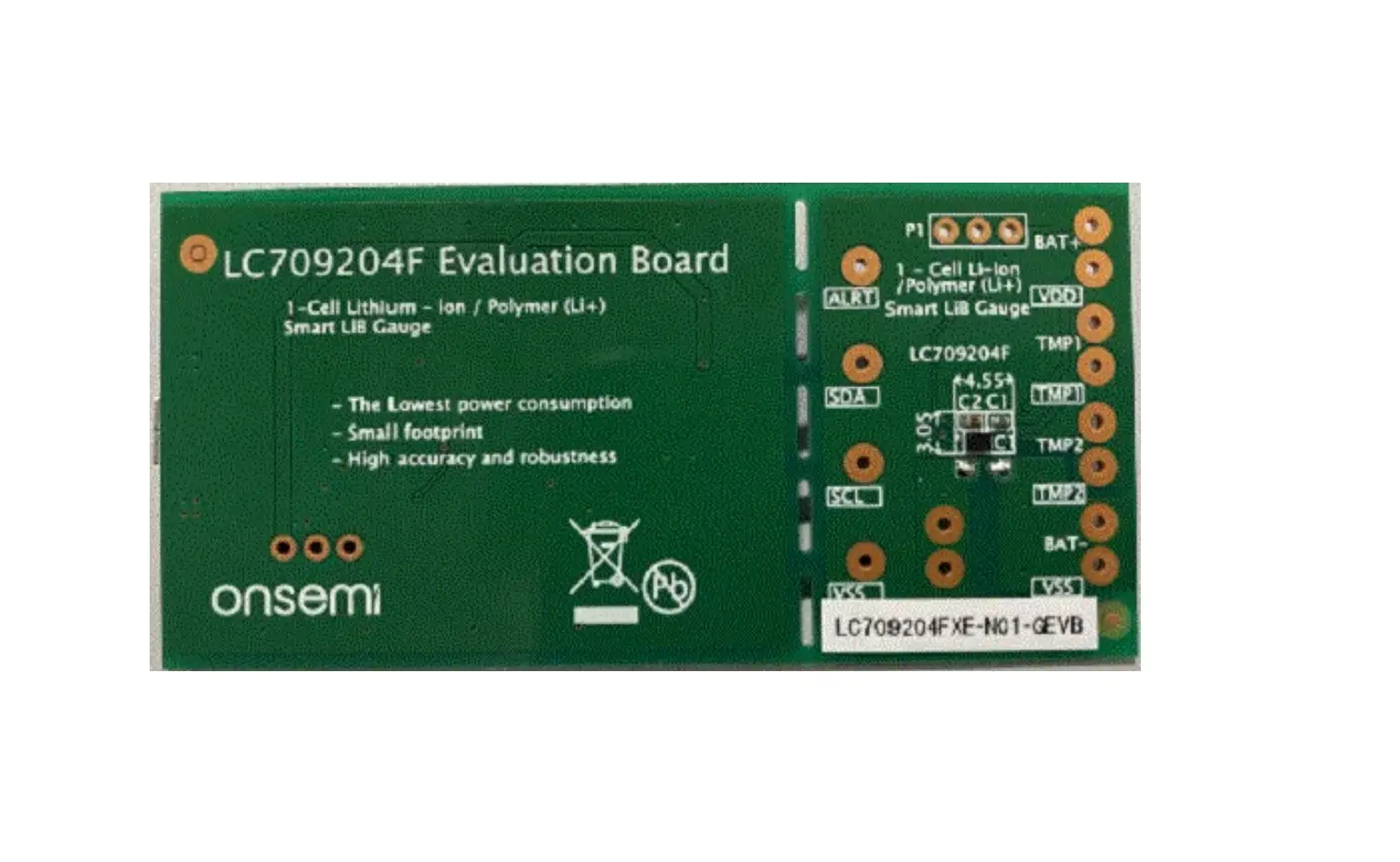
onsemi LC709204FXE-N01-GEVB Evaluation Board
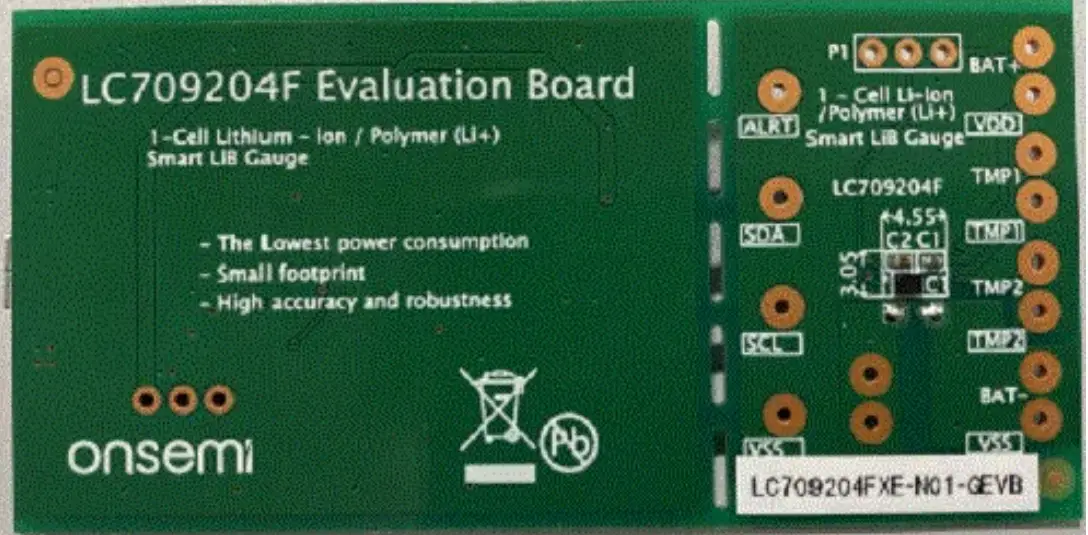
Evaluation Kit
How to select Evaluation board
- Select a suitable Evaluation board according to target device and your battery.
| Evaluation board | Target device | Battery Type | Related documents |
| LC709204FXE-N01- GEVB | LC709204FXE- 01TBG | EC01 EC02 EC03 EC04 | LC709204FXE-01-GEVB_SCHEMATIC.pdf LC709204 FX E-01-G EVB_G ERBER.zip LC709204 FXE-01-G EVB_BOM. pdf |
Battery profile vs registers
IC Type | Battery Information | Registers | |||||
| Type | Product Code | Charging
Voltage | Photo | Number of The Parameter(Ox1A) | Change of The Parameter (Ox12) | APA (0x0B) | |
| Nominal Capacity | |||||||
| LC709204FXE -01TBG (Note 1) | EC01 | EC382704P- T | 4.2V |  | 0x1011 | 0x0000 | 0x0000 |
| 24mAh | |||||||
| EC382504P-P | .2V | 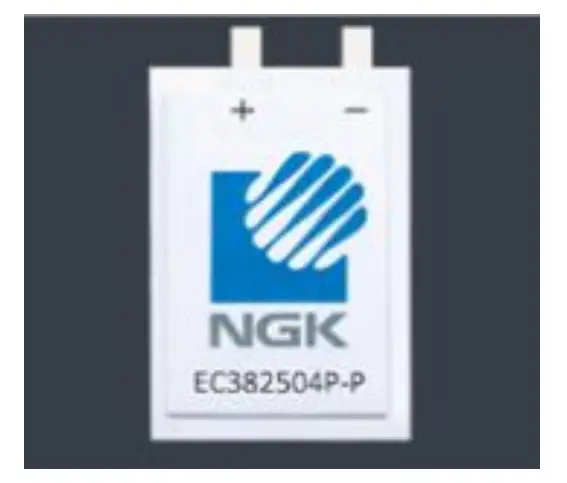 | |||||
| 20mAh | |||||||
| EC02 | EC382704P-C | 4.2V | 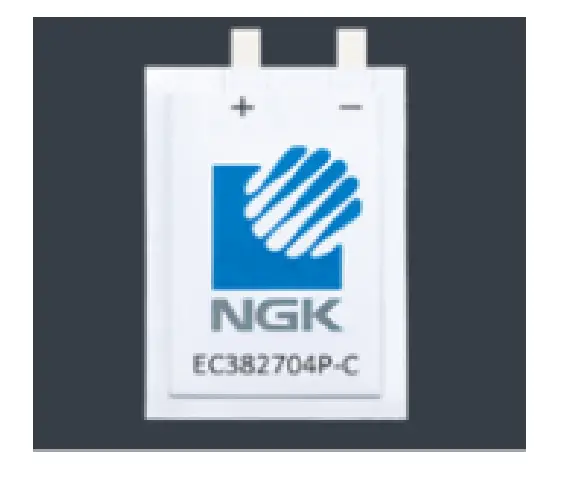 | 0x0001 | 0x0000 | ||
| 24mAh | |||||||
| EC03 | EC382204P-C | 4.2V | 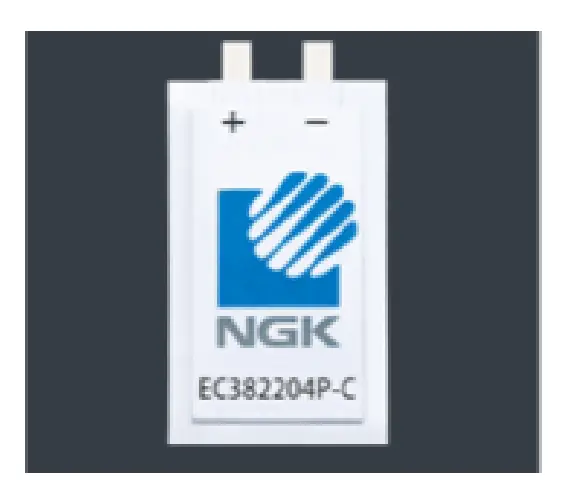 | 0x0002 | 0x0A0A | ||
| 18mAh | |||||||
| EC302304P -C | 4.2V |  | |||||
| 14mAh | |||||||
| EC04 | EC382704P-H | 4.2V |  | 0x0003 | 0x0AOA | ||
| 20mAh | |||||||
- The LC709204FXE-01TBG in mass production is shipped with a different battery profile built in than this board. If the battery profile of this board is used in mass production, it is necessary to downloaded it is battery profile (LC709204FXE-N01-DATA.zip) from web site and update the profile of LC709204FXE-01TBG by yourself.
* Ener Cera (EC382704P-T,EC382504P-P,EC382704P-C,EC382204P-C,EC302304P-C,EC382704P-H) are products of NGK Insulators, Ltd.
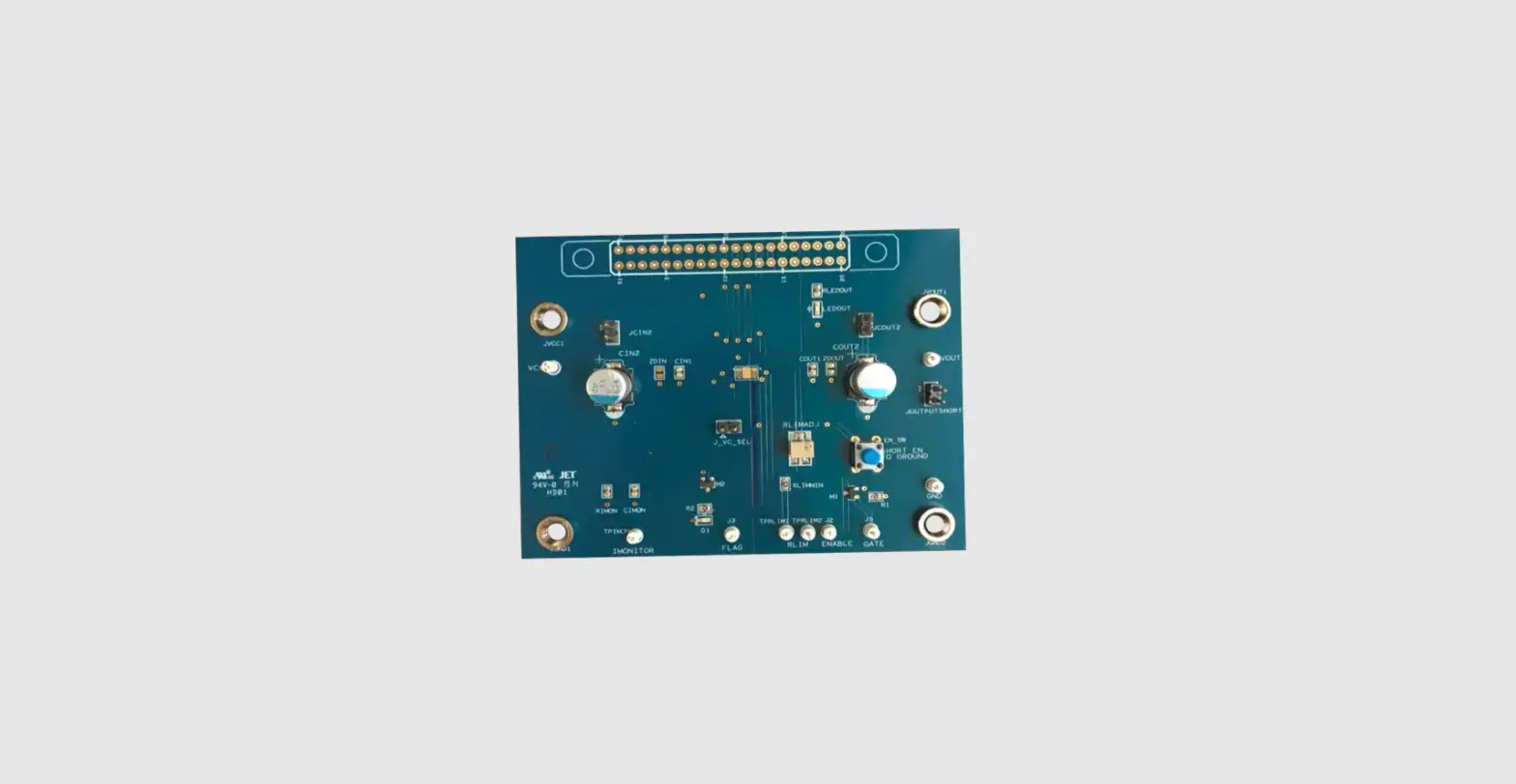
Evaluation board
 Windows application
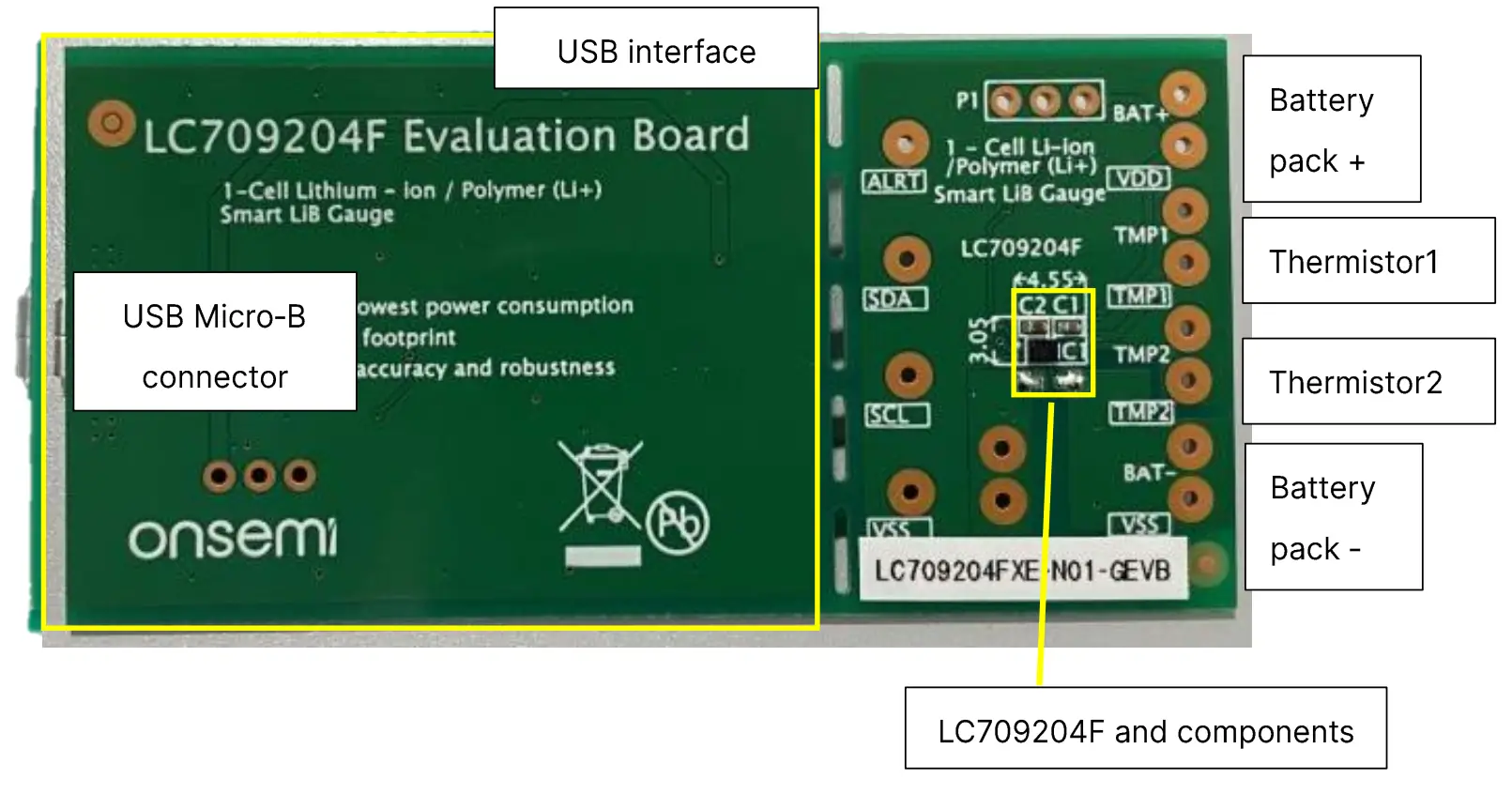 Windows application
- FGICTool.exe. The software can be downloaded at on semi Web site. (Software)
Evaluation board Block diagram
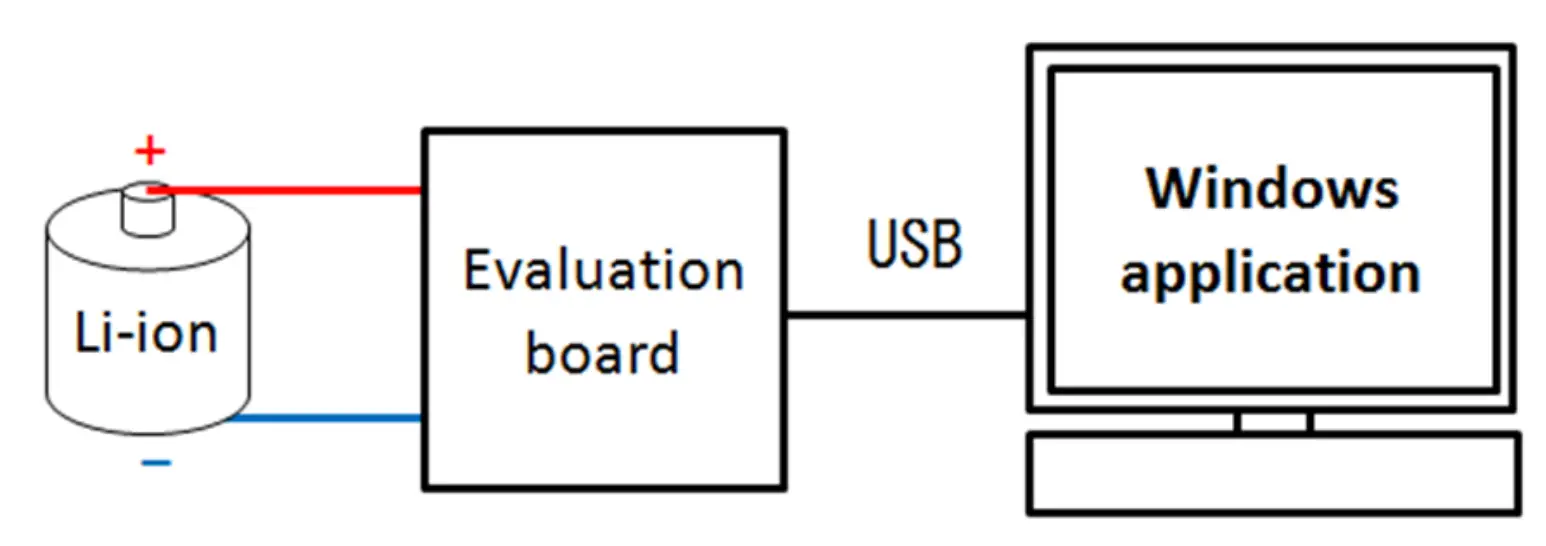
How to connect Evaluation board
Connection of Evaluation board and Battery Battery Connector
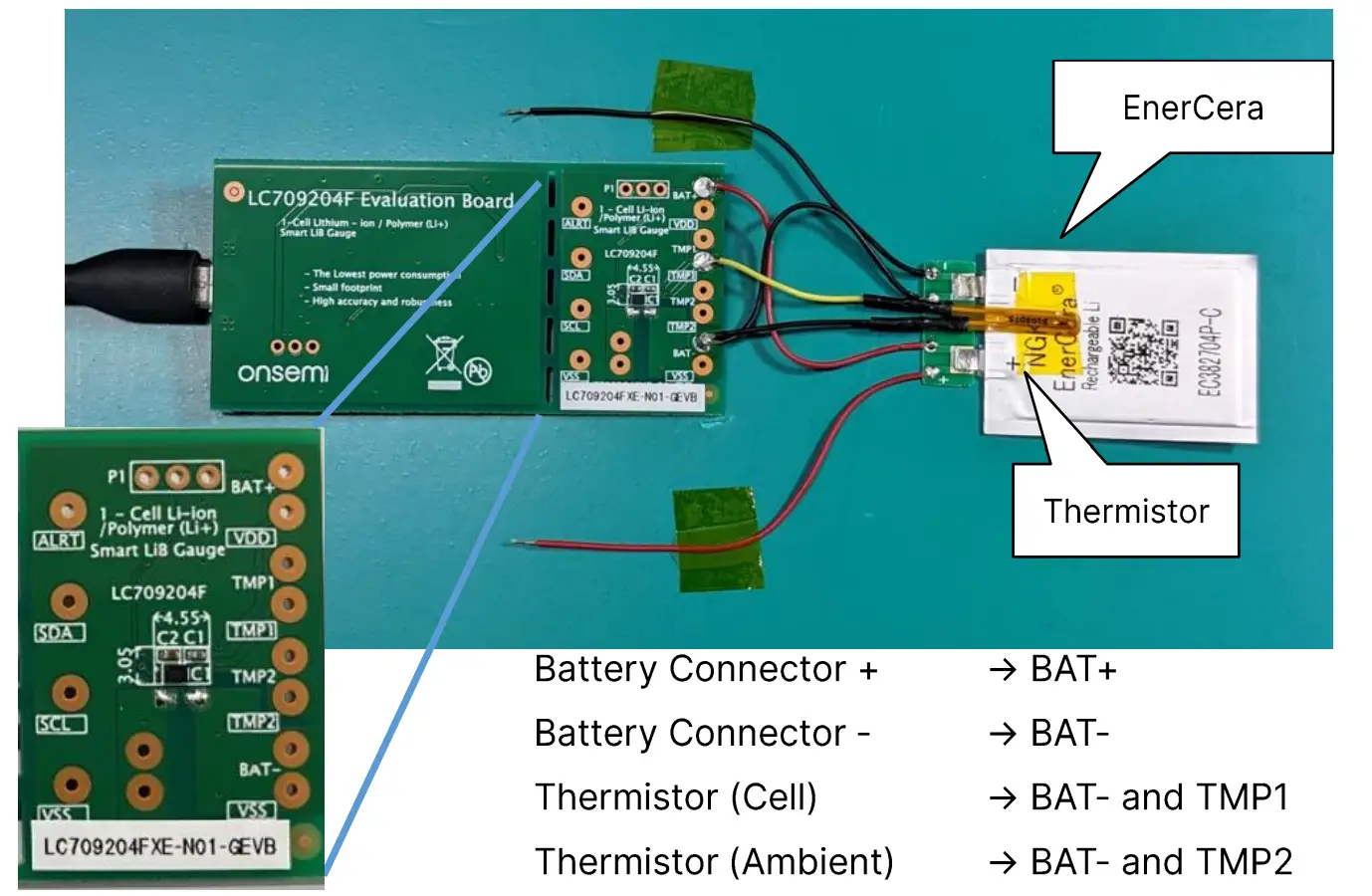
Note: 10 kΩ NTC thermistor is required.
Ex. SEMITEC 103JT-025
Connection of PC and Evaluation board
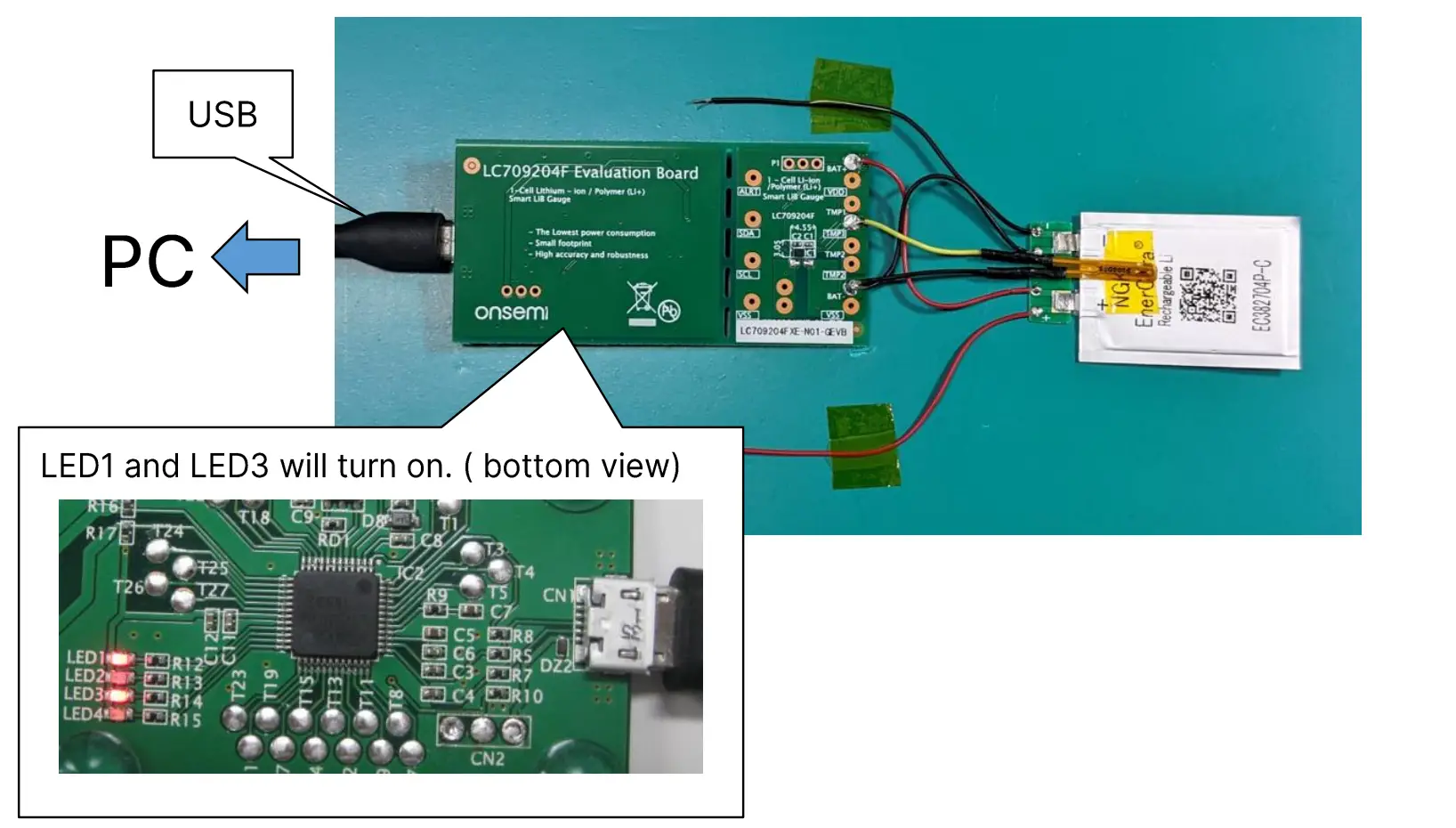
How to start application
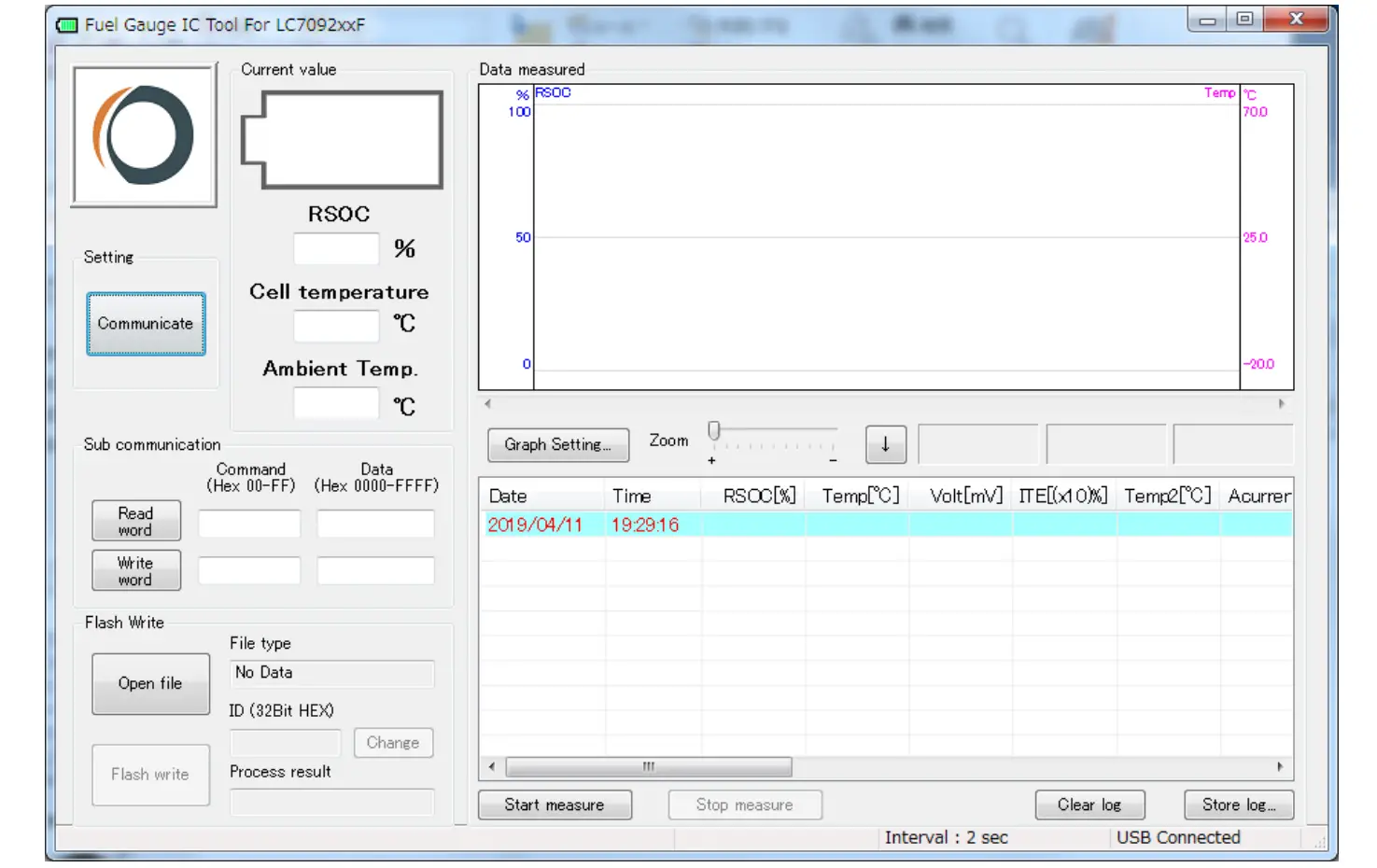
Start application
- Click “FGICTool.exe”

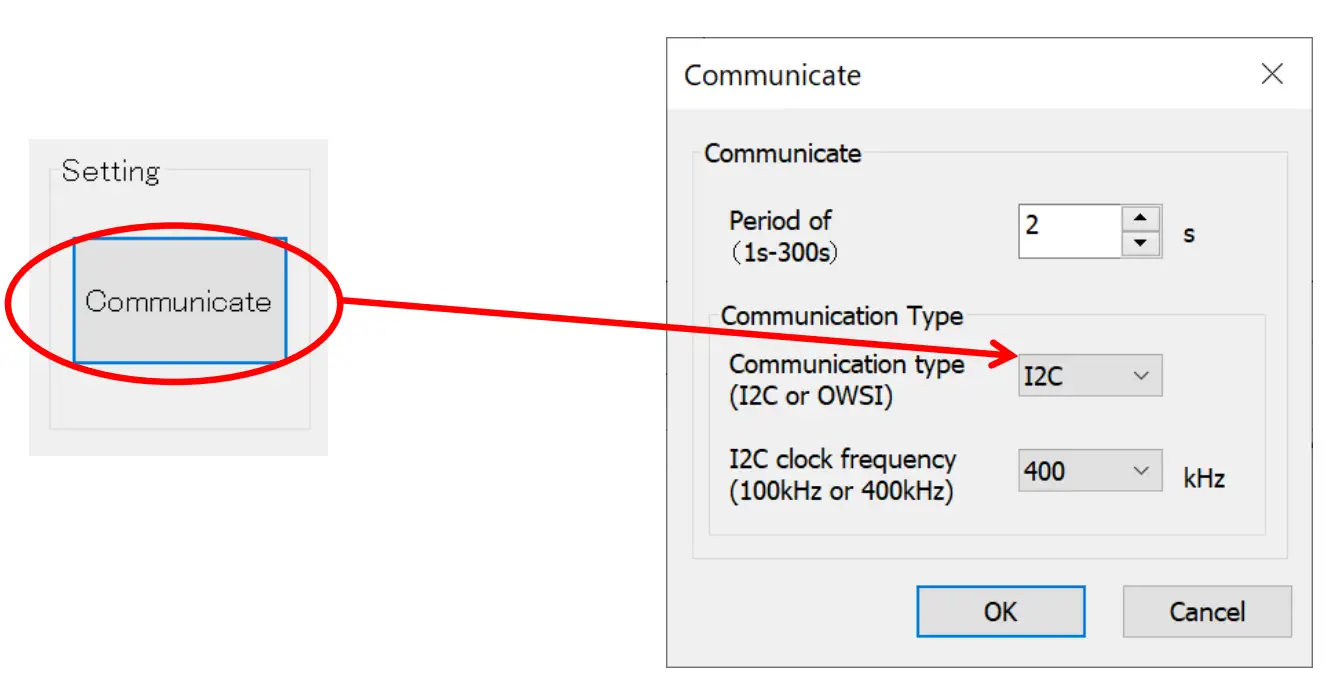
Select communication type
- Click “Communicate” and select 12C.

- Select time interval of log and 12C clock frequency.

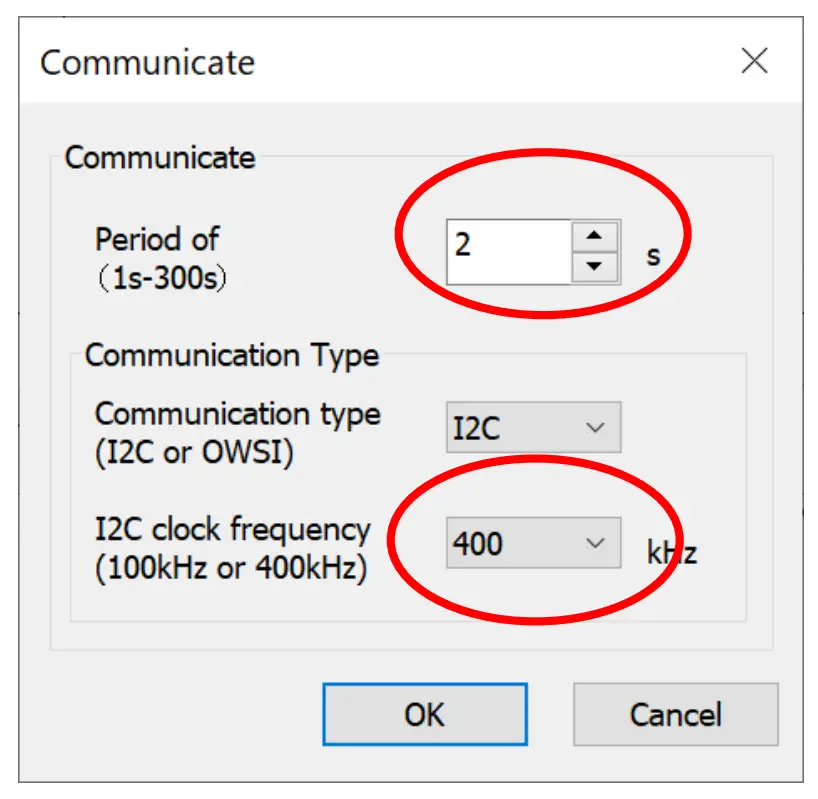
Register setting
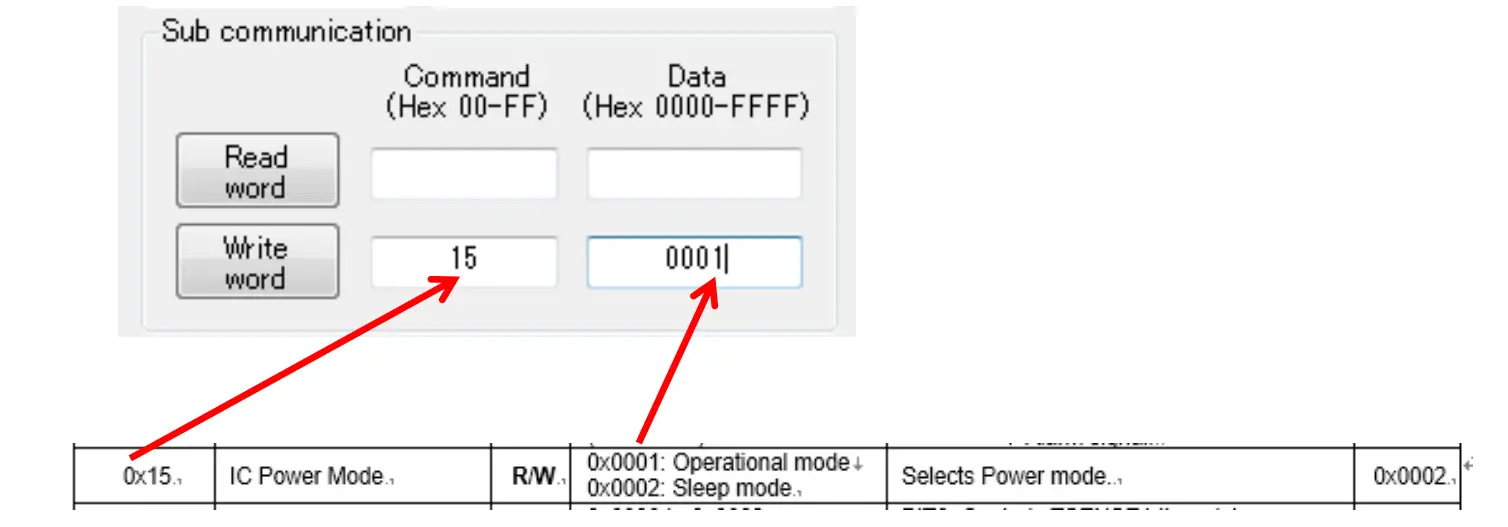
Set Operational mode
- Setting registers
- Input 115J in the Command field.
- Input 10001J in the Data field.

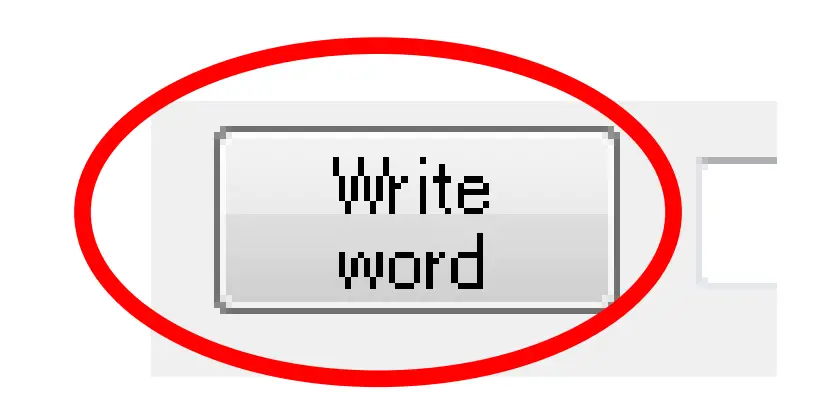
- Click “Write word”.

Set APA
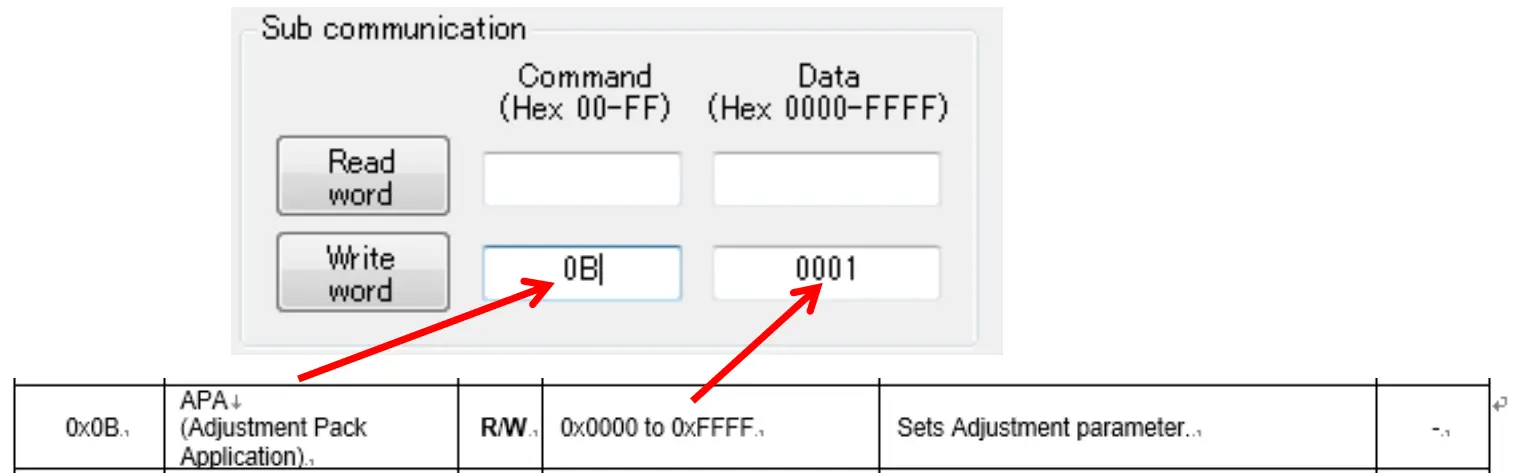
Set APA parameter that is suitable for your battery. Refer the table below about typical APA.
- Setting registers
- Input 10BJ in the Command field.
- Input 10000 to FFFF (a value suitable for your battery)J in the Data field.
Note: For example the set value in APA register is 0x0A0A for 0x0A APA value.
- Click “Write word”.
Typical APA
| Battery Type | Battery Product Code | APA[15:8] ,APA[7:0] |
| EC01 | EC382704P-T EC382504P-C | OxOO, OxOO |
| EC02 | EC382704P-C | OxOO, OxOO |
| EC03 | EC382204P-C EC302304P-C | OxOA,OxOA |
| EC04 | EC382704P-H | OxOA, OxOA |
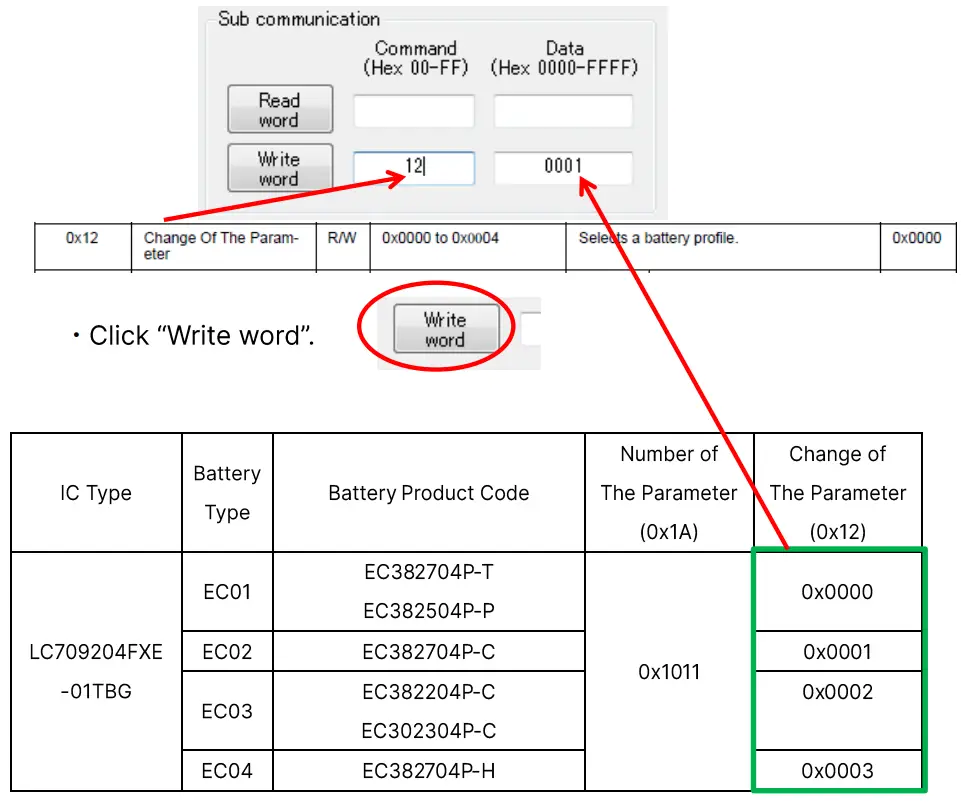
Select battery profile
Select and set a profile that is suitable for your battery from the table below.
- Setting registers
- Input 112J in the Command field.
- Input 10000 or 0001J in the Data field.

Initialize RSOC
Execute RSOC initialization.
- Setting registers
- Input 107 J in the Command field.
- Input I AA55J in the Data field.

- Click “Write word”.
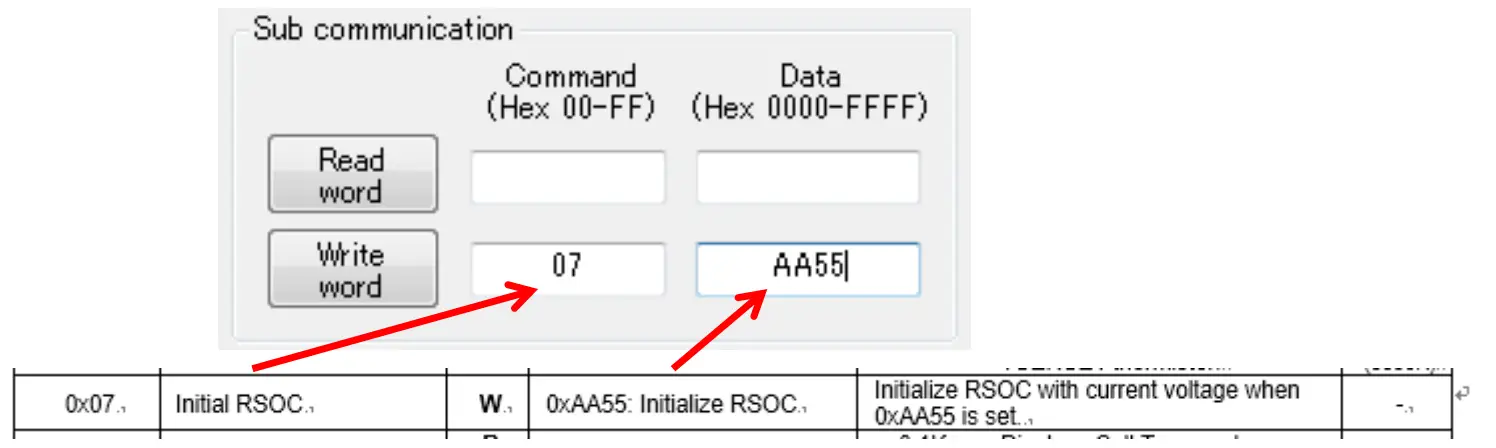
Note: The accuracy of the Initialization requires the OCV reading to be taken with minimal load or charge, under 0.025C, on the battery. (i.e. less than 0.6mA for 24mAh design capacity battery.)
Set Thermistor mode
Select Thermistor mode.
- Setting registers
- Input 116J in the Command field.
- Input 10001J in the Data field.

- Click “Write word”.
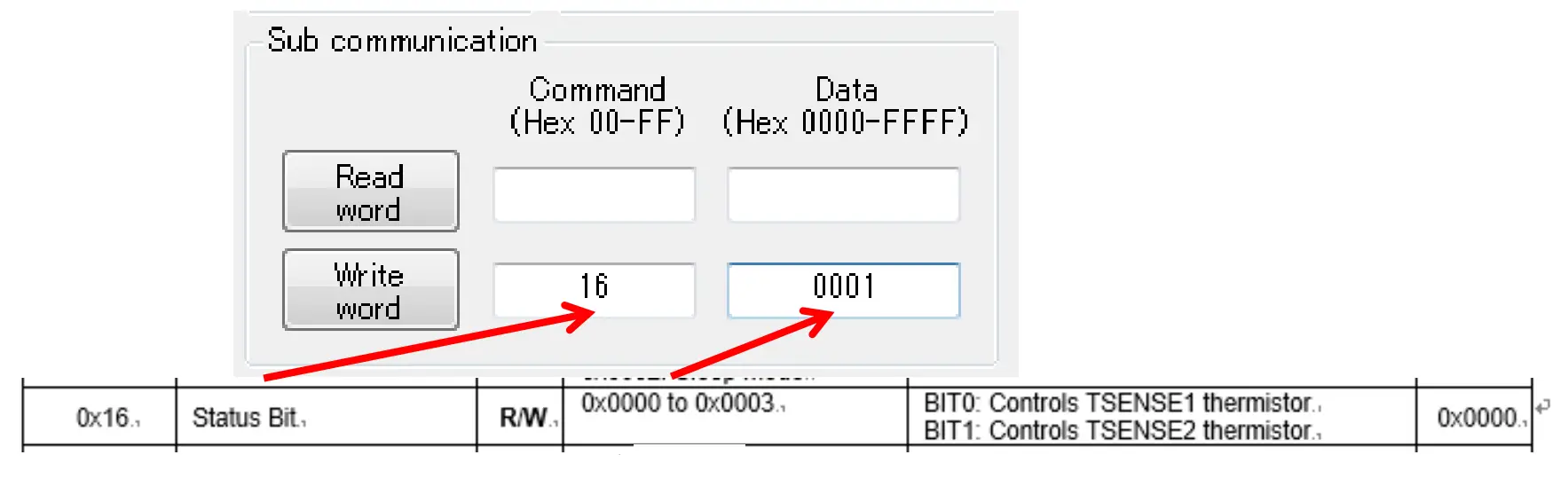
Note: This setting is not required if this LSI receives Cell temperature from Master device via 12C.
Set Thermistor B
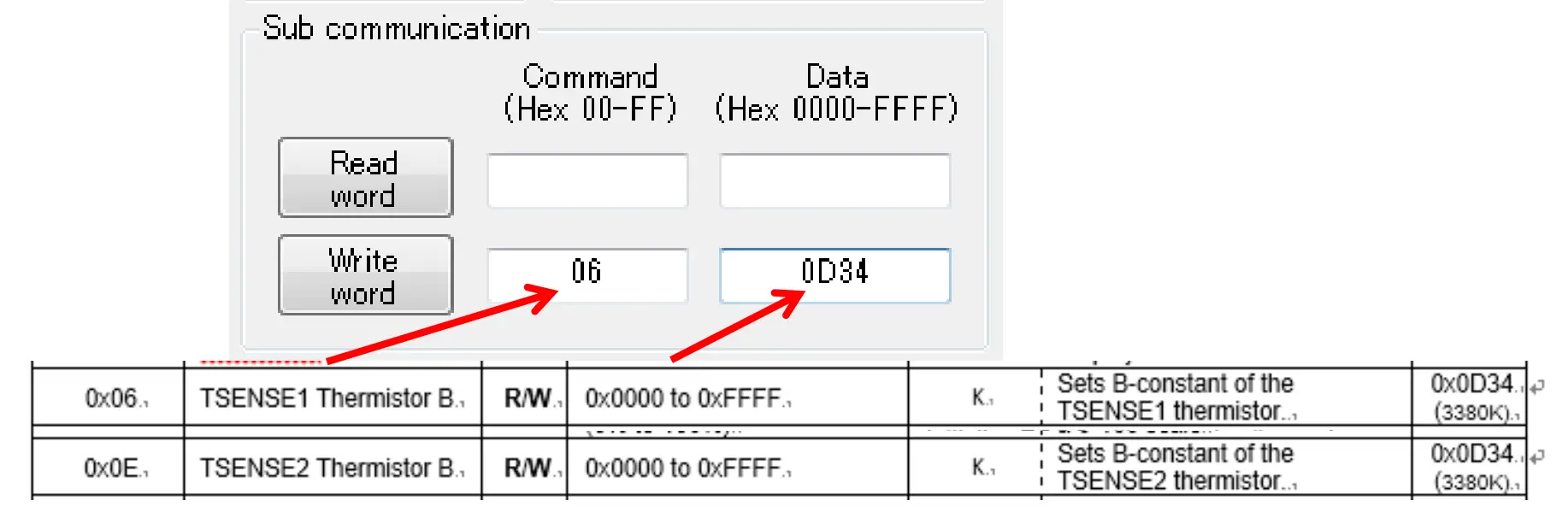
Set a value that is suitable for your thermistor for TSENSE1, TSENSE2. Refer to the datasheet of the thermistor for the B constant.
- Setting registers
- Input 106J in the Command field.( 10EJ TSENSE2)
- Input 1B constant in the Data field.

- Click “Write word”.
Starting evaluation
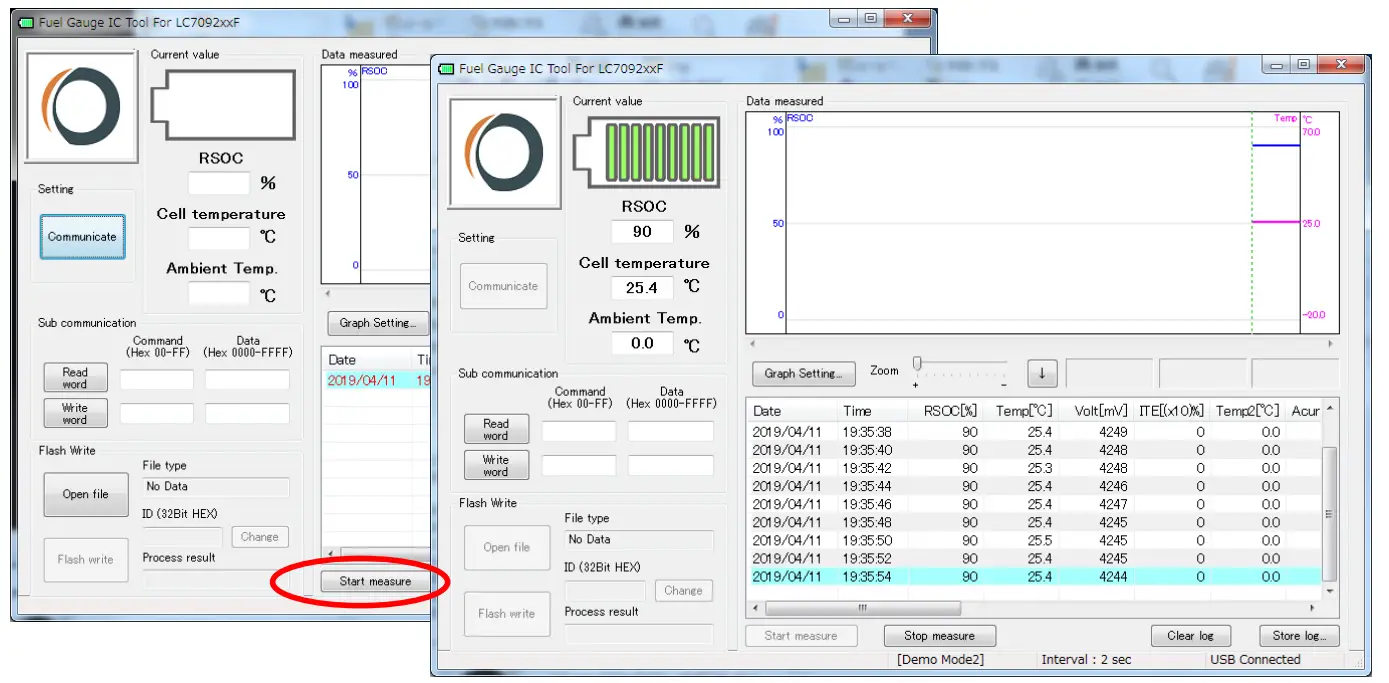
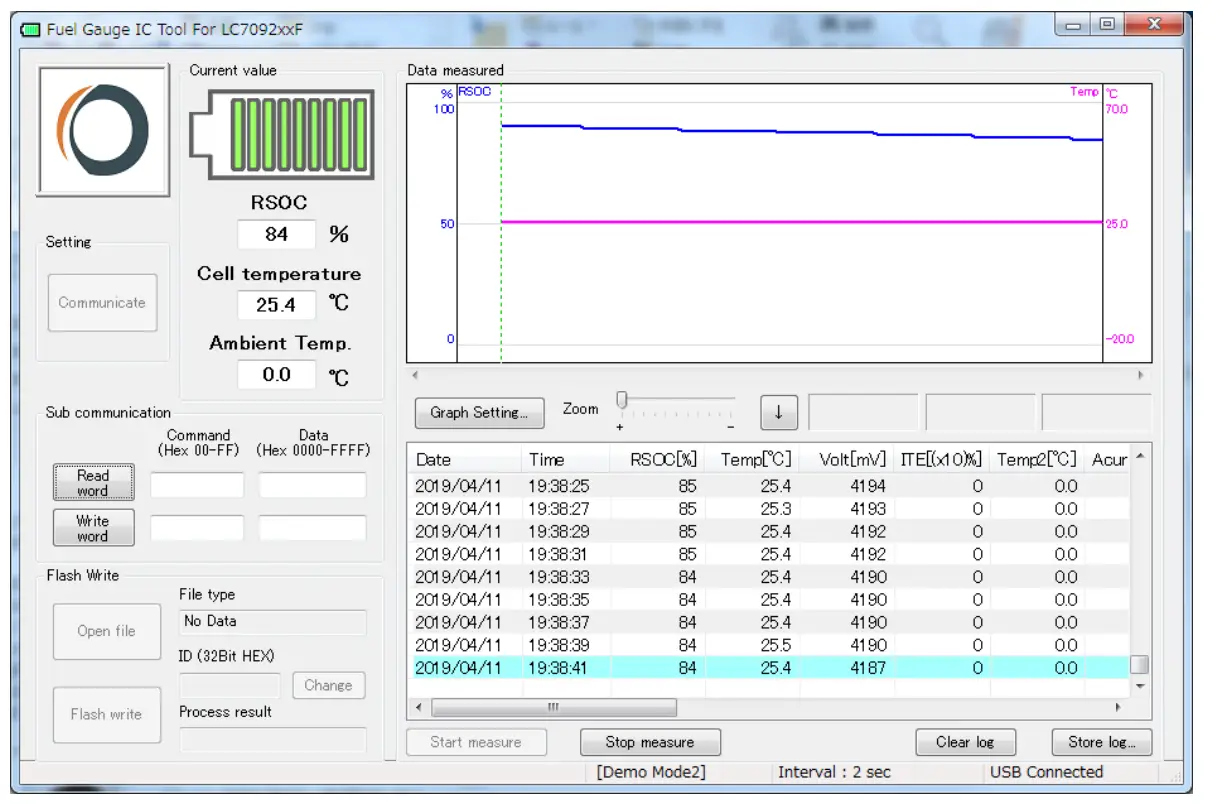
Measurements and Logging
- Click “Start measure”.

- Application starts measurements and logging.
Start charging/discharging
- Connect charger/load to your battery.

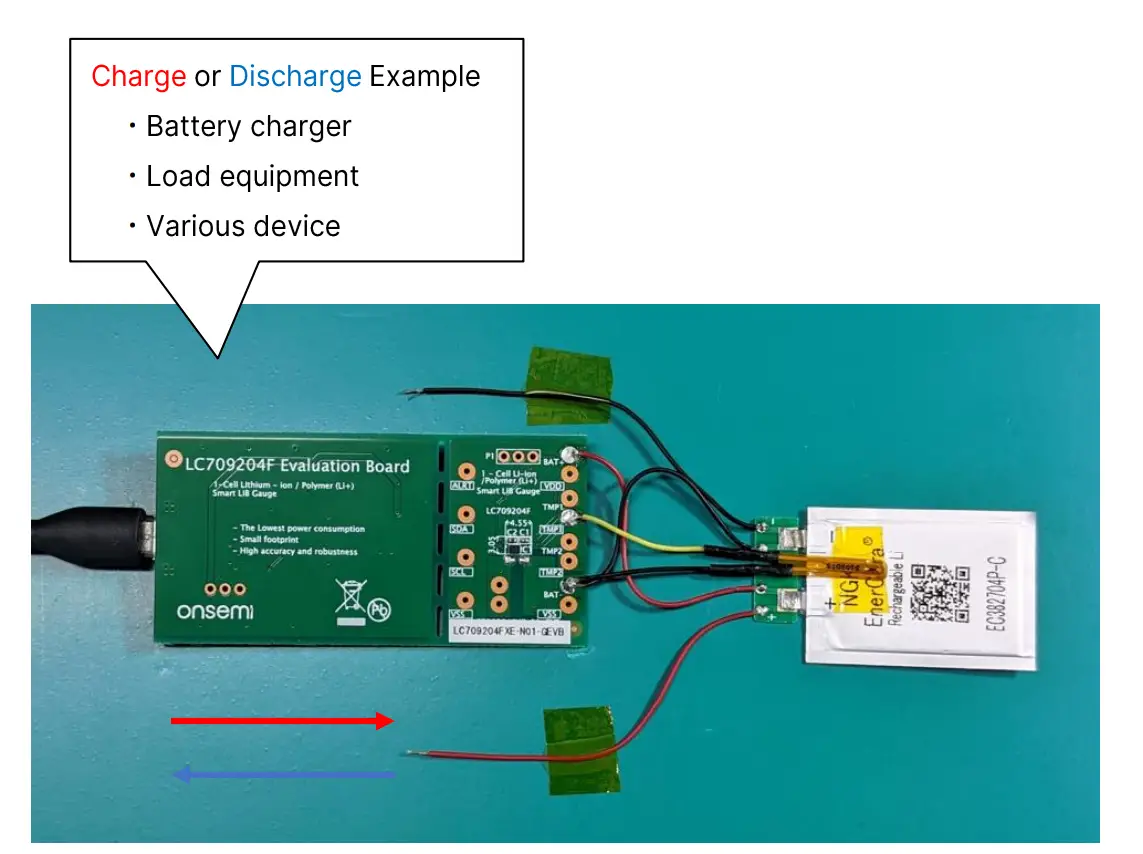
Logging while Charging/Discharging
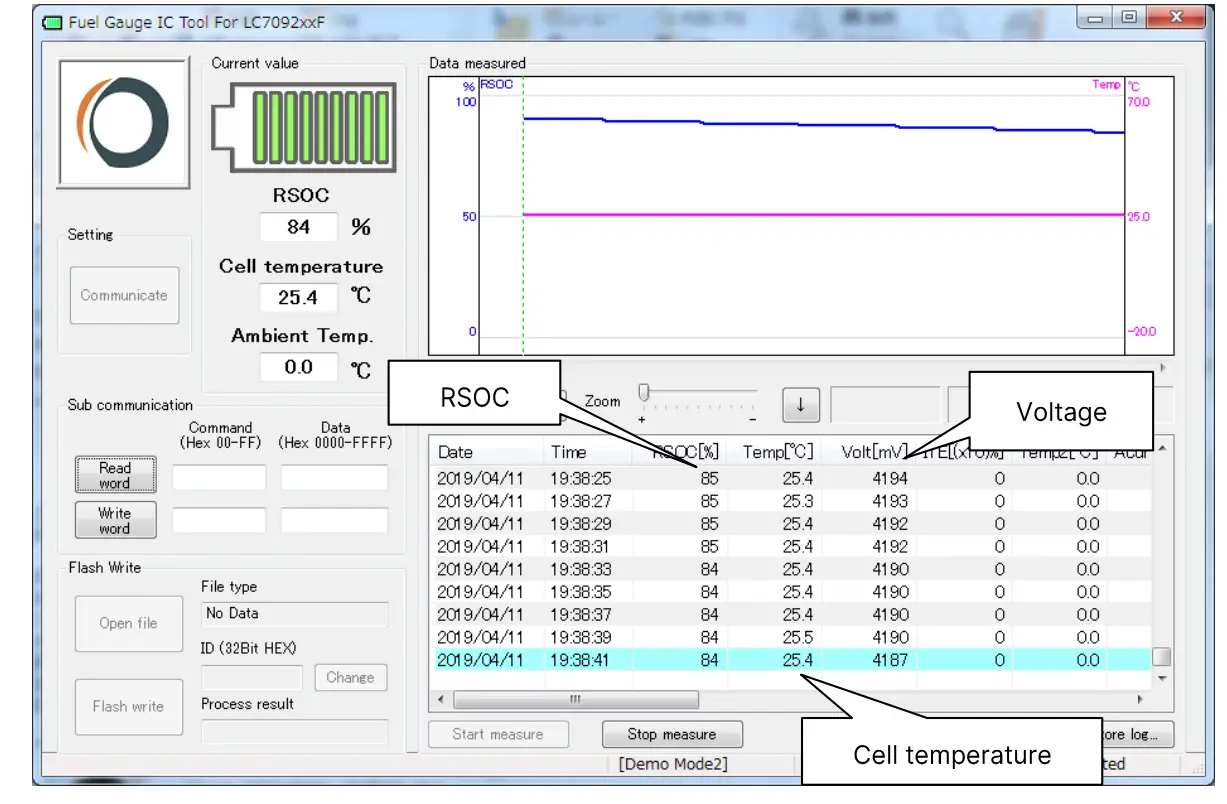
| Display in GUI | Command Code | Register Name | Comment |
| RSOC | Ox0D | RSOC | |
| Temp | 0x08 | Cell Temperature | |
| Volt | 0x09 | Cell Voltage | |
| ITE | 0x0F | ITE | |
| Temp2 | 0x30 | Ambient Temperature | |
| Acurrent | N/A | N/A | Acurrent=0 for LC709204FXE |
| MaxCellVolt | 0x2A | Maximum Cell Voltage | |
| MinCellVolt | 0x2B | Minimum Cell Voltage | |
| MinDcurrent | N/A | N/A | MinDcurrent=0 for LC709204FXE |
End the measurements
- To end, click “Stop measure”.

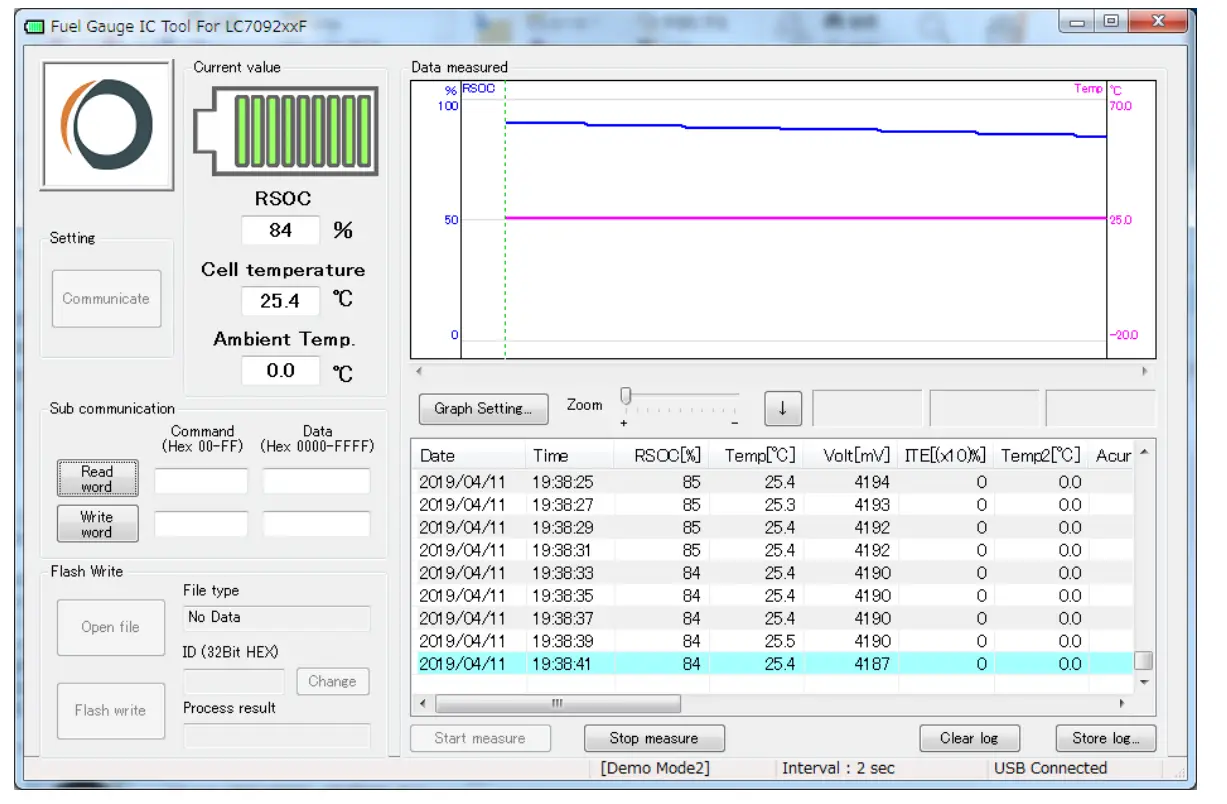
Store log
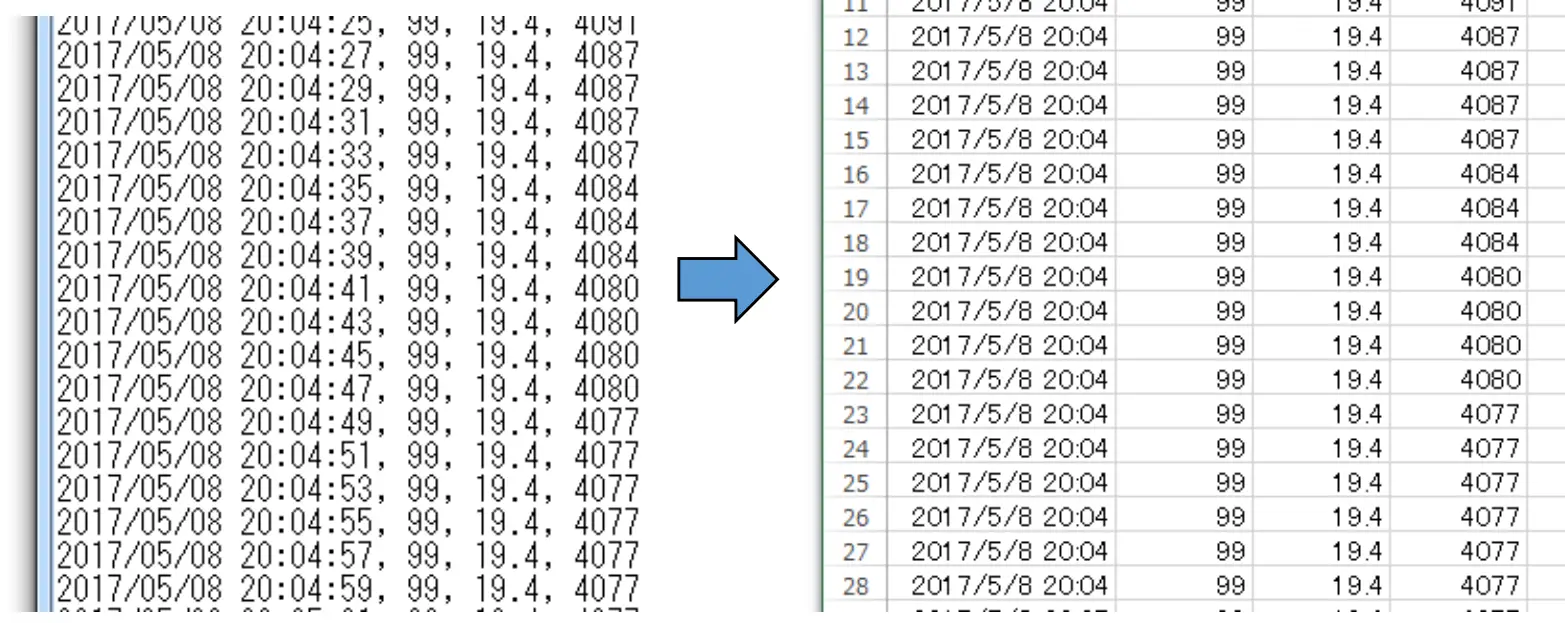
This application can save all measurement log as a text file.
- To save a log, click “Store log”.
Convert log file format
The output text file can be converted to Excel format csv. The conversion to csv facilitates the analysis of data.
- Change the file format from .txt to .csv. Example) test.txt ➔ test.csv.

Graph
csv file
- Graph the .csv file.

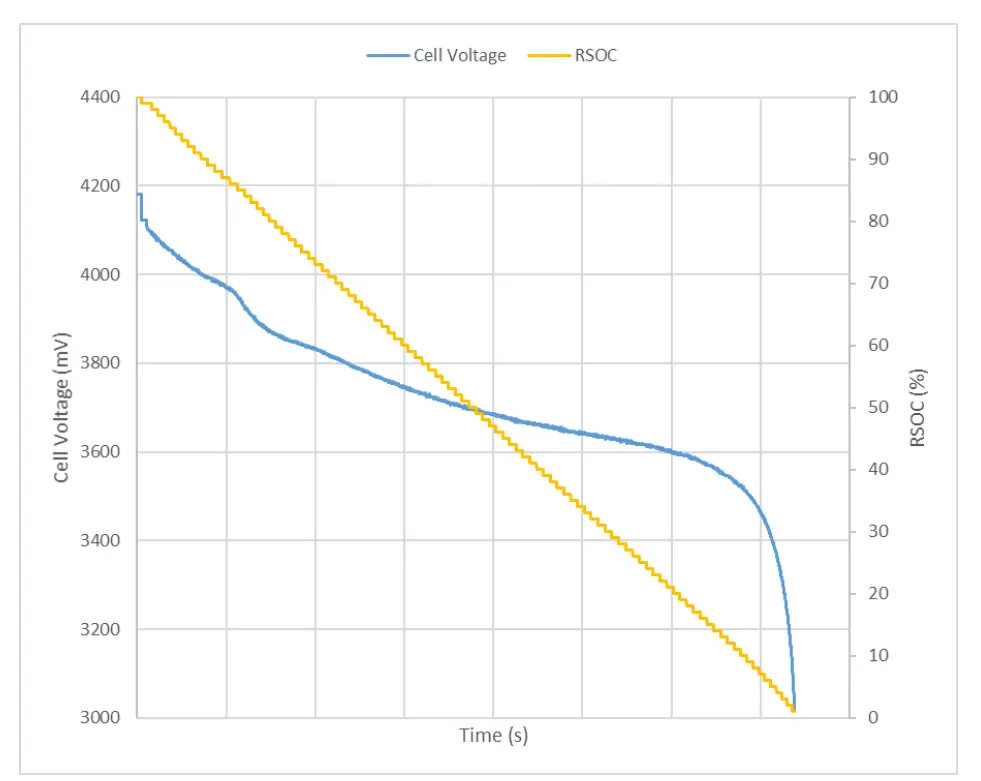
This graph shows association between time and cell voltage and RSOC in constant current discharging.
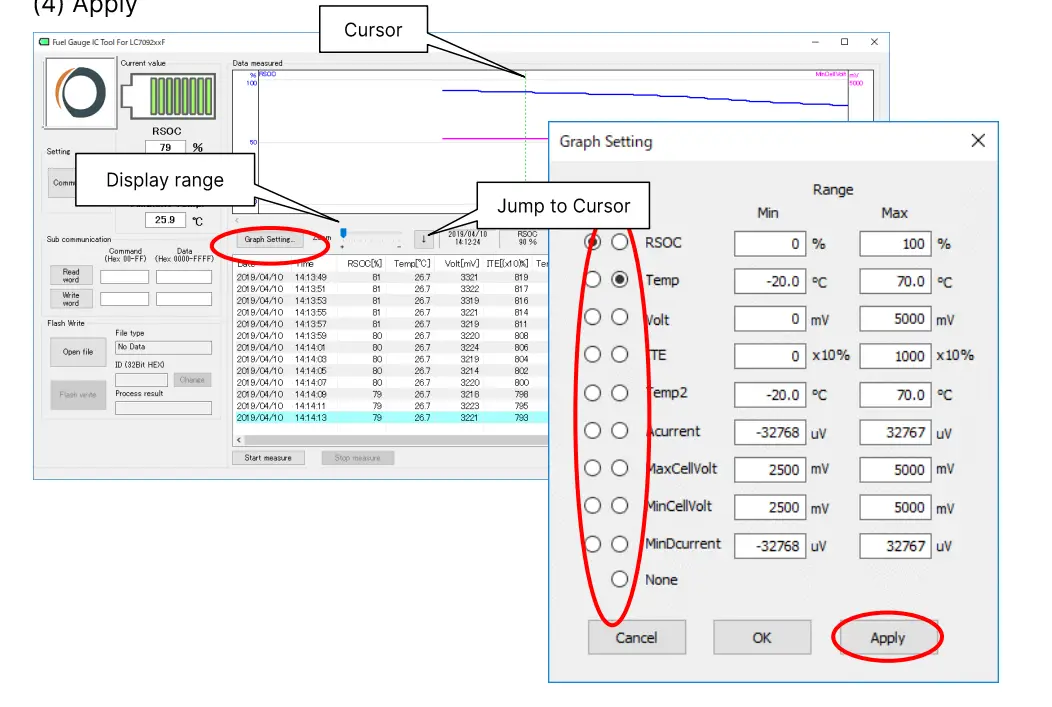
Graph in FGICTool.exe
- Click “Graph Setting”
- Select “Graph 1 and 2”
- Change the value of range for each graph
- Apply

Please obtain the latest documents about LC709204F at onsemi Web site (www.onsemi.com). Search part number: LC709204F.
- LC709204F, Smart LiB Gauge Battery Fuel Gauge LSI for 1-Cell Lithiumion/
Polymer (Li+) Data Sheet - LC709204F, Application Note
- LC709204F, Evaluation Board Documents
- LC709204F, Software FGICTool
Revision history
| Version | Date | Details |
| 1.0 | 9/21/2022 | Initial release |
Customer Support

FAQ’s
A. Each evaluation board supports different batteries. LC709204FXE-N01-GEVB is a special evaluation board that supports EnerCera batteries. If you use EnerCera batteries, use LC709204FXE-N01-GEVB.
Also, the LC709204FXE-01TBG in mass production is shipped with a different battery profile built in than this board. If the battery profile of this board is used in mass production, it is necessary to downloaded it is battery profile (LC709204FXE-N01- DATA.zip} from web site and update the profile of LC709204FXE-01TBG by yourself.
A. Please ensure that Fuel gauge is not in Sleep mode. Please set Operational mode if so.
 Intelligent Power and Sensing Technologies | onsemi