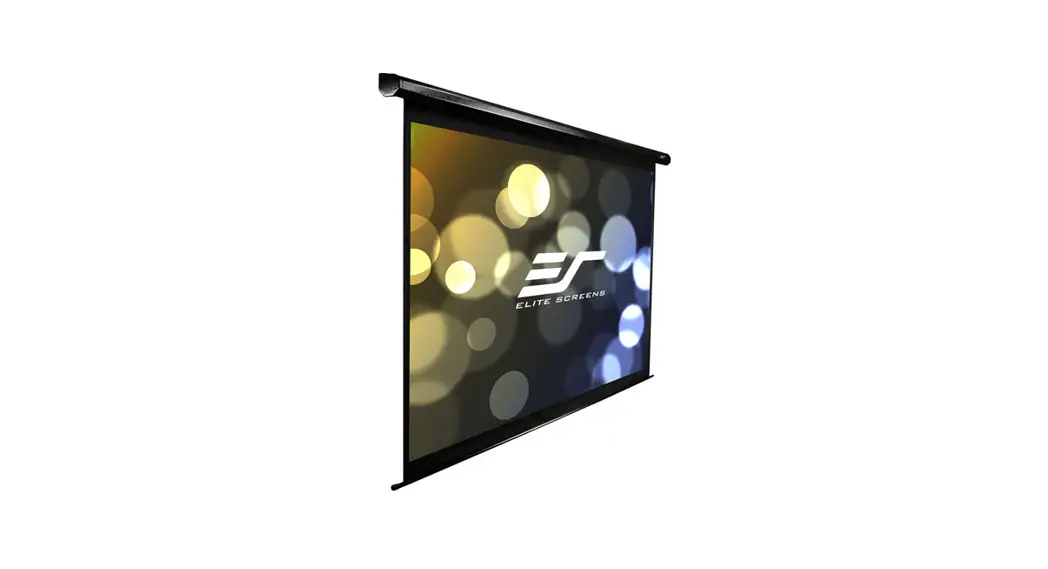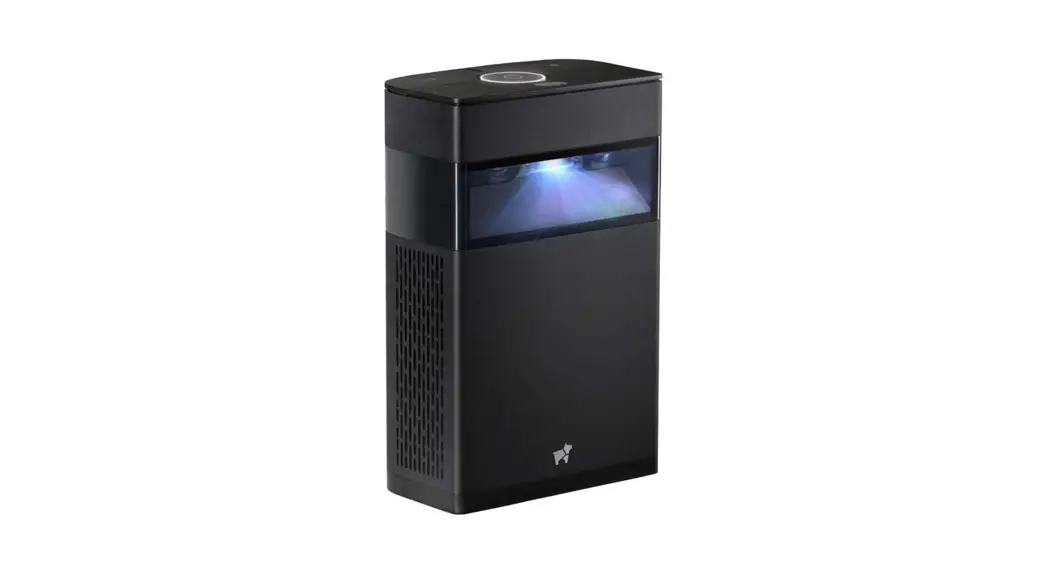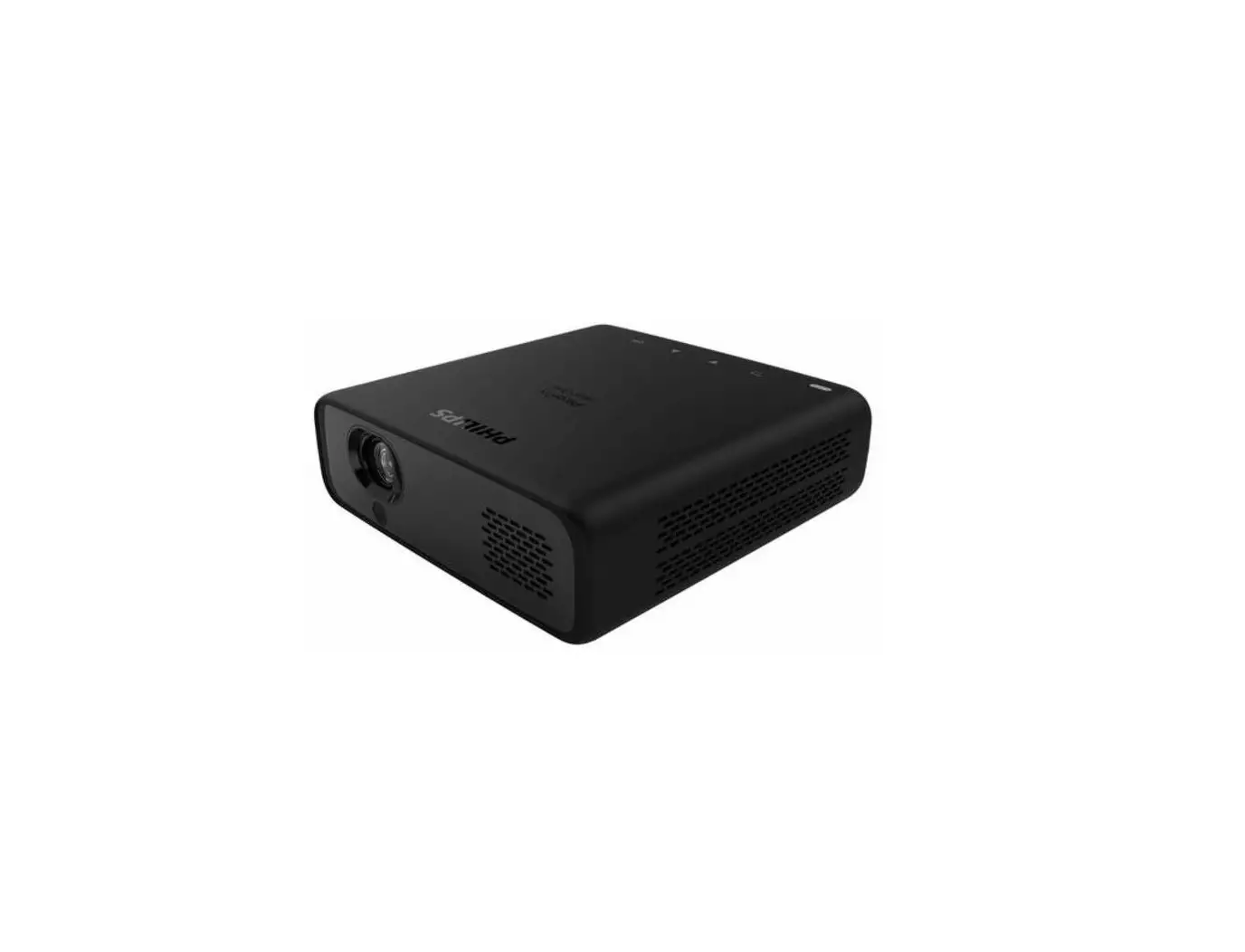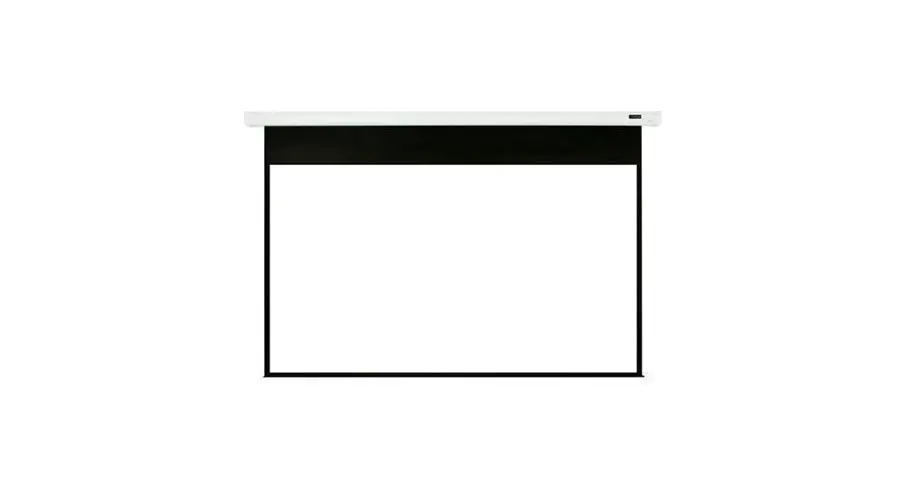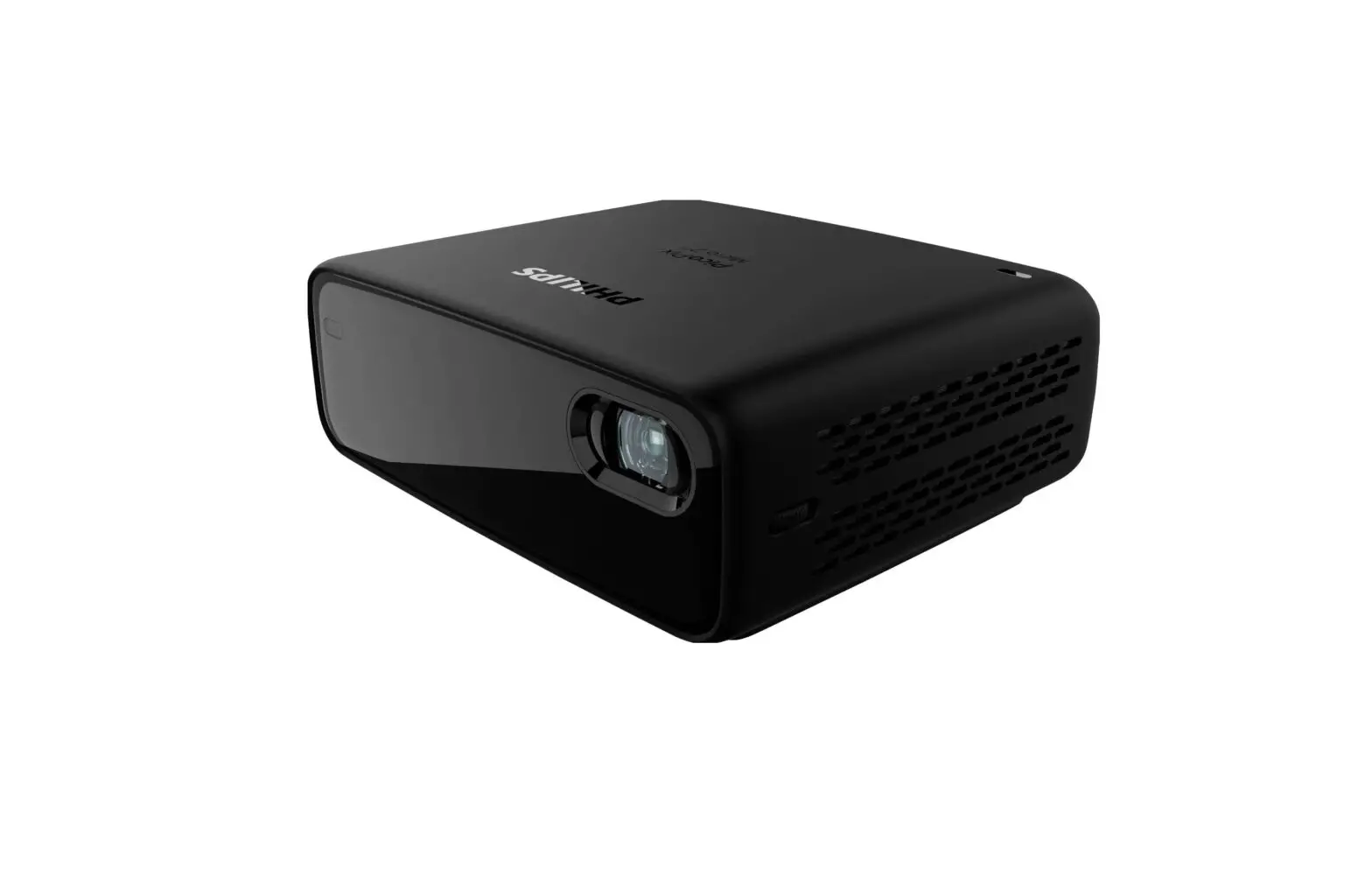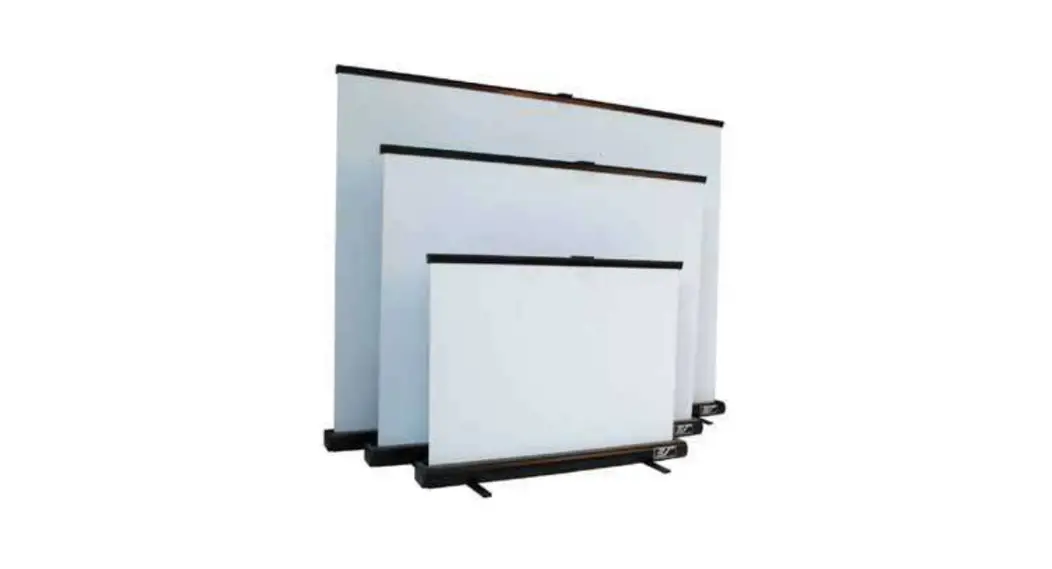
 PicoScreen Series Portable Tabletop Micro-Projector Screen
User Guide 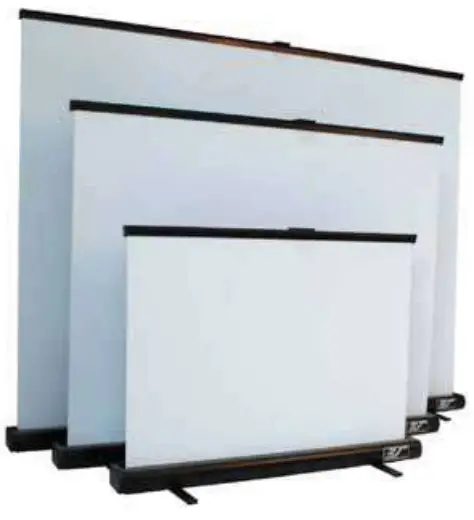 Portable Tabletop Micro-projector Screen
PicoScreen Series
What’ ’s Includded?
- Canvas Bag x 1

- PicoScreen x 1


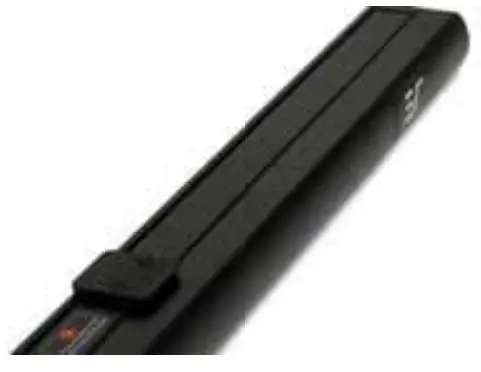
How Do I Set Up The PicoScreeen?
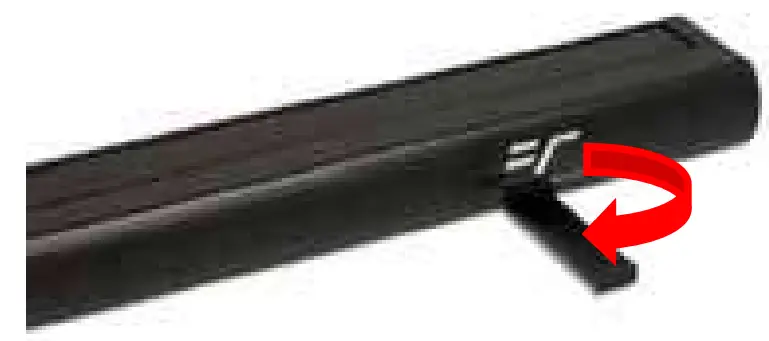
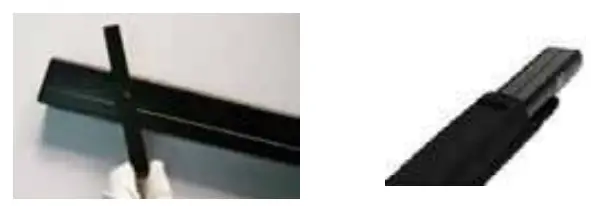
- Tuurn the bottoom feet to a 90 degree anggle as shown below.

- Hold the base of the PicoScreen with one hand and grip the top handle with the other hand, pull up until the locking mechanism is securely locked into place.

How Do I Retract the Pico Screen?
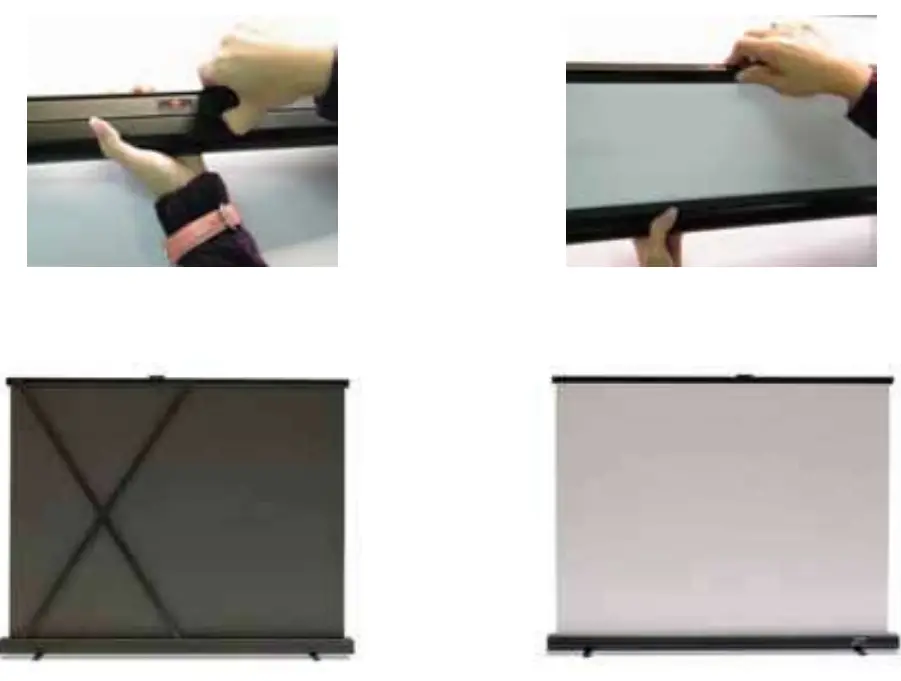
- Use both hands to retract the PicoScreen. One hand should be under the case and the other on the top to push the retract button.
Caution: To avoid injury, slowly guide the screen back into its case. - Once the screen is retracted back into its case, re‐align the base feet and place into its canvas travel bag.
PicoScreen Dimension Table
| Unit: mm | ||||||||||
| Model | Diagonal Size/Aspect Ratio | Case Length (A) | View Width (A1) | Upper Scroll Bar Length(A2) | Overall Height (A3) | View Height (A4) | Case Height (B) | Case Width (B1) | Base Feet (B2) | N.W. (KGS) |
| PC25W | 25” (4:3) | 545 | 508 | 520 | 419 | 381 | 30 | 55 | 160 | 1.1 |
| PC35W | 35” (4:3) | 748 | 711 | 723 | 579 | 508 | 30 | 55 | 160 | 1.3 |
| PC45W | 45” (4:3) | 961 | 914 | 924 | 718 | 686 | 30 | 55 | 160 | 1.68 |
| Unit: inch | ||||||||||
| Model | Diagonal Size/Aspect Ratio | Case Length (A) | View Width (A1) | Upper Scroll Bar Length(A2) | Overall Height (A3) | View Height (A4) | Case Height (B) | Case Width (B1) | Base Feet (B2) | N.W.(LBS) |
| PC25W | 25” (4:3) | 21.5 | 20 | 20.5 | 16.5 | 15 | 1.2 | 2.1 | 6.3 | 2.5 |
| PC35W | 35” (4:3) | 29.5 | 28 | 28.5 | 22.8 | 20 | 1.2 | 2.1 | 6.3 | 2.8 |
| PC45W | 45” (4:3) | 37.4 | 36 | 36.4 | 28.3 | 27 | 1.2 | 2.1 | 6.3 | 3.7 |
Measurements are intended as a reference only and are subject to change without notice. Note: Data Error may be ±1″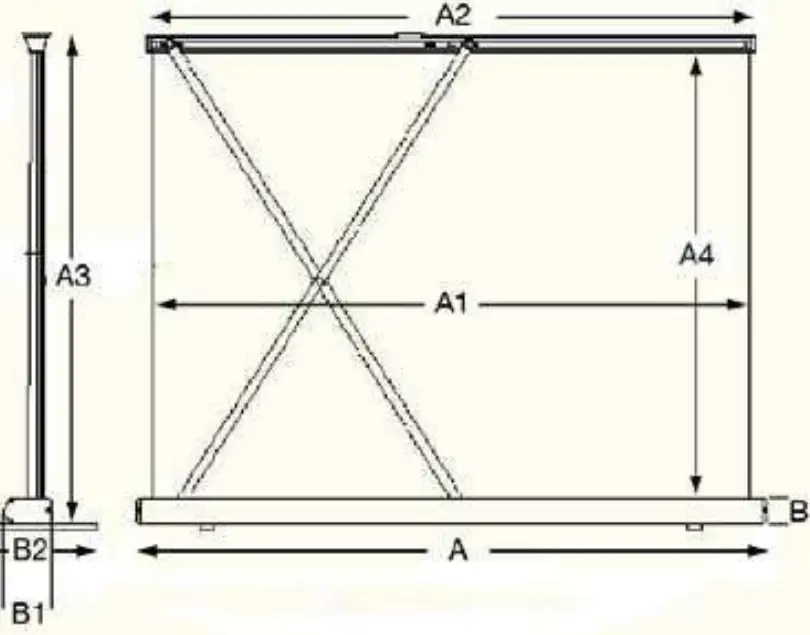
Warranty Policy
- Two (2) Year parts and labor warranty from defects in workmanship from purchase date as follows (except for refurbished units as specified below).
- Three (3) Year parts and labor warranty from defects in workmanship for GEMR (Government, Educational, Military, & Religious) purchases of new product only.
- Refurbished Units carry a 90-DAY parts and labor warranty.
- Each party will be responsible for one way shipping during the warranty period.
- A RMA (Return Merchandise Authorization) number must be issued in order to process a replacement or to authorize a return for warranty repair. Elite Screens will, at its sole option replace or repair the defective unit with a replacement *(see exceptions below) after the defective unit or parts have been received. Once the product is received, Elite Screens will send out a replacement *unit to the customer by ground service (subject to inventory availability).
- Do Not Return Any Unauthorized Items to Elite Screens, as they will be refused and returned at your expense. The RMA Number must be included on the outside label of your shipping box. Our warehouse is not authorized to accept returns without an RMA number on the shipping label.
- RMA Numbers are valid for 45 days from the date issued.
- Missing Parts must be reported within 7 days of receipt. If reported after 7 days, the customer will be responsible for shipping and handling fees. If reported after 30 days of receipt, the customer will be responsible for cost of parts and shipping & handling fees.
*A New or refurbished replacement will be send out to the customer depending on the type of purchase (new or refurbished) and based on stock availability.
North America only U.S. and Canada
For Warranty and Service requests, please submit an RMA/Service Form at: www.elitescreens.com/warrantysupportform
Please visit this link for full Warranty information: www.elitescreens.com/warranty
For Customer Service and Technical questions, please contact Elite Screens at:
Telephone: (877) 511-1211
Fax: (562) 926-8433
[email protected]
[email protected]
REMEMBER TO REGISTER YOUR PRODUCT AT: www.elitescreens.com
Contact Info
US & Canada Tech Support & Warranty Claim Please contact us at [email protected] or call +1 877-511-1211 #3 or fax +1-562-926-8433
Europe Tech Support & Warranty Claim Please contact us at [email protected] or call +49-(0) 40-30392958
Asia Tech Support & Warranty Claim Please contact us at [email protected] or call +86-(0) 755-8461-7989
Taiwan Tech Support & Warranty Claim Please contact us at [email protected] or call +866+2+8990-1999
| America: Elite Screens Inc 16410 Manning Way Cerritos, CA 90703 USA Tel: +1‐877‐511‐1211 Fax: +1‐562‐926‐8433 [email protected] www.elitescreens.com | Europe: Elite Screens Europe Lübecker Straße 1 22087 Hamburg, Germany Tel: +49‐4030392494 Fax: +49‐40‐49219200 [email protected] www.elitescreens.eu |
| Asia: Elite Screens China Corp. Longxi Duimianling Industry Zone Longcheng Longgang District, ShenZhen GuangDong, China Tel: +86‐(0)755‐8461‐7989 Fax: +86‐(0)755‐8461‐766 [email protected] www.elitescreens.com.cn | Elite Screens France S.A.S 11, Allée William Penn 92150 Surenes, France Tel: +33‐1‐45064735 Fax: +33‐1‐45064735 [email protected] www.elitescreens.com/fr |
| Taiwan: Elite Screens Taiwan Corp. 4F., No. 42‐1 Wuguan Rd. Wugu Township Taipei County 248, Taiwan (Wugu Industrial Park) Ta i w a n (R.O.C) Te l : +886+2+8990‐1999 Fax: +886+2+8990+1366 [email protected] www.elitscreens.com.tw | Japan: Elite Screens Japan Corp. 467‐2‐606 Tsuruma, Machida‐shi, Tokyo, 194‐0004 Japan Tel: 0120‐07‐0008 Fax: + 81(0)42‐706‐9130 [email protected] www.elitescreens.jp Latin America Contact: [email protected] East Asia Contact: [email protected] India Contact: [email protected] |
6 Rev.051311-AS
www.elitescreens.com
[email protected]
References
 reens.com
 Cinema Quality Projector Screens | Projection Screens Online
-
便携幕_抗光幕_画框幕_激光电视专用幕_拉线幕_极品影视设备科技(深圳)有限公司
-
Frame Border and Pen Tray - Elite Screens Projector Screens
-
Terms & Conditions - Elite Screens Projector Screens
-
Warranty & Technical Support Request Form - Elite Screens Projector Screens
-
Elite screens-premium projection screens for laserTV normal projectors
 プロジェクタースクリーンのオンラインショップ - エリートスクリーン
 reens.com
 Cinema Quality Projector Screens | Projection Screens Online
 便携幕_抗光幕_画框幕_激光电视专用幕_拉线幕_极品影视设备科技(深圳)有限公司
 Elite screens-premium projection screens for laserTV normal projectors
 プロジェクタースクリーンのオンラインショップ - エリートスクリーン