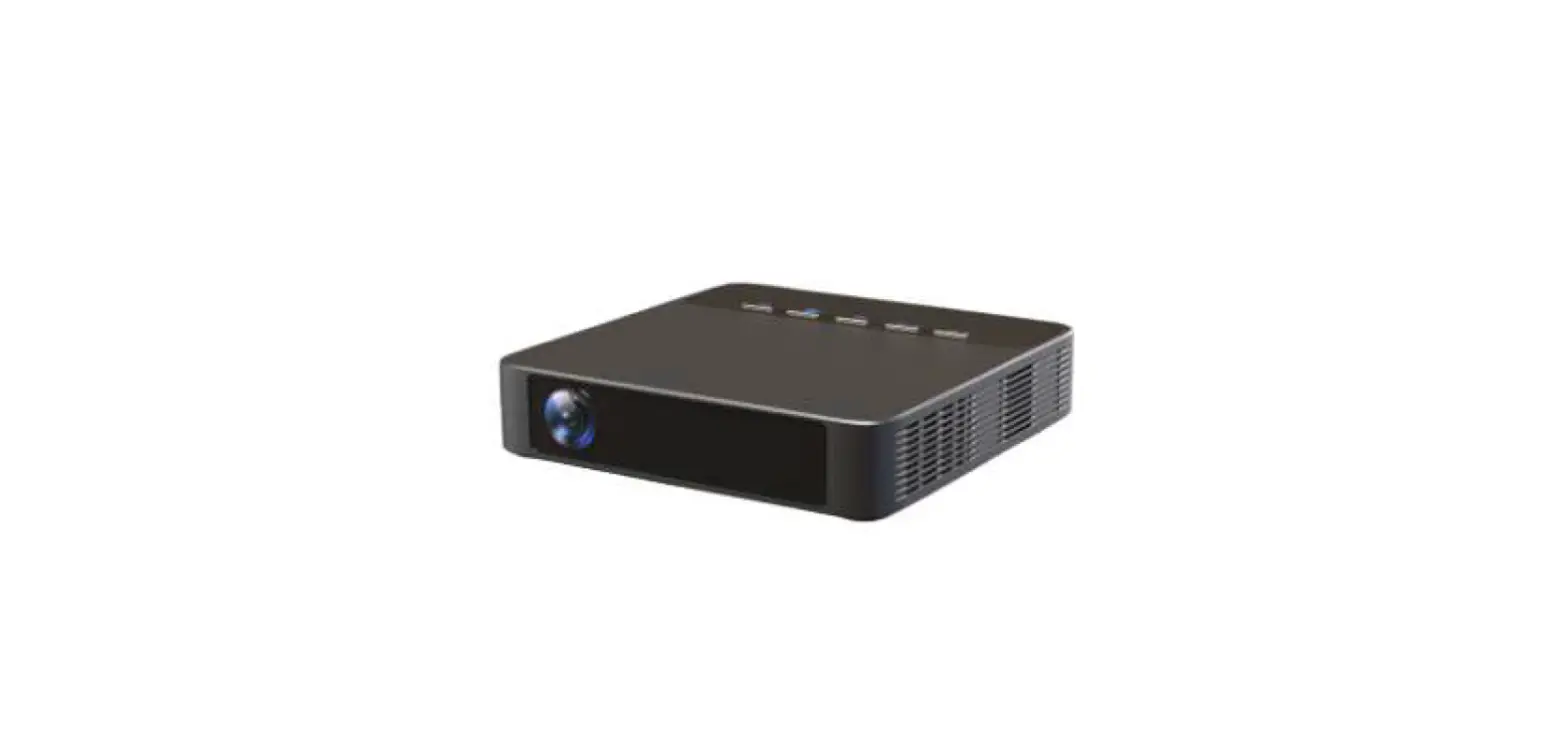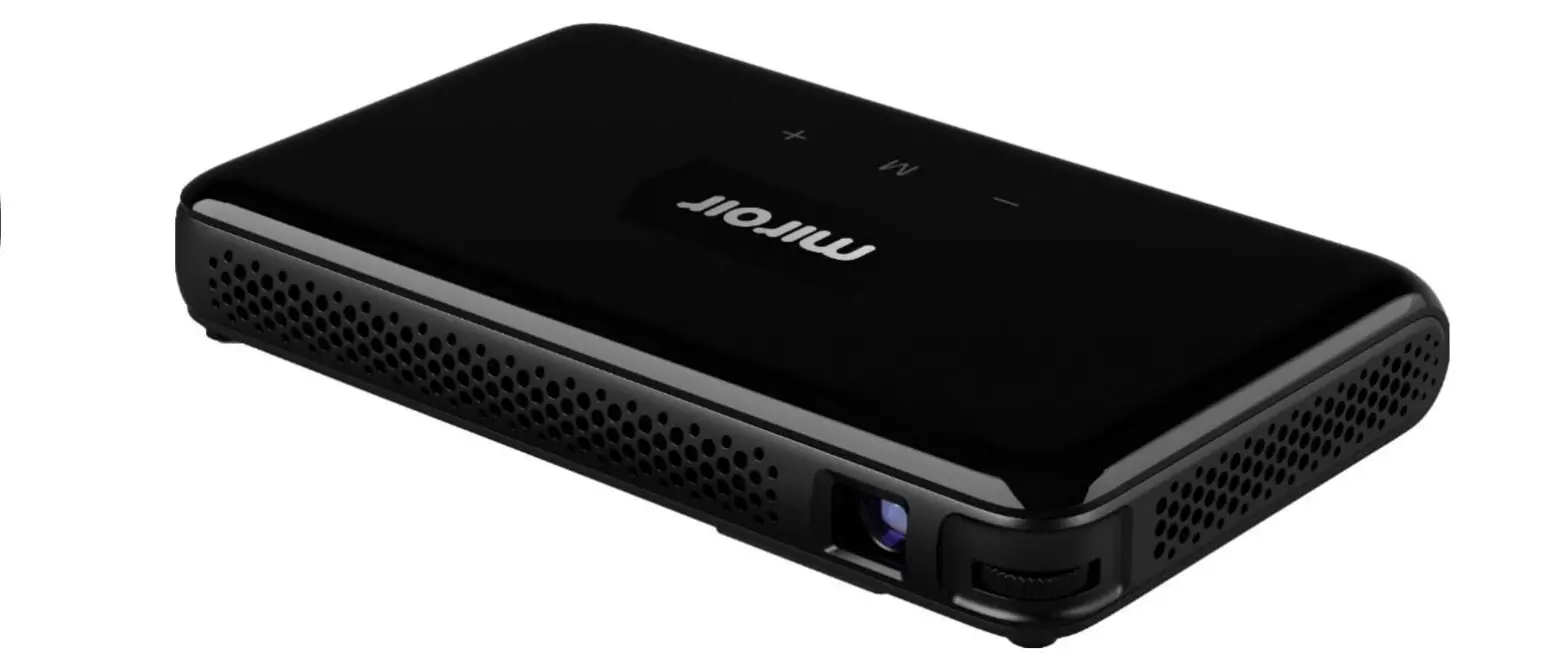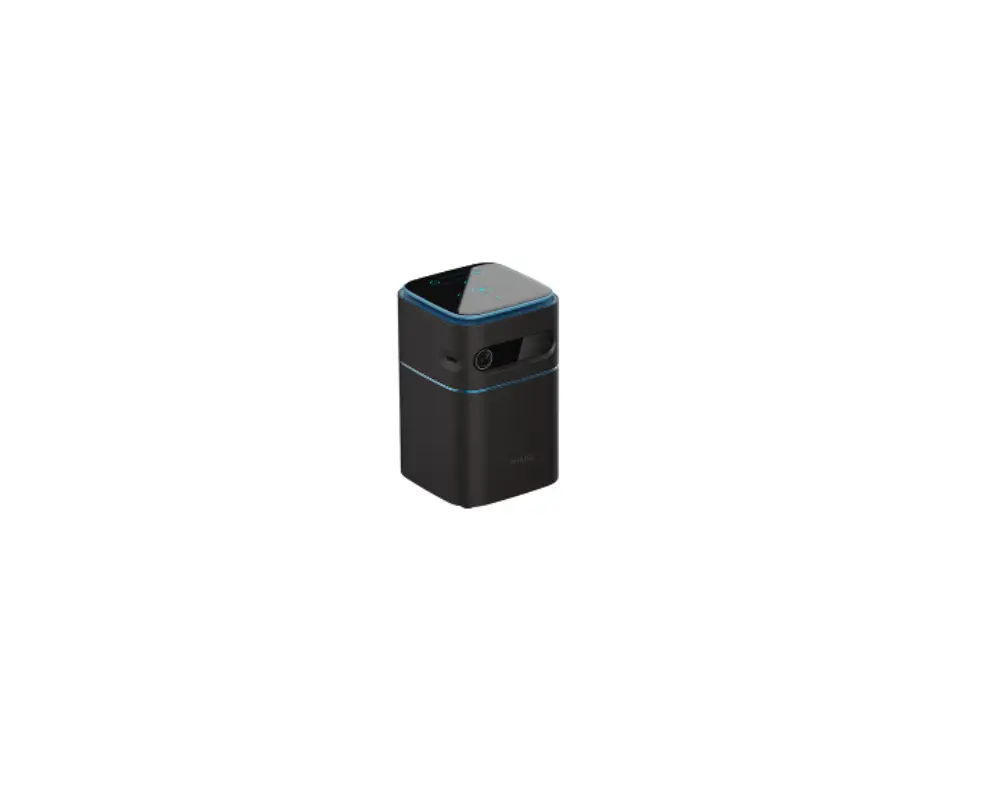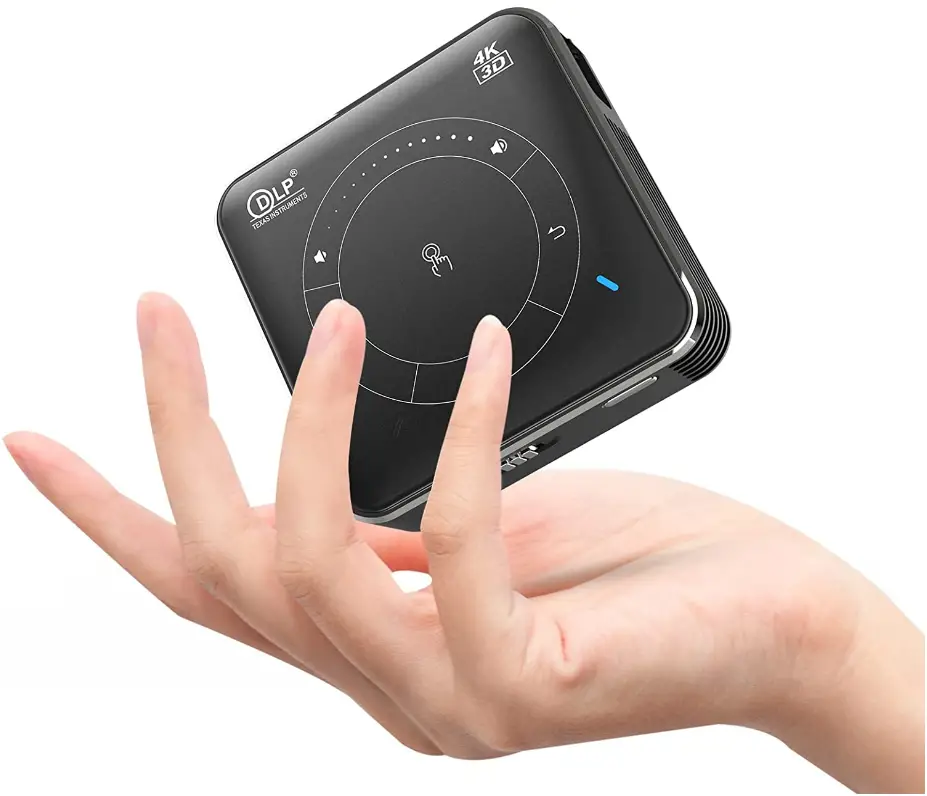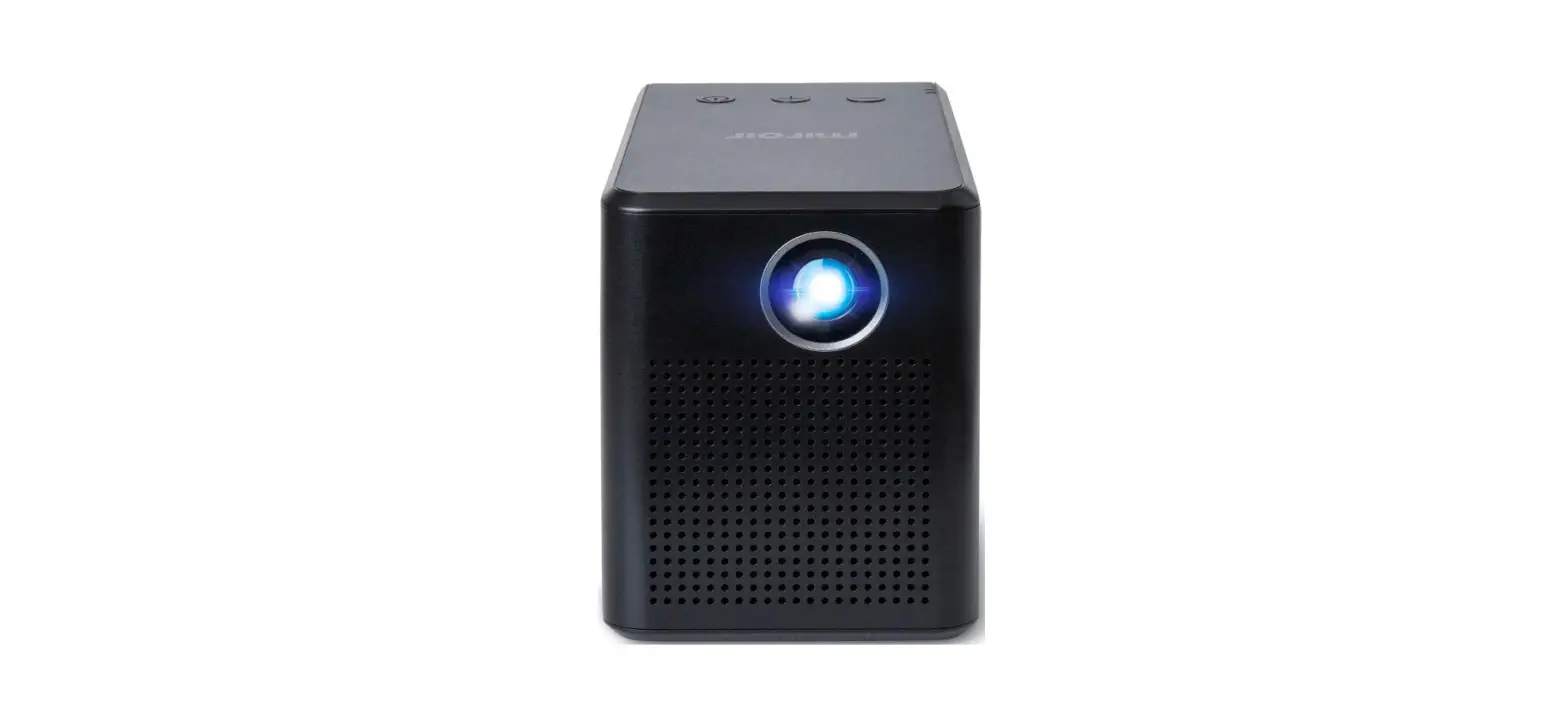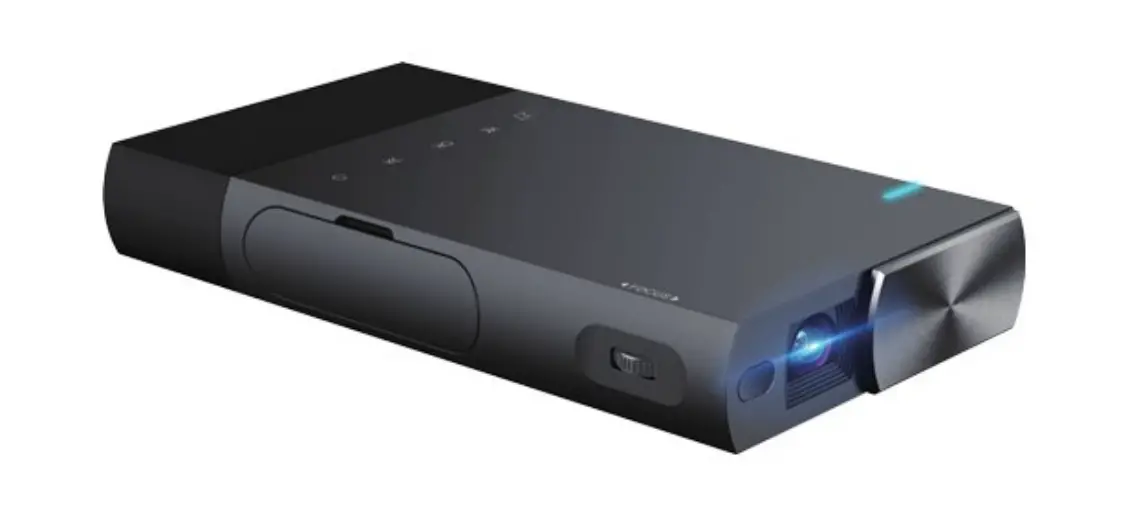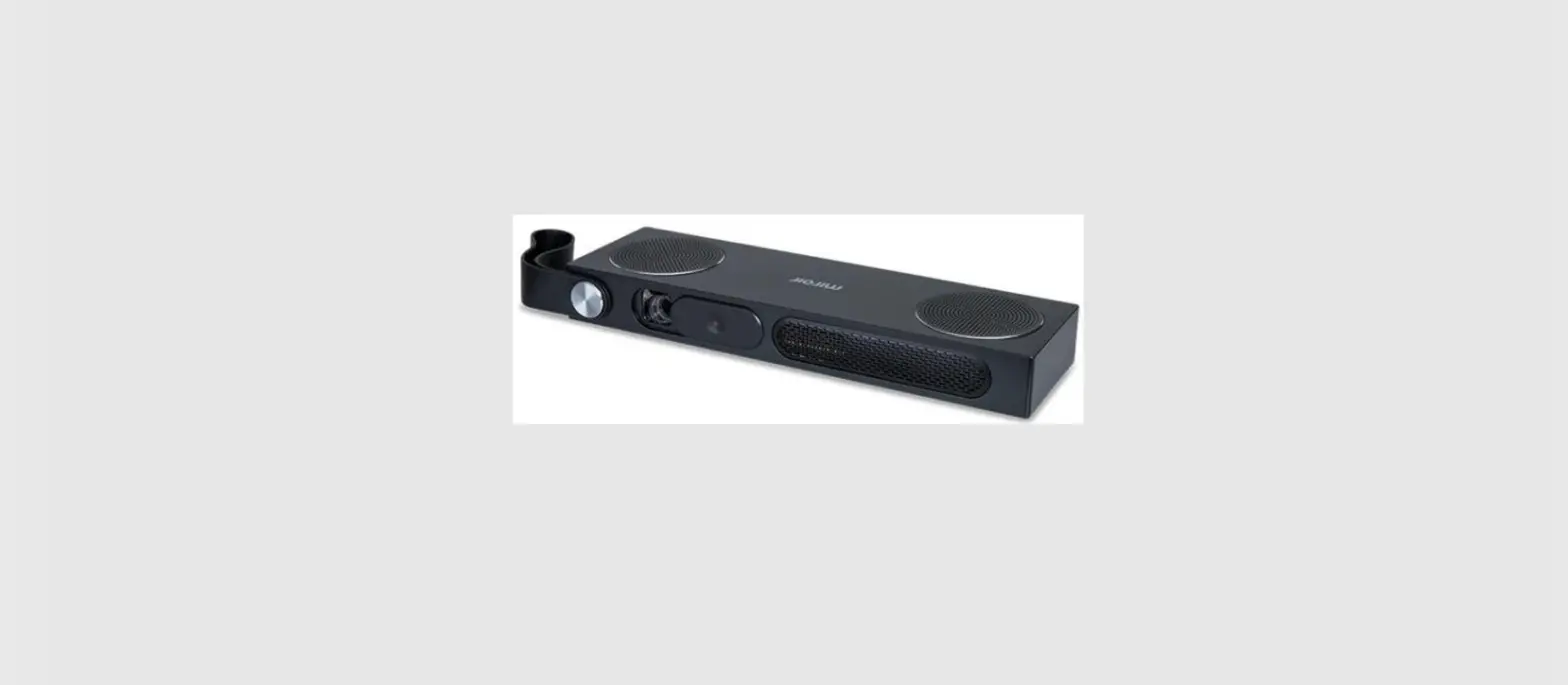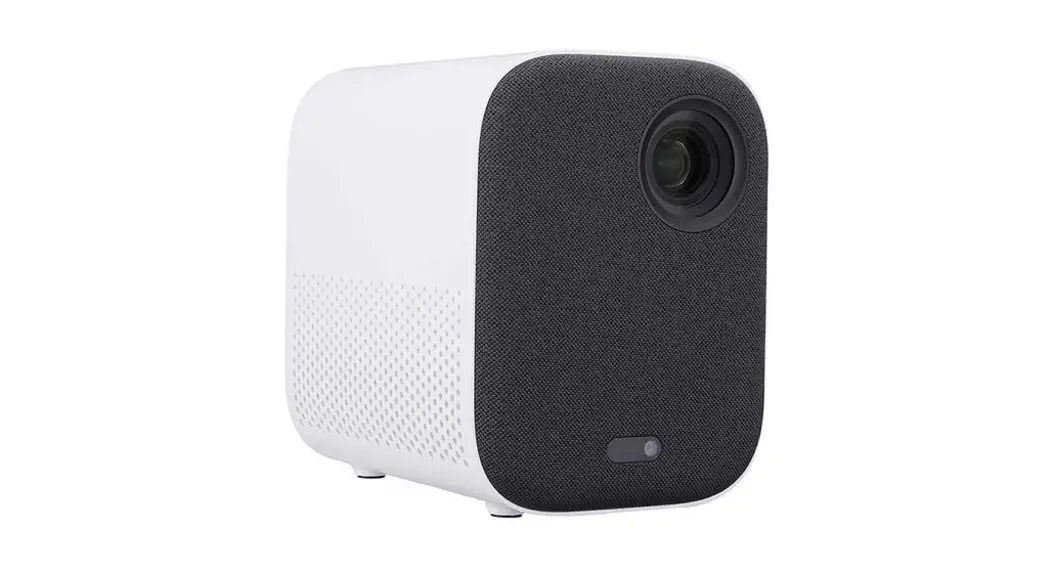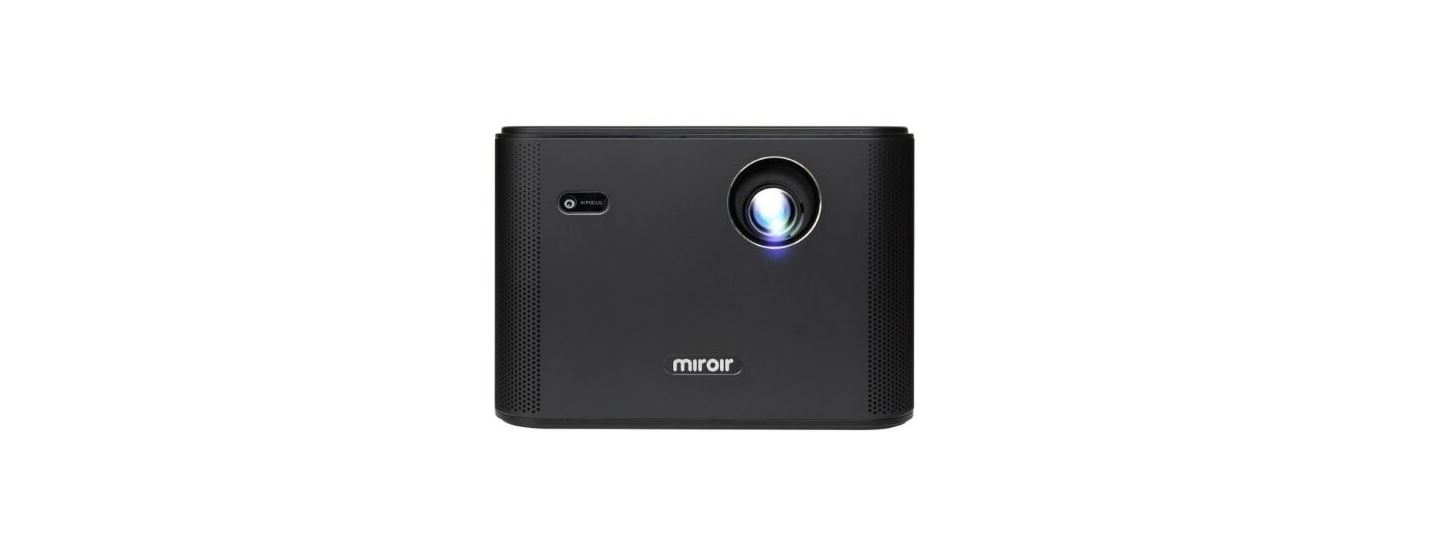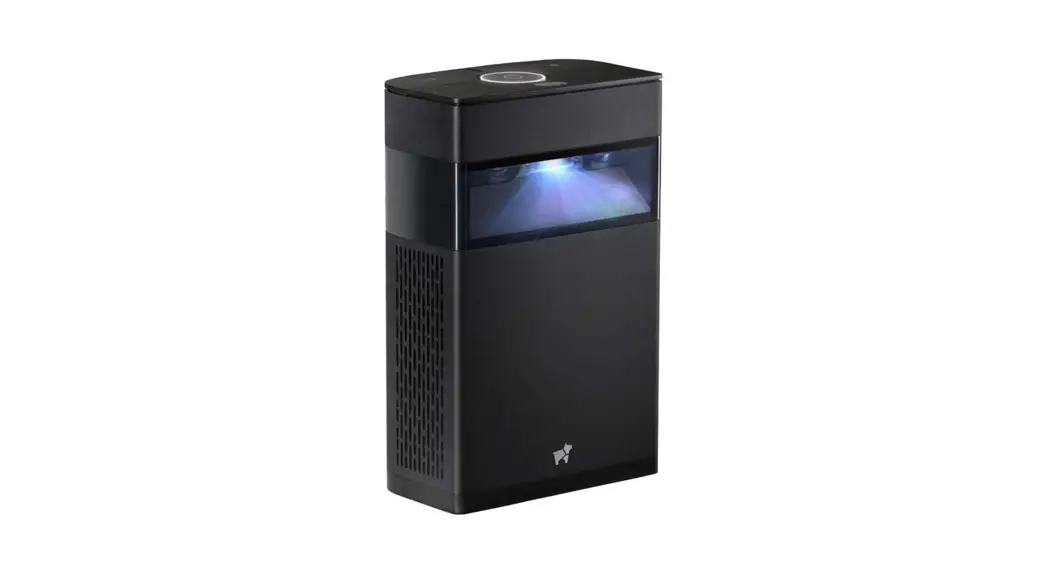

 Device
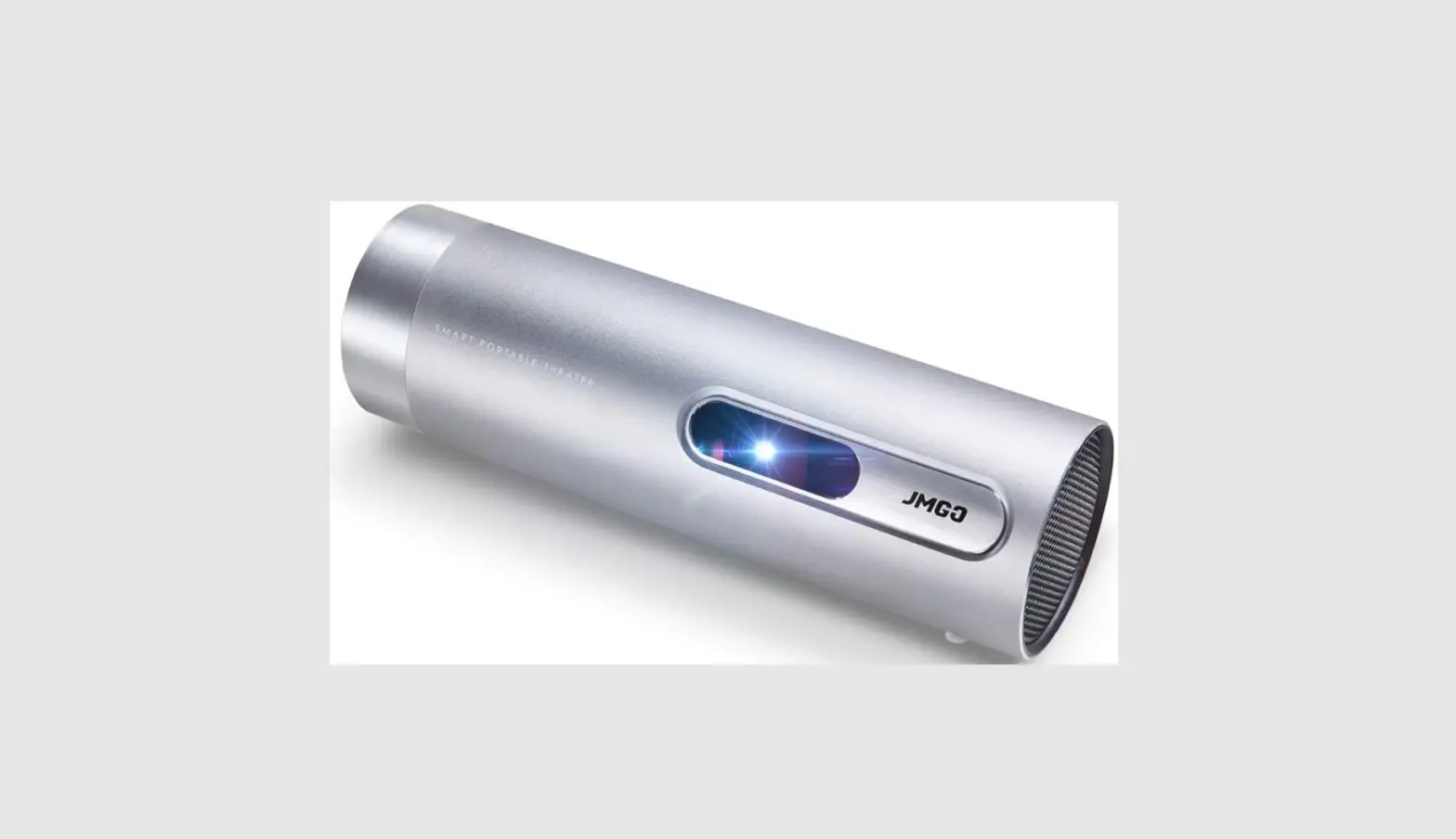
 Device Overview
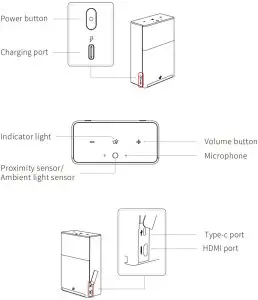
 Tips
Tips
Please do not block the area shown

 Vertical/Horizontal
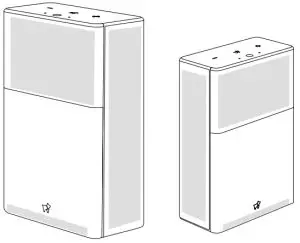
 Vertical/Horizontal
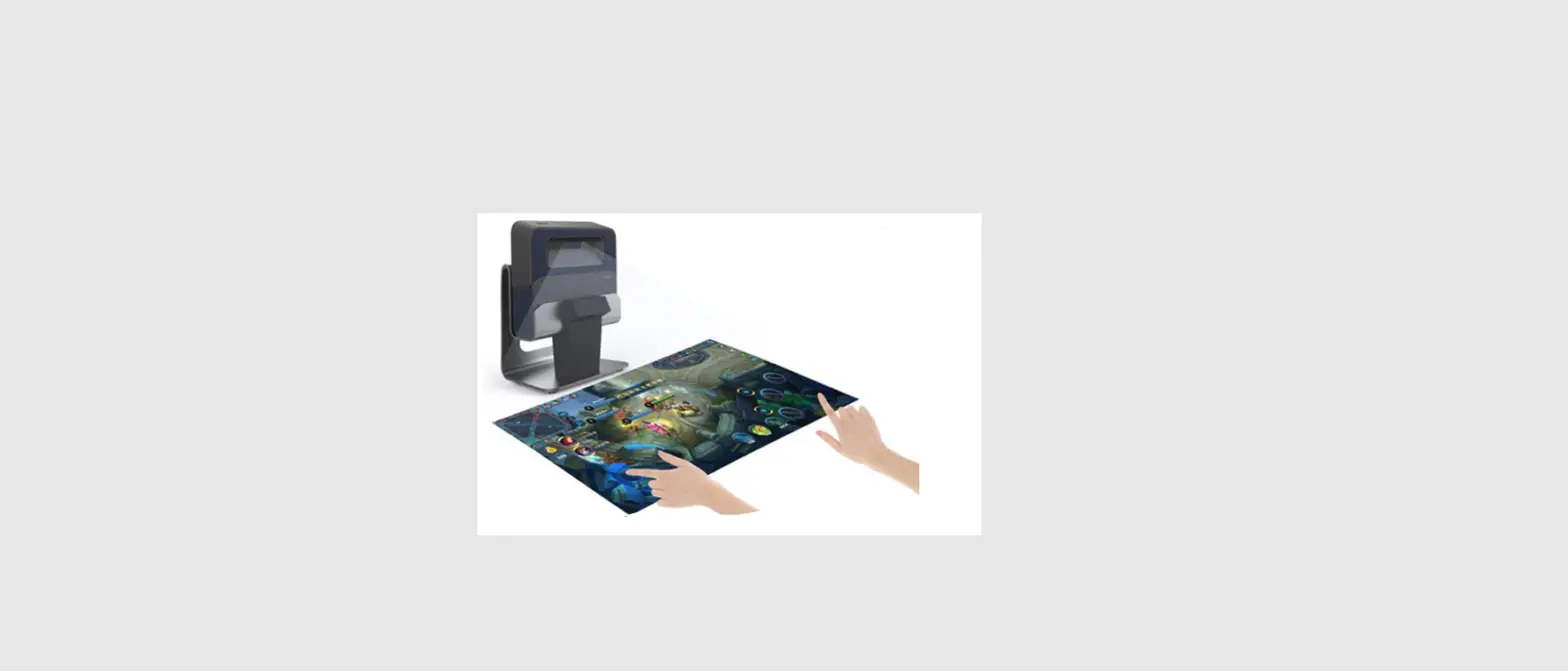
- Vertical Touch Control Projection:
Stand the device upright on a flat surface. After turning it on, you can perform the touch control function in the projection area. *Please do not place any objects in the projection area or 5cm around and avoid strong light sources that shine on the projection area.
 - Horizontal Cinema Projection:
Lay the device horizontally on a flat surface. After turning it on, you can project a large cinema-style screen on a wall or projection screen. To enlarge or reduce the projection area, adjust the distance between the wall or screen and the device. *Do not place any objects in the projection path or projection area and avoid strong light sources that shine on the projection area.
When the device is in the horizontal position, it is better to operate with the remote control.
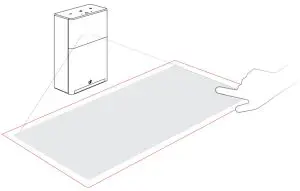 *Please do not place any objects in the projection area or 5cm around and avoid strong light sources that shine on the projection area.
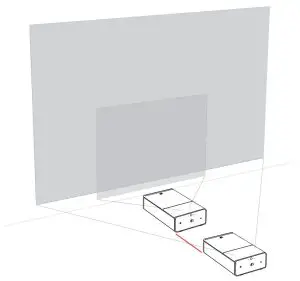 *Do not place any objects in the projection path or projection area and avoid strong light sources that shine on the projection area.
 Power-on/Power-off/Screen-off
Power-On: When the power is on, press and hold the power button for 3 seconds to turn it on.
Power-Off: Press and hold the power button for 1.5 seconds and select Power Off in the shutdown menu that pops up.
Screen-Off: When the screen is on, press the power button briefly to turn off the screen display.
 Auto Focus
After the device turns on, it performs autofocus for a few seconds to adjust the image for a clear resolution. To perform autofocus again, tilt the device forward about 30°and
stand it up straight again.
 Hard Reset
When the device crashes or does not work normally, press and hold the power button for 15 seconds to hard reset the device.
FCC Warnning:
Any Changes or modifications not expressly approved by the party responsible for compliance could void the user’s authority to operate the equipment.
This device complies with part 15 of the FCC Rules. Operation is subject to the following two conditions:
(1) This device may not cause harmful interference, and
(2) this device must accept any interference received, including interference that may cause undesired operation.
Note: This equipment has been tested and found to comply with the limits for a Class B digital device, pursuant to part 15 of the FCC Rules. These limits are designed to provide reasonable protection against harmful interference in a residential installation. This equipment generates uses and can radiate radio frequency energy and, if not installed and used in accordance with the instructions, may cause harmful interference to radio communications. However, there is no guarantee that interference will not occur in a particular installation. If this equipment does cause harmful interference to radio or television reception, which can be determined by turning the equipment off and on, the user is encouraged to try to correct the interference by one or more of the following measures:
-Reorient or relocate the receiving antenna.
-Increase the separation between the equipment and receiver.
-Connect the equipment into an outlet on a circuit different from that to which the receiver is connected.
-Consult the dealer or an experienced radio/TV technician for help.
This equipment complies with FCC radiation exposure limits set forth for an uncontrolled environment. This equipment should be installed and operated with minimum distance of 20cm between the radiator & your body.
 Remote Control
 Physical Remote Control
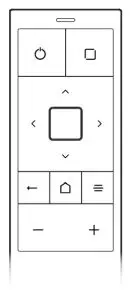 Bluetooth pairing:
Please make sure the remote control is fully charged to ensure normal pairing.
- Open the “application list > remote control pairing > physical remote control” page of the device.
- Place the remote control close to the device
- Press the Back and Menu keys until the red and blue indicator lights flash alternately
- After the device page prompts “pairing success”, you can use the remote control to operate
 Remote Control APP
Scan the QR code below with your mobile phone, or search for “Hachi remote control” in the application market. Download and install it and follow the prompts to connect
to the host.

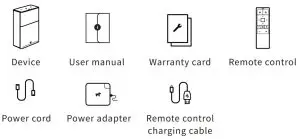
What’s in the Box
Precautions
- Do not point the projector at your eyes, as it may cause injury.
- Do not obstruct the air inlet/outlet. Otherwise, abnormal heat ventilation may cause damage to the device.
- Do not place the device and the power adapter in areas with excessively high or low temperatures. The operation temperature should be -10℃~30℃, and the power adapters should be below 30℃.
- Use the device in a clean and dry environment. Avoid exposure to liquid splashes and rain, as the device is not designed to be water-proof.
- Do not rinse the device using chemicals, detergents, or water. You can gently wipe the device’s surface with a dry cloth.
- Do not squeeze the device with force or place heavy objects on the device, as this may damage the device. Do not throw, knock, or violently shake the device. Otherwise,
damage may be caused to the internal components. - Do not dry the device by putting it in heating equipment.
- Do not dismantle the device without authorization from Hachi. If you encounter any problems, contact Hachi’s customer service department.