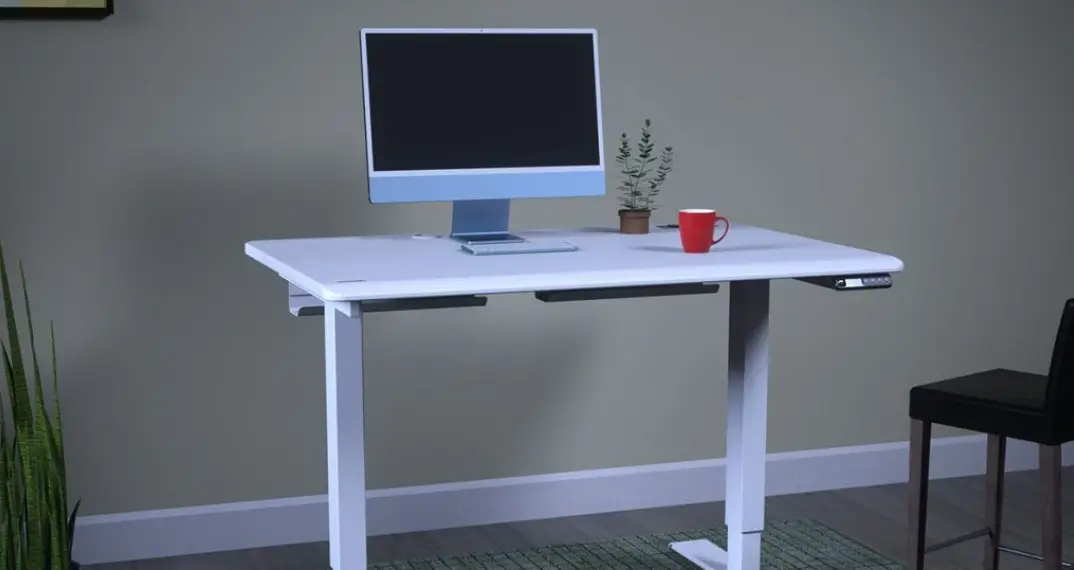
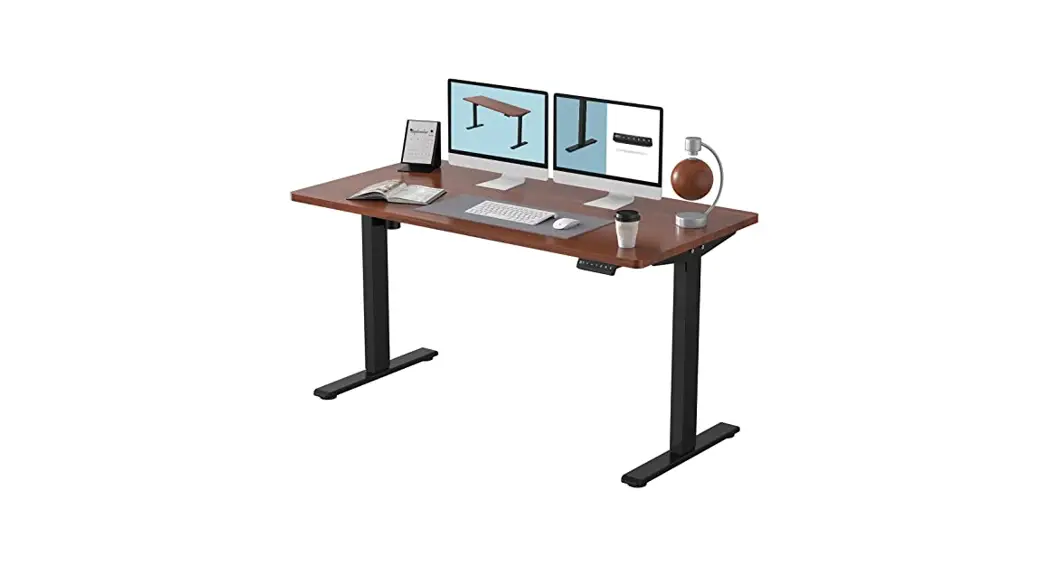
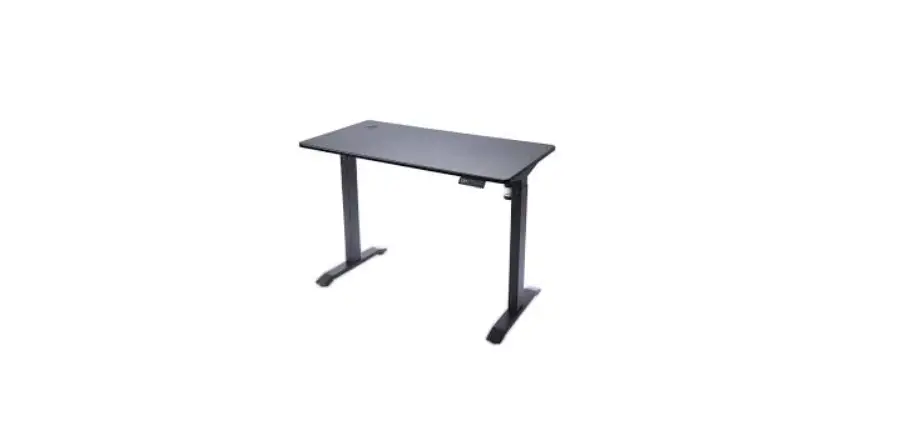
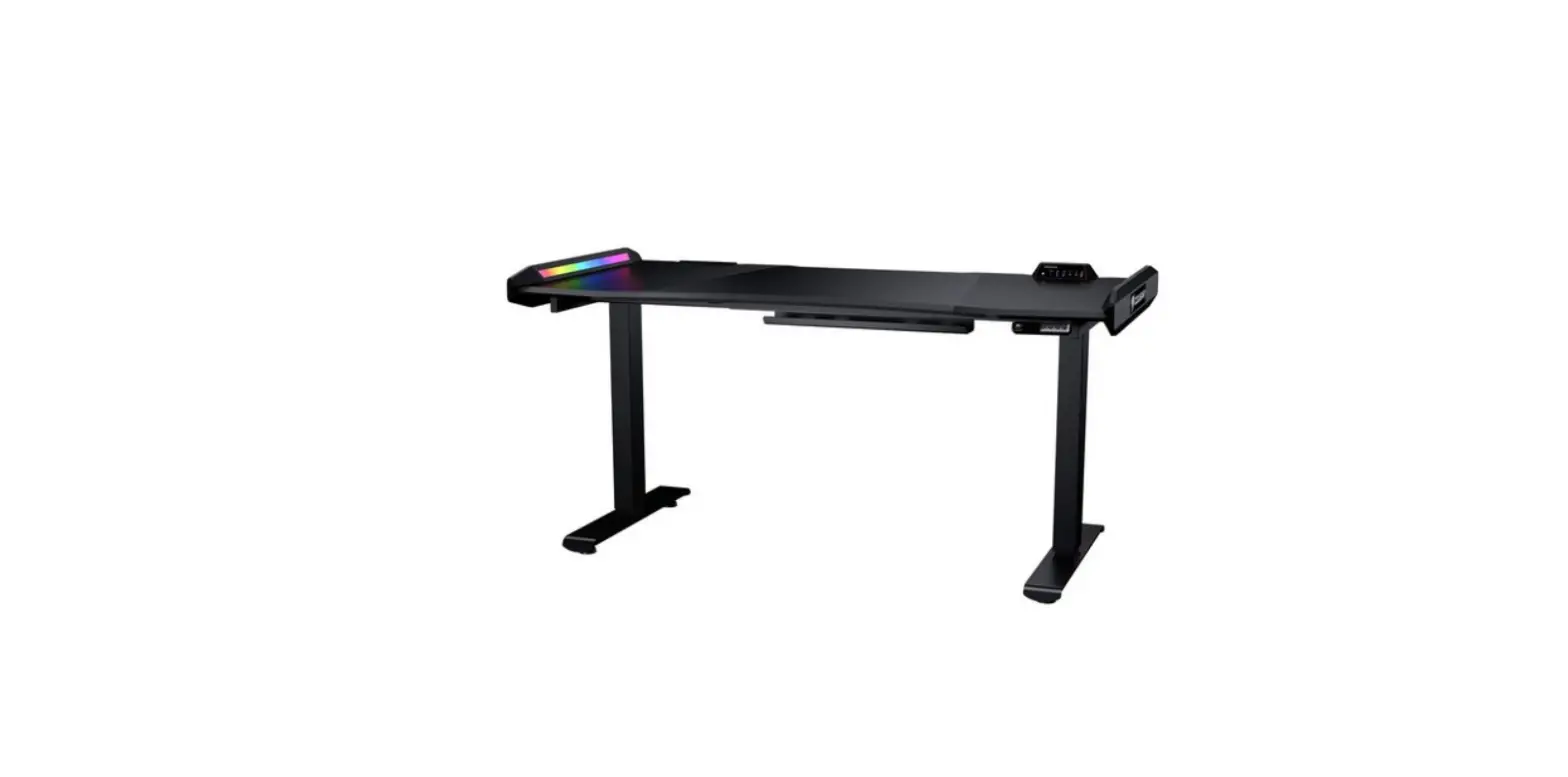
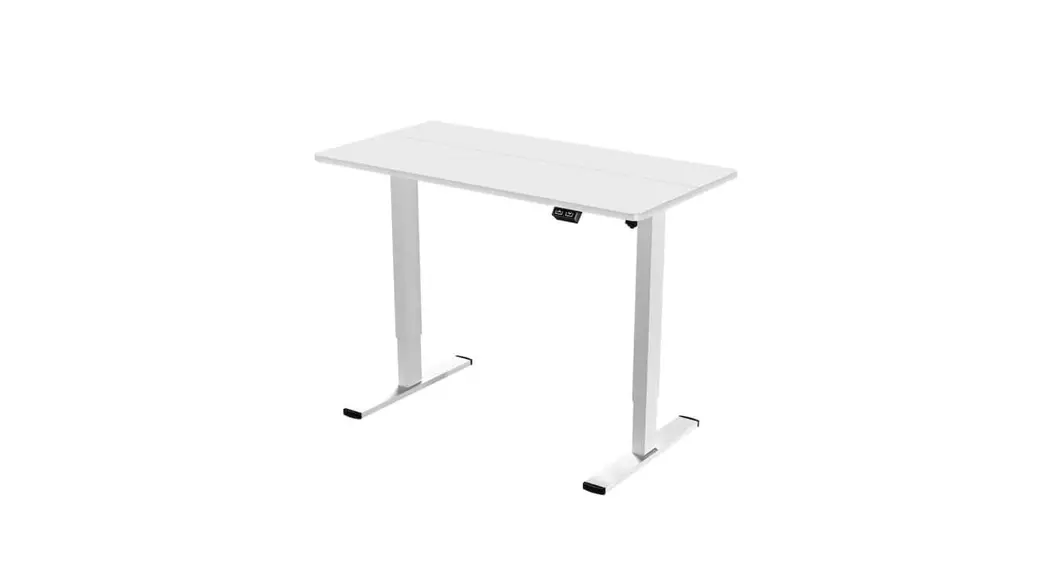
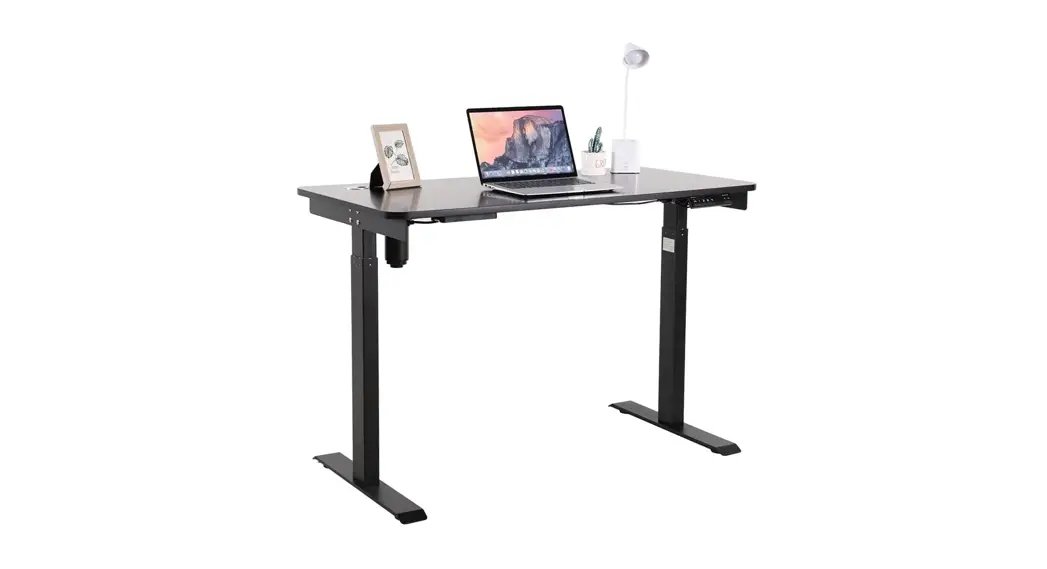
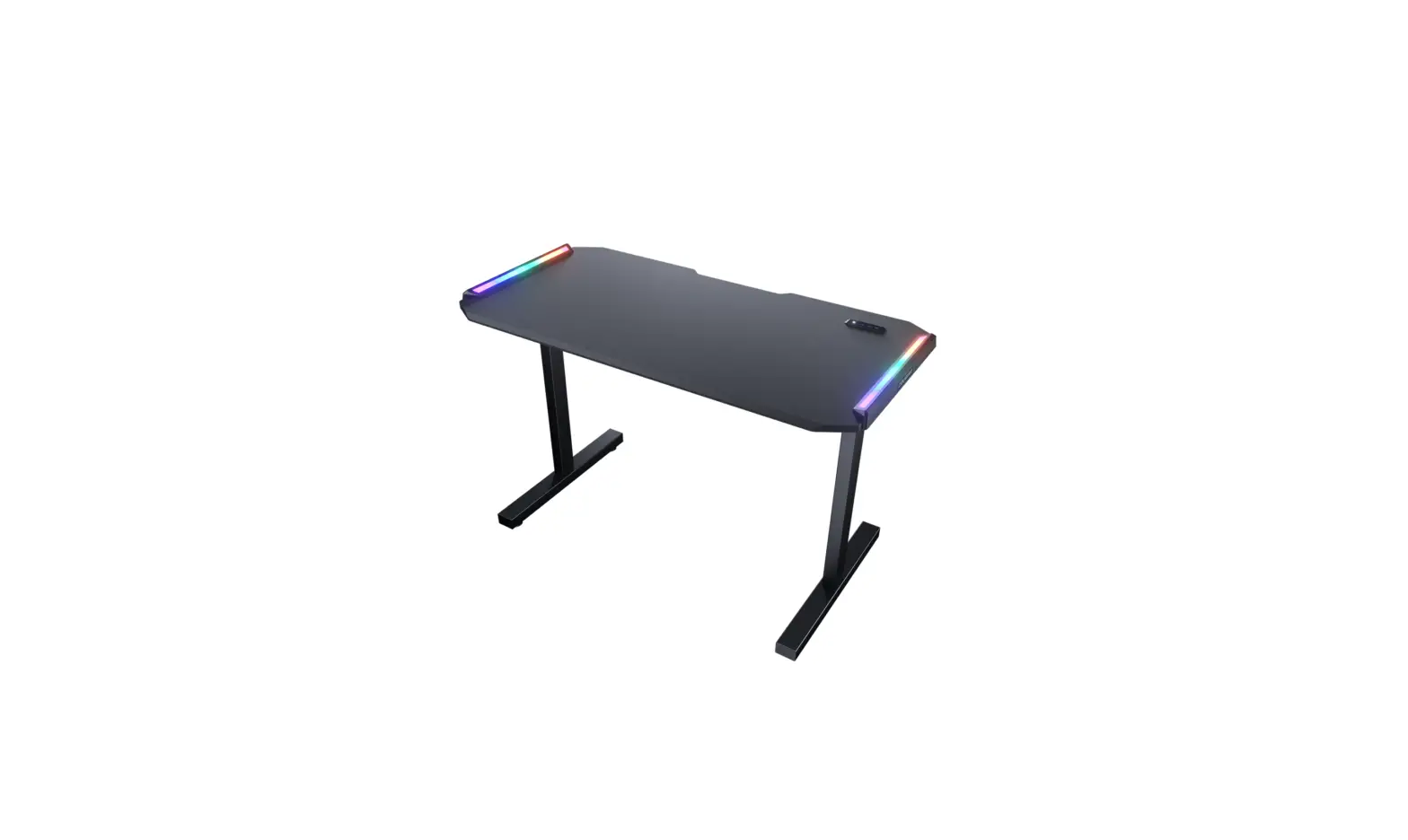
ROYAL MOSSA Electric Standing Desk
Product Information
The package contents include:
- CARTON #1
- CARTON #2
- CARTON #2
- A Desktop
- B Lifting Controller with Cables
- C Column Foots
- D Holders for Rod Cover
- E Left Lifting Column
- F Right Lifting Column with Motor
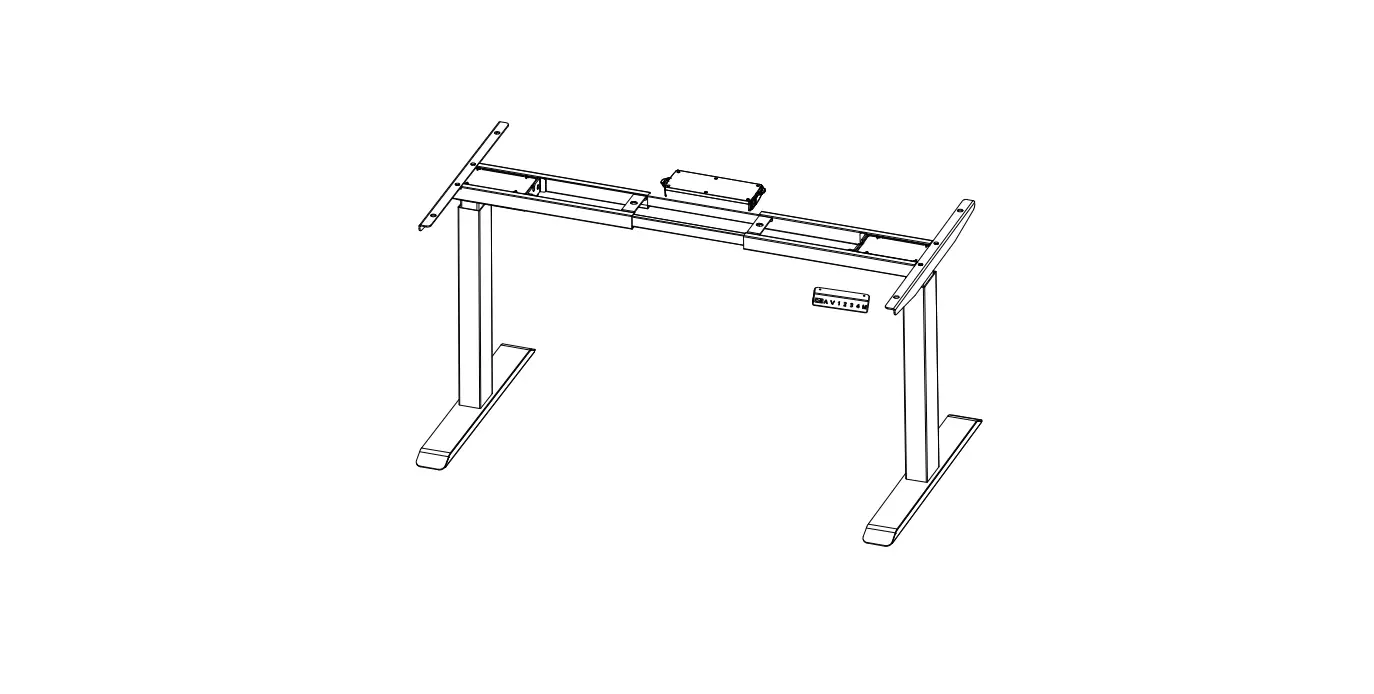
- G Main Beam
- H Drive Rod
- I L-shape Supports
- J Bracket for Power Unit
- Accessory Kit (includes various bags and tools)
The product features include:
- Electric Height Adjustment
- Premium and Ergonomic Desktop
- Grommet Design for Wire Organization
- LCD Height Display Controller
- 4 Programmable Memory Settings
- Panel Lock for Avoiding Risk
- Stable and Reliable Lifting System
- Shields for Transmission Shaft and Motor
The specifications of the product are as follows:
- Product Name: Preassembled Desk Frame
- Desk Dimension (W x D x Thickness)
- Height range (with desktop)
- Travel Speed
- Lifting Capacity
- Noise level
- Input Power Unit
- Power Cord
Product Usage Instructions
- Put the Left Lifting Column and Right Lifting Column with Motor
on the ground. Screw the Main Beam on both columns. - Stand the columns right up and screw the Column Foots.
- Reversely turn and stand the structure and install the L-shape
Supports. - Insert the Drive Rod and install the Bracket for Power
Unit. - Install the Cover of Drive Rod with Holders. Make sure the
holes aim in the correct direction. - Install the Desktop.
- Install the Lifting Controller.
- Connect the Lifting Controller following the provided
instructions. - Reset the Lifting System if needed, following the provided
instructions. - Lock or unlock the Height Adjustment as desired using the
Lifting Controller. - Use the Height Memory function to store preferred height
settings. - Wait for the Overheat Protection to automatically enable if the
lifting unit is overloaded. - If troubleshooting is needed, follow the provided instructions
for temporary malfunctions or display issues.
PACKAGE CONTENTS
CARTON #1
CARTON #2
CARTON #2
A Desktop
B Lifting Controller with Cables
C Column Foots
D Holders for Rod Cover
ELECTRIC STANDING DESK
E Left Lifting Column
F Right Lifting Column with Motor
G Main Beam
H Drive Rod
I L-shape Supports
FEATURES
Electric Height Adjustment Premium and Ergonomic Desktop Grommet Design for Wire Organization LCD Height Display Controller
4 Programmable Memory Settings Panel Lock for Avoiding Risk Stable and Reliable Lifting System Shields for Transmission Shaft and Motor
DEUTSCH
Elektrische Höhenverstellung Hochwertige und ergonomische Tischplatte Tüllen für die Organisation von elektrischen Kabeln Steuerung der LCD-Höhenanzeige 4 Speichereinstellungen Verriegelung des Bedienfelds zum Schutz vor versehentlichem Kontakt Stabiles und zuverlässiges Hebesystem Schutzvorrichtungen für Antriebswelle und Motor
ESPAÑOL
Regulación eléctrica de la altura Tablero premium y ergonómico Diseño de ojal para organizar los cables eléctricos Controlador de la pantalla de altura LCD 4 ajustes de memoria Bloqueo del panel para evitar el contacto involuntario Sistema de elevación estable y fiable Eje de transmisión y protectores del motor
FRANÇAIS
Réglage électrique de la hauteur Plateau de table premium et ergonomique Conception des passe-fils pour l’organisation des câbles électriques Contrôleur d’affichage de hauteur LCD 4 réglages de la mémoire Verrouillage du panneau pour éviter tout contact involontaire Système de levage stable et fiable Protections de l’arbre d’entraînement et du moteur
PORTUGUÊS
Ajuste de altura eléctrico Tampo de mesa Premium e ergonómico Desenho de grânulos para organização de cabos eléctricos Controlador de ecrã LCD em altura 4 configurações de memória Bloqueio de painel para evitar contacto inadvertido Sistema de elevação estável e fiável Eixo de transmissão e protecções do motor
LCD 4
LCD 4
4
LCD 4
J Bracket for Power Unit
ACCESSORY KIT
CARTON #2 Bag #1 Tools
M6
K Cover of Drive Rod
Bag #2
Bag #3
x 1
x 1
x 3
SPECIFICATIONS Product Name Preassembled Desk Frame Desk Dimension (W x D x Thickness) Height range (with desktop) Travel Speed Lifting Capacity Noise level Input
x 10 x 2
x 2
ROYAL MOSSA 2 stage columns and single motor desk frame 47 x 24 (in) ; 1200 x 600 (mm) 28 45 (in) ; 720-1150 (mm) 1 (in /sec) ; 25 (mm /sec) 176 (lb) ; 80 (kg) Ù50 decibels during motion 100-240V AC, 50/60Hz
L Power Unit
M Power Cord
Bag #4
Bag #5
Bag #6
Bag #7
Bag #8
x 6
x 6
x 6
x 8
x 4
x 4
. ( 2 , )
A S/N: , . , S/N: H1702000001 , 2017 .
B S/N: , , , .
, S/N: DAG02REVI000001 , 2017 .
·
:
https://cougargaming.com/bg
ABCDE FGH I J 1234567890
QR
, AG = 17 = 2017
1 Put the “Left Lifting Column” and “Right Lifting Column with Motor” on the ground. Screw the “Main Beam” on both columns.
3 Reversely turn and stand the structure and install the “L-shape Supports.”
5 Install the “Cover of Drive Rod” with “Holders.”
! Holes aim at this direction.
G
E
Right column
F
Bag # 2
x6 Bag # 1 M6
x1
Tools
I I
Bag # 4
MOVE
WITH 2 PEOPLE
Stand the structure
x6 Bag # 1
M6
x1
Tools
2 Stand the columns right up and screw the “Column Foots.”
4 Insert the “Drive Rod” and install the “Bracket for Power Unit.” J
C F C
Hoist the Columns
MOVE
WITH 2 PEOPLE
Bag # 6
x8 Bag # 7
x4
Bag # 8
x4 Bag # 1 Tools
x1
H
4-1
4-2
4-3
4-4
4-5
Unscrew the cap.
Insert to the bump Make sure the full insert.
Tighten the cap.
Bag # 2
5-2 K
D 5-1 D
x4 Bag # 2
x2
Bag # 1 M6
Tools
x1
6 Install the “Desktop.”
A
BACK
Bag # 5
x6 Bag # 5
x6 Bag # 1 M6
x1
Tools
7 Install the “Lifting Controller .”
HOW TO CONNECT
LIFTING CONTROLLER
STEP 1
B
Bag # 3
x2
Bag # 1
x1
Tools
! Make sure to connect the controller before AC Power plugging.
STEP 2
STEP 3
STEP 4
AC Power plugging
Locate the Power Unit into the Bracket after connecting.
FUNCTION & TROUBLESHOOTING Reset the Lifting System Lock the Height Adjustment Unlock the Height Adjustment Height Memory Overheat Protection
Temporary Malfunction
DISPLAY
INSTRUCTION
Press “” to the lowest height. Then release the button and press “” for 5 seconds, it will show “rSt” and press “” again. It will display the lowest height to complete the reset.
Press ” ” and ” ” simultaneously for 5 seconds.
Press “” and “” simultaneously for 5 seconds again.
Firstly, press “” or “” to adjust the height. While the height is as expected, press the “number” button for 3 seconds to memorize the height with the corresponding button.
While the lifting unit is over-loading, the height adjustment will automatically inoperable for protection, please wait for 15~20 minutes.
1.Follow the “rSt” procedure. Press “” to the lowest height. Then release the button and press “” for 5 seconds, it will show “rSt” and press “” again. It will display the lowest height to complete the reset. If the issue remains, follow the next step.
2.Unplug the AC plug.Check every connection followed by the manual and examine the connectors. 3.Re-connect the AC and Reset the desk.If the malfunction issue remains, please contact the distributor for after-service.
Do not fix or open the system by yourself.
GLOBAL WARRANTY POLICY
WARRANTY PERIODS OF COUGAR GAMING DEVICES Product : ROYAL MOSSA Electric Standing Desk Warranty : 1 Year This warranty gives you specific legal rights. You may also have other rights granted under local law. These rights may vary.
WARRANTY AGREEMENT If the product has defects in material or manufacture, COUGAR will provide product repair and replacement service within the warranty period. Our warranty service is based on the date of the invoice or warranty card.
CONDITIONS WHERE FREE MAINTENANCE IS NOT PROVIDED
Any fault or damage caused by natural disasters (including storm, fire, flood, thunder, earthquake, etc). Any fault or damage caused by accidental factors and man-made reasons (including hit, scrape, crash, moving, compression, stain, corrosion, riot, misuse, malicious damage, etc). Use in an improper operating environment (including high temperature, high humidity, water inflow, etc). Inability to provide the product warranty card, purchase receipt or invoice to prove the product is still within the warranty period and the shipping date of the product is out of warranty. The warranty card has been altered or its number is hard to identify. The warranty period has expired. Any fault or damage caused by non-compliance with regulations stated on the user manual or improper, rough and careless treatment. Any fault or damage caused by use of parts not certified by COUGAR original manufacturer. The problem is caused by improper repair or adjustment by the buyer or any manufacturer without authorization from COUGAR. The product is not acquired from an authorized distributor of the company or is acquired from illicit sources. Paper carton, instruction and other accessories are not warranted.
CAUTION
Make sure no obstacles are in the desk’s path. It is highly suggested to avoid the human underneath as the height movement. The physical injuries from height adjustment are excluded from the after-service.
DISCLAIMERS COUGAR products should not be used as critical components in life support devices. COUGAR is not liable for any damage of life and limb or damage or loss of property caused by or during COUGAR products’ use as or with medical equipment, military equipment, traffic equipment and disaster prevention systems. COUGAR’s warranty liability is limited to repair or replacement. The decision on whether to repair or replace belongs exclusively to COUGAR.
COUGAR is, to the extent not prohibited by law, not liable for any damages; expenses; lost data, revenues, savings or profits; or any incidental or consequential damages happened while the use of a defective product from COUGAR or due to its use.
WARNING
Please wear protective gloves when assembling the Desk. It is your own responsibility to use appropriate protection to prevent any physical damage.
Do not use abrasive products or scrub energetically when cleaning. Please stick to gentle products suitable for delicate materials.
All parts should be checked monthly to confirm their integrity and to make sure that the screws are not loose. If any part of the product is or appears to be damaged, missing or loose, please contact the local distributor and do not use the product. WARNING
LEGAL NOTICES
This manual was created by Compucase Enterprise and may not be completely or partially copied, passed on, distributed or stored without written consent by Compucase Enterprise. COUGAR® is a registered brand of Compucase Enterprise Other product and company names mentioned in this documentation may be brands or trademarks of their respective owners. Compucase Enterprise reserves the right to make changes concerning the contents of the manual and the technical data of the product without previous announcement.
MANUFACTURER CONTACT
LOYALTY FOUNDER ENTERPRISE CO., LTD. 13F, NO.859, Jingguo Rd, Taoyuan Taiwan TEL:+886-3-3269123
Service email : https://cougargaming.com/support/contact/upload/ Made in China
www.cougargaming.com
Made in China