 Innovation Tech™ air Pro Series
User Manual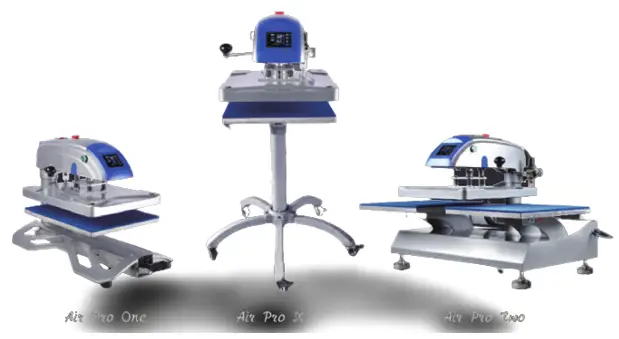
3805N Tshirt Heat Transfer Printing Machine
NOTICE 
- Use the heat transfer press only as intended
- Please keep children away from the machine
- Make sure correct outlet before use the device
- Burns can occur from contact with hot surface
- Please choose a at least 35L air comprossor
- Turn off the device when not in use and remove the power plug
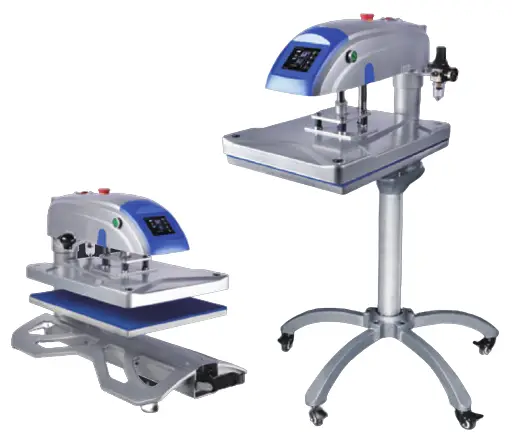
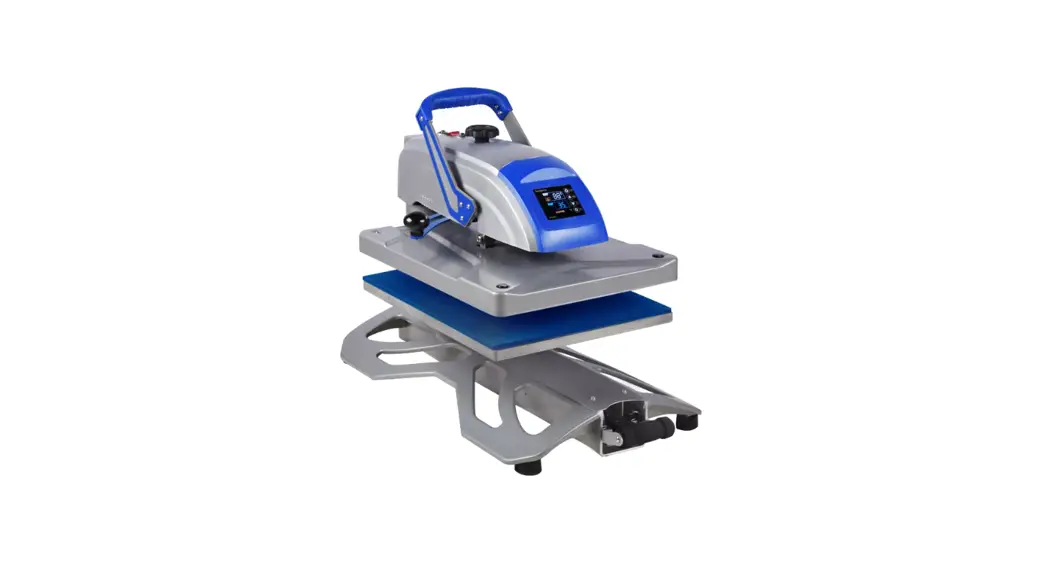
Innovation Tech™ Air Pro One (Single Platen)
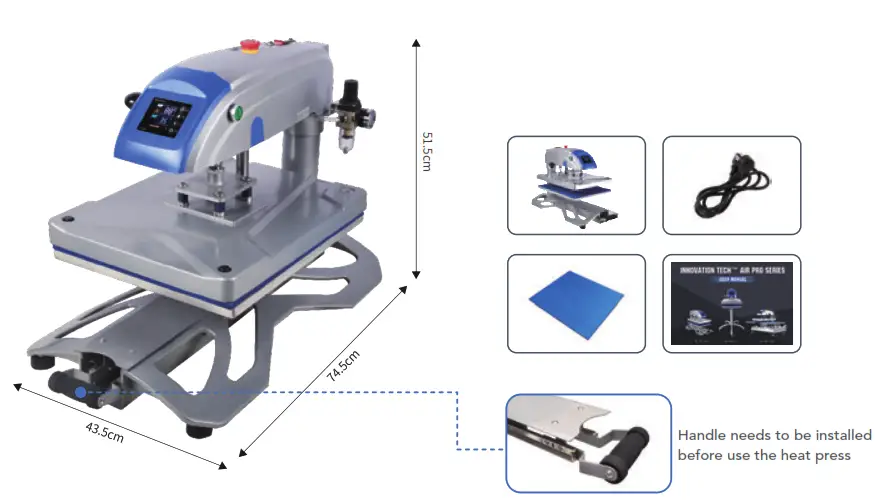
In the box
1 x Air Pro One 1 x Power Cable
1 x Silicon Mat 1 x User Manual
MACHINE INTRODUCTION
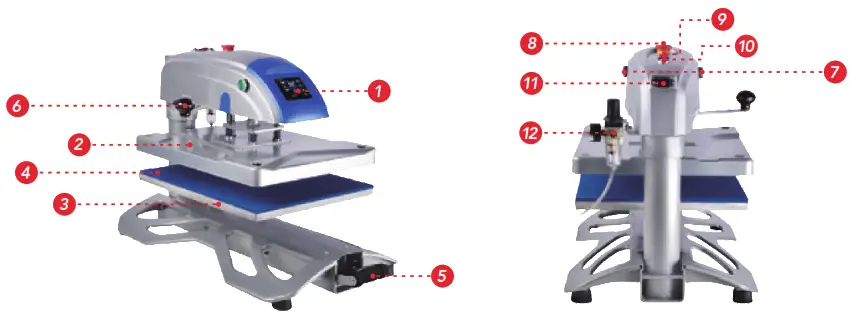
| 1. Control Display | 4. Silicon Mat | 7. Operation Buttons × 2 | 10. Breaker × 2 |
| 2. Heating Plate Cover | 5. Drawer Handle | 8. Release Button | 11. Power Outlet |
| 3. Alu. Lower Plate | 6. Swing-arm Handle | 9. Power Switch | 12. Air Regulator |
Innovation Tech™ Air Pro X (Movable Caddie)
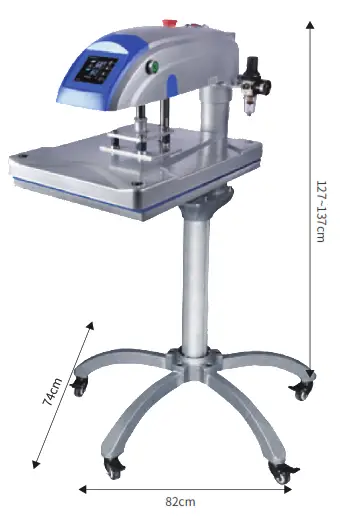
In the box
1 x Air Pro One (Without Base)
1 x Movable Caddie 1 x Power Cable
1 x Silicon Mat 1 x User Manual 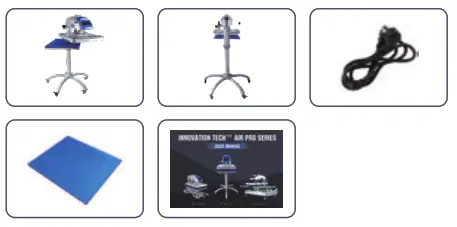
MACHINE INTRODUCTION
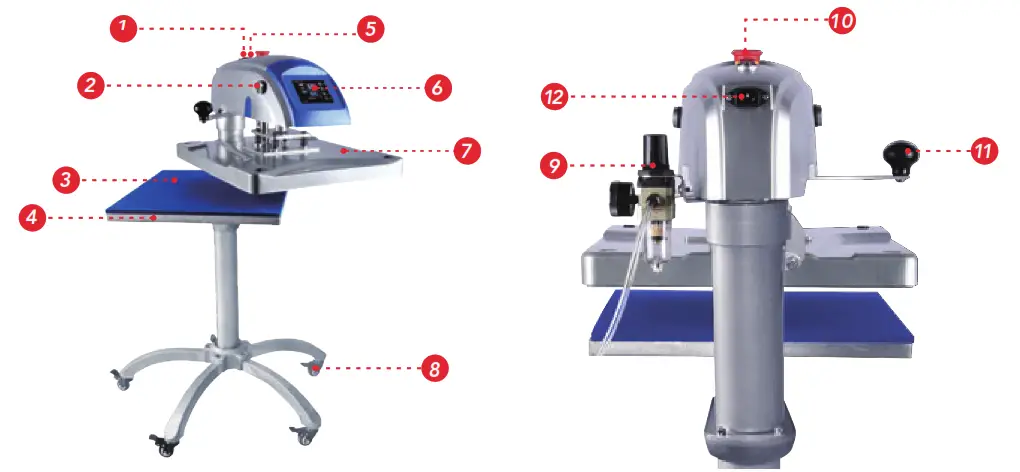
| 1. Power Switch | 4. Alu. Lower Plate | 7. Heating Plate Cover | 10. Quick Release Button |
| 2. Operation Button × 2 | 5. Thermal Breaker × 2 | 8. Brake Caster | 11. Swing-arm |
| 3. Silicon Mat | 6. Control Display | 9. Air Regulator | 12. Power Outlet |
Innovation Tech™ Air Pro Two (Dual Platens)
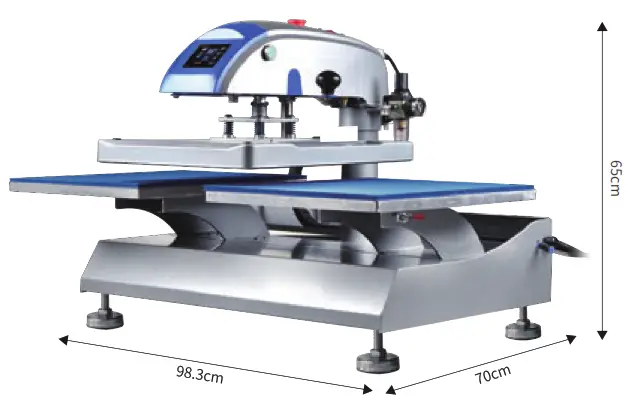
In the box
1 x Air Pro Two 1 x Power Cable
2 x Silicon Mat 1 x User Manual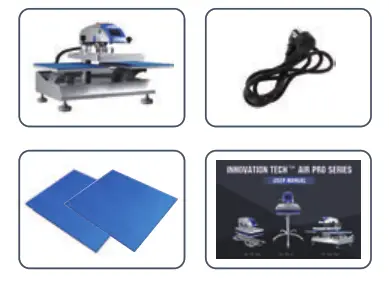
MACHINE INTRODUCTION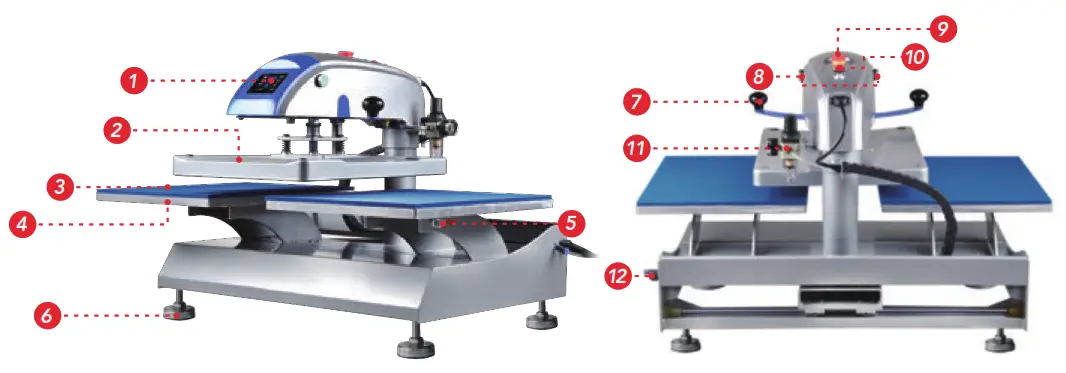
| 1. Control Display | 4. Alu. Lower Plate | 4. Alu. Lower Plate | 4. Alu. Lower Plate |
| 2. Heating Plate Cover | 5. Quick Change System | 5. Quick Change System | 5. Quick Change System |
| 3. Silicone Mat | 6. Adjustable Base | 6. Adjustable Base | 6. Adjustable Base |
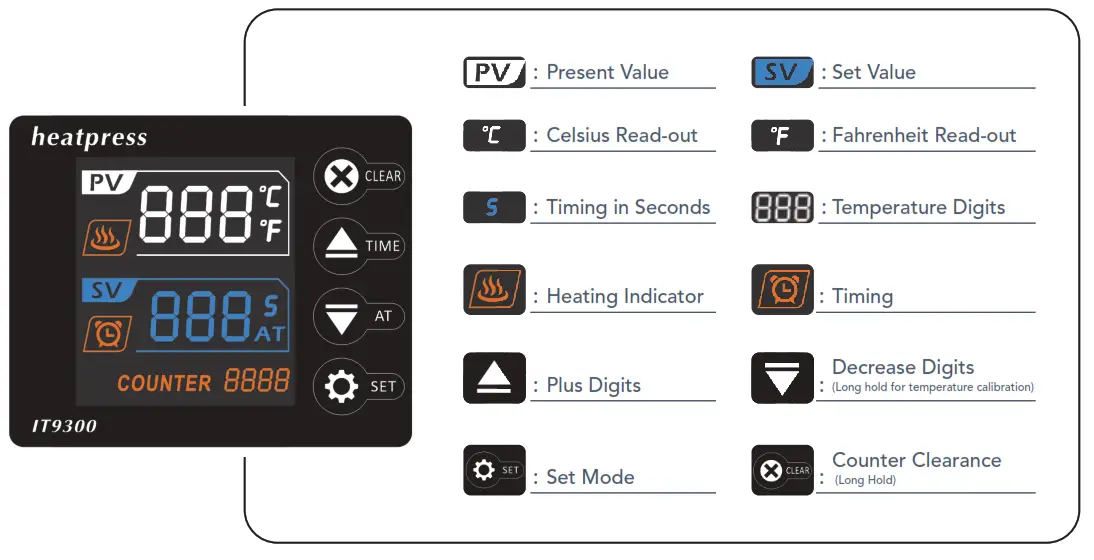
CONTROLLER PROGRAM
CONTROL SETTING
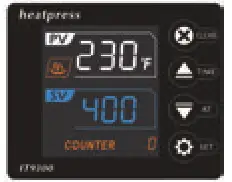 | 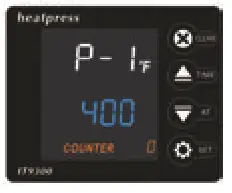 | 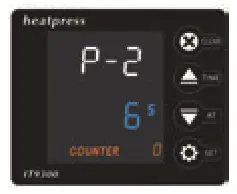 |
| Control Panel Display | P-1 : Temp. Setting Mode Touch SET & ↑ ↓ buttons to set desired Temp. | P-2 : Time Setting Mode Touch SET & ↑ ↓ buttons to set desired time. |
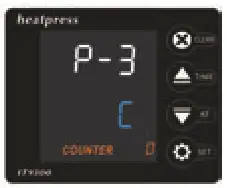 | 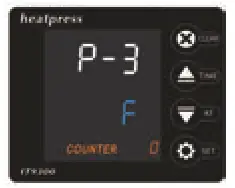 | 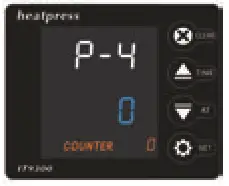 |
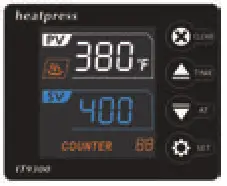
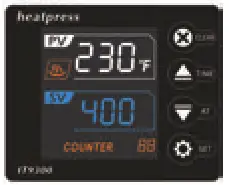
| P-3 : ℃ or ℉ Read-out Touch SET & ↑ ↓ buttons to set ℃ or ℉ | P-3 : ℃ or ℉ Read-out Touch SET & ↑ ↓ buttons to set ℃ or ℉ | P-4 : Auto Power-off Mode Touch SET & ↑ ↓ buttons to set auto-off time with 0-120 mins range |
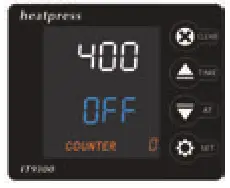 |  |  |
| Auto-off Introduction It reads OFF and machine starts to cool down after machine raises to SET temp. and remains no operation for P-4 set time. Operation like control panel setting or heat pressing. | Wake Machine from Sleepy Mode You can wake up the heat press from sleepy mode by touching any button on the control panel, and machine starts to heat again. | Clear Counter NO. You can long hold the CLEAR button to clear the COUNTER NO. on the panel. |
User Operation
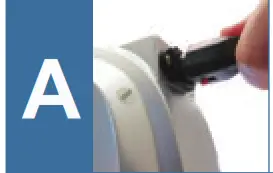 | Socket & connect to power outlet and power-on the heat press. (Tip: Press the tiny clip when you pull off the socket) |  | Position the substrate and preheat to remove the wrinkles or moisture, continue to place the graphics design on paper or vinyl on substrate and cover with a Teflon sheet. |
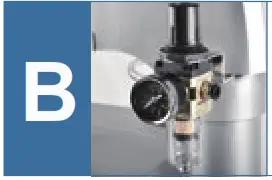 | You could adjust the air pressure by air regulator, simply pull-up the black cap on its top, clockwise to increase, recommended pressure read-out 0.4-0.7Mpa. | 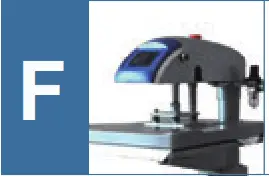 | Two hands press the operation buttons to let down the heating platen and start the heat pressing. |
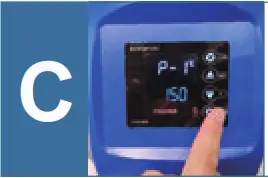 | Set recommended TEMP, TIME settings on page 11. | 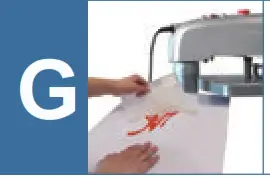 | Take off the T-shirt and peel off the vinyl or paper depends on cold peel or hot peel. |
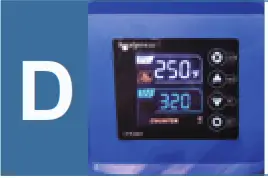 | Wait for heat press heats up to the set temperature, the fire icon shows heating now. | 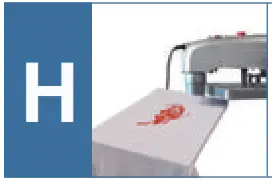 | Place the T-shirt with Teflon sheet and go for another 5 sec. heat pressing, then finishes the transfer! |
USER TIPS
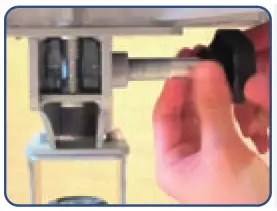 | Innovation Tech™ device is able to use additional 9 lower platens, the quick change ,no tools required. Optional quick-change platens are following: 13x13cm (tag or label) 40x50cm(tag along) 18x38cm (trousers) φ18cm(flat cap) 12x45cm (sleeves) 38*38cm(hat bill) 12x36cm (shoes) 40x50cm(can cooler),etc 30x35cm (child garments) |
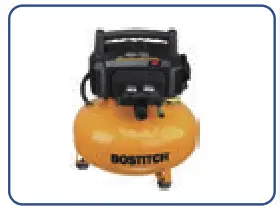 | 1/4 in. (8mm outer diameter) air hose & MNPT fittings are required. MNPT fittings link between air hose and air compressor, air hose is inserted into air regulator’s tube connector. (Tube connector for dual station air machine locates on machine right side which is over the red power witch). Air hose and MNPT fittings do not involved in heat press order, please order them with air compressor, the chosen air compressor should be at least 35L. |
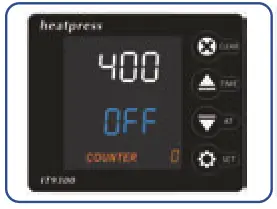 | Control panel P-4 is auto power-off setting with range 0-120min, 0 refers to not going enter into sleepy mode. As long as machine reaches to the set Temp. and is kept no in use for set time Say. 60mins, machine will enter into sleepy, display shows OFF and temperature cools down.You could touch any button on the control panel to wake up the machine. |
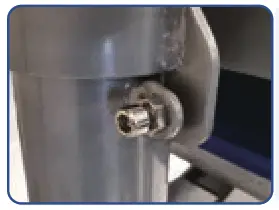 | After ten thousands of swing-away and press, maybe you need to adjust the position screw o n the back column to make sure the upper heating platen and lower platen is always paralleled. For Air Pro One and X) |
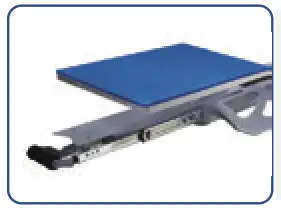 | It’s ordinary if you feel some drag force when you slide out or slide back the lower platen, as Magnetic Tech is applied, which makes sure lower platen won’t slide back when you are threading a T-shirt, also makes sure upper & lower platens are in correct location after you slide the drawer back.(For Air Pro One and X) |
Transfer Parameters
| Transfer Material | Light color polyester fabric | Printer | Device | Temperature | Time | Pressure | Remarks |
| Sublimation paper | Base Material | Micro piezoelectric inkjet Epson & Ricoh printers with CISS & sublimation ink | Innovation TechHeat Press | 200 °C | 25 ~ 35 s | Heavy | Mirror your design when printing on sublimation paper |
| Light color cotton fabric | |||||||
| Non woven fabric bags | |||||||
| Light color inkjet & laser transfer paper | Light color polyester fabric | Inkjet printer with pigment ink & inkjet paper. Laser printer with laser paper. | Innovation Tech™ Heat Press | 185 °C | 15~25 s | Medium | |
| Light color cotton fabric | |||||||
| Non woven fabric bags | |||||||
| Dark color inkjet & laser transfer paper | Dark color polyester fabric | 165 °C | 15 s | Teflon sheet is | |||
| Dark color cotton fabric | |||||||
| PU leather | |||||||
| Heat transfer vynil (HTV) | Polyester fabric | Cutting plotters | 150~160°C | 8~15 s | Check beforehand | ||
| Cotton fabric | |||||||
| Knit fabrics | 10~15 s |
Troubleshooting
Q:When pressed onto the garments, the color of the design is faded, or transfers are not fully stacked onto the garments.
– A: Reason comes from three points, the pressure is no enough, the temperature is not hot enough or the design has not been pressed for enough time. You may need to try more to get right temp, time and pressure.
Q:The transfers are stacked on the heating platen.
– A: Transfers like dark ink-jet transfer paper could be stacked on heating platen, you should use a Teflon sheet to cover the transfer paper.
If this happen, please turn-off and cools machine completely before you try to peel the stacked paper, do not use sharp item like knife to scrape the heating platen as Teflon maybe scratched.
Q: Hard to peel off the transfer paper or vinyl.
– A: Please make sure transfers are warm peel or cold peel, so as to peel off accordingly.
Q: LCD control panel shows “000”.
– A: That refers the thermocouple wire is disconnected, you shall turn to support team for help and replace the disconnected connection.
Q: How to get a reasonable pressure.
– A: Adjust the pressure know and try to lock down the handle, feel there is certain large resist force.
Q: Turn on the power, but the heat press does not work.
– A: Pls check the power plug connected well to the socket, you may turn to support team if problem is still remaining.
Any further help, please contact our support team.