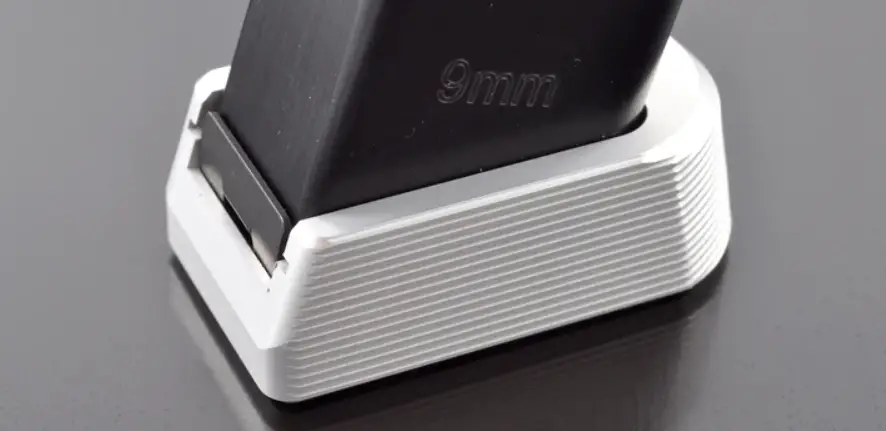

ARMANOV SP01 Magazine Base Pad
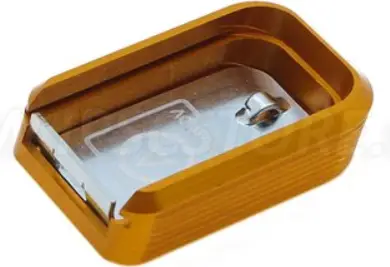
Illustrations may appear slightly different from your magazine and base pad model.
- Remove original base pad
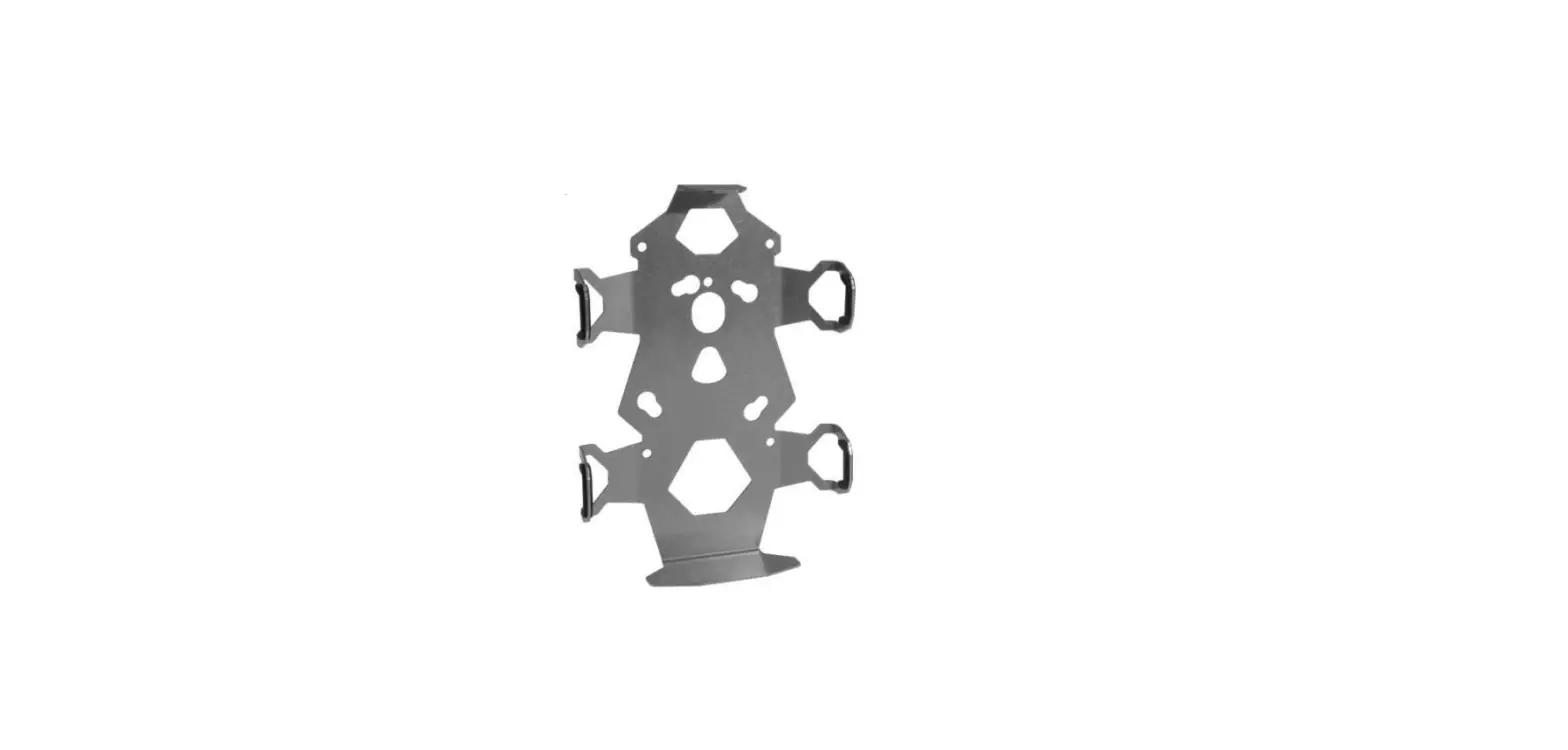
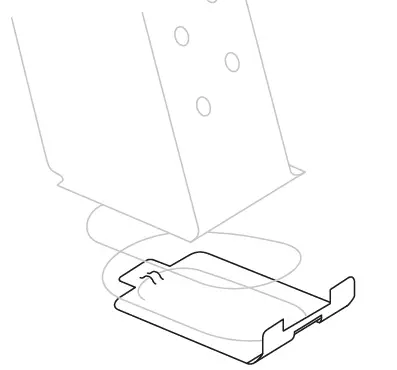
- Attach locking plate
If possible, guide spring through indented hole in the locking plate.
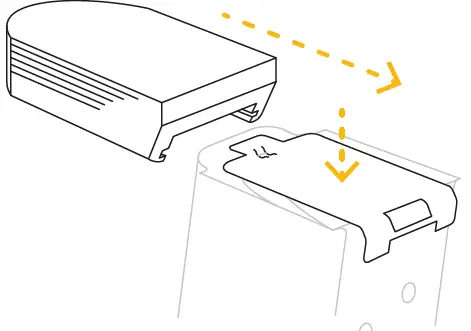
- Press down and slide-on
Press down and hold locking plate in place using your thumb while sliding the base pad on the magazine from the front side.
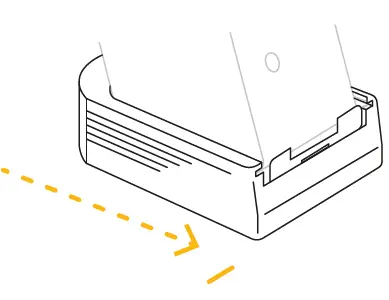
- Push till the click
Make sure you push the base pad until locking plate falls inside the pad.
 Armanov Shop