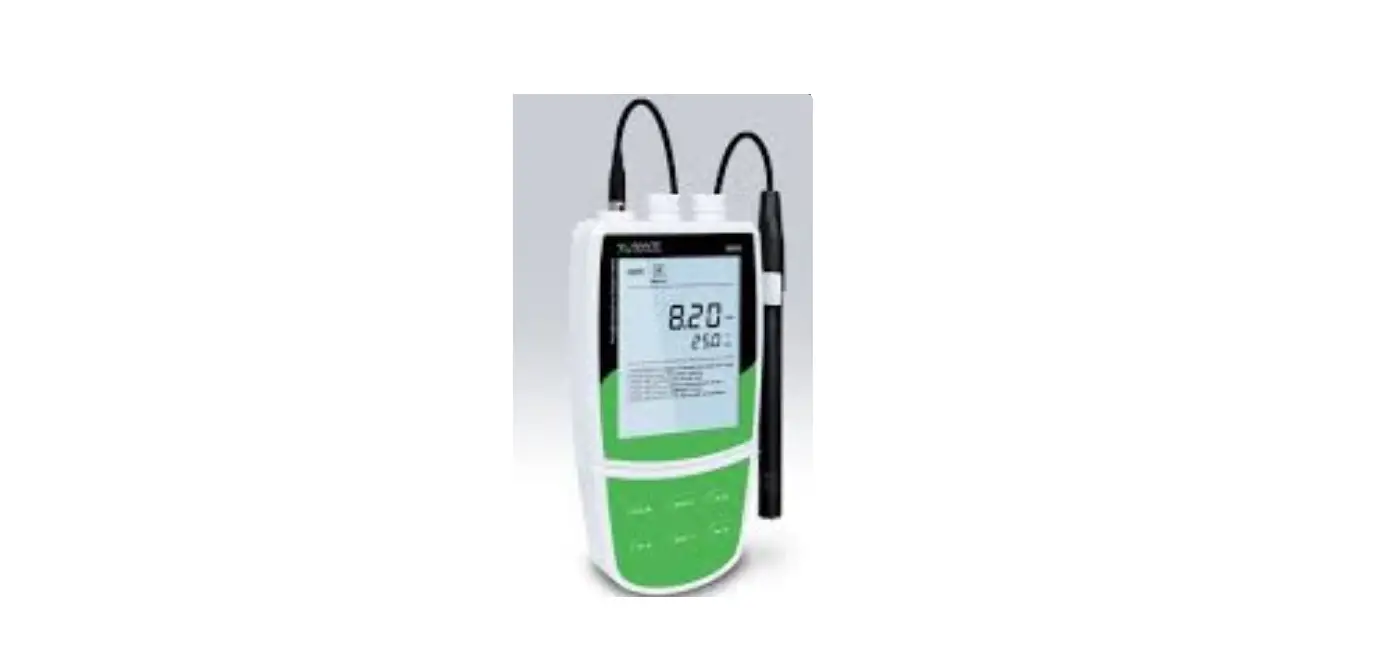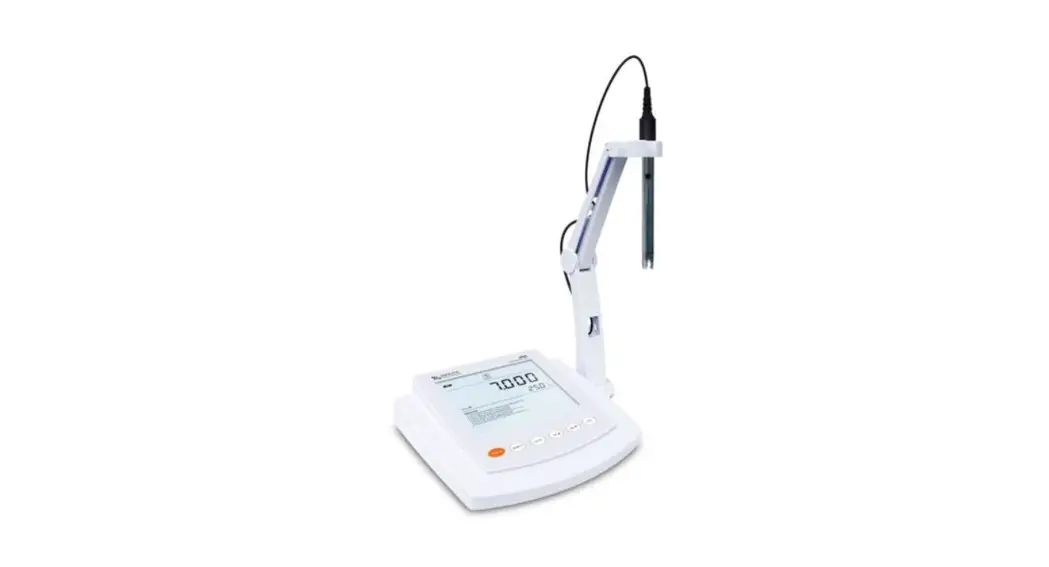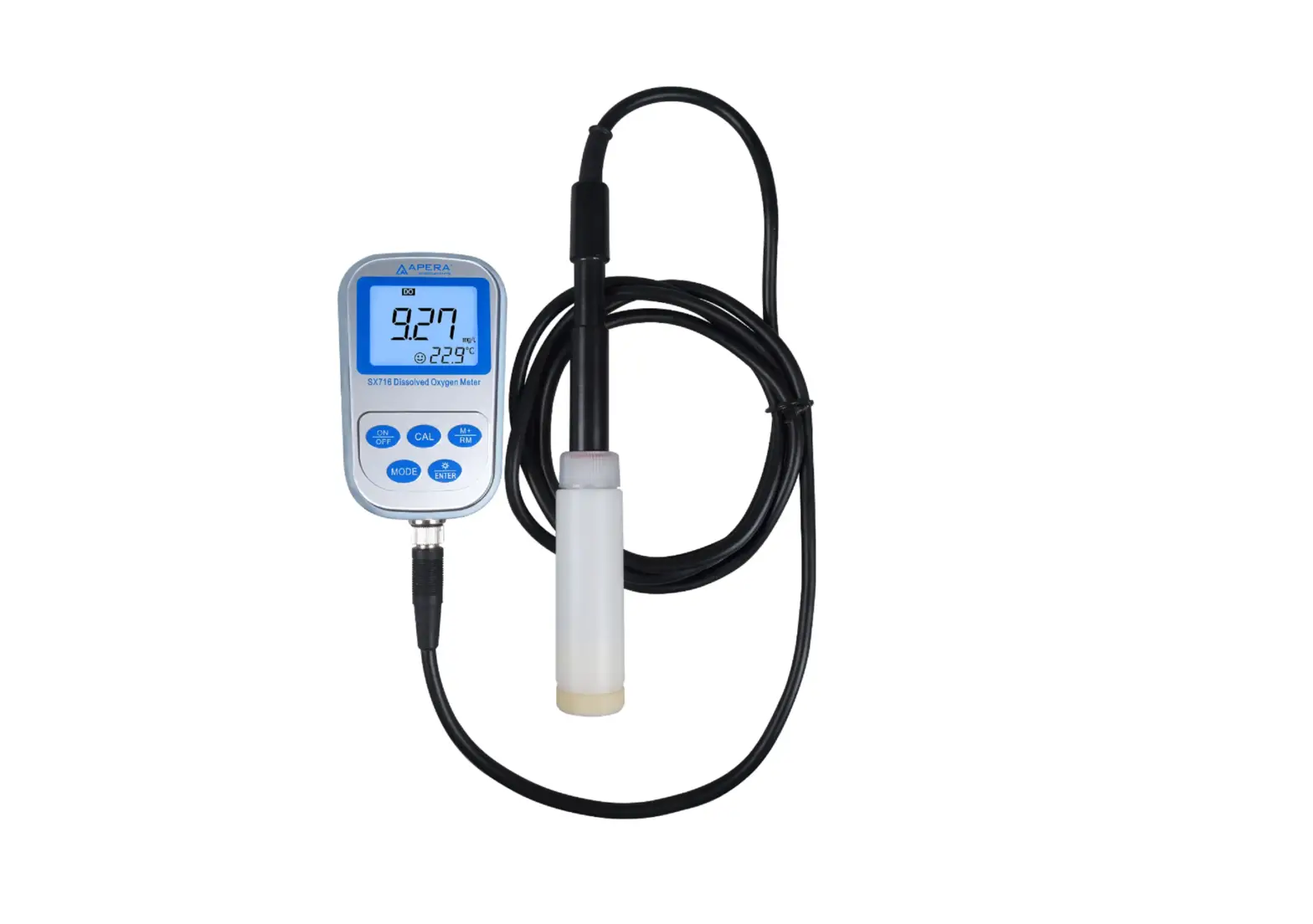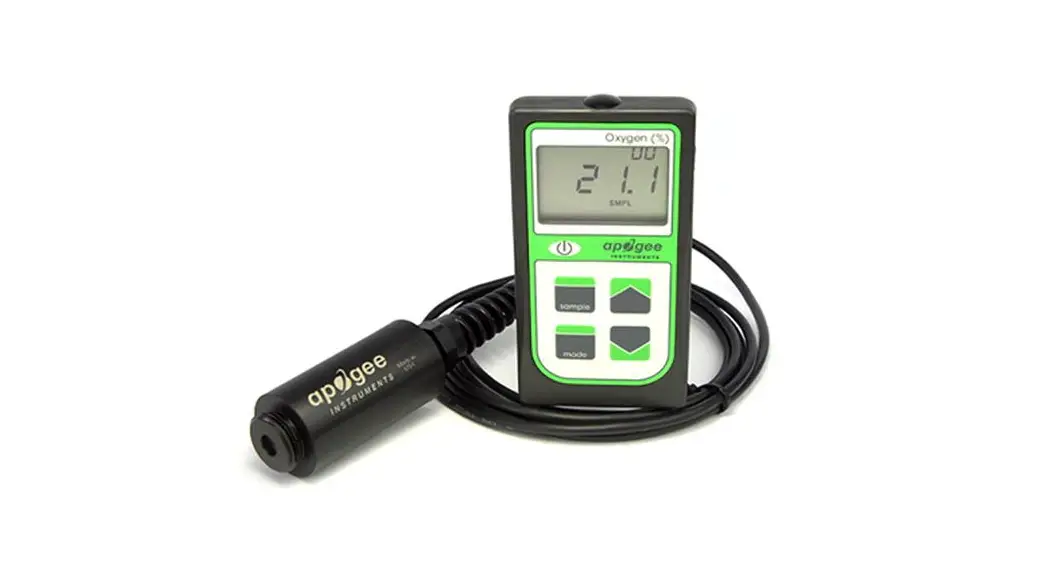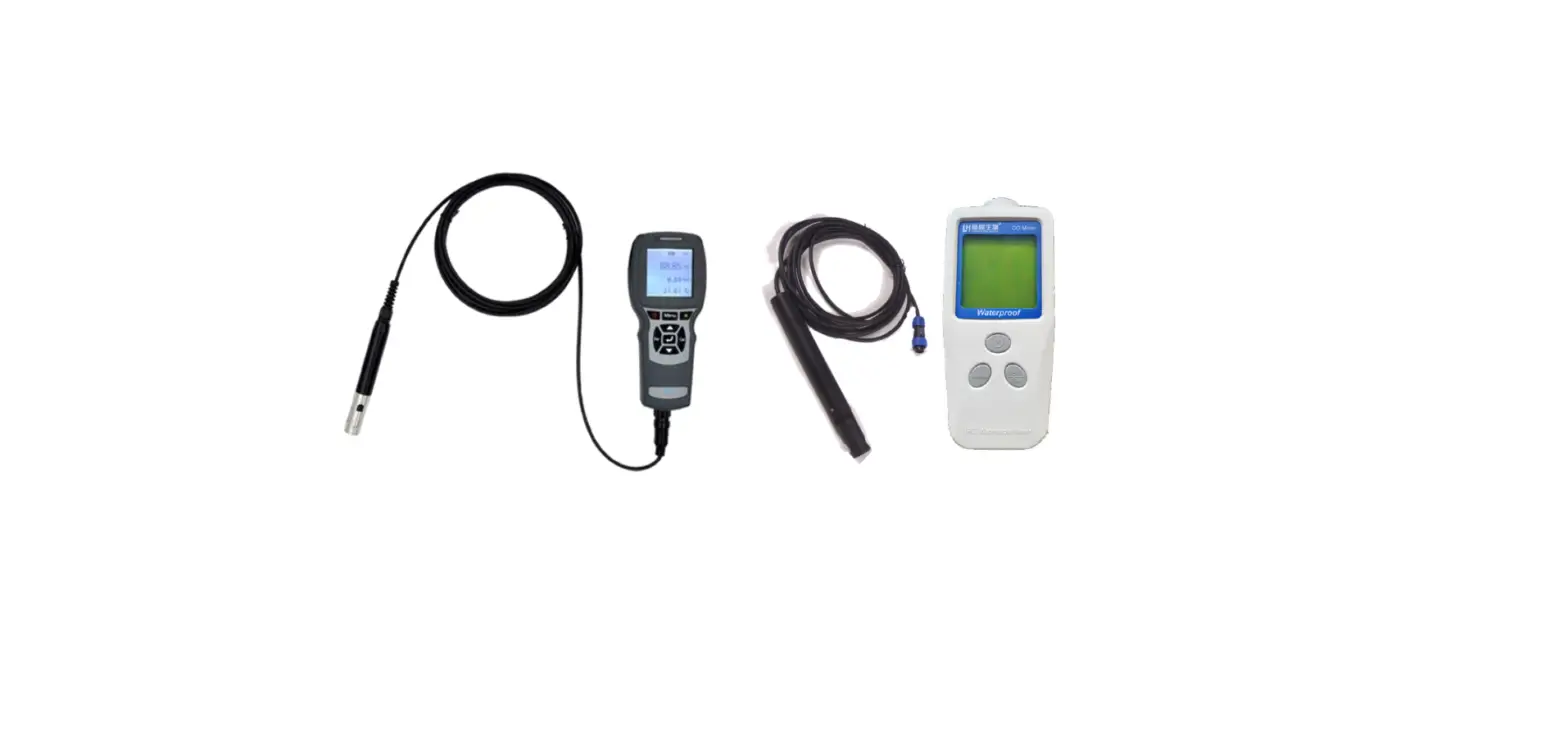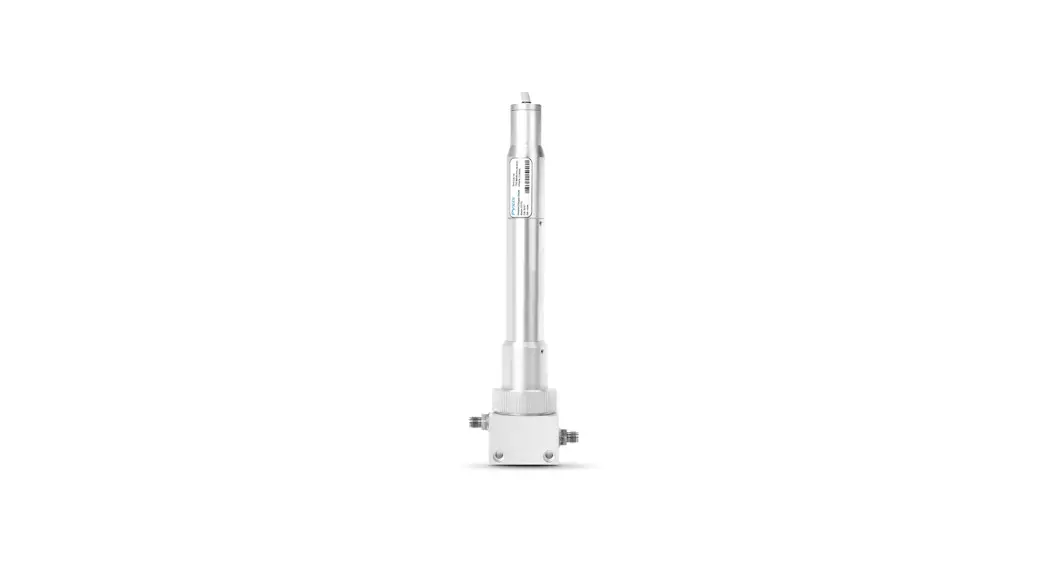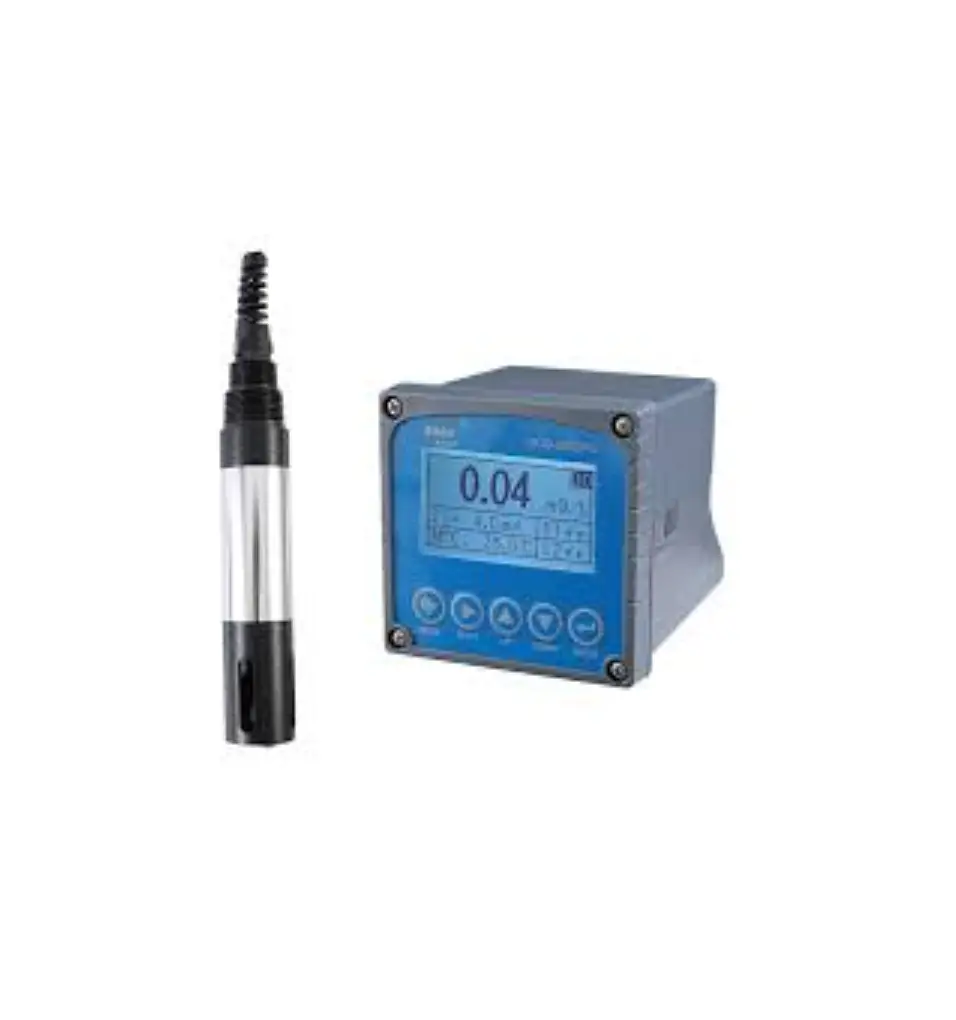
BOQU DOG-2092Pro Online Dissolved Oxygen Meter
Shanghai BOQU Instrument Co., Ltd.
Address:No.
118 Xiuyan Road,Pudong New Area,Shanghai,zip code:201315,China Web:www.boquinstrument.com | [email protected] | Mob:86-15000087545
Product description
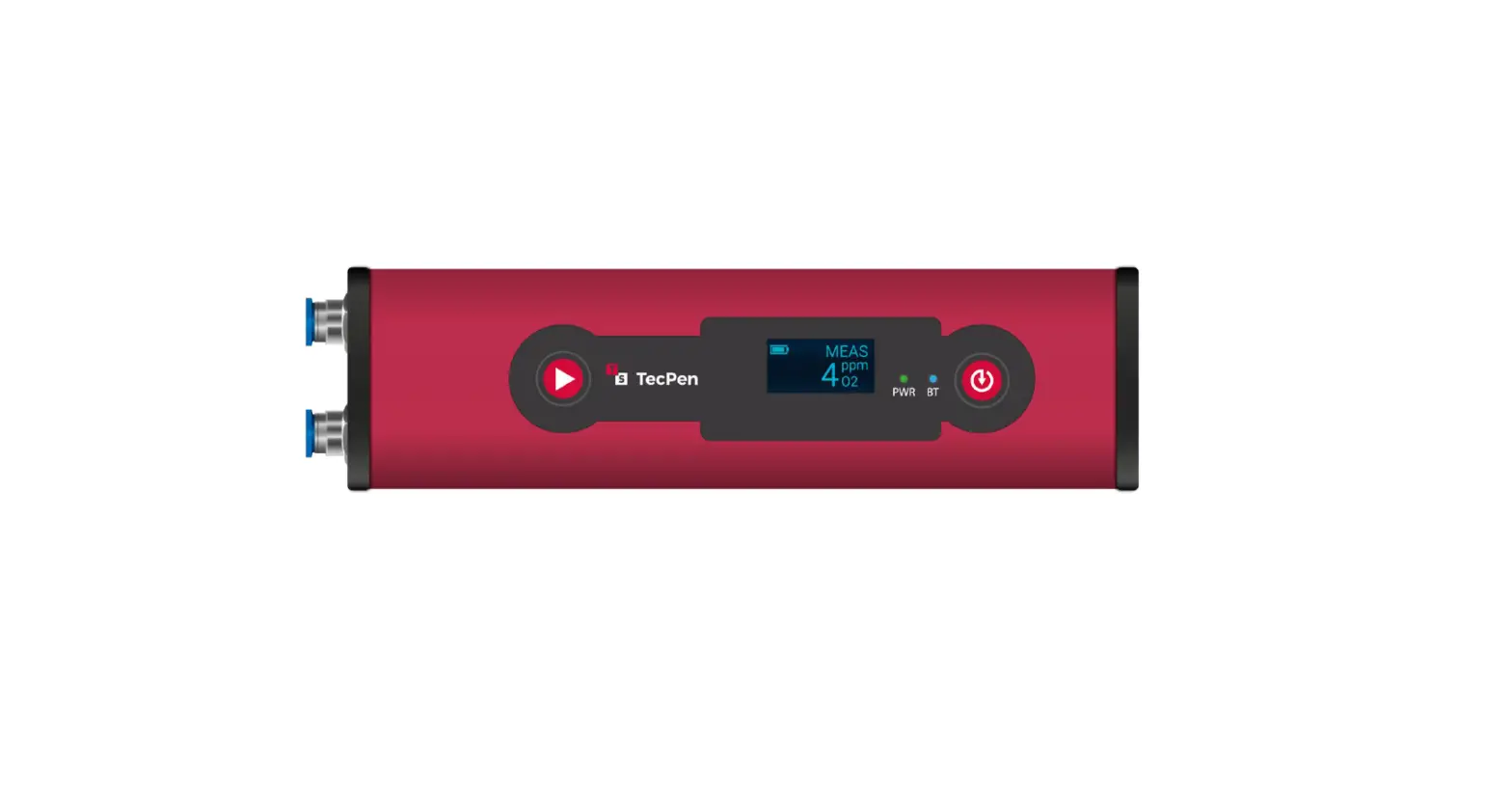
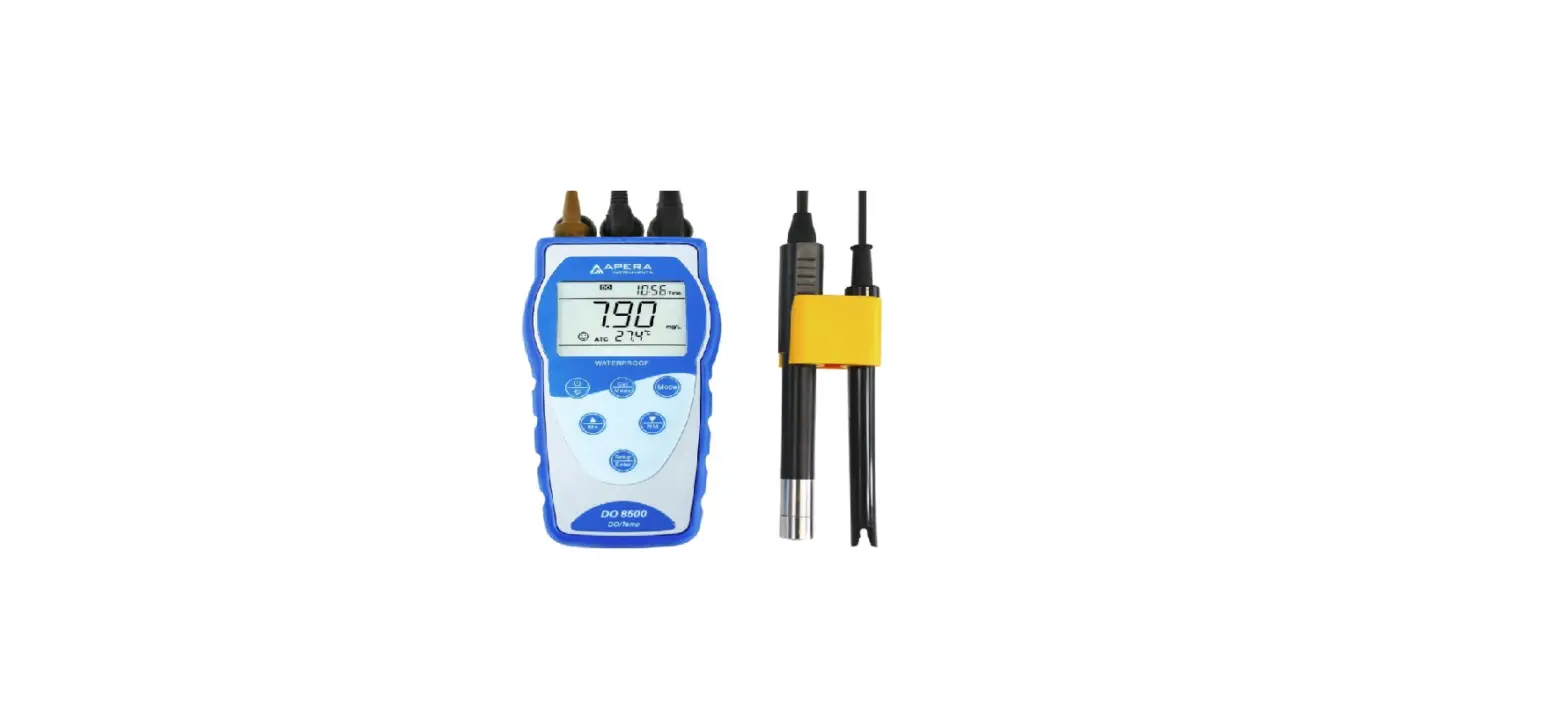
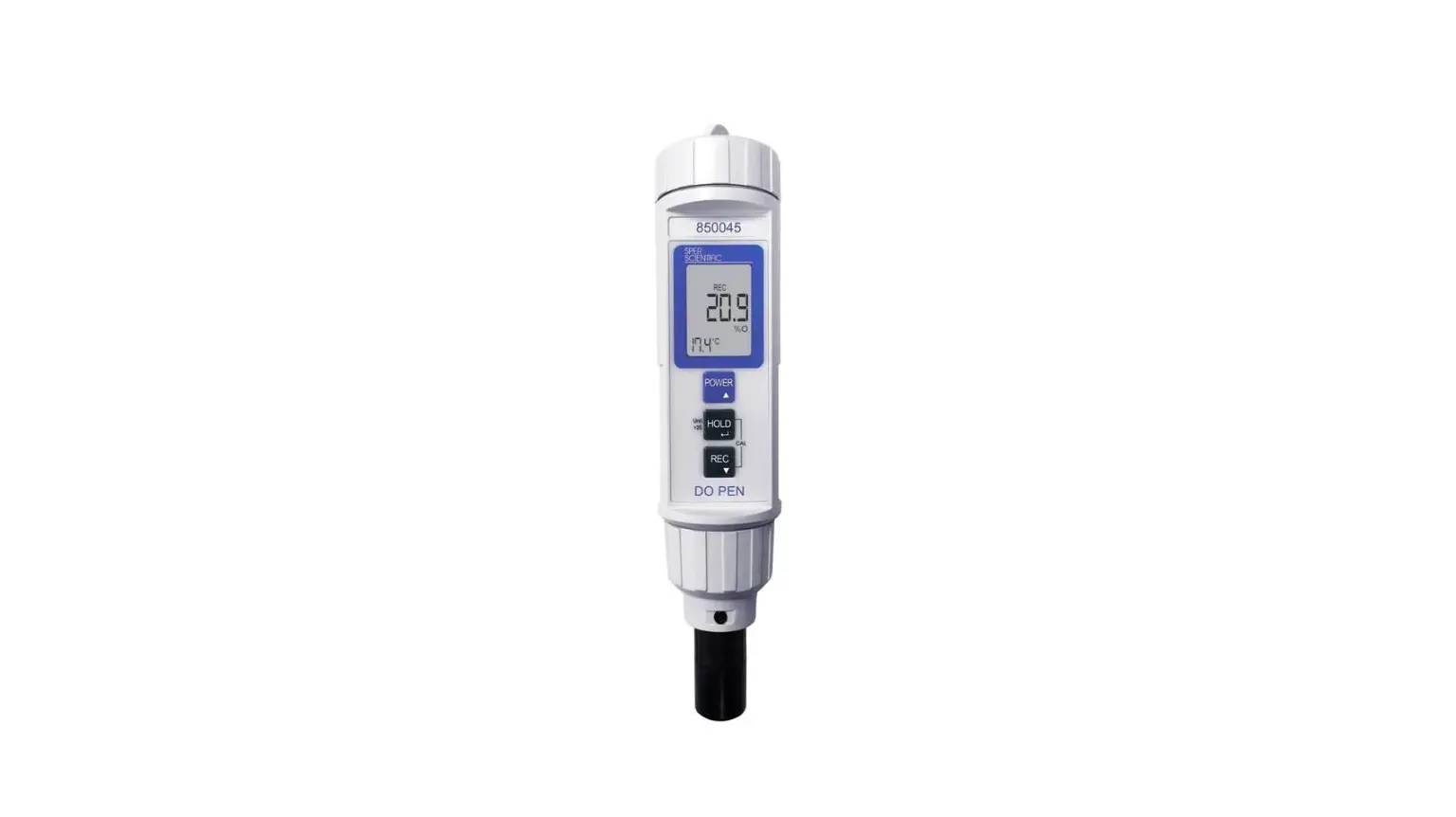
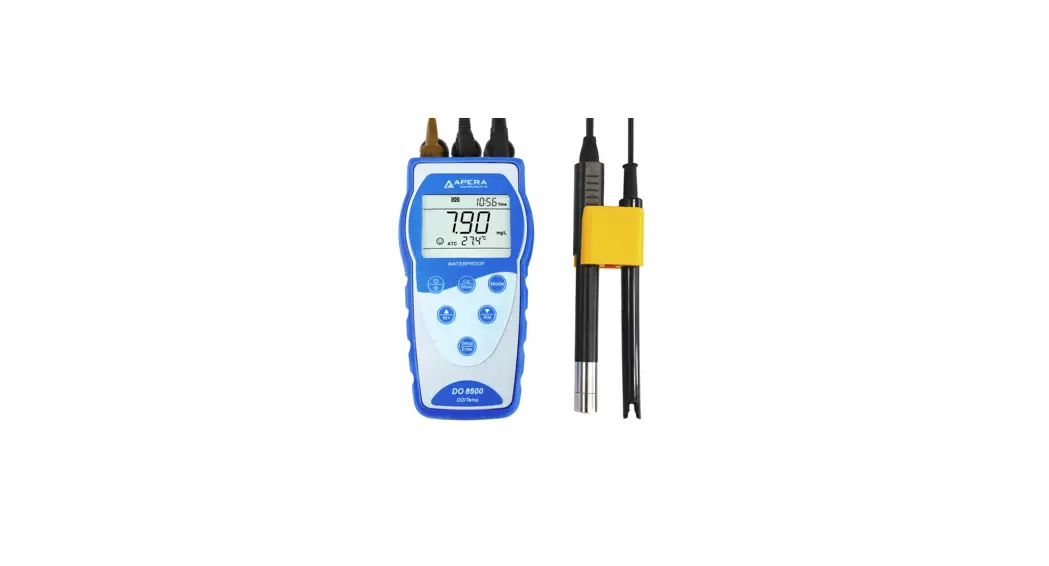
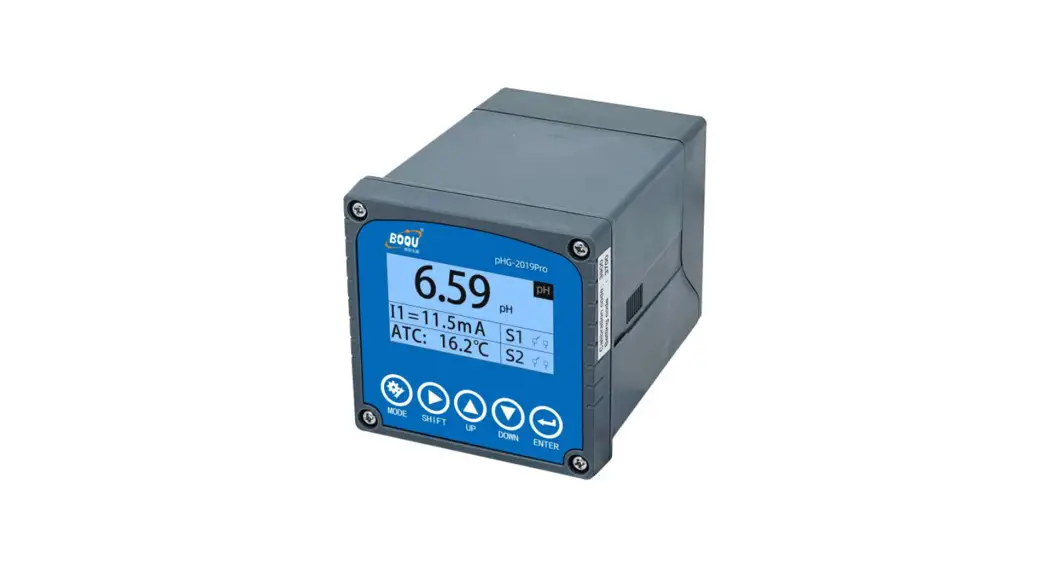
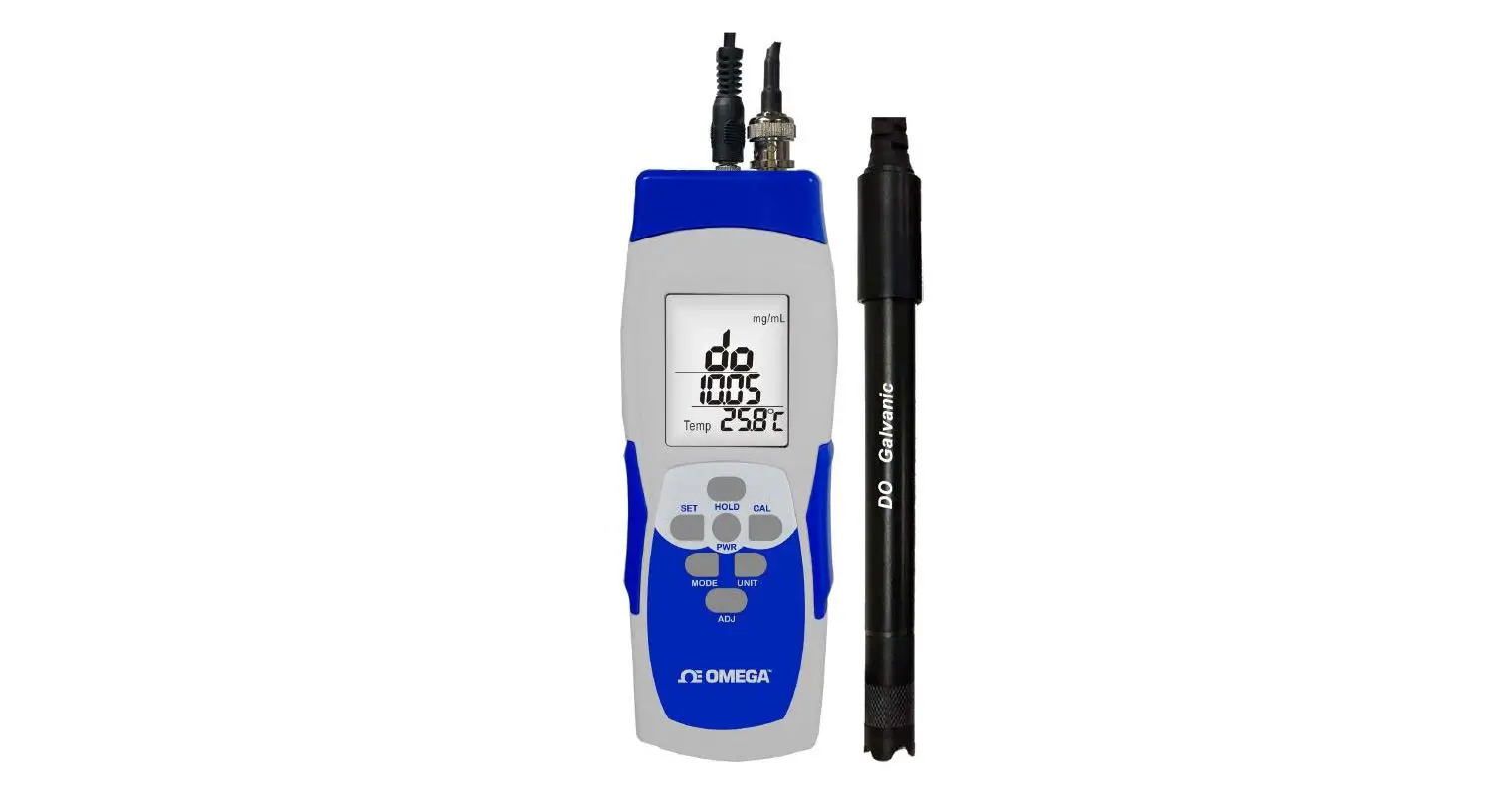
DOG-2092Pro online dissolved oxygen meter is a brand-new online intelligent analog dissolved oxygen meter independently developed and manufactured by Shanghai BOQU instrument Co.,Ltd. Complete functions, stable performance, easy operation, low power consumption, safety and reliability are the outstanding advantages of this instrument. This dissolved oxygen meter uses matching simulated dissolved oxygen sensor, which can be widely used in industrial occasions such as thermal power generation, chemical industry, metallurgy, environmental protection, pharmaceutical, biochemical, food and tap water.
Product Specification Sheet
| Name | Online Dissolved Oxygen Meter |
| Model | DOG-2092Pr |
| Measurement | 0 ~20 mg/L(ppm)0 ~200 % -30.0~130.0℃ |
| Accuracy | ±1%FS ±0.5℃ |
| Shell material | ABS |
| Power | 90 – 260V AC 50/60Hz |
| Power consumption | 4W |
| Output | Two way of 4-20mA |
| Relay | 5A/250V AC 5A/30V DC |
| Communication | RS485 Modbus RTU |
| Shell material | ABS |
| Measurement | 0 ~50 mg/L 0 ~50 mg/L(ppm) 0 ~500 % -30.0~130.0℃ |
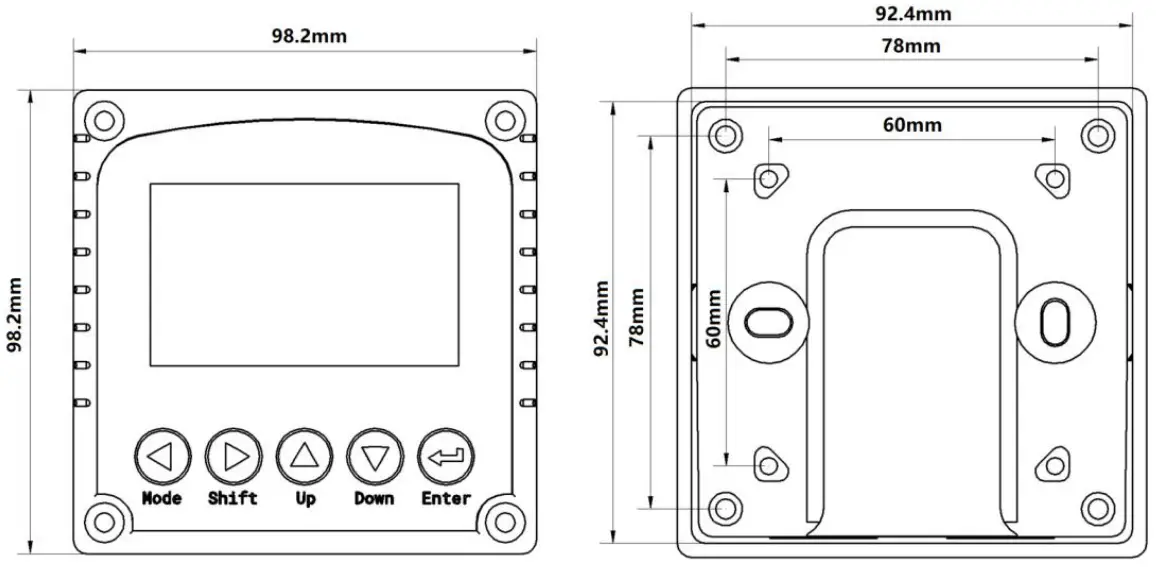
| Dimension | 98.2×98.2×128.3mm |
| Hole size | 92*92mm |
| Protection | IP65 |
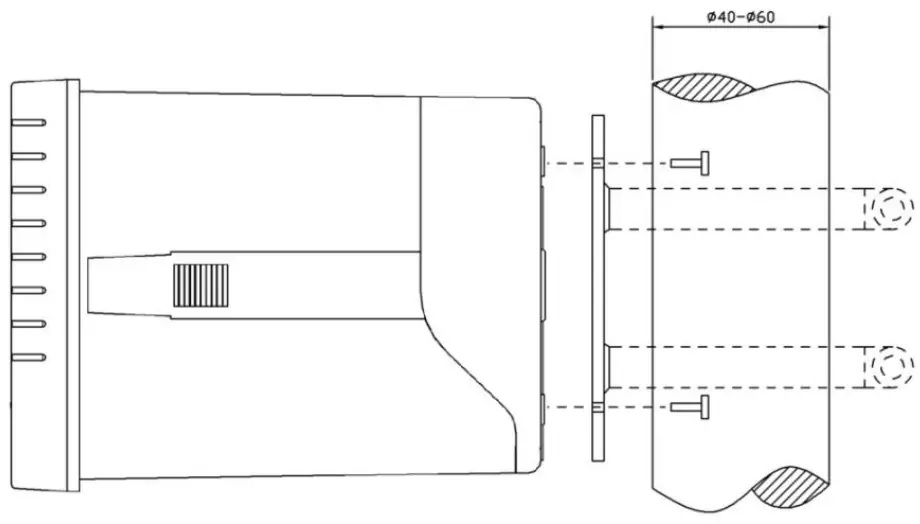
Installation and wiring
Panel size chart
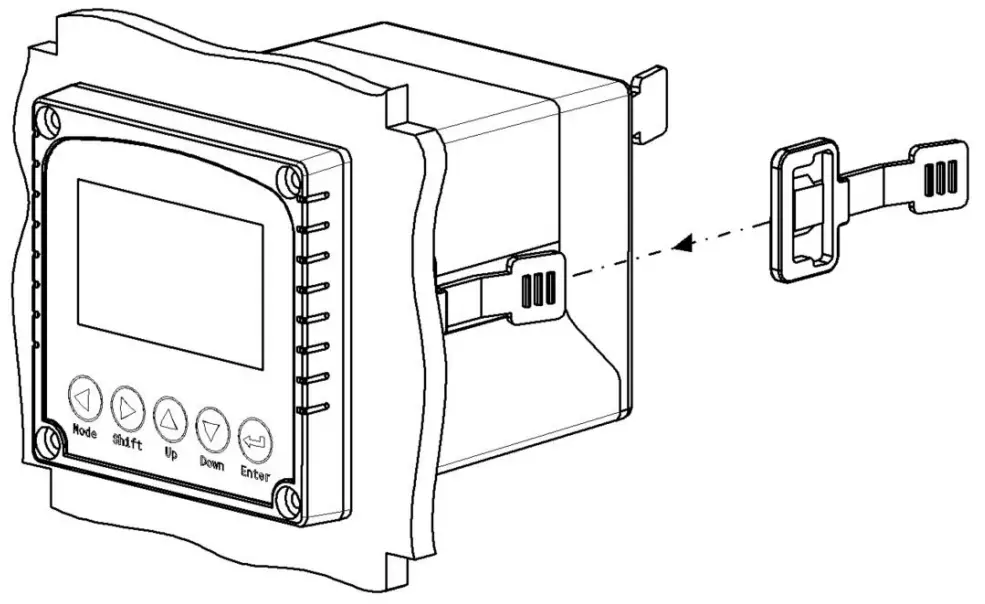
Embedded installation diagram
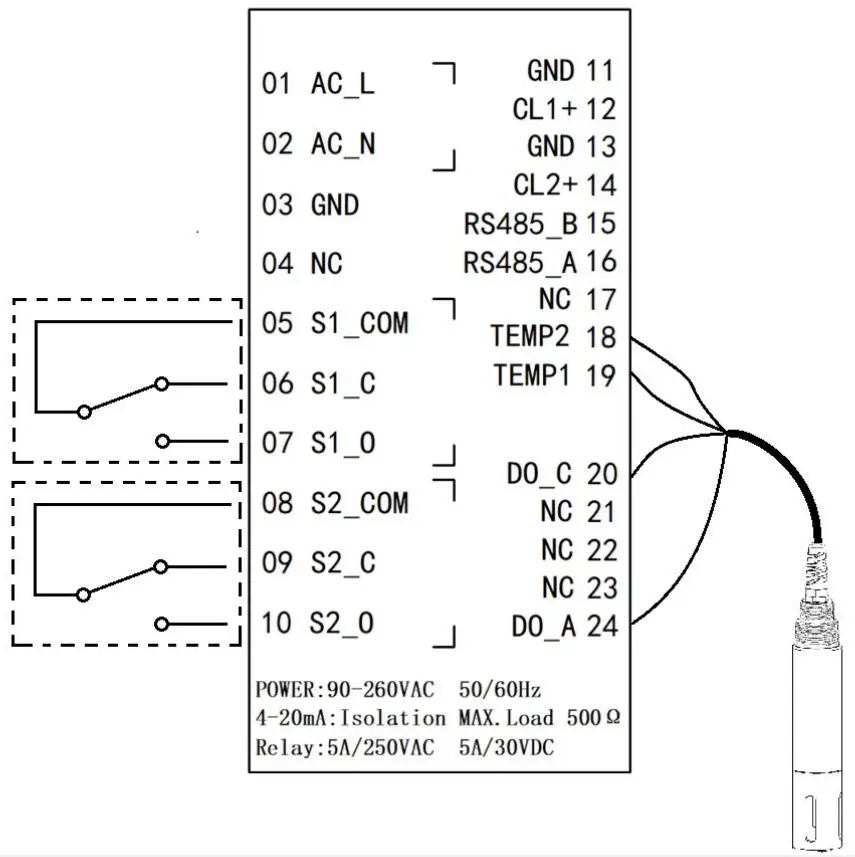
Pipeline installation diagram Wiring diagram
Wiring diagram
Operation panel
The main panel of the dissolved oxygen meter has 2 modules, the LED liquid crystal display module and the button module. The user can set and adjust the parameters of the instrument through the 5 keys on the panel.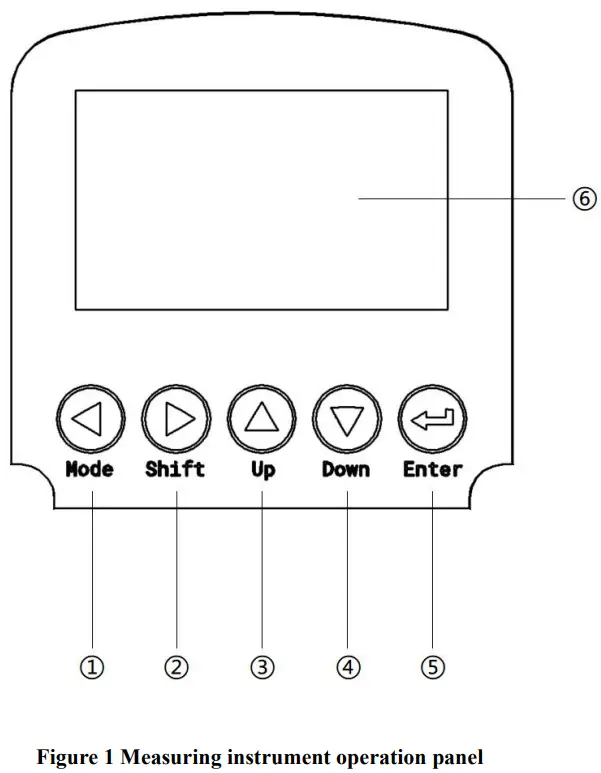
- Set/Exit button
- Select/change button
- Up selection button
- Down selection button
- Confirm button
- Instrument Display
Measurement interface
After the start-up animation ends, enter the main measurement interface. When the meter is working normally, the LED display shows the following contents.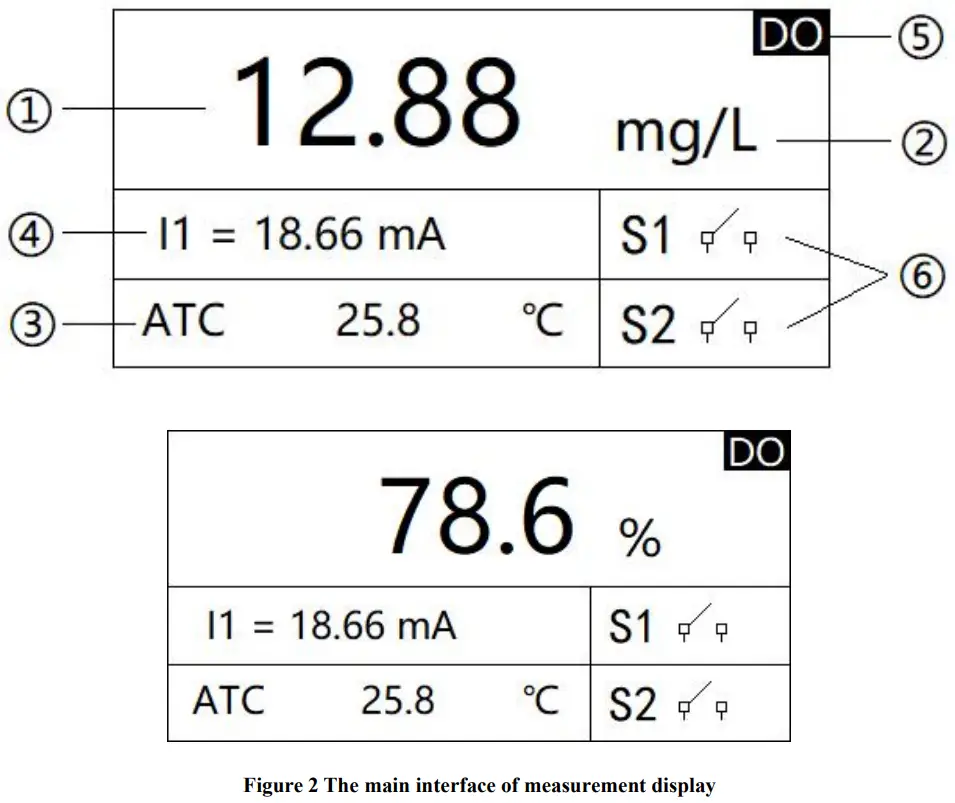
- Measurement reading
- Measurement unit
- Measure temperature
- 4-20mA corresponding value of dissolved oxygen
- Measurement mode
- Alarm Reminder when the upper/lower limit is exceeded
Three, settings
Press the “Set/Exit button” to enter the password input interface.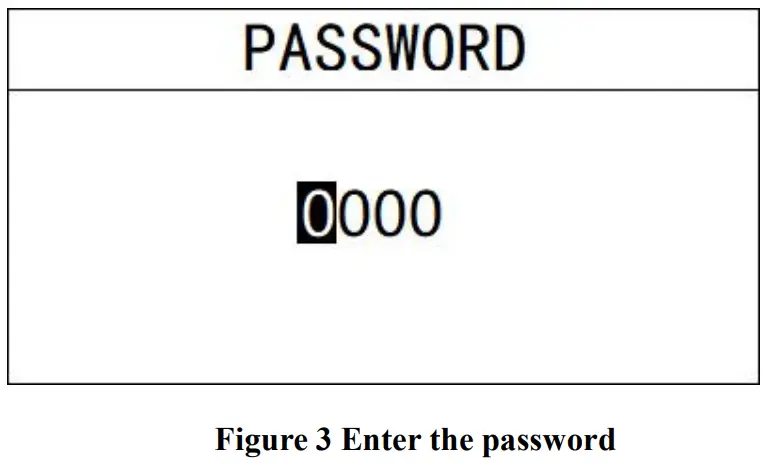
Enter settings: Enter the password “3700” to enter the setup menu.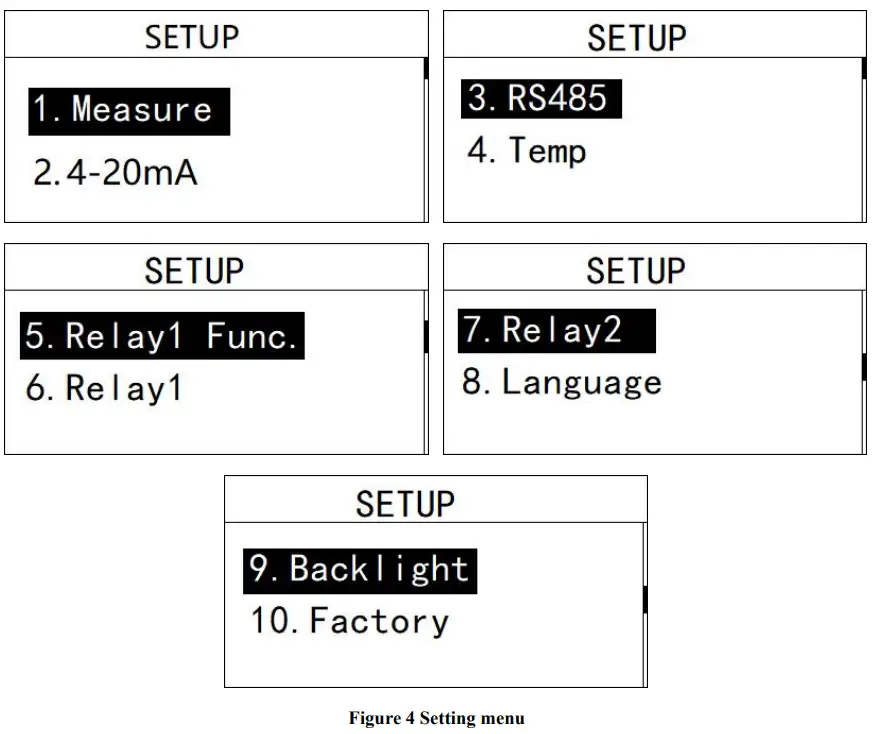
Measurement settings
In this menu, the user can change the measurement method %/mg/L/ppm.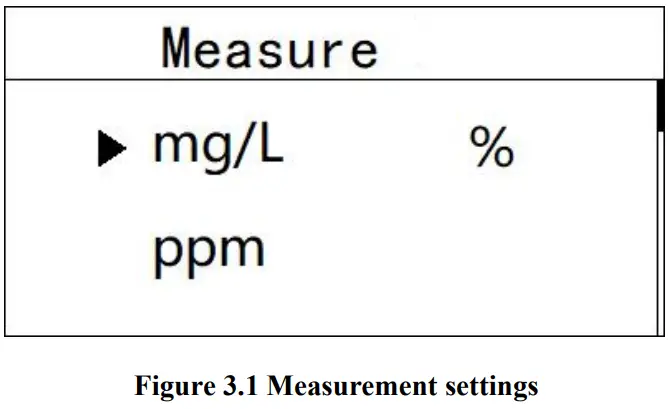
4-20mA setting
In this menu, the user can change the corresponding value of 4-20mA and set the corresponding effective range.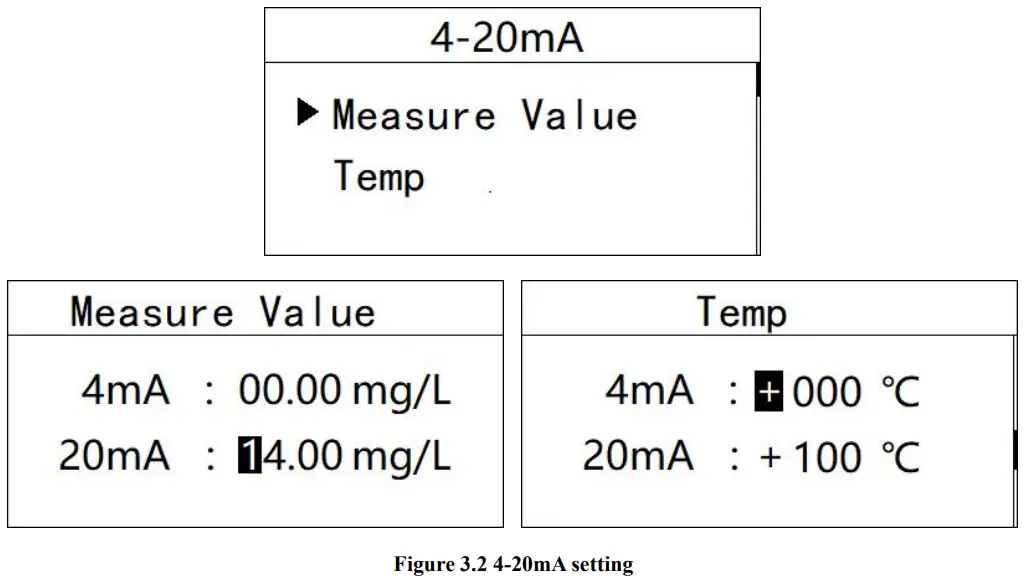
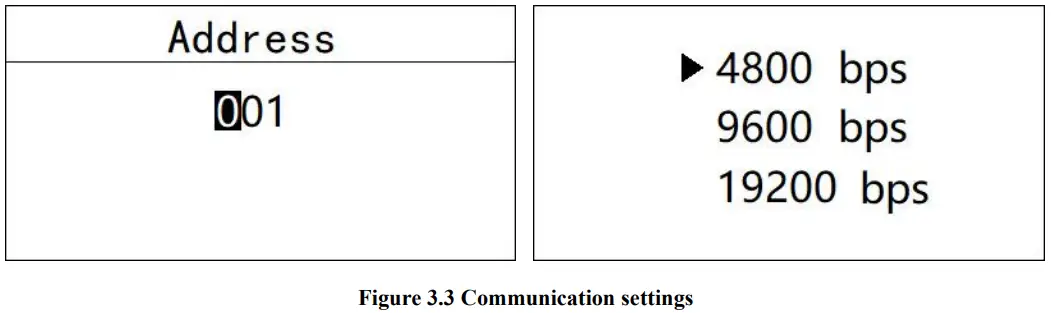
Communication settings
In this menu, the user can change the communication address and communication speed.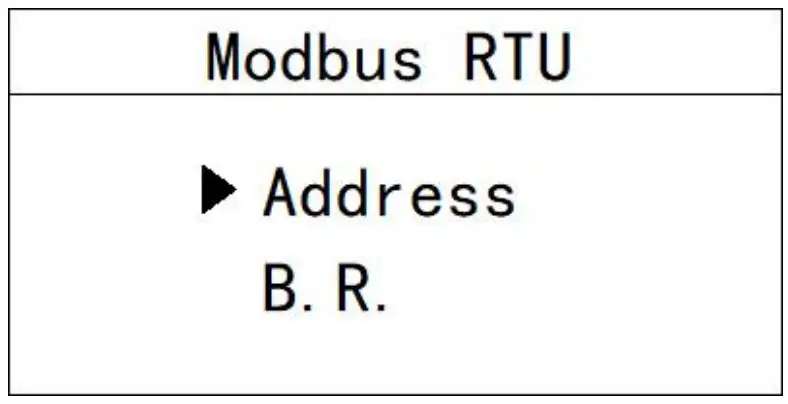
Temperature setting
In this menu, the user can set the temperature compensation type and manually set the temperature.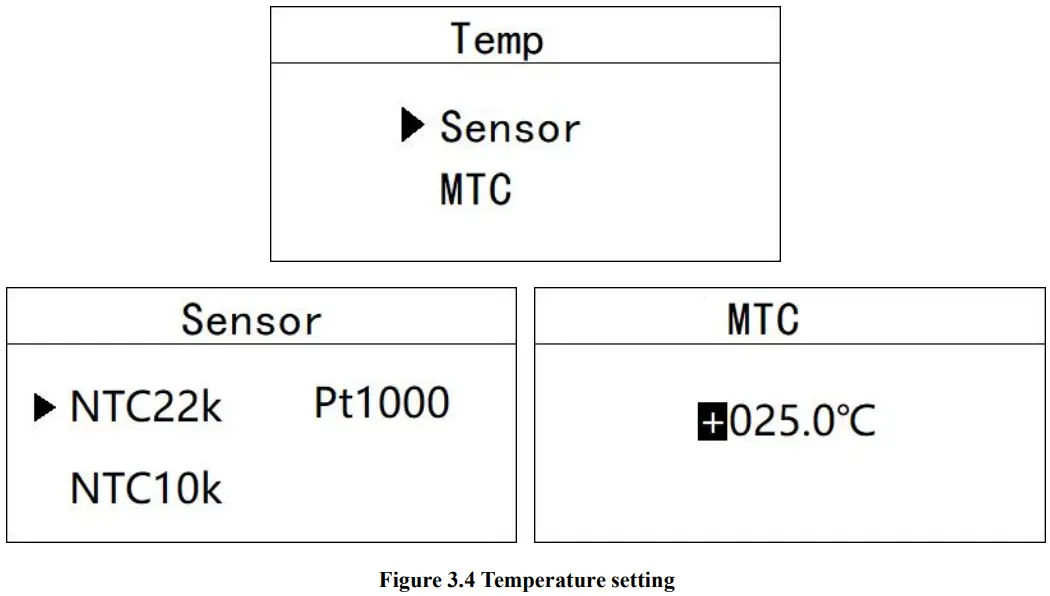
Relay 1 setting
In this menu, the user can switch the relay 1 function, set the parameter alarm upper limit, alarm return difference, and alarm delay time.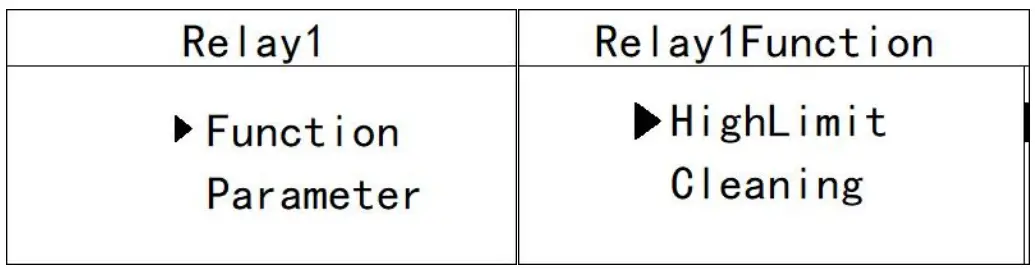
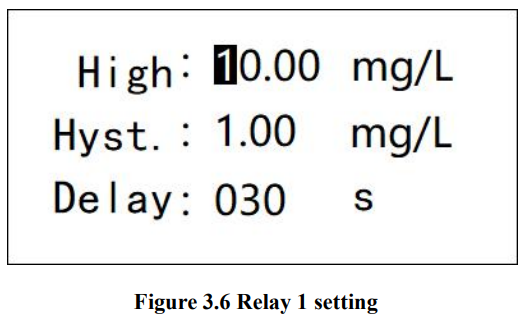
Relay 2 setting
In this menu, the user can switch the relay 2 function, set the parameter alarm lower limit, alarm return difference, and alarm delay time.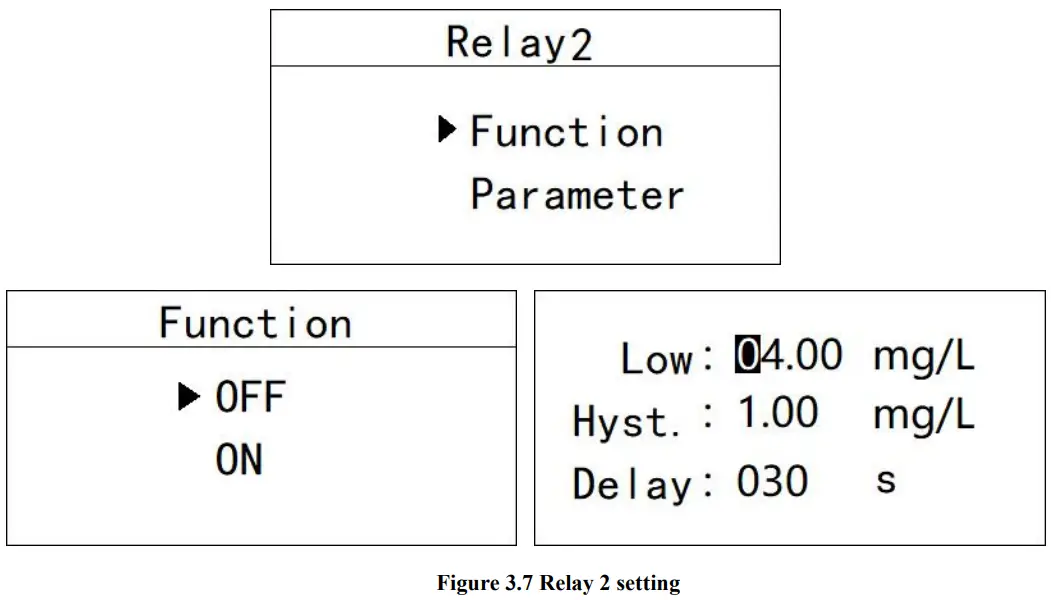
Language setting
In this menu, users can change the language of the system interface. Simplified Chinese and English are built-in.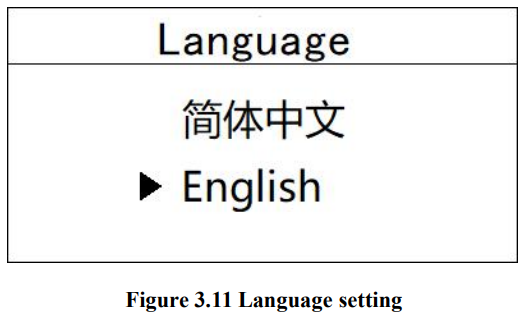
Backlight setting
In this menu, the user can change the backlight mode of the LCD screen, select the backlight to be always on or delay to turn off (the default is to delay the turn off), change the backlight brightness (brightness level 1-5, brightness increase), and change the contrast.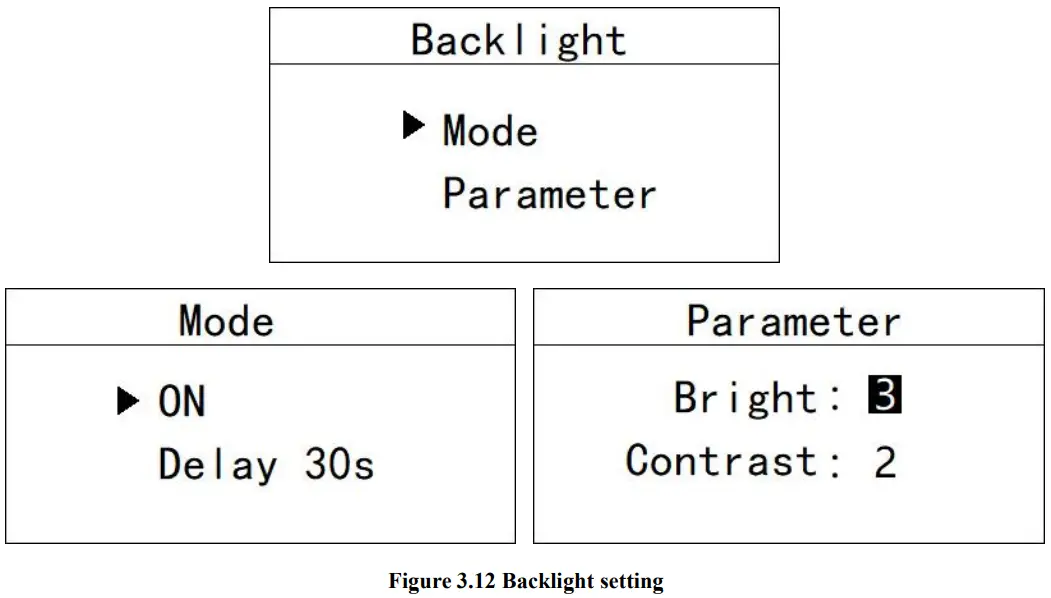
Restore factory settings
In this menu, the user can restore the current output and relay to the factory parameters.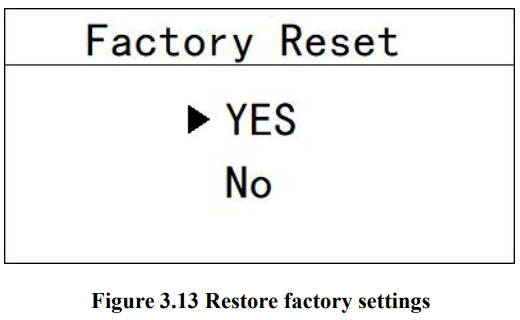
Four, calibration Press the “Set/Exit button” to enter the password input interface.
Four, calibration Press the “Set/Exit button” to enter the password input interface.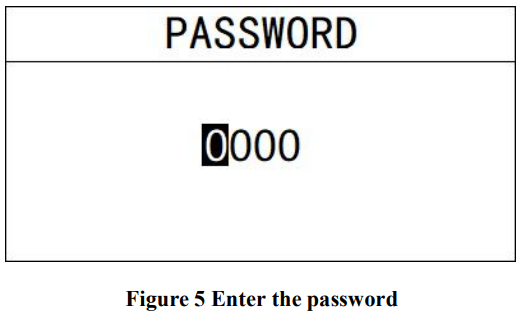
Enter calibration: Enter the password “3900” to enter the calibration menu.
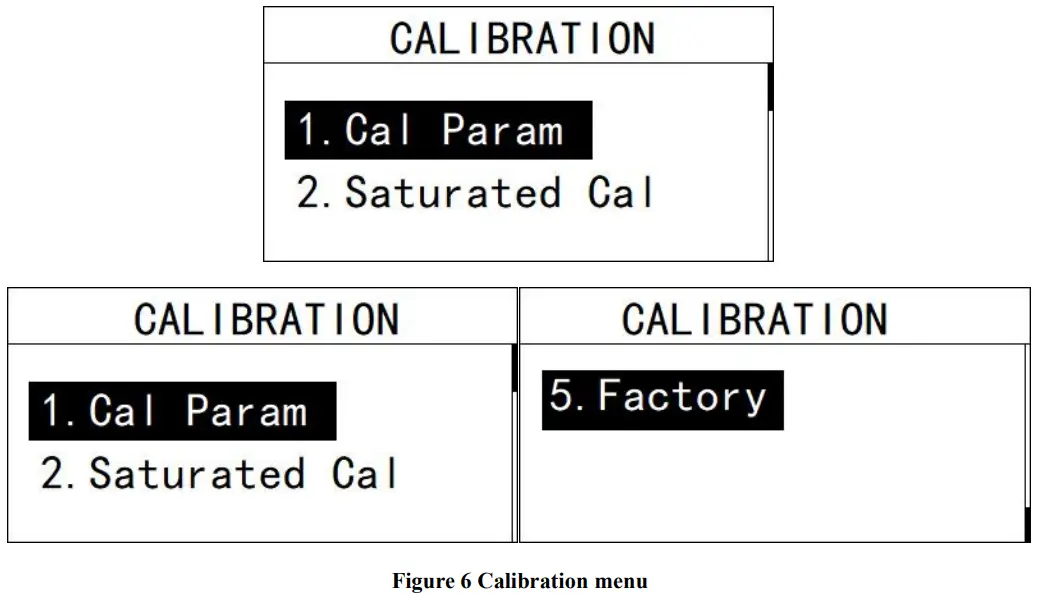
Calibration parameters.
In this menu, users can manually change the parameters of atmospheric pressure and salinity.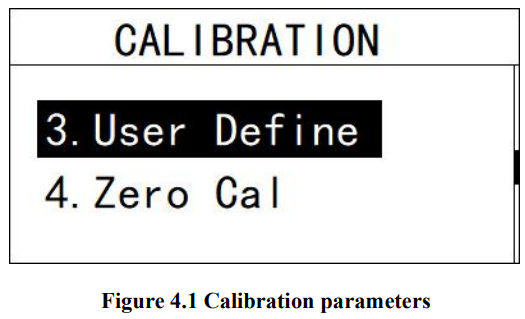
Place the sensor 3-5cm above the liquid level and press the confirm button to perform saturation calibration after the value is stable.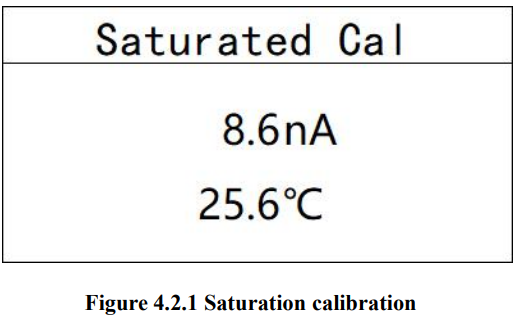
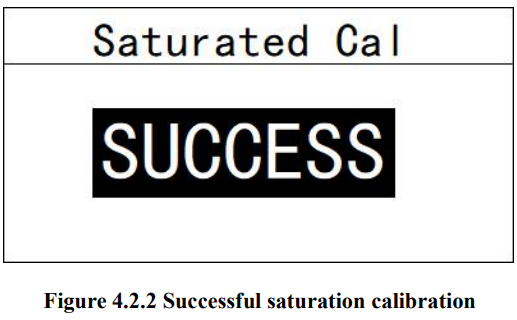
Put the sensor in the measuring liquid of known concentration, set it to the ppm value of the solution of known concentration, and press the confirm key,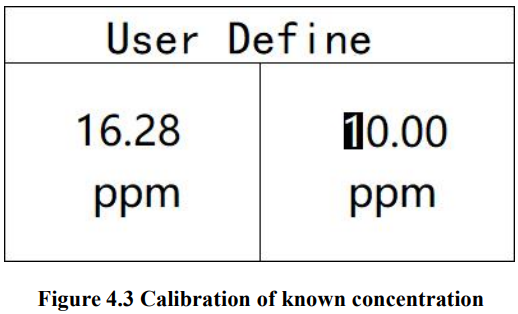
Put the sensor in anaerobic water and press the confirm button to perform zero oxygen calibration after the value is stable.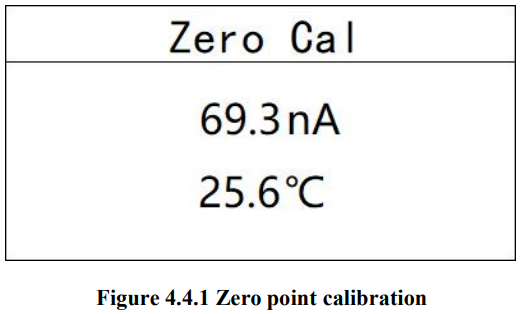
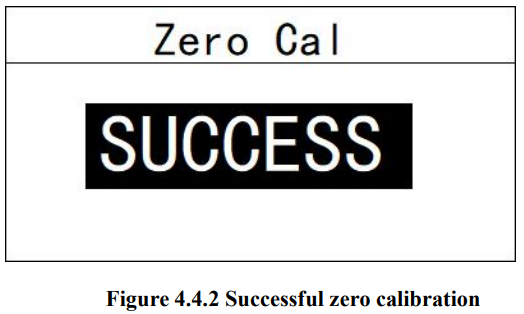
Restore the factory settings to initialize the sensor parameters to the factory parameters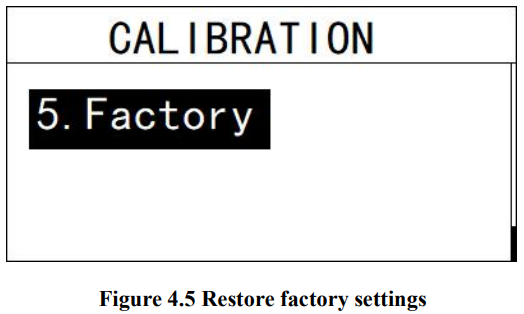
Appendix
- Communication protocol Communication parameters: Baud rate: 4800, 9600, 19200 (default is 9600) Serial data format: 8N1 (8 data bits, no parity, 1 stop bit) Function code: 03 Device address: Dissolved oxygen controller defaults to 3.
Register definition:Register address (decimal) Register definition R/ W illustrate 0 Temp R ×0.1℃,sint16 1 DO R ×0.01mg/L,uint16 2 nA R ×0.01nA,uint16 3 saturation R ×0.1%,uint16 8 RTU Address R/ W ModbusMailing address, dissolved oxygen defaults to 3 9 Baud rate R/W 4800,9600,19200,默认为 9600
Detailed example of communication format:
Data read instruction:
Address + function code + register start address + register read number + CRC check code(hexadecimal)
For example Tx: 03 03 00 01 00 01 D4 28
| Address | Function Code | Register start address | Number of read registers | CRC Check code |
| 03 | 03 | 0001 | 0001 | D428 |
Data return instruction: Address + function code + data length + data + CRC check code (hexadecimal)
For example, Rx: 03 03 02 00 DF 80 1C
| Address | Function Code | Data length | Dissolved oxygen value | CRC Check code |
| 03 | 03 | 02 | 00DF | 801C |
Use a calculator (programmer mode) to convert the hexadecimal number DF to decimal, andgetthe value 223. The actual value contains 2 decimal places, the actual value
| Model | DOG-209F | DOG-209FA |
| Range | 0~20.00mg/L | |
| Temp | -5~50.0℃ | |
| Accuracy | 3%,±0.5℃ | |
| Film thickness | 50um | 100um |
| Zero oxygen | <0.1mg/L | |
| Drift | <2%/month | |
| shell material | 316L stainless steel,PVC | |
| Pressure | 0.06MPa | |
| waterproof | IP68/NEMA6P | |
| Polarization time | 60min | |
| Measurement error | ±<0.1mg/L | |
 Water Quality Analyzer, Water Quality Sensor Manufacturer | BOQU