FINESTRA Custom Automation Traverse Single Splice
Product Information
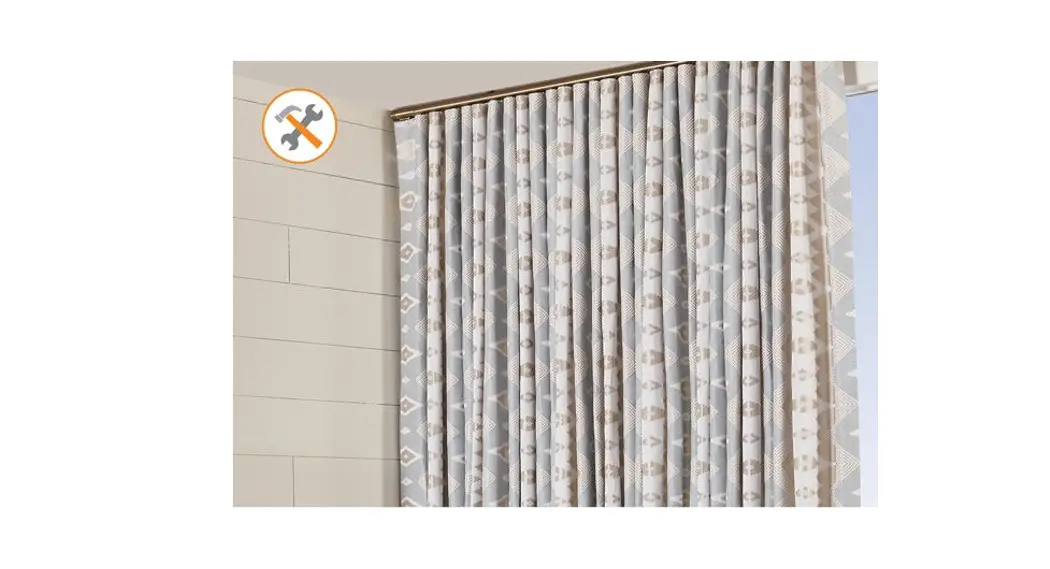
The Traverse Single Splice is a system designed for mounting and
operating drapery. It can accommodate a maximum fascia and track
width of 36 feet when spliced together. The system can support
drapery with a maximum weight of 110 lbs. Additional brackets are
required for each side of the splice when used.
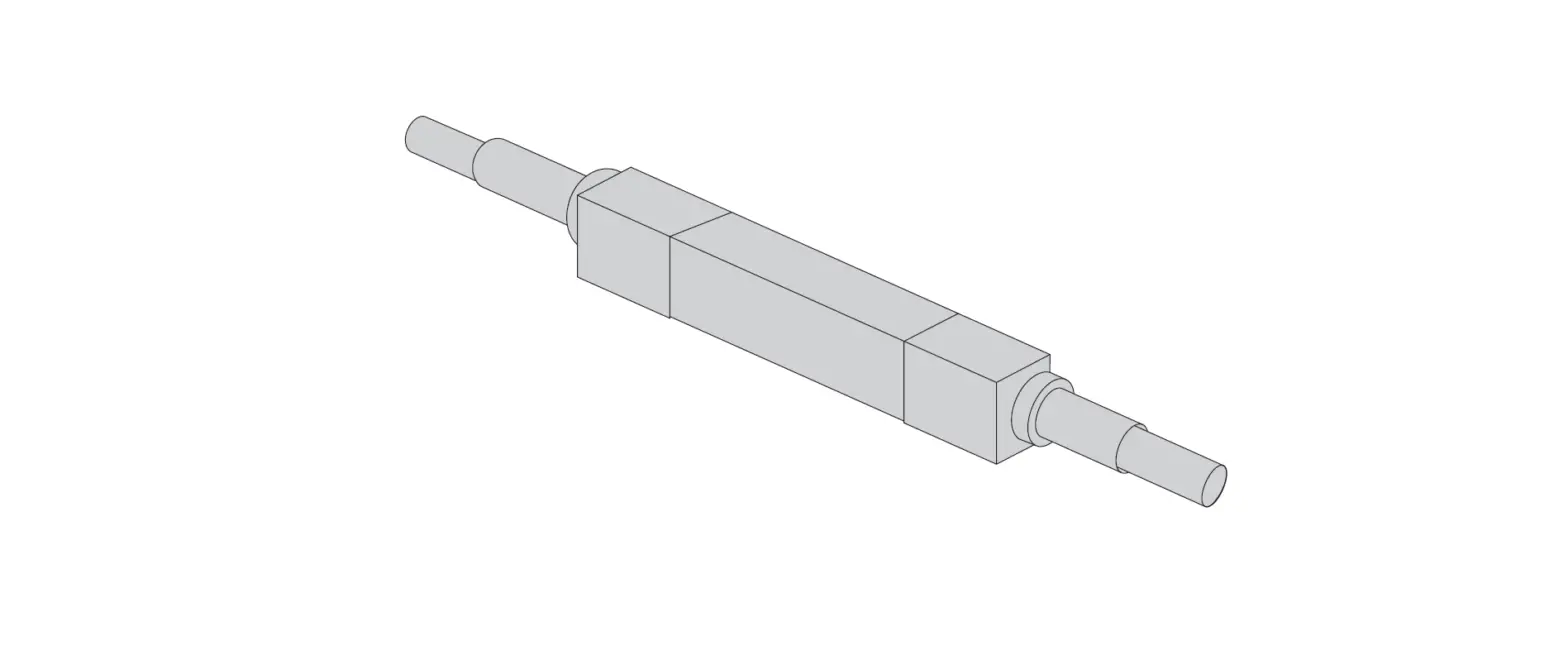
The system includes basic components such as the bracket,
splice, return pulley (for one-way draw track), drive pulley (for
center draw track), and a slim drapery motor with a Li-ion battery.
The system is packaged with foam, shrink wrap, and other packing
materials to ensure the components remain in place during
shipment.
For detailed installation instructions, please refer to the
provided download instructions or visit www.FinestraCustomHardware.com.
Product Usage Instructions
- Carefully unbox the system, leaving all packaging materials in
place. If available, it is recommended to have a second person
assist in the re-assemble process. - Remove all packaging material from the Track, ensuring the
Drive Belt stays in place inside the Track. - Bring the Track sections together by pushing the Track onto the
Splice and moving the Master Carrier forward. Make sure the Drive
Belt remains tight and straight inside the Track and is not pinched
as the splice sections move forward. - Bring both Master Carrier Body halves together and insert the
center clip. - Tighten the Splice set screws.
- To complete your system, assemble the Master Carrier Arm. Then
move the master carrier the full length of track 2 to 4 times to
ensure the system components are correctly installed before
mounting the system on the wall. - Follow the provided installation instructions for mounting the
system on the wall.
FINESTRA® CUSTOM R-TEC AUTOMATION®
TRAVERSE SINGLE SPLICE ASSEMBLY INSTRUCTIONS
!STOP! Scan this QR code and please watch the video. Please read all instructions carefully before starting.
INTRODUCTION:
Finestra® Custom R-TEC Automation® Traverse Systems are used to electronically control the drapery using a Slim Drapery Motor and Remote Control. By using a Remote Control or the R-TEC Automation® App via a smartphone or tablet, the operator can open and close the drapery smoothly and precisely.
Step 4. Bring both Master Carrier Body halves together and insert the center clip.
The maximum fascia and track width for this system is 36′ spliced. The max. drapery weight is 110 lbs. There must be two additional brackets – one for each side of the splice when used.
Step 5. Tighten the Splice set screws.
SPLICE ASSEMBLY:
Step 1. Carefully unbox your system, leaving all the packaging materials in place. If a second person is available to help, it will make the re-assemble process faster and easier.
NOTE: The system was packaged with foam, shrink wrap and other packing materials to ensure the belt, carriers and other components stay in place during shipment.
Step 6. To complete your system, assemble the Master Carrier Arm.Then move the master carrier the full length of track 2 to 4 times to ensure the system components are correctly installed before mounting the system on the wall.
Step 2. Remove all packaging material from the Track, ensuring the Drive Belt stays in place inside the Track.
Step 3. Bring the Track sections together by pushing the Track onto the Splice and moving the Master Carrier forward.
NOTE: To remove or add pinch pleat carriers, watch this video:
NOTE: To remove or add Ripplefold carriers, watch this video:
Note: Keep the Drive Belt tight and straight inside the Track as the Master Carrier is pushed forward.*Make sure the belt remains in the track channels and is not pinched as the splice sections move forward.
Step 7. Your system is ready to be installed using these installation instructions:
DOWNLOAD INSTRUCTIONS:
1
www.FinestraCustomHardware.com | updated 03/20/2023
PARTS LIST:
1 6
7
2 6
3
4 5
Basic Components:
1. R-TEC Automation® Track 2. Brackets 3. Slim Drapery Motor 4. Li-ion Battery power option 5. AC / DC Power Transformer
power option 6. End Hook 7. Finestra® Custom Fascia & Finials
BRACKET ASSEMBLY: The Finestra® Custom R-TEC Automation® Traverse Systems with Fascia can be mounted on the wall only; no ceiling mount.
BRACKET PLACEMENT:
It’s recommended to use 1 bracket beside each pulley. On the remaining part of the R-TEC Automation® Track, bracket-to-bracket distances should be no more than 24″. Also, 1 bracket should be placed on each side of a splice if used.
3 3/4″
24″ apart
System Length 48″ or less
1/4″
1/4″
24″ apart
2″
Drive Pulley R-TEC Automation® Track
Splice
Bracket
Return Pulley
(for one-way draw track)
Slim Drapery Motor with Li-ion Battery (110v AC/DC Power Transformer options available)
INSTALLATION:
We recommend using a professional installer. Installation hardware is included. The fasteners (screws and anchors) may not be appropriate for every installation or wall material. Brackets and holdbacks should be installed securely into wall studs when possible. Finestra® will not assume responsibility for damages incurred by improperly mounted or inadequately supported hardware.
3 3/4″
Drive Pulley
(for center draw track)
2
www.FinestraCustomHardware.com | updated 03/20/2023
References
 Homepage | Finestra Custom Hardware
 rowleycompany.scene7.com/is/content/rowleycompany/fch-product-instruc-motor-rtec-track-center-one-way-drawpdf
-
s7d2.scene7.com/is/content/rowleycompany/fch-product-instruc-motor-rtec-track-splice-assembly-singlepdf
-
R-TEC Automation | Product Videos Detail | Rowley
-
R-TEC Automation | Product Videos Detail | Rowley
-
R-TEC Automation | Product Videos Detail | Rowley
 Homepage | Finestra Custom Hardware
 rowleycompany.scene7.com/is/content/rowleycompany/fch-product-instruc-motor-rtec-track-center-one-way-drawpdf
 s7d2.scene7.com/is/content/rowleycompany/fch-product-instruc-motor-rtec-track-splice-assembly-singlepdf
 R-TEC Automation | Product Videos Detail | Rowley