 Programming Manual
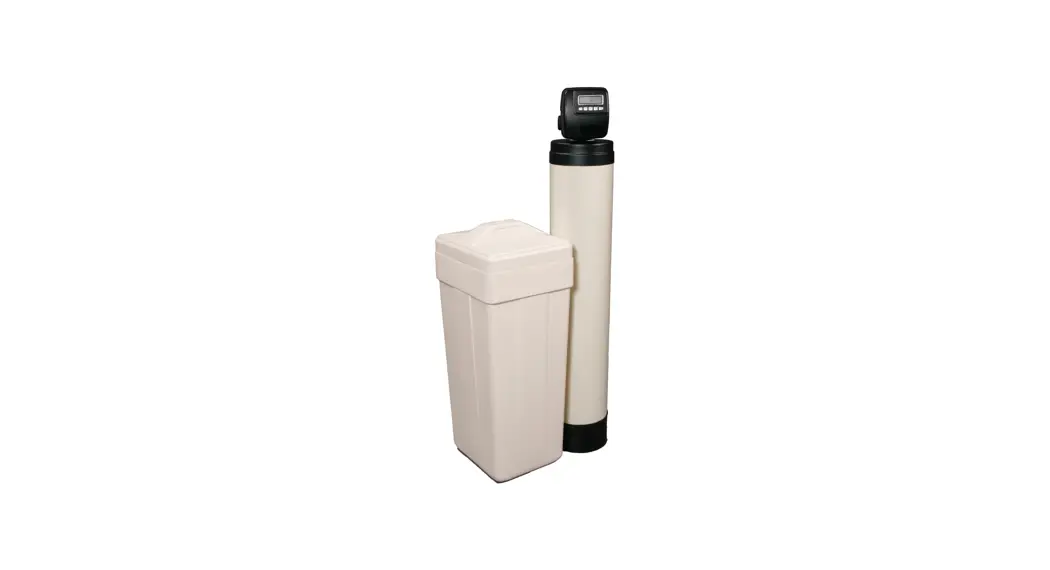
for IronBreaker III with WS1
10” x 54” Systems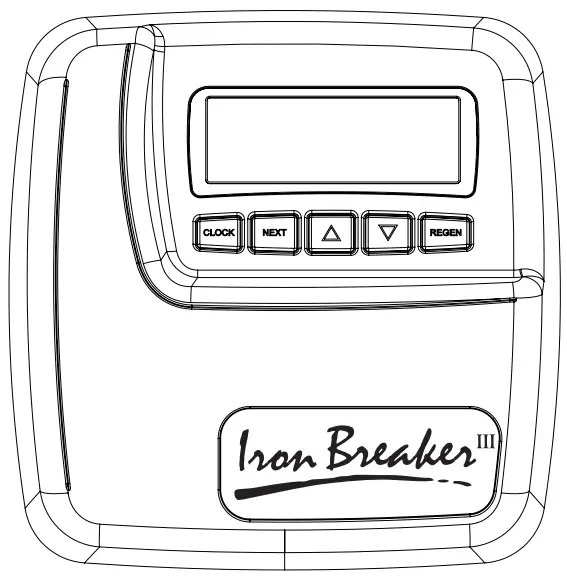
IronBreaker III Water Treatment System with WS1
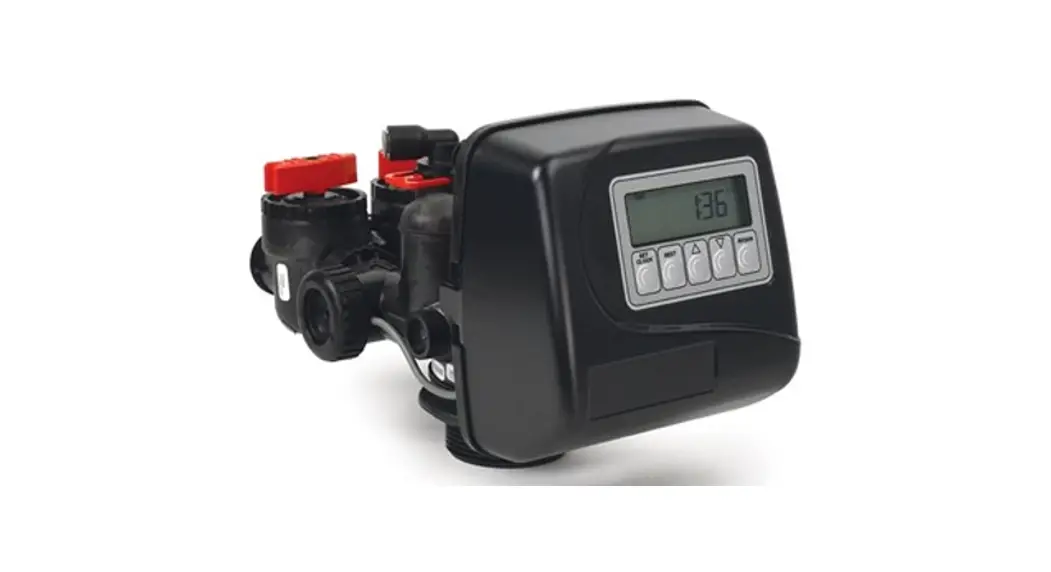
- From the time of day screen, press and hold the NEXT and down arrow buttons until the display changes.
- Push the up arrow until you get to IRON FILTER and press NEXT.
- Set the First Backwash to 10 minutes. Press NEXT.
- Set Rinse for 8 minutes. Press NEXT
 .
. - Set the Brine Draw to 40 minutes. Press NEXT.
- Set the Second Backwash to OFF. Press NEXT.
- Set the Pounds of Salt to OFF. Press NEXT.
- If metered valve, set the Capacity to 5.0×1000. Press NEXT.
- Set the Regen to OFF. Press NEXT.
- Set the Relay to OFF. Press NEXT.
- The Call setting can either be ignored or set to your preference. This setting will display CALL on the valve after a time period of your choosing to prompt the user to call for service. Press NEXT once you’ve got this set to your preference.
- You should be at the time-of-day screen again. Press and hold the NEXT and up buttons until the display changes.
- Set the Day Override to 3 DAYS. Press NEXT.
- Set the Time of Regen to 12:30 AM. Press NEXT.
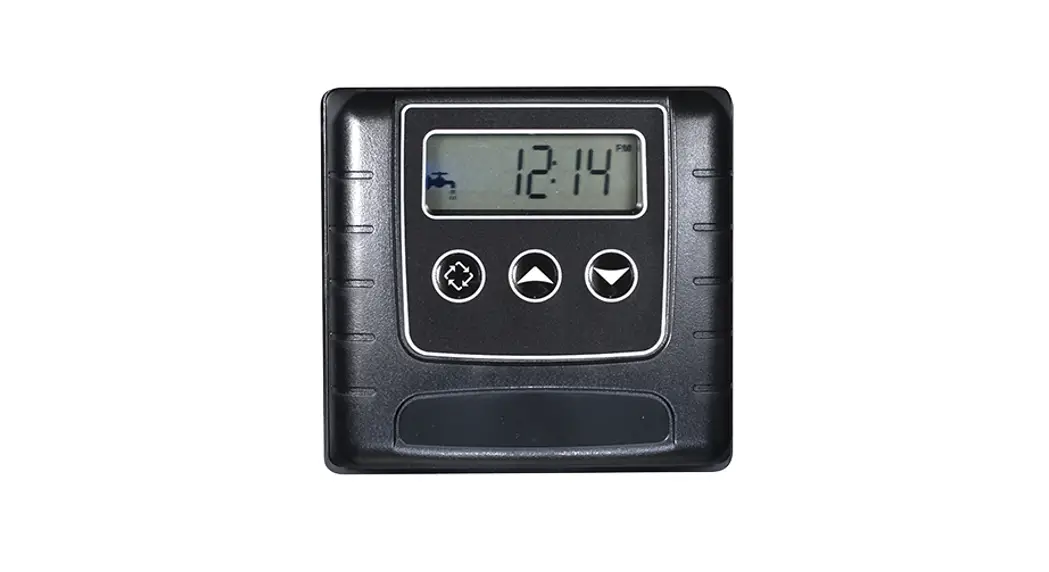
- Set the Time of Day and the system is ready.
 .
.Charger Water Treatment Products
8150 N. Lehigh Ave, Morton Grove, IL 60053
www.chargerwater.com/FAQ
IBWS1MANUAL
 FAQ - Wholesale Water Treatment Products