
PipeBurst Pro WT500 Automatic Water Protection System
Basic Overview
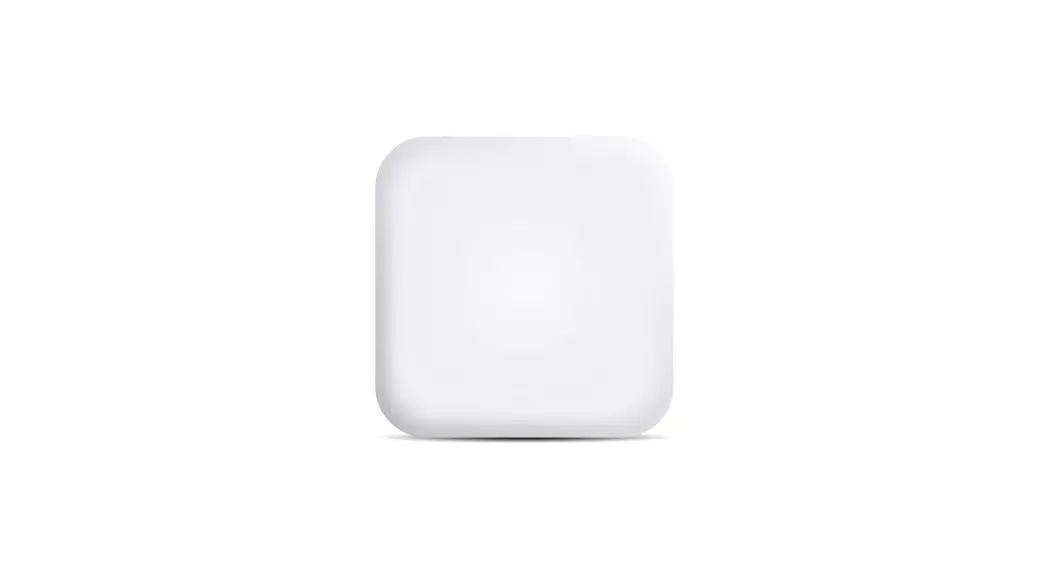
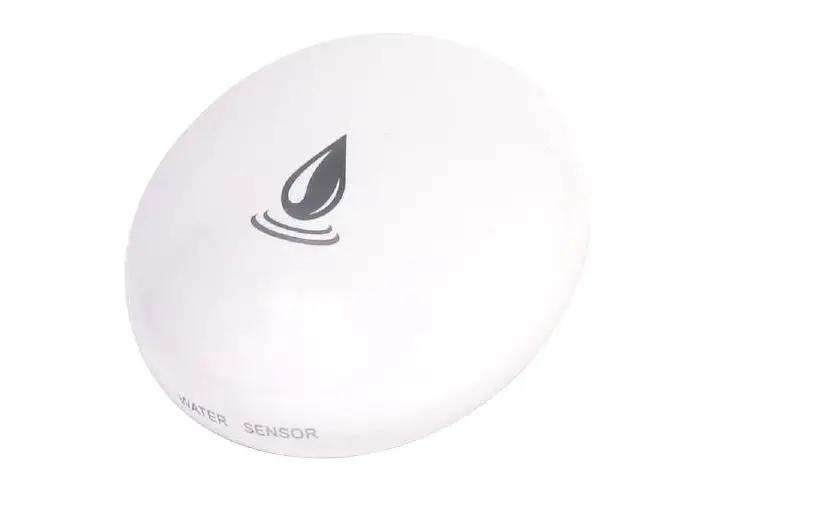
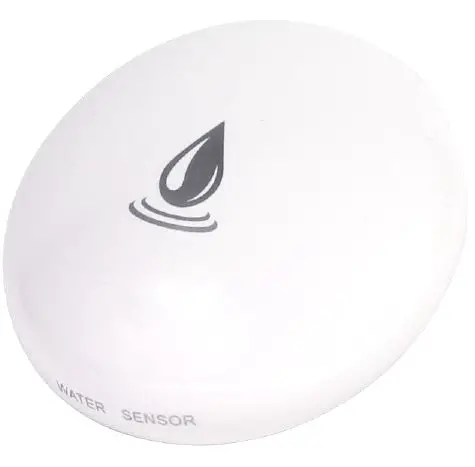
The WT500 is designed to detect the physical presence of water or when ambient temperature meets a user-defined threshold. When the WT500 detects water or abnormal temperature under normal operating conditions, the sensor will go into an alarm state. In an alarm state, the device will go into an audible alarm while triggering an alarm to the device group that it is assigned to.
WT500 Device Features
| Dimensions | Ø 2-7/8” x 1-1/8” |
| Power Source | CR123A |
|
Built-in Sensors | Gold Plated Water Sensor Pins |
| Ambient Air Temperature Sensor | |
| Tamper Alert Sensor | |
| Movement Sensor | |
| Voltage | 3 VDC |
| Housing | White ABS Plastic |
| Audible Notification | Internal Speaker |
| Wireless Frequency | 915 MHz |
| Input Port Options | Disabled |
| Water Sensor (standard) |
Installation of a WT Device
- Device association to a Gateway
- On your ionleaks dashboard, go to the device tab and select “New Device”.
- Enter in the device ID and device key for the WT500 and click “Add”. Repeat this step for each sensor that needs to be added before proceeding to step 3.
- Remove the battery pull tab from the device to power it on. The device will beep as part of its power up sequence.
- WT Device Placement
- Place one WT Device at each desired plumbing fixture, appliance, or other location.
- Once a WT Device is in its location, open and close the lid of the device to create a tamper event message. This message can be used as a test for functionality and signal strength indication on ionleaks.com
- Leave the device in its location and monitor through ionleaks.com to check for connection1. Place one WT Device at each desired plumbing fixture, appliance, or other location.
- Once a WT Device is in its location, open and close the lid of the device to create a tamper event message. This message can be used as a test for functionality and signal strength indication on ionleaks.com
- Leave the device in its location and monitor through ionleaks.com to check for connection
WT Device Customizable Options
| Setting | Description |
| Water Sensor | When the water sensing pins are wet, the device will send an alarm state to the Group. |
| Temperature Sensor | Temperature alarm is sent when the sensor meets a user defined temperature threshold. |
| Movement Sensor | The sensor can detect and record when it is moved. |
| Tamper Alert | If the lid of the sensor is removed, a tamper alert is triggered. |
| Data Recording Interval | The sensor is set to check-in with the system at a user determined amount of time. |
Warnings and Precautions
- WT Devices operate on communications frequencies which are subject to FCC rules and regulations. Specific information about device conformity can be found at: https://www.pipeburstpro.com/disclaimers/
- Placing WT Devices near large metal objects may decrease or block wireless coverage.
- Positioning a WT Device for water detection:
- WT Device must be placed below the plumbing fixture or appliance it is monitoring.
- WT Device Water Sensor Pins must be facing the surface the WT Device is sitting on to function properly.
- End User is responsible that the WT Device functionality and installation meets the desired requirements.
- This manual may be updated or changed without advanced notice.
- To learn about changing settings via ionleaks.com, refer to the ionleaks.com User Manual.
Wireless Regulatory Information
Model: WT500
FCC ID: NCM WT500
IC: 2734A WT500
Frequency Range: 915 MHz
Maintenance Tips for Optimal Device Performance
- Always replace batteries after a water detection.
- Change batteries when low battery alert is received.
- Clean WT Device housing on a regular basis. Ensure Water Sensing Pins are clear of dust and debris.
Customer Support
GreenField Direct, LLC 14015 238 Street Greenwood, NE 68366 www.pipeburstpro.com/contactEMail: [email protected]
Phone: 866466 LEAK (5325)
Hours of Operation: Weekdays 8:00 AM5:00 PM CT
Warranty Information
PipeBurst Pro Products 2/5/7 Year Limited Warranty
Please visit: www.pipeburstpro.com/warranty to review full warranty details