Mobile + Video Mixer
Product Information
- Connectors: 1 slot up to 4 single inputs
- Performance: NDI Module, DVI Module, HDMI
Module, SDI Module, USB Module - Features: Power, Environment, Physical
- Input: Standard with NDI Module, select from
DVI Module, HDMI Module, SDI Module, USB Module - Output: Audio, Communication
- With SDI: IN L/R OUT L/R OUT LAN Tally USB
Genlock Y Power - Input Resolution: SDI SMPTE DVI | HDMI SMPTE
VESA - Output Resolution: Supported Standards
- Layers: MASK Edit Brightness EDID
Management - Input Voltage: Max Power Temperature Humidity
Weight
Product Usage Instructions
To use the product, follow these steps:
- Connect the desired inputs to the product’s connectors.
- Select the appropriate module (NDI, DVI, HDMI, SDI, or USB) for
the input. - If using SDI, choose the desired output options (IN L/R OUT L/R
OUT LAN Tally USB Genlock Y Power). - Select the desired input resolution (SDI SMPTE DVI | HDMI SMPTE
VESA). - Select the desired output resolution based on the supported
standards. - Adjust the layers, including MASK, Edit, Brightness, and EDID
Management. - Ensure the input voltage is within the specified range for
proper operation. - Monitor the product’s performance, temperature, humidity, and
weight.
Note: For more detailed instructions on specific features and
configurations, refer to the product manual.
Specifications
Connectors
Performance
Features Power Environment Physical
Input
1 slot up to 4 single inputs Standard with NDI Module select from DVI Module HDMI Module SDI Module
USB Module
NDI Module 1 slot,select from
2 × RJ45
1 × DVI-I (supports DVI,VGA,YPbPr,CVBS) 1 × HDMI-A 2 × BNC (1 In | 1 Loop ) 2 × USB (1 In | 1 Backup ) 1 × RJ45
Output Audio Communication
With SDI Without SDI With USB 3.0/SDI With USB 3.0 without SDI IN L/R OUT L/R OUT LAN Tally
USB
Genlock Y
2 × HDMI-A | 1 x BNC 2 × HDMI-A 2 × HDMI-A | 1×BNC | 1×USB-A 2 × HDMI-A | 1×USB-A 2 × RCA 2 × RCA 1 × 3.5mm Stero Jack 1 × RJ45
1 × DB15
1 × USB-B
1 × BNC
Power
1 × IEC
Input Resolution
SDI SMPTE DVI | HDMI SMPTE VESA
480i | 576i | 720p@50/60 | [email protected]/60 | [email protected]/24/25/29.97/30/59/59.94/60
480i | 576i | 720p@50/59.94/60 | 1080i@50/59.94/60 | 1080p@50/59.94/60 800×600@60 | 1024×768@60 | 1280×720@60 | 1280×800@60 | 1280×960@60 | 1280×1024@60 | 1400×1050@60 | 1600×1200@60 | 1920×1080@60
Select from below or customized
Output Resolution
Supported Standards
Layers MASK Edit Brightness EDID Management Input Voltage Max Power Temperature Humidity Weight
SDI
SMPTE
480i | 576i | 720p@50/59.94/60 | 1080i@50/59.94/60 | 1080p@50/59.94/60
HDMI
SMPTE
720p @50/59.94/60 | 1080p@50/59.94/60
VESA
1024×768@60 | 1280×720@60 |1280×1024@60 | 1360×768@60 | 1920×1080@60
USB 3.0 (follow HDMI)
1024×768@60 | 1280×720@60 |1280×1024@60 | 1360×768@60 | 1920×1080@60
SDI HDMI DVI NDI decoding
USB 2
Support Standard range Yes
SMPTE 425M (Level A & B) | SMPTE 424M | SMPTE 292M | SMPTE 259M-C | DVB-ASI 1.3 Single Link NDI|HX 2K@60
3.0
AC 85V-264V50/60Hz 120W
0 55°C
10%-90%
Net weight
5.5Kg
Dimensions
Package
Net weight Package
8kg 480mm×280.5mm×231.1mm 585mm×410mm×205mm
Order Codes
Product Code
220-0001-01-0 220-0001-04-0 290-0001-03-0 290-0001-05-0 190-0001-04-2 190-0001-07-2 290-0001-08-2 190-0001-10-2 190-0001-13-2 930-0002-01-0 930-0002-02-0
ltem M1 M1-NDI Output Module PGM HDMI/SDI/USB 3.0 | PVW HDMI Output Module PGM HDMI/USB 3.0| PVW HDMI Single DVI Input Module Single 3G-SDI Input/Loop Module Single NDI Input Module Single USB2.0 Input/Backup Module Single HDMI Input Module Wings/Sidesfor M1 (Pair) Rack for M1
Dimensions
480mm 422mm
280.5mm
231.1mm 94.8mm
WEB: www.rgblink.com EMAIL: [email protected] PHONE: +86 592 5771197 Proudly designed and manufactured in Xiamen Hi Technology Zone, China
090-1001-01-2-E 20191202
www.rgblink.com
Mobile +
Mixed Signal Streaming from Anywhere to Everywhere
Fully integrated video scaling and mixing for everyday
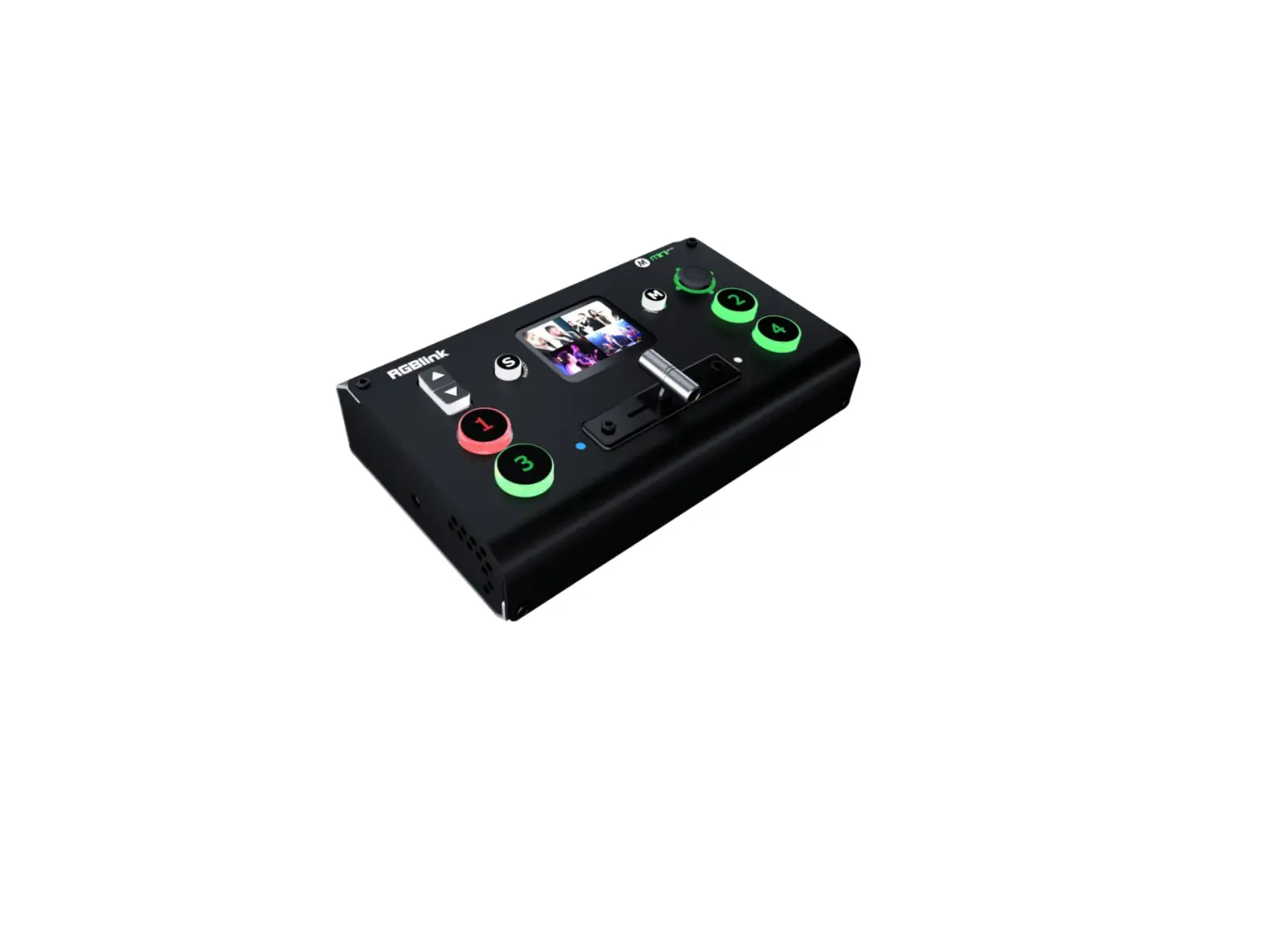
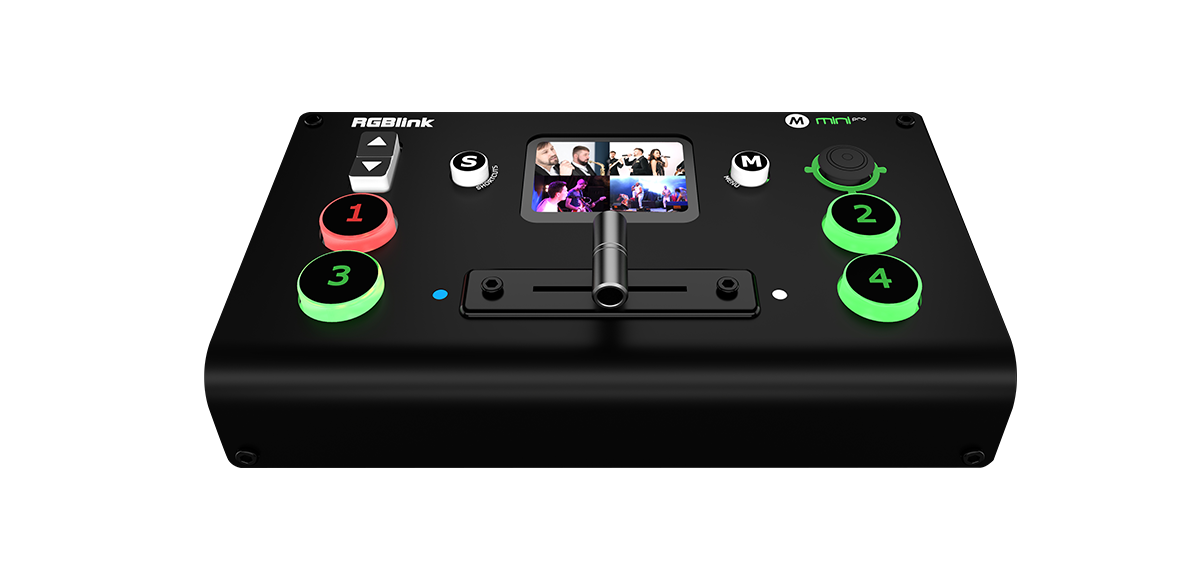
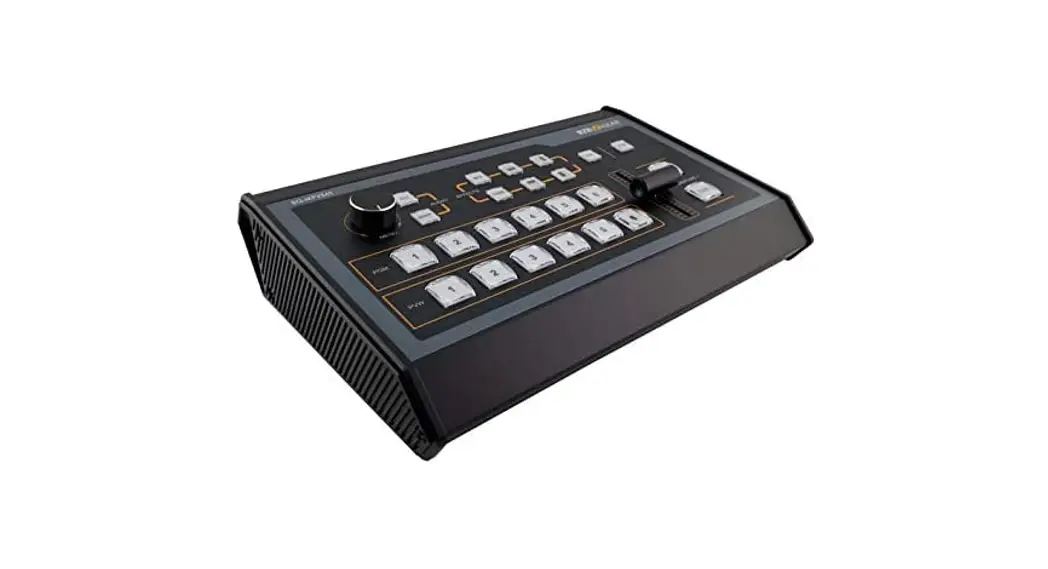
A complete solution, simply connect M1 to any display and start presenting. Front panel console style controls together touch screen display make M1 intuitive and natural in use, even for the new operator.
More than just a video mixer, M1 allows full scaled output to modern displays without to additional equipment. For stage/conference presentations on board features including PIP (picture-in-picture) add powerful capabilities to make use of additional video sources including cameras;
While compact in size, M1 brings together essential features for small presentation environments, including audio mix features allowing connection to audio mixers or powered speakers.
Features
· Module based design for wide range in/out request · Module hot swapable · Preview 4 inputs · Seamlessswitching between PST and PGM · Support NDI decoding · Multiple audio outputs available · Streaming via USB 3.0 output module and mobile phone · 2 video layers plus additional layers for OSD, LOGO, STILL · Mask for foreground layer including support for user defined mask · Compatible with all kinds of Digital Displays · Genlock Y In · Multiple Presets and savable to the external USB disk · 14 Transition Effects on the T-bar and TAKE button · PTZ VISCA control compatible
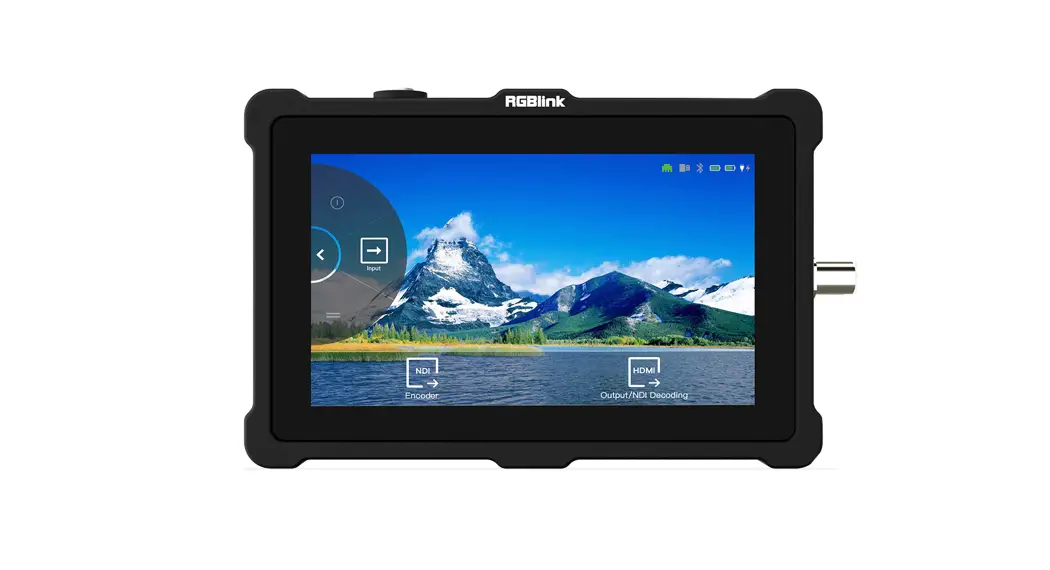
NDI Decoding M1 is equipped with NDI decoding module, which supports up to 4 Gigabit NDI network ports, which can realize high-quality, low-laten cy, long-distance transmission applications up to NDI | HX2.
Dedicated Preview A dedicated HDMI output with multi-view is provided from which both PGM and PST can be monitored, along with input sources and audio levels.
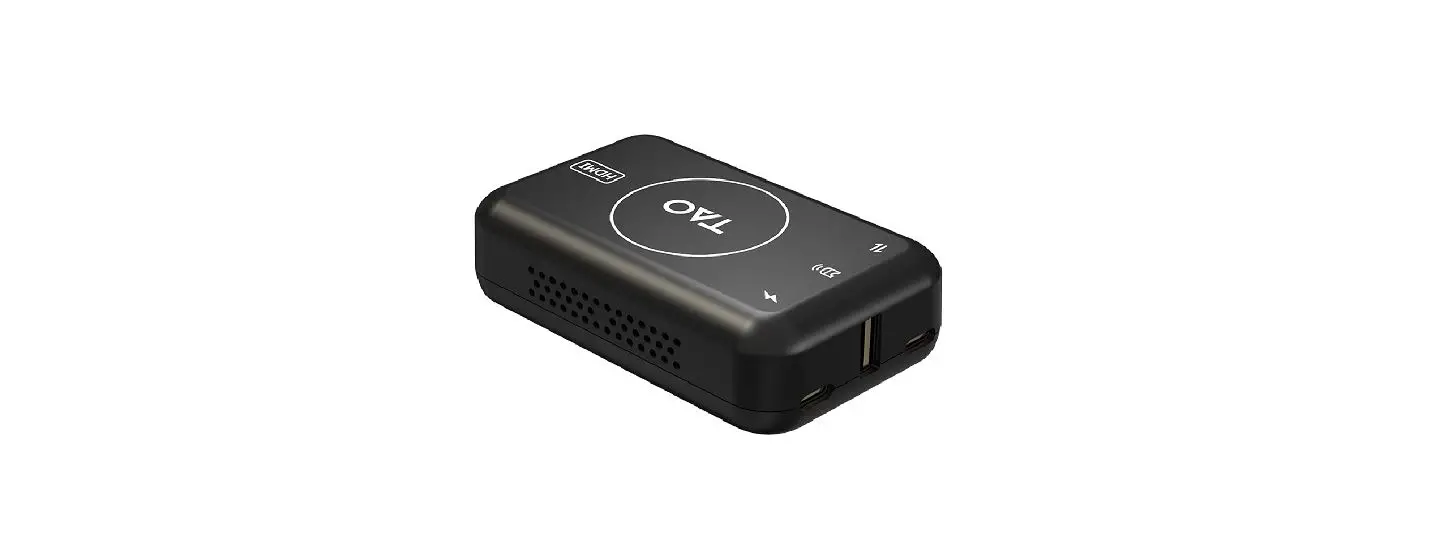
Mobile streaming integration Android tablet or mobile holder can be installed to M1, and realize live streaming through TAO APP anytime, anywhere, without the need of a computer.
VU
SDI 1
0 6 12 18 24 30 36 42 48 54 60 HDMI 1 NDI 1
L
VU
SDI 1
0 6 12 18 24 30 36 42 48 54 60 HDMI 1 NDI 1
R
Mixed Audio
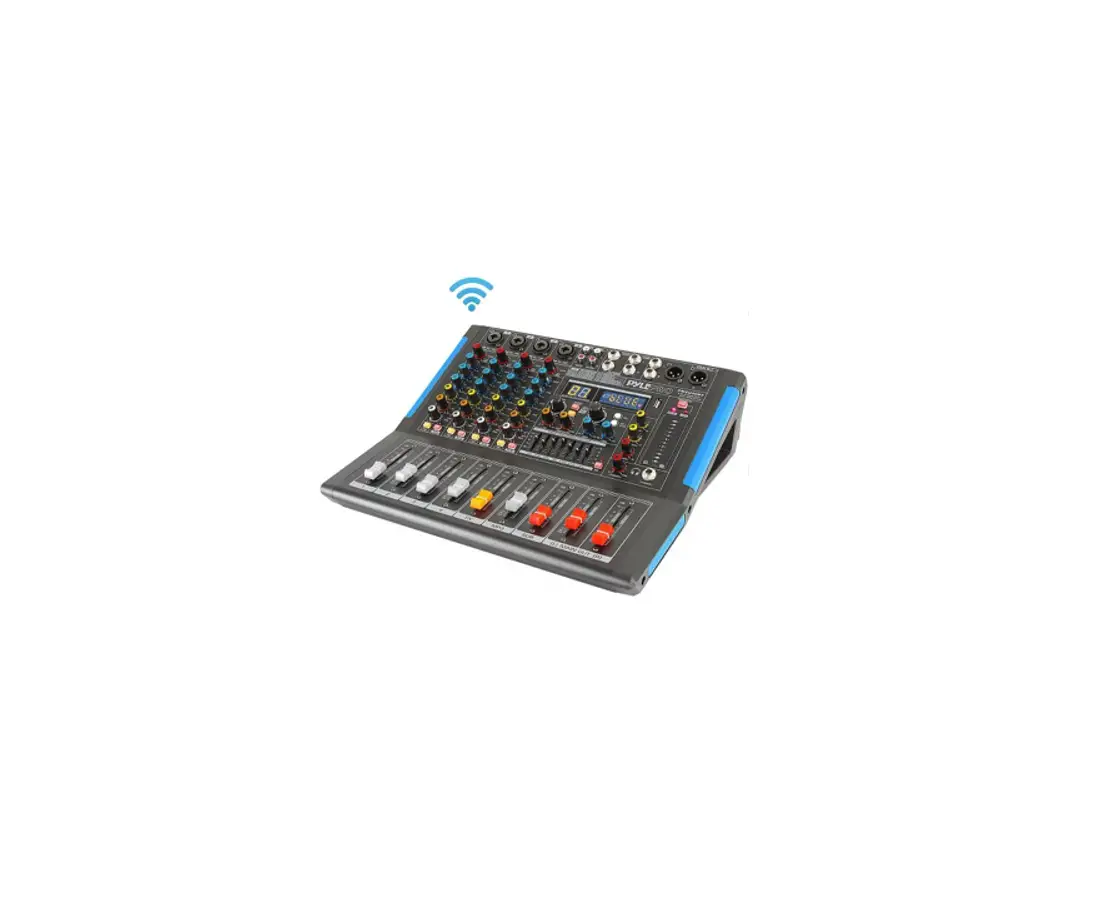
Both embedded and insert audio are supported with separate left/right audio level controls available on the front panel. Audio may be selected independently from the video source. PPM monitoring maybe shown on the PVW as visual confirmation of source and output.
Digital Effects
The PIP may have an effect applied options include masks (with a range built in as well as support for custom masks), DSK/Chroma Key to remove a background colour and variable edge blend, as soften effect to allowing the PIP to merged with the main image.
Transition Effects There are over a dozen transition effects and wipes built into M1. These maybe used via the T-bar or timed from the TAKE button.
Visual Enhancements Apply a range of visual effects and enhancements with fine grain controls may be utilised for each input. Controls include brightness, contrast, saturation, sharpness and color temperature.
Video Mixing M1 vision mixer style control panel provides a range of tactile controls including familiar T-Bar and large illuminated buttons for easy of operation.
Modular by Design Each input is individual and are user fit choose from a wide range of modular signal options. Modules are highly standardised across the RGBlink range for event greater flexibility.
Input options include HDMI, DVI, SDI, CVBS, USB and NDI more.
Output options are HDMI or HDMI|SDI|USB 3.0 .
mobile
*shown with optional input and output modules,support structure for mibile devices are optional,need to order separately refer specification and options. *Pad not included
 RGBlink