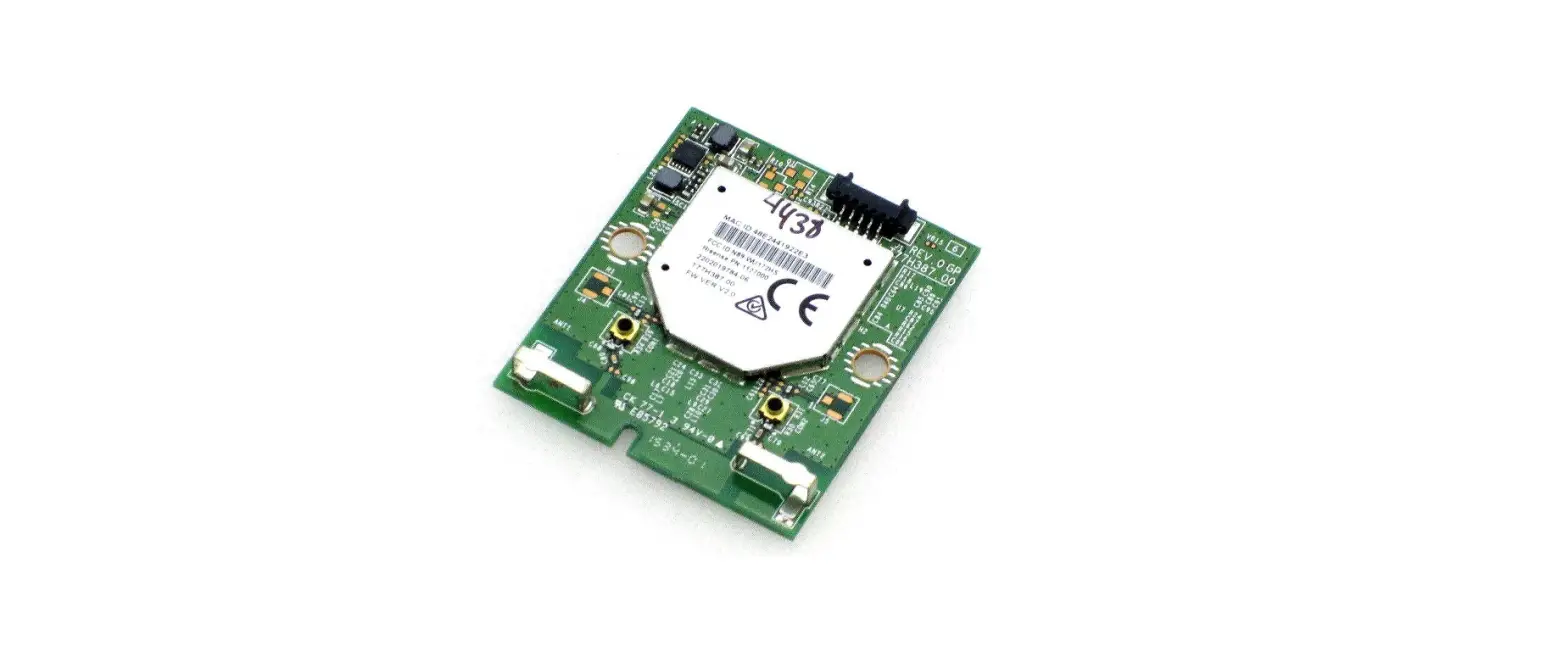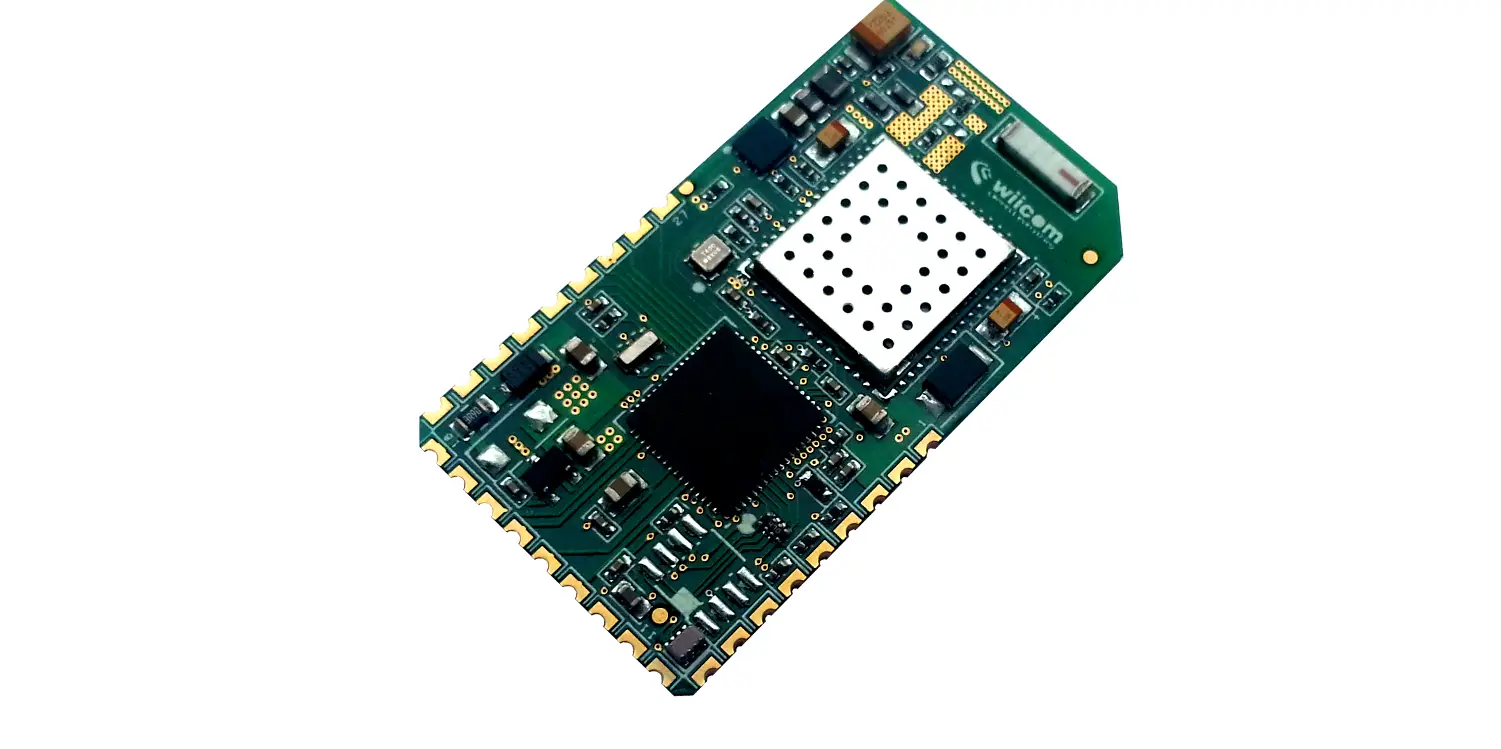
 Contains FCC ID: 2AC7Z-ESPWROOM32
Contains IC: 21098-ESPWROOM32
AZAI6WSCDA1
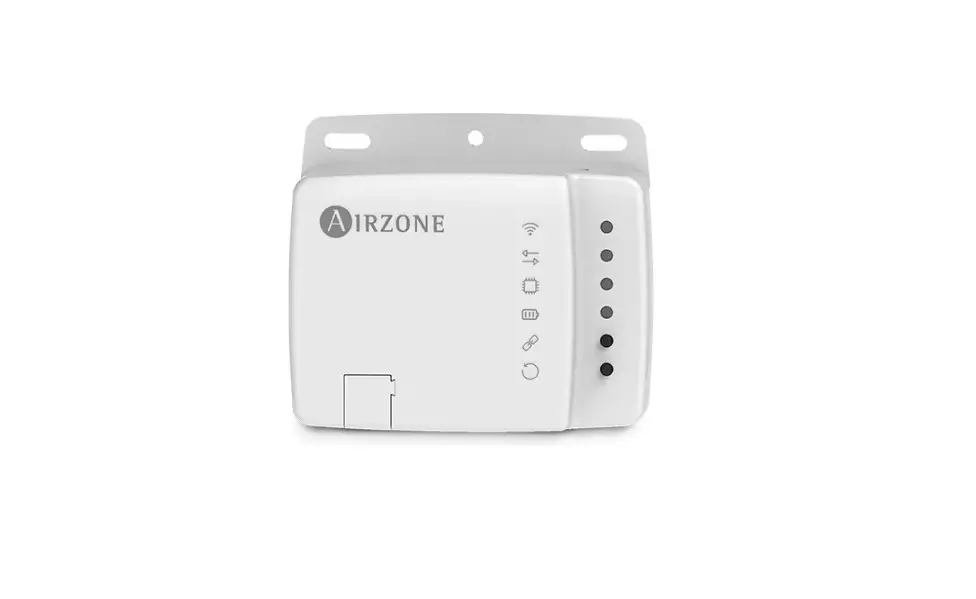
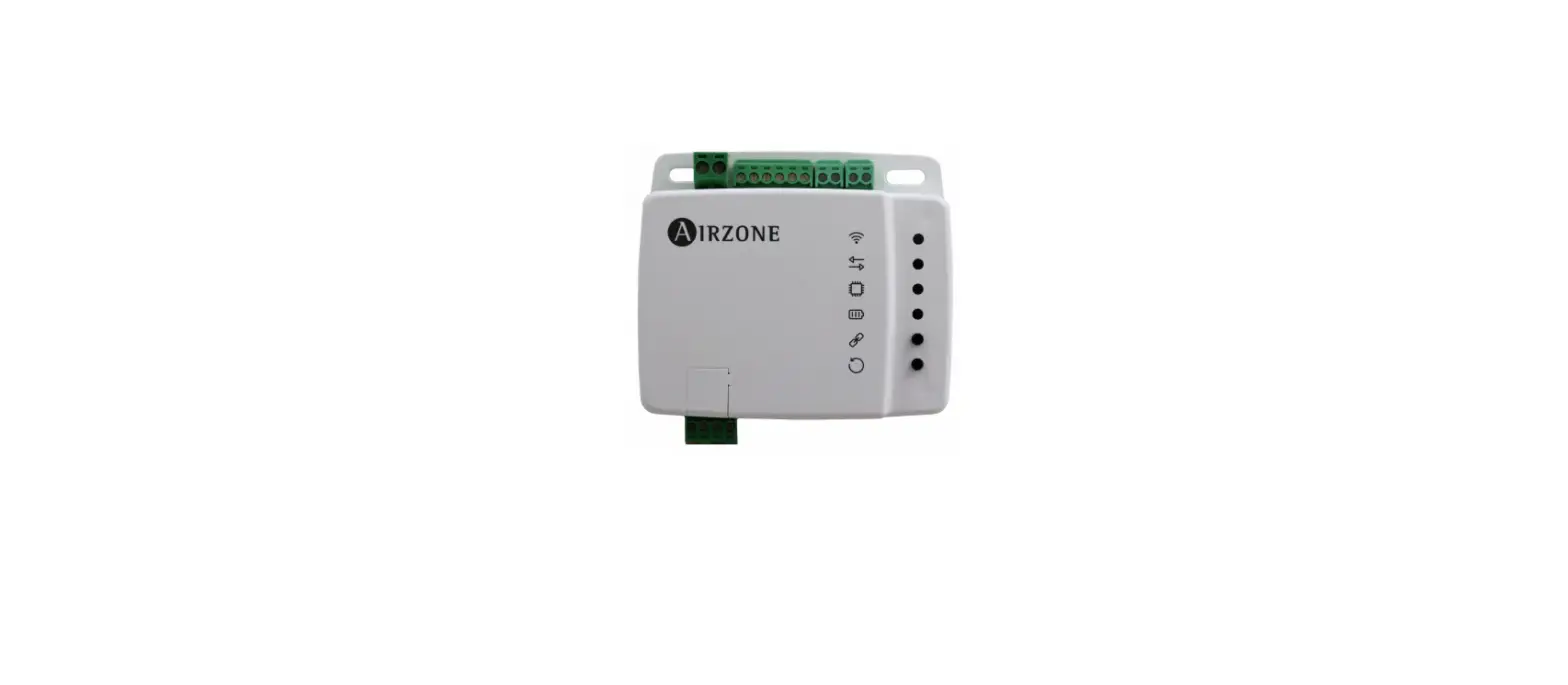
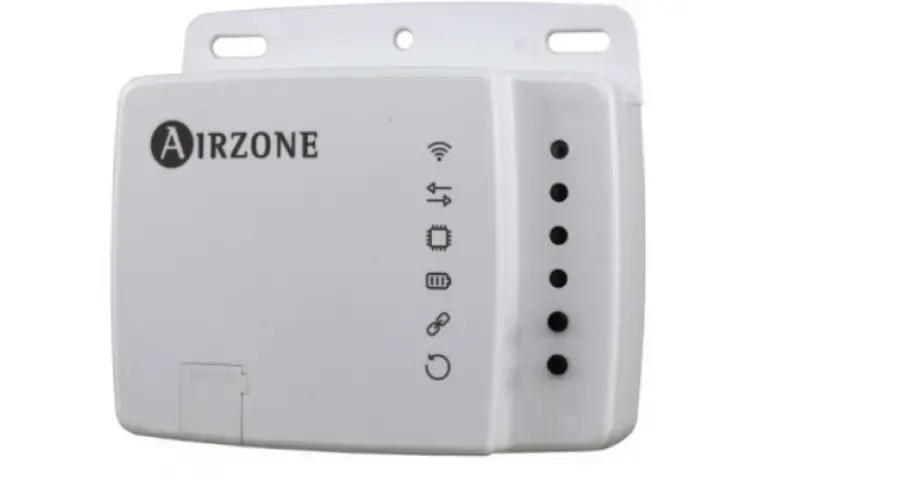
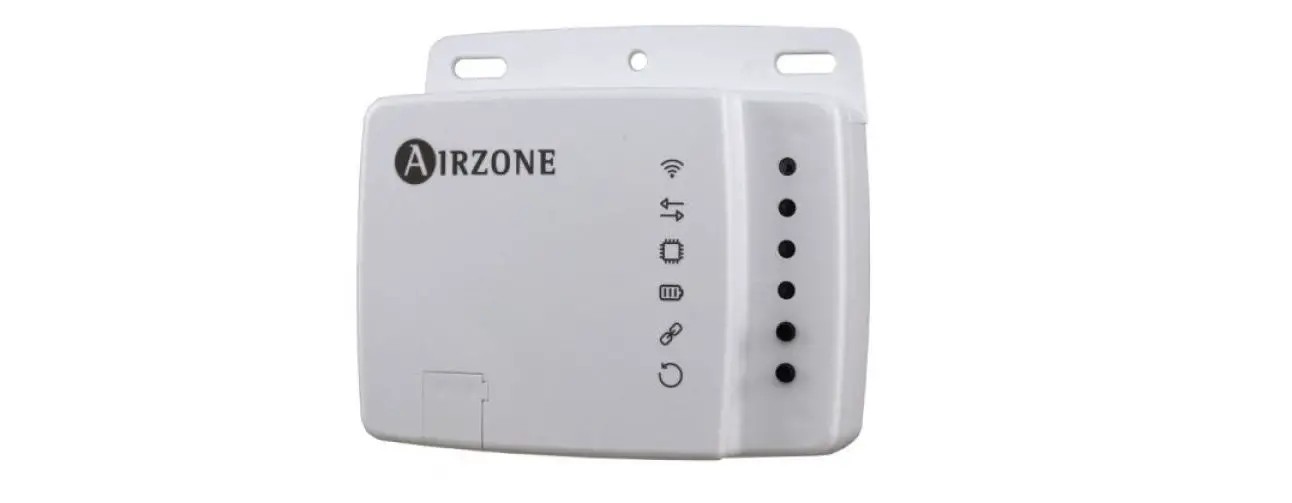
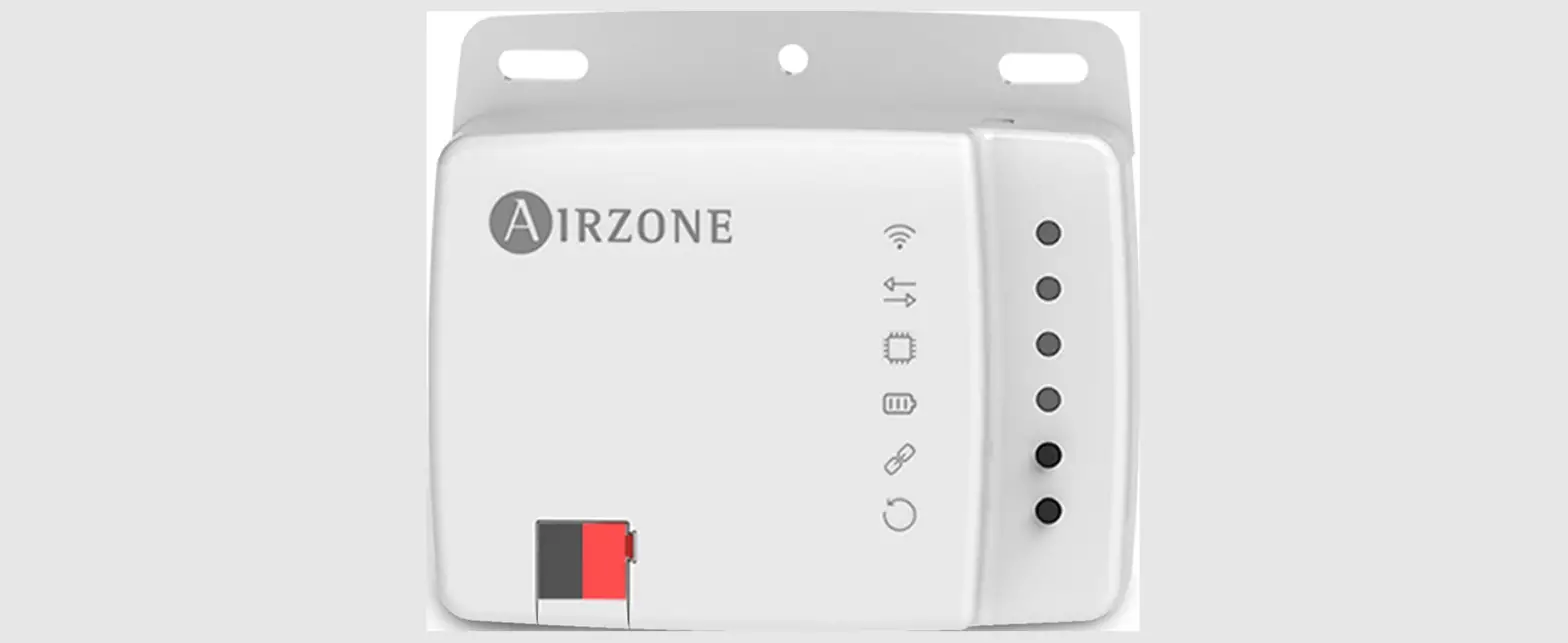
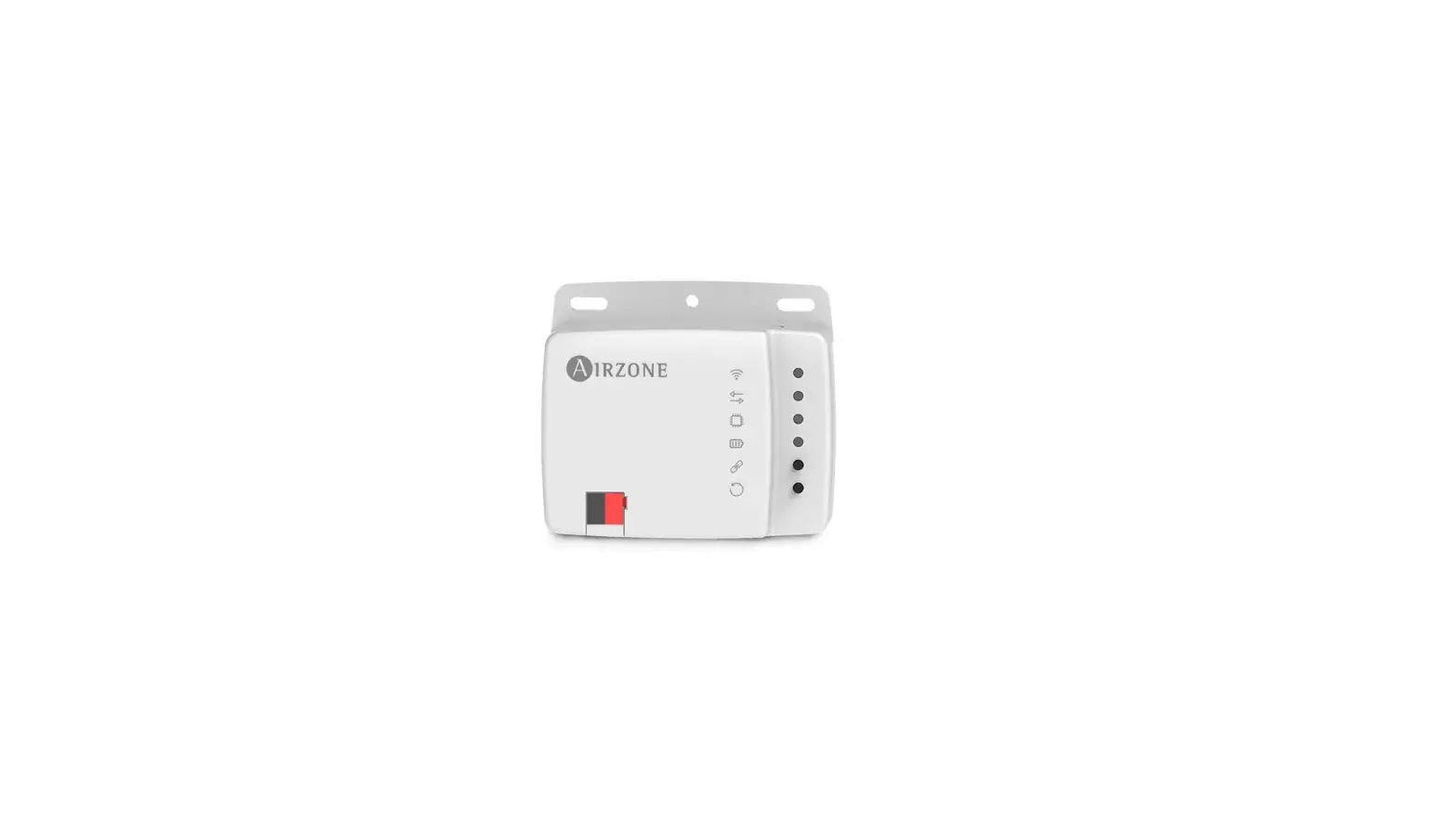
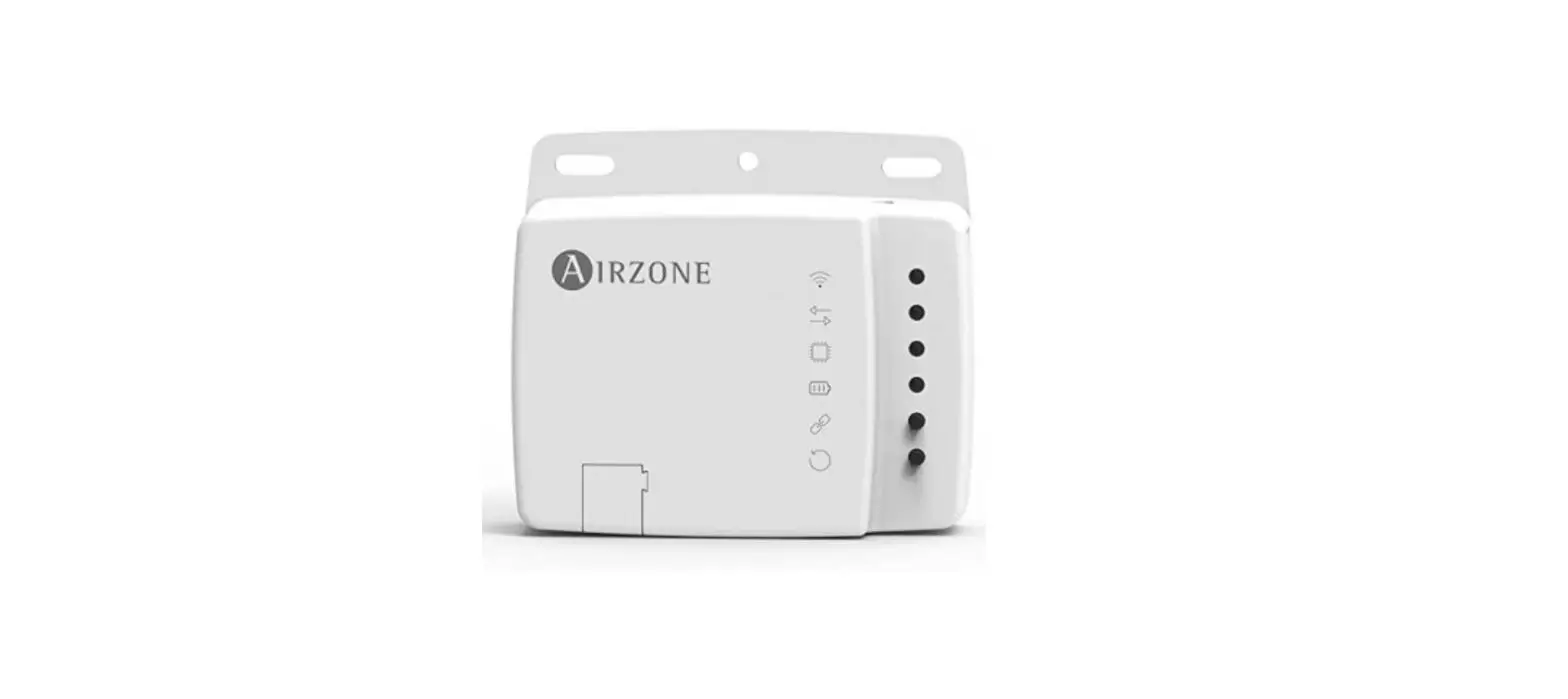
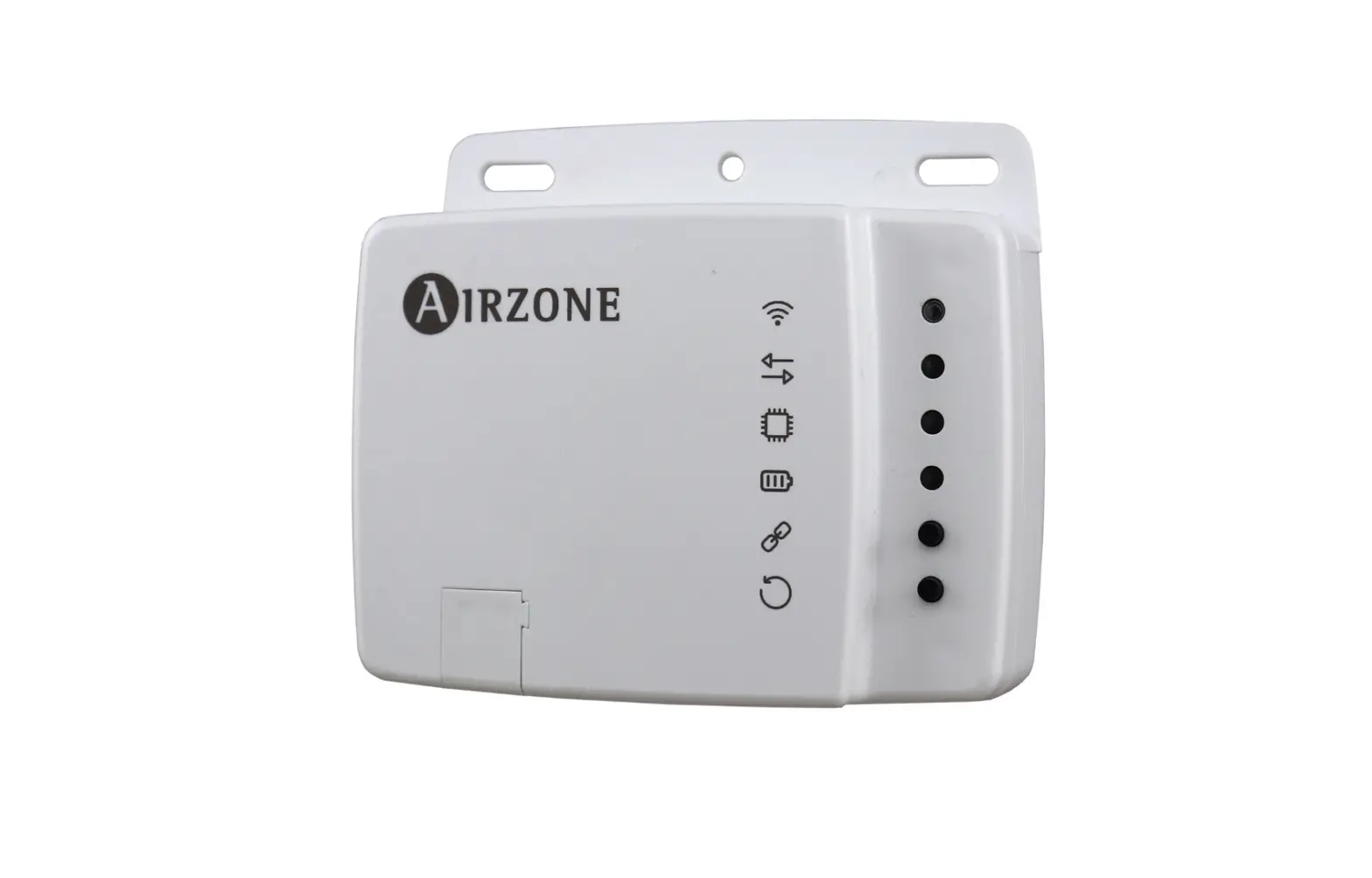
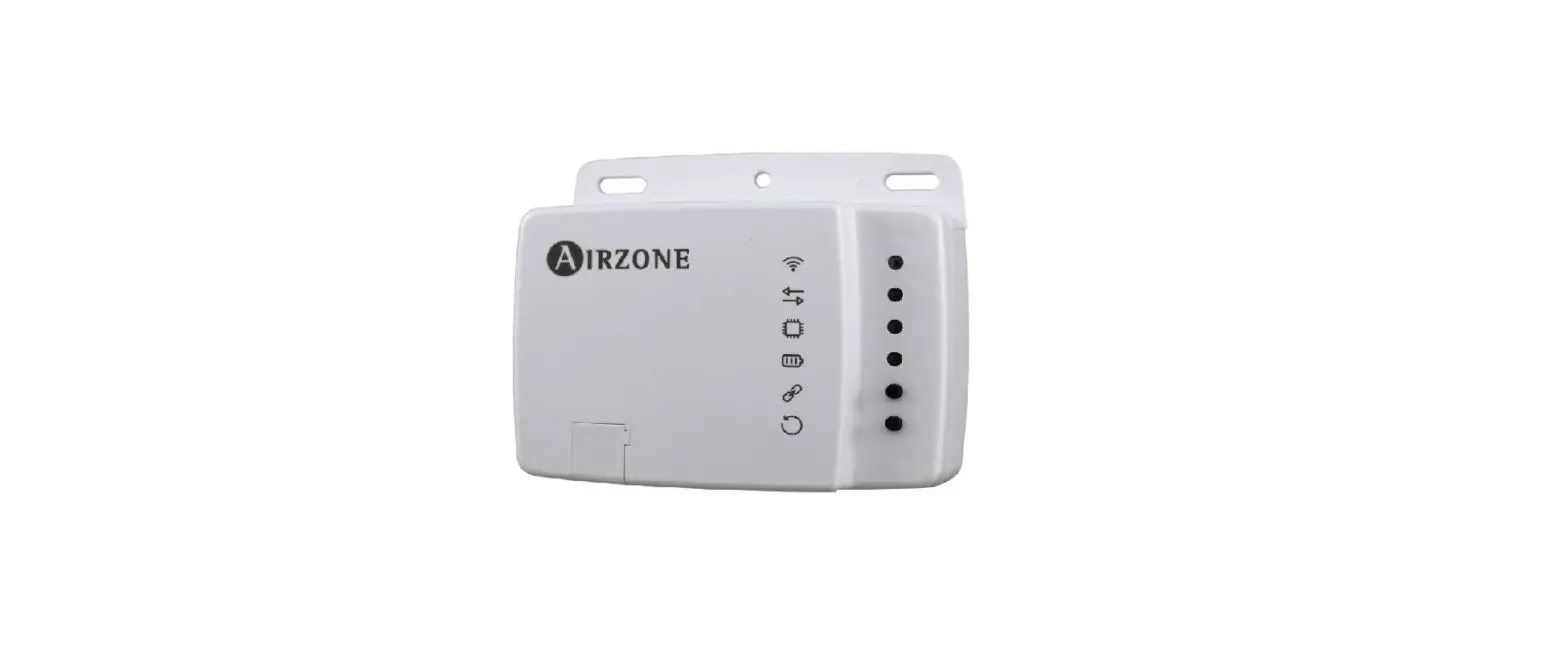
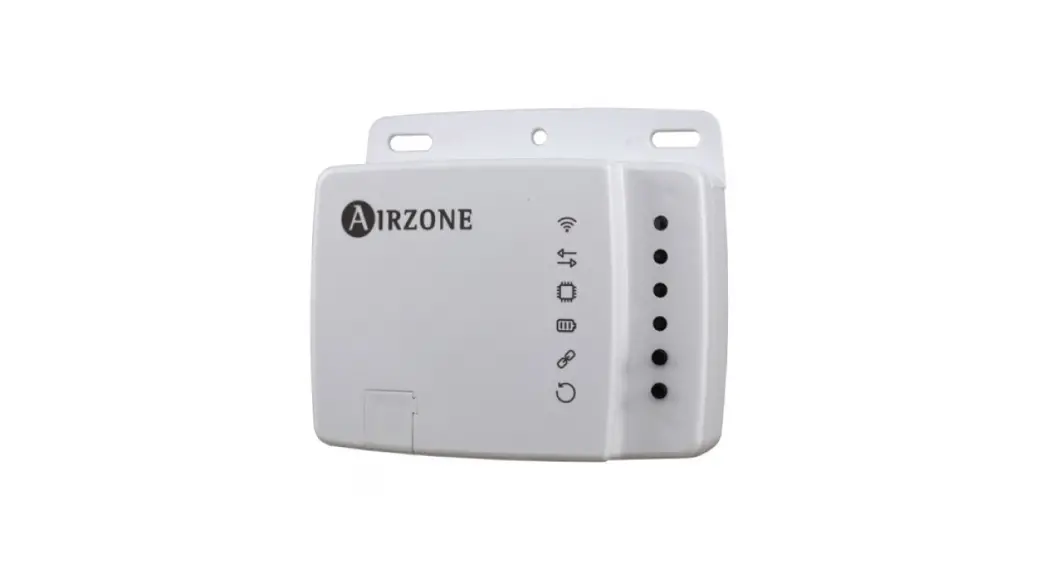
AIDOO DAIKIN SKY AIR / VRV WI-FI CONTROLLER
Device to manage and integrate units remotely from the Cloud. Online control with the “Airzone Cloud” App (available for iOS and Android). Wireless Wi-Fi connection. Externally powered by the indoor unit.
Features:
- Control of the parameters of the unit.
- Communication errors detection.
- Temperature and operating mode time schedules.
- Multi-user and multi-session.
- Port for integration via Modbus protocol.
For further information about our products, go to airzonecontrol.com
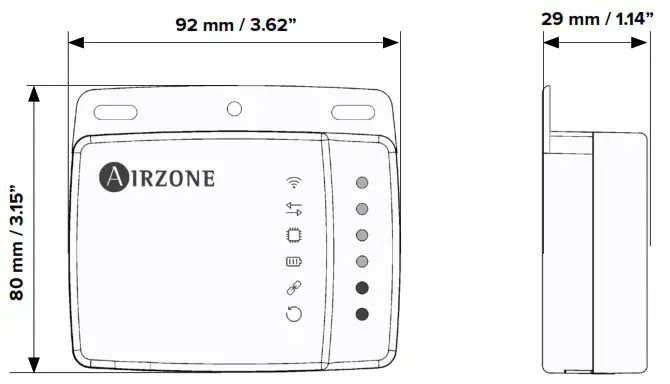
 TECHNICAL SPECS
 TECHNICAL SPECS
Connection to the indoor unit
| Connection to the indoor unit | |
| Type of power supply | Vdc |
| V max I max V in | 18 V |
| 137.5 mA | |
| 12 – 16 V | |
| Consumption | 0.85 W |
| Type of cable | Daikin SKY AIR / VRV connector |
| Wire length | .5 m (8.2 ft) |
| WI-FI Communication | |
| Protocol | WI-FI – CERTIFIED TM 802.11b/g/n (802.11n up to 150 Mbps) |
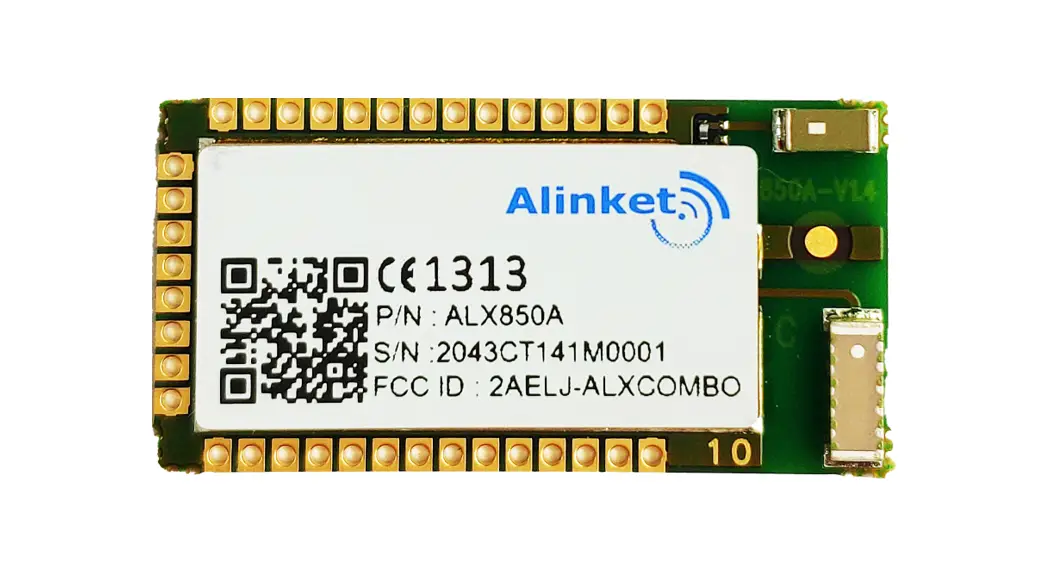
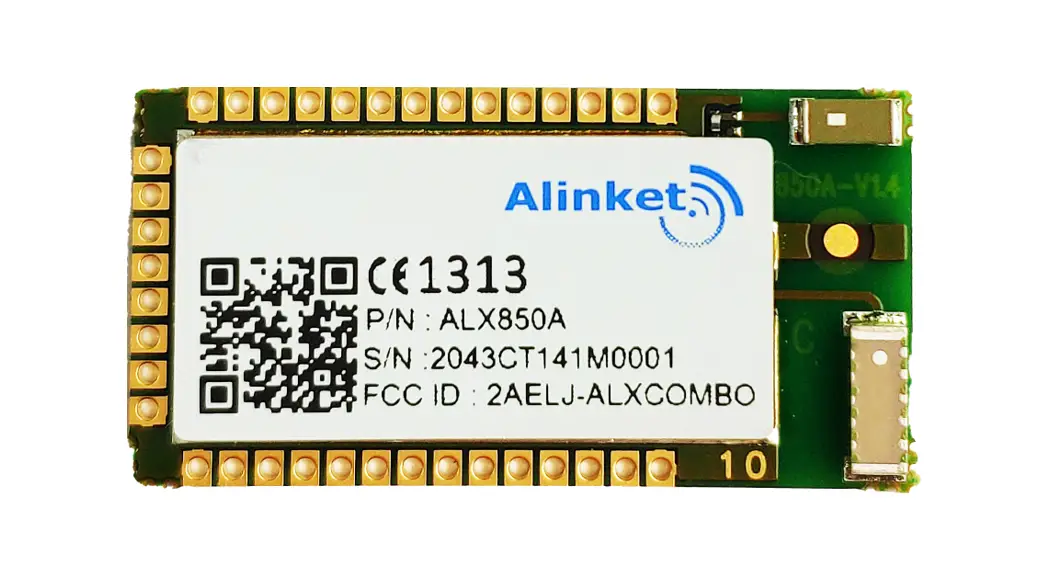
| Model | ESP-WROOM-32 |
| Communication frequency | 2.4 GHz |
| Maximum power – Antenna power | 20 dBm |
| Sensitivity | – 97 dBm |
| IP address | DHCP |
| Bluetooth Communication | |
| Protocol | Bluetooth v4.2 BR/EDR and BLE specification |
| Bluetooth class | Class-1, class-2 and class-3 transmitter |
| RS-485 Port | |
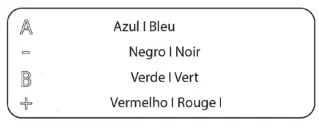
| Shielded twisted pair | 2 x 0.22 + 2 x 0.5 mm |
| Communication protocol | RS-485 Par – 19200 bps |
| Operating temperatures | |
| Storage | – 20 … 70 ºC (- 4 … 158 ºF) |
| Operation | 0 … 45 ºC (32 … 113 ºF) |
| Operating humidity range | 5 … 90 % (non-condensing) |
| Mechanical aspects | |
| Protection class | IP 41 |
| Weight | 130 g (0.29 lb) |
Check the indoor units are compatible:

https://www.airzonecontrol.com/support/aidoo
 FCC / ISED
This device complies with FCC / ISED regulatory notices.

http://doc.airzone.es/Certificates/Product/REG_AZ6_FCC_ELV_A4_MUL.pdf
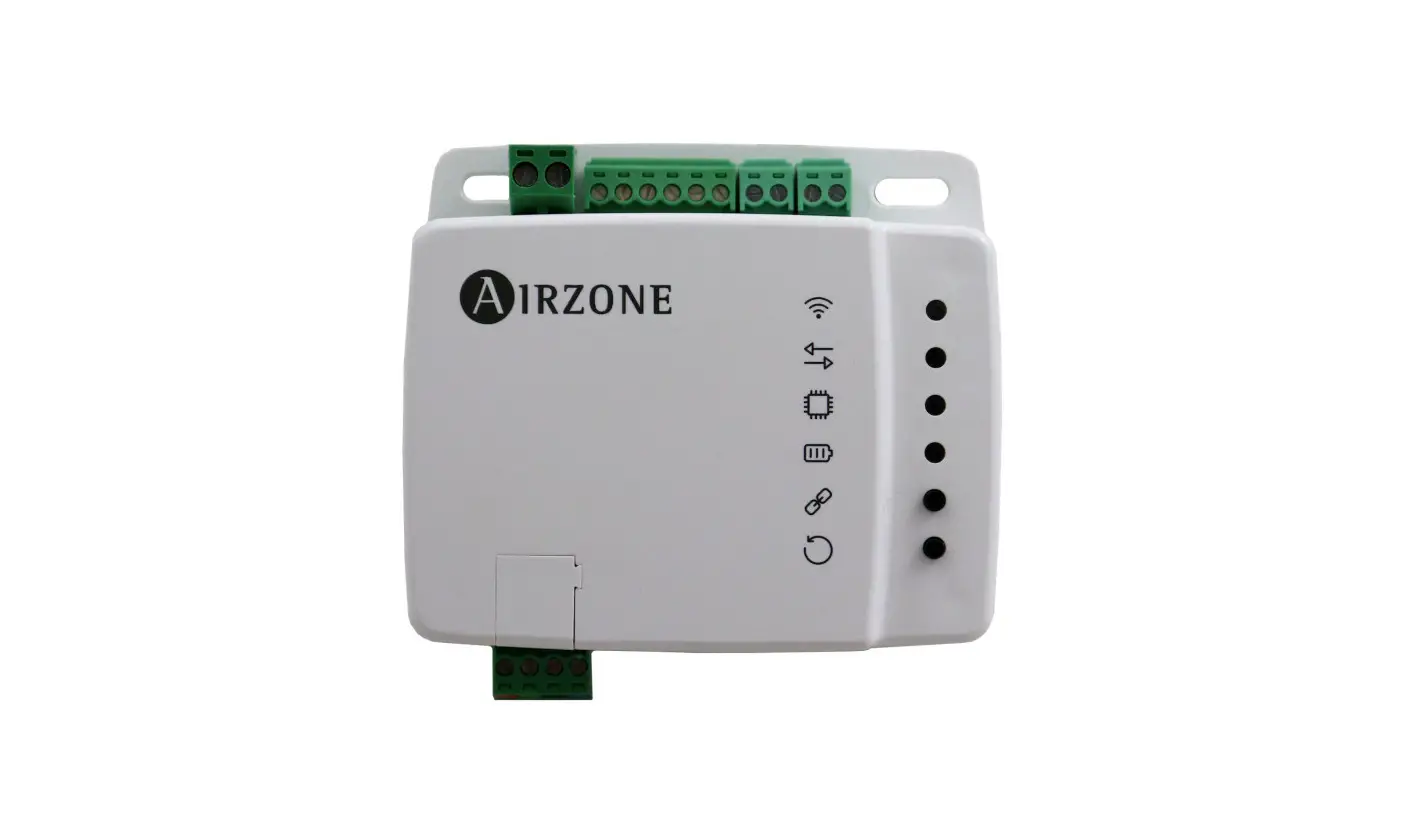
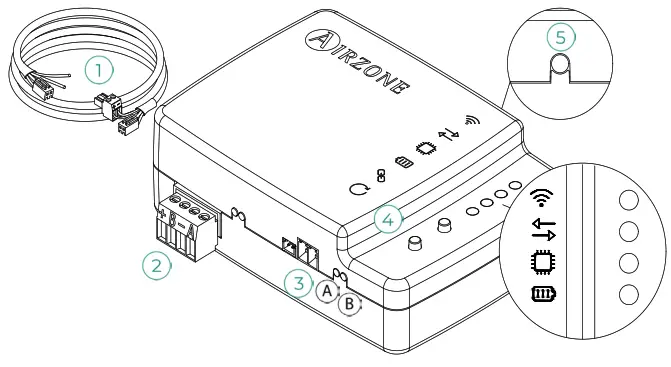
 DEVICE ELEMENTS
| Nº | Description |
| 1 | Cable Daikin SKY AIR / VRV |
| 2 | RS-485 port |
| 3 | Indoor unit port |
| 4 | Device reboot |
| 5 | Association process reset |
 SELF-DIAGNOSIS
| Nº | Significado / Meaning / Significado | ||
|
| Connecting to a WI-FI network | Blinking | Green |
| Connected to WI-FI network | Steady | ||
| Connected to the server | Steady | Blue | |
| Not configured | Apagado Off Desligado | – | |
 | Cloud communication | Blinking | Red |
 | Microprocessor activity | Blinking | Green |
 | Power supply | Steady | Red |
 | Data transmission to the indoor unit | Blinking | Red |
 | Data reception from the indoor unit | Blinking | Green |

 ASSEMBLY AND CONNECTION
 ASSEMBLY AND CONNECTION
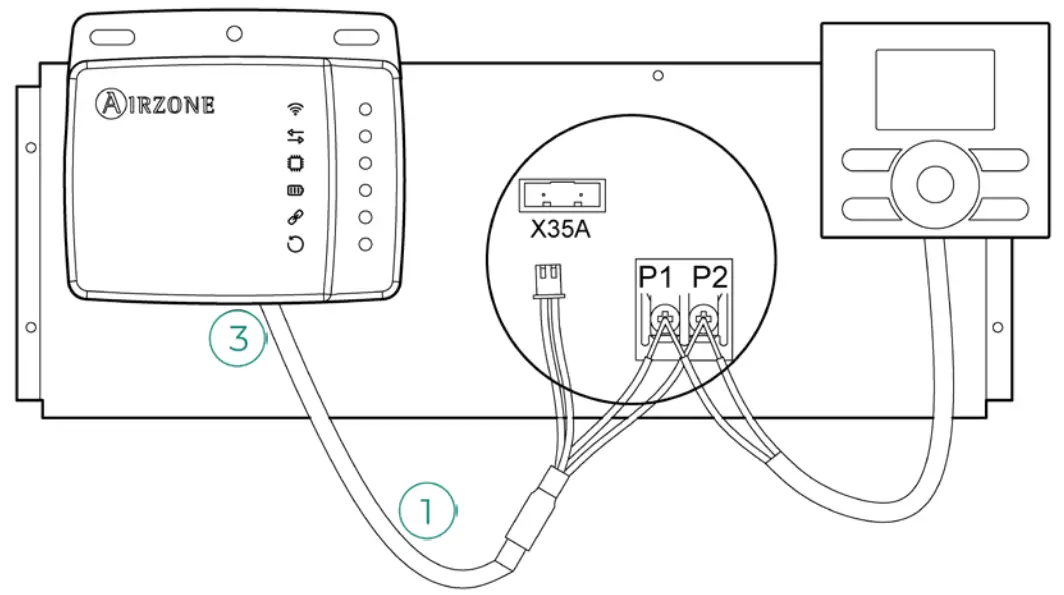
Important: The unit controller must remain working in parallel with your Aidoo and its operating mode changed to “Sub RC” (Check the Instruction manual Daikin BRC1E52A7).
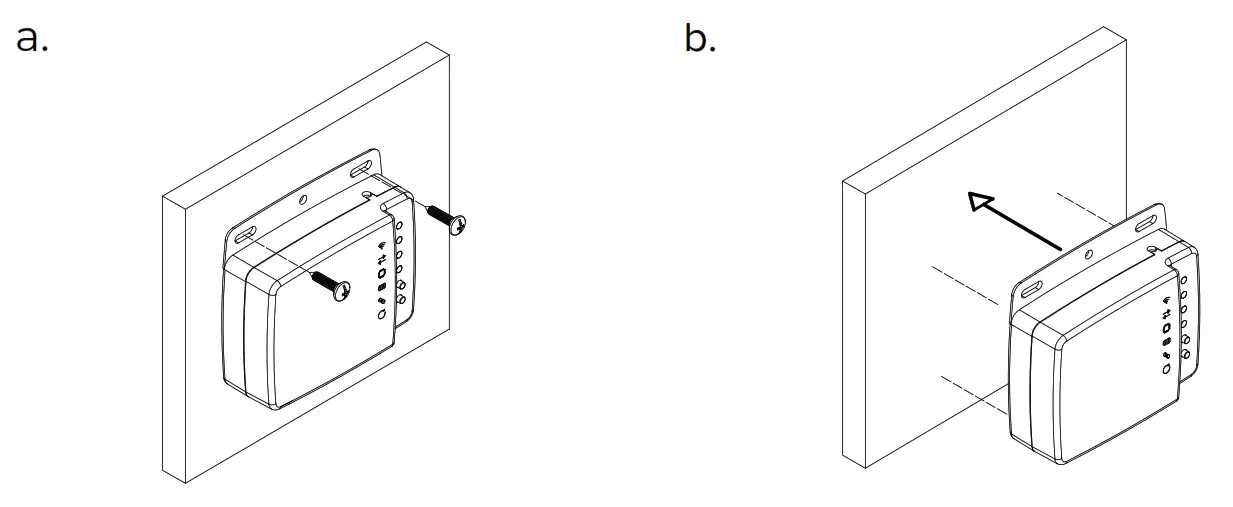
- Perform the assembly following the next step:
a. Screw attachment.
b. Double-sided adhesive attachment. - Disconnect the indoor unit.
- Connect the Aidoo to the terminals of the indoor unit using the supplied cable, X35A / X18A, and P1 P2.
- Power the indoor unit. Check the LEDs (see Self-diagnosis section).
- Download the app and follow the steps below for its setting. Access the support section to see the user manual.

https://airzonecontrol.com/qrc/aidooAppPro
Important: The equipment shall be supplied by a limited power source meeting class PS2 of the standard IEC 62368-1.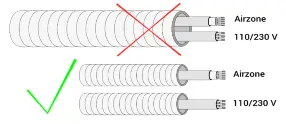

https://www.airzonecontrol.com/support/aidoo
 Airzone | Leaders in HVAC control solutions