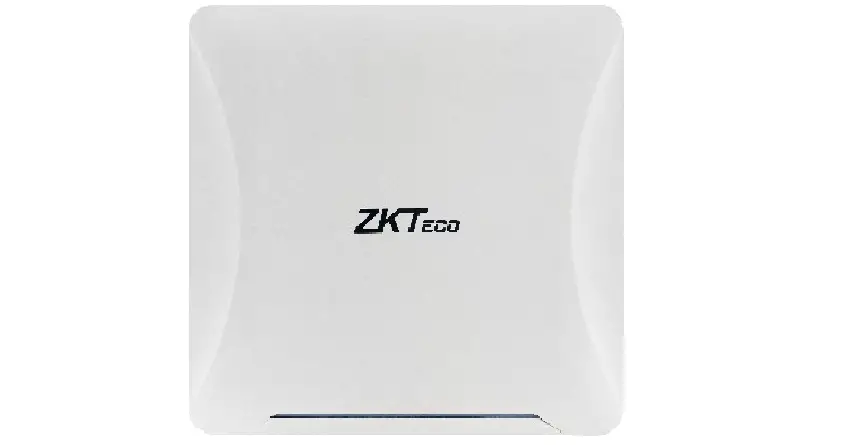
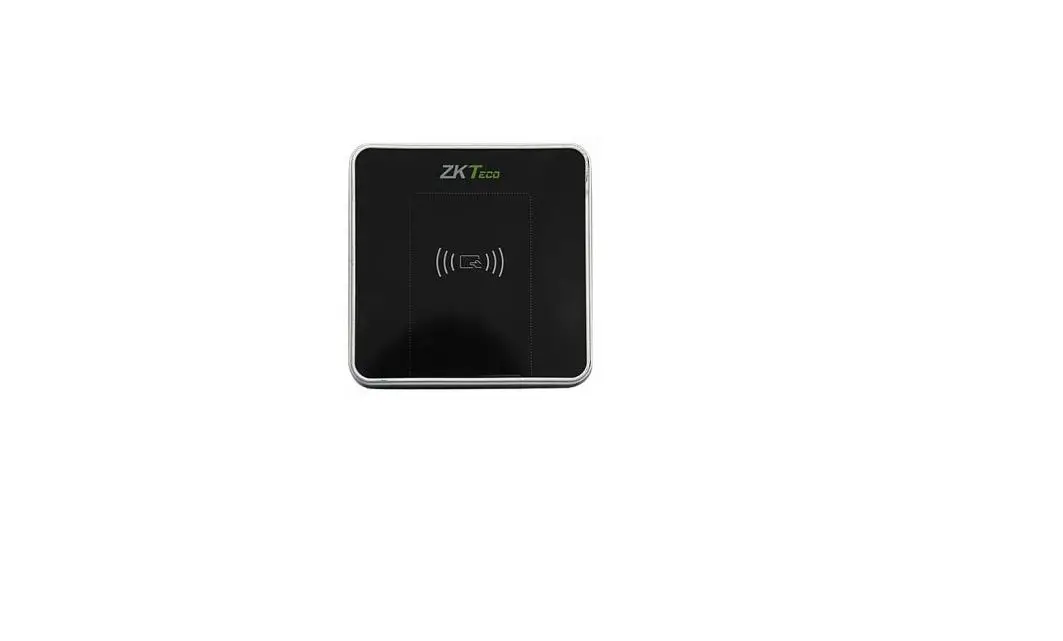
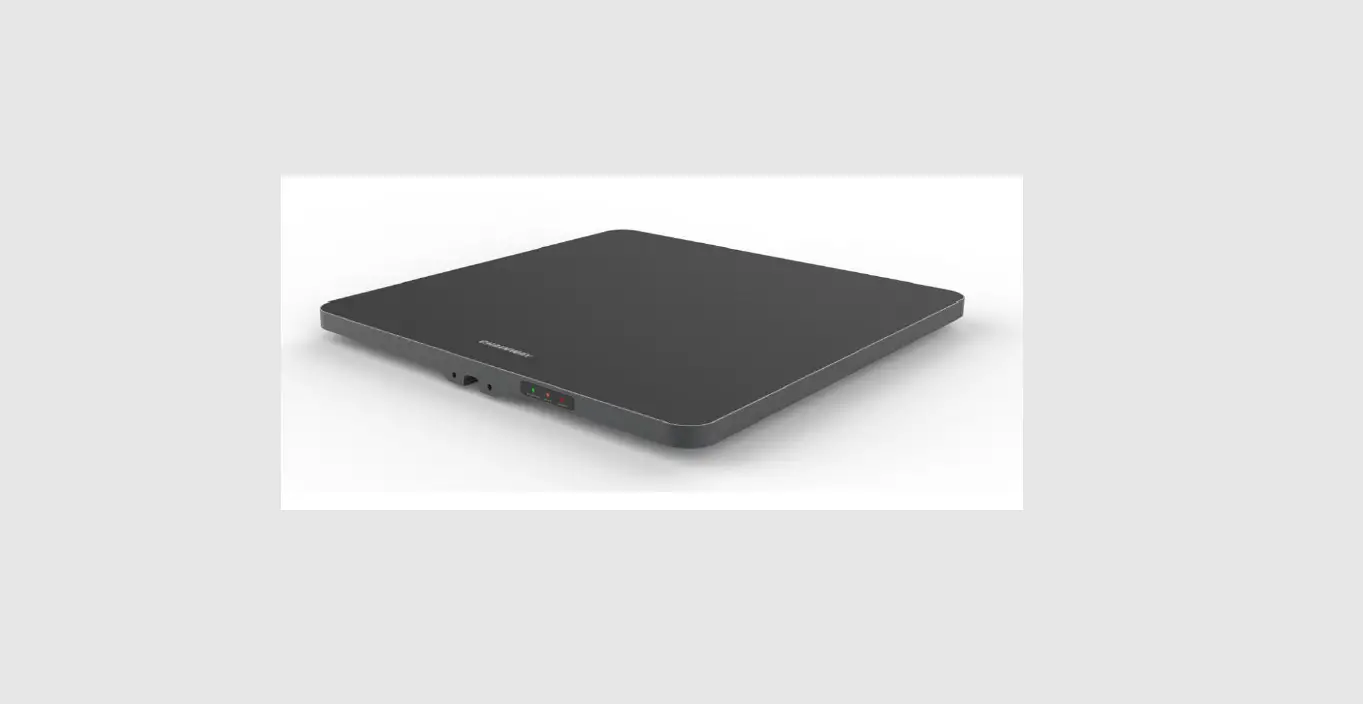
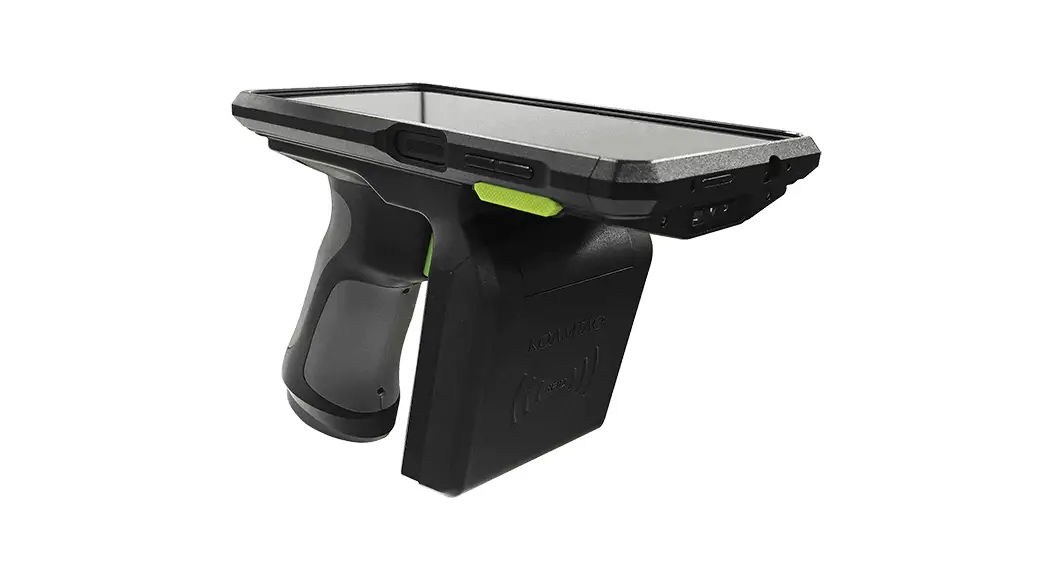
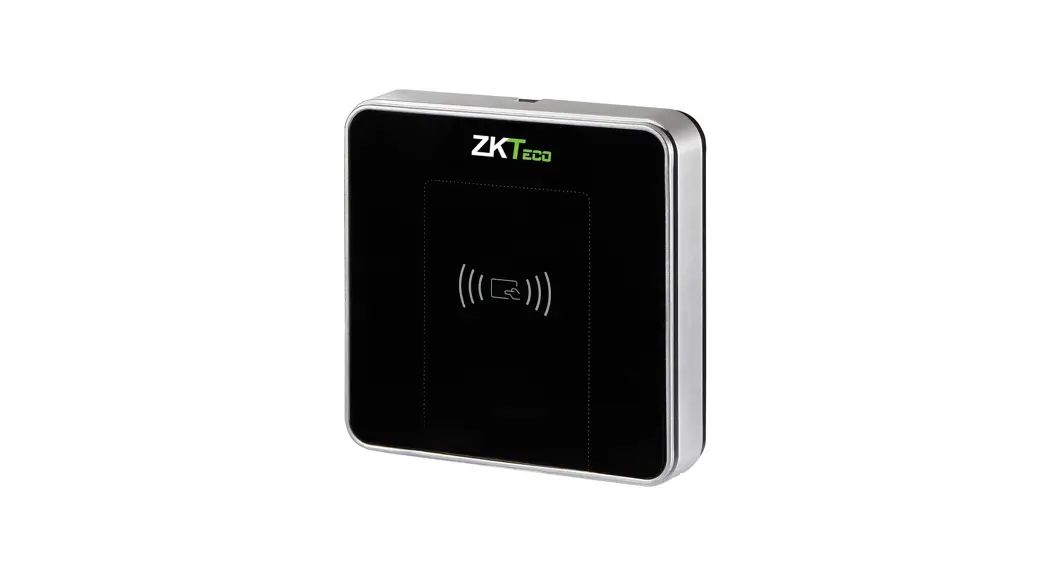
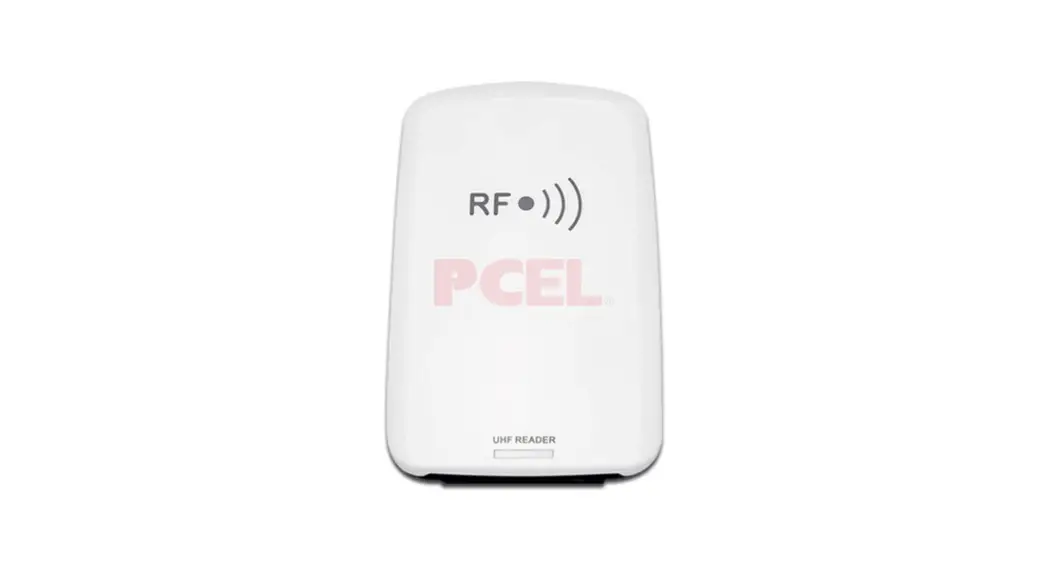
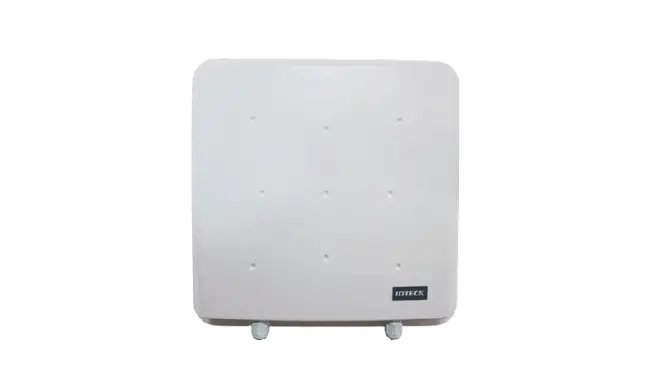
UHF5 Pro UHF Reader for Access Control System
Product Information:
The UHF5 Pro and UHF10 Pro are high-resolution monitors with a
1920×1080 LCD display and a 16:9/16:10 aspect ratio. The monitors
have a brightness of 450lux and a contrast ratio of 3000:1. They
support various input signals and have an energy indicator.
Key Functions:
- Keyboard: used for selection and confirmation
- Energy Indicator: indicates power status
Basic Parameters:
- Resolution: 1920×1080 LCD
- Backlight: 450lux
- Aspect Ratio: 16:9/16:10
- Brightness: 450lux
- Contrast Ratio: 3000:1
- Input Signal: supports various input signals
- Language: supports multiple languages
- Feeding Power Frequency: supports different power
frequencies - Long Term Work Environment: safe use in areas below 2000m above
sea level
Interface Function Chart:
- USB Input
- Left Audio Channel Input
- Left Audio Channel Input
- 12V3A Audio Input
- Audio Output
- HDMI Input
- VGA Input
Product Usage Instructions:
Turning on the Monitor:
The monitor turns on automatically.
Channel Selection:
- Press the A key to enter the channel selection menu.
- Press the B key to select the desired signal channel.
- Press the E key to confirm the selection.
- Press the A key to exit the menu.
Picture Effect Design:
- Press the B key to enter the menu.
- Press the B key continuously to select different options.
- Press the C+ and D- keys to adjust the settings.
- Press the E key to confirm the changes.
- Press the A key to exit the menu.
Note: For further information or assistance, please refer to the
user manual or contact the distributor.
Fast guide
Using the Monitor
UHF5 Pro / UHF10 Pro A
Machine Translated by Google
1. Key Function Description
keyboard es alida eM enu keyboard key+ Key Keyboard eC onfirmation energy indicator
2. Operating Instructions
1. turns on automatically 2. Channel selection: press A key, press B key to select signal channel, then press E key to confirm, finally press A key to exit
3. Picture Effect Design: Press B key to enter menu, and press B key continuously to select different options, press C+ and D- key to adjust, then press E key to confirm, and finally press A key to go out
3. Basic Parameters
resolution Backlight aspect ratio
Brightness
Contrast input signal
Language Feeding power frequency long term work environment
1920 * 1080 LCD
16:9/16:10 450lux 3000:1
HDMI VGA USB AV Chinese / English 30 AC220V/ 50Hz 0-30°
4. Interface Function Chart
EntradaU SB
Input the left audio channel Input the left audio channel
12V3 A
audio input Audio output
1
User Manual
EntradaA V
InputH DMI
Entrance V GA
Machine Translated by Google Mark “only for safe use in non-tropical climate”
It marks “only for safe use in areas below 2000m above sea level”.
Username mail Address Postal Code Contact number Product name Model Serial number / Distributor Name Address Contact number Postal Code sale date Invoice sheet
Warranty card
UHF5 Pro / UHF10 Pro 2
Machine Translated by Google
www.zkteco.com
www.zktecolatinoamerica.com
Copyright © 2020, ZKTeco CO., LTD. All rights reserved. ZKTeco may, at any time and without prior notice, make changes or improvements to products and services or stop their production or marketing. ZKTeco logo and brand are owned by ZKTeco CO., LTD.
UHF5 Pro / UHF10 Pro 3
 ZKTeco | Home Page
  ZKTeco Latinoamerica