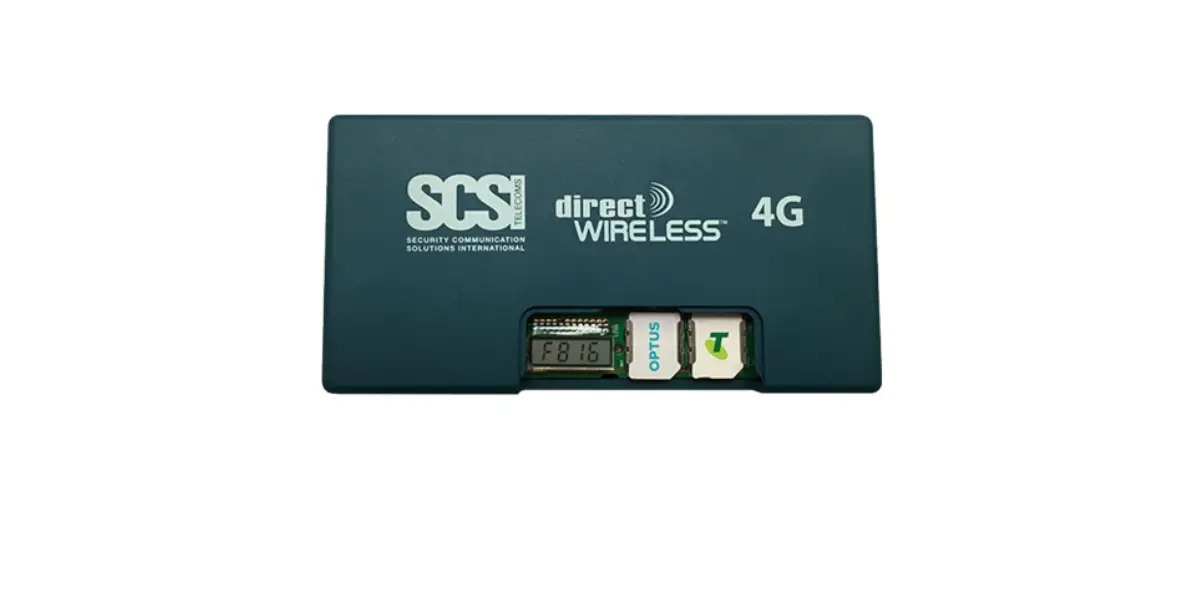
SCSI 4G IP Direct Wireless™ Communications Module User Guide

THANK YOU
for choosing DirectWireless™ as your communications device.
Below are the step-by-step instructions you should follow when setting up this device for the first time.
 Contact your control room and request a new monitored account number for a DirectWireless connection. You will need this account number in Step 5.
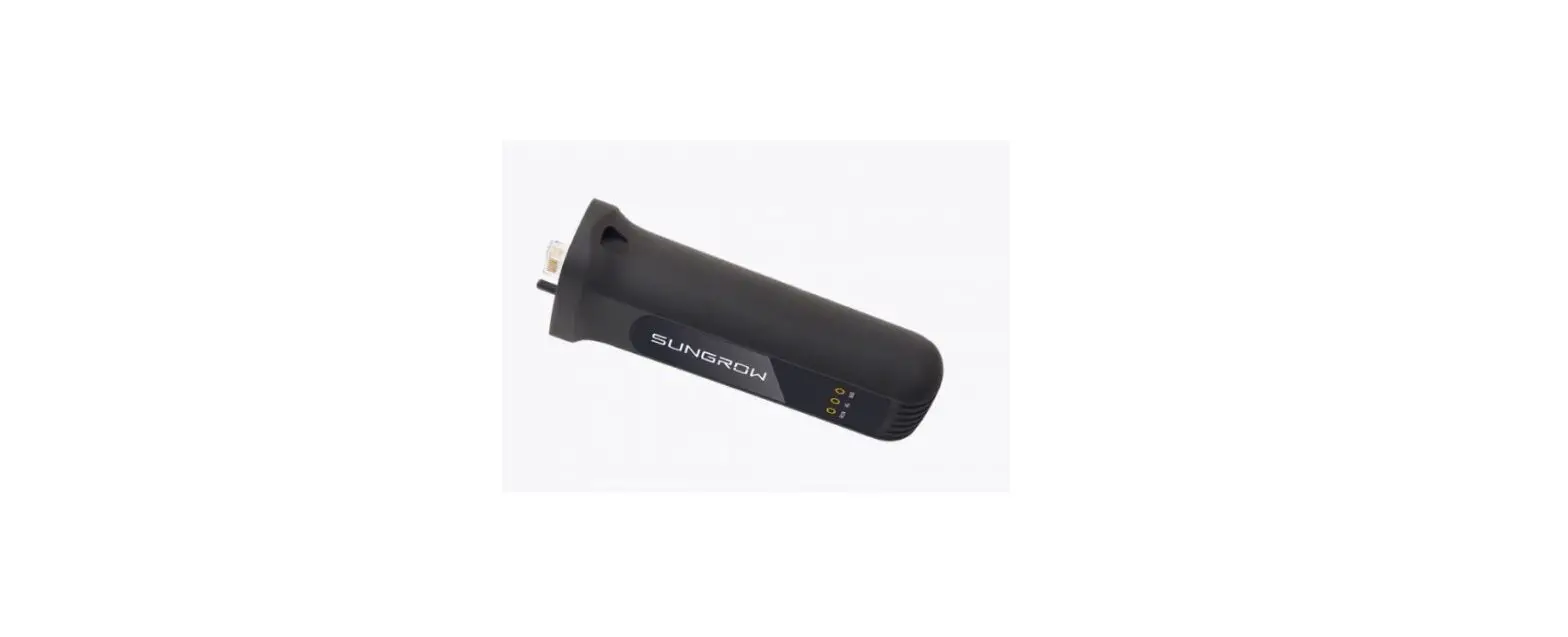
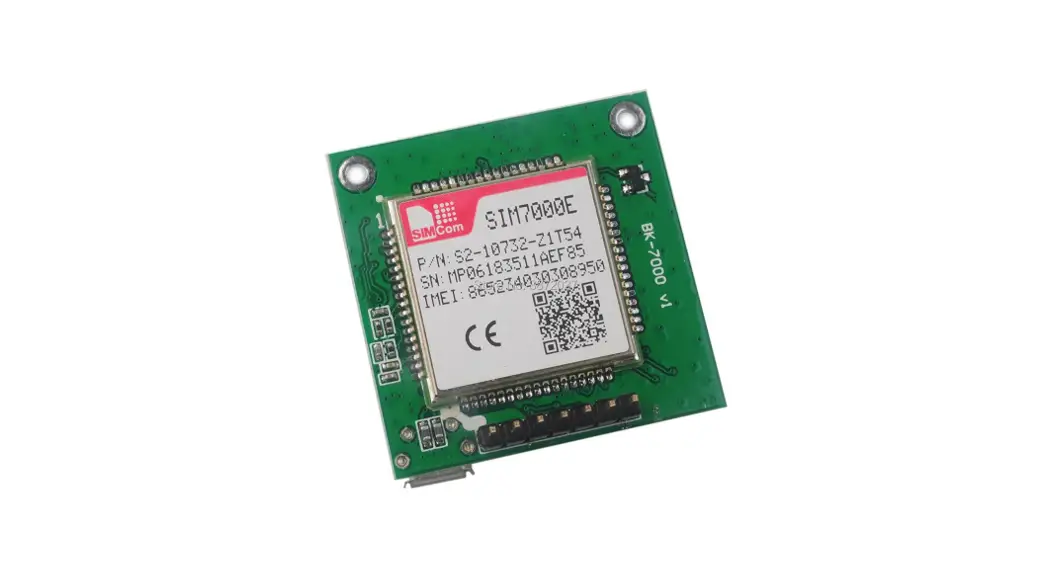
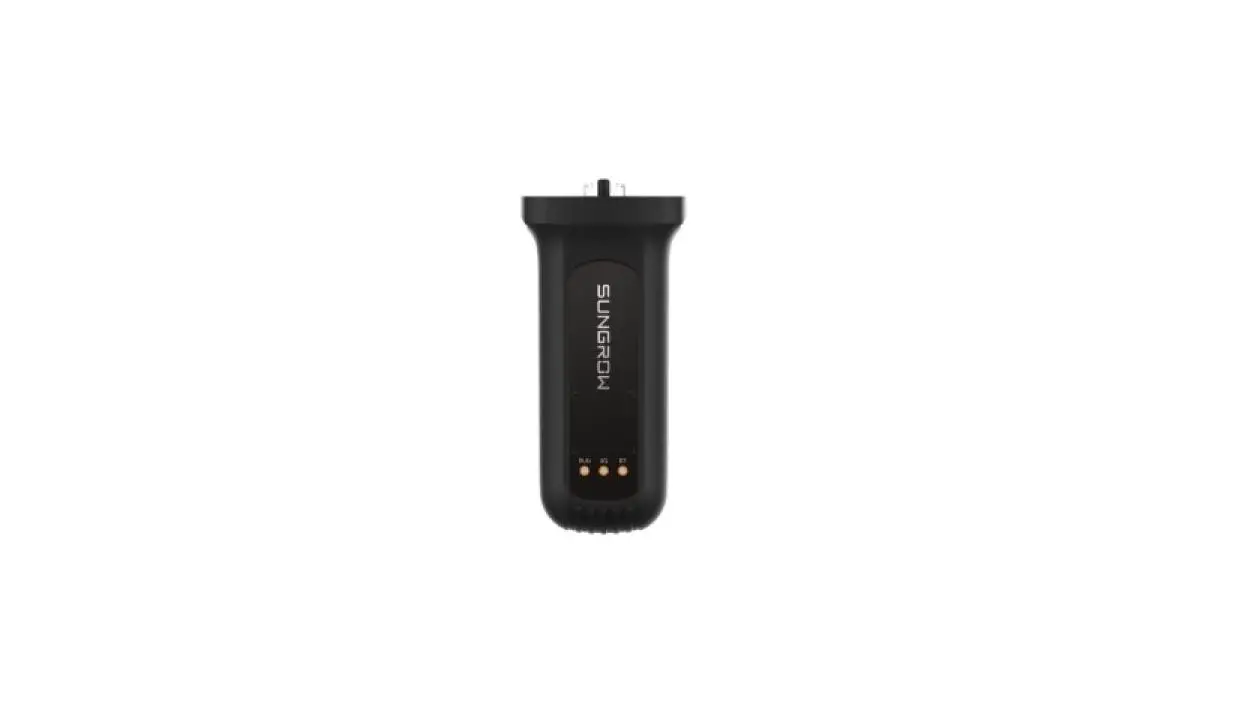
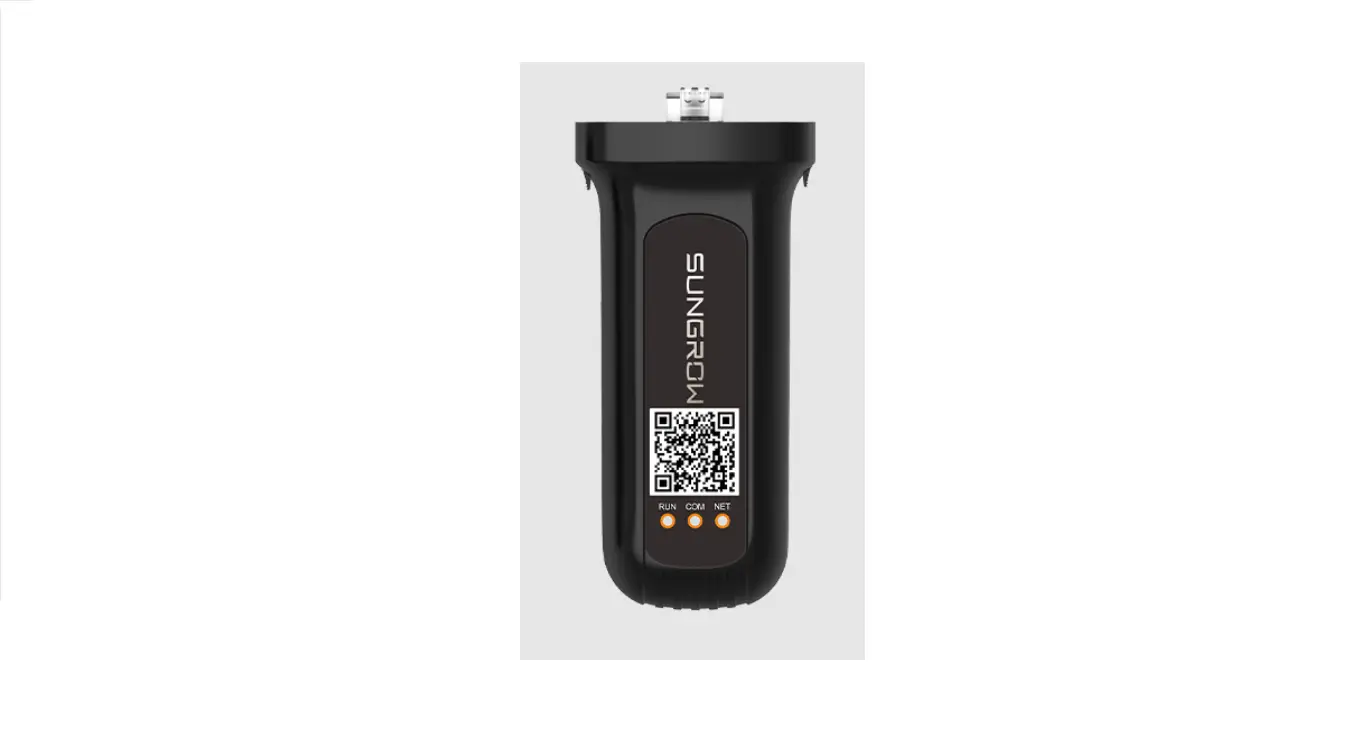
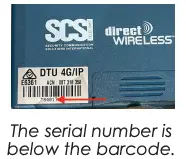
- Take note of the serial number of the DirectWireless unit (see picture at right).
- Install the DirectWireless DTU as per the included instructions.
- Once installed and powered up, call 1300 555 570 and select Tech Support.
- Advise the Technical Support member that you have a DTU (Digital Transmission Unit) to connect to “your control room” providing the serial number of the DTU and the account number provided by the control room in step 1.
 Contact your control room and request a new monitored account number for a DirectWireless connection. You will need this account number in Step 5.
The SCSI Technical Support staff will connect your new DTU to the control room and it will be ready for testing alarm events through.
Your Trusted Supplier in Security Communications
 1300 555 570
[email protected]
www.scsi.com.au
 Security Communication Solutions International | Your trusted supplier in security communications