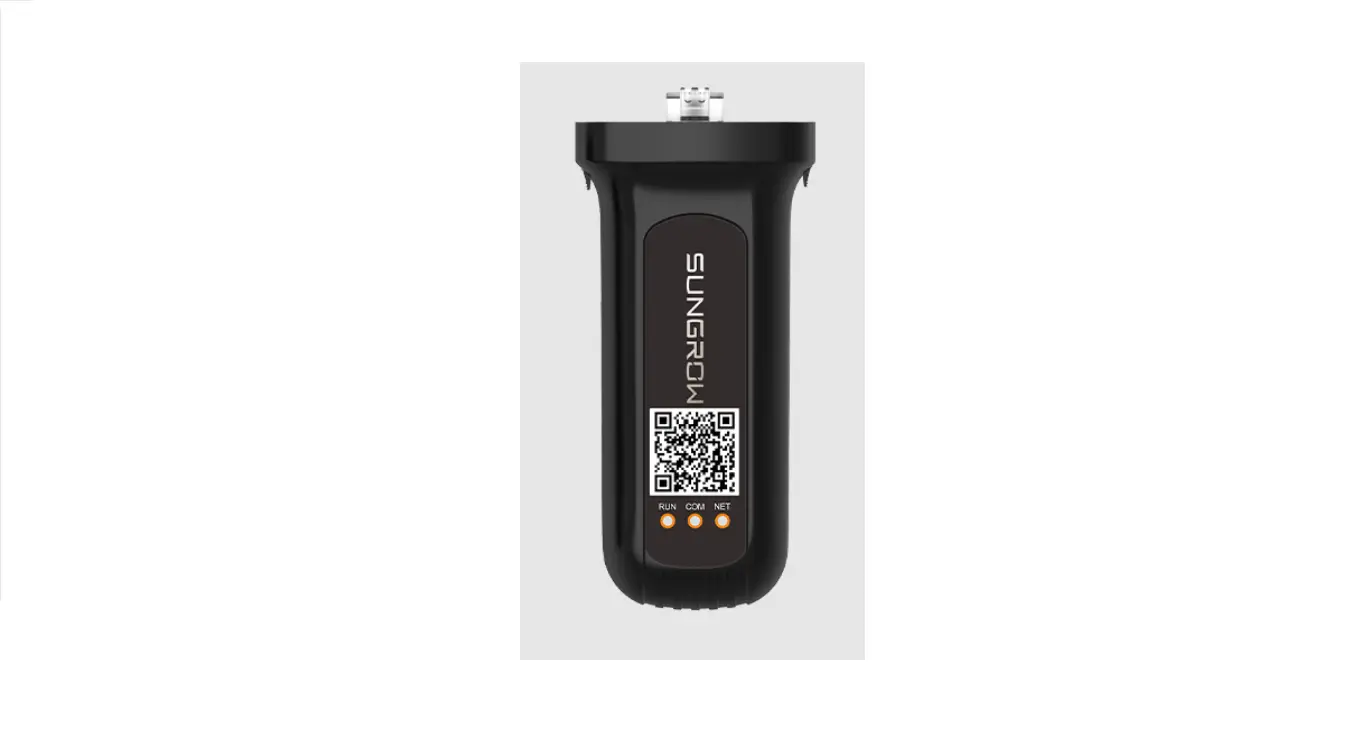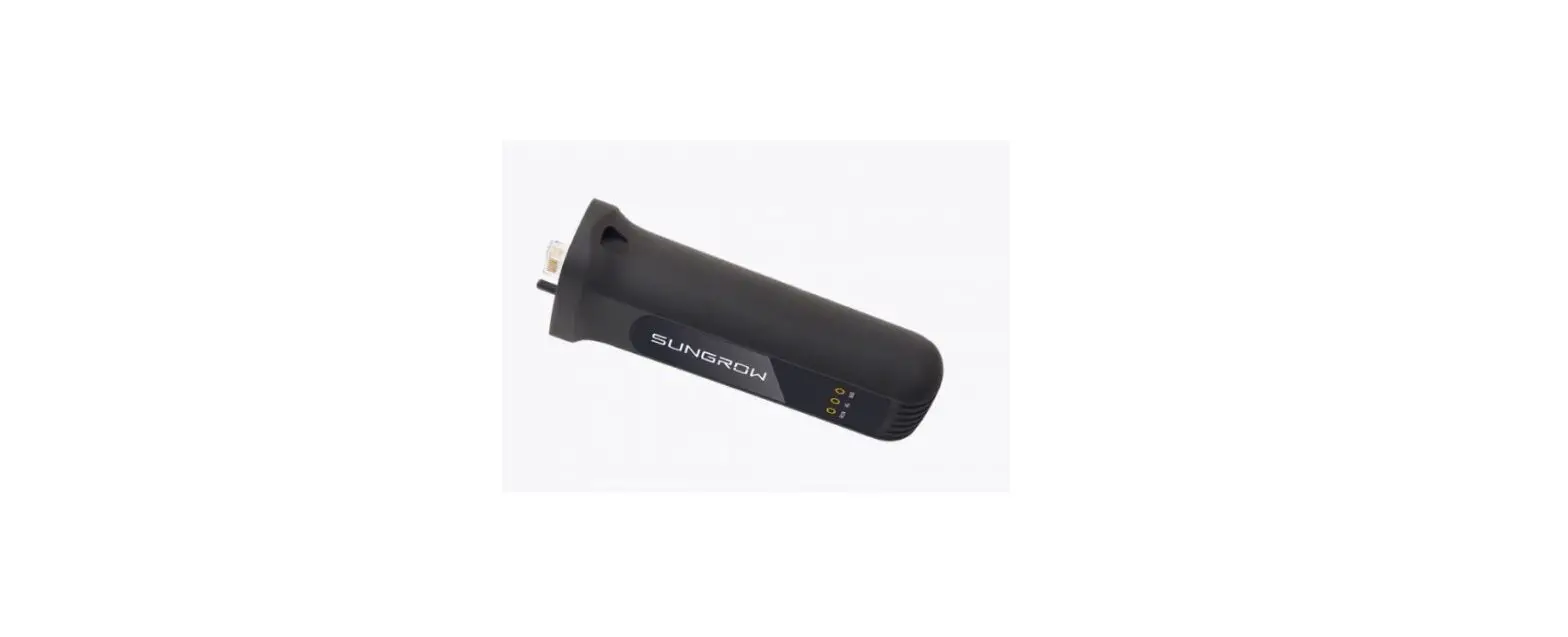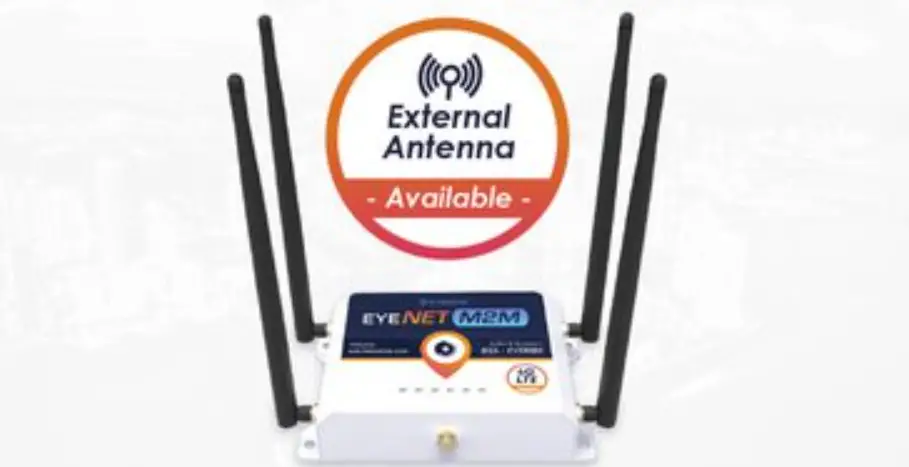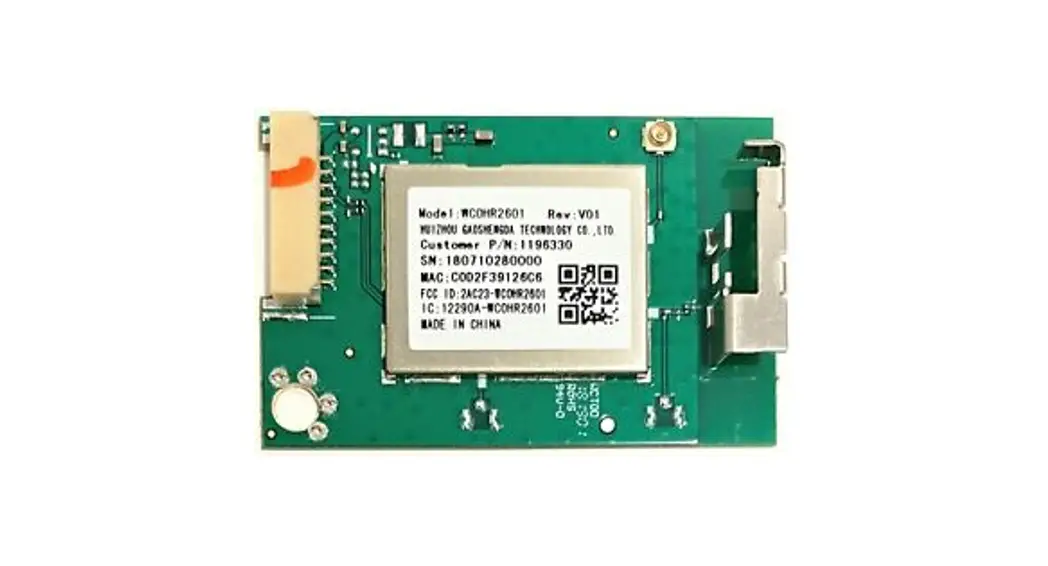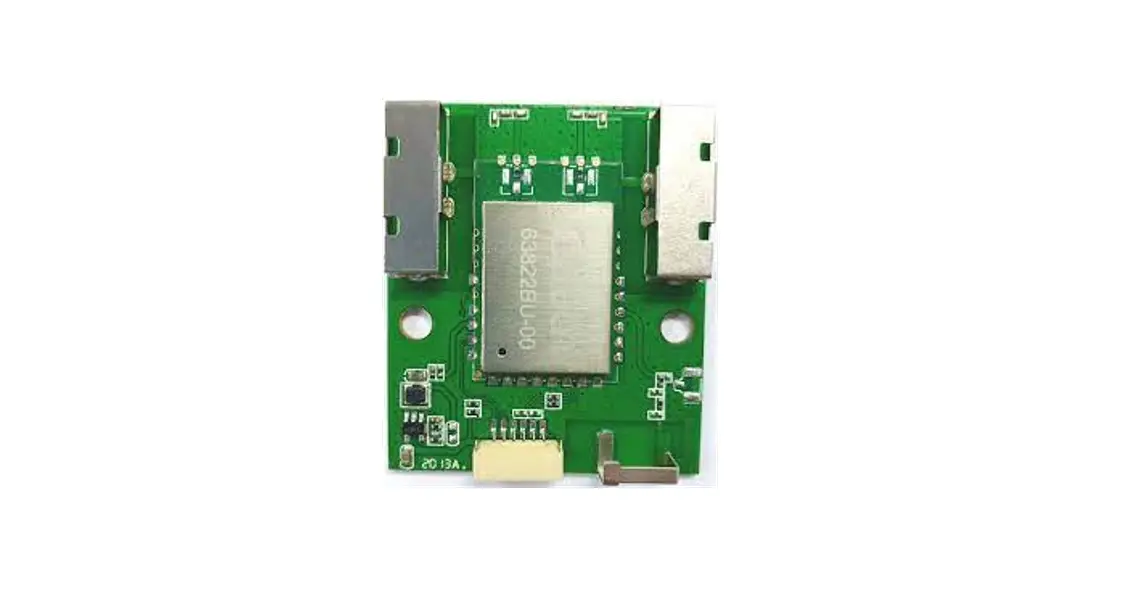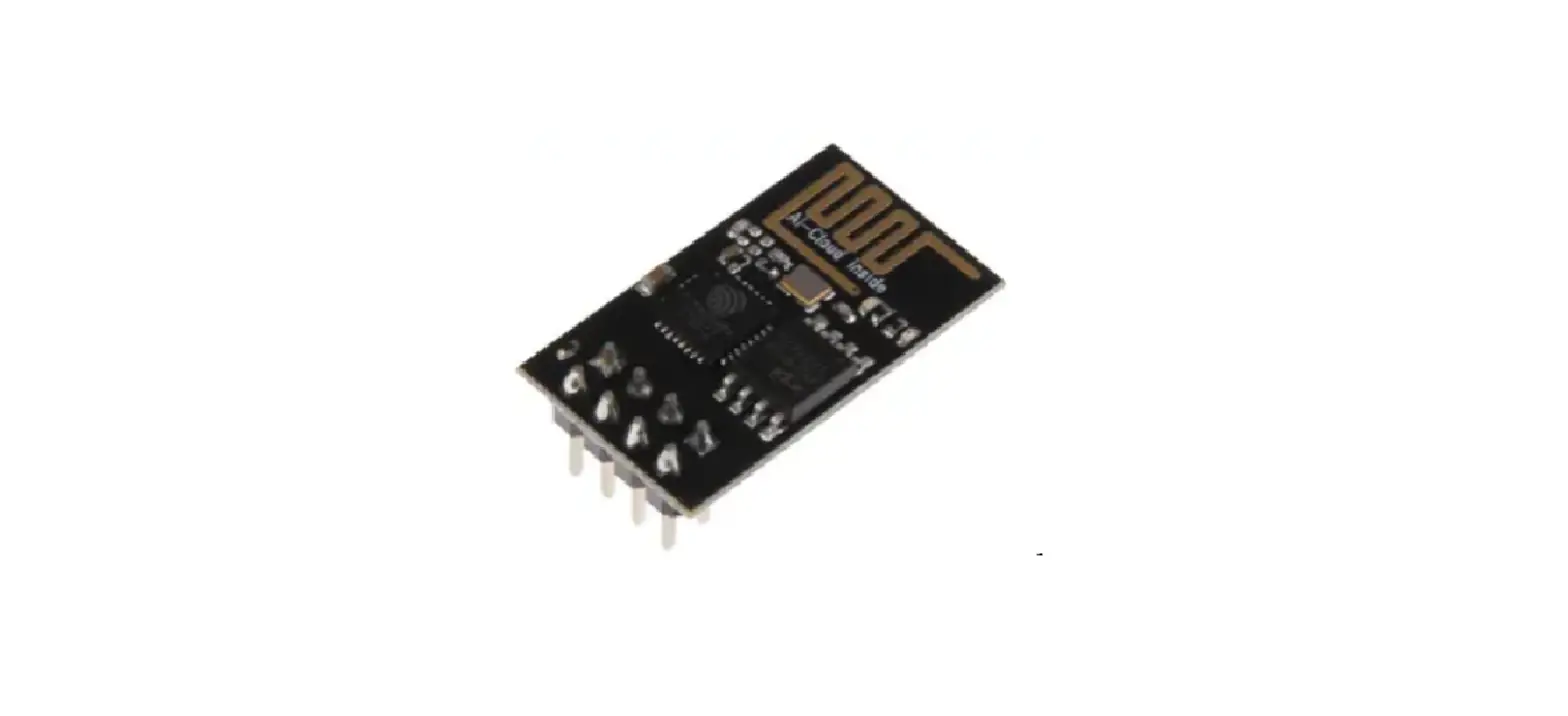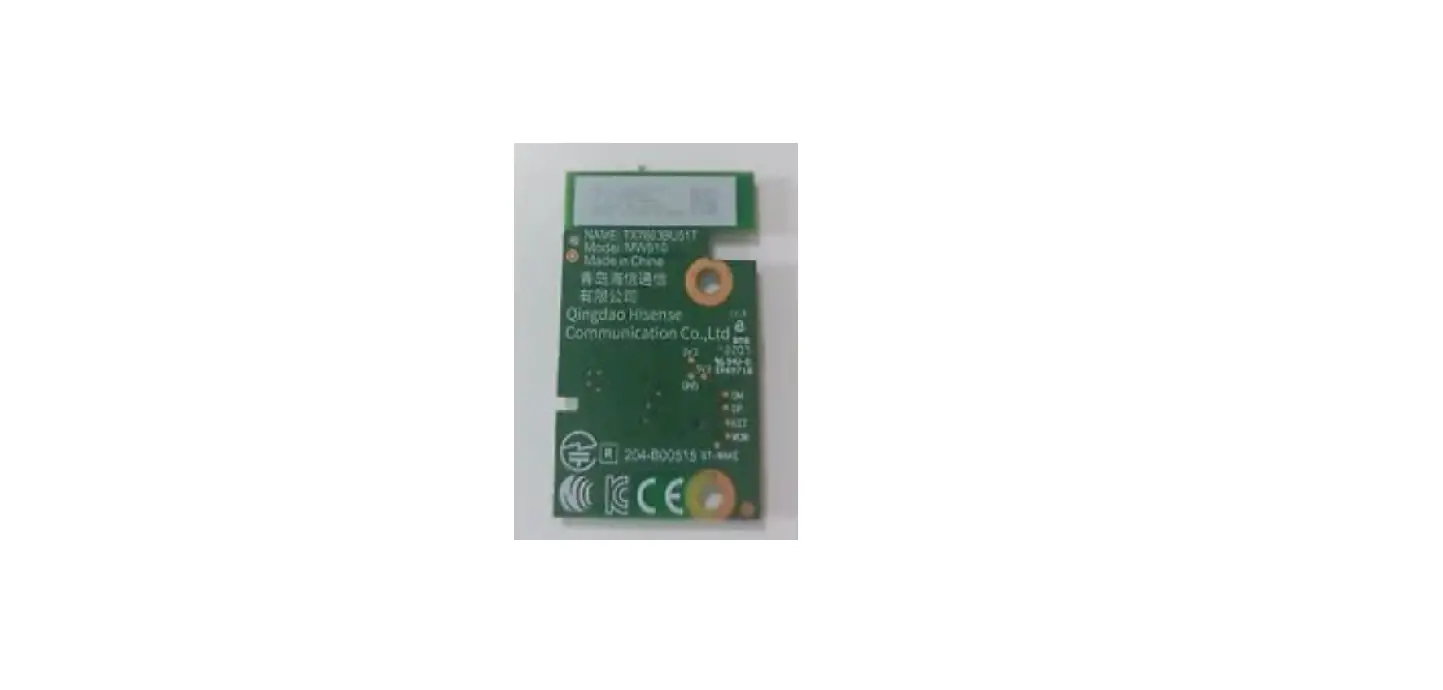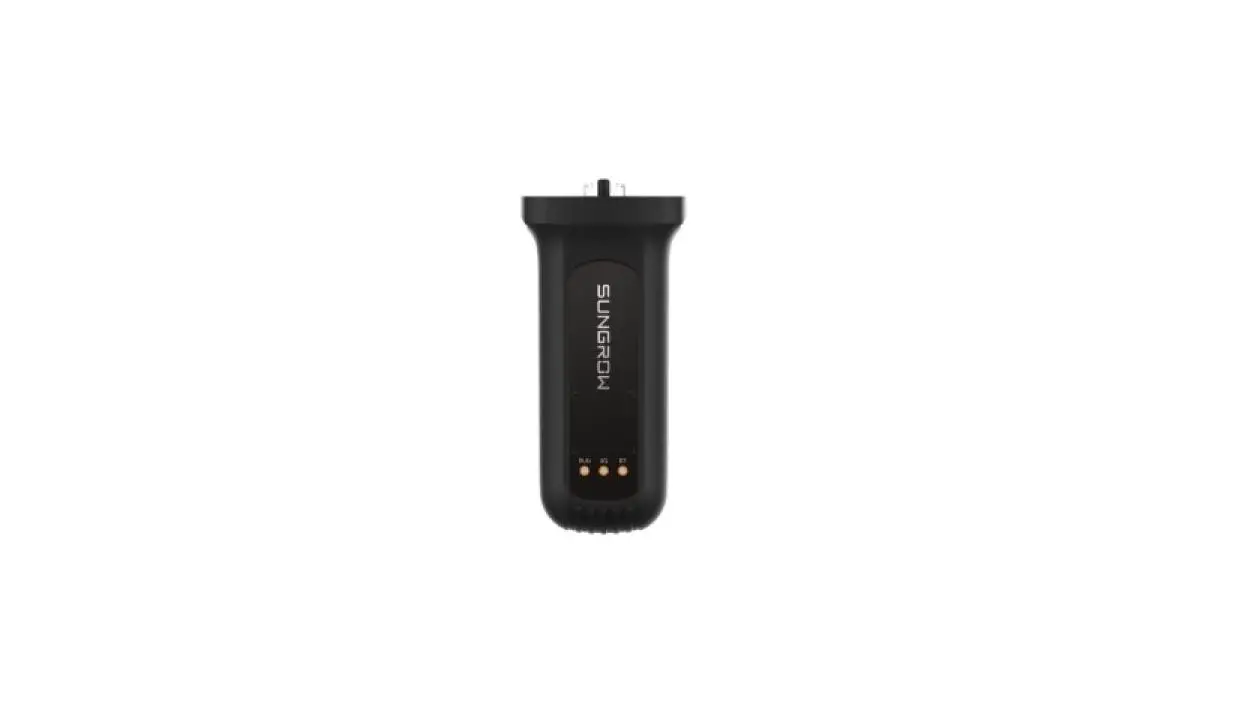

SUNGROW EyeW485 Wireless Communication Module
Application Scenarios
Description of Application Scenarios
EyeW485 is applied to the new energy industry, especially the photovoltaic industry. For use with PV inverters developed and manufactured by SUNGROW in residential/industrial/utility/floating photovoltaic plants. The inverter data is transferred via WiSun to the EyeW485-H and thus to the SunCloud.
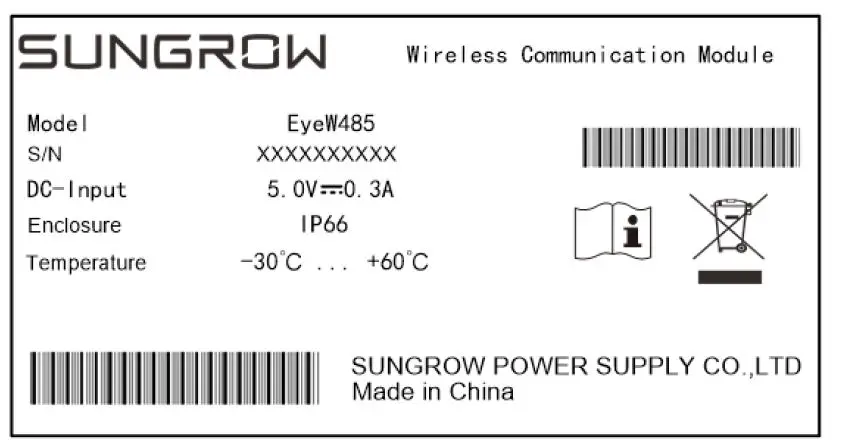
Nameplate
Description
| Parameter | Description |
| DC input | DCinput |
| Protection rating | Dust-proof and waterproof rating IP66: The product is completely dust-proof and the water intake caused by surfs or strong water spray will not harm the product. |
| Working ambient temperature | Normal Operating temperature range |
| Do not dispose of the communication module as household waste | |
| Please read the quick use manual |
Install the Wireless Communication Module
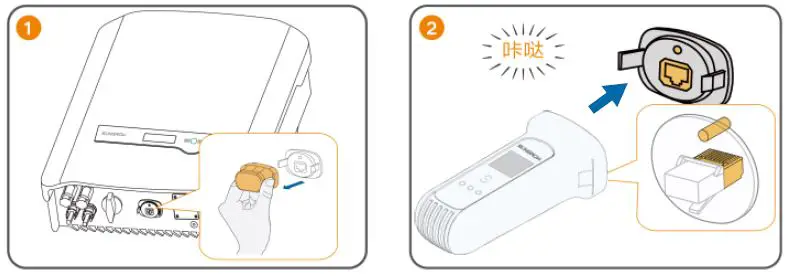
Description of the Indicator Status
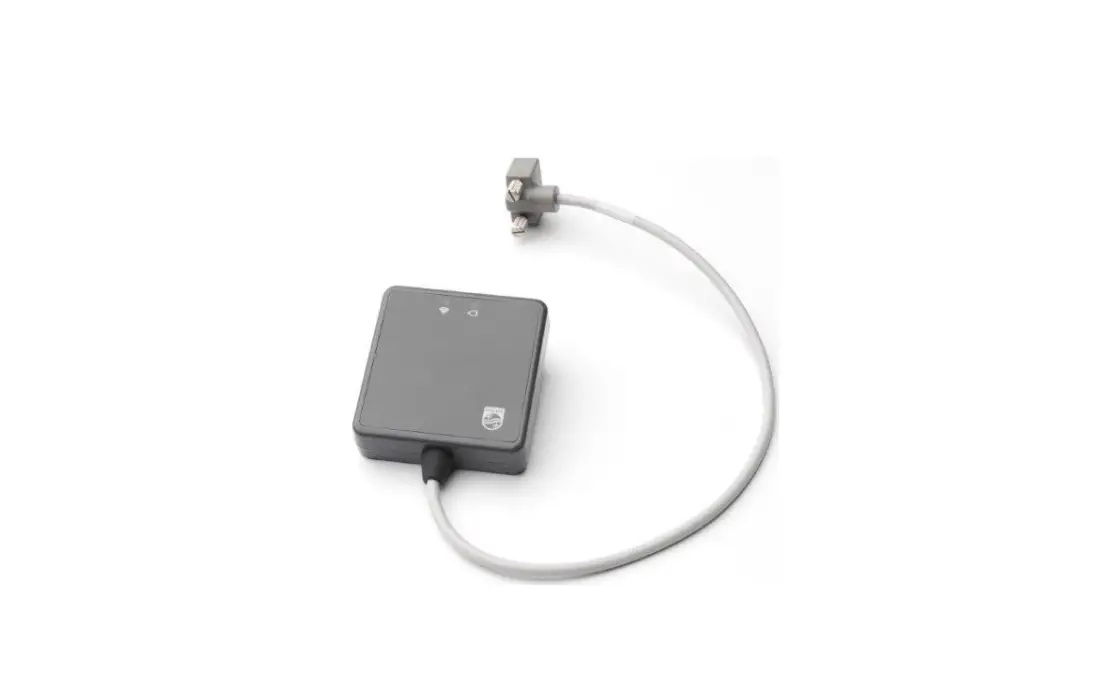
The EyeW485 needs to be used with the EyeW485-H, both of which communicate wirelessly through WiSun to enable networking. The indicator status of EyeW485 and EyeW485-H is explained below.
| Indicators | Color | Status | Description |
| Run and malfunction indicator (RUN)) | Off | External power supply disconnection | |
| Red/Yellow-Green | Blinking yellow and green | ||
| Normal operation |
| Indicators | Color | Status | Description |
| Run indicator (RUN) | Green | Off | External power supply disconnection |
| Blinking | Normal operation | ||
| WiSun network status indicator (NET) | Off | Connected with EyeW485 | |
| Blue | Steady on | Fail to connect with EyeW485 |
Troubleshooting
Follow these steps to perform troubleshooting if the EyeW485 indicators are in the following status.
| No. | Fault | Check method |
|
1 |
RUN indicator off | 1) If necessary, open the cover and check whether the backplane supply voltage is DC5.0V with the multimeter; 2) If the power supply voltage is normal and the run indicator is still off, the wireless communication module is defective.Please contact SUNGROW for post-sales service. |
| 2 | NET indicator off | 1) Check whether the EyeW485-His connected to external power; 2) Check whether the EyeW485-H is connected. |
| No. | Fault | Check method |
|
3 |
COM indicator off | 1) Check whether the EyeW485 is communicating properly with the inverter; 2) Check whether the EyeW485-H is communicating properly with the logger. |
FCC Statement
This equipment has been tested and found to comply with the limits for a Class B digital device,pursuant to part 15 of the FCC Rules. These limits are designed to provide reasonable protection against harmful interference in a residential installation. This equipment generates uses and can radiate radio frequency energy and, if not installed and used in accordance with the instructions, may cause harmful interference to radio communications. However, there is no guarantee that interference will not occur in a particular installation. If this equipment does cause harmful interference to radio or television reception, which can be determined by turning the equipment off and on, the user is encouraged to try to correct the interference by one or more of the following measures:
- Reorient or relocate the receiving antenna.
- Increase the separation between the equipment and receiver.
- Connect the equipment into an outlet on a circuit different from that to which the receiver is connected.
- Consult the dealer or an experienced radio/TV technician for help.
This device complies with FCC radiation exposure limits set forth for an uncontrolled environment.
This device complies with Part 15 of the FCC Rules. Operation is subject to the following two conditions: (1) this device may not cause harmful interference, and (2) this device must accept any interference received, including interference that may cause undesired operation.
Caution!
Any changes or modifications not expressly approved by the party responsible for compliance could void the user’s authority to operate the equipment. To maintain compliance with FCC’s RF exposure guidelines, this equipment should be installed and operated with a minimum distance of 20cm from the radiator of your body: Use only the supplied antenna.