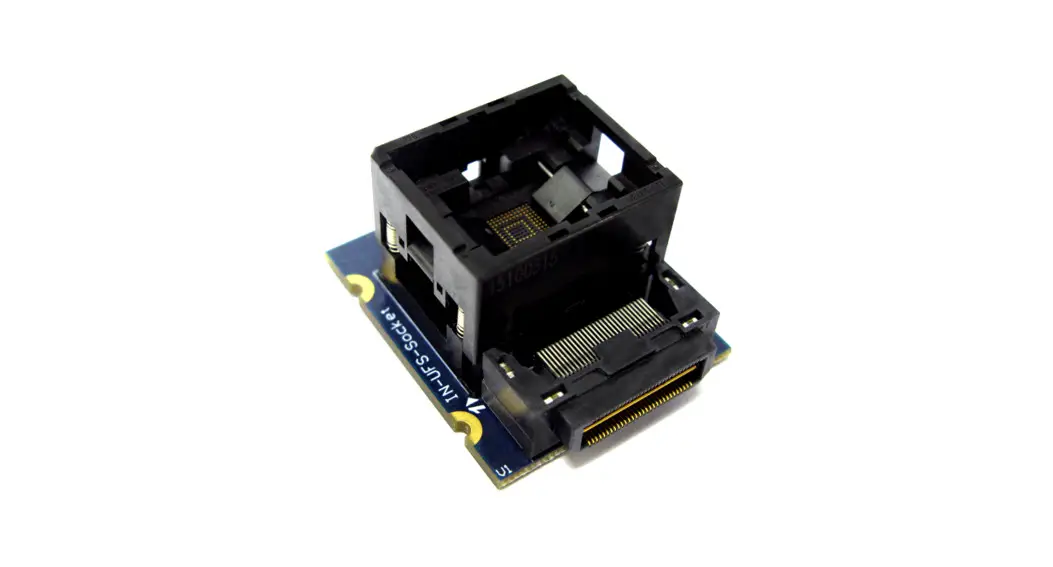
 Socket Adaptor Connect to The DediProg Programmers
User Guide
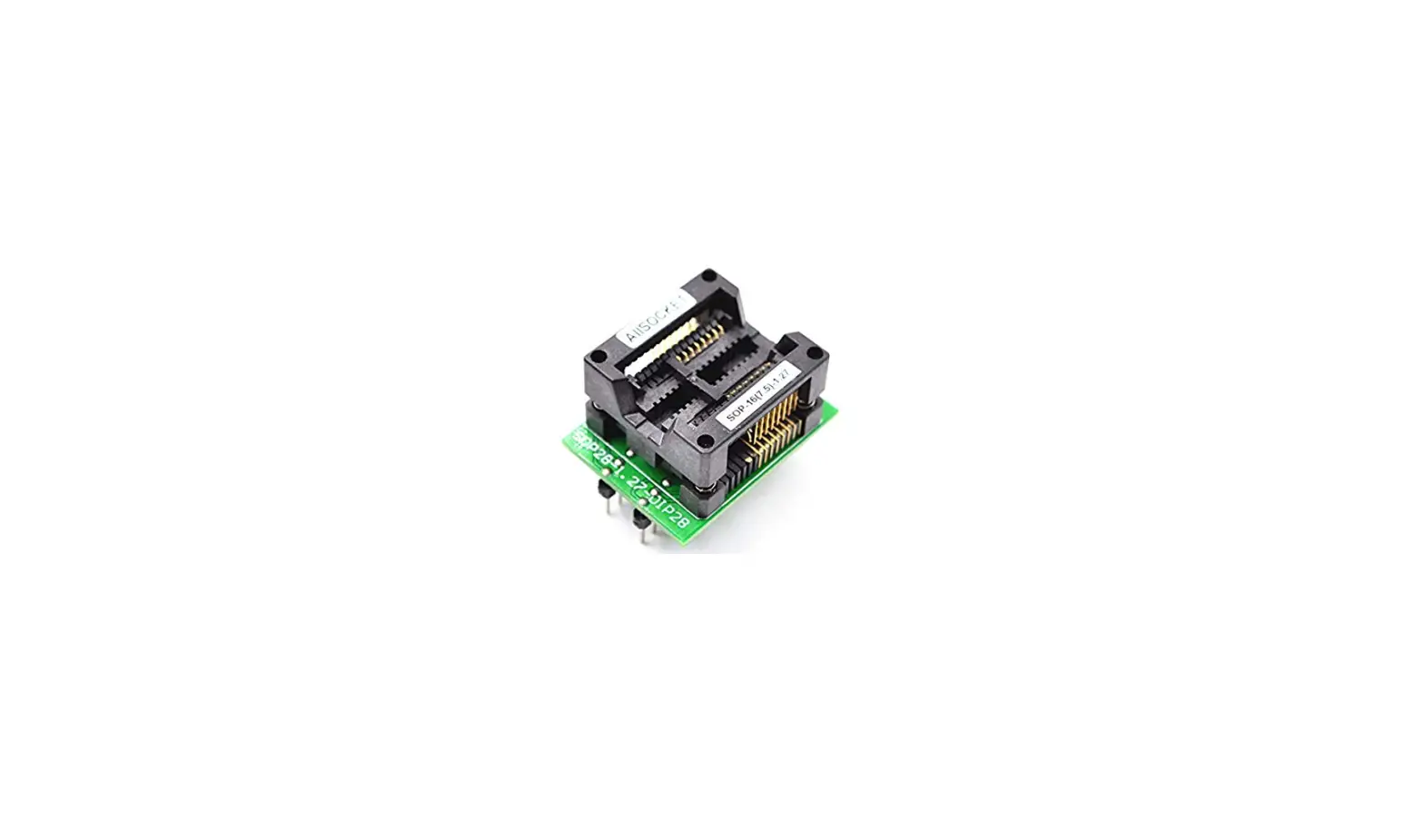
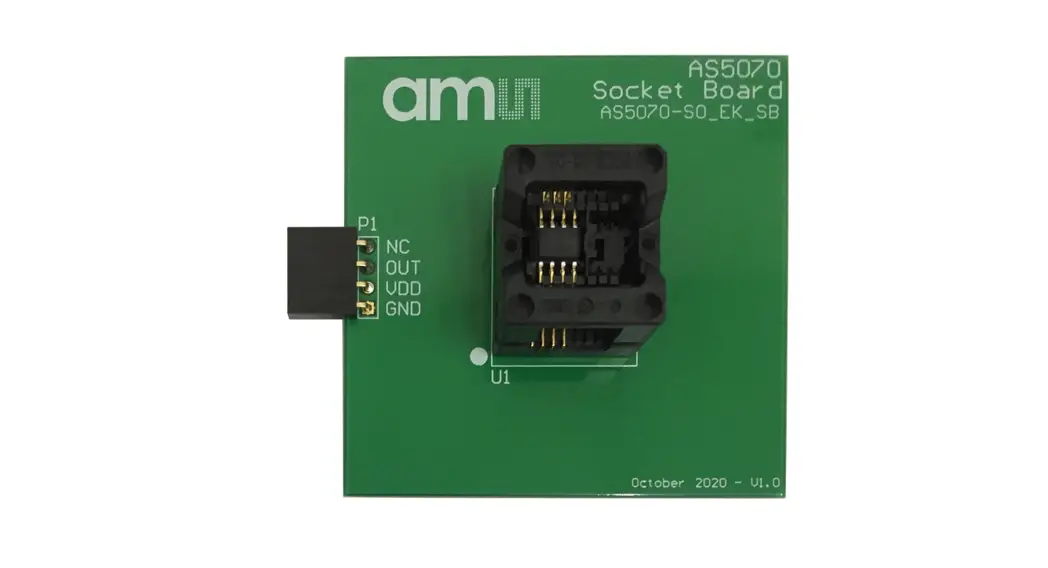
Socket adaptor
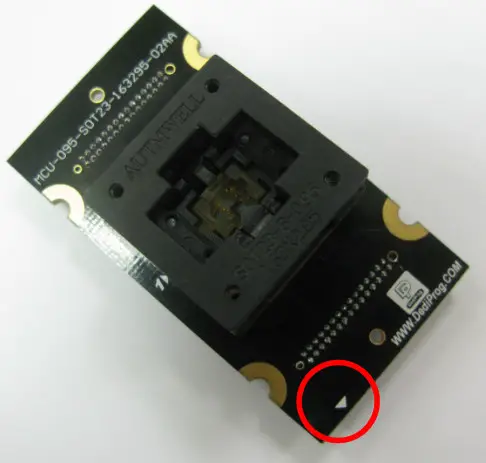
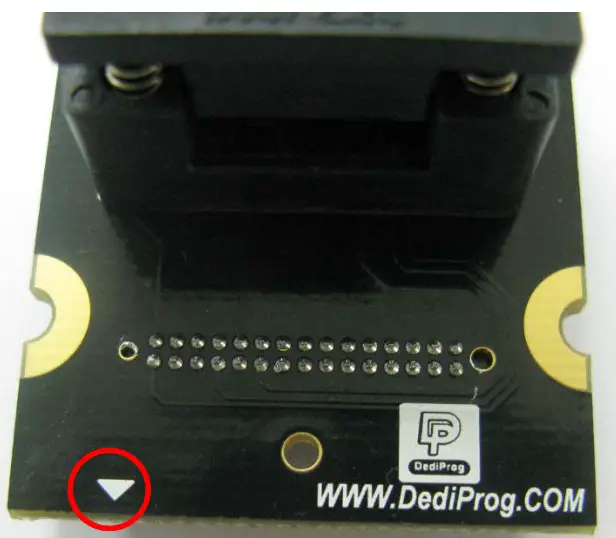
- The new socket has a white triangle marker on the left and lower side of the socket.

- See the red circle as below .The white triangle is next to the DediProg logo.

Connect to SF600/SF600Plus
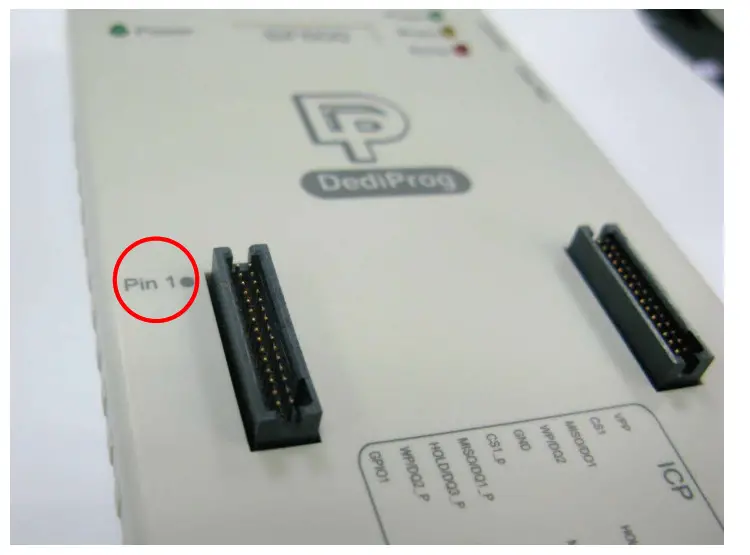
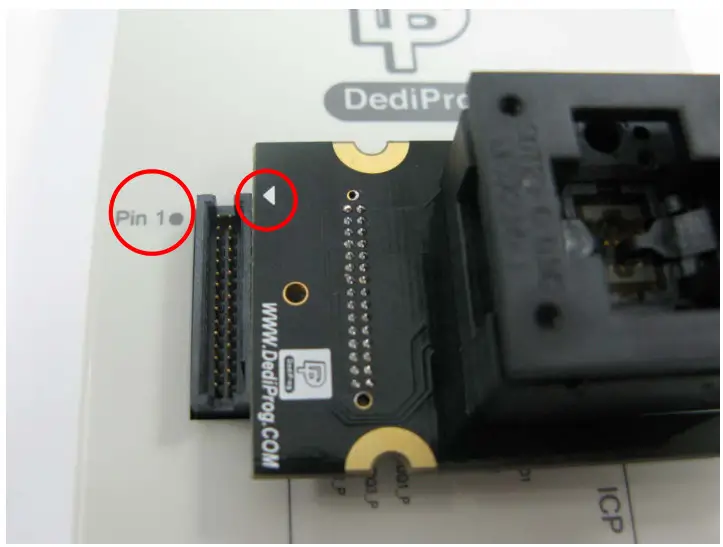
- SF600 has a pin 1 marker on the left side of socket connector.

- Ensure the triangle of socket to aim at the pin 1 position.
Connect to Prog Master series
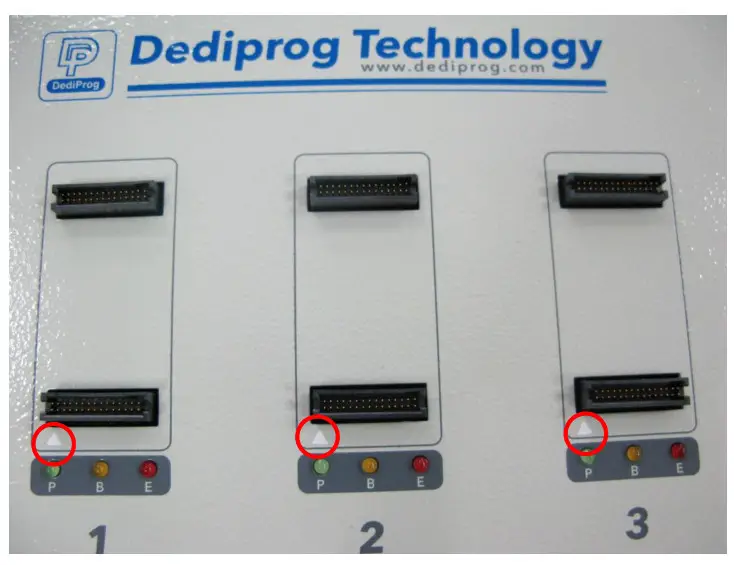
- Prog Master series have white triangle markers below the socket connectors.
 2. Ensure triangles both on the socket and Prog Master are alignment. Shown as below.
 2. Ensure triangles both on the socket and Prog Master are alignment. Shown as below.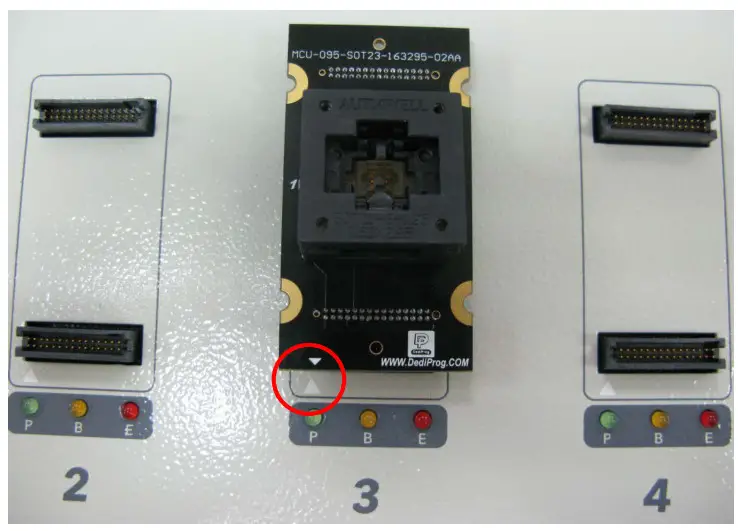
Connect to Star Prog-F/U
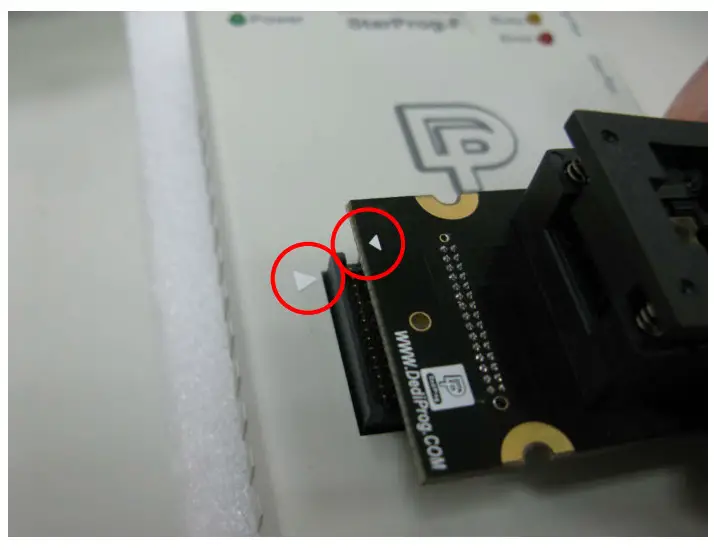
- Star Prog-F/U has the white triangle on the left side of socket connector.
- Ensure triangles both on the socket and Prog Master are alignment. Shown as below.
Revision History
| Date | Version | Changes |
| 28/04/14 | V1.0 | First Release |
DediProg Technology Co., Ltd (Taiwan)
4F., No.7, Ln. 143, Xinming Rd., Neihu Dist., Taipei City 114, Taiwan TEL: 886-2-2790-7932
DediProg Technology (ShangHai)
Room 503, Block E, No.1618, Yishan Road, Shanghai, China TEL: 86-21-5160-0157
Technical Support:[email protected]
Sales Support:[email protected]
www.dediprog.com.
Information furnished is believed to be accurate and reliable. However, DediProg assumes no responsibility for the consequences of use of such information or for any infringement of patents or other rights of third parties which may result from its use. Specifications mentioned in this publication are subject to change without notice.
This publication supersedes and replaces all information previously supplied.
All rights reserved Printed in Taiwan.
 DediProg|Leading in IC Programming Device and Handler Design