The Home
Depot AM1205D-49
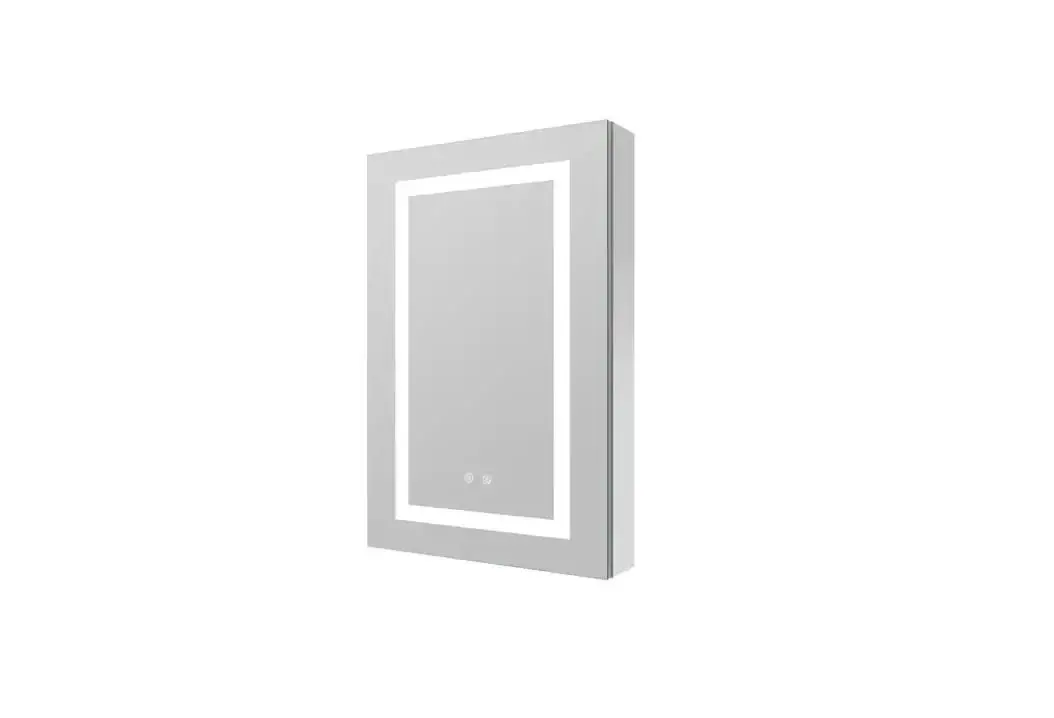
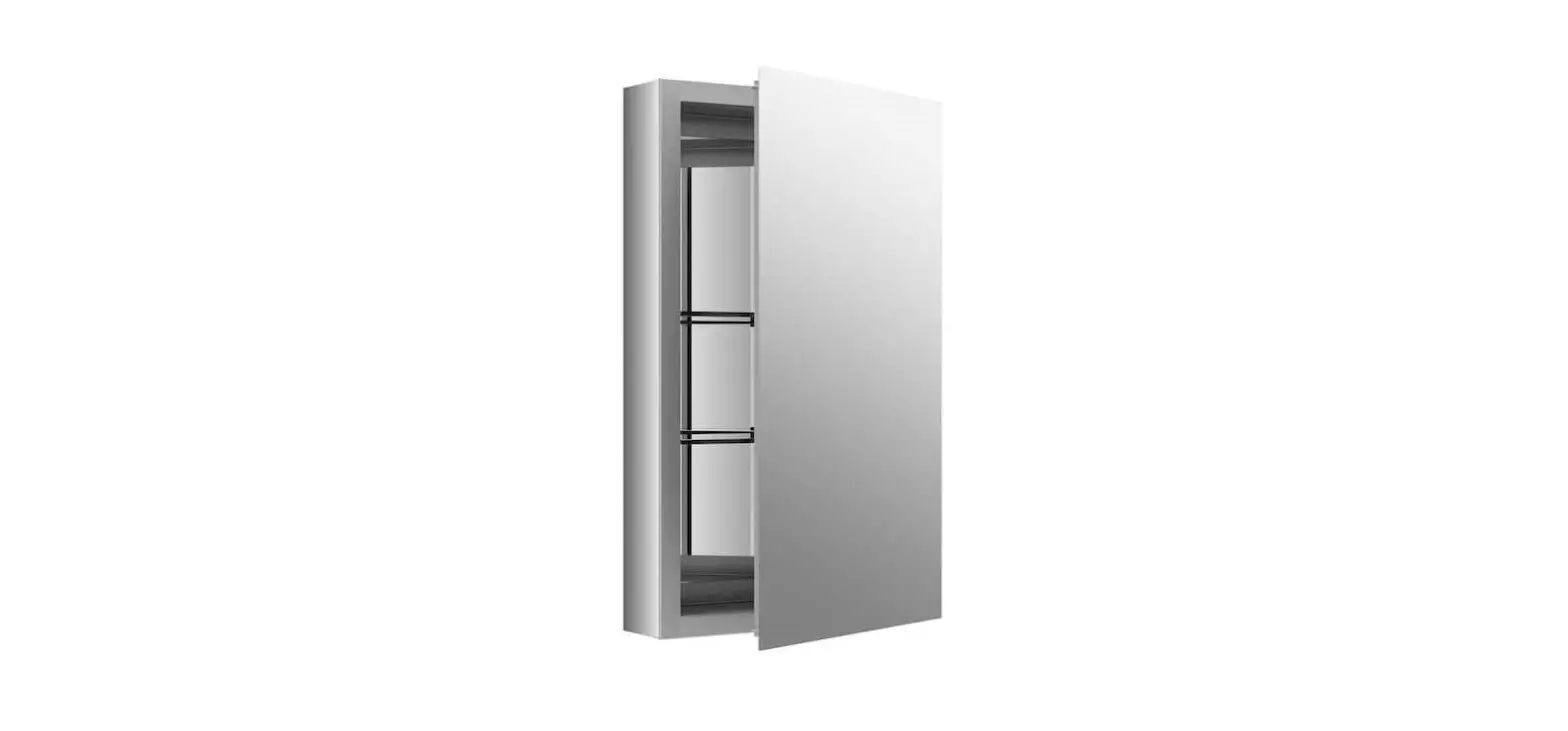
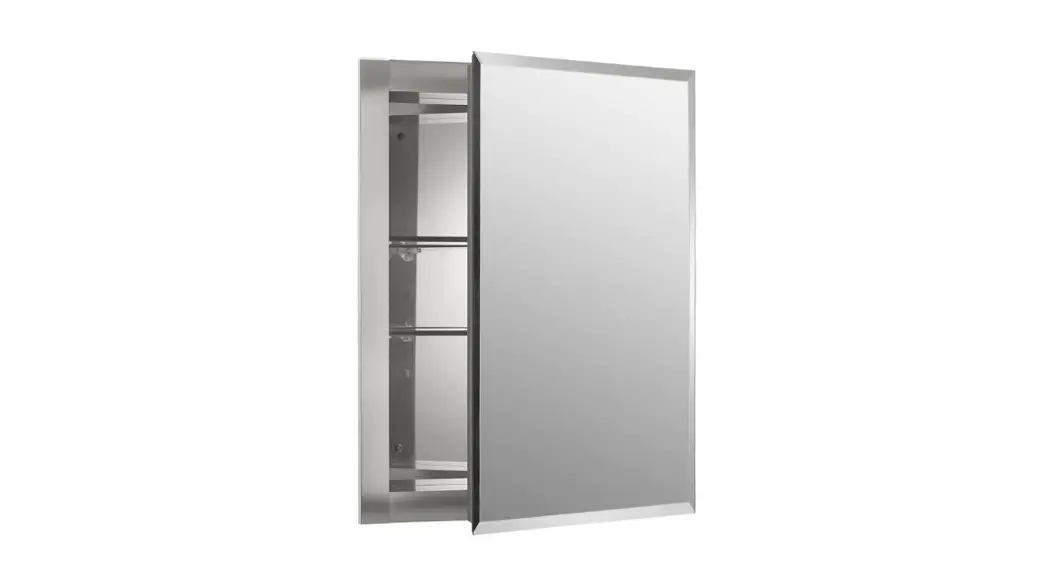
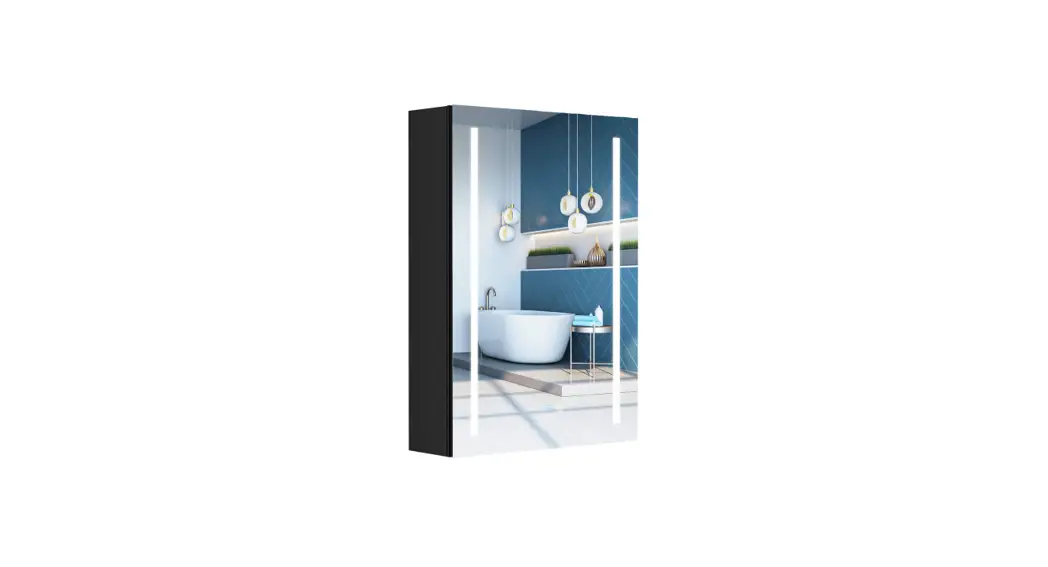
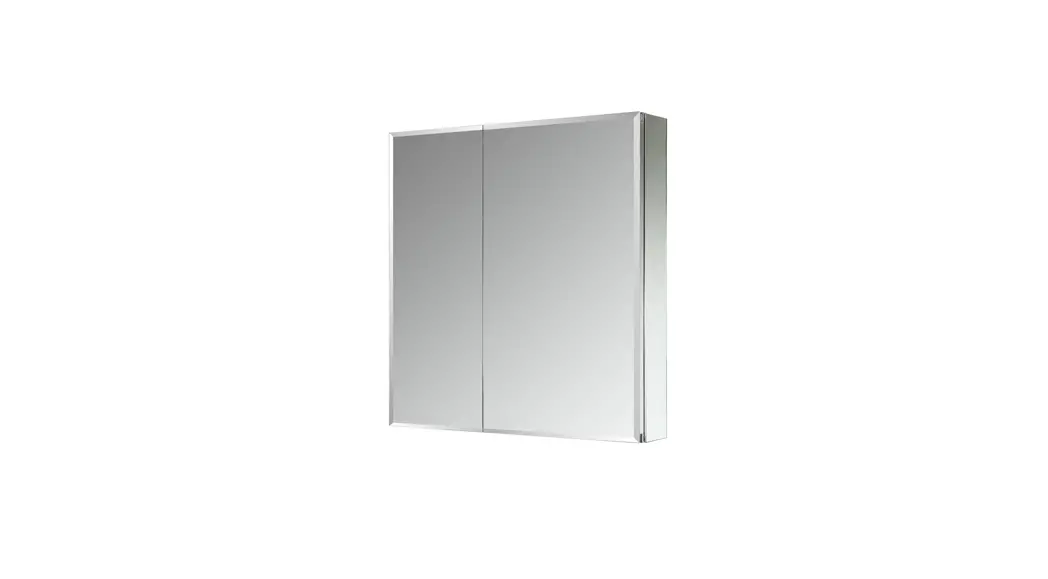
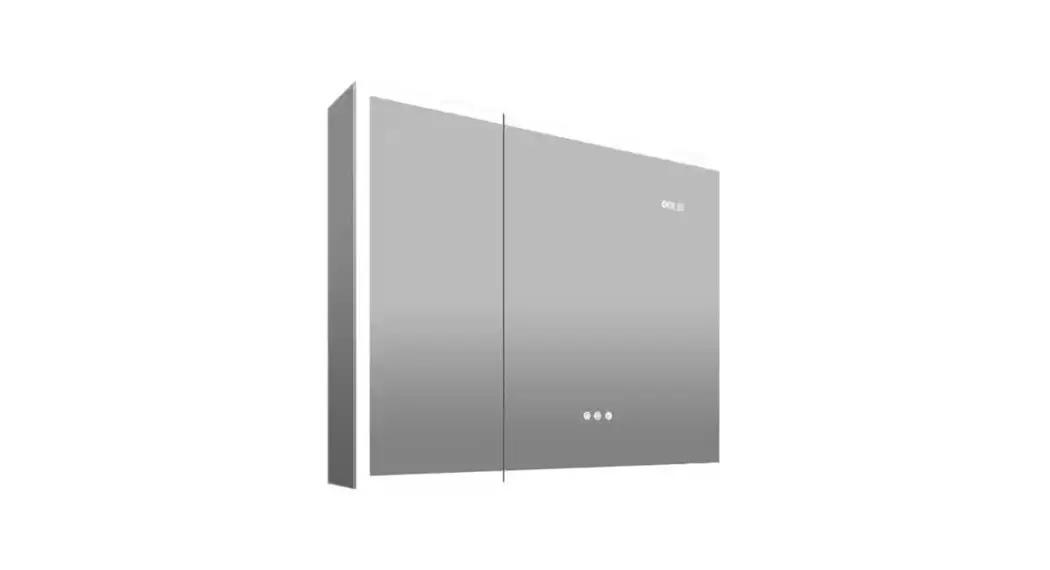
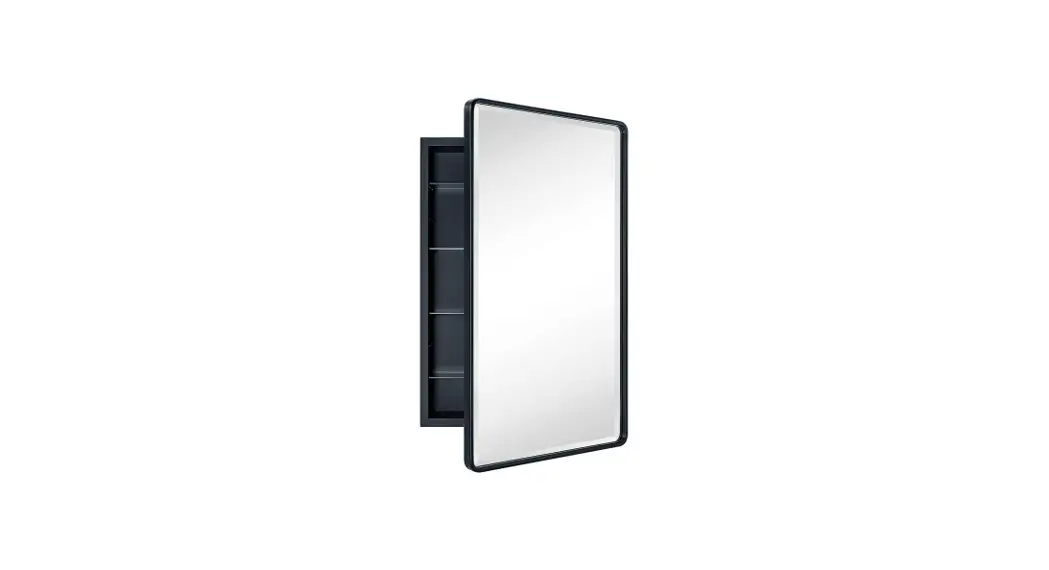
Black Aluminum Medicine Cabinet with Mirror
DIY YOUR BATHROOM SPACE
INSTALLATION MANUAL
IMPORTANT SAFETY INSTRUCTIONS
When using an electrical furnishing, basic precautions should always be followed, including the following: WARNING: To reduce the risk of burns,fire,electric shock or injury to persons. Use this furnishing only for its intended use as described in these instructions. Do not use attachments not recommended by the manufacturer. Never drop or insert any object into any opening.Do not use outdoors. WARNING: Risk of electric shock. Connect this furnishing to a properly grounded circuit only. See grounding instructions.
CAUTION: Maximum shelf load 34Ibs/15.4kg
ELECTRIC CONNECTIONS
ALL WIRING SHOULD BE DONE BY A QUALIFIED LICENCED ELECTRICIAN. WARNING: Shut off power before wiring the cabinet. Requires 120 VAC 20 Amp GFI protected Circuit.
GROUNDING INSTRUCTIONS: CAUTION: This product must be connected to a grounded metal permanent wiring system or an equipment-grounding conductor must be run with the circuit conductors and connected to the equipment grounding terminal or lead on the product. WARNING: An Electrical option cabinet must be wired to a 20 Amp GFI (Ground Fault Interrupter) protected circuit when used in bathrooms and all other locations required by the National Electric Code.
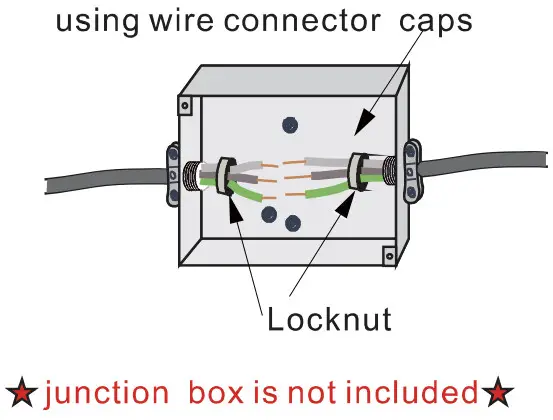
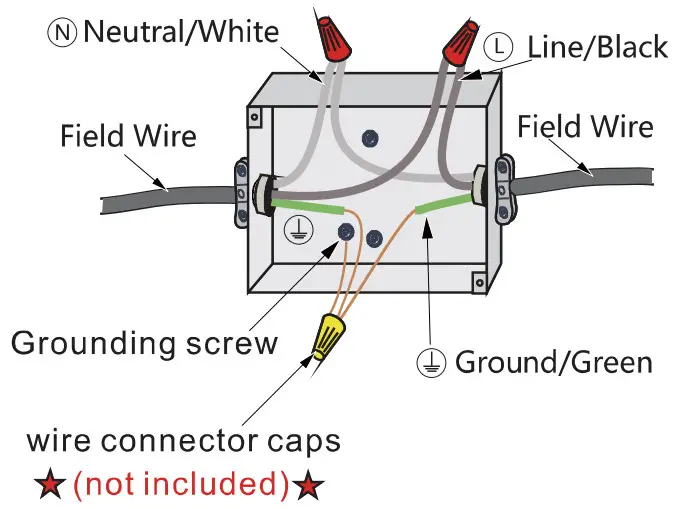
The electric wire comes through the access hole on the top of the cabinet, exact location of access hole varies depending on the product models. Please refer to the actual product for the exact location.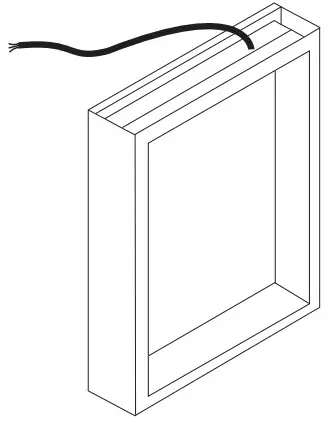 Make connection with Junction box
Neutral to white. Line to black. Ground to green.
 |  |
HARDWARE AND TOOLS

HARDWARE LIST
| ITEM | REFERENCE IMAGE | NAME | QTY |
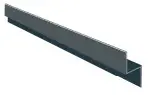
| 1 | 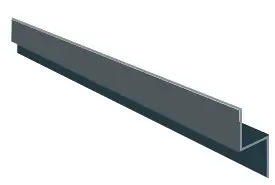 | Top Mounting Bracket | 1 |
| 2 |  | Glass Shelf | 2 |
| 3 | 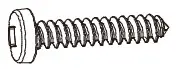 | Screw ST4*35 | 5 |
| 4 | 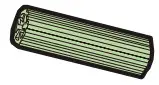 | Wall Anchor | 5 |
Step 1
Level and mark the cabinet’s location on the wall.
Connect the wire to Junction Box inside the wall.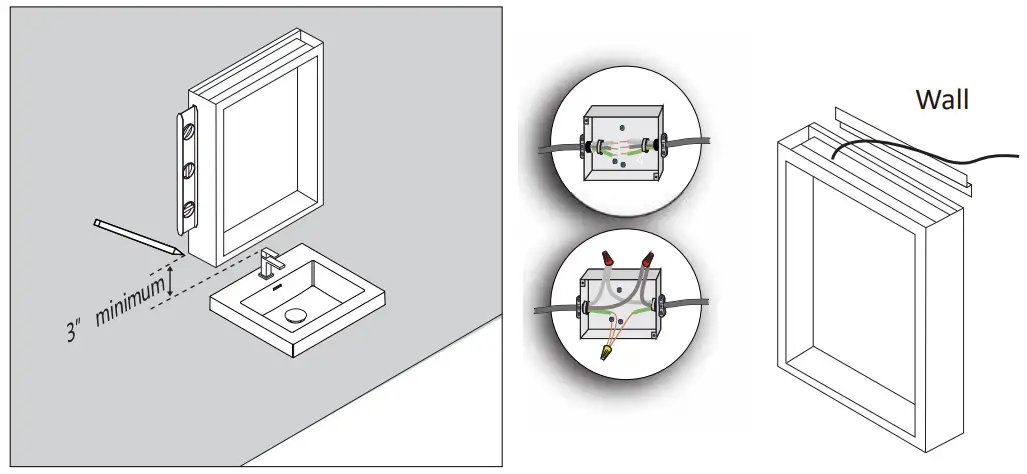
 Step 2
Fix Top Mounting Bracket on the Wall
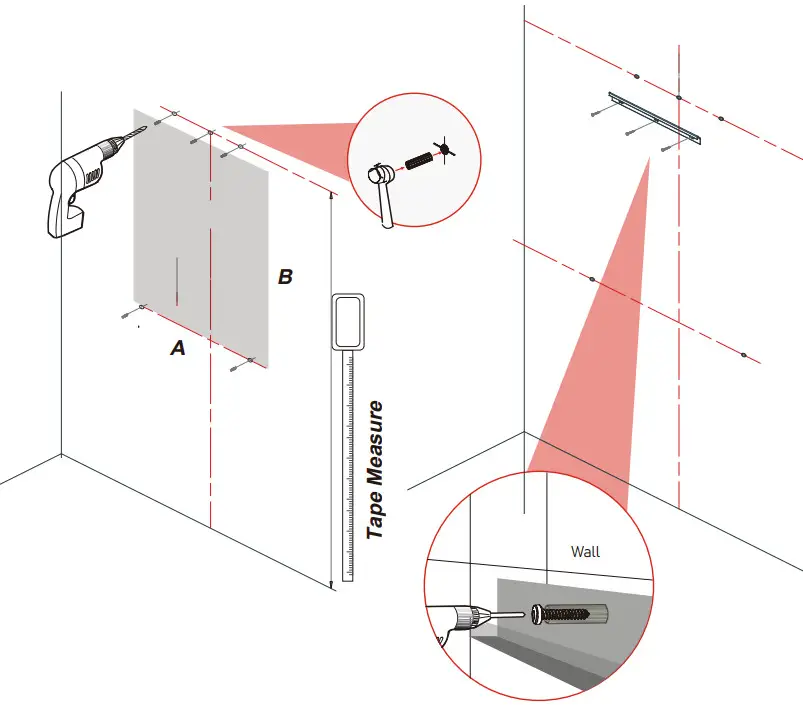
Measure the distance between the 3 holes in the Top Mounting Bracket.
Step 3
Hanging the Cabinet on the top mounting bracket. Make sure top brackets are locked in the grooves.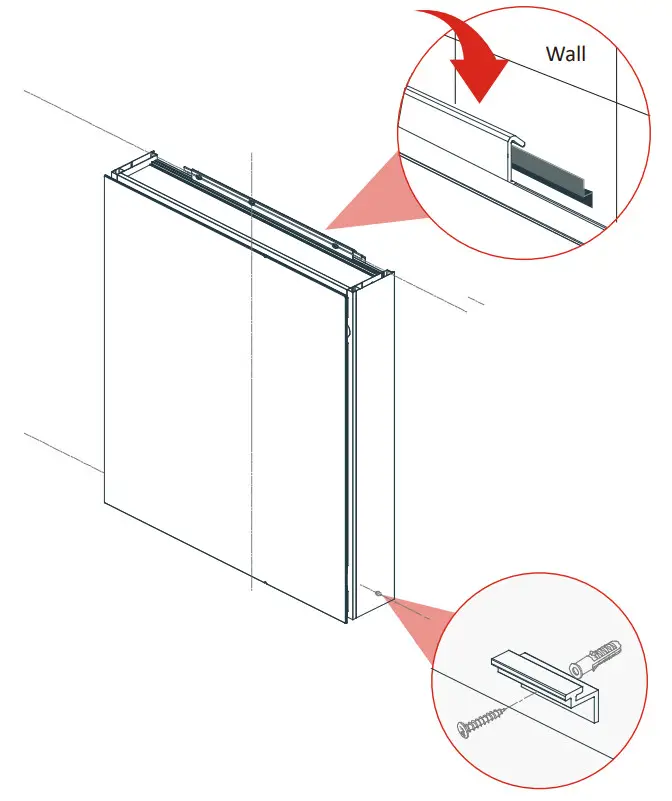
Step 4
Move the cabinet to the right position and screw in the bottom supporting bracket and fix it.
Step 5
Optional Door Adjustment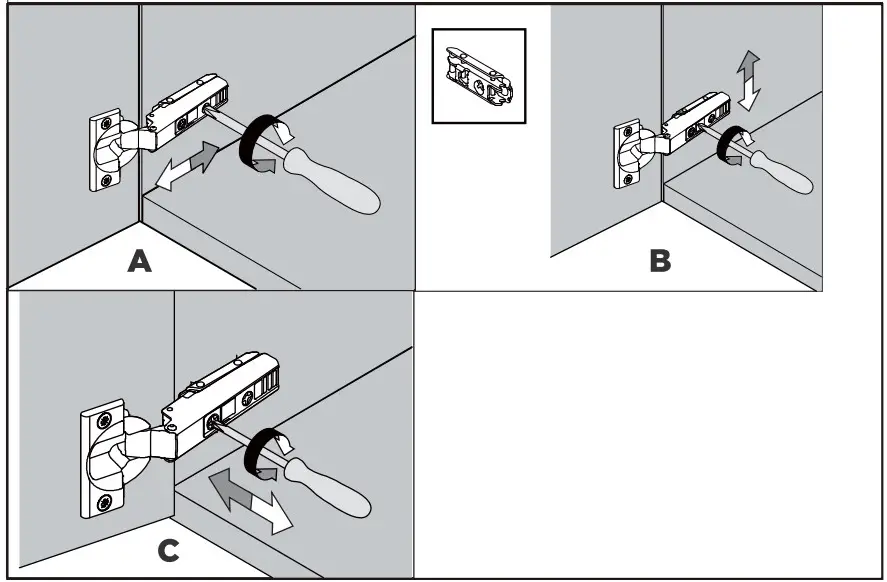
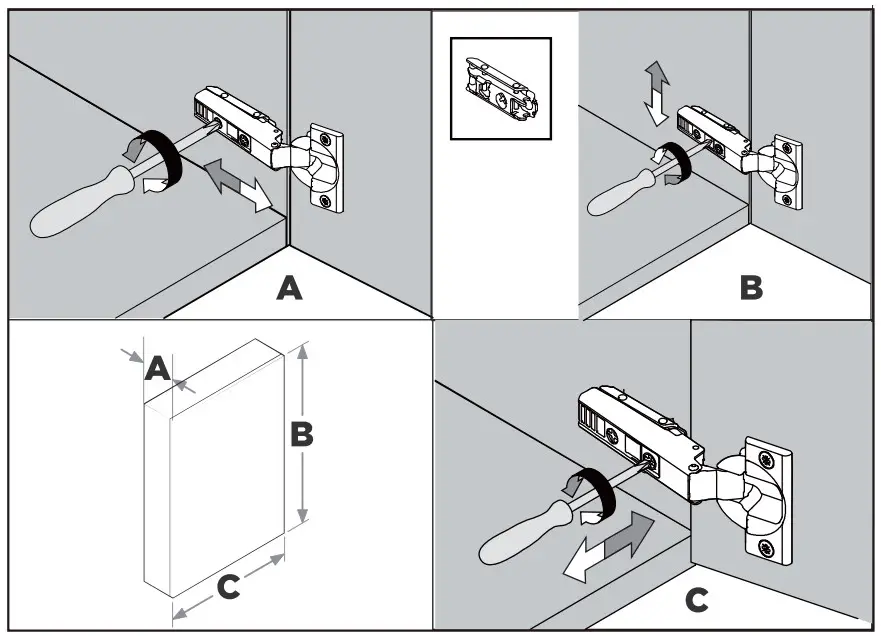
OPTIONAL DOOR ADJUSTMENT
Doors may need to be adjusted after the initial shipping of the cabinet. The cabinet doors have a three-way adjustment feature. Height, side-to side, level and depth can be adjusted. With the hinge slightly closed you can access the middle screw for up/down adjustment. With the hinge fully extended you can access the front and back screws. These screws will move the door side to side and in and out.
Step 6
Insert clear snap in shelf clips into holes on the sides of the cabinet.
Install the glass shelf.
Adjust the height according to your preference.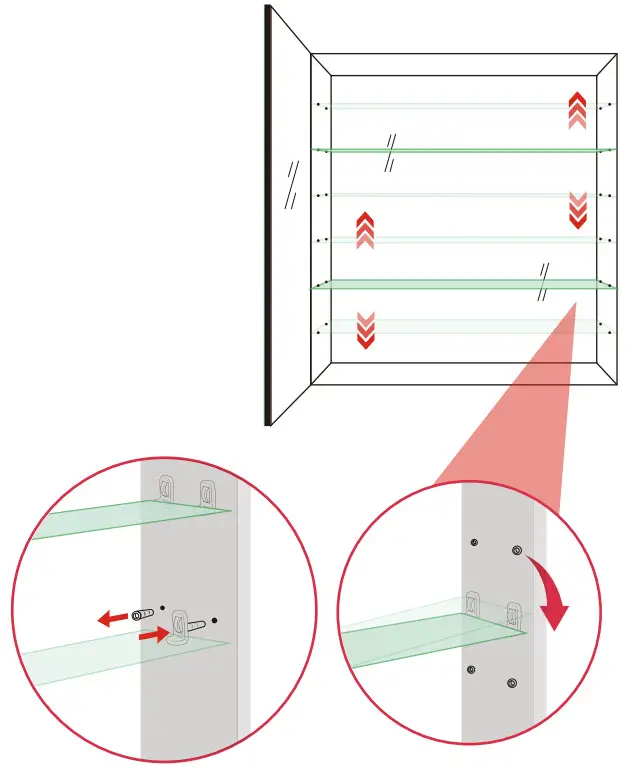
Step 2
Fix Top Mounting Bracket on the Wall
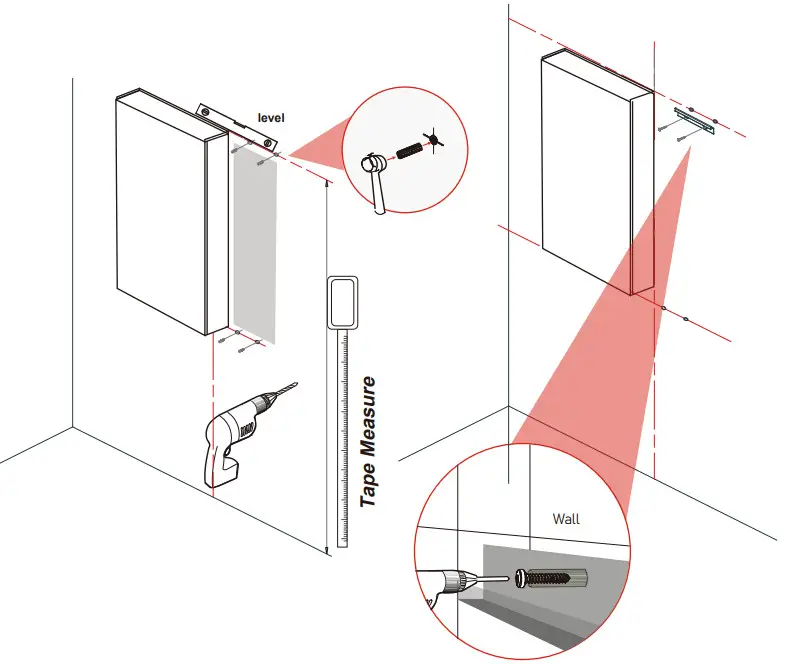
Measure the distance between the 3 holes in the Top Mounting Bracket.
Step 3
Hanging the Cabinet on the top mounting bracket. Make sure top brackets are locked in the grooves.
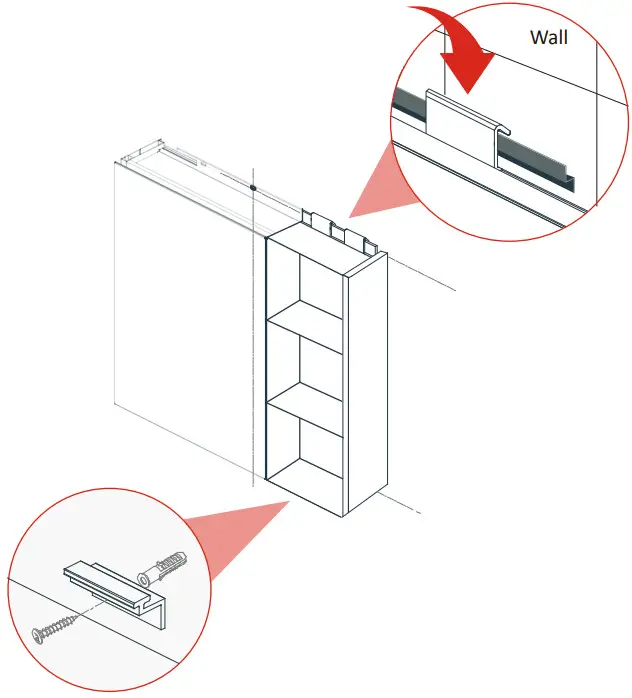
Step 4 Move the cabinet to the right position and p screw in the bottom supporting bracket and fix it.
 | After power on, the button shows blue and it is in waiting state |
 | Click the light button to turn on and the color changes to white Click again to change the light color Click the fourth time to turn off the light |
 | Long press to make the light gradually dims Long press again and the light gradually brightens |
 | Touch key to turn on/off defogging function. When defogger is on, the button should be in blue color. Defogger will turn off automatically after 60 minutes, touch the key to turn on again. |
 Kitchen Sink, Bathroom Mirrors, Shower Doors, Bathtubs – GETPROHOME