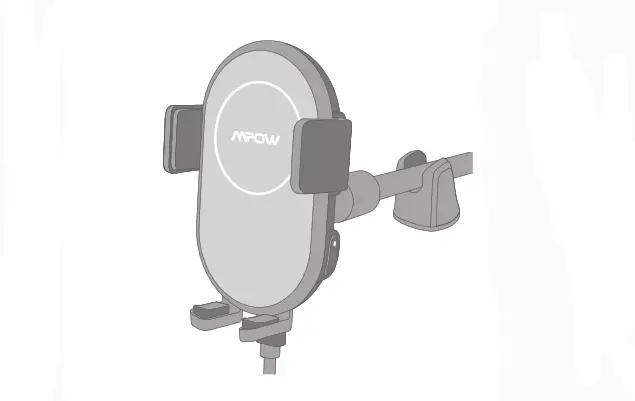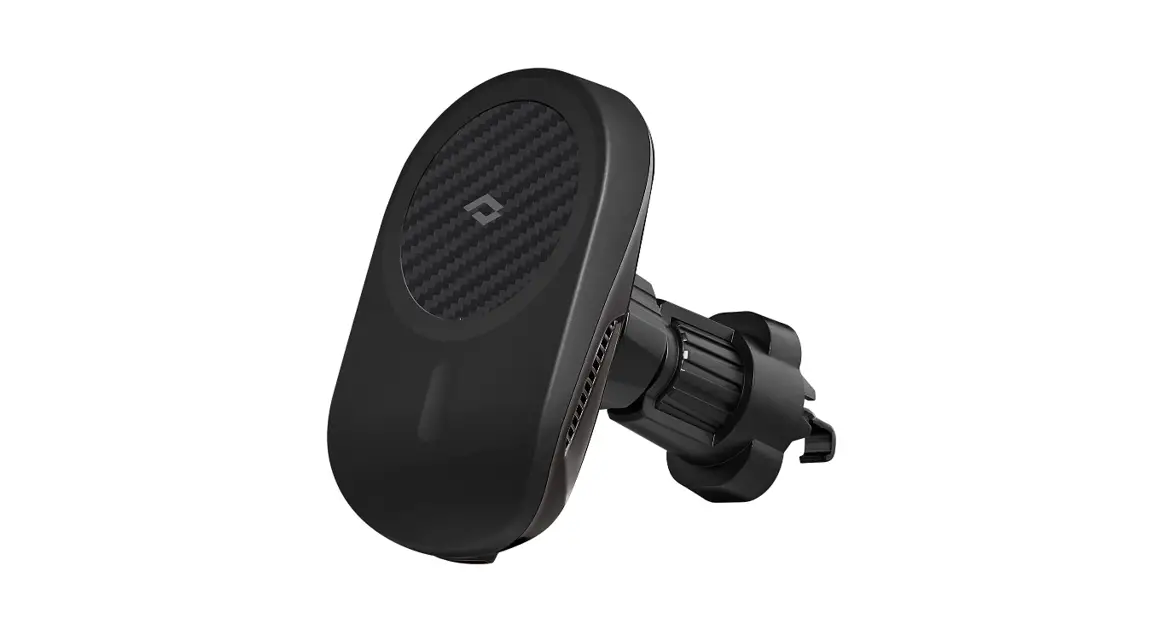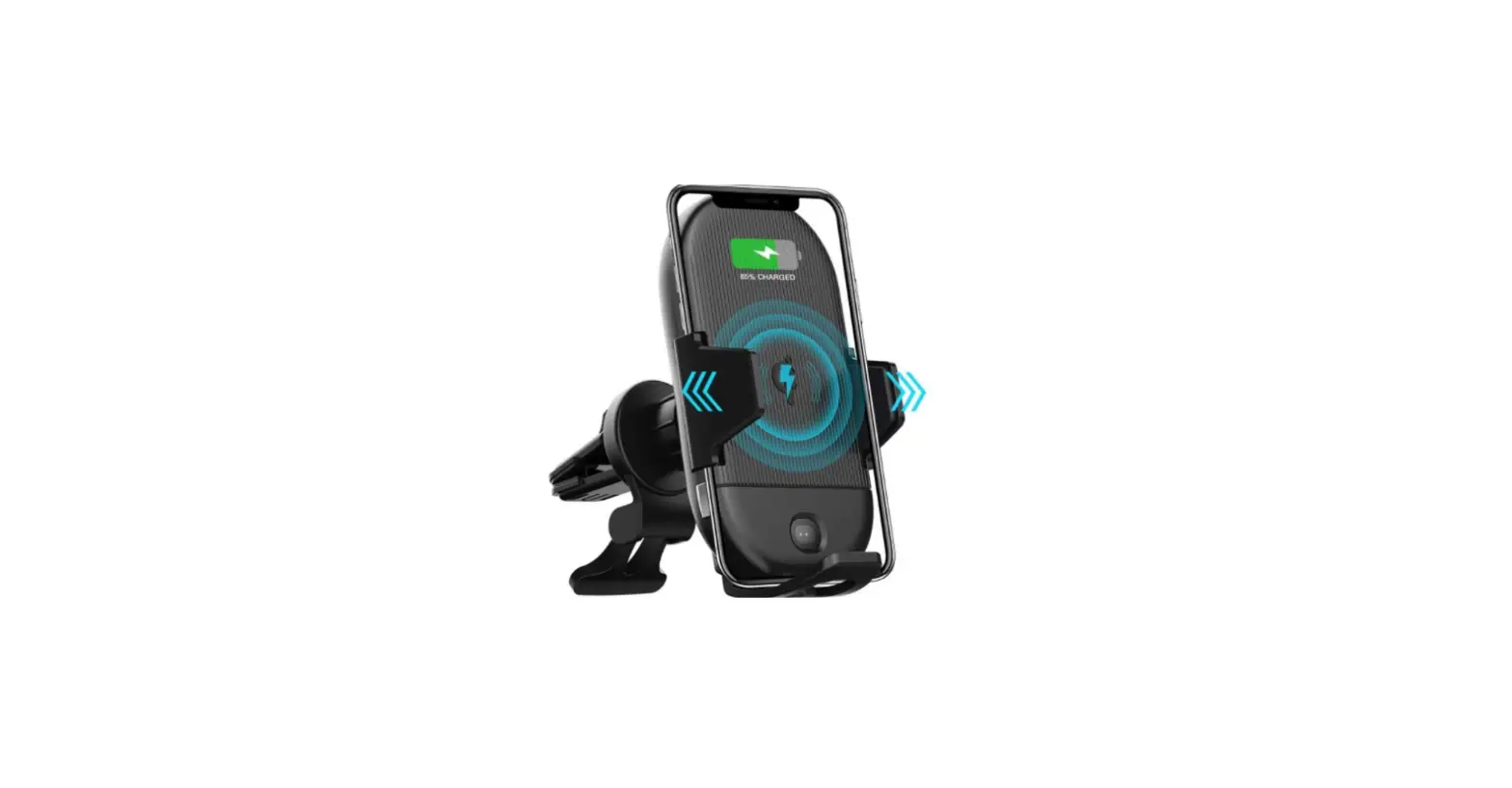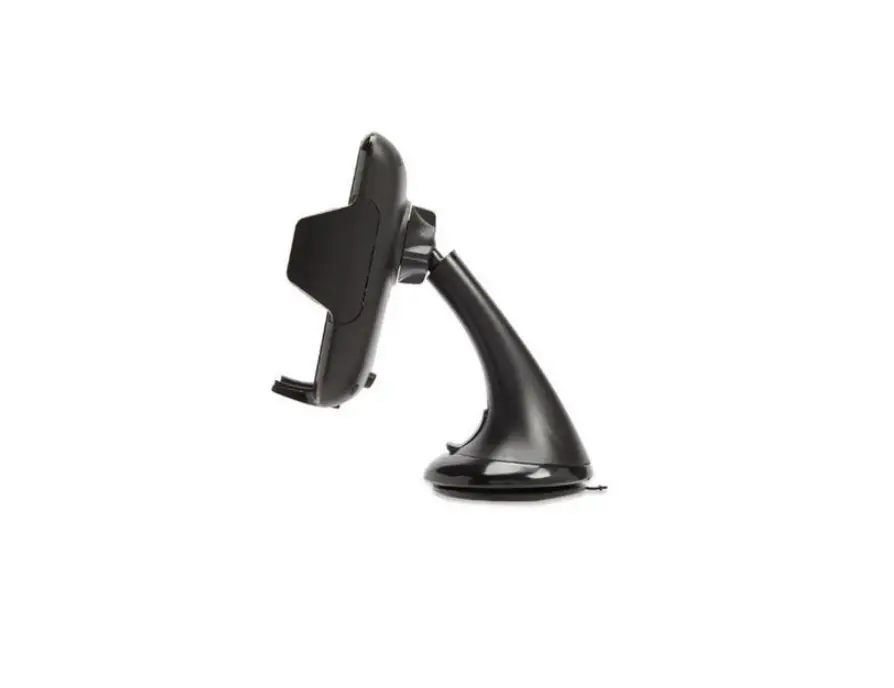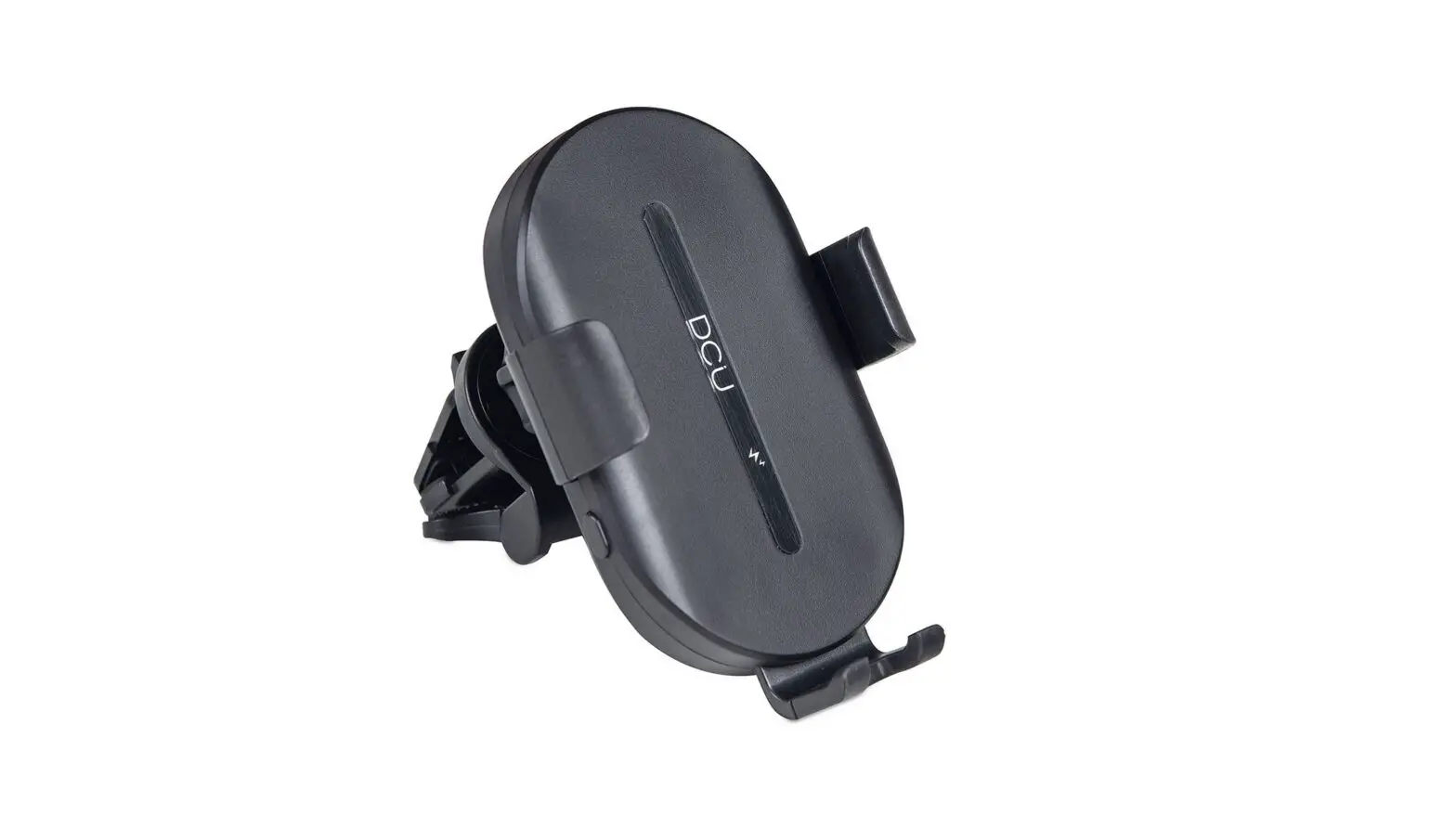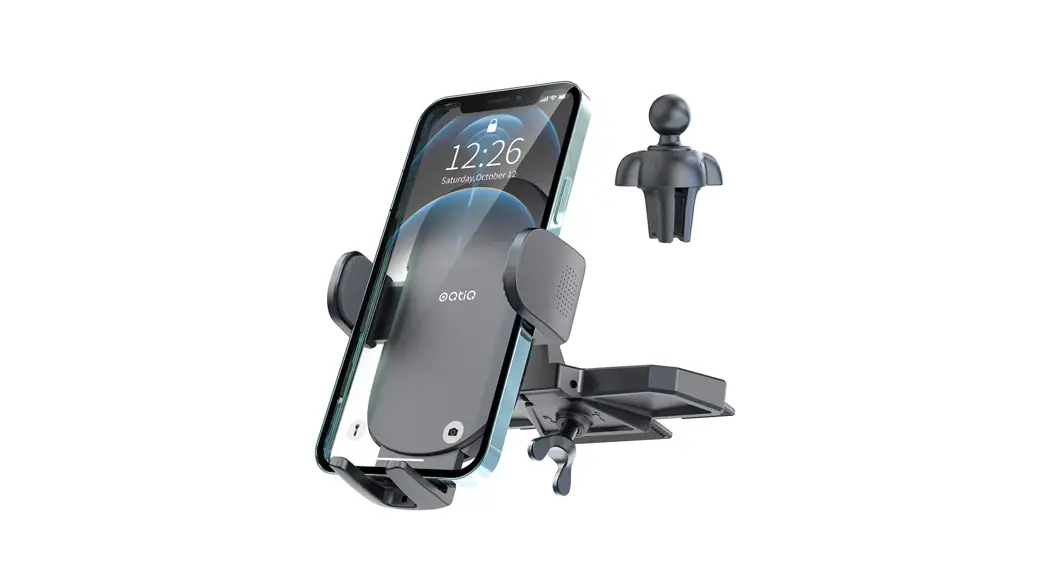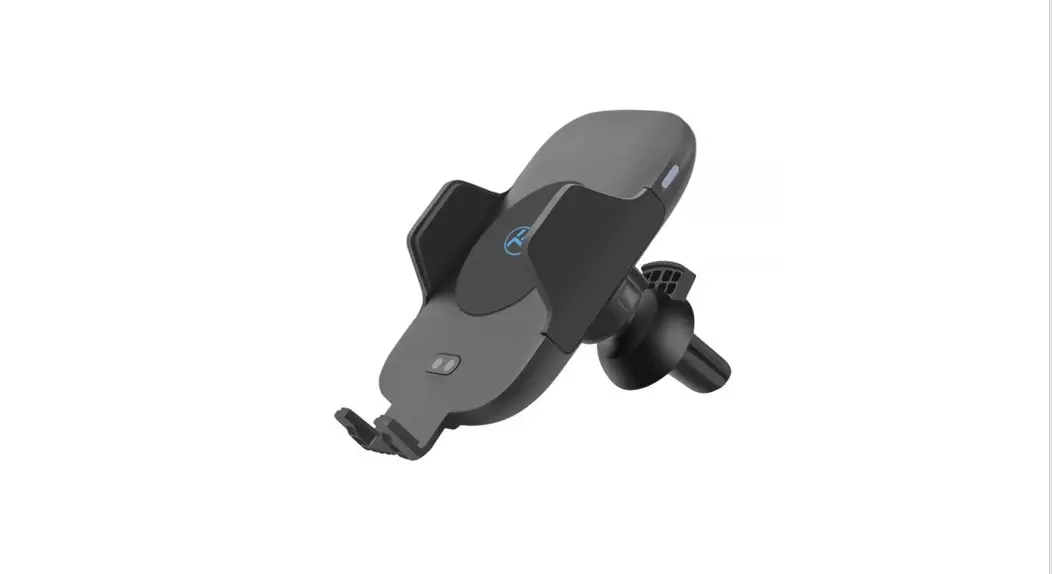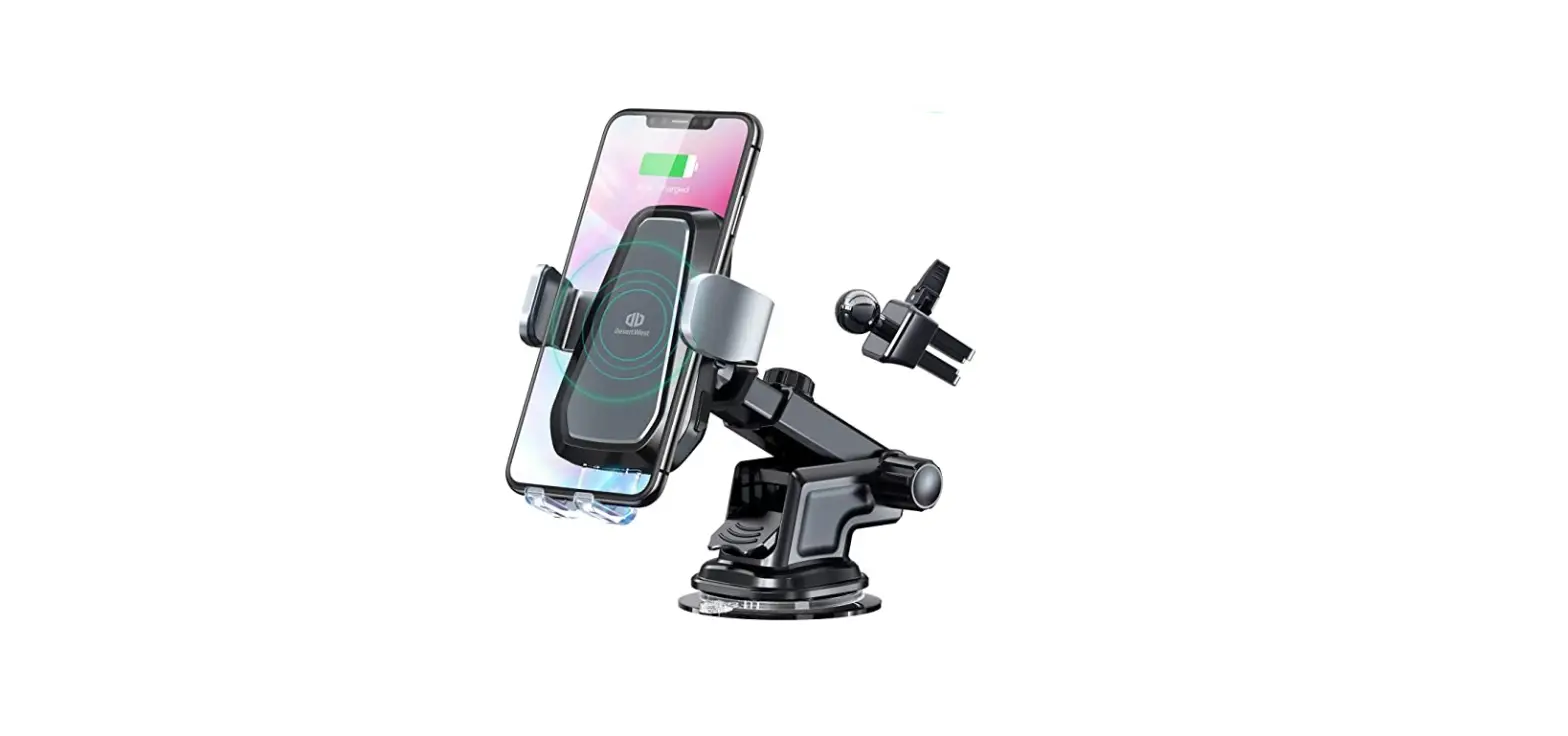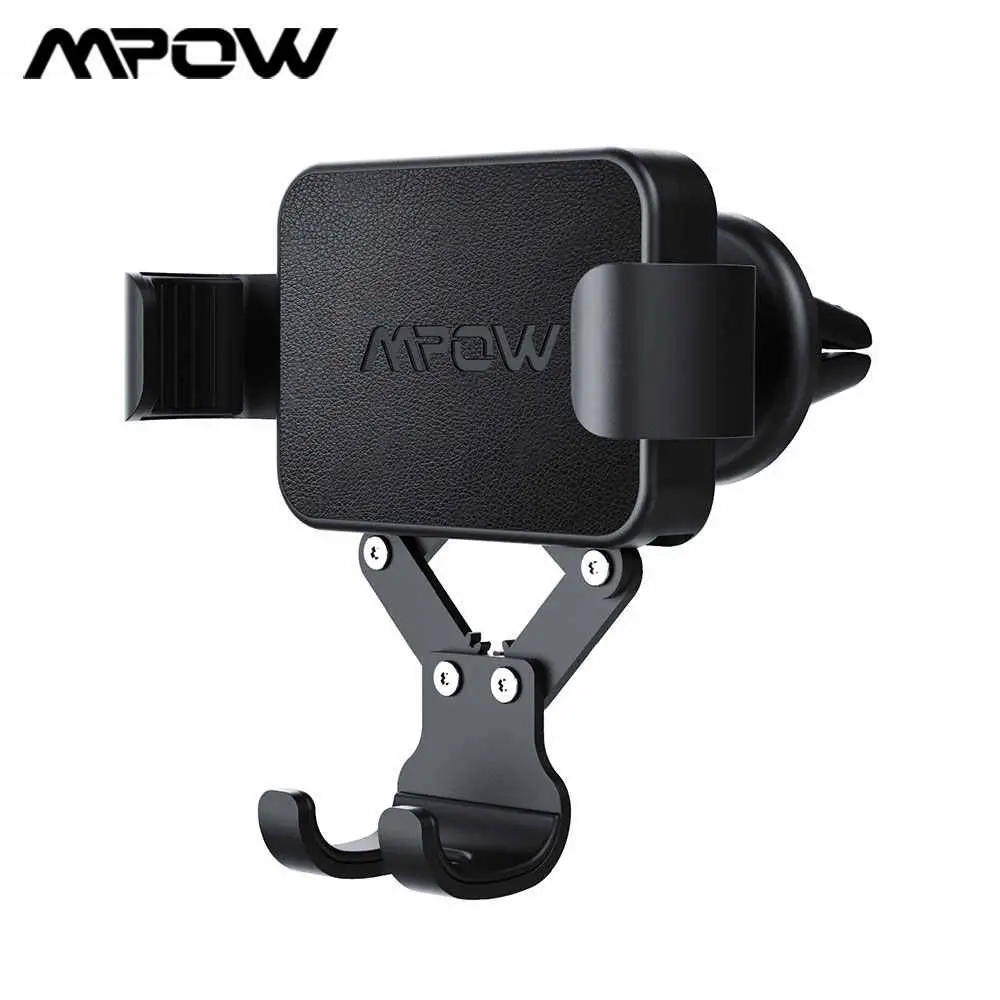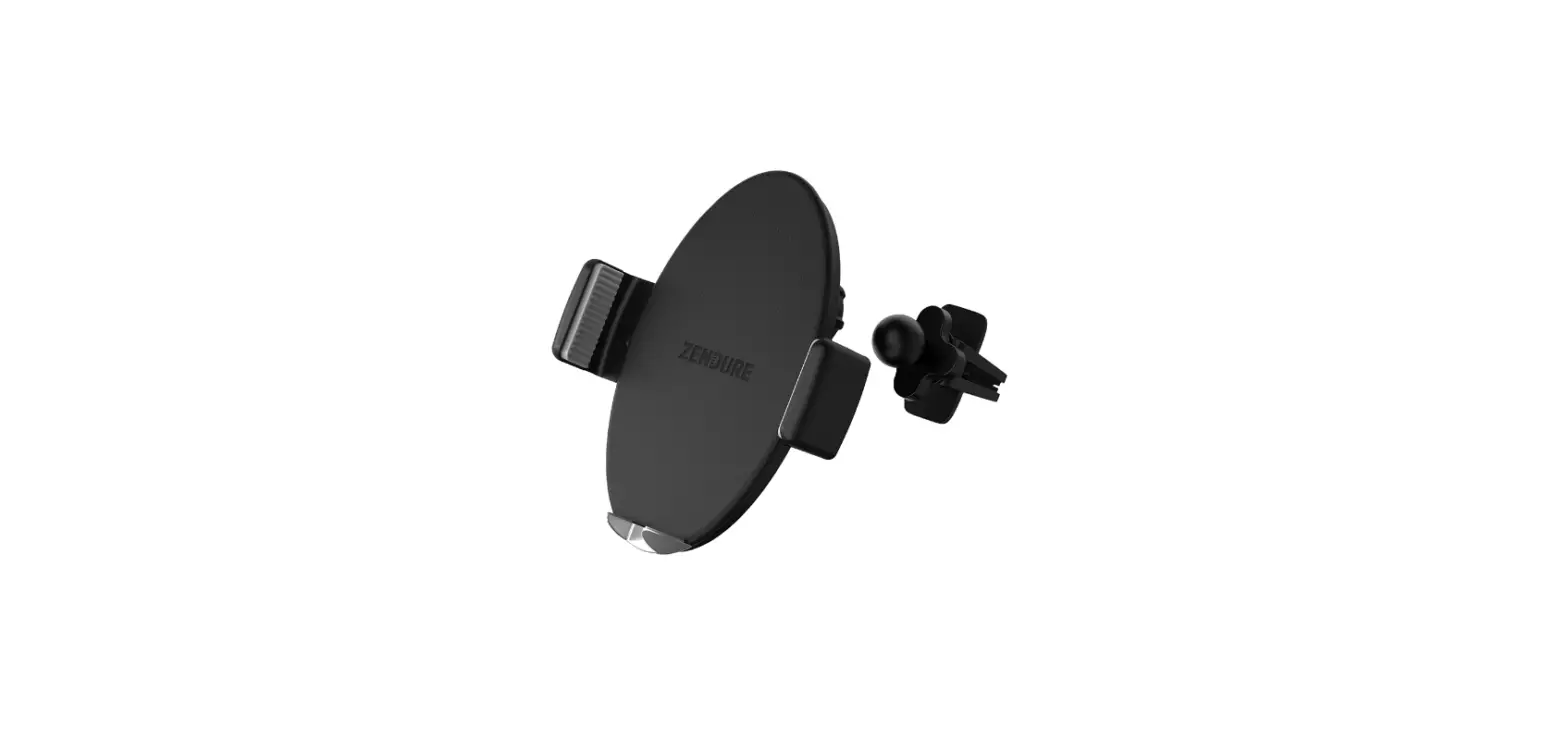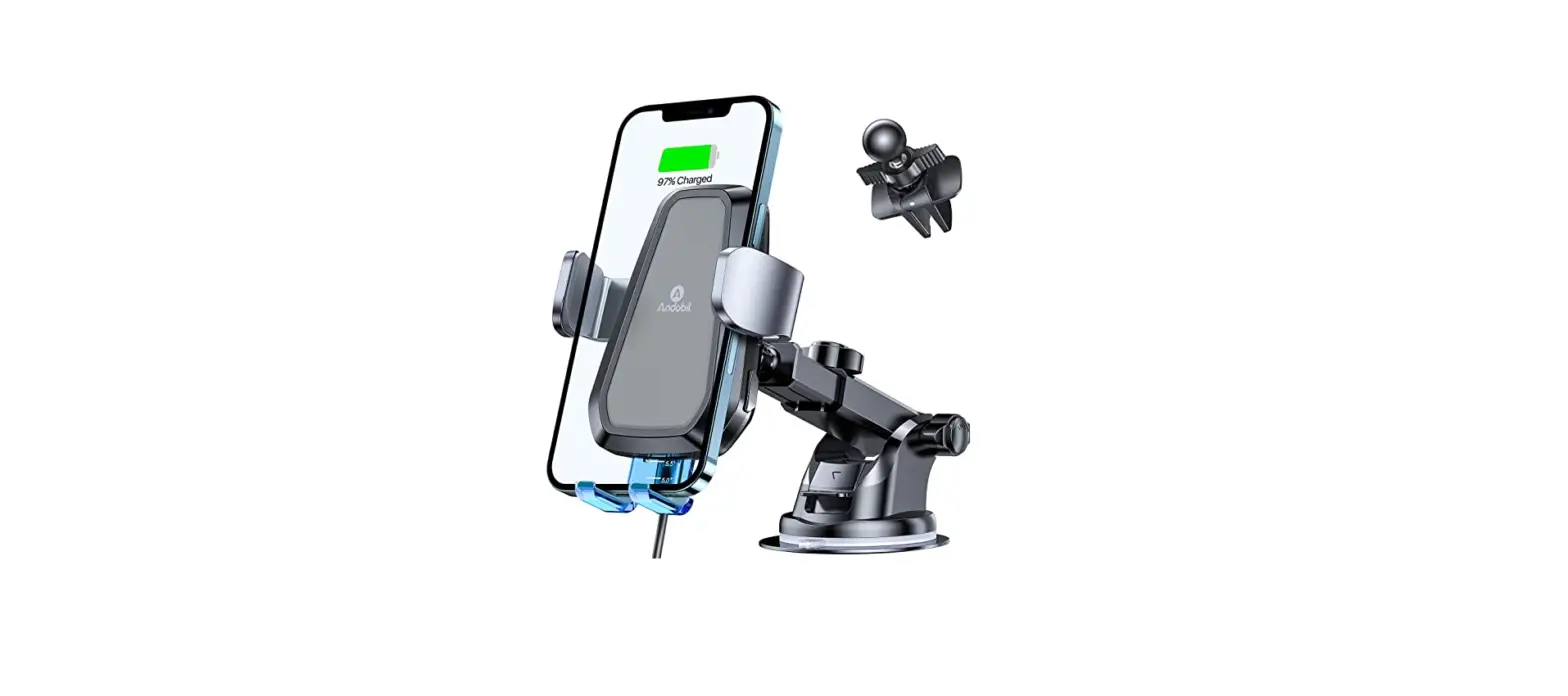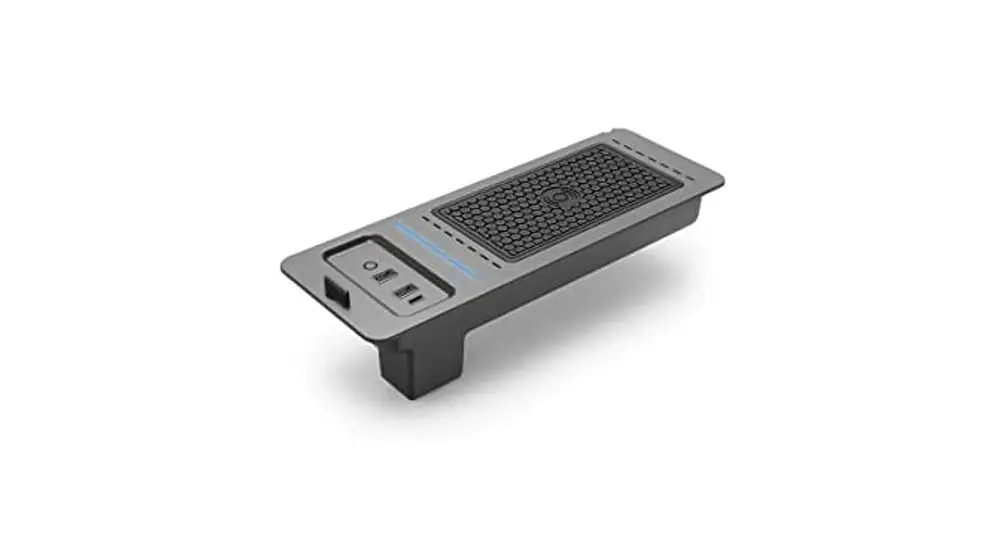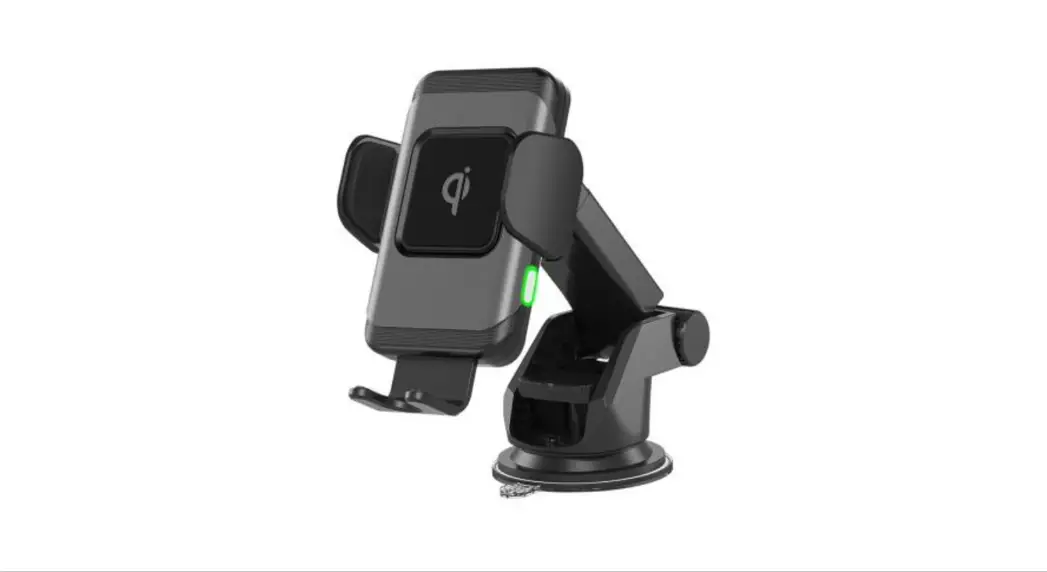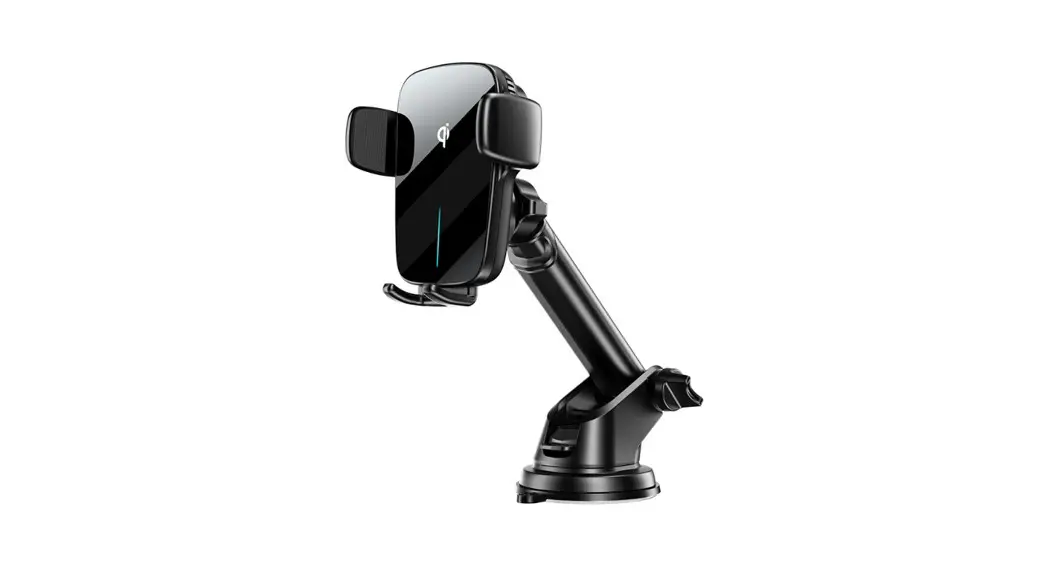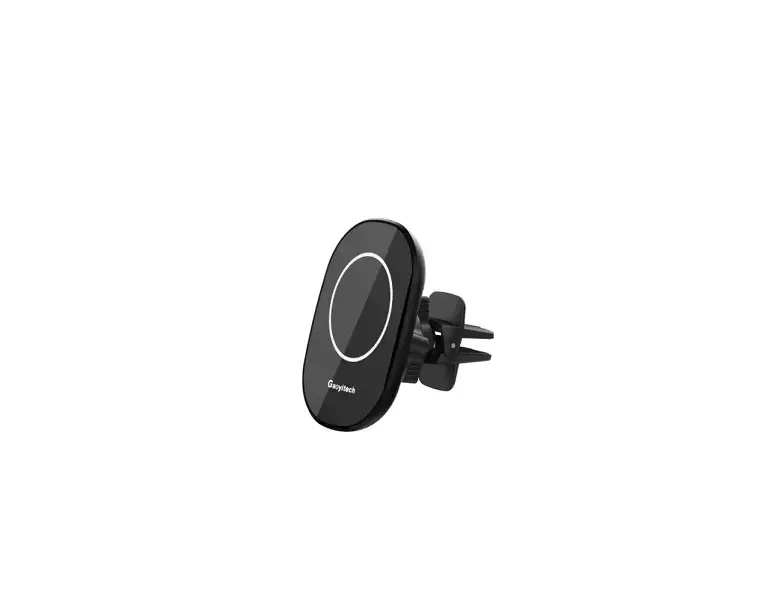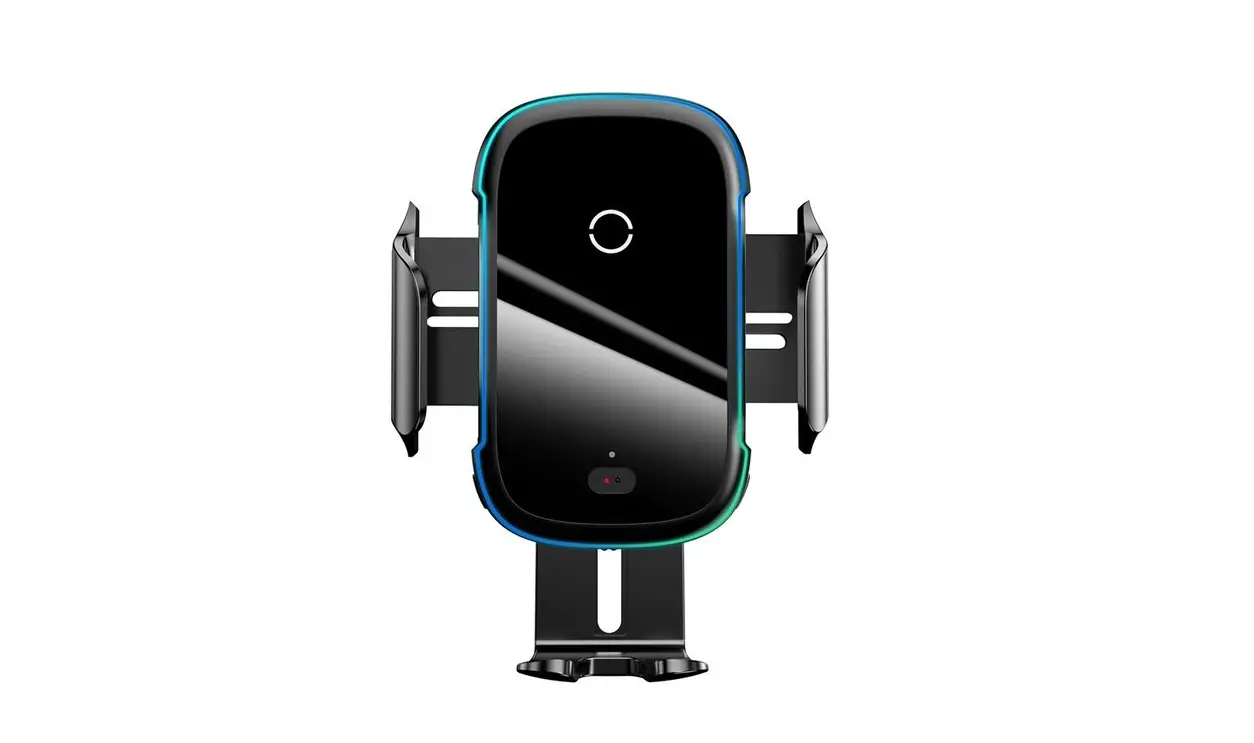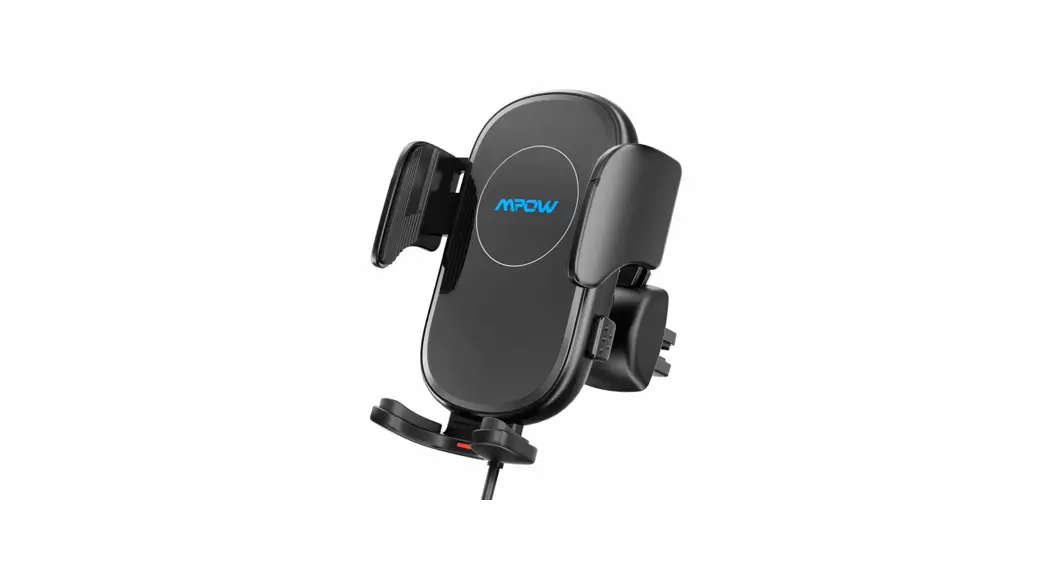
 Auto-Lock Wireless Car Charger Mount
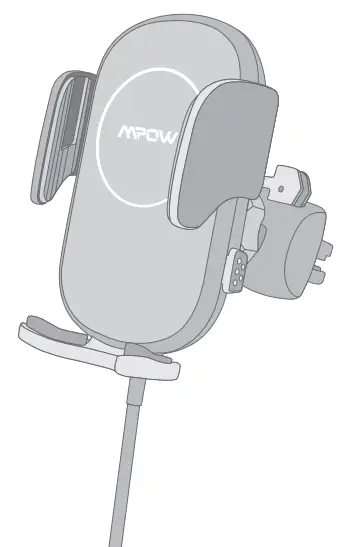 User Manual
[email protected]
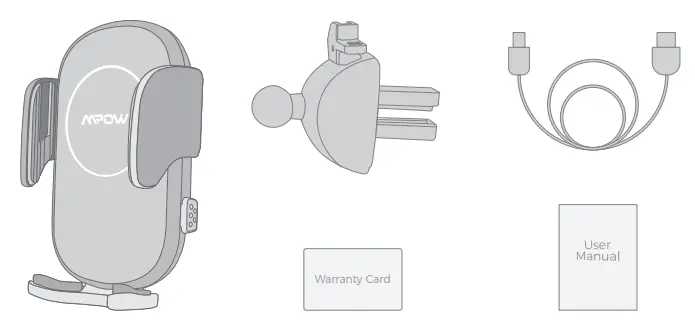
Packssge
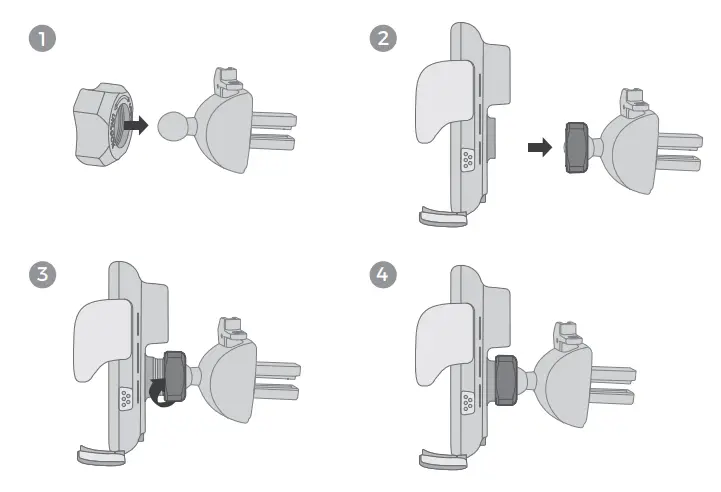
Assmbly
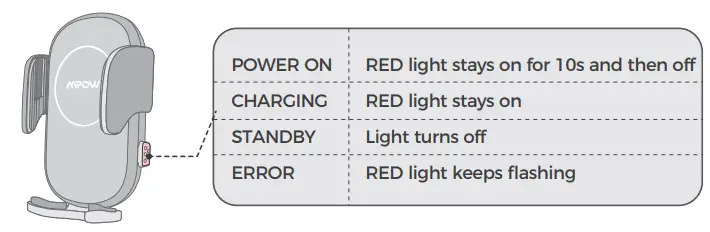
Power Indicator
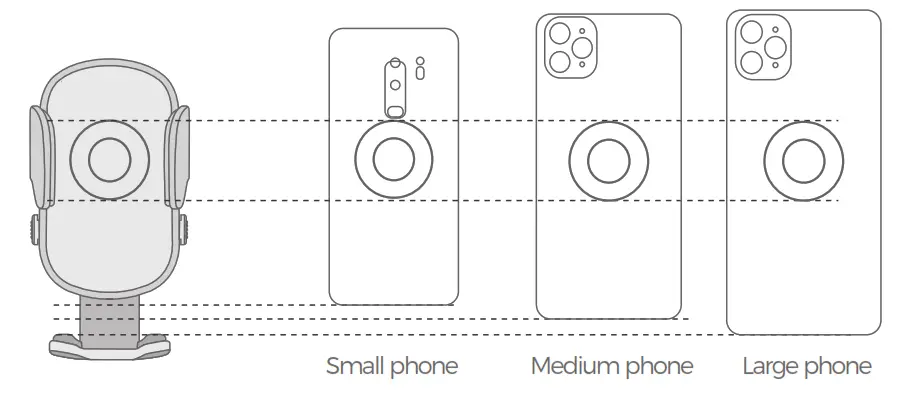
Price Alignment
Q&A
 Q: What should I do if the product does not work properly?
- Make sure your phone supports Qi wireless charging.

- Check the car charger and use a QC2.0/QC3.0 car charger

- Connect it to a power supply with stable voltage and frequency, and do not connect it to the USB port of the computer/vehicle.

- Use the data cable that supports fast charging.

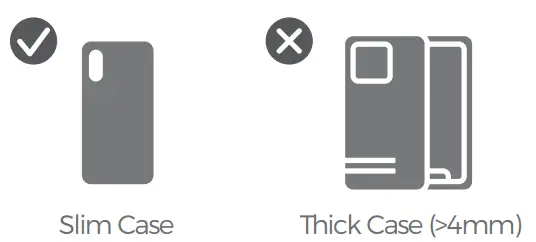
- Check if the phone case is too thick to hinder wireless charging, please remove the case and try again.

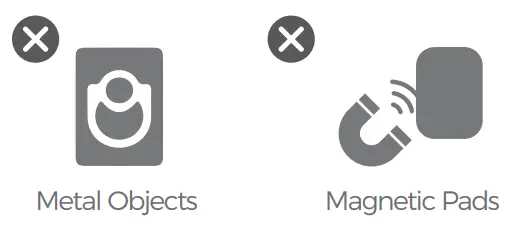
- Check and remove foreign objects on the back of the phone/case, such as metal/magnetic pads, credit cards, phone ring holders, and PopSocket

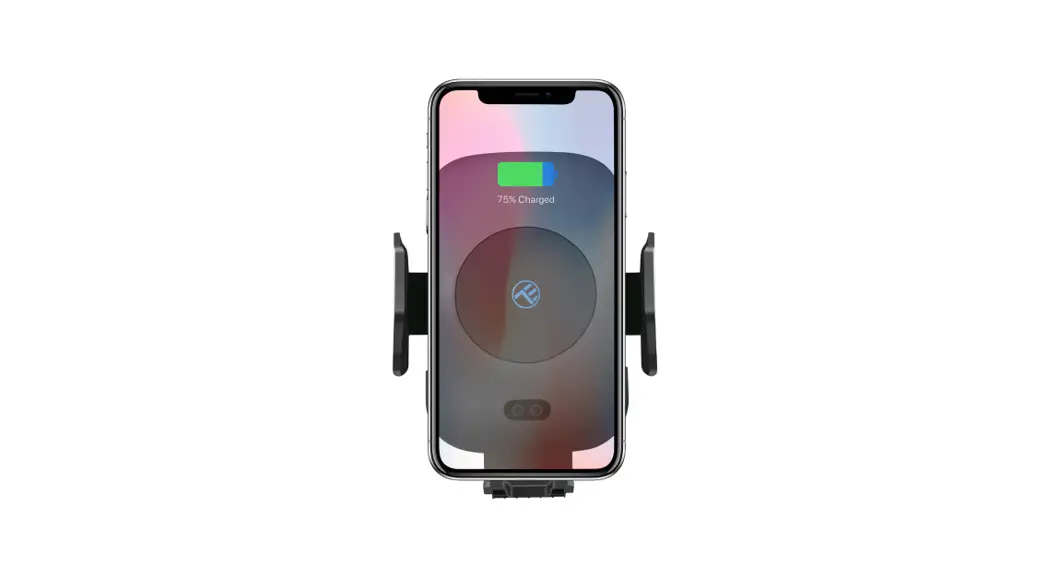
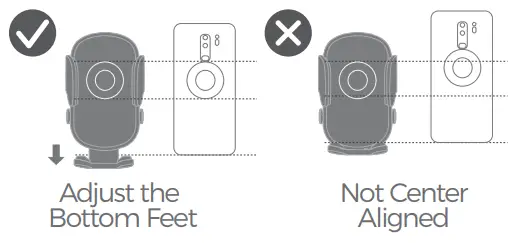
- Make sure the phone and charger are correctly aligned, if not please adjust the bottom feet

- Do not use it in extreme environments, it is recommended to use it at room temperature.
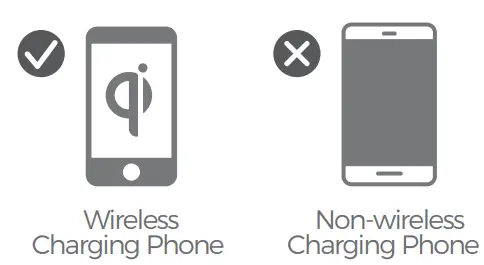
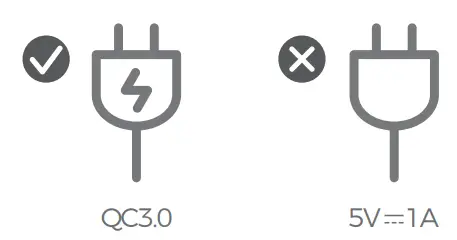
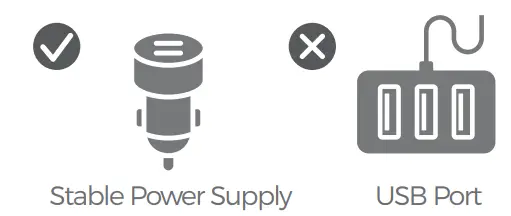
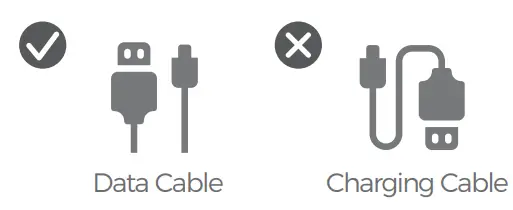
Make sure the data cable, adapter, and charger are properly connected.
FCC Statement
Any changes or modifications not expressly approved by the party responsible for compliance could void the user’s authority to operate the equipment. This device complies with part 15 of the FCC Pules. Operation is subject to the following two conditions: (1 ) This device may not cause harmful interference, and (2) this device must accept any interference received, including interference that may cause undesired operation.
FCC Radiation Exposure Statement
This equipment complies with FCC radiation exposure limits set forth for an uncontrolled environment. This equipment should be installed and operated with a minimum distance 20cm between the radiator& your body.