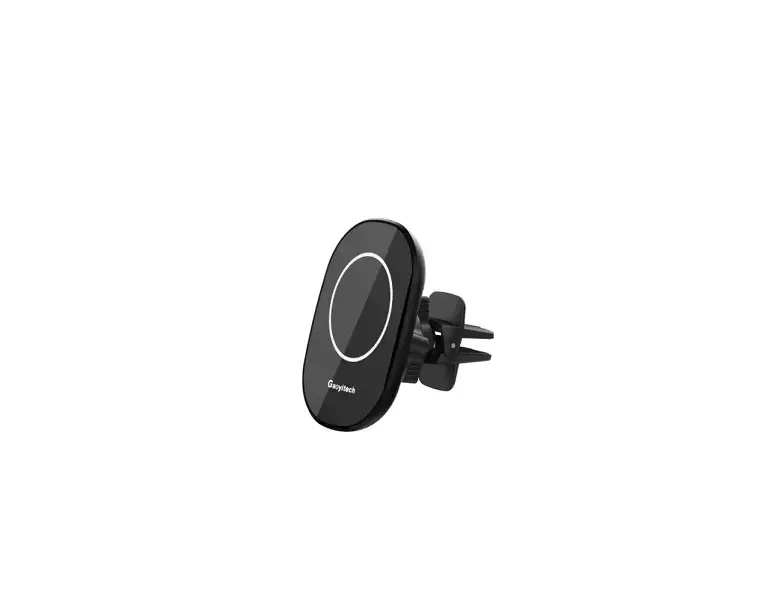
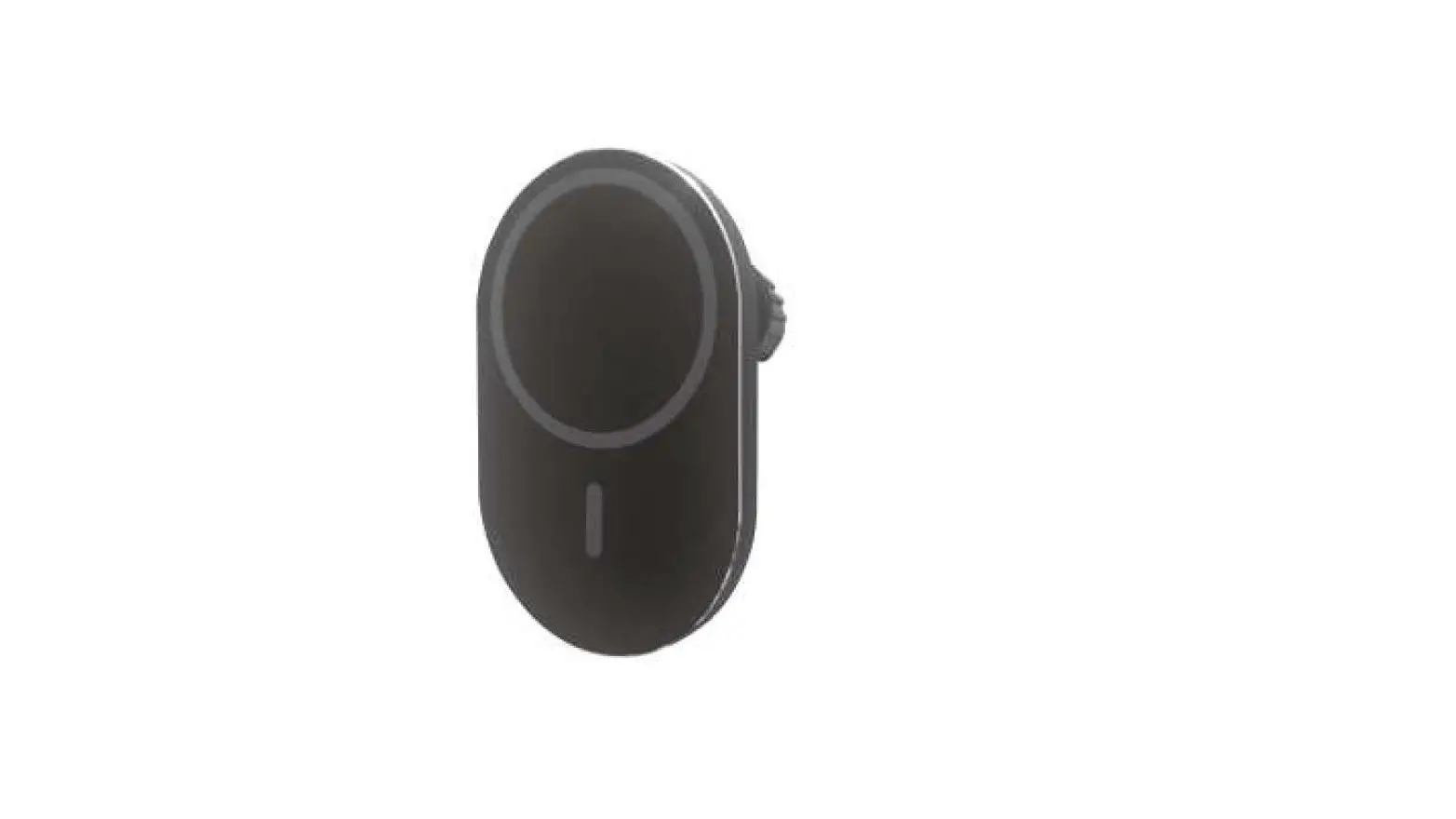
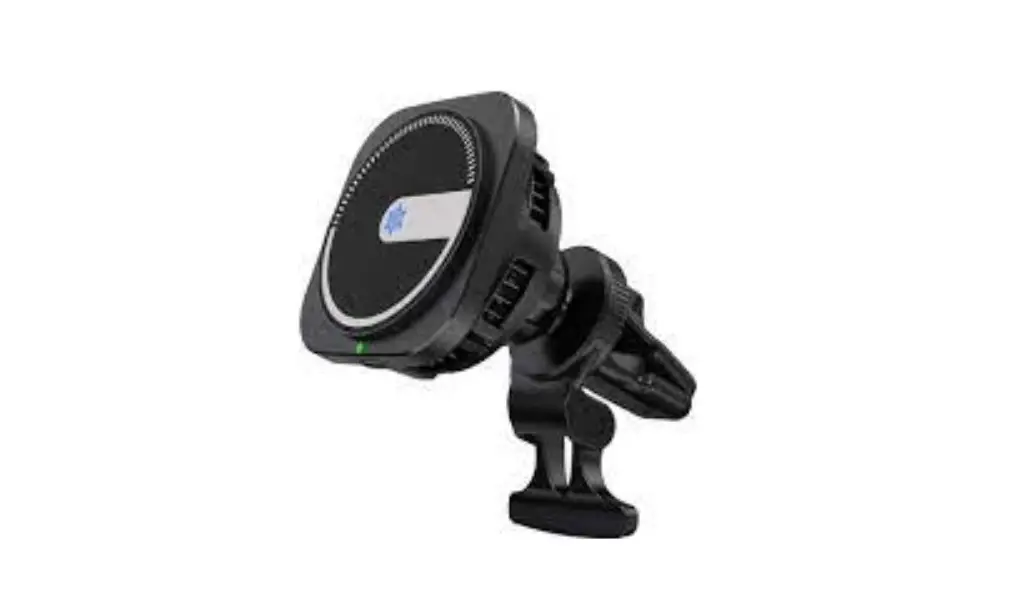
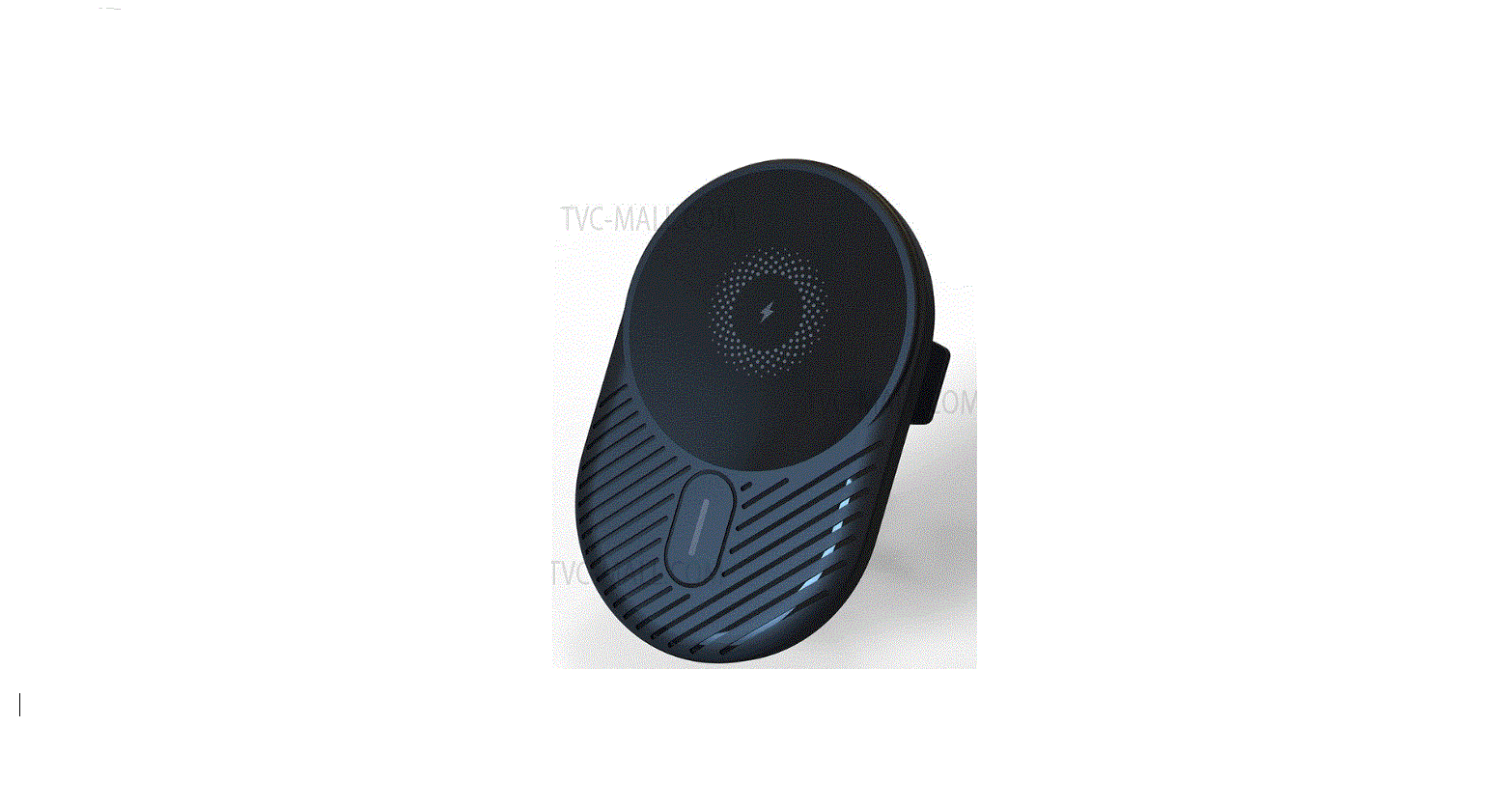
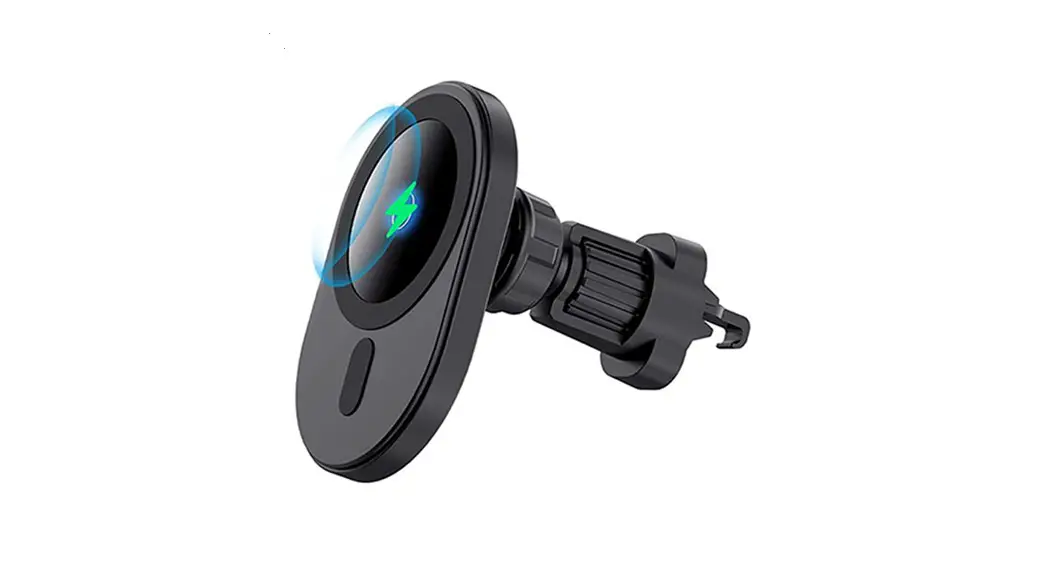
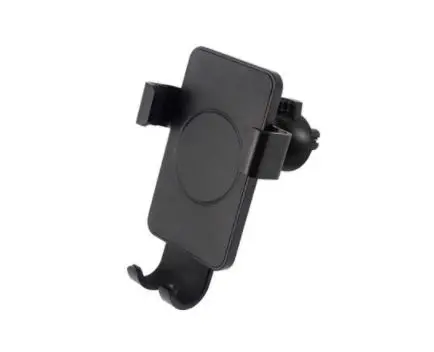
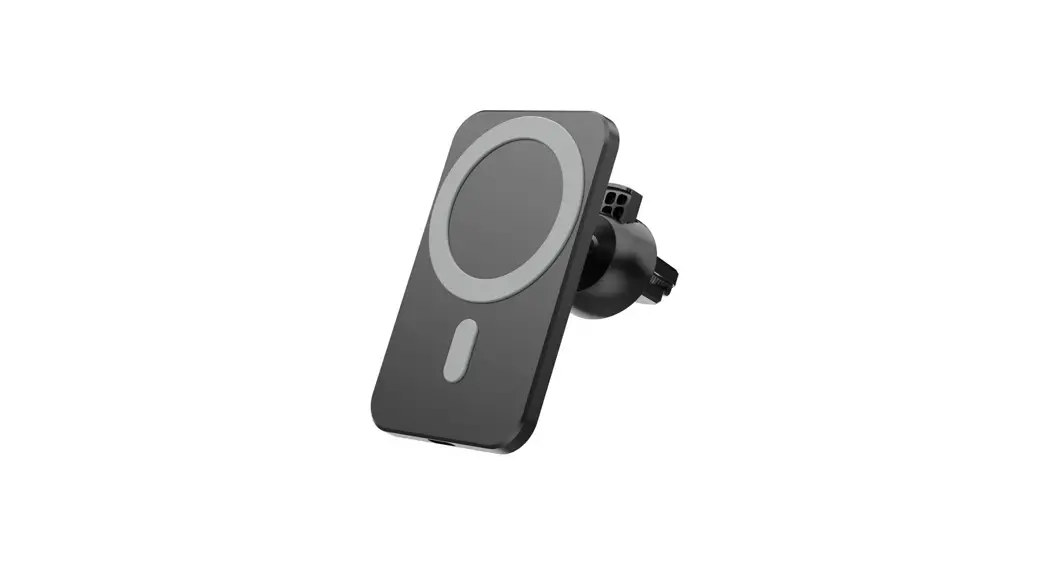
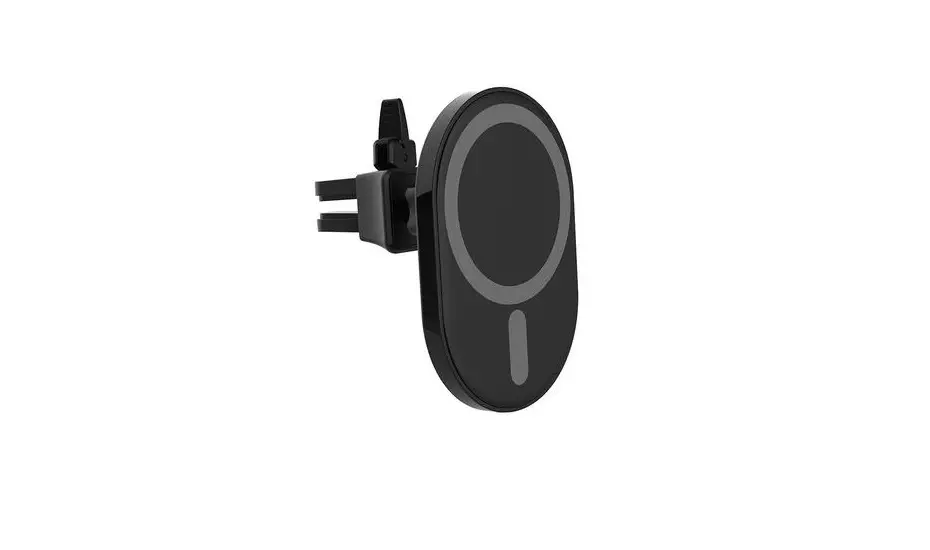
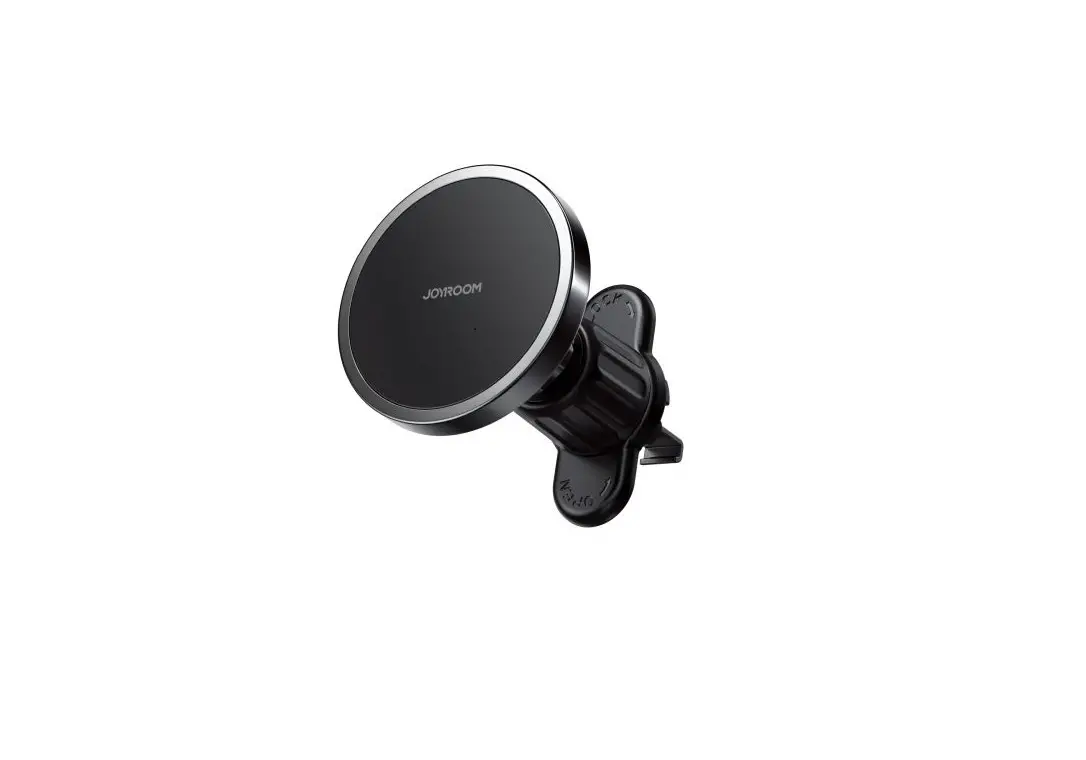
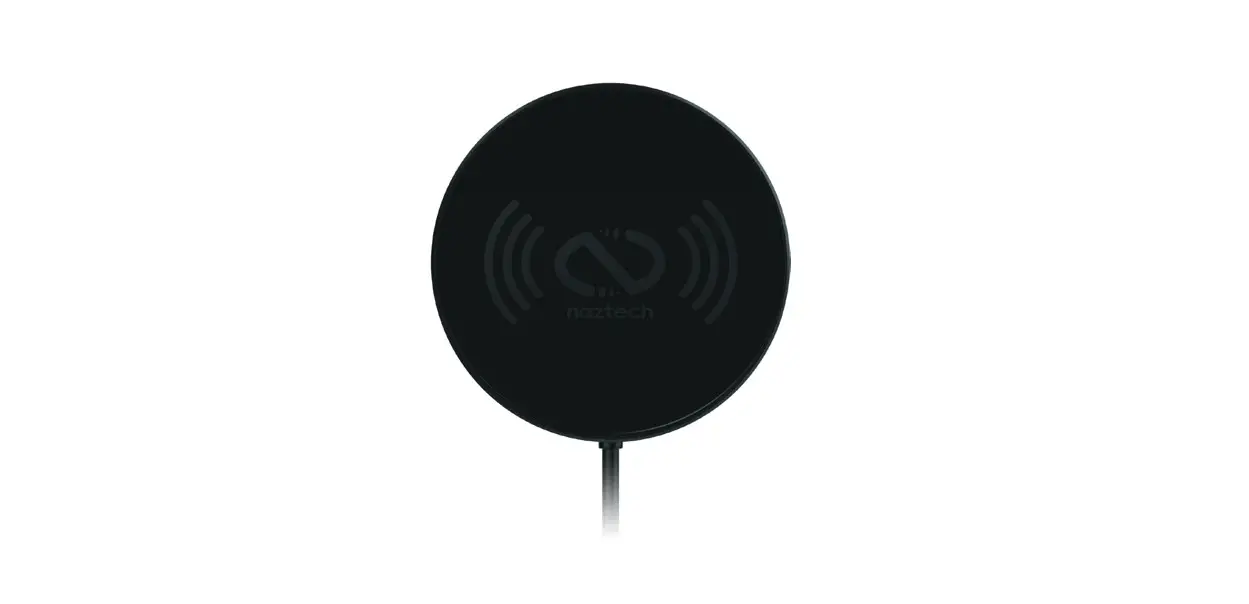
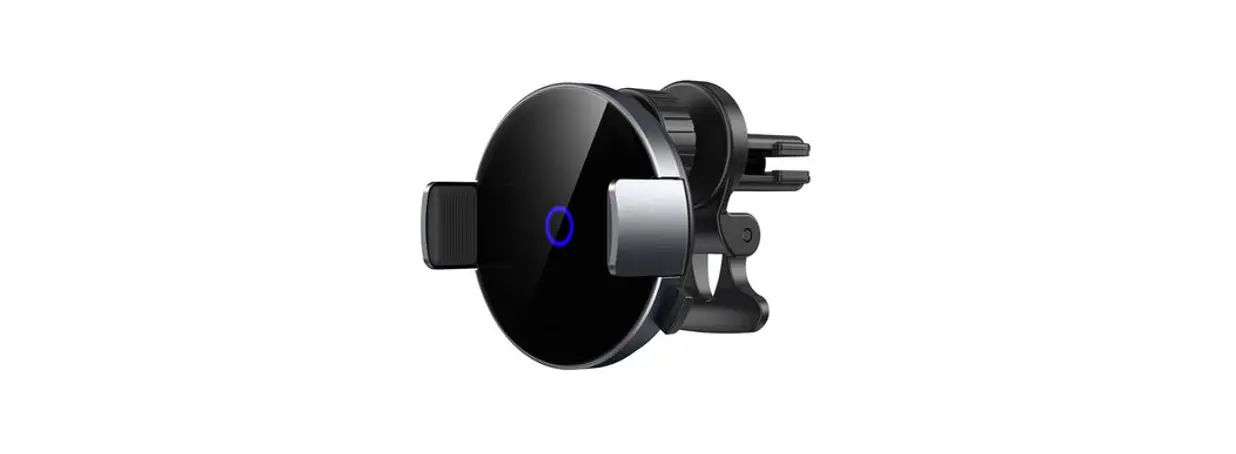
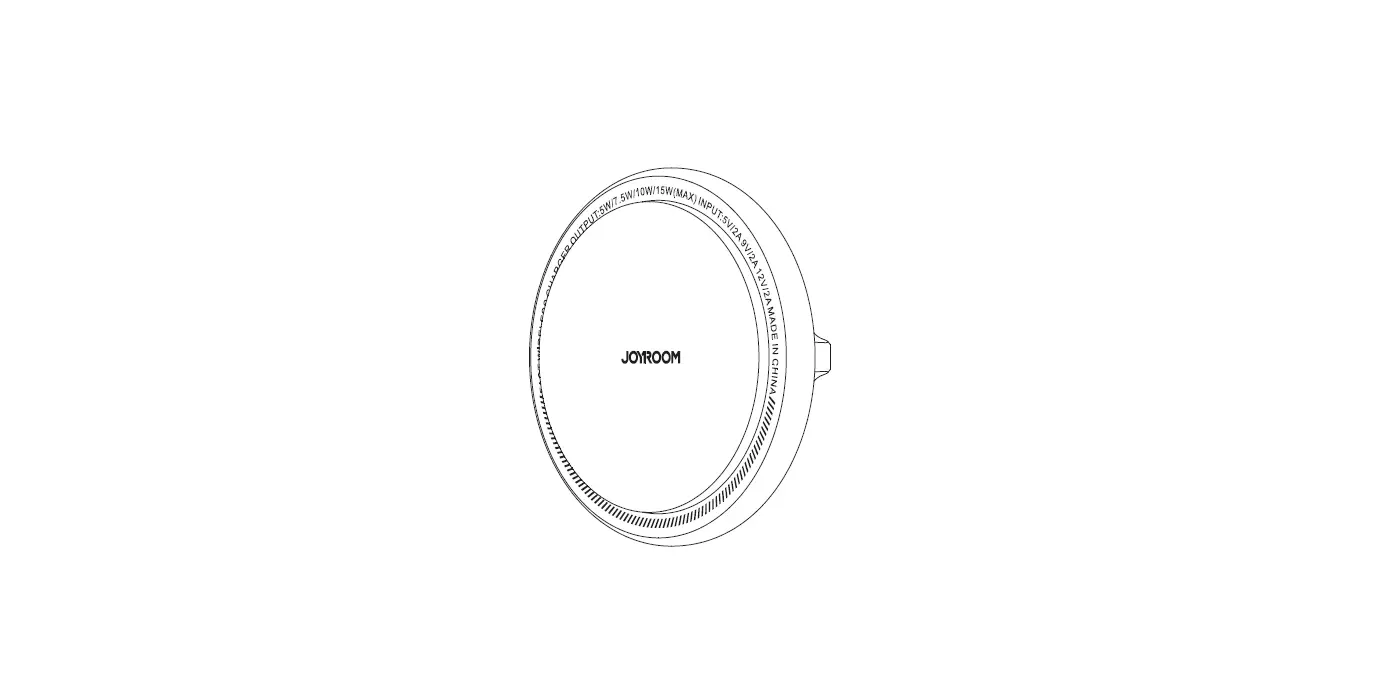
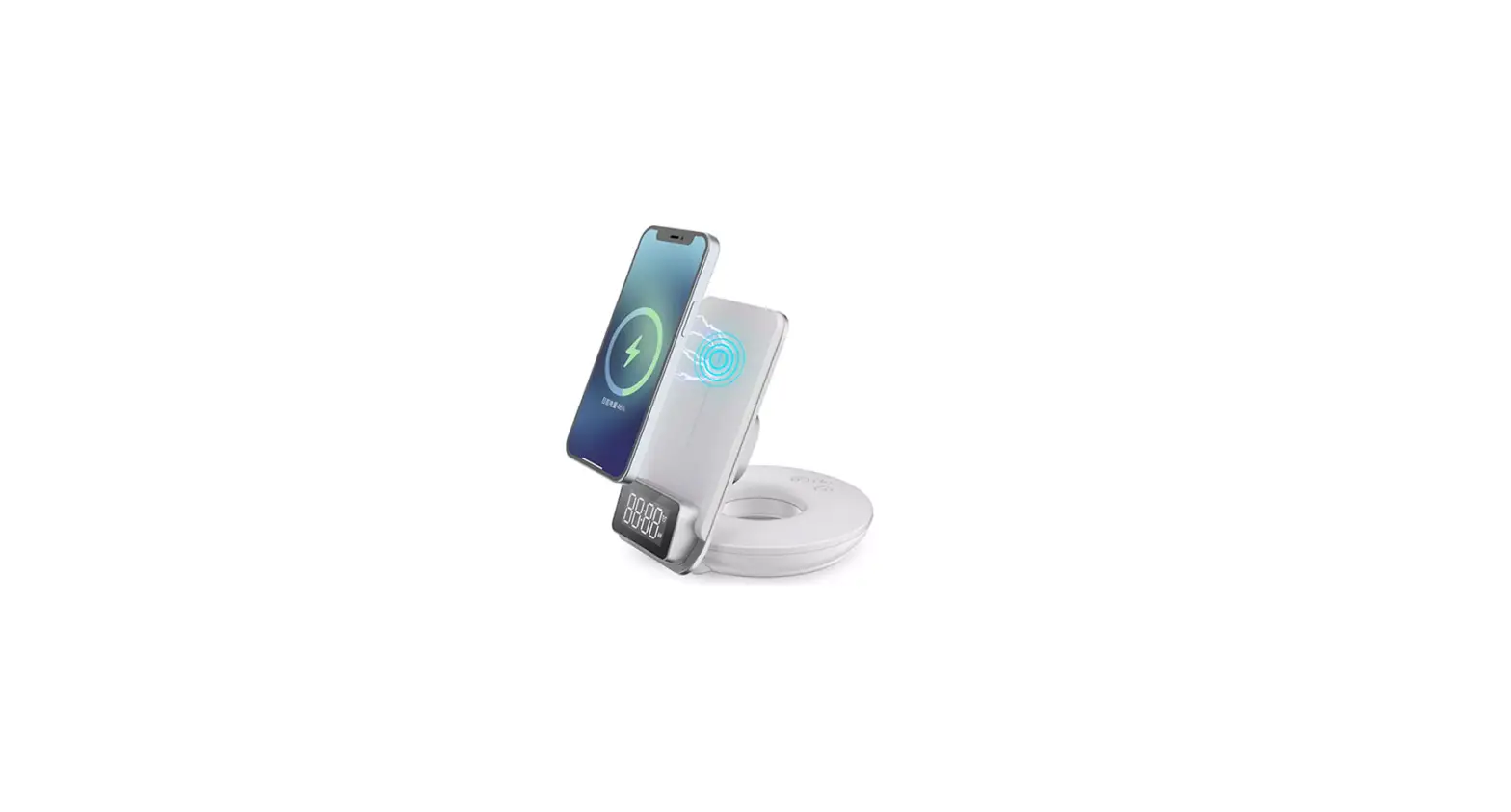
X23 15W Magnetic Wireless Car Charger Mount
Product Information
The 15W Magnetic Wireless Car Charger Mount is a universal
wireless charging car mount that is compatible with MagSafe R
devices. It features a Type C input and comes with a 1m Type-C
charging cable. The charger has a maximum output of 5V/1A and is
designed for iOS devices, providing up to 7.5W wireless
charging.
The charger is not compatible with QC3.0 Car Charger and
requires a separate adapter. For optimal performance, it is
recommended to use an adapter with 9V/2A or 12V/1.5A power
output.
It is important to note that using multiple ports on the same
adapter may slow down the charging process.
The charger is specifically designed for iPhone 12 or later
series devices with MagSafe Case Friendly. It is recommended to use
the charger with official MagSafe cases or third-party cases that
are compatible with MagSafe. Other phone cases are not
applicable.
The charger is also compatible with official MagSafe case or
Magnetic case.
To maintain compliance with FCC’s RF Exposure guidelines, it is
advised to install and operate the equipment with a minimum
distance of 20cm between the radiator and the user’s body. Only use
the supplied antenna.
FCC ID: 2A6IU-X23
Product Usage Instructions
1. Connect the Type-C input of the charger to a power source
using the provided 1m Type-C charging cable.
2. Choose a suitable adapter with 9V/2A or 12V/1.5A power output
and connect it to the charger.
3. Place the charger in a suitable location within your car,
ensuring that it is securely mounted.
4. Ensure that your iPhone 12 or later series device is equipped
with an official MagSafe case or a third-party case compatible with
MagSafe.
5. Align the MagSafe feature of your iPhone with the charger’s
magnetic surface, ensuring a secure connection.
6. The charger will automatically start wireless charging once
the connection is established. Charging will be put on hold if the
iPhone becomes too hot or too cold to charge. In such cases, it is
recommended to move the iPhone to a cooler or warmer location, or
put it to sleep if in use.
7. If a temperature warning screen appears, turn off the iPhone,
move it to a cooler environment away from direct sunlight, and
allow it to cool down before resuming use.
8. To disconnect the iPhone from the charger, simply remove it
from the magnetic surface.
9.. (
15W MAGNETIC WIRELESS CAR CHARGER MOUNT
Universal Wireless Charging Car Mount
2 1
Type C input
Applicable blade width: 30mm
1m type-C charging cable
Specifications
·Input: DC 5V2A, 9V2.22A ·Output: DC 5V/1A, 7.5V/1A, 9V/1.12A, 9V/1.66A (5W, 7.5W, 10W, 15W) ·Transmission distance5mm ·Charging efficiency: 75% Max
Features
· A circle of powerful magnets works perfectly with the iPhone 12 and later, to make your phone safer.
· It can be safely connected to your car’s air vent thanks to the super durable adjustable hook with an anti-fall system.
· Perfect match with iphone 12 and later or Qi-enabled phones at up to 15W.
· Polished black glass finish construction
Work MagSafe R Compatible Devices
*Up to 7.5W wireless charging for iOS devices.
X23
USB-A
*QC3.0 Car Charger not inclued.
Choosing the right adapter
Look for “9V/2A” or “12V/1.5A”
on me
Max output: 5V/1A
QC3.0
Other
Using multiple ports on the same adapter can slow down charging.
Note
Only for iPhone 12 or later Series (MagSafe Case Friendly) Please use case with official MagSafe or thirdpart case ,Not applicable to other phone cases.
With iOS 16, charging is put on hold when your iPhone becomes too hot or too cold to charge.When the following screenshot occurs.
To resume charging your iPhone as quickly as possible, move it to a cooler or warmer location, or if your iPhone is in use, put it to sleep. If a temperature warning screen appears.
To resume use of your device as quickly as possible, turn it off, move it to a cooler environment (away from direct sunlight), and allow it to cool down.
Compatible with official MagSafe case or Magnetic case.
FCC Caution:
This device complies with part 15 of the FCC Rules. Operation is subject to the following two conditions: (1) this device may not cause harmful interference, and (2) this device must accept any interference received, including interference that may cause undesired operation. Any changes or modifications not expressly approved by the party responsible for compliance could void the user’s authority to operate the equipment. NOTE: This equipment has been tested and found to comply with the limits for a Class B digital device, pursuant to Part 15 of the FCC Rules. These limits are designed to provide reasonable protection against harmful interference in a residential installation. This equipment generates, uses and can radiate radio frequency energy and, if not installed and used in accordance with the instructions, may cause harmful interference to radio communications. However, there is no guarantee that interference will not occur in a particular installation. If this equipment does cause harmful interference to radio or television reception,which can be determined by turning the equipment off and on, the user is encouraged to try to correct the interference by one or more of the following measures: — Reorient or relocate the receiving antenna. — Increase the separation between the equipment and receiver. — Connect the equipment into an outlet on a circuit different from that to which the receiver is connected. — Consult the dealer or an experienced radio/TV technician for help.
To maintain compliance with FCC’ s RF Exposure guidelines, This equipment should be installed and operated with minimum distance 20cm between the radiator and your body: Use only the supplied antenna.
FCC ID2A6IU-X23