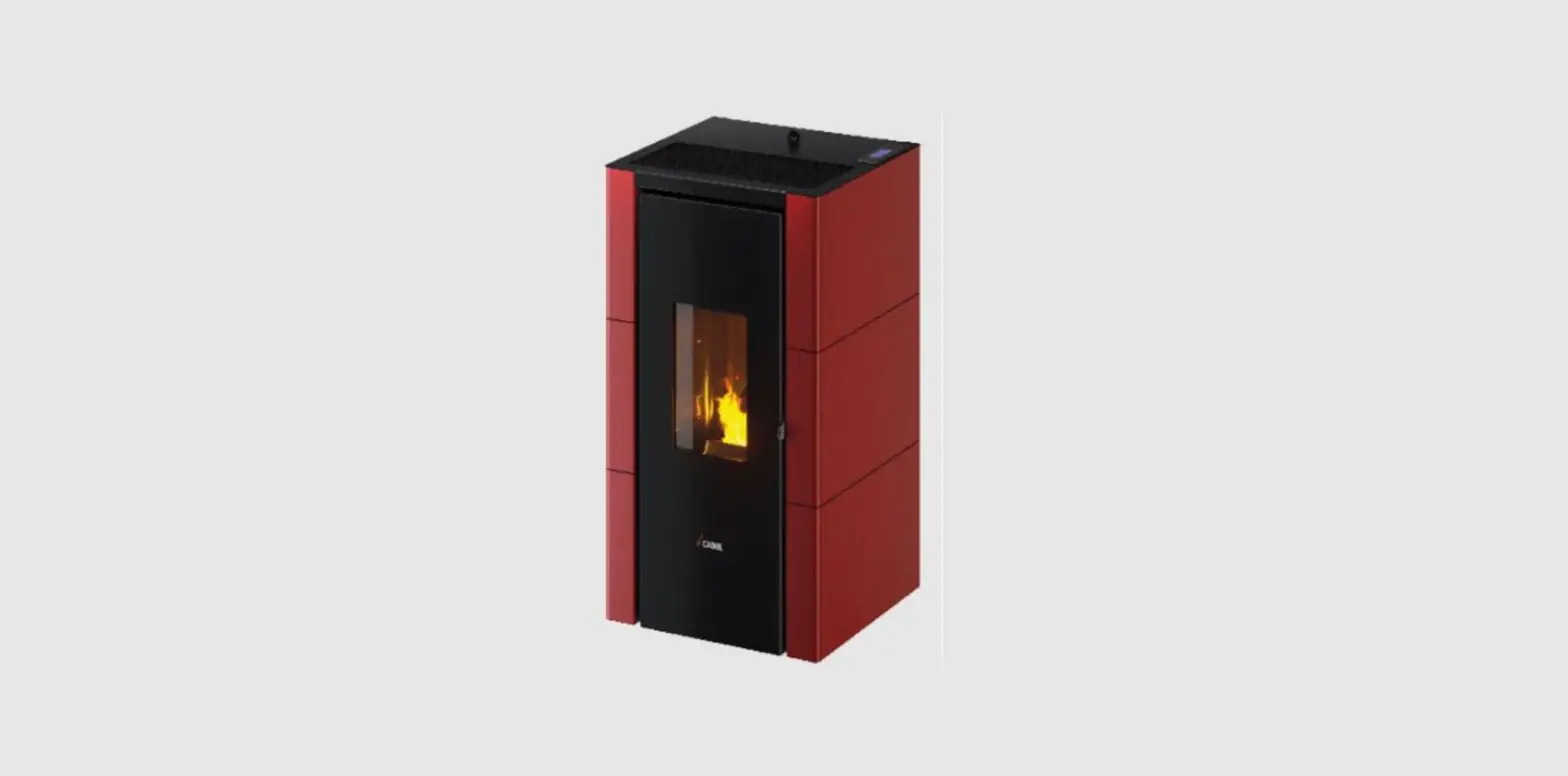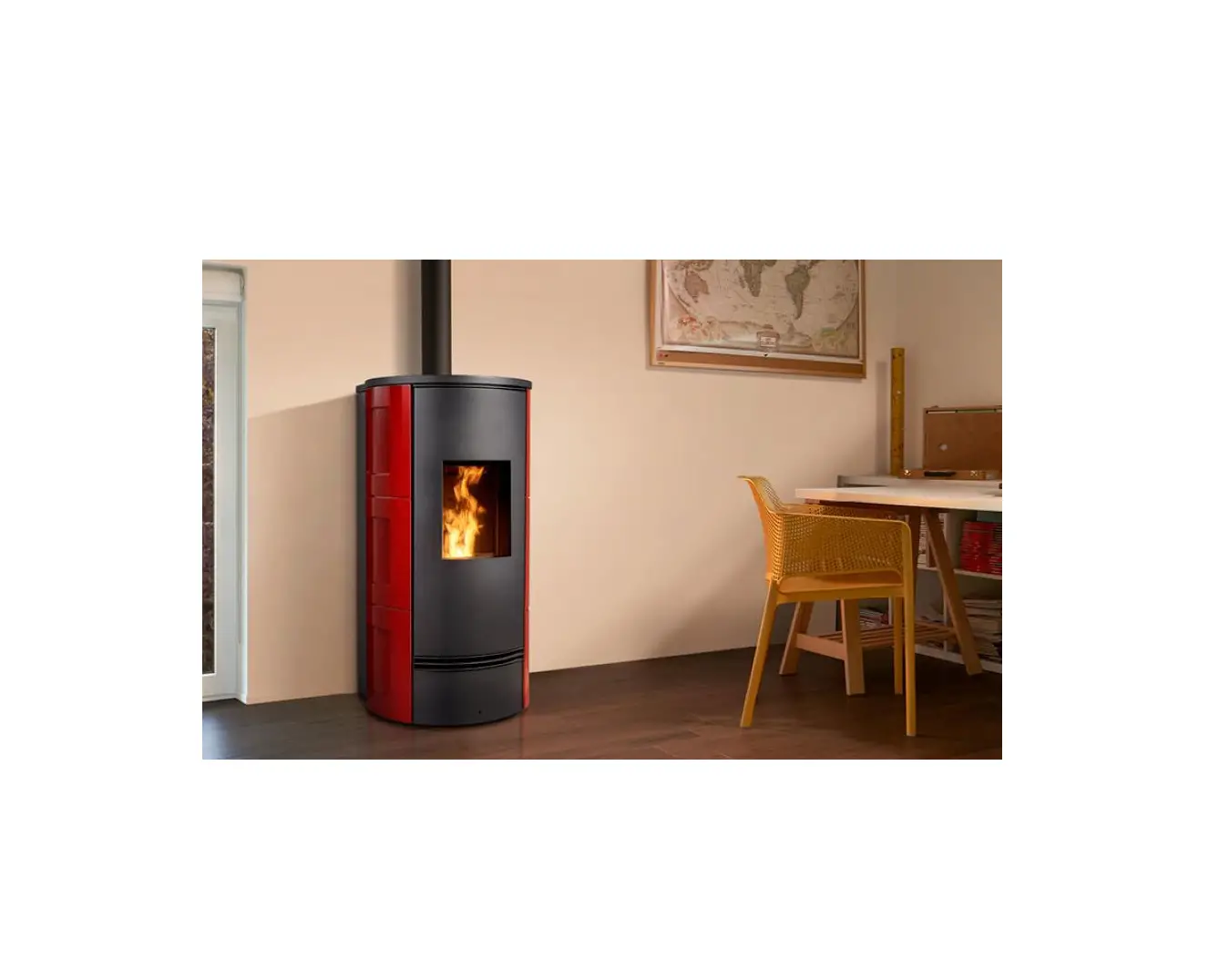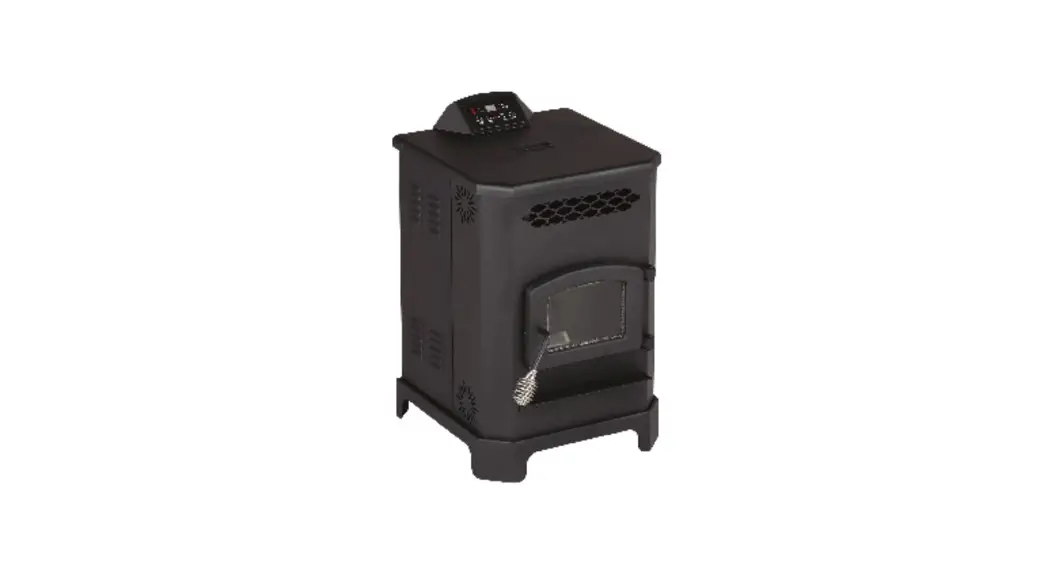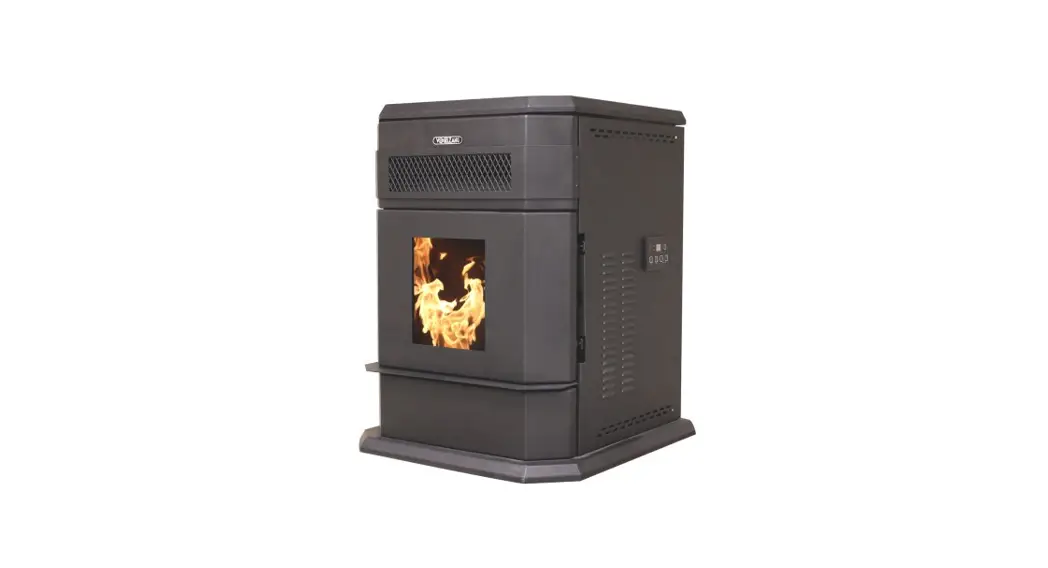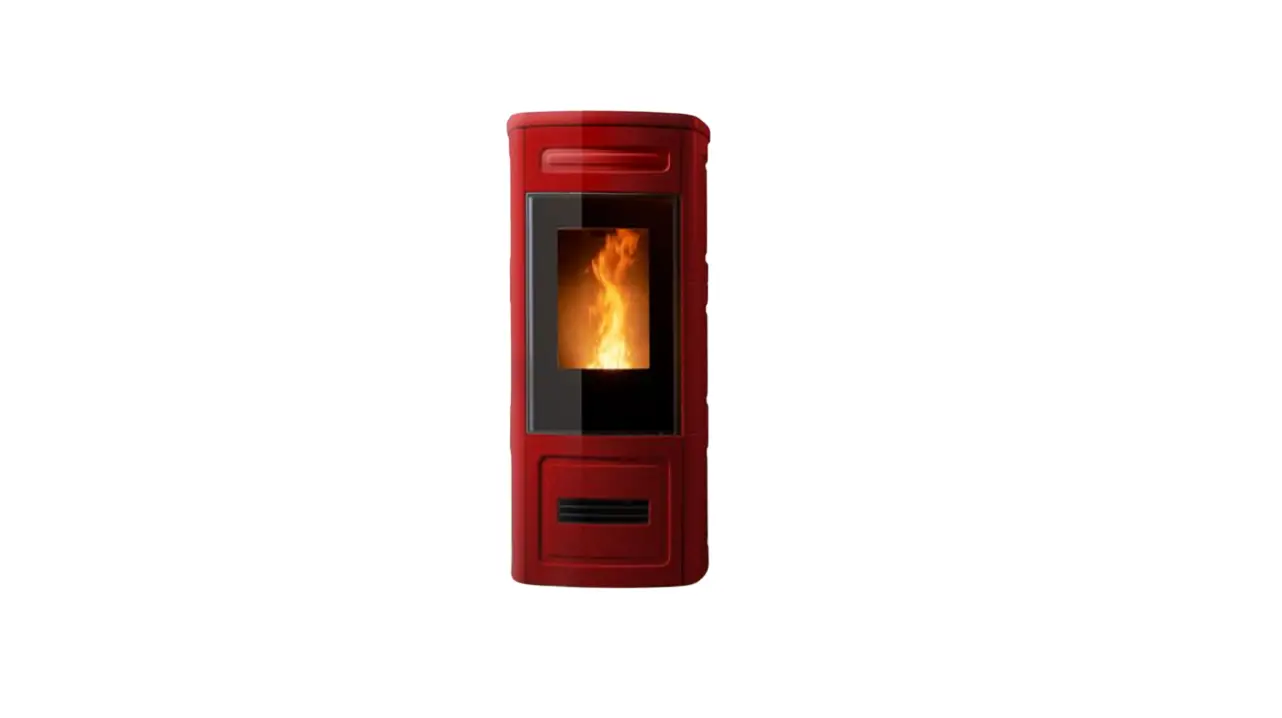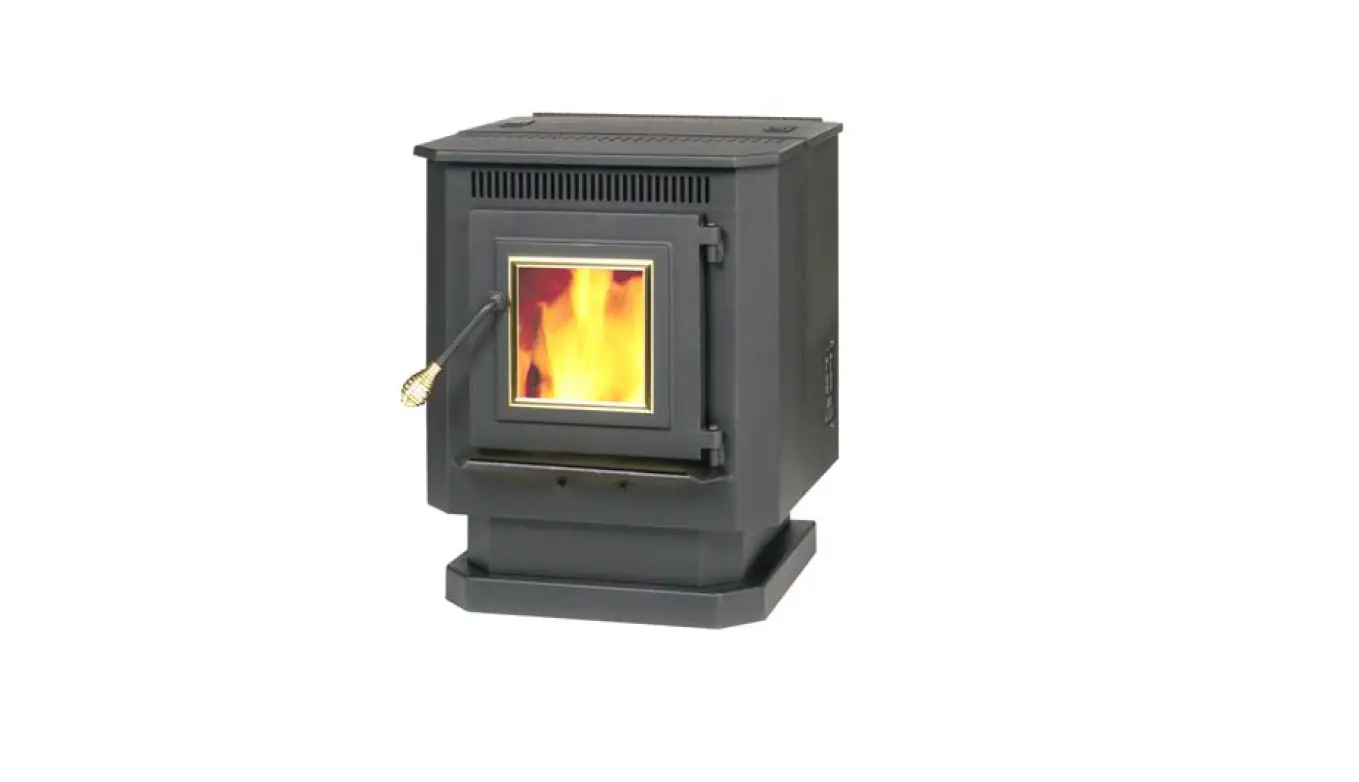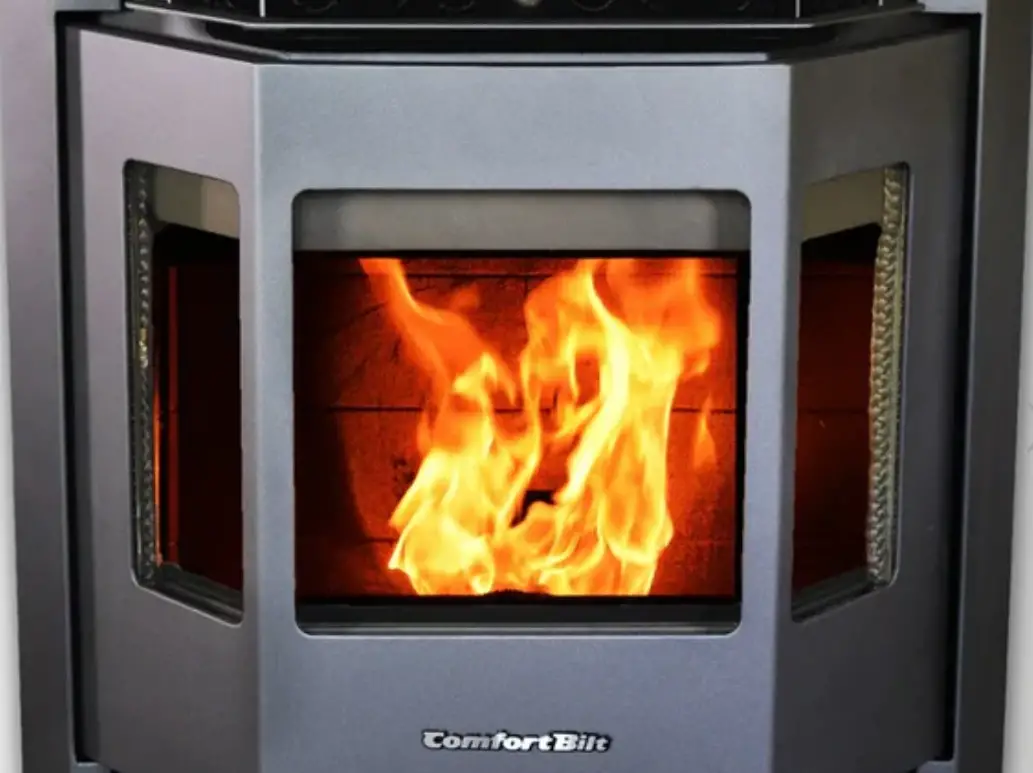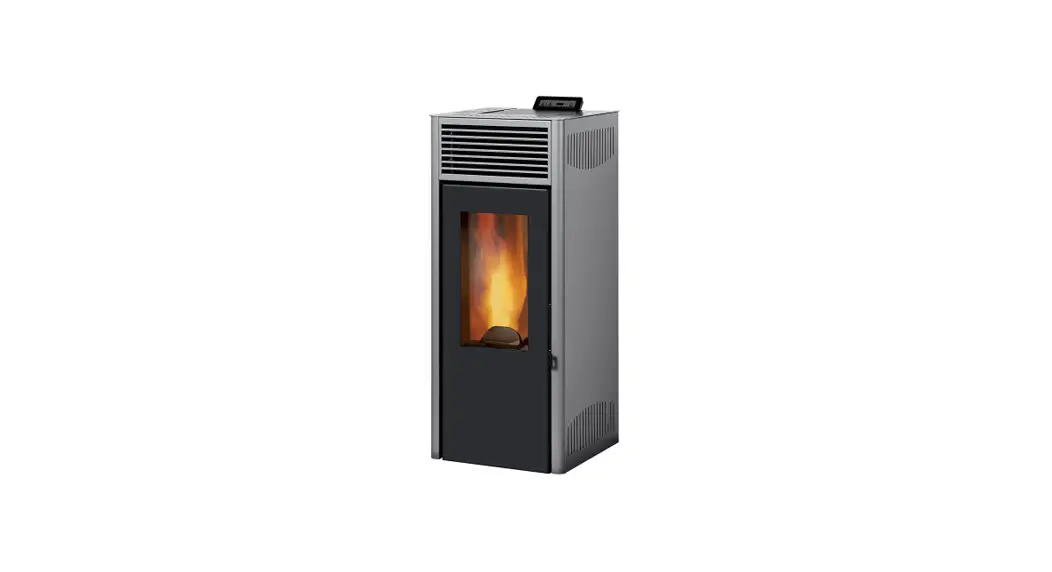
 Installation and User Manual
Model
TP-05 / TP-06 / TP-07 / TP-08/ TP-09/ TP-10 / TP-11
Pellet Stove  Tested according to DIN EN 14785
INTRODUCTION
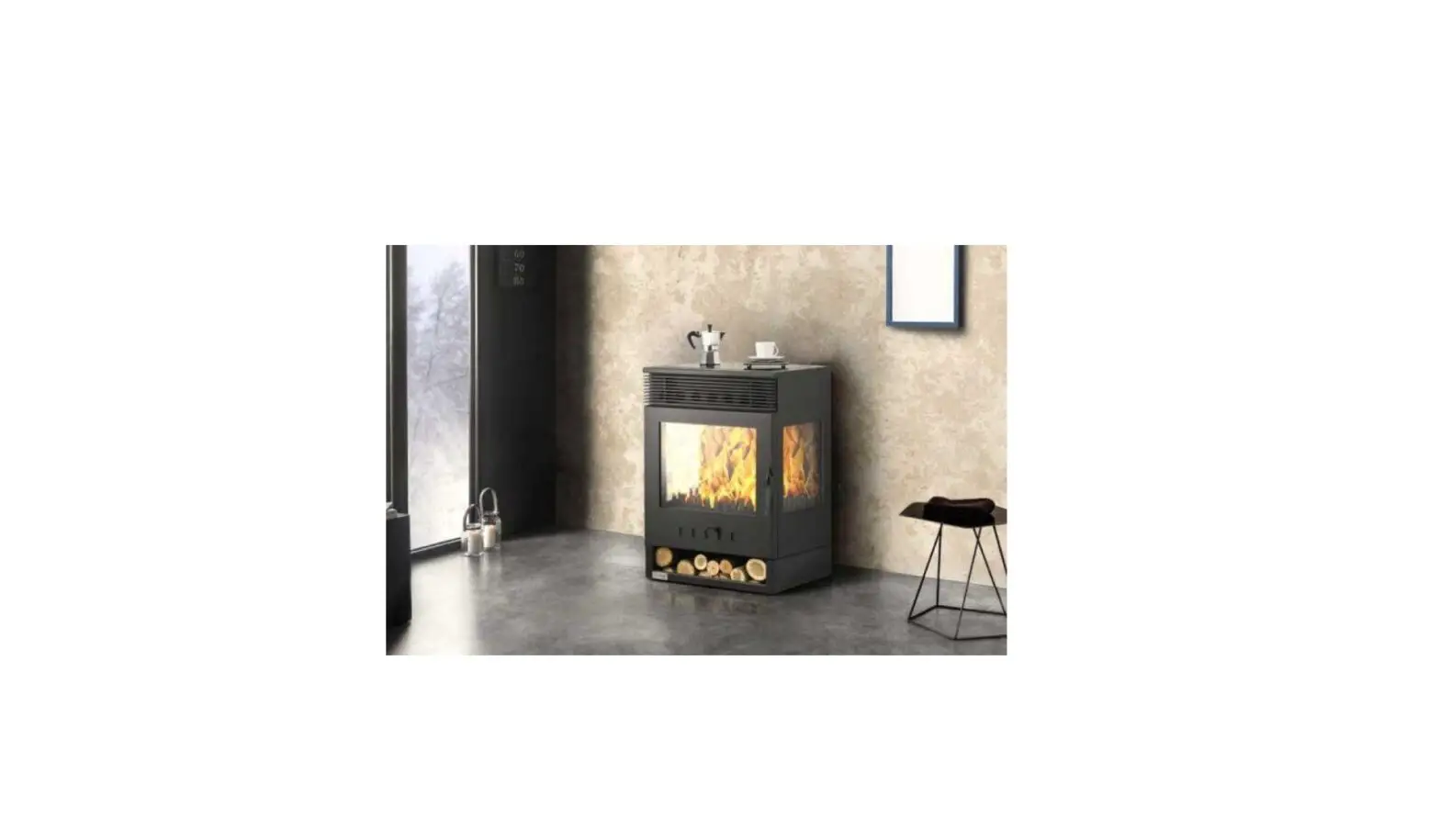
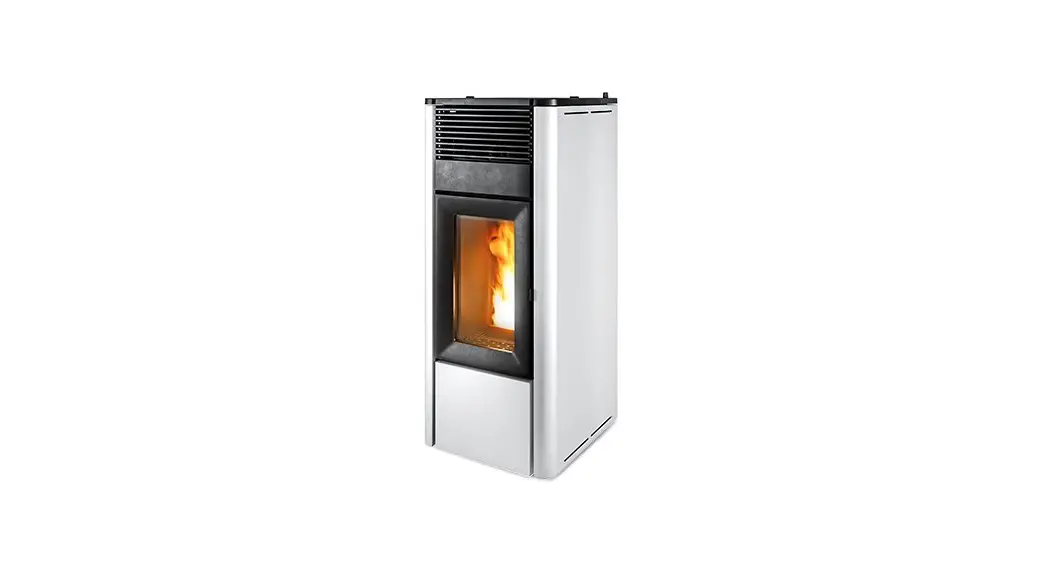
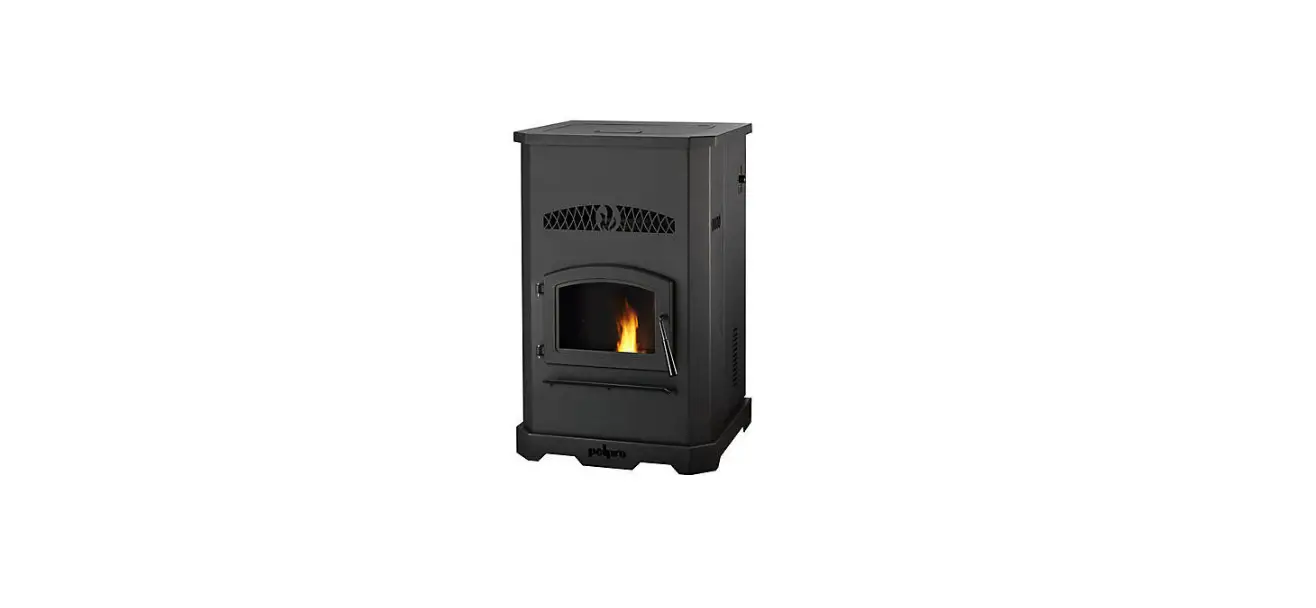
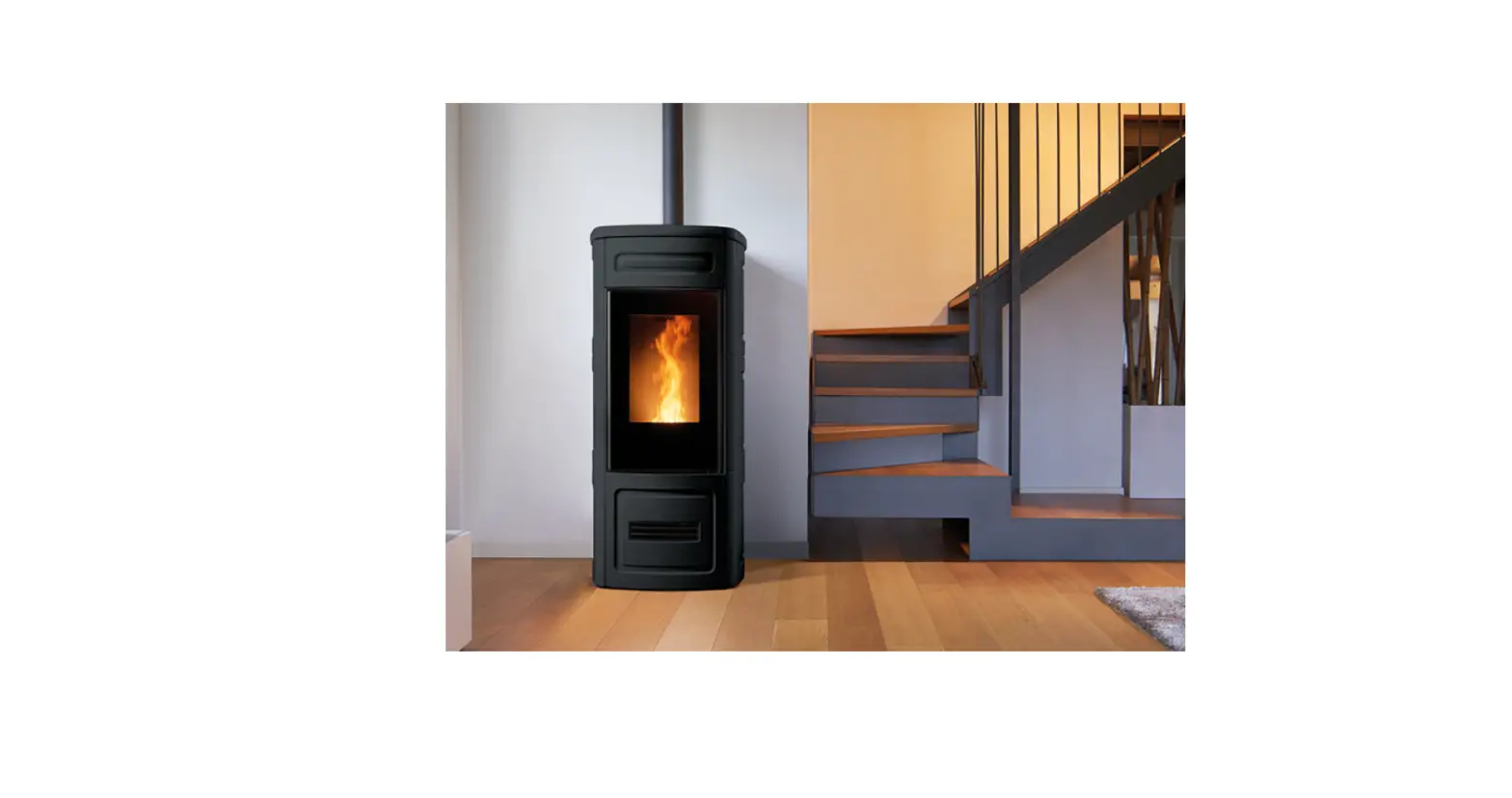
Pellet stoves are easy-to-use domestic heating appliances. They are fully automatic and can be used inside the house. These indoor heating units combines pleasure with a fireplace view.
You have a stove with European Standards Quality Certificate.
Please read the user manual, carefully.
It includes information on product functions and easy-to-use information.
Use of these informations increases the product quality and extend its life. You can properly protect the fuel and the environment.
Warranty of the product depends on the right use of installation and instructions as described in the guide.
We recommend you to keep this guide in order to reach the information about the correct use of the stove at the beginning of every winter.
FEATURES
| TECHNICAL FEATURES | TP-05 | TP-06 | TP-07 | TP-08 | TP-09 | TP-10 | TP-11 |
| Power (kW) | 8 | 9 | 9,8 | 10 | 10 | 10 | 18 |
| Flue pipe diameter | 80 mm | 80 mm | 80 mm | 80 mm | 80 mm | 80 mm | 80 mm |
| Pellet storage capacity | 15 KG | 15 KG | 15 KG | 15 KG | 10 KG | 20 KG | 20 KG |
| Efficiency | 89,4 % | 88,1 % | 88,1 % | 92% | 90% | 89,5 % | 93% |
| Electric | 230 V- 50Hz | 230 V- 50Hz | 230 V- 50Hz | 230 V- 50Hz | 230 V- 50Hz | 230V- 50Hz | 230 V- 50Hz |
| Weight | 73 kg | 75 kg | 78 kg | 128 kg | 101 kg | 148 kg | 207 kg |
WARNING
- USE ONLY 6MM NATURAL PELLETS MANUFACTURED ACCORDING TO DIN PLUS STANDARTS.
- DO NOT USE 8MM OR 10 MM PELET, OLIVE SEEDS, CHERRY SEEDS, HAZELNUT SHELL ETC.
- CLEAN THE FIRE POT EVERYDAY.
- AT THE END OF THE WINTER, GENERAL MAINTENANCE AND CLEANING MUST BE CARIED OUT AND THE FUEL STORAGE MUST BE EMPTIED.
- DAMAGES CAUSED BY USING INAPPROPRIATE PELLET AND NON-REGULAR CLEANING ARE NOT COVERED BY WARRANTY.
- SMOKE AND SMELL IS NORMAL AT FIRST USING. JUST VENTILATE THE ROOM.
- DO NOT TOUCH PAINTED PARTS DURING OPERATION TO AVOID DAMAGING ON PAINT.
- THE PROBLEMS CAN BE OCCURED IN CASE WRONG/LOW QUALITY PELLET USING AND CLEANING IS NOT MADE, ARE NOT COVERED BY THE WARRANTY.
INSTALLATION AND CONNECTION
4.1 GENERAL
All the inspections for the pellet stove are done according to the stipulated standards. It complies with the prescribed parameters related to combustion efficiency and flue gas
emissions. The product mentioned in this manual has been tested by the approved bodies according to EN 14785 Standard.
The packaging of the stove protects the product from damage in the best possible way. However, the stove or its accessories may still be damaged during transport. Therefore, after removing the stove from the package, check whether it is complete and undamaged. In case of any damage, notify your dealer. If dealer or manufacturer are not informed about the damage and not presented the proof, the damages are not covered by the warranty.
4.2 SAFETY
* Product must be installed by an authorized person.
* Before installing the product, it should be determined whether the bearing capacity of the floor to be installed is durable to the product. In case of insufficient bearing capacity, appropriate measures should be taken. If the floor where the stove is to be installed is flammable or heat-sensitive, you should place a base (eg marble or glass base).
* Care must be taken to ensure that the ventilation conditions of the place where the product is installed.
* The pellet stove can operate in conjunction with the existing multiple chimneys. In addition, the stove should not be connected at places such as the aspirator chimney and ventilator.
* Chimney must be cleaned at least twice a year.
* Product needs to be connected to the chimney with a shortest distance.
* In order to get better heat efficiency and extend the life of the product, qualitative pellet and wood fuel should be preferred. Do not use moist or wetted pellet, sawdust, coal etc.
* Since the pellet stoves are designed according to the interior spaces and give heat to the environment, they should not be installed in places such as bathrooms, shelter, cellar. And they should not be used for cooking.
4.3 ELECTRICITY
The electricity must be 230V / 50 Hz 10A.
Our company is not responsible for any damage that may occur in case of any voltage drop or rise. We recommend taking necessary measures as it does not include the warranty.
4.4 FLUE PIPE CONNECTION 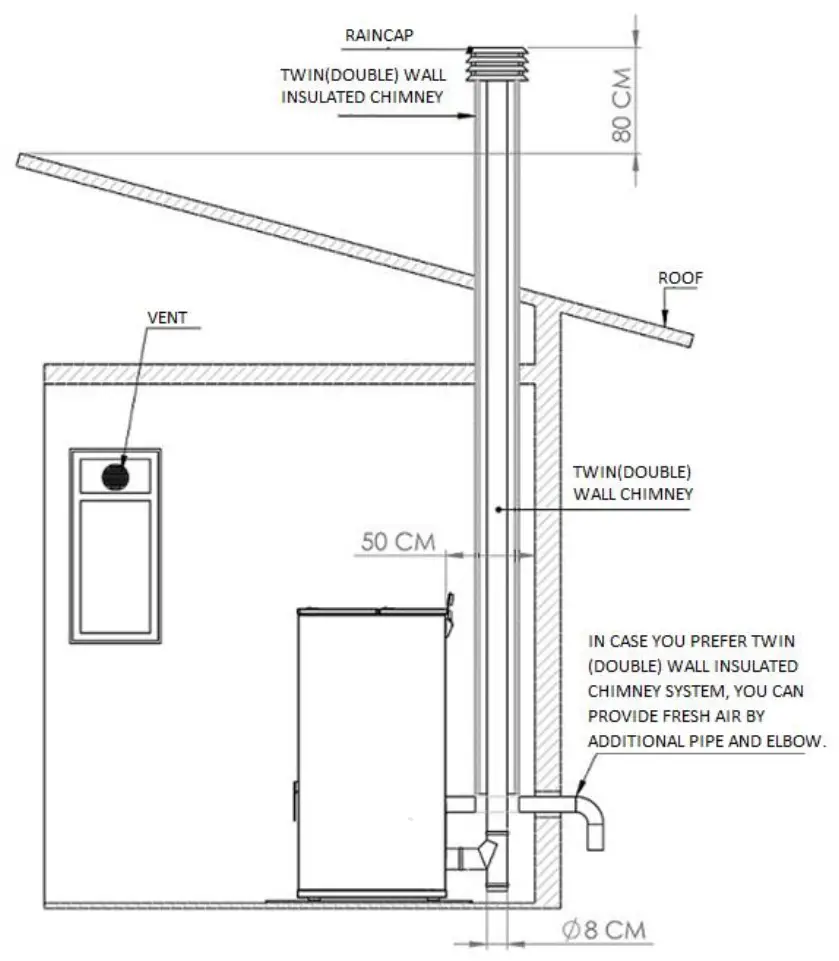 We recommend the use of twin(double) wall or twin(double) wall insulated system forchimney connection.
- In the interior spaces, by using twin wall chimney system, exhaust gas can be throughed out to the outside, at the same time fresh air provided to inside. Twin insulated chimney should be used on the outside.
- In the interior spaces, by using twin wall insulated chimney system, exhaust gas can be throughed out to the outside. In this case, you can provıde fresh air by additional pipe and elbow.
- To provide fresh air easily, a vent should be used on the nearest window where stove is installed.
- Chimney or twin wall insulated chimney, should be at least 80 cm higher than the highest point of the roof.
- Use rain cap or wind cowl at the end of the chimney to avoid to come inside anything(bird,etc…). Distance between raincap and chimney end should be 30-40 cm.
- The pellet stove can operate in conjunction with the existing multiple chimneys. In addition, the stove should not be connected at places such as the aspirator chimney and ventilator.
- The chimney can be given directly out of the pellet stove at a short distance, or it can be connected to the existing chimney at short distance.
ATTENTION !!!
THE PIPE AND ELBOWS USED UP TO THE CHIMNEY OUTPUT AND INPUT NEEDS TO BE THE SAME DIAMETER. BY THE INPUT OF THE CHIMNEY A REDUCTION MUST BE USED. MAXIMUM 4 METERS PIPES AND 2 ELBOWS NEEDS TO BE USED. PIPE JOINTS SHOULD BE TAPED TO CONNECTOR OR ALUMINUM BAND. 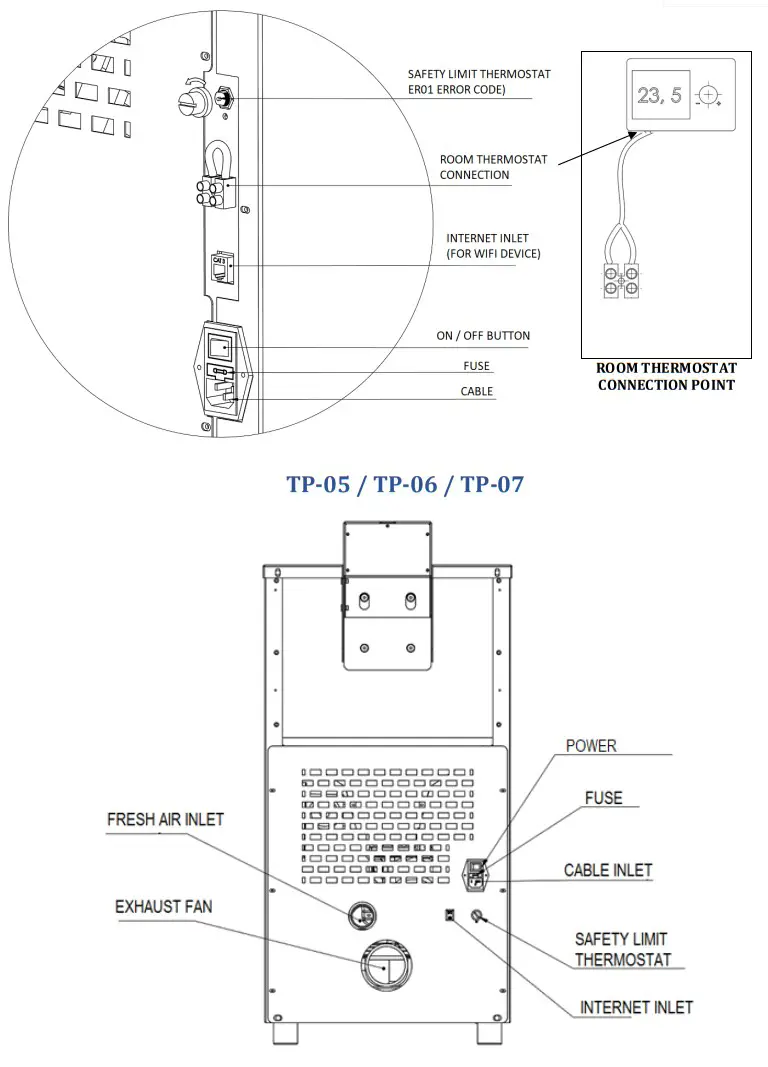
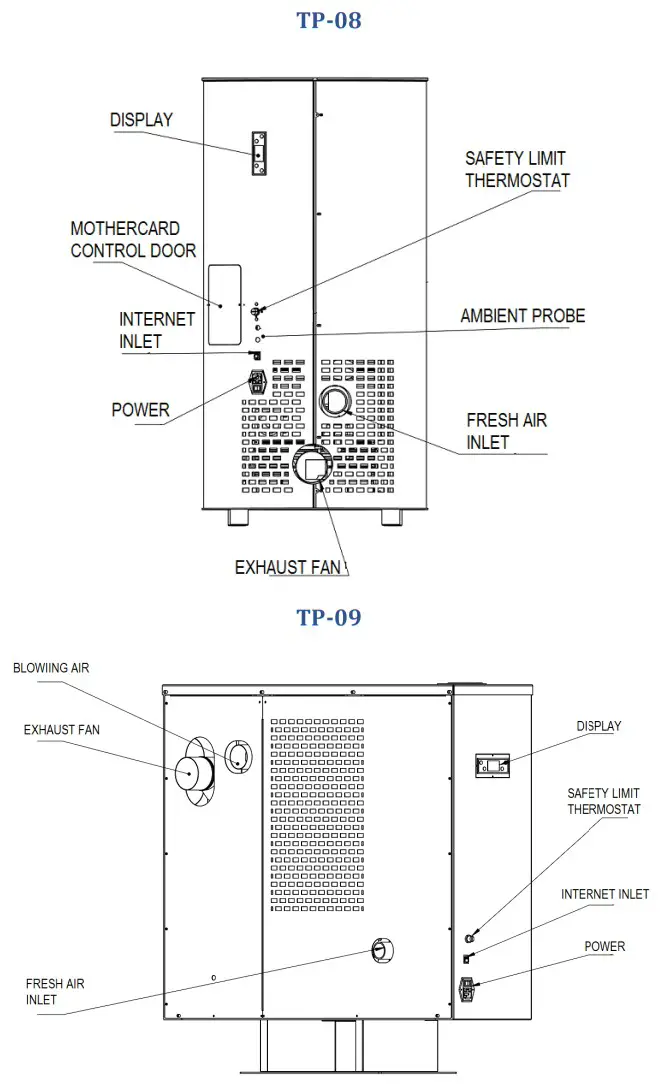
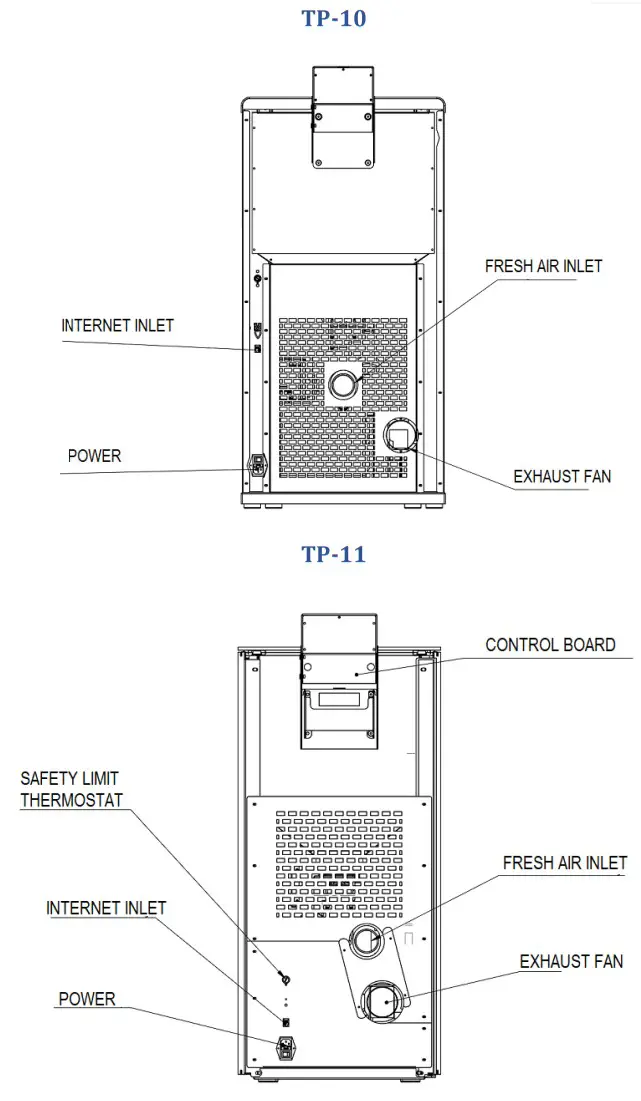 4.5 MINIMUM SAFETY DISTANCES
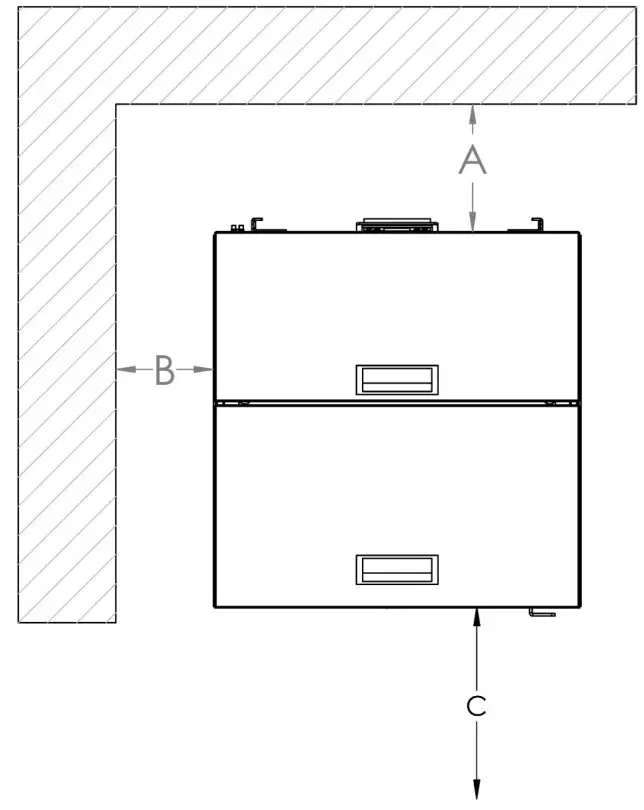 A 50 cm from rear wall
B 40 cm from lateral wall
C 100cm from front side Flammable materials and furniture should not be placed at a distance of 100 cm in the radiation area (C) of the flame monitoring cover.
While installing the stove, the fire regulations and chimney’s instructions must be complied. For any related questions please ask the chimney provider. Minimum distances to be observed in flammable or heat-sensitive materials (eg furniture, wallpaper, wood panels) (see diagram above) are:
This distance can be reduced to 40 cm when the protection panel is placed between the stove and the materials that are likely to burn.
Minimum distances for flammable materials and furniture are indicated on the product label and must not be exceeded. If the floor where the stove is to be installed is flammable or heat-sensitive, you should place the product on the ground protection plate (eg marble or glass base).
CONTROL PANEL
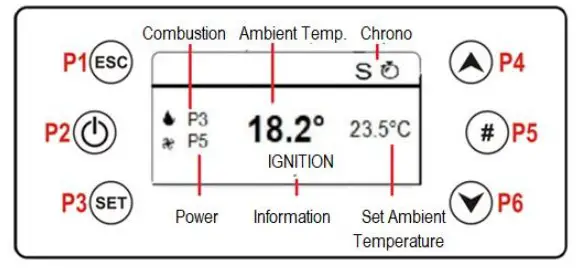
| FUNCTIONS | BUTTONS | DESCRIPTION | S |
| EXIT |  | Use P1 to exit from menu or submenu and to return previous menu | P1 |
| ON- OFF |  | Wait for 3 seconds by touching the P2 to switch on and off | P2 |
| RESET | (Er05) Wait for 3-4 seconds by touching the P2 to reset the error code | ||
| MENU ENTRANCE |  | Use the P3 to access the menus | P3 |
| SUBMENU ( ENTRY) | Use the P3 to enter a submenu in the current menu. | ||
| SAVE | Use the P3 to save data or values in the current submenu. | ||
| MENU CHANGE |  | Use the P4 and P6 s to switch between menus, submenus data and values. When the P6 is touched on the home screen the chimney temperature – room temperature – air speed – the chimney fan, auger speed will be shown. | P4 P6 |
| SUB MENU CHANGE | |||
| TIME SLOT ACTIVATION |  | After the adjustment of time, the selected time slot will be activated by PS. | P5 |
5.1. ERROR CODE AND EXPLANATION
NOTE: When you encounter the error codes, firstly be sure stove and parts don’t work.
You will see “BLOCK” on the screen. After checking and correcting the following connection, parts and values according to the error code, the error code must be cleared by -pressing the P2 for 3 seconds. When the error code is erased, contact your dealer for any malfunctions that persist.
| Error code | Explanation | Solution |
| Er01 | Safety limit thermostat error – overheating of fuel chamber (over 90°) | In the first screen when the stove display starts to work, ERO1 may be encountered. Push 9 button to delete the error code. Check the sanitary valves and pump. Push the black tip of the safety limit thermostat inside, which is on the back side of the boiler.(see pg.9) |
| Er02 | Chimney emmission safety switch error | Check chimney connections and chimney emmission. Be sure chimney and second ash tray is clean |
| Er03 | Chimney outlet temperature drop or auger failure | Check if there is fuel in the combustion chamber and whether the fuel is supplied by the coil. |
| Er05 | Chimney outlet over temperature error / flue temperature sensor error or cleaning error | This error occurs when the calibration values are increased or when the general cleaning time is reached. Please give a general cleaning of the product. |
| Er07 | Chimney emmission fan motor error | Check that your chimney is not clogged and reset it. Be sure chimney and second ash tray is clean. If the error still persists, contact your dealer. |
| Er08 | Chimney emmission fan motor encoder error | Reset the product, contact your dealer if the error still persists. |
| Erli | Date and Time Error | Check the date and time |
| Er12 | Ignition failure error | This error can occur due to pot pullution or resistanse, check the resistance and clean the pot. |
| Er15 | Safety Low Voltage | Check voltage fluctuation |
| Er16 | Display – Motherboard connection error | Check the display and the cable between _ display and control board. |
5.2. MENU FUNCTIONS
Touch the  P3 button to enter the user menu. The following menus will appear on the screen.
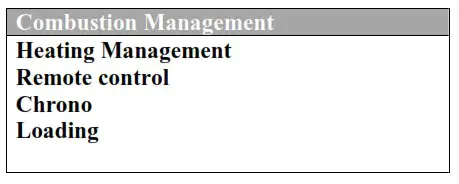 Press P3 for 3 seconds to enter the input menu, the following menu will appear on the screen.
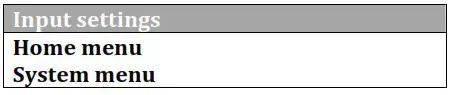 Use the
  P4 and
  P6 buttons to switch between menus. Use the P3 button to access the desired menu.
5.2.1 COMBUSTION FUNCTIONS MENU Touch the P3 button to enter the submenu. You can enter the Combustion Management menu again with the P3 button. In the Combustion Management menu, there
are Level, Auger Calibration and Fan Calibration menus.
Level;
In this menu, the pellet combustion speed can be changed with the help of P4 and P6 buttons.
Ex: 1 – 2 – 3 – 4 – 5 – 6 – A (A = Auto) Use P3 to save.
Auger Calibration;
Enter the pellet loading speed settings with P3. Use P4 and P6 to slow the pellet loading speed or adjust the acceleration values in the display ( +7…0…-7 ). Use P3 to save. Use P1 ESC to exit the menu.
Fan Calibration;
Enter with the P3 button for fan speed control. Use P4 and P6 to slow down the chimney fan speed or set acceleration values in the display ( +7…0…-7 ). Use P3 to save. Use P1 ESC to exit the menu.
5.2.2. HEATING MANAGEMENT
Press the P3 button to enter the submenu. You can enter the Heating Management menu again with the P3 button. Boiler thermostat, heating power and summer-winter menus are avaliable in the Heating Management menu.
5.2.3 REMOTE CONTROL MENU
Remote control is not available
5.2.4. CHRONO MENU
OFF
Daily
Weekly
Weekend
Press the P3 button to enter the menu. The display shows the chrono management menu. Enter the modality menu by touching the P3 button. The screen on the right-up will appear. In the chrono menu, the daily / weekly / weekend time settings are usually switched on / off. When turned on, the display will show the time in the left corner and nothing will be visible in the closed position. When the P2 button is pressed in the modality menu, the timer can be set to ON or OFF. To select daily, weekly or weekend programming and to set the clock, the timer menu must be entered with the P3 button. When programming needs to be done, the steps in the table below should be followed. 3 time slot opening and 3 time slot shutdowns can be programmed for each day. To set each time slot, use the P3 menu button to flash the time slot on the display and the P4 and P6 buttons to increase or decrease the time.
After choosing the time slot selection, activate it with  P5 button (when it becomes actived, there will be a “√” sign on the right side. Use P3 menu button to save and use P1 ESC to exit each step.
Example: DAILY PROGRAMMING
| Daily | Monday | Monday | |
| Weekly | Tuesday | OPEN | CLOSE |
| Weekend | Wednesday | 09.30 | 11.15 √ |
| Thursday | 00.00 | 00.00 | |
| Friday | 00.00 | 00.00 | |
Example: WEEKLY PROGRAMMING
| Daily | Monday- Sunday | |
| Weekly | OPEN | CLOSE |
| Weekend | 09.30 | 11.15 √ |
| 00.00 | 00.00 | |
| 00.00 | 00.00 | |
Example: WEEKEND PROGRAMMING (MONDAY-FRIDAY OR SATURDAY- SUNDAY
| Daily | Monday- Friday | Monday- Friday | |
| Weekly | Saturday- Sunday | OPEN | CLOSE |
| Weekend | 10.00 | 12.15 √ | |
| 14.00 | 10.00 √ | ||
| 00.00 | 00.00 | ||
5.2.5. LOADING MENU
Press the P3 button to enter the submenu. It will manually load the pellet when it is turned ON with the P4 button. Pellet loading will stop by selecting OFF mode. Use P1 ESC to exit. (This is only a process to fill the pot and accelerate the ignition during the first burning phase when the product is in the OFF mode.
5.2.6. TIME AND DATE MENU
Press the P3 button to enter the submenu. The time setting menu appears first. Press the P3 button again to set the current time. The numbers will flash and use P4 and P6 to change the digits. After setting, press the P3 button. Use the P4 button to move to the minute setting side. Login with the P3 button for the current minute setting. The numbers will flash. Use P4 and P6 to change numbers. After setting, save it with P3. After the time setting is completed, P4 button changes to day / month / year. Press P3 to enter. The display will flash. Use P4 and P6 to change numbers. Press P3 to set the time according to the order in the setup menu. Use P1 ESC to exit.
5.2.7. LANGUAGE MENU
Press the P3 button to enter the submenu. The P4 and P6 buttons are the preferred language. Sample; Turkish P3 button to save. Use P1 ESC to exit.
5.2.8. ENTRANCE MENU
Press the P3 button to enter the submenu. The following screen will appear
| Contrast | Used to adjust the screen sharpness. |
| Minimum Light Login Address Network List Acoustic Alarm | Used to adjust the display illumination Not used Not used Not used |
5.2.9. SYSTEM (PARAMETERS) MENU
FOR AUTHORIZED SERVICE.
OUR COMPANY IS NOT RESPONSIBLE FOR ANY DAMAGES İN CASE USER ENTERS IN SYSTEM MENU AND CHANGE THE PARAMETERS
CLEANING AND MAINTENANCE
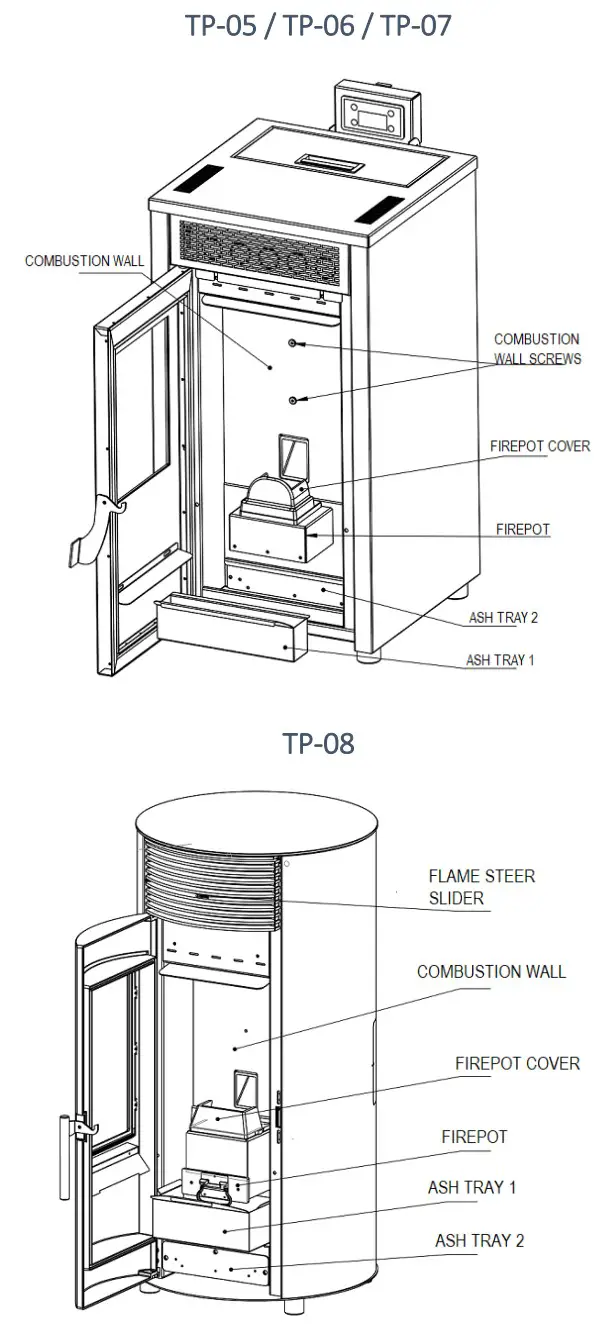
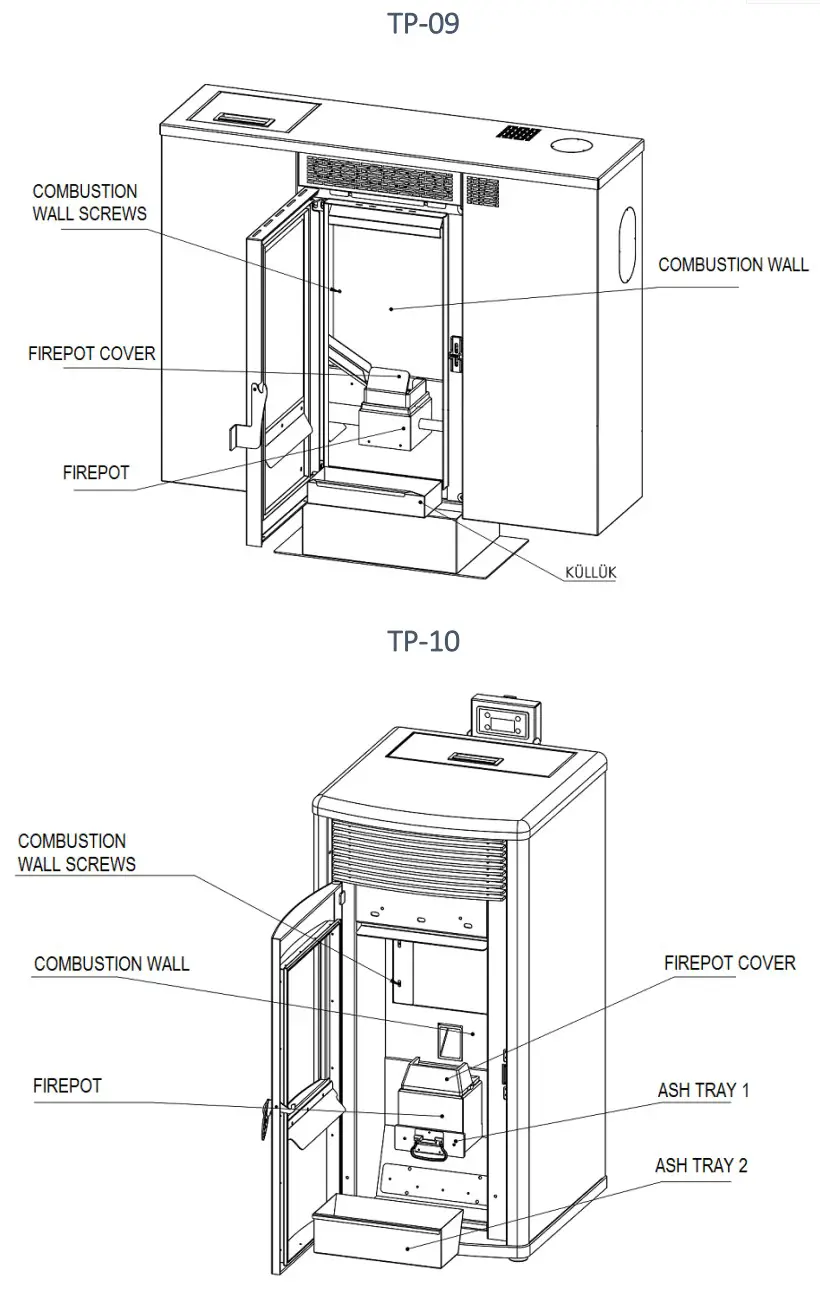
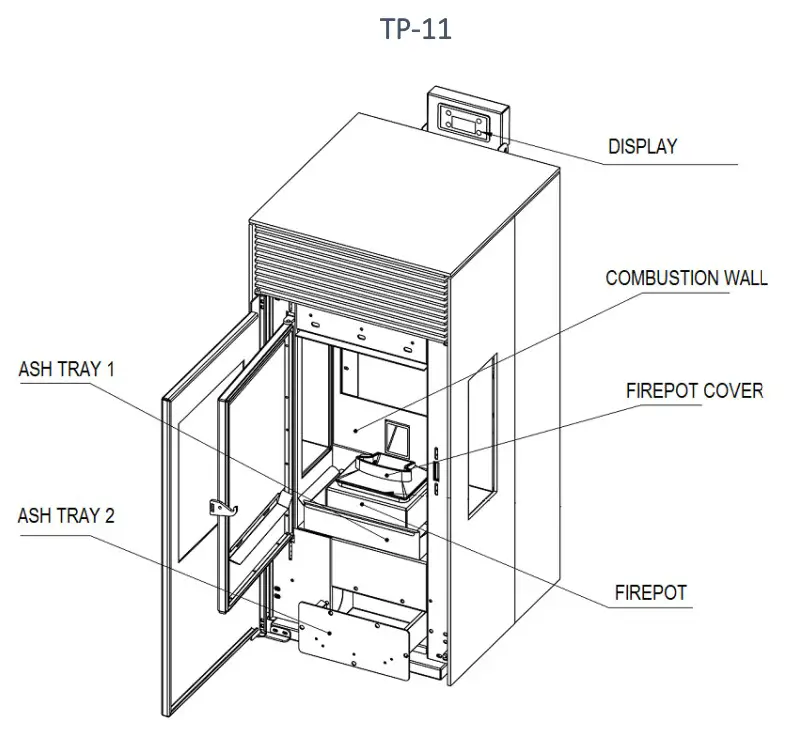
| Sections to clean | Cleaning Frequency |
| Flame Transmission Channels Cleaning | Average 15 days |
| Firepot Cleaning | Daily |
| Ash tray 1 Cleaning | Daily |
| Ash tray 2 Cleaning | Average 20-30 dyas |
6.1 FLAME PIPES CLEANING
For the cleaning of the flame transmission channels, the combustion wall behind the firepot should be removed by taking screws out. Clean the flame channels and put the part where its place.
6.2. COMBUSTION POT CLEANING
Open the door and be careful about ashes not come out. Be sure stove is cold and closed. You can clean the firepot with vaccum cleaner firstly and use brush later. You should clean it daily.
6.3 ASH TRAY 1 AND ASH TRAY 2 CLEANING
The ashtray 1 and ashtary 2 which is placed under or behind(according to the model) the firepot is easy-to-replace. When you pull them, they will be moved out easily. You should clean ash tray 1 daily, ash tray 2 once in 20 days.
GENERAL WARRANTY AND POLICIES
ARAL MAKİNA MADENİ EŞYA SAN. VE TİC.LTD. ŞTİ provides warranty to the buyer within the framework of legal provisions. 2 (two) year warranty period starts from the actual delivery date. An invoice must be presented for inclusion in the warranty.
In case of any damage related to production in our product, our company will try to repair this damage as soon as possible within the warranty period or it will replace the problematic part. Only spare parts approved or supplied by the manufacturer must be used.
After the warranty period, our company will continue to serve you in the necessary conditions.
You are kindly requested to inform the relevant dealer where you have purchased the product from with the model number printed on the label on the back of the product.
The company reserves the right to make changes to the product after publication of this manual.
Malfunctions resulting from the use of the product contrary to the matters stated in the user manual are not covered by the warranty
Glass, cast irons, electric current high/low voltage resulted to a digital card failure, user errors are not covered by the warranty.
Our company is not responsible for any damages during transport, in case dealer or manufacturer are not informed about itand not presented the proof.
Our company is not responsible for any damage that may occur in case of any voltage drop or rise.
Our company is not responsible for any damages in case user enters in system menu and change the parameters.
The damages can be occured in case cleaning and maintenance are not made are not covered by the warranty.
| PRODUCER | AUTHORIZED |
| Company Name : Aral Makina Madeni Eşya San. Ve Tic.Ltd. Şti Address : Organize Sanayi Bölgesi 8.Cad. No: 16 Melikgazi / KAYSERİ Tel : +90 0 352 321 28 11 Fax : +90 0 352 321 28 14 E- posta : [email protected] Sign / Stamp | Company Name Address : Tel : Fax : E- posta : Sign / Stamp |
| User Informations | |
| Name — Surname | |
| Address | |
| Tel | |
| E-posta | |
| Model | |
| Barkod / Seri No | |
| Warranty | 2 Years |
| Starting Date of Warranty |