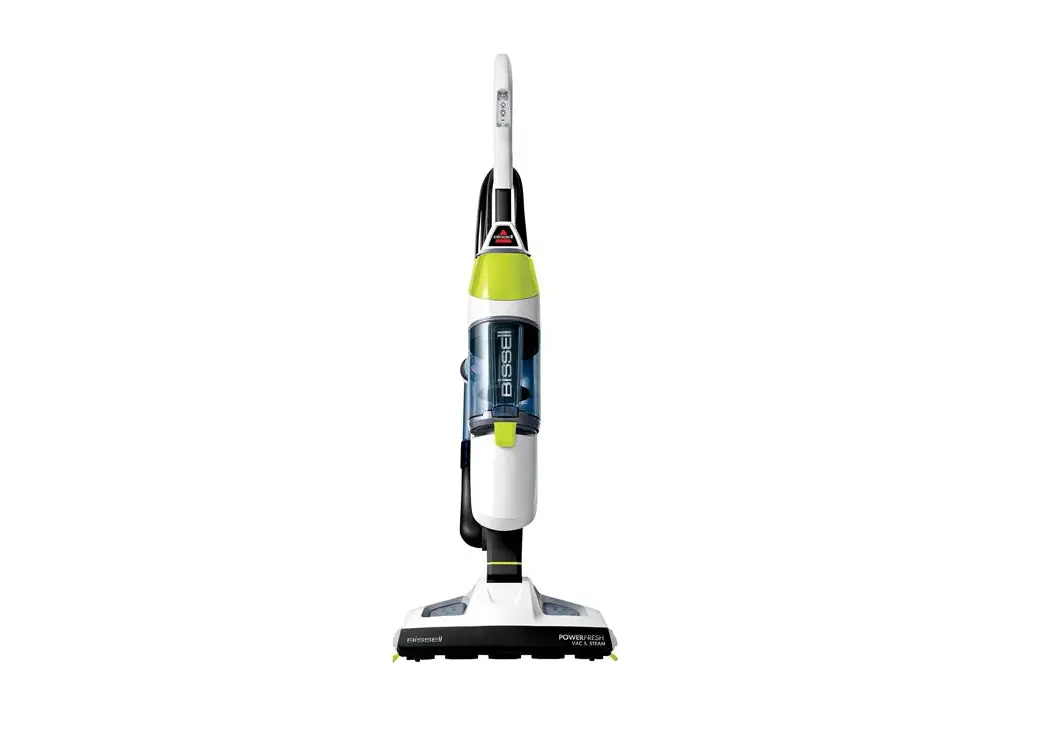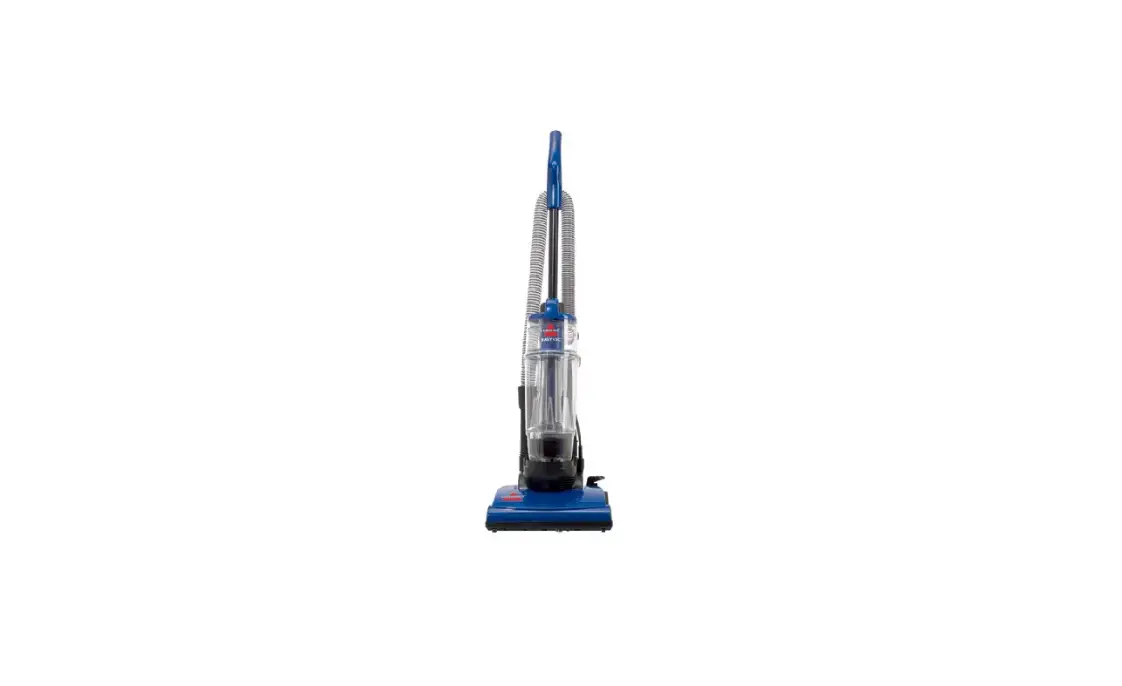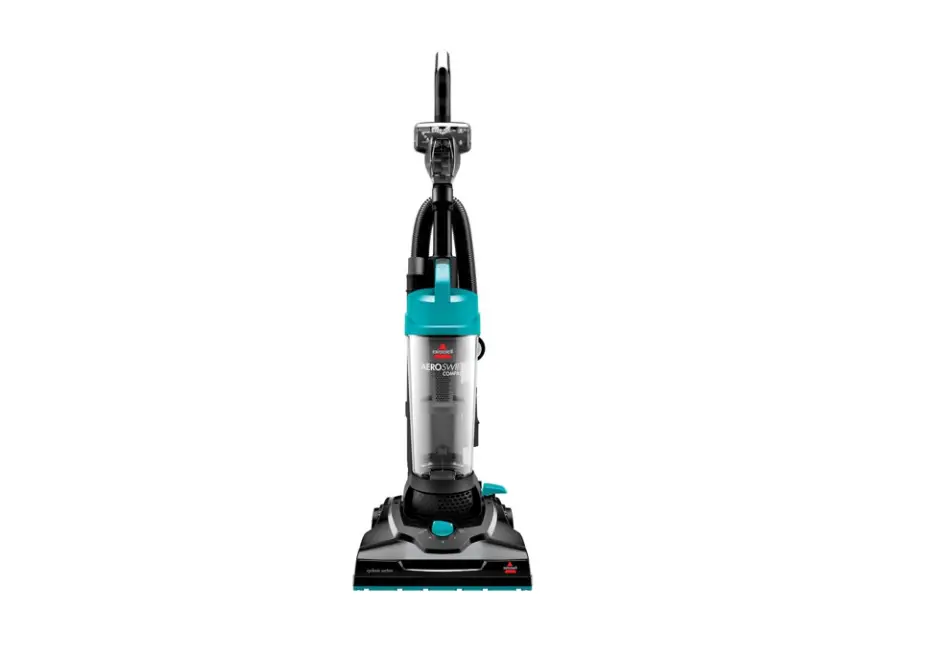
If you are experiencing Low/No Suction, follow these steps to resolve:
- Vac Light button should be pressed to activate vacuum suction
- When pressed, the Vac Light should illuminate
- Slide lock button/lever on front (located below the dirt cup) to the left then pull dirt cup out
- Turn machine on
- Place hand over motor duct opening located at the top of where the dirt bin sits
- Is there suction?
- No > visit a BISSELL Authorized Service Center or Contact Us
- Yes > Go to No Suction Filters & Hose
- Is there suction?