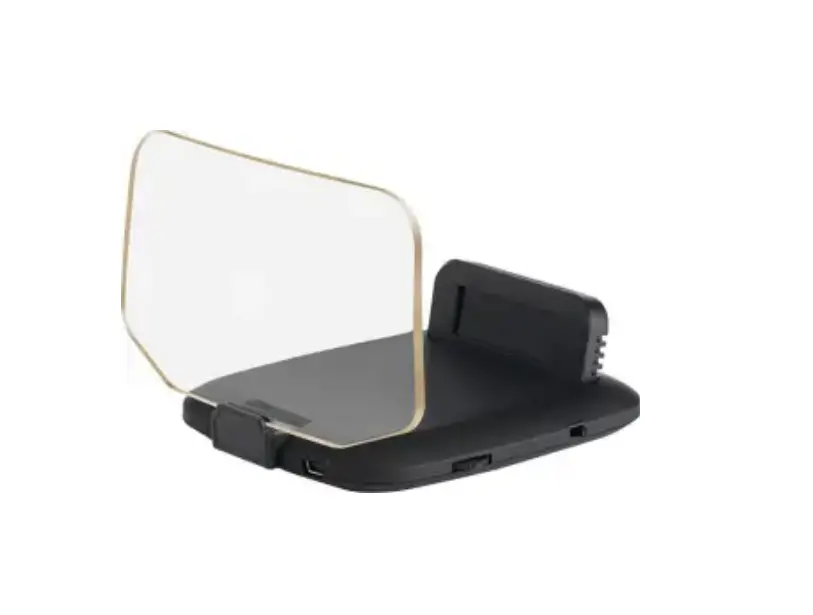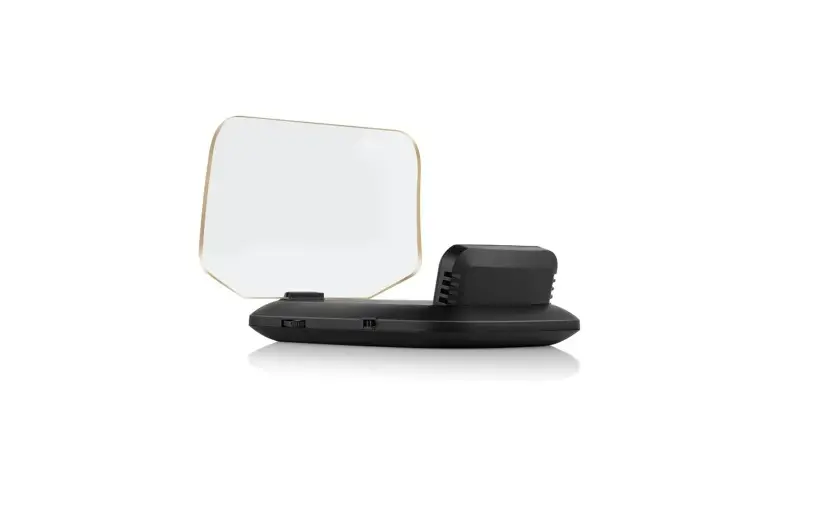
Car Head-Up Display C100
(This product Design Patent and Display Images Copyright had been registered with customs record)
Product Introduction:
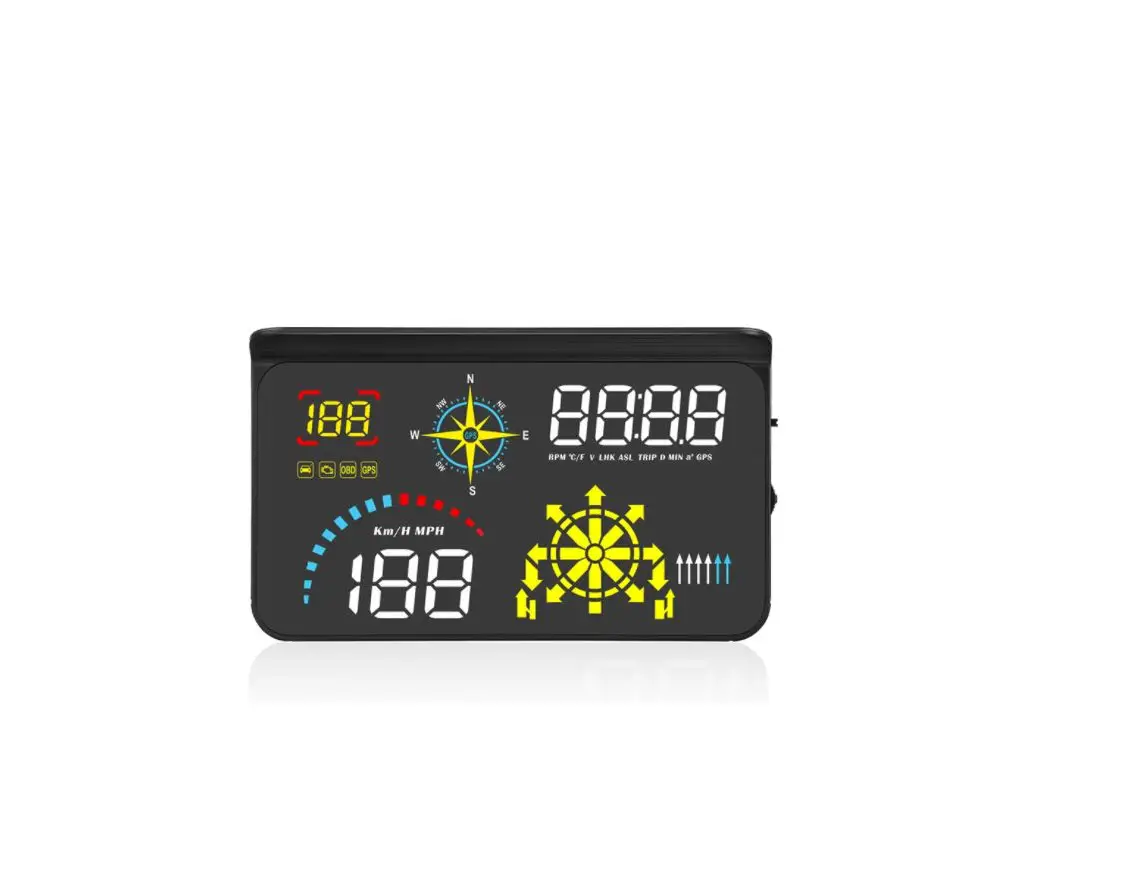
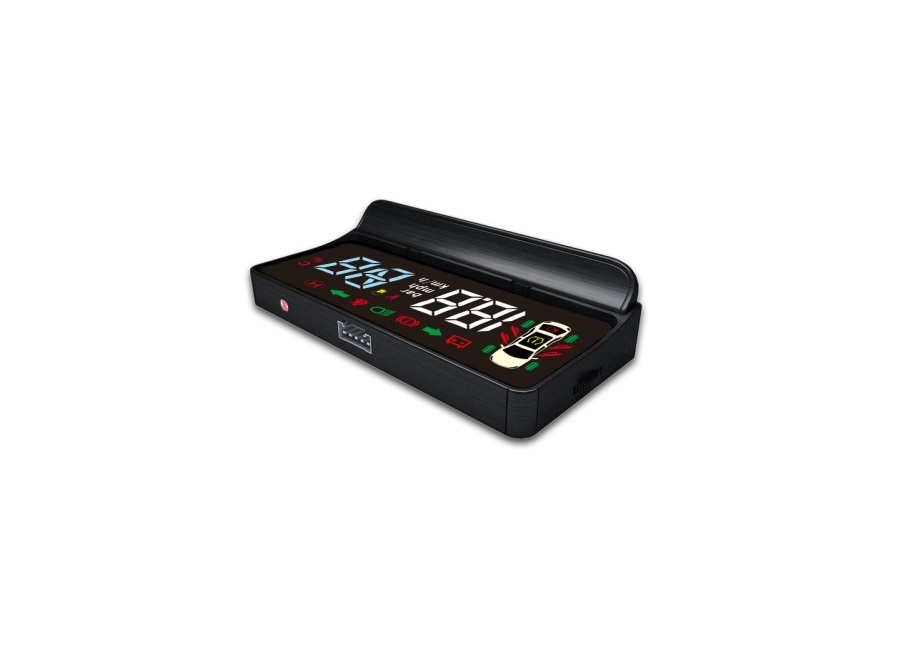
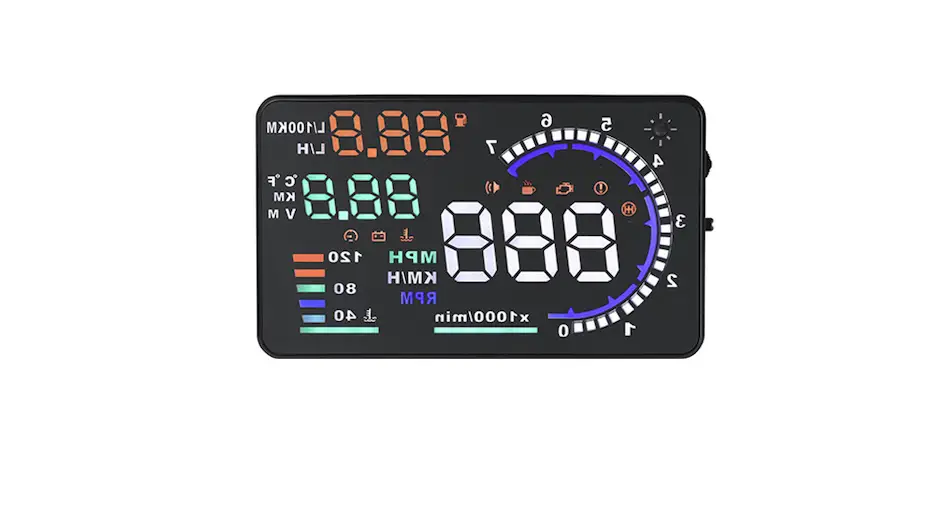
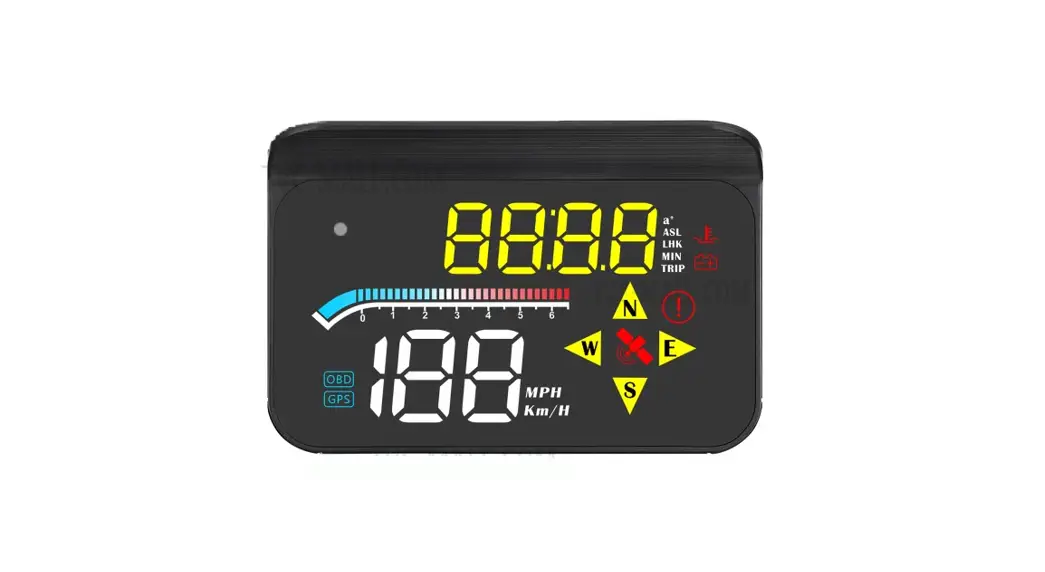
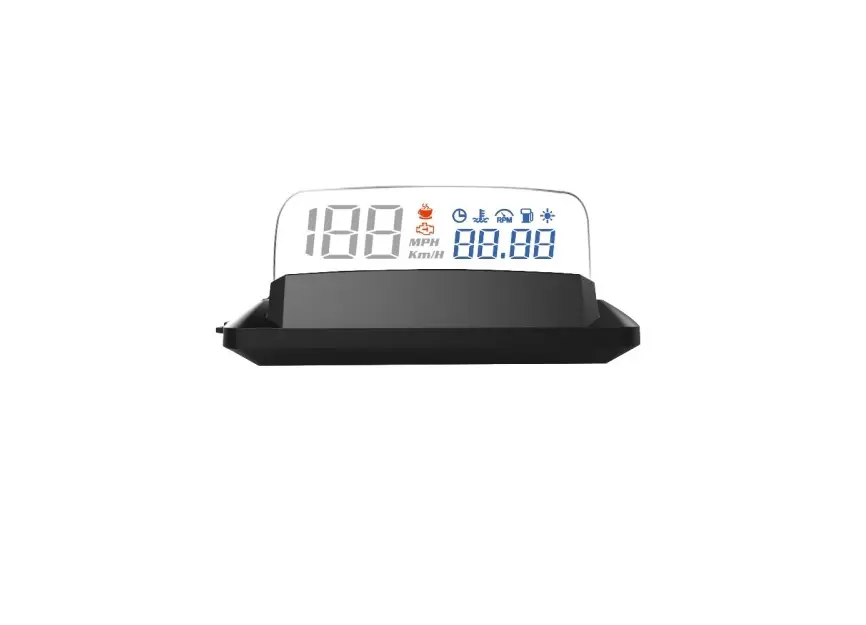
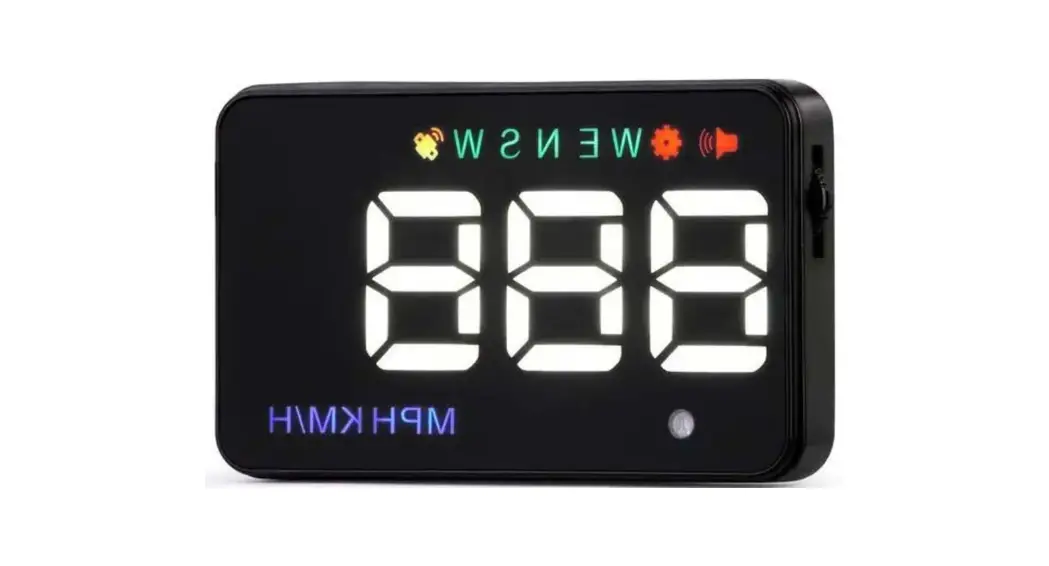
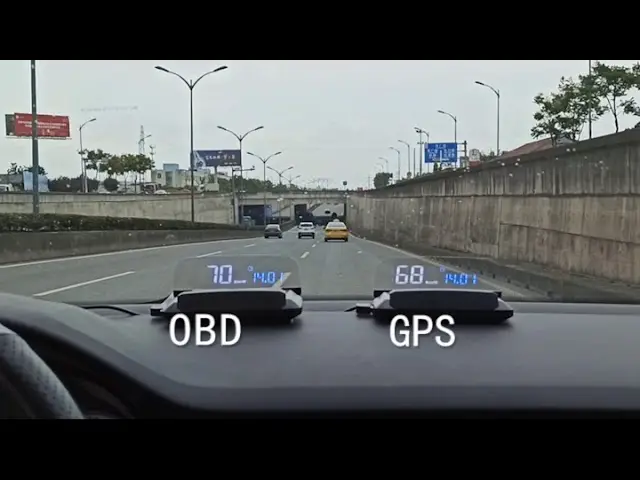
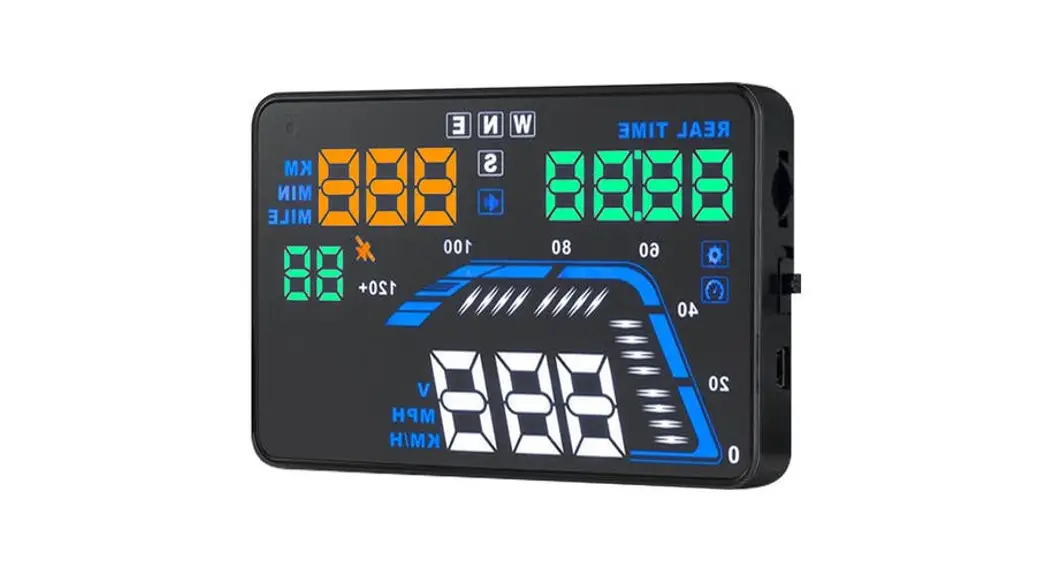
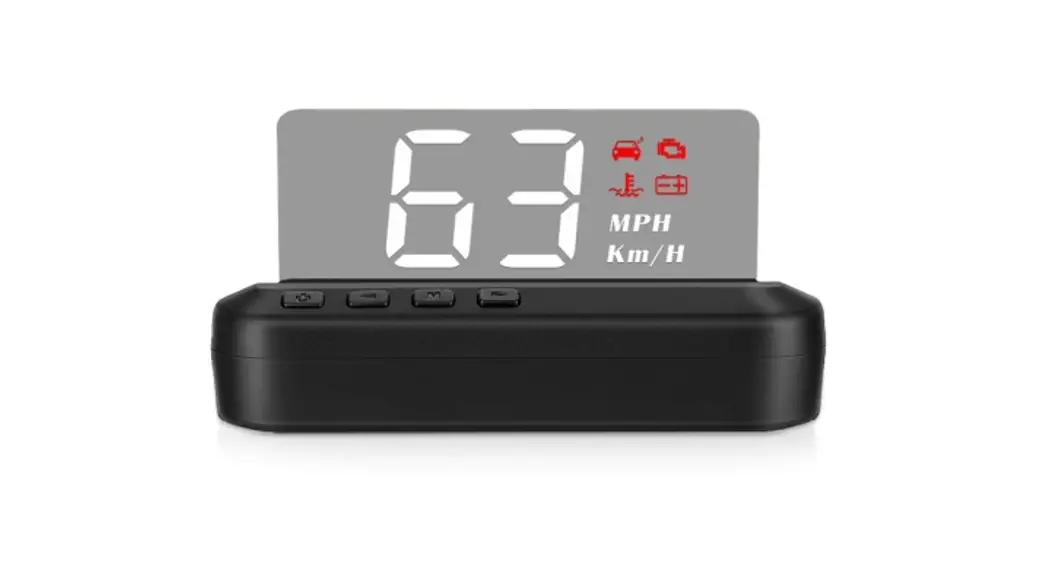
HUD short for Head-Up Display, the main function is to display the car dashboard information (e.g.speed, RPM, water temperature, voltage, trip distance etc ), and keep the driver eyes always road to avoid the danger of lowering down head to read the dashboard.
Product function:
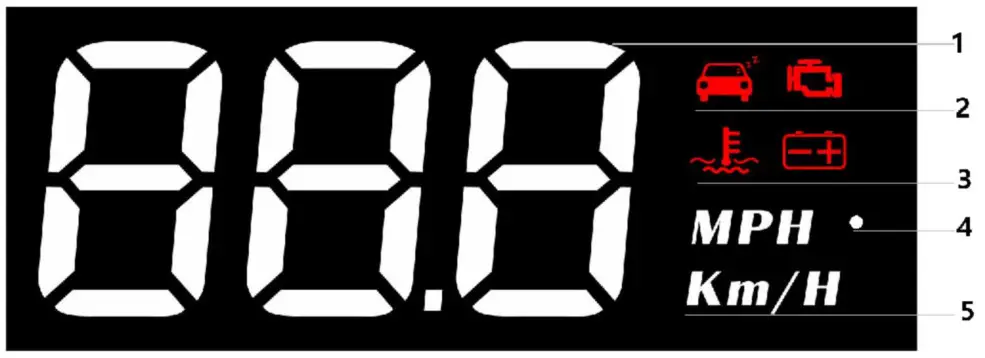
- Multi-function : speed,engine RPM,water temperature,voltage,driving distance
- Fatigue driving, Engine Error
- Water temperature icon, voltage icon
- Light sensor:HUD can automatically adjust the brightness according to the environment
- MPH=Speed Mile/hour,KM/H=kilometer/hour, MPH=Mile/hour
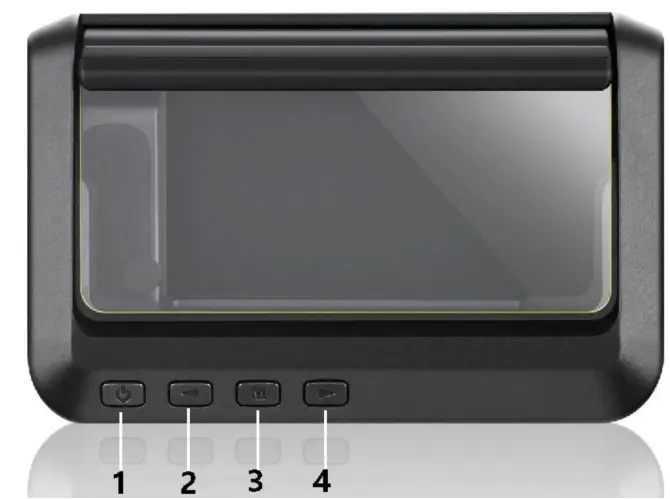
Short press (1 second)
Long press 5s until the display image comes
Power switch :  5s to turn off, again to turn on
- Short Press‘<’ (1)to switch the display mode (2) to setup menu options
- Long Press‘<’ Turn off the buzzer and press for 2 seconds to turn on the buzzer again.
- Short Press‘M’OBD system: to switch voltage, water temperature, vehicle speed during OBD the system, enter into menu setting to switch menu options or parameter values Long press‘M’:to enter into menu settings (see instructions for Menu 1-12) and press 5 seconds to save and exit
- Short Press‘>’ Switch speed mode, add menu or parameter after entering setting Long Press‘>’(1)To confirm all of the LED lights can be worked (2)To clear engine fault code
Restore setting:
Unplug the power supply,long-press ‘M’ button and hold until all of the LED lights are on.
Fault code clearance: long press ‘>’ button and hold until all of the LED lights on.
Turn off/on the buzzer
Long press and hold the ‘<’ button to turn off the buzzer, again to turn on.
Speed mode switching After the HUD is displayed normally, short press ‘>’ switch the speed mode
Menu setting
Please watch the reflective image on the windshield for operation when setting. Long press and hold the ‘M’ button to enter into setting menus (1-12). The menu is displayed 1, use the ‘>’ button to increase the menu options, short press ‘>’ or ‘<‘ button to adjust the parameter value, short press M button to return to the menu, long press M button to save and exit.
| Menu | Function | Range | Explanation | Default value | Setting screen |
 | Speed | 50-150 | Adjust the parameter value when there is an error between HUD and dashboard. Ex: dashboard displays 100 KM, HUD displays 105 KM. Please adjust the parameter value to 102.(107-5) | 107 |  |
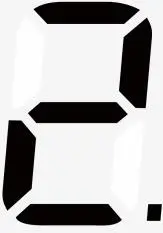 | RPM Alarm | 10-75 | The alarm works when RPM reaches 7500 | 75 | 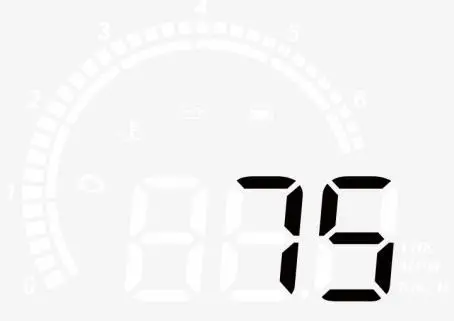 |
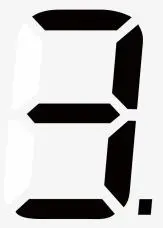 | Over speed alarm | 30-250 | Overspeed alarm is 150KM / H, users can freely set this value | 150 | 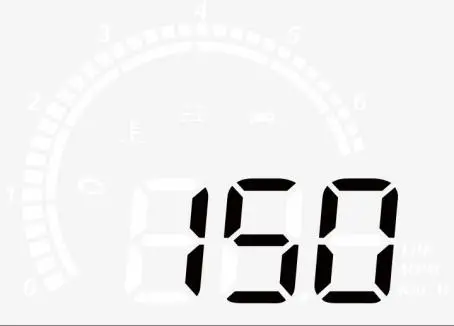 |
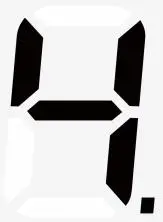 | Water temperature alarm | 50-150 | The high water temperature alarm is 120℃ | 120 | 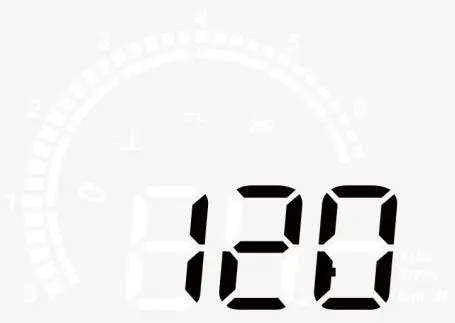 |
 | Voltage alarm | 0-15.0 | The low voltage alarm is 10V | 10.0 | 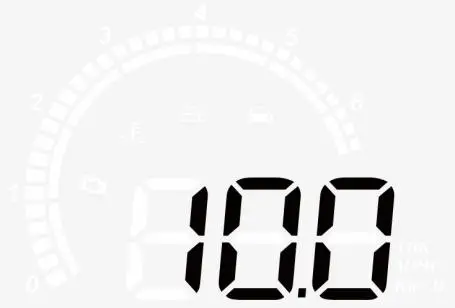 |
 | Fatigue driving reminder | 1.0-8.0 | Fatigue driving reminder is 4 hours | 4.0 |  |
 | Brightness s level | 0-11 | 0-automatic photosensitive mode 1-11 is manual adjustment | 0 | 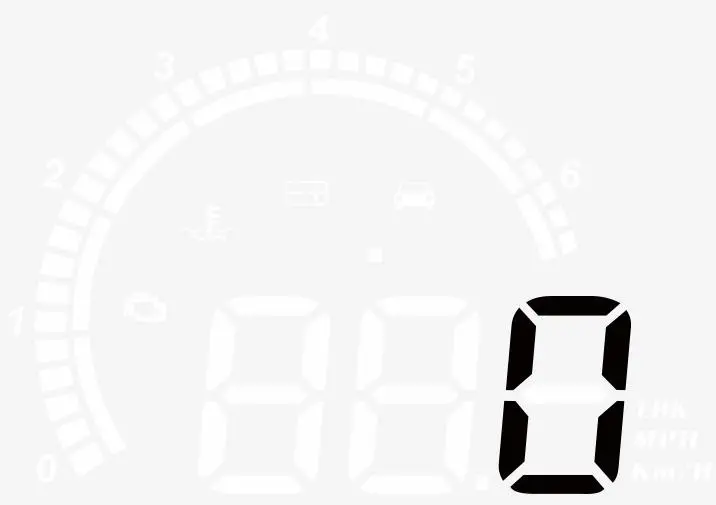 |
 | Speed unit | 0-1 | 0=KM 1=MPH | 0 | |
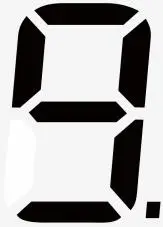 | Water temperature unit | 0-1 | 0=℃ 1=℉ | 0 | |
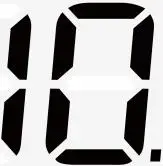 | Voltage | 0-15.0 | If HUD cannot auto turn off,please set the voltage at 13.2V | 0 | |
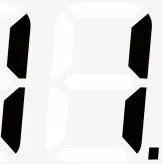 | Turn off time | 5-300 | The default shutdown time is The 20s,if your car is a gas-electric hybrid or start-stop system, please delay the shutdown time(e.g. 180s),then the HUD will be turned off | 20 | 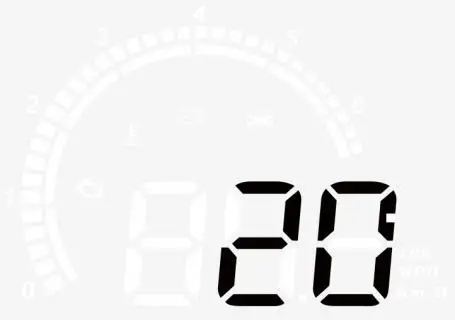 |
 | Factory reset | 0-1 | The default value is 0. After adjusting to 1, the wheel is held down for 5 seconds to save and exit. | 0 | |
Please note:
Please manually turn off the HUD, when you don’t drive your car for more than a week. Standby current is 20ma around of OBD devices so that the use time of a common battery is 1 month, surely, the situation of each car is different,we recommended to unplug the OBD device if your car doesn’t been used for a long time.
OBD Troubleshooting:
- The screen is without any display and no power
Please do these operations: If the OBD cable is tight enough, pull the OBD cable out several times. Try another car to test . When HUD powered on, HUD only shows the car voltage and be automatic power off after 30 seconds of driving.
HUD is only available for cars with OBD2 and EOBD agreement(European: manufactured after 2003, another region: after 2007) HUD Products don’t support JOBD and OBDI, replace other vehicles that meet the OBD2 interface. - The wrong operation leads to crashes
A.If your car equipped with other OBD devices (parking sensor, TPMS monitor, car window closer, ELM27)
B.If your car had been modified(central control navigation, electronic throttle controller, speed cruise, refresh the computer system, One-click start-up, keyless entry, remote startup)will cause a crash, unplug other OBD devices and do the factory settings (more details please refer to the menu table)Pull out one or two wires and use HUD alone, or replace other vehicles for use. - Inaccurate speed
In the case of power-on,long-press the ‘M’ button in to enter into menu option, menu displays 1, parameter displays 107. Fine-tuning of the values according to the difference between HUD and car instrument(Example: the instrument displays 100 KM but HUD displays 105KM, then the calculation should be default value 107-5=102.Long press the ‘M’ button to save your adjustment and exit. - The cars are with automatic start/stop system
After the car starts and stops automatically, the engine stops running. The HUD shuts down after 20 seconds. The turn-off time can be adjusted to 180-300 seconds in Menu 11. - HUD can not auto power off(RPM or Speed not at O)
When HUD is powered on,long-press the button in to enter into the menu set the voltage from 0 to 13.2V or 13.5V(Menu 10).HUD will turn off after 3 minutes. - HUD will automatically restart
This indicates that the car voltage is higher than the starting voltage of 13.2 volts, what you should do is to set the voltage to 13.6-13.8v(Menu).HUD will automatically on when the voltage is higher than 13.2v.