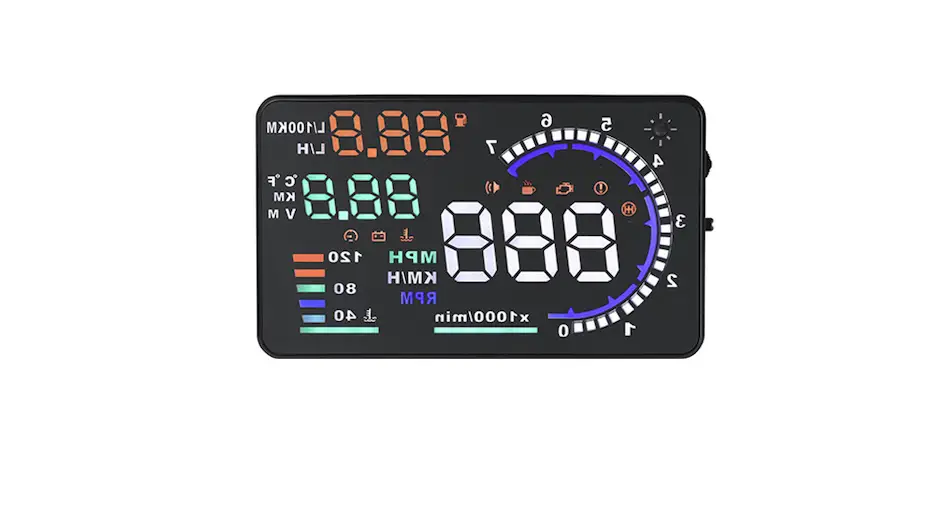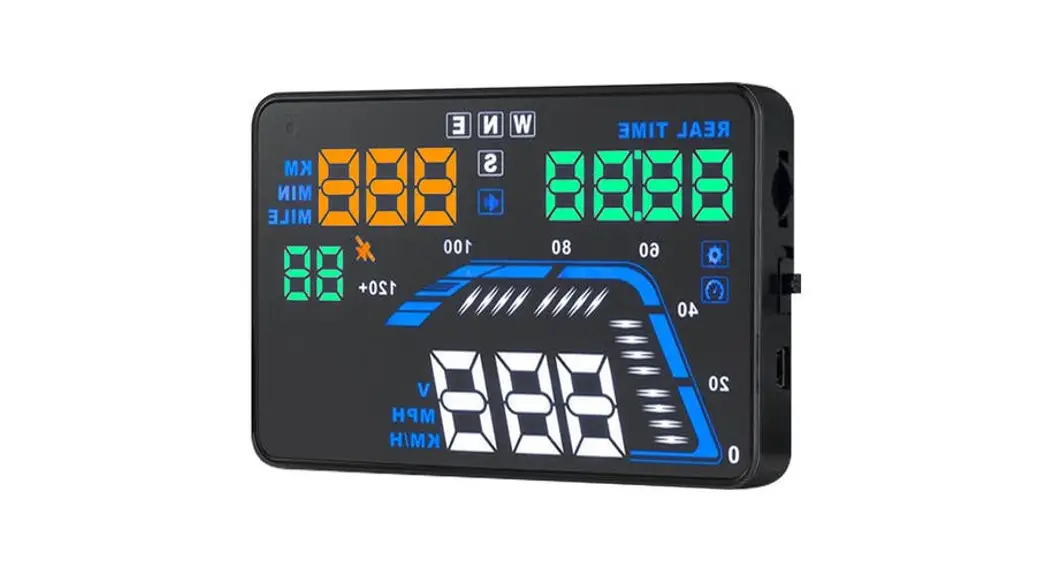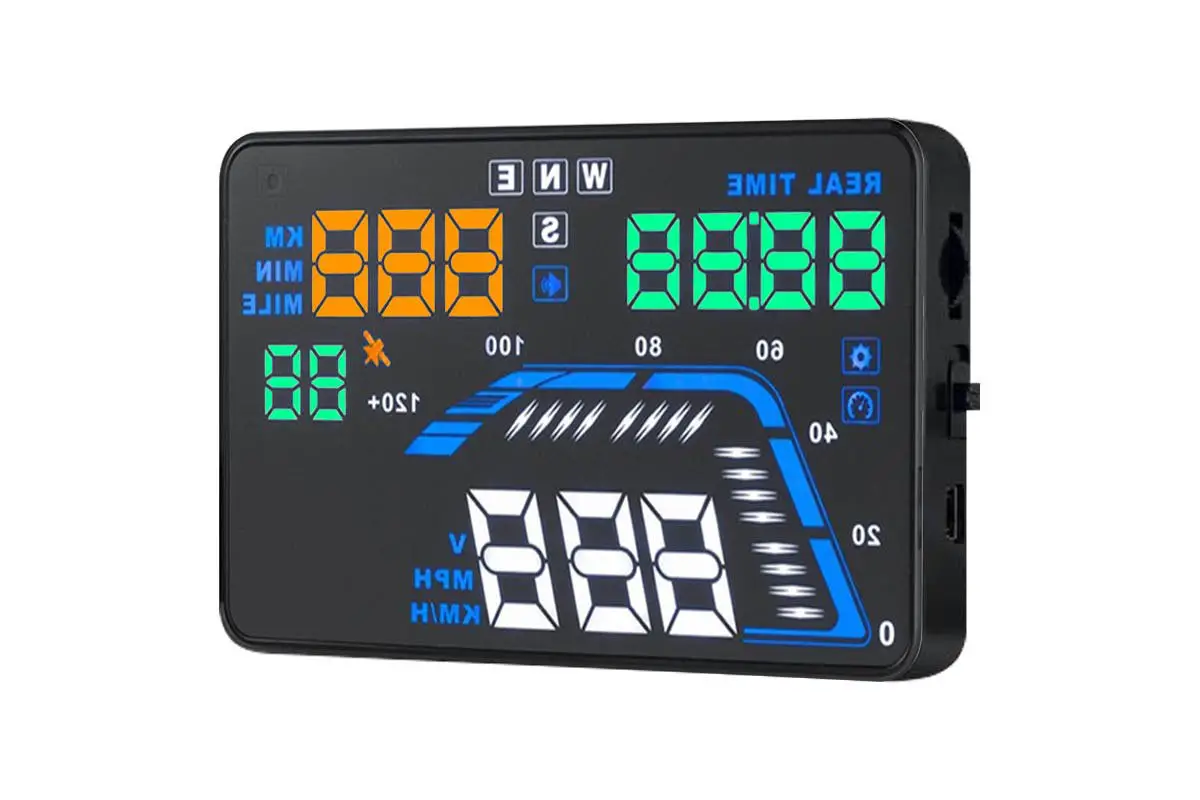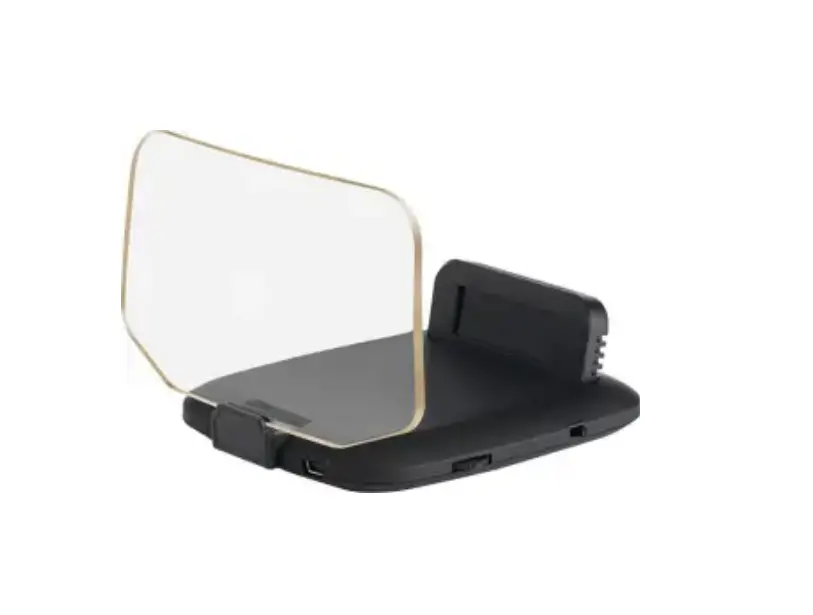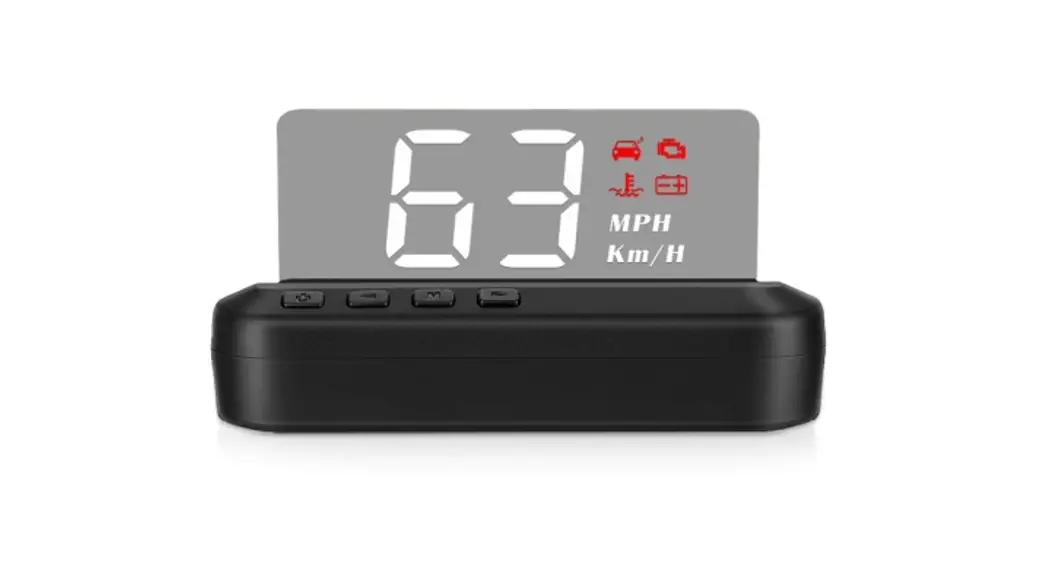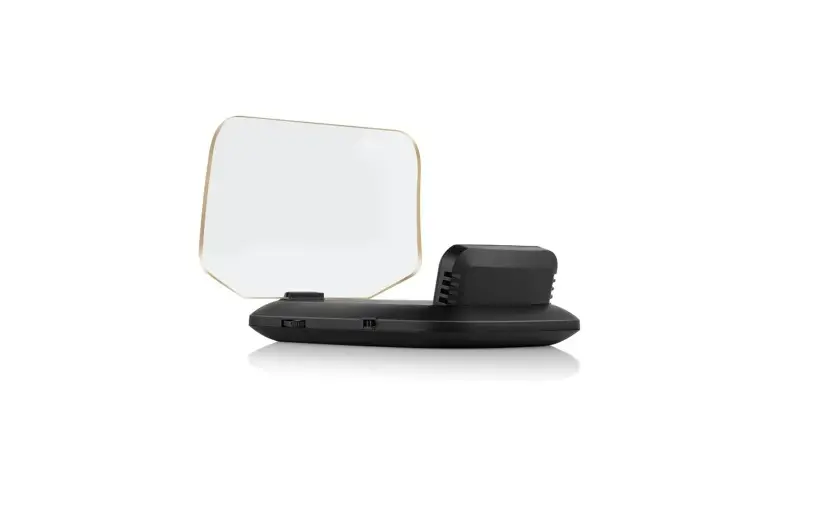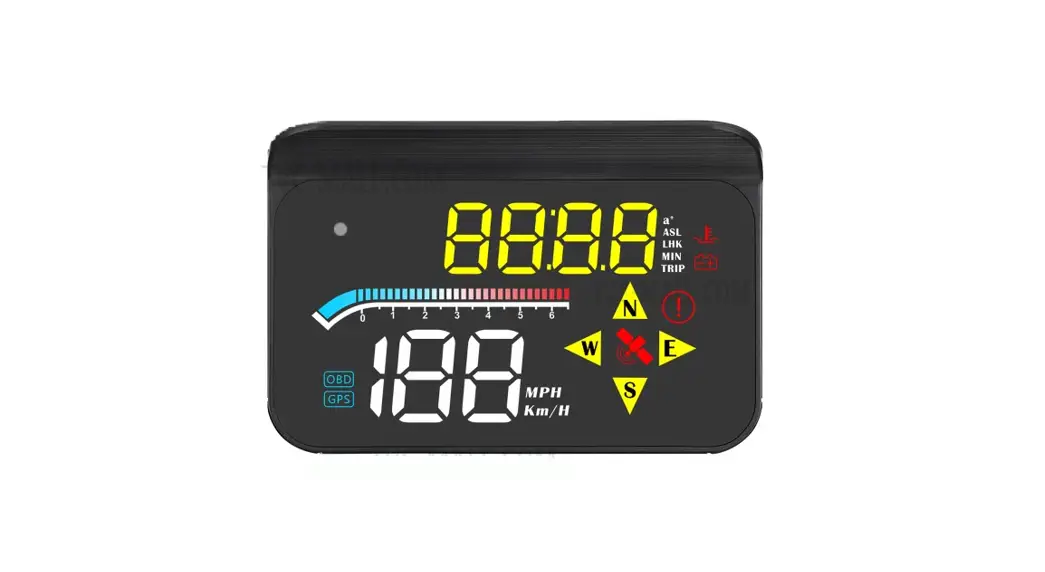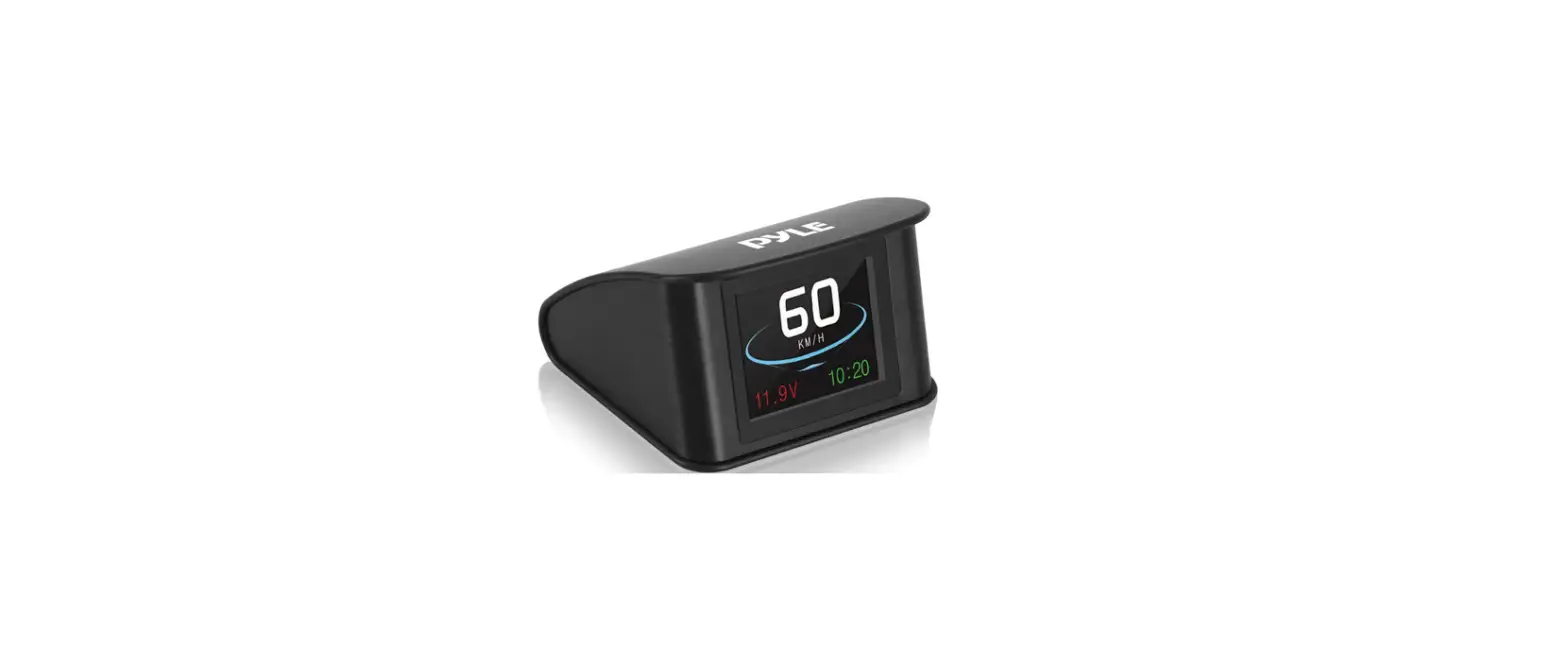
 KAHUDA5CARA Car Head Up Display
User Guide CAR HEAD UP DISPLAY
KAHUDA5CARA
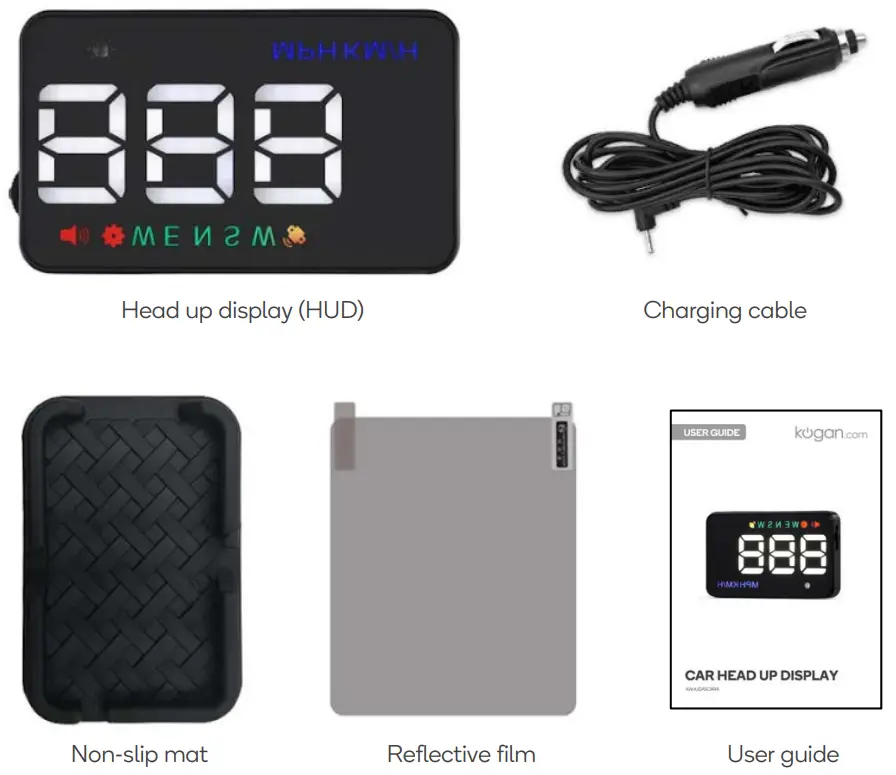
COMPONENTS
OVERVIEW
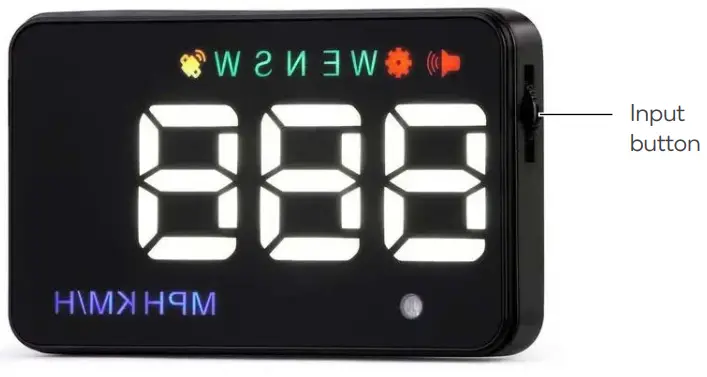
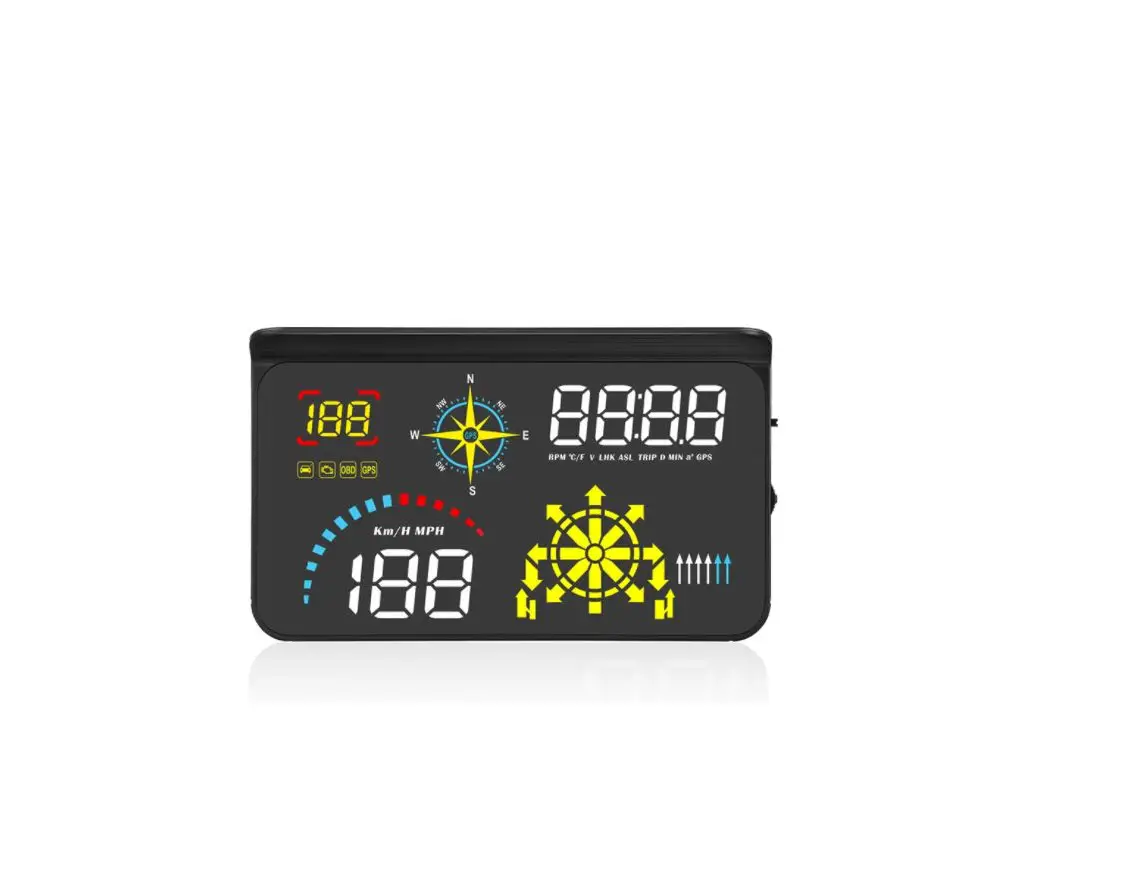
Display (as viewed on windscreen)
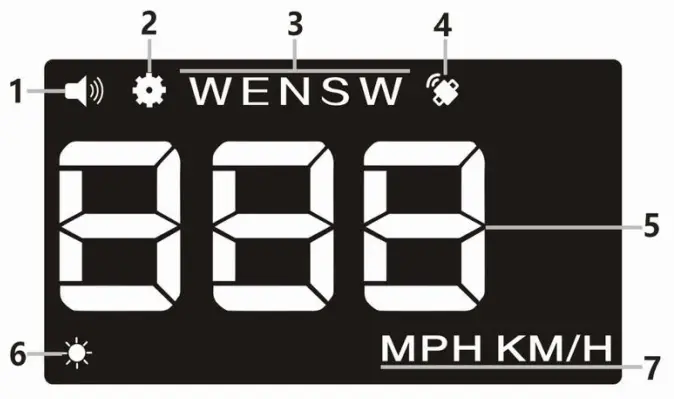
| 1. Buzzer 3. Compass 5. Speed 7. Speed unit (MPH/ Km/h) | 2. Setting 4. Satellite 6. Light sensor |
INSTALLATION
Before First Use
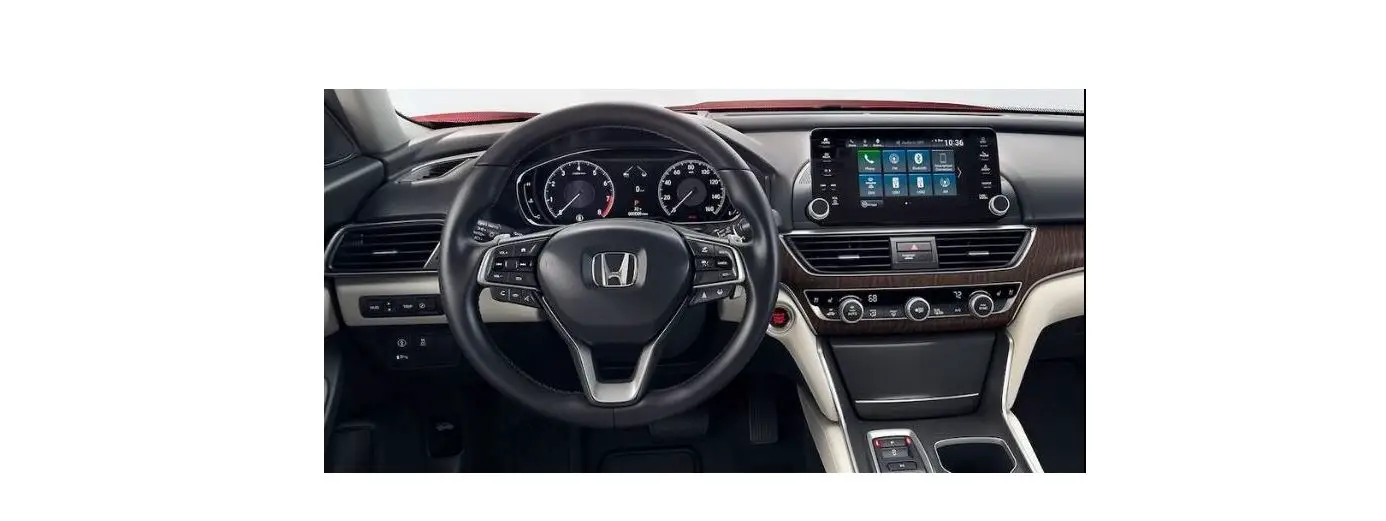
- Place the non-slip mat on the driver’s side corner of the dashboard and then place the head up display (HUD) on it.
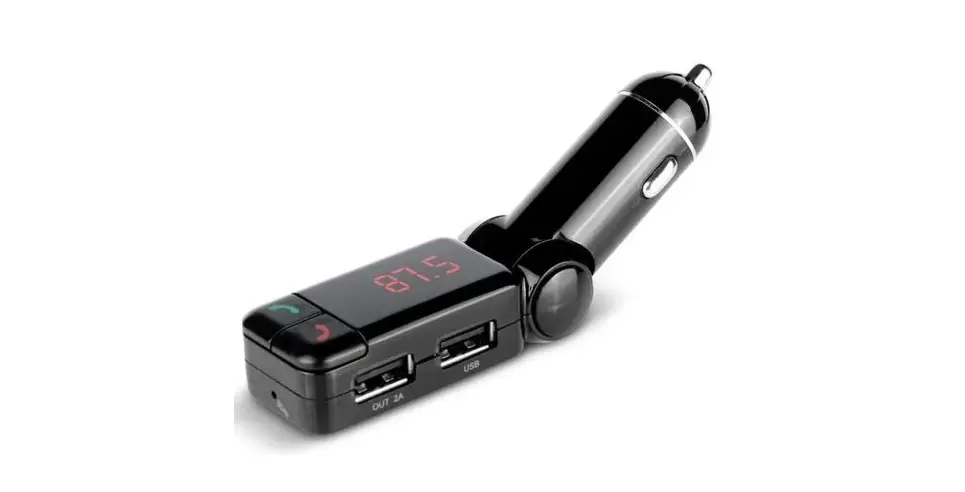
- Connect charger to vehicle’s 12V socket.
- Connect the cable to the OBDII input on the unit.
- Start the engine and the HUD will power on.
- The RED satellite icon will flash when charged and begin searching for a satellite connection. When the satellite indicator turns GREEN, the HUD is ready for use.
Reflective Film
The HUD projects information up onto the windscreen. Due to the construction of your windscreen, the HUD may create a double reflection on the windscreen, which will make it difficult to read. If this occurs, install the reflective film.
- Spray some water onto the inside of your windscreen above where the HUD is installed. Clean the area with a dry cloth.
- Remove the backside (marked 1) of the film and apply to the windscreen.
- Ensure the film is installed in the correct location and adjust if necessary.
- Use a flat plastic object (credit card) to squeeze out any water or bubbles from behind the reflective film.
- Remove the protective film (marked 2).
- If the reflective film isn’t positioned to display all the vehicle information, adjust the position of the HUD and non-slip mat until it is correctly aligned.
OPERATION
Input button:
The Input button is a three-way button used to navigate the HUD’s menu and adjust the settings. 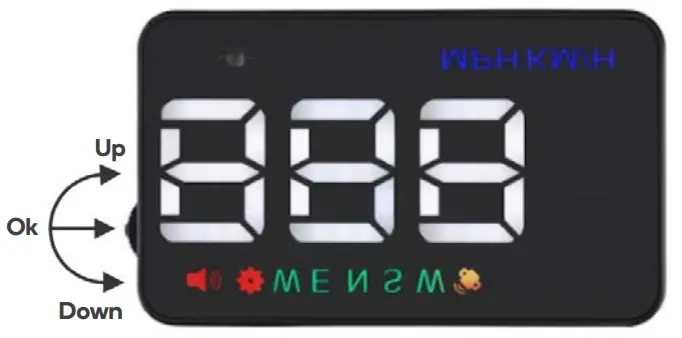
- Up: push the button towards the windscreen
- Ok: press the button inwards
- Down: pull the button towards the driver
Using the input button
Press and hold the input button for 5 seconds to enter the menu. When finished adjusting the settings, press and hold the input button for 5 seconds to save changes and exit.
- Up: increases setting value
- Down: decrease setting value
- Down and hold: turn alarm tone on or off
- Ok: short press to change menu selection
Factory Reset
Long pull up and hold. When all LEDs are illuminated, the HUD has been restored to factory settings.
Settings menu
Since the HUD receives data from satellites, the data will vary slightly from the information displayed on the vehicle dashboard. If you find the value on your dashboard is different to the value displayed by the HUD, you can change it through the following procedure.
| Menu | Parameter | Adjustment range | Explanation | Default | Display |
| 1 | Speed | 80-120 | Up or down to adjust | 107 | 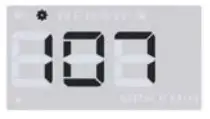 |
| 2 | Over-speed alarm | 10-180 | Sounds alarm when speed is exceeded | 117 | 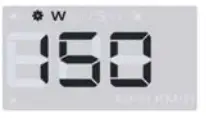 |
| 3 | Brightness | 0-5 | 1 (darkest) – 5 (brightest) 0 = Automatic | 100 | 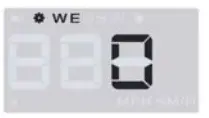 |
| 4 | Speed unit | 0-1 | 0= Km/h 1= MPH | 50 | 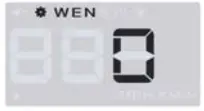 |
| 5 | on/off Power voltage | 100-150 | Change to 13.2V-14V if HUD does not turn off automatically | 45 | 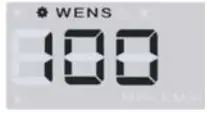 |
| 6 | Display mode | 0-1 | 0 = reflect on windshield 1 = HUD screen | 0 | 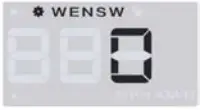 |
SPECIFICATIONS
| Working voltage | DC8-18V |
| Current | Working: 40mA Standby: 15mA |
| Speed range | 0-400km |
| Satellite positioning time | Cold start: 4 mins Hot start: 45 seconds |
| Compass precision | ±1° |
| 12V car charger | 1000mA |
| Weight | 40g |
| Dimensions | 90x54x12mm |
TROUBLESHOOTING
| Issue | Solution |
| HUD has no display/power | • Ensure the power cable is properly connected • Press the input button down multiple times • Connect the HUD to a different 12V socket or another vehicle to ensure the 12V is functioning correctly |
| Inaccurate speed | • Ensure the speed unit is correct (MPH/Km/h) • Adjust the speed value in the settings menu |
| HUD is not visible in sunlight | • Ensure the reflective film is installed • Adjust the brightness in the settings menu |
NOTES
Need more information?
We hope that this user guide has given you
the assistance needed for a simple set-up.
For the most up-to-date guide for your product,
as well as any additional assistance you may require,
head online to help.kogan.com kogan.com