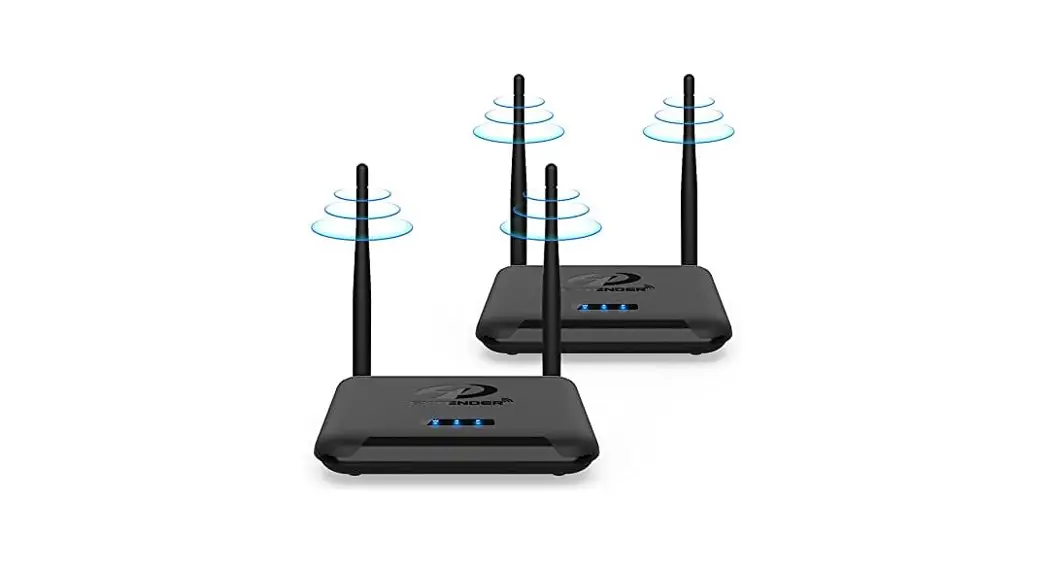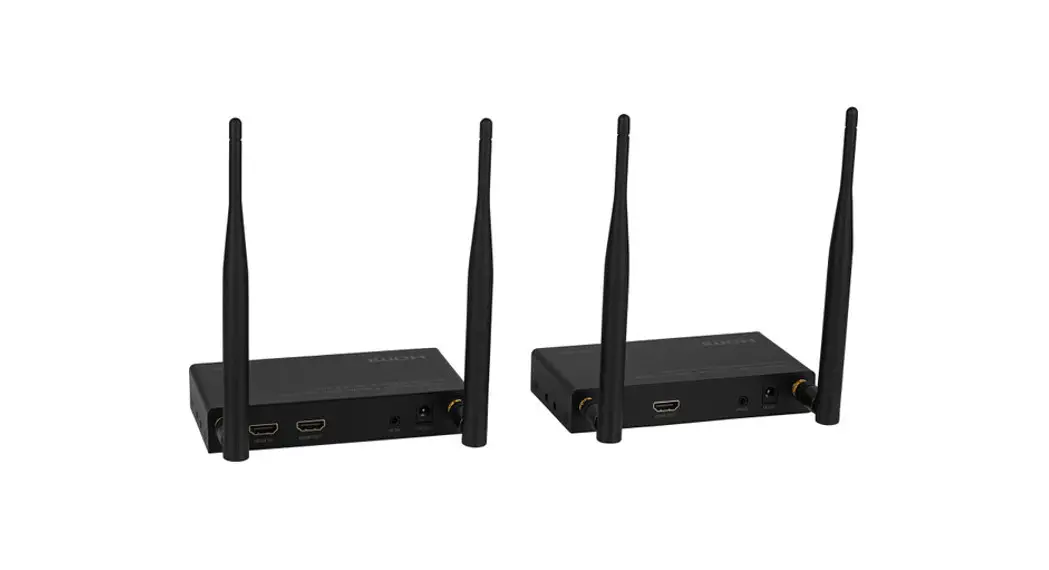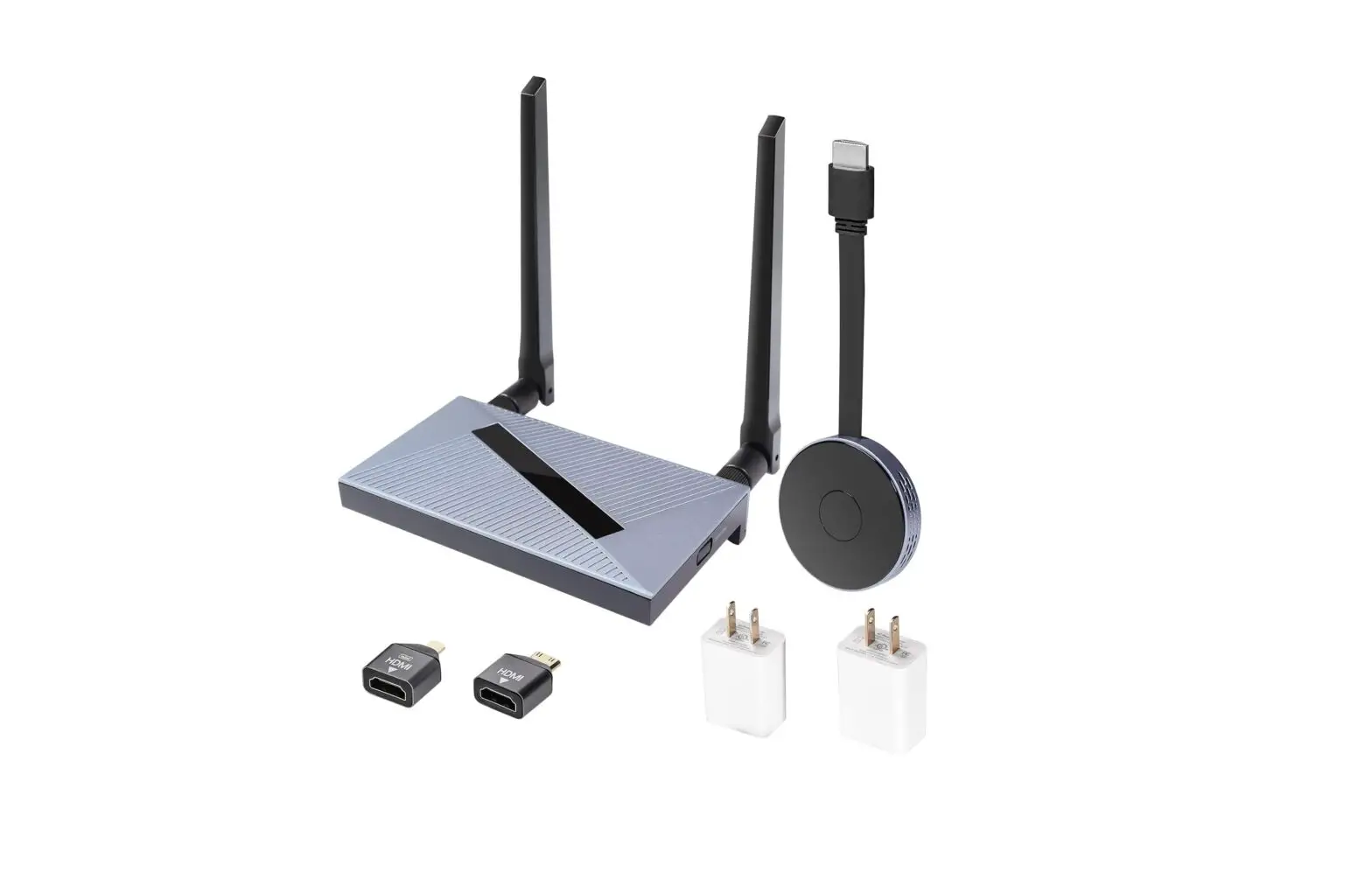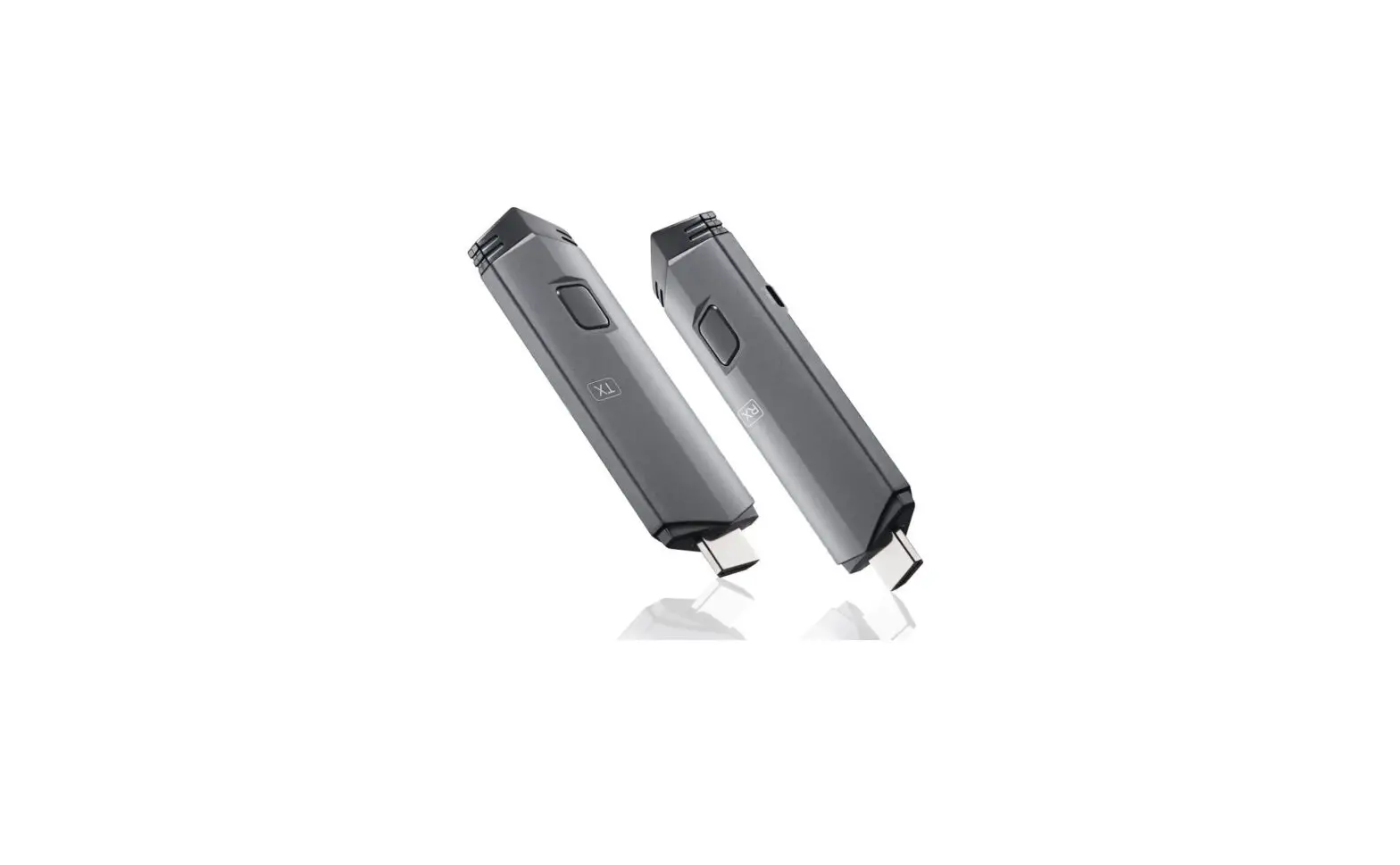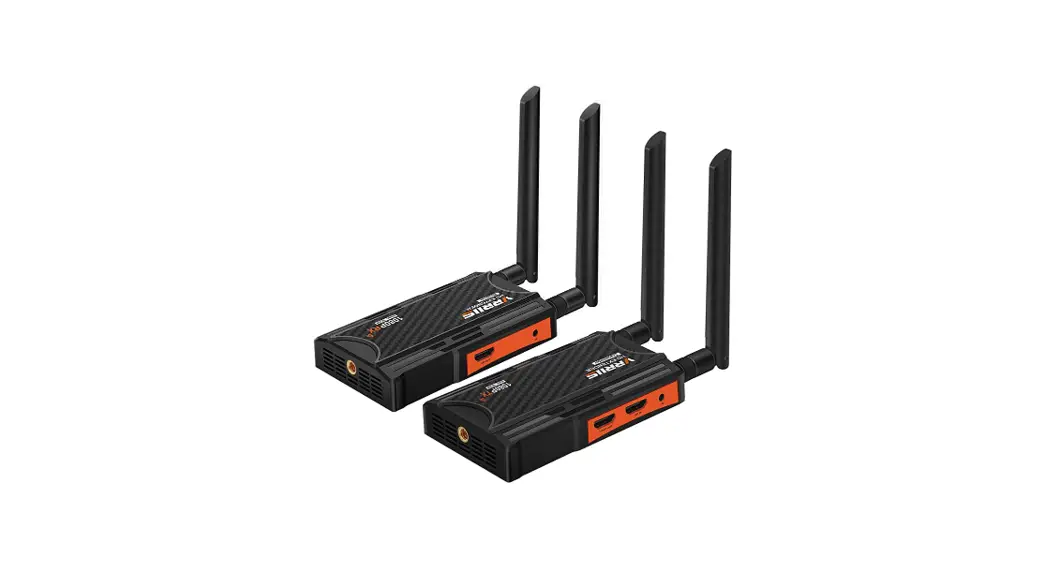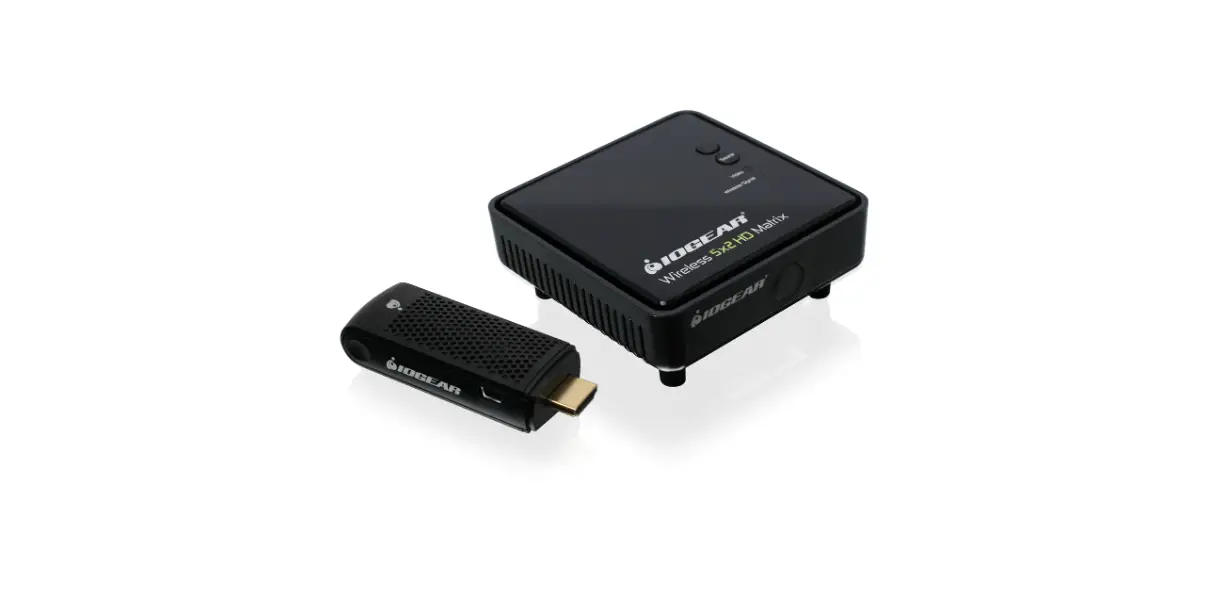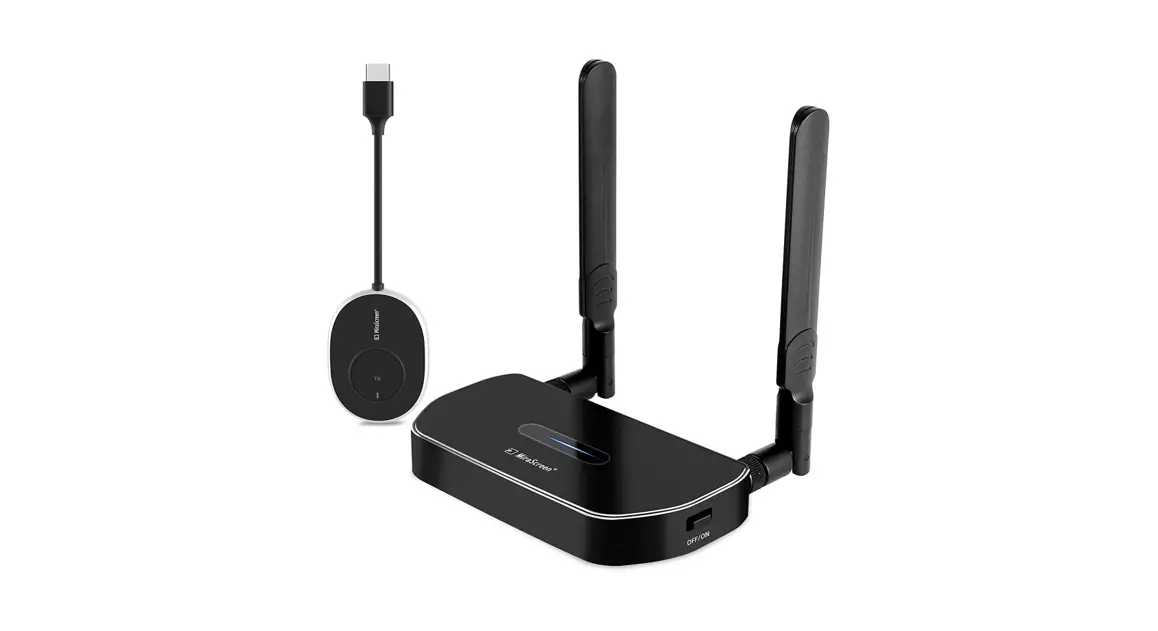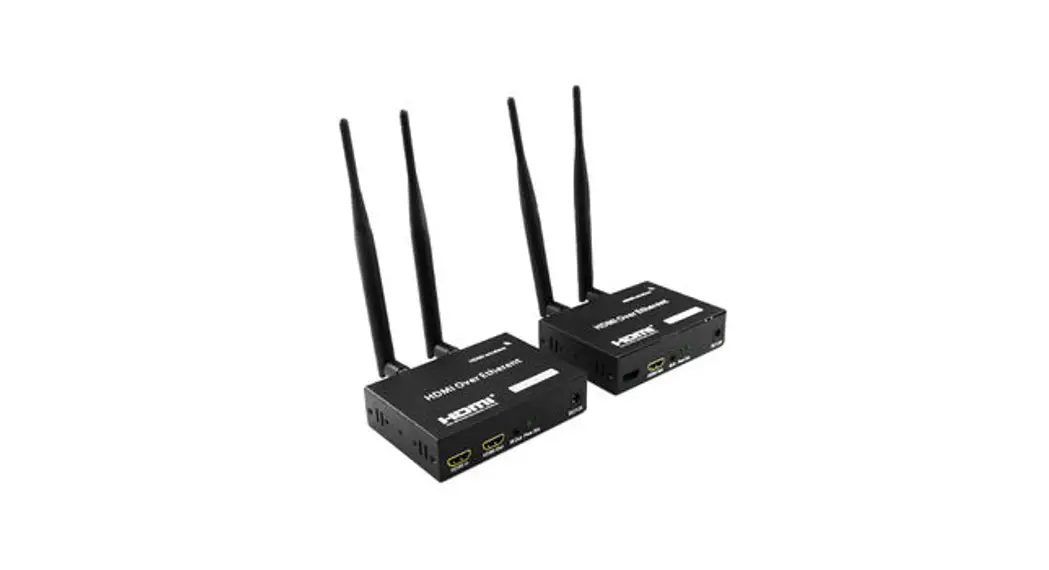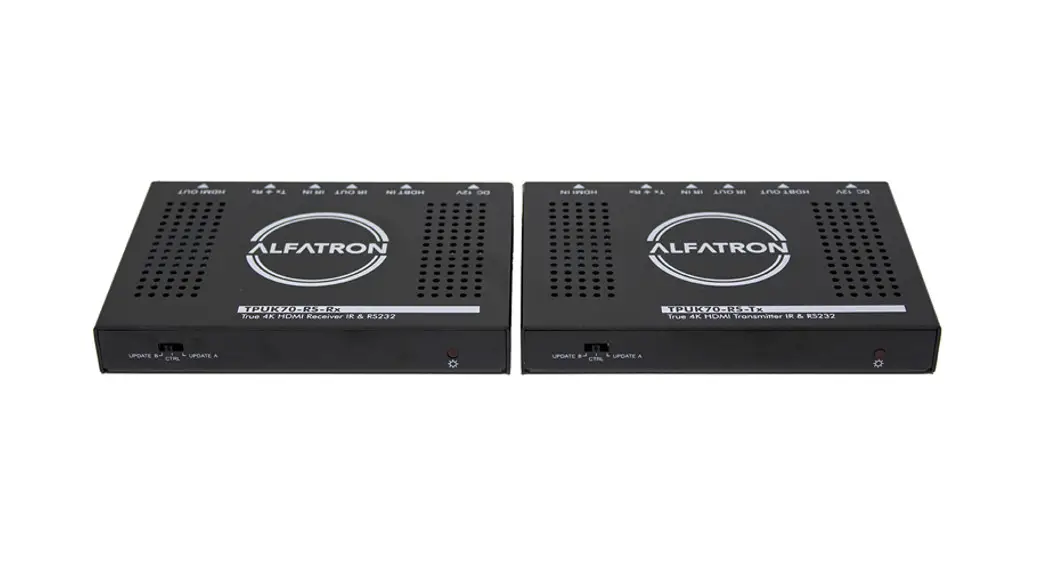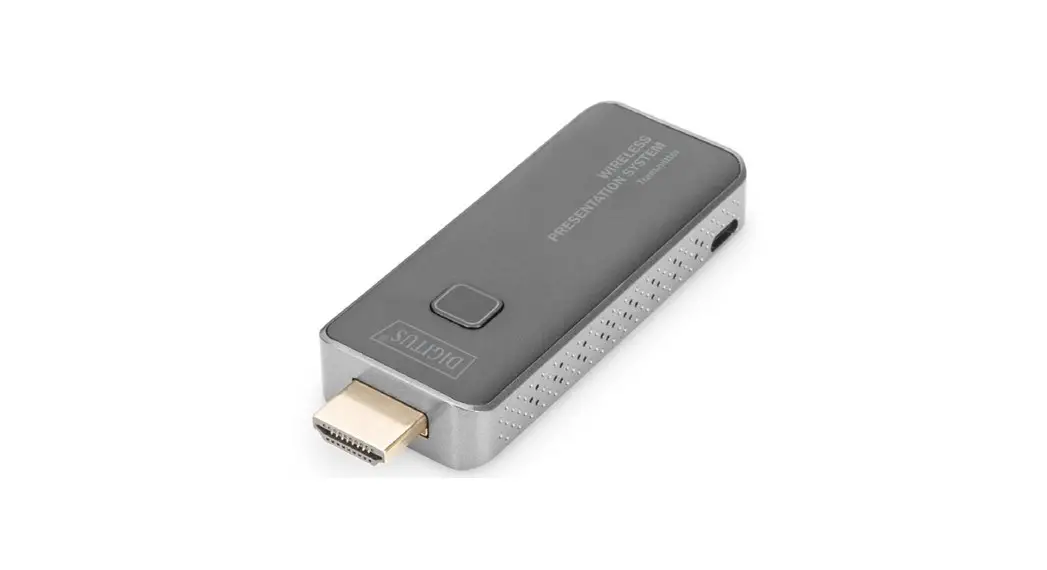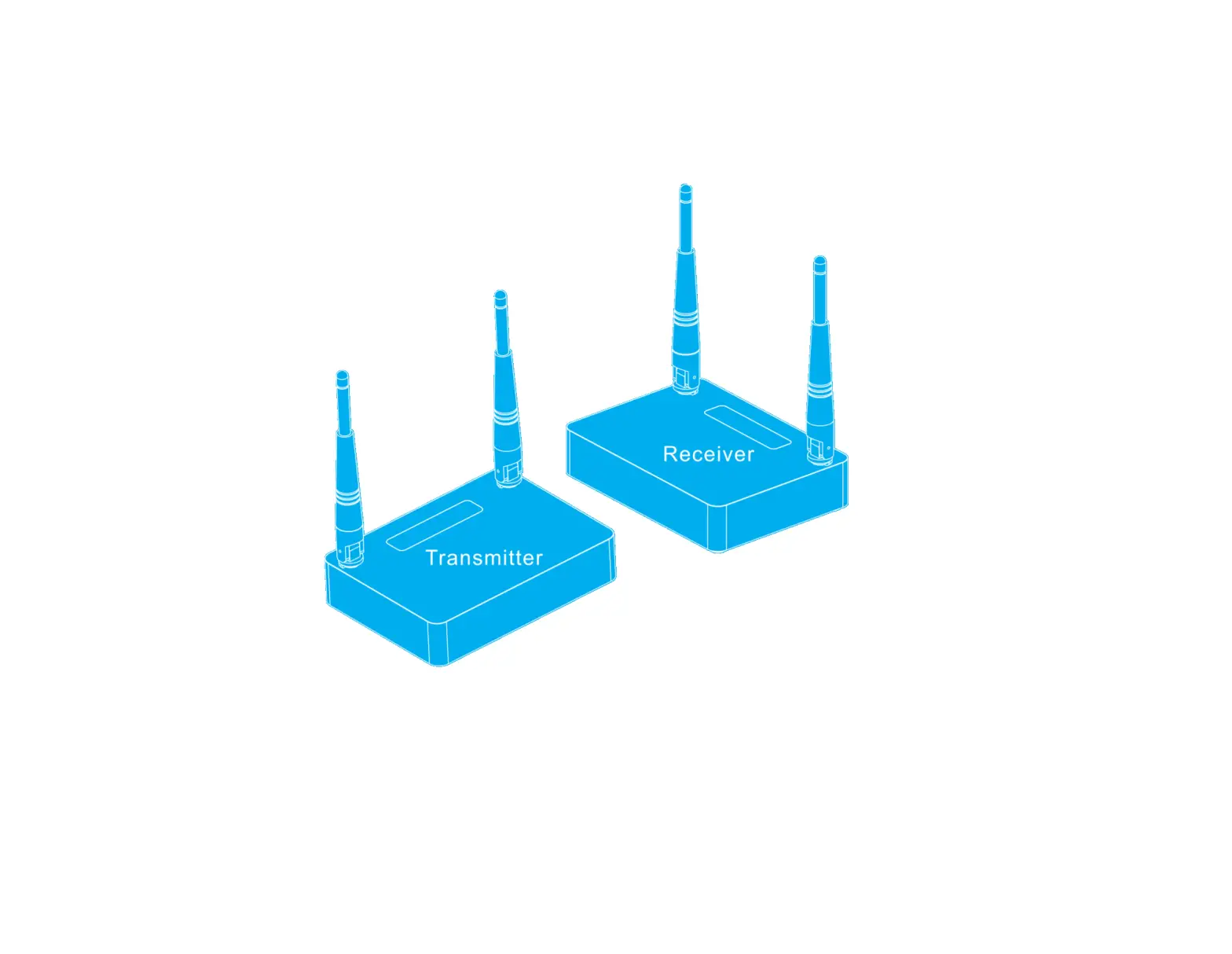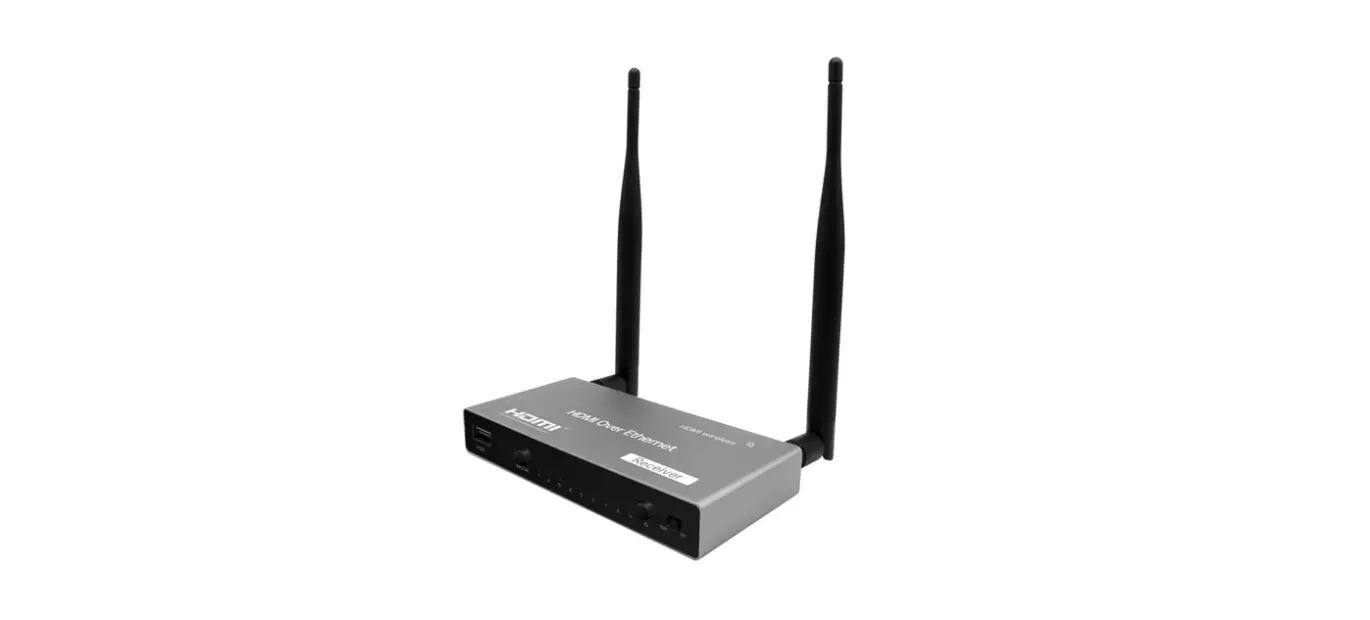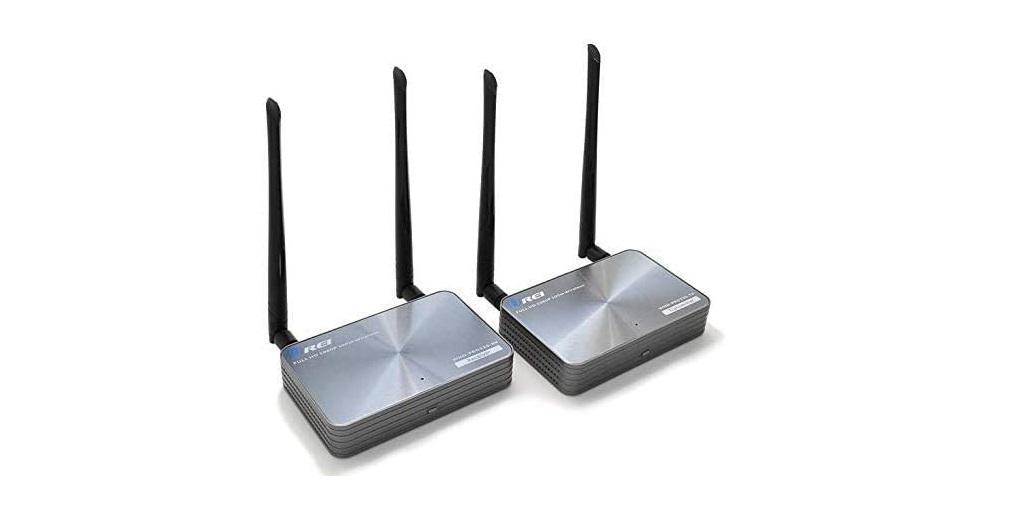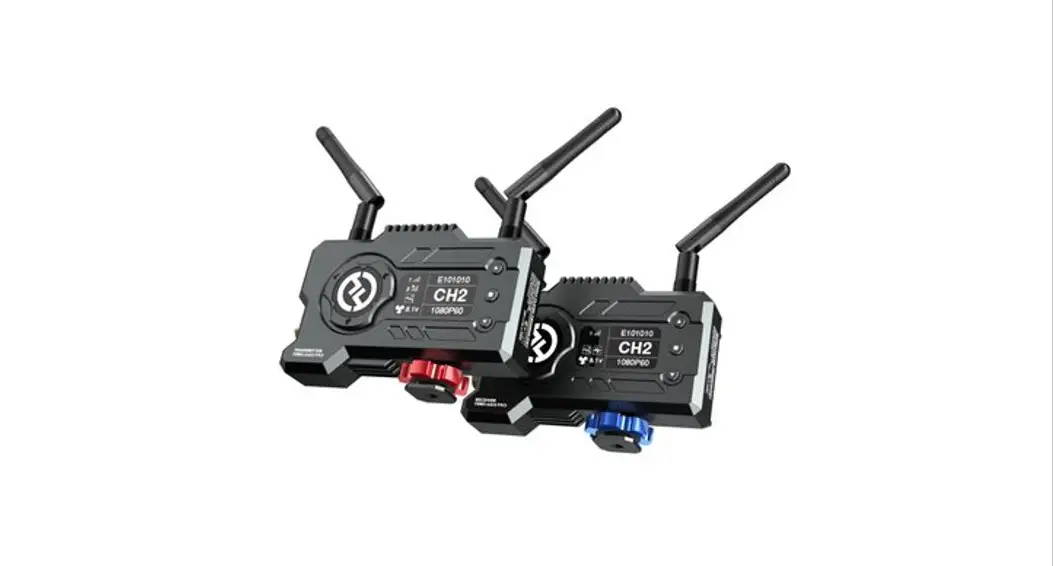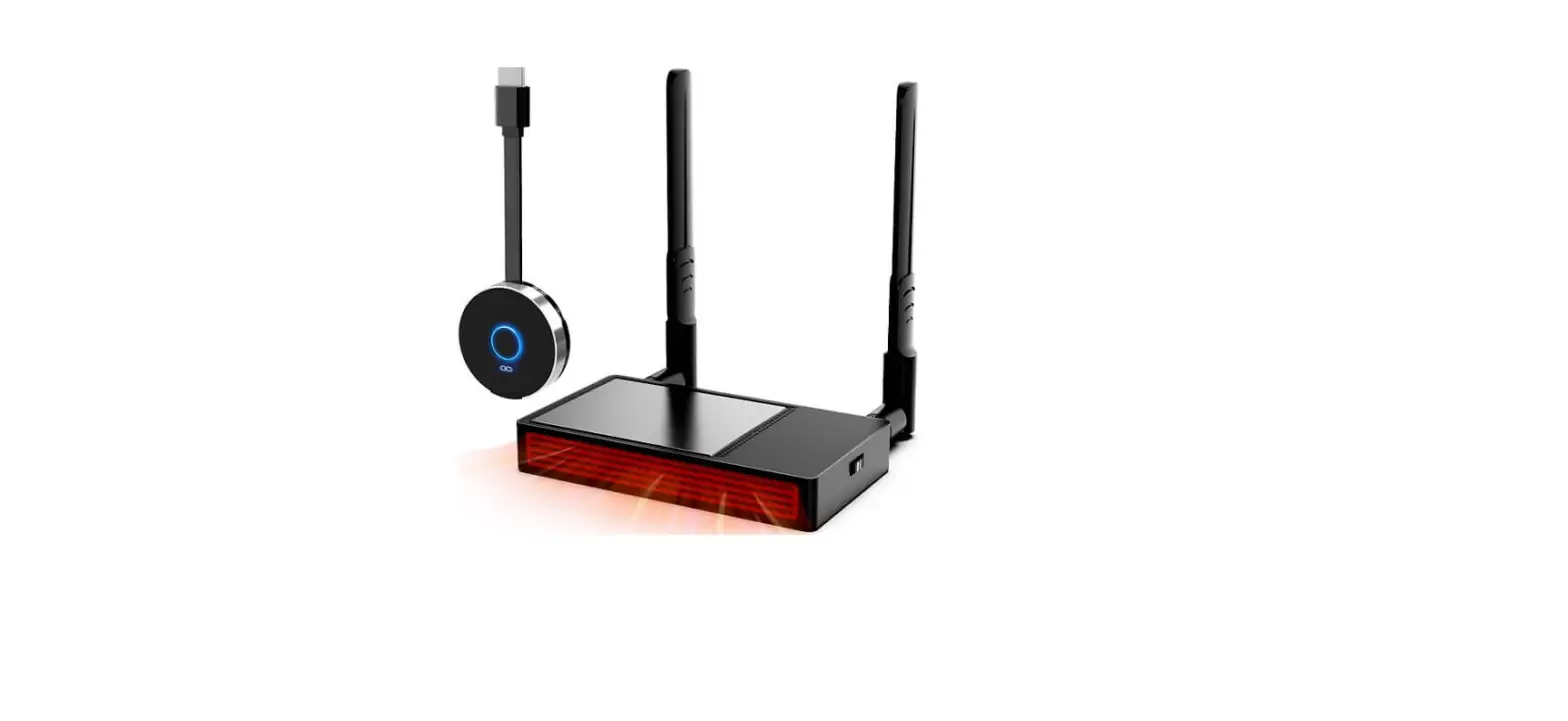

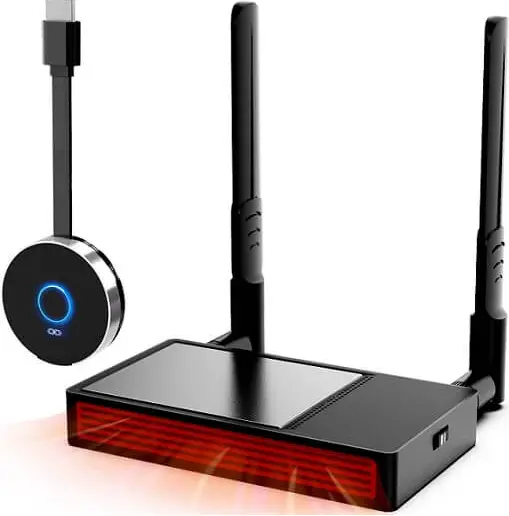
ShuOne 656FT 5G 4K Wireless HDMI Transmitter and Receiver
INSTALLATION
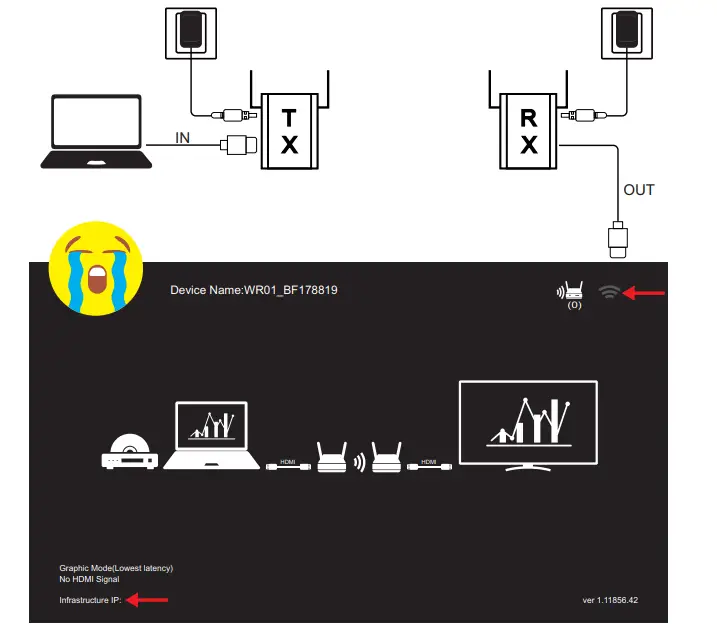
- Step 1: Connect the TX and RX to the power supply. The RX is connected to the monitor, and the Wi-Fi in 1 the upper right corner of the monitor is in a state of no signal, which means the device is not paired.

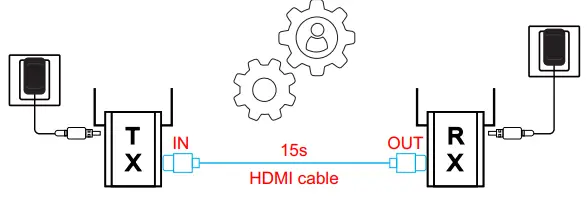
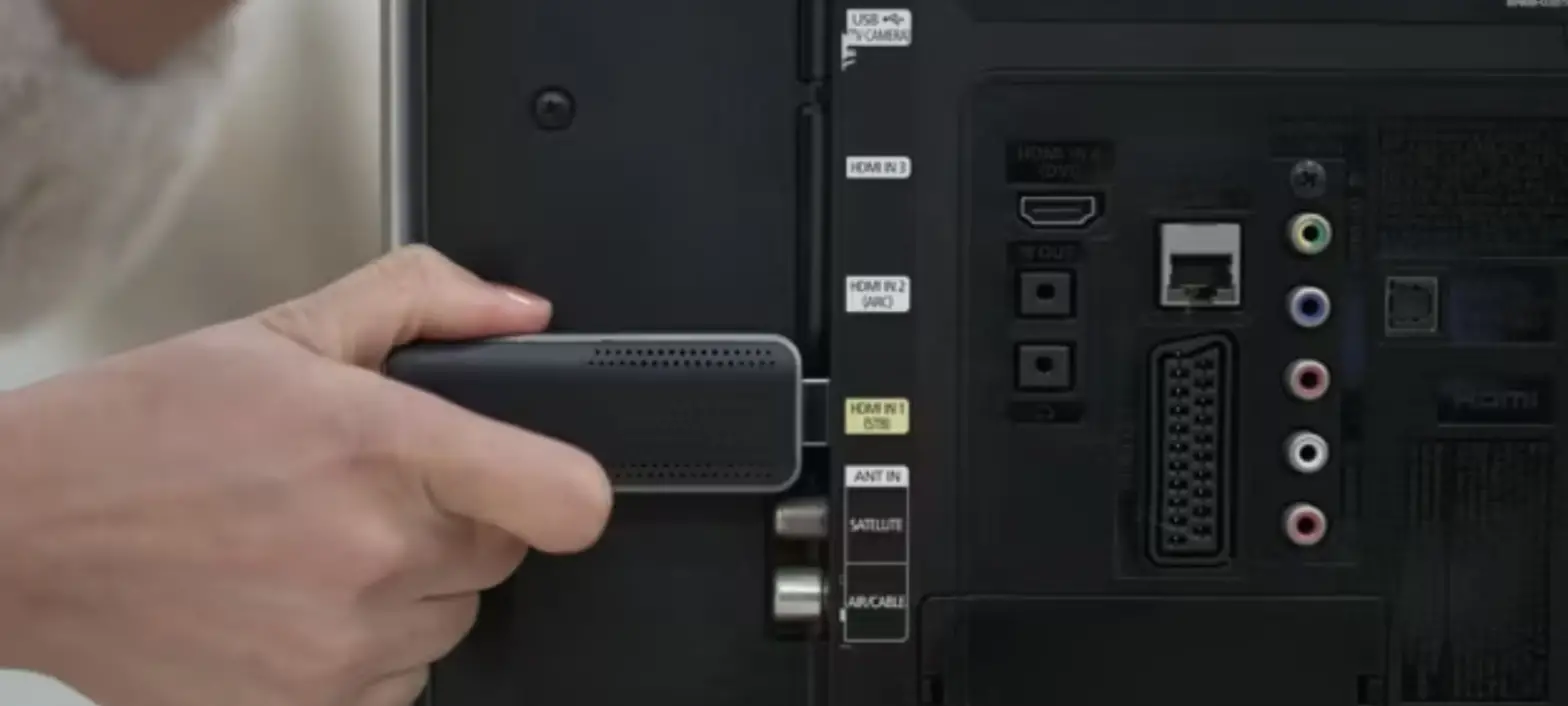
- Step 2: Connect the TX In port to the RX Out port with a separate HDMI cable, then wait 15 seconds

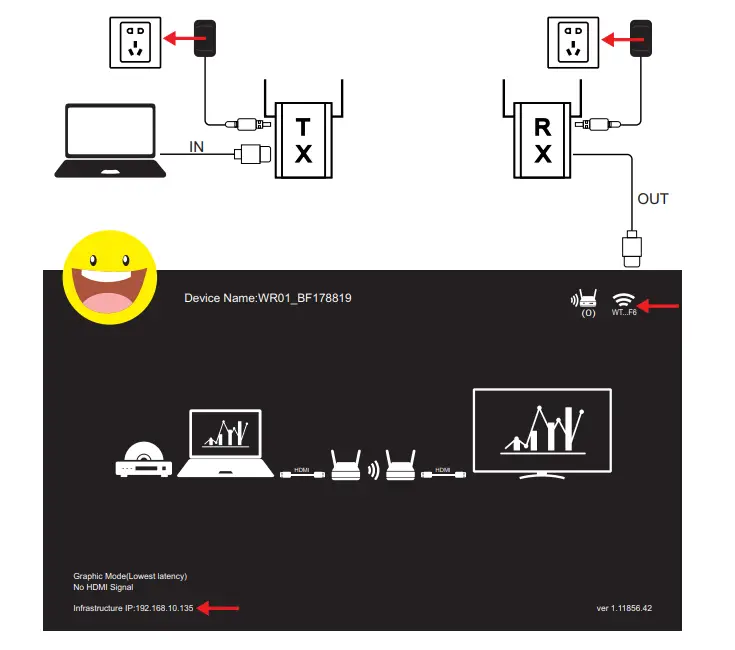
- Step 3: Replug the TX and RX to the power supply and connect to the corresponding device. The WiFi light in the upper right corner of the display indicates that the device is paired successfully.