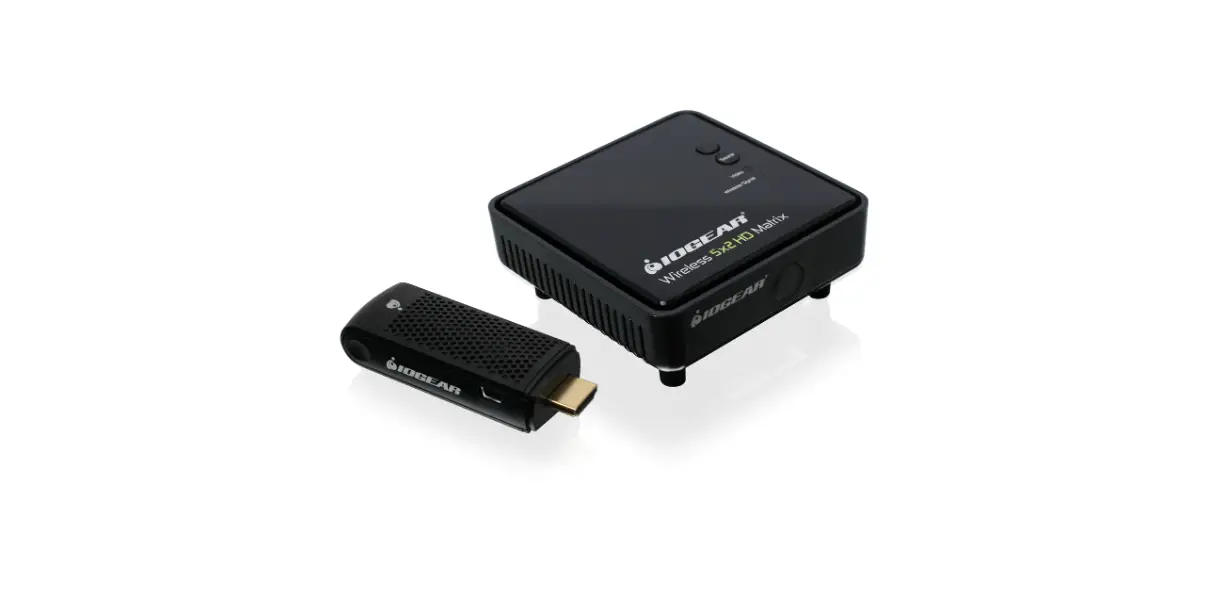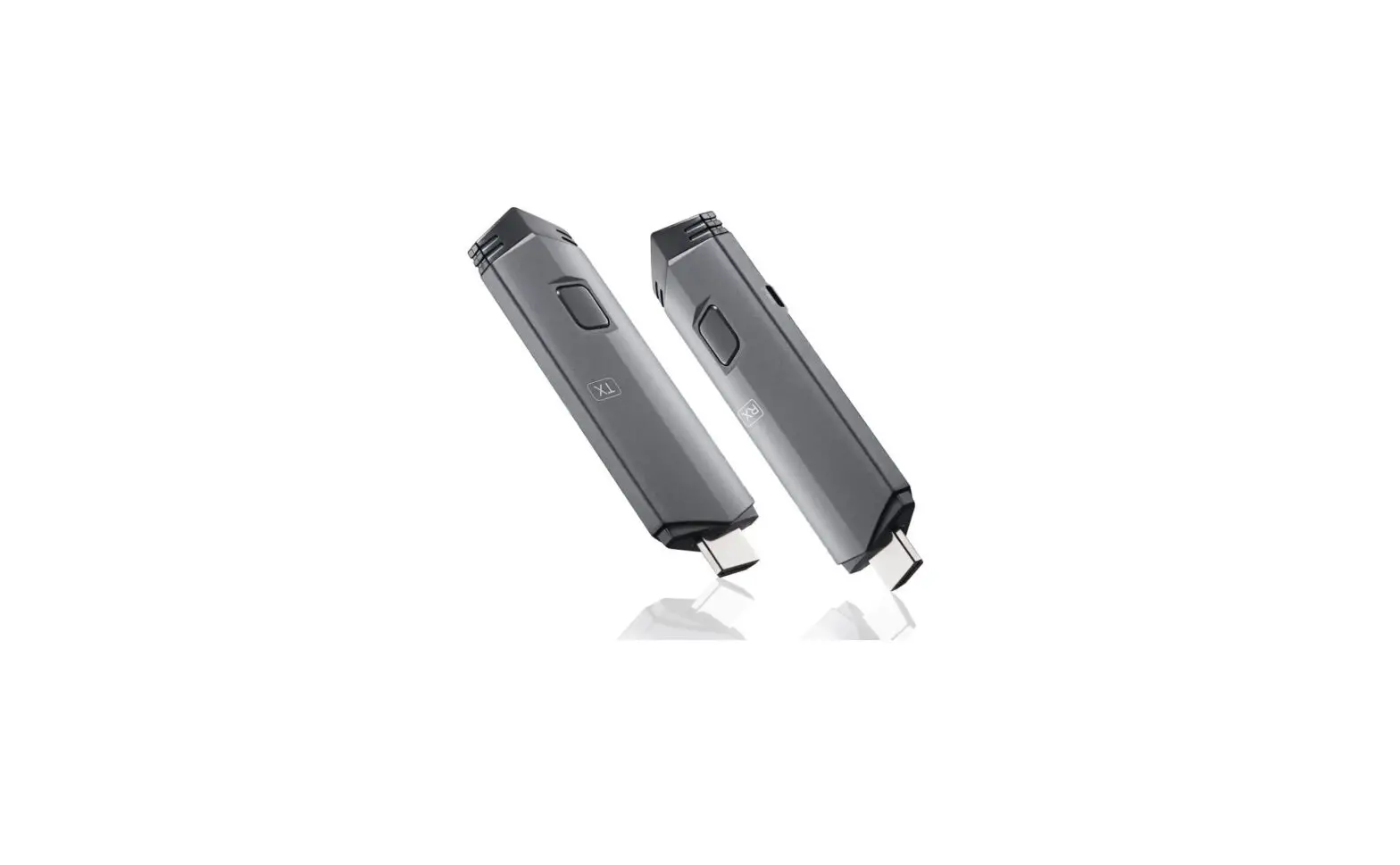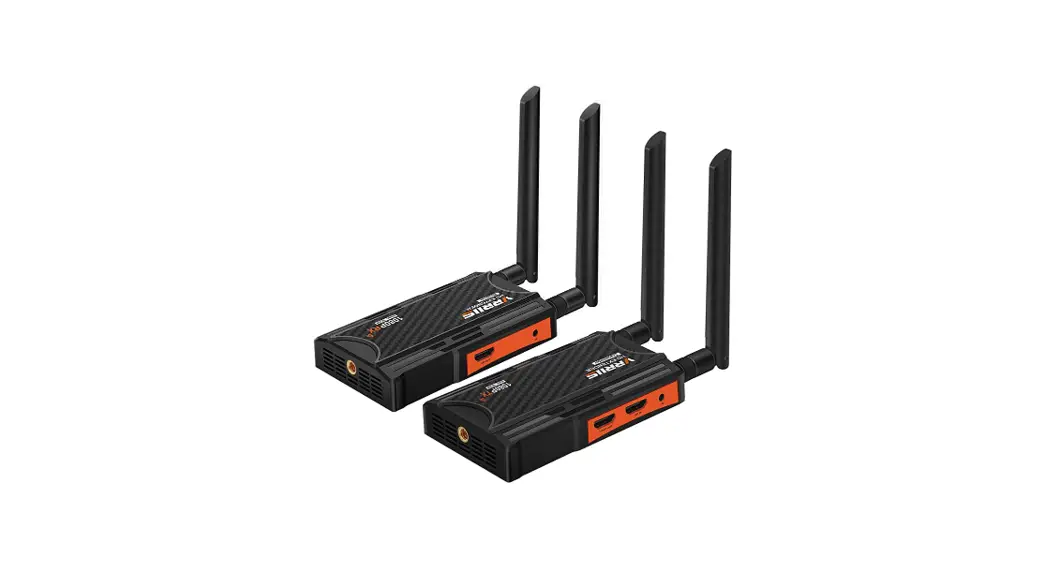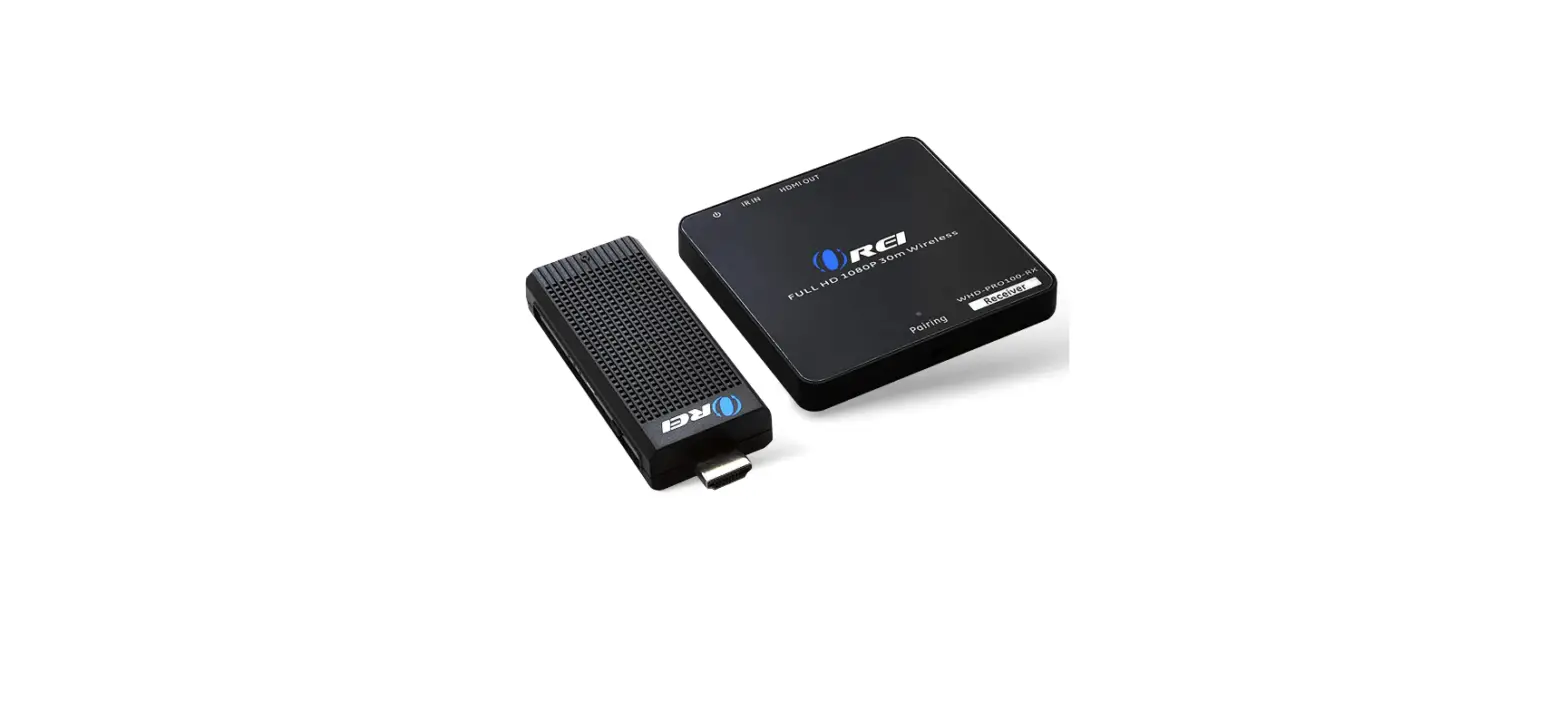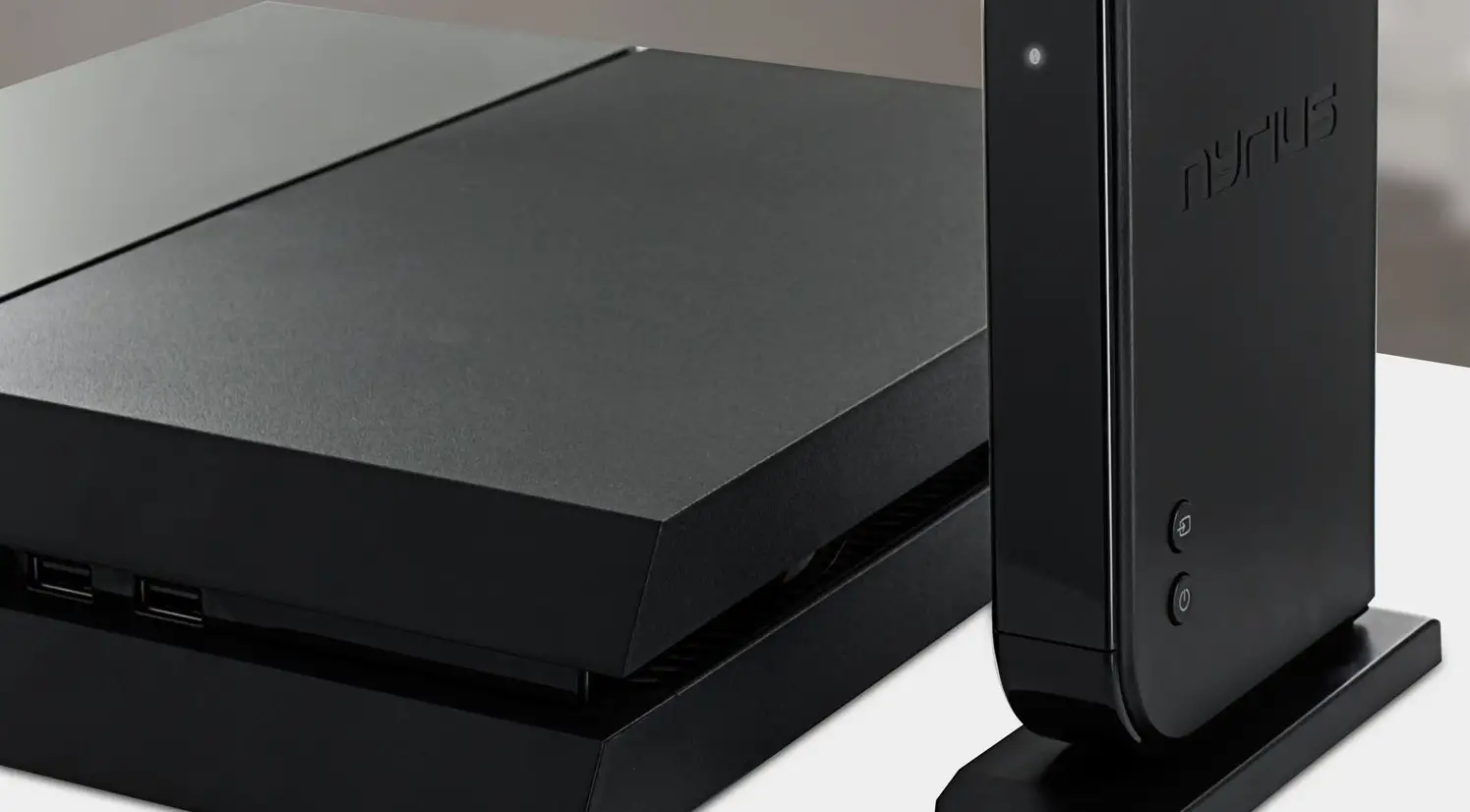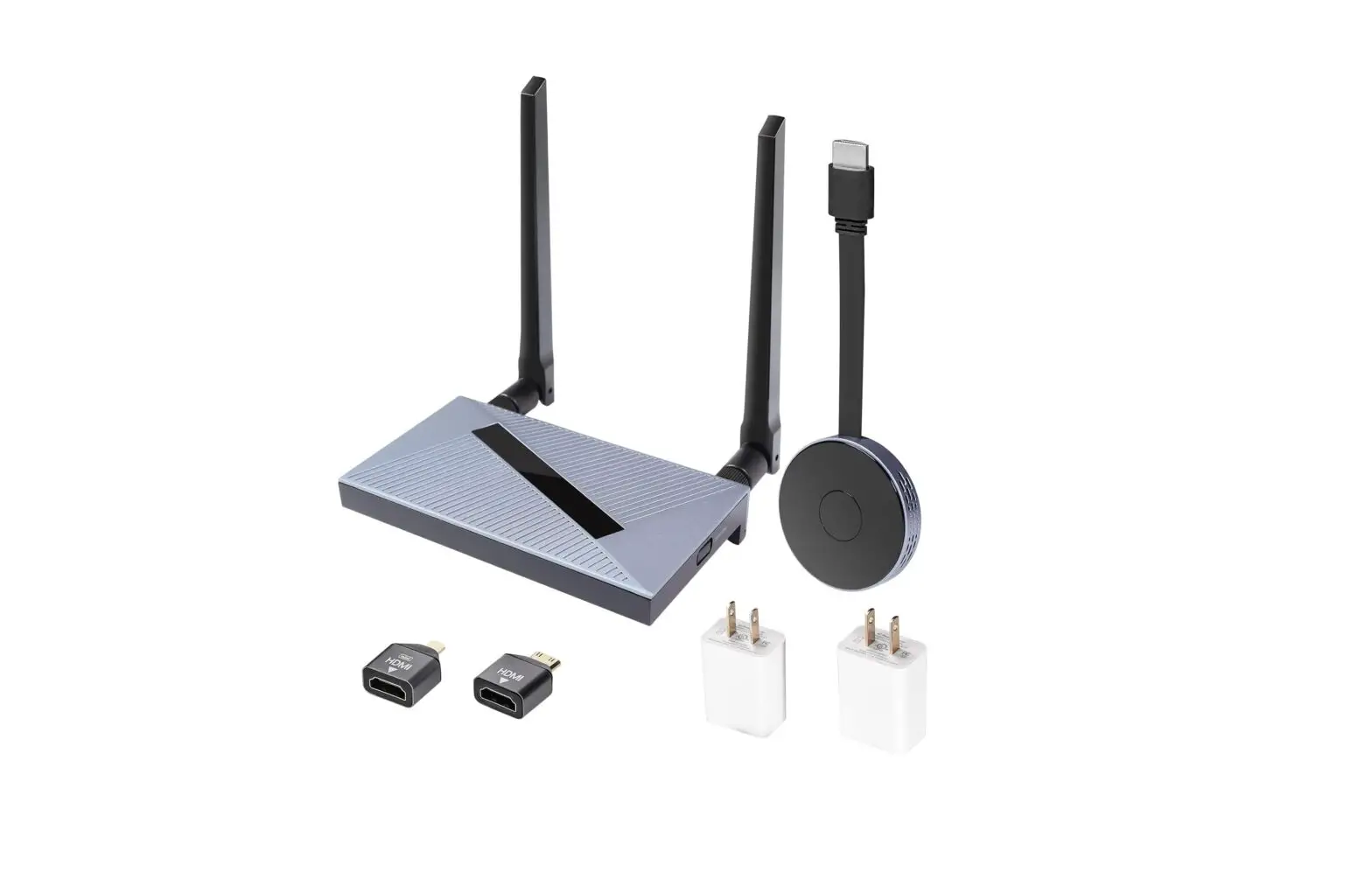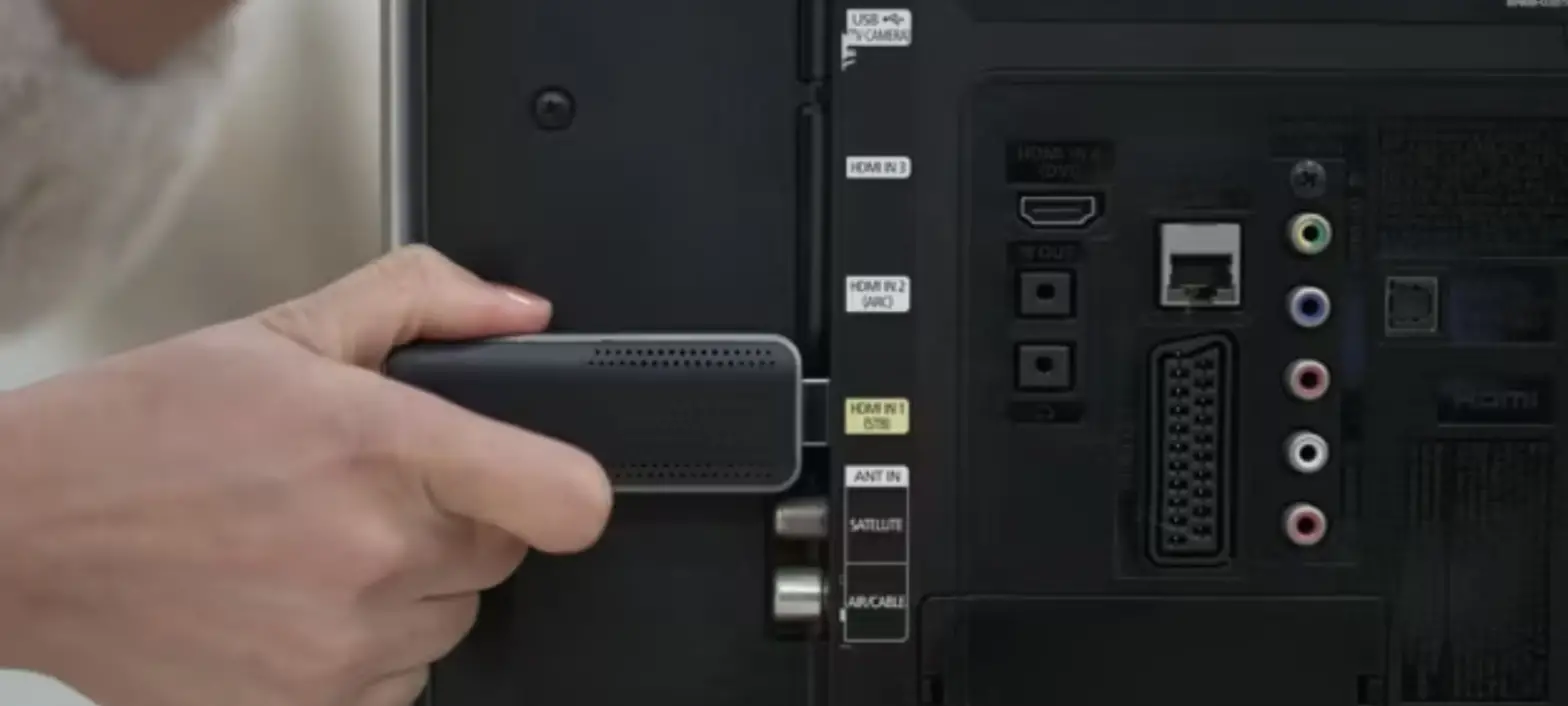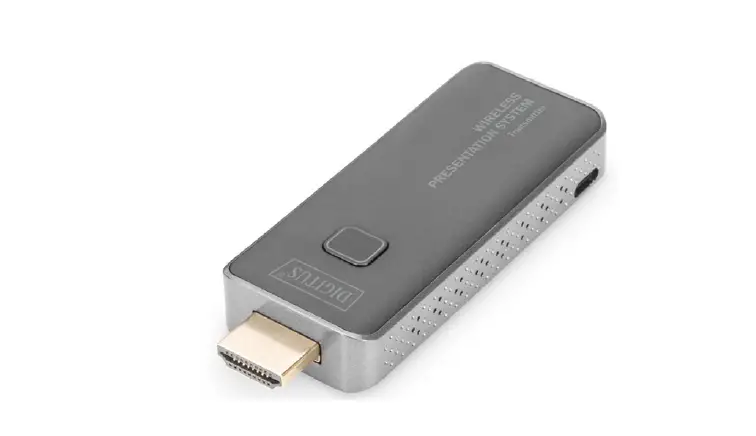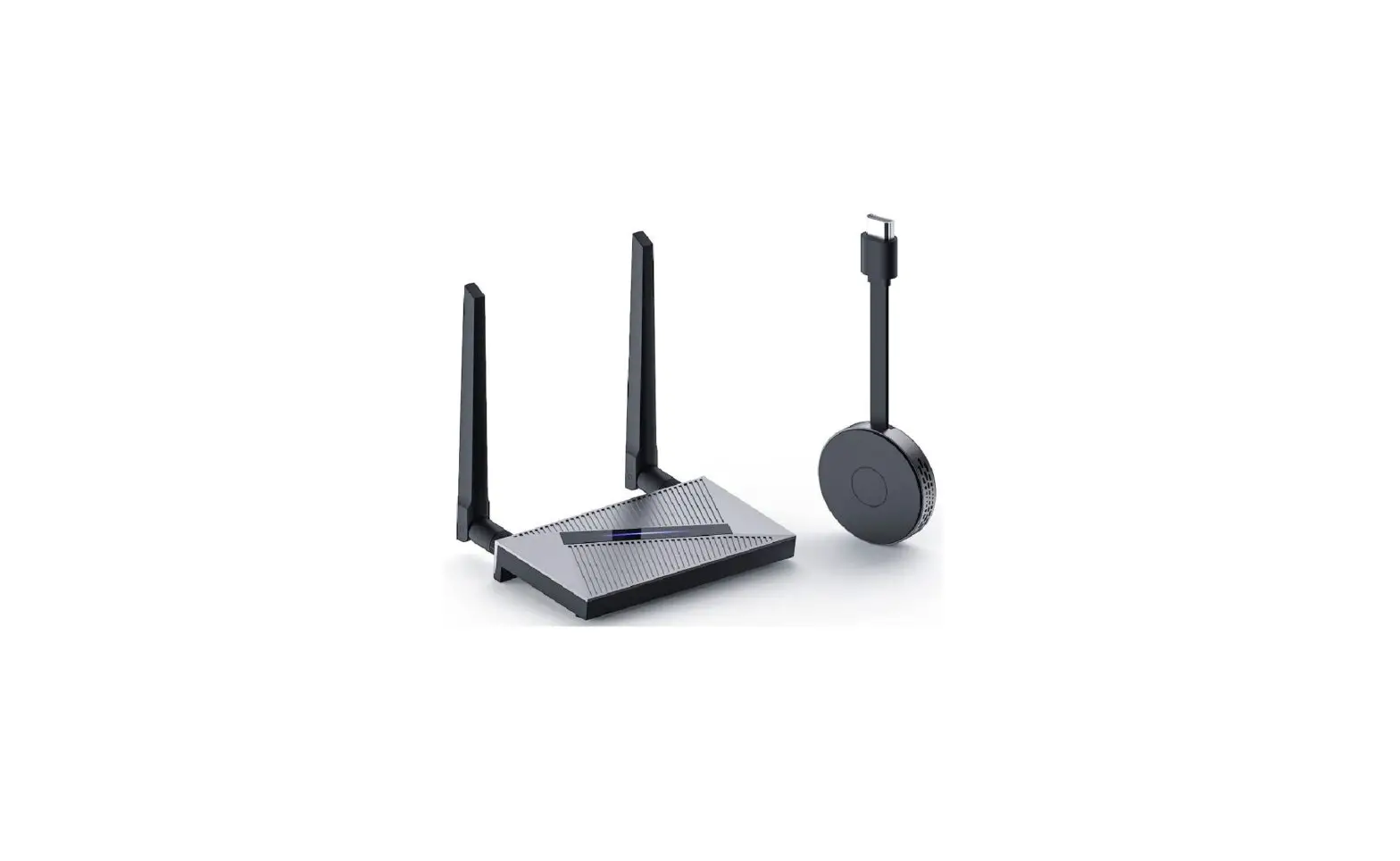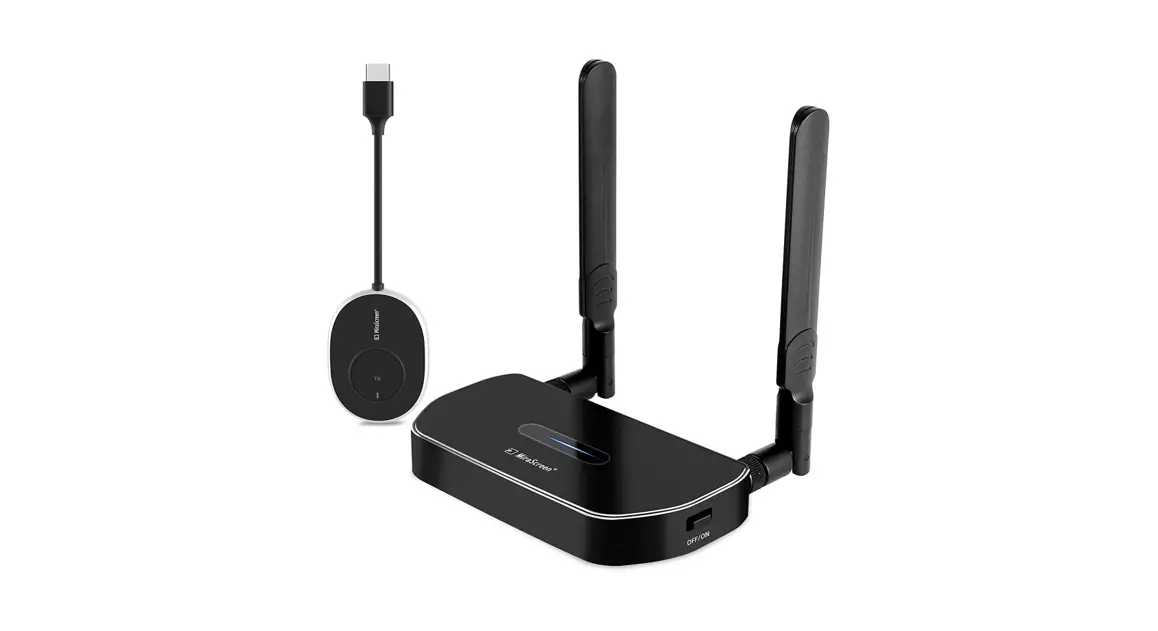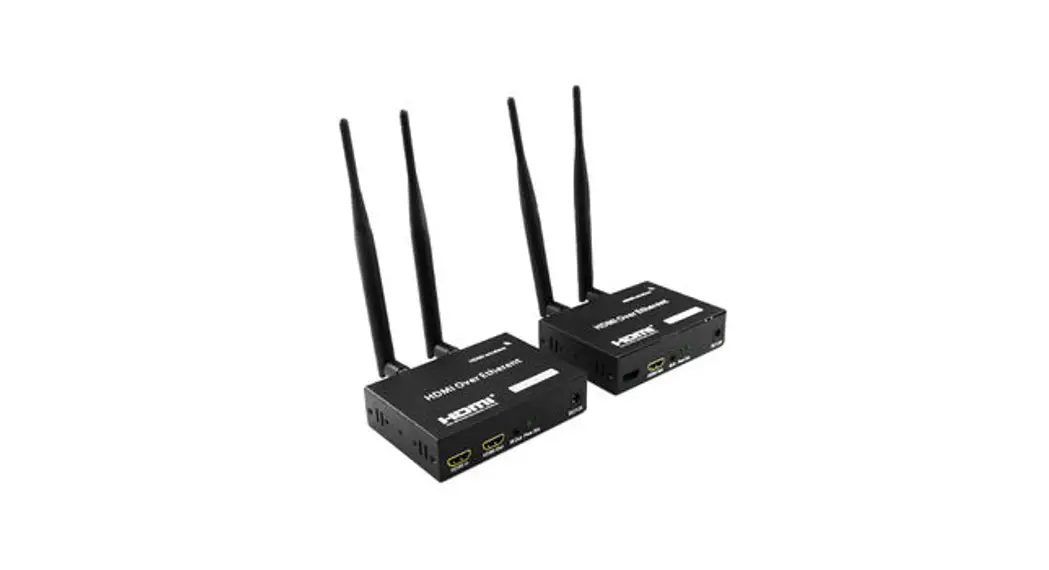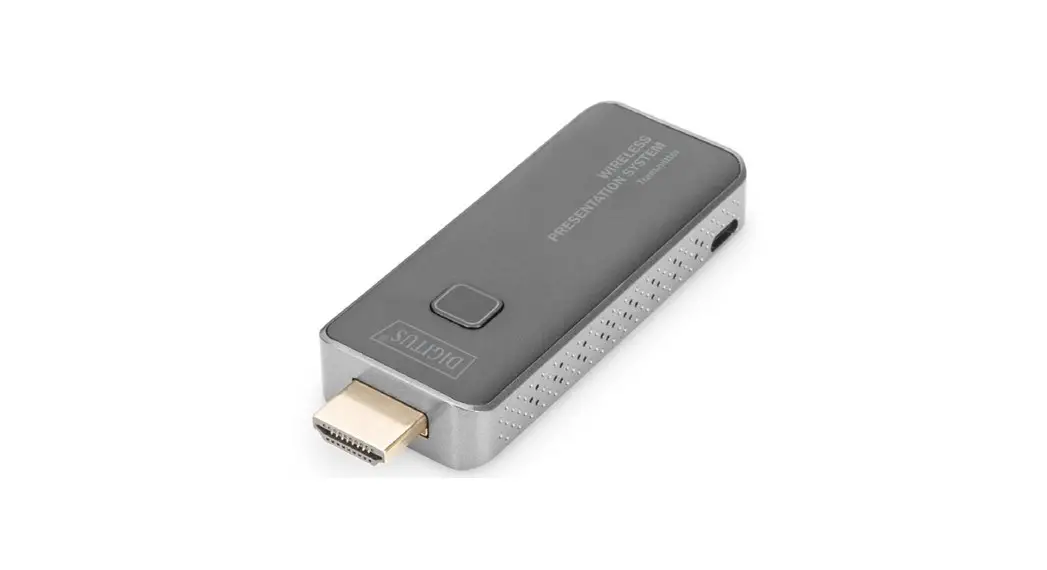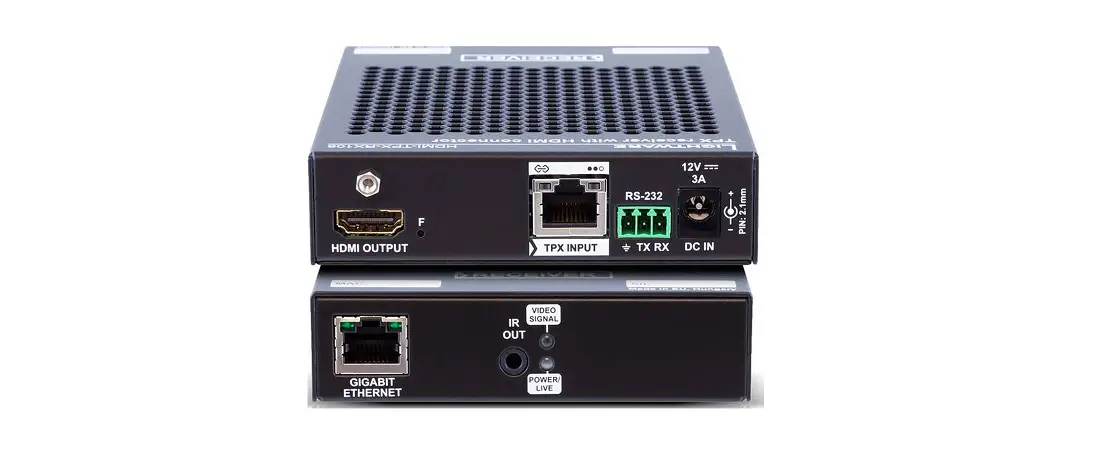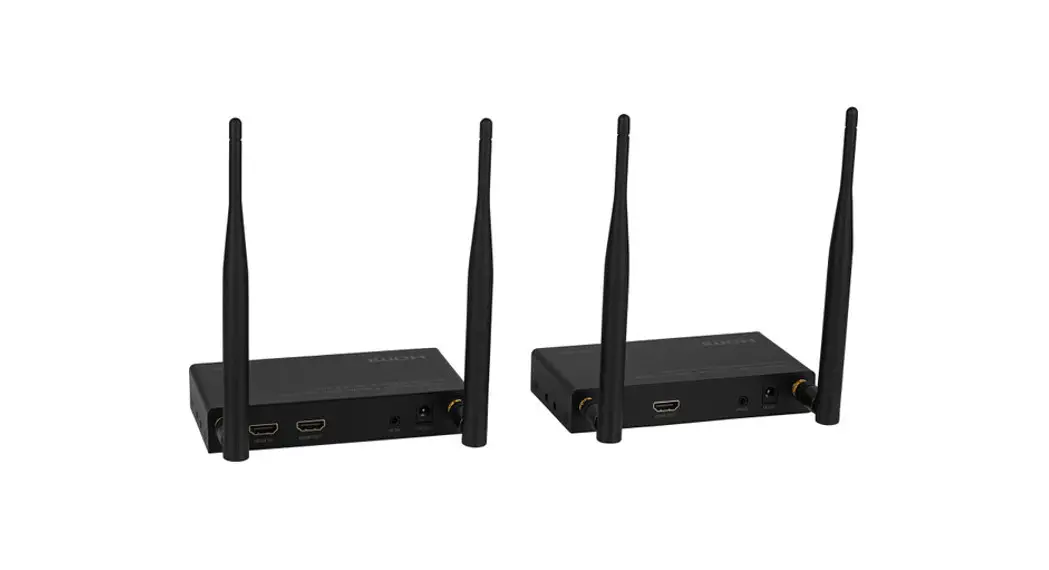
Orei Wireless HDMI Transmitter & Receiver
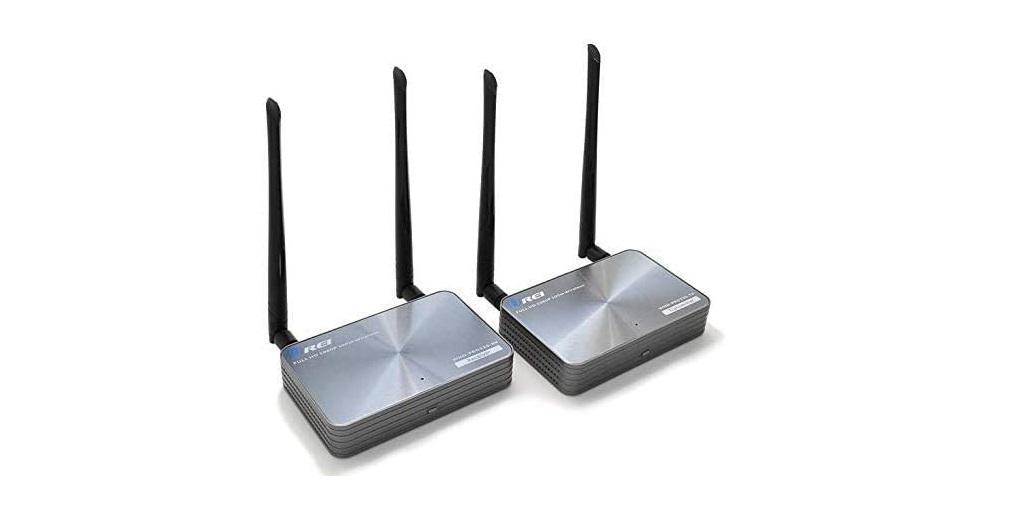
Specifications
- CONNECTIVITY TECHNOLOGY: Wireless, Hdmi
- BRAND: OREI
- SUPPORTED INTERNET SERVICES: Netflix, YouTube
- COMPATIBLE DEVICES: Projector, Laptop, TV, PC
- ITEM WEIGHT: 1.45 Pounds
- ITEM DIMENSIONS LXWXH: 5.2 x 3.3 x 1.1 inches
Wirelessly extend a full 1080p signal up to 330 feet. Nearly minimal interference in the 5G wireless frequency spectrum. ideal for additional TVs around the home. Just 0.3–1 second of delay and latency. Real-time shooting and PC operation are not intended for this device. suitable for usage at home.
It supports point-to-point wireless connections, and HDMI 480i, 480p, 576i, 576 50Hz, 720p, 720p 50/60Hz, and 1080i, 1080p 50/60Hz resolutions. Without any software installation, a plug-and-play setup. 30-60 kHz full band IR return. extension of additional receivers (sold separately)
KEY FEATURES
- Supports HDMI wireless transmission up to 1080p
- supports wireless 3D HDTV signal transfer over HDMI
- HDMI pass-through output is available on the transmitter side for concurrent local viewing.
- Low latency [less than 300 ms
- enables IR extender functionality
- HDCP conforming
- HD wireless transmission from room to room
- Line of Sight transmission up to 100 meters
- little power usage
- Ideal for wirelessly transmitting HDMI signals to additional TVs across the house.
- Obstacles such as walls, floors, and other wireless interference restrict transmission distance.
- A fantastic feature for household applications like DVD players, cable boxes, and other HDMI sources is a latency time of less than 300ms. Real-time applications and games are not intended uses of this.
Important safety notice
Please read below safety instructions carefully before installation and operation
- Please pay attention to all the warnings and hints on this device.
- Do not expose this unit to rain, moisture and liquid.
- Do not put any stuff into the device.
- Do not repair the device or open the enclosure without professional person guidance to avoid electronic shock.
- Make sure good ventilation openings to avoid product overheating damage.+
- Shut off power and make sure environment is safe before installation.
- Do not plug-in/out the network cables and IR cables when it is in using to avoid cables damage.
- Use DC5V only. Make sure the specification matched if using 3rd party DC adapters.
Introduction
This transmitter extends HDMI signal wirelessly from source device to display device up to 50 meters with the advanced application of HDbitT transport protocol and wireless technology. It requires no cables between sender (TX) and receiver (RX) which makes the installation easy and clean.
Note:
- Transmission distance will be different due to the environment.
- Wall, brick or glass will shorten the signal cover range or cause big Signal loss.
Features
- Transmit HDMI signal from source device to display device up to 50 meters wirelessly.
- Support IR remote control function to control source device content from long distance.
- No cable between sender (TX) and receiver (RX).
- Easy and clean installation.
Package Content
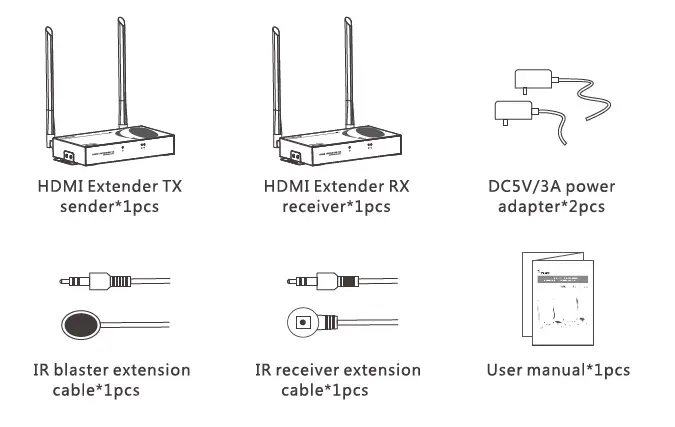
Installation Requirement
- HDMI source device (DVD, PS3, Set top box, PC etc)
- HDMI display device like SDTV, HDTV, and projector with HDMI port.
Panel description
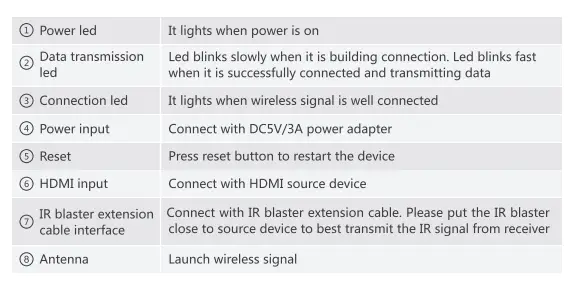
- HDMI Extender TX sender

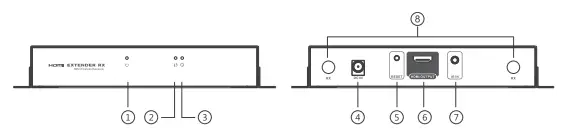
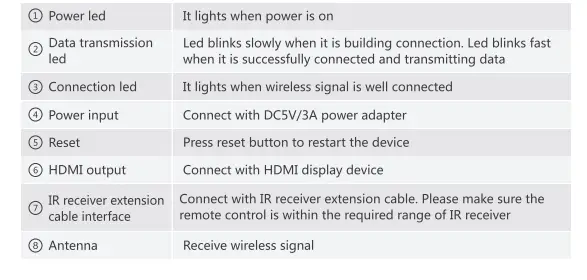
- HDMI Extender RX reciever


Connection
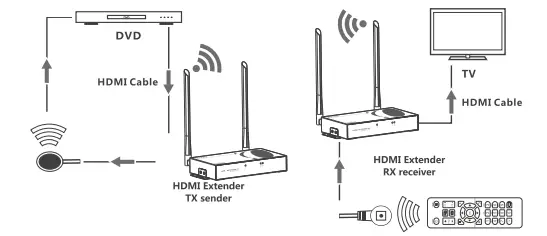
Connection instruction:
- Connect HDMI input with HDMI source device and connect IR blaster extension cable with IR OUT interface of the sender (TX).
- Connect HDMI output with HDMI display device and connect IR receiver extension cable with IR IN interface.
- Power on the device (power led lights) and it works.
Note:
- When the wireless signal transmits through wall, glass or other obstacles, it will cause signal loss. Suggest installing this device in good environment with few obstacles.
- The external environment wireless signal interferes the transmission, such as micro waver, wireless mouse and keyboard etc.
Disclaimer
The product name and brand name may be registered trademark of related manufacturers.TM and ® may be omitted on the user manual. The pictures on the user manual are just for reference, and there may be some slight difference with the real products. We reserve the rights to make changes without further notice to a productor system described herein to improve reliability, function or design.
FCC Warning
This equipment has been tested and found to comply with the limits for a Class B digital device, pursuant to part 15 of the FCC Rules. These limits are designed to provide reasonable protection against harmful interference in a residential installation. This equipment generates, uses and can radiate radio frequency energy and, if not installed and used in accordance with the instructions, may cause harmful interference to radio communications. However, there is no guarantee that interference will not occur in a particular installation. If this equipment does cause harmful interference to radio or television reception, which can be determined by turning the equipment off and on, the user is encouraged to try to correct the interference by one or more of the following measures:
- Reorient or relocate the receiving antenna.
- Increase the separation between the equipment and receiver.
- Connect the equipment into an outlet on a circuit different from that to which the receiver is connected.
- Consult the dealer or an experienced radio/TV technician for help.
Caution: Any changes or modifications to this device not explicitly approved by manufacturer could void your authority to operate this equipment. This equipment complies with FCC RF radiation exposure limits set forth for an uncontrolled environment. This device and its antenna must not be located or operating in conjunction with any other antenna or transmitter.
This device complies with part 15 of the FcC Rules. Operation is subject to the following two conditions: (1) This device may not cause harmful interference, and (2) this device must accept any interference received, including interference that may cause undesired operation.
“To comply with FCC RF exposure compliance requirements, this grant is applicable to only mobile configurations. The antennas used for this transmitter must be installed to provide a separation distance of at least 20 cm from all persons and must not be co-located or operating in conjunction with any other antenna or transmitter.”
Note: This device should be used for indoor only. Please use the original antenna in the package, if the antenna is not contained in the package or the antenna is damaged, consult the seller for help, do not use another antenna. This device is designed for P to MP application
FAQ
Q: TV display waiting for connection on the bottom right corner?
A: Please check if the power supply of TX (sender) and RX (receiver) is well connected and the power indicator led lights on.
Q: TV display “Please check the TX input signal”?
A:please check if there is an HDMI signal input of sender TX
Try to connect the signal source directly to display device to see if there is signal output from source device or change the signal source, HDMI cables and try again.
Q: Display not fluent and stable?
A:
- Please move the position of sender (TX) and receiver (RX) and make sure the device is within the required signal range.
- Click “reset” button on the RX/RX panel, reset and reconnect.
- Remove other wireless signal disturbance and reduce the obstacles on the way.