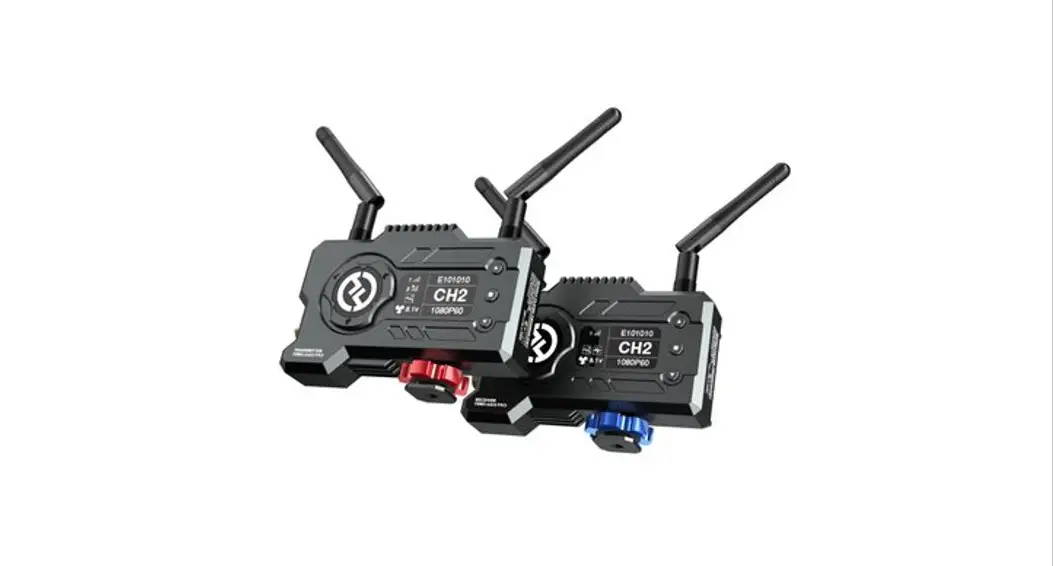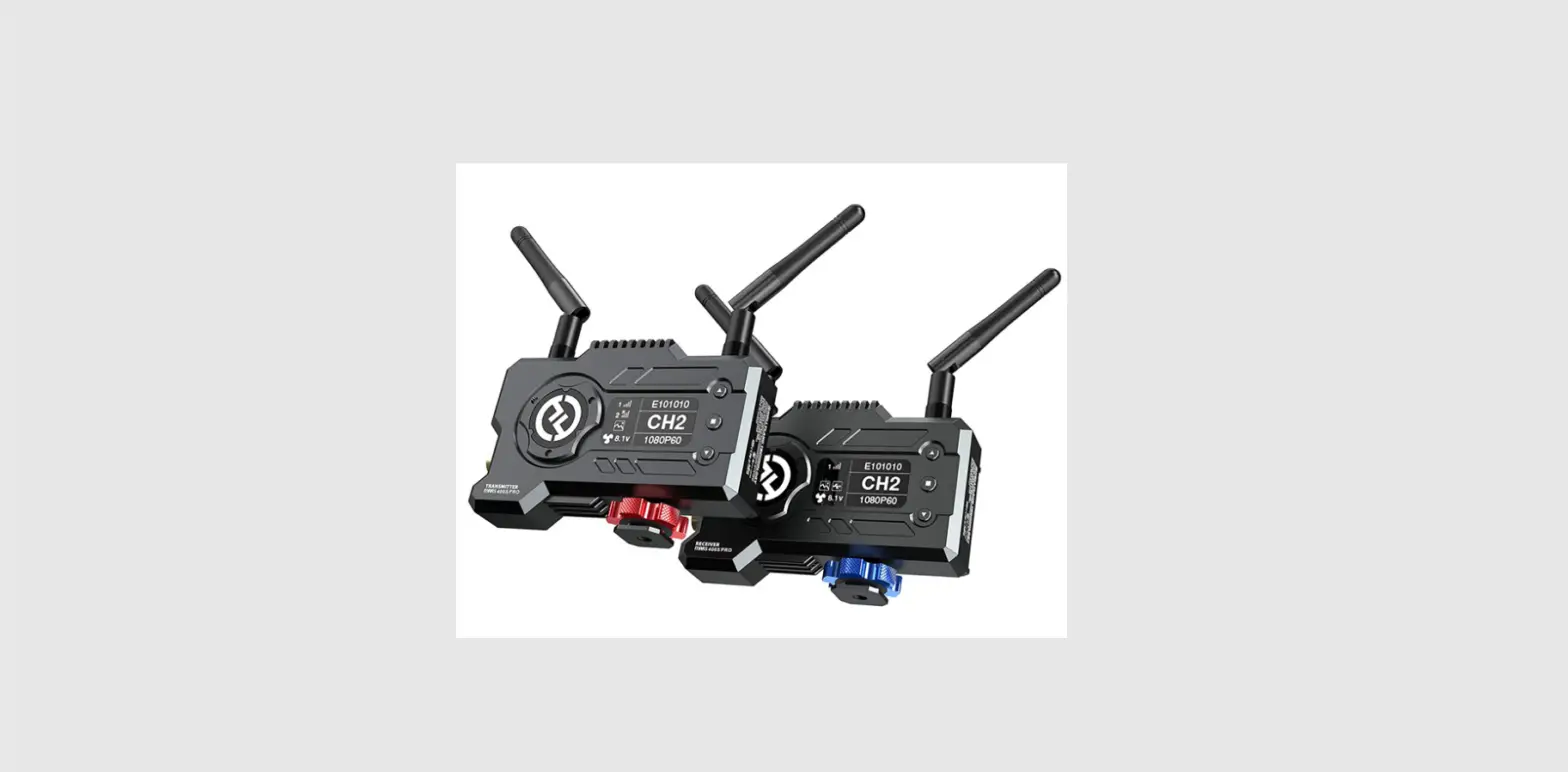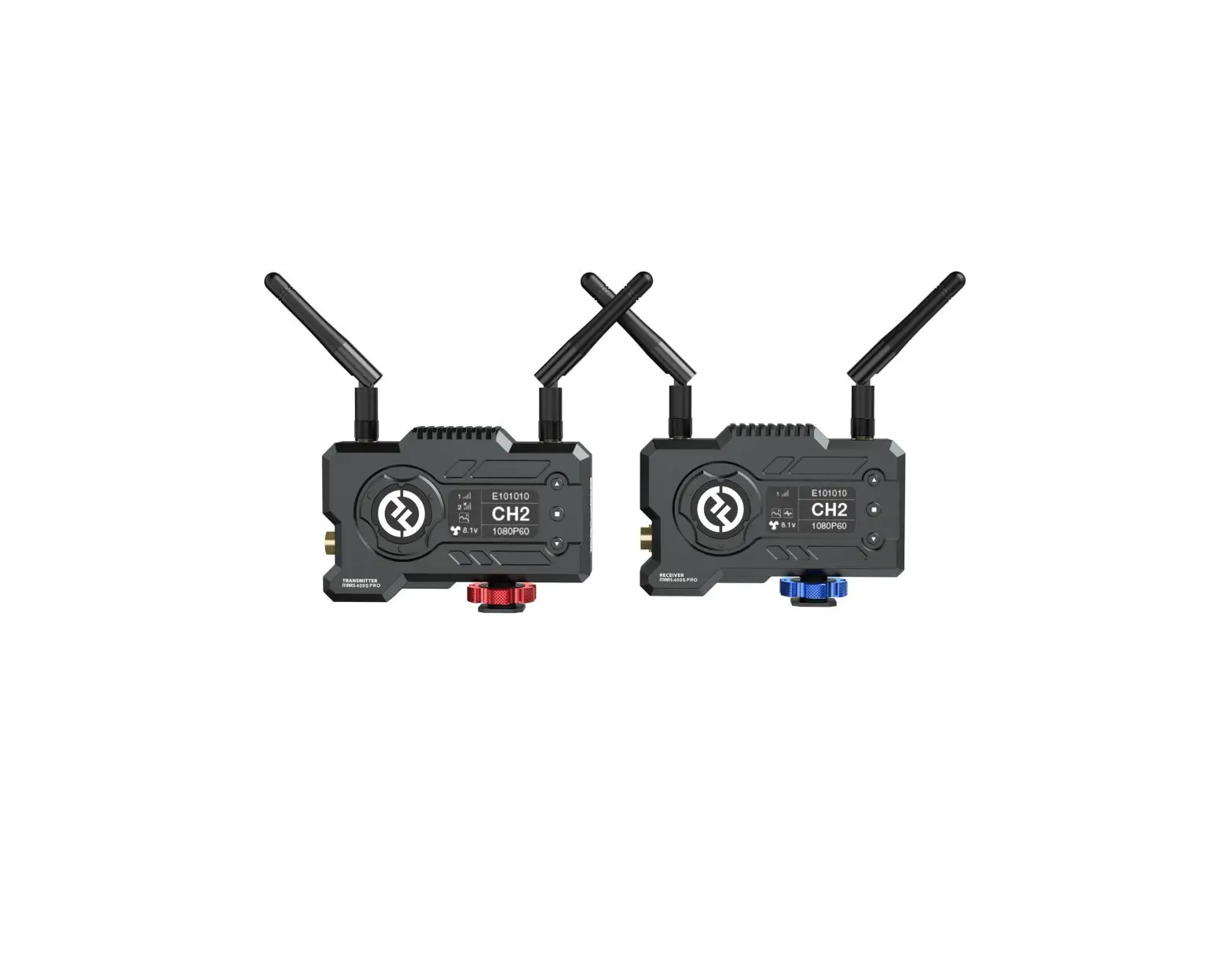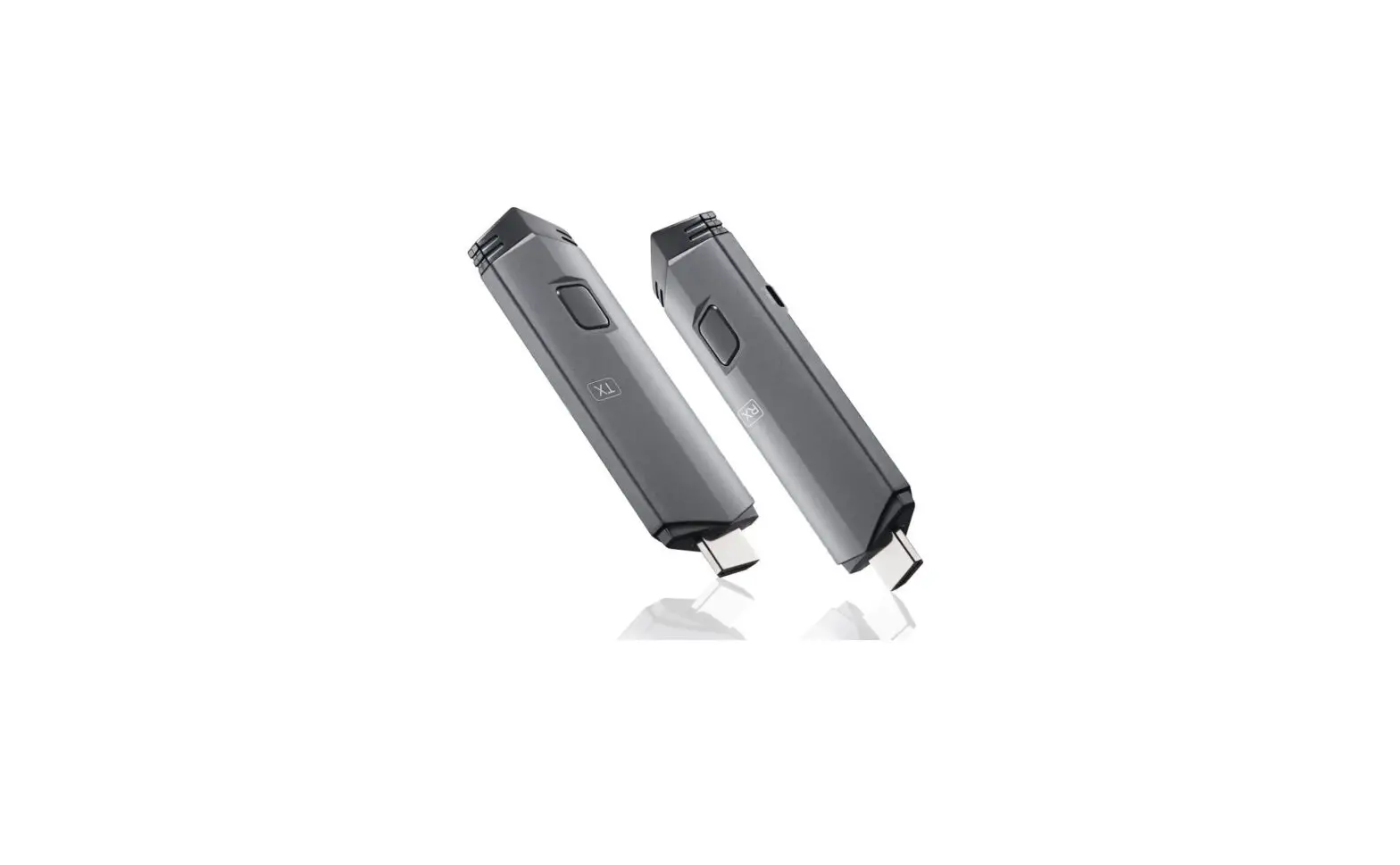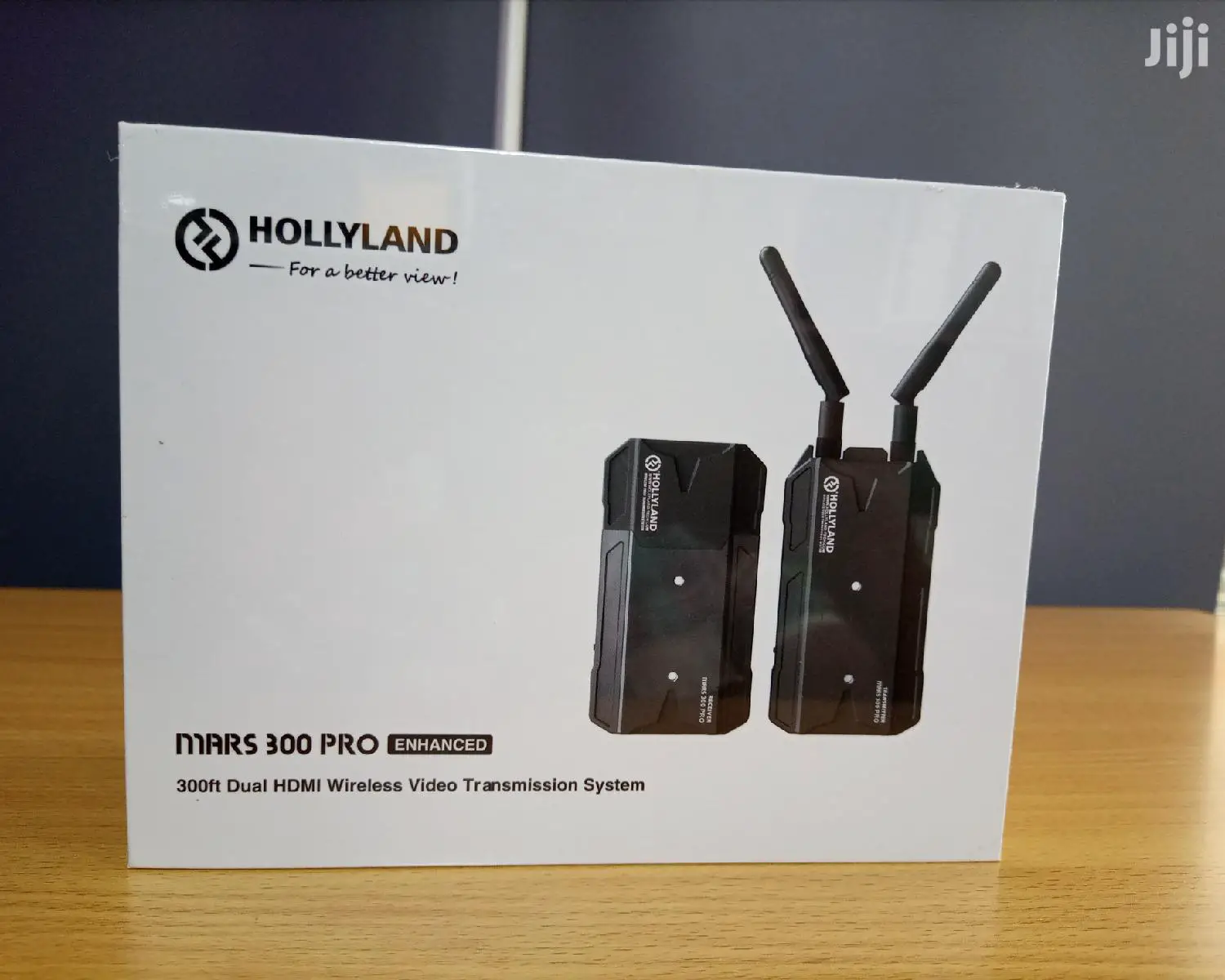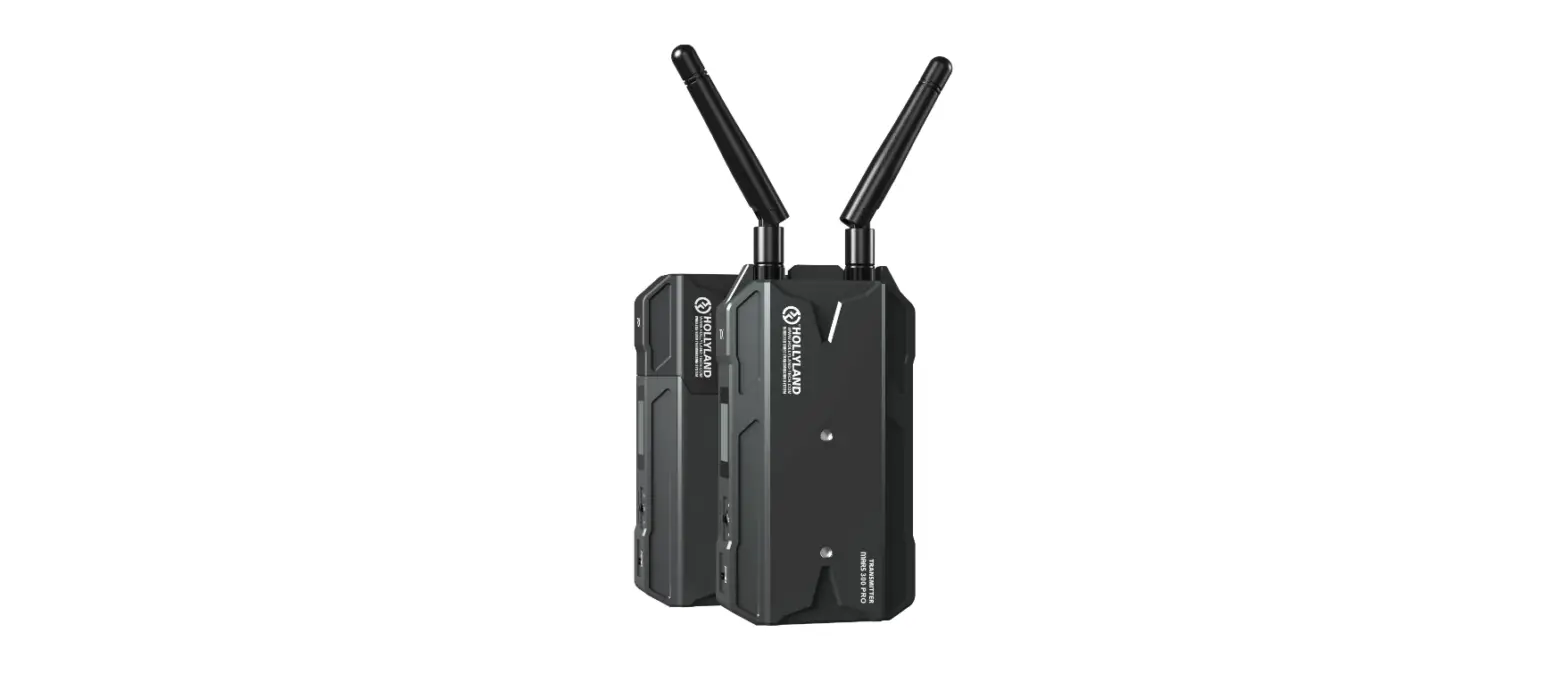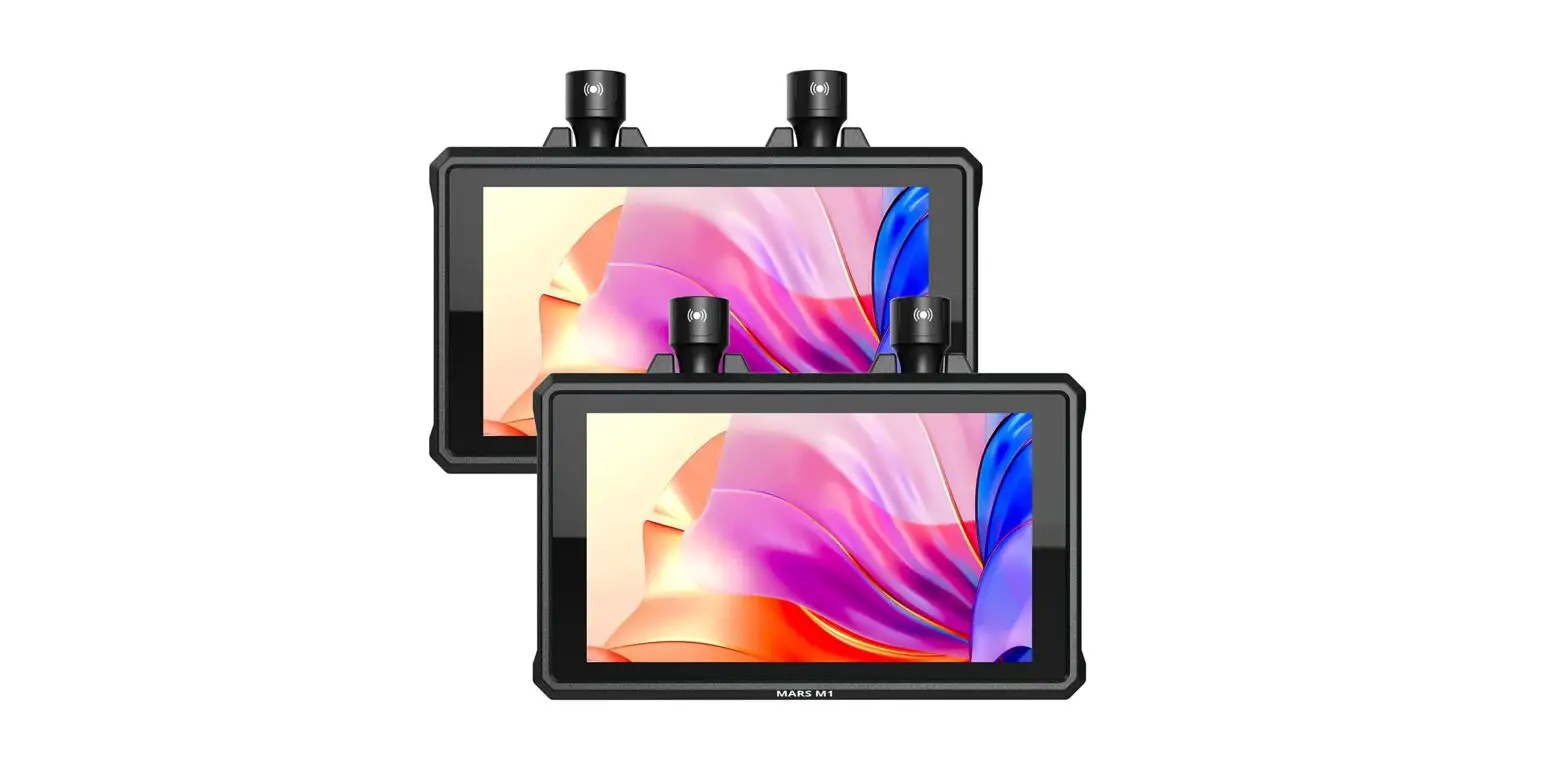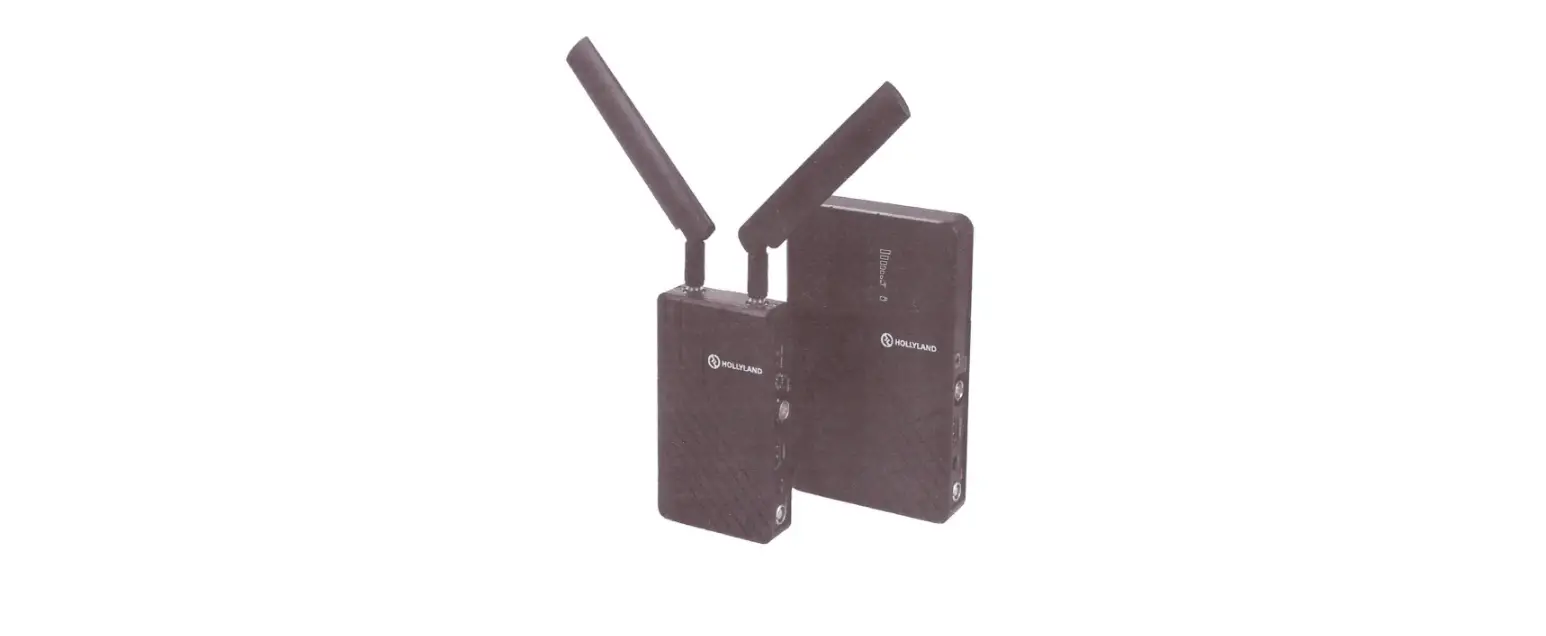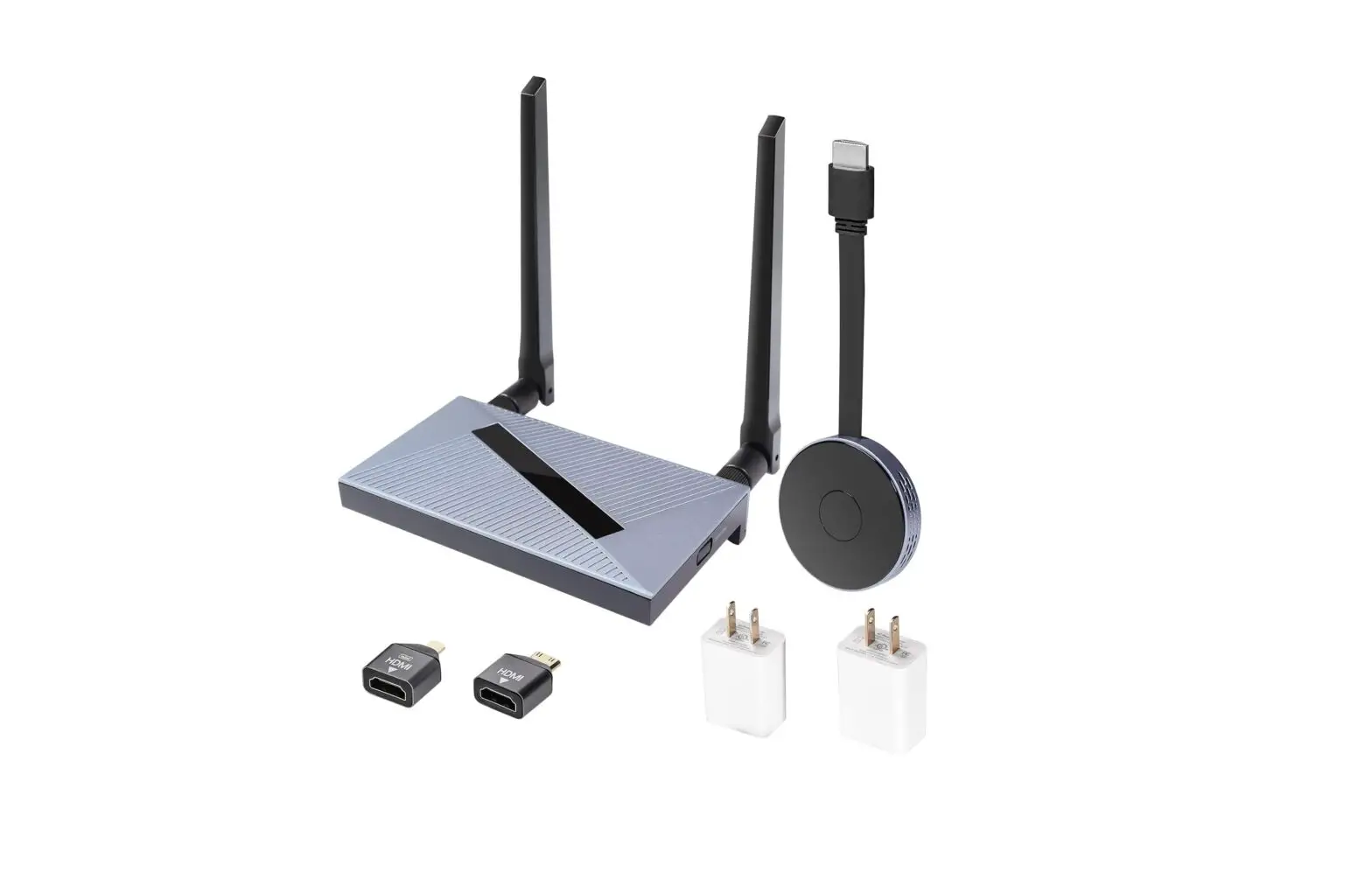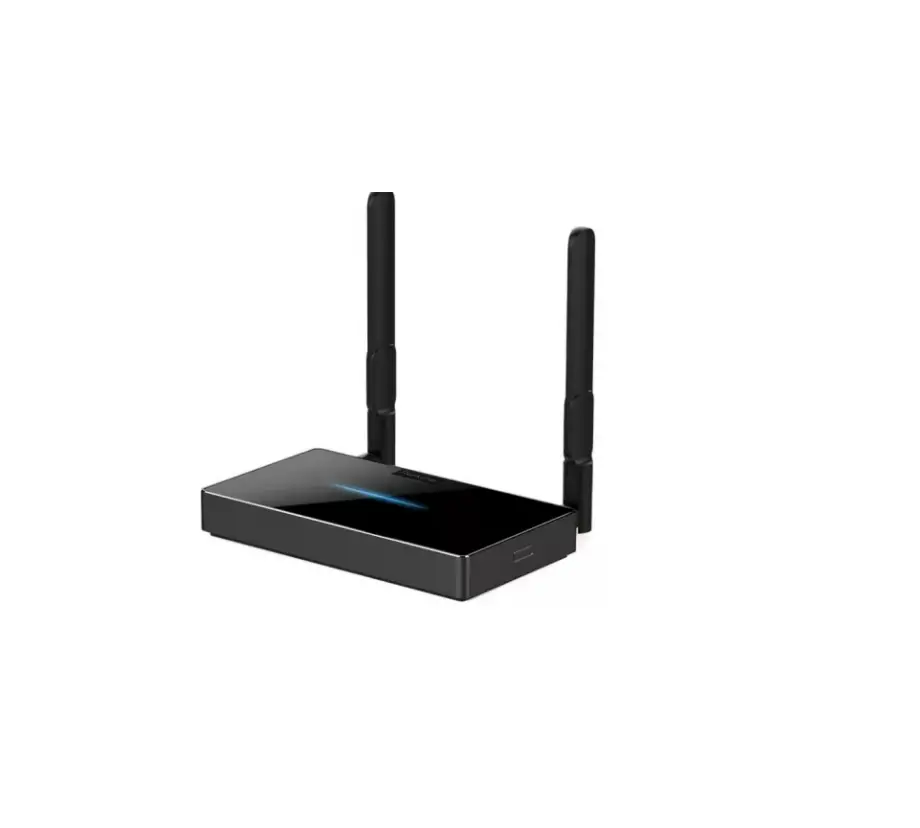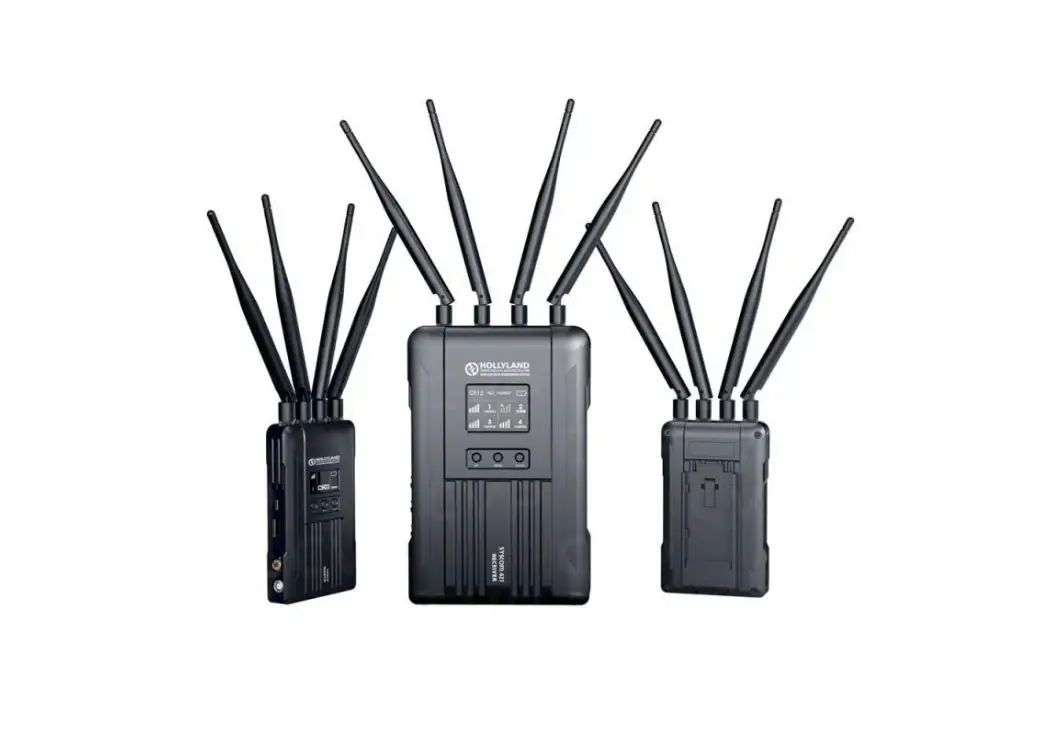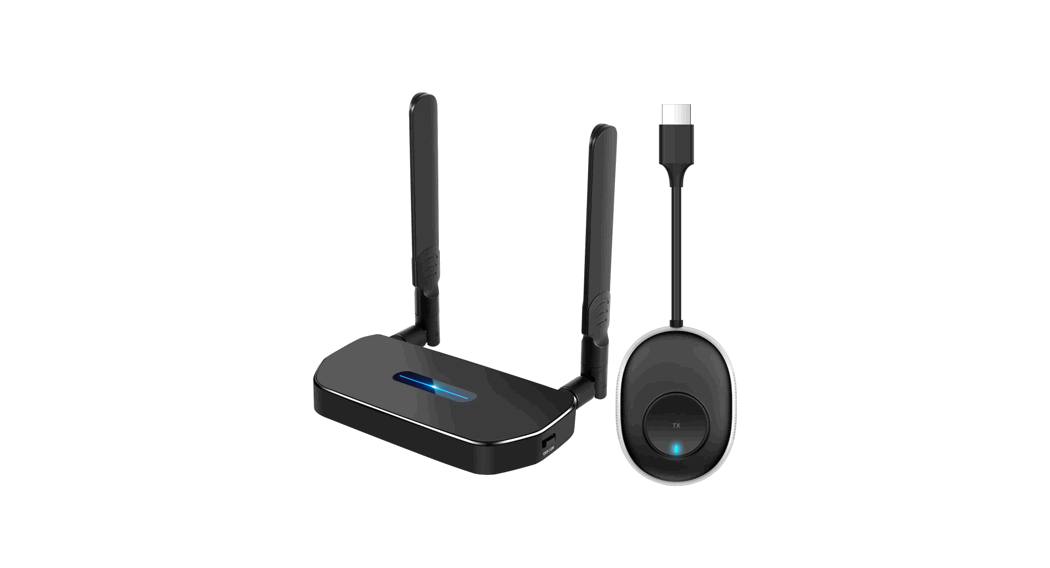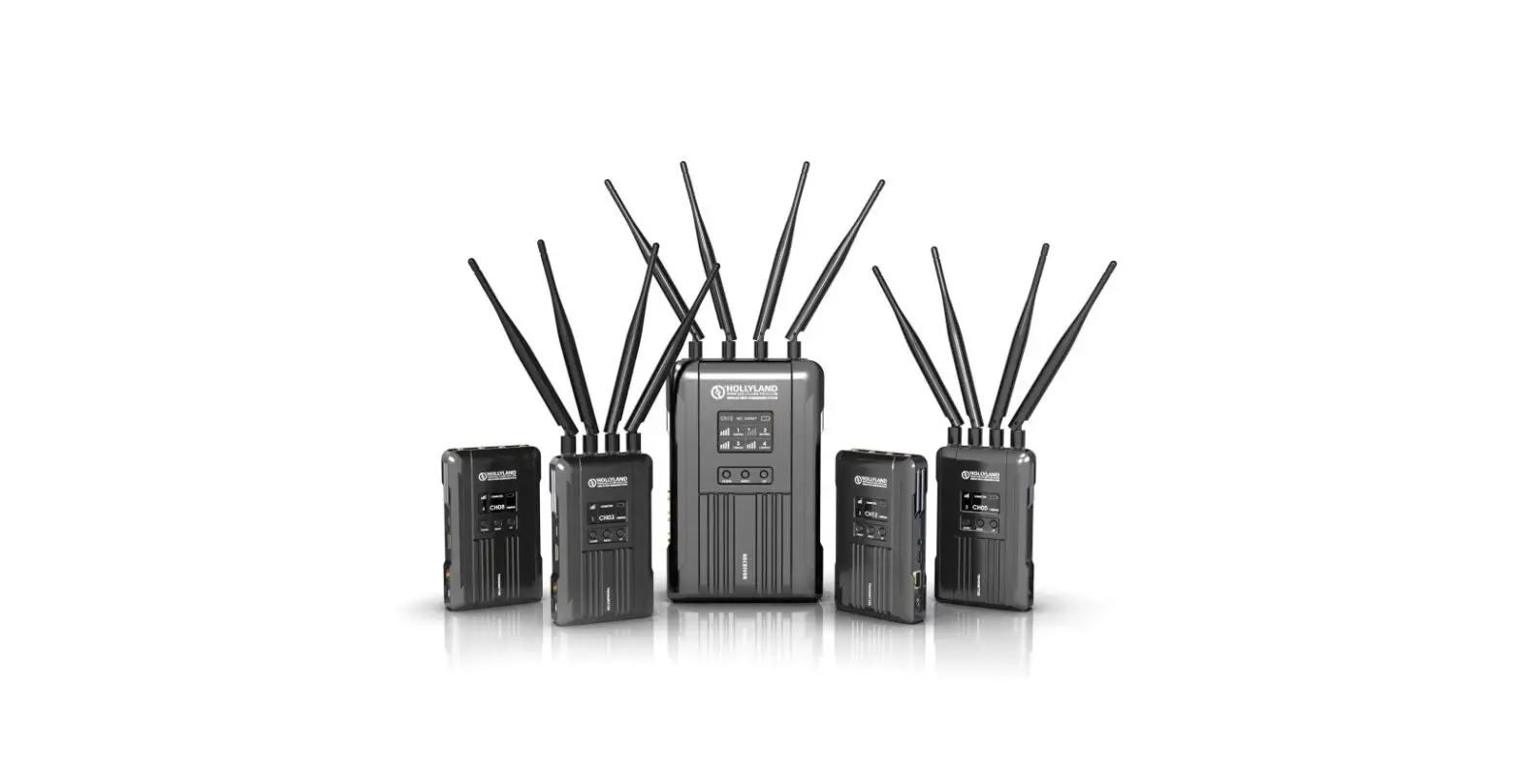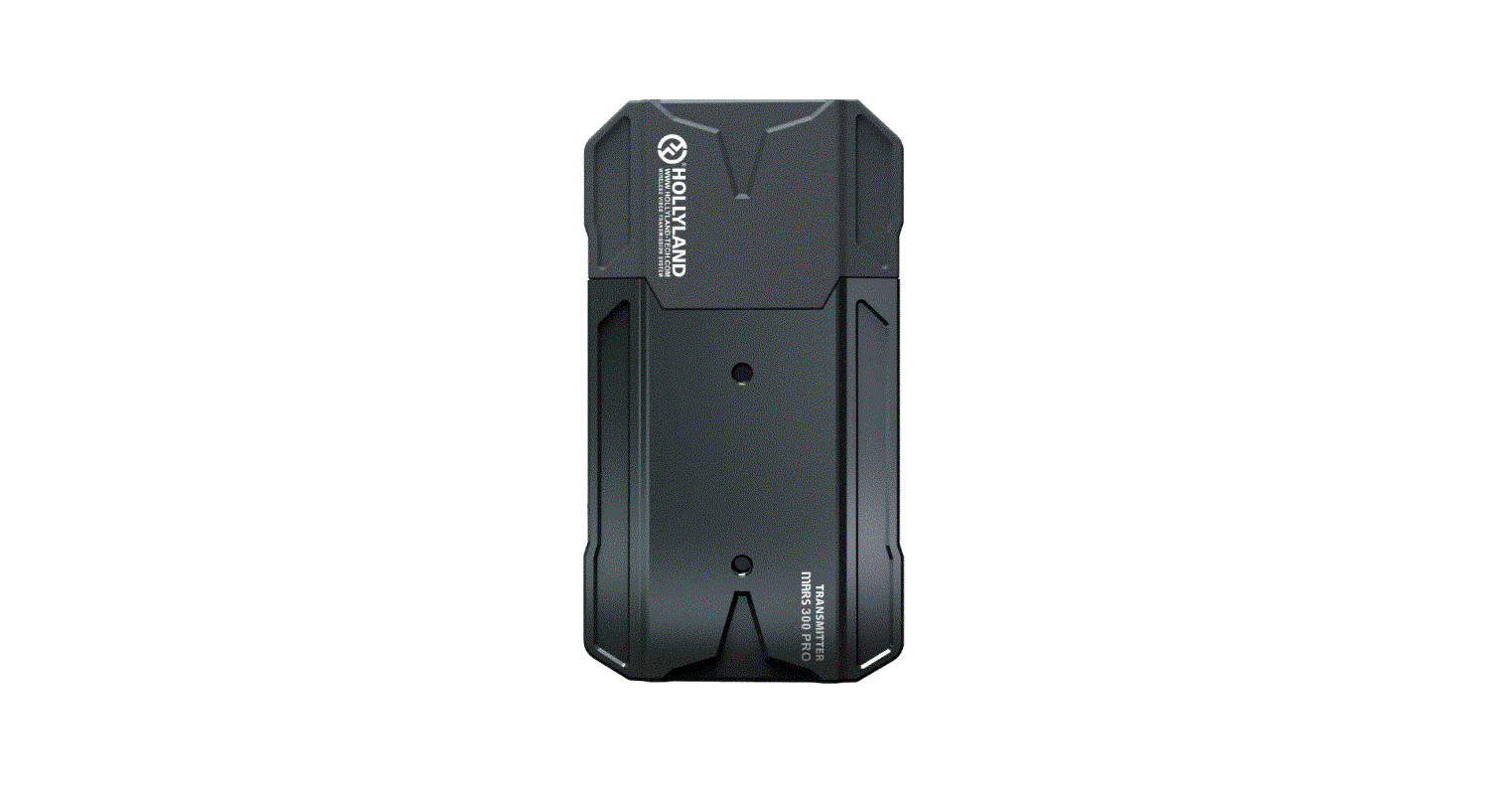

HOLLYLAND Mars 300 Pro HDMI Wireless Video Transmitter Receiver Set
FOREWORD
Thank you for purchasing Hollyland MARS 300 PRO wireless HD video transmission system. Please kindly read the user manual before using the product. Hope you have a pleasant experience.
KEY FEATURES
- Wheel Button on the Side, One-button Rolling Adjustment
- OLED Screen Display on the Side
- 400ft Transmission Range between RX and TX (LOS)
- 300ft Transmission Range between TX and App (LOS)
- The lowest latency is about 0.1 s
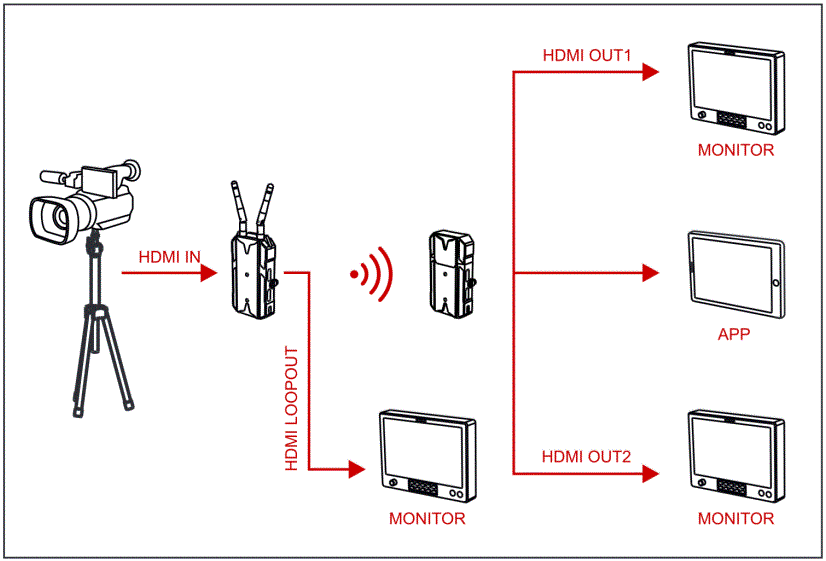
- HDMI Input & HDMI Loopout at TX, Dual HDMI Output at RX
- Supports USB Type-C Power Supply
- 1 Transmitter Supports up to 1 Receiver and 2 APPs Monitoring (Or 1 Transmitter Supports up to 3 Apps Monitoring Without RX)
- Supports Smart Channel Selection
- Supports App Firmware Upgrade
ENHANCED PACKING LIST
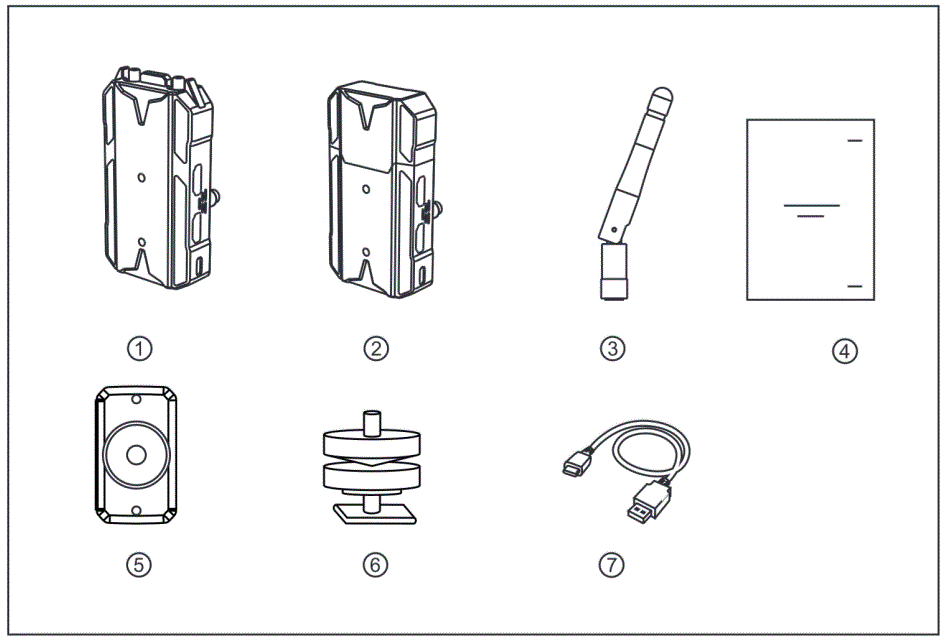
- Transmitter x1
- Receiver x1
- Antennas x3
- User Guide x1
- Expansion Accessory x1
- Cold Shoe x1
- USB Type-A to Type-C data cable x1
STANDARD PACKING LIST
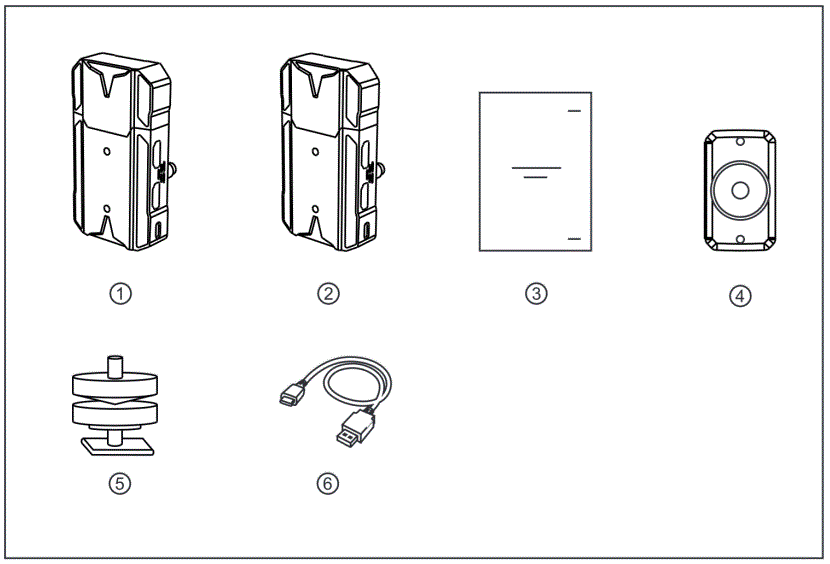
- Transmitter x1
- Receiver x1
- User Guide x1
- Expansion Accessory x1
- Cold Shoe x1
- USB Type-A to Type-C data cable x1
TYPICAL SETUP
PRODUCT INTERFACES
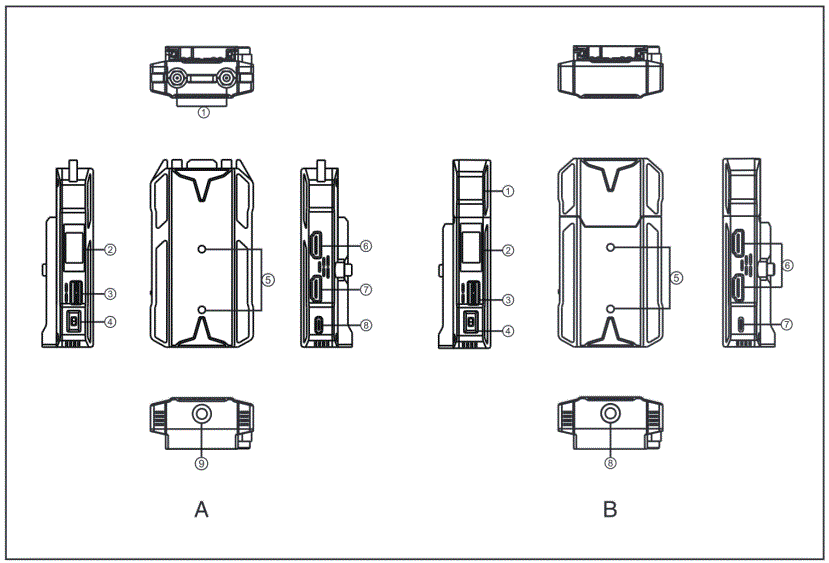
TRANSMITTER
- Antenna Interface
- OLED Screen
- Wheel Button
- Power Switch
- Mounting Hole of the Expansion Accessory ® HDMI Loopout
- HDMI Input
- USB Type-C Interface ® 1 /4 Screw Hole
RECEIVER
- Built-in Antenna
- OLED Screen
- Wheel Button
- Power Switch
- Mounting Hole of the Expansion Accessory ® HDMI Out
- USB Type-C Interface ® 1 /4 Screw Hole
INSTALLATION
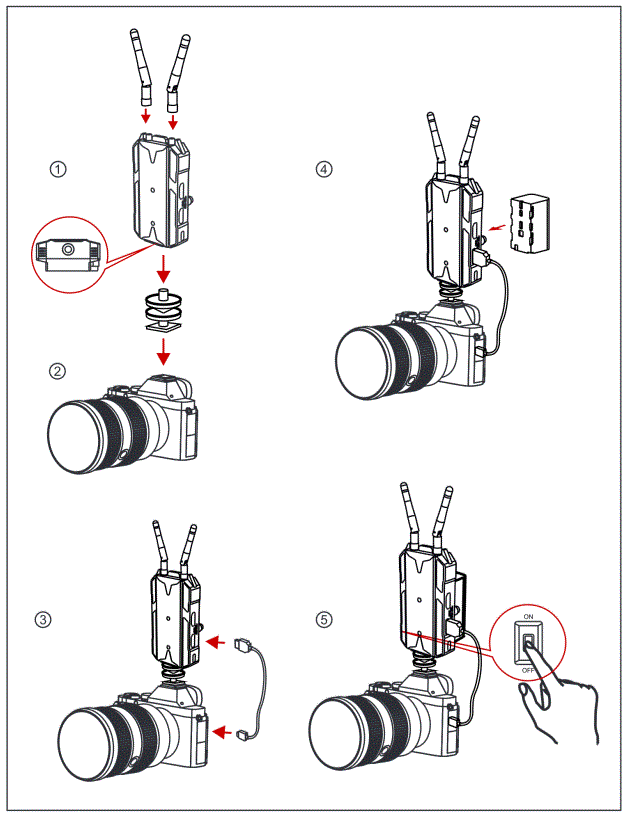
- Install the antennas as demonstrated
- Vertical Installation:
- Secure the cold shoe with 1 /4 screw hole at the bottom of the transmitter and mount it to the camera.
Horizontal Installation: - Connect the expansion accessary to the transmitter’s mounting hole and secure the cold shoe with hole at the expansion accessary. Then install them on the camera.
- Secure the cold shoe with 1 /4 screw hole at the bottom of the transmitter and mount it to the camera.
- Connect the HDMI input of the transmitter with cameras by HDMI cable. © Connect to a power supply (Compatible with NP-F970 or the same series of batteries)
- Turn on the devices.
OLED DISPLAY
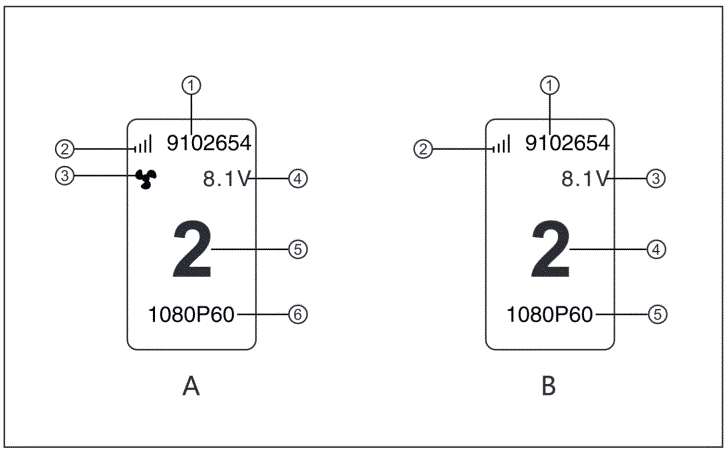
TRANSMITTER
- Device ID
- WiFi Signal Strength
- Fan Status Display
- Battery Voltage Display
- Channel Display
- Video Format
RECEIVER
- Device ID
- WiFi Signal Strength
- Battery Voltage Display
- Channel Display
- Video Format
QUICK GUIDE
ENTER MENU
Long press the wheel button for about 3 seconds to enter the root menu interface. Push up or down the wheel button to switch the menu page, press down the wheel button to confirm.
CHANNEL CHANGE
Push up or down the wheel button to change the channel at receiver or transmitter. Press down the wheel button to confirm the channel, the channel of the transmitter and receiver will be changed automatically and synchronously.
IOS System and Android System Installation and Connection
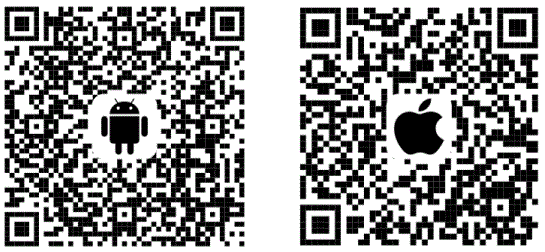
- “HollyView” APP Download

- Enter the WiFi connection interface of the phone. Find the device’s WiFi (WiFi names as “HLD+Device ID”). Input WiFi password to connect (Factory default password: 12345678). After the WiFi connection is successful, enter the APP to monitor the screen.
PARAMETERS
| Transmitter | Receiver | |
|
Interface | HDMI Input (Type A Female) HDMI Loopout (Type A Female) 2 Antenna Interfaces (RP-SMA Male) Gl USB Type-C | HDMI Output (Type A Female) USB Type-C |
| Supply Interface | USB Type-C Supply: 5V/2A Battery Supply: 5-12V DC | USB Type-C Supply: 5V/2A Battery Supply: 5-12V DC |
| Power Consumption | <11W | <4W |
| Weight | 172.5g® | 128.5g |
| Dimension | @ (L*W*H) : 106*61*21.8mm The battery plate excluded | (L*W*H) : 110*62*21mm The battery plate excluded |
|
Input/ Output Video Format | HDMI: 480p60 576p50 720p50/59.94 /60 1080 150/59.94 /60 1080p23. 98/24/25/29.9/30 1080p50 /59.94 /60 | HDMI: 480p60 576p50 720p50/60 1080 150 /60 1080p24/25/30 1080p 50/60 |
| Frequency | 5GHz | 5GHz |
| Modulation Mode | OFDM | OFDM |
| Transmission Power | Maximum 21dBm | I |
| Receiver Sensitivity | I | -8 0dBm |
| Lowest Transmission Latency | About 0.1s | About 0.1s |
| Bandwidth | 20MHz | 20MHz |
NOTES:
- Mars 300 PRO’s standard transmitter has built-in antennas.
- Mars 300 PRO’s standard transmitter weighs 136g.
- Mars 300 PRO’s standard dimension is L *W*H: 110*61 *21 mm (the battery plate excluded)
SUPPORT
If encounter any problems in using the product or need any help, please follow these ways to get more technical support:
 Hollyland Products User Group
HollylandTech
HollylandTech
[email protected]
www.hollyland-tech.com
Address:
SHENZHEN HOLLYLAND TECHNOLOGY Co,. LTD 8F, 5D Building, Skyworth Innovation Valley, Tangtou, Shiyan, Baoan District Shenzhen, China.