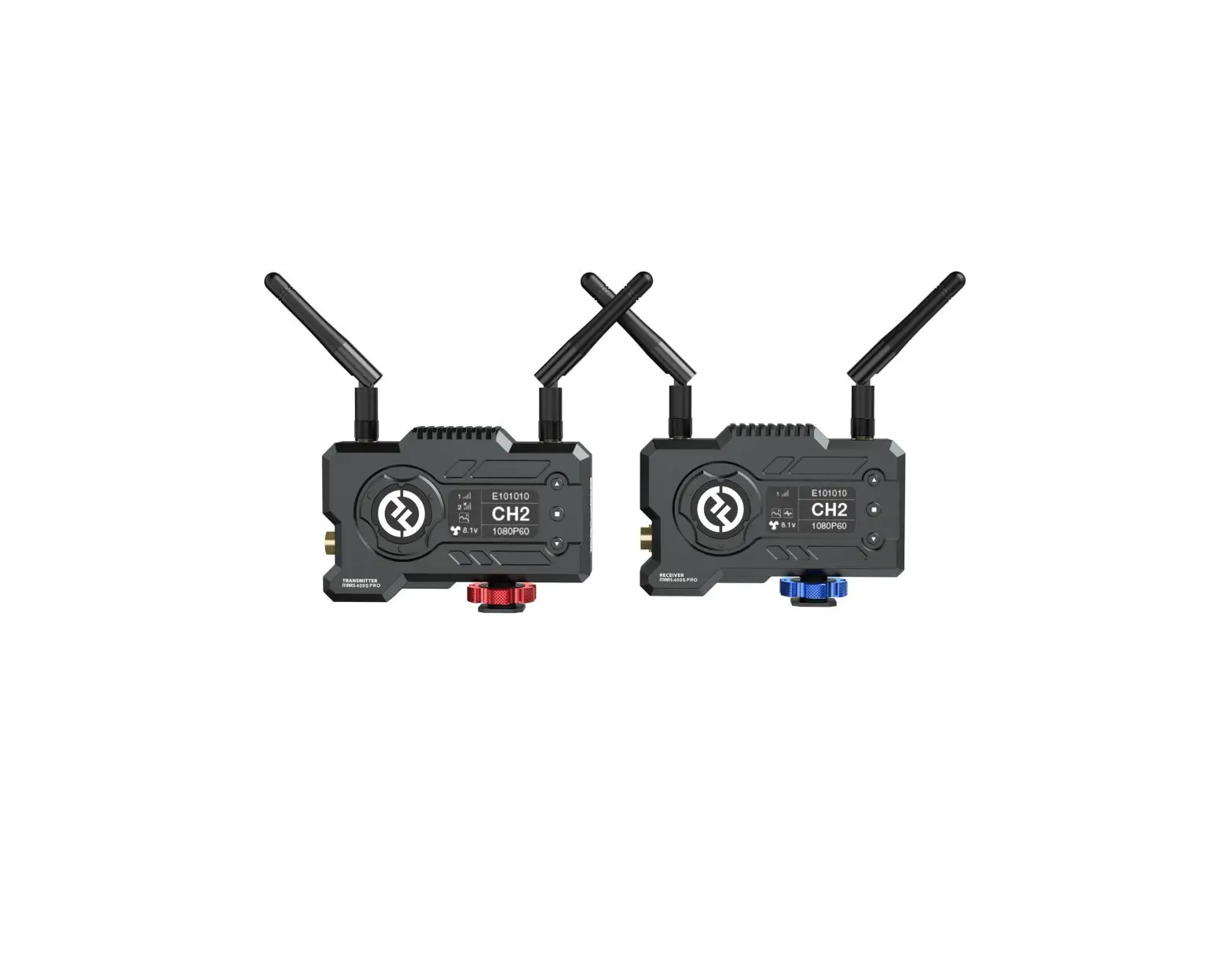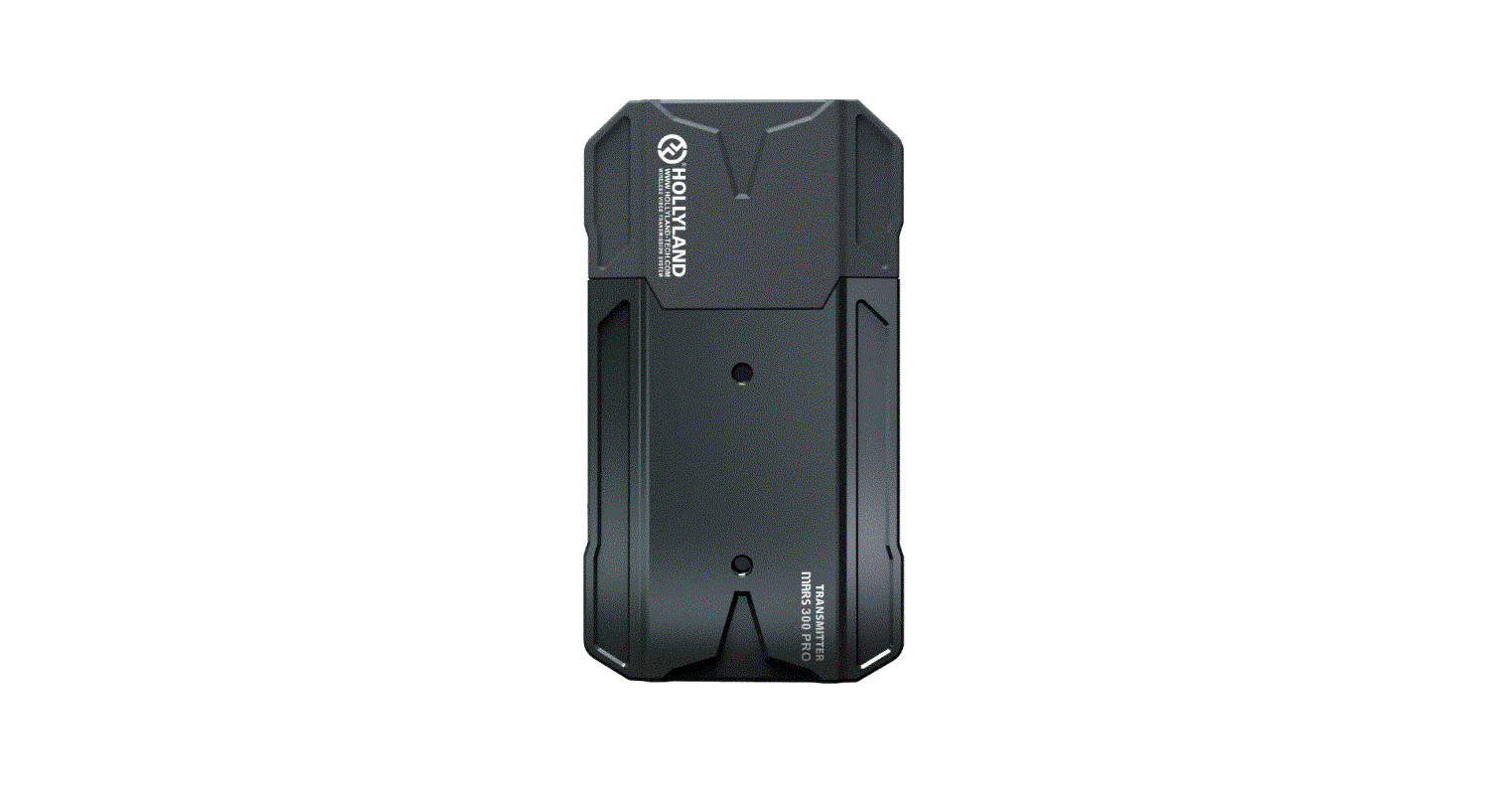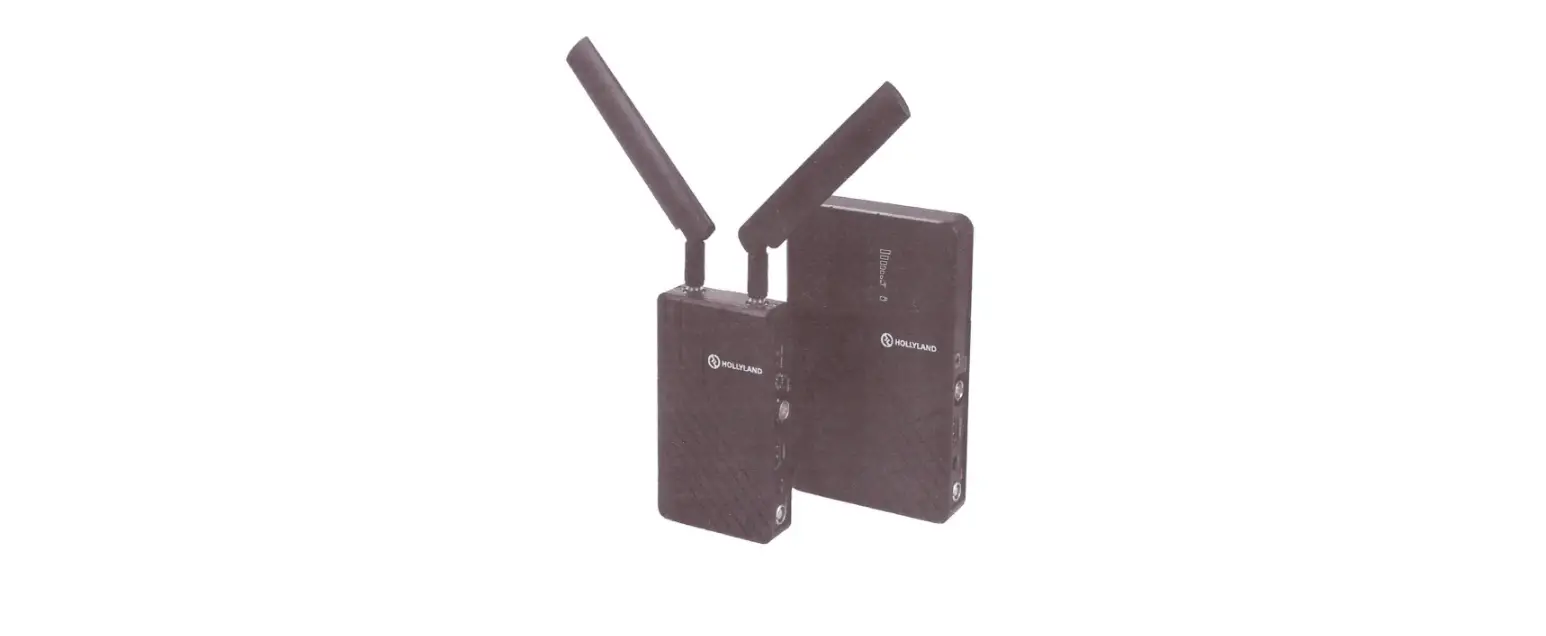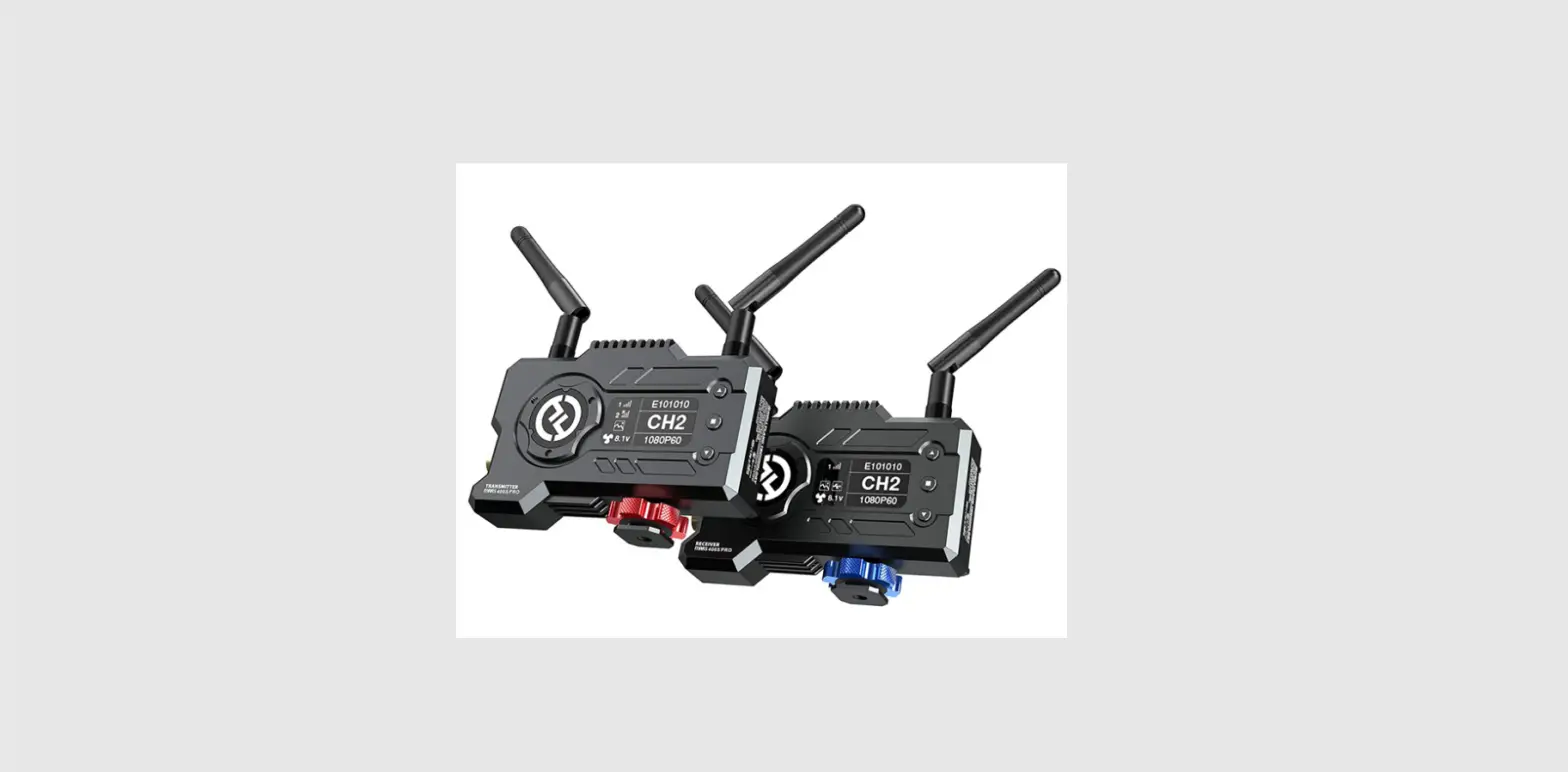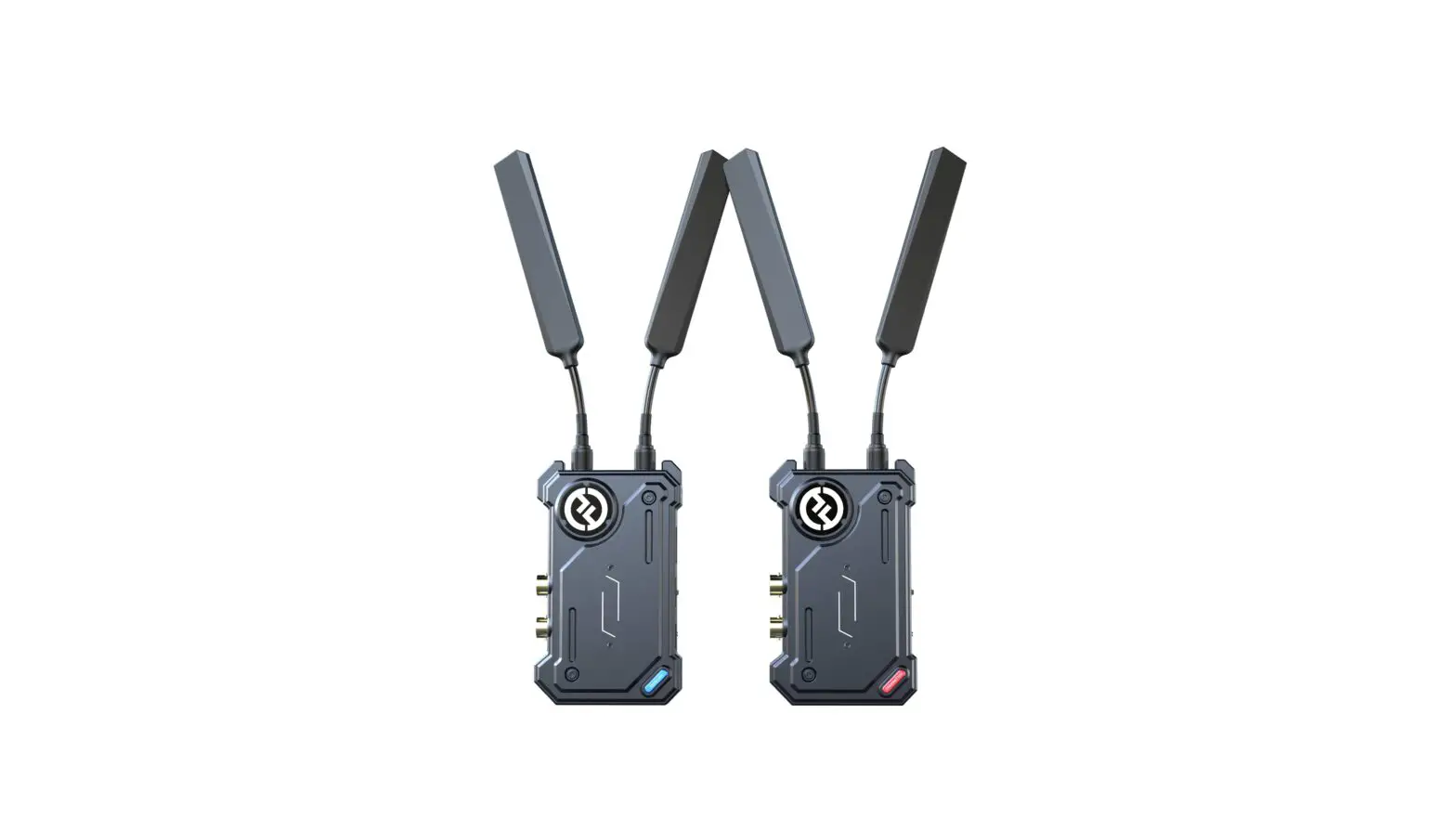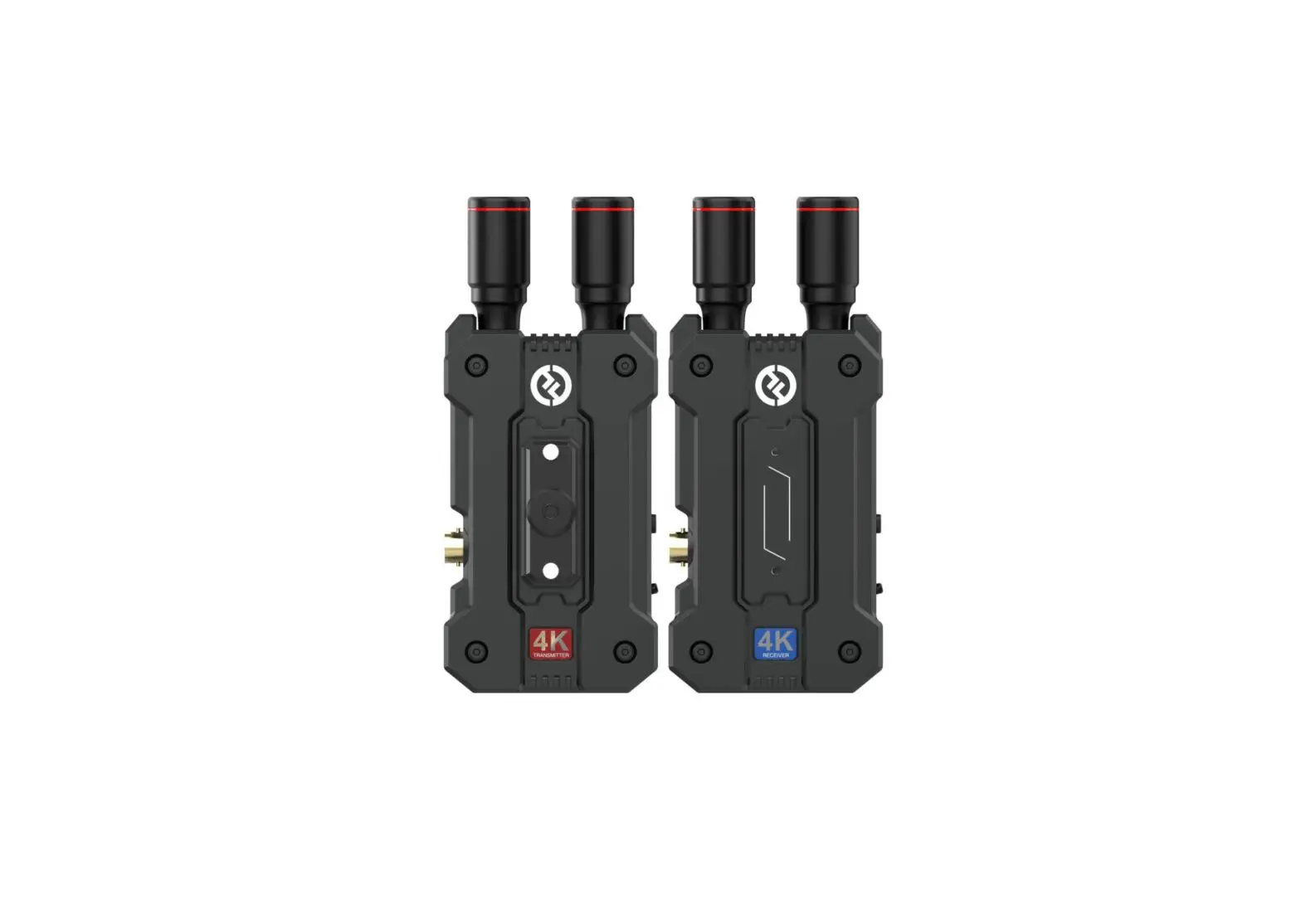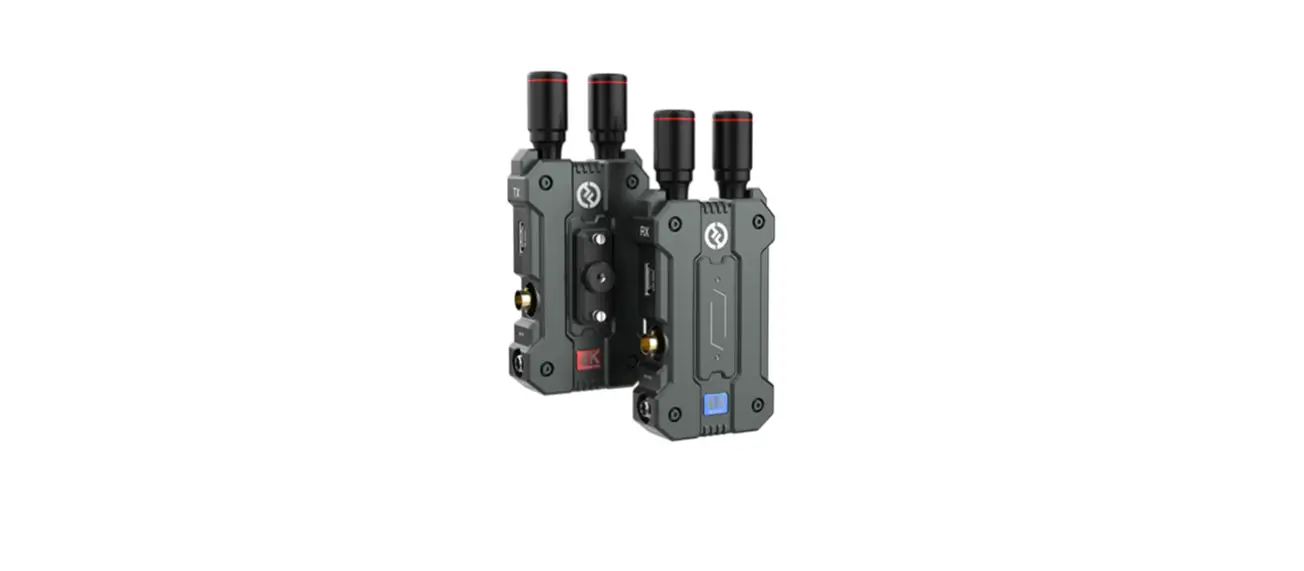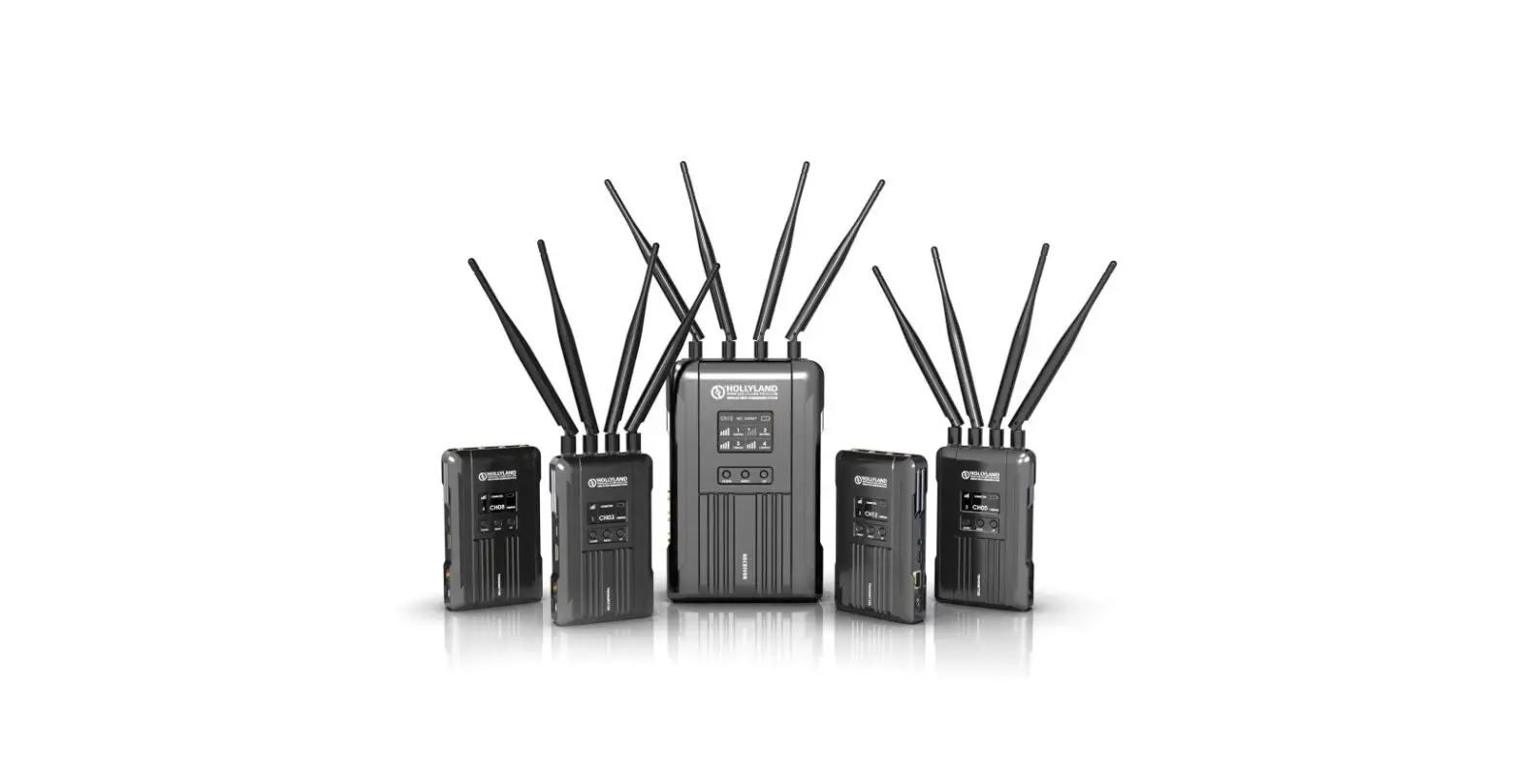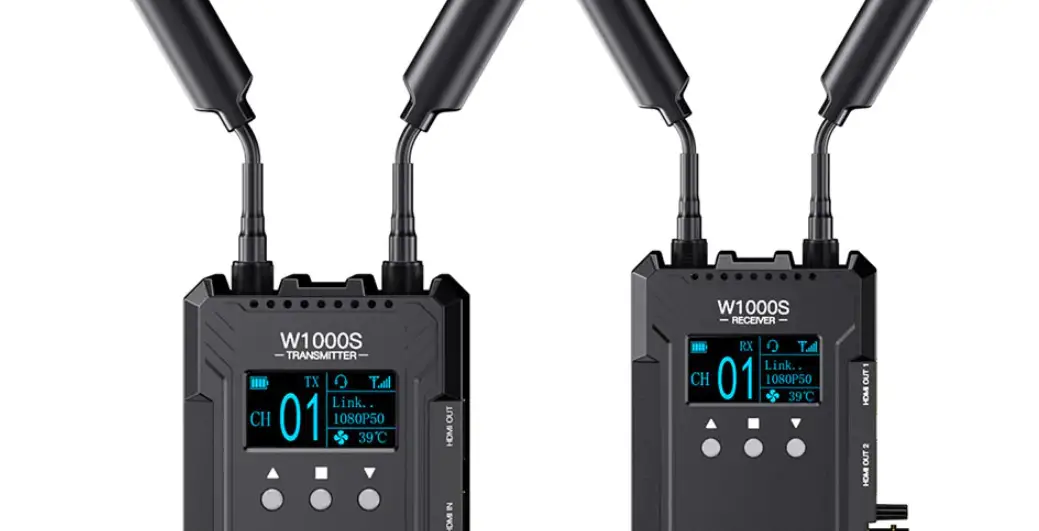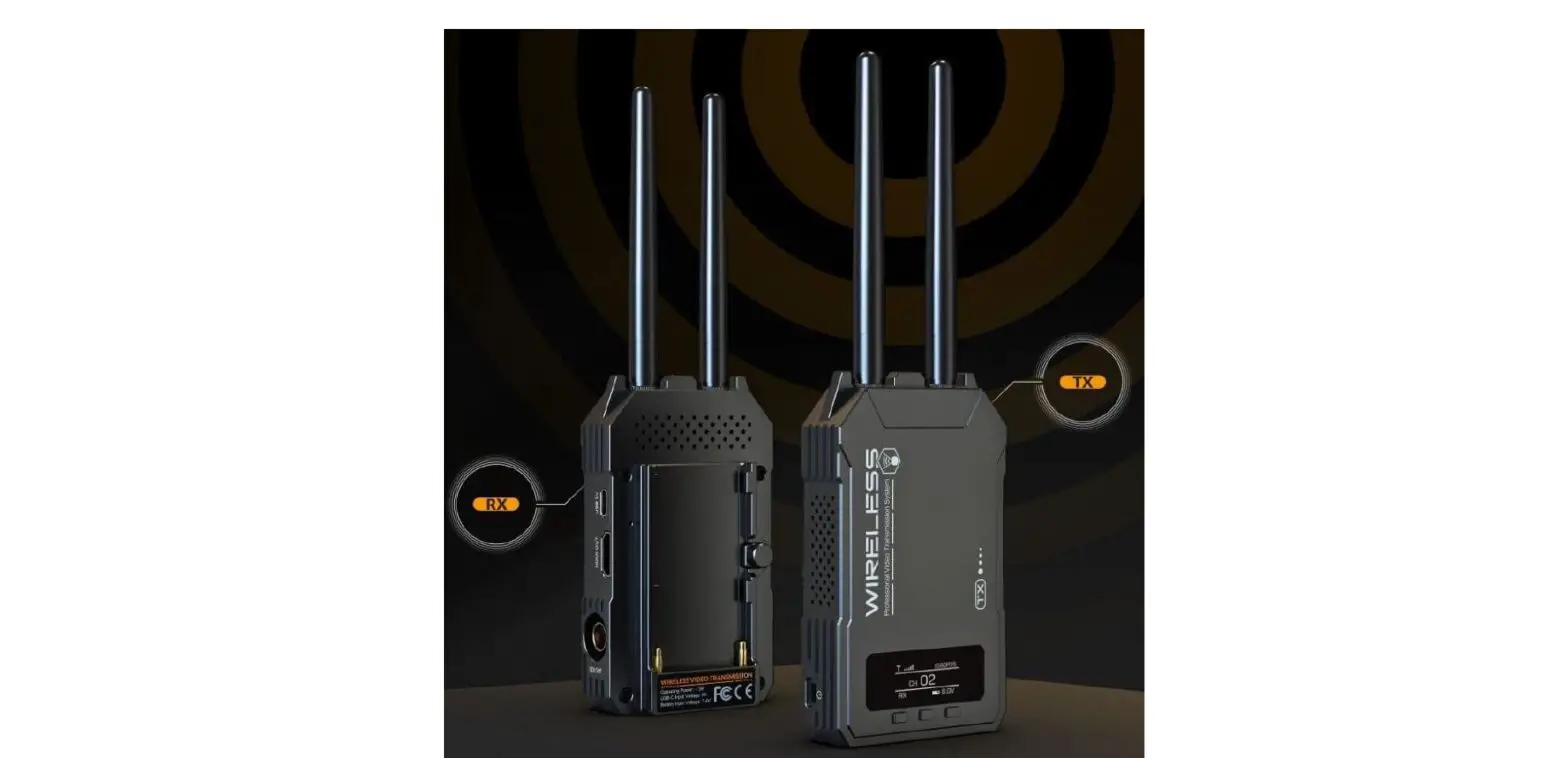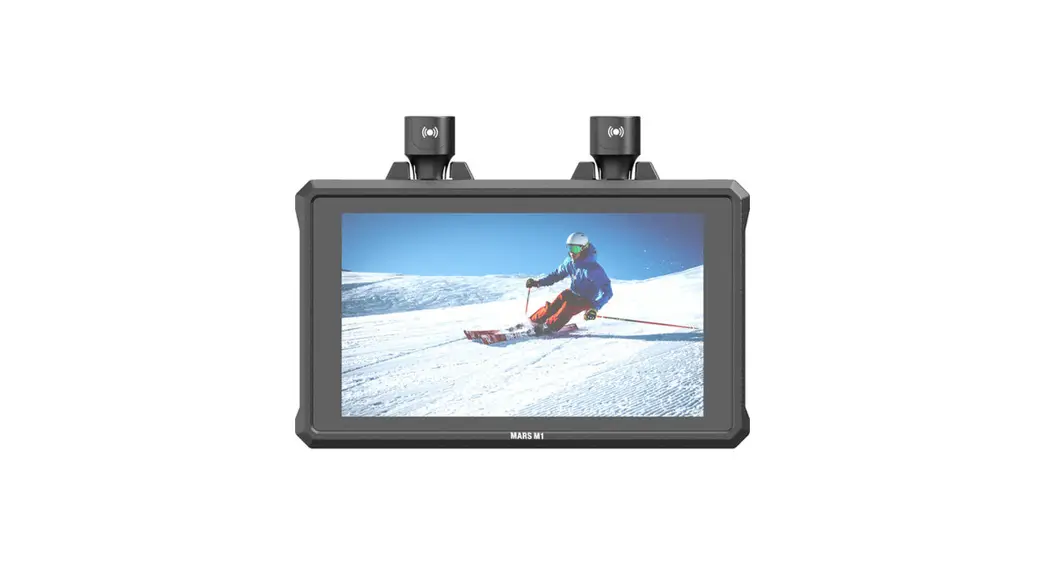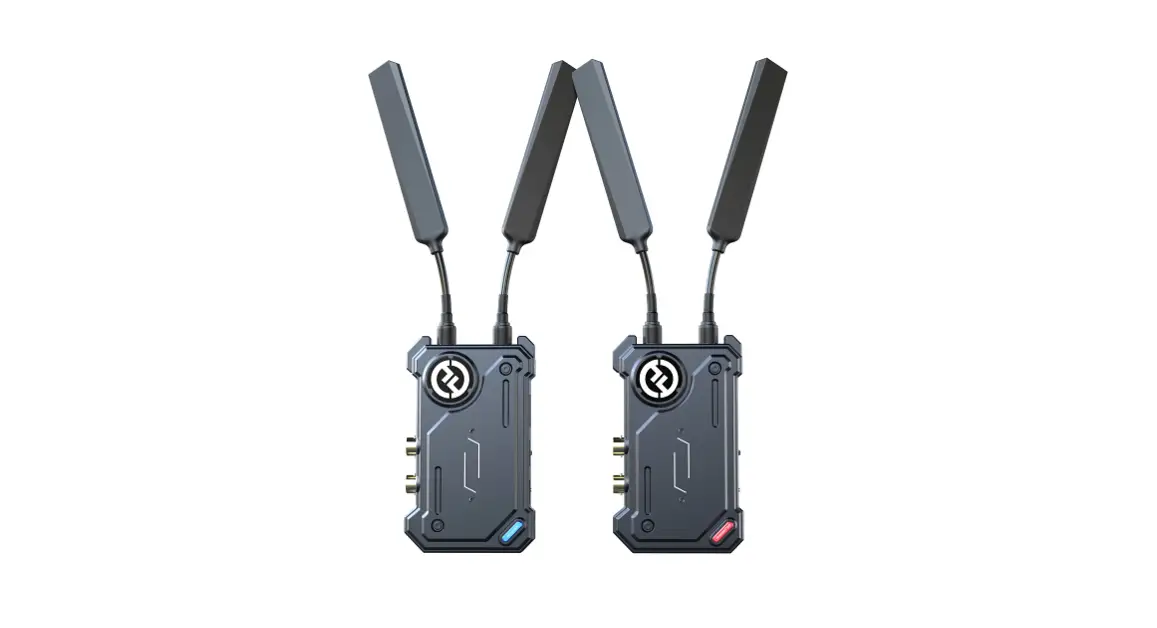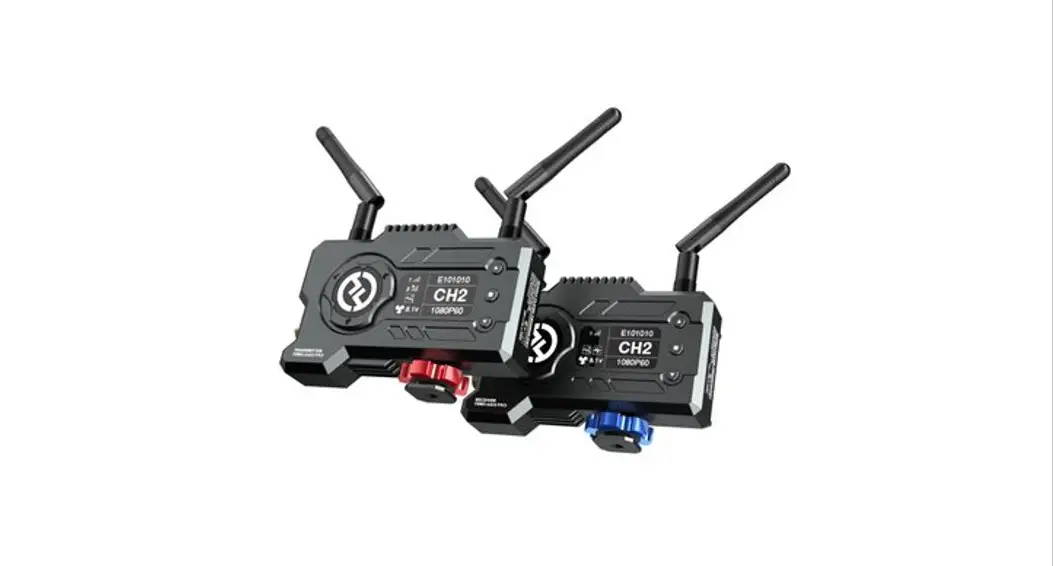

MARS 400S PRO
User Manual
V1.0.0
FOREWORD
Thank you for purchasing the Hollyland Mars 400S PRO Wireless HD Video Transmission system. Please kindly read this manual carefully before using it. Hope you have a pleasant experience. KEY FEATURES
|
|
PACKING LIST
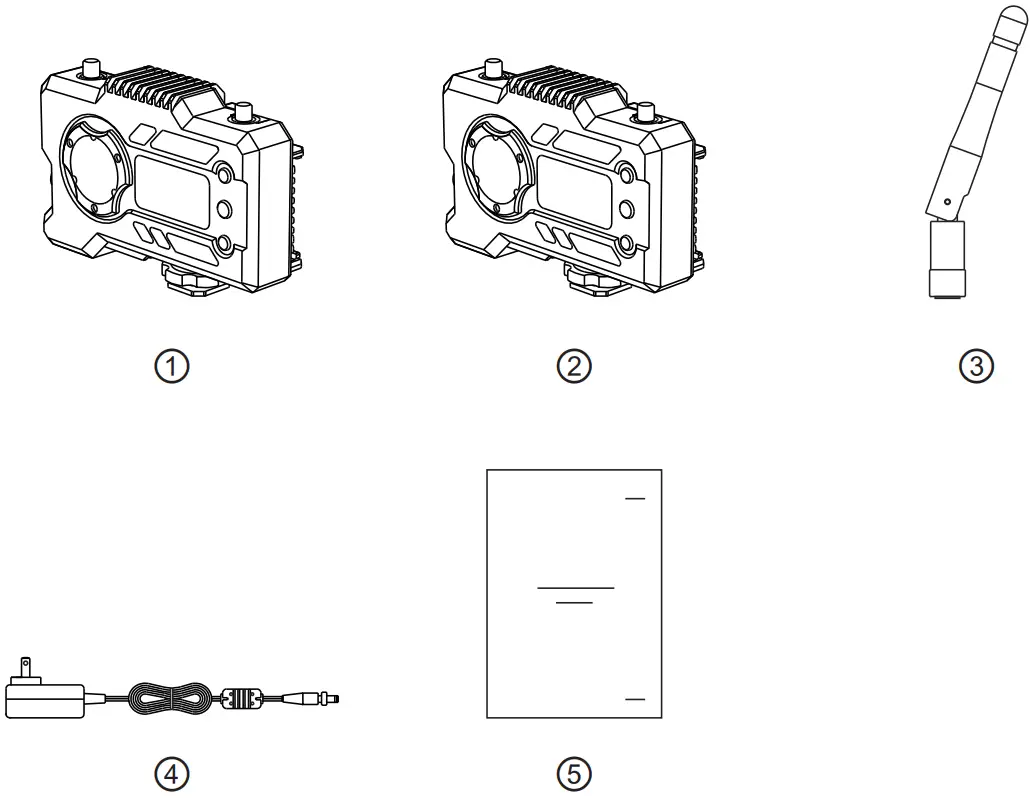
1 TX WITH 1 RX PACKING
| Transmitter Receiver Antenna DC Adapter User Guide | x1 |
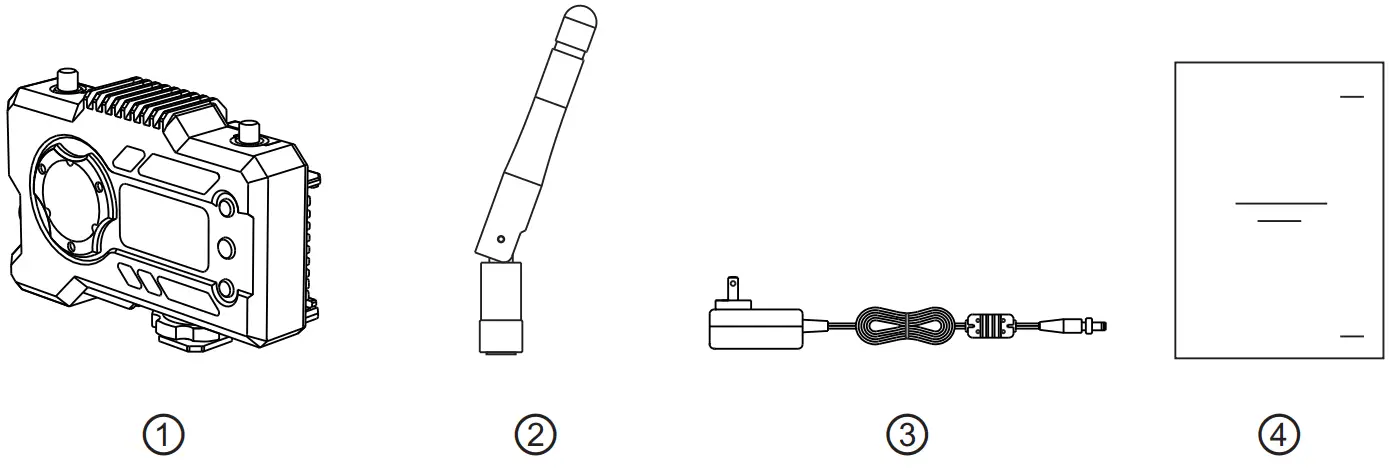
SINGLE RECEIVER PACKING
| Receiver Antenna DC Adapter User Guide | x1 |
TYPICAL SETUP
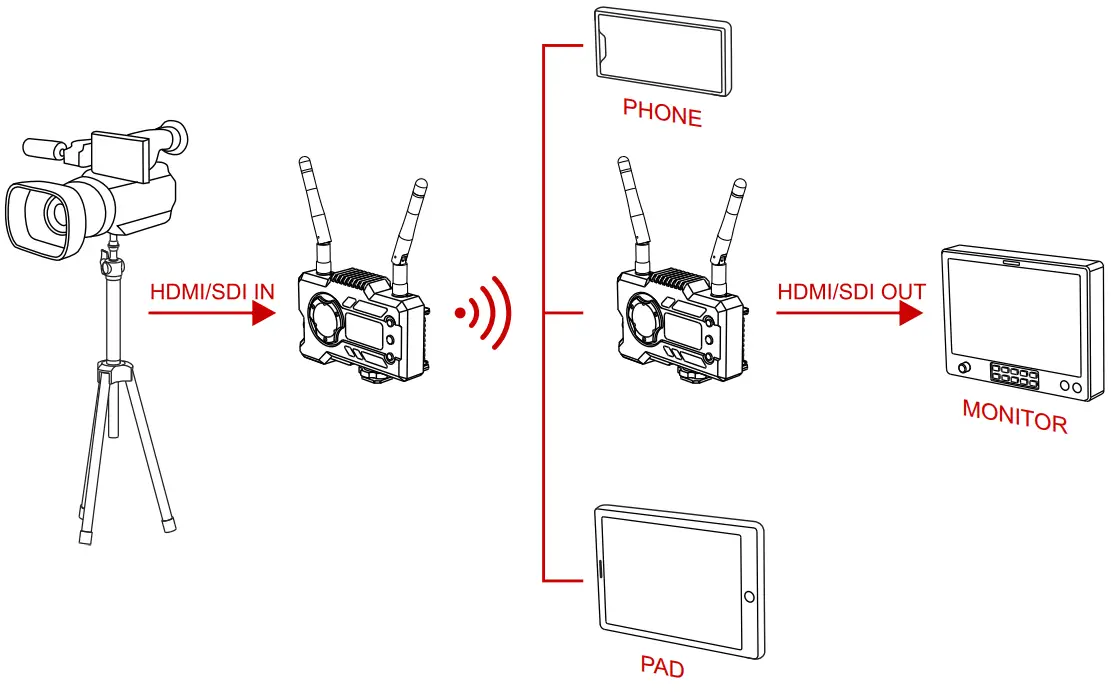 1 TX-1 RX SETUP
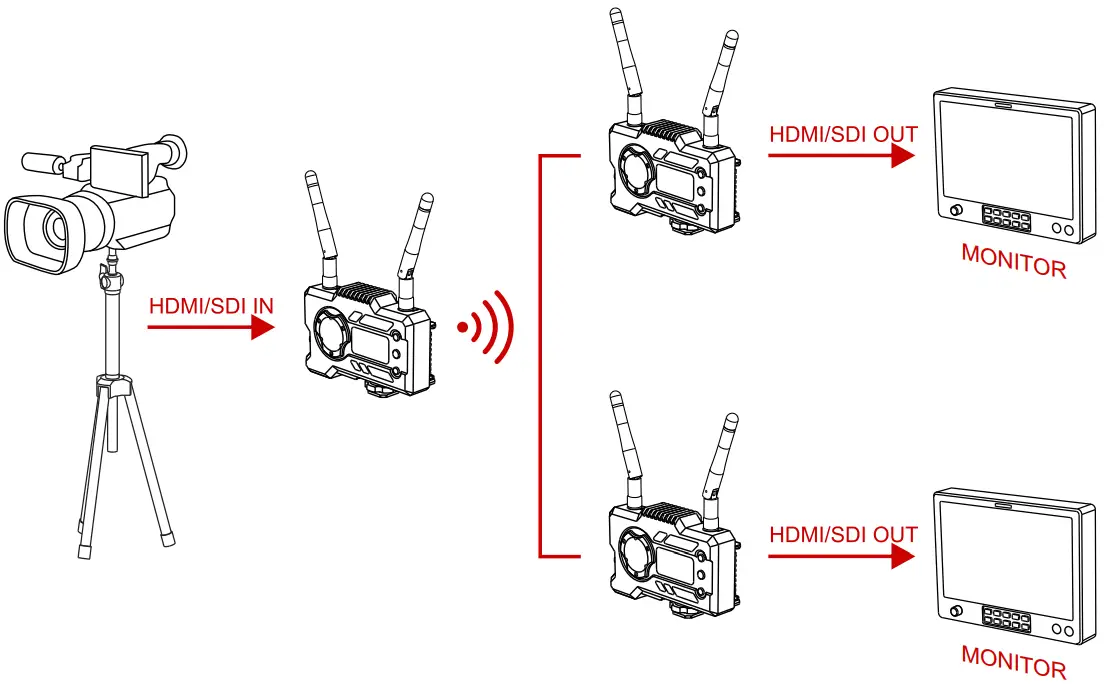 1 TX-2 RX SETUP
PRODUCT INTERFACES
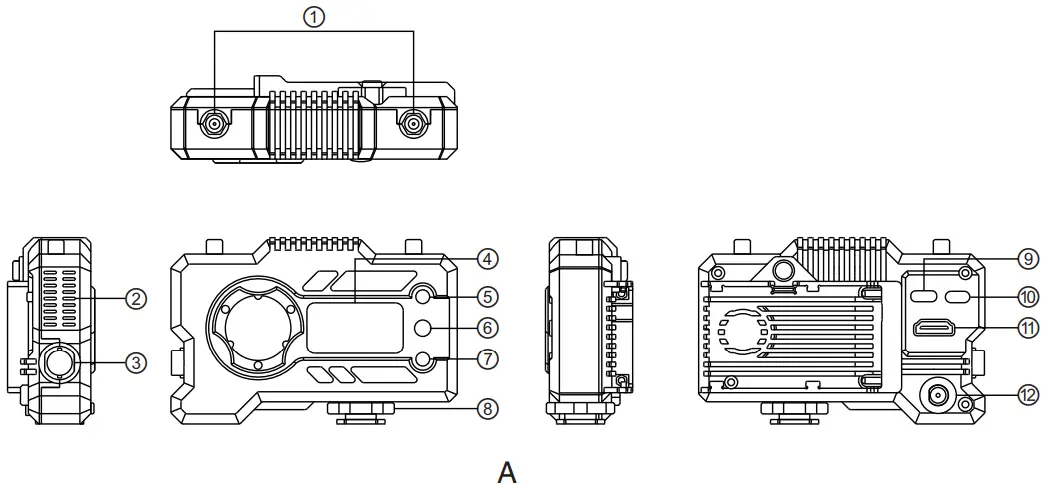
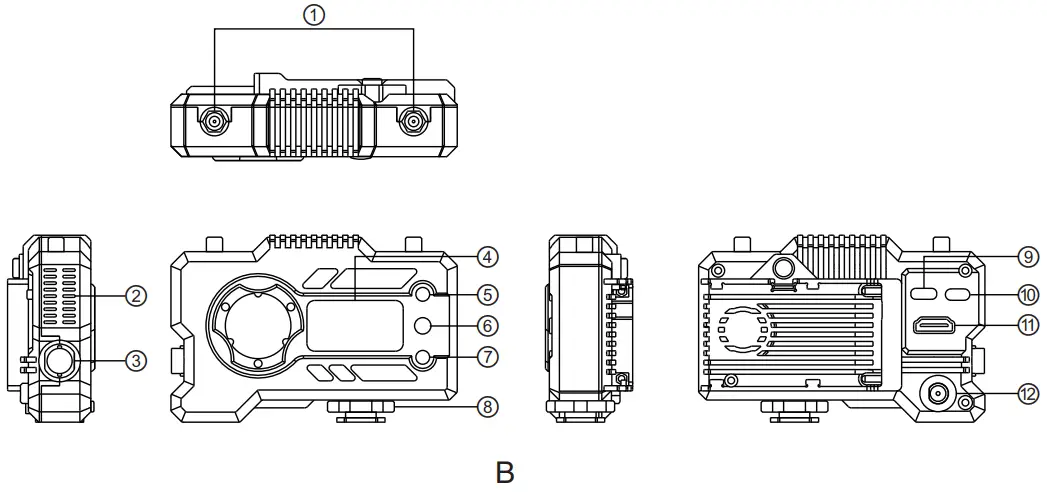
| (A) TRANSMITTER | (B) RECEIVER |
| ① Antenna Interface | ① Antenna Interface |
| ② Fan Air Outlet | ② Fan Air Outlet |
| ③SDI Input | ③SDI Output |
| ④ OLED Display Screen | ④ OLED Display Screen |
| ⑤ UP | ⑤ UP |
| ⑥ OK | ⑥ OK |
| ⑦ DOWN | ⑦ DOWN |
| ⑧ Cold Shoe | ⑧ Cold Shoe |
| ⑨ USB Type-C Interface | ⑨ USB Type-C Interface |
| ⑩ Power Switch | ⑩ Power Switch |
| ⑪ HDMI Input | ⑪ HDMI Output |
| ⑫ DC Input | ⑫ DC Input |
INSTALLATION
 |  |
 |  |
 | |
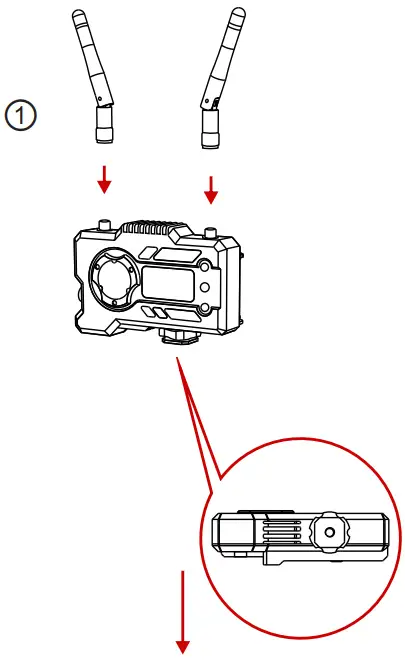
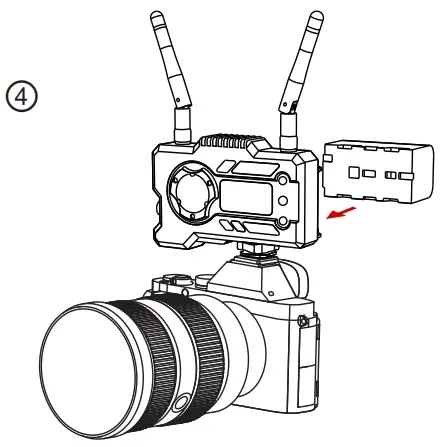
- Install the antennas as demonstrated.
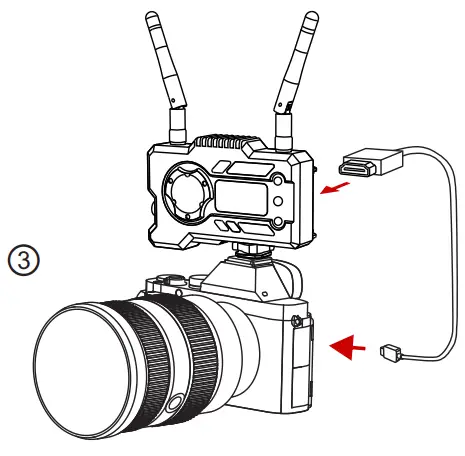
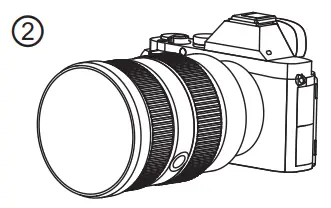
- Secure the cold shoe with a 1/4 screw hole at the bottom of the transmitter and mount it to the camera.
- Connect the HDMI input or SDI input of the transmitter with cameras by HDMI or SDI cable.
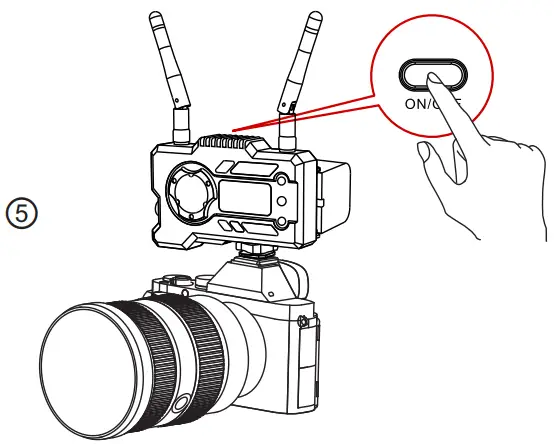
- Connect to a power supply(compatible with NP-970 battery or the same series of batteries).
- Turn on the devices.
OLED DISPLAY
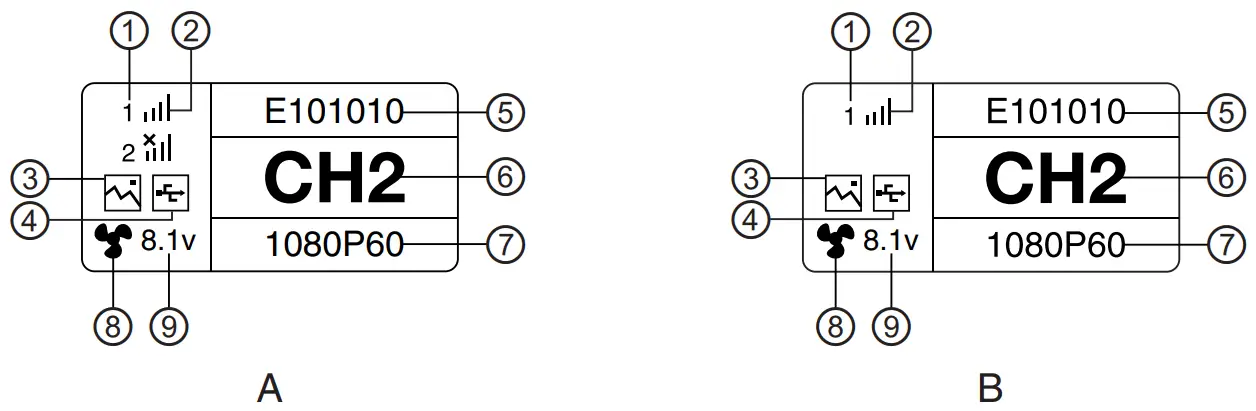
| (A) TRANSMITTER | (B) RECEIVER |
| ① Device Number | ① Device Number |
| ② WIFI Signal Strength | ② WIFI Signal Strength |
| ③ Scene Mode | ③ Scene Mode |
| ④ USB Flash Detection Indicator | ④ USB Flash Detection Indicator |
| ⑤ Device ID | ⑤ Device ID |
| ⑥ Channel Display | ⑥ Chanel Display |
| ⑦ Video Format | ⑦ Video Format |
| ⑧ Fan Status | ⑧ Fan Status |
| ⑨ Battery Voltage Display | ⑨ Battery Voltage Display |

CAUTION
- This device supports several power methods, and the device will be charged by the method which has a higher voltage.
* The picture on the left shows the symbol of Type-C power supply, the picture on the right shows the symbol of DC power supply.
QUICK GUIDE
ENTER MENU
Long press the “OK” button for 3 seconds to enter the root menu interface. Click the “UP” and “DOWN” buttons to switch menu options, click “OK” to confirm. CHANNEL CHANGE
Press the button ” UP/DOWN” on the transmitter or the receiver to change the current channel. Press “OK” to confirm the channel number, then the channel of the receiver and the transmitter will be synchronously and automatically changed.PULL STREAM FROM RECEIVER
 Confirm there is a video format display on both transmitter and receiver. Use the TypeC to Lan Connector to connect the laptop and RX.
- Go to the network settings on the laptop and set it to DHCP mode.
- Go to your live stream software, such as VLC Player, OBS Studio, Vmix, etc., and open the network video source via the RTSP URL: rtsp://192.168.218.25:5554.
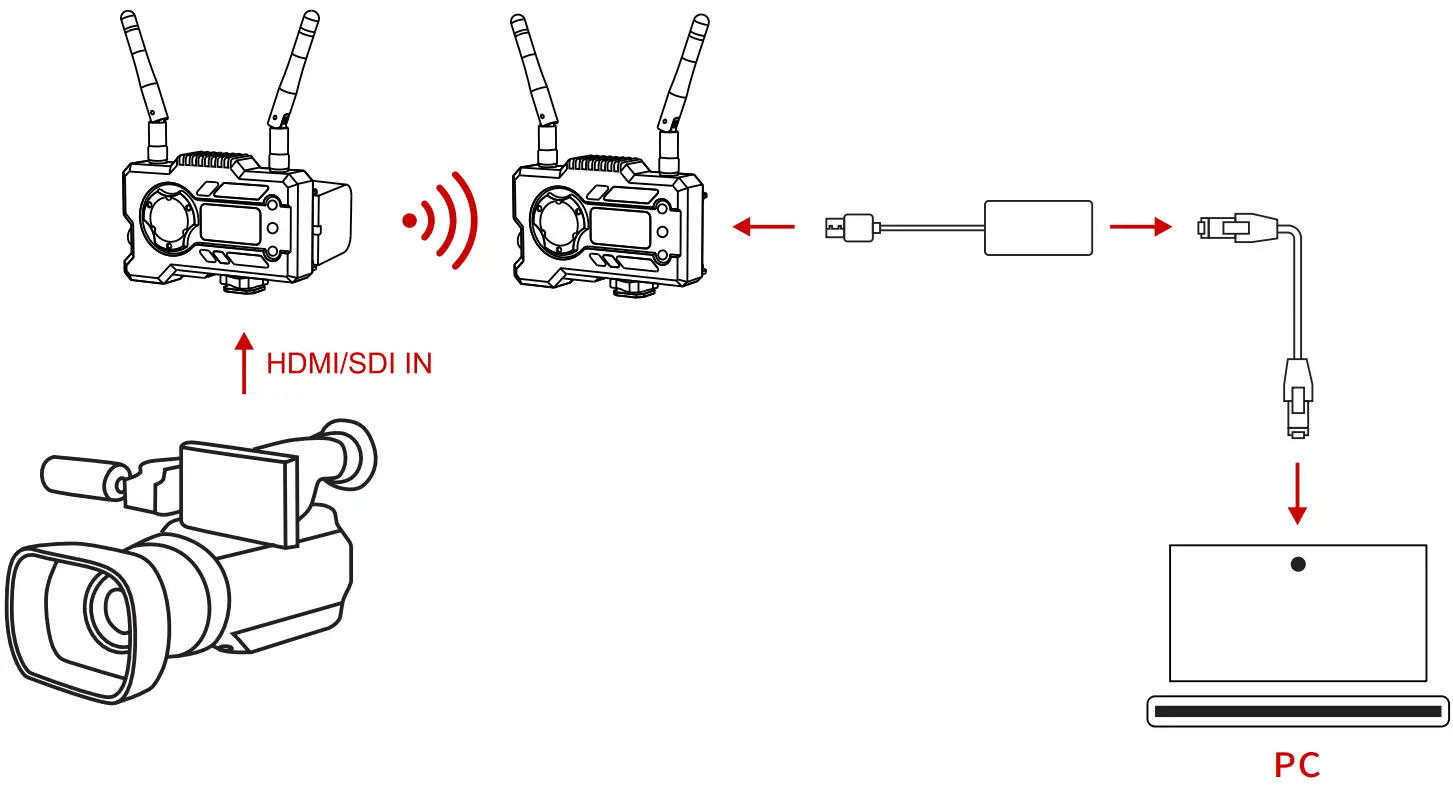 Confirm there is a video format display on both transmitter and receiver. Use the TypeC to Lan Connector to connect the laptop and RX.
 APP DOWNLOAD AND CONNECTION
- “HollyView” APP Download
 https://a.app.qq.com/o/simple.jsp?pkgname=com.hollyview&fromcase=40002
 https://apps.apple.com/cn/app/hollyview/id1460631425
 - Connecting Method: Enter the WiFi connection interface of mobile phone and find out the WiFi named as “HLD + DEVICE ID”, and input the WiFi password to connect (Factory Default Password is: 12345678). After a successful connection, you can have the APP monitoring.

PRODUCT PARAMETERS
| Transmitter | Receiver | |
| Interfaces | HDMI Input(Type A Female) SDI Input r Antenna Interfaces (RP-SMA Male) DC Input USB Type-C | HDMI Output(Type A Female) SDI Output 2′ Antenna Interfaces (RP-SMA Male) DC Input USB Type-C |
| Supply Interfaces | DC Power Input:6-16V USB Type-C Power Supply:5V/2A Battery Power Supply:6-16V DC | DC Power Input:6-16V USB Type-C Power Supply: SV/2A Battery Power Supply:6-16V DC |
| Power Consumption | <11W | <7W |
| Weight | 206g | 206g |
| Dimension | (UW*H): 110’72’33.5mm (The Battery Plate Exclude) | (L’W’H): 110’72’33.5mm (The Battery Plate Exclude) |
| Input / Output Video Format | HDMI: 480p60 576p50 720p50/59.94/60 1080i50/59.94/60 1080p23.98/24/25/29.9/30 1080p50/59.94/60 SDI: 1080p60/59.94/50(Level A) 1080p60/59.94/50(Level B) 1080i60/59.94/50 1080p30/29.97/25/24/23.98 1080PsF25 720p60/59.94/50 1080PsF24/23.98 SDI: | HDMI: 480p60 576p50 720p50/60 1080i50/60 1080p24/25/30 1080p50/60 1080p60/50(Level A) 1080i60/50 1080p30/25/24 720p60/50 1080i50(1080PsF25/24/23.98input) 1080i60(1080PsF30/29.97input) |
| Frequency | 5GHz | 5GHz |
| Modulation Mode | OFDM | OFDM |
| Transmission Power | Maximum 21dBm | / |
| Receiver Sensitive | / | -80dBm |
| Transmission Latency | 0.08s | 0.08s |
| Bandwidth | 20MHz | 20MHz |
FAE
If encounter any problems in using the product or need any help, please follow these ways to get more technical support:
 | Hollyland Products User Group |
 | HollylandTech |
 | HollylandTech |
 | [email protected] |
 | www.hollyland-tech.com |
WWW.HOLLYLAND.COM
WIRELESS VIDEO TRANSMISSION SYSTEM
| Hollyland Products User Group |
| HollylandTech |
| HollylandTech |
| [email protected] |
| www.hollyland-tech.com |
SHENZHEN HOLYLAND TECHNOLOGY CO, LTD
8F, 50 Building, Skyworth Innovation Valley, Tangtou, Shiyan, Baoan District Shenzhen, China.