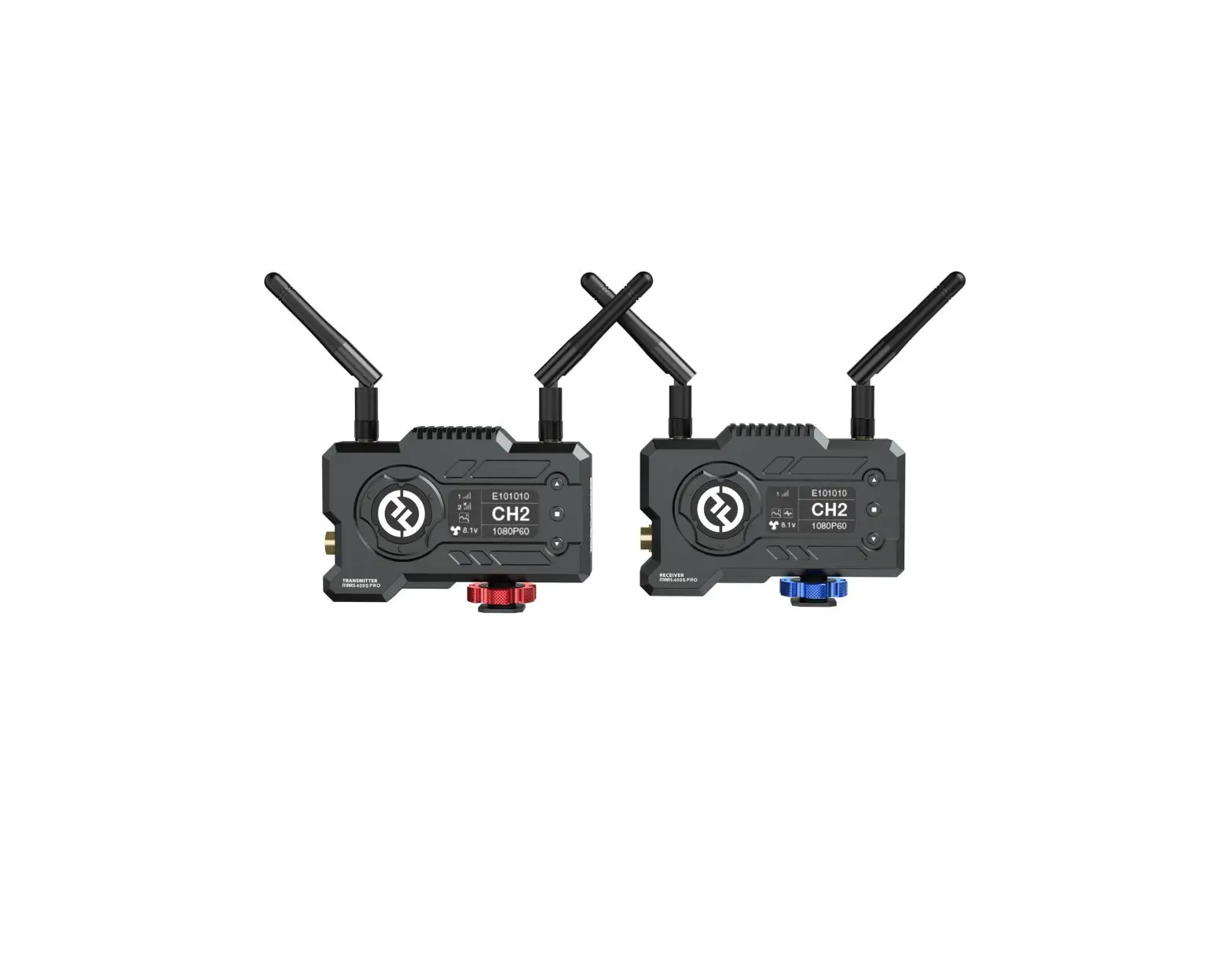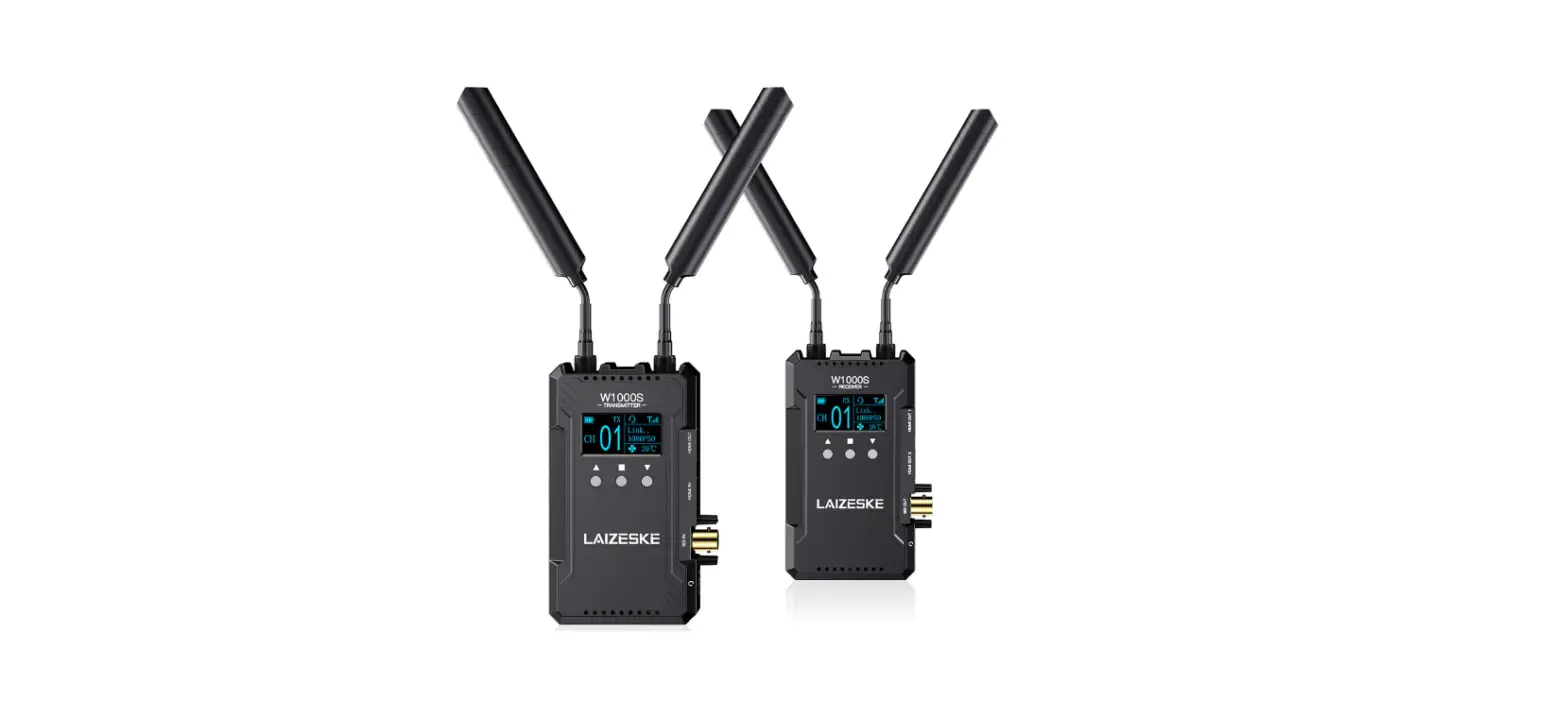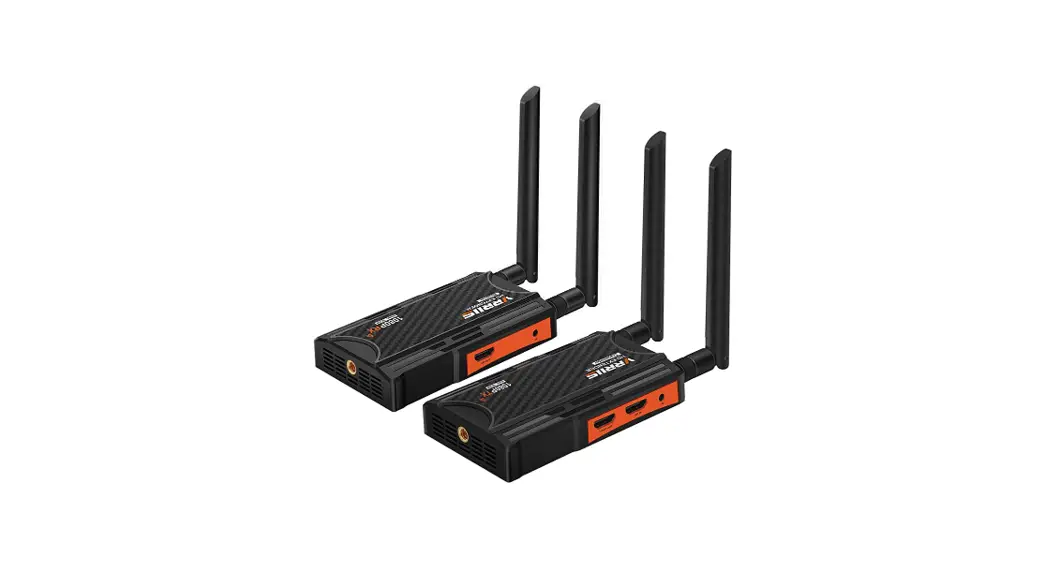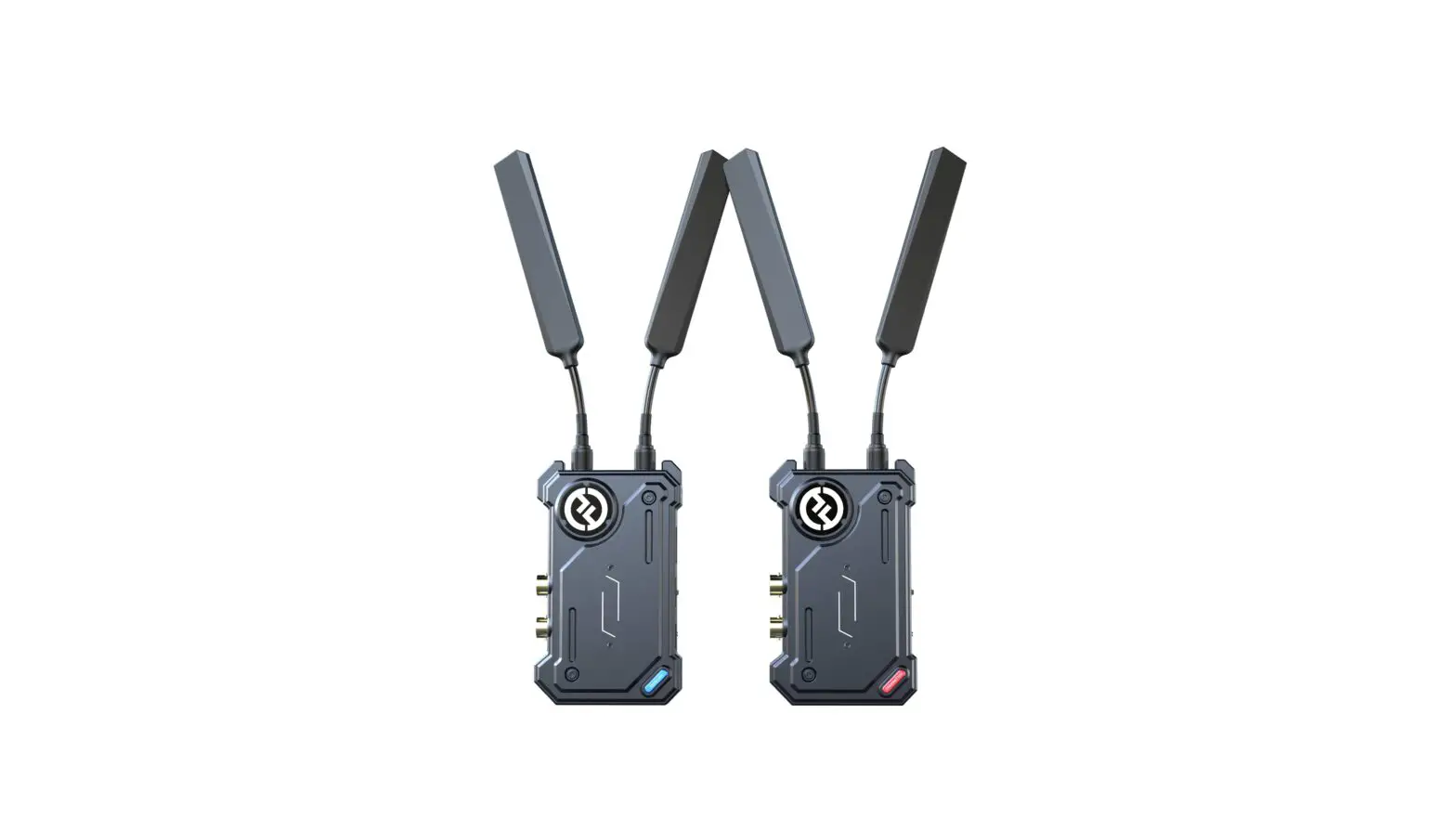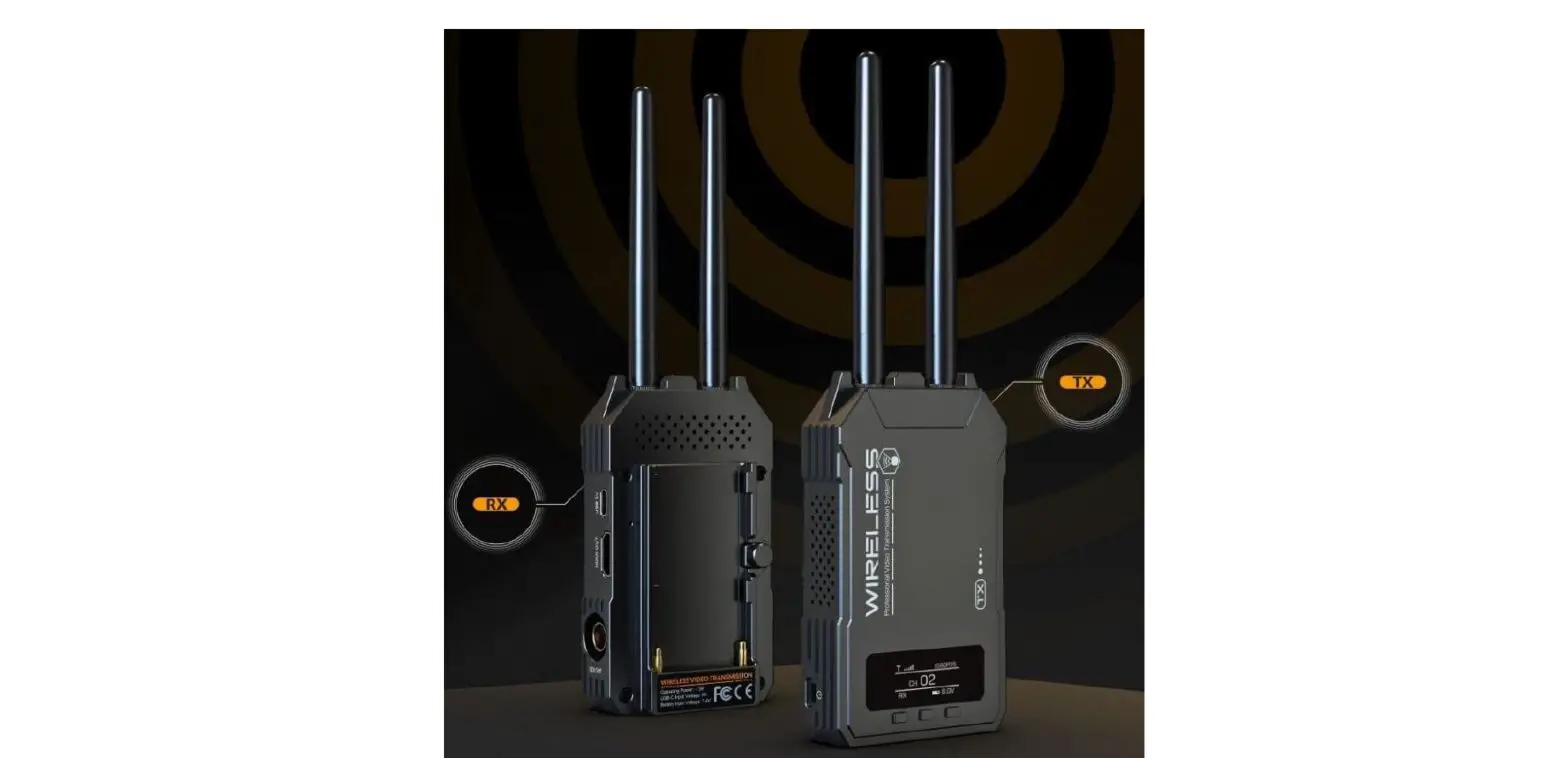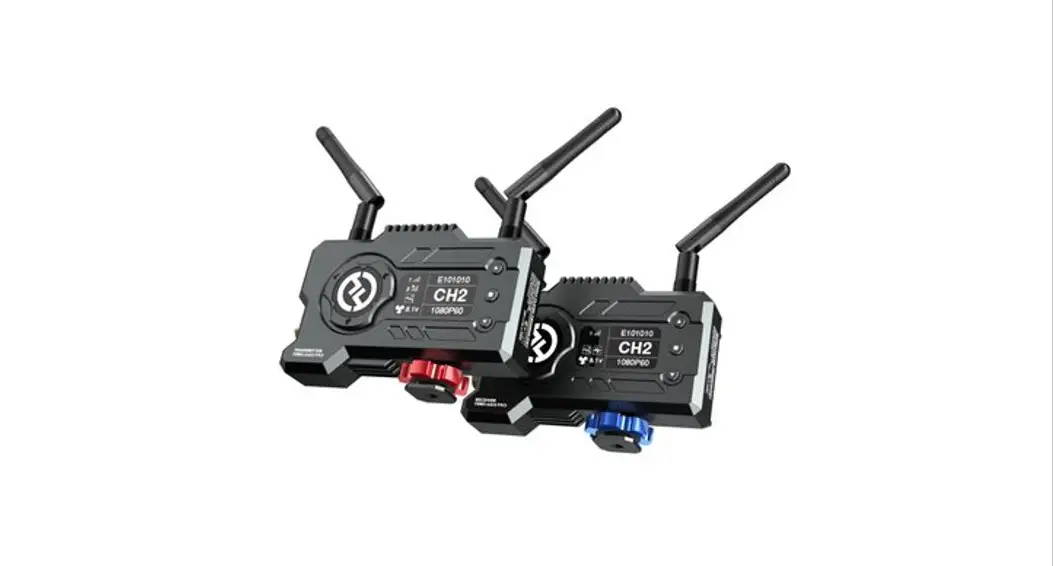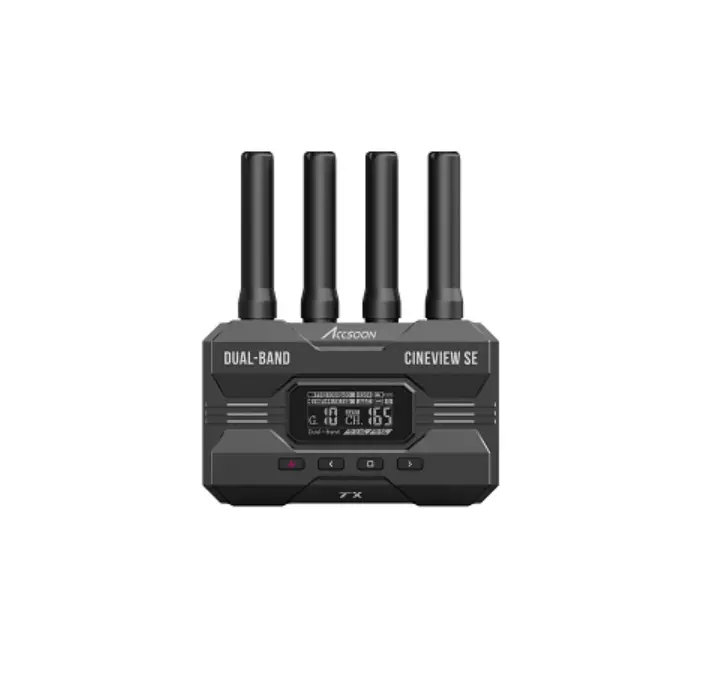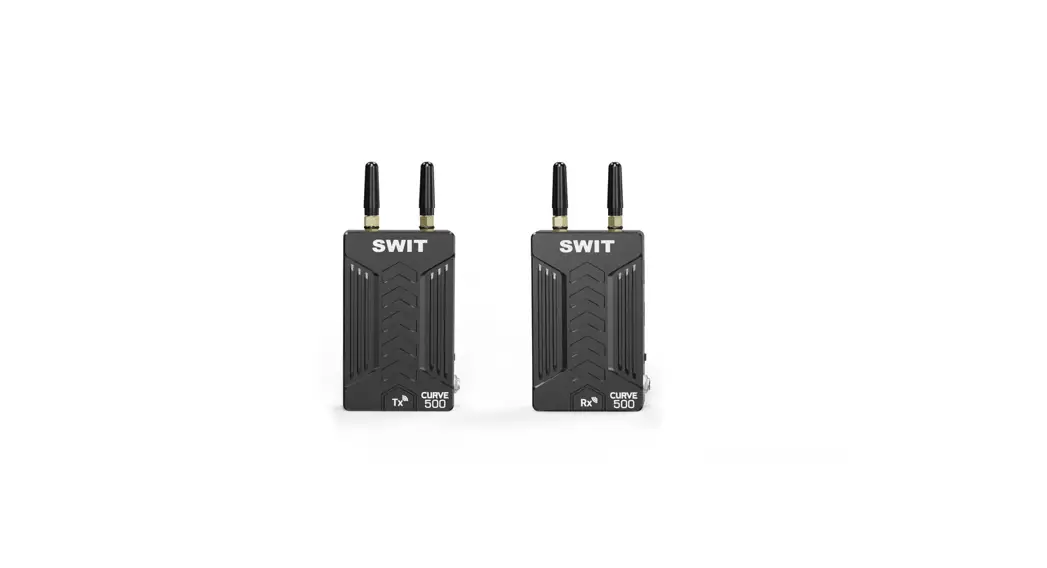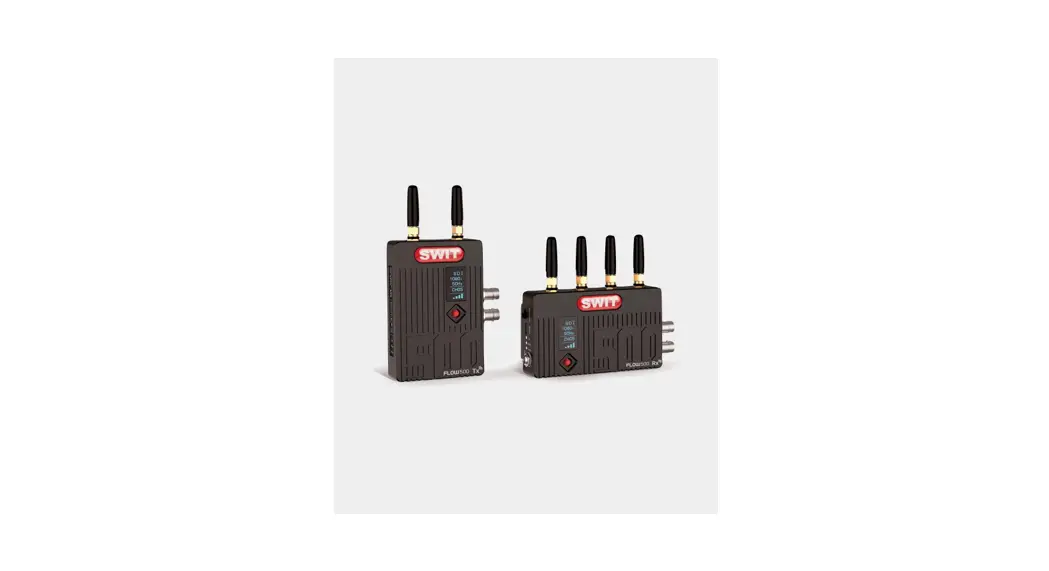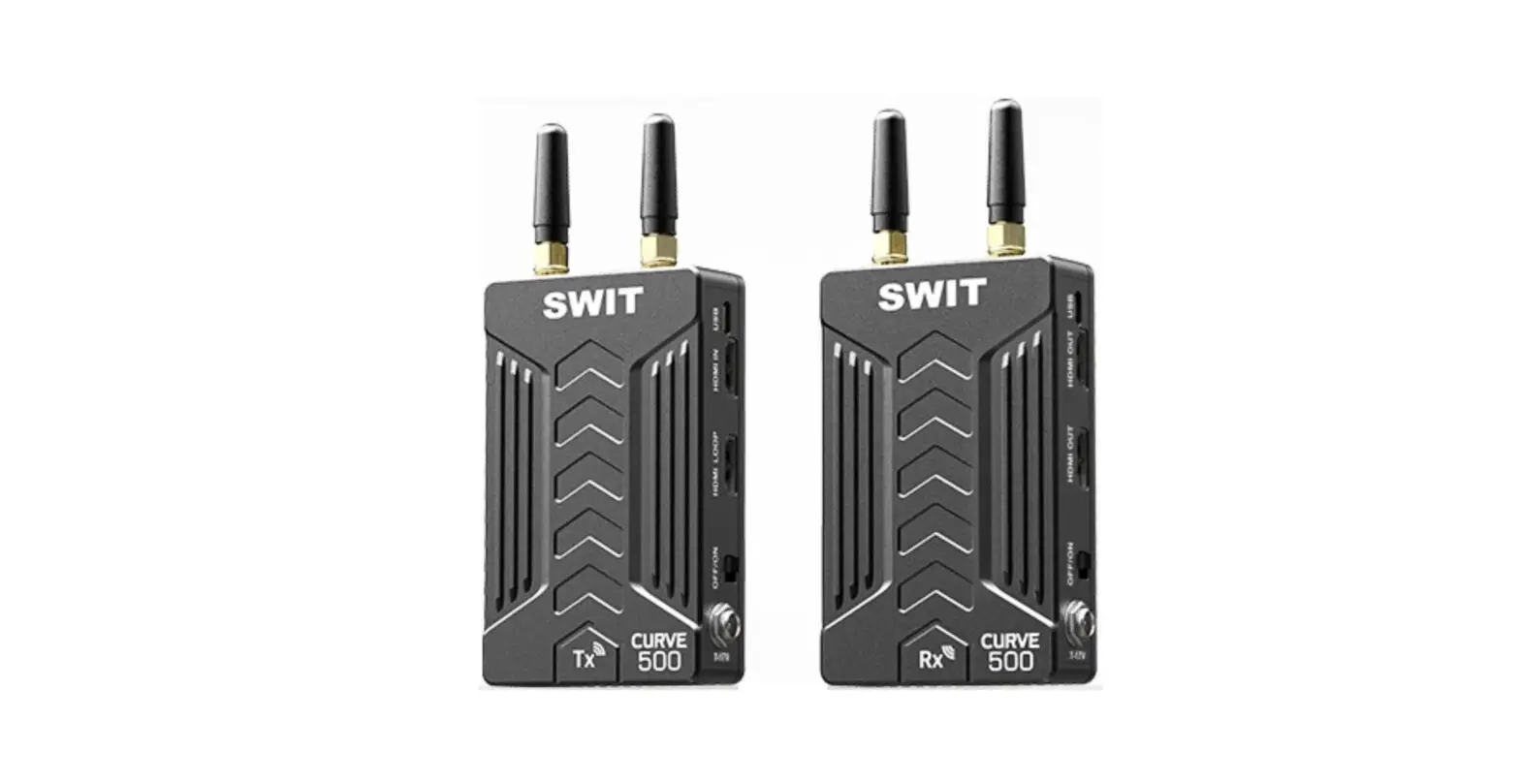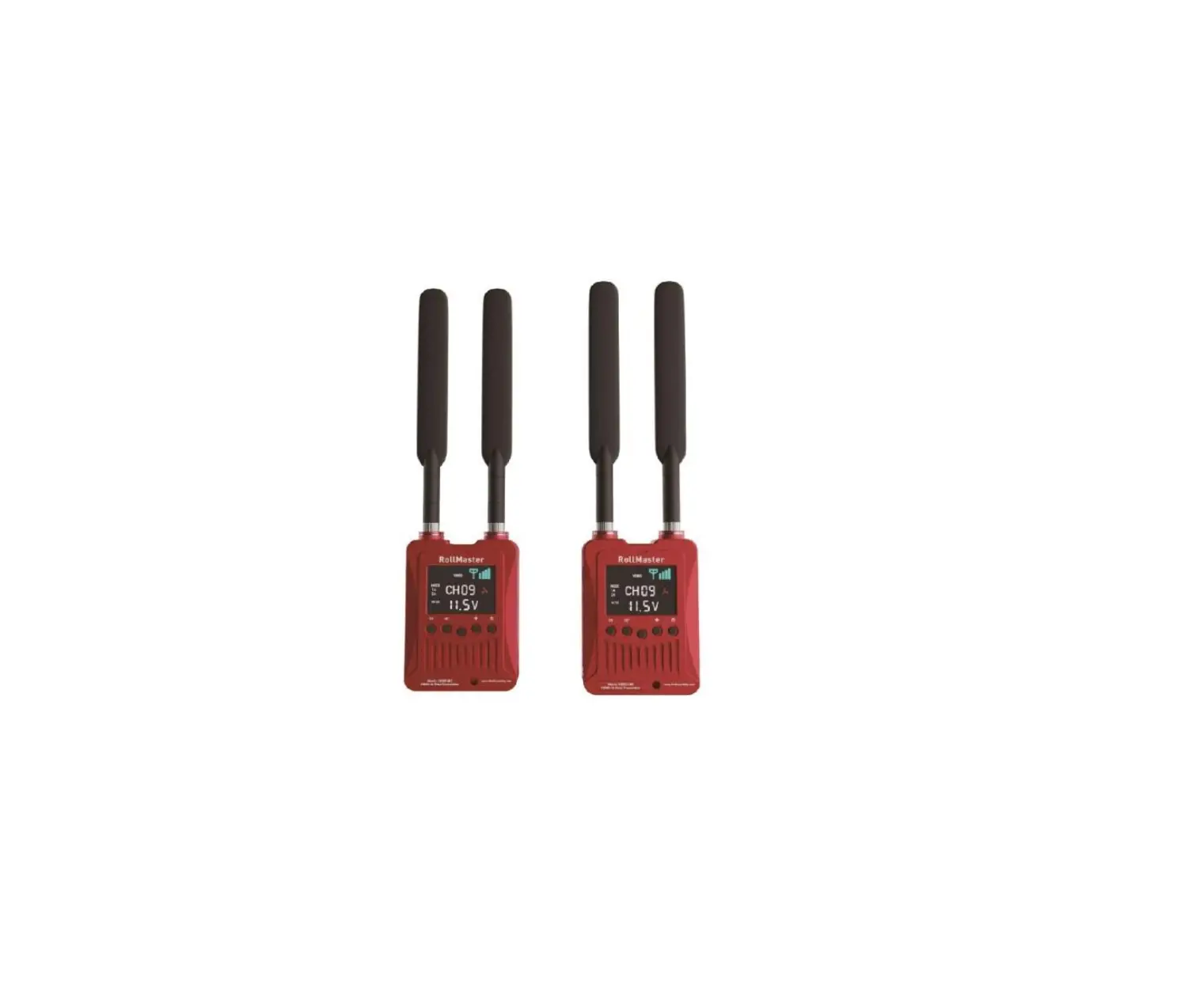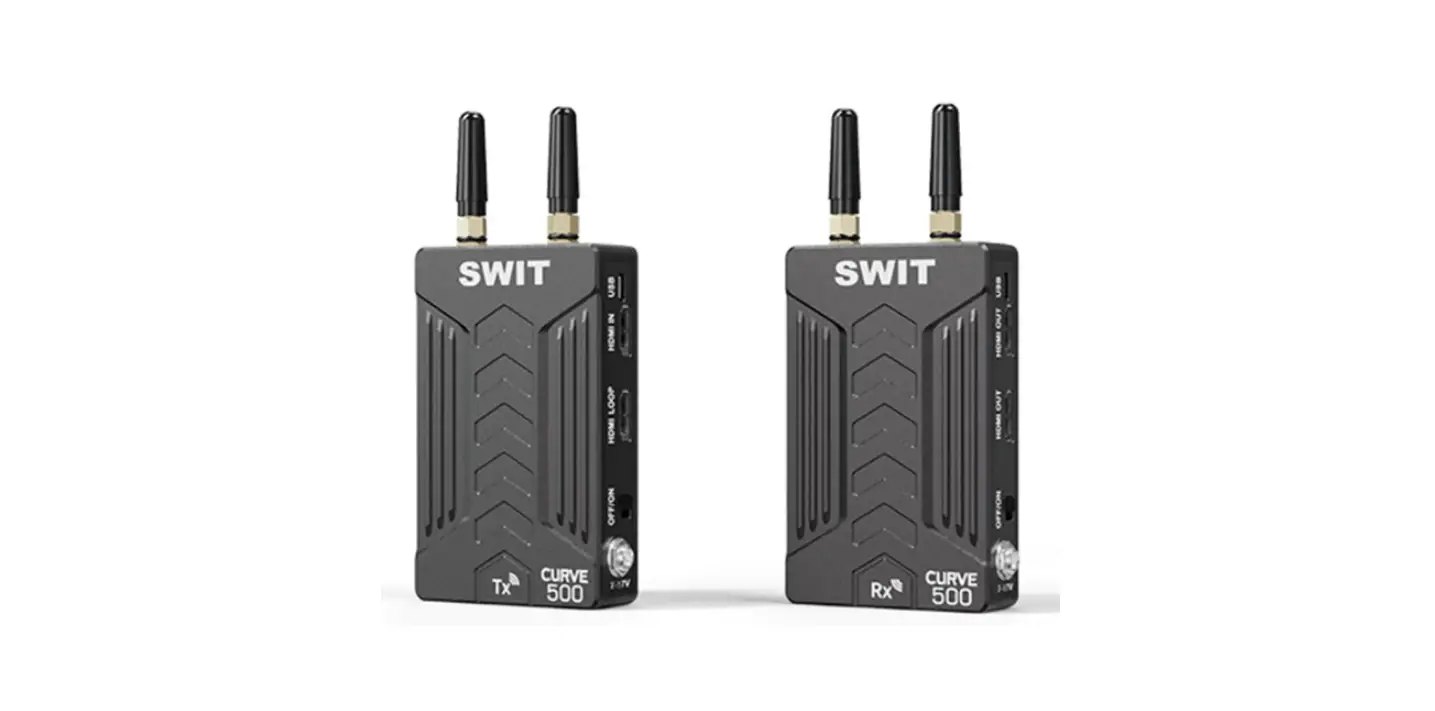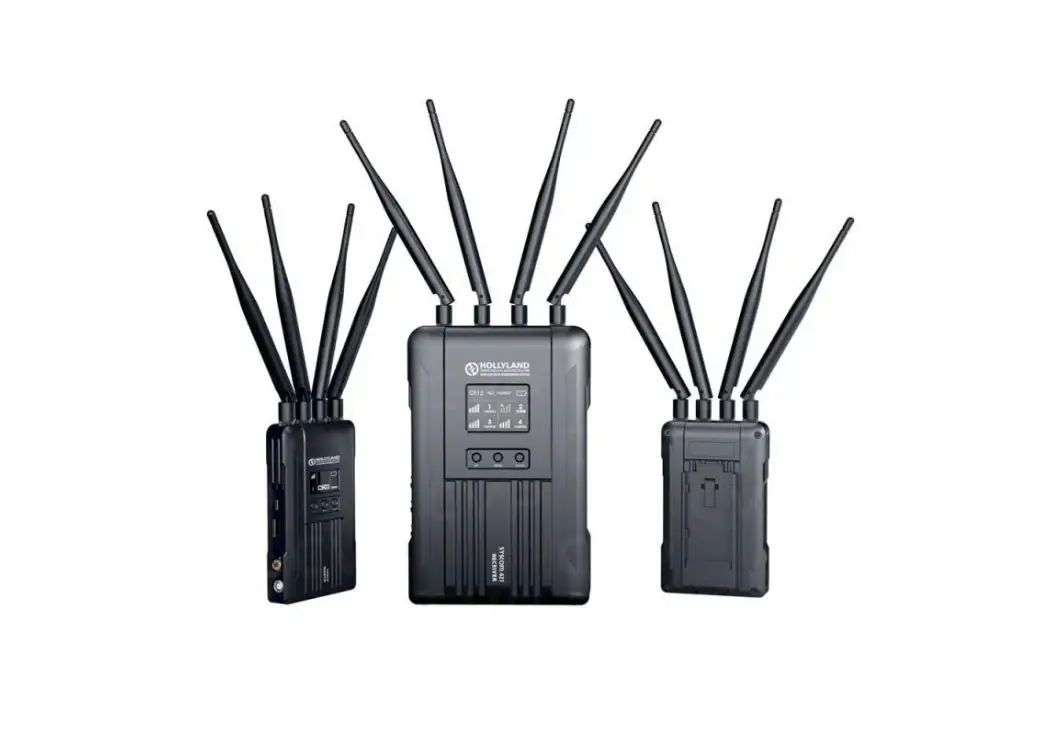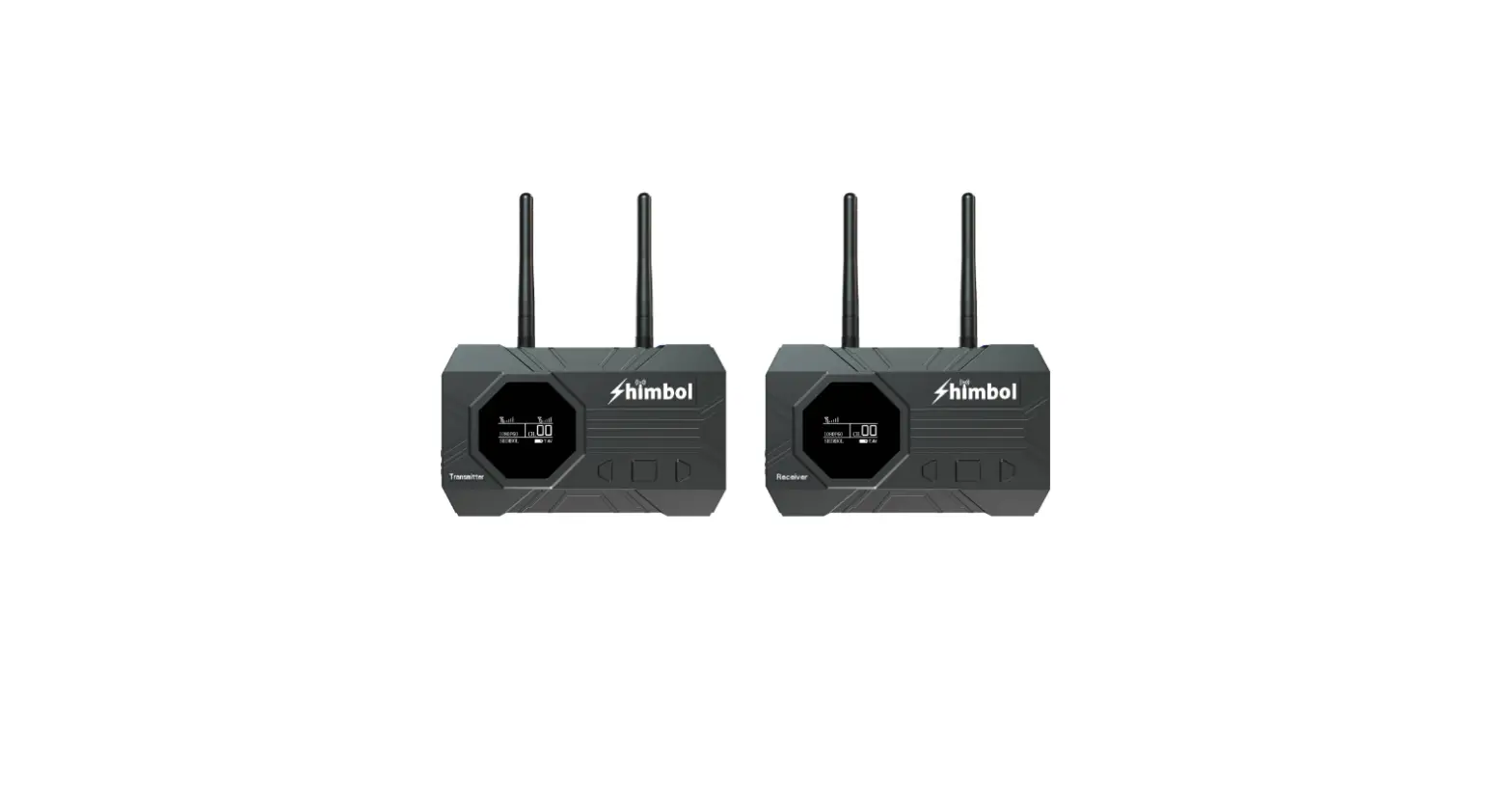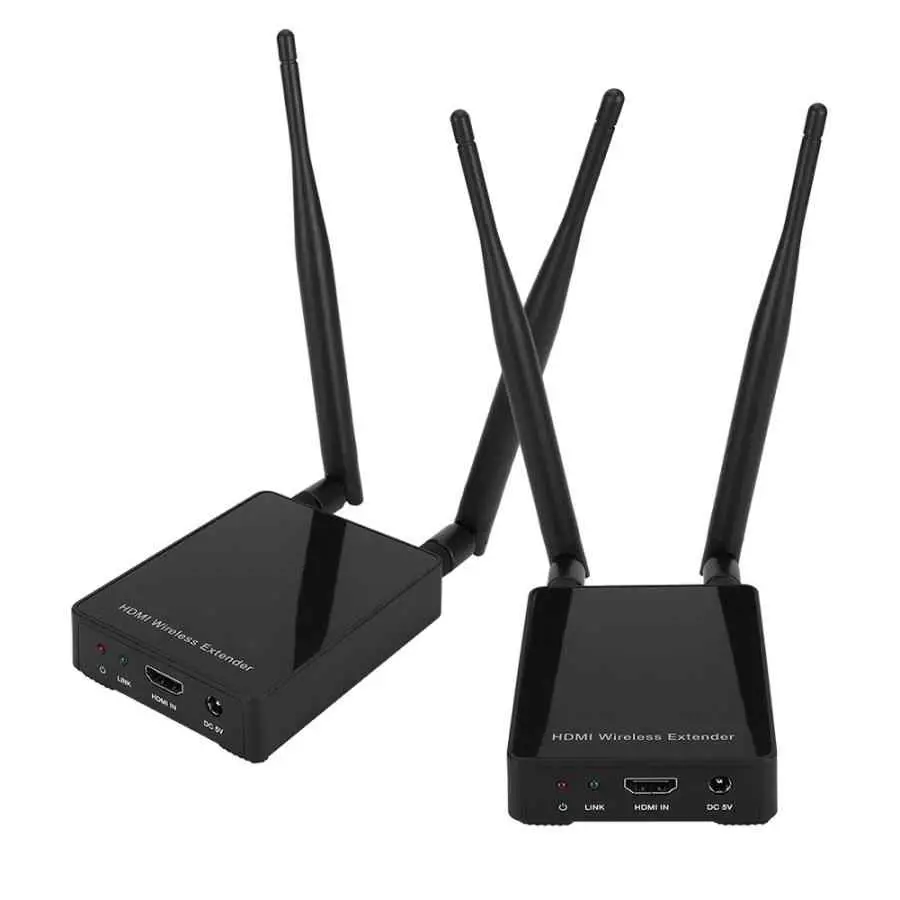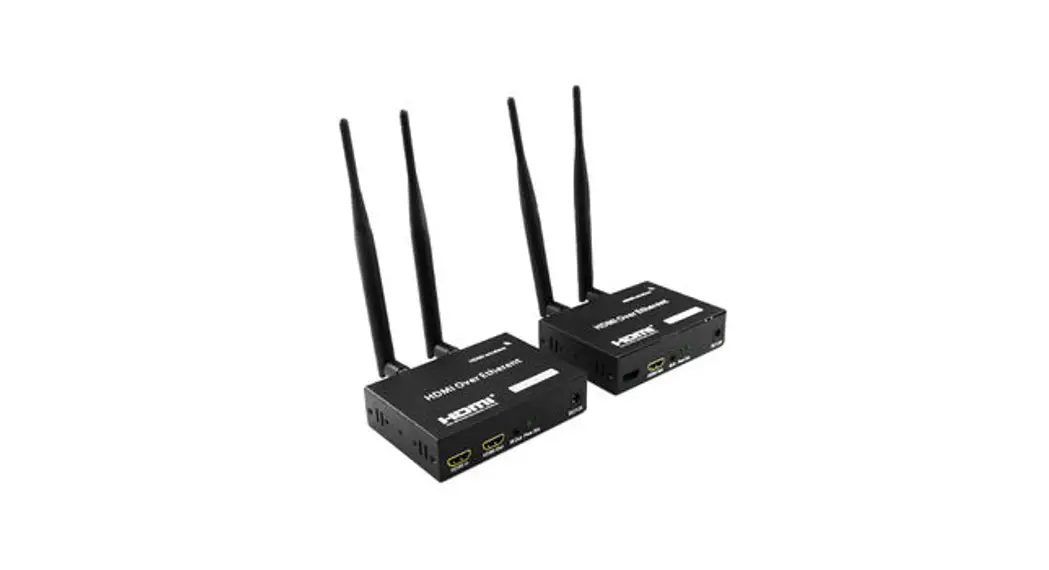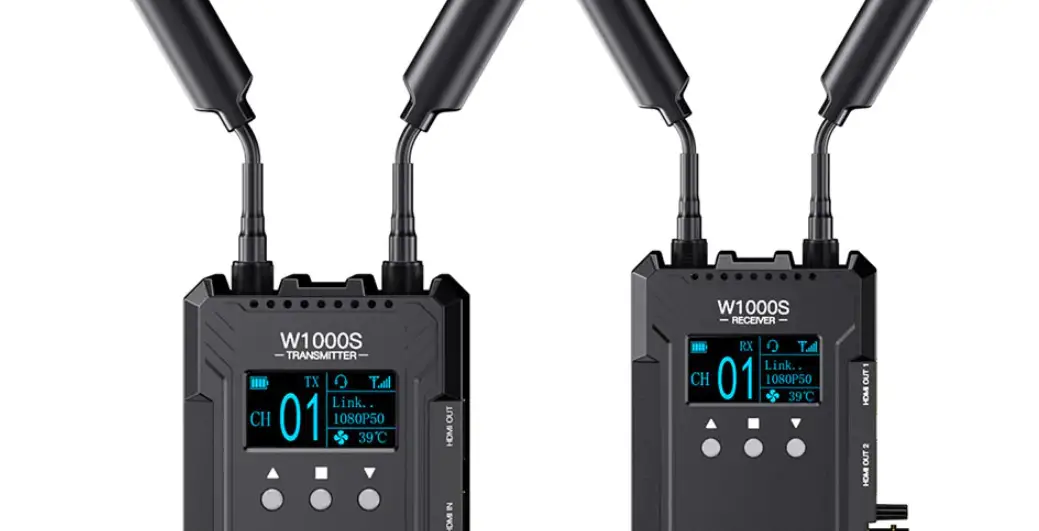

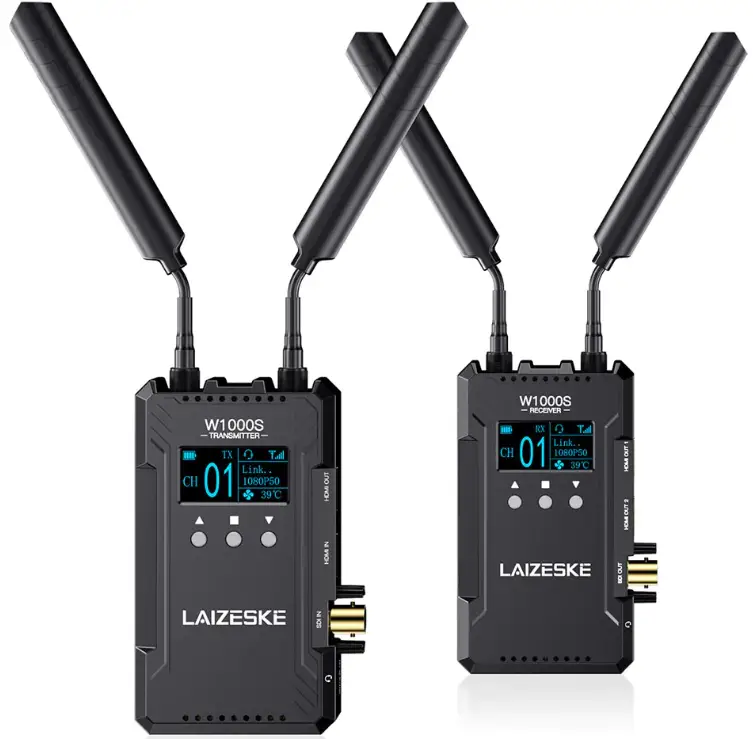
LAIZESKE W1000S 1000FT HDMI SDI Wireless Video Transmission System
 Thank you for purchasing wireless video transmission system. Please read this manual carefully before using the product, wish you a happy experience!
Caution
- Do not expose this device to extreme hot, cold, dusty or humid environments.
- Do not scratch the device with sharp objects
- Do not drop this device from high place, as this may cause hardware damage.
- This device is designed for non-water proofing. Please do not allow any liquid to penetrate into the device.
- Do not attempt dismantle, open or repair this device by non-technical person, as this may cause permanent damage to the device.
Features
- Dual HDMI & SDI (optional) signal interfaces
- Transmission range up to 1000ft, with ultra-low latency 0.08S
- Up to 1080P60Hz
- The transmitter can be switched as a receiver at will.
- Wireless full-duplex talkback, real-time intercom between the director and the photographer.
- One TX to multiple RX
- Support APP monitoring for Android/IOS system.
- 13 frequency channels, AUTO channel scan.
Product Introduction
Full duplex intercom wireless video transmission system including TX and RX integrated with intercom which enable communication between the director and the photographer as well as wireless video transmission system functions, save your time and costs to set an extra intercom system. Support SDI (optional) and dual HDMI wirelessly transmission range in 300 meters (max 400m) with 0.08S ultra-low latency. Up to 1080P/60Hz, provide higher quality image. Support one transmitter to multiple receivers, the transmitter can be switched as a receiver at will. OLED screen show link status, signal strength, video format, intercom mode, battery level, temperature, fan status, etc. information. Android/iOS system APP monitoring; NP-F battery, Type-C and DC power supply ways. Ideal for filmmaking, sport events, wedding live broadcast, etc.
Port Instruction
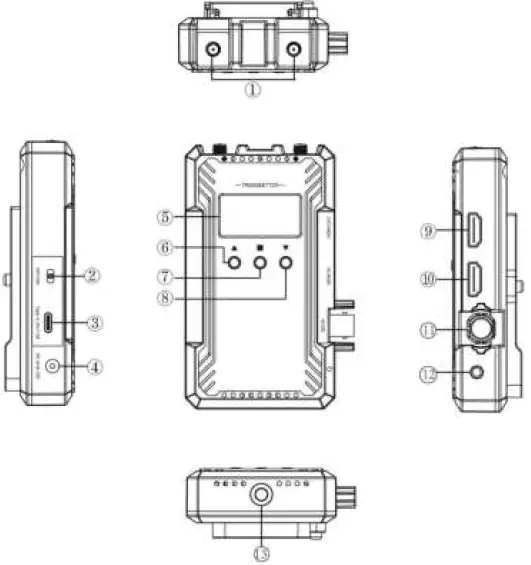 Transmitter
- Antenna Ports
- Power OFF/ON
- Type-C Power Input/Upgrade
- DC Power IN
- OLED Screen
- UP button
- OK button
- DOWN button
- HDMI Signal Output
- HDMI Signal Input
- SDI Signal Input (optional)
- 3.5mm Earphone Port
- 1/4 Screw Hole

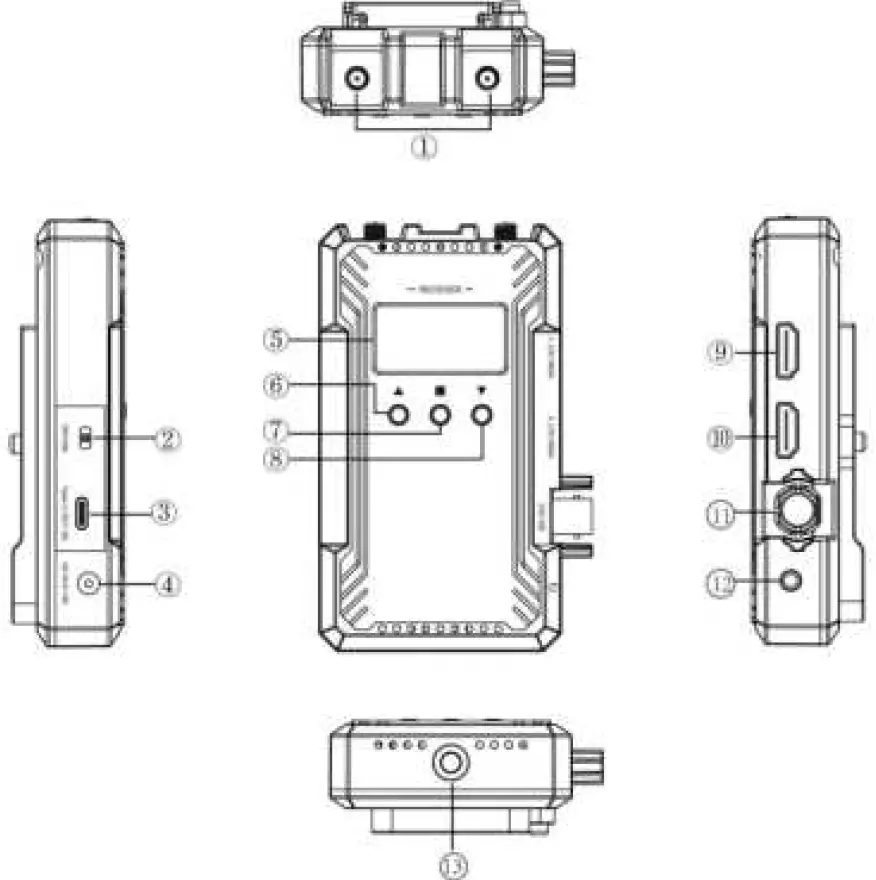
Receiver
- Antenna Ports
- Power OFF/ON
- Type-C Power Input/Upgrade
- DC Power IN
- OLED Screen
- UP button
- OK/MENU button
- DOWN button
- HDMI Signal Output1
- HDMI Signal Output2
- SDI Signal Output(optional)
- 3.5mm Earphone Port
- 1/4 Screw Hole
UI Instructions
Startup Screen
The startup screen is as above. When the device runs, the main menu will display.
Main Menu
Main menu including channel, device type(TX/RX), link status, signal strength, video format, intercom mode, battery level, temperature, fan status, etc. information.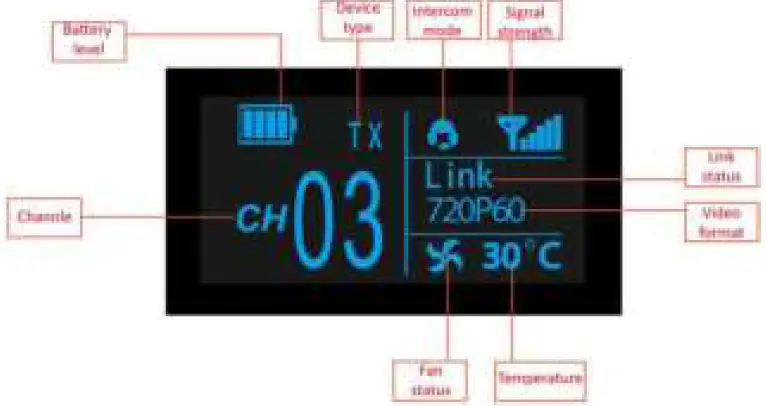
- Channel switch: press“△”or“▽”to change channels. Press“□”to confirm the channel.
- Long press“△”on the transmitter, the screen will display device name and password. Long press“△”on the receiver, the screen will also display device name and password if it is connected to transmitter.
Secondary Menu
Long press“□”for 2 seconds to enter into the secondary menu. Long press“□”for 2 seconds again to back to the secondary menu. Press“△”or“▽”to switch the options in secondary menu and press“□”to confirm selection.
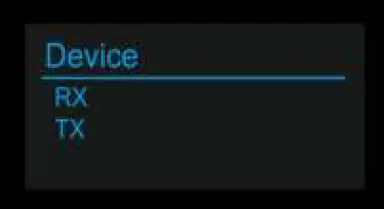
- Device (transmitter only): device type Switch TX (transmitter) and RX (receiver) manually.

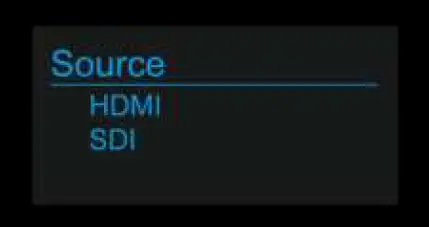
- Source (transmitter with SDI port only): signal source
Switch the signal source between HDMI and SDI on transmitter. SDI input is selected by default if both HDMI and SDI sources are connected.
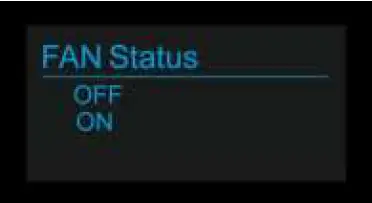
- FAN status
Turn on or off the fan manually
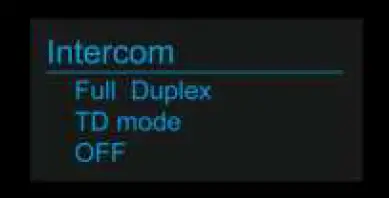
- Intercom
Switch between Full Duplex, TD mode(TD speak, Cameraman listen), OFF(turn off intercom)
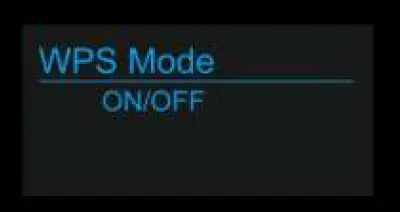
- WPS: pairing
To pair transmitter and receiver
- Priority
Choose high image quality prior or low latency prior.
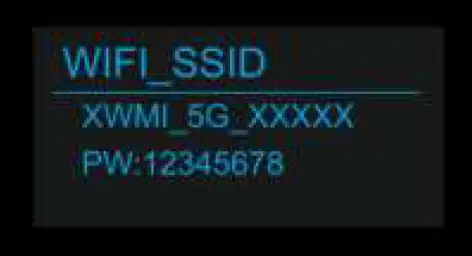
- WIFI_SSDI
Showing device name and password
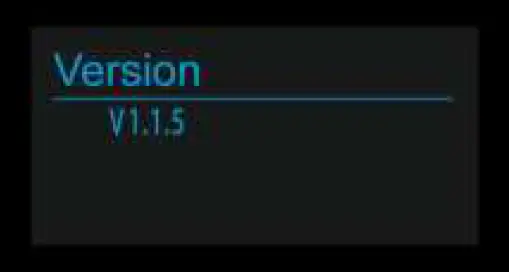
- Version
Showing the device’s version number
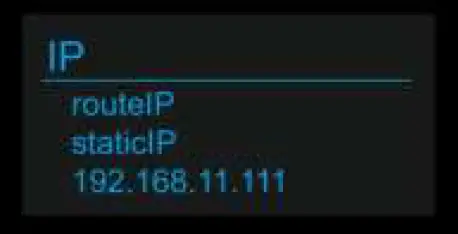
- IP: IP address (routeIP/staticIP)


App Operation Instructions
- APP Download
iOS APP Download iOS user search “LAIZESKE”
Android APP Download Scan the QR code to download the APP
 - Connect smart devices to transmitter
After the transmitter is powered on, go to Setting-Wireless & networks on smartphone/tablet, select the transmitter’s name and input the password to connect the devices. Please find the transmitter’s name and initial password as below. Then go to APP home page and click “Video” to monitor.
(Note: No need to input password again if it was saved on smart phone/tablet)
Device name: XWMI_5G_XXXX
Password: 12345678 - APP Operation
 iOS user search “LAIZESKE”
 Scan the QR code to download the APP
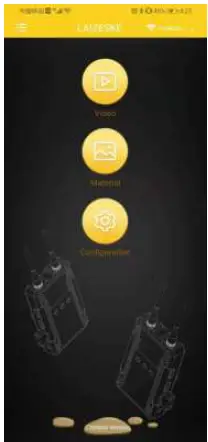
- a. Click “Video” on home page to enter into monitoring mode.

- b. Click “∨” at the bottom of screen. It will show SAVE IMAGE, RECORD ( only available for Android at present), MATERIAL, CONFIGURATION.
 Long press the screen to show up the professional monitoring menu. Monochrome, False Color, Center Marker are available at present, more features are developing.
- c. Click “Material” to check the images and videos saved on smartphone/tablet.
- d. Click “ Configuration”to access configuration screen.
- e. Click 英文版/Chinese Version at the bottom of home page to change language.
 Long press the screen to show up the professional monitoring menu. Monochrome, False Color, Center Marker are available at present, more features are developing.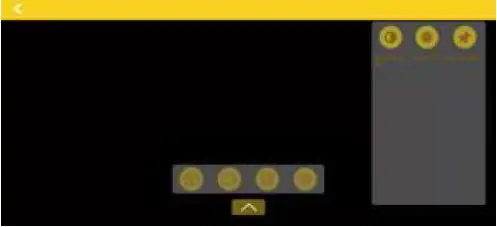
Parameter
| Transmitter | Receiver | |
| Screen | OLED | OLED |
| Interface | 1 * SDI input (optional) 1 * HDMI input, 1* HDMI output 2 *Antenna port (RP-SMA Male) DC power input 3.5mm headphone jack Type-C | 2* HDMI output 1* SDI output (optional) 2 *Antenna port (RP-SMA Male) DC power input 3.5mm headphone jack Type-C |
| Power Supply Way/Voltage Range | F970 battery Type-C: 5V/1.5A DC adapter: 6-16V | F970 battery Type-C: 5V/1.5A DC adapter: 6-16V |
| Power Consumption | <7.5W | <6.5W |
| HDMI Input/Output Video Format | 480P60, 576P60 720P60/59.94/50 1080P60/59.94/50/30/29.97/25 /24/23.98 1080I60/59.94/50 HDMI Type A | 480P60, 576P60 720P60/59.94/50 1080P60/59.94/50/30/29.97/25 /24/23.98 1080I60/59.94/50 HDMI Type A |
| SDI Input/Output Video Format | 480P60, 576P60 720P60/59.94/50 1080P60/59.94/50/30/29.97/ 25/24/23.98 1080I60/59.94/50 1*BNC | 480P60, 576P60 720P60/59.94/50 1080P60/59.94/50/30/29.97/ 25/24/23.98 1080I60/59.94/50 1*BNC |
| Frequency | 5.1-5.9GHz | 5.1-5.9GHz |
| Modulation Mode | OFDM | OFDM |
| Transmission Power | Maximum 17dBm | / |
| Receiving Sensitivity | / | -87dBm |
| Band Width | 20MHZ | 20MHZ |
| Latency | Min0.08S | Min0.08S |
| Intercom Frequency Response Range | 20Hz~20KHz | 20Hz~20KHz |
| Operating Temperature | 0℃ ~ 40℃ | 0℃ ~ 40℃ |
| Storage Temperature | -20℃ ~ 60℃ | -20℃ ~ 60℃ |
| Unit Size(mm) | 67L*24W*118H (excluding antenna) | 67L*24W*118H (excluding antenna) |
| Unit Weight | 128g | 128g |
Frequency Chart
| Device Channel | WiFi Channel | Frequency/MHz |
| 1 | 36 | 5180 |
| 2 | 38 | 5190 |
| 3 | 40 | 5200 |
| 4 | 44 | 5220 |
| 5 | 46 | 5230 |
| 6 | 48 | 5240 |
| 7 | 149 | 5745 |
| 8 | 153 | 5765 |
| 9 | 155 | 5775 |
| 10 | 157 | 5785 |
| 11 | 159 | 5795 |
| 12 | 161 | 5805 |
| 13 | 165 | 5825 |