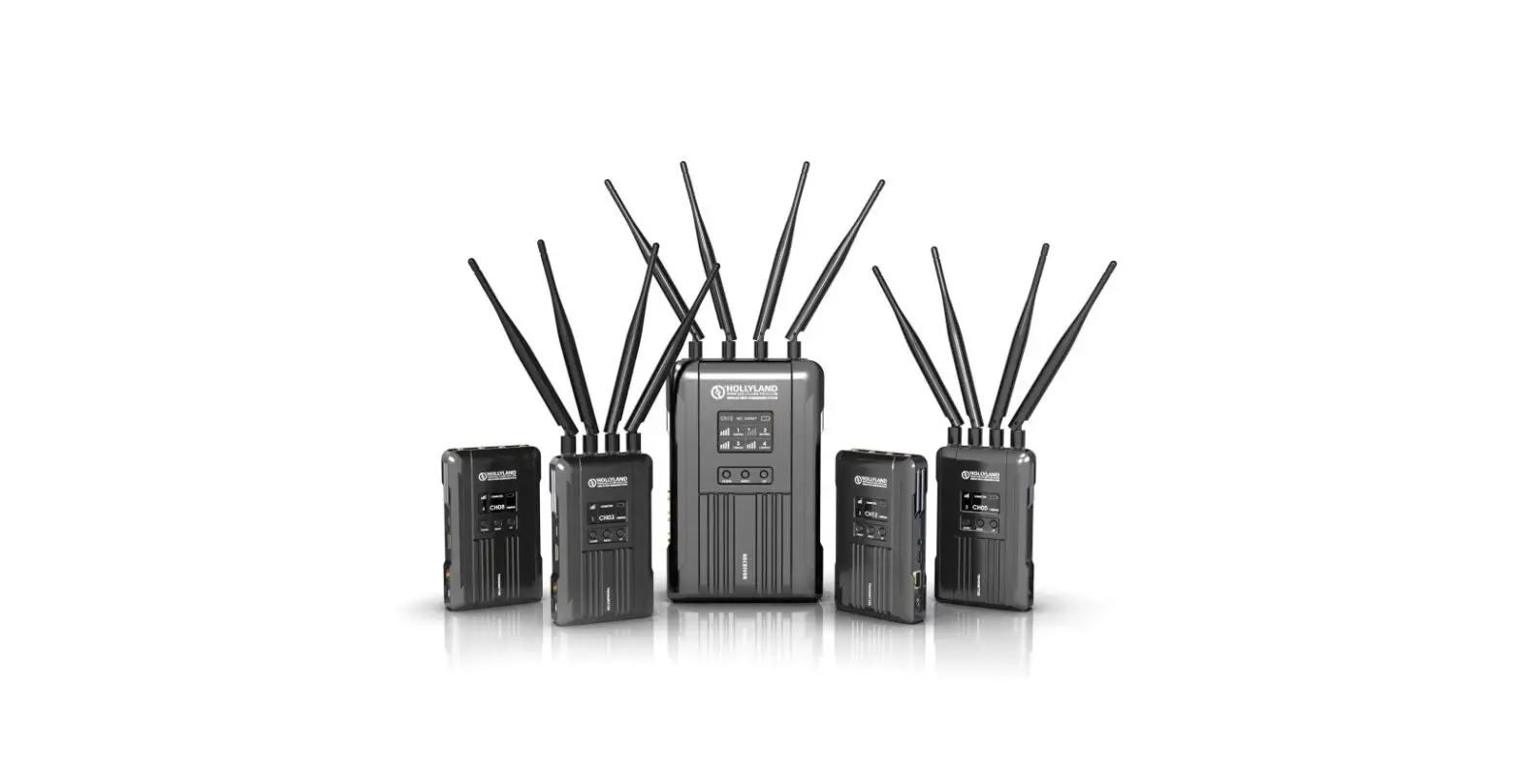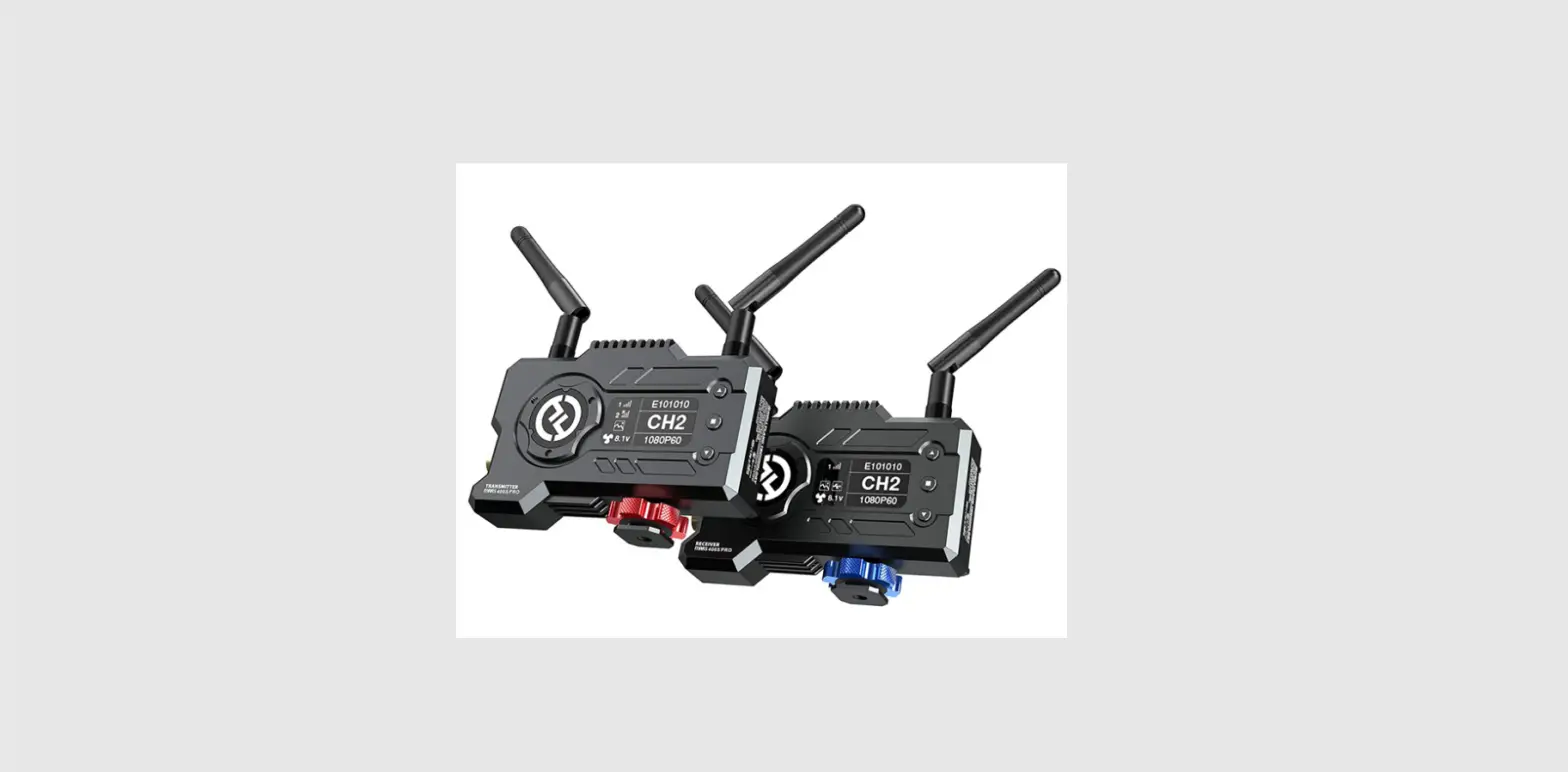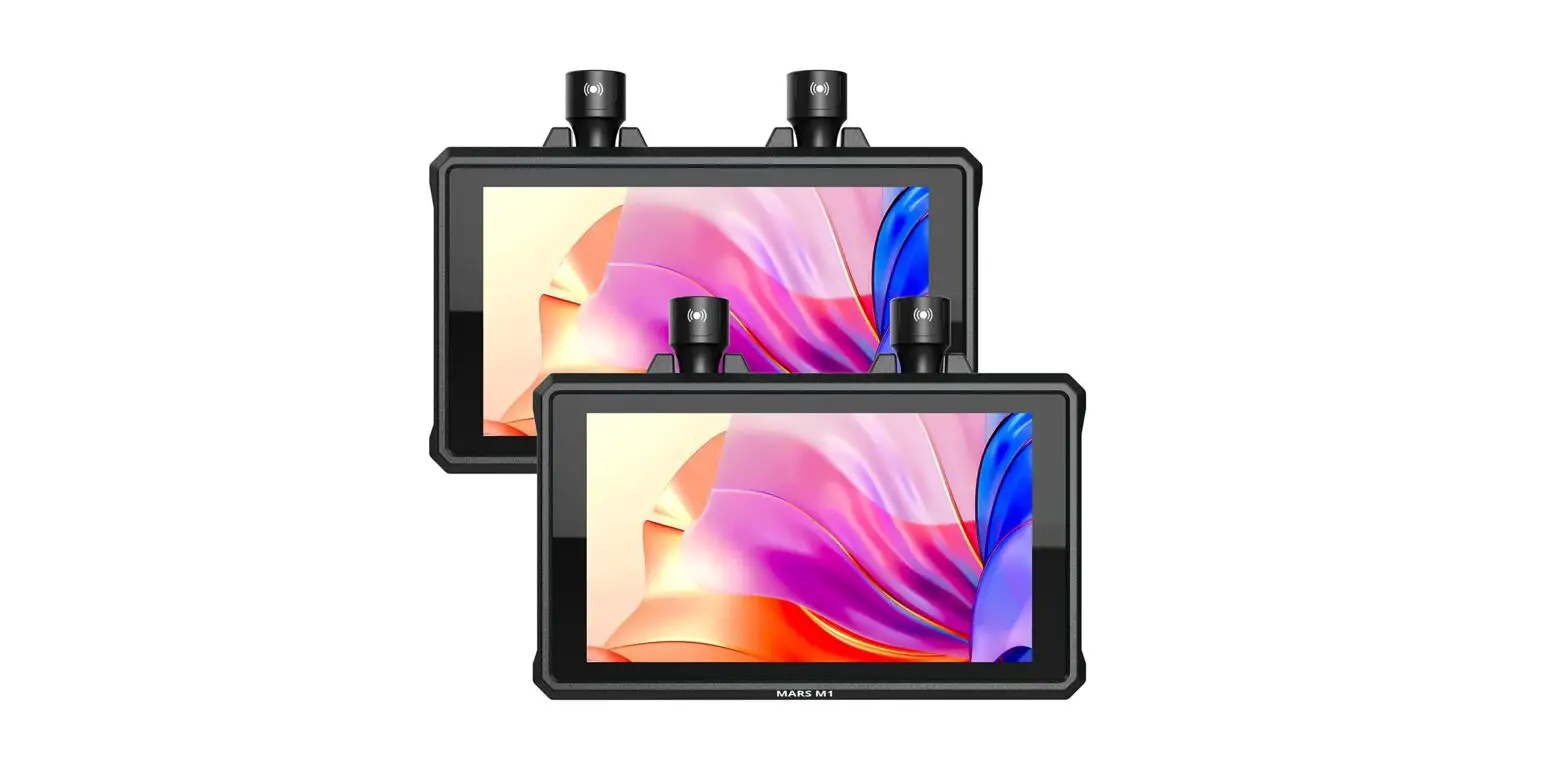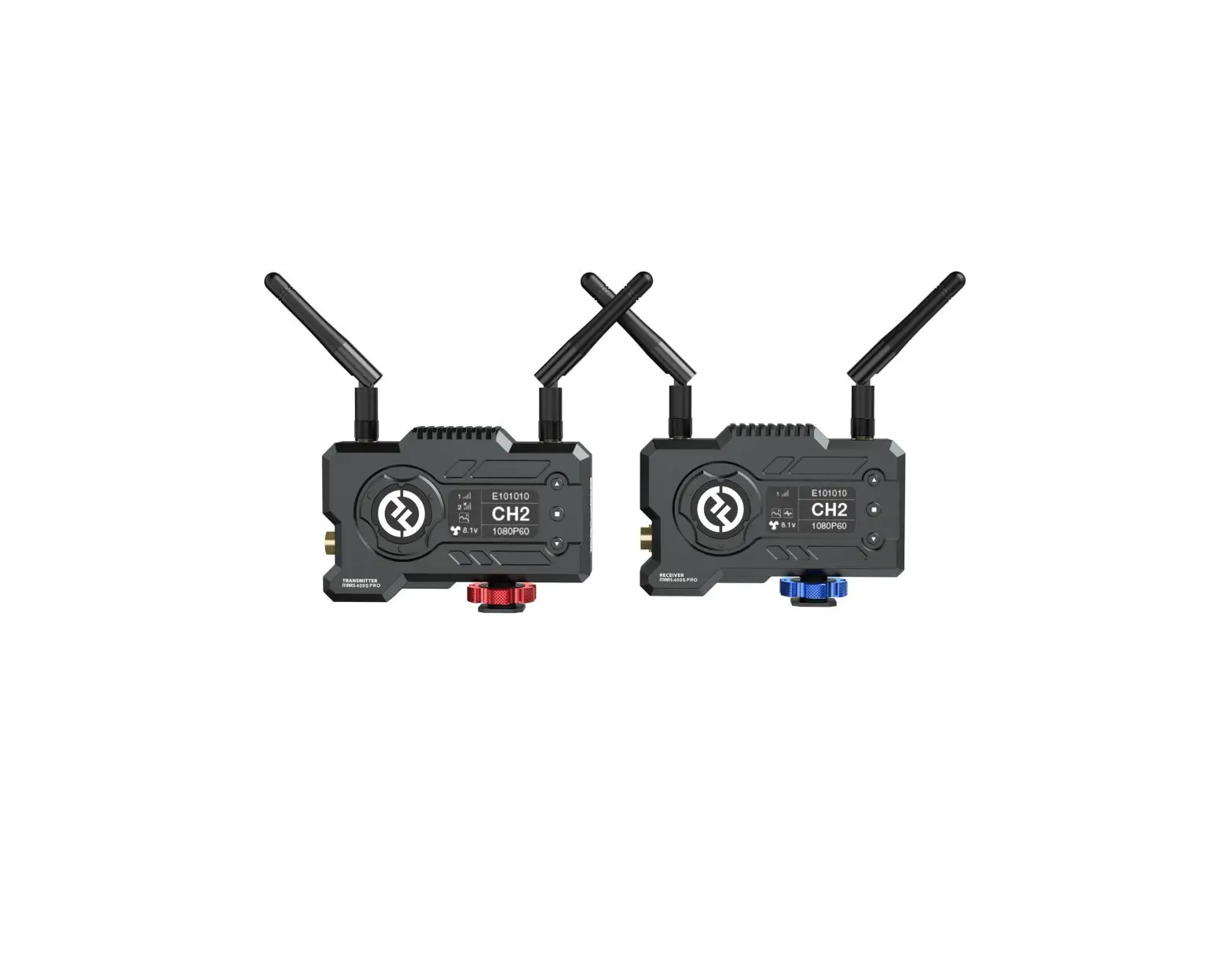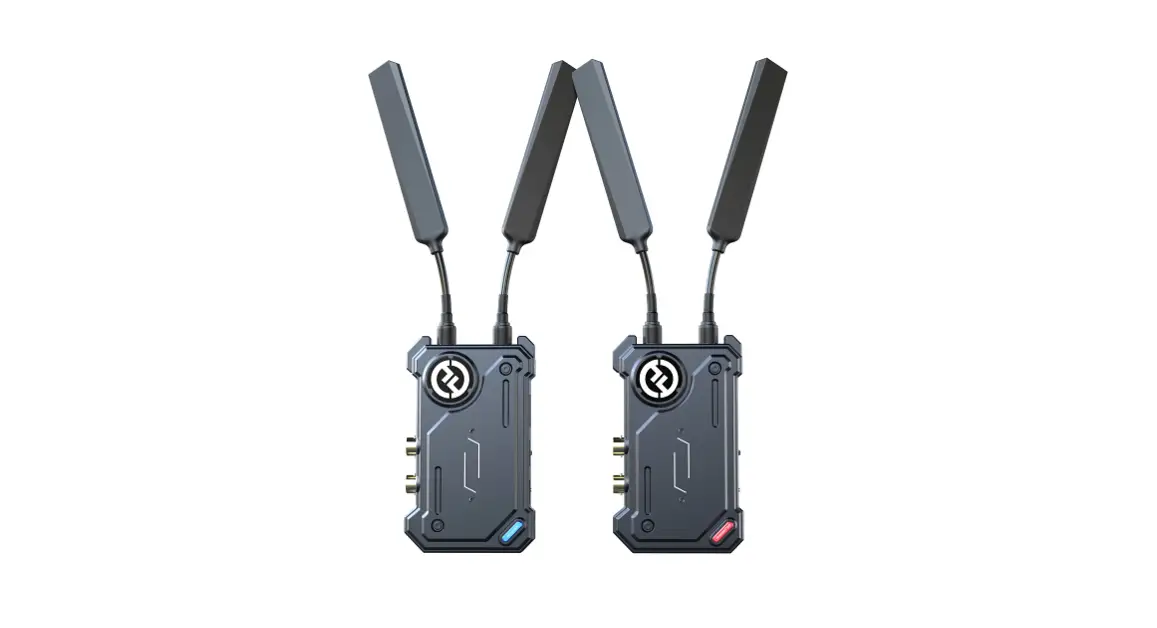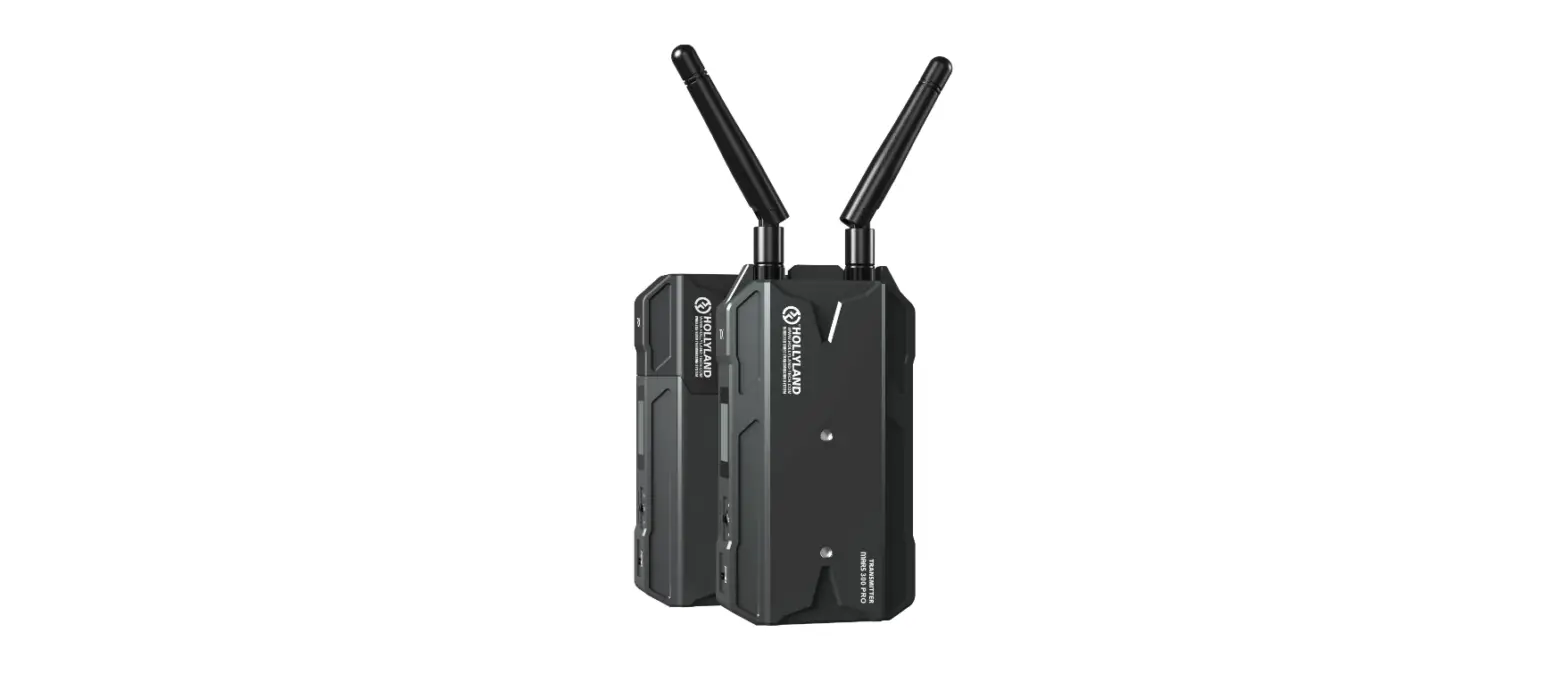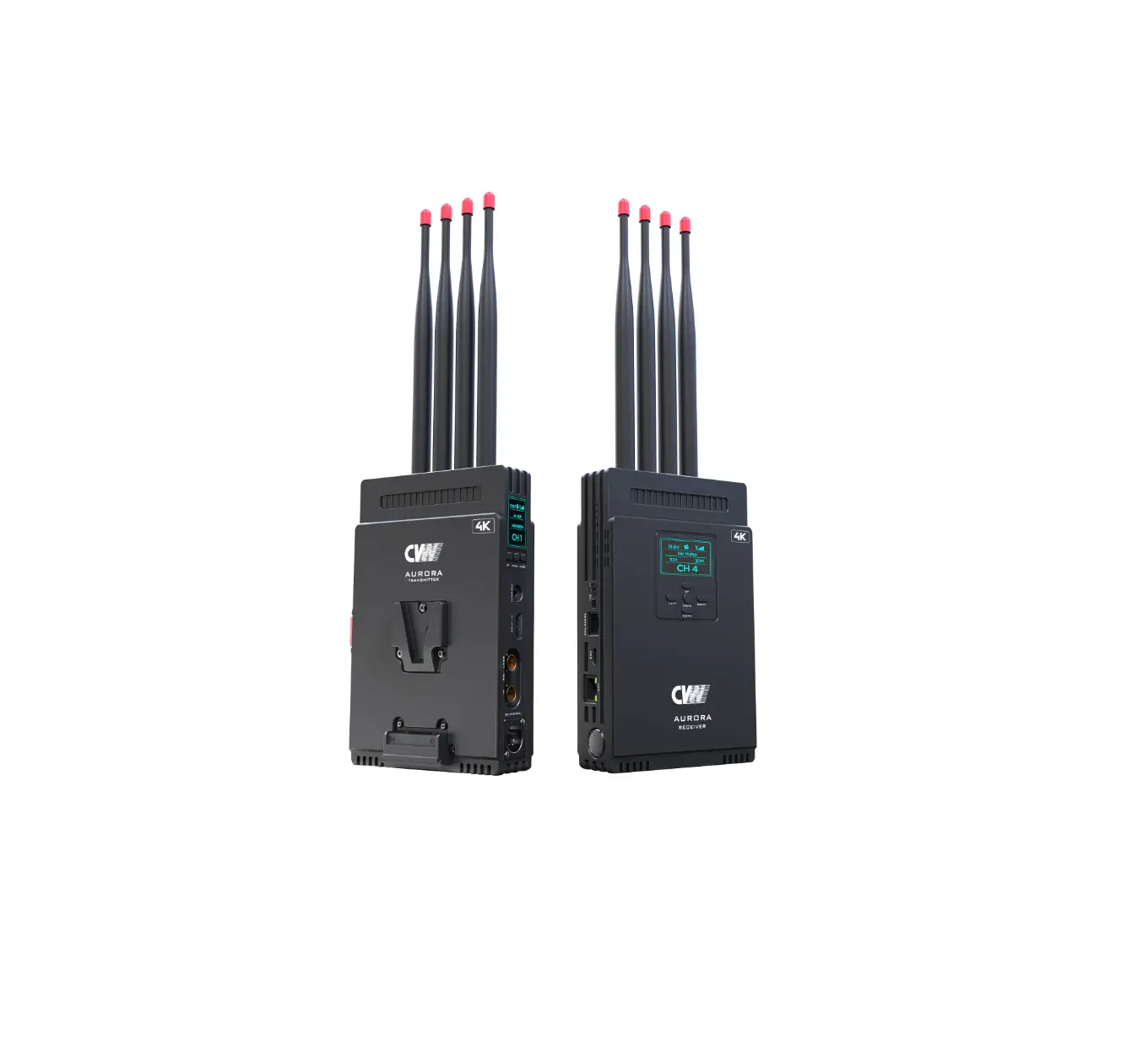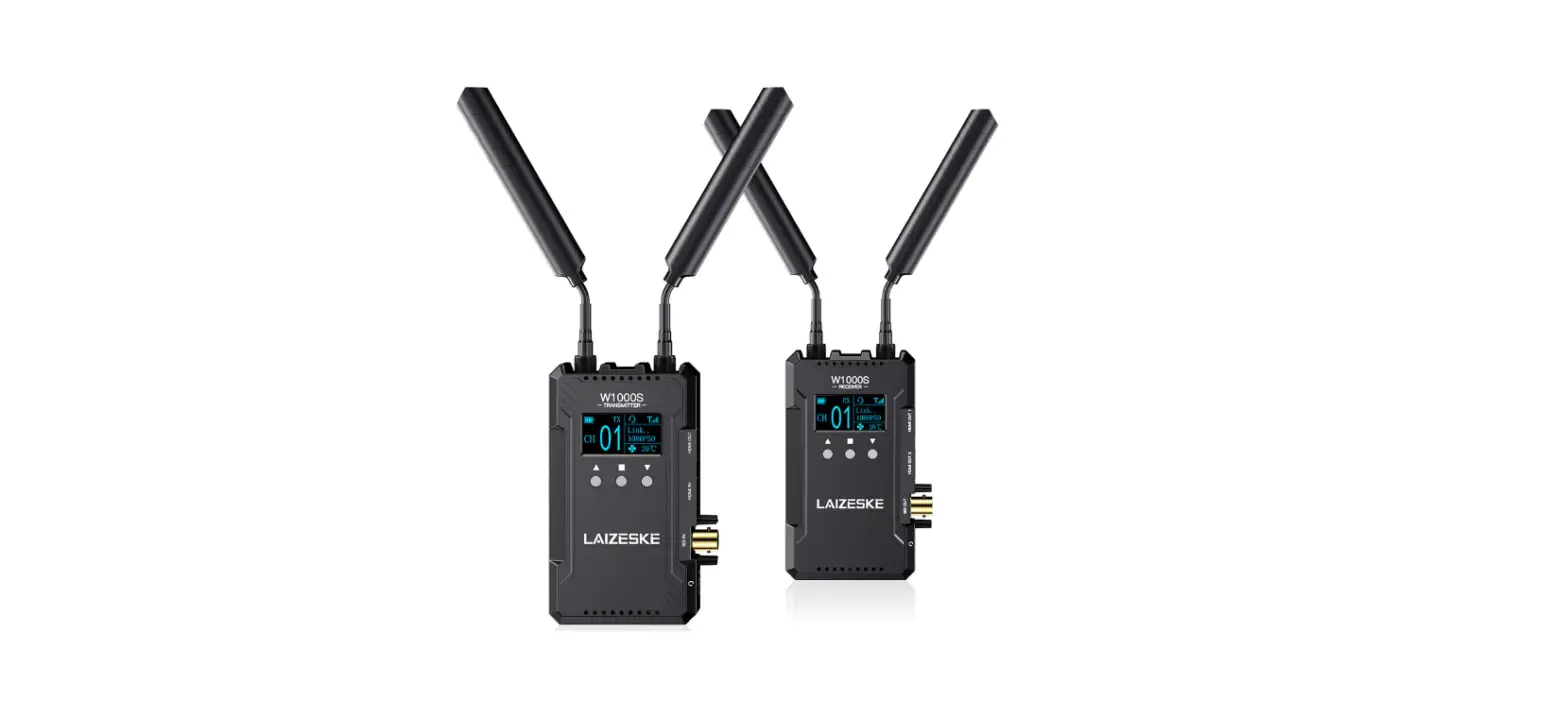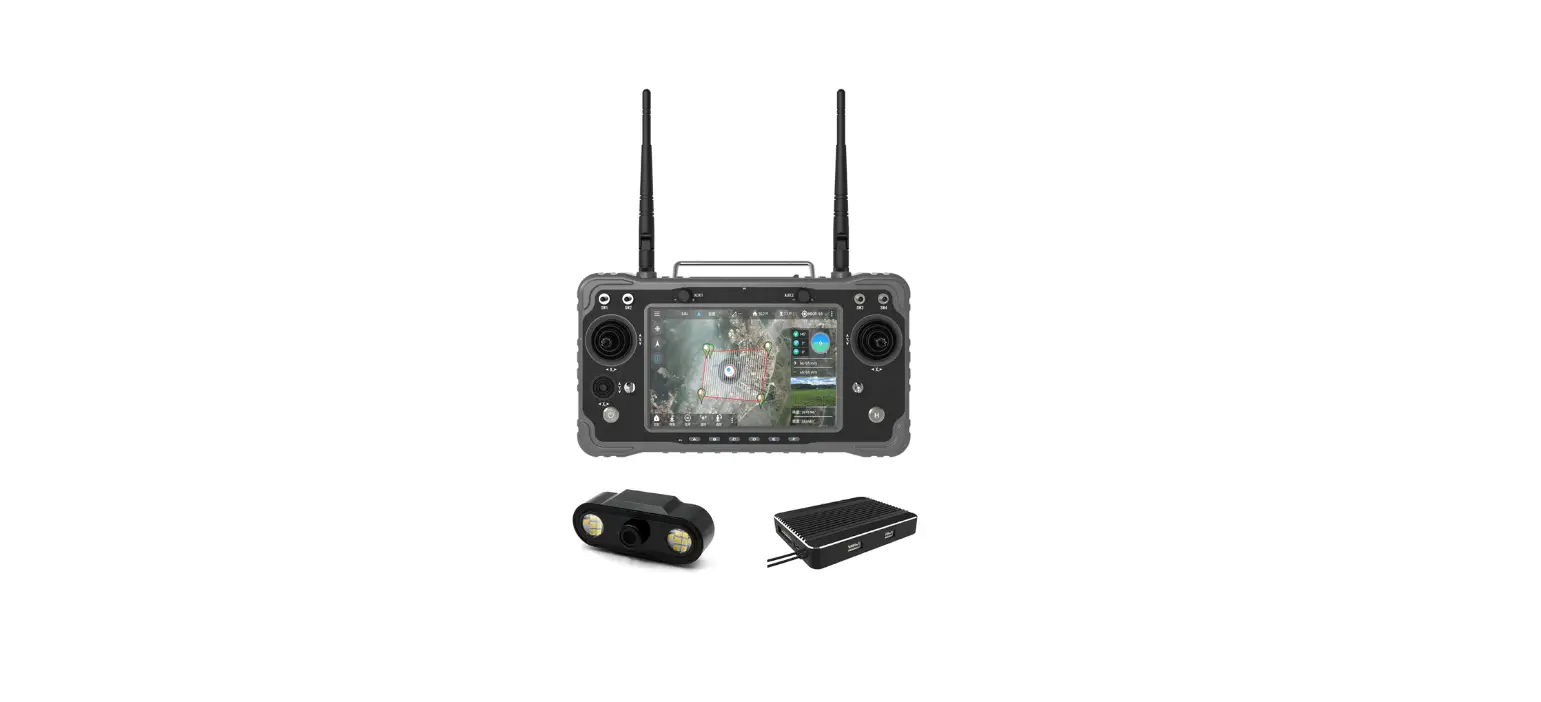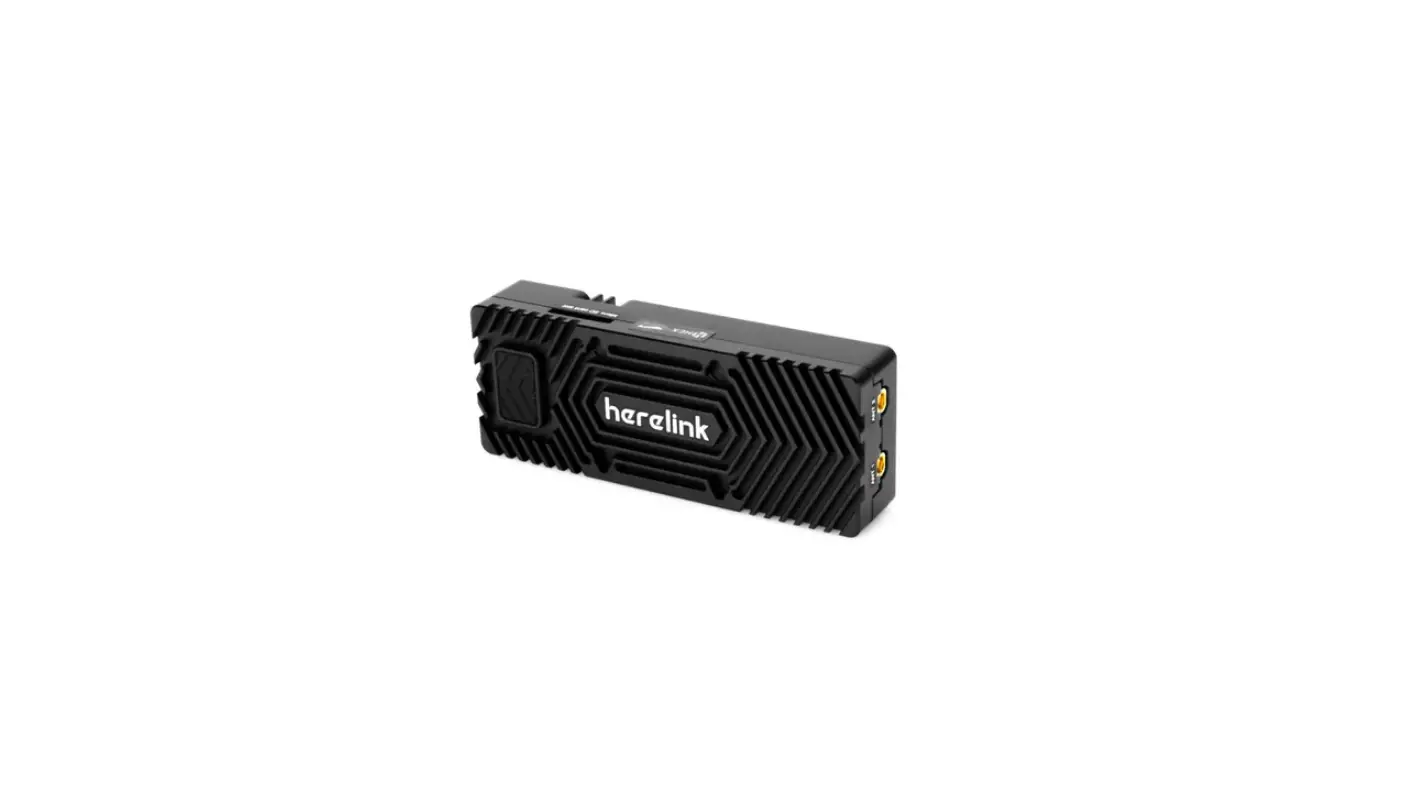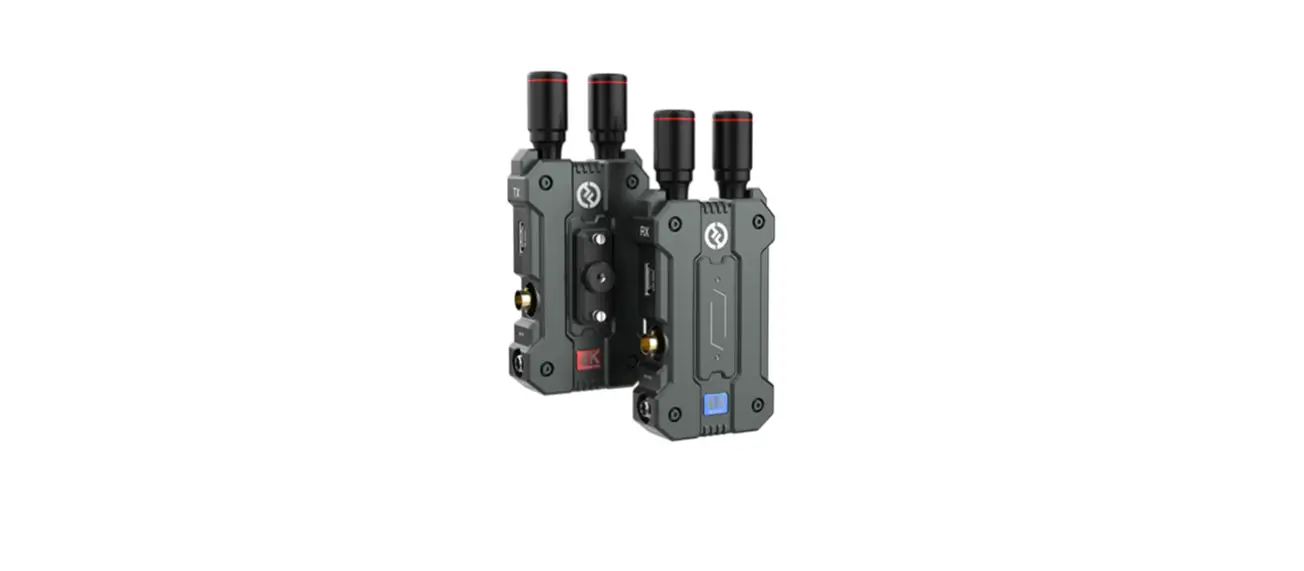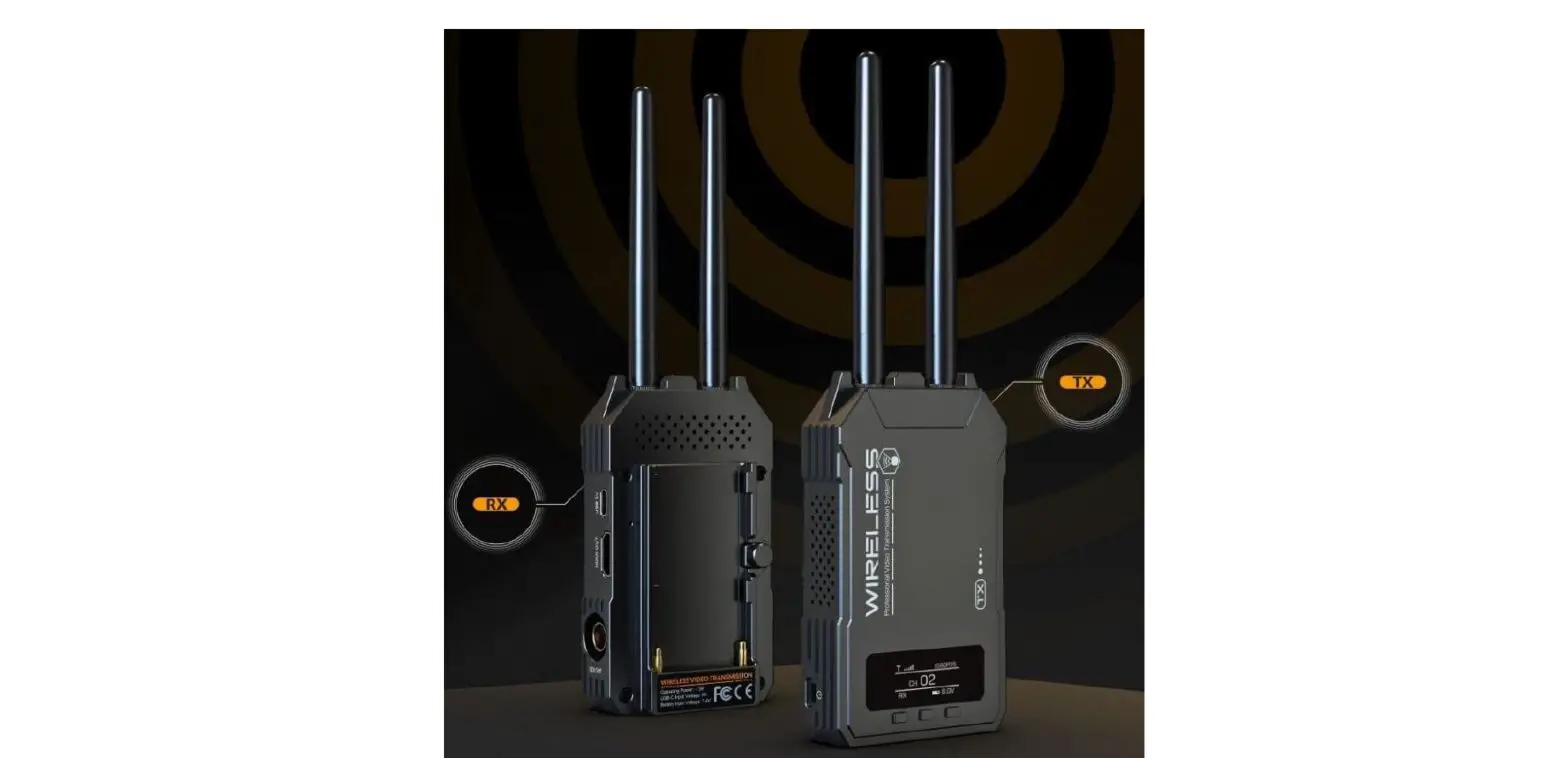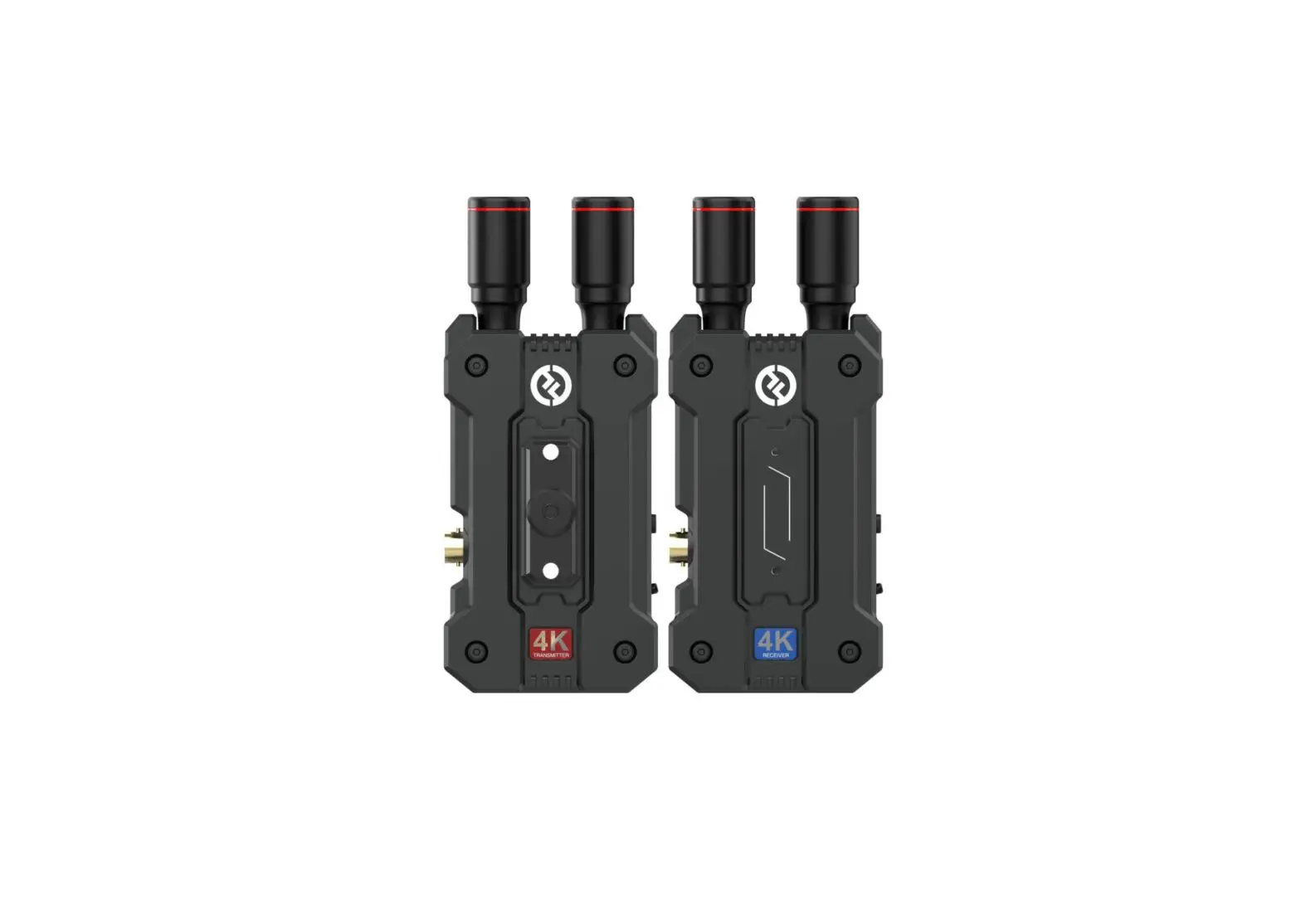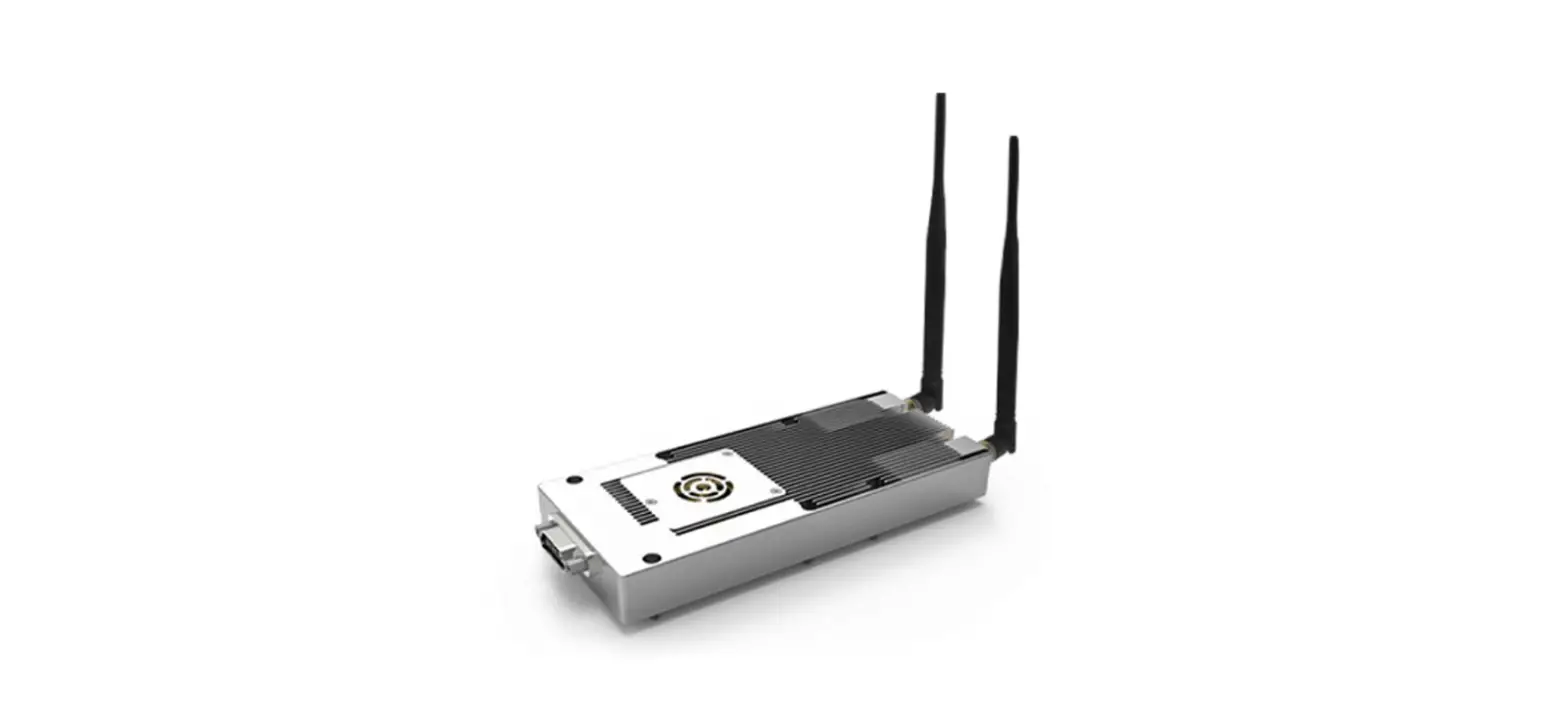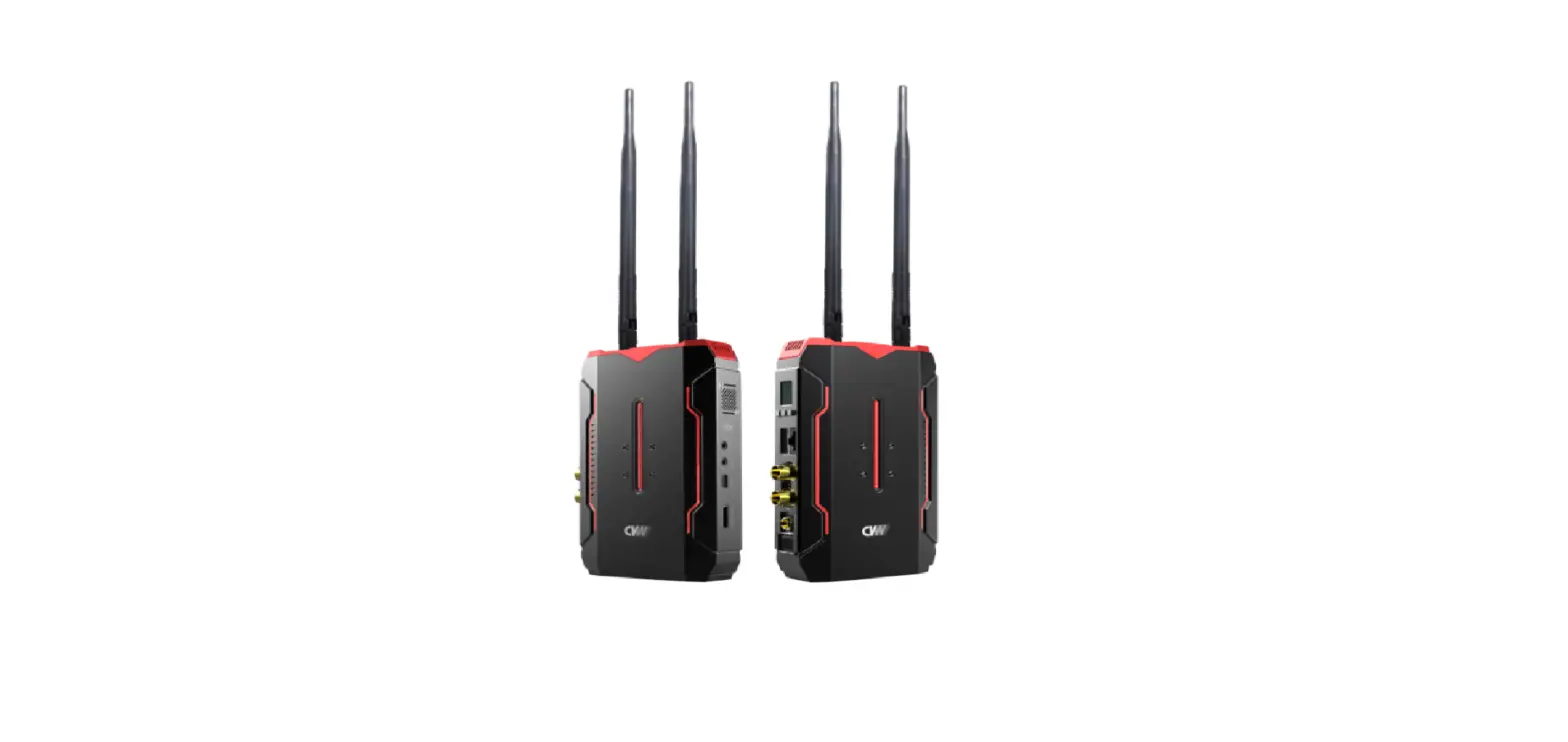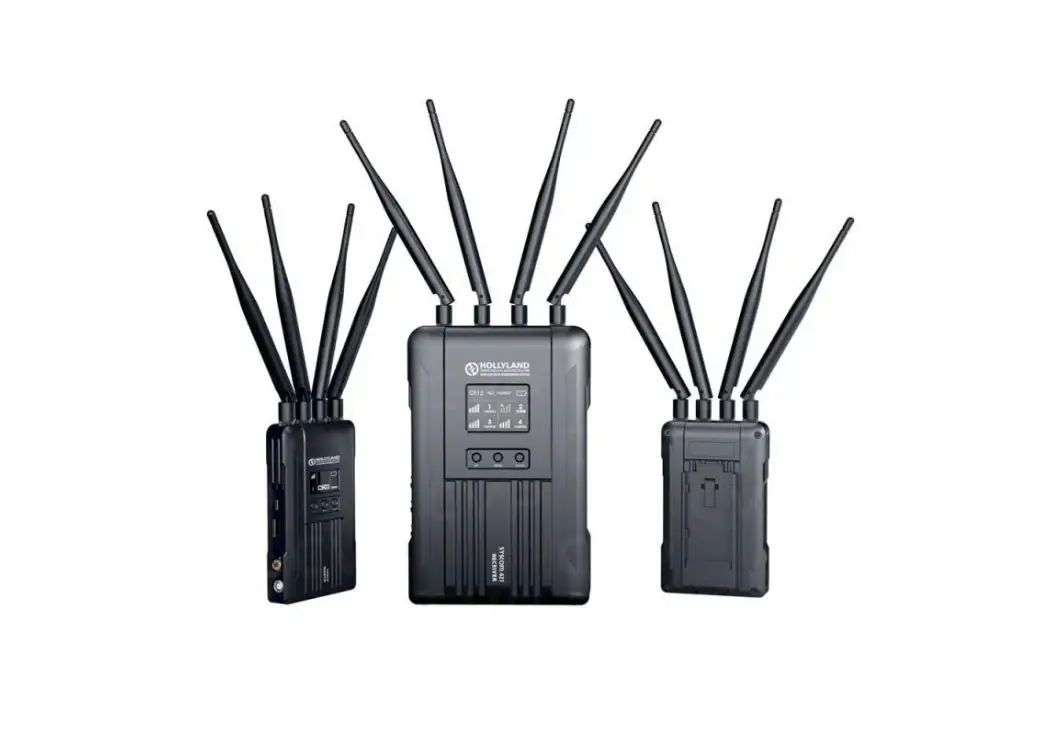

HOLLYLAND Syscom 421 Wireless HD Video Transmission System
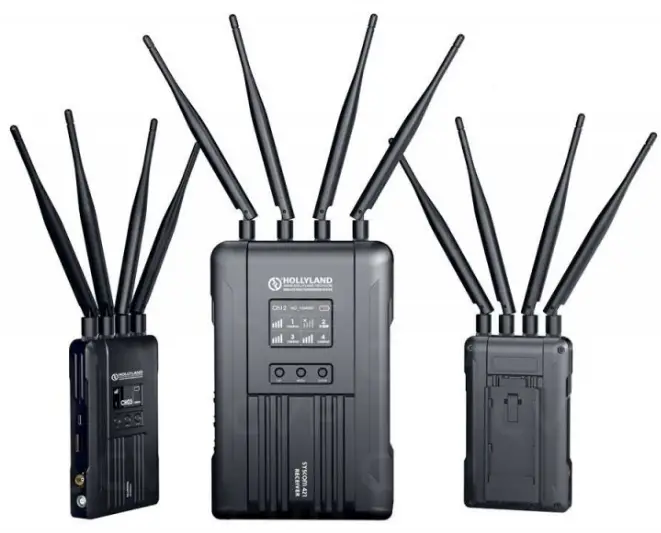
Thank you for purchasing the Hollyland SYSCOM 421 Wireless HD Video Transmission System. Please read this manual carefully before using the product and wish you a pleasant experience.
KEY FEATURES
- 1800ft Transmission Range
- The lowest achievable latency is 0.07s
- 5.1-5.9 GHz Frequency Band Width, Supports Frequency Configuration for Different Territories
- Supports 4 SDI Input and HDMI Input, 4 SDI Output and HDMI Output
- 4 Transmitters Use the Same Wireless Channel with Strong Anti-Interference Ability
- Supports TALLY and RS485/RS422 Control
- Transmitter Supports 7-36V DC Wide Voltage Input
- Receiver Supports 18-36V DC Wide Voltage Input
- Support USB Firmware Upgrade Interface
- Stable & Reliable Industrial Metal Case
- With RJ45 Interface, Supports Network Pass Through between Transmitter and Receiver, and Achieves RTSP Pull and Push Streaming
PACKING LIST
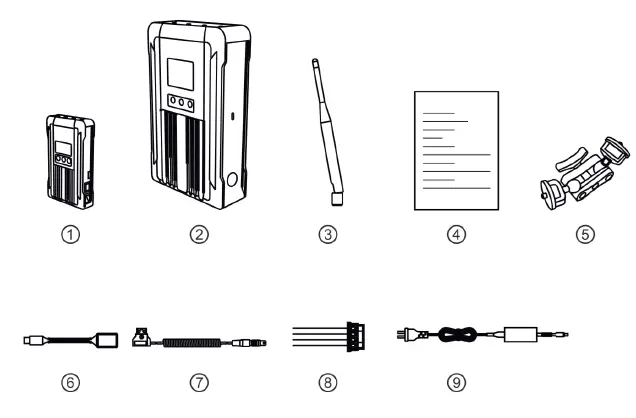
PACKING LIST(4 TX & 1 RX)
- Transmitter x4
- Receiver x1
- 5GHz Antenna x25
- User Guide x1
- 7-lnch Magic Arm x4
- OTG Cable x1
- DC Conversion Cable x4
- RS485/RS422 Interface Cable x5
- Power Adapter x1
PACKING LIST(2 TX & 1 RX)
- Transmitter x2
- Receiver x1
- 5GHz Antenna x15
- User Guide x1
- 7-lnch Magic Arm x2
- OTG Cable x1
- DC Conversion Cable x2
- RS485/RS422 Interface Cable x3
- Power Adapter x1
TYPICAL SETUP
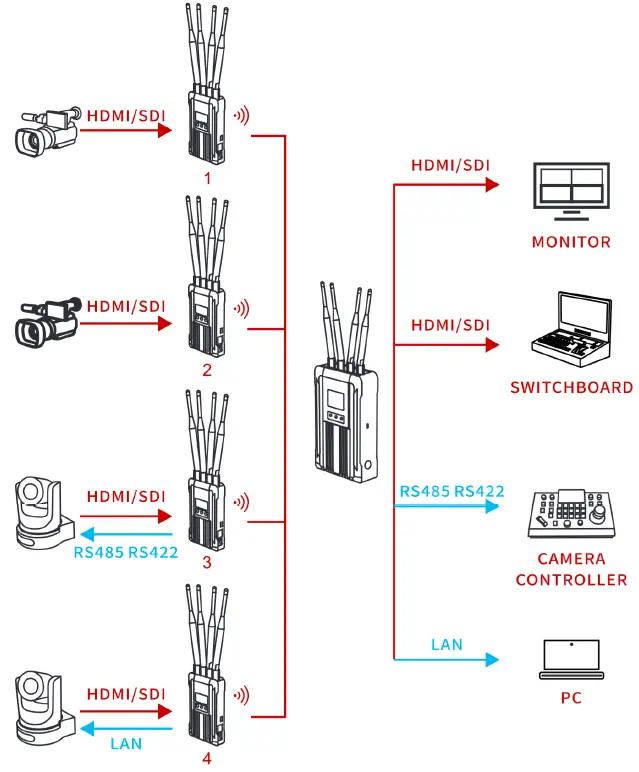
Note: The above is a typical connection diagram for the SYSCOM 421 with the standard packing: 4 transmitters and 1 receiver. The actual connection is based on the package you purchase.
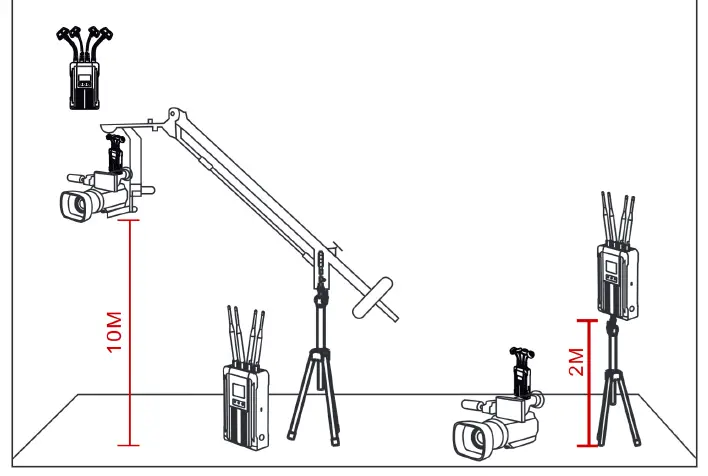
Enhancing stability performance of the system , it is recommended to use mushroom antennas (optional accessories) when there is a huge height difference between the transmitter and the receiver.
PRODUCT INTERFACES
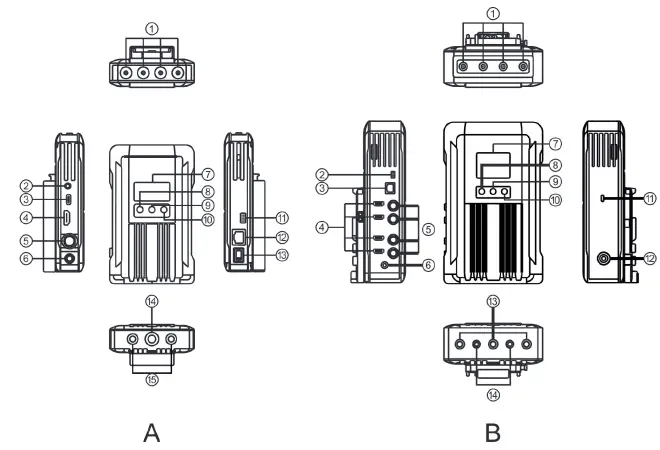
A.TRANSMITTER
- RP-SMA Antenna Interface
- 3-Segment 3.5mm TALLY Output
- USB Type-C Interface
- HDMI Input
- SDI Input
- DC Power Input
- OLED Display
- UP
- MENU/OK
- DOWN
- RS485/RS422 Interface
- LAN Interface
- DC Power Switch
- 3/8-16 Screw Hole
- 1 /4-20 Screw Hole
B.RECEIVER
- G) RP-SMA Antenna Interface
- RS485/RS422 Interface
- LAN Interface
- HDMI Output
- SDI Output
- DC Power Input
- TFT Display
- UP
- MENU/OK
- DOWN
- USB Type-C Interface
- DC Power Switch
- 3/8-16 Screw Hole
- 1 /4-20 Screw Hole
INSTALLATION
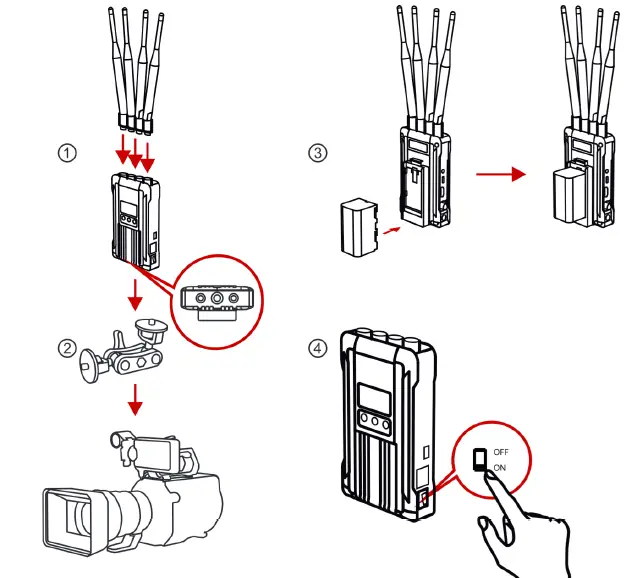
TRANSMITTER
- Install antennas on the transmitter as demonstrated .
- Install magic arm on the 1/4 screw hole at the bottom of transmitter.
- Fix the transmitter on the camera through magic arm.
- Connect the HDMI/SDI output port of the camera to the HDMI/SDI input port of the transmitter with an HDMI cable/SDI cable.
- Install the batteries (compatible with NP-F970 battery or the same series).
- Turn on the device by pressing the power switch to “ON”.
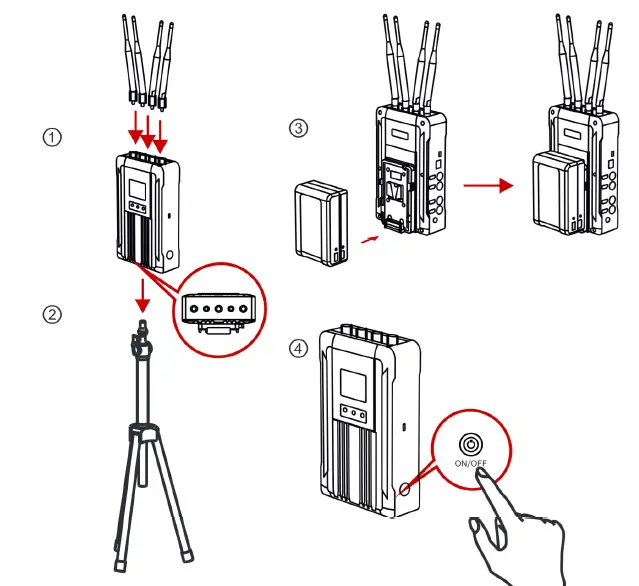
RECEIVER
- Install antennas on the receiver as demonstrated.
- Install magic arm on the 1/4 screw hole at the bottom of receiver.
- nstall the battery (compatible with V-mount large capacity batteries).
- Turn on the device by pressing the power switch to “ON”. The power indicator will show with a blue light.
OLED DISPLAY
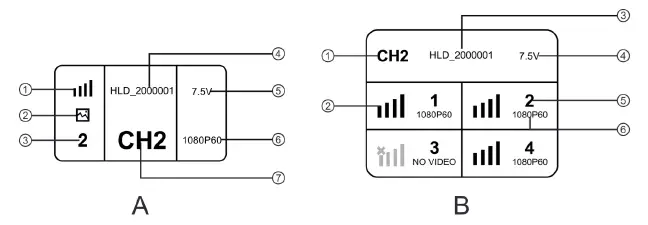
A.TRANSMITTER
- Signal Strength
- Scene Mode
- Device ID
- Device SSID
- Power Supply Voltage
- Video Format
- CV Channel Display
B.RECEIVER
- Channel Display
- Signal Strength
- Device SSID
- Power Supply Voltage
- Device ID
- Video Format
NOTES
Low Power Indicator: The low power warning will be triggered when the battery power is too low. And the battery icon will start to blink.
QUICK GUIDE
ENTER MENU
Long press the MENU button of the transmitter and receiver to enter the main menu.
CHANNEL CHANGE
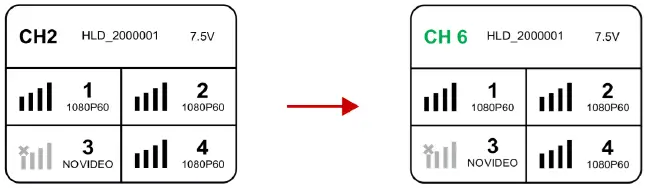
Press the “UP” or “DOWN” button on the receiver to switch to another channel, press the “MENU” button to confirm the channel, and the transmitter channel will be automatically switched.
- RS485/RS422 INTERFACE USE METHOD
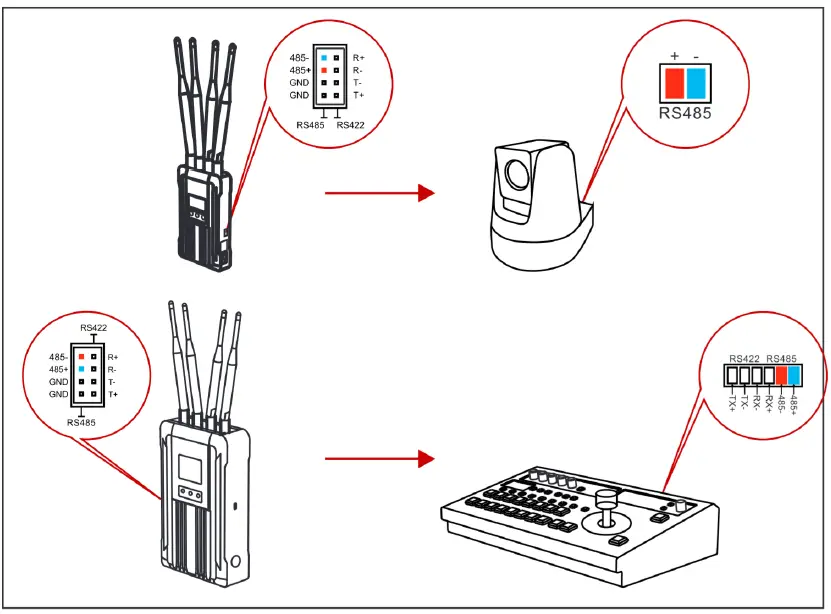
- RS485 CONNECTION
RS422 CONNECTION
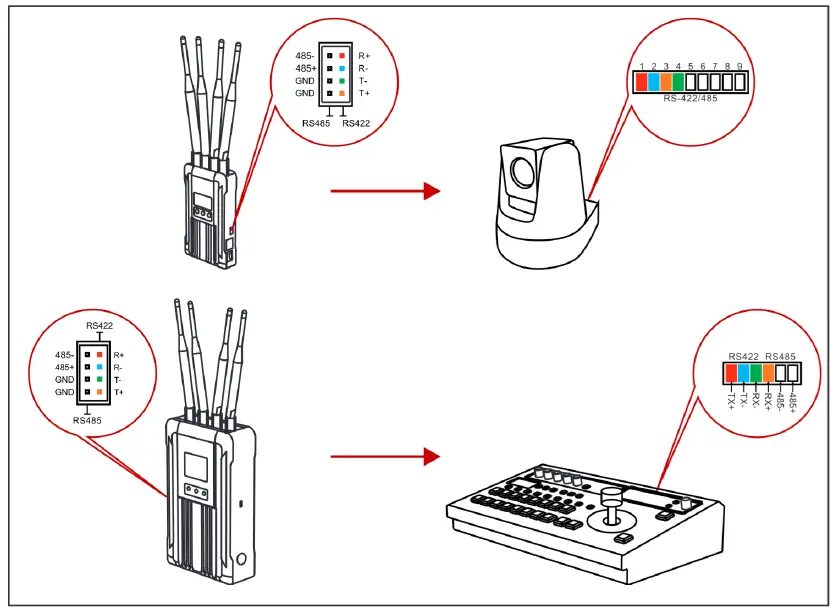
- Connect the transmitter and the receiver with the RS485/RS422 signal cable.
- As demonstrated above, connect the transmitter with the terminal device and connect the receiver with the switcher. The line sequence shall correspond to the colors.
- Select the corresponding baud rate on both the transmitter and the receiver. (Baud rate setting path: enter the menu-system setting-serial port setting)
- The terminal equipment which connected with the transmitter could be controlled by the lever arm on the switcher.
TALLY CONTROL USE METHODS
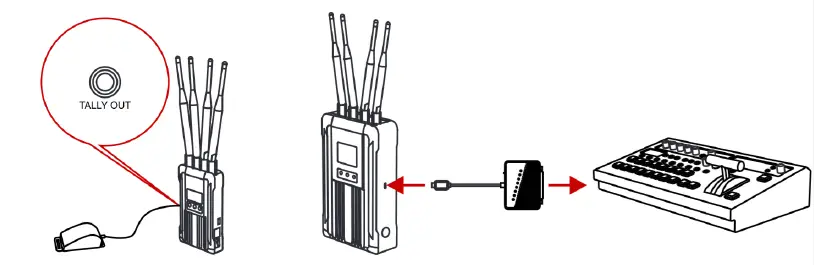
- Connect the TALLY lights to the TALLY out interface on the transmitter.
- Connect the USB Type-C interface with the TALLY box on the receiver, and connect the switcher and the TALLY box with a D-Sub Female 25 signal cable.
- TALLY lights could be controlled by the switches on the switcher.
LAN INTERFACE USE METHOD
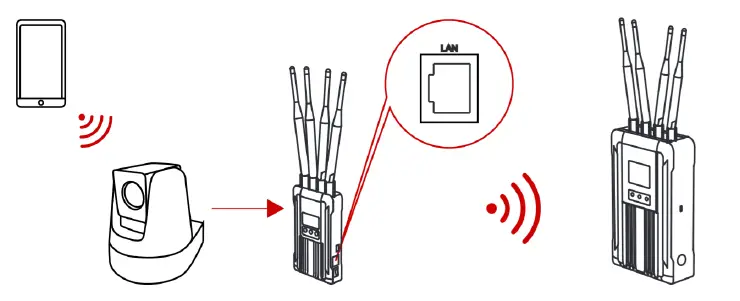
Connect the LAN interface on the device with a network cable, and set the IP of the camera to be consistent with the device.
NOTES:
The device IP is 192.168.218.x network segment.
FIRMWARE UPGRADE
- Copy the upgrade firmware to a USB stick.
- Insert the USB stick into the OTG converter and connect it with the USB Type-C upgrade interface on the transmitter.
- Restart the device, and the device will enter into the upgrade interface automatically.
- Once the upgrade is complete, the device will display “upgrade successfully”, and reboot automatically.
Please keep continuous power supply during the upgrading.
PARAMETERS
| Transmitter | Receiver | |
|
Interface | SDI INPUT BNC FEMALE HDMI INPUT TYPE A FEMALE 3.SMM TALLY OUTPUT 4 ANTENNA RP-SMA MALE DC POWER INPUT USBTYPE-C LAN RS485 /RS422 | S0 I1, S0 I2, S0 I3, S0I4 OUTPUT (BNC FEMALE) HDMl1, HDMl2 , HDMl3, HDMl4 OUTPUT (TYPE A FEMALE ) 4 ANTENNA (RP-SMA MALE) DC POWER INPUT USB TYPE-C LAN RS485 /RS422 |
| Supply Power Range | 7~36V DC | 18~36V DC |
| Power Consumption | <12W | <32W |
| Weight | 431.Sg (External Antenna Excluded) | 1621g (External Antenna Excluded) |
| Dimension | (LxWxH :88x30x144mm External Antenna and Battery Plate Excluded | (LxWxH :148x62x242mm External Antenna and Battery Plate Excluded |
|
Input/Output Video Format | HDMI: 480P60 Hz 576P50 Hz 720P50/60 Hz 1080i50/60 Hz 1080P24/25/30/50/60 Hz SDI: 720P50/60 Hz 1080i50 /60 Hz 1080P24 /25/30/50/60 Hz | HDMI: 480P60 Hz 576P50 Hz 720P50 /60 Hz 1080i50 /60 Hz 1080P24/25/30/50/60 Hz s0I: 720P50 /60 Hz 1080i50 /60 Hz 1080P24 /25/30/50/60 Hz |
| Frequency | 5.1~5.9GHz | 5.1~5.9GHz |
| Transmission Power | MAX 22dBm | MAX 22dBm |
| Receiver Sensitivity | -90dBm | -90dBm |
| Lowest Transmission Latency | 0.07s | 0.07s |
| Bandwidth | 40MHz | 40MHz |
FAE
If encounter any problems in using the product or need any help, please follow these ways to get more technical support:
0 Hollyland Products User Group
HollylandTech
HollylandTech
[email protected]
www.hollyland-tech.com
SHENZHEN HOLL VLAND TECHNOLOGY CO,. LTD
BF, 5D Building, Skyworth Innovation Valley, Tangtou, Shiyan, Baoan District Shenzhen, China.