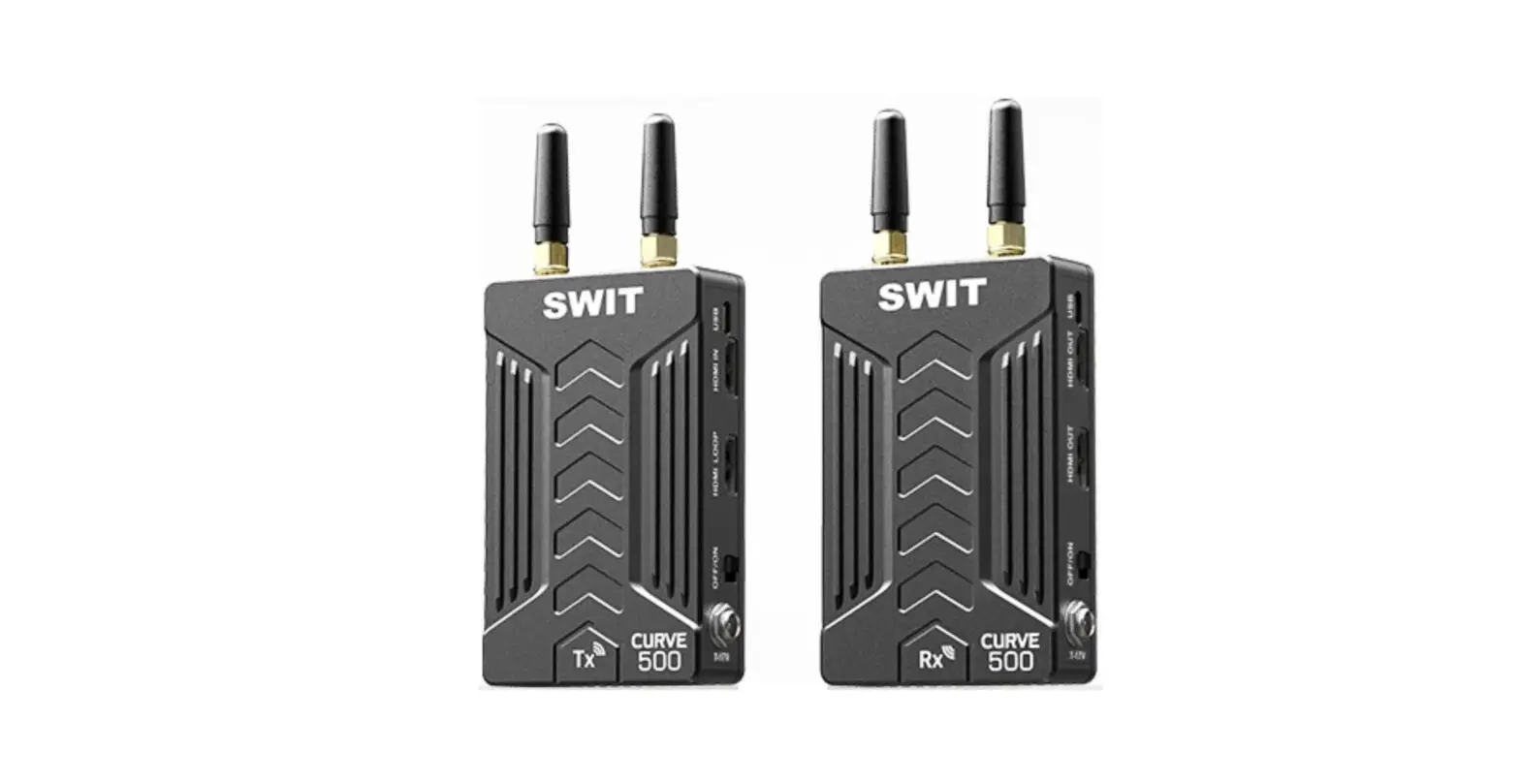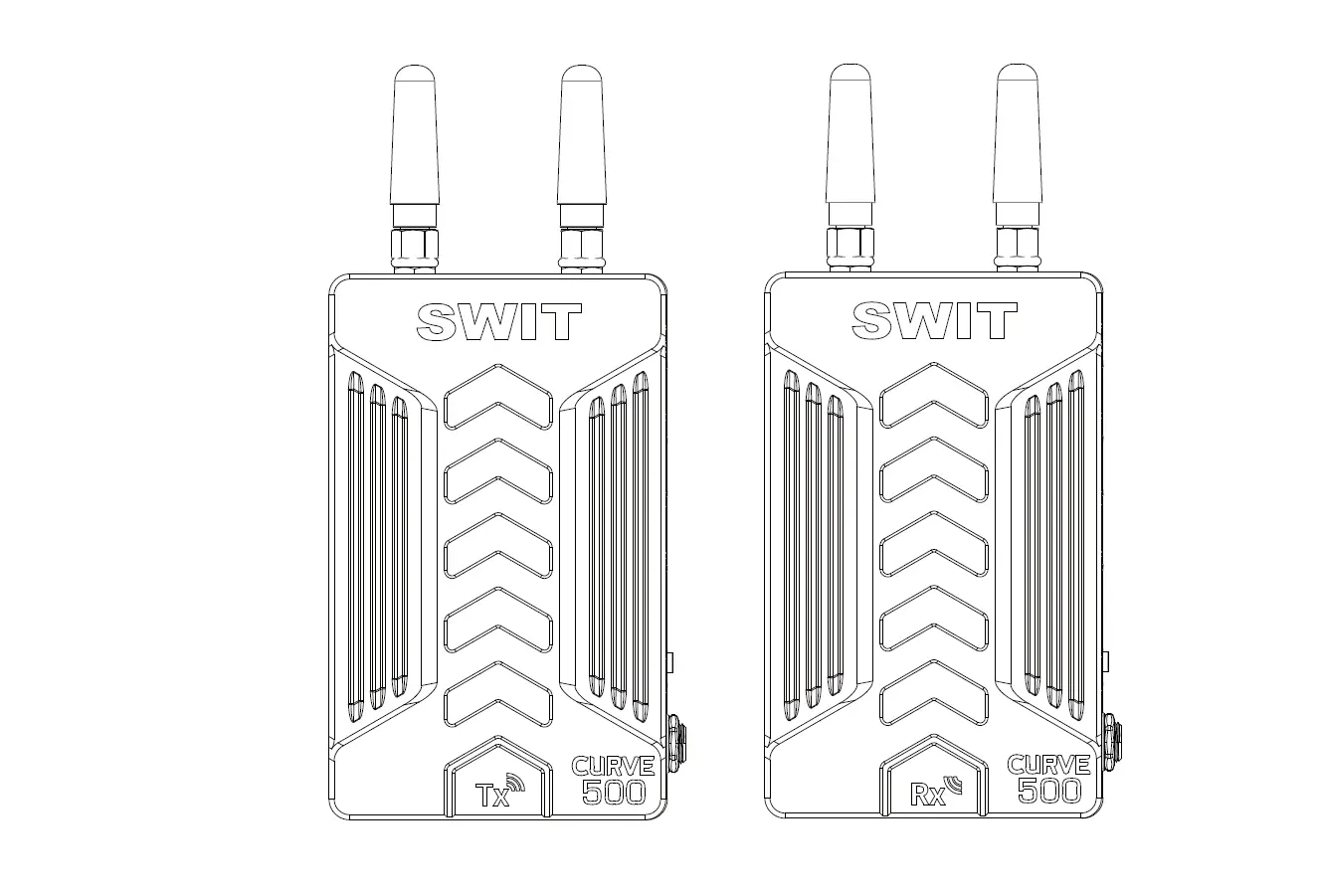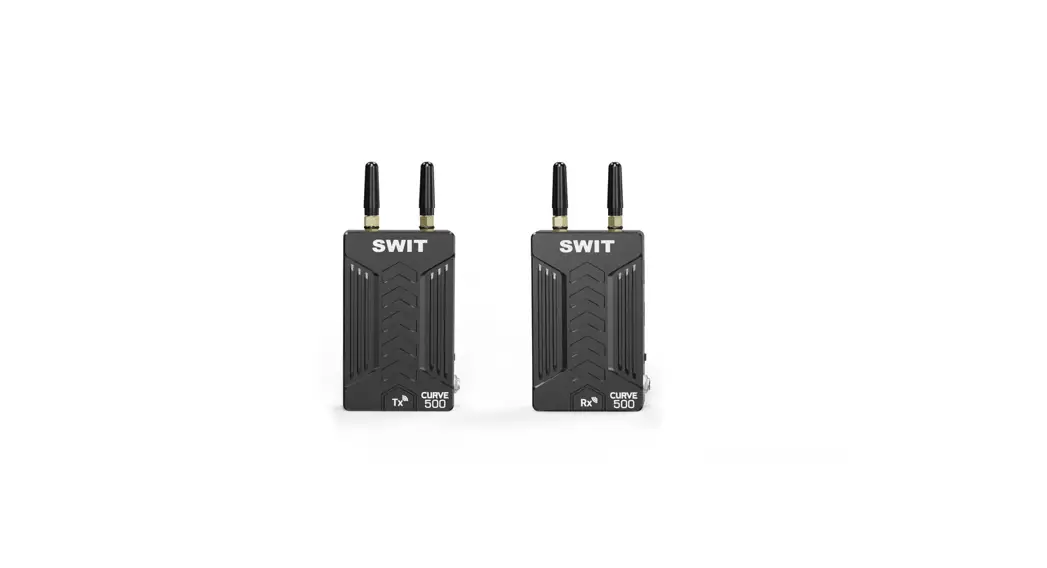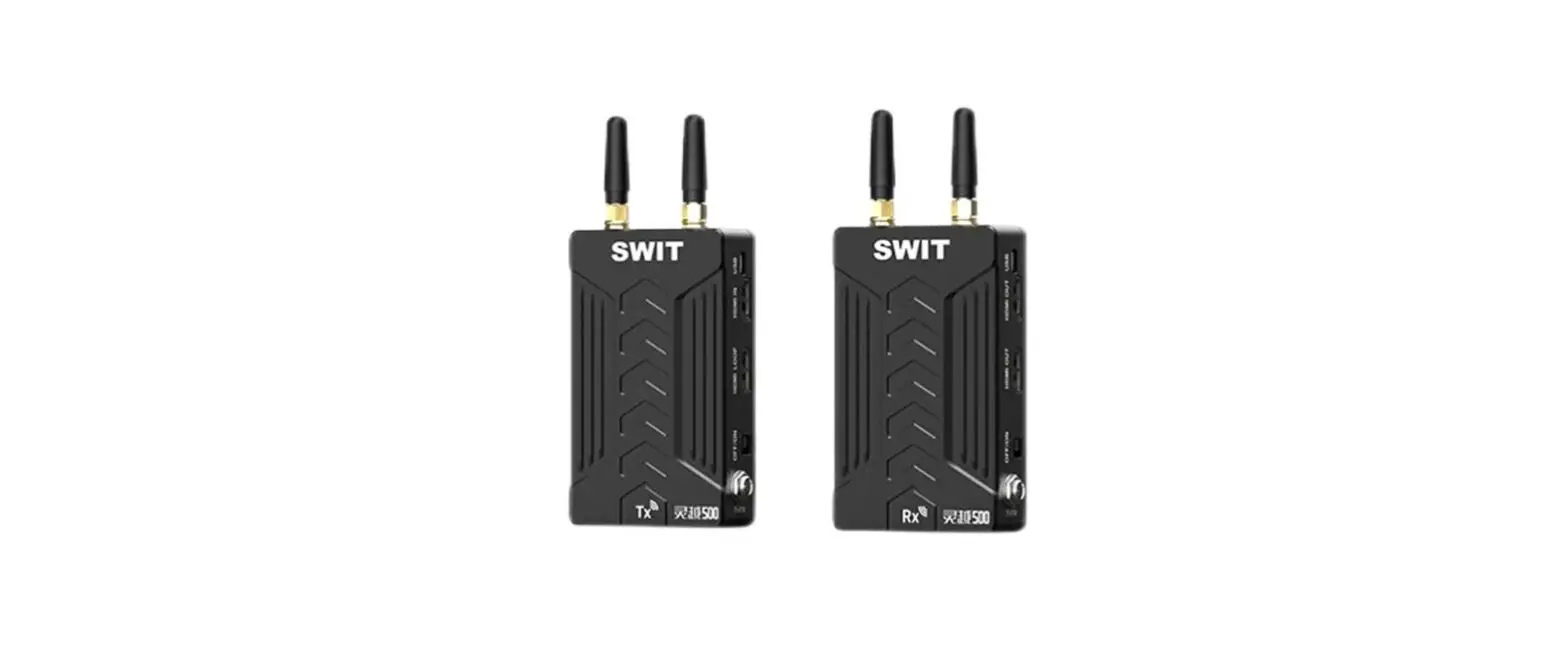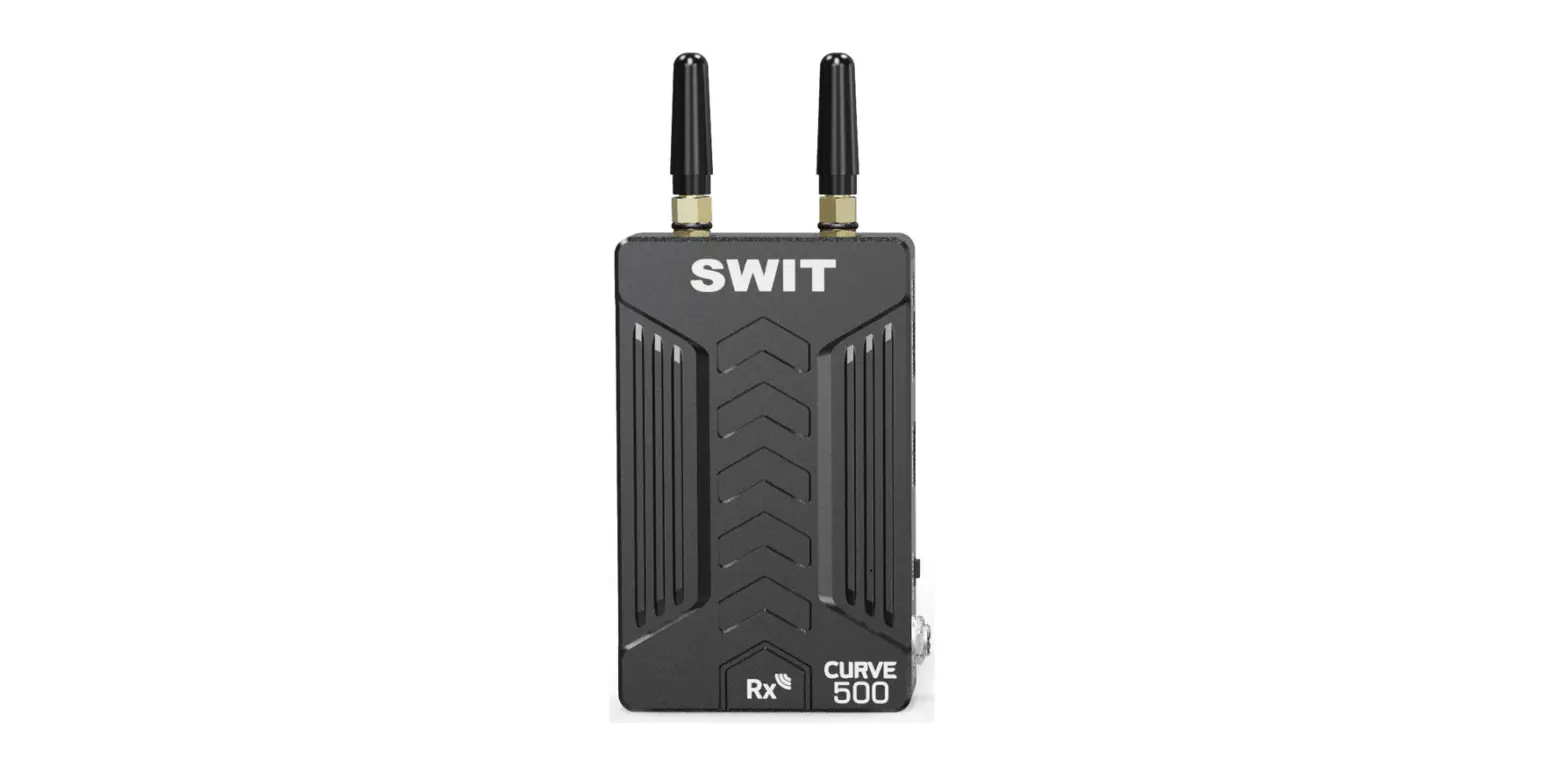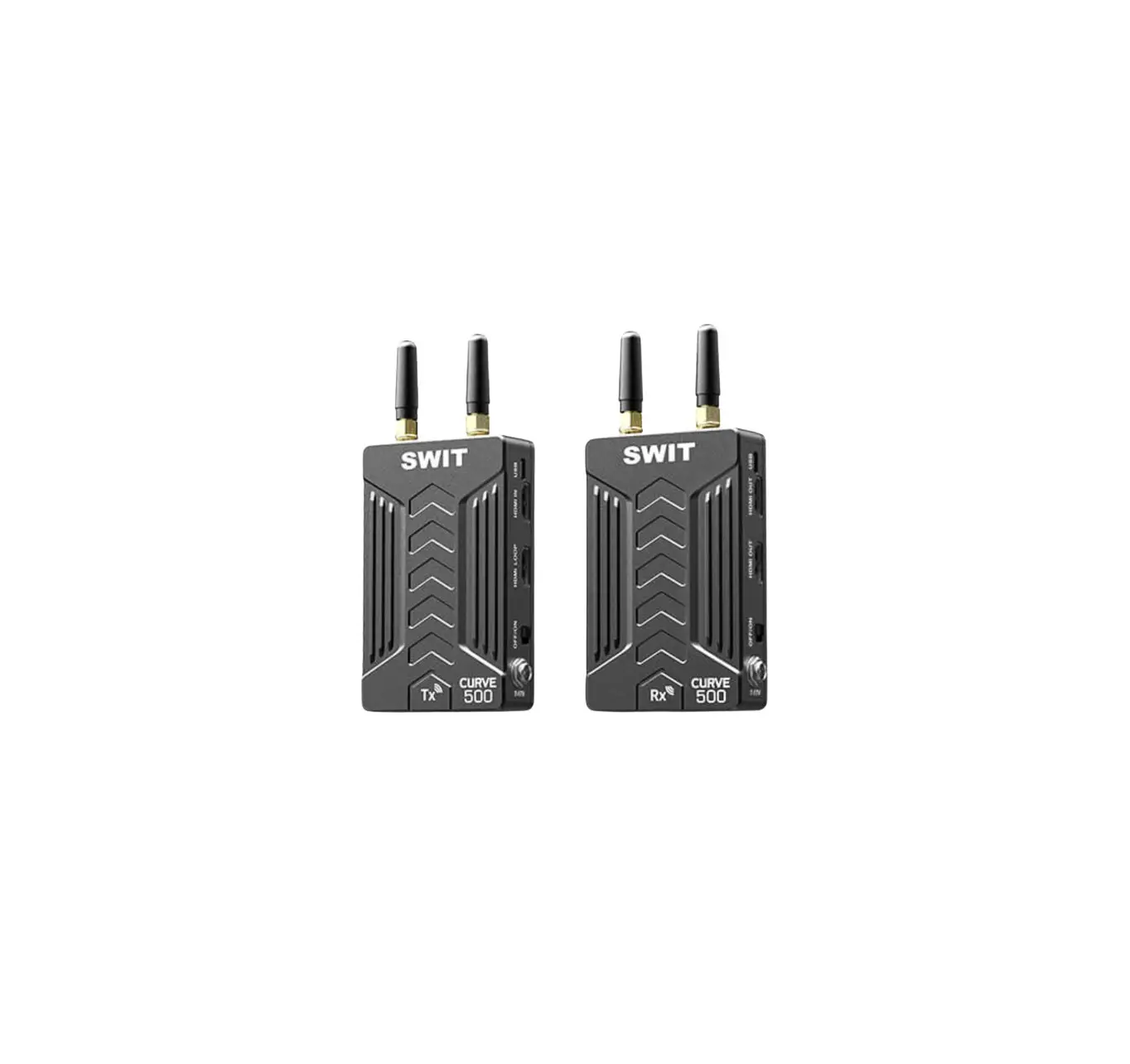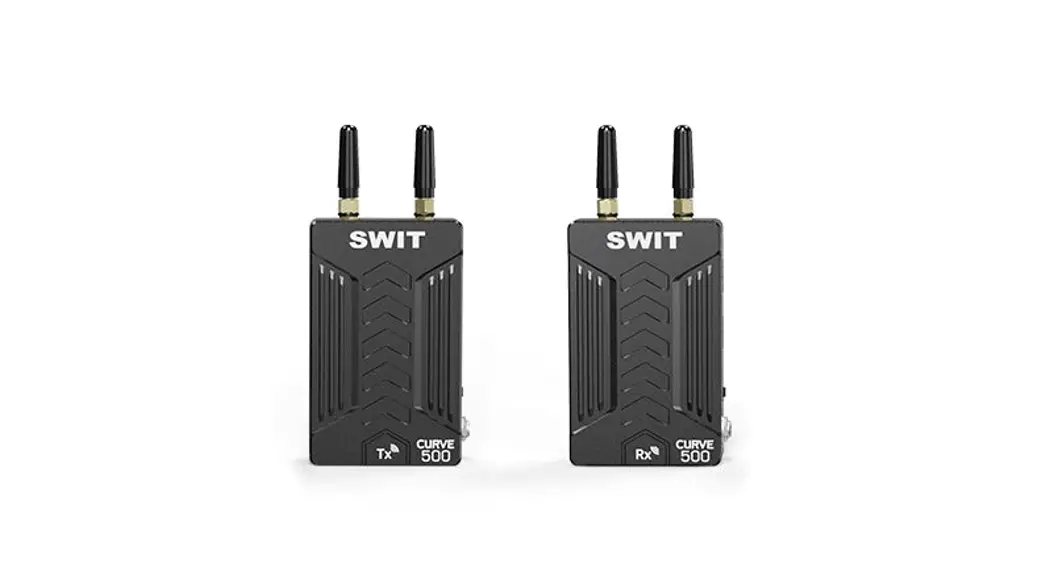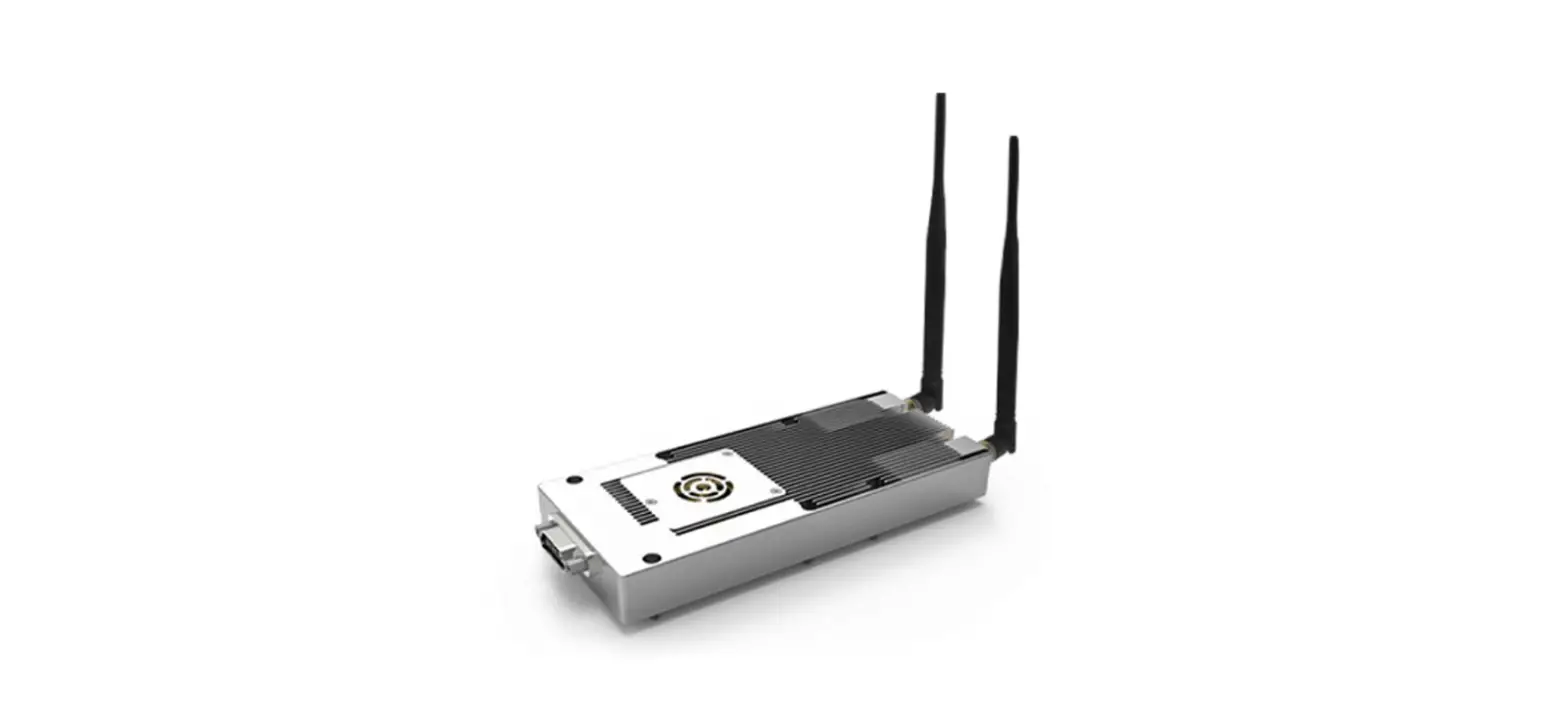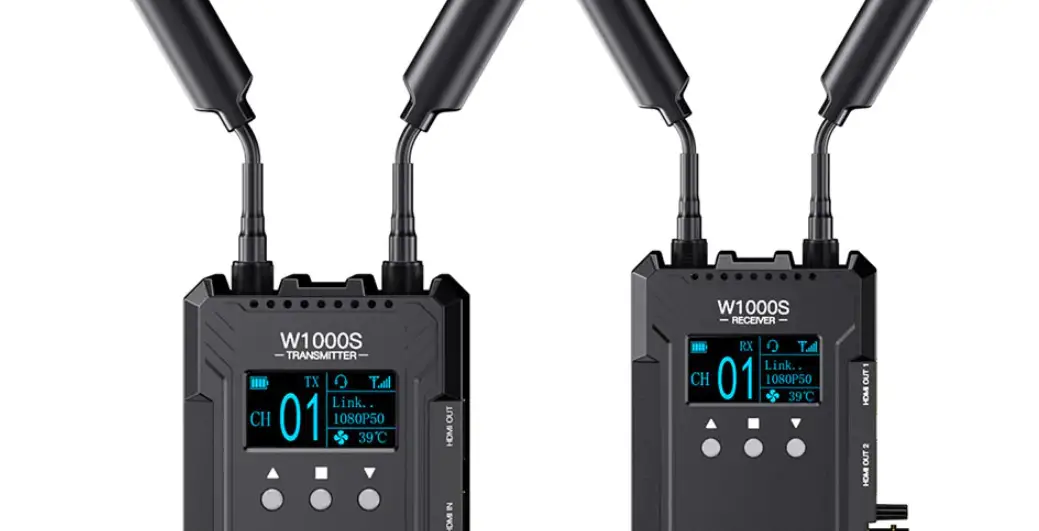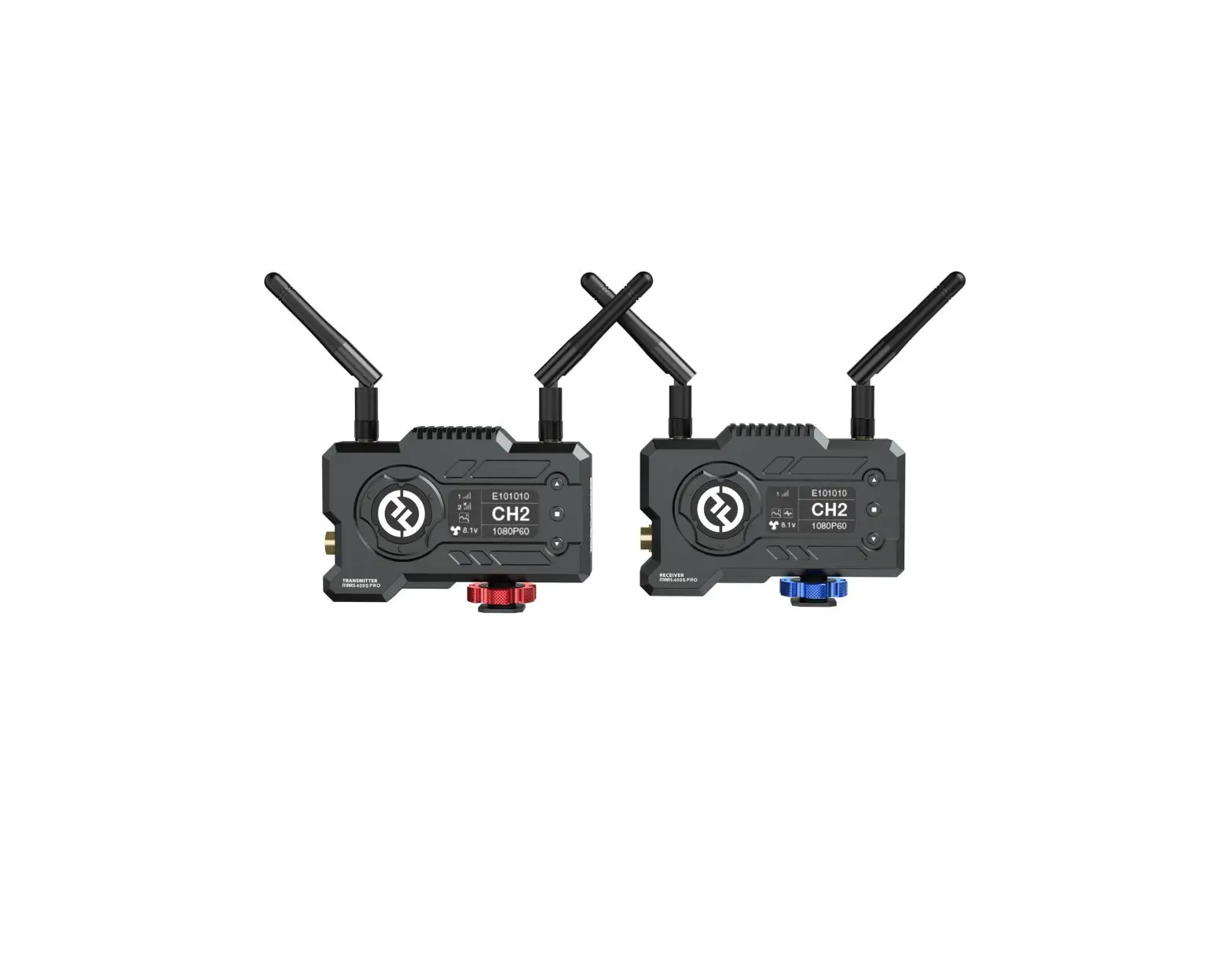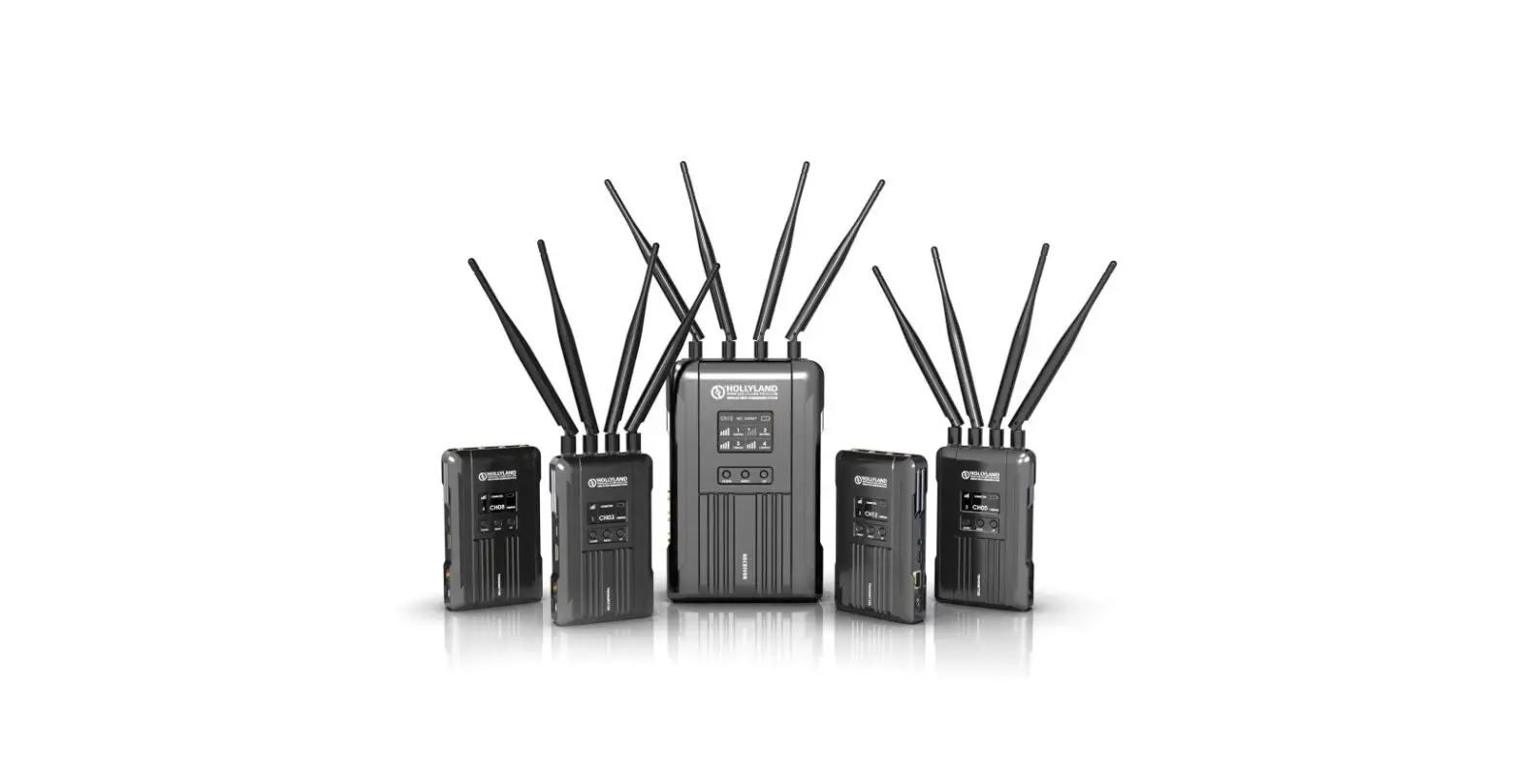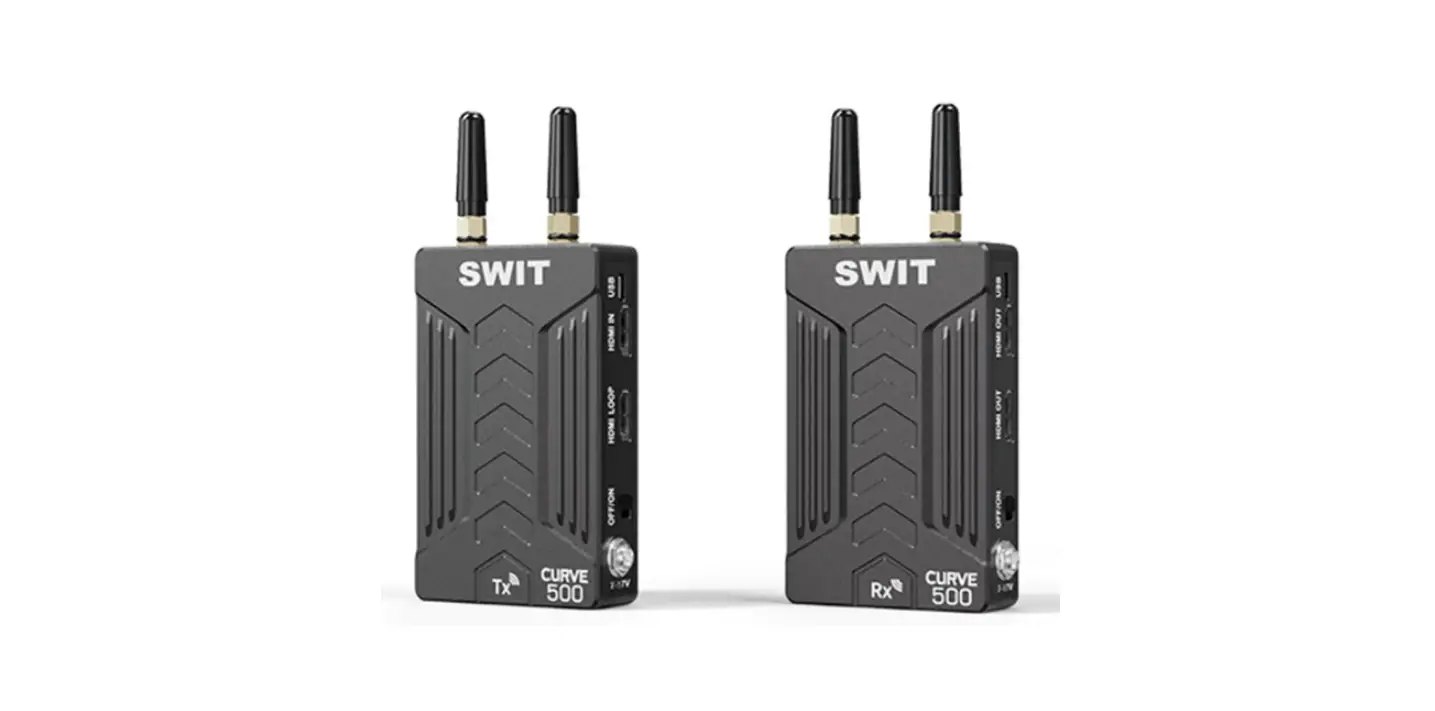

SWIT CURVE500+ Tx 500ft Wireless HD Video Transmission System
Safety Precautions
Please follow the safety precautions before using. The following conditions are not covered by a warranty.
- Unauthorized repairs or other Unauthorized operations.
- Inappropriate placement includes but is not limited to lighting, fire, and exposure to rain, water or gas.
- Using the wrong power supply.
Warning
- Do not get any liquid inside the products
- Do not block the ventilation openings or put substances inside, in order to avoid short circuit, fire or electric shock.
- Do not place the product in the rain or moisture to avoid electric shock or fire.
Danger
- Switch the power off before connecting other devices.
- Power socket: Make sure the power socket under the voltage range of the product to avoid short circuit, electric shock and fire.
- Power cable: Make sure the power cable is not pressed or tightened by any items or weights.
- Power Load: Do not exceed the load on the wall outlet, extension cable or other porous receptacle to avoid fire or electric shock.
- Lightning: Disconnect the power cable if it is lightning or not using in a long period of time.
Working environment
- Please don’t lay the product on any unstable place to avoid fallen damage.
- Please don’t use the product in a place overheating, undercooling or with lots of moisture, or near by strong magnetic devices.
- Please don’t lay the product on metal shelf, in order to ensure the effective wireless transmission.
Packing list
| No. | Packing details | Quantity |
| 1 | Transmitter | 1 |
| 2 | Receiver | 1 |
| 3 | Antenna | 4 |
| 4 | D-tap to lockable pole cable (0.6m) | 2 |
| 5 | Power adaptor | 1 |
| 6 | User manual | 1 |
| 7 | Warranty card | 1 |
Product Introduction
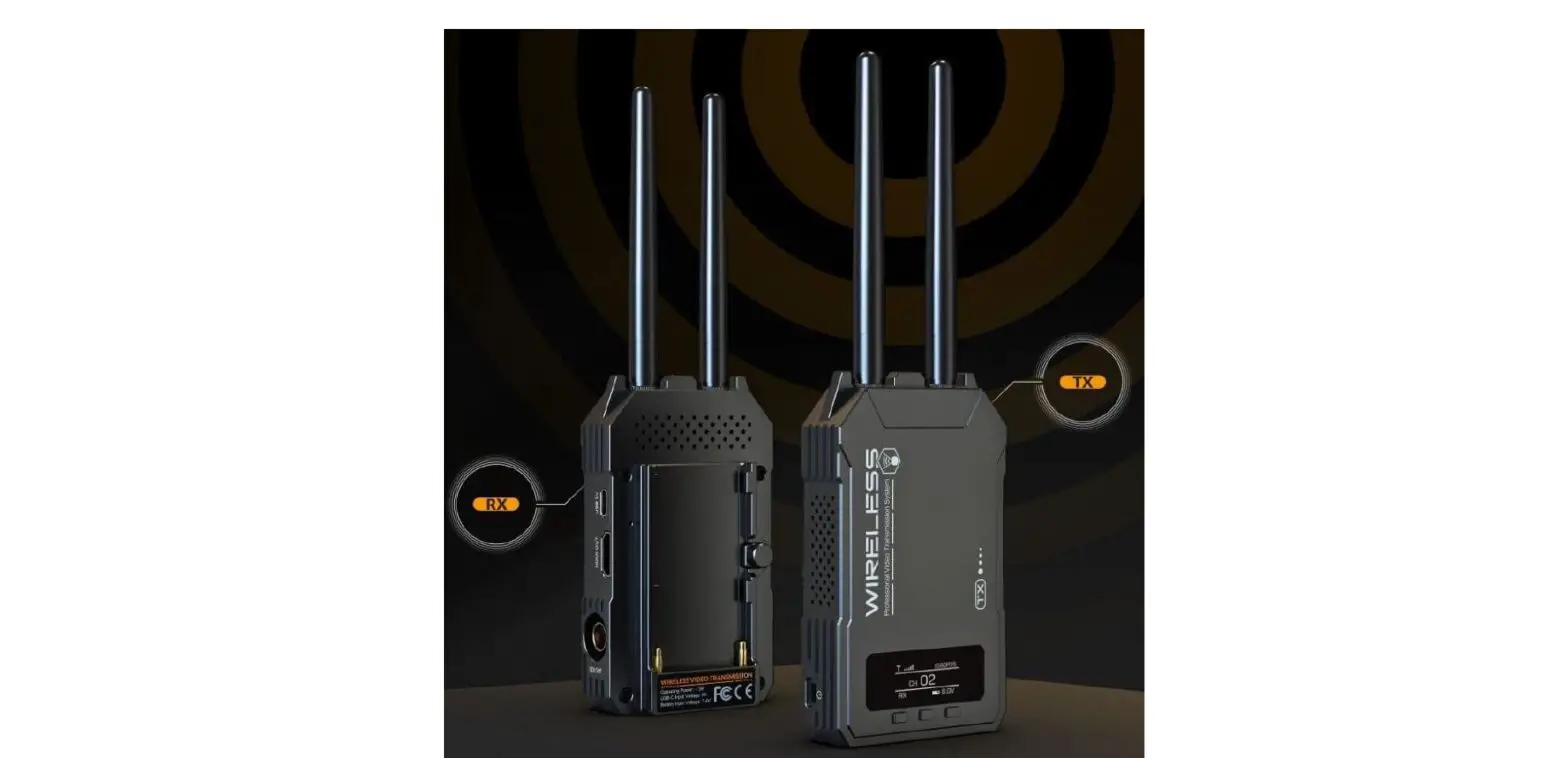
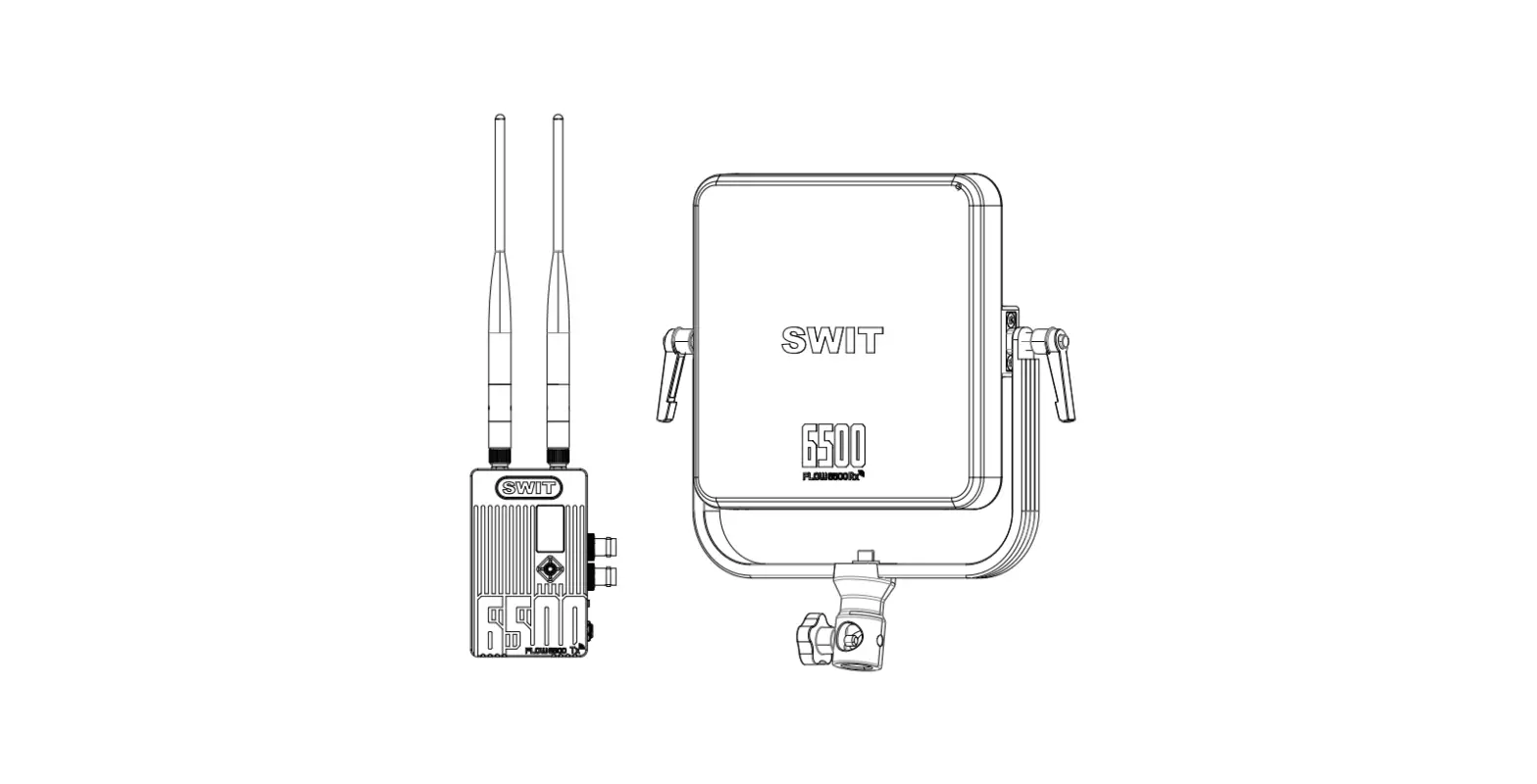
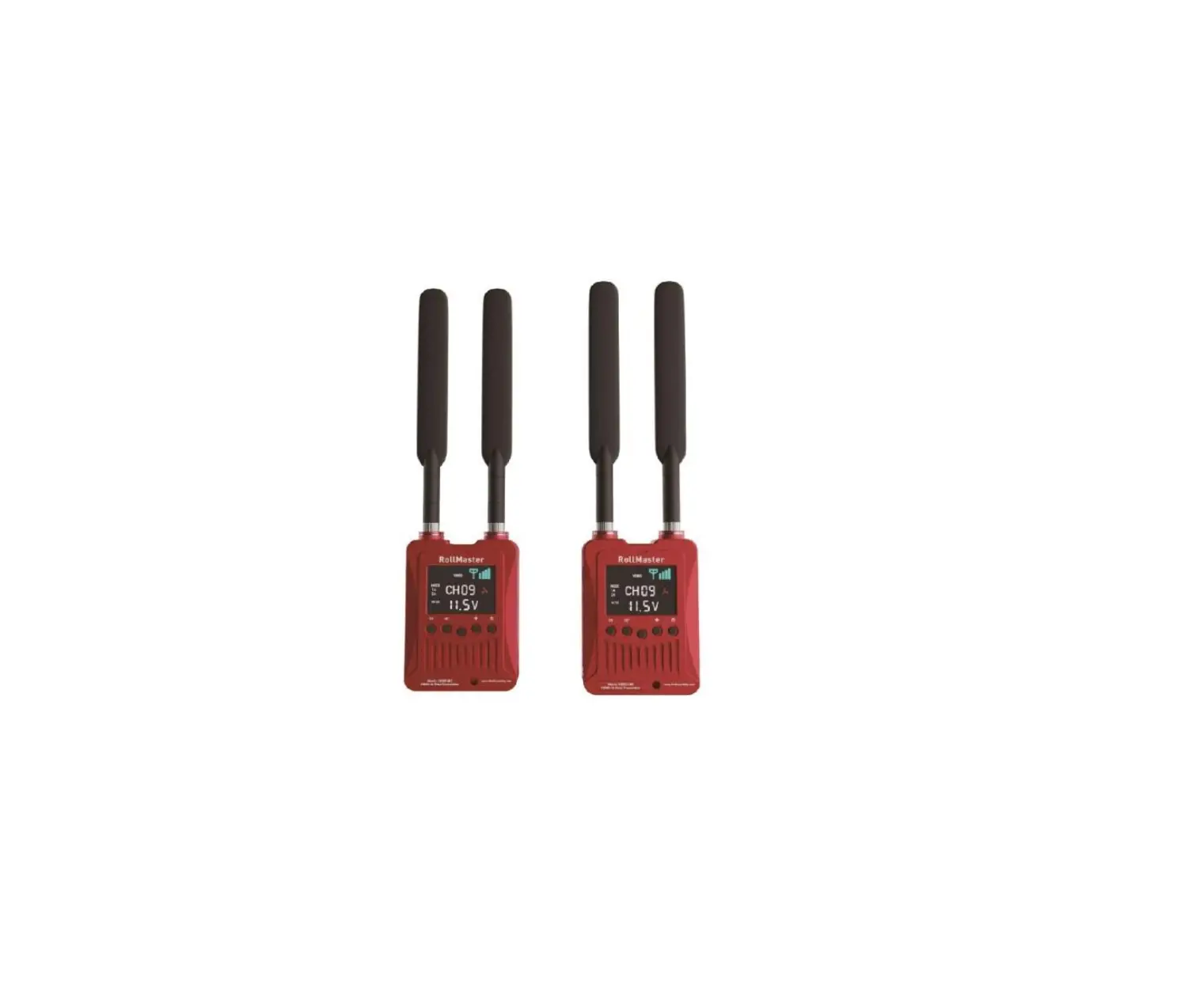
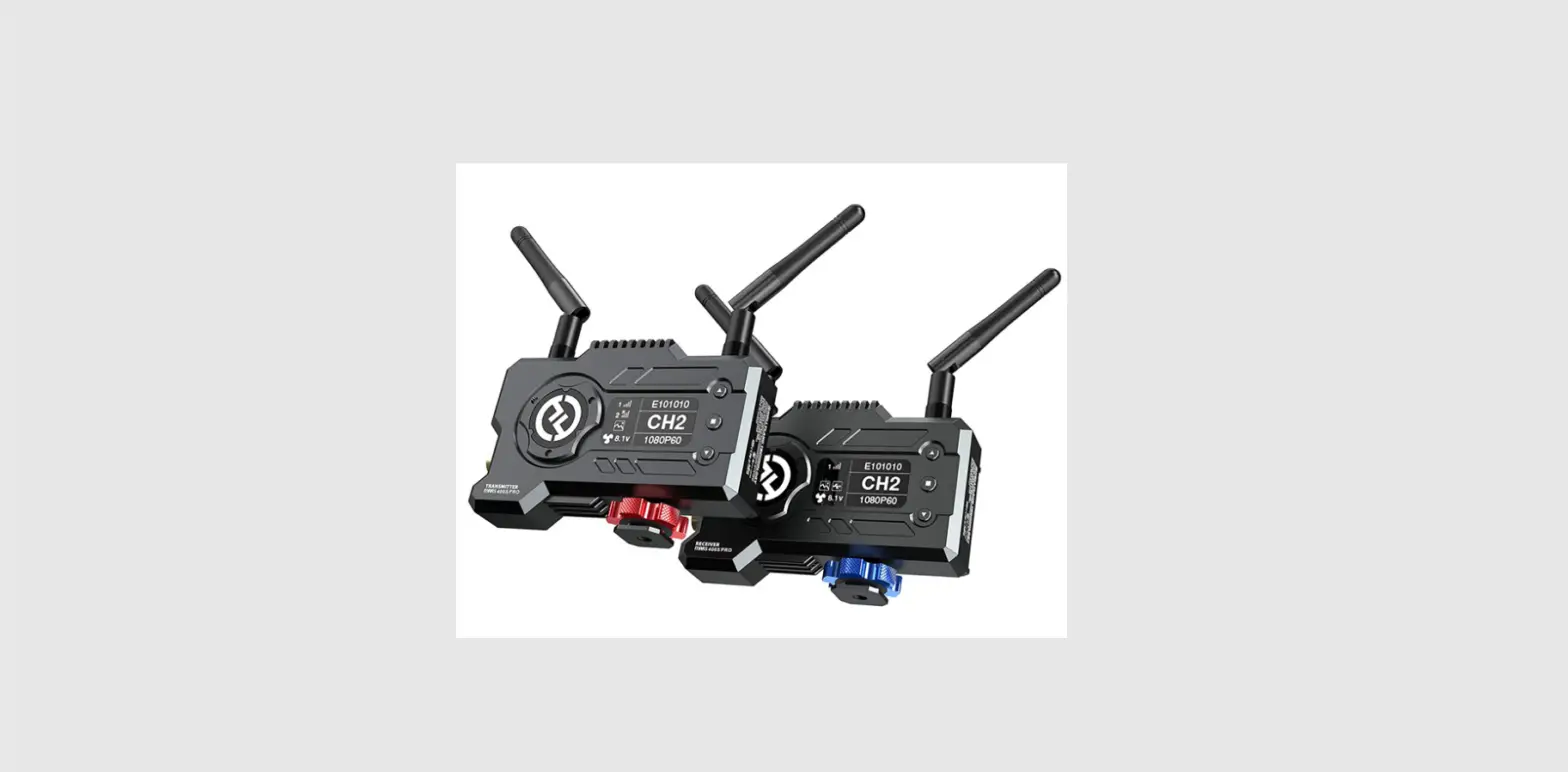
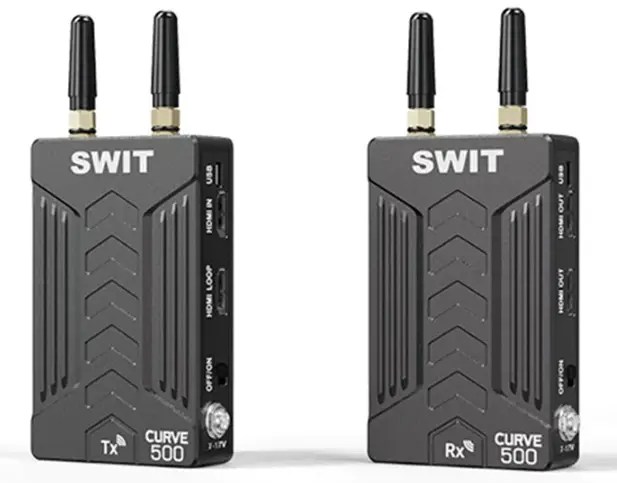
CURVE500+ includes transmitter and receiver, adopts the latest encrypted transmission technology, Supports HDMI wirelessly transmitted in 150 meters scale(Line-of-sight), 1 channel HDMI digital video transmission, auto pairing. CURVE500+ is equipped with DC power connector, compact size, portable, and the receiving signal is very stable.
Features
HDMI Wireless transmission
Support up to 1080P50/60Hz HDMI wireless transmission.a 150 meters transmission distance In open outdoor area, the effective transmission distance is approx. 150 meters (line of sight).
Wireless frequency
| Frequency Band and Frequency Point | |||
| CHOO | 5180MHz | CH04 | 5780MHz |
| CHOl | 5200MHz | CH05 | 5800MHz |
| CH02 | 5220MHz | CH06 | 5820MHz |
| CH03 | 5760MHz | I | I |
The system adopts 5180~5220MHz and 5760~5820MHz Wireless frequency band{CURVE500+ Tx).
The system adopts 5182.5~5282.5MHz and 5762.5~5822.SMHz Wireless frequency band(CURVE500+ Rx).
| Frequency Band and Frequency Point | |||
| CHOO | 5182.5MHz | CH04 | 5782.5MHz |
| CHOl | 5202.5MHz | CH05 | 5802.5MHz |
| CH02 | 5222.5MHz | CH06 | 5822.5MHz |
| CH03 | 5762.5MHz | I | I |
Pairing mode
Support auto pairing connection and manual switching of frequency points. ® Encryption
Support AES 128-bit encryption to protect the transmission.
All-Metal Shell
Both the transmitter and receiver adopt a metal shell which is durable and solid.
All hardware design
The wireless system is hardware and plug-and-play designed, without installing software, easy to set up.
Support USB output video signal
Receiver support capturing and output video signal USB port.
Remark:
- The transmission distance may be different and depend on surroundings, radio wave conditions, buildings, etc., the 150 meters transmission distance maybe not be guaranteed.
- The wireless transmission might be interrupted if there’re other devices of 5Ghz wireless bandwidth used in the same location.
- Signal reception may be affected by the position, height, and angle of devices. If the reception video is not stable, please physically adjust placement for the optimized signal.
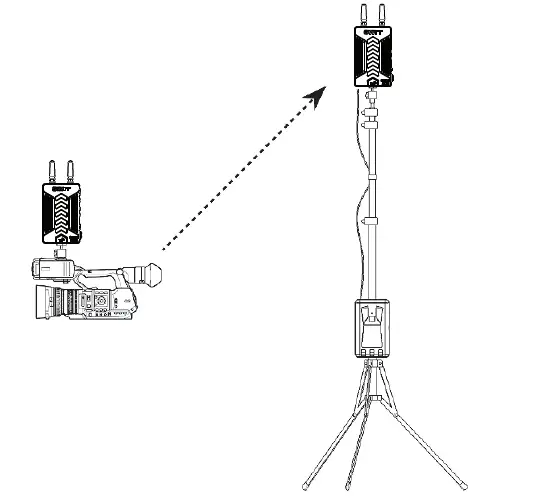
- Set the antennas straight up and set the receiver higher to enhance the transmission efficiency.
- The product offers AES 128-bit encryption to protect the wireless transmission. Please still be aware of the intentional signal interception from third person. Do not use it for important communication.
Appearance Instruction
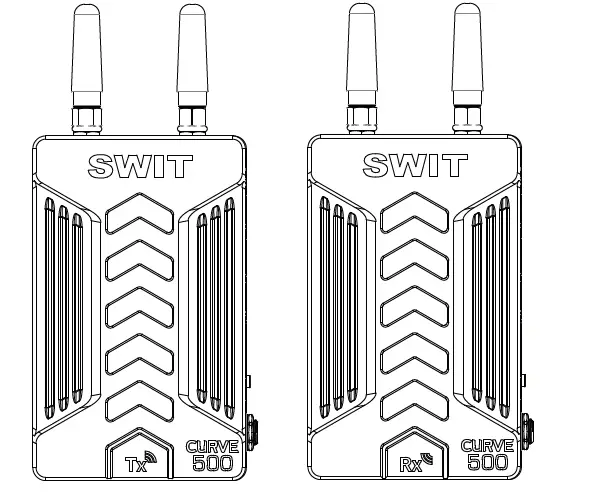
Transmitter CU RVES00
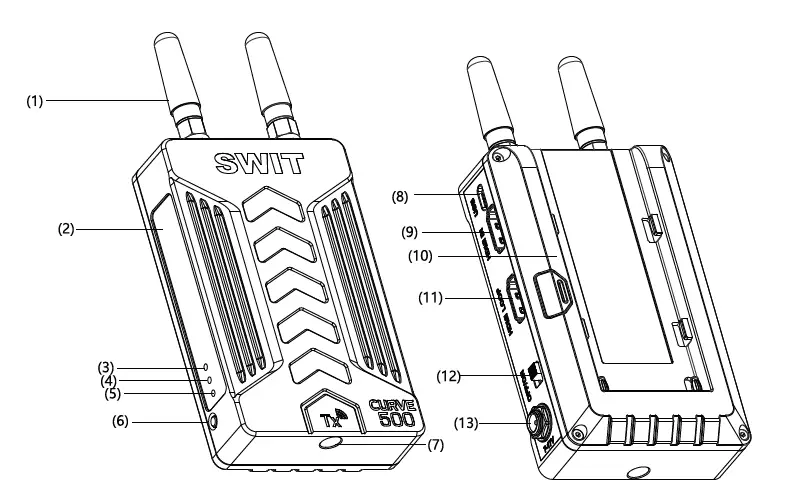
- Antenna
- Product label
- Link: Wireless status indicator
- Video: Video signal indicator
- Power: Power status indicator
- Pair: 0.96-inch OLEO
- Installation thread: 1/4″ -20 thread. Use the package supplied articulating arm trestle to install the device to the camera.
- USB: Micro USB, software upgrade interface
- HDMI in: HDMI input (standard HDMI-A type connector).
- Battery plate: “F” plates can be used. We recommend SWIT batteries like: S-8972, S-8970,
- S- 8770, S-8975 compatible with SONY” L” series NP-F770/970. (ee) HDMI LOOP: HDMI loop out (standard HDMI-A type connector).
- ON/ OFF: Power switch
- DC in: Support DC 1 17V input,5.Smm(outer diameter)/2.0mm(inner diameter) Outside: negative, Inside: positive
The description of LED status indicator
| Device | LED indicator | Status Description |
| CURVES00+ Transmitter | Power Video | Constant On Power connected and switched on Off Power disconnected and switched off Constant On There is recognizable video signal input Flash There is no recognizable video signal input |
| Link | Constant On The wireless network connection is normal Flash The wireless network connection is abnormal |
Receiver CU RVES00+
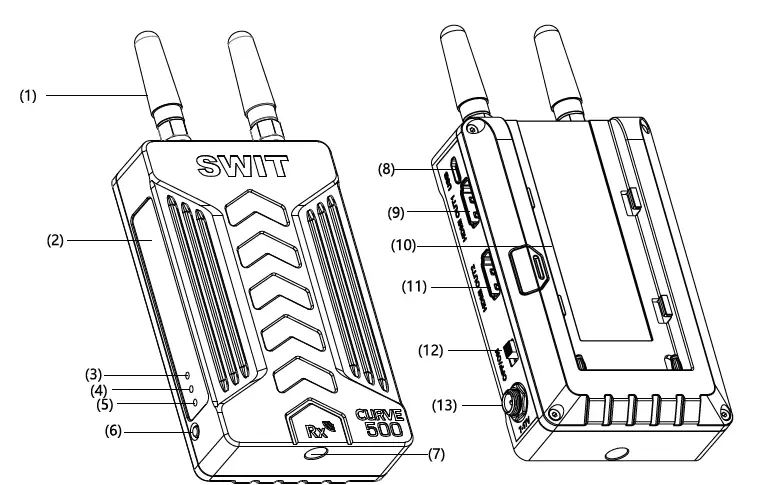
- Antenna
- Product label
- Link: Wireless status indicator
- Video: Video signal indicator
- Power: Power status indicators
- Pair: Pair button
- Installation thread: 1/4″ -20 thread, Use the package supplied articulating arm trestle to install the device to the camera
- USB: Micro USB, software upgrade interface, USB Video Capture.
- HDMI out: HDMI output (standard HDMI-A type connector).
- Battery plate: “F” plates can be used. We recommend SWIT batteries like S-8972, S-8970, S-8770,
S- 8975 compatible with SONY “L” series NP-F770/970/. - HDMI OUT2: HDMI output (standard HDMI-A type connector).
- ON /OFF: power switch
- DC in :Support DC 77V input,5.Smm(outer diameter)/2.0mm(inner diameter) Outside: negative, Inside: positive
The description of LED status indicator
| Device | LED indicator | Status | Description |
| CURVES00+ Receiver | Power | Constant On Off | Power connected and switched on Power disconnected and switched off |
| Video | Constant On Flash | There is recognizable video signal input There is no recognizable video signal input | |
| Link | Constant On Flash | The wireless network connection is normal The wireless network connection is abnormal |
Setup connection
- Connect the HDMI in interface of the CURVES00+ transmitter to the HDMI out of the camera or video output device.
- Connect the HDMI outl interface of the CURVES00+ receiver to the HDMI in of the monitor or switch station.
- Connect the HDMI out2 interface of the CURVES00+ receiver to the HDMI in of the monitor or switch station.
- Connect the power supply of CURVES00+ transmitter and receiver, the “power” indicator will light up, “Link” and “Video” indicator light up when the transmitter and receiver have identifiable signal inputs and connections, “Link” and “Video” indicator will flash if transmitter and receiver have no identifiable signal input.
Tips:
- put the power switch to “ON” when connect the power supply of CURVES00+ transmitter and receiver.
- The CURVES00+ transmitter only supports the HDMI video input interface, and the system automatically detects the input video interface.
- The HDMI OUTl of the CURVES00+ receiver is the main output port. HDMI OUT2 is available when HDMI OUTl is working.
- USB and HDMI can not output video signal in the same time,only one of them can be chosen to output video signal in the same time.
Pairing
- Connect the HDMI in interface of the CURVES00+ transmitter to the HDMI out of the camera or video output device.
- Connect the HDMI outl interface of the CURVES00+ receiver to the HDMI in of the monitor or switch station.
- Connect the power supply of CURVES00+ transmitter and receiver, the “power” indicator will light up “Video” and “Link” indicator will flash.
- Long pressing the “pair” button in both transmitter and receiver, The “Link” indicator of transmitter and receiver flash and pair, “Link” indicator lights up, the automatic pairing is successful and enters the encrypted transmission state.
- Press the “Pair” button twice a partly to upgrade the firmware, the “Video” indicator quickly flashing during upgrade process, “Video” “Link” indicator light up with red, the firmware upgrade successfully. The “Video” “Link” indicator flash when upgrade is failure
Tips:
- When pairing, the transmitter and receiver need to be paired Simultaneously.
- During normal use, ensure that the wireless device used has been paired and successfully paired.
- The paired transmitter and receiver will be automatically connected after booting up. It is no need to pair again.
- Please keep the transmitter and receiver in distance of 1-2m to avoid pairing failure.
The way to get the best effective of Wireless Transmission
- Set the antenna on both transmitter and receiver vertically straight up. No request to spread. (Fig.1)

- Set the receiver as high as possible to avoid interference.

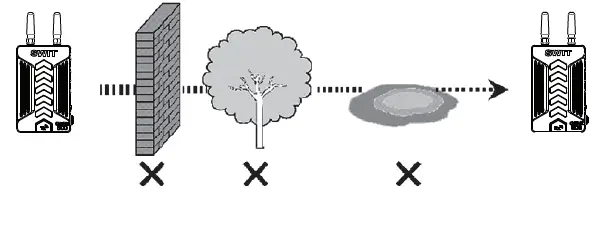
- Avoid walls, trees and water to reduce signal attenuation.

Troubleshooting
If the receiver failed to output video correctly, the possible causes are as below; please find the solution from the following chart:
| The receiving video | Possible causes | Solution |
|
No display
Poor Video quality | The transmitter or the receiver is not powered on | Check power connection and switch on the transmitter and receiver |
| The antennas are not installed properly and screwed tightly Bad connection of video cable | Install the antennas properly and screw tightly of both transmitter and receiver Check video cable connection of both transmitter and receiver | |
| Video format is not supported
Bad connection with video cable | Change the output video format of the camera Reconnect reliably | |
| The wireless transmission is disturbed by environment | Wait for 1 minute or reboot the transmitter and receiver | |
| The transmission distance is out of effective range | Put the transmitter closer to the receiver |
Specification
| Model | CURVES00+ Transmitter | CURVES00+ Receiver |
| Input | HDMIXl | I |
| Output | HDMIXl | HDMIX2 or USBX1 |
| Video format | 1080! (60/59.94/50) /1080PsF (24/23.98) /720P (60/59.94/50)/1080P (60/59.94/50/30/29.97/25/24/23.98) USB Out Support:720P (60/59.94/50)/1080P (60/59.94/50/30/29.97/25/24/23.98) | |
| Wireless frequency | FULL:5180-5220MHz and 5760-5820MHz | |
| Modulation mode | OFDM Support 16QAM, 64QAM, QPSK, BPSK modulation mode | |
| Transmission distance | 150m (Line of sight) | |
| Power consumption Input voltage Working environment | �7.5W DC/Battery: 7,-,..;17V | �7W DC/Battery: 7,-,..;17V |
| Tern oerature: 0°C~+40°C | ||
| Dimension | 114.18 x 69.55 x 28 (mm) | 114.18X69.55X28 (mm) |
| Net weight (Without antenna) | 173.2g | 173.6g |
| Net weight (With antenna) | 180.8g | 181.2g |
FCC Statement
Any Changes or modifications not expressly approved by the party responsible for compliance could void the user’s authority to operate the equipment.
This device complies with part 15 of the FCC Rules. Operation is subject to the following two conditions:
- This device may not cause harmful interference, and
- This device must accept any interference received, including interference that may cause undesired operation.
FCC Radiation Exposure Statement
This equipment complies with FCC radiation exposure limits set forth for an uncontrolled environment . This equipment should be installed and operated with minimum distance 20cm between the radiator& your body.
Note : This equipment has been tested and found to comply with the limits for a Class B digital device, pursuant to part 15 of the FCC Rules. These limits are designed to provide reasonable protection against harmful interference in a residential installation. This equipment generates,uses and can radiate radio frequency energy and, if not installed and used in accordance with the instructions, may cause harmful interference to radio communications. However, there is no guarantee that interference will not occur in a particular installation. If this equipment does cause harmful interference to radio or television reception, which can be determined by turning the equipment off and on, the user is encouraged to try to correct the interference by one or more of the following measures:
- Reorient or relocate the receiving antenna.
- Increase the separation between the equipment and receiver.
- Connect the equipment into an outlet on a circuit different from that to which the receiver is connected.
- Consult the dealer or an experienced radio/TV technician for help.
SWIT Electronics Co., Ltd.
Address: 10 Hengtong Road, Nanjing Economic and Technological Development Zone,
Nanjing 210038, P.R.China
Tel: +86-25-85805753
Fax:+86-25-85805296
Email: [email protected]
http://www.swit.cc