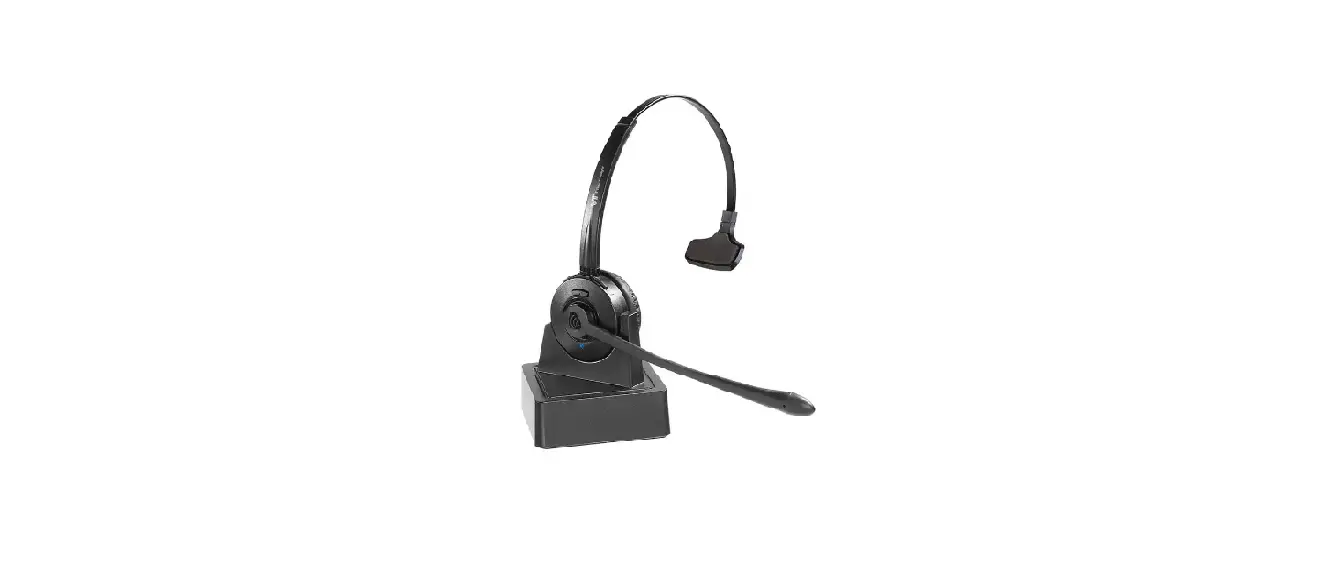
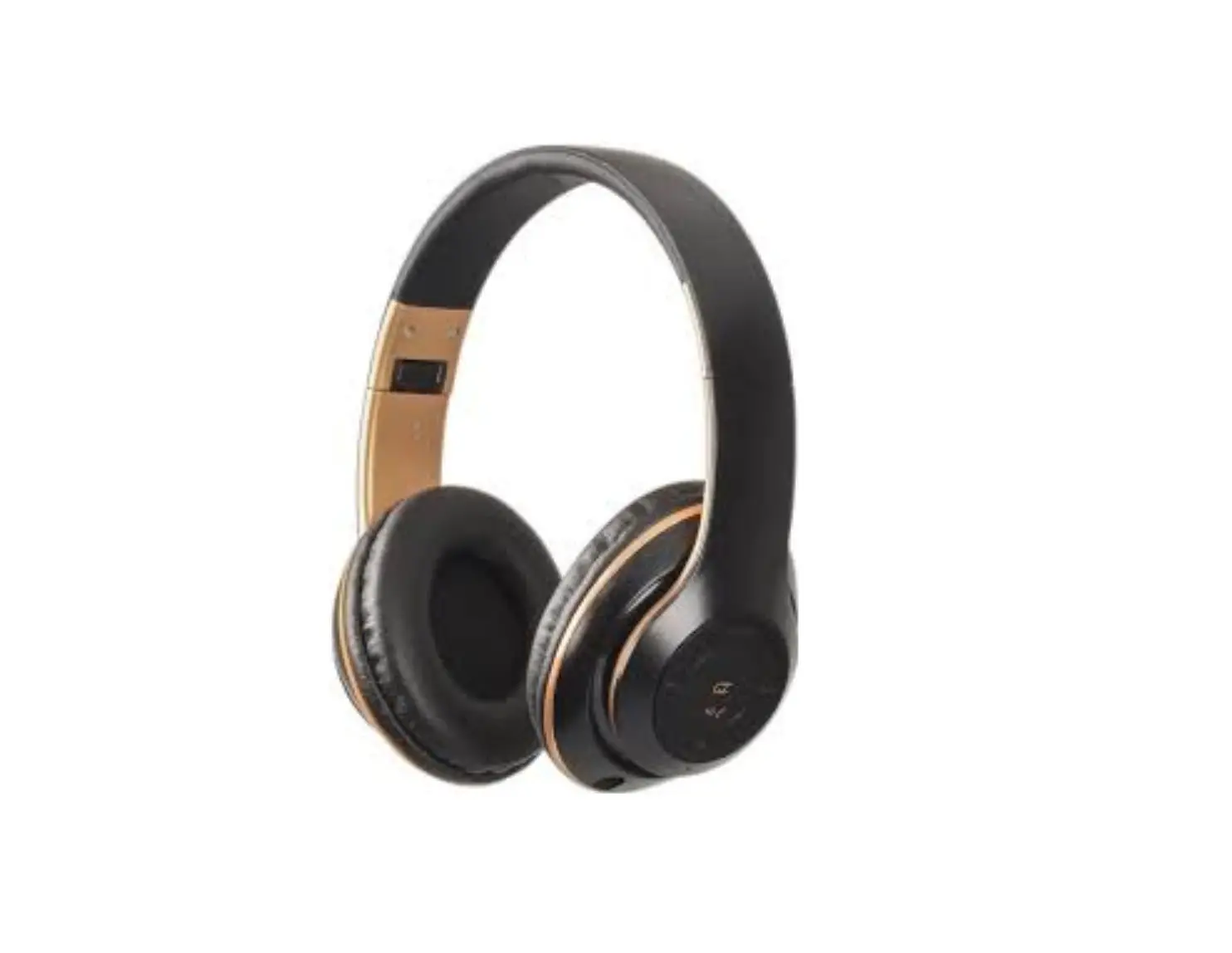
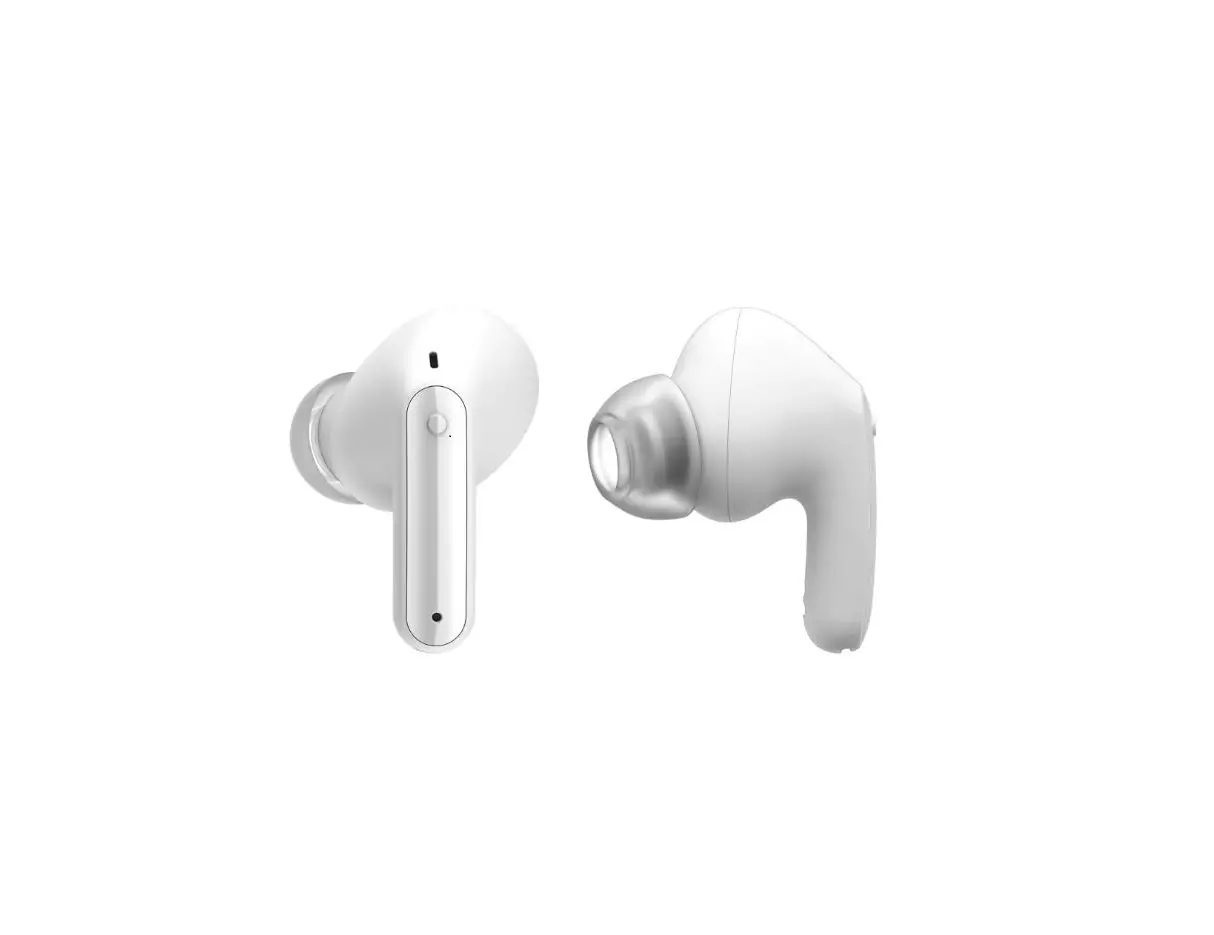
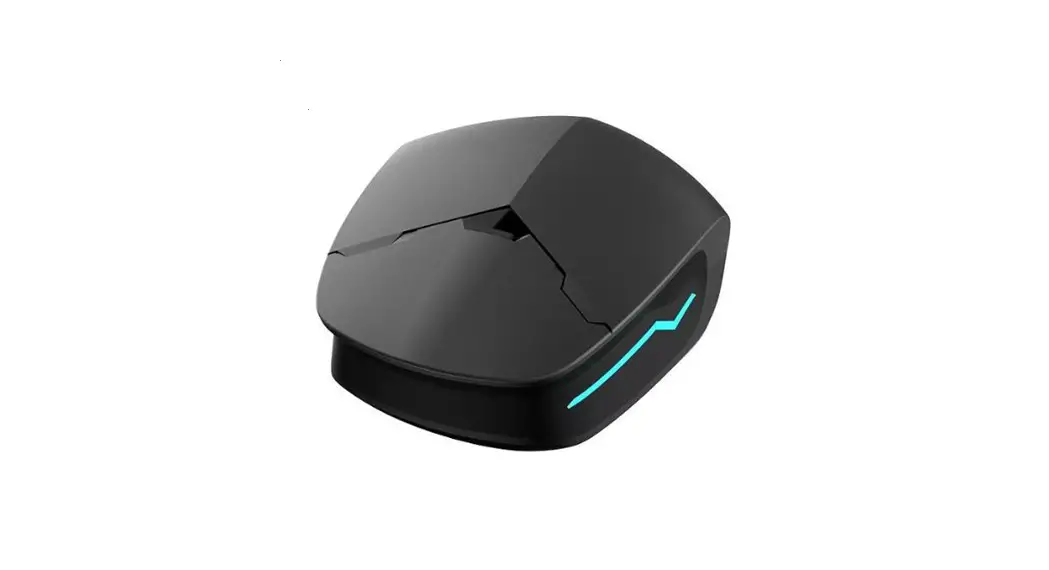
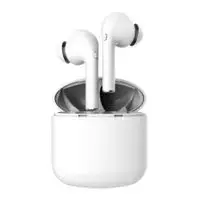
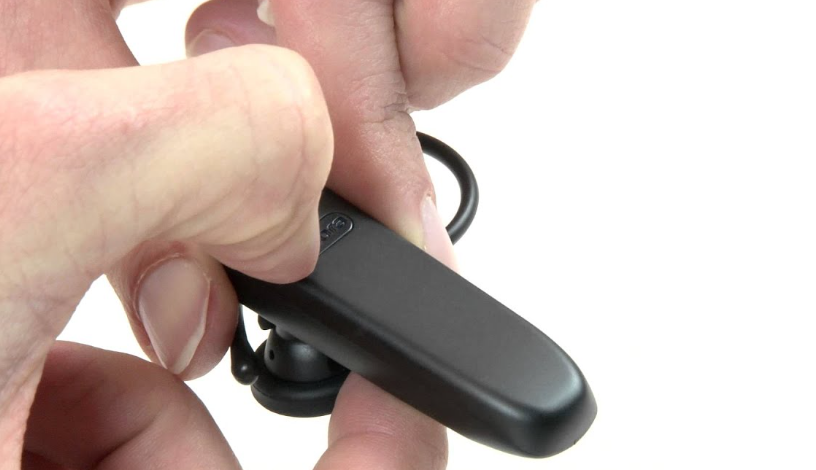
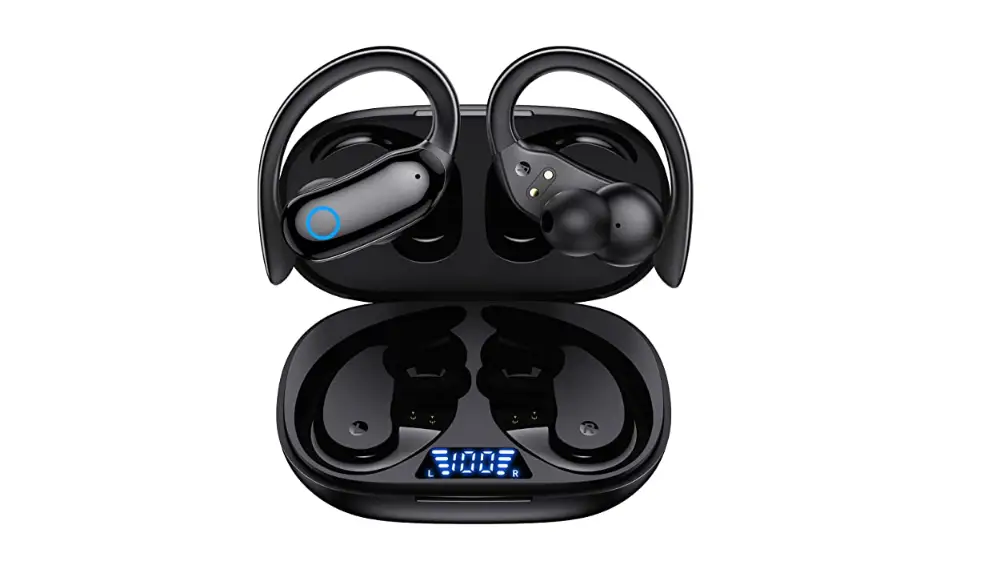
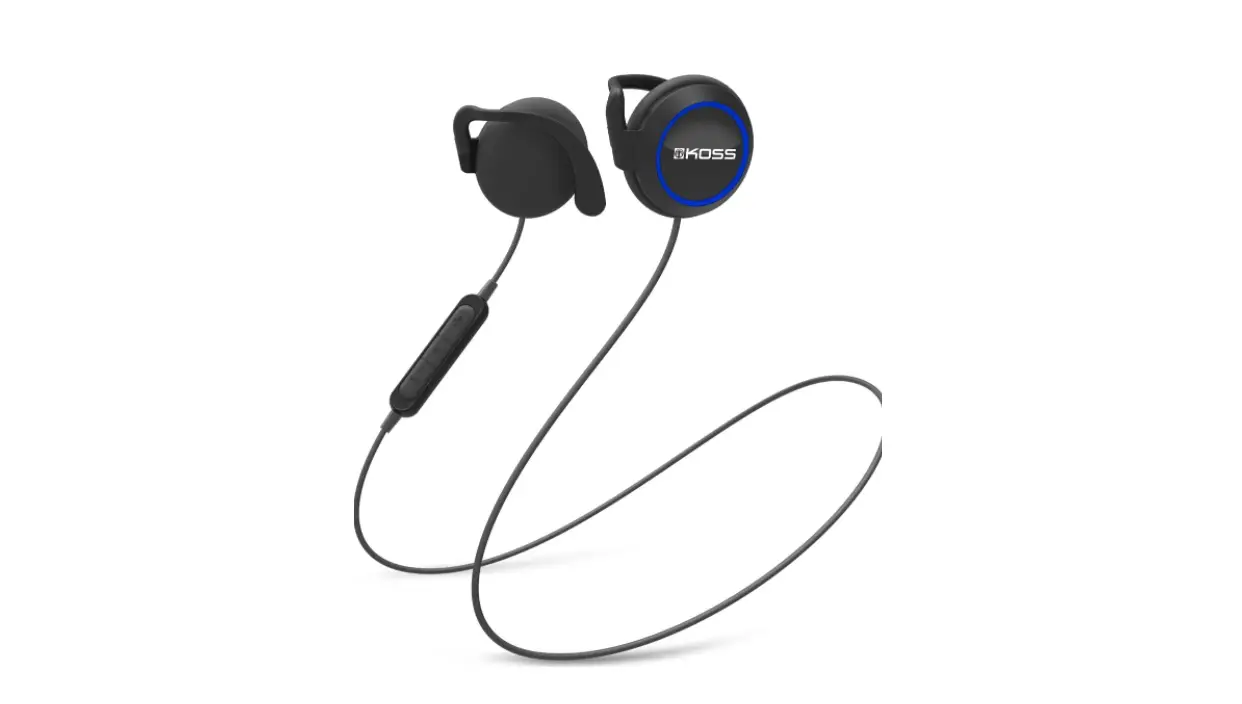
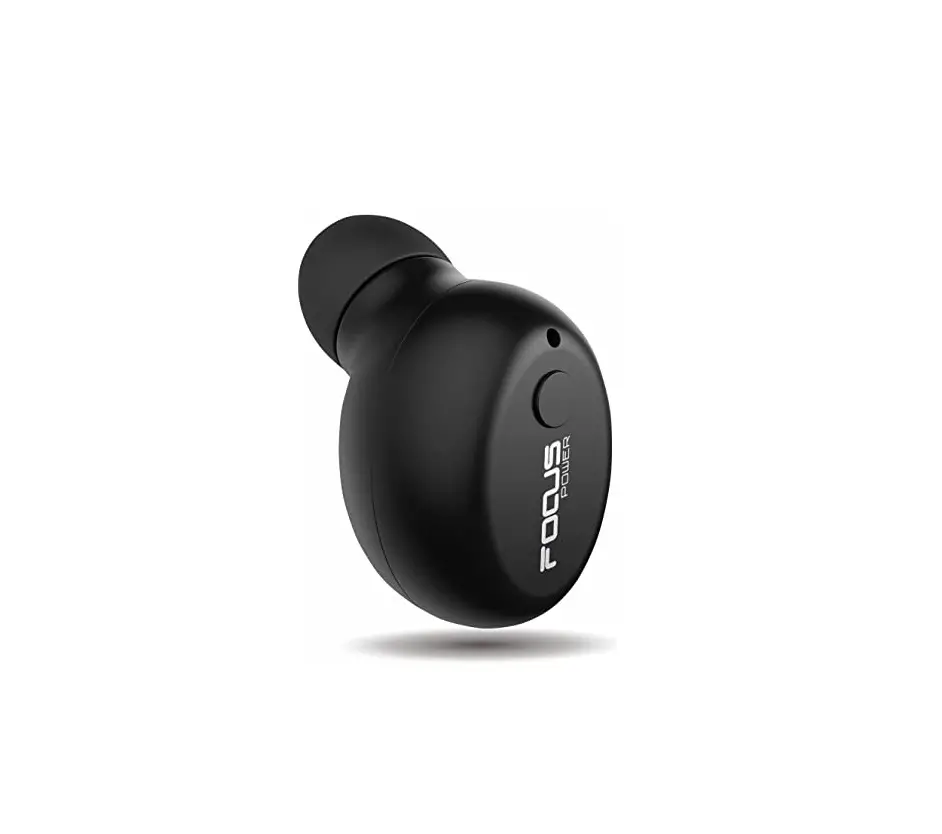
FD08 Clip On Bluetooth Headset
Product Information:
- Product Model: FD08
- Product Name: Clip-on Bluetooth Headset
- Headphone Color: Black, White, Skin Tone
- Headphone Material: Nylon, Pc+abs
- Bluetooth Protocol: 5.3
- Charging Time: 1.5 Hours
- Talk Time: 2.5 Hours
- Music Playback: 3 Hours
- Battery Capacity: 30mah’2
- Charging Curent: Dc5v, 20ma
- Channel: Dual Speaker, Stereo
- Pilot Lamp Touch key
Product Usage Instructions:
- Before using the product, please read the instruction manual
carefully. - To power on the headset, take it out of the charging
compartment and it will automatically turn on. - To power off the headset, press and hold the button for 5
seconds. - To answer an incoming call, double-click the left or right ear
multifunction keys. - To hang up a call, double-click the left or right ear
multifunction keys. - To reject an incoming call, long press the left or right ear
multifunction keys for about 1 second. - To play/pause music playback, double-click the touch area on
the headset. - To play the previous song, long press the left ear touch area
for 1 second. - To play the next song, long press the right ear touch area for
1 second. - To launch voice assistant, triple-click the right ear
multifunction key. - To launch game mode, triple-click the left ear button.
- To clear pairing, either click the left or right earphone four
times or long press the multifunction key for 5 seconds. - When the red light is on for a long time, the earphone is fully
charged and the light turns off.
7 0 * 7 0 mm
Clip on Bluetooth Headset
Instruction
manual
FD08
First of all, thankyou forusing our products! Please read this manual beforeusing it to corectlyuse this product. For better service,the contents ofthis user manualmay be changed. Changes due to prod uct performance and functionality will not benotified
FCC WARNING:
Product Model:FD08 Product Name: Clip-on Bluetooth Headset 1Product Parameters: Headphone Color:Black, White,Skin Tone 2.Headphone Material: Nylon, Pc+abs,
Bluetooth Protocol: 5.3 Charging Time: 1.5 Hours
5.Talk Time:2.5Hours 6.Music Playback:3 Hours 7.Battery Capacity:30mah’2 8.Charging Curent: Dc5v,20ma
9.Channel:Dual Speaker, Stereo
Pilot Lamp 2Packing list:
Pilot Lamp Touch key
Headset*2 Charging Compartment*1 Charging Cable*1
Packaging Box’1 Instruction Manual*1 Warranty Card
Quick Guide
nstruct Power on Shutdown Answer
Operation Method
Take The Headsetout OfThe Charging Compartment And Automatically fumi ltOn
Shut Domn The Machine By PressingAnd HoldingFor5Seconds
ouble Click The LeftAnd Right Ear Multifunction Keys To Answer The Call
Hangup
Double click the left and right ear multifunction keys
RejectIncoming ong Press ForAboutlSecond To Reject
calls
Ear Contact
Play/Pause
Double click to pause playback
Preyious song ong press the left ear touchareaforlsecond
Next song LaunchVoice Assistant
Game mode
ong press the right ear touch area forlsecond
Three clicks on theleftear button to
aunch game mode
Three clicks on thenght ear multifunction key tolaunch the vokeassistant
clear pairing
Charging Ful
Four clicks on the leftorrightearphone prolonged pressing of the5 second multifunction key to clearpairing
The red lightis on fora long time,and the earhone isfull and thelightisoff
Bedlieht alyny an
Warnine
Before using thisdevice,please read all safetyinformation to ensurecorectand safeuse. Using charging lines that are not approved by this manufacturer may cause fire, explosion,orother hazards. 3.Do not disassemble,repair,or modify this product for any reason, otherwise it may causeafire,electonic breakdown,oreven complete damage to this product. Please usethis devce within thetemperaturerangeofO’to35′,and storethe device and its accessories within therange cf-10°Cto45°C. When the ambient temperature is toolow or too high,it may cause equipmentfailure. Ifchargingis complete,please disconnect the charger from this product and unplugthe chargerfrom the poweroutlet”. Donotchange continuousy for morethan 12hours. 6.Donot wet orimmerse the productinliquidcontact.
7. Please do not throw the product into domestic garbage, as improper disposal may cause batteryfire and esplosion.Please comply with local regulations when handlingthis productand other accessories. 8.This product has a built-in non remowable lithium battery. It is prohibited to disassemble,bump.squeeze. or put the battery into fire. If there is severe expansion please donotuseitintermittenty. 9.Do not place the magnetic suction charging cable ar earphone magnetic suction charging port close to metal objects, as magnets may attract to metal objects,which maycause contactshorting and lead to hazards.Avoid personal injury such as burns and scalds caused by overheatingthe battery. 10.Do not put this product or batteryinto fire,otherwise it may cause a fire or explosion. 11.Do not expose the earphones to sunlight for alongtime, as they may easily deform,age,or break. 1 2 . Please comply with relevant laws and regulations and do not use in the following environments
San Bao Servke Content Wthin7days from the date ofreceipt,if the goods received are in gpod condition,the
product packaging and accessories are complere,and there is no man-madedamage tothe peformanceofthe fault, the paymentcan berelunded at theiroice pice inalumpsum,or thesamemodeland specificatonofproductscan bereplaced,orfreerepaircanbemade” “Wthinthe sth to 15thdaystfrom thedate ofreceipt,ifthe product suffersfrom performance failures thatarenotdamaged by anyone,itcan bereplaced withproducts ofthe samemodel and specification. Productreplacement istheresponsibilty oftheseller.
“Wthin the waranty period,ifthe product cannotbeused nomallyafter twoproduct replacements.youcanchoose torepair orreplace products ofthesamemodeland
spedification based on the waranty certificate and valid replacement recordsprovided by thesellerafter testing and confimation: 4.Customized products do not complywith the san Bao pdlicy.
Howtoobtainserice In order to protectyour legitimate rights and interests,enjoythe three guarantees service. When you request a San Bao service,you must provide: Original copiesofpurchased producs; The orlginalinvoiceor purchase record certiflcate from theseller when purchasing theproduct;
Valid San Bao certificate.
Service Information Situations notcovered by warranty services
·The product exceeds the three guarantees validity period;
.”Without a san Bao certificateand valid invoice,and unable to prove thatthe purchased product is within the San Bao validity period; Thewarranty certificate does not match the product modelidentfication orthe warranty certificate has been altered;
Damage caused by failure to use, maintain,or maintain in accordance with the
requirements ofthe UserManual,or the use ofnon original accessories; :Unauthorized maintenance,modification, misuse, collision,drop,extrusion, liquidingress, corrosion; Tearing,altering.orillegible productlabels,seals,and serialnumbers(SN); · Damage caused by force majeure suchasfoods,fires,lightningstrikes,etc; · Defects caused by normal wear oraging ofthe product; · Products not soldin Chinese Mainland.
Product Name And Mode
User Name:
WARRANTYCARD
Serial Number Durchage Date
contact number
Contact address (including postal code)
Date of receipt
nvoice No.
Name of sales unit;
Address of sales unit including postalcode)
Sales Unit Phone
“The above information shall be filled in by the seller.
Note: This equipment has been tested and found to comply with the limits for a Class B digital device, pursuant to part 15 of the FCC Rules. These limits are designed to provide reasonable protection against harmful interference in a residential installation. This equipment generates uses and can radiate radio frequency energy and, if not installed and used in accordance with the instructions, may cause harmful interference to radio communications. However, there is no guarantee that interference will not occur in a particular installation. If this equipment does cause harmful interference to radio or television reception, which can be determined by turning the equipment off and on, the user is encouraged to try to correct the interference by one or more of the following measures:
-Reorient or relocate the receiving antenna. -Increase the separation between the equipment and receiver. -Connect the equipment into an outlet on a circuit different from that to which the receiver is connected. -Consult the dealer or an experienced radio/TV technician for help. * RF warning for Portable device: The device has been evaluated to meet general RF exposure requirement. The device can be used in portable exposure condition without restriction. This device complies with part 15 of the FCC Rules. Operation is subject to the following two conditions: (1) This device may not cause harmful interference, and (2) this device must accept any interference received, including interference that may cause undesired operation.