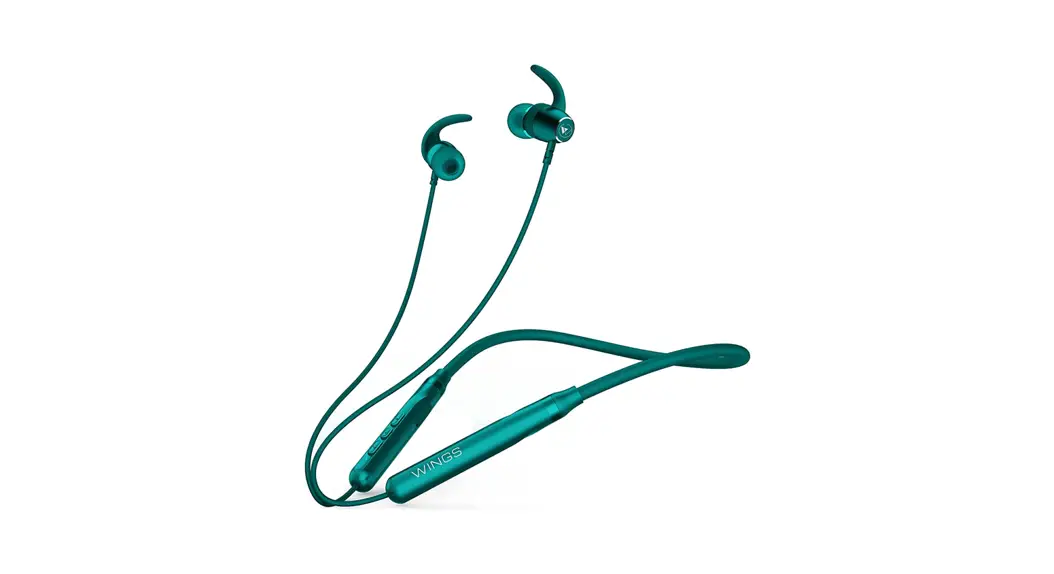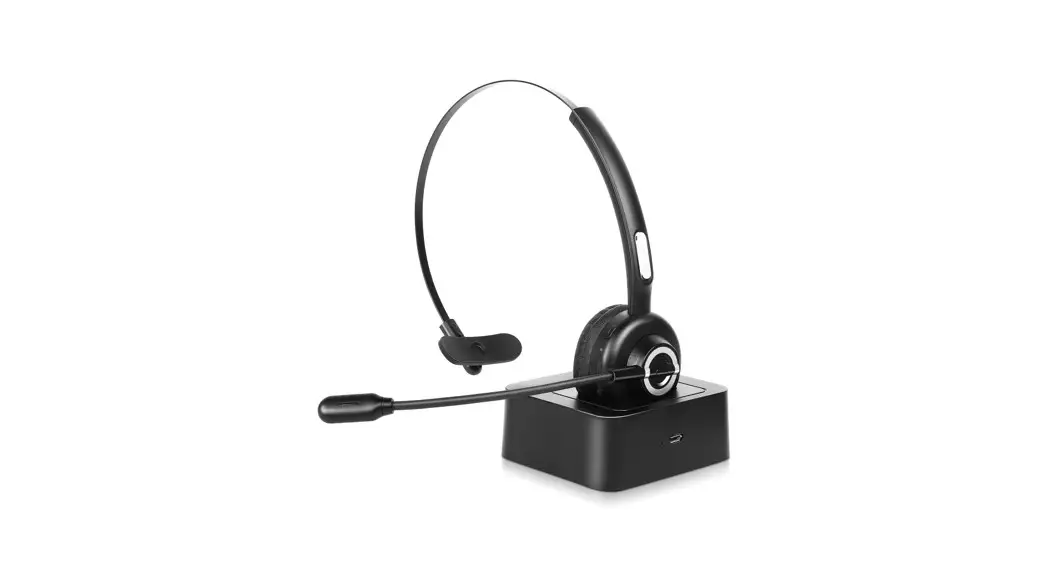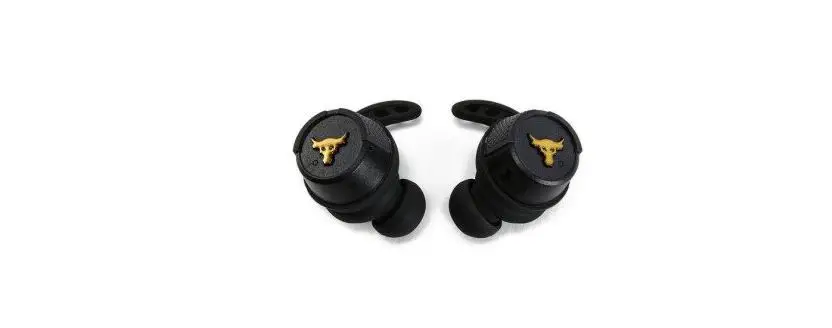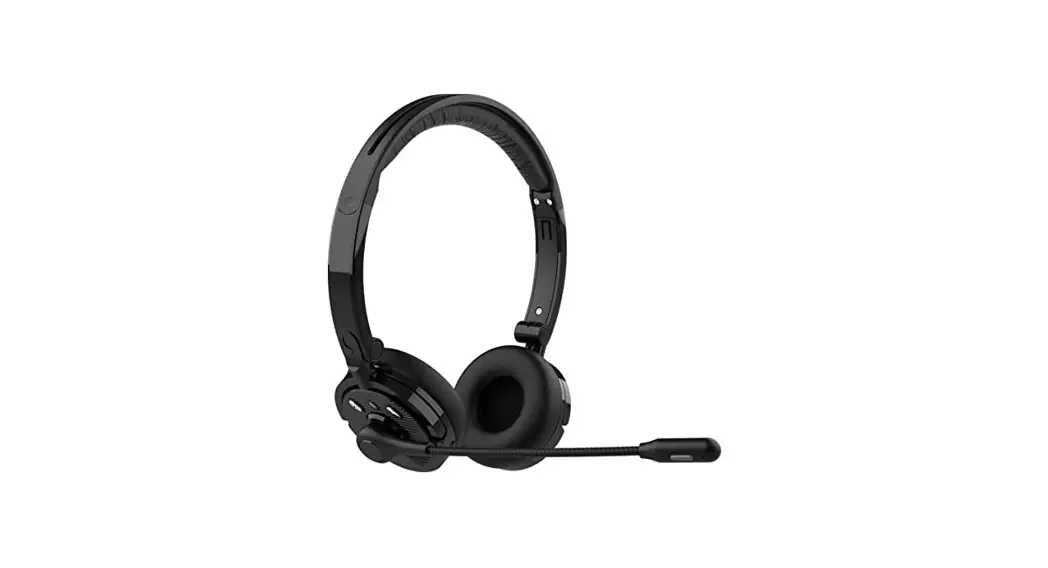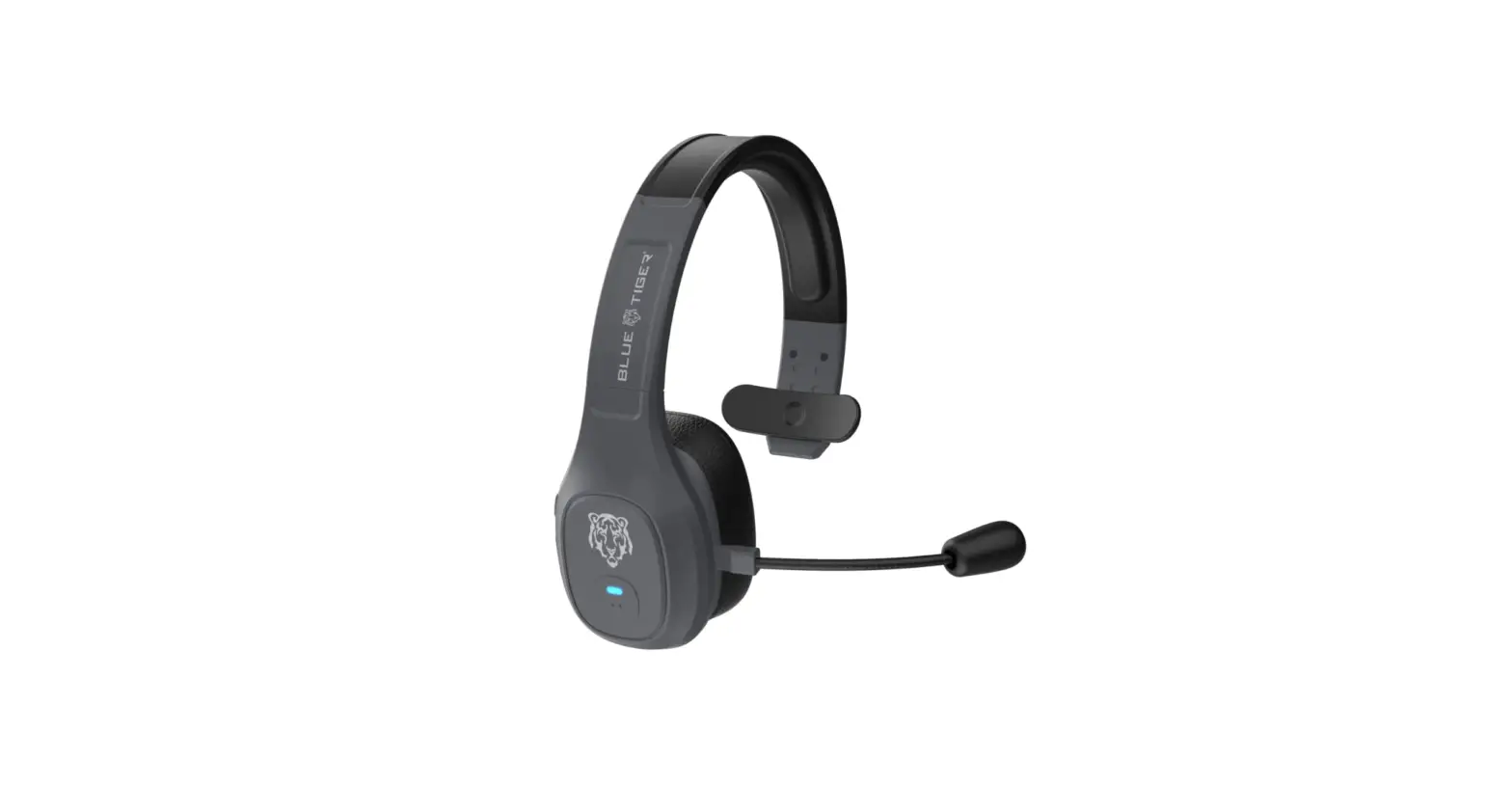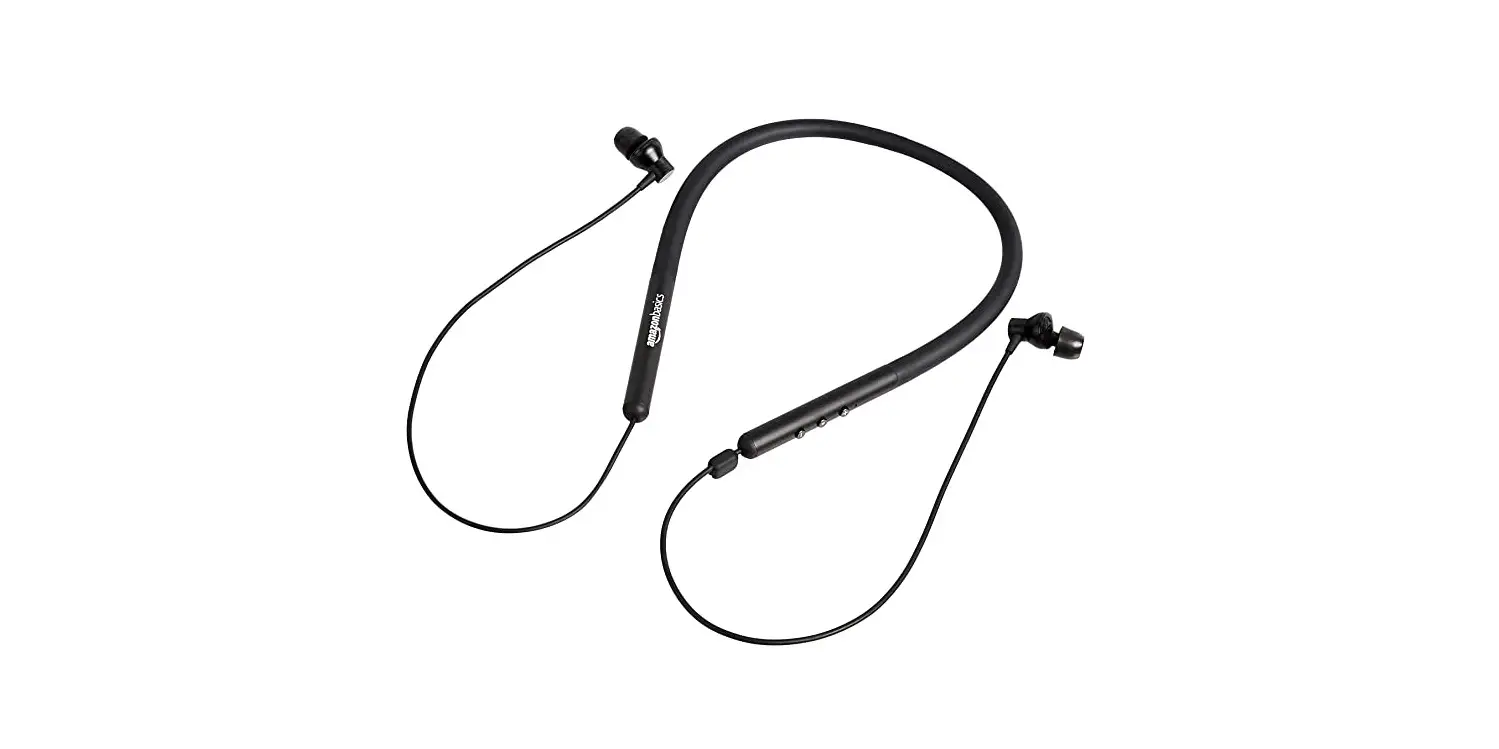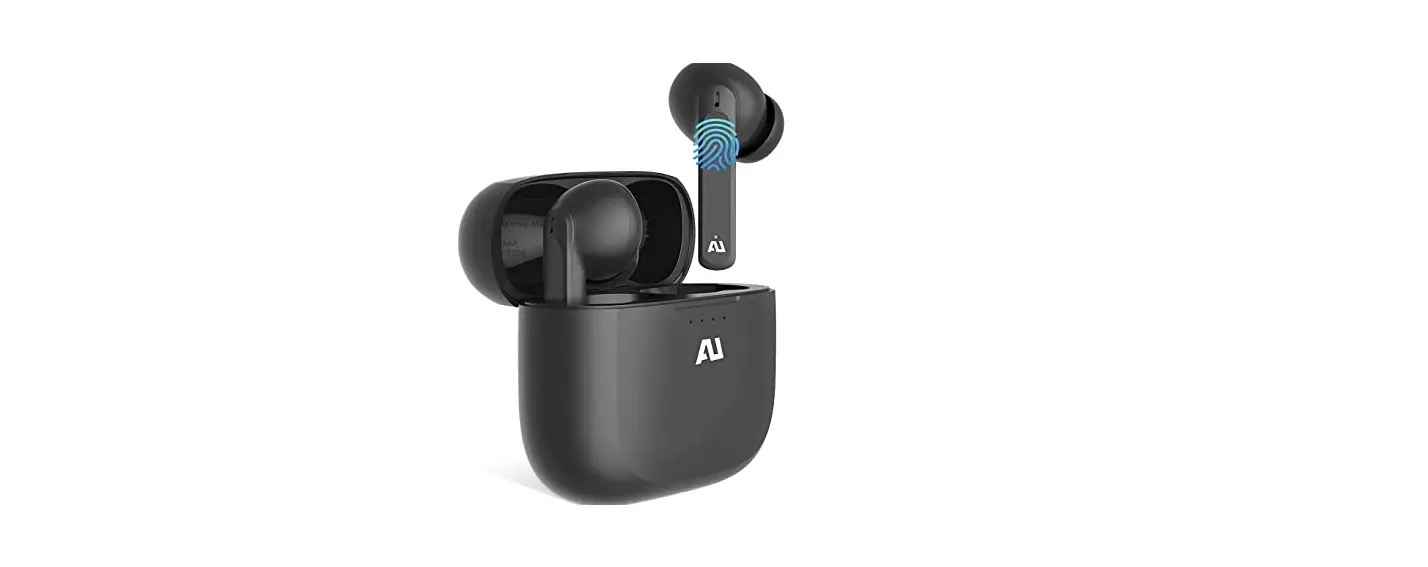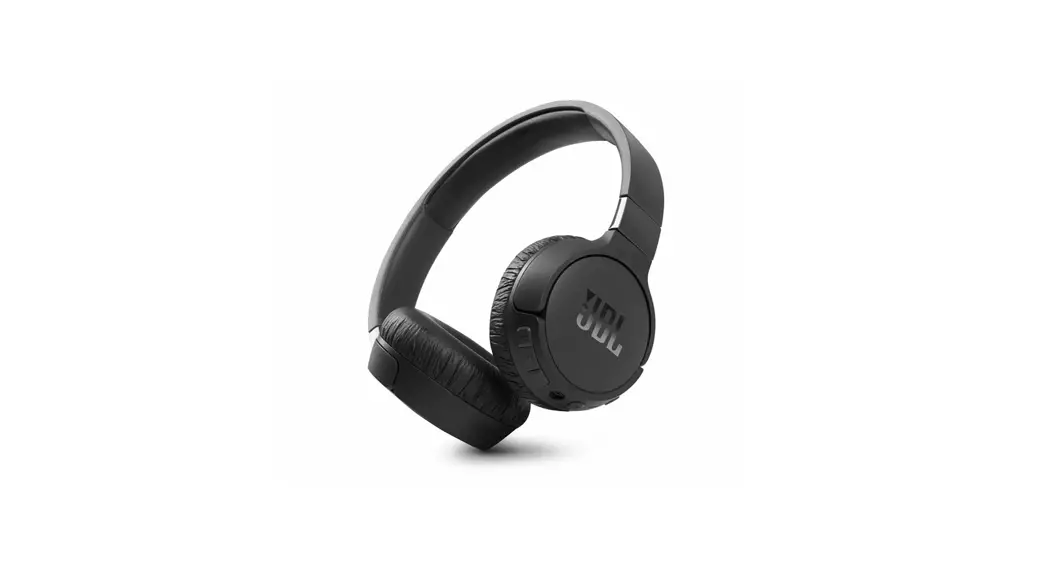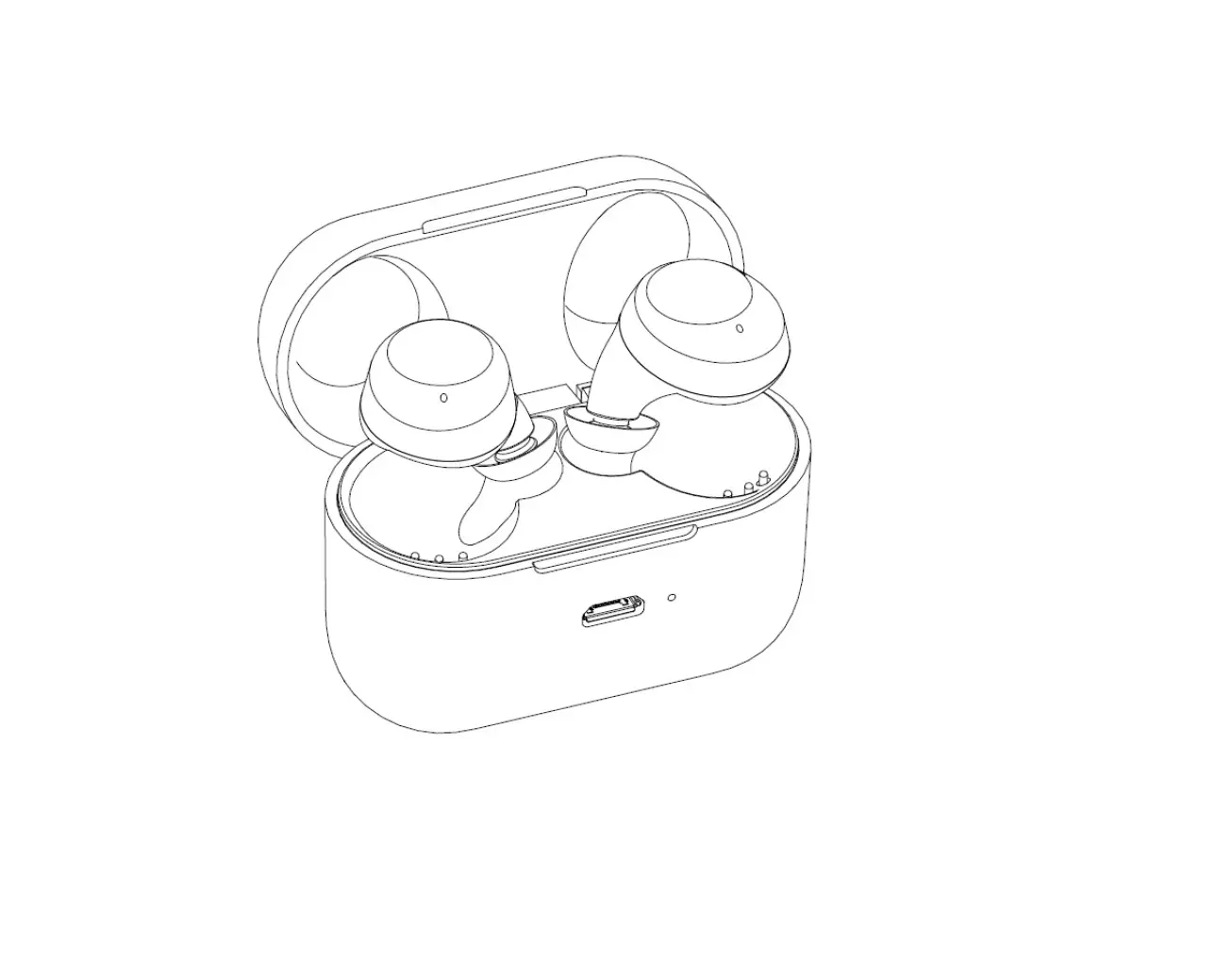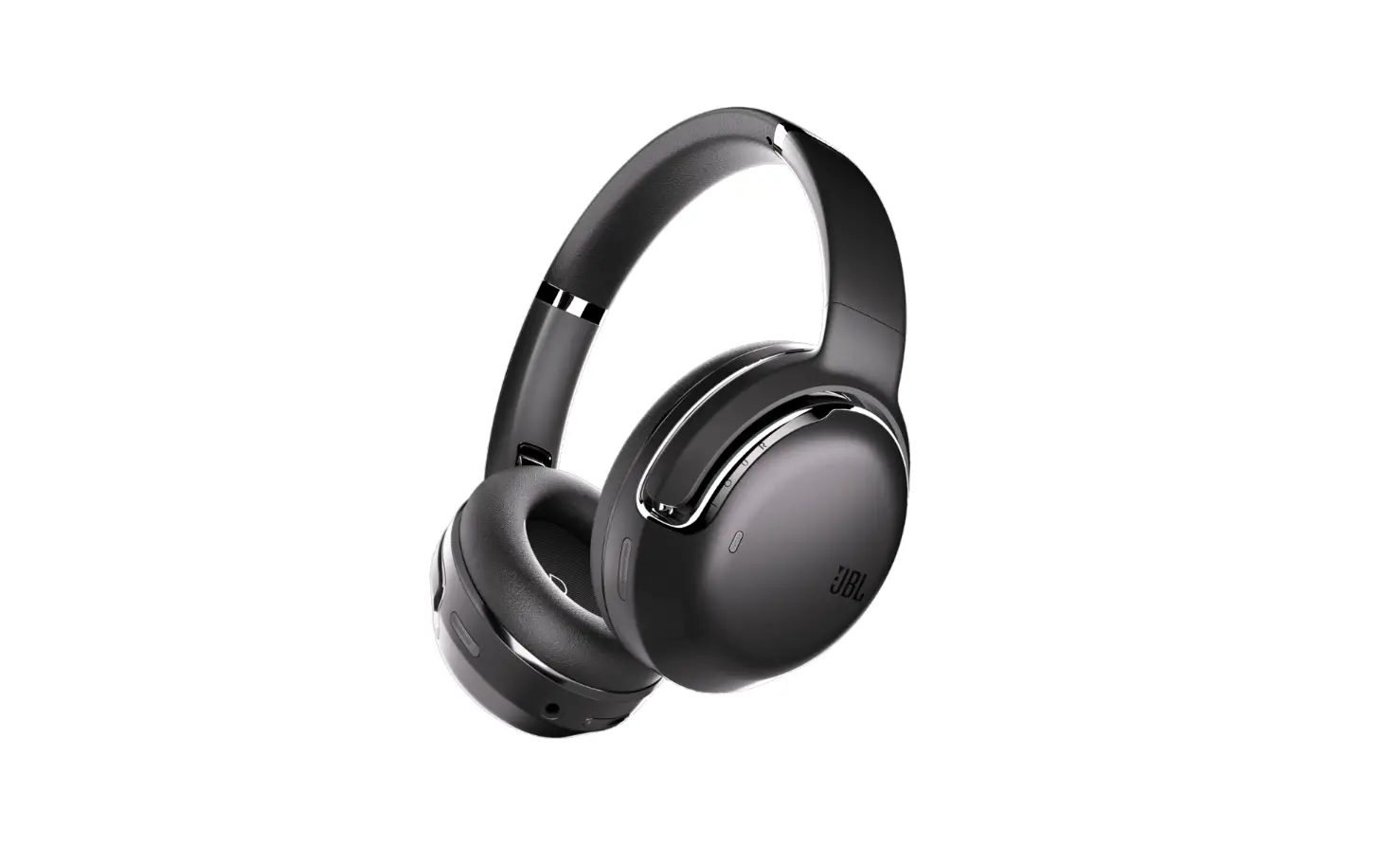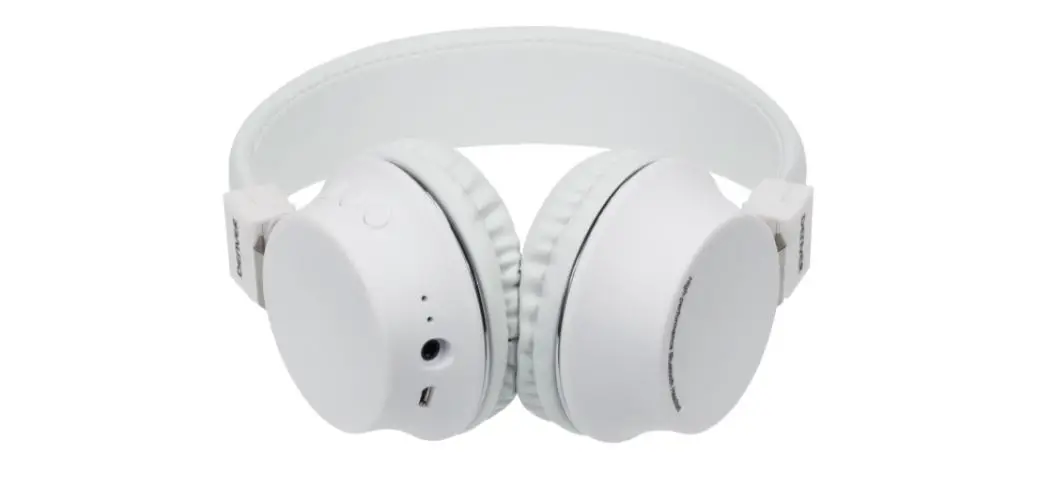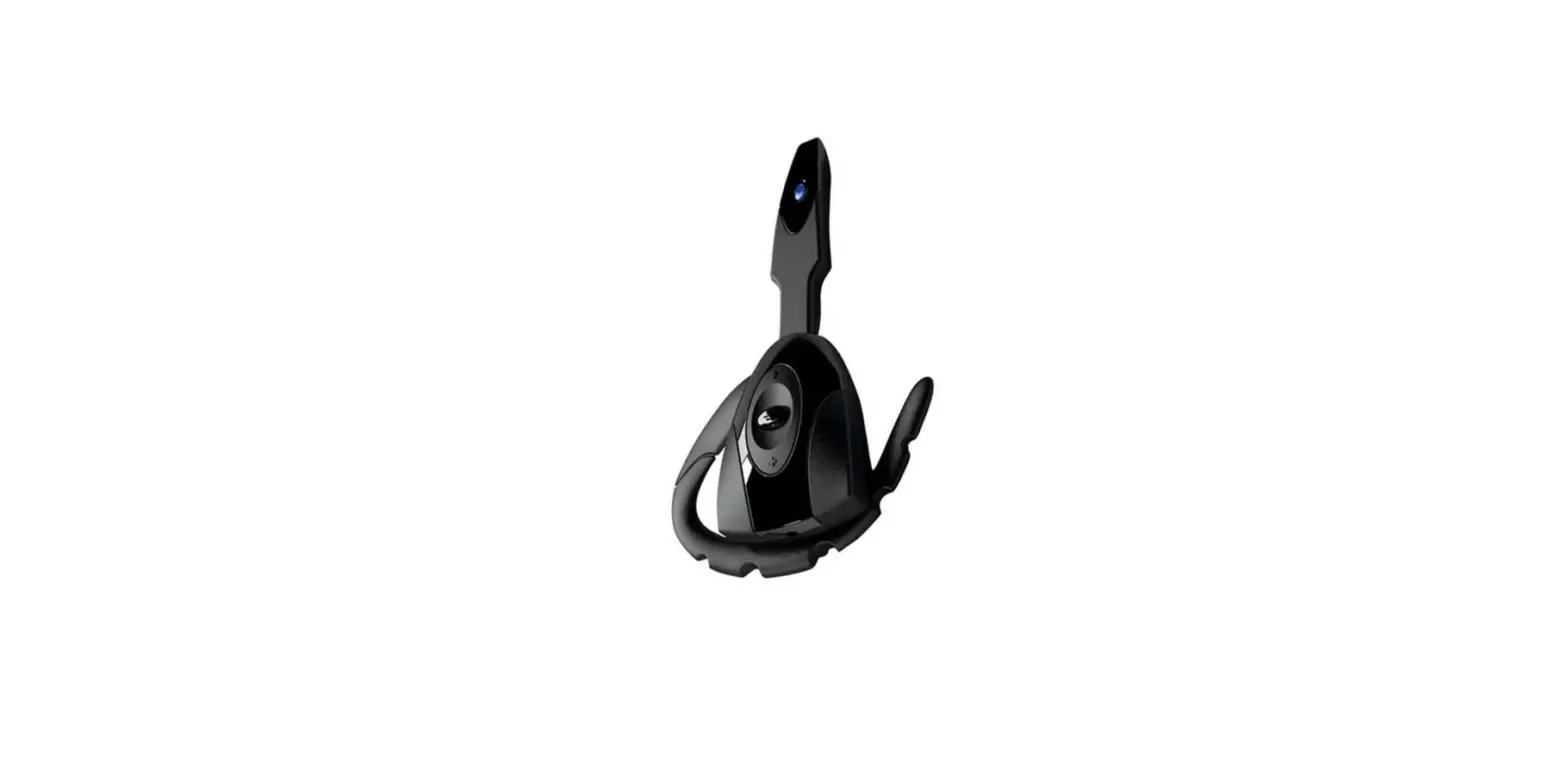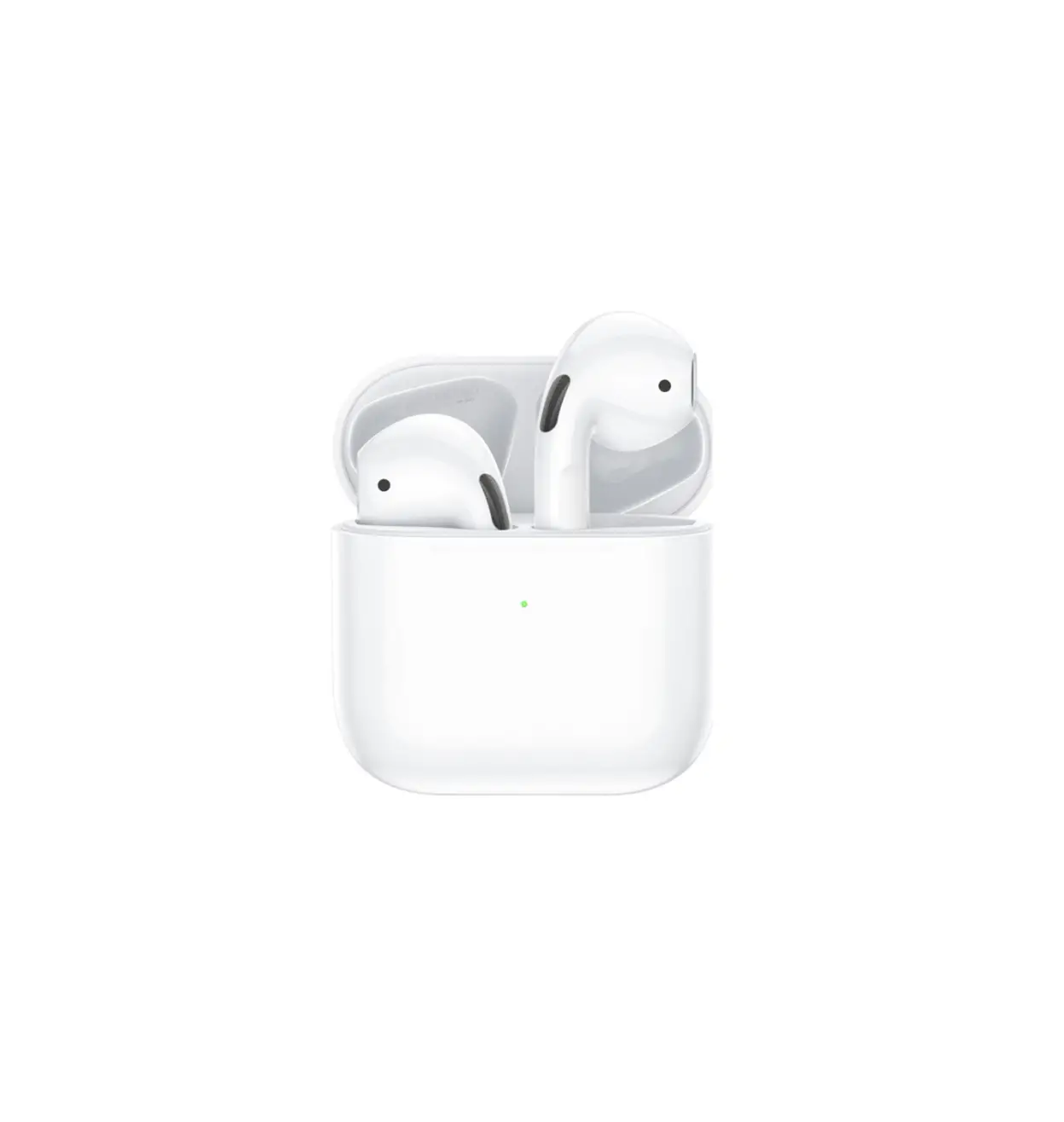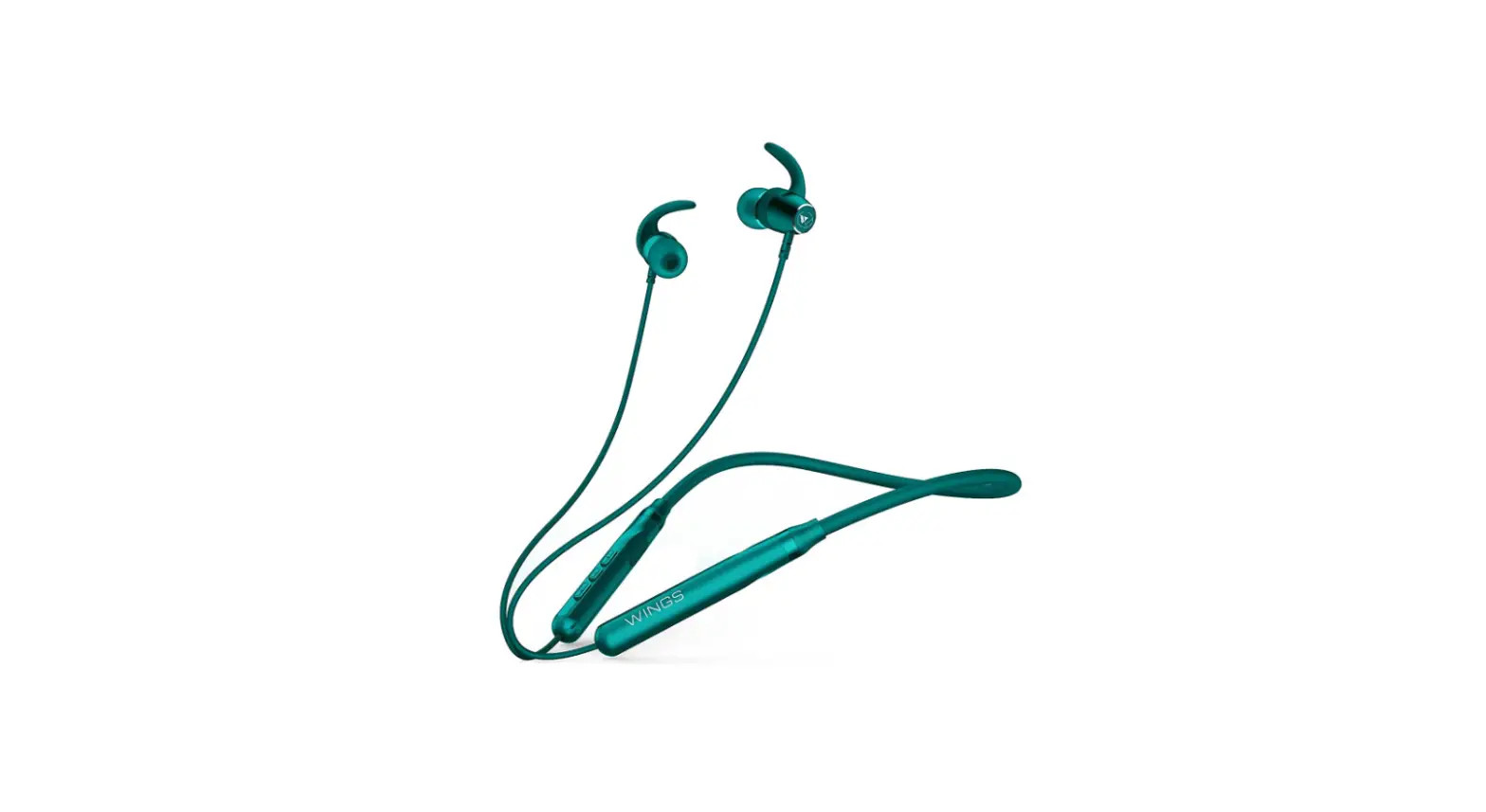

WINGS WSE-01 Neck Mounted Bluetooth Headset
Overview
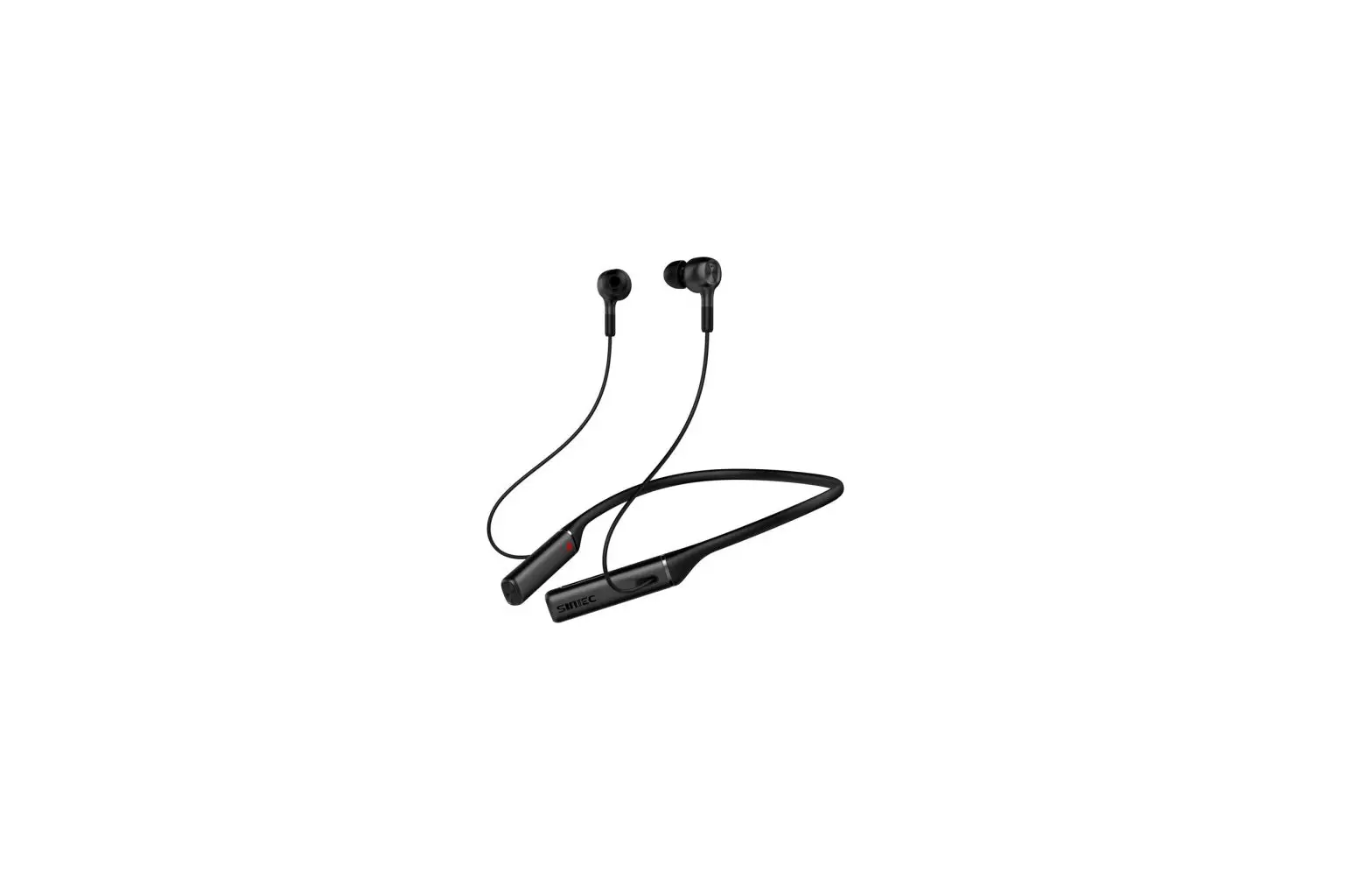
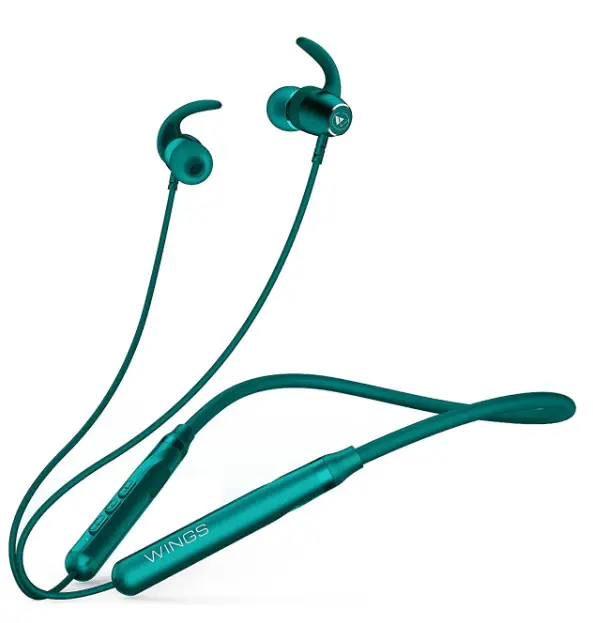
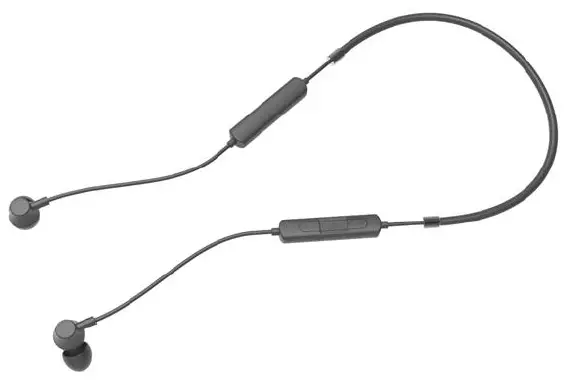
Neck mounted Bluetooth headset, metal carcass, dual-battery design, magnetic suction, convenient storage, fashionable appearance
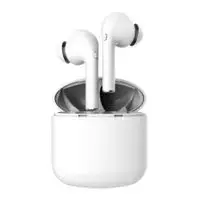
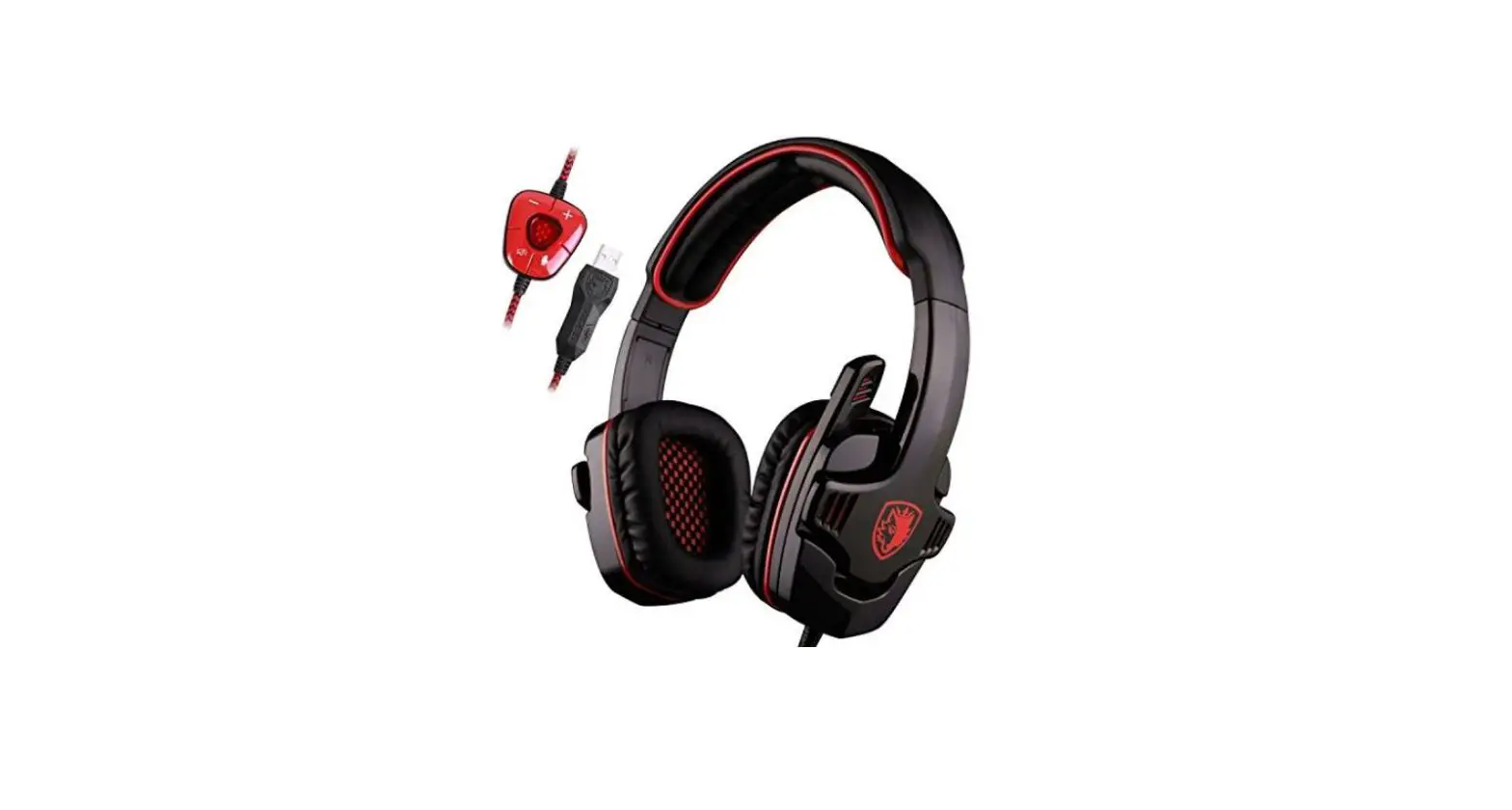
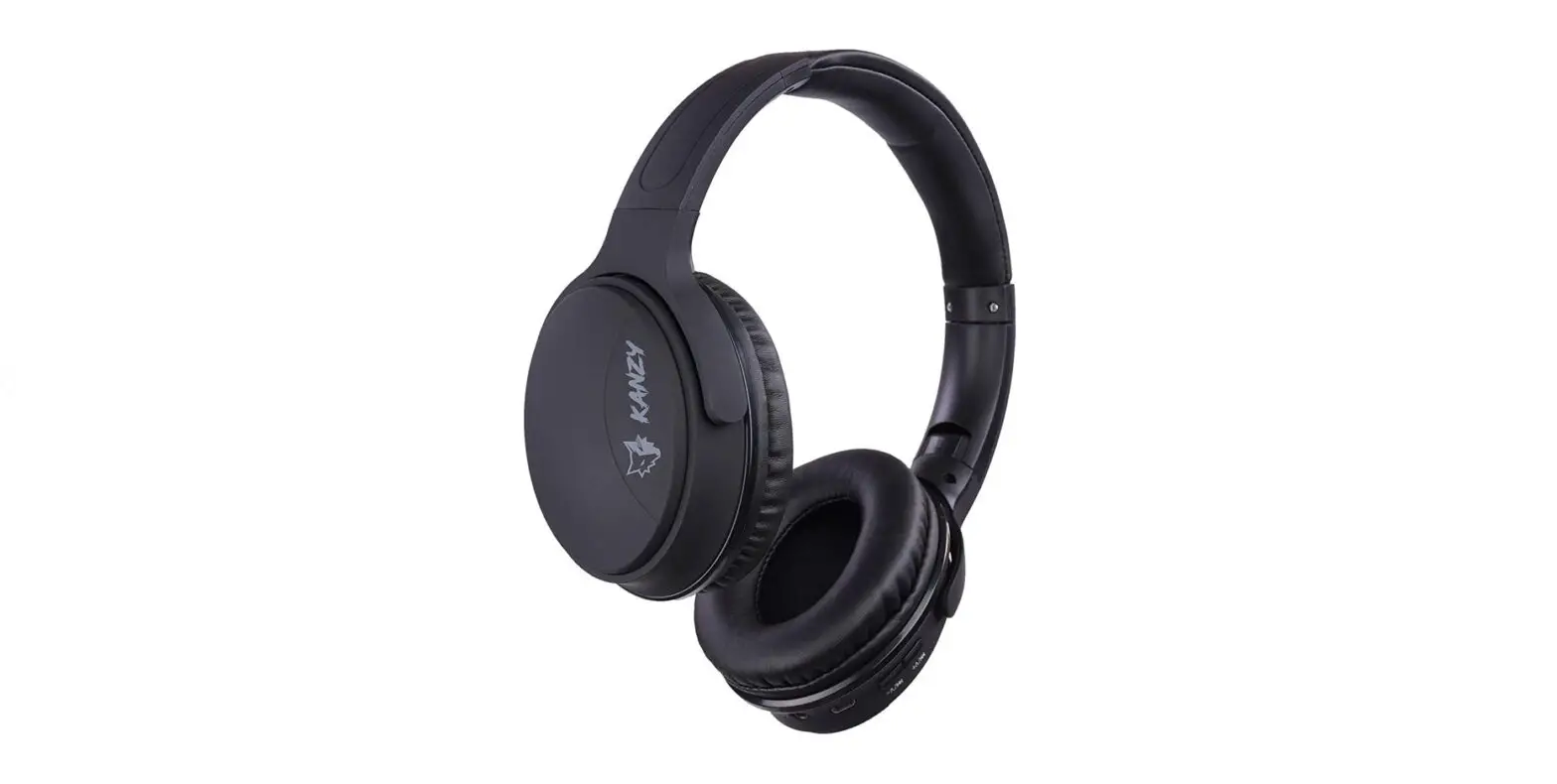
Product pictures
spec
| Product name | Bluetooth earphone |
| Product model | WSE-01 |
| Bluetooth device name | Bluetooth earphone |
| Music transmission mode | A2DP |
| Voice call transmission mode | HFP |
| texture of material | ABS + TPE + aluminum alloy |
| Bluetooth transmission distance | ≥ 10m (open and barrier free) |
| Bluetooth version | Bluetooth.5 |
| Bluetooth protocol | HSP/HFP/A2DP/AVRCP |
| Wireless transmission frequency | 2400-2483.5MHz |
| Bluetooth audio decoding format | SBC/AAC |
| Headphone battery capacity | 100mAh |
| Battery charging time | 1-2 hour |
|
Duration of continuous music playing | >6 hours (test condition: iPhone 6S, pink noise 50% volume) |
| Continuous call duration | >About 6 hours |
| Weight (headset) | 33.2g |
Electrical performance parameters
| Headphone output voltage / current | 4.2V-20mA(max) |
| Headphone charging current | 90mA |
| Overcharge protection voltage | 4.3±0.1V |
| Over discharge protection voltage | 3.1±0.1V |
| Short circuit protection | Yes |
| working voltage | 3.0V-4.2V |
| 1KHZ 0db(iPhone 6s) | 105dB |
| Call power consumption | 12mA±5mA |
| standby power | 1mA±0.5mA |
| Power consumption of shutdown | <6uA±2uA |
| Bluetooth transmitting power | 3dBm |
| Output power (1kHz 0dB) | 2.6mW/16Ω |
| frequency range | 20Hz-20KHz |
| Audio signal to noise ratio (PCBA) | >85D, rated power |
| Audio output distortion rate (PCBA) | <0.3%, |
| microphone sensitivity | -41dB±2dB |
| Horn sensitivity | 101±3dB at 1KHz |
Function description (UI)
| Key category | effect | current state | operation | |
| Power on | Shut down | Press and hold “FMB” key for 3 seconds | ||
| Shut down | Power on | Press and hold “FMB” key for 3 seconds | ||
| many Work can key | ||||
| Enter pairing state | Shut down | Press and hold “FMB” key for 5 seconds | ||
| play | Connected | Short press “FMB” key once | ||
| suspend | Music playing | Short press “FMB” key once | ||
| Answer | The first call came in | Short press “FMB” key once | ||
| refuse | The first call came in | Press and hold “FMB” key for 2 seconds | ||
| How much Bond work | Hang up | Both sides are on the phone | Short press “FMB” key once | |
|
Volume up Minus key | Increase the volume by one step | Increase the volume by one step | Press the “+” key for 1 second | |
| Next song | Next song | Press and hold the “+” key for 2 seconds | ||
| Reduce the volume by one step | Reduce the volume by one step | Short press the “- key for 1 second | ||
| Last song | Last song | Long press the “- key twice | ||
| Key combination | Switch between Chinese and English mode | Not connected or connected mode | Press and hold [volume up + volume down] for 5 seconds | |
| When there is no connection / disconnection, it will shut down automatically in 5 minutes | ||||
| state | LED light indication | |||
| Power on | When the blue light flashes three times, the red and blue lights flash at the same time | |||
|
Shut down | The red light flashes three times | |||
|
Pairing status | Red and blue lights flash alternately | |||
| Connected | The blue light flashes every 4 seconds | |||
|
Not connected | Red and blue lights flash alternately | |||
| Restore factory settings | Red and blue lights flash three times at the same time | |||
| Charging | The red light is always on | |||
| Fully charged | The blue light is always on | ||
| Play music | The blue light flashes every 4 seconds | ||
| Low power state | Turn to red light flashing (10% power starts to remind), only once (do not remind repeatedly) | ||
| Description of voice prompt | |||
| Power on | Voice prompt “power on” | ||
| Shut down | Voice prompt “power off” | ||
| Enter pairing state | Voice prompt “pairing” | ||
FCC Warning Statement
Changes or modifications not expressly approved by the party responsible for compliance could void the user’s authority to operate the equipment. This equipment has been tested and found to comply with the limits for a Class B digital device, pursuant to Part 15 of the FCC Rules. These limits are designed to provide reasonable protection against harmful interference in a residential installation. This equipment generates uses and can radiate radio frequency energy and, if not installed and used in accordance with the instructions, may cause harmful interference to radio communications. However, there is no guarantee that interference will not occur in a particular installation. If this equipment does cause harmful interference to radio or television reception, which can be determined by turning the equipment off and on, the user is encouraged to try to correct the interference by one or more of the following measures:
- Reorient or relocate the receiving antenna.
- Increase the separation between the equipment and receiver.
- Connect the equipment into an outlet on a circuit different from that to which the receiver is connected.
- Consult the dealer or an experienced radio/TV technician for help.
This device complies with part 15 of the FCC Rules. Operation is subject to the following two conditions: (1) This device may not cause harmful interference, and (2) this device must accept any interference received, including interference that may cause undesired operation.
The device has been evaluated to meet general RF exposure requirements.