Creative Zhilian (Shenzhen) Technology Co., Ltd.
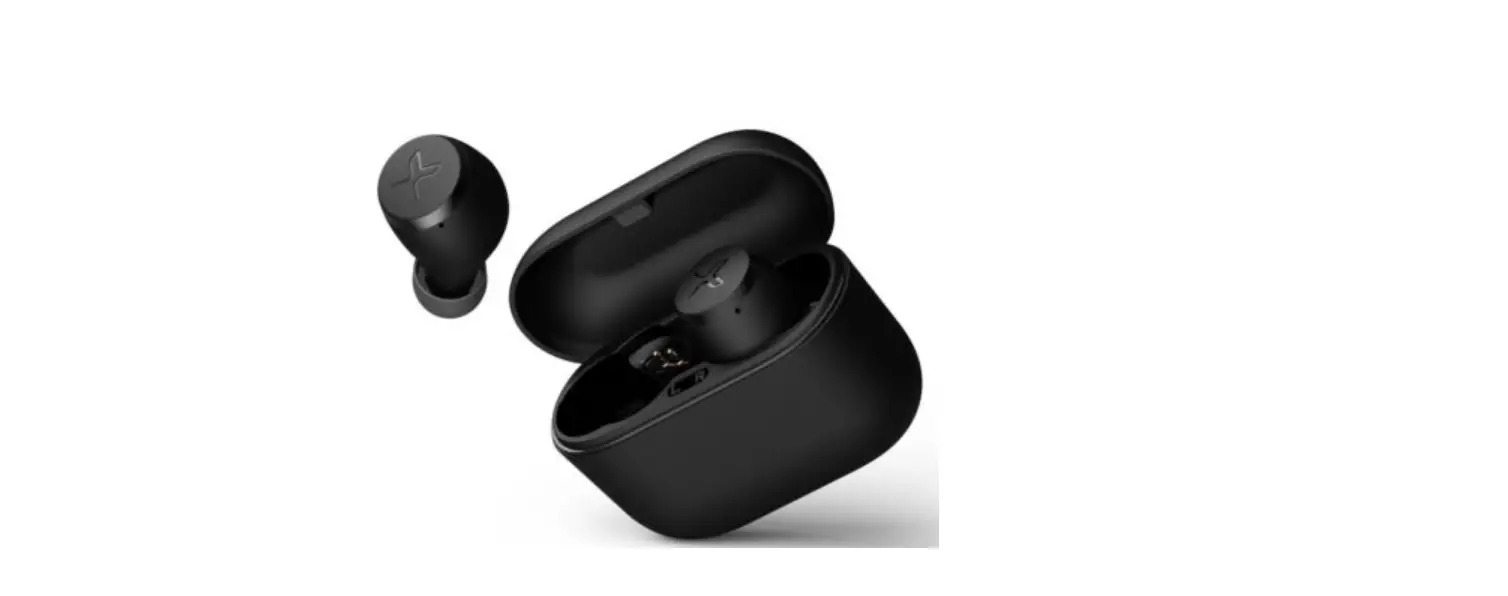
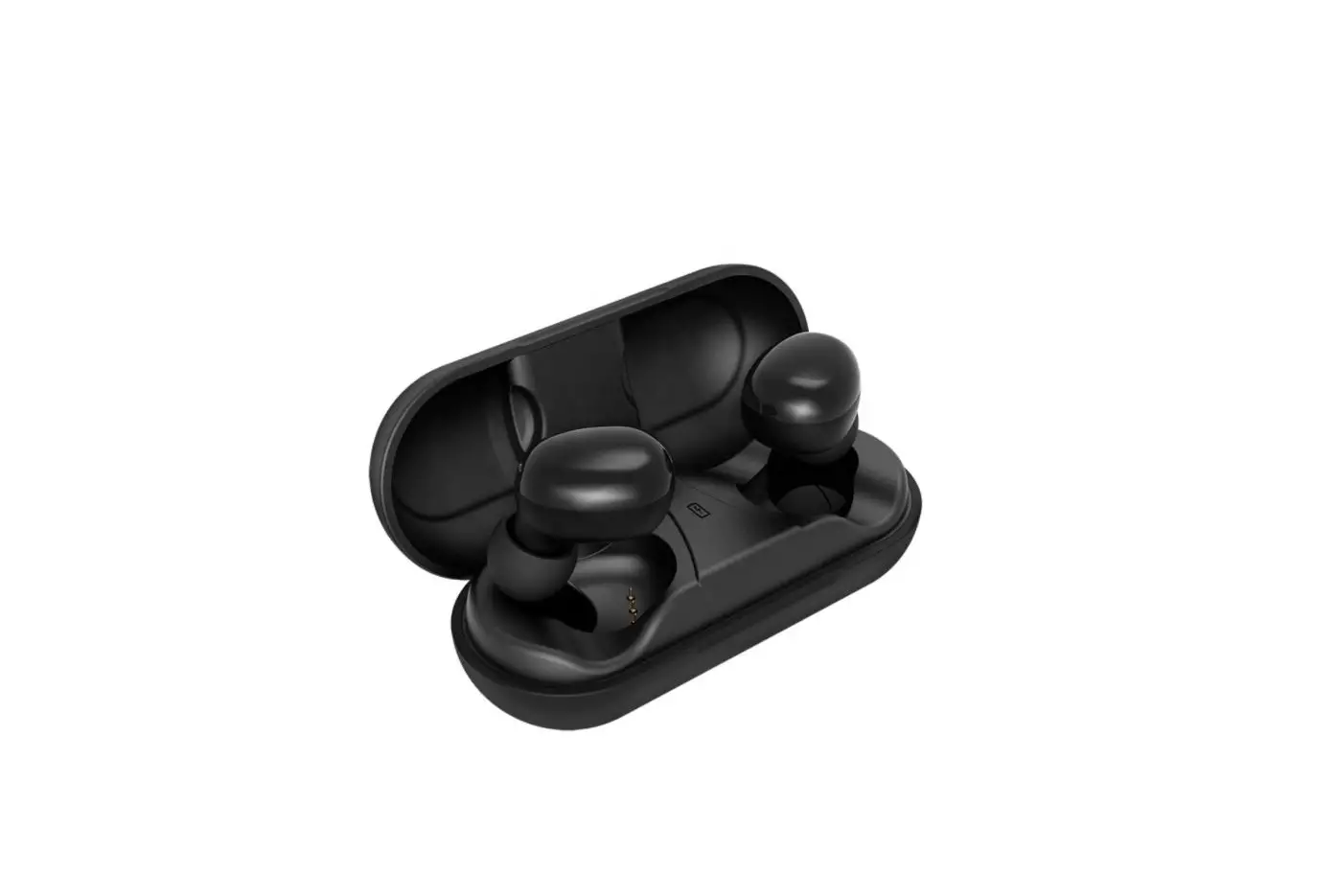
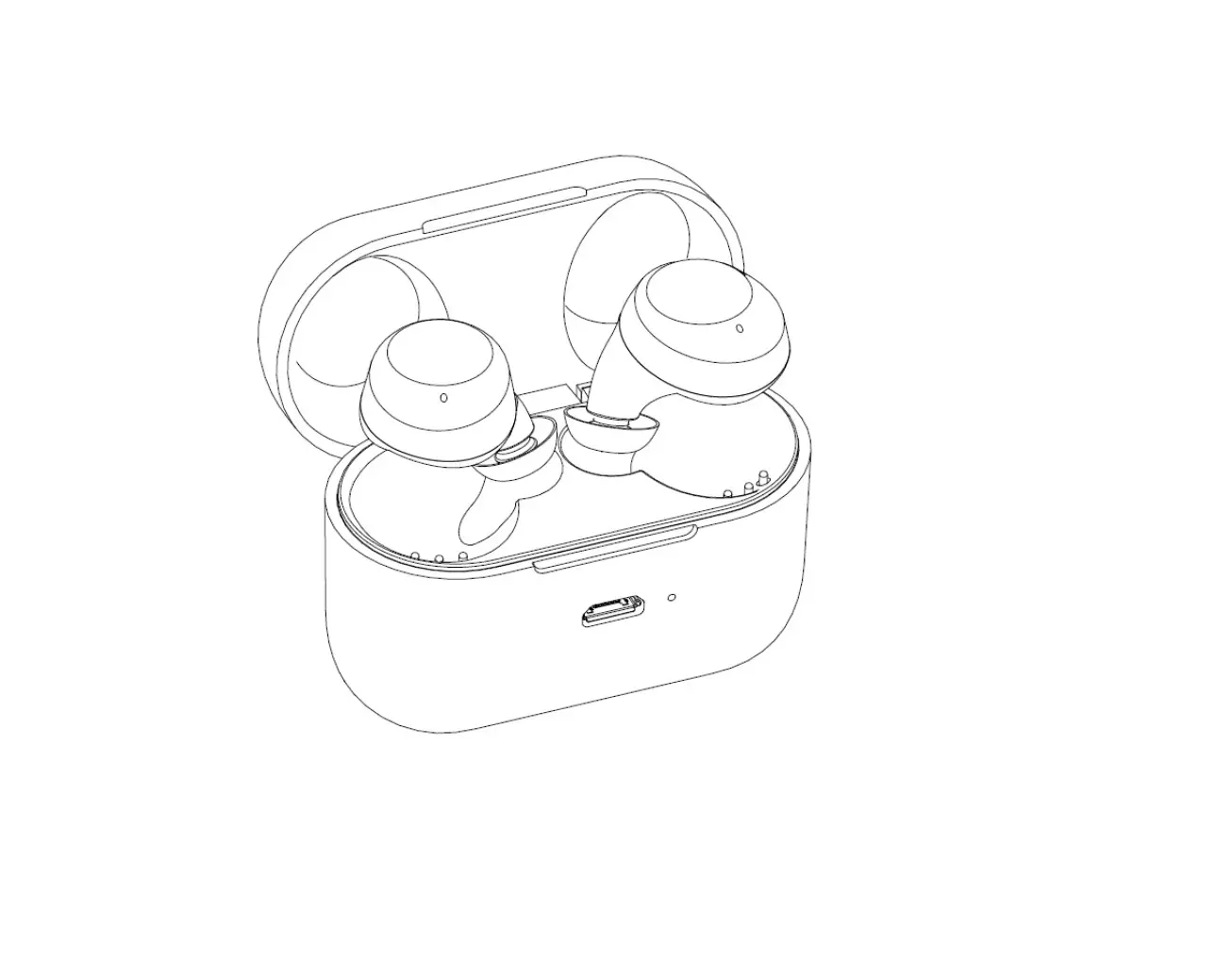
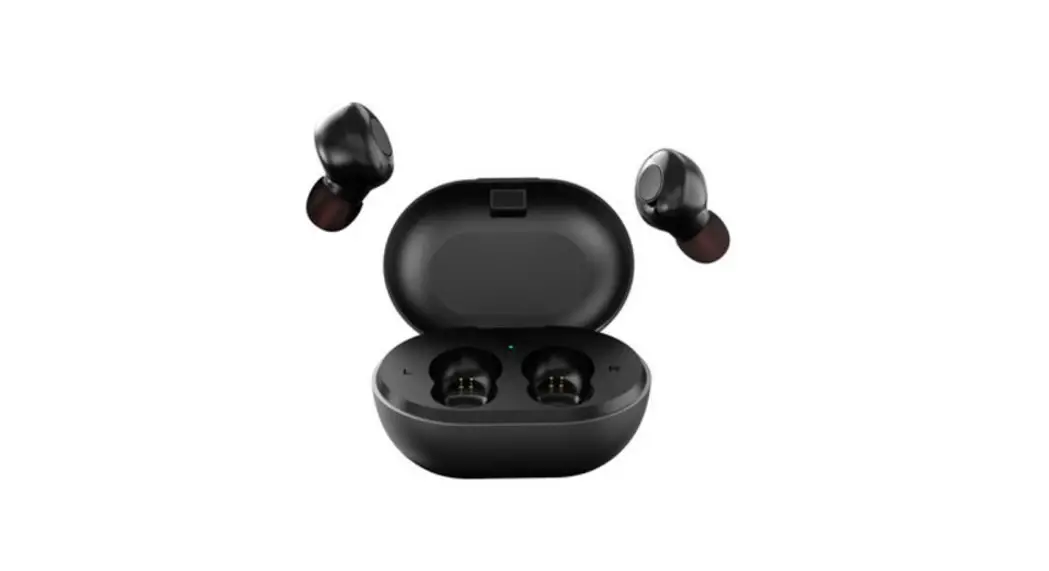
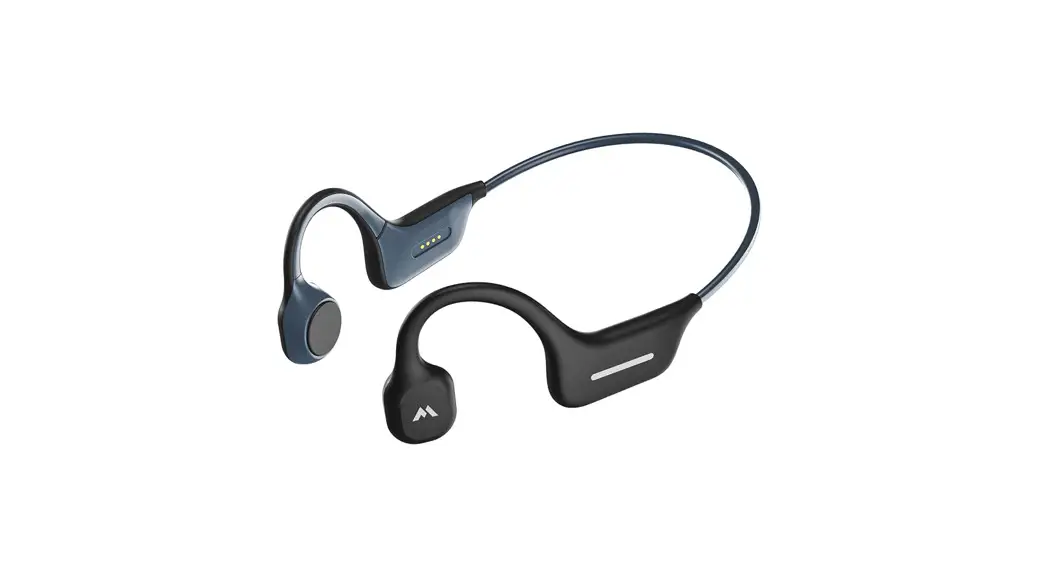
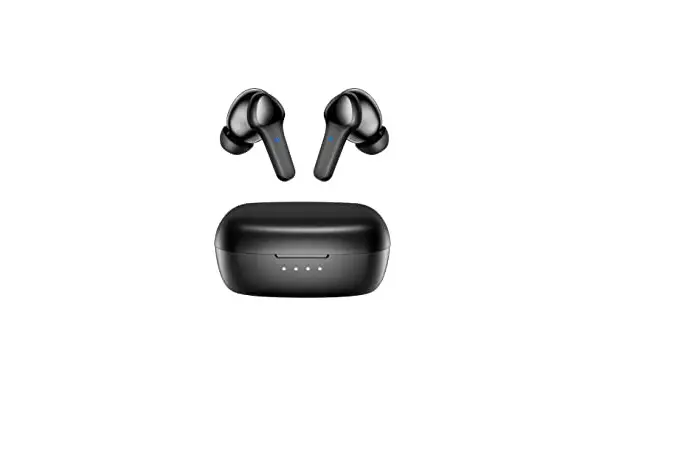
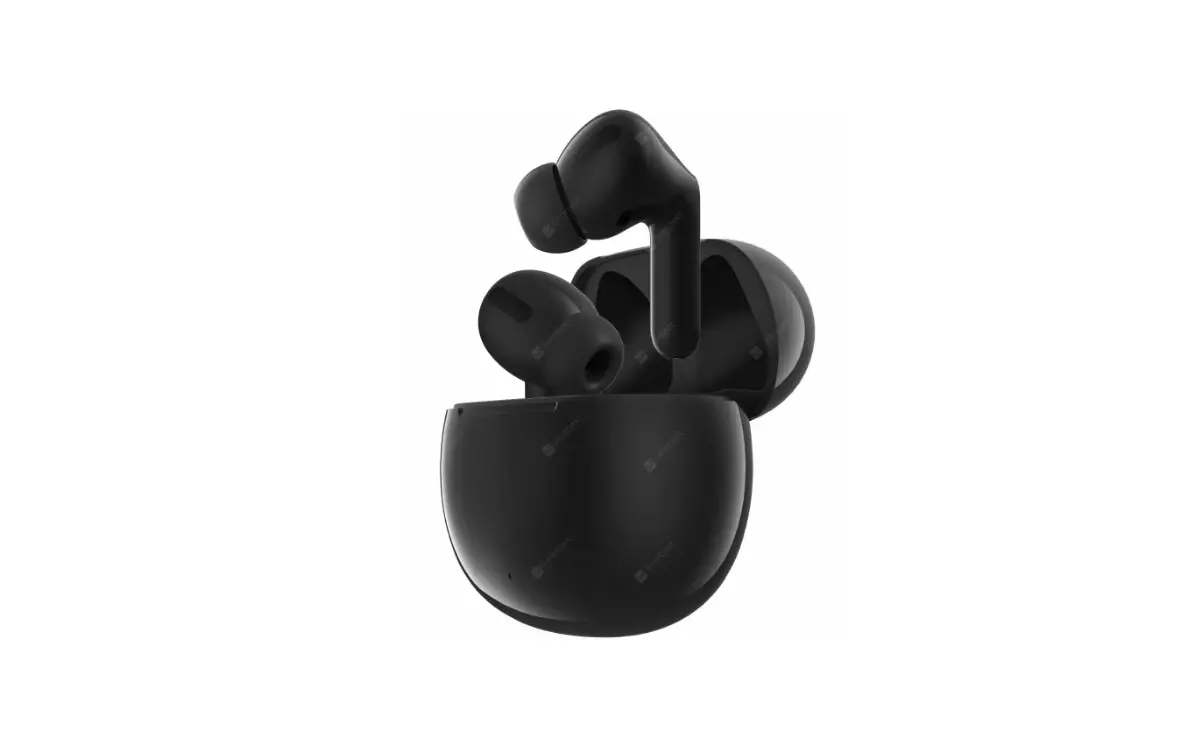
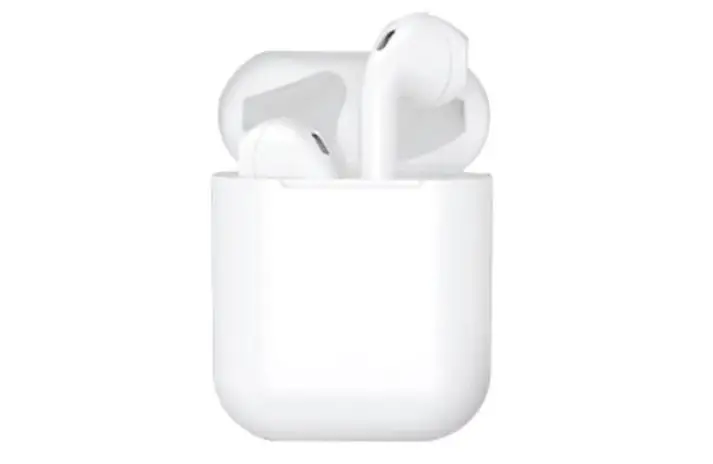
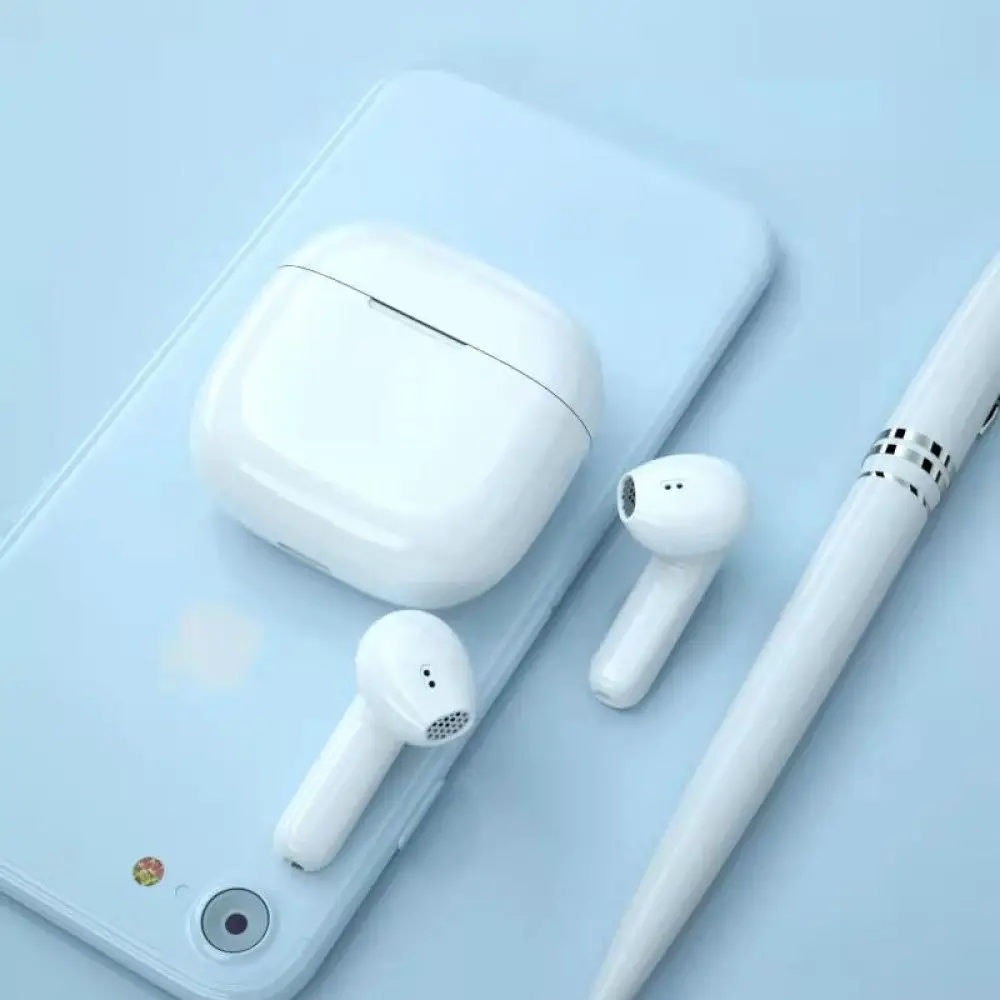
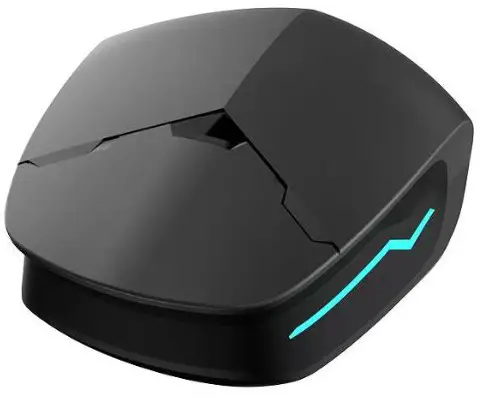
Y01 TWS Bluetooth Headset
Product Name : TWS Bluetooth Headset
Product Model : Y01
Release date :2022.4.5
PRODUCT FEATURES
- Radio Frequency: 2.402GHz-2.480GHz
- Communication distance (open space without obstacles) 10 meters
- Talking hours / music hours Single full charge 3.5 hours or more
- Battery cycle life Charge/discharge cycle >300 times
- Charging input standard TypeC, DCV5V, 500mA-1000mA
Function Operation Instructions
| Touch button function operation | Basic Functions | Operation steps and related instructions |
| Start up | Open the top cover of the charging compartment to turn on automatically | |
| Shutdown | Drop the headset into the charging compartment. Cover automatically turns off | |
| Auto shutdown | When Bluetooth is not connected, it will turn off automatically after more than 3 minutes without any operation. | |
| Pairing Mode | Simultaneous power on left and right ear about 2 seconds automatically into the TWS pairing state | |
| Answering the phone | Double click on either side of the R/L headset | |
| Refuse to answer | In the call status, long touch any side of the headset for 2 seconds | |
| Hang up the phone | Double-click the function key during a call | |
| Pause/play music | Double click the left/right headphone power pass button | |
| Up and Down Curve | Long press the R side of the headset to play the next song, long press the L side of the headset to play the previous song | |
| SIRI | In the standby state three touches either side of the headset open, and then three touches either side of the headset off |
CAUTONG
Do not attempt to modify this item in any way
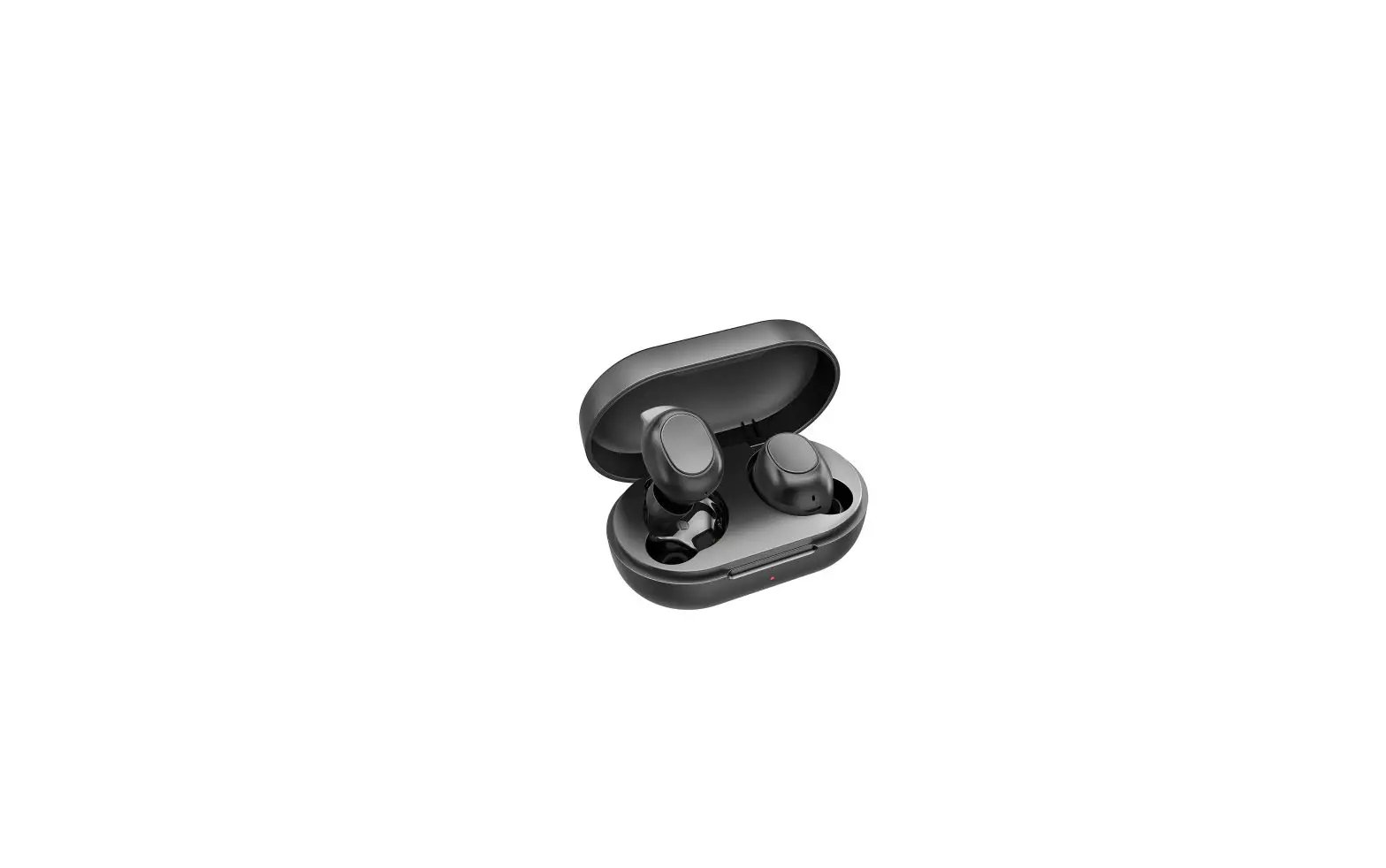
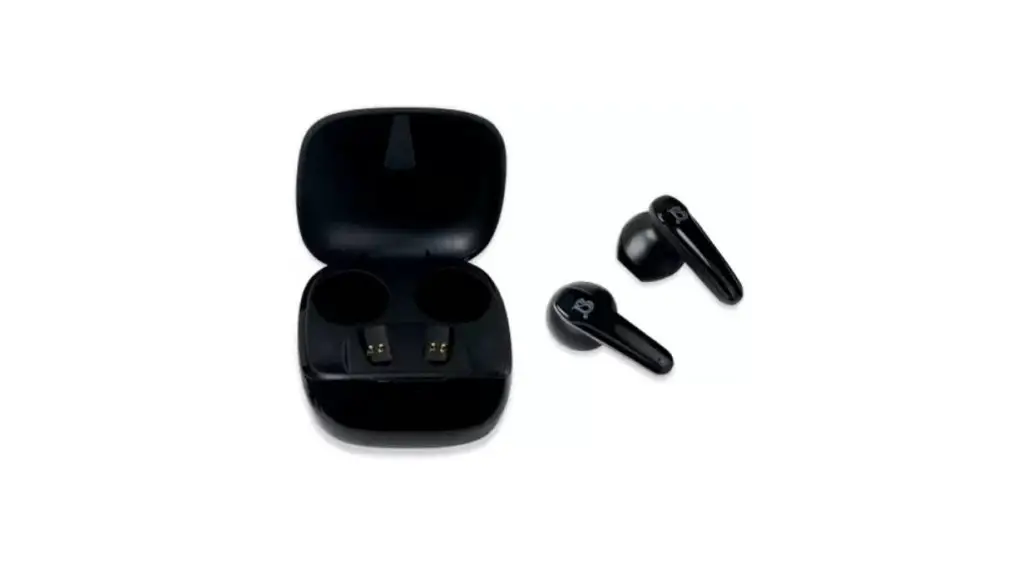
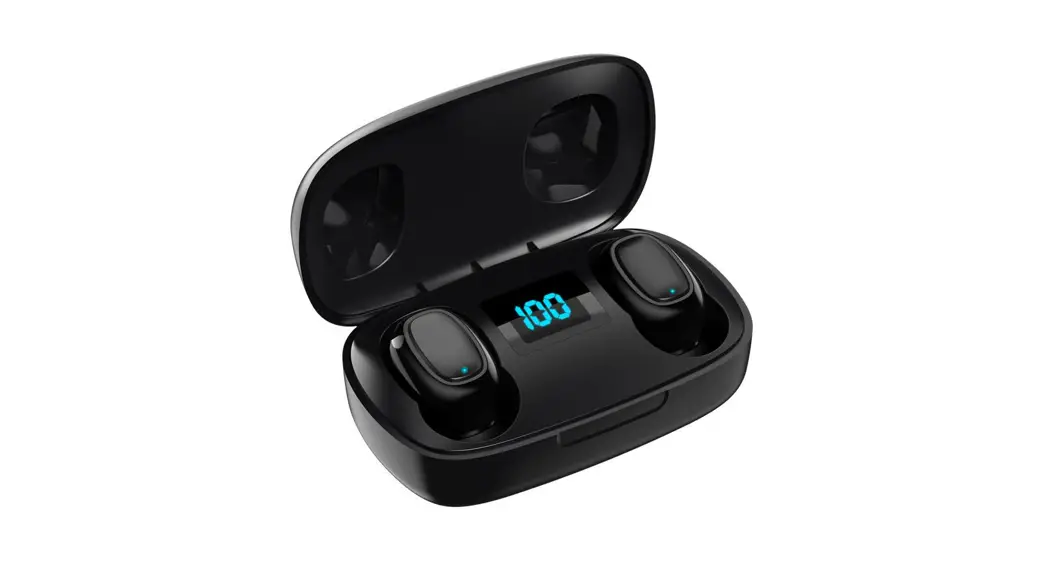
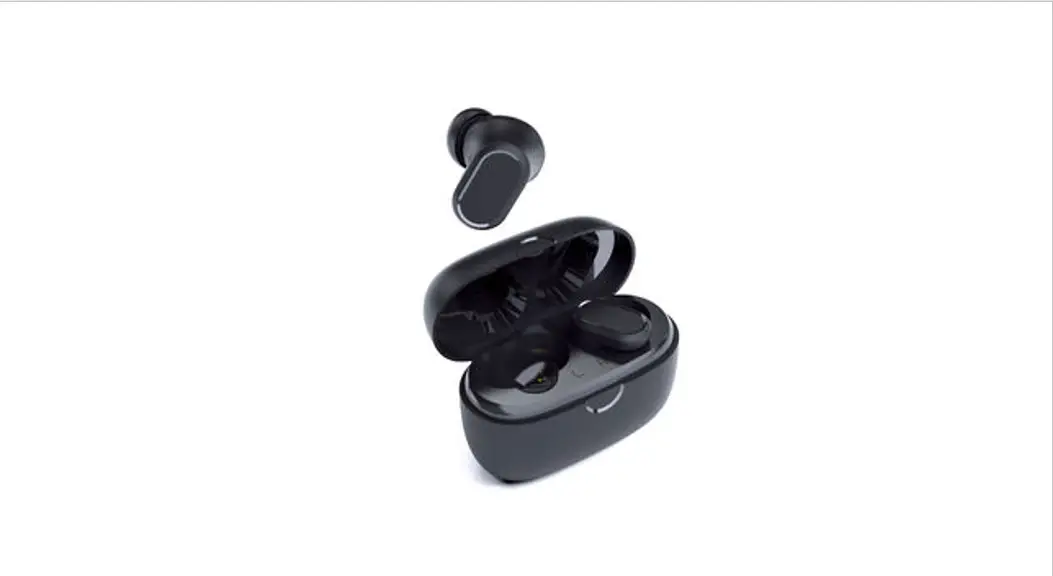
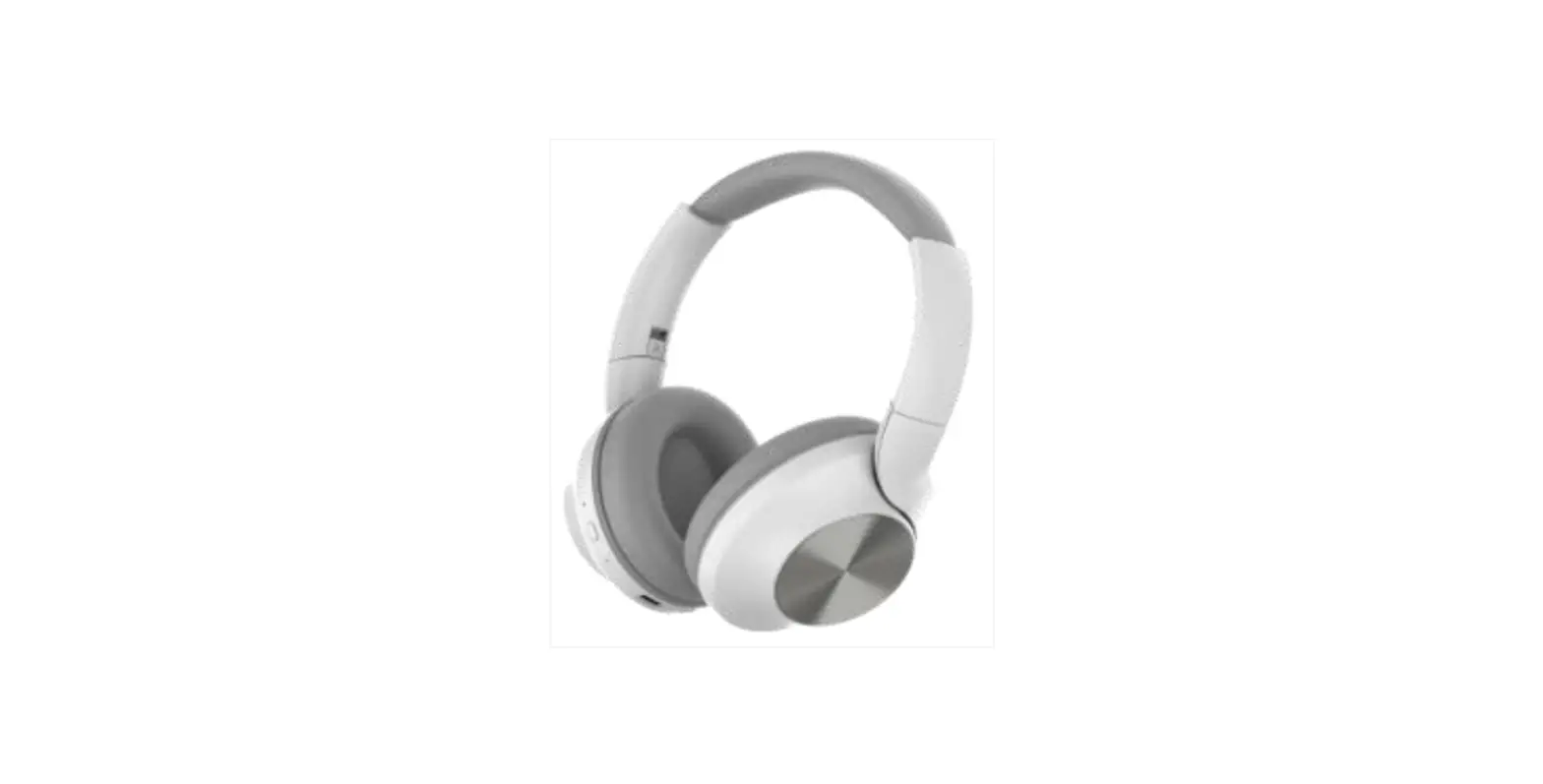
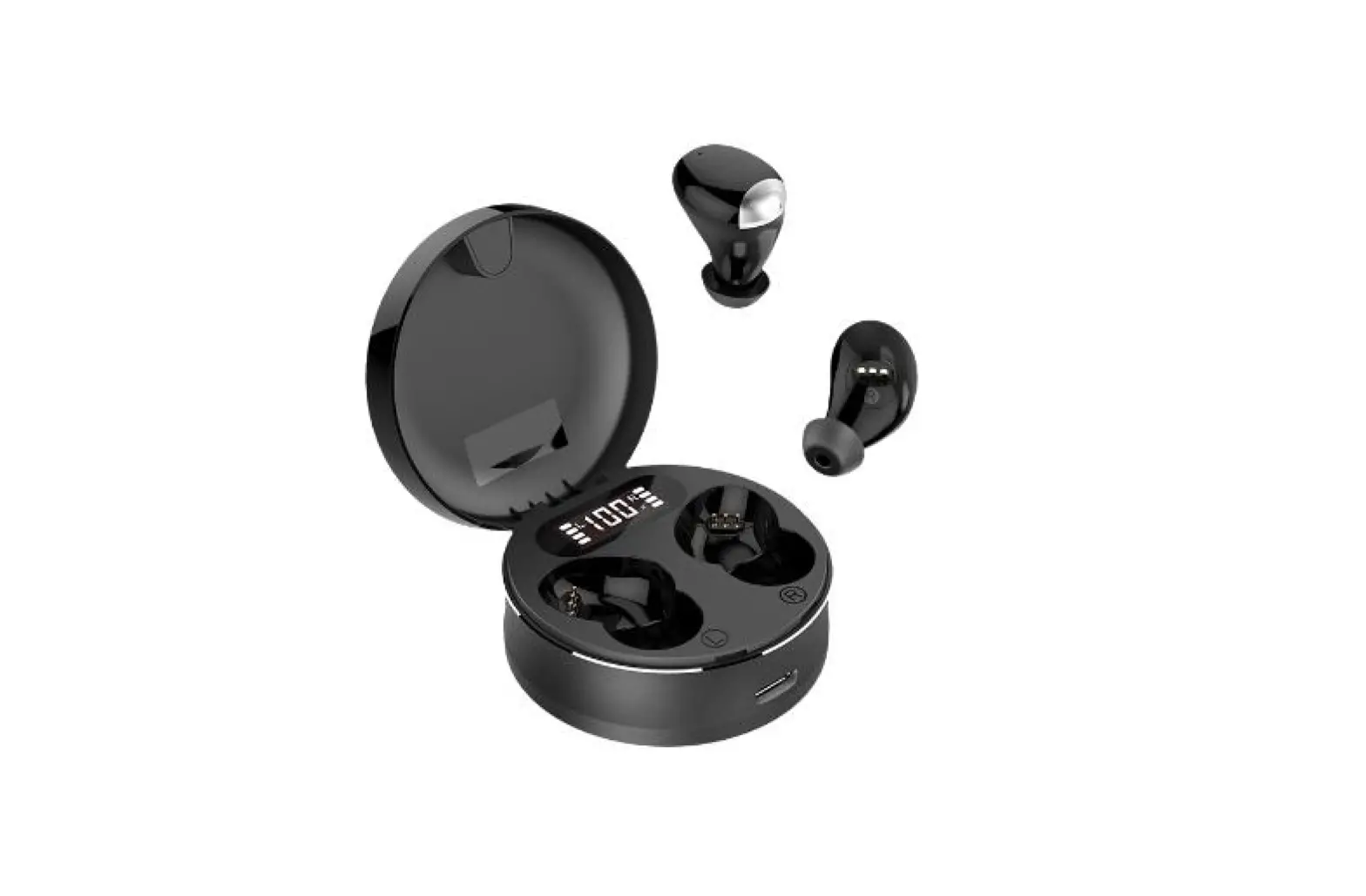
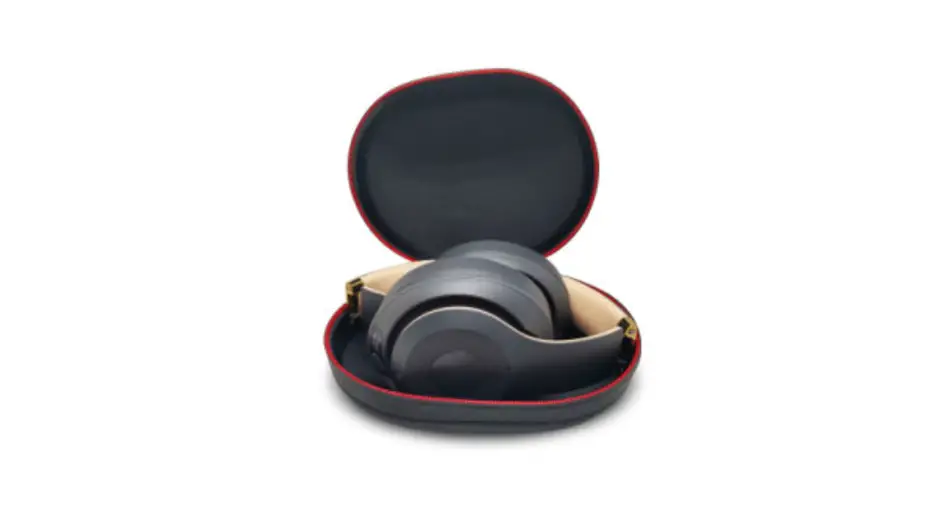
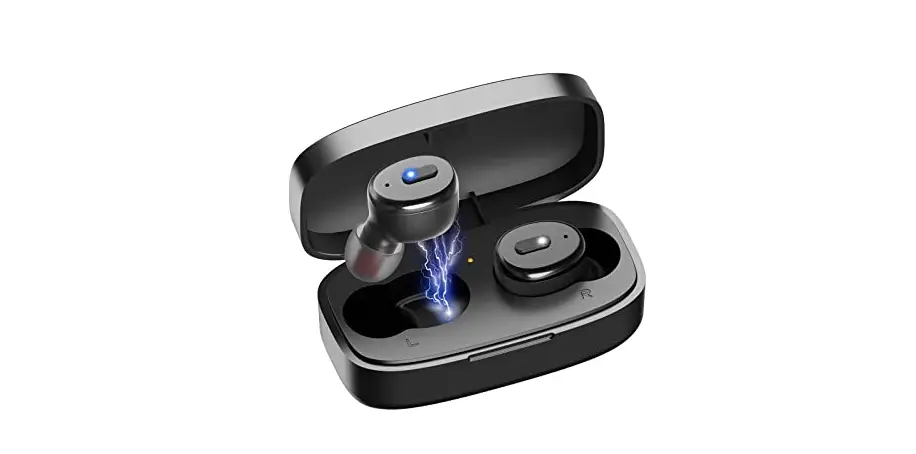
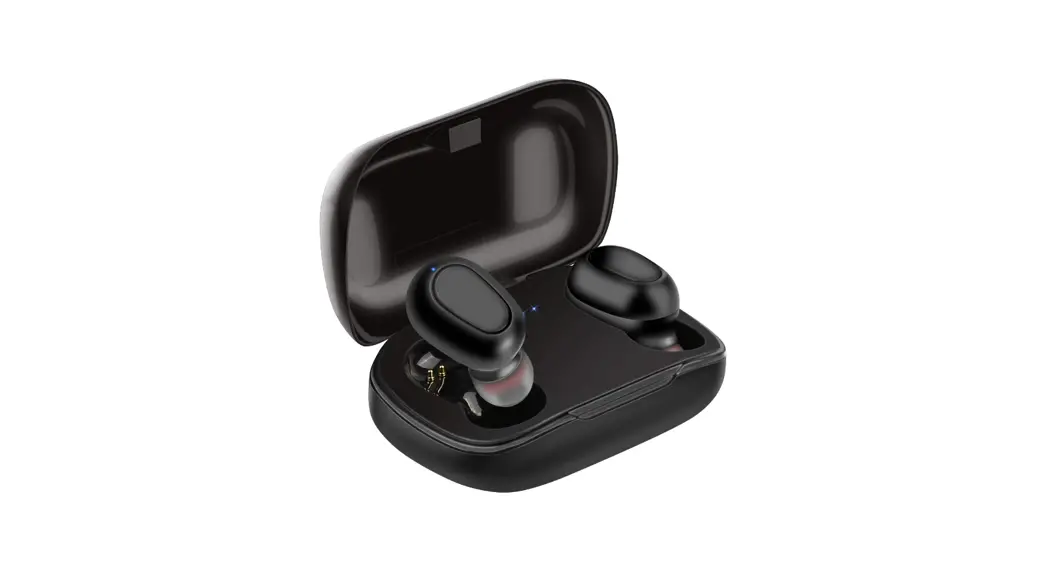
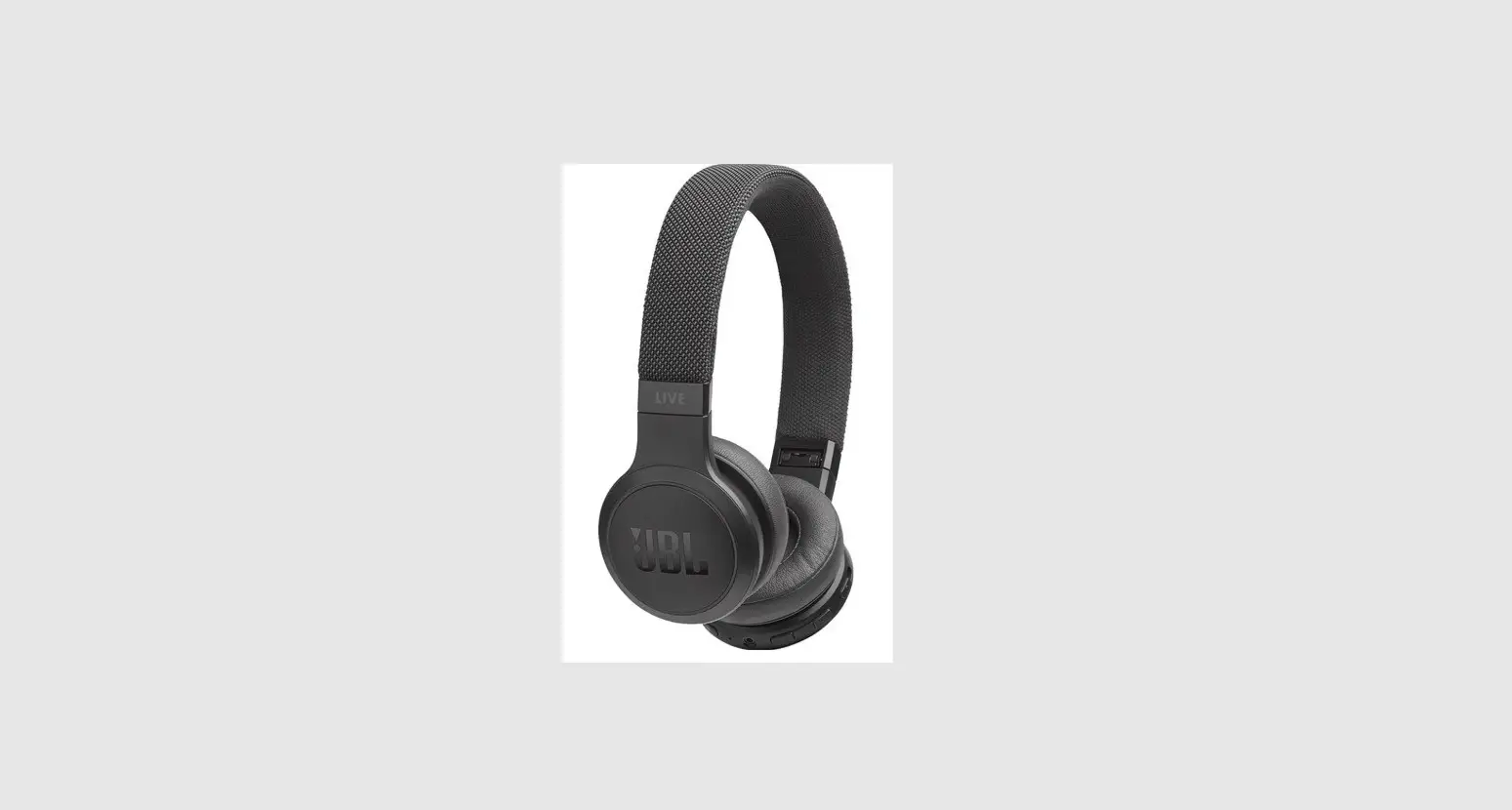
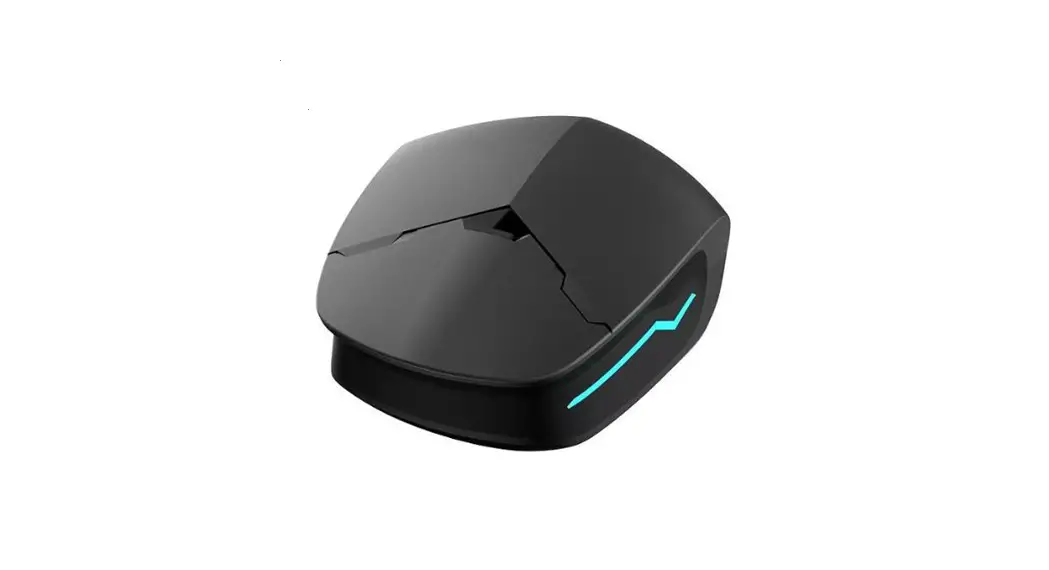
Product pictures
This device complies with part 15 of the FCC Rules. Operation is subject to the following two conditions: (1) This device may not cause harmful interference, and (2) this device must accept any interference received, including interference that may cause undesired operation.
Any Changes or modifications not expressly approved by the party responsible for compliance could void the user’s authority to operate the equipment.
Note: This equipment has been tested and found to comply with the limits for a Class B digital device, pursuant to part 15 of the FCC Rules. These limits are designed to provide reasonable protection against harmful interference in a residential installation. This equipment generates uses and can radiate radio frequency energy and, if not installed and used in accordance with the instructions, may cause harmful interference to radio communications. However, there is no guarantee that interference will not occur in a particular installation. If this equipment does cause harmful interference to radio or television reception, which can be determined by turning the equipment off and on, the user is encouraged to try to correct the interference by one or more of the following measures:
- Reorient or relocate the receiving antenna.
- Increase the separation between the equipment and receiver.
- Connect the equipment into an outlet on a circuit different from that to which the receiver is connected.
- Consult the dealer or an experienced radio/TV technician for help.