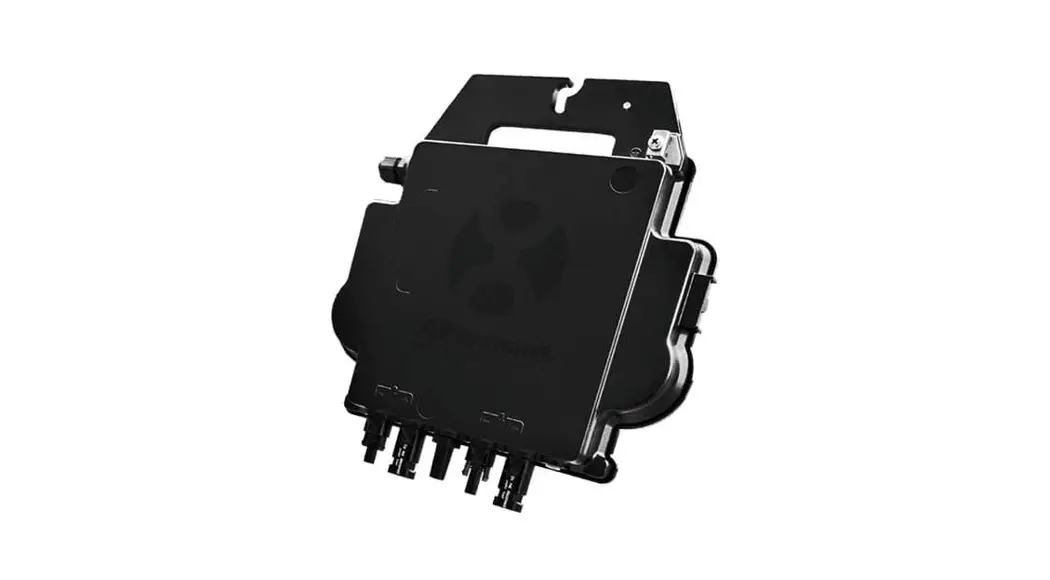
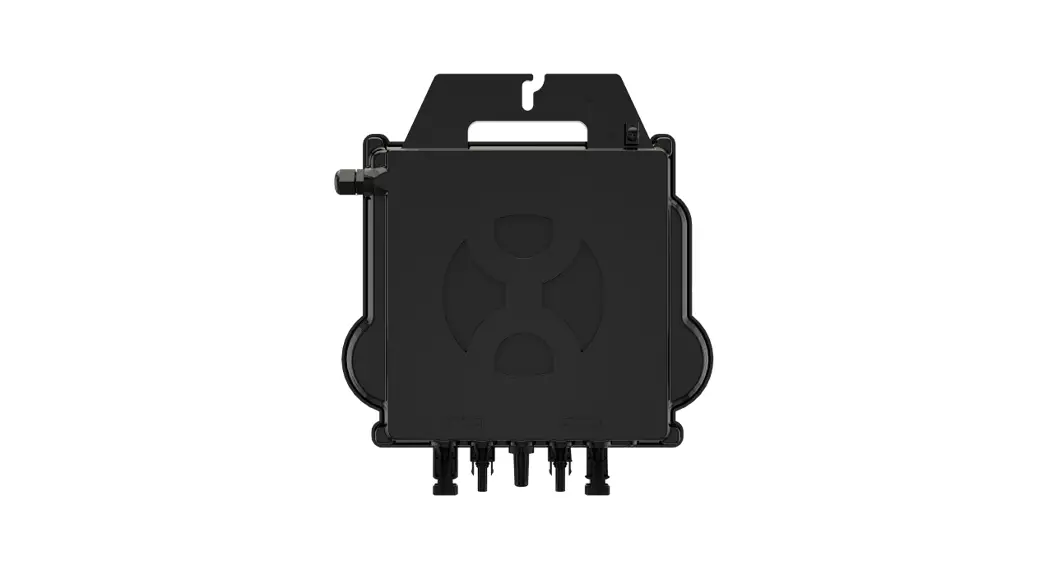
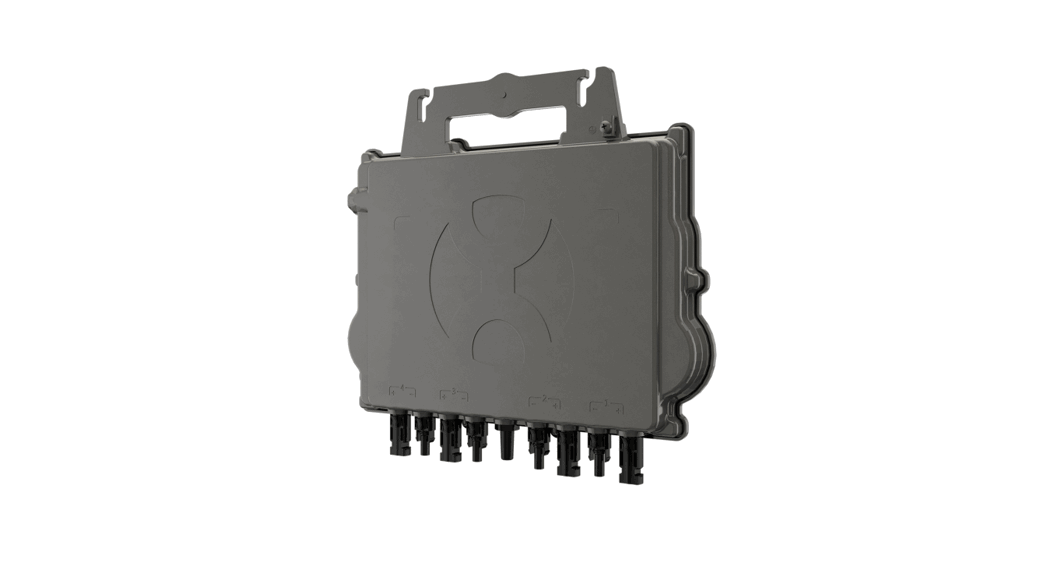
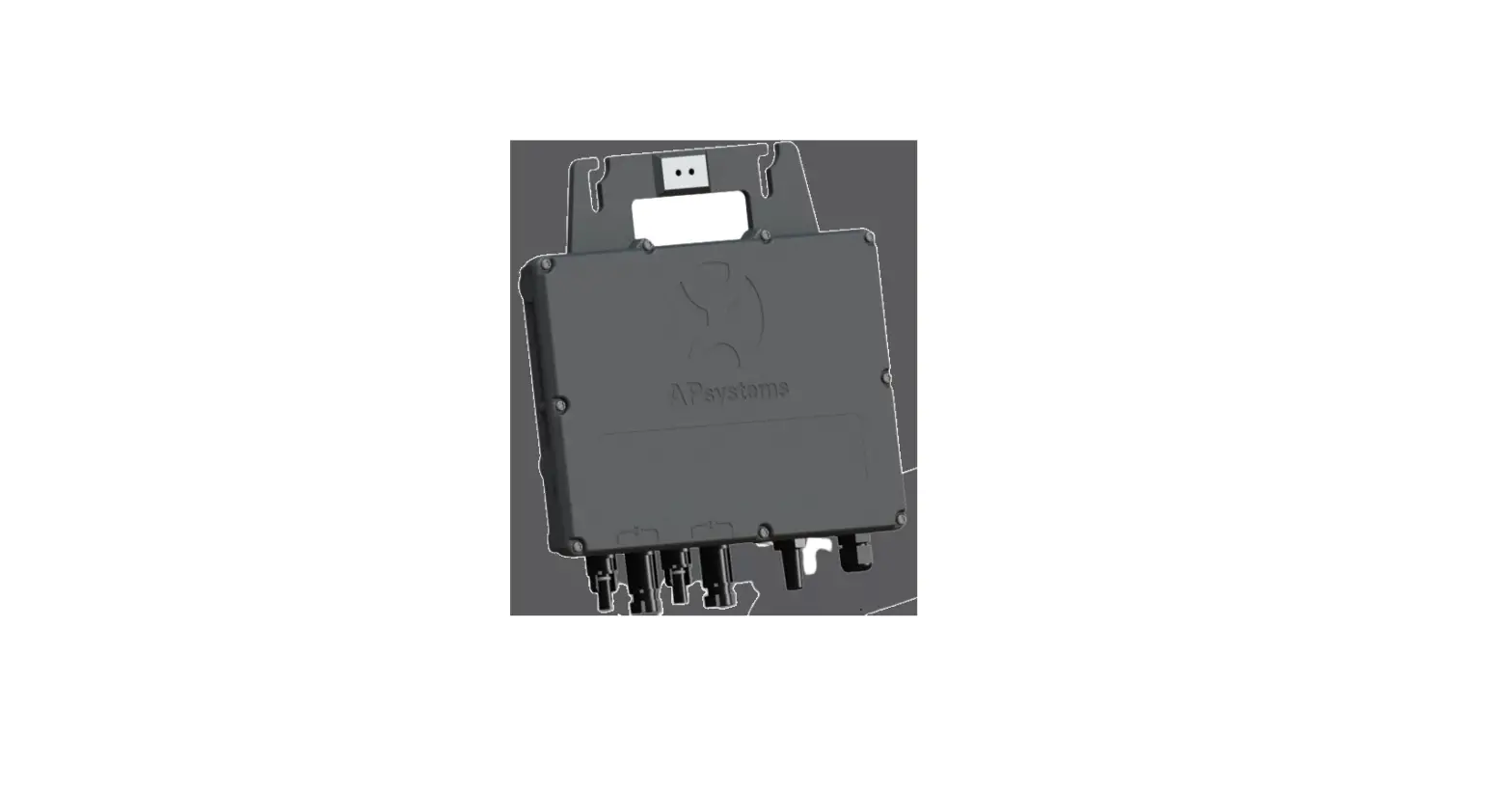
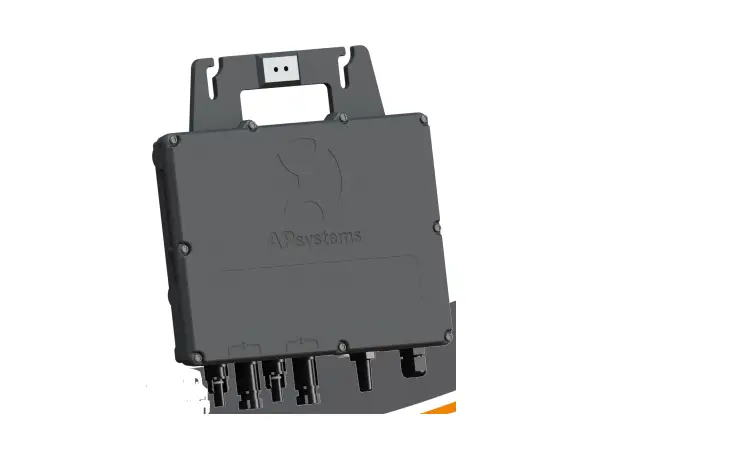
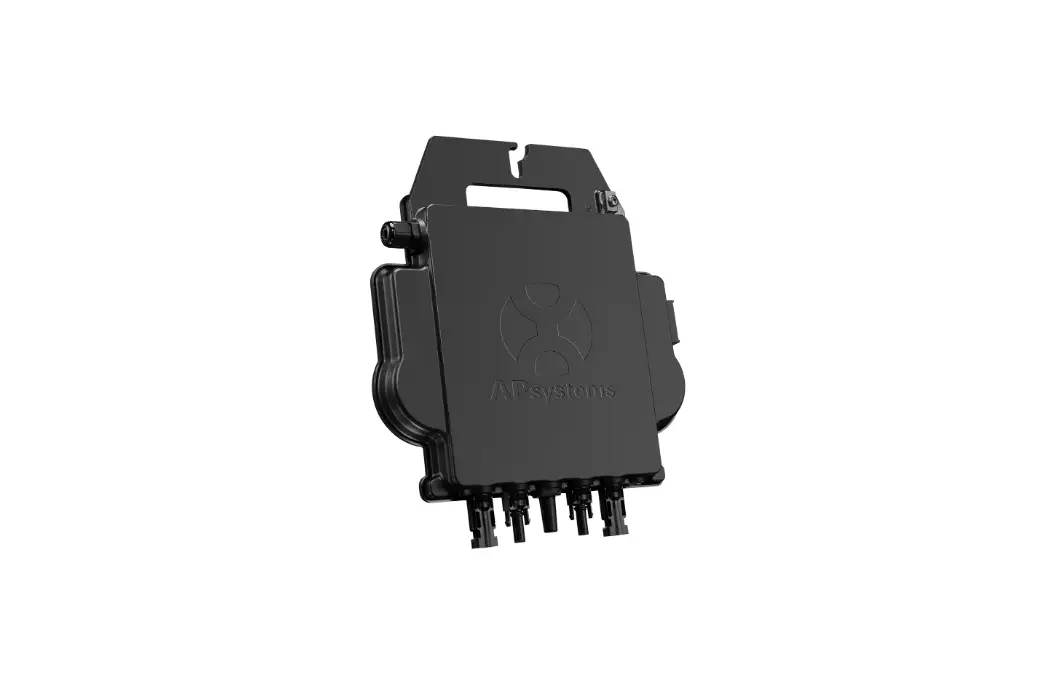
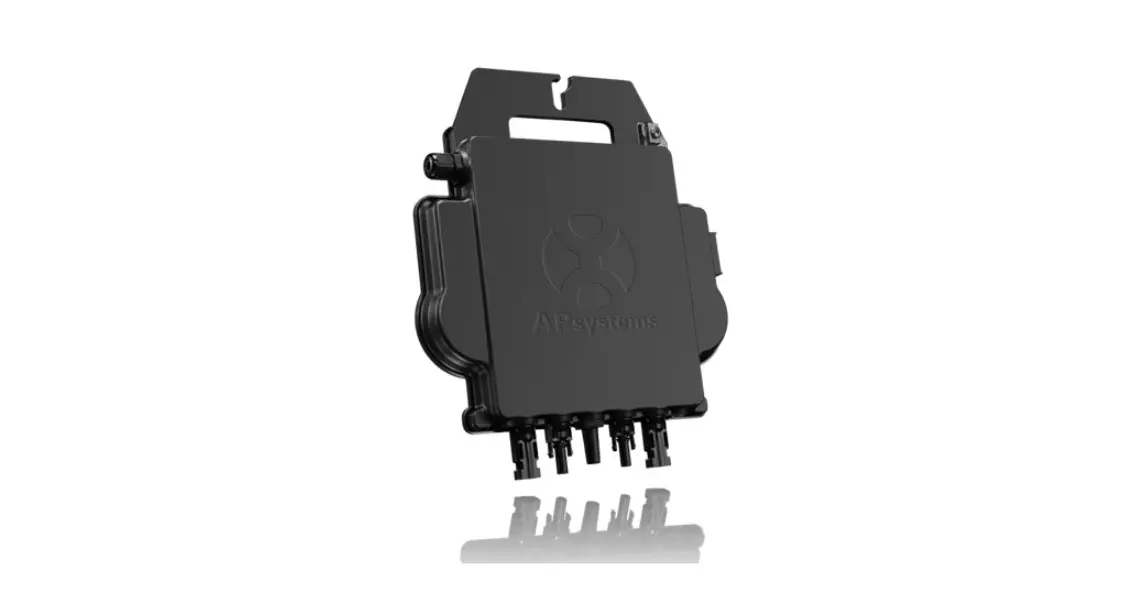
EZ1 Series Microinverters
Product Information
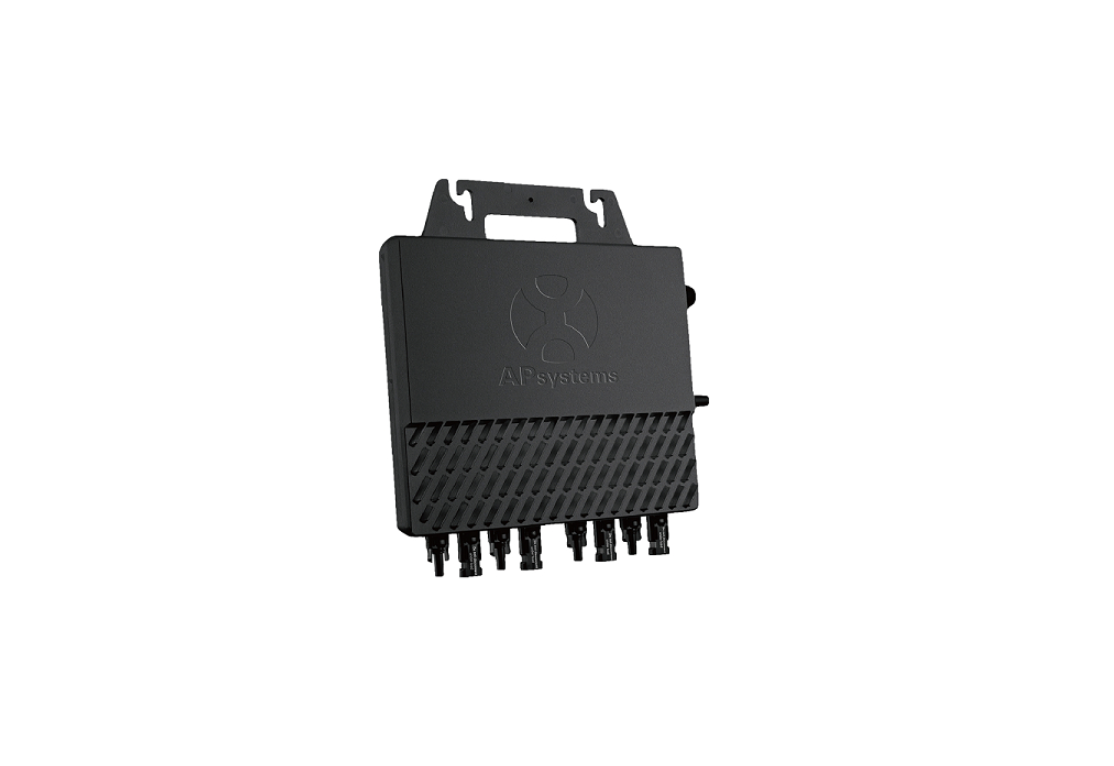
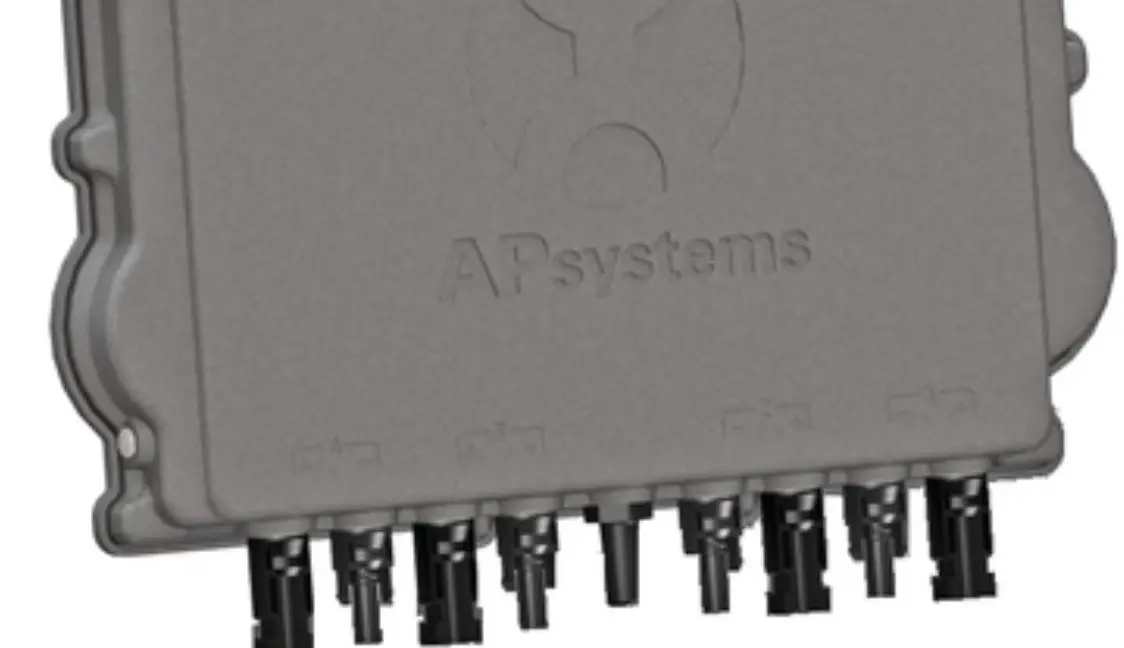
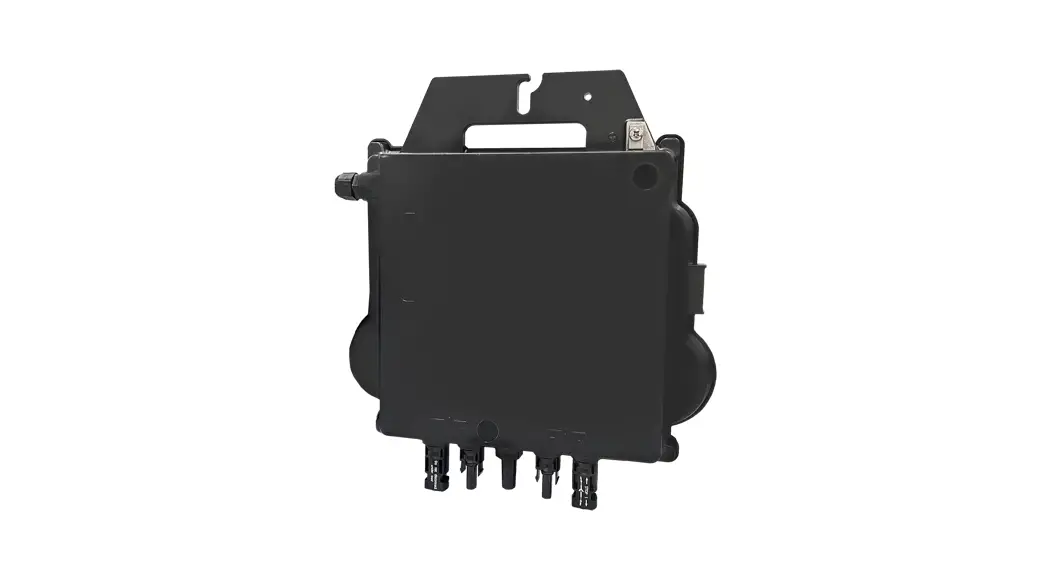
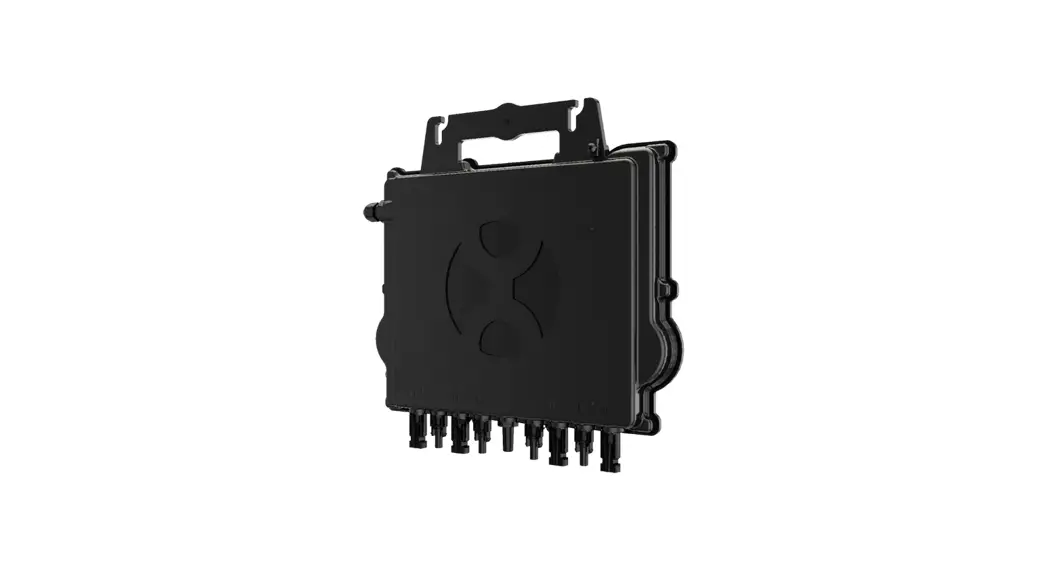
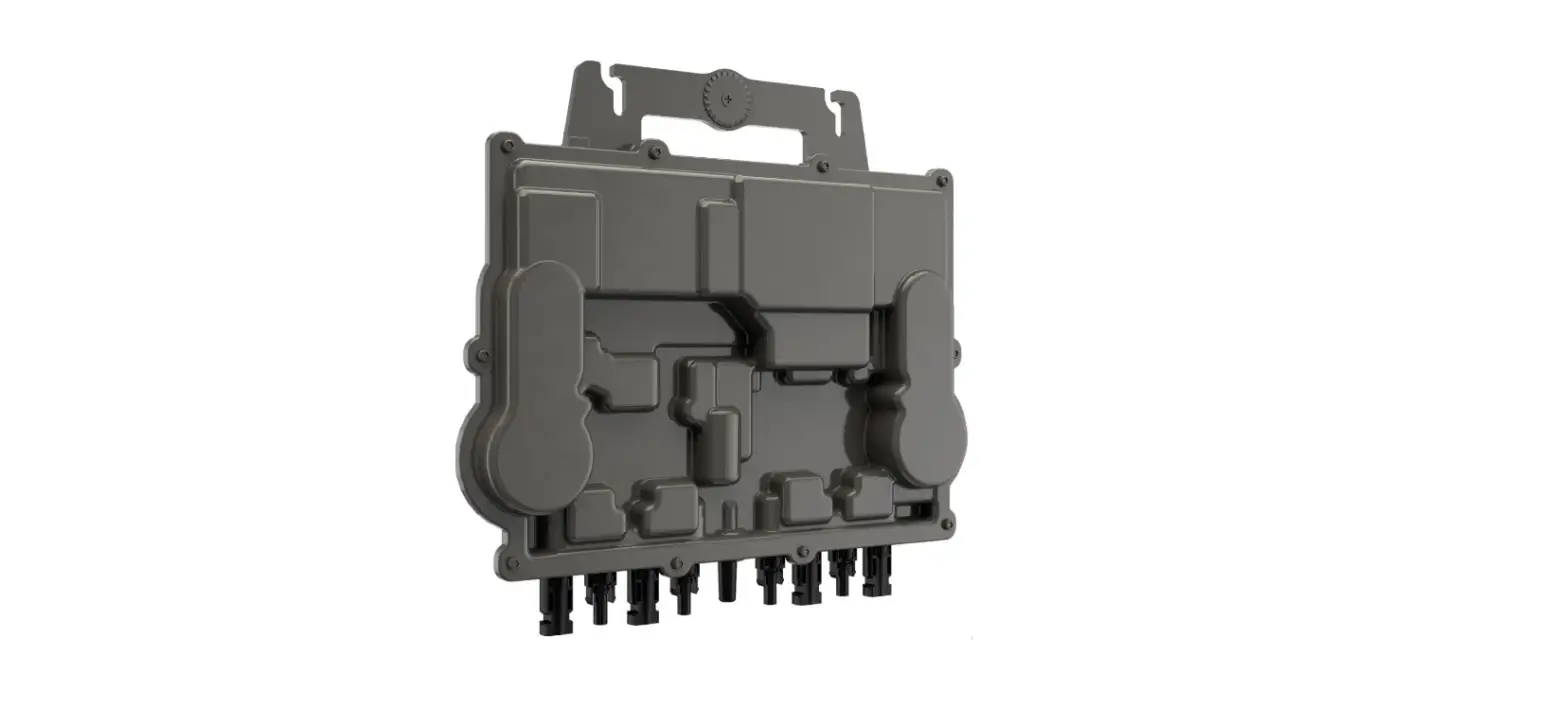
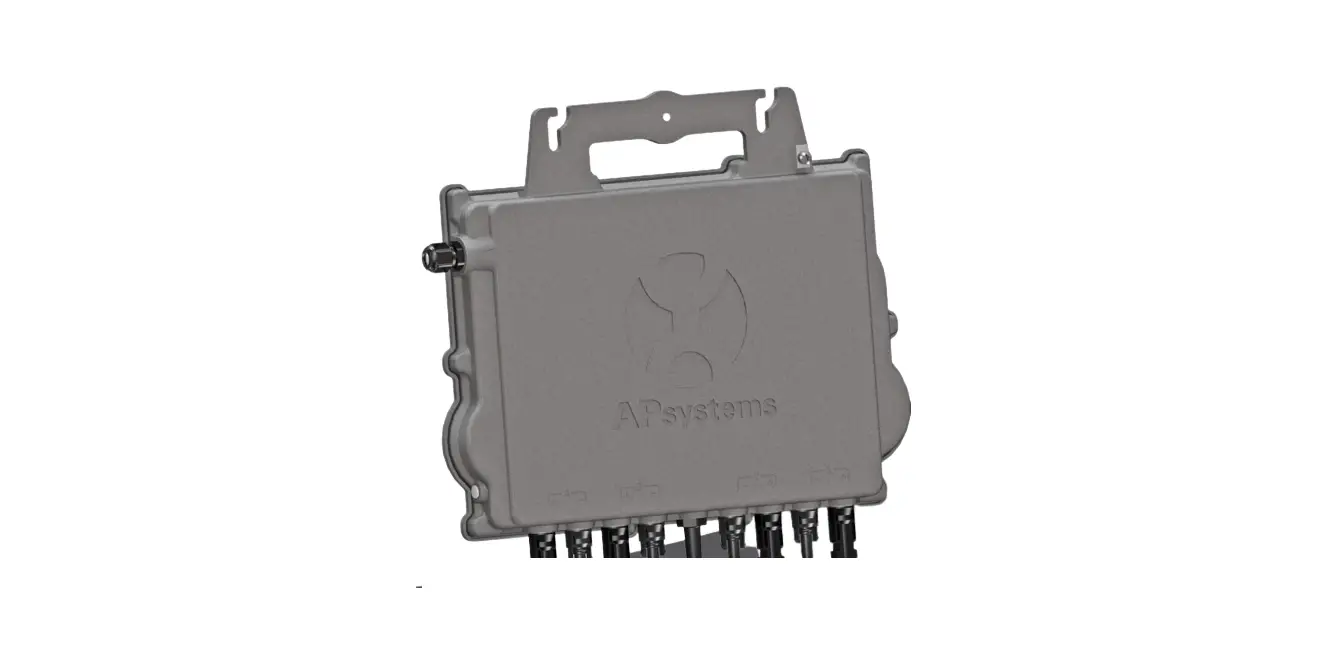
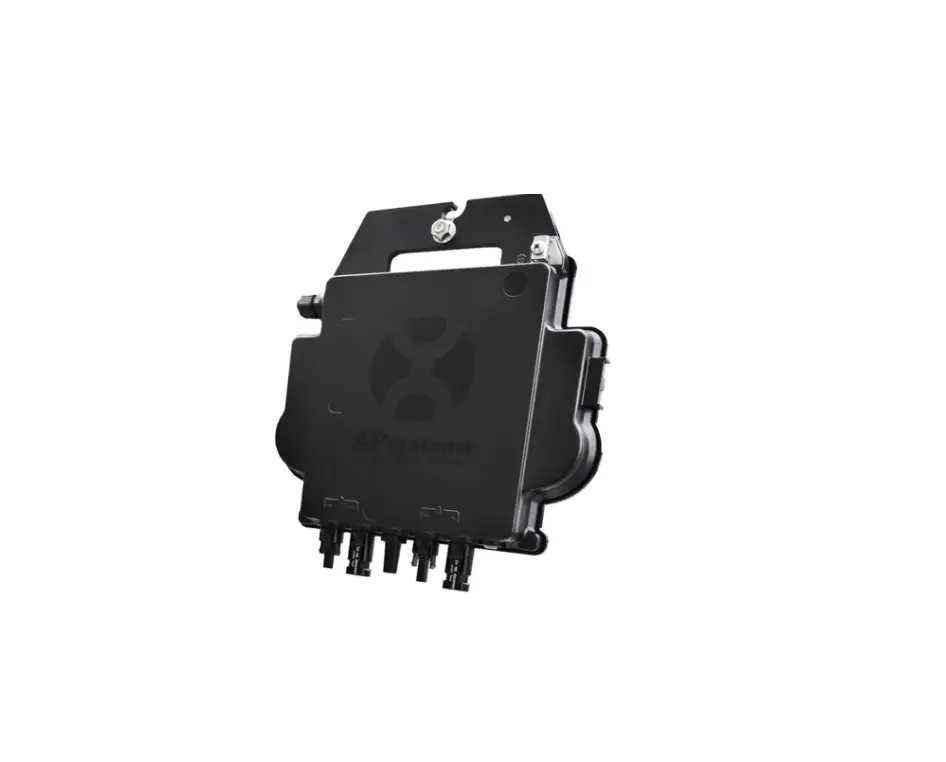
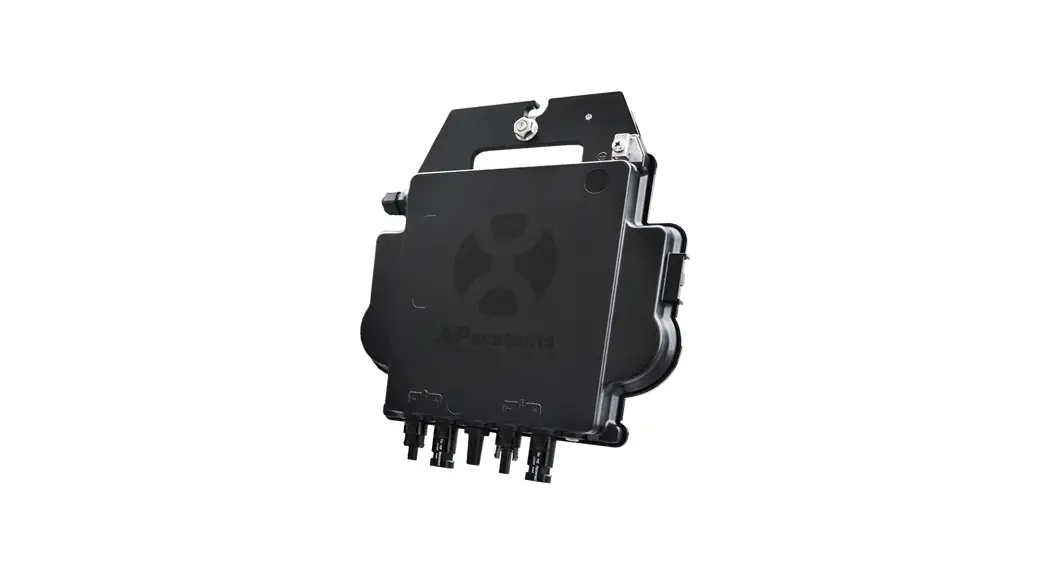
The APsystems Microinverter is a device designed for the
efficient conversion of direct current (DC) power from solar panels
into alternating current (AC) power for use in residential and
commercial applications. The EZ1 series Microinverters are
specifically designed for the EMEA region.
The microinverters are manufactured by ALTENERGY POWER SYSTEM
Inc., a leading provider of renewable energy solutions. APsystems
has two offices in the EMEA region, one in Amsterdam, The
Netherlands, and another in Jonage, France.
The microinverters come with a comprehensive user manual that
provides important safety instructions, installation procedures,
troubleshooting guide, and technical data.
Product Usage Instructions
1. Important Safety Instructions
Read and follow the safety instructions provided in the user
manual before installing or using the microinverters. These
instructions ensure safe operation and prevent accidents.
2. APsystems Microinverter System Introduction
Familiarize yourself with the APsystems Microinverter system and
its components. This section provides an overview of the system and
its functionalities.
3. APsystems Microinverter EZ1 series Introduction
Learn about the specific features and benefits of the EZ1 series
Microinverters designed for the EMEA region. This section
highlights the advantages of using these microinverters for your
solar power system.
4. APsystems Microinverter System Installation
Follow the installation procedures provided in this section to
properly install the microinverters. It includes information on
additional accessories supplied by APsystems and step-by-step
instructions for the installation process.
5. Install and Use AP EasyPower
Install the AP EasyPower mobile application to monitor and
control the microinverters. This section explains how to install
the app, connect the microinverters, and utilize the monitoring and
control features provided by the application.
6. Troubleshooting
If you encounter any issues with the microinverters, refer to
the troubleshooting guide in this section. It provides solutions to
common problems and outlines the technical support options
available from APsystems.
7. Replace a Microinverter
If a microinverter needs to be replaced, follow the instructions
provided in this section. It guides you through the process of
replacing a faulty microinverter with a new one.
8. Technical Data
Refer to the technical data section for detailed specifications
of the EZ1 series Microinverters. It includes information on power
output, efficiency, input voltage range, and other relevant
technical details.
For more specific information about the EZ1 series
Microinverters, refer to the EZ1 series Microinverter Datasheet
provided in the user manual.
APsystems Microinverter User Manual
APsystems EZ1 series Microinverters
(For EMEA)
ALTENERGY POWER SYSTEM Inc. emea.APsystems.com
APsystems
Karspeldreef 8, 1101 CJ, Amsterdam, The Netherlands EMAIL: [email protected]
APsystems
22 Avenue Lionel Terray 69330 Jonage France EMAIL:[email protected]
© All Rights Reserved
Please scan this QR code to have access to our APPs and Products Information.
Table of Contents
1. Important Safety Instructions ……………………………………………………………………………… 2
1.1 Safety Instructions ……………………………………………………………………………………………………………………..2 1.2 Radio Interference Statement …………………………………………………………………………………………………. 3 1.3 Symbols in lieu of words …………………………………………………………………………………………………………. 4
2. APsystems Microinverter System Introduction ……………………………………………… 5 3. APsystems Microinverter EZ1 series Introduction ………………………………………… 7 4. APsystems Microinverter System Installation …………………………………………………8
4.1 Additional accessories supplied by APsystems ……………………………………………………………………… 8 4.2 Installation Procedures ……………………………………………………………………………………………………………. 8
4.2.1 Step 1 – Verify that grid voltage matches microinverter rating …………………………………..8 4.2.2 Step 2 – Install the microinverters in proper position ………………………………………………… 8 4.2.3 Step 3 – Connect APsystems Microinverters to the PV Modules ……………………………….8 4.2.4 Step 4 – Connect the APsystems microinverter to EU power cord ……………………………9 4.2.5 Step 5 – Cable Connection …………………………………………………………………………………………… 9
5.Install and Use AP EasyPower ……………………………………………………………………………..10
5.1 Install APP ………………………………………………………………………………………………………………………………..10 5.2 Connect the APsystems Microinverters ………………………………………………………………………………..10 5.3 Monitor & Control ………………………………………………………………………………………………………………….. 11
6. Troubleshooting …………………………………………………………………………………………………….. 12
6.1 Status Indications and Error Reporting ………………………………………………………………………………….12 6.1.1 Start up LED …………………………………………………………………………………………………………………..12 6.1.2 Operation LED ……………………………………………………………………………………………………………….12 6.1.3 GFDI Error …………………………………………………………………………………………………………………….. 12
6.2 Trouble Shooting Guide ………………………………………………………………………………………………………… 12 6.3 APsystems Technical Support ………………………………………………………………………………………………. 12 6.4 Maintenance …………………………………………………………………………………………………………………………… 12
7. Replace a microinverter ……………………………………………………………………………………….13 8. Technical Data ……………………………………………………………………………………………………….. 14
8.1 EZ1 series Microinverter Datasheet ………………………………………………………………………………………. 15
9. EZ1 Accessory ……………………………………………………………………………………………………….. 16
9.1 Dimensions ……………………………………………………………………………………………………………………………… 16 9.2 Single Device …………………………………………………………………………………………………………………………. 17 9.3 Multiple Devices ……………………………………………………………………………………………………………………..17
APsystems Microinverter EZ1 series User manual
1
APsystems Microinverter EZ1 series User manual
APsystems Microinverter EZ1 series User manual
APsystems Microinverter EZ1 series User manual
APsystems Microinverter EZ1 series User manual
APsystems Microinverter EZ1 series User manual
APsystems Microinverter EZ1 series User manual
APsystems Microinverter EZ1 series User manual
APsystems Microinverter EZ1 series User manual
APsystems Microinverter EZ1 series User manual
APsystems Microinverter EZ1 series User manual
APsystems Microinverter EZ1 series User manual
APsystems Microinverter EZ1 series User manual
APsystems Microinverter EZ1 series User manual
APsystems Microinverter EZ1 series User manual
9. EZ1 Accessory
9.1 Dimensions
APsystems Microinverter EZ1 series User manual
Figure 9 16
9. EZ1 Accessory
9.2 Single Device
9.3 Multiple Devices
12
3
4
5
Figure 10
1
Power Cord (Optional)
EZ1 EU Power Cord (1.5mm²,5m)
2
AC Connector (Female) (Optional)
AC Connector(3C,17.5A,Female)
3
DC Male /Female Connector Cap (Optional)
DC Male /Female Connector Cap(MC4)
4
DC Extension Cable (Optional)
2m DC Extension Cable (MC4)
5
AC T Connector (Optional)
AC T Connector(3C,17.5A)
APsystems Microinverter EZ1 series User manual
17
 APsystems EMEA – Leading the industry in microinverter technology
 百度翻译-200种语言互译、沟通全世界!
 APsystems | The global leader in multi-platform MLPE technology
 file.apsystemsema.com:8083/apsystems/apeasypower/download.html