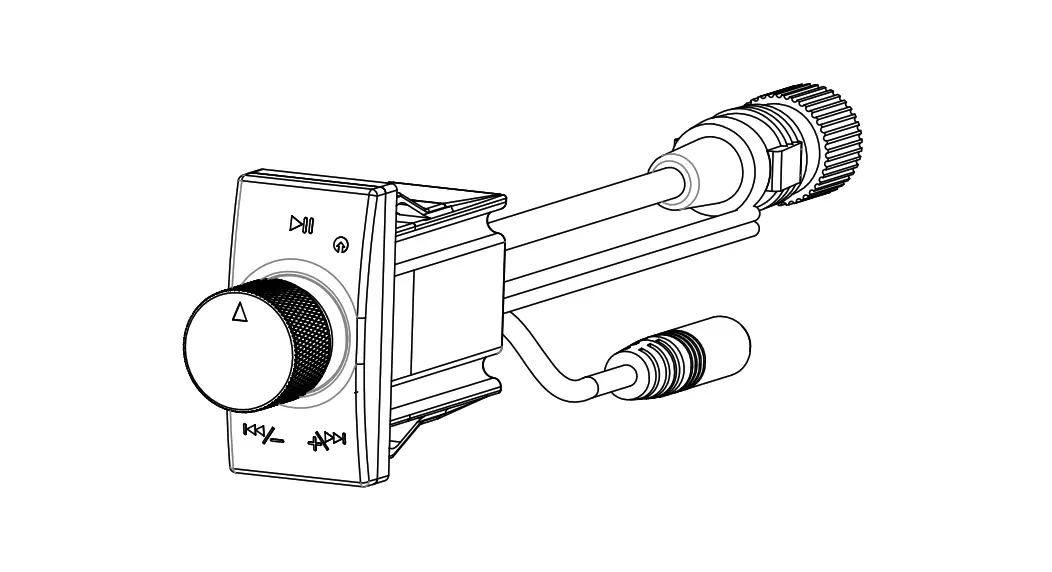
JL AUDIO MMR-25W Wireless Bluetooth Controller
Wireless Bluetooth Controller
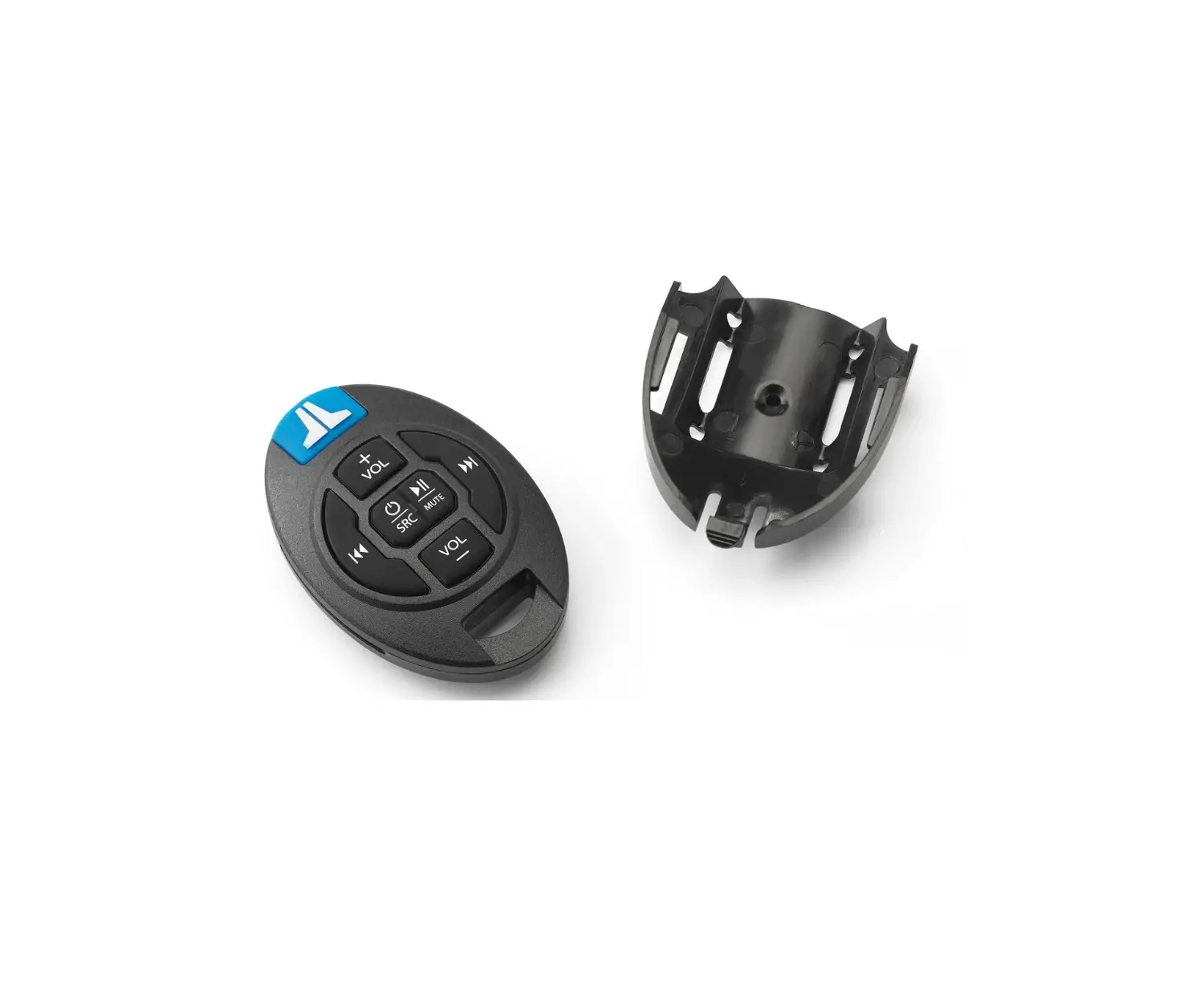
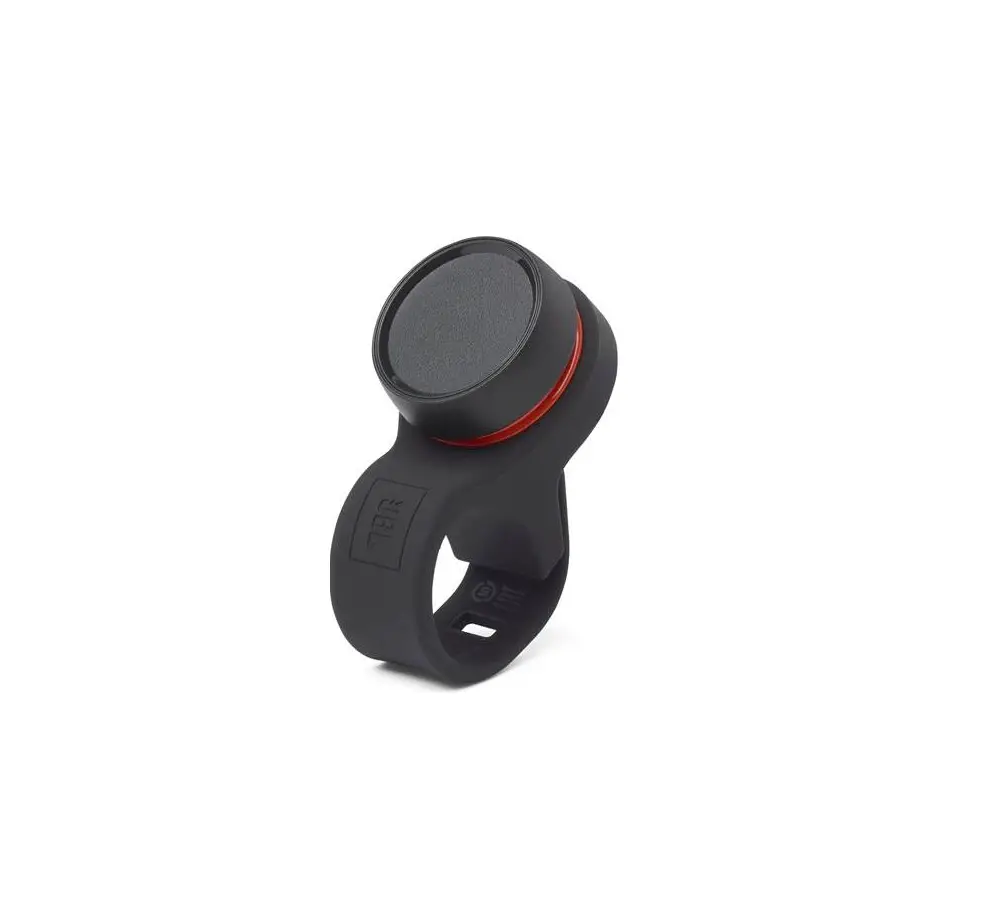
Kit Includes: (1) Transmitter (1) Silicon wrist lanyard (2) Mounting screws (1) Cradle (1) CR2032 battery How to connect your MMR‐25W to your MediaMaster MM105 source unit:
- Insert CR2032 battery into back of MMR‐25W
- Press and hold Play/Pause button on MMR‐25W remote
- On your MediaMaster MM105, Press and hold Settings button
- Scroll down to “Remote Control” and press the encoder
- Select “Enter MM Remote Pairing”
- All 4 LEDs on MMR‐25 will blink 3 times to confirm pairing.
- You can now operate your remote.
| Button | Button Action | Action |
| Source | Press | Select next source |
| Press & Hold | Power On/Off | |
| Volume Up | Press | Volume up one step |
| Press & Hold | Volume up continuously | |
| Volume Down | Press | Volume down one step |
| Press & Hold | Volume down continuously | |
| Play/Pause | Press | RADIO: Mute/Unmute USB: Play/Pause BT: Play/Pause AUX: Mute/Unmute Advertising mode: Stop |
| Press & Hold (5 sec) | Remote Pairing Mode | |
| Forward | Press | RADIO: Favorite + USB: Track UP BT: Track UP AUX: Do Nothing SXM: Favorite + |
| Press & Hold | RADIO: Seek UP USB: FF Track BT: Do Nothing AUX: Do Nothing SXM: Channel UP | |
| Rewind | Press | RADIO: Favorite ‐ USB: Track DOWN BT: Track DOWN AUX: Do Nothing SXM: Favorite ‐ |
| Press & Hold | RADIO: Seek DOWN USB: RR Track BT: Do Nothing AUX: Do Nothing SXM: Channel DOWN | |
| Zone | Press | Select next Zone |
| Press & Hold (5 sec) | Locks/Unlocks Zone Vol control on current highlighted zone |
FCC STATEMENT
This device complies with Part 15 of the FCC rules. Operation is subject to the following two conditions:
- this device may not cause harmful interference, and
- this device must accept any interference received, including interference that may cause undesired operation.
Changes or modifications not expressly approved by the party responsible for compliance could void your authority to operate the equipment.
NOTE: This equipment has been tested and found to comply with the limits for a Class B digital device, pursuant to Part 15 of the FCC Rules. These limits are designed to provide reasonable protection against harmful interference in a residential installation.
This equipment generates uses and can radiate radio frequency energy and, if not installed and used in accordance with the instructions, may cause harmful interference to radio communications. However, there is no guarantee that interference will not occur in a particular installation. If this equipment does cause harmful interference to radio or television reception, which can be determined by turning the equipment off and on, the user is encouraged to try to correct the interference by one or more of the following measures:
- Reorient or relocate the receiving antenna.
- Increase the separation between the equipment and receiver.
- Connect the equipment into an outlet on a circuit different from that to which the receiver is connected.
- Consult the dealer or an experienced radio/TV technician for help.
INDUSTRY CANADA:
This device contains licence‐exempt transmitter(s)/receiver(s) that comply with Innovation, Science and Economic Development Canada’s licence‐exempt RSS(s). Operation is subject
to the following two conditions:
- This device may not cause interference.
- This device must accept any interference, including interference that may cause undesired operation of the device
The device meets the exemption from the routine evaluation limits in section 2.5 of RSS 102 and compliance with RSS‐102 RF exposure,users can obtain Canadian information on RF exposure and compliance.