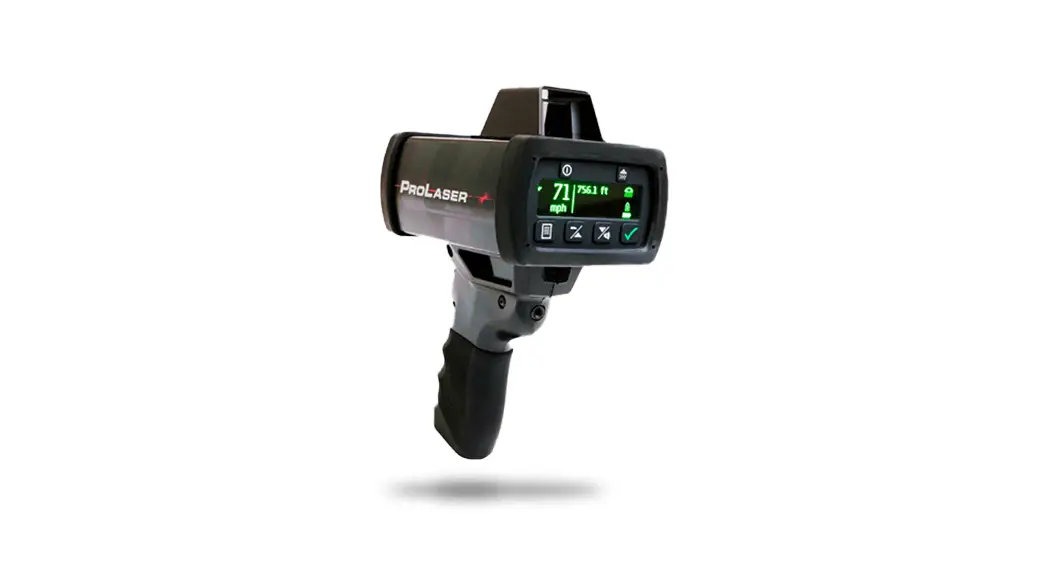
 ProLaser 4 Quick Reference Guide
RCMP Configuration
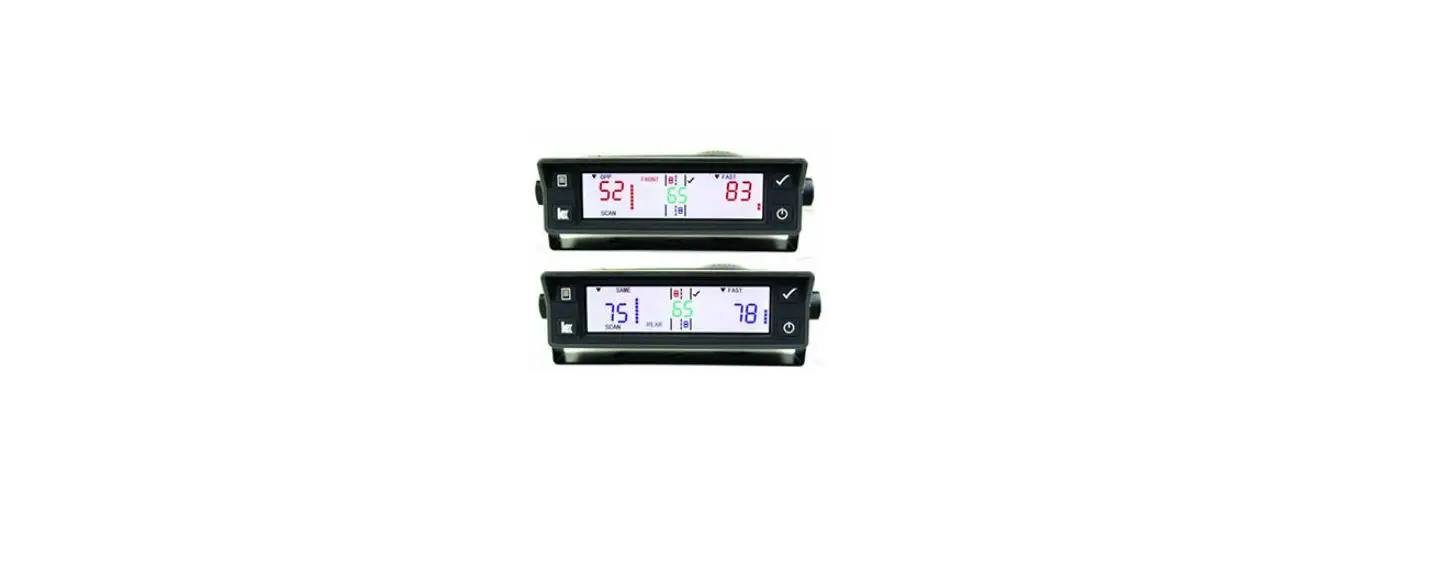
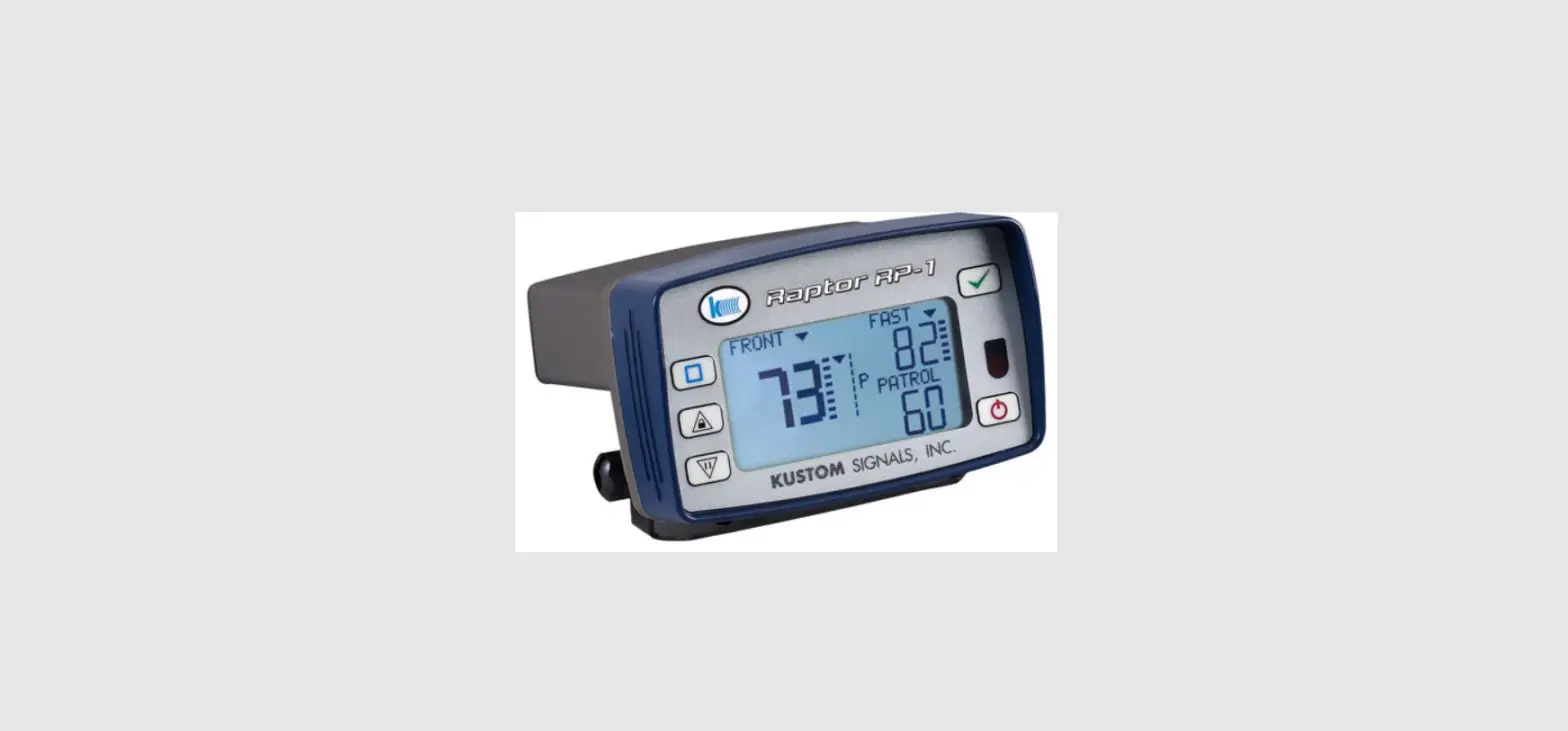
ProLaser 4 Rear panel Controls and Display
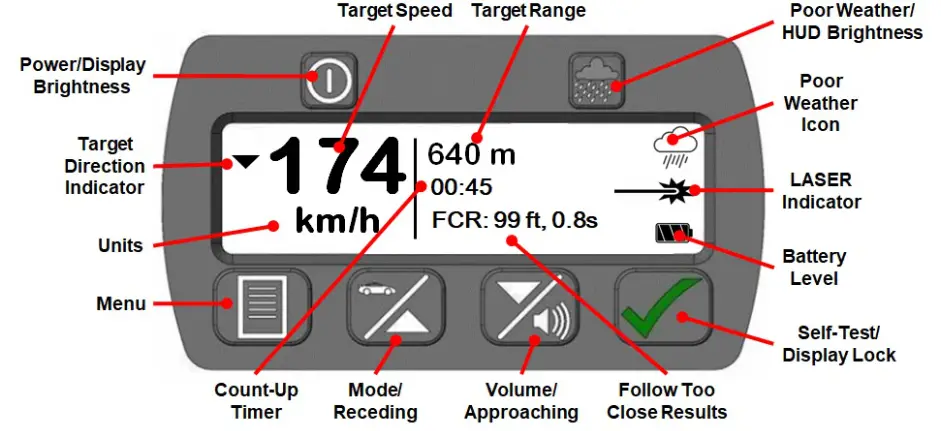
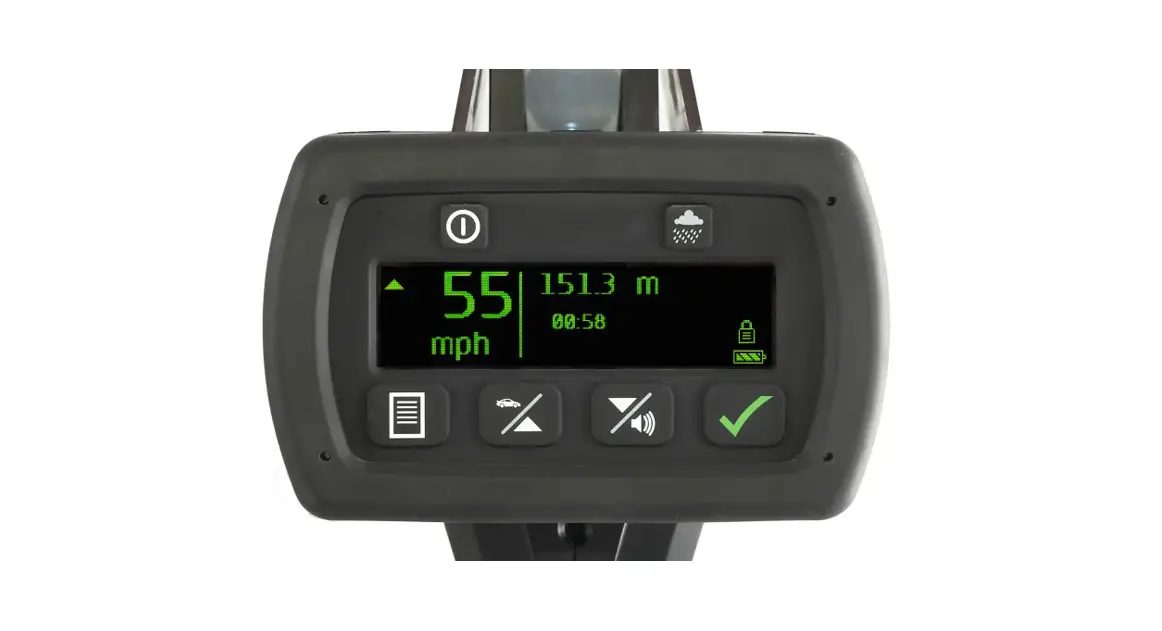
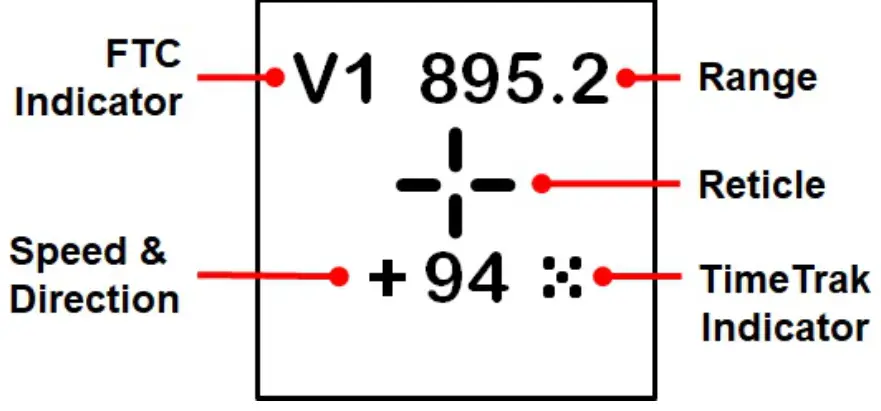
Head-Up Display
| Single Press | Press and Hold | |
 | Rear Display Brightness | Power On/Off |
 | HUD Brightness (Poor Weather in Menu) | Poor Weather Mode |
 | Menu | |
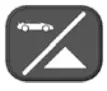 | Mode Up (In Menu) | Receding Only Targets |
 | Volume Down (In Menu) | Approaching Only Targets |
 | Display Lock (Enter button in Menu) Mark Select Events (Option) | Self-Test |
First Time Operation
- Install 4-AA batteries in the Battery Compartment, or plug-in USB.
- Press and hold the power button to power on/off.
- Hold the unit by the handle and aim with the HUD with both eyes open.
- Press and hold the trigger to fire the laser.
- Place the aiming reticle on the target vehicle. Continue target tracking through the HUD.
- While holding the trigger down, Speed and Range continually update in the HUD and on the rear display.
- Audio tones provide targeting feedback. A solid tone indicates the target was successfully acquired.
- Release the trigger to lock the measurement in the HUD and rear panel display.
The ProLaser 4 will enter (default) sleep mode after two (2) minutes and will power down after 15 minutes. Sleep timers are user adjustable.
Recall Events (Option)
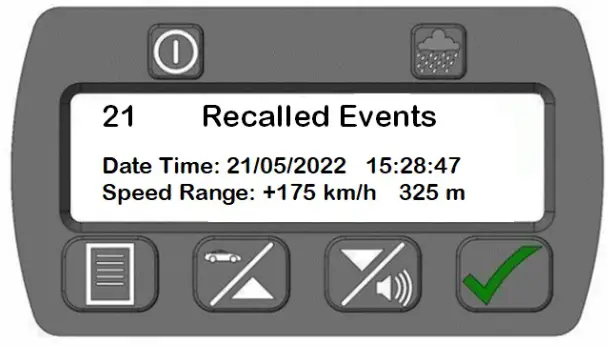
- Press the Menu button.
- Navigate to and select Events.
- Use the up/down buttons to scroll through up to 100 previous measurements on the rear panel.
- Each event will list the date, time, target direction, target speed, and target range when the target was locked.
Download Events Data (Option)
ProLaser 4 allows the user to download measurements over the USB to a spreadsheet using a PC utility. The utility may be downloaded from the Kustom website from the ProLaser 4 product and Service pages. The Events data includes Speed & Range measurements with date & time, units, tracking history time, and serial number as shown below.
| Date | Time | Speed | Units | Range | Units | Track | Units | S/N |
| 15/2/2022 | 12:39:41 | 120 | kmh | 150 | m | 3.6 | sec | 2155 |
| 15/2/2022 | 12:39:11 | 95 | kmh | 350 | m | 1.7 | sec | 2155 |
| 15/2/2022 | 12:38:47 | 88 | kmh | 150 | m | 15.1 | sec | 2155 |
| 15/2/2022 | 12:38:14 | 127 | kmh | 470 | m | 12 | sec | 2155 |
| 15/2/2022 | 12:37:48 | 94 | kmh | 480 | m | 0.7 | sec | 2155 |
| 15/2/2022 | 12:36:39 | 87 | kmh | 482 | m | 2.3 | sec | 2155 |
| 15/2/2022 | 12:36:16 | 115 | kmh | 120 | m | 5.9 | sec | 2155 |
| 15/2/2022 | 12:15:42 | 189 | kmh | 150 | m | 4.2 | sec | 2155 |
The menu button accesses the following settings or modes:
| Distance | Sets min/max range limits to target vehicles for school and work zone enforcement. Fire the LASER at the desired target or use up/down arrows to enter values. Press enter to set min/max ranges. Any target measured outside the range limits will not be displayed. |
| Set Direction | Sets target direction discrimination to Approaching only, Receding only, or Both. |
| DIF-TEST | Two-target, differential distance accuracy test mode. |
| Continuous/Single | Sets enforcement mode to continuous target measurement or single-shot mode (option). |
| Units | Select between mph/km/h; mph/knots; or km/h/knots (option). |
| HUD Options | Toggle Range in HUD on/off. Select from four aiming reticles. |
| Events | Displays the last 100 locked targets with Speed, Range, and Direction with the date and time stamp. |
| Set Time/Date | Set date and time in 24-hour format (option). |
| Stopwatch | Average speed over distance enforcement mode (option). |
Accuracy Tests
| Self-Test | Press the test button to run internal accuracy tests. |
| HUD Alignment Test | Place the ProLaser 4 in range mode. Select an isolated target ~100 feet away and sweep HUD horizontally and vertically across the target. Listen for audio tone and verify aiming reticle on target coincides with tone and range measurement in HUD. |
| Differential Distance Test | Select two targets ~ 50 and 100 feet away. Target each when prompted and verify range accuracy. |
(800)4KUSTOM
(800) 458-7866
www.kustomsignals.com
 Police Radar, Laser, Lidar and Camera Equipment Tech Company