
MONNIT Remote Monitoring for Business
INSTALLATION INSTRUCTIONS
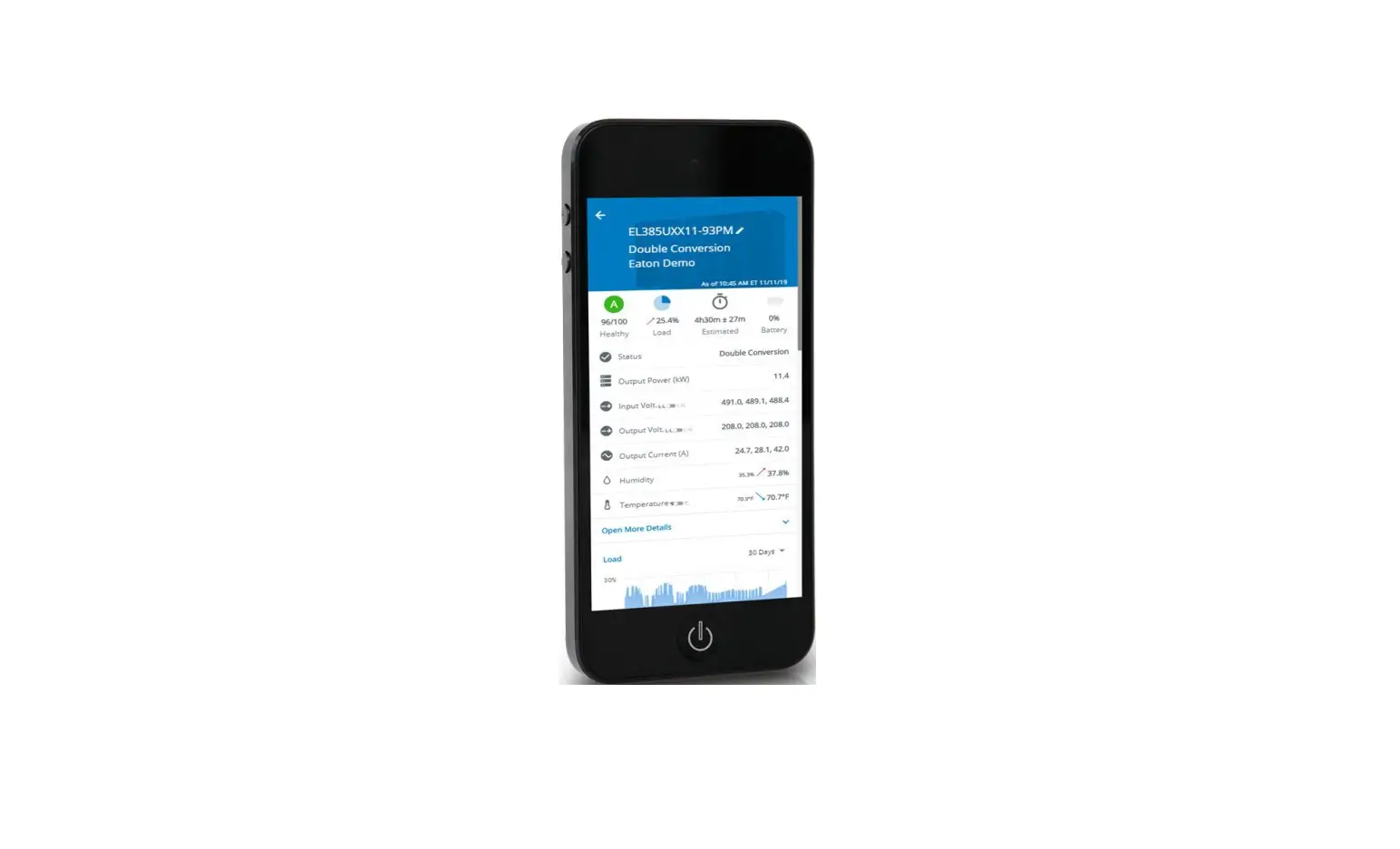
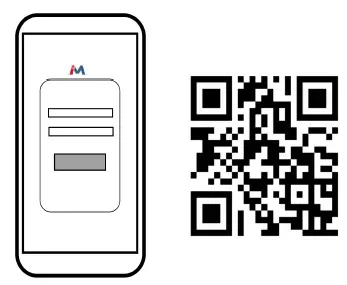
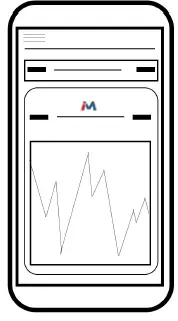
- Use the QR code to the right of the phone image above to download the iMonnit app. Alternatively, you can search for “iMonnit” in Google Play or the Apple Store.

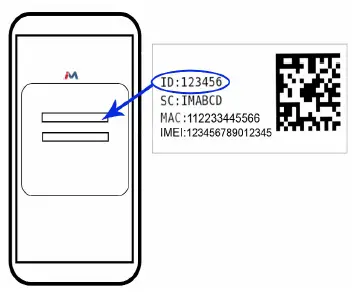
- Follow the in-app instructions to add devices to your account.

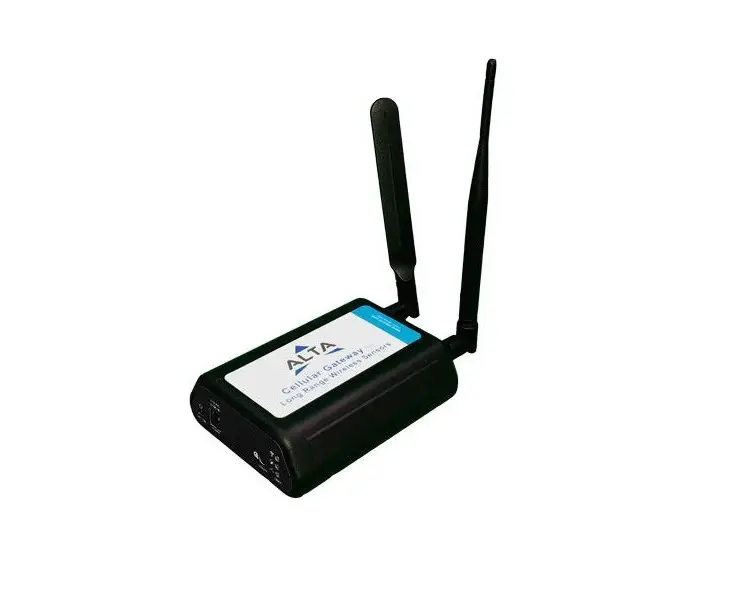
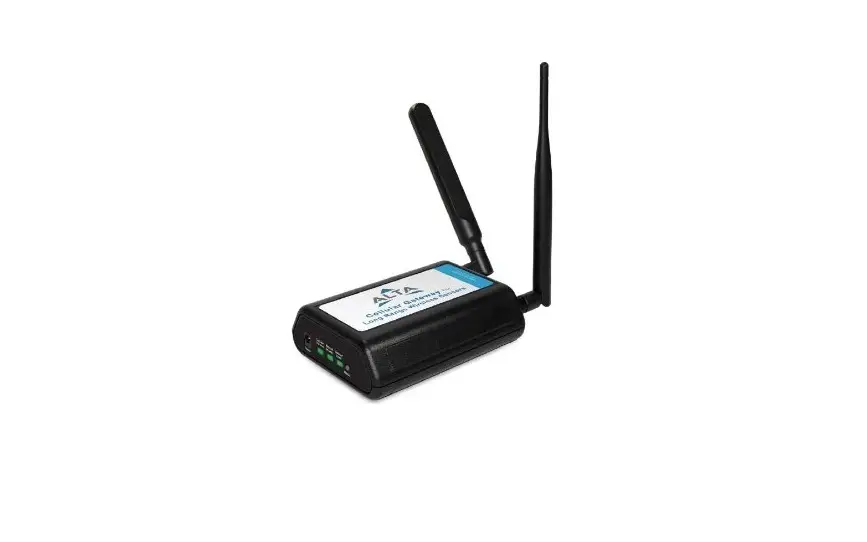
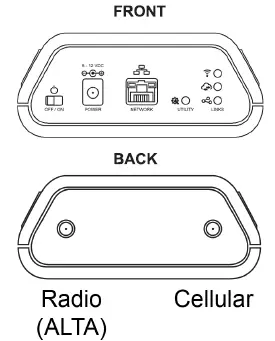
- Connect your Ethernet cord to the front and antennas to the back of the gateway as seen in the diagram.

- iMonnit is the easy way to view your sensor data and customize your sensor settings in the app or online at imonnit.com.

For more detailed instructions, documentation, how-to guides and video demonstrations on using Monnit wireless sensors, wireless gateways and iMonnit software, visit our support page at monnit.com/support/.
Monnit Corporation
3400 South West Temple • Salt Lake City, UT 84115 • 801-561-5555 www.monnit.com
 iMonnit - Online Wireless Sensors Portal | Login
 Monnit Support Options: FAQs, Knowledgebase, Videos, Docs, & More
 Remote Monitoring Solutions with Wireless Sensors for IoT