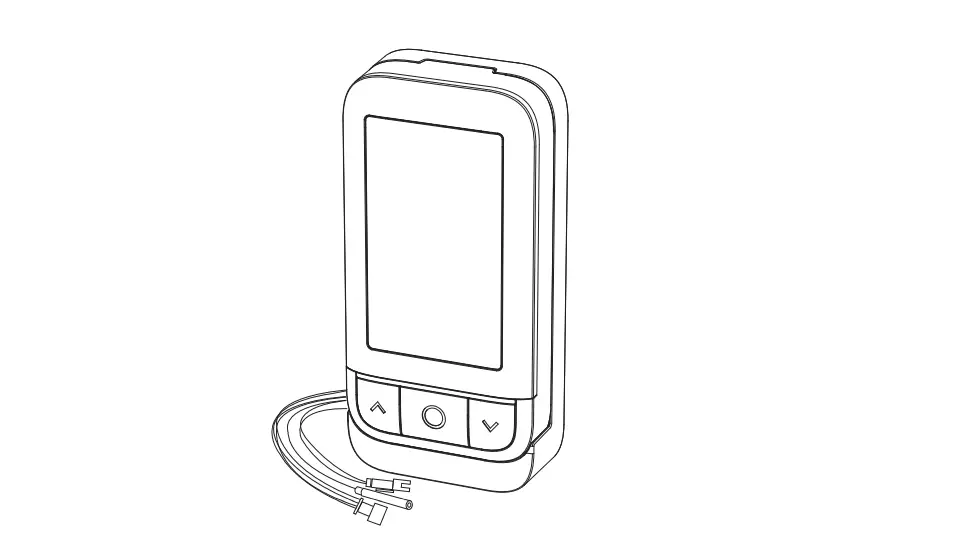
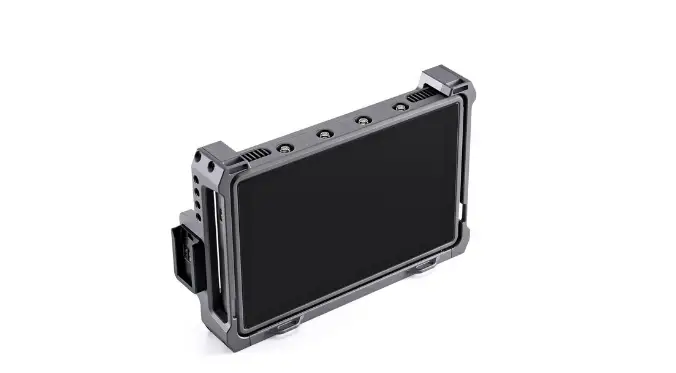
MONIDOR D0343 Remote Monitor
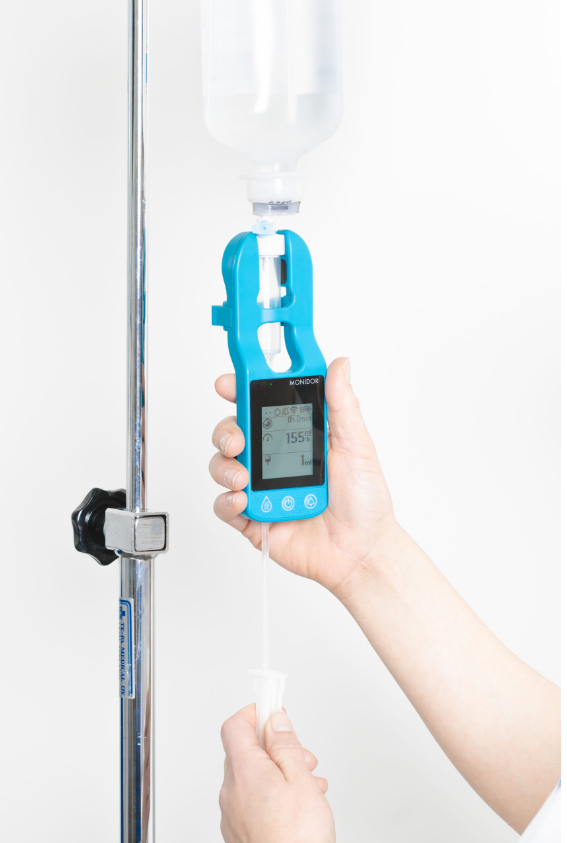
Basic use
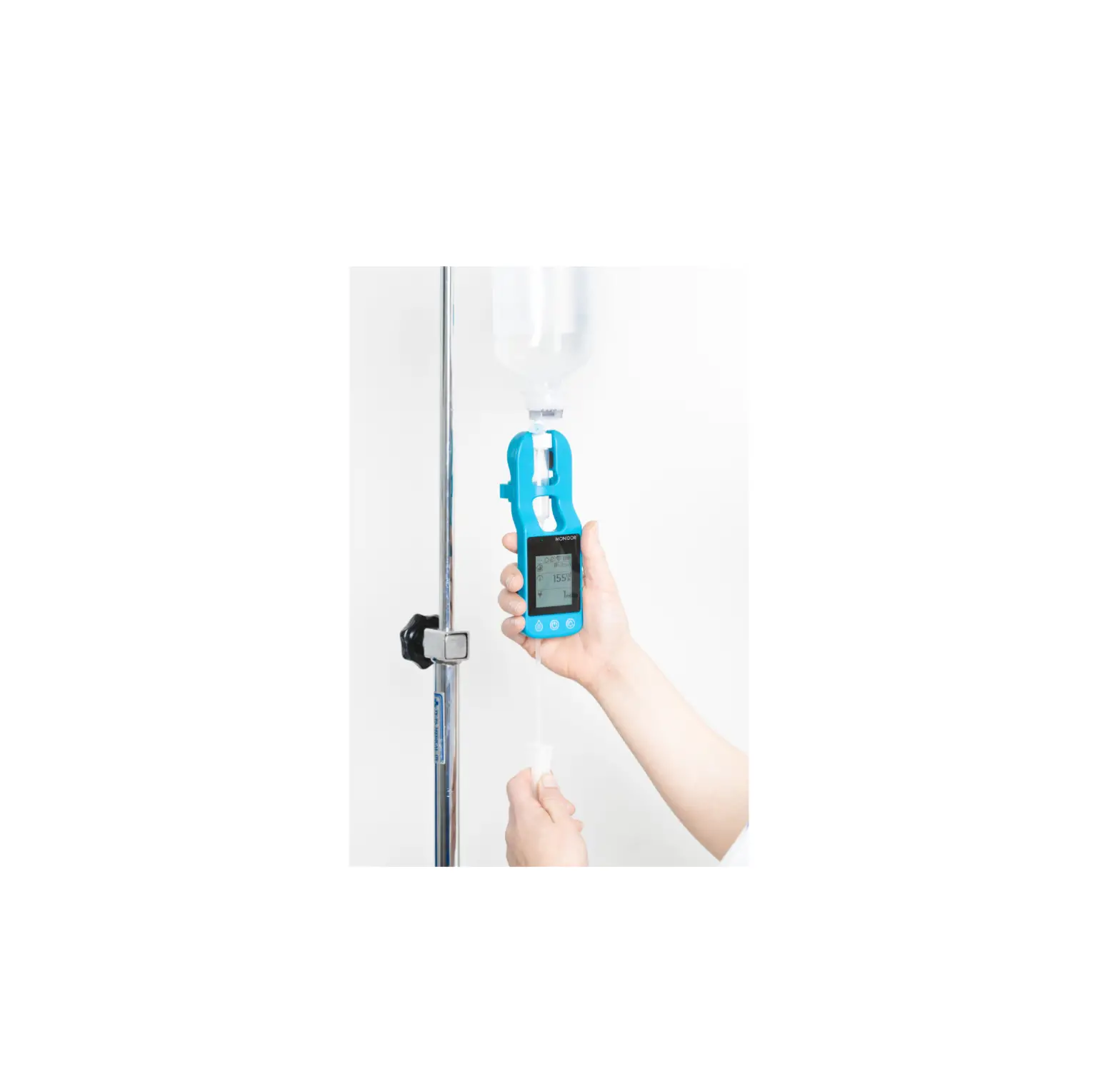
Start the device by pressing the power button.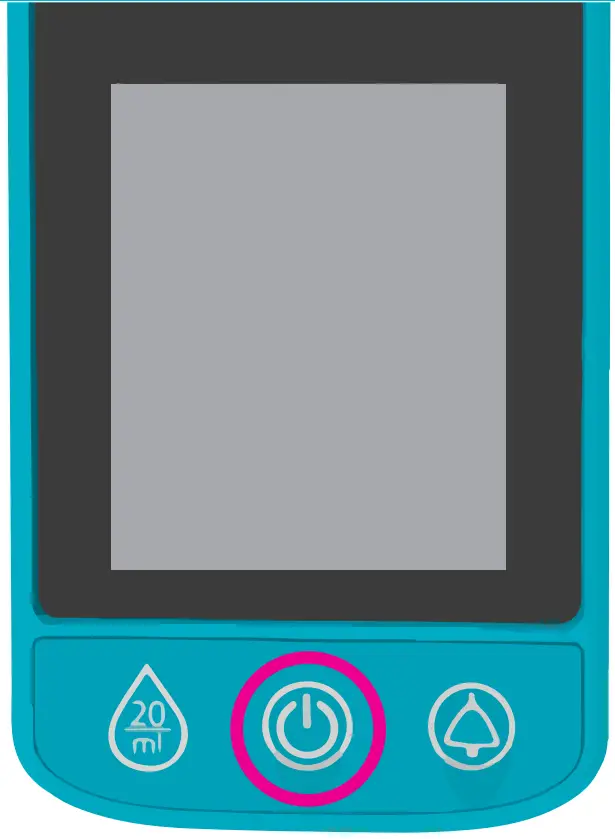
Attach the Monidrop device to the drip chamber.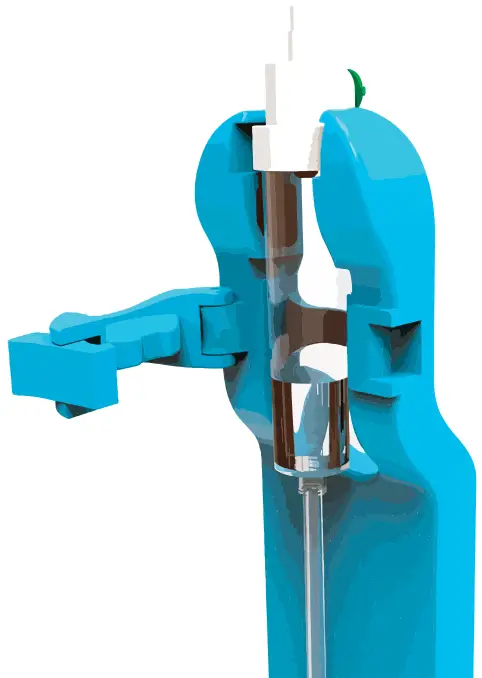
Use the roller clamp or the fluid regulator to set the infusion rate.
You use the device numbers to identify your Monidrop and IV Screen card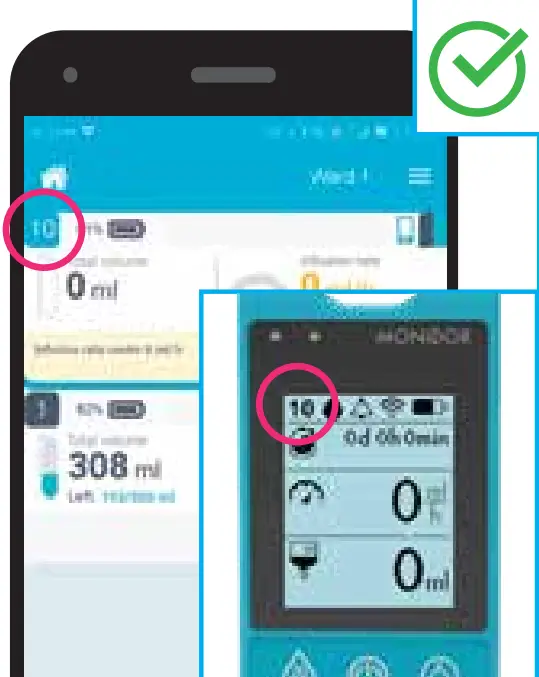
Advanced settings and notifications
If you wish, you can make additional settings by clicking on the device card you are using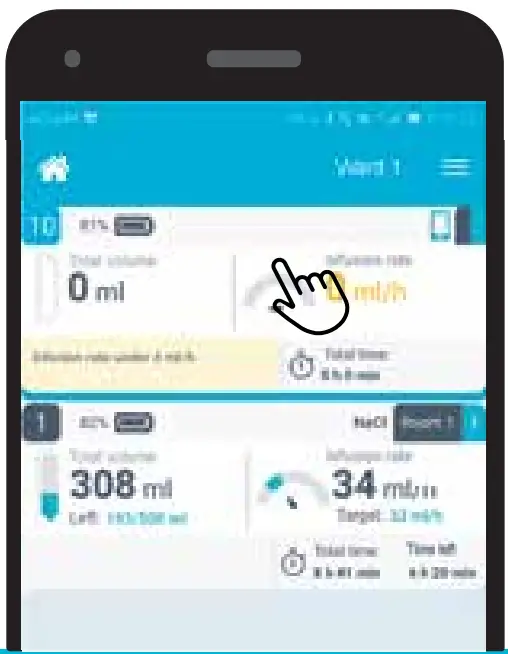
Insert the patient position (1), limits for liquid volume (2) and duration of treatment (3) or activate phone notifications (4).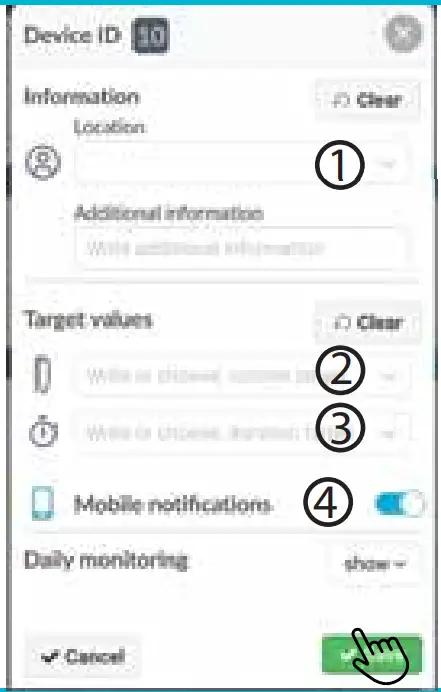
The treatment is progressing as planned, when the card is displayed in the IV Screen in green.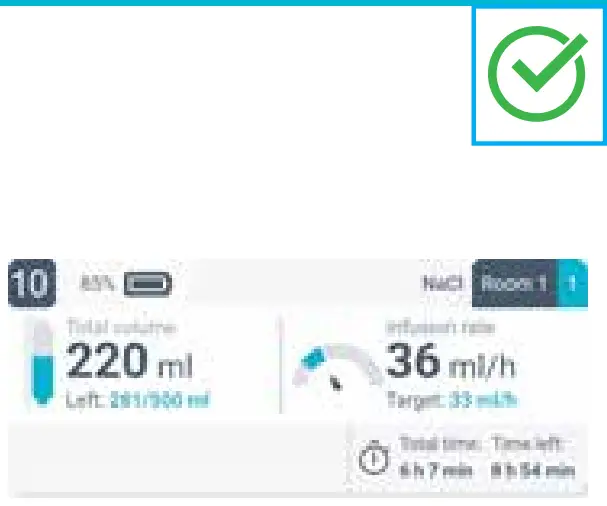
During treatment the deviations that occur are displayed as a yellow card, and the reason for the notification is highlighted in yellow.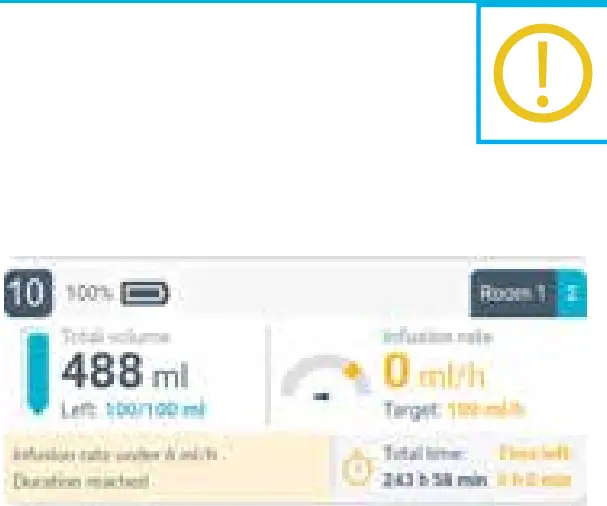
Customer Support
Learn more about using the solution and features by downloading Monidrop® W and IV Screen user manual from www.monidor.com
Monidor Oy Elektroniikkatie 3 90590 Oulu p. +358 10 3115 860 www.monidor.com
 Monidor | Home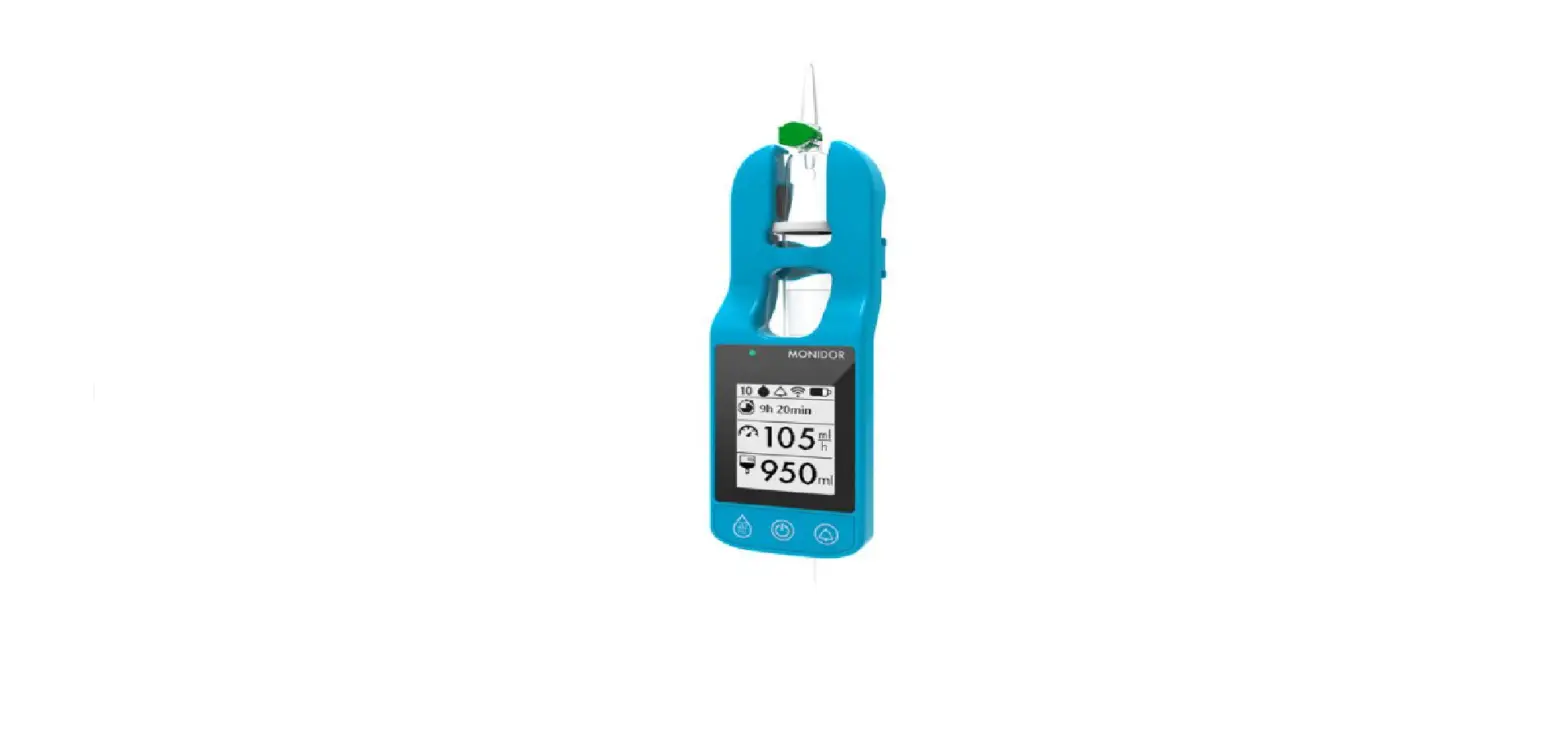

![Philips Gaming Monitor [272e1] User Manual](https://static-data1.manualsee.com/1/img/407/16107/2020/12/Philips-Gaming-Monitor-272E1.jpg "Philips Gaming Monitor [272e1] User Manual")