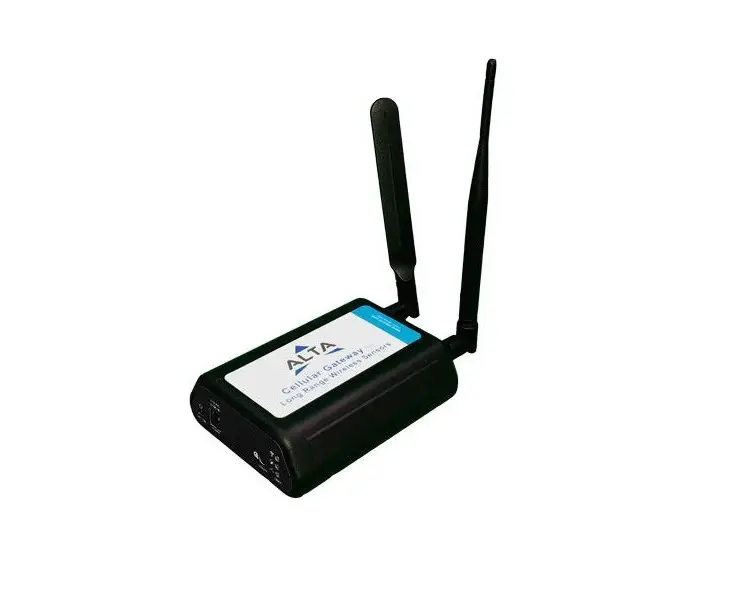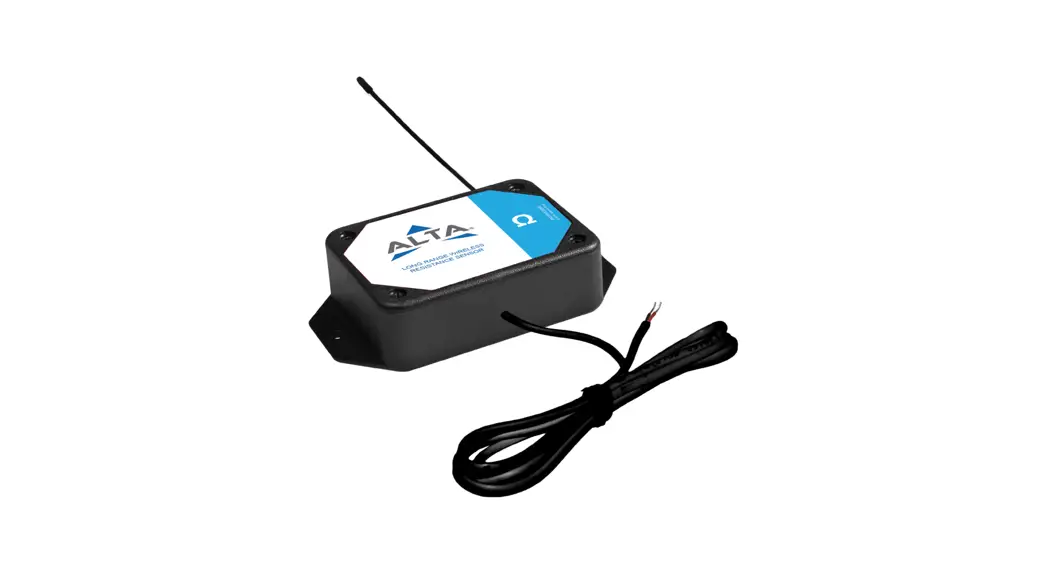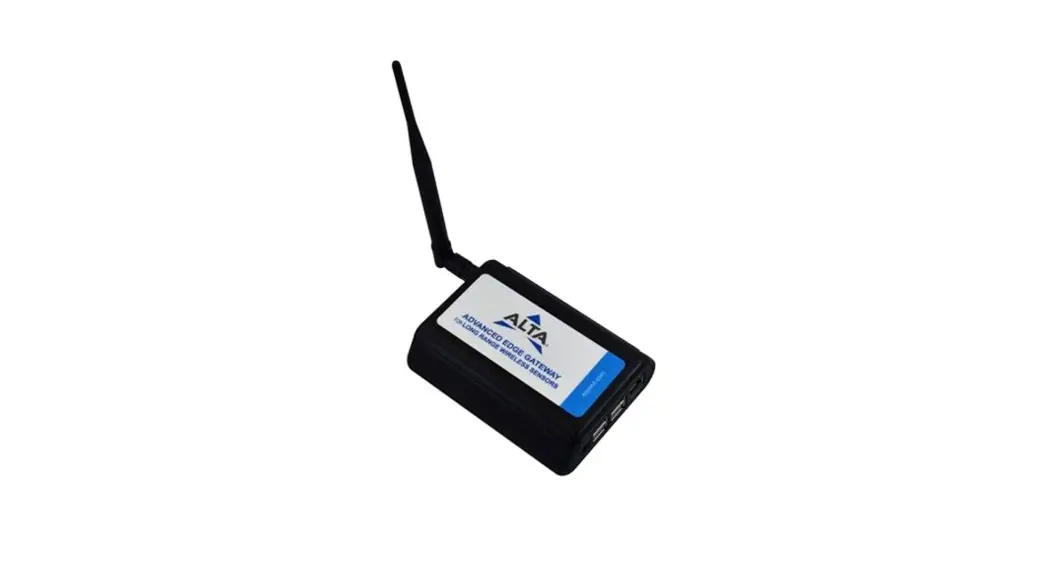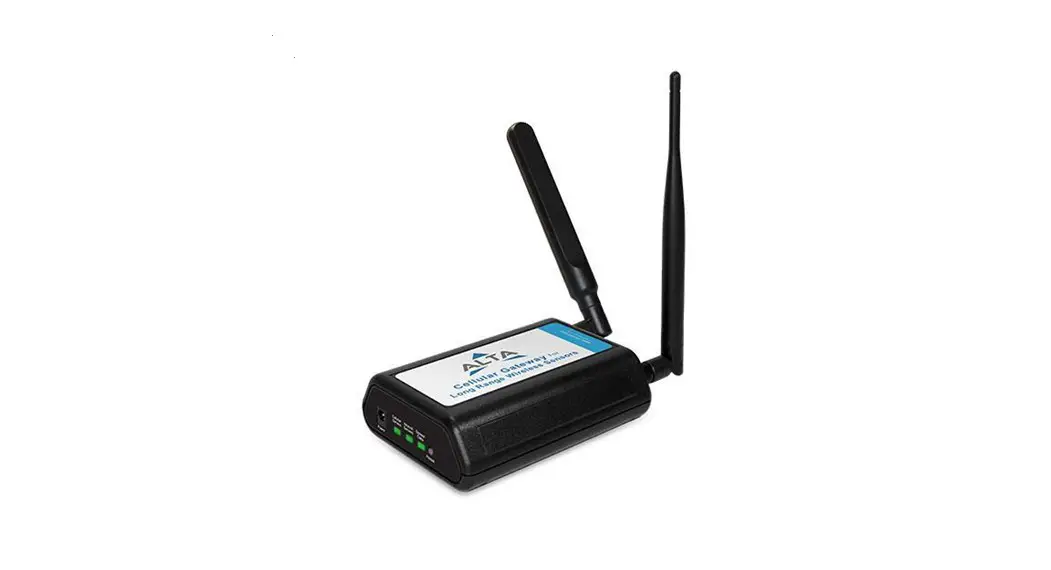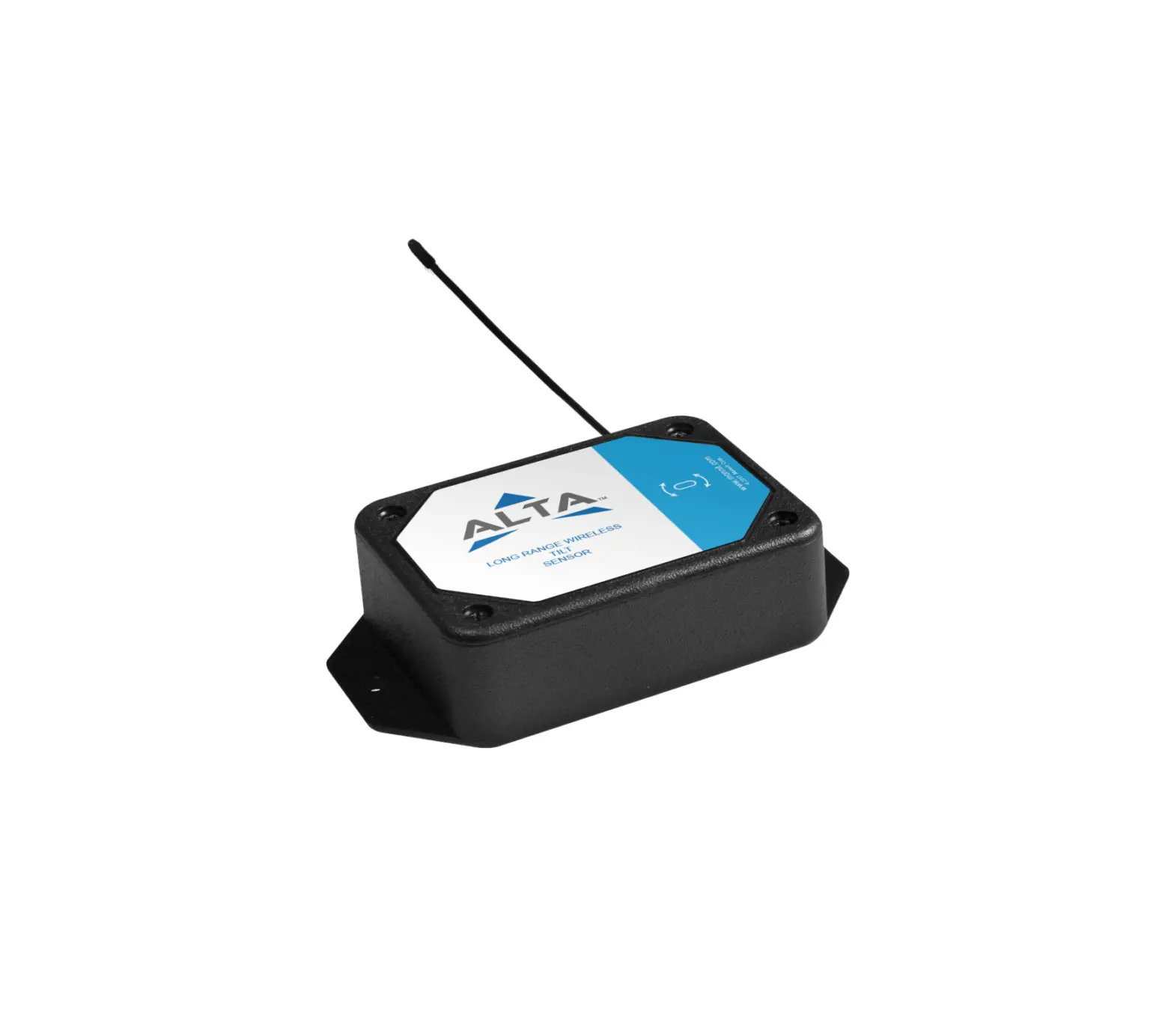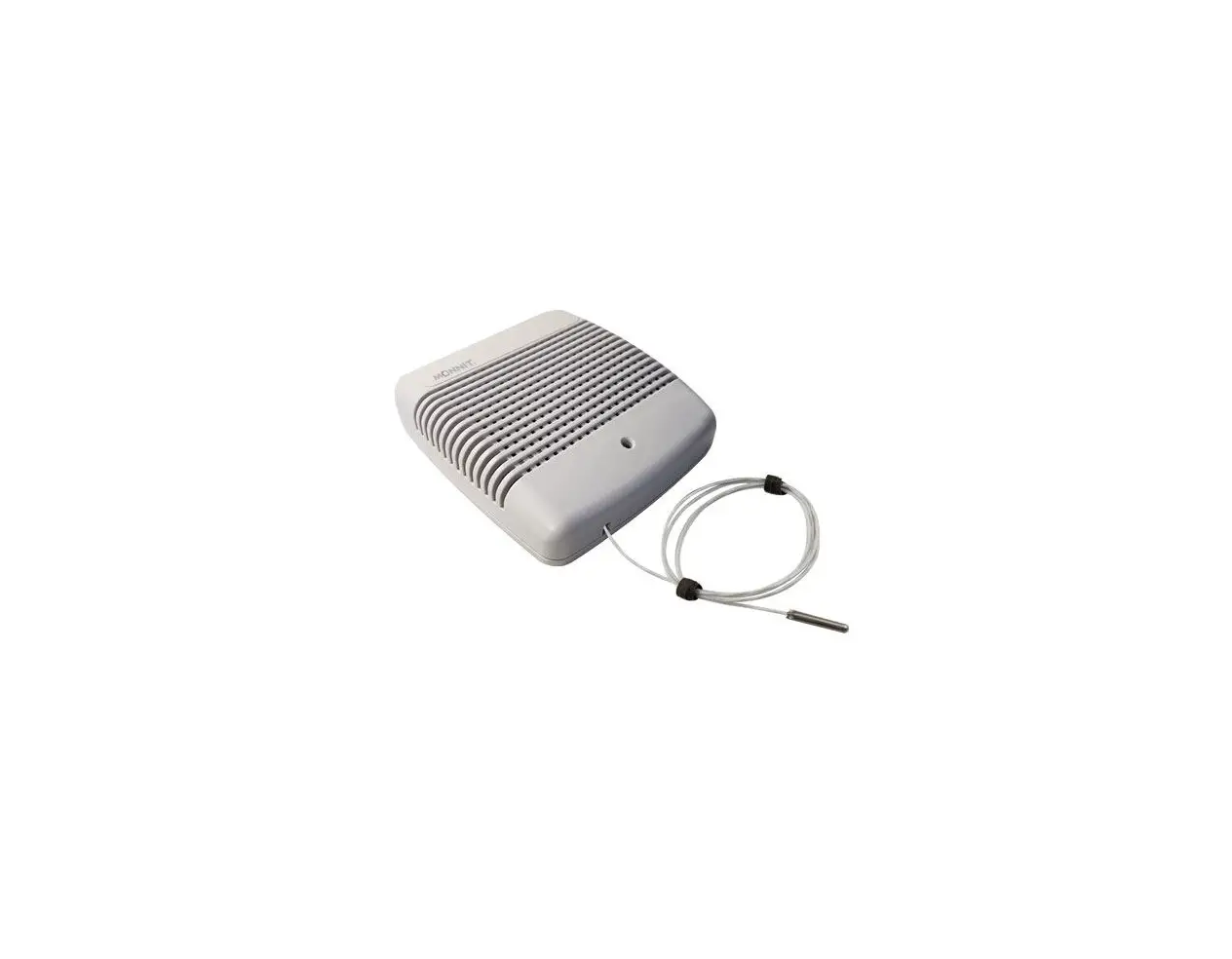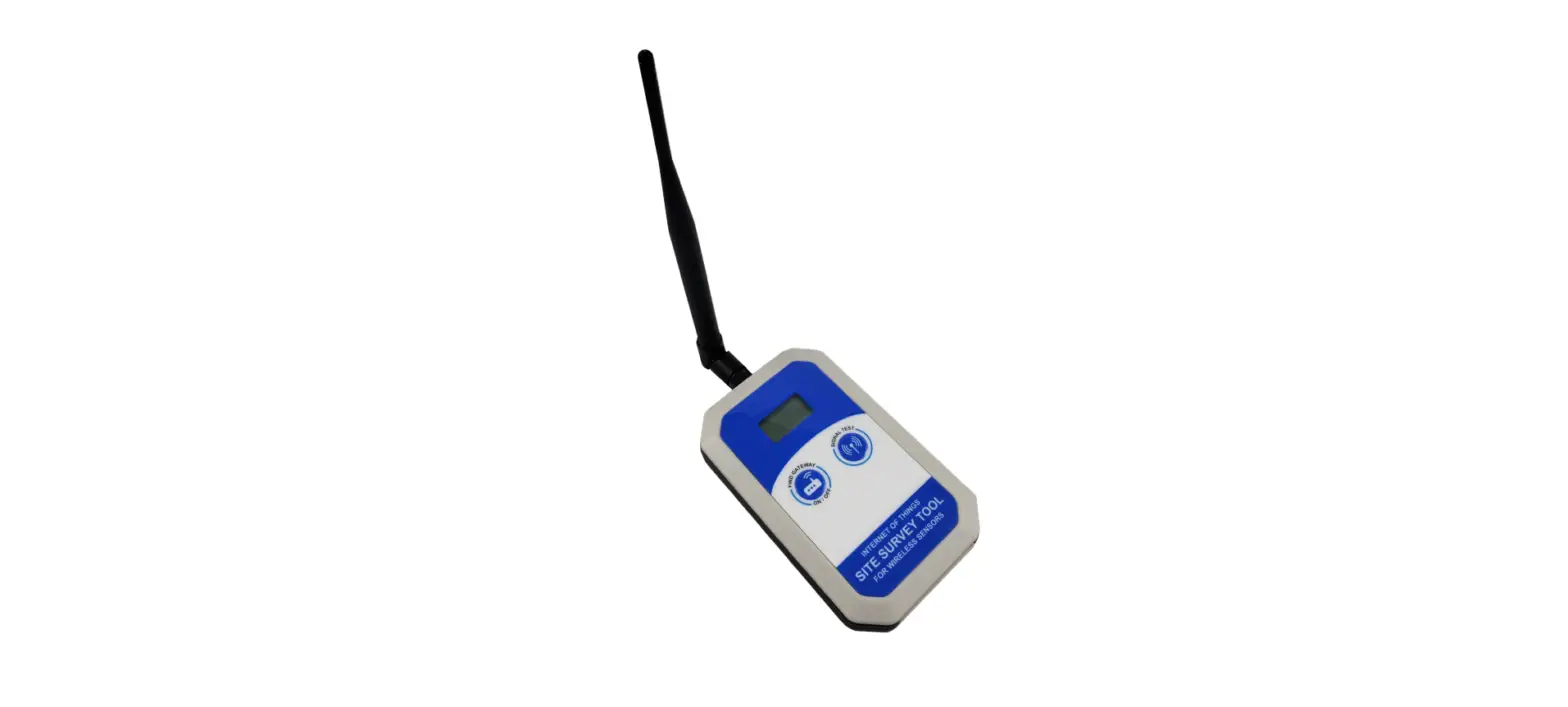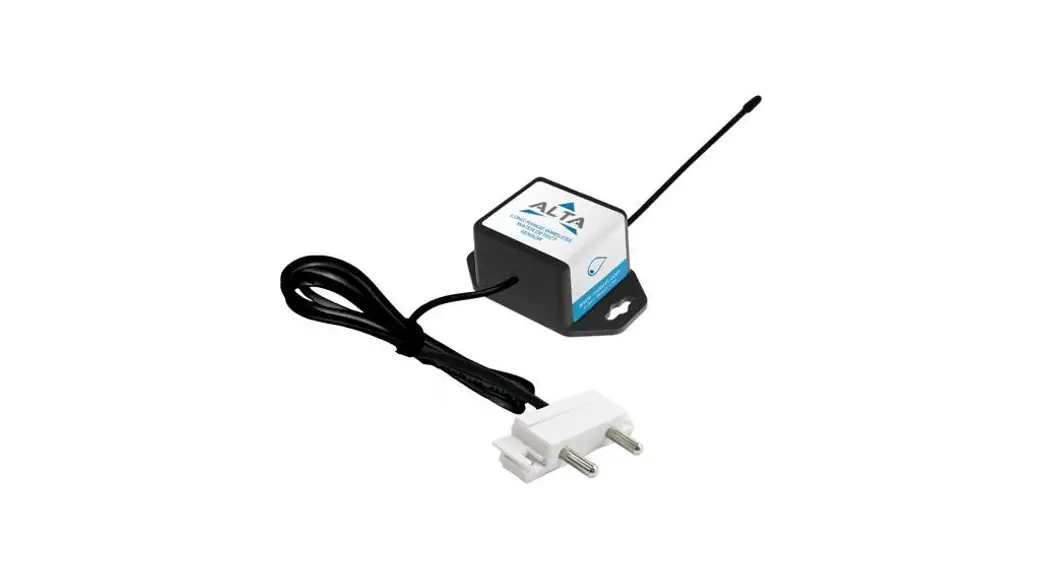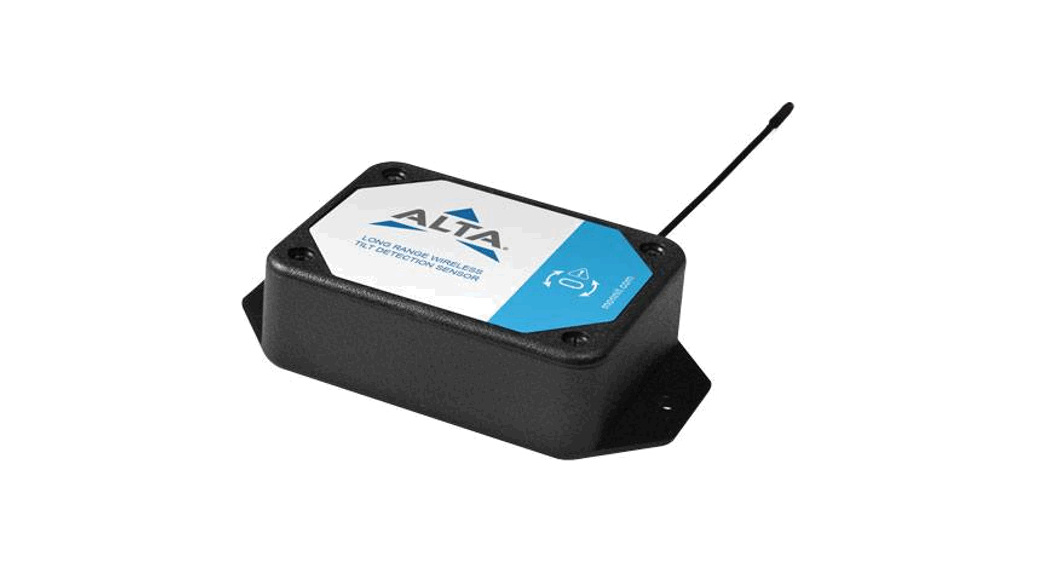
MONNIT ALTA Ethernet Gateway 4 and Sensor User Guide
Quick Start Guide
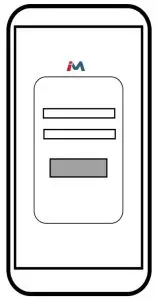
- Use the QR code to the right of the phone image above to download the iMonnit app. Alternatively, you can search for ?iMonnit?in Google Play or the Apple Store.


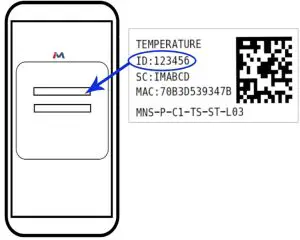
- Follow the in-app instructions to add devices to your account.

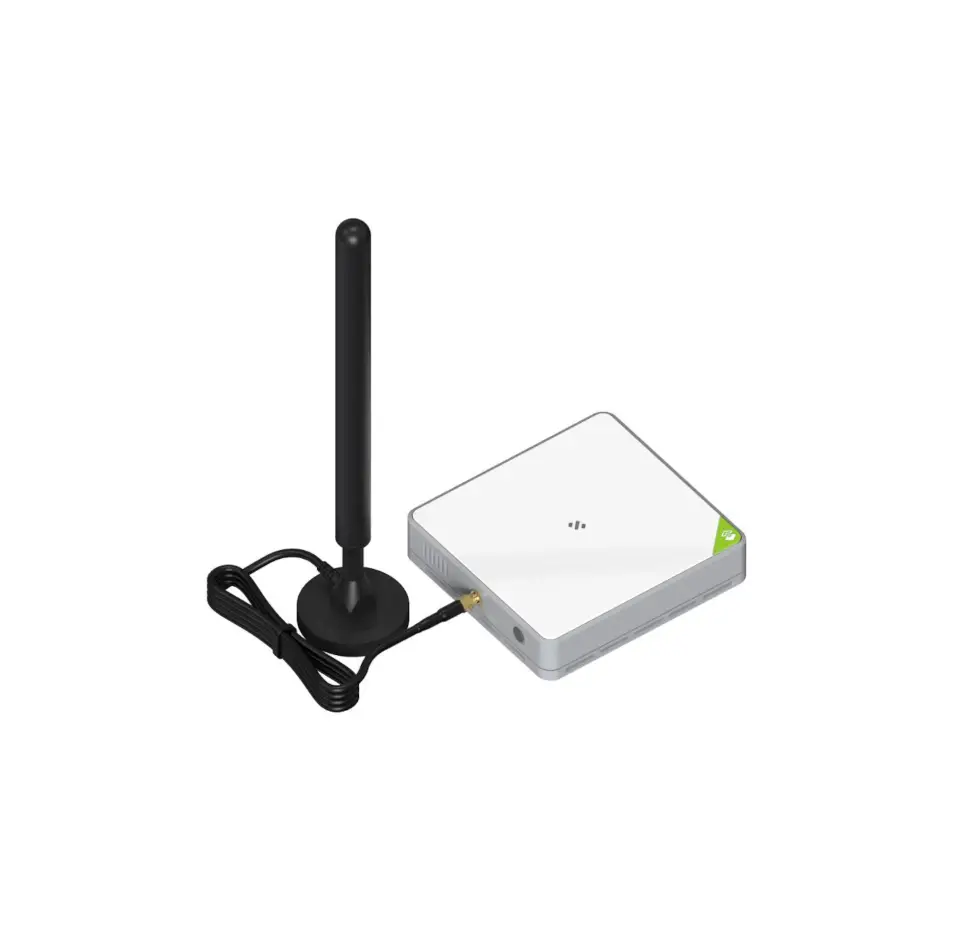
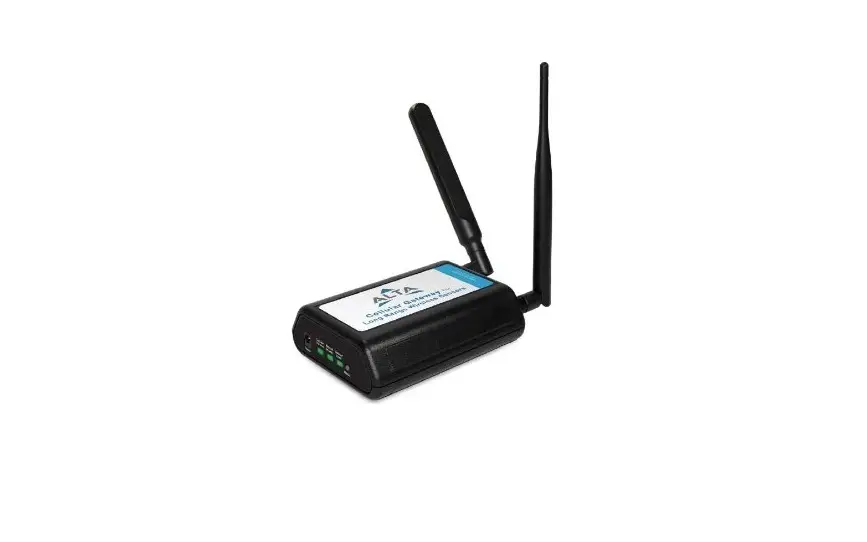
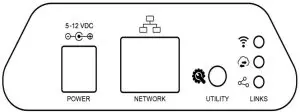
- Connect the antenna and ethernet cord. Then attach the power cord to your Ethernet Gateway 4. All lights should turn green.

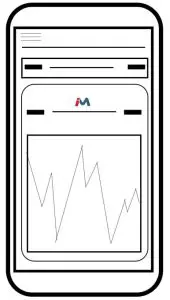
- iMonnit is the easy way to view your sensor data and customize your sensor settings in the app or online at imonnit.com.


For more detailed instructions, documentation, how-to guides and video demonstrations on using Monnit wireless sensors, wireless gateways and iMonnit software, visit our support page at monnit.com/support/.